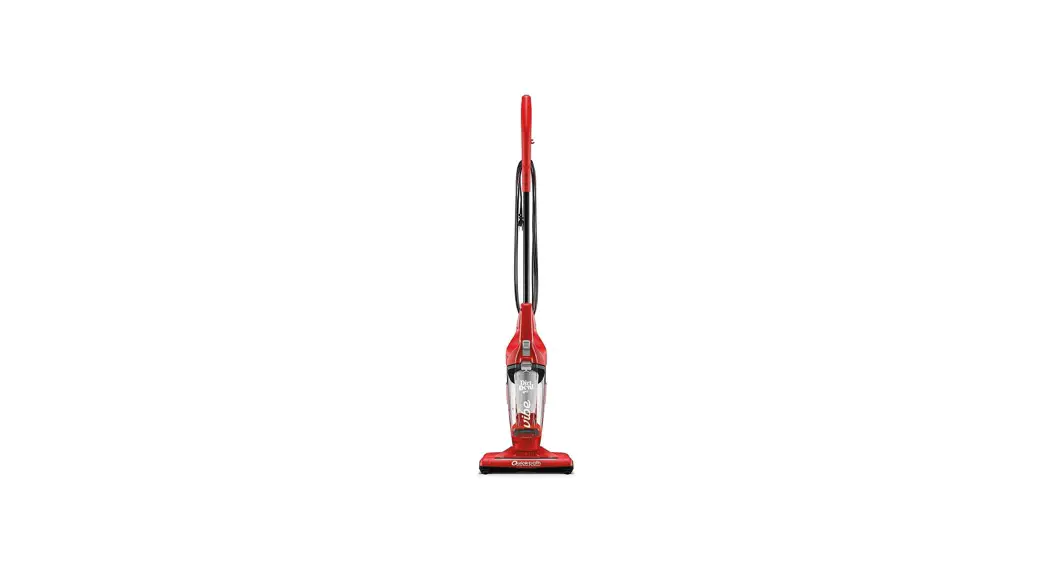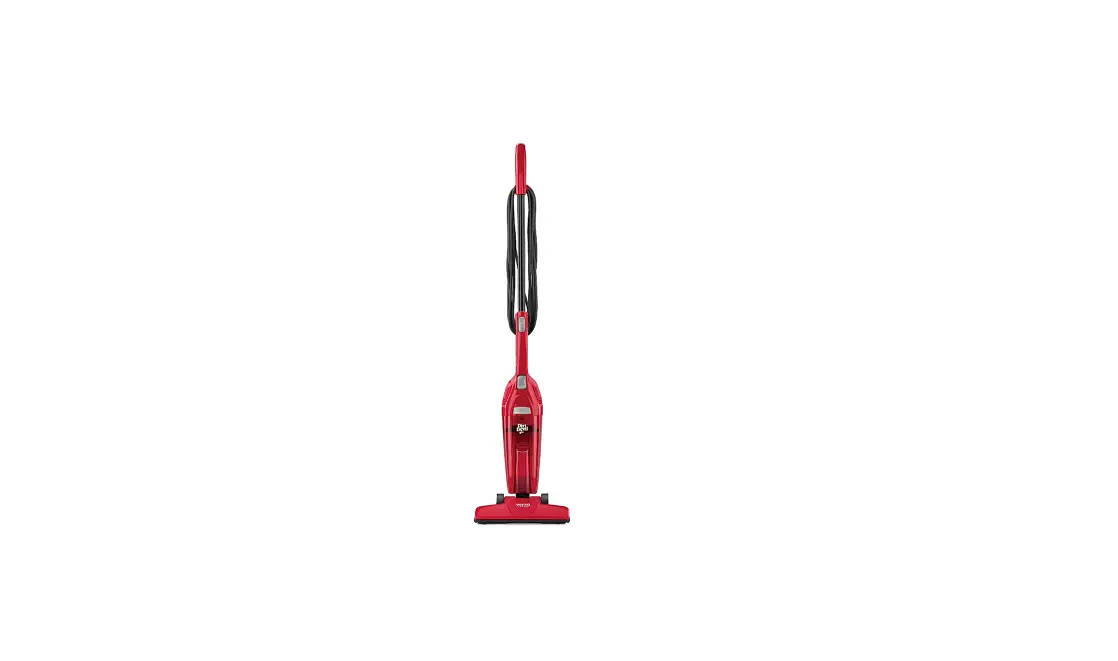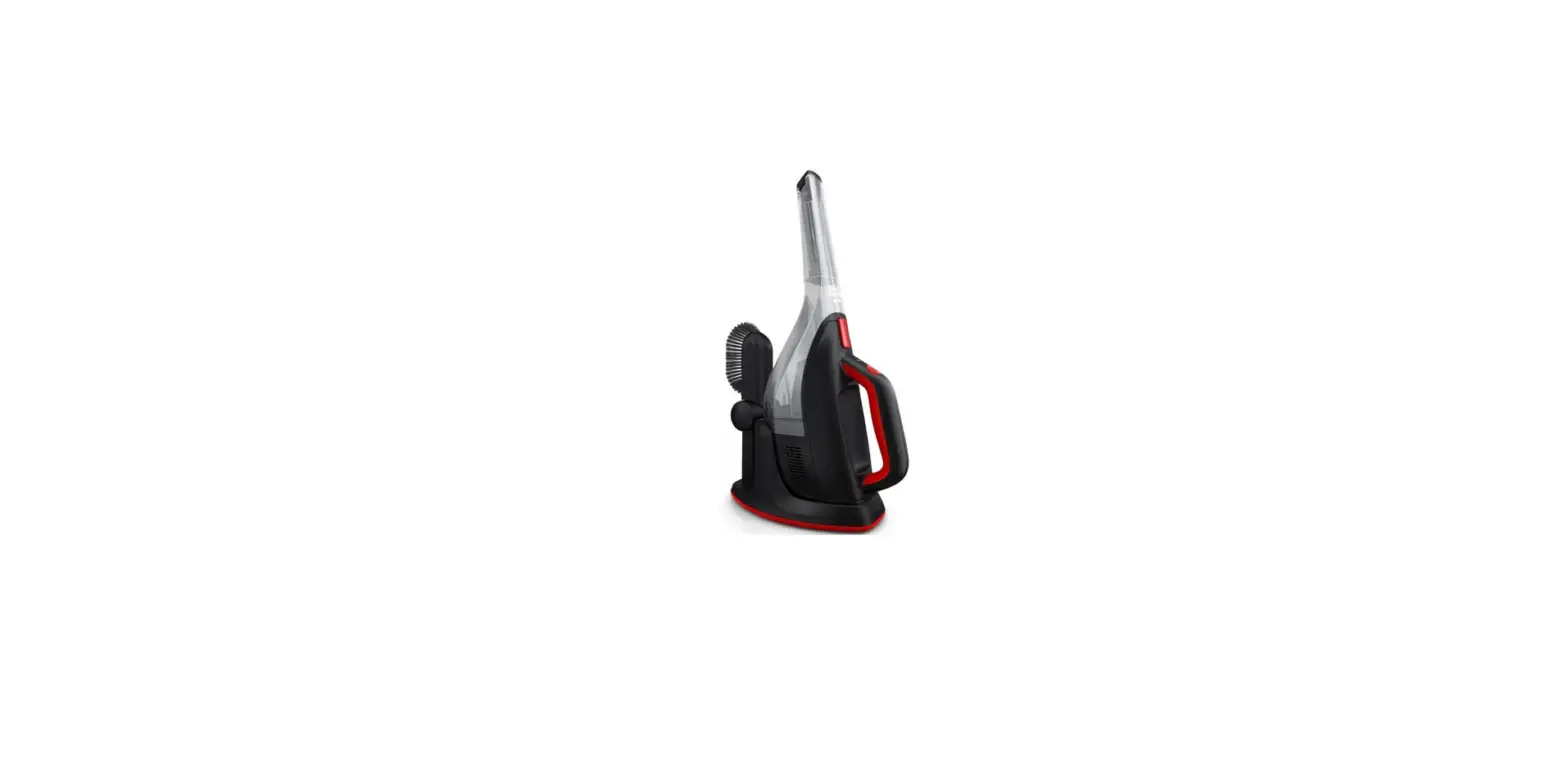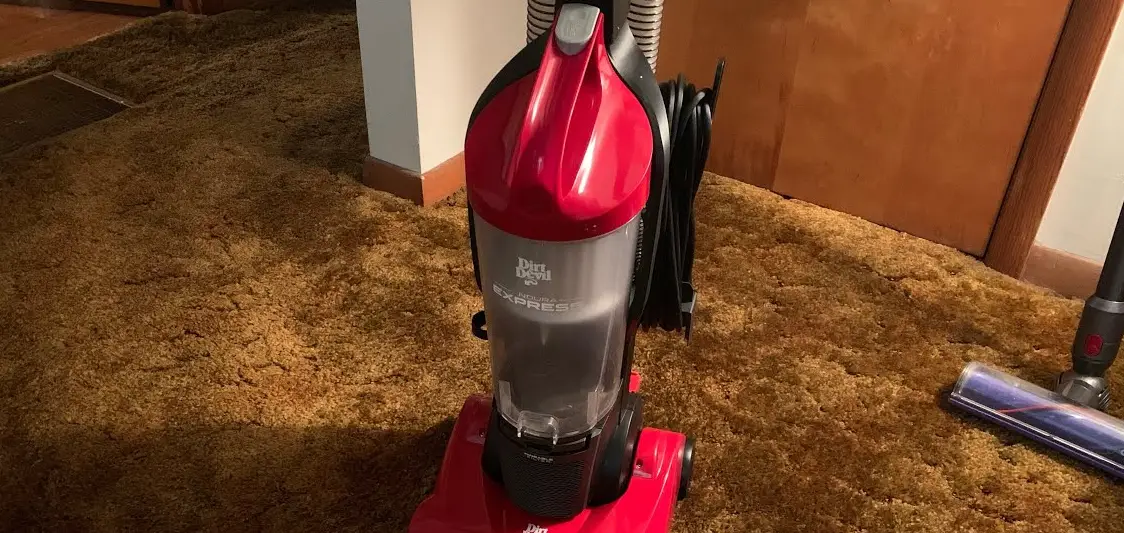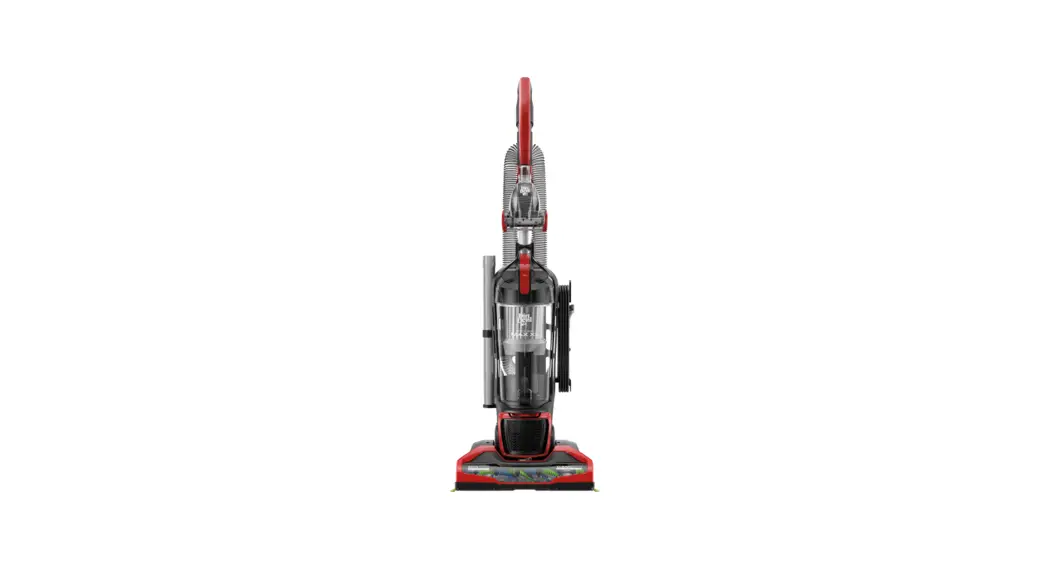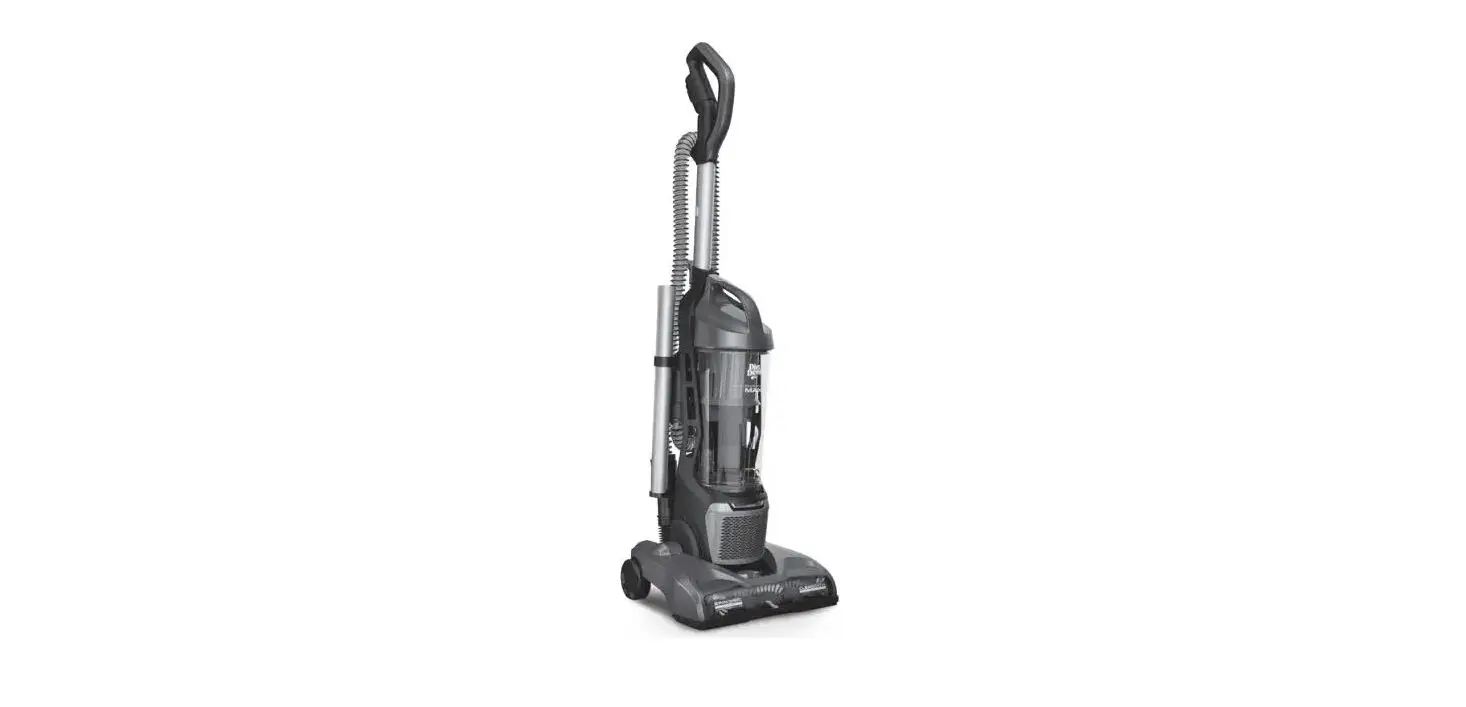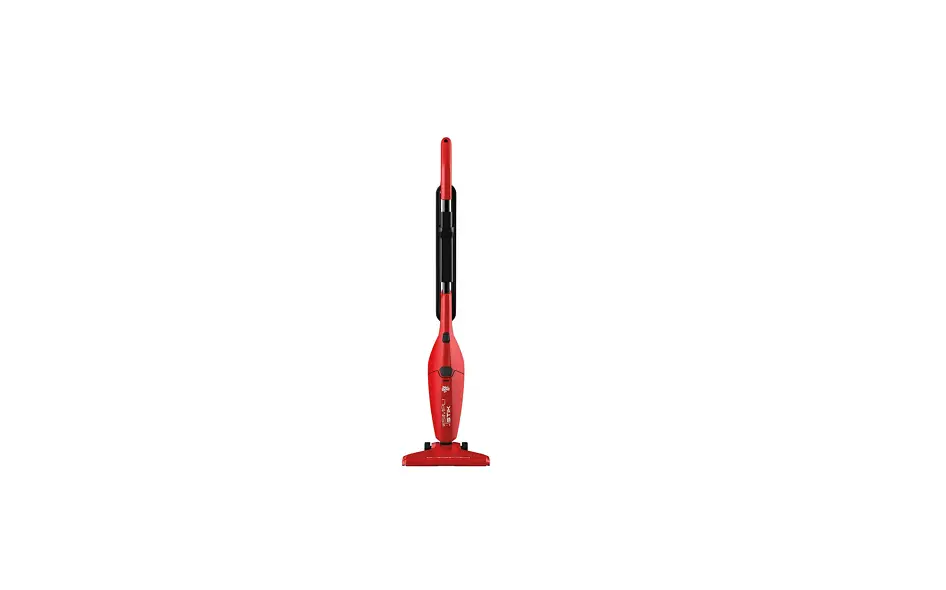

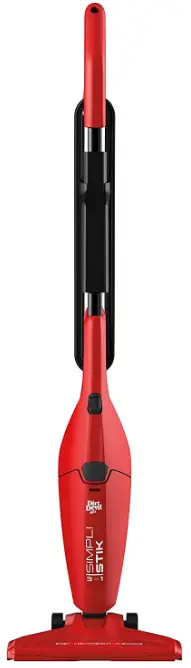
Dirt Devil SD20000RED Simpli-Stik Vacuum Cleaner
Important Safety Instruction
WARNING Cleaner assembly may include small parts. Small parts can present a choking hazard
- Use extra care when cleaning on stairs.
- Look at your vacuum cleaner and follow all label and marking instructions.
- Do not use an extension cord with this cleaner.
- Keep the end of the hose, wands, and other openings away from your face and body. Keep your hands, feet, hair, and clothing away from moving parts.
- Do not use the vacuum cleaner without a dirt container and filter in place.
- Do not use to pick up flammable or combustible liquids, such as gasoline, or use in areas where they may be present.
- Do not pick up anything that is burning or smoking, such as cigarettes, matches, or hot ashes.
- Store the vacuum cleaner indoors. Put the vacuum cleaner away after use to prevent tripping accidents.
- Using improper voltage may result in damage to the motor and possible injury to the user. Proper voltage is listed on the data plate.
SAVE THESE INSTRUCTIONS
WARNING
To reduce the risk of electric shock, this appliance has a polarized plug (one blade is wider than the other). This plug will fit in a polarized outlet only one way. If the plug does not fit fully in the outlet, reverse the plug. If it still does not fit, contact a qualified electrician to install the proper outlet. Do not change the plug in any way.
FEATURES
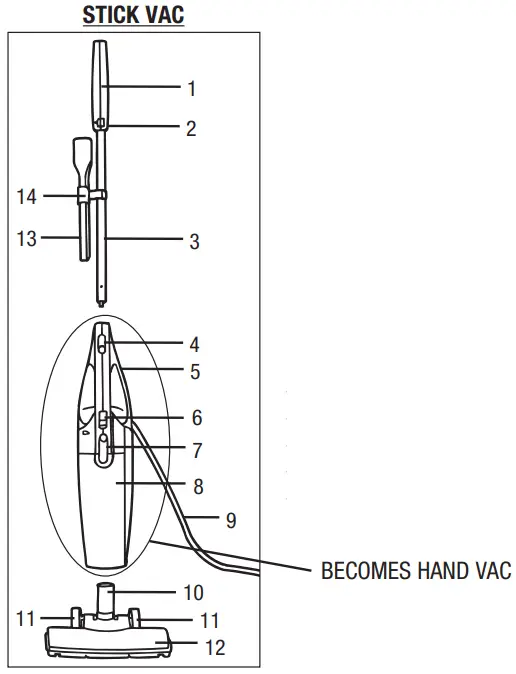
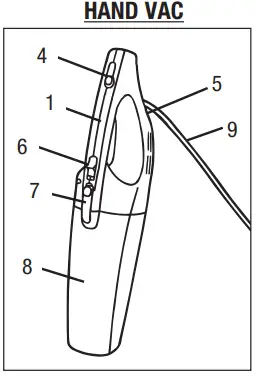
- Handle Grip
- Upper Cord Wrap (located on back of handle grip)
- Handle
- Handle Release Button
- Lower Cord Wrap (located on back of hand vac)
- On/Off Switch
- Dirt Cup Release Button
- Dirt Cup
- Power Cord
- Dirt Inlet Tube
- Wheels
- Floor Tool
- Crevice Tool
- Tool Clip
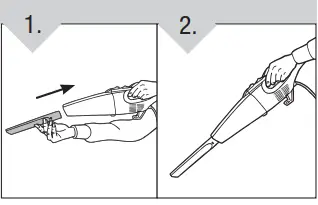
HOW TO USE AS A STICK VAC
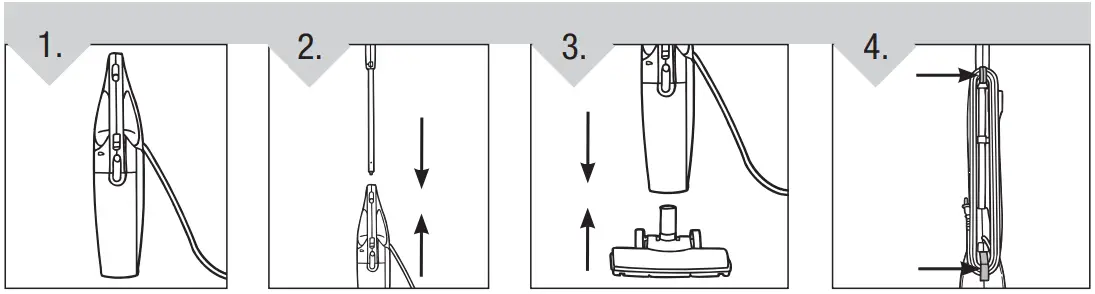
- Hold body of unit in an upright position.
- Press handle release button and slide handle down until it snaps in place.
- Insert floor tool into dirt cup nozzle. Firmly press to assure proper connection.
- For storage, wrap cord around hooks located on back of cleaner.
 TO USE: Slide the power switch to the ON position.
TO TURN UNIT OFF: Slide the power switch to the OFF position.
Empty and clean the unit and filter after each use or after large pickups when the unit becomes full.
 TO USE: Slide the power switch to the ON position.
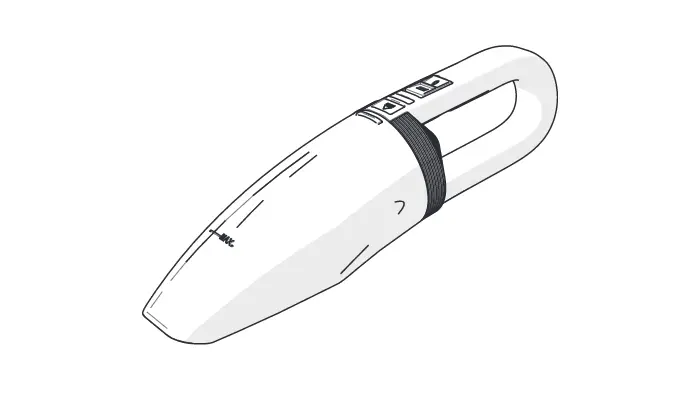
HOW TO USE AS A HAND VAC
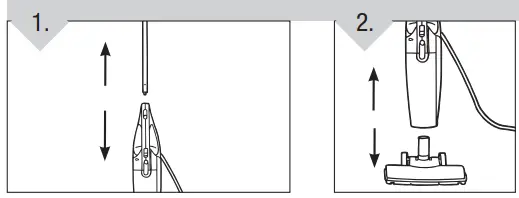
- Place the unit in an upright position with the back of the unit facing forward. Push the release button forward, then pull the handle from the unit.
- Remove the floor tool from the nozzle.

TO USE: Slide the power switch to the ON position.
TO TURN UNIT OFF: Slide the power switch to the OFF position.
Empty and clean the unit and filter after each use or after large pickups when the unit becomes full.
HAND VAC ATTACHMENTS
TO USE
- Attach the crevice tool by inserting it into the nozzle opening.
- To remove, pull apart gently.

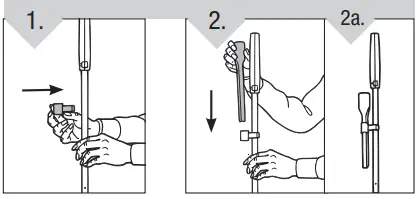
TO STORE
- Attach the tool clip to the handle by firmly pressing it into place.
- To store the crevice tool, insert it into the tool clip.

DIRT CUP & FILTER: REMOVAL & REPLACEMENT
IMPORTANT: FOR BEST RESULTS, CLEAN THE FILTER AFTER EACH USE.
NOTE: For best performance, replace the filter every 6 months.
For F25 filter replacement, please visit our website at www.dirtdevil.com to buy online or call customer service at 1-800-321-1134.
EMPTY AND CLEAN THE DIRT CUP
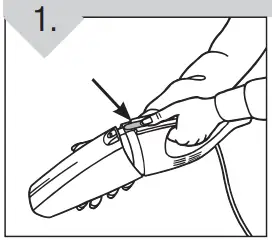
- Depress the dirt cup release button and pull the nozzle away from the unit.

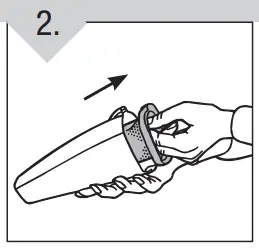
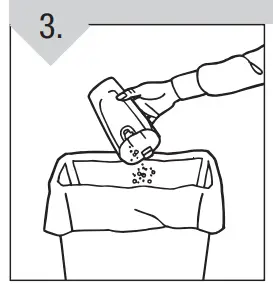
- Hold the nozzle over a wastebasket. Grasp the filter and gently pull it out.

- Shake excess dirt and debris out of the dirt cup. Brush the dust and dirt off the filter, or shake the filter inside of the wastebasket.
IMPORTANT: DO NOT WASH THE FILTER.
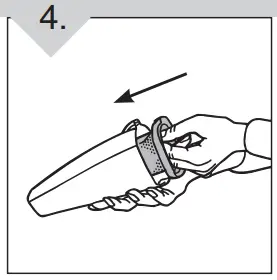
- Gently push the filter back into the dirt cup.

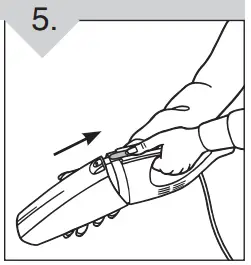
- To reattach the dirt cup: Align the bottom first and rotate the nozzle up, until it snaps into place.

TROUBLESHOOTING GUIDE
WARNING: TO REDUCE THE RISK OF PERSONAL INJURY – UNPLUG THE CLEANER BEFORE SERVICING
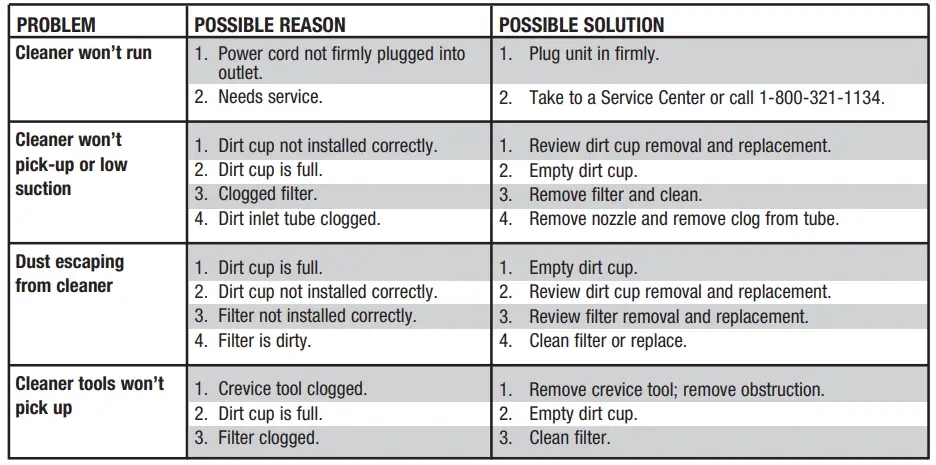
ANY OTHER SERVICING SHOULD BE DONE BY AN AUTHORIZED SERVICE REPRESENTATIVE CUSTOMER SERVICE (1-800-321-1134)
In the event that further assistance is required, see your Yellow Pages for an authorized Royal® Dealer or visit our website at www.dirtdevil.com. Costs of any transportation to and from any place of repair are to be paid by the owner. The service parts used in this unit are easily replaced and readily available from an authorized Royal® Dealer or retailer. Always identify your cleaner by the model number and manufacturing code when requesting information or ordering replacement parts. (The model number appears on the bottom of the cleaner.)
LIMITED WARRANTY
To the consumer, Royal Appliance Mfg. Co. warrants this vacuum cleaner to be free of defects in material or workmanship commencing upon the date of the original purchase. Refer to the data plate label on your vacuum cleaner for the length of warranty and save your original sales receipt to validate the start of the warranty period.
If the vacuum cleaner should become defective within the warranty period, we will repair or replace any defective parts free of charge. The complete machine must be delivered prepaid to any ROYAL Authorized Sales & Warranty Service Station. Please include a complete description of the problem, the day of purchase, copy of the original sales receipt, and your name, address, and telephone number. If you are not near a Warranty Station, call the factory for assistance at USA: 1-800-321-1134 / CANADA: 1-800-321-1134. Use only genuine Royal® replacement parts.
The warranty does not include unusual wear, damage resulting from accidents or unreasonable use of the vacuum cleaner. This warranty does not cover belts, brushes, bags, filters, bulbs or fan damage. This warranty does not cover unauthorized repairs or the use of other than genuine Royal® parts. This warranty gives you specific legal rights and you may also have other rights. (Other rights may vary from state to state in the USA).
FAQs
There are several things that could cause your Dirt Devil SD20000RED Simpli-Stik Vacuum Cleaner to not run. First, make sure that the vacuum cleaner is on a level surface and that the power cord is plugged into a working outlet.
To clean your Dirt Devil SD20000RED Simpli-Stik Vacuum Cleaner, unplug it from the electrical outlet and wipe with a damp cloth. Do not use any chemicals or household cleaners on your Dirt Devil SD20000RED Simpli-Stik Vacuum Cleaner. To maintain product appearance and performance, replace dust cup filter regularly as needed (refer to your manual).
To change your belt on your Dirt Devil SD20000RED Simpli-Stik Vacuum Cleaner, unplug it from the electrical outlet and lay it down on a flat surface with the front facing up.
To clean your filter on your Dirt Devil SD20000RED Simpli-Stik Vacuum Cleaner, unplug it from the electrical outlet and wipe with a damp cloth. Do not use any chemicals or household cleaners on your Dirt Devil SD20000RED Simpli-Stik Vacuum Cleaner.
Unplug the vacuum after turning it off. Bring the vacuum up against a trash container. From the container, take out the filter. Turn the filter so that the stream of cold water removes all the dirt particles before running it over the filter.
There are many various kinds of vacuum cleaners, but they all operate on the same principle: they use a fan to create negative pressure, trap the dirt they’ve sucked up, then clean the exhaust air before releasing it.
Therefore, even while the performance gap between some stick vacuums and full vacuums is shrinking, we can’t say that’s true for the majority of types available. Since we have to make a decision, the barrel or upright prevails.
From the cleaner head, the dirt moves via the wand, clear bin, cyclone, and our filtration system. To release the bin into a container, press a red lever.
The two basic forces that drive vacuum suction are gravity and friction. While atmospheric pressure is created by the earth’s gravitational pull on air molecules, the suction cup and vacuum pump create a pressure difference that attaches both surfaces.
In addition to being efficient in removing allergens and dust, vacuum cleaners are also simple to use, saving both time and energy. They have filters and suction motors to draw in dust and grime. Vacuum cleaners can be divided into hand-held, canister, vertical, and robot categories.