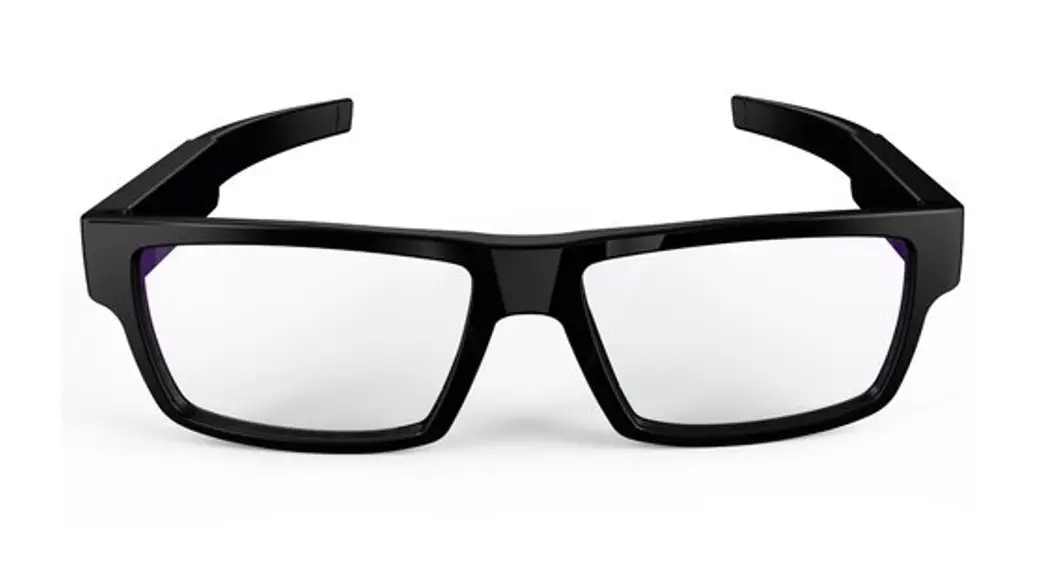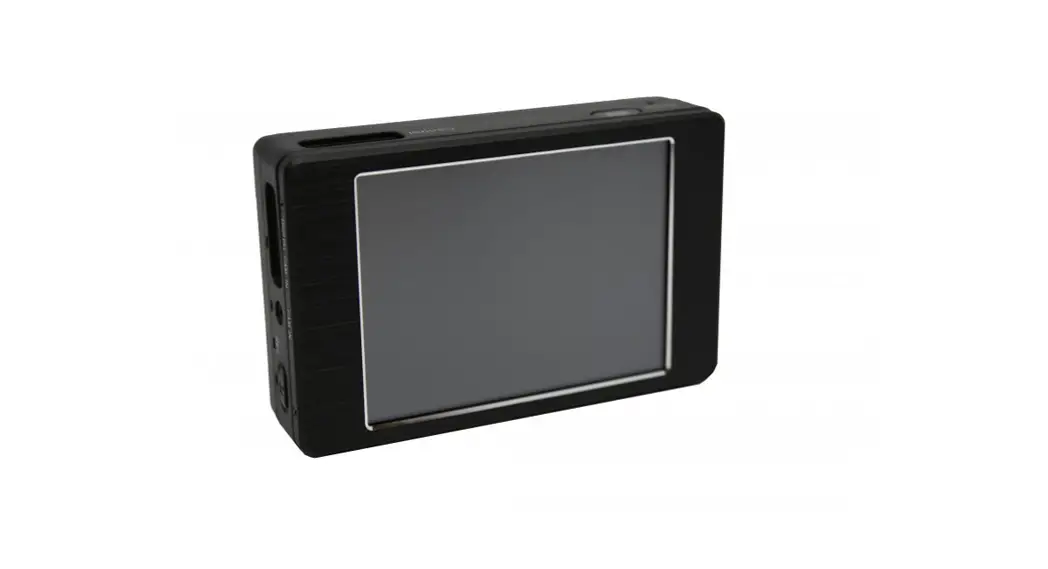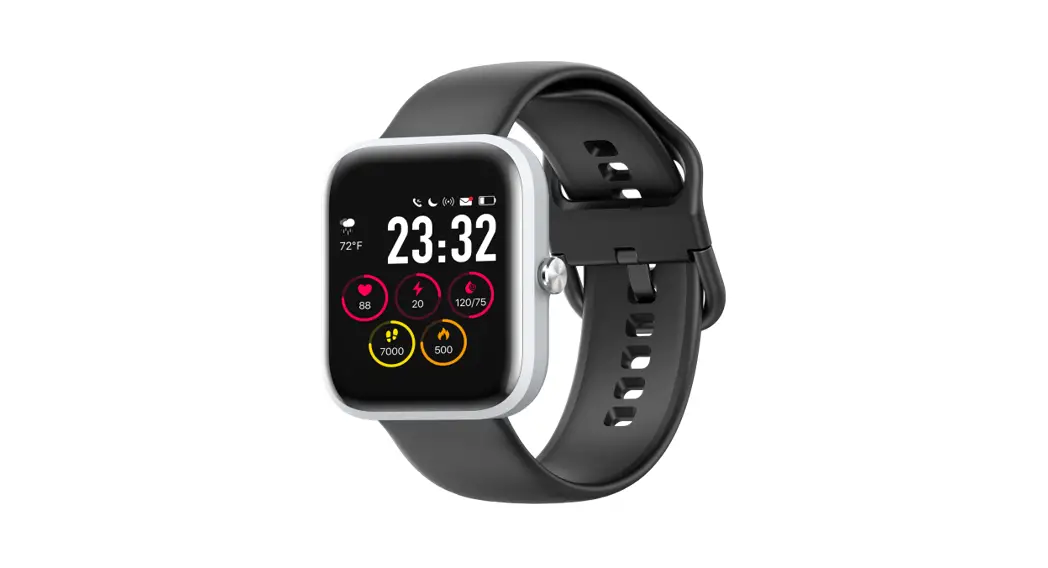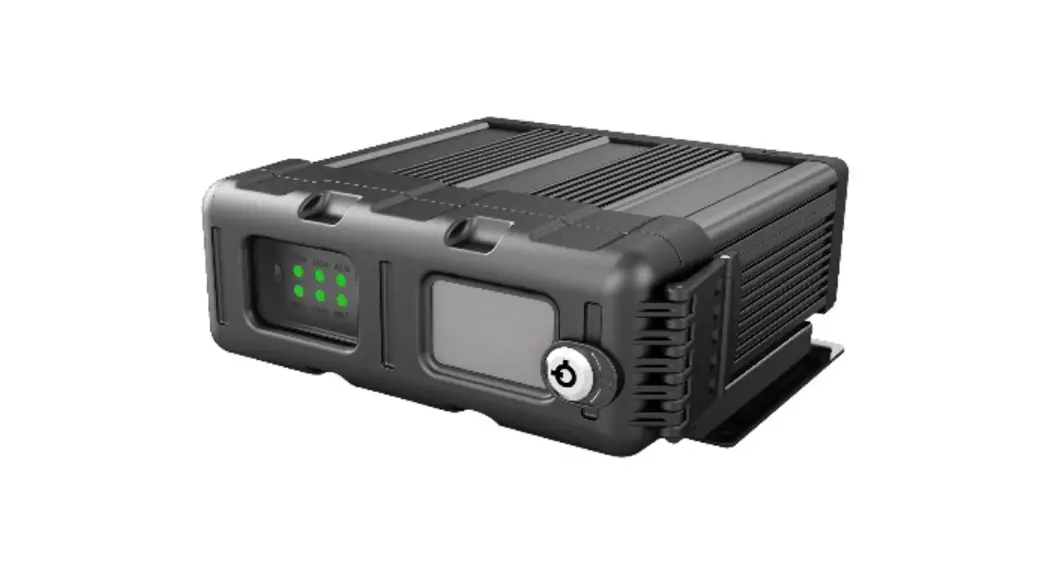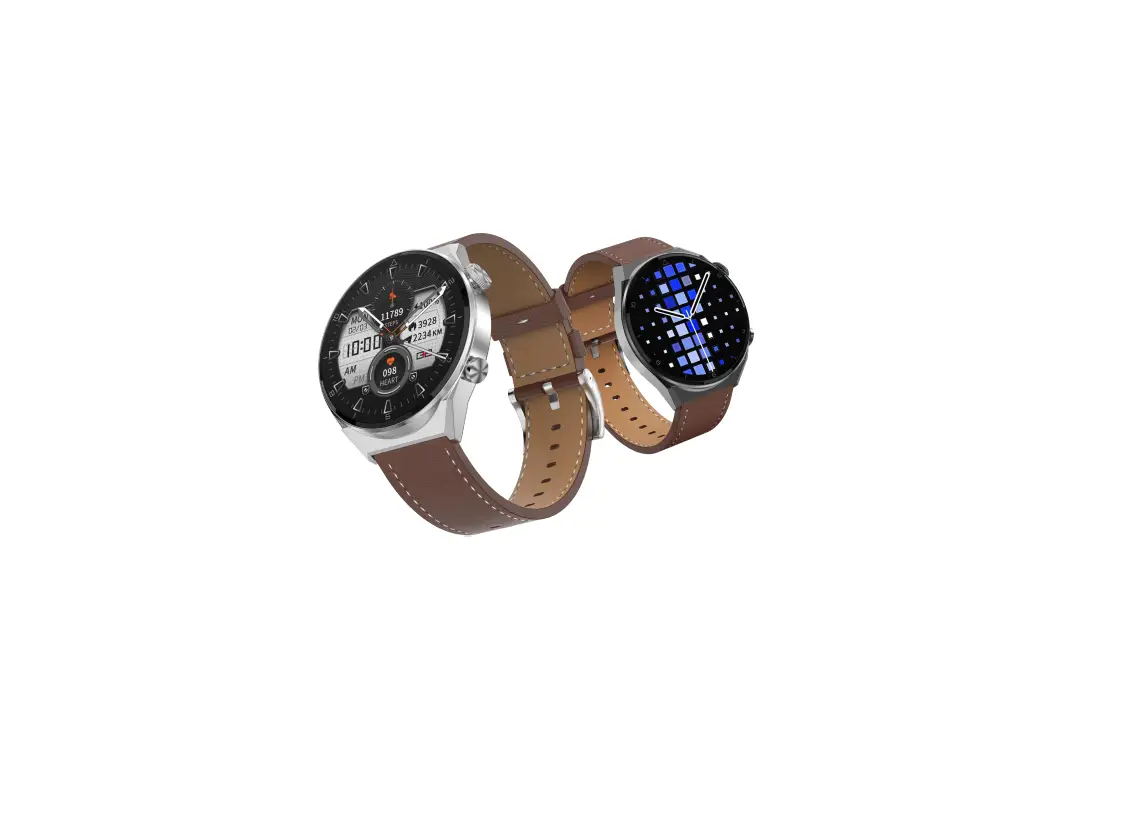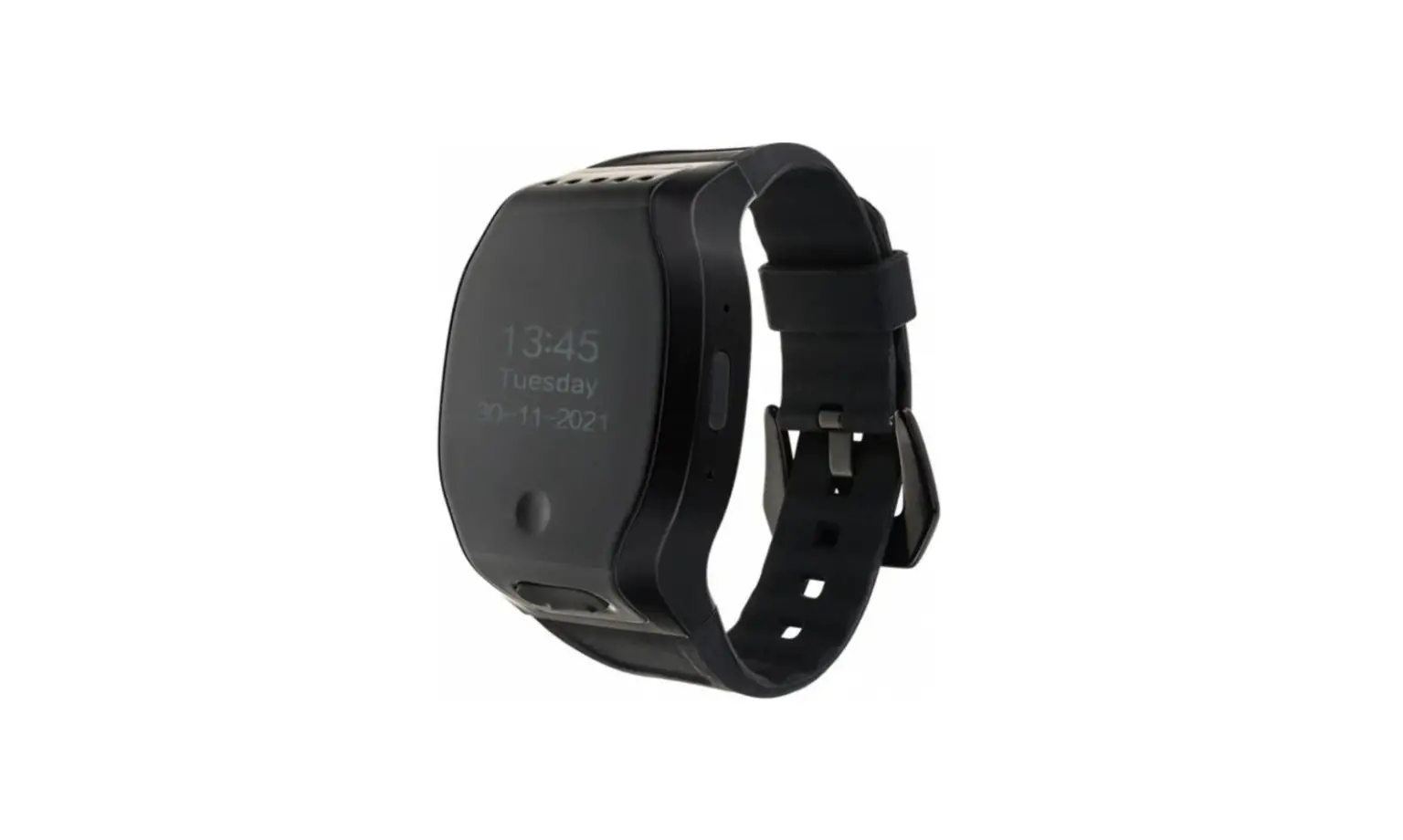
LAWMATE PV-WT20W 1080p Smartwatch DVR User Guide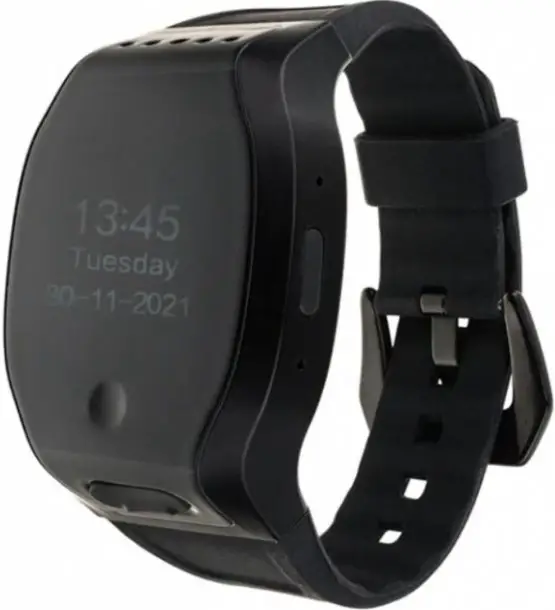
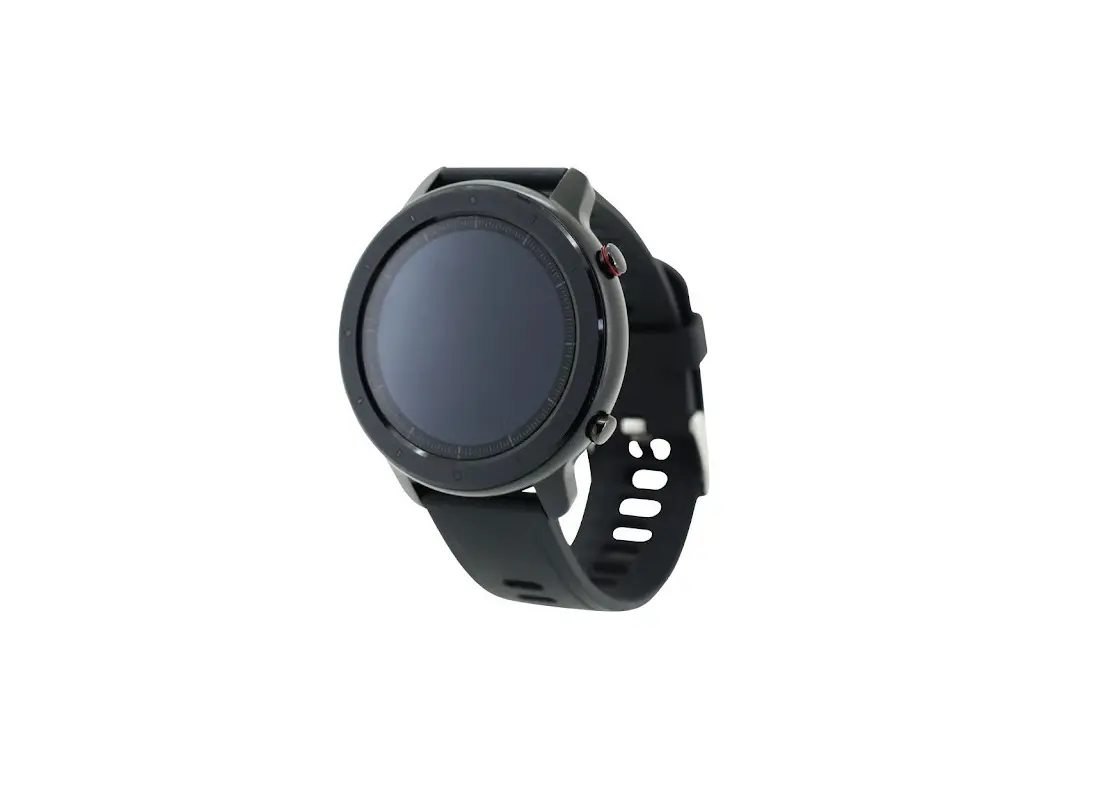
Names and Parts – DVR
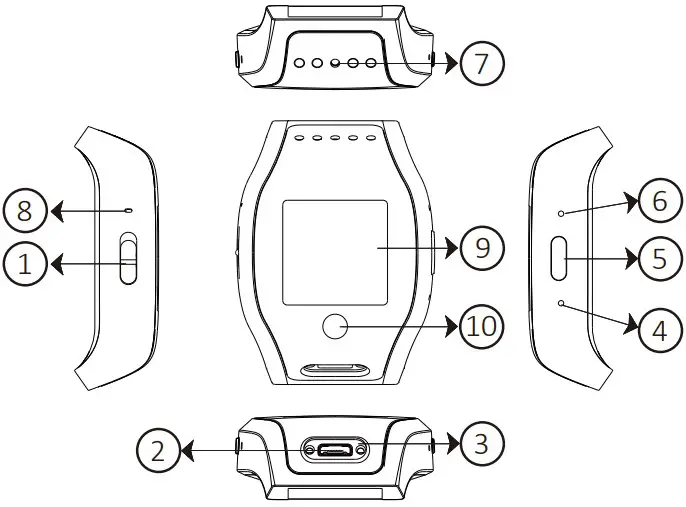
- Power On / Off Switch
- USB Port
- LED Indicators
- Default Button
- Wi-Fi On / Off Button
- Reset Button
- Lens
- Microphone
- LCD Screen
- Touch Button
- Warranty will be void if serial number sticker is tampered.
- No microphones are available for USA market.
Package Content
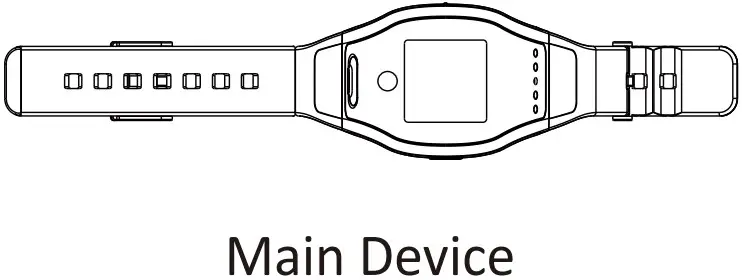
Charge the Battery
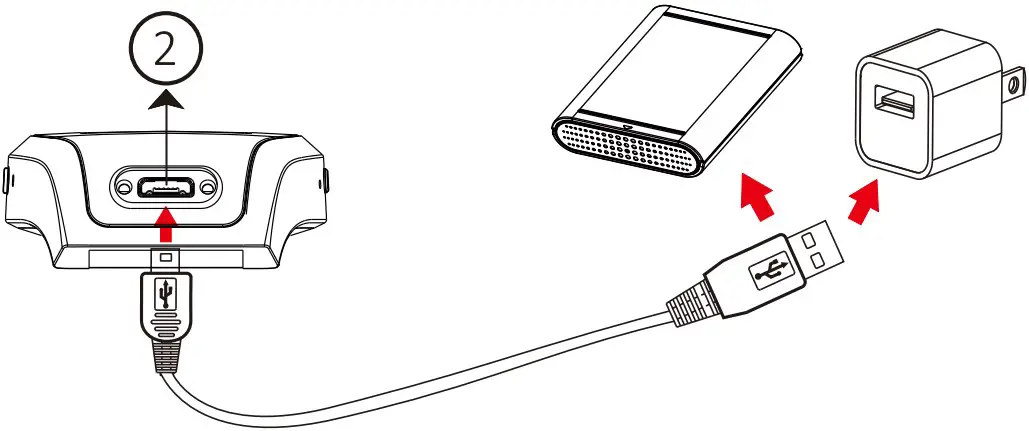
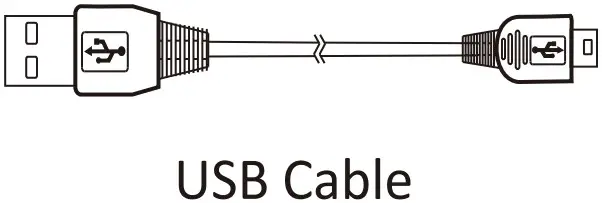
Plug the micro USB end of the cable to and connect the other end to an USB power source ( as shown above), or plug it to a power bank of your own choice.
Green LED will be solild on while charging. After fully charged, green LED will go off.
LED Indicators
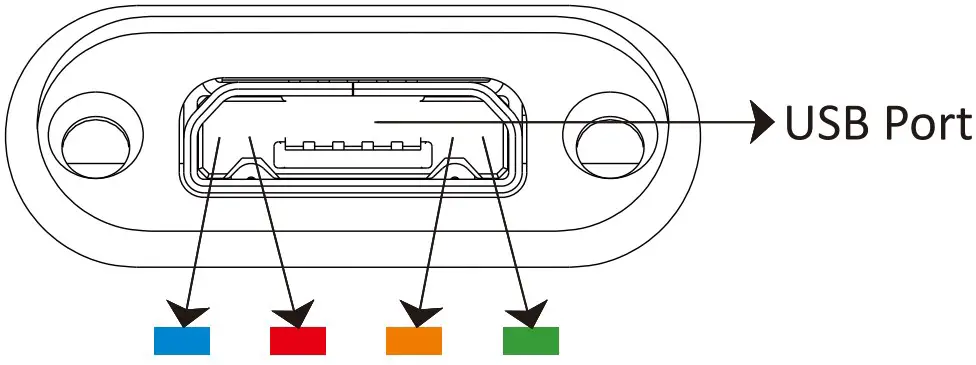
Open the cover of USB port, there will be 2 LED indicators on the left, and 2 on the right.
| LED Indicators | Device Status |
| Solid Blue LED | Device On |
| Solid Red LED | Recording |
| Blinking Orange LED | Searching Wi-Fi |
| Solid Orange LED | Wi-Fi Connected |
| Solid Green LED | Device Charging |
LED Indicators can be turned off via APP.
Format Memory Card
When the device is powered on, long press Wi-Fi button until the red LED blinks and then release.
After 12 seconds, the format is done and device will automatically turn off.
You can also connect the device to your smartphone and format via the app PV CAM VIEWER.
Operation
Power On / Off
Switch upward to turn on; downward to power off.
Recording
10 seconds after device is on, it will start to record automatically.
Wi-Fi
With device powered on, press once to turn on, and press it again to turn off. For more information about Wi-Fi connection set up, please refer to Wi-Fi quick guide.
Reset
When the device functions abnormally, press once.
Default
Restore Wi-Fi password and SSID
Long press for more than 4 seconds but less than 10 seconds and release.
Restore factory settings
Long press for more than 10 seconds and then release.
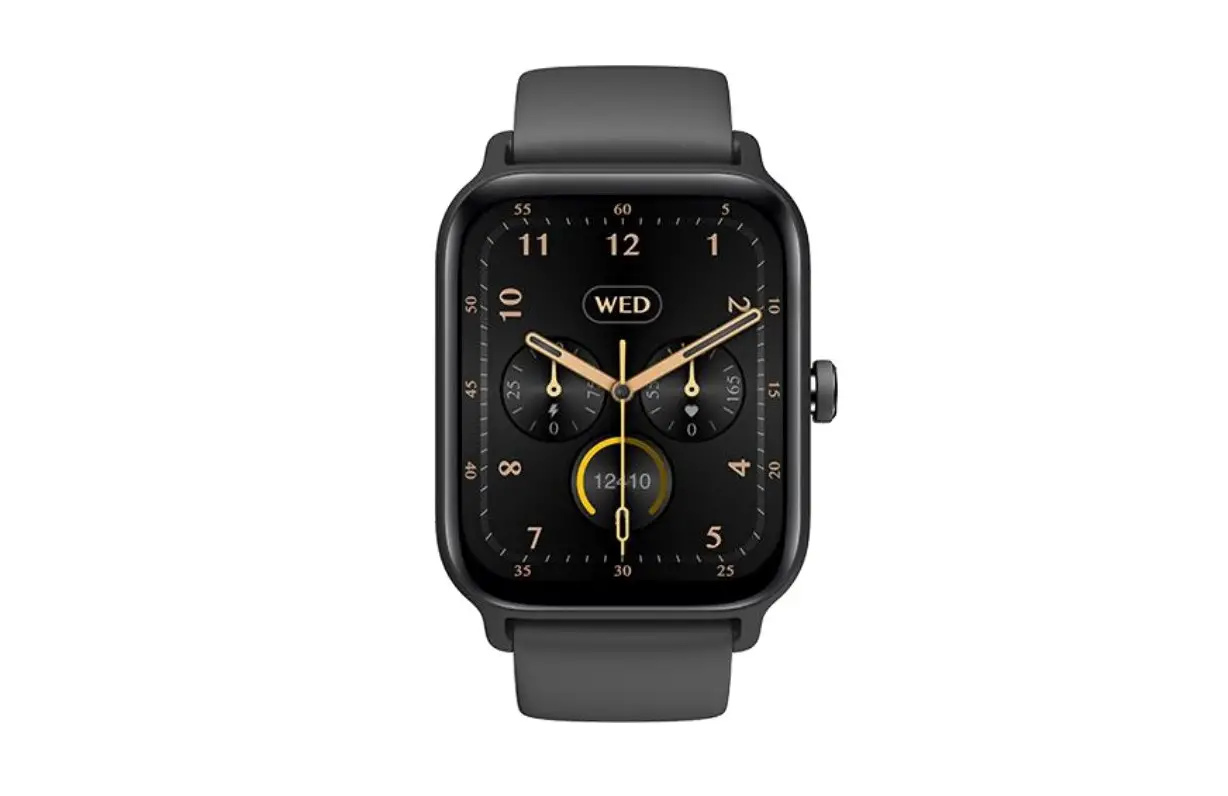
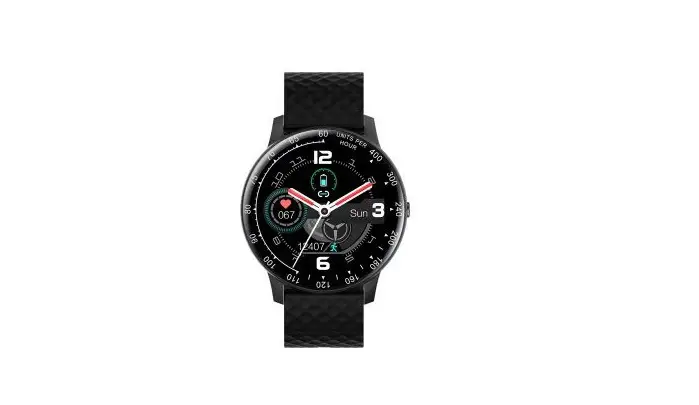
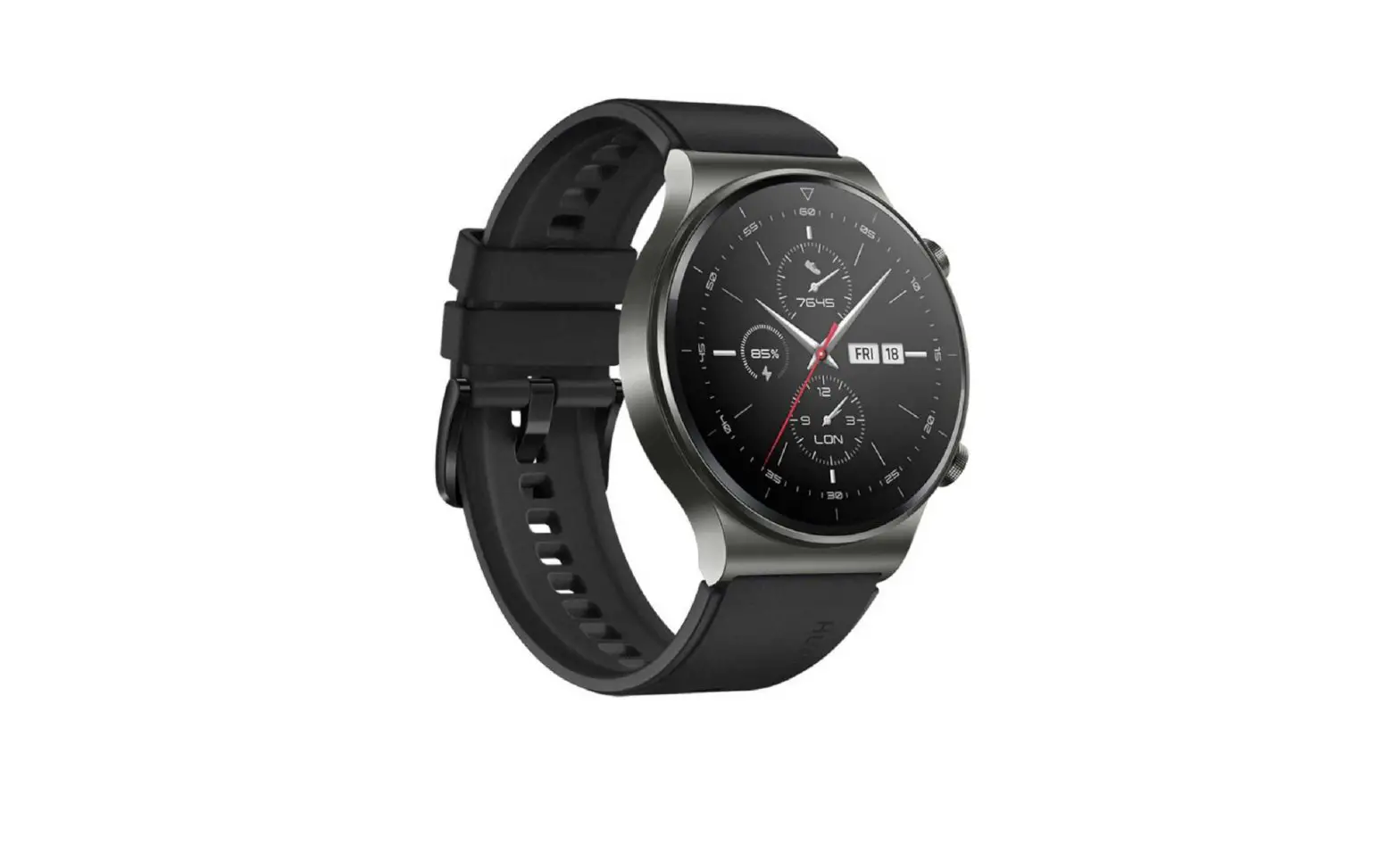
Show the time
Touch the button once and the screen will light up, showing the time and date. It will go off after 15 seconds if nothing done.
If the device is recording, it will show the battery status and with an R word on the up-left corner. If the built-in memory card is full, it will show an F word on the up-right corner.
- Please note that it will not show the battery status if the device is not recording.
- Please note the time is the same as the DVR. If you need to synchronize the time, please connect your phone to the DVR and synchronize via the app.
Change time format
When the LCD is lighted up, long touch the touch button, it will jump to time format setting page. Touch the button to choose.
Change the language
Long touch the button again and it will jump to language setting page. Touch the button to choose.
Date and Time Setting
Please refer to the Synchronize the Time steps on the PV Cam Viewer for Wi-Fi Cam guide.
The time and date showed on the screen will be the same as the DVR.
Download Files
When the device is off, plug the micro USB end of thecable to USB port and connect the other end to PC.
After connecting to PC, power on the device
Specification
| Built-in Image Sensor | Built-in Camera Module1/2.9″ progressive CMOS sensor |
| Sensor Resolution | 2304 × 1536 |
| Sensor Sensitivity | 3.3 Lux @ F 2.0 |
| Lens F/No. | F 3.2 |
| Focal Length | 4mm |
| Angle of View | 66° |
| Algorithm | Video Spec.H.264 |
| File Format | MP4 |
| Video Recording Mode | Manual |
| Recording Capability | 1920 × 1080 |
| Frame Rate | Up to 30 fps |
| Wi-Fi | WiFi Spec.Built-in Wi-Fi Module ( IEEE 802.11b/g/n ) |
| Wi-Fi Protocol | RTSPStorage & I/O |
| Memory Type | Micro SD Card ( Support SDHC max = 32GB ) |
| Data Interface | Mini USB 2.0 |
| Date/Time Table | Misc.YYYY/MM/DD, HH:MM:SS |
| Snapshot | Recording and playback video ( via smarphone app ) |
| LCD Size | LCD Display1.3 inch |
| LCD Frame | 320*240 |
| Date/Time Table | US System, British System |
| Power Input | PowerDC 5V |
| Power Consumption | 220mA-260mA ( Wi-Fi Off ) ( Wi-Fi On + 90mA ) |
| Charging Time | 100min ( 300mA ) |
| Battery Input | DC 3.7V / 500 mA high polymers battery |
| Battery Lifetime | Continuous recording 65min ( Wi-FiI On ) / 90min ( Wi-Fi Off ) |
| Recording time | 150min @ 1920×1080 resolution ( 16GB SD card ) |
| Vibration Alert | Power on/off, Recording, Low battery |