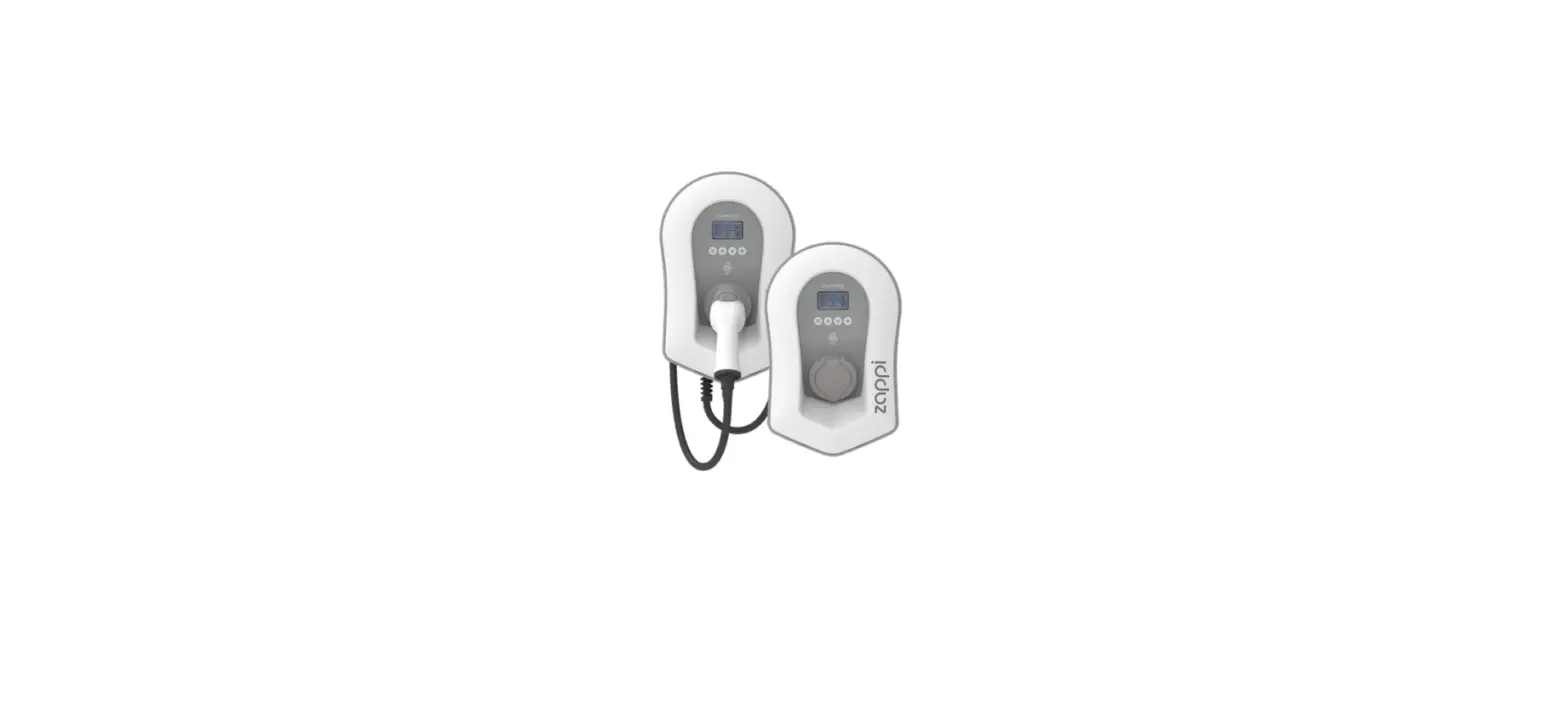
DV-9574-EV Charger for EV
Product Information
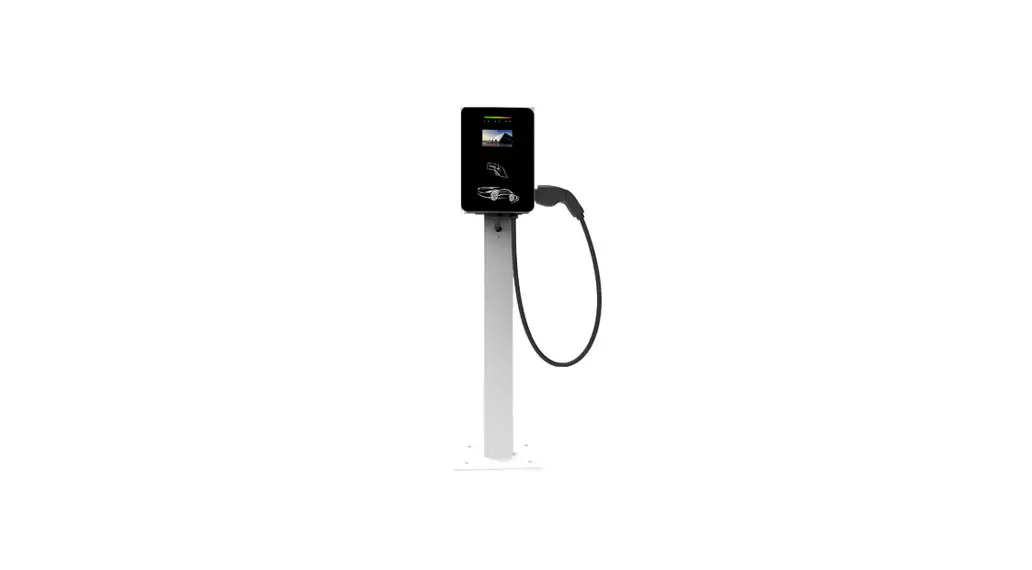
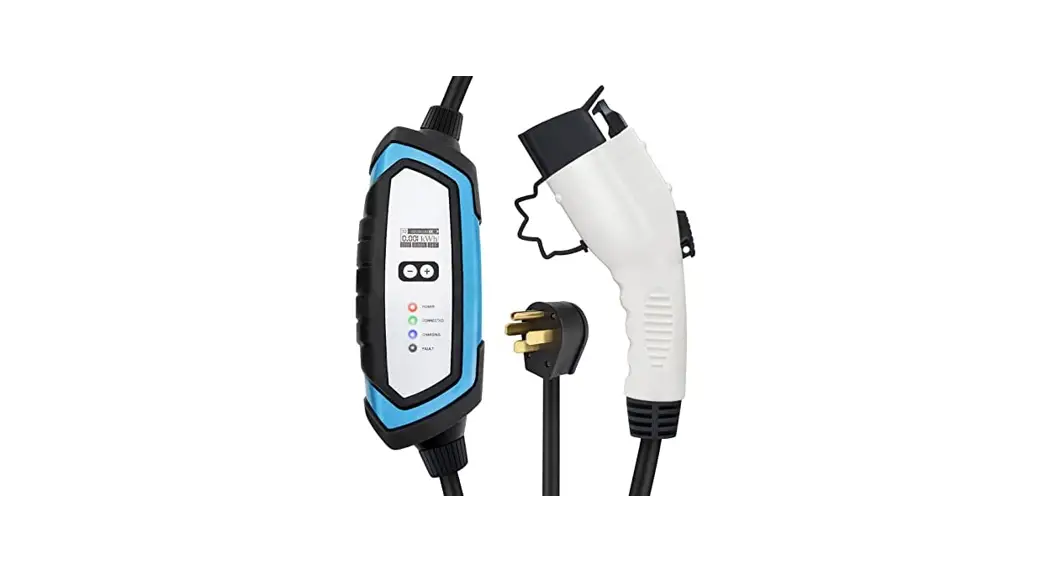
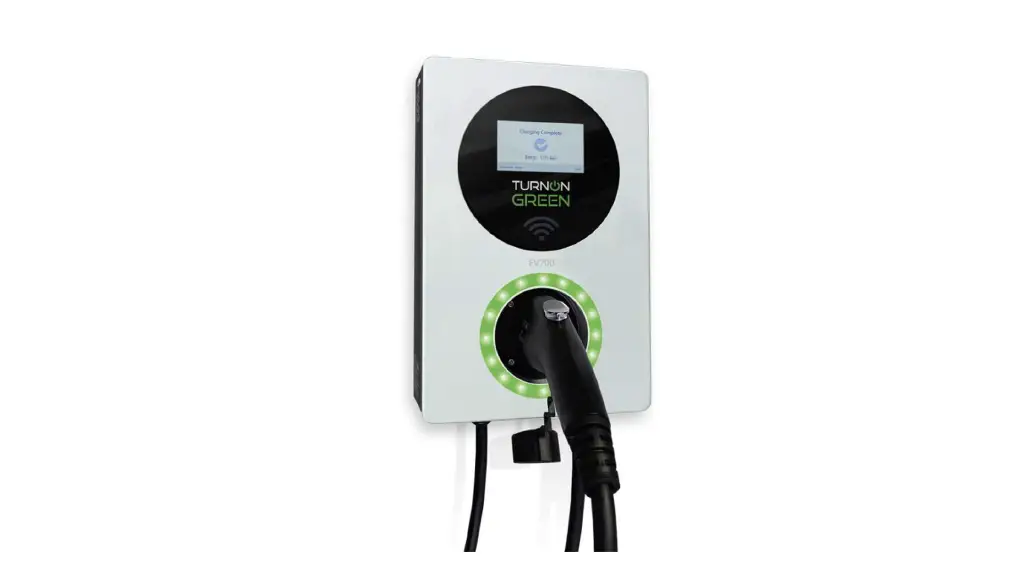
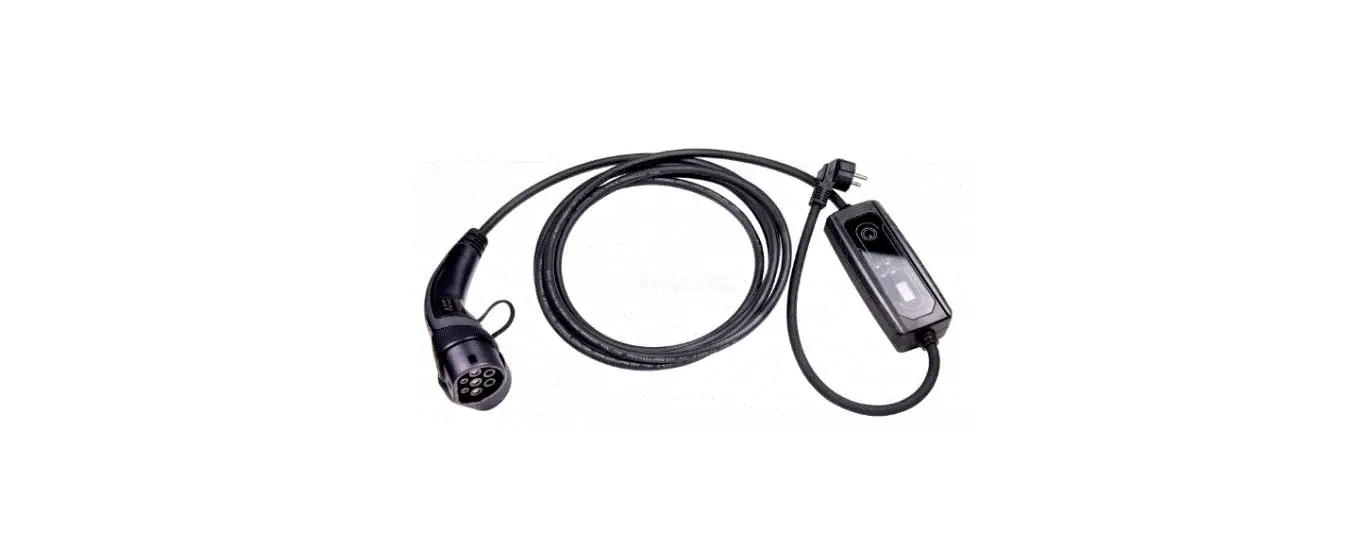
The WALLBOX V.2 is a charger for electric vehicles that can be
wall-mounted. The charger has a maximum charging power of 22kW and
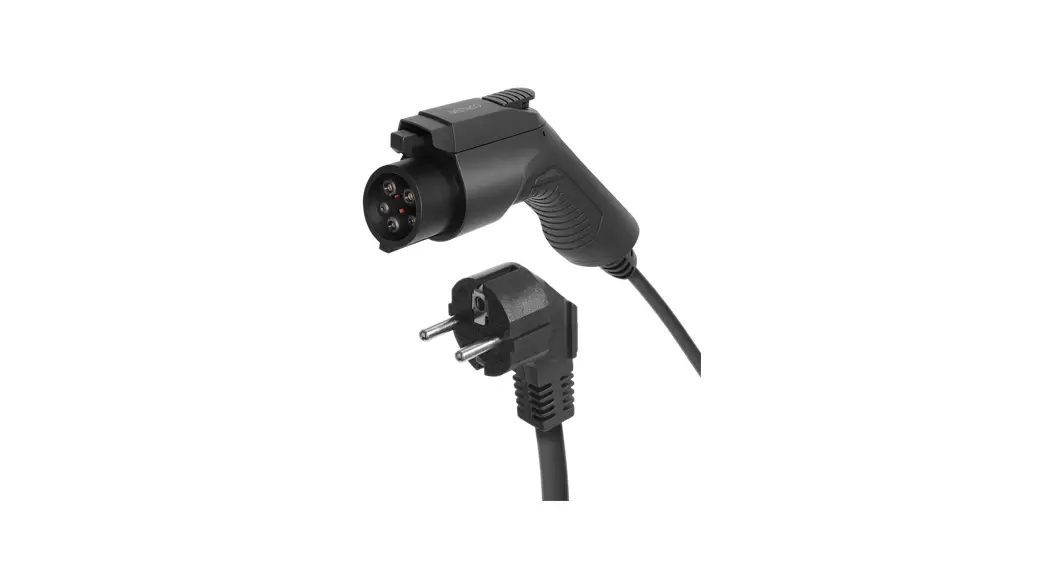
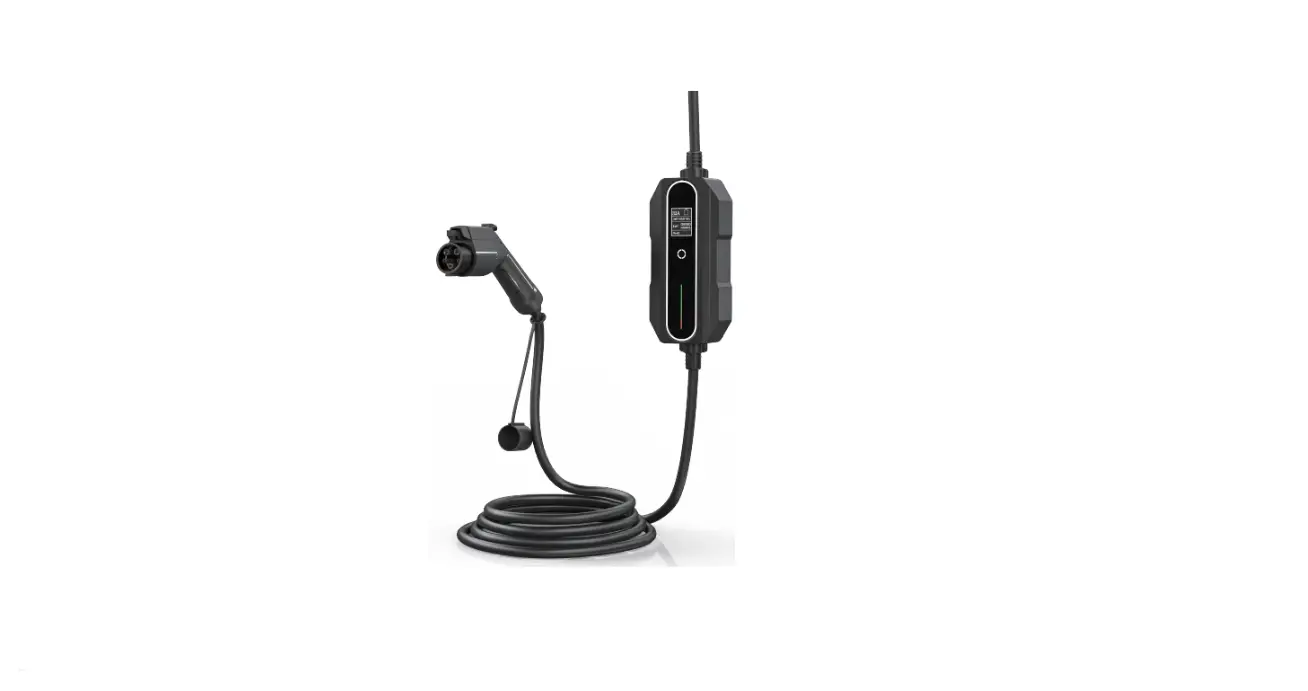
comes with a cable plug (TYPE2) for connecting to the car. The
charger is equipped with an ON/OFF button and an LED light that
indicates the charging status. The charger must be installed by a
qualified installer in accordance with local electrical
regulations.
Product Usage Instructions
- Before starting, always ensure that the device is shut down. To
remove the case, unscrew the 4 screws holding the top of the case
to its base. Gently open the case. - Ensure that the residual circuit breaker (RCD) is in the 0 or
lower position. - Remove any devices mounted on the TH rail to reveal the 4
places prepared for mounting the wallbox on the wall. - Switch on the RCD. If the protection is in the up position,
close the enclosure and fasten the screws. Click the ON/OFF button
on the charger to switch it on. The LED on the button will flash at
first, then go out and not light up. - Connect your car with the appropriate cable plug (TYPE2) to the
charger. - Insert the cable plug into the wallbox socket using the correct
amount of force. This must be done correctly as this connection
affects the flow of electricity and control signals. Charging will
begin when you hear a characteristic click (it can take up to 10
seconds to start charging). The LED button will start to light up,
indicating that the charging process has started. - If an error occurs during charging, press the ON/OFF button,
wait a few seconds, and switch the charger on again. - To turn off the charger, press the ON/OFF button. The charger
will automatically switch off when the car has been charged. Remove
the charging cable from the car.
It is important to follow the above sequence of instructions to
avoid damaging the charger and putting the user in danger. Before
using the charging station, a qualified electrician must check that
the circuit breaker installed in the charger does not adversely
affect the installation in the building. Breaking the product seal
will void the product warranty. If there are any technical issues,
please contact us immediately. Please read and strictly follow all
operating instructions and only use fully functional electrical
equipment that is properly connected to the electrical system.
Damaged equipment should be returned for repair to an authorized
person or service.
Wallbox
V.2
EN DE PL
WALLBOX charger for EV
DV-9574-EV The charger should be disconnected from the power source before installation, configuration or cleaning! Installation should only be performed by a qualified installer in accordance with local electrical regulations!
0. Open the housing Before starting, always ensure that the device is shut down. To remove the case, unscrew the 4 screws holding the top of the case to its base. Gently open the case.
1. Preparation For this purpose, the RCD must be in the 0 or lower position.
EN
2
2. Wall mounting Remove the devices mounted on the TH rail. You will then be able to see the 4 places prepared for mounting the wallbox, as shown in the picture below:
3. Power supply Fit the gland that comes with the charger or run the power cable (cross-section: min. 5x4mm2) through the factory fitted gland. Run the power cable through the factory-installed gland or, if there is no factory-installed gland, find one in the housing. Insulate the end of the cable and crimp the individual conductors with sleeve lugs with a diameter that matches the conductor diameter. The wires should be connected to the appropriate locations marked with yellow markers: – The phase wires (brown, black, gray) should be connected to the residual current device (RCD) to the input marked L1, L2 and L3. – The neutral wire (blue) should be connected to the residual current device (RCD) to the input marked N, – Screw the protective conductor (yellow-green) to the earthing slats (of the same color) marked with the letters PE.
3
EN
4. Switch the charger on
Switch on the residual circuit breaker (RCD). If the protection in the up position (they will not blow), close the enclosure and fasten the screws.
Click the ON/OFF button
The LED on the button flashes at first then goes out and does not light up.
5. Connect the car Connect your car with the appropriate cable with plug (TYPE2) to the charger.
6. Starting the charge
Insert the cable plug into the wallbox socket using the correct amount of force. This must be done correctly, as this connection affects the flow of electricity and control signals. Charging will begin when you hear the characteristic “click”, (it can take up to 10 s to start charging)
When the charging process starts, the LED button starts to light up. The charging power is programmed and is up to a maximum of 22kW depending on the model.
EN
4
7. Error during charging In the event of an error, click ON OFF
, wait a few seconds and switch the charger on again
8. Turning off the charger
Switching off the charger can be done by pressing the ON/OFF button . When the car has been charged the charger will automatically switch off.
Click the ON/OFF button
Remove the charging cable from the car.
5
EN
FOLLOW THE SEQUENCE OF INSTRUCTIONS ABOVE, OTHERWISE THE CHARGER MAY BE DAMAGED AND PUT THE USER IN DANGER.
Before starting the charging station, a qualified electrician must check that the circuit breaker installed in the charger does not adversely affect the installation in the building Breaking the product seal will void the product warranty. The seals are attached to components that do not need to be replaced by the user.
If these technical conditions are not fulfilled, Doktorvolt and its partners will not be held responsible for any resulting damage. If the technical conditions do not meet your requirements, please contact us immediately so that we can find a solution together. In case of defects, we are at your disposal at any time.
We wish you pleasant use and look forward to your recommendation.
GENERAL INSTRUCTIONS FOR ELECTRICAL EQUIPMENT
1. If you purchase any electrical equipment you should read and strictly follow the operating instructions.
2. Use only fully functional electrical equipment that is properly connected to the electrical system
3. Damaged equipment should be returned for repair to an authorized person or service, which guarantees that the damage will be repaired in a manner ensuring further safe operation of the device.
4. Do not operate electrical equipment with wet hands or standing on a wet floor; in wet rooms and other rooms with increased risk of electrical shock. It is unacceptable to use hand tools which are not equipped with double insulation.
5. Do not use makeshift connections, do not connect the cables by twisting the ends of the cables and leaving them in an uninsulated state,
6. Never remove covers (casings) from electrical devices that are connected to the electrical network (e.g. do not remove the back cover; do not change the type of plug installed at the cords of portable devices, e.g. do not replace the plug with a protective contact with a plug without such a contact,
7. In rooms where small children may be unattended, sockets should be secured to prevent insertion of objects that could result in electric shock,
8. Electrical equipment should be positioned so that flammable objects cannot come into contact with it, e.g. things, paper, flammable materials. When switching electrical appliances on or off, make sure that the correct plug is inserted or removed.
9. Any tampering with the charger’s components will void the warranty.
EN
6