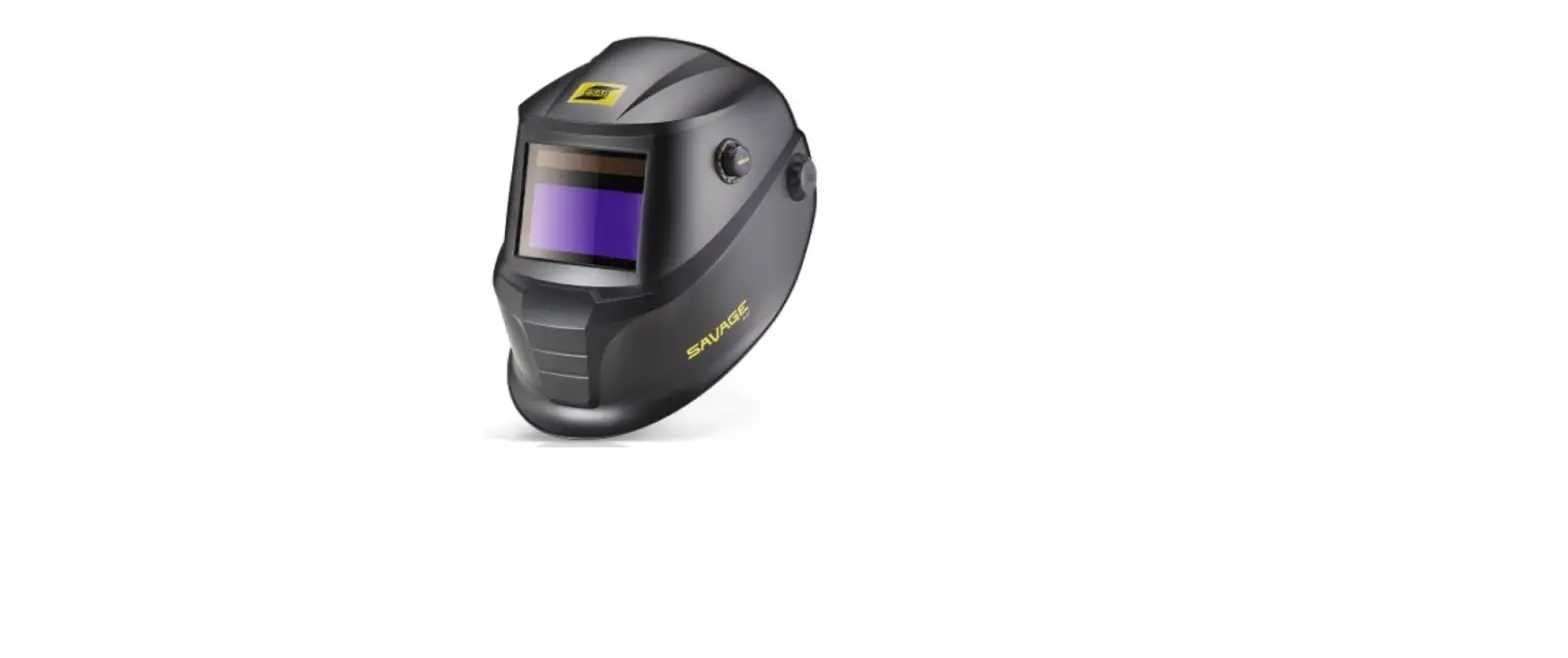
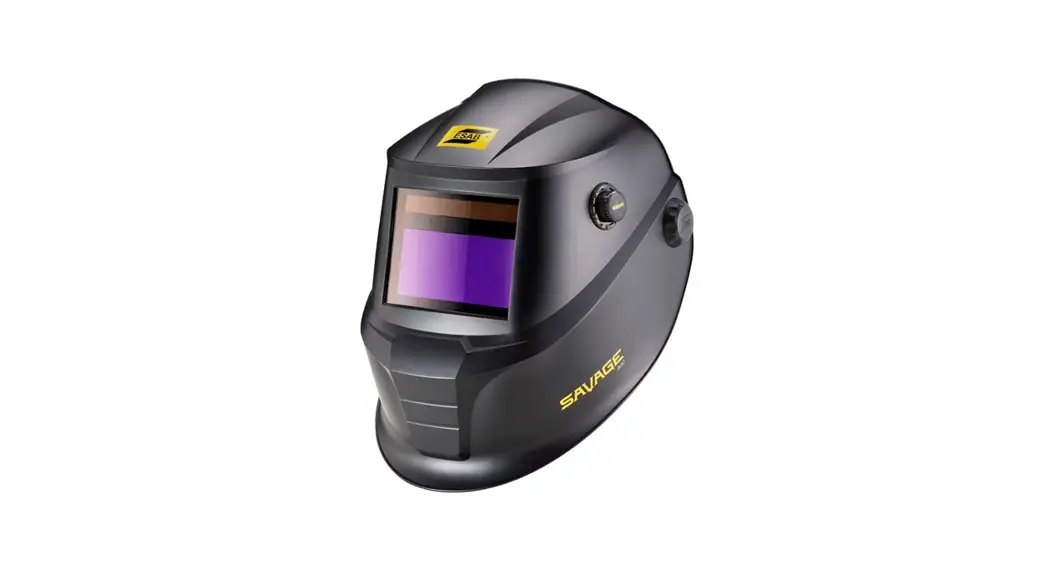
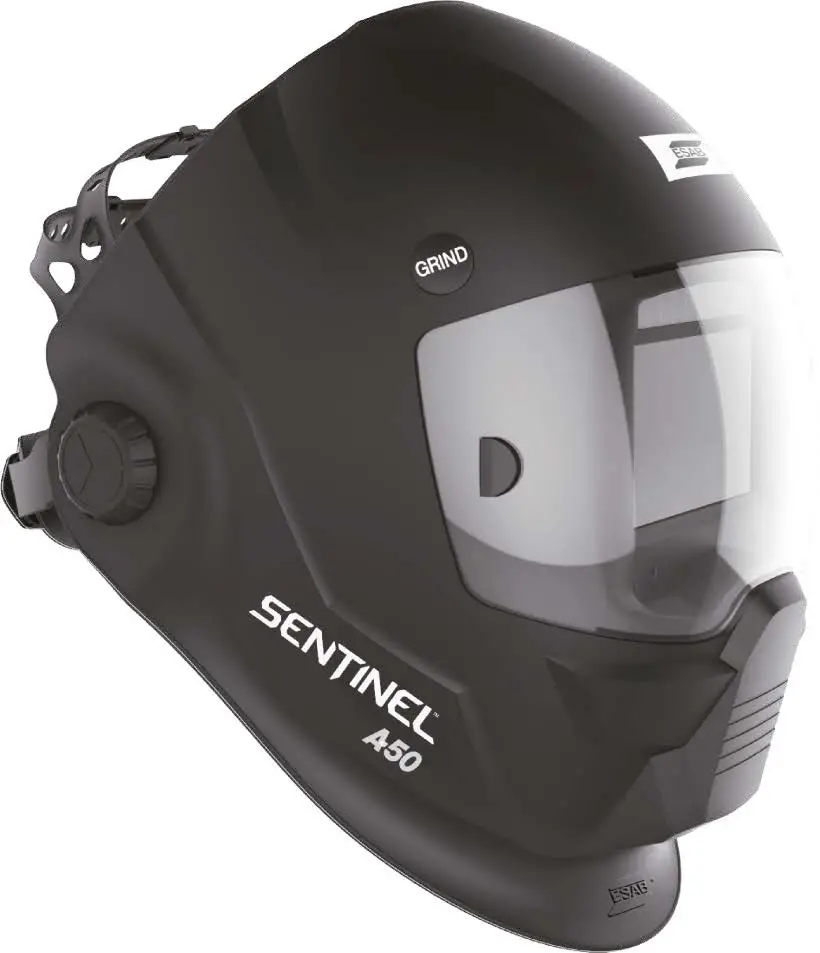
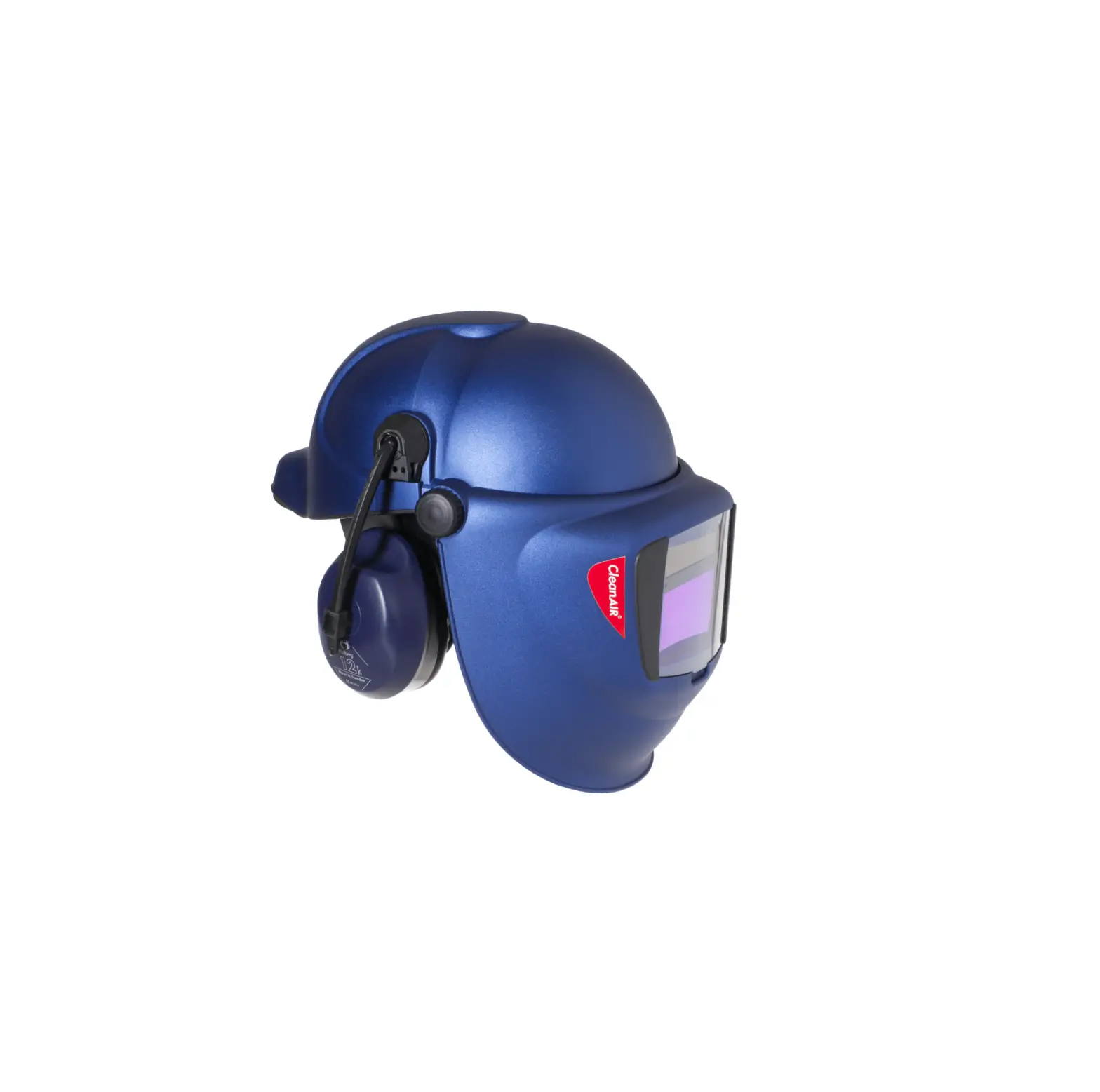
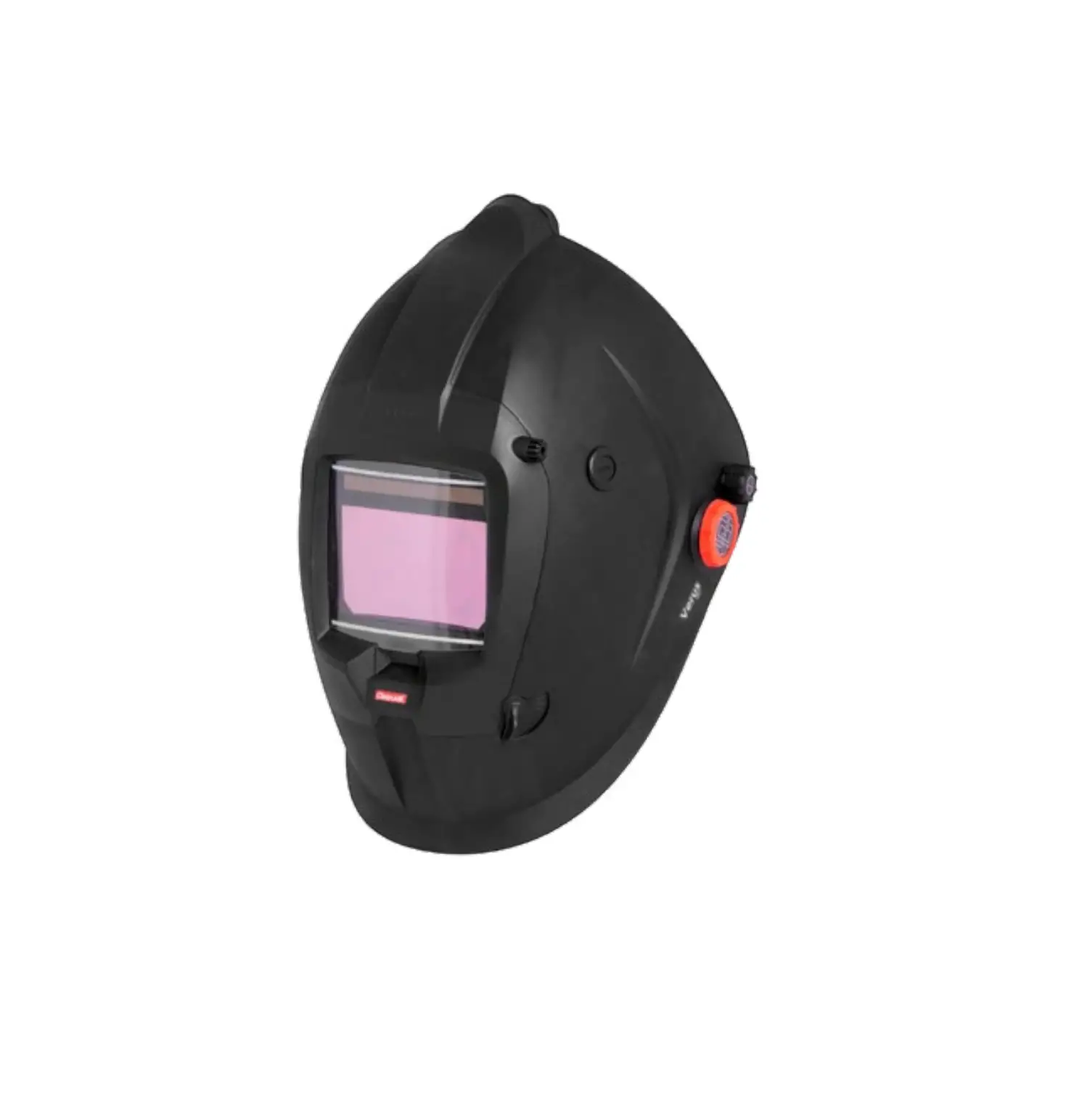
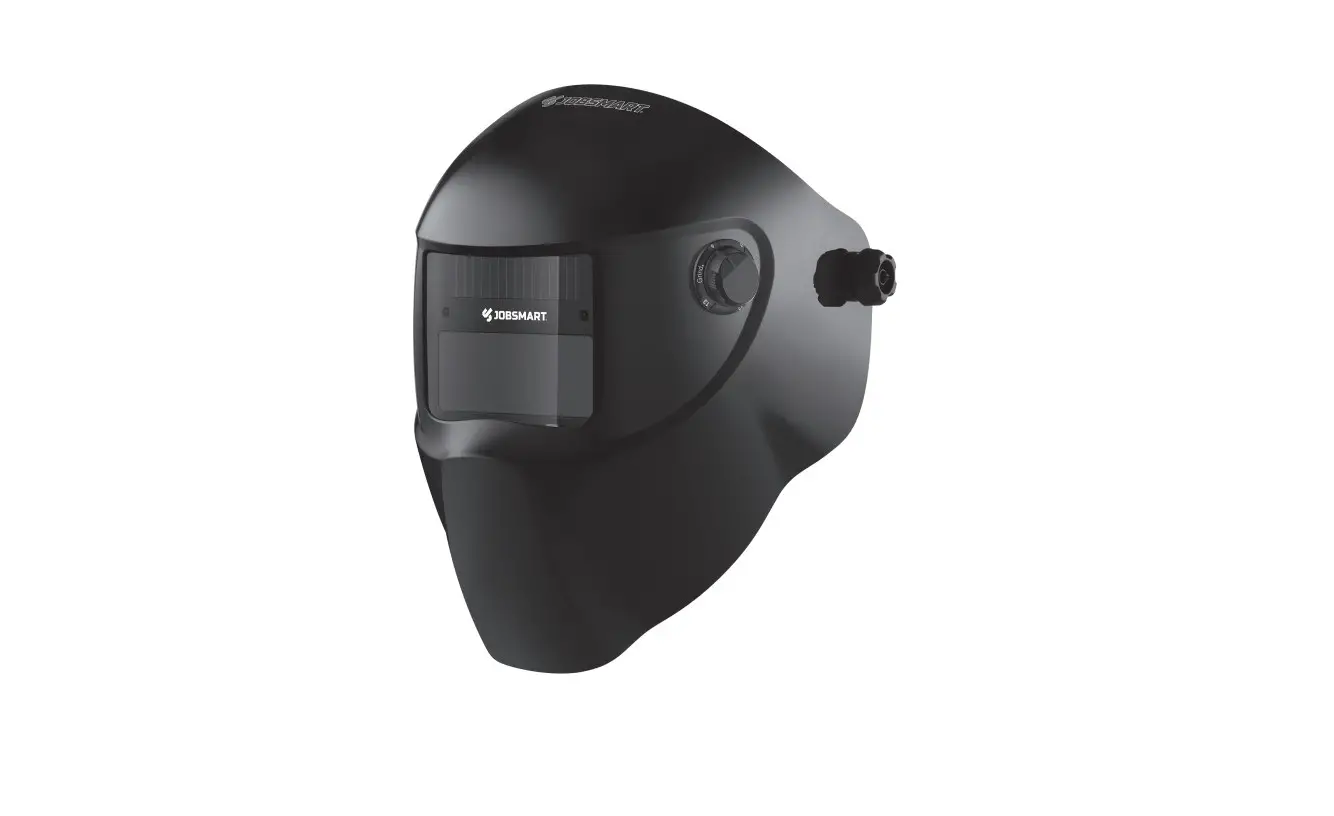
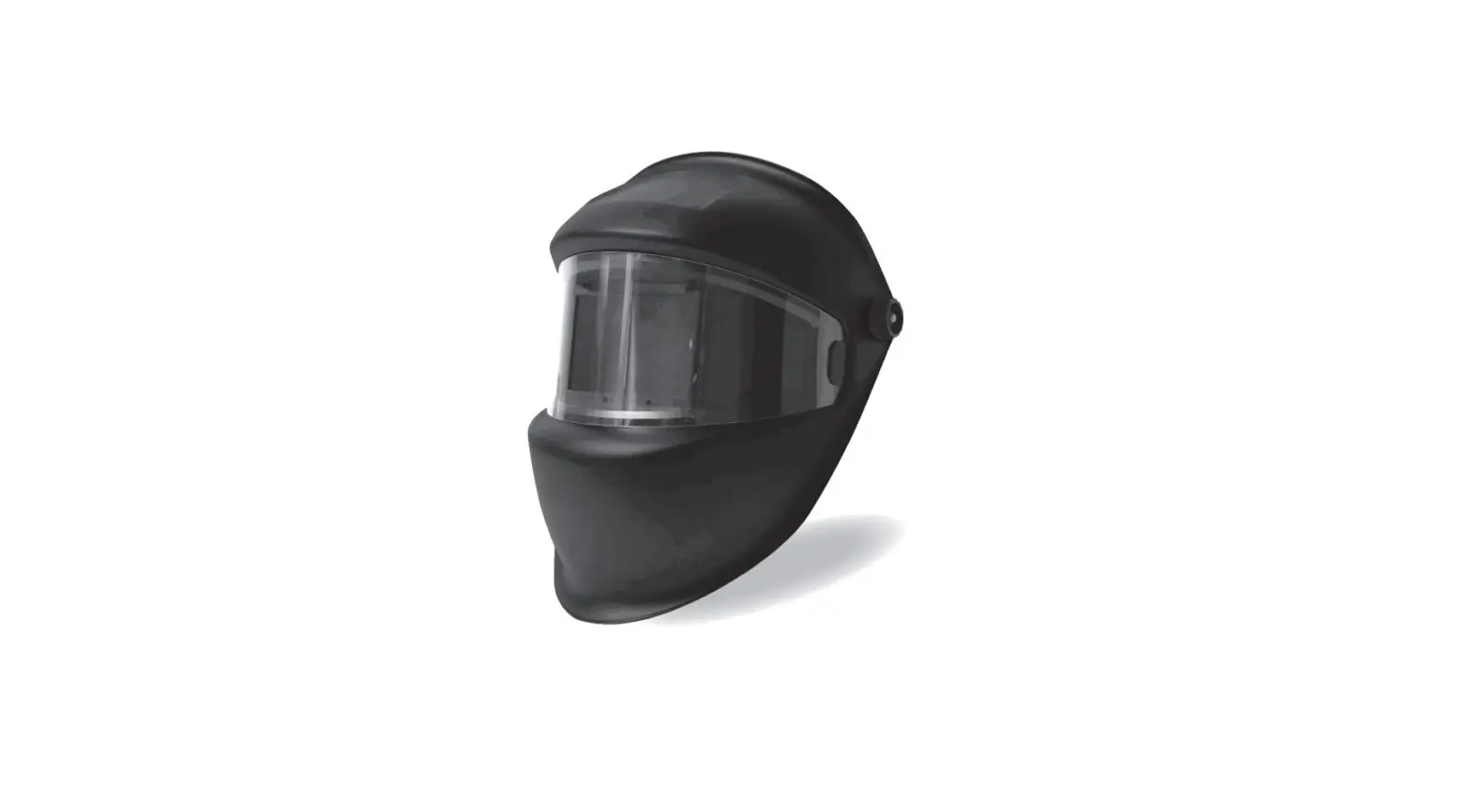
Sentinel A60 Air Welding Helmet
Sentinel A-60 AIR Auto Darkening Welding Helmet
Product Information:
The Sentinel A-60 AIR Auto Darkening Welding Helmet is a
high-quality welding helmet designed to protect the user’s face and
eyes during welding operations. The helmet features an
auto-darkening filter (ADF) lens that automatically adjusts its
shade level to protect against arc rays and other hazardous
radiation.
Safety Precautions:
- Only qualified personnel should install, operate, maintain, and
repair this unit. - Do not use the helmet for laser welding.
- Never place the helmet or the Auto-Darkening filter on a hot
surface. - Do not open or tamper with the Auto-Darkening filter as there
are no user-serviceable parts inside. - This welding helmet will not protect against severe impact
hazards. - Avoid exposure to explosive devices or corrosive liquids.
- Do not make any modifications to the filter or helmet unless
specified in the manual. - Use only specified replacement parts mentioned in the
manual. - Unauthorized modifications and replacement parts will void the
warranty and may cause personal injury. - If the helmet does not darken upon striking an arc, stop
welding immediately and contact ESAB. - Avoid immersing the Auto-Darkening filter in water.
- Avoid using solvents on the Auto-Darkening filter screen or
helmet components.
Note: It is essential to follow all
safety precautions to ensure personal safety and prevent accidents
during welding operations.
Product Usage Instructions:
- Before using the helmet, ensure it is adjusted to fit the user
properly. - Check the battery surfaces and contacts, and clean them if
necessary. - Verify that the battery is in good condition and installed
properly. - Set up the delay time, sensitivity, and shade number according
to your welding application. - Store the helmet in a cool, dry, and dark place.
- Remove the battery before long-term storage.
- Wear the welding helmet fitted with a proper shade of filter to
protect your face and eyes during welding or watching. - Wear approved safety glasses with side shields under the
helmet. - Adjust the auto-darkening filter (ADF) lens sensitivity before
welding. - Warn bystanders not to watch the arc or expose themselves to
the rays of the electric arc or hot metal. - Wear protective clothing made from durable, flame-resistant
material. - Consider using a flameproof apron for additional protection
against radiated heat and sparks. - Protect other personnel from arc rays and hot sparks with a
suitable non-flammable partition or curtains. - When chipping slag or grinding, use goggles or a face shield
over safety glasses. Bystanders should also wear goggles over
safety glasses.
Important: Proper training in the use
of welding processes and equipment is crucial to prevent accidents.
Always follow the recommended safety practices and
guidelines.
Sentinel A-60 AIR
Auto Darkening Welding Helmet
USER MANUAL
PLEASE READ AND UNDERSTAND ALL INSTRUCTION BEFORE USE. RETAIN THIS MANUAL FOR FUTURE REFERENCE.
Manual Number: 0463 936 001 Revision Date: 03-16-2023 Revision Number: B Language: ENGLISH
Complete User Manual at:
SAFETY
Meaning of symbols
As used throughout this manual: Means Attention! Be Alert!
DANGER! Means immediate hazards which, if not avoided, will result in immediate, serious personal injury or loss of life.
WARNING! Means potential hazards which could result in personal injury or loss of life.
CAUTION! Means hazards which could result in minor personal injury.
WARNING! Before use, read and understand the instruction manual and follow all labels, employer´s safety practices and Safety Data Sheets (SDSs).
Safety precautions
WARNING! Only qualified personnel should install, operate, maintain, and repair this unit.
The Auto-Darkening welding helmet comes assembled. But before it can be used, itmust be adjusted to fit the user properly. Check battery surfaces and contacts and clean them if necessary. Verify if the battery is in good condition and installed properly. Set up for delay time, sensitivity, and shade number for your application. The helmet should be stored in a cool, dry, and dark place. Removethe battery before long-time storage.
1. This Auto-Darkening welding helmet is not suitable for laser welding. 2. Never place this helmet and Auto-Darkening filter on a hot surface. 3. Never open or tamper with the Auto-Darkening filter. There are no user-serviceable parts
inside. 4. This Auto-Darkening welding helmet will not protect against severe impact hazards. 5. This helmet will not protect against explosive devices or corrosive liquids. 6. Do not make any modifications to either the filter or helmet, unless specified in this manual. 7. Do not use replacement parts other than those specified in this manual. 8. Unauthorized modifications and replacement parts will void the warranty and expose the
operator to personal injury. 9. Should this helmet not darken upon striking an arc, stop welding immediately and contact
ESAB. 10. Do not immerse the Auto-Darkening filter in water. 11. Do not use any solvents on the Auto-Darkening filter screen or helmet components.
12. Protect the auto-darkening (ADF) filter from contact with liquid and dirt. · Clean the (ADF) surface regularly by using clean water and a lint-free or microfiber cloth; do not use strong cleaning solutions. Always keep the sensors and solar cells clean using a clean lint-free tissue or microfiber cloth. · Regularly replace a cracked/scratched/pitted front cover lens. Avoid setting the helmet down directly on the cover lens to avoid premature damage to the cover lens. · The materials which may come into contact with the wearer’s skin can cause allergicreactions in some circumstances. · The Auto-Darkening filter shall only be used in conjunction with the inner cover lens.
ARC RAYS – Can injure eyes and burn skin
The arc, like the sun, emits ultraviolet (UV) and other radiation and can injure skin and eyes. Hot metal can cause burns. Training in the proper use of the processes and equipment is essential to prevent accidents. Therefore:
1. Wear a welding helmet fitted with a proper shade of filter to protect your face and eyes when welding or watching.
2. Wear approved safety glasses with side shields under your helmet. 3. Before welding, adjust the auto-darkening filter (ADF) lens sensitivity to meet the
application.Warn bystanders not to watch the arc and not to expose themselves to the rays of the electric-arc or hot metal. 4. Wear protective clothing made from durable, flame-resistant material. A flameproof apron may also be desirable as protection against radiated heat and sparks.
5. Protect other personnel from arc rays and hot sparks with a suitable non-flammable partition or curtains.
6. Use goggles or face shield over safety glasses when chipping slag or grinding. Chipped slag may behot and can fly far. Bystanders should also wear goggles over safety glasses.
7. The ADF uses a solar panel which acts as an automatic switch-off/on function to increase battery life. When the solar panel is exposed to low ambient light conditions (less than 11 lux or a single candlepower) over a period of approximately 20 seconds, the ADF switches off automatically. To switch the ADF back on, the solar cells must be exposed to light in excess of 10 lux for a period of up to 15 seconds. For ADFs with a digital display, ensure the ADF is active by pressing any button on the ADF to activate the LED screen.
NOISE – Excessive noise can damage hearing
Protect your ears. Wear approved ear protection if noise level is high.
FUMES AND GASES
Fumes and gases can cause discomfort or harm, particularly in confined spaces. Shielding gases can cause asphyxiation. Therefore:
1. Keep your head out of the fumes. Do not breathe the fumes and gases. 2. Always provide adequate ventilation in the work area by natural or mechanical means.
Do not weld, cut or gouge on materials such as galvanized steel, stainless steel, copper, zinc, lead beryllium or cadmium unless positive mechanical ventilation is provided. Do not breathe fumes from these materials. 3. Do not operate near degreasing and spraying operations. The heat or arc can react with chlorinated hydrocarbon vapors to form phosgene, a highly toxic gas and other irritant gases.
4. If you develop momentary eye, nose or throat irritation while operating, this is an indication that ventilation is not adequate. Stop work and take necessary steps to improve ventilation in the work area. Do not continue to operate if physical discomfort persists.
5. Refer to ANSI/ASC Standard Z49.1 for specific ventilation recommendations.
FIRES AND EXPLOSIONS
Heat from flames and arcs can start fires. Hot slag or sparks can also cause fires and explosions. Therefore:
1. Protect yourself and others from flying sparks and hot metal. 2. Remove all combustible materials well away from the work area or cover the materials
with a protective non-flammable covering. Combustible materials include wood, cloth, sawdust, liquid and gas fuels, solvents, paints coatings, paper, etc. 3. Hot sparks or hot metal can fall through cracks or crevices in floors or wall openings and cause a hidden smoldering fire or fires on the floor below. Make certain that such openings are protected from hot sparks and metal. 4. Do not weld, cut or perform other hot work until the work piece has been completely cleaned so that there are no substances on the work piece which might produce flammable or toxic vapors. Do not do hot work on closed containers, they may explode. 5. Have fire extinguishing equipment handy for instant use, such as a garden hose, water pail, sand bucket, or portable fire extinguisher. Be sure you are trained in its use. 6. Do not use equipment beyond its ratings. For example, an overloaded welding cable can overheat and create a fire hazard. 7. After completing operations, inspect the work area to make certain there are no hot sparks or hot metal which could cause a fire later. Use fire watchers when necessary.
CAUTION!
ADDITIONAL SAFETY INFORMATION
For more information on safe practices for electric arc welding and cutting equipment, ask your supplier for a copy of “Precautions and Safe Practices for Arc Welding, Cutting and Gouging”, Form 52-529.
The following publications are recommended:
· ANSI/ASC Z49.1 – “Safety in Welding and Cutting” · AWS C5.5 – “Recommended Practices for Gas Tungsten Arc Welding” · AWS C5.6 – “Recommended Practices for Gas Metal Arc welding” · AWS SP – “Safe practices” – Reprint, Welding Handbook · ANSI/AWS F4.1 – “Recommended Safe Practices for Welding and Cutting of
Containers That Have Held Hazardous Substances” · OSHA 29 CFR 1910 – “Safety and health standards” · CSA W117.2 – “Code for safety in welding and cutting” · NFPA Standard 51B, “Fire Prevention During Welding, Cutting, and Other Hot
Work” · CGA Standard P-1, “Precautions for Safe Handling of Compressed Gases in
Cylinders” · ANSI Z87.1, “Occupational and Educational Personal Eye and Face
Protection Devices”
ESAB has an assortment of welding accessories and personal protection equipment for purchase. For ordering information contact your local ESAB dealer or visit us on our website.
Dispose of electronic equipment at the recycling facility! In observance of European Directive 2002/96/EC on Waste Electrical and Electronic Equipment and its implementation in accordance with national law, electrical and/or electronic equipment that has reached the end of its life must be disposed of at a recycling facility. As the person responsible for the equipment, it is your responsibility to obtain information on approved collection stations. For further information, contact the nearest ESAB dealer.
California Proposition 65 warning
WARNING! Welding or cutting equipment produces fumes or gases which contain chemicals known in the State of California to cause birth defects and, in some cases, cancer. (California Health & Safety Code Section 25249.5 et seq.)
WARNING! This product can expose you to chemicals including lead, which are known to thestate of California to cause cancer and birth defects or other reproductive harm. Wash hands after use. For more information, go to www.P65Warnings.ca.gov.
TECHNICAL DATA
Weight
644 gm (1.42 lbs)
Optical Class
1 / 1 / 1 / 1
ADF Dimension (l×h)
132×121 mm (5.20″ × 4.76″)
Viewing Area
118×71mm (4.65”×2.8”)
Arc Sensor
4
Light State
DIN 3
Grind State
DIN 3
Welding Mode
Shade No. from 5-8/9-13
Shade Control
Internal, Variable Shade, Digital button Control
Power On/Off
Automatic On / Off
Sensitivity Control
Low — High, Digital button Control
UV/IR Protection
Up to Shade DIN16 at all times
Power Supply
Solar cell. Battery replaceable; 2 × CR2450 lithium battery
Switching Time
1/25,000 s. from Light to Dark
Grinding Mode
Yes via external push button or internal mode selection
Delay (Dark to Light)
0.1 ~ 0.9 s Digital button Control
Low Amperage TIG Rated 3 amps
Operating Temperature
-10 °C 65 °C (14 °F 149 °F)
Storing Temperature Certifications
-20 °C 85°C (-4 °F 185°F)
CE (EN166 ; EN175 ; EN379), ISO 16321 V1 +TIG, UKCA ANSI Z87.1, CSA Z94.3, AS/NZS 1338.1
Operation
Shielded metal arc welding
Gas metal arc welding and flux Cored arc welding
Gas tungsten arc welding Air carbon Arc cutting
Plasma arc welding
Plasma arc cutting
Torch brazing Torch soldering Carbon arc welding Plate thickness
Gas welding Light Medium Heavy Oxygen cutting Light Medium Heavy
Guide for shade numbers
Electrode size 1/32 in. (mm)
Arc current (A)
Minimum protective
shade
Less than 3 (2.5) Less than 60
7
3-5 (2.54)
60-160
8
5-8 (46.4)
160-250
10
More than 8 (6.4) 250-550
11
Less than 60
7
60-160
10
160-250
10
250-500
10
Less than 50
8
50-150
8
150-500
10
(Light)
Less than
10
(Heavy)
500
11
Less than 20
6
20-100
8
100-400
10
400-800
11
(Light)(2)
Less than
8
(Medium)(2)
300
9
(Heavy)(2)
300-400
10
in.
mm
Under 1/8 1/8 to 1/2 Over 1/2
Under 3.2 3.2 to 12.7 Over 12.7
Under 1 1 to 6 Over 6
Under 25 25 to 150 Over 150
Suggested (1) shade No. (comfort)
— 10 12 14 — 11 12 14 10 12 14 12 14 6 to 8 10 12 14 8 12 14 3 to 4 2 14
4 or 5 5 or 6 6 or 8
3 or 4 4 or 5 5 or 6
(1) As a rule of thumb, start with a shade that is too dark, then go to a lighter shade which gives a sufficient view of the weld zone without going below the minimum. In oxyfuel gas welding or cutting where the torch produces a high yellow light, it is desirable to use a filter lens that absorbs the yellow or sodium line of the visible light of the (spectrum) operation.
(2) These values apply where the actual arc is seen. Experience has shown that lighter filters may be used when the arc is hidden by the workpiece.
Data from ANSI Z49.1-2005
OPERATING INSTRUCTIONS
BATTERY INSTALLATION
1. Use the included screwdriver, or other similar-sized screwdrivers to remove the retention screw.
2. Slide the battery cover out of the external control case and install the battery properly (“+ side facing UP”), and slide the cover back into position after battery installation.
3. Insert the screw and tighten it.
Warning: Keep the battery away from children!
LED DISPLAY
1. Press any button on the Auto-Darken filter (ADF) control panel or press the external “Grind” button to activate the LED display.
2. The LED display will automatically turn off after 10 seconds if no buttons are pressed. Symbols on the LED display will flash during adjustment and will stop flashing after 8 seconds if there is no adjustment. The current settings will remain active.
BATTERY INDICATOR
This ADF is powered by a solar cell and (2) CR2450 lithium batteries. The ” ” symbol shows the current state of the battery. The battery indicator identifies 4 levels of current capacity.
When the indicator symbol shows ” “, and the ”
” LED is continuously illuminated
“red”, the batteries should be exchanged for new ones.
SELECTING GRIND MODE
Option 1: Press the ” ” button on the ADF to switch to grind mode.
Option 2:
1. Pressing the “GRIND” button on the upper right external side of the helmet shell for 2 seconds, ADF will switch to grind mode.
2. Press the “GRIND” button for 2 seconds again, and it will return to the previous welding shade setting.
During “Grind” mode, the lens shade is fixed in shade 3 and cannot be adjusted. The “Grind” indicator is an “Amber” LED on the ADF control panel and will flash when Grind Mode is active.
Warning: Do not weld while using Grind mode!
VARIABLE SHADE CONTROL
1. Press the ” ” button on the ADF control panel. This will switch the shade mode between shade banks 5-9, 9-13, or Grind. Select the shade range between Shade 5-9 or Shade 9-13.
2. Press the “SET” button to select the shade, Press ” ” to increase the shade number; Press ” ” to reduce the shade number. Select the proper shade number for your welding or cutting process by referring to the “Shade Guide Table” above.
SENSITIVITY CONTROL
Sensitivity can be adjusted only while using the welding mode.
Select your desired shade.
Press the “set” button to select “sensitivity”, The ”
” symbol will flash. Press ” ” to
increase the sensitivity; Press ” ” to reduce the sensitivity. This allows the ADF to become
more or less sensitive to arc light, for different welding processes.
indicates sensitivity is low. Low sensitivity is suitable for using in outdoors (excessive ambient/environmental light conditions) and with higher amperage SMAW and FCAW operations.
indicates sensitivity is high. High sensitivity is suitable for low amperage welding with GTAW or GMAW operations. Under normal welding conditions, a higher sensitivity setting is recommended.
DELAY CONTROL
Delay can be adjusted only while using welding mode. Select your desired shade range.
Press the “set” button to select “Delay”, The ”
” symbol will flash. Press ” ” to
increase the Delay; Press ” ” to reduce the Delay. This setting adjusts the amount of time
the lens takes to lighten after welding. There are 5 settings to adjust delay, with a delay
range of 0.1~0.9 seconds.
Indicates the longest delay setting. The longest time is about 0.9 seconds depending upon the welding point temperature and shade set. This setting is ideal for welding at high amperage where there is an afterglow from the weld.
Indicates the shortest delay setting. The shortest time is about 0.1 second depending upon the welding point temperature and shade set. This setting is ideal for tack welding or production welding with short welds.
MEMORY SETTING
The Sentinel A-60 ADF can save the setting parameters into a memory setting. Users can recall a memory at any time they need. The system can save up to 9 sets of parameters. Take memory setting 1 as an example:
1. Press the ” ” button on the ADF control panel, select memory set to position “1” by pressing ” ” or ” “; the memory number symbol ” ” will flash.
2. Set shade, sensitivity, and delay according to the set steps above. 3. After finishing all settings, the ADF will store the parameters automatically after 10s if
there is no operation. The memory position will be position “1”. 4. MEMORY 2 to MEMORY 9 can be set the same way. Users can call out the MEMORY
setting by selecting the memory position via short press “MEMORY” first and then choosing the desired memory number via ” ” and ” “. The ADF will change to the selected setting from memory automatically after 10 seconds.
LOCK SHADE SETTING
1. Press ” ” and hold for 2 seconds, the ADF will change to “Lock Shade” mode. This mode allows the ADF to remain activated to the chosen welding shade setting while it is in “Lock” mode. The ADF will not return to a light state.
2. You can select the shade number from 5-13 via pressing ” “and ” ”
3. Press ” ” and hold for 2 seconds and the ADF will revert to standard operating mode.
Magnifying lens installation
1. Install the magnifying lens into the magnifying lens frame. 2. Install the magnifying lens frame into the Auto-Darkening filter by sliding it down into the
magnifier frame retention bracket as shown in the below picture.
ADJUSTING THE FIT OF THE HELMET
The overall circumference of the headband can be made larger or smaller by rotating the knob on the back of the headband. (See adjustment “1” in the picture below). This can be done while wearing the helmet and allows easy micro-level tension adjustment to keep the helmet firmly on the head without it being too tight.
If the headband is riding too high or too low on your head, adjust the straps which pass over the top of your head. To do this, release the end of the band by pushing the locking pin out of the band’s hole. Slide the two portions of the band to a greater or lesser width as required, and push the locking pin through the nearest hole. (See adjustment “4” in the picture below).
The Sentinel A-60 Air requires proper fit and wearing of the included face seal in order to meet the respiratory protection standards for which the helmet is designed. Below outlines the procedure for proper fitment:
· Using the tab (attached to the face seal) pull the face seal under the chin. · Ensure that the head cover is pulled down as far as possible at the back of the head. · If necessary, enlist the help of another person to ensure best-fit and minimal gaps.
IMPORTANT NOTE. With the air-duct of the product, the user must ensure that the face seal Elastic in contact with the user’s face is in front of the user’s ears and NOT covering them.
ADJUSTING THE DISTANCE BETWEEN THE HELMET AND THE FACE 1. Press and hold the slider (see adjustment 3 in the picture below) on both sides, to slide the headgear back and forth within the helmet. 2. Ensure the slider is locked back into position and make certain the distance between the lens to both eyes is equal. This avoids issues with uneven ADF darkness.
ADJUSTING THE VIEW ANGLE POSITION
The tilt adjustment is located on the right side of the helmet. Loosen the right headgear tension knob and adjust the lever forward or back to the desired position (see adjustment 2 in the diagram above). Retighten the right headgear tension knob.
ATTACHING AND SECURING THE PAPR HOSE
Insert the end of the PAPR hose (provided with the EPR-X1 PAPR) into the helmet duct, and turn the duct locking mechanism to lock it in place. Use the hose clamp (see adjustment 5 in the diagram above) to secure the hose and alleviate tension on the helmet duct.
Certification and Control labels
The SENTINELTM A-60 conforms to PPE Regulation 2016/425/EU, Regulations (EU) 2016 as brought into UK law and amended and harmonized/designated standard EN 166:2001, EN 175:1997, and EN379:2003+A1:2009. Approved body for UK certification: SGS United Kingdom Limited, Rossmore Business Park, Ellesmere Port South Wirral Cheshire, CH65 3EN notified body no. 0120. Notified body for CE Certification: ECS GmbH, Huettfeldstrasse 50 / Obere Bahnstrasse 74, 73430 AALEN / 73431 AALEN GERMANY that provides approval and continual quality system under the control of the European Commission, the German Ministry for Work and the Central Office of the Provinces. The shell and the auto-darkening filter are marked accordingly. Classification for eye and face protection is following EN379, EN175, and EN166.
We are therefore allowed to use the following marks:
European Conformity mark
EN 175 EN 166 EN 379
ADF Marking Explanation:
3/5-9/9-13 ESAB 1/1/1/1/379 CE UKCA 3 – Light state scale number 5-9 /9-13 -Dark state scale number ESAB – Manufacture’s name 1 Optical class 1 Diffusion of light class 1 Variation in luminous transmittance class 1 Angle dependence of luminous transmittance class 379 Number of the standard
16321 ESAB W3/5-9/9-13 V1 16321 – Number of the ISO standard ESAB – Manufacture’s name 3 – Light state scale number 5-9 /9-13 – Dark state scale number V1 – Angle dependence of luminous transmittance class
Welding Helmet Marking Explanation:
ESAB EN175 B CE UKCA ESAB -Manufacturer”s identification EN175 – Testing standard B – Resistance against medium energy impact (120m/s) CE – European conformity UKCA – UK conformity
Front/Inside Cover Lens Explanation:
ESAB 1 B CE UKCA ESAB -Manufacturer’s identification 1 = optical class B – Resistance against medium energy impact (120m/s) CE – European conformity UKCA – UK conformity
The Sentinel A-60 helmet, when used in accordance with the manufacturer’s instructions and EPR-X1 Air blower unit (0700500900), conform to the following respiratory standard: EN12941:1998+ A2:2008 TH3P
Module B Notified Body: Vyzkumny ustav bezpecnosti prace, v. v. i., Jeruzalemska 1283/9, 110 00 Praha 1, Czech Republic (Notified body number 1024)
MAINTENANCE
Carefully inspect the welding helmet before each use for worn or damaged parts. Replace any worn or damaged parts only with approved ESAB components as listed in the spare parts list contained in this User Manual. ESAB recommends a use period of 5 years. The duration of use depends on various factors such as use, cleaning, storage and maintenance. Frequent inspections and replacement if helmet is damaged are recommended.
REPLACING THE FRONT COVER LENS
Replace the front cover lens if it becomes scratched or damaged. Press the semicircle lens retention button on the external side adjacent to the external grind mode button (right side as worn), and remove the front cover lens carefully. When replacing with a new front cover lens, make sure to assemble from the side opposite first, and then snap the lens into the lens retention button side. Please avoid placing your helmet face down when not in use. This helps lengthen the lifespan of the front cover lens.
REPLACING THE INSIDE COVER LENS
Replace the inside cover lens if it is damaged. Lift the lens at the recess below the Auto-Darkening filter. The inside cover lens will flex upward and release from the cartridge.
REPLACING THE AUTO-DARKENING FILTER (ADF)
1. Remove the external “Grind” button’s retainer screw, located on the right-side edge of the battery compartment inside the helmet shell and behind the “Grind” button.
2. Push the locks on both sides of the ADF, push the “Grind” button inward by pressing it firmly, then the ADF can be removed from the shell.
3. When installing a new ADF, install the Grind button from inside the shell, press it firmly then put the ADF into the shell and lock the Auto-Darkening filter into place.
CLEANING
Clean the helmet by wiping it with a soft, dry cloth. Clean the cartridge surfaces regularly. Do not use strong cleaning solutions.
SPARE PARTS
Item ID
1
2 3 4 5 6 7 8 9
Wear and Spare Parts A-60 Front Cover Lens Clear A-60 Front Cover Lens Amber A-60 Front Cover Lens Clear HD A-60 Front Cover Lens Amber HD Sentinel A-60 Helmet Shell Sentinel A-60 Air shell with air duct Batteries 2*CR2450 Auto-Darkening Filter (excl. batteries) Inside Cover Lens (121.5 x 74.5mm) Magnifying Lens Frame (Provided with Magnifying Glass) Headgear Assembly for A-60 (Including sweatbands) Headgear Assembly for A-60 Air (including sweatbands) A-60 Air Head/Face seal A-60 Air duct diffusion plate Front Sweat Band (forehead) with ESAB Logo Magnifying Glass +1.0 Diopter (For A-60 Air) Magnifying Glass +1.5 Diopter (For A-60 Air) Magnifying Glass +2.0 Diopter (For A-60 Air) Magnifying Glass +2.5 Diopter (For A-60 Air)
Part Number 0700 600 880 0700 600 881 0700 600 882 0700 600 883 0700 600 863 0700 600 864 Reference 0700 600 865 0700 600 866 N/A 0700 600 867 0700 600 868 0700 600 870 0700 600 876 0700 600 869 0700 600 872 0700 600 873 0700 600 874 0700 600 875
TROUBLESHOOTING
Irregular Darkening or Dimming
Check to ensure the fore/aft adjustment to the headgear is set to the same position on both sides of the headgear. This ensures the correct and equal distance of the ADF to the user’s eyes.
The ADF does not darken or flicker
1. If the front cover lens is soiled or damaged (Change the cover lens). 2. Sensors are soiled (Clean the surface of the sensor). 3. Welding current is too low (Adjust the sensitivity level higher). 4. Check the battery and verify they are in good condition and installed properly. Also, check
battery surfaces and contacts and clean them if necessary. 5. Please refer to the “BATTERY INSTALLATION” portion of this manual.
Slow response
The operating temperature is too low (Do not use at temperatures below -5 °C or 23 °F).
Poor vision
1. Front / inside cover lens and/or the filter is soiled (Change lens). 2. There is insufficient ambient light. 3. Shade number is incorrectly set (Reset the shade number). 4. Ensure the protective film has been removed from the outer cover lens before first use.
Welding helmet slips
Headgear is not properly adjusted (readjust the headgear) or is damaged (replace the headgear).
ESAB AB Lindholmsallén 9 Box 8004 402 77 Gothenburg Sweden Phone +46 (0) 31 50 90 00
http://manuals.esab.com
ESAB Corporation 2800 Airport Road Denton, TX 76207 USA Phone +1 800 378 8123
For contact information visit esab.com
ESAB Holdings Ltd 322 High Holborn WC1V 7PB London, Great Britain Phone +44 (0) 1992 768515
 ESAB | Home
 ESAB Manual Finder
 ESAB | Home
 P65Warnings.ca.gov