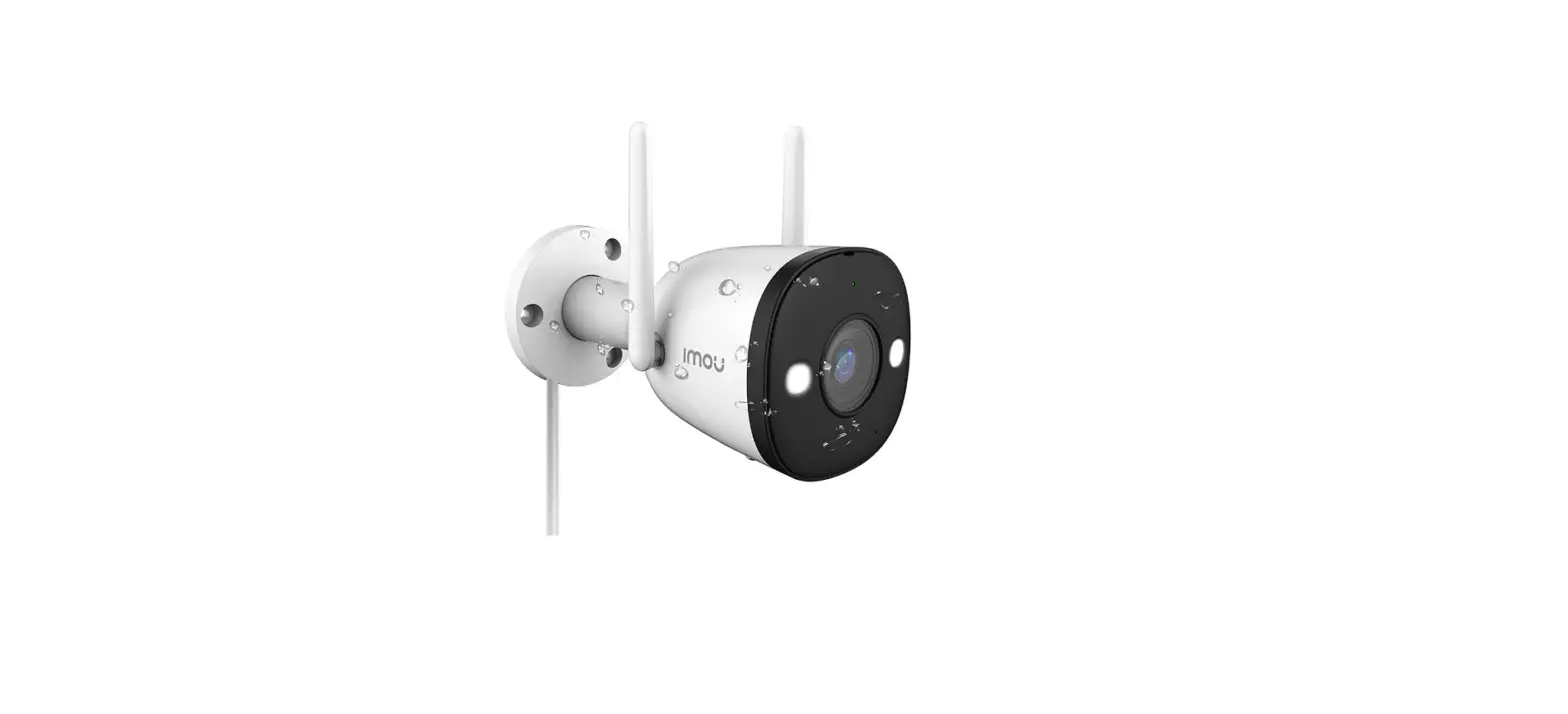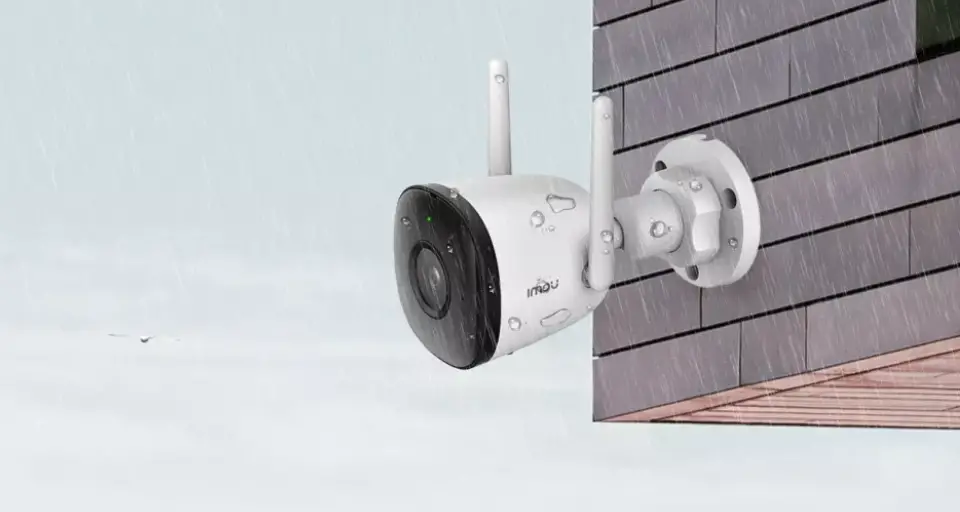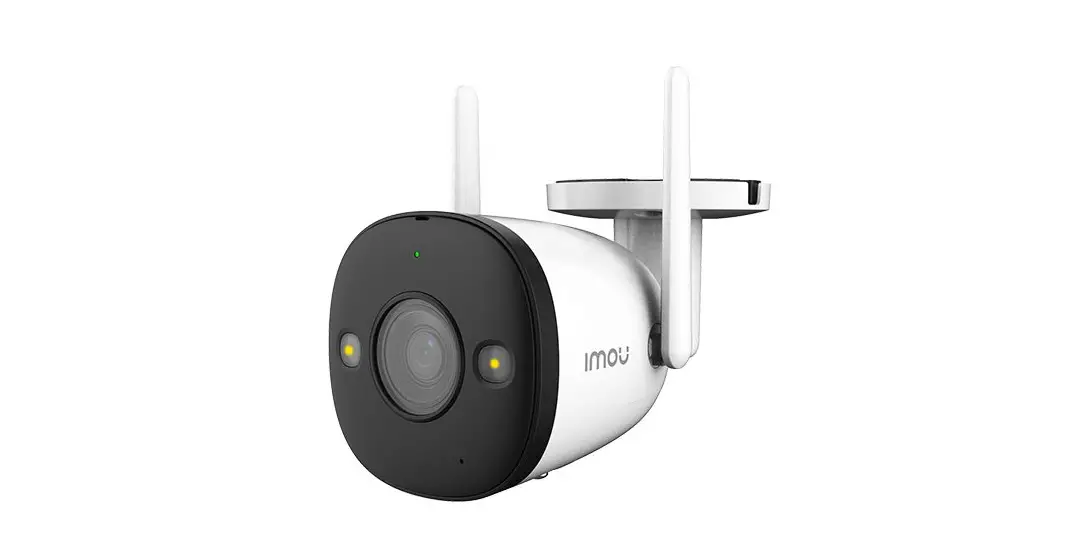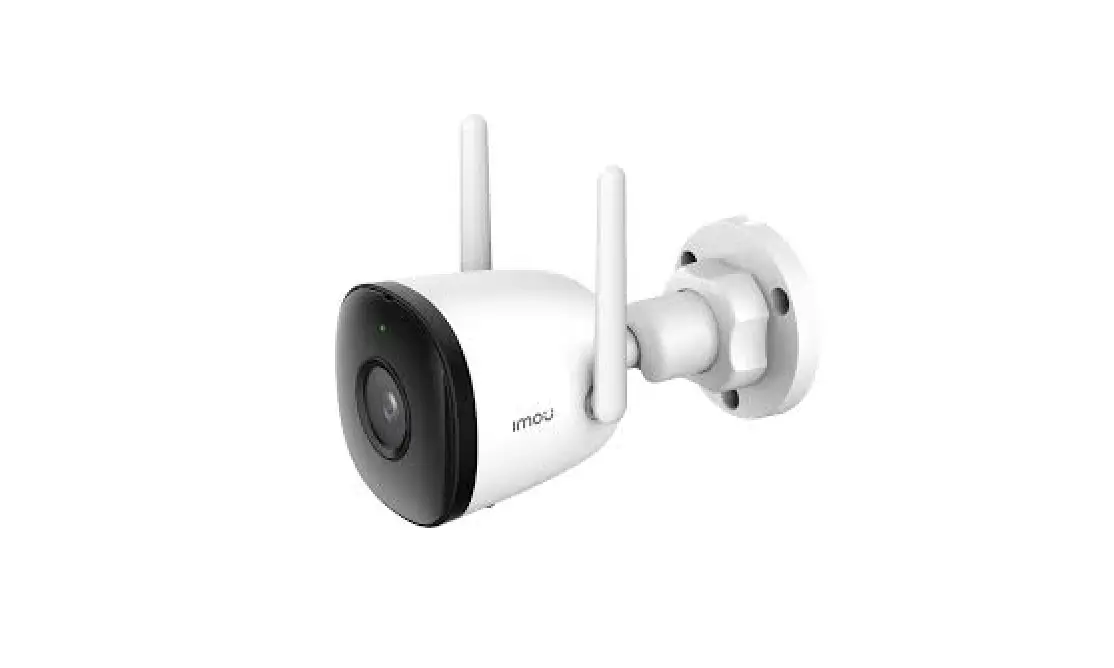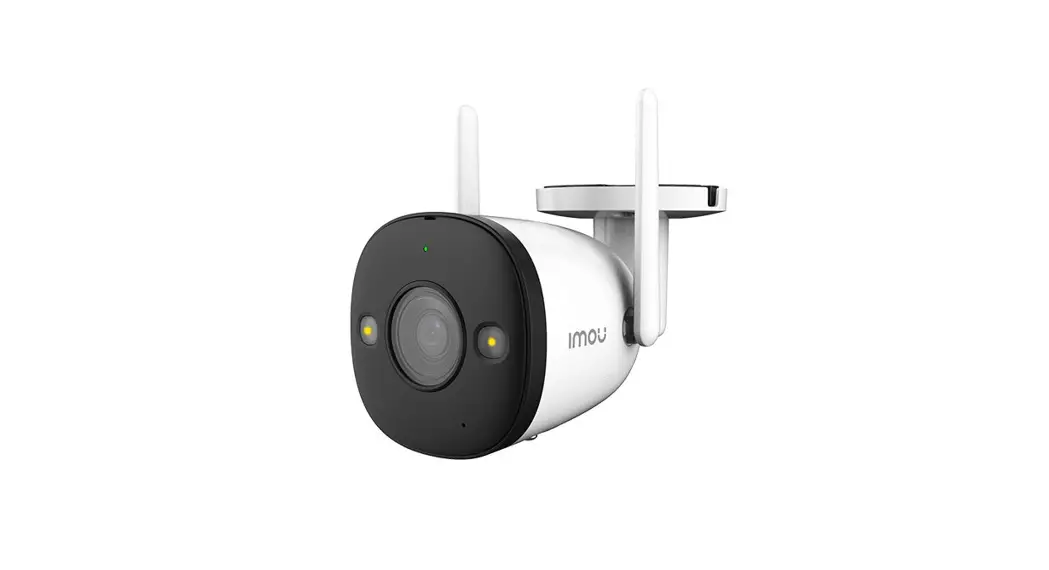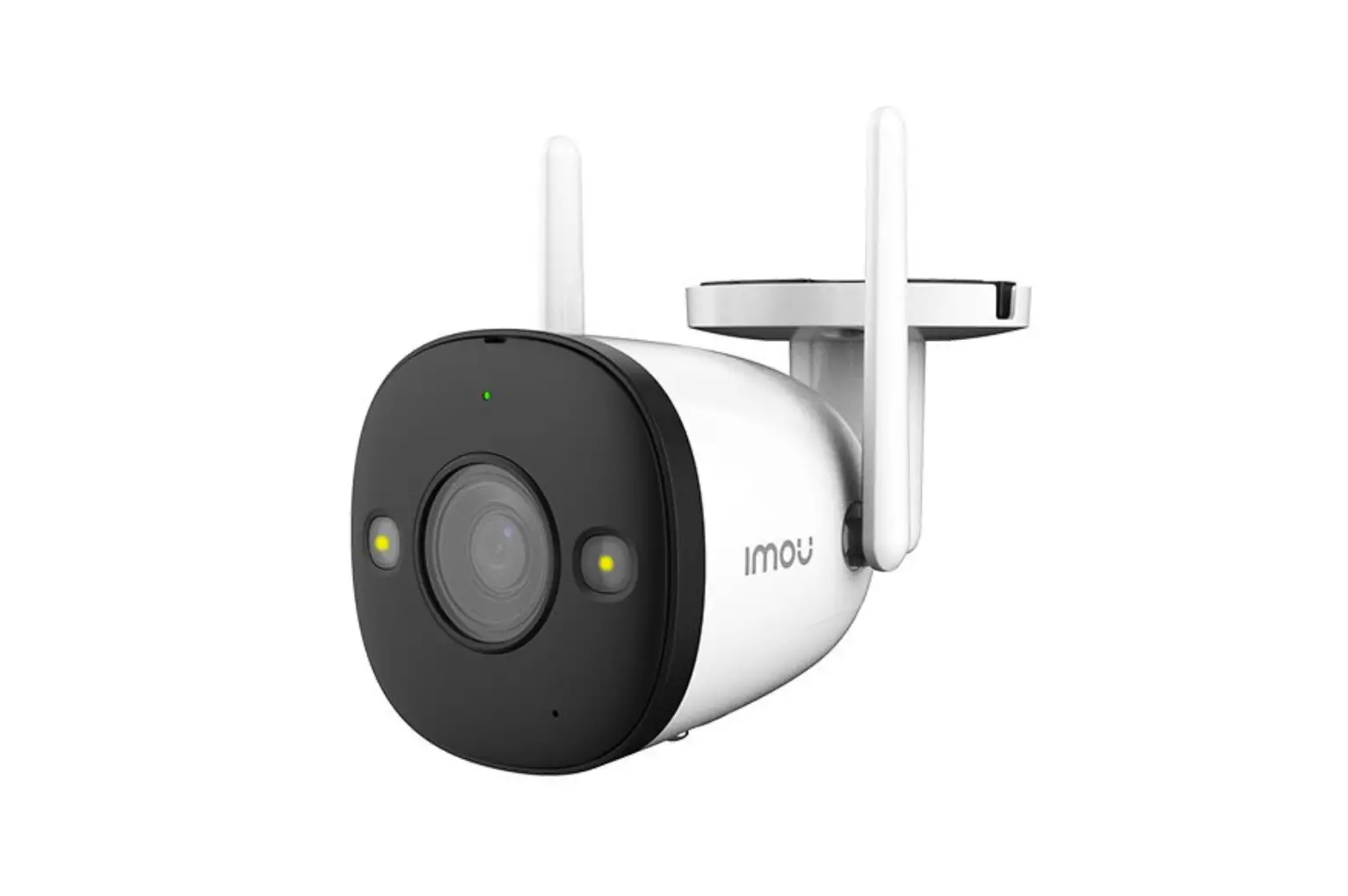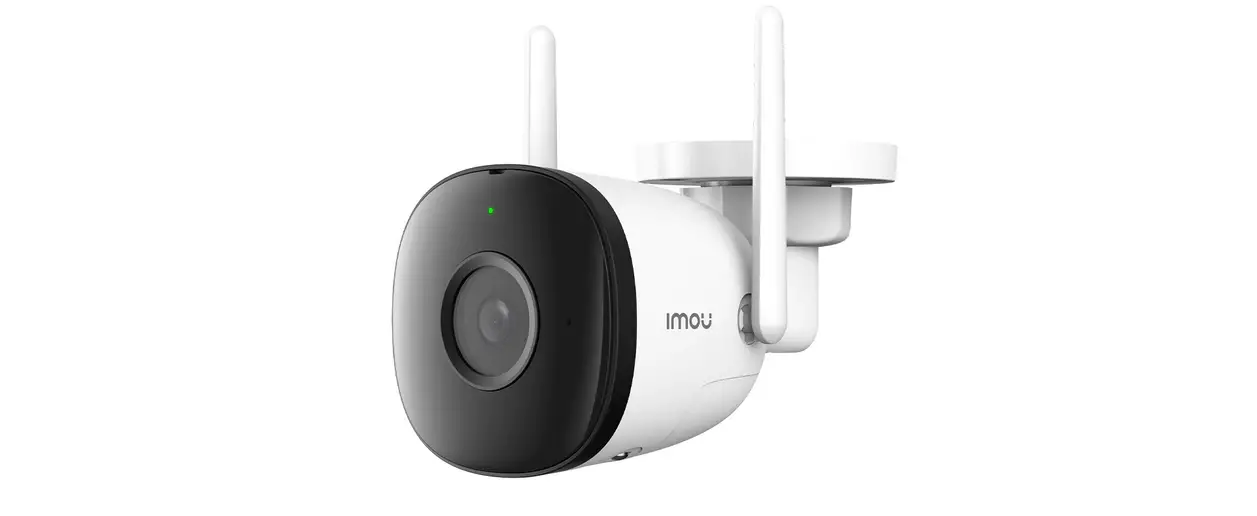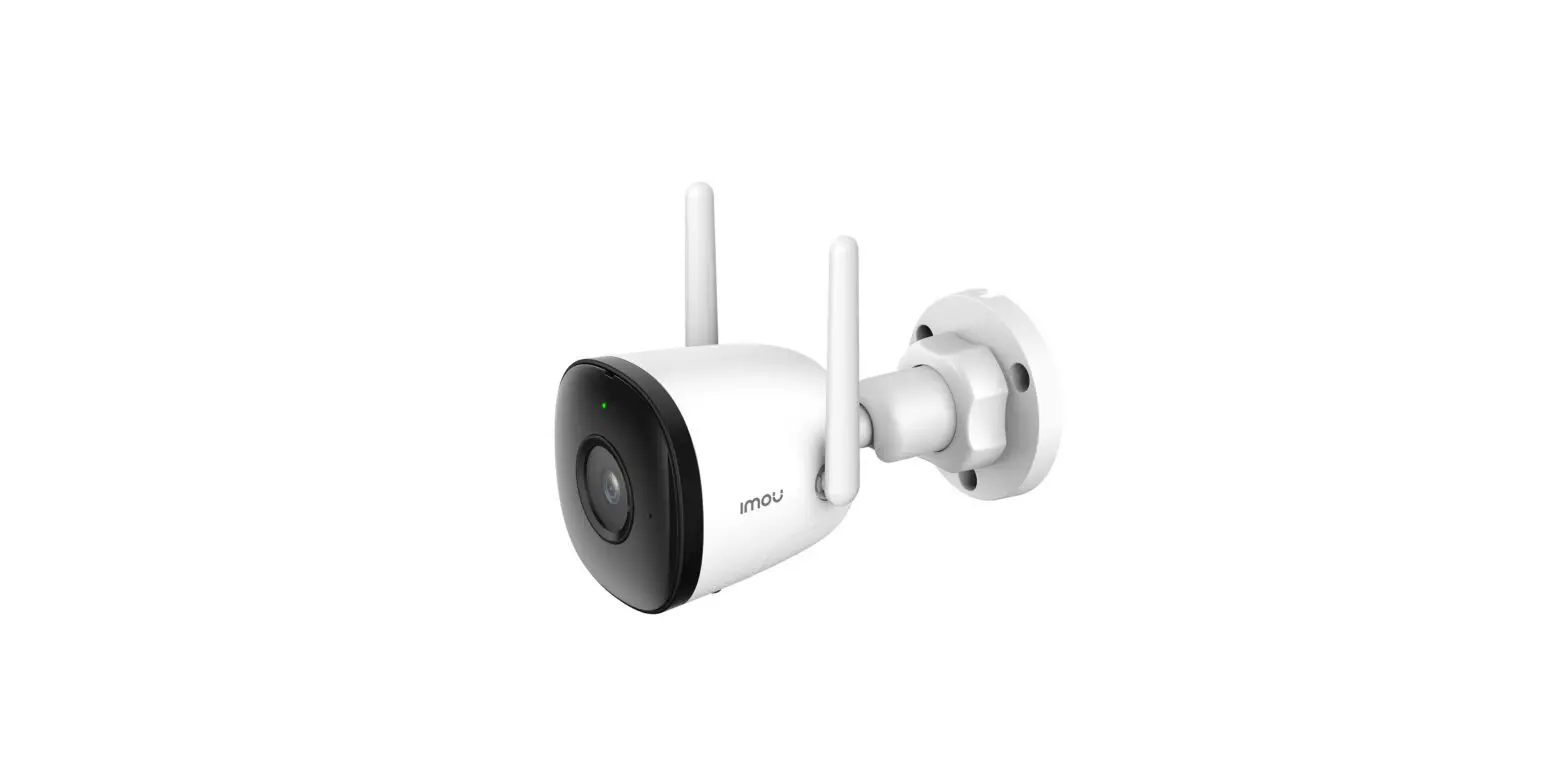
Imou 910422 Bullet 2 Pro Full HD Camera User Guide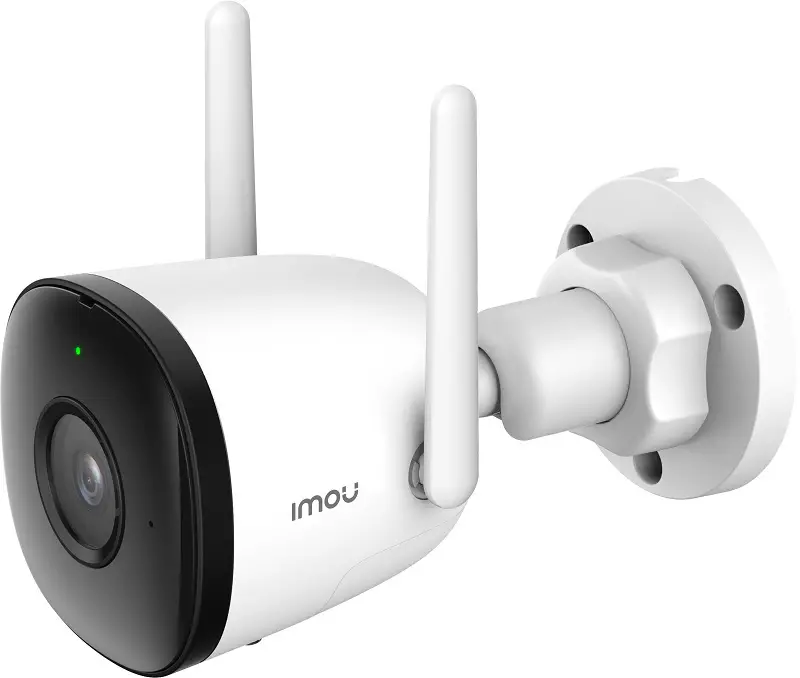
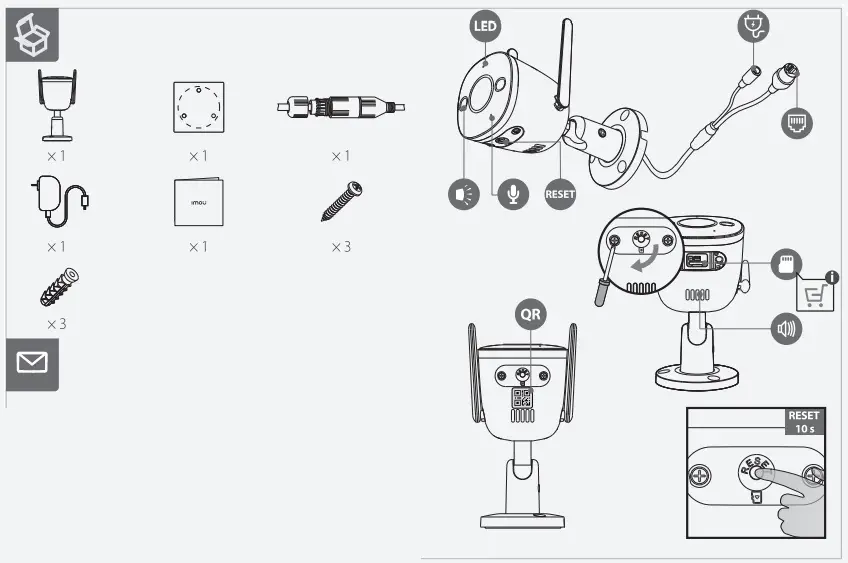
Package Content
Power On the Camera
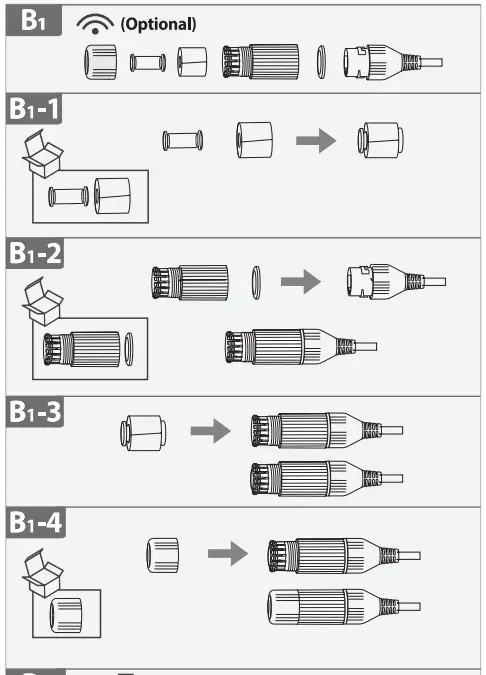
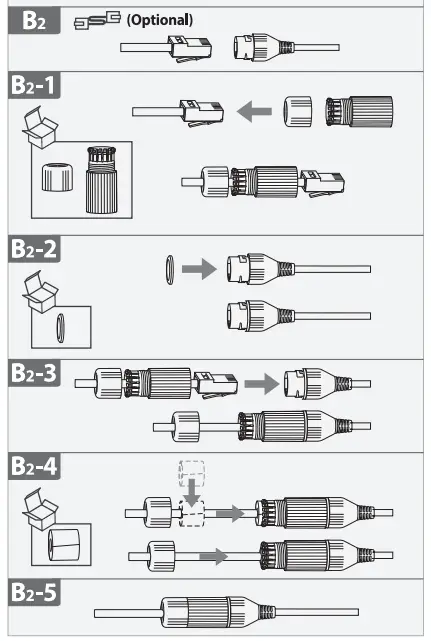
Connect the camera to power. You can choose wireless or wired network connection (see part 1)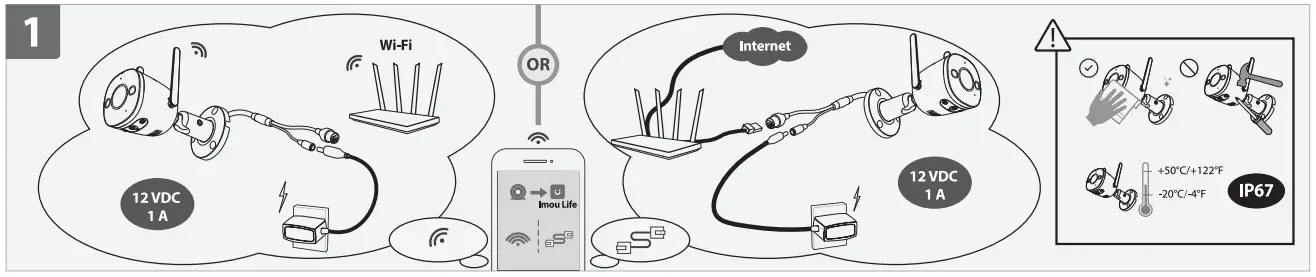
Get the Imou Life App
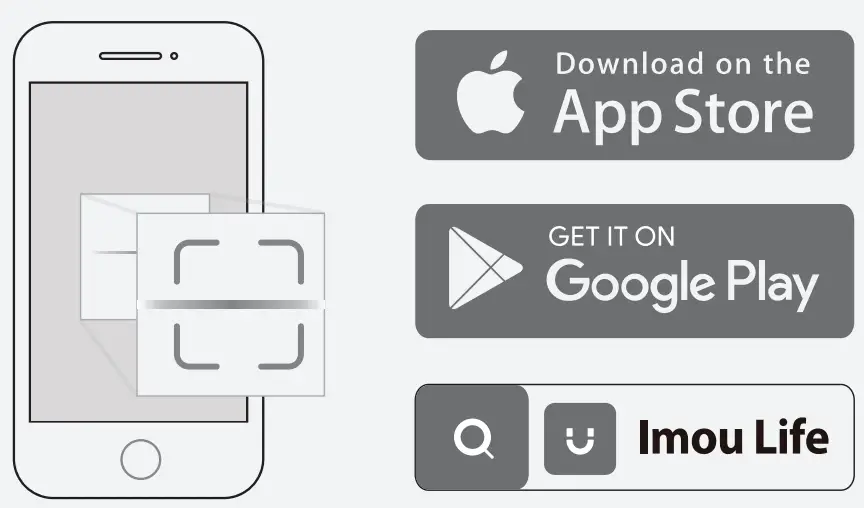
Scan the QR code on part 2 or search for “Imou Life” to download and install the app. Create an account and log in.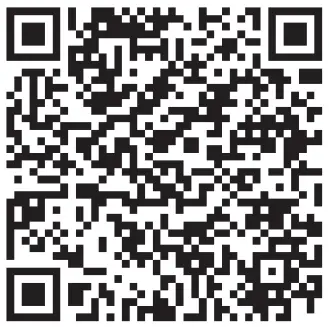
Set Up the Camera
Scan the QR code on the body of the device or on the cover of this guide with the app, and then follow on-screen instructions to complete the setup (see part 3).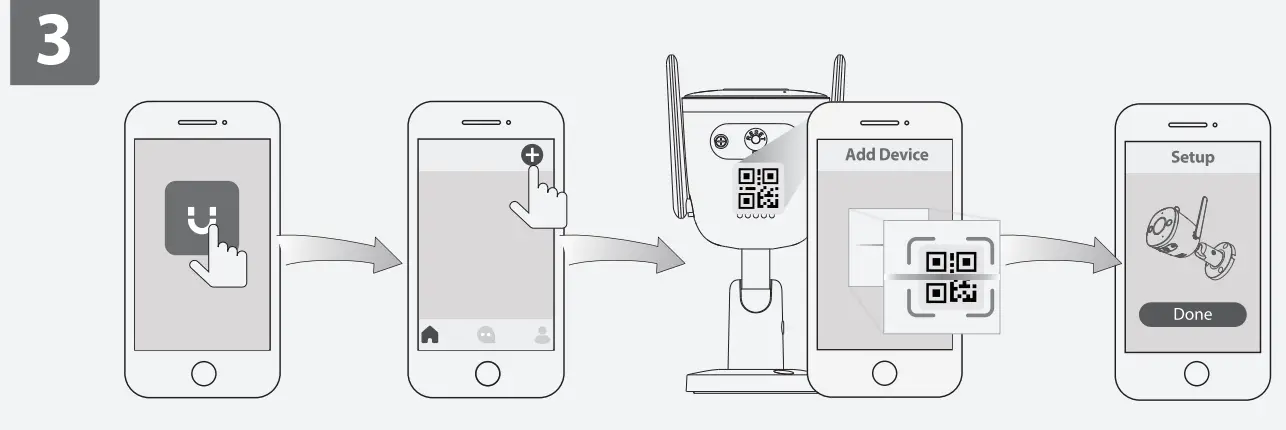
Install the Camera
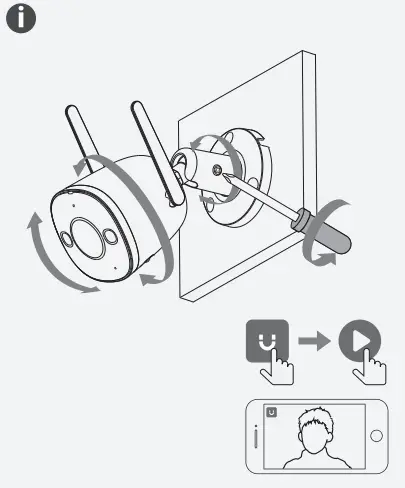
Make sure the mounting surface is strong enough to hold three times the weight of the camera. For detailed installation process, please see part 4.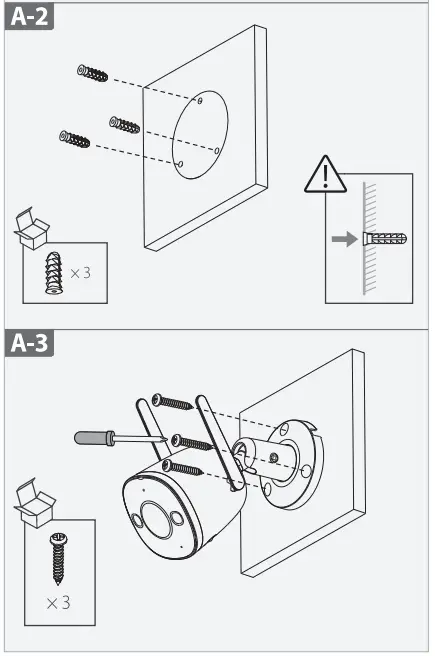
LED Status | Device Status |
| Off |
|
| Solid red |
|
| Flashing red |
|
| Flashing green | Ready to set up the device |
| Solid green | Operating correctly |
| Flashing green and red | Updating firmware |
 In case you need to reset the camera, press and hold the reset button for 10 s until the LED turns solid red.
Support
 [email protected]
 https://en.imoulife.com/support/help
 https://en.imoulife.com
 @imouglobal