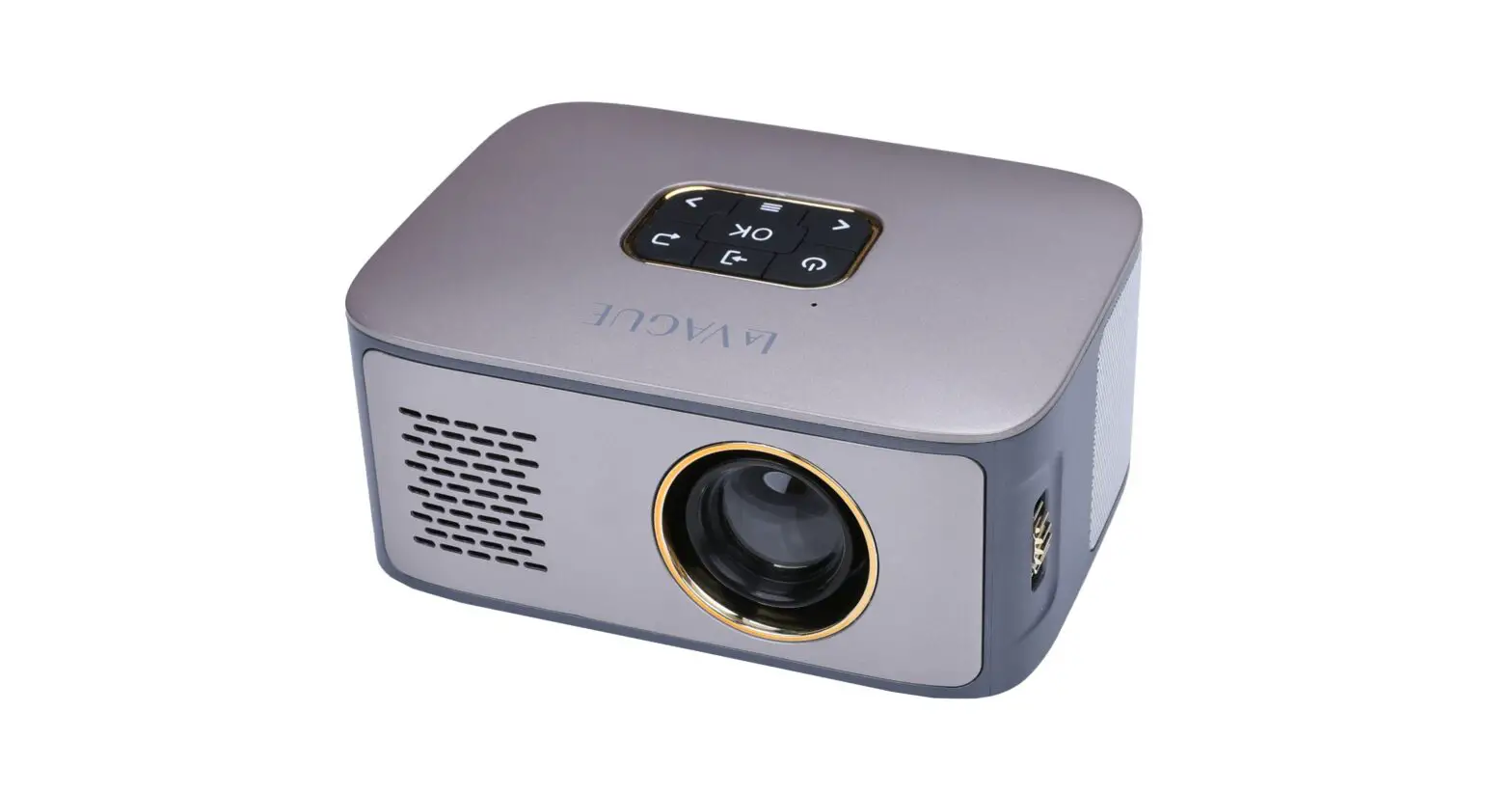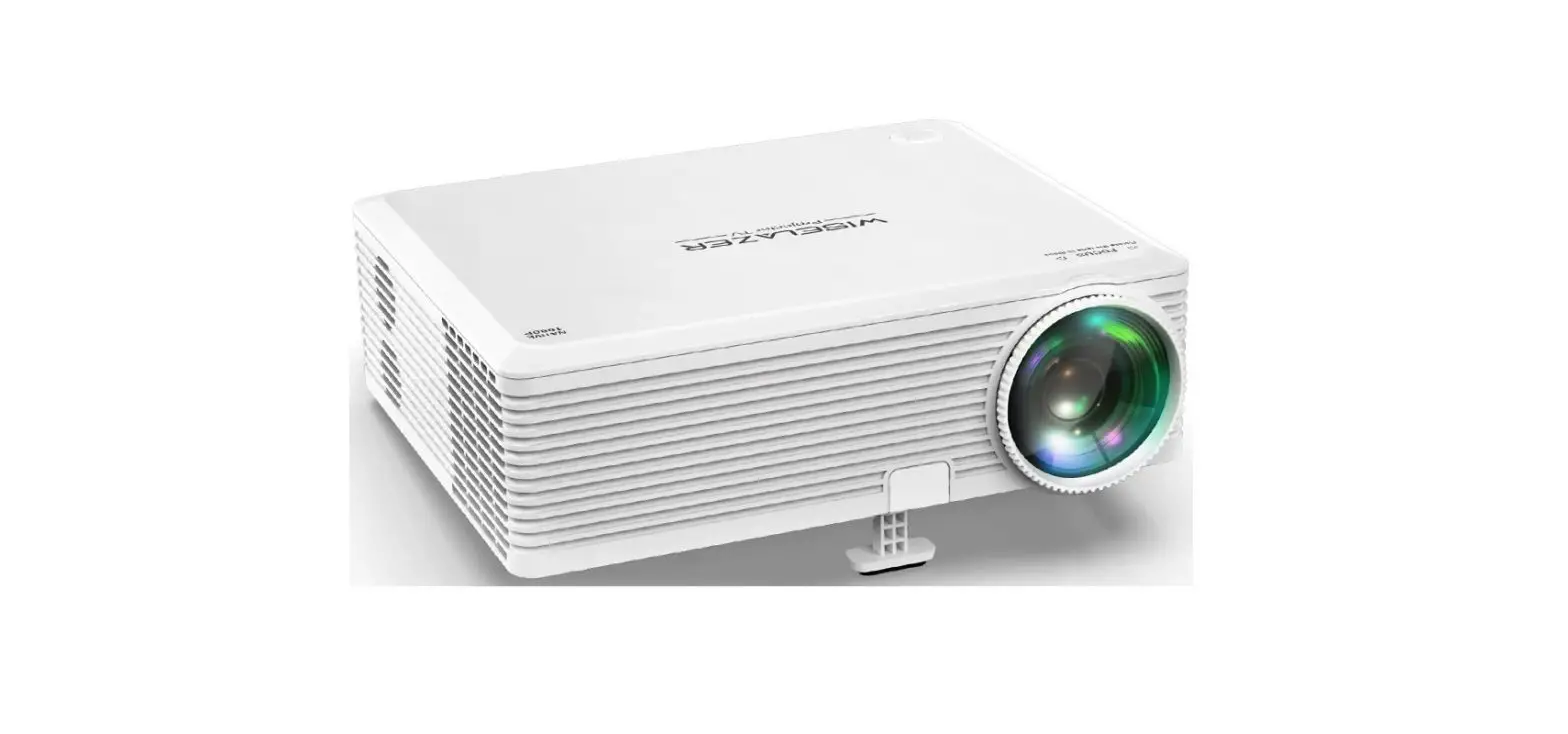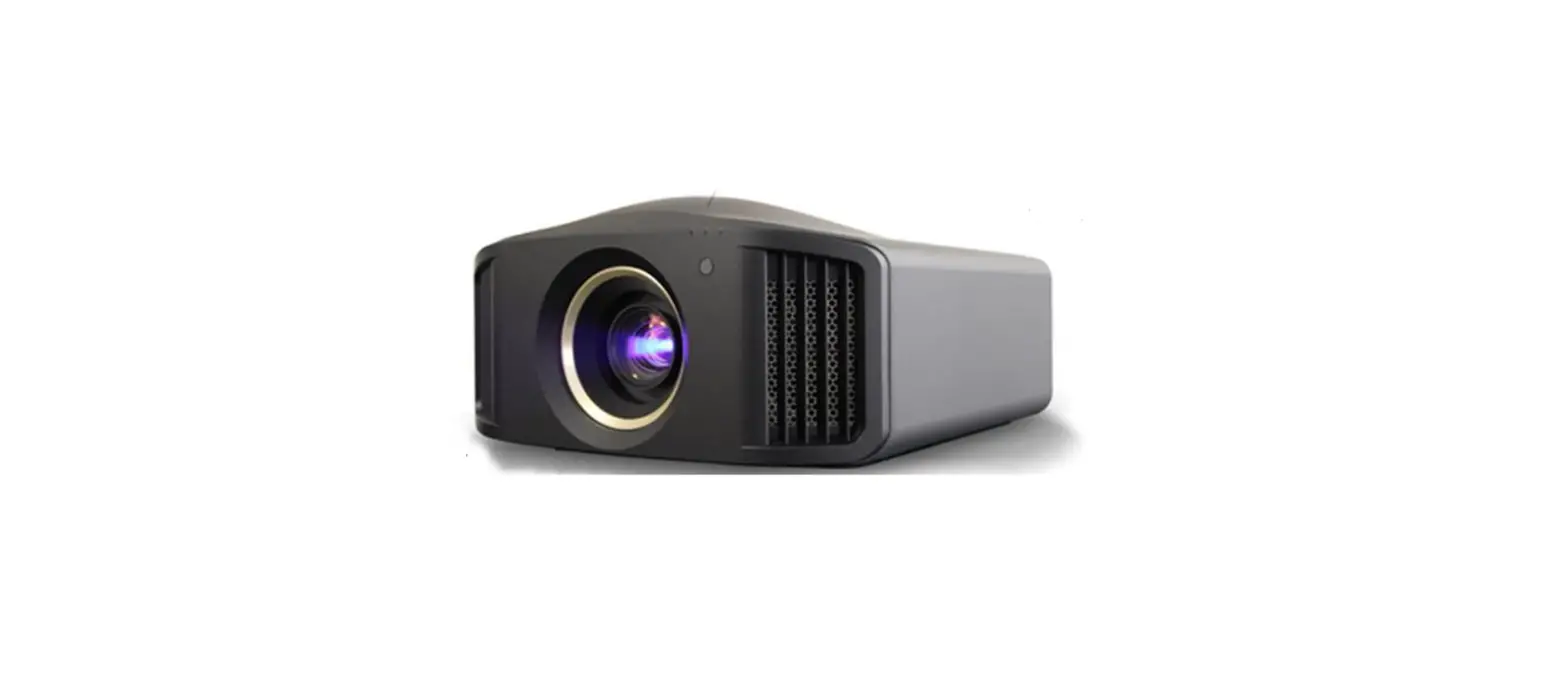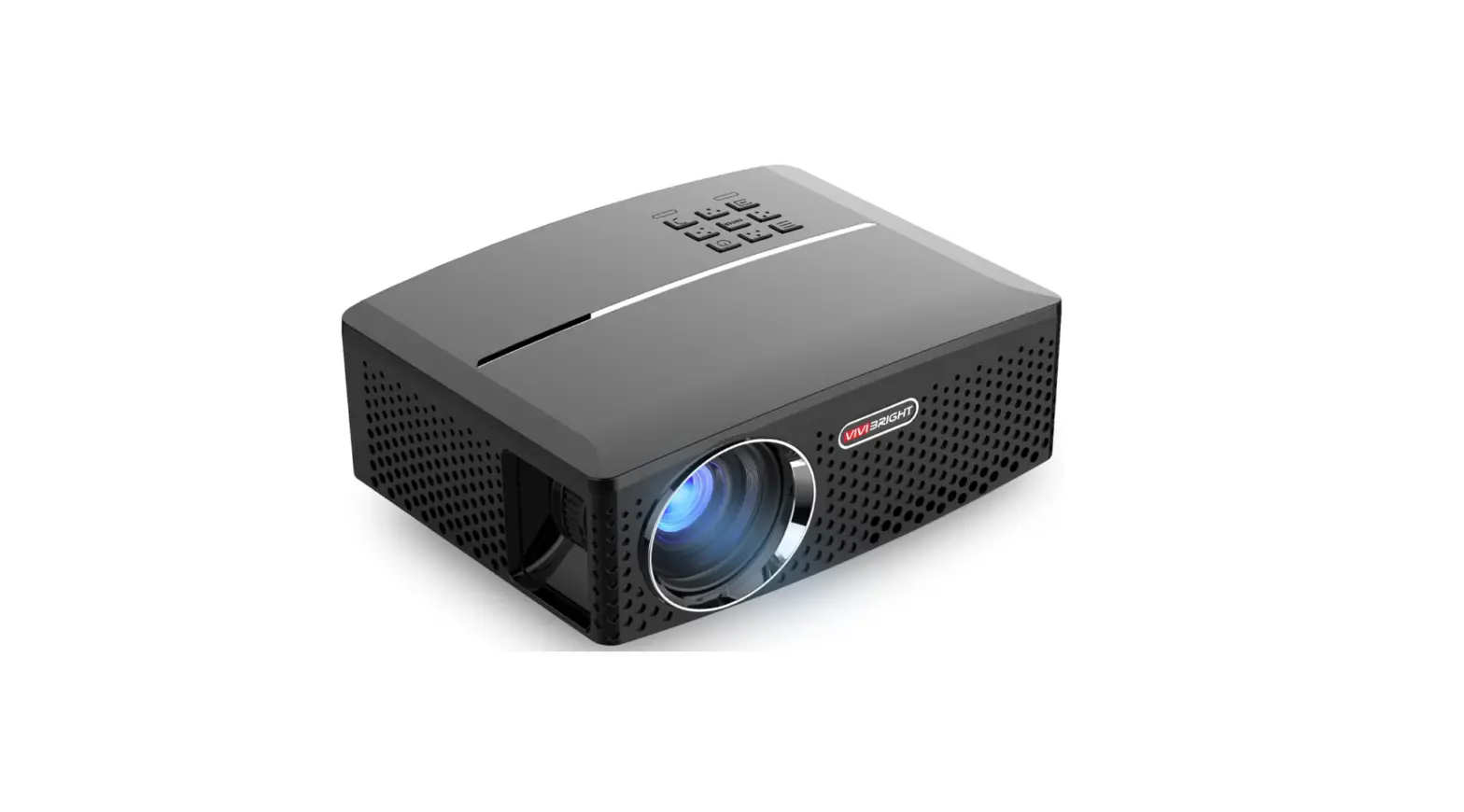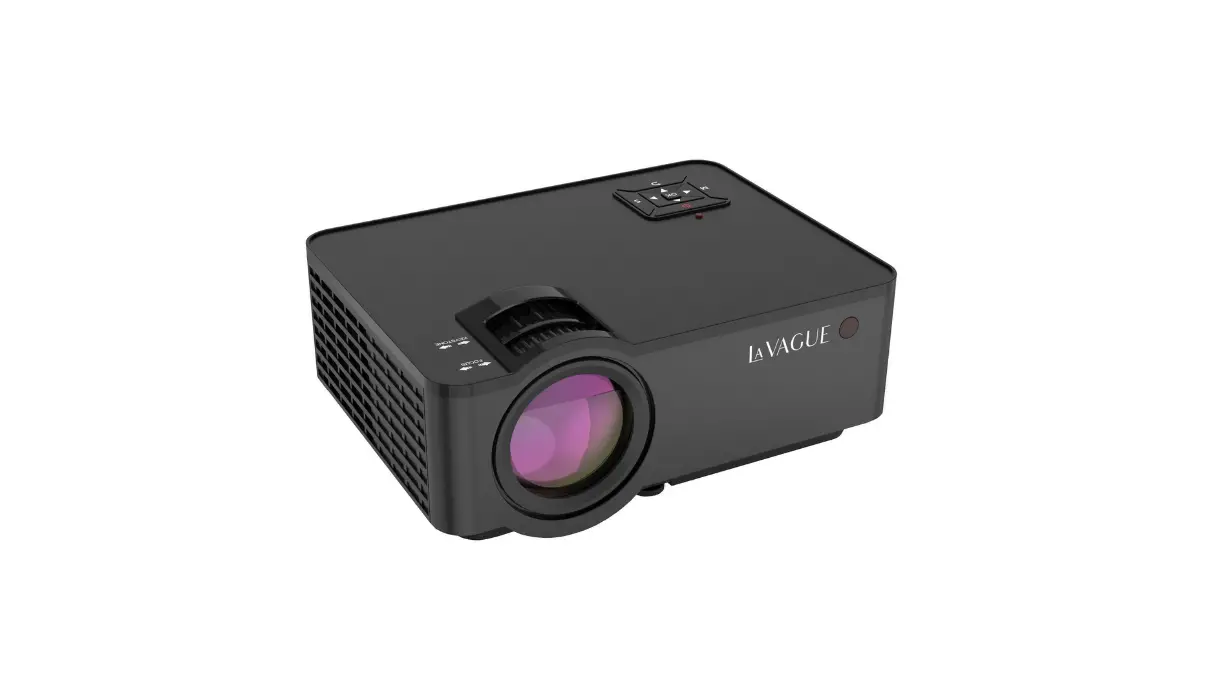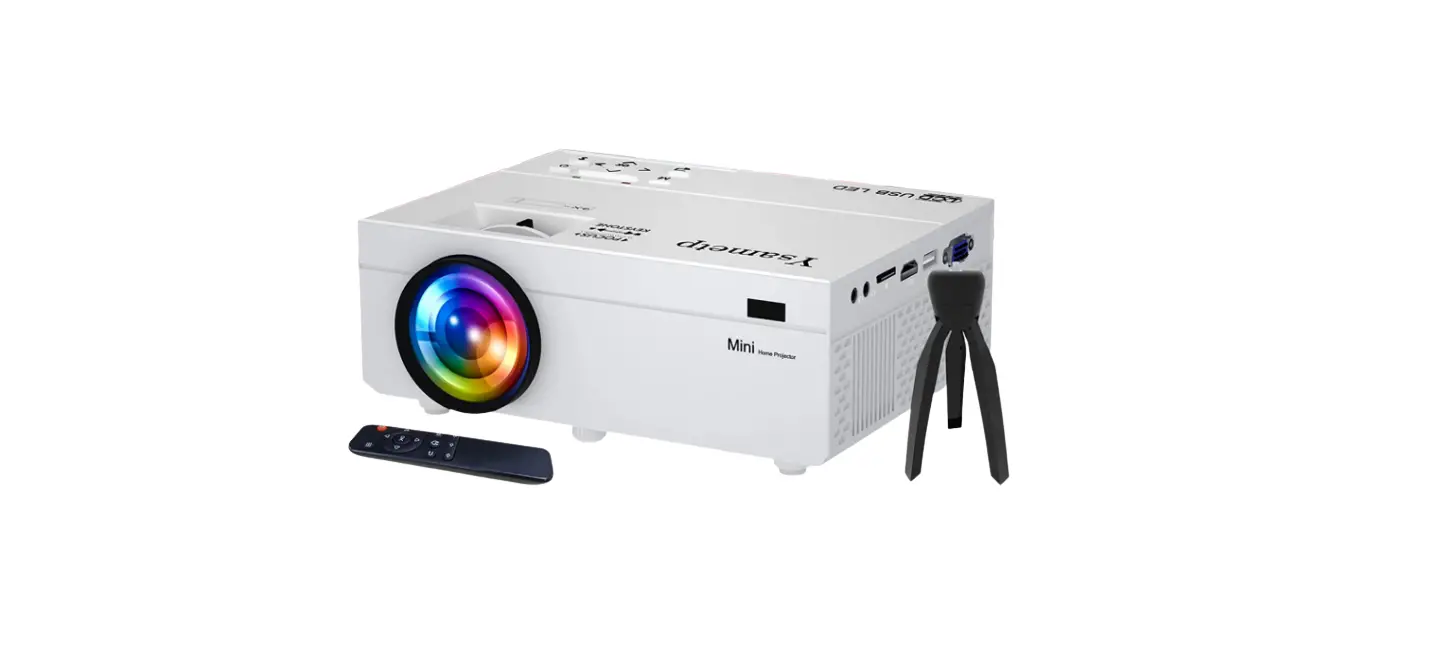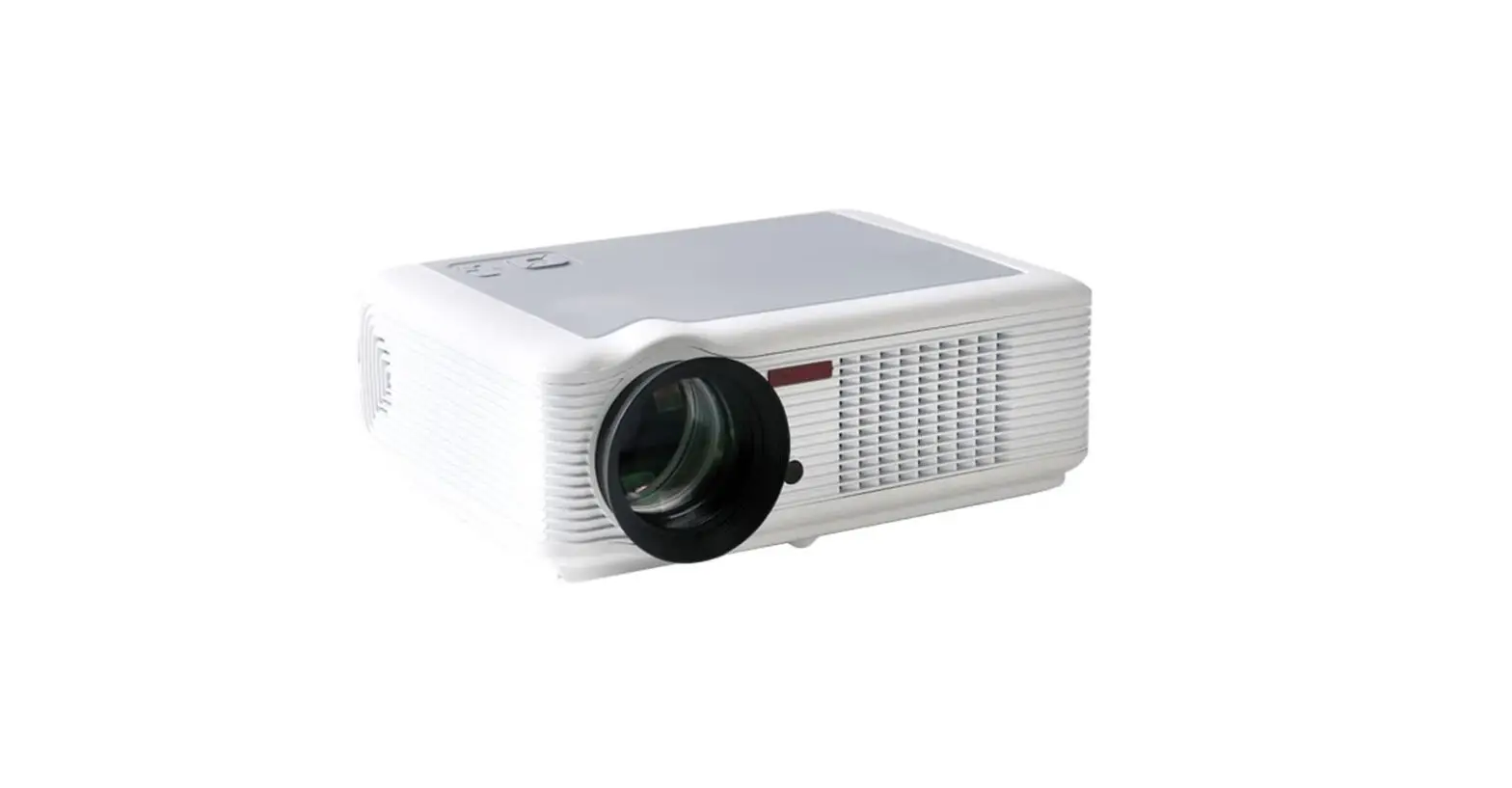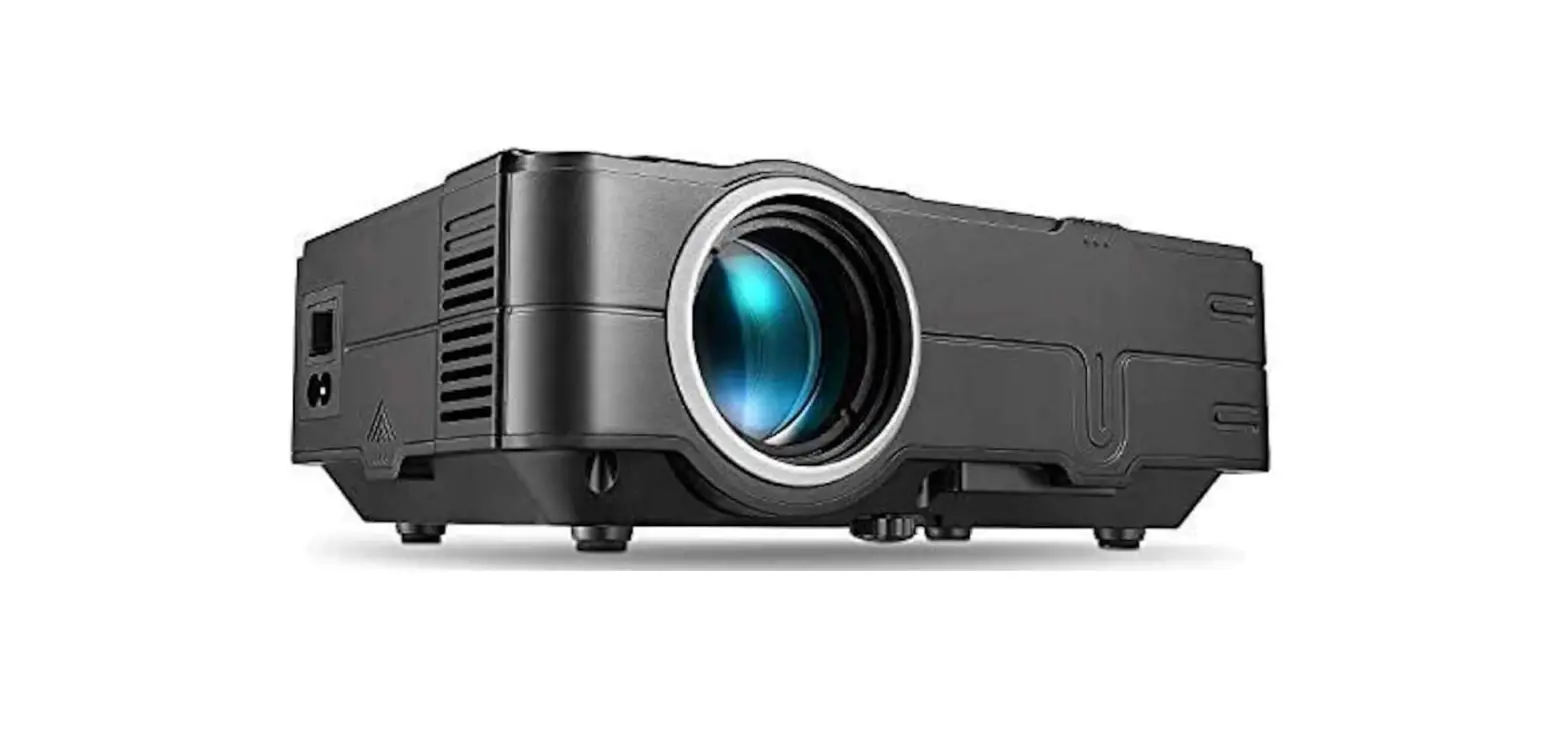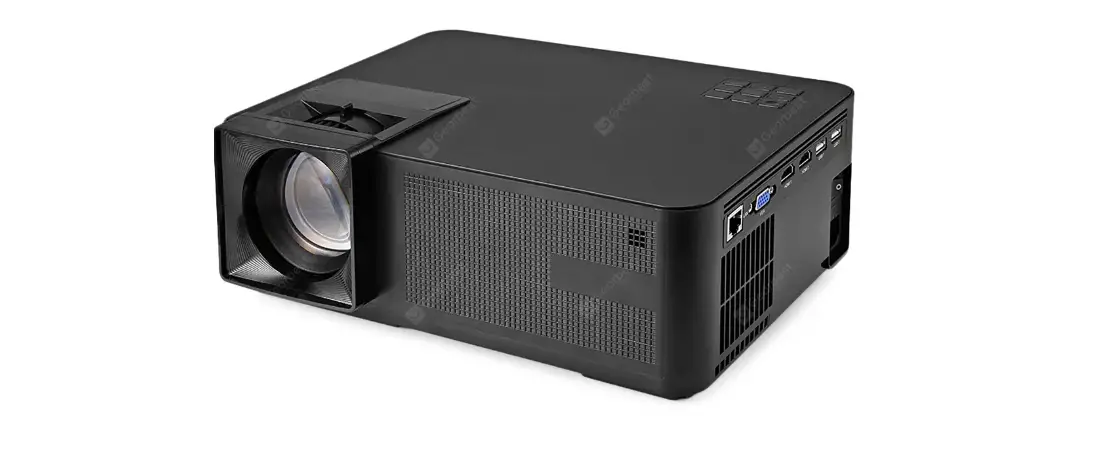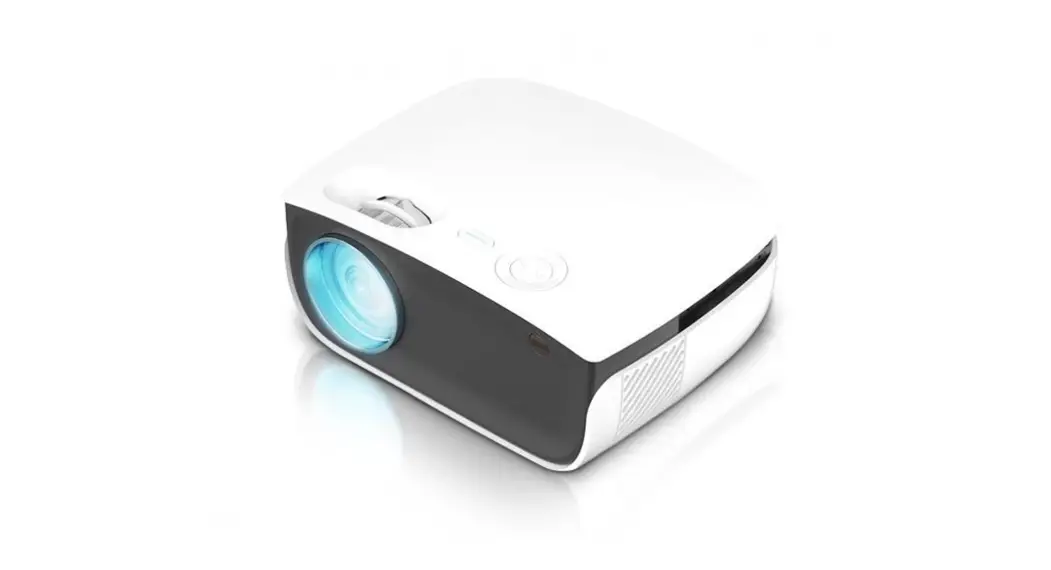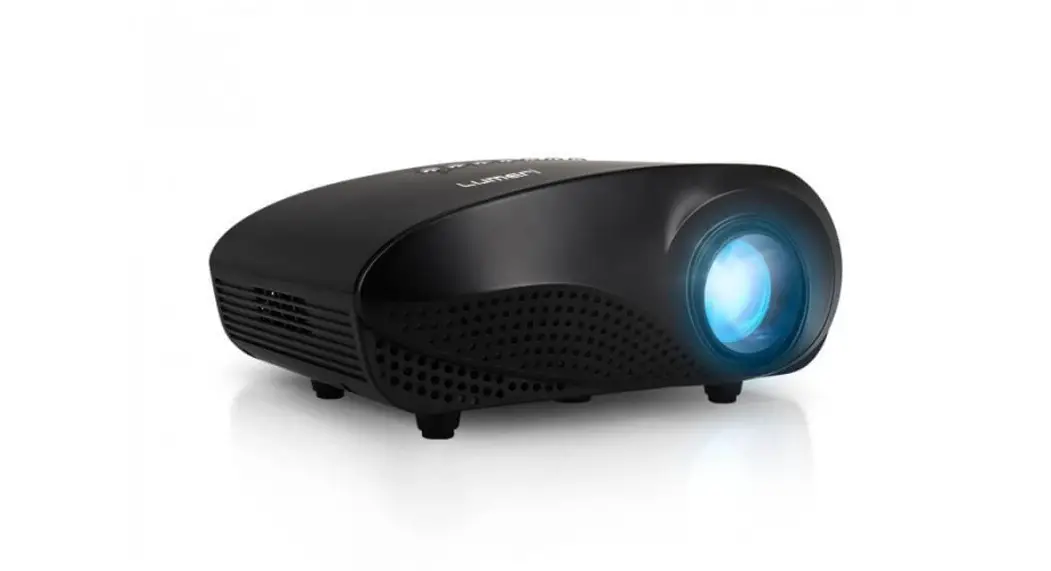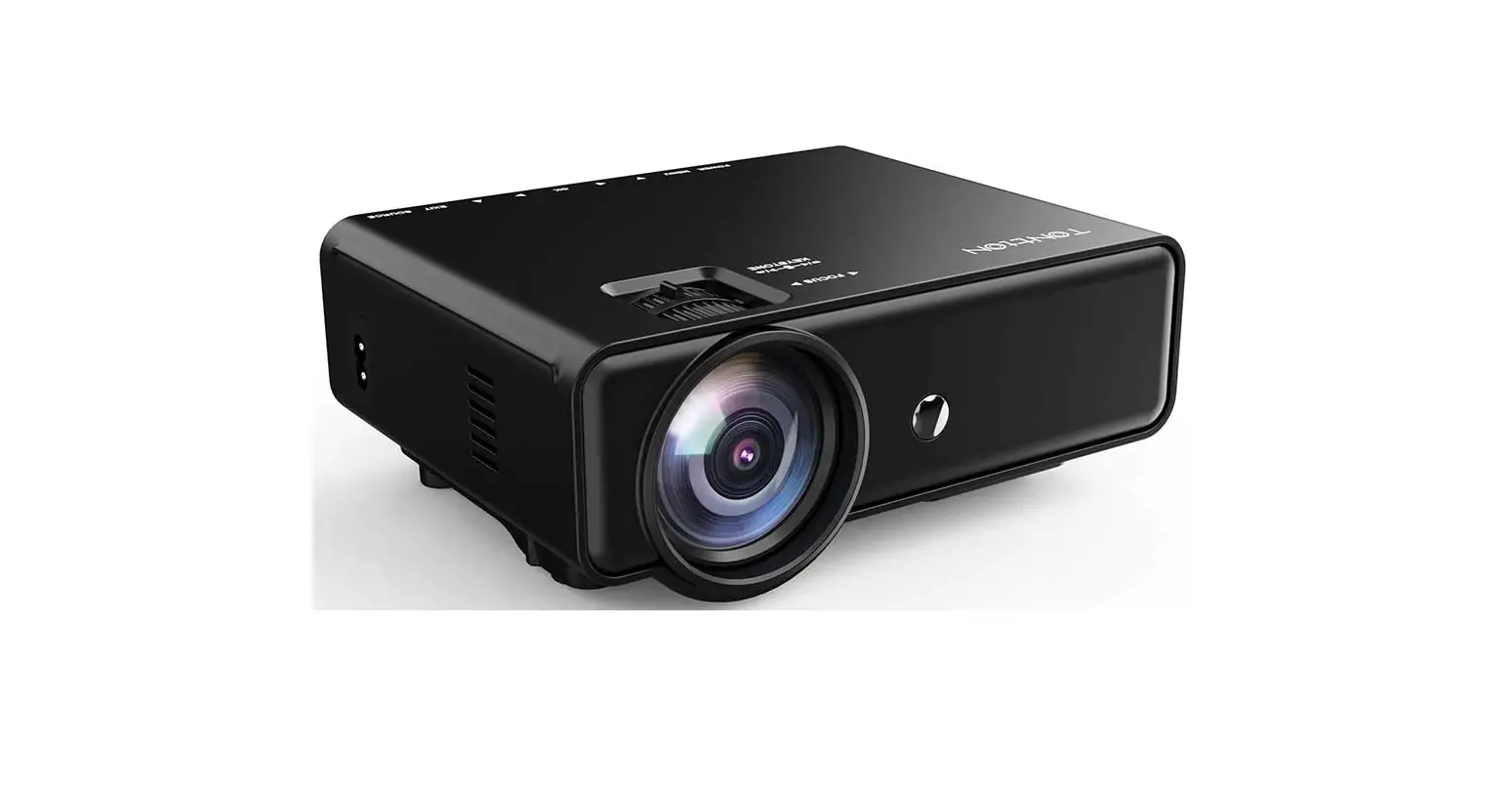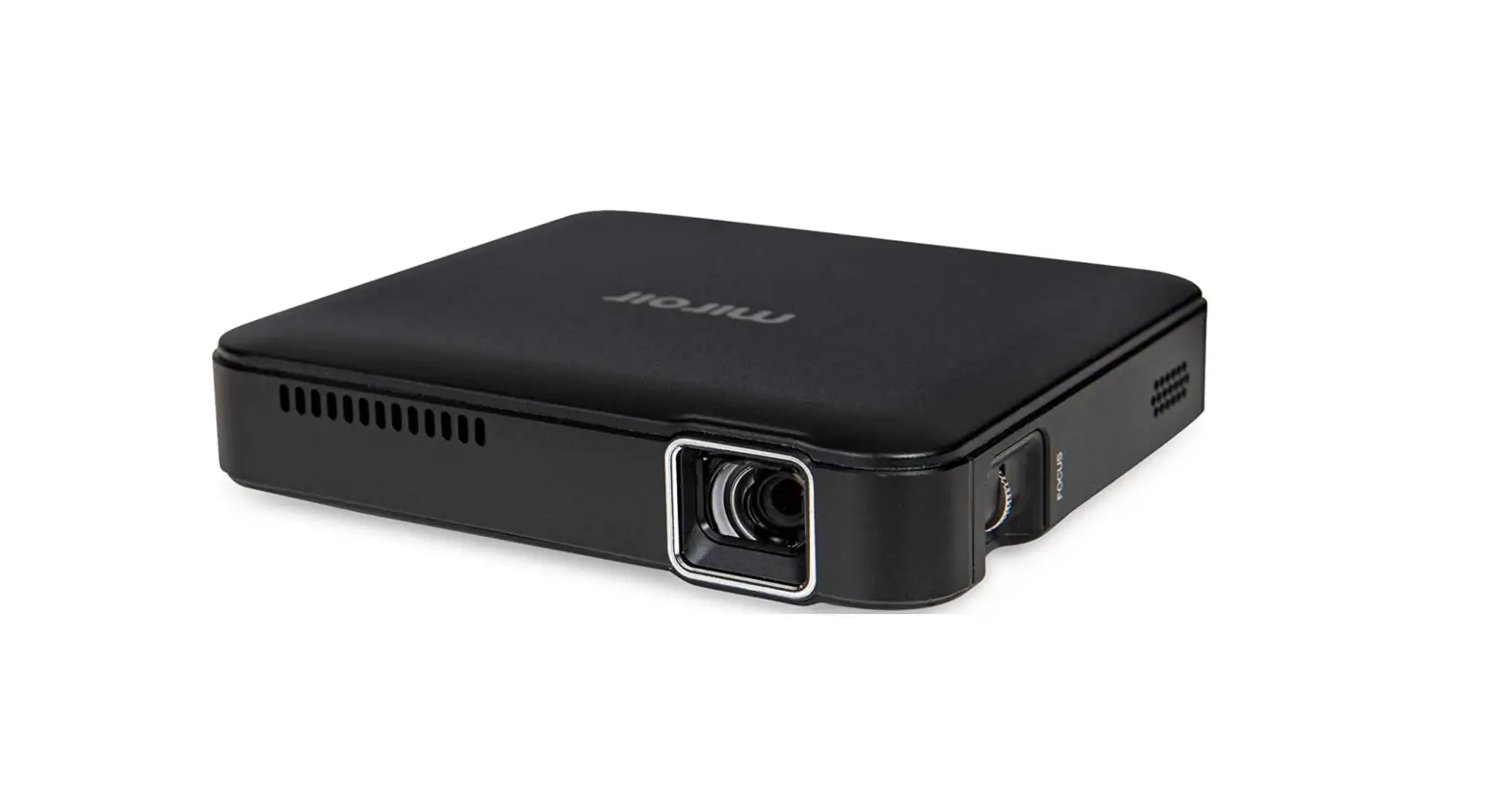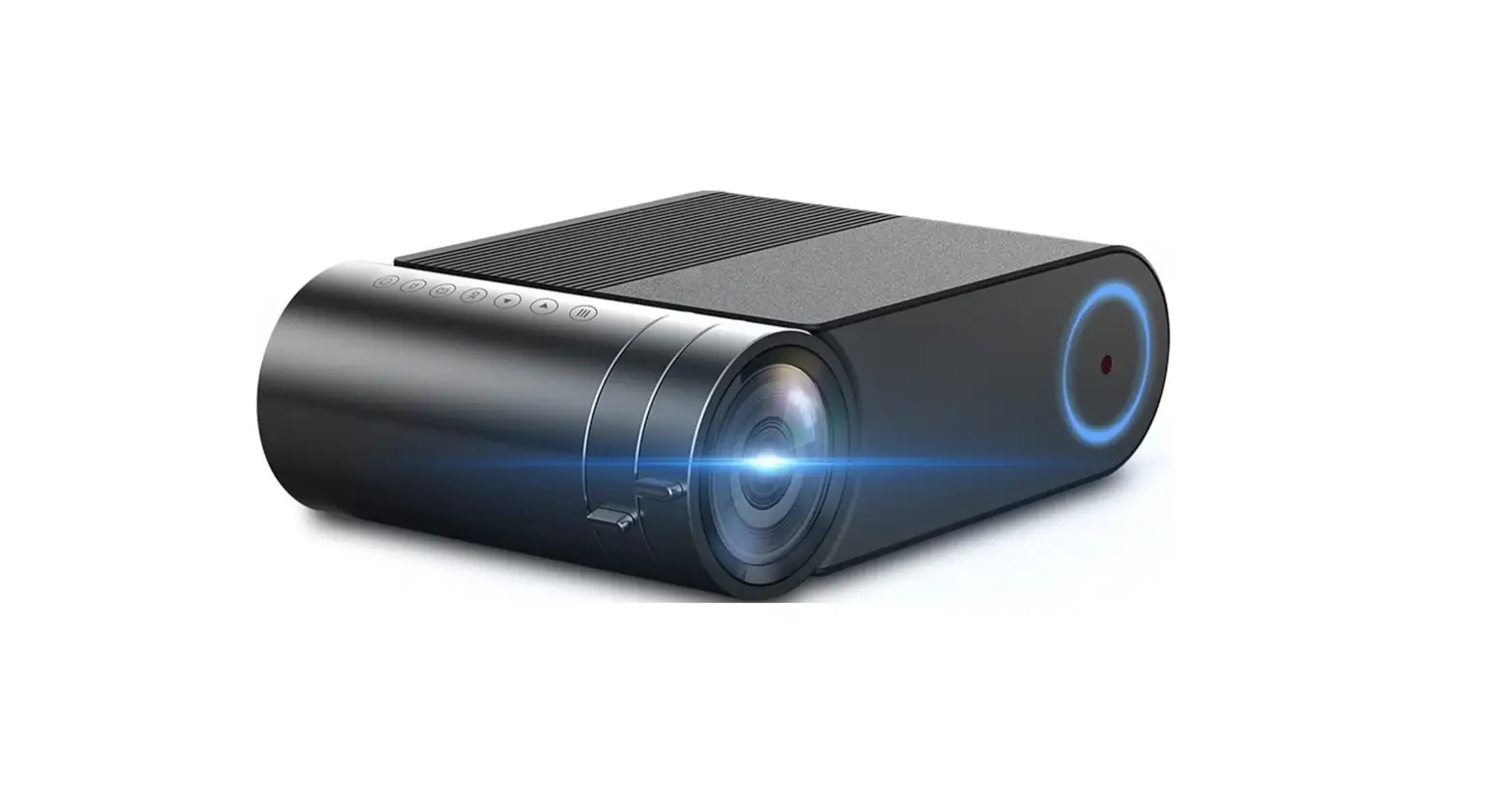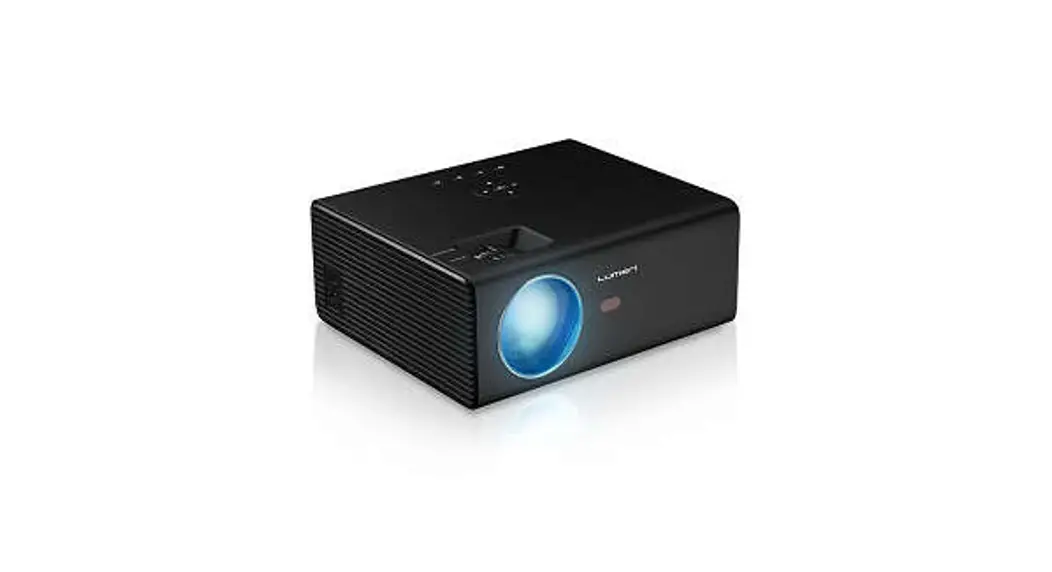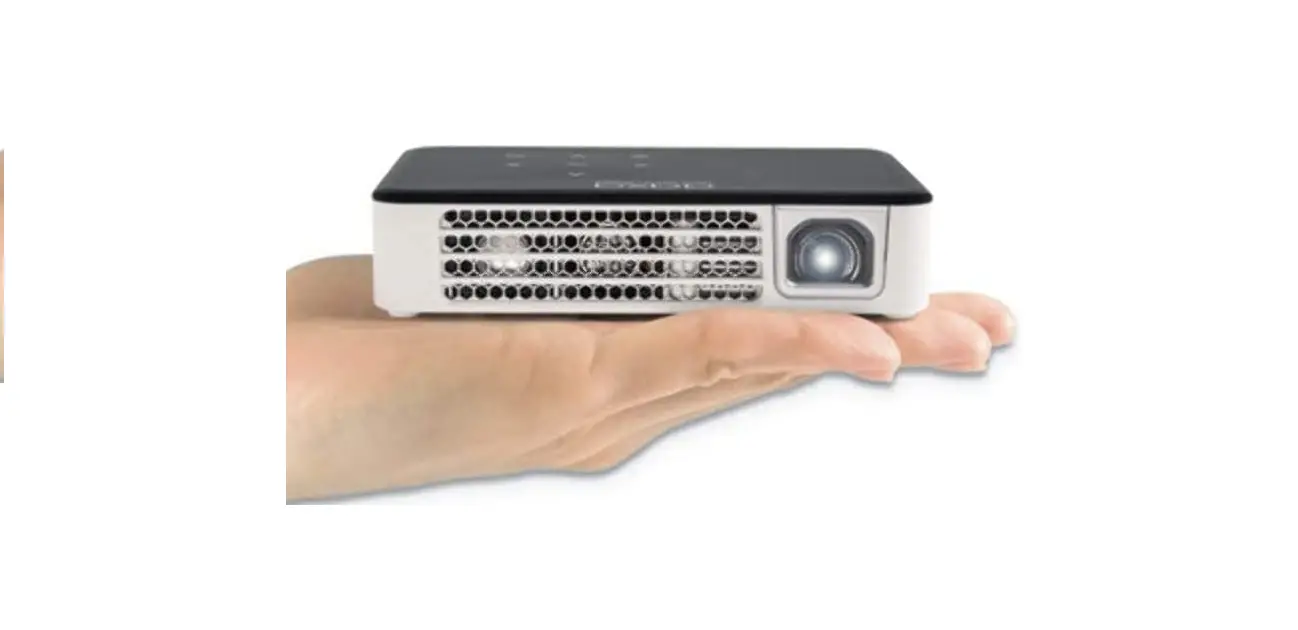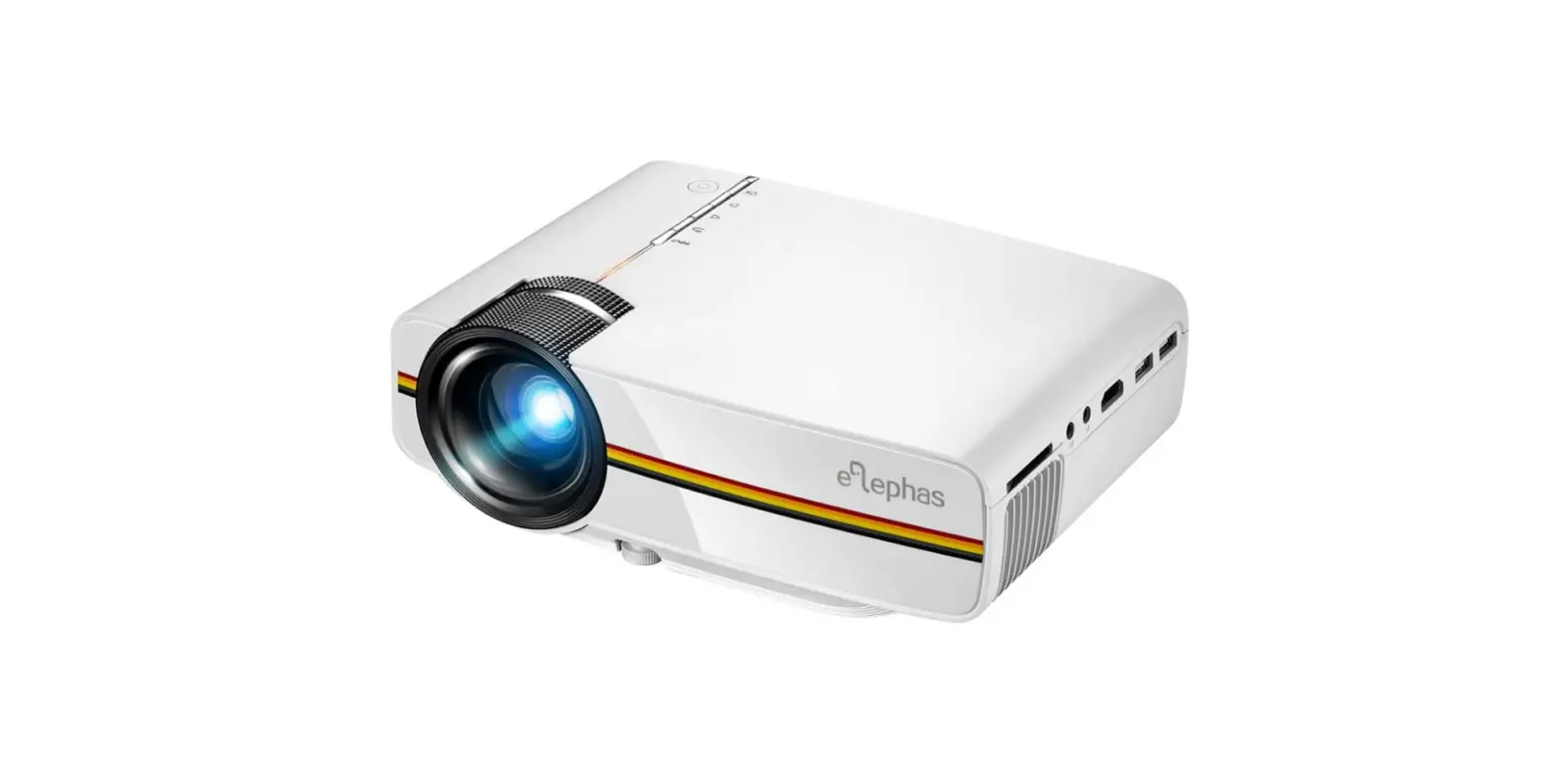

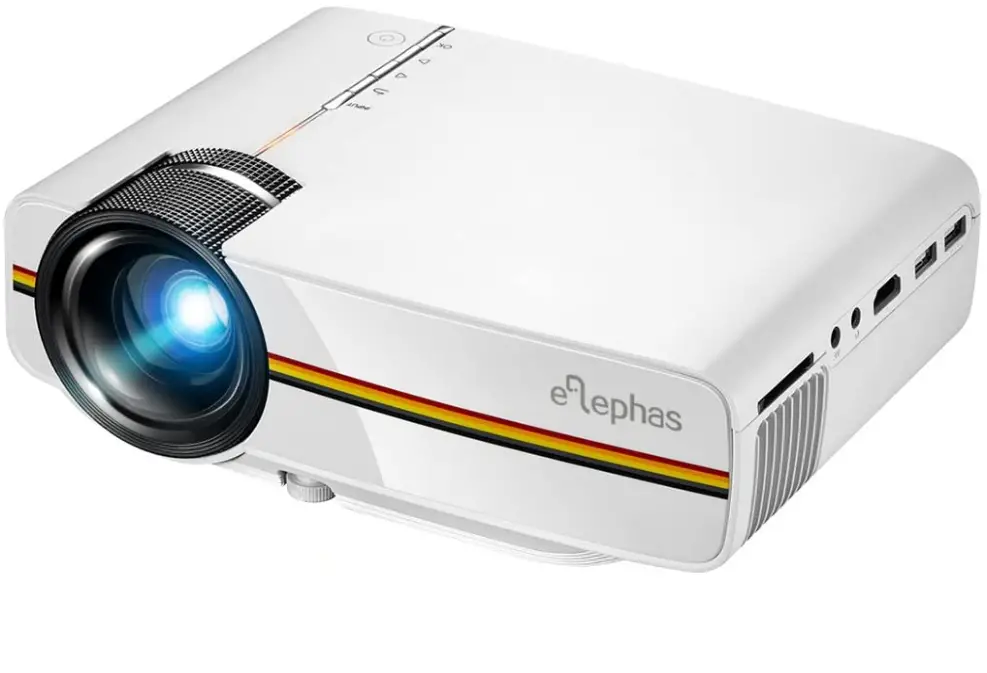
ELEPHAS ELE-YG400 Lux LED Video Projector
Specifications
- Brand: Elephas
- Display resolution: 800 x 480
- Display type: LCD
- Form factor: Portable
- Item model number: ELE-YG400
- Product Dimensions: 19.3 x 14.3 x 6.81 cm
- Weight: 900 Grams
What’s in the box?
- ELEPHAS YG400 Projector
- British Power Lead
- 3 in 1 AV Cable
- HDMI Cable
- Remote Control
- User Manual
Product Overview
Product Descriptions
- The ELEPHAS YG400 Mini LED Projector will provide you with a Big Screen Ultimate HOME THEATER Experience so you can enjoy family time and entertainment at home.
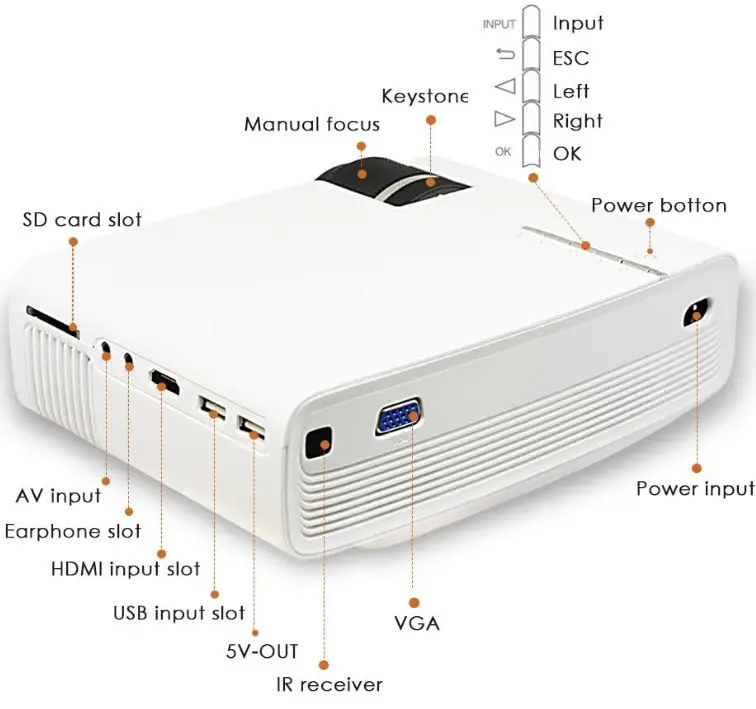
- Various multimedia ports are available to suit your various demands.
- Connect your PC to the HDMI input on your DVD player, PS3, Xbox, or TV box.
- Connect your headphones or external speakers to the Audio port on your PC.
- Directly connected to a computer, laptop, tablet, DVD player, PlayStation 4, USB flash drive, Xbox One, MP5 music player, etc.;
- When connected to an iPhone or iPad, an additional Lightning to HDMI converter is required;
- When connected to an Android device, an additional Micro USB to HDMI MHL adaptor is required;
- A Mini Display Port to HDMI converter is required for Mac Book Air connections; extra USB-C cables are required for Mac Book and Mac Book Pro connections.
Features
PROJECTION LEADING TECHNOLOGY
Elephas uses Super Color Technology to produce superior picture colour in this video projector. Maximum support for 1080p, native resolution 800x480p, aspect Ratio: 16: 9/ 4: 3, +70% brighter than standard projectors and 1000:1 contrast. You may experience clear images in a dark setting.
Enjoy your mobile home theatre

Lightweight and easy to use, this little LED projector. Ideal for home entertainment, transforms your way of life. Such as watching movies, attending events, watching sports, and playing video games, this is ideal for you to have some time with your family and friends.
CONNECTION OF MULTIPLE DEVICES
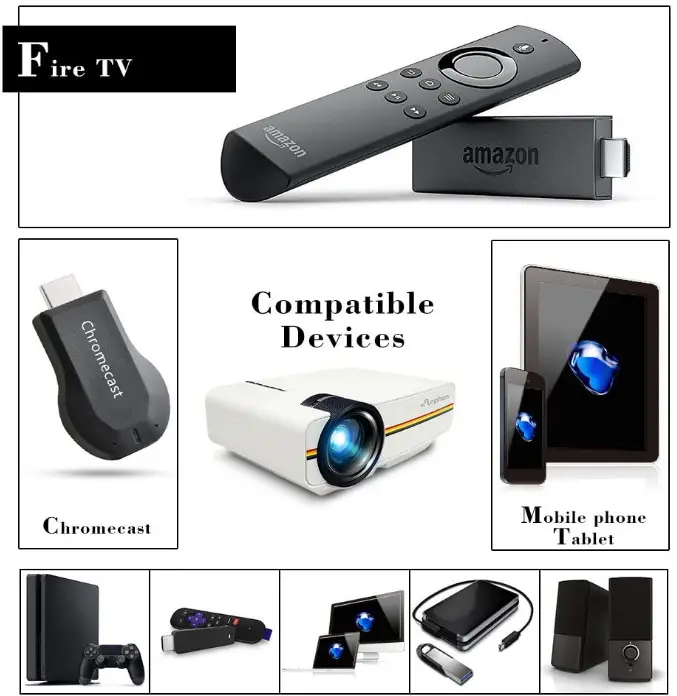
This home theatre projector has AV, VGA, USB, SD, and HDMI interfaces, among other connectors. It can be connected to a PC, smartphone, tablet, DVD player, PS3, Xbox, TV box, U-disk, or hard drive and Built-in speaker.
Low Conservation of Energy
LED lighting upgrades provide 3200 Lux. Modern smart ECO light care technology, which are durable and low power-consuming, guarantees energy savings of up to 70% and a lamp life of more than 30000 hours. Superior cooling performance and quiet fans
WARRANTY
For this projector, ELEPHAS offers a full 36-month warranty. Additionally, within the first three months, you will be given the option of a refund or replacement. Purchase is completely risk-free. Please get in touch with us if you’re not entirely happy with the order.
FAQ’s
Yes. You can connect your iPhone straight to the ELEPHAS ELE-YG400 projector using the provided plug-in cord.
An Amazon Fire stick can be used with our movable Wi-Fi ELEPHAS ELE-YG400 projector.
Between 6 and 10 feet is the best distance for ELEPHAS ELE-YG400 projection and eye protection. About 50″-150″
The ELEPHAS ELE-YG400 projector top has right and left arrows that can be used to change the volume. Left is down and right is up.
Yes, but you also need a fire stick, in my opinion.
I’d use an HDMI cable to connect.
You must first connect to the projector’s built-in Wi-Fi in order to reflect it.
Thus, I assume. I connected an HDMI wire to the projector over the weekend and used it to watch a movie on my Chromebook. I had no problems. You do have to switch on something on the computer while using a Chromebook for it to work.
The thickness of the screen is almost sheet-thin.
Yes, you can connect the projector to your computer using the supplied HDMI adaptor. Use your computer’s screen mirroring feature after that. Whatever is visible on your computer screen will be displayed on the projector. The audio from your computer will also be played by the projector.
No. To connect your device, all you need is an HDMI cable.
Along with a screen and a typical 220V power source, our projector is provided.
We regret to inform you that the projector does not support Bluetooth.
An HDMI cord is included with this projector. As a result of its HDMI output, it functions with my MacBook Pro.
The movie projector features a 1/4-inch screw hole on the bottom. I believe it is possible to hang the HD projector from the ceiling. Please read through pages 03–6 of the guidelines. The menu item that will make the image appear correct is the one that will flip it. Additionally, front, back, or reverse are options.
This projector can still be displayed using light, although it might not be as clear as you’d want in daylight or outdoors. If you want the best results, use a dark environment.