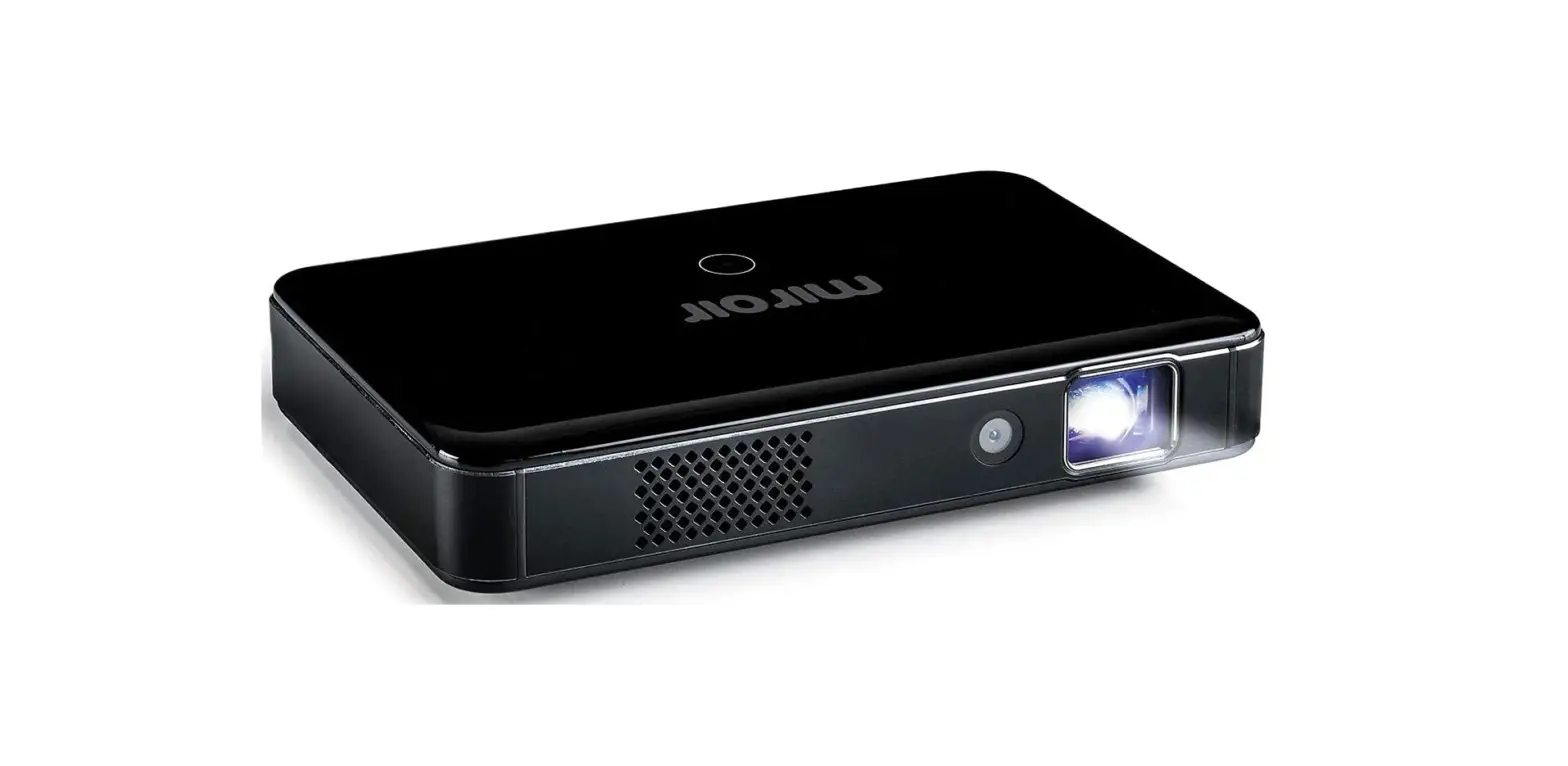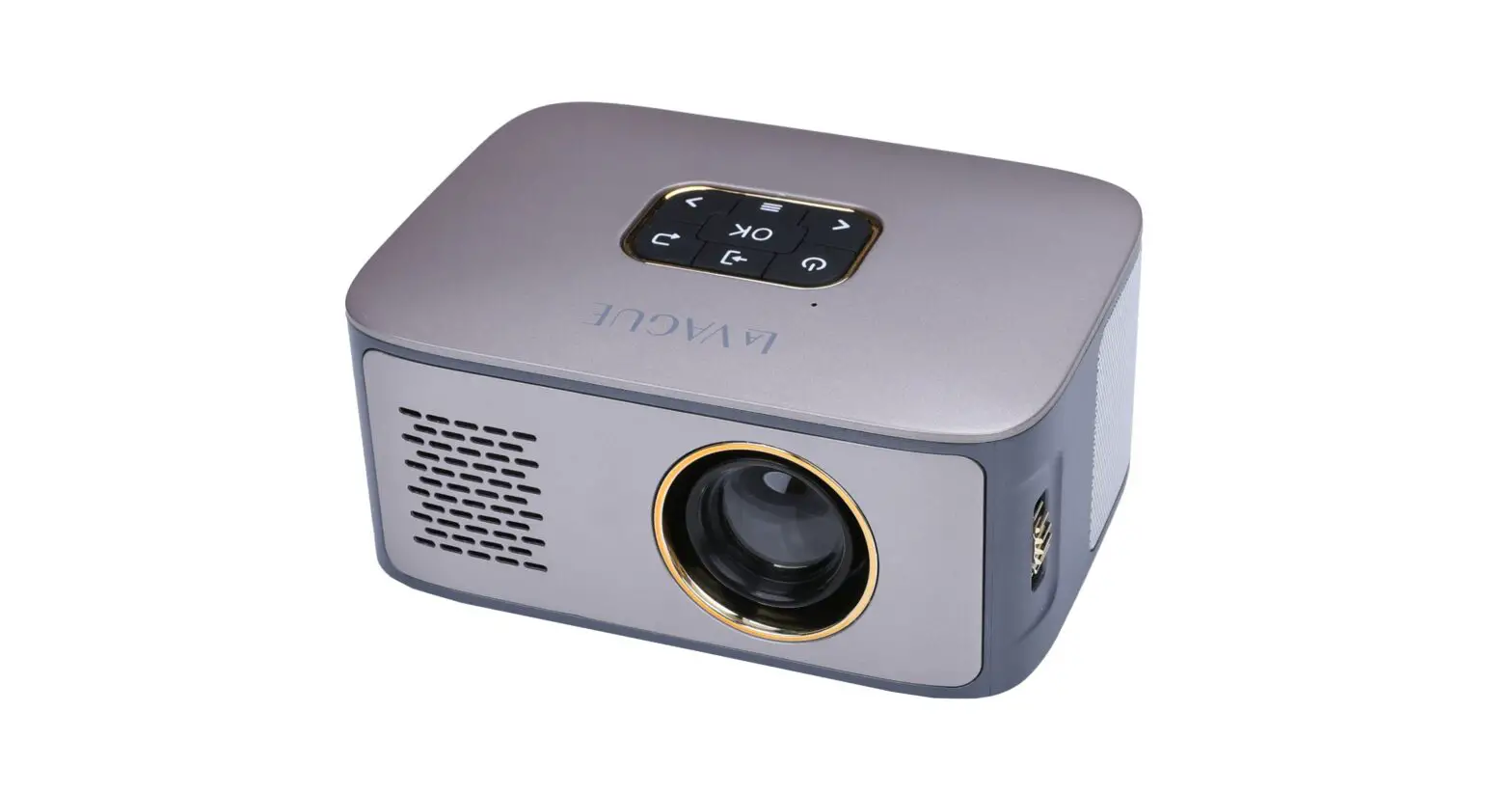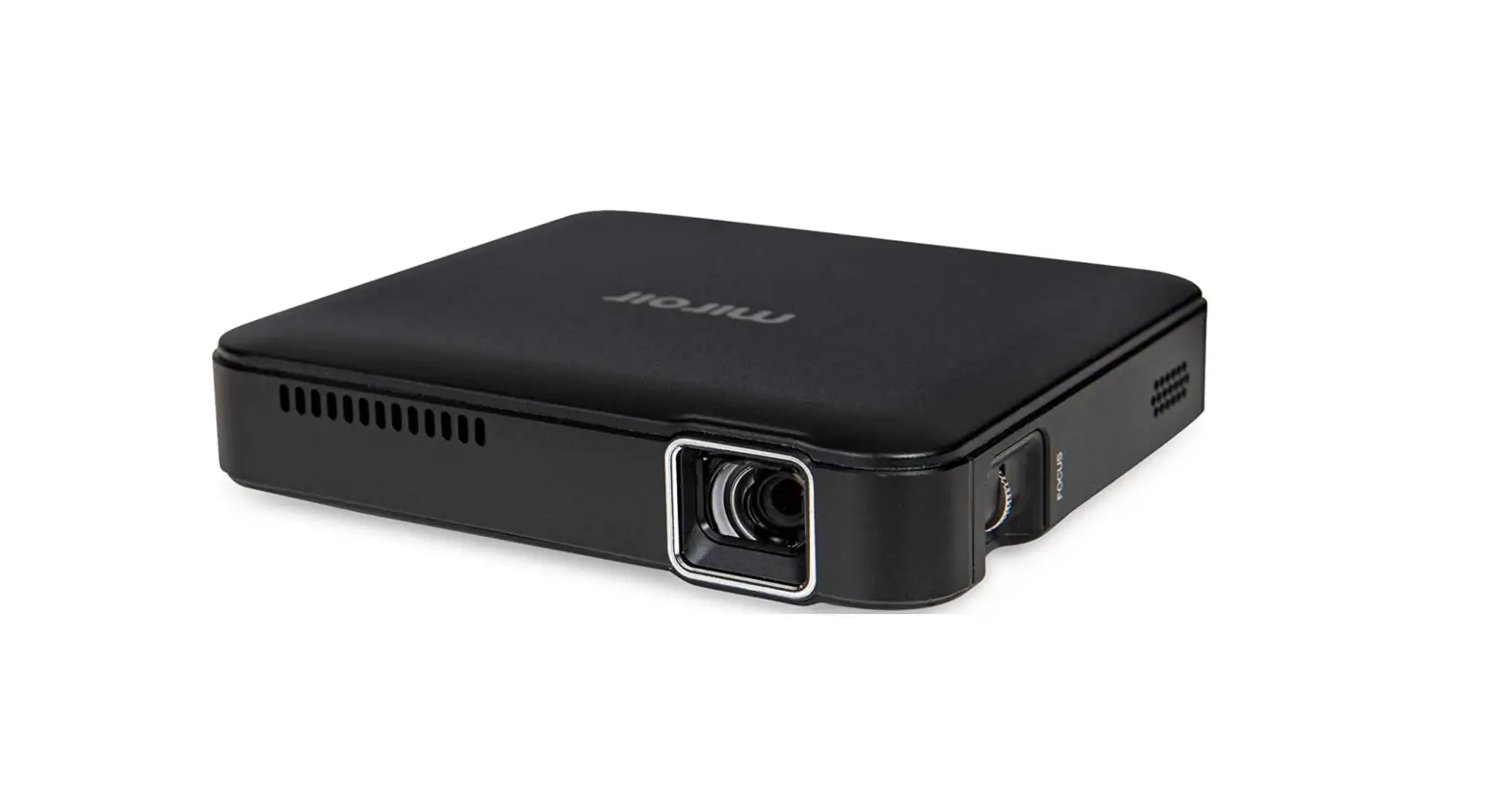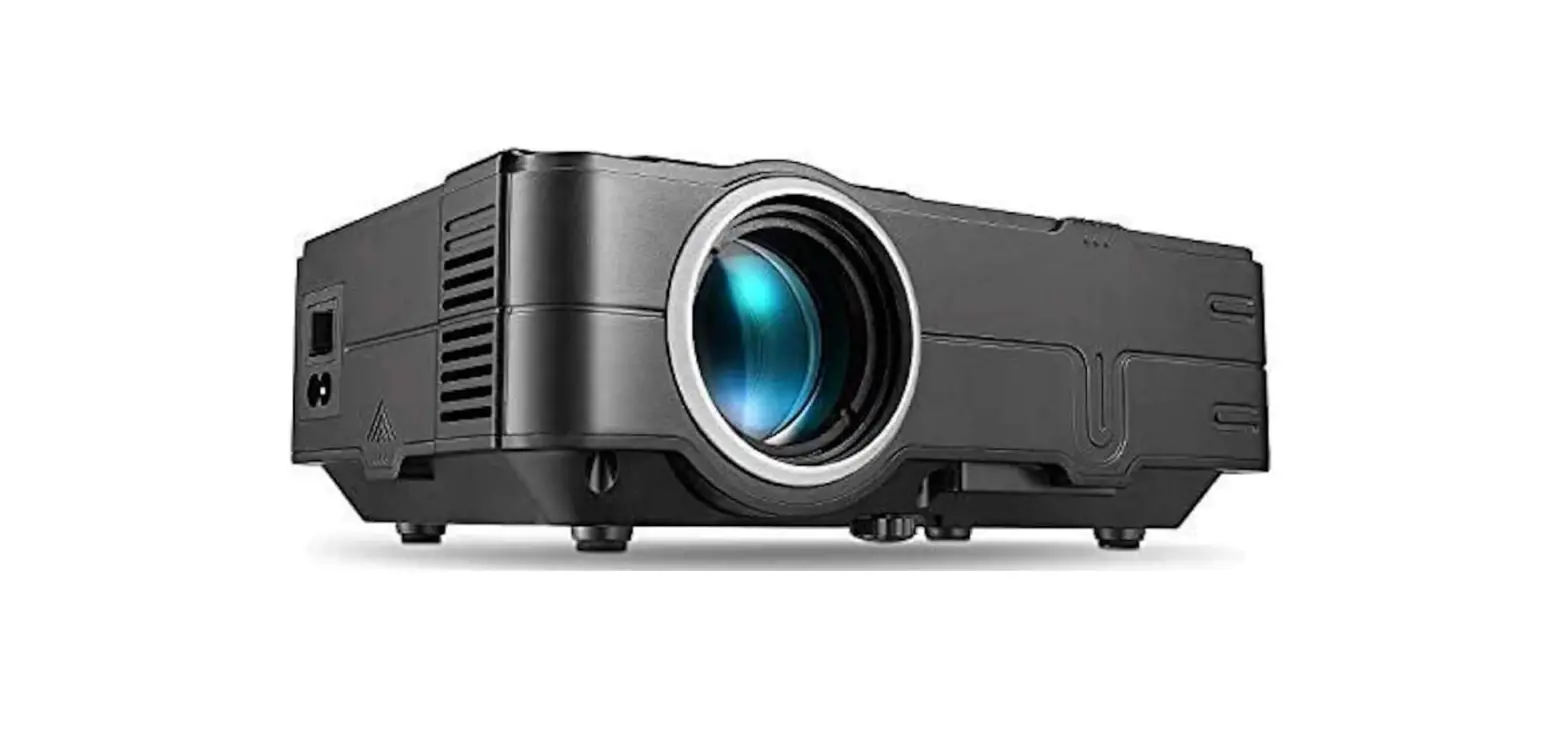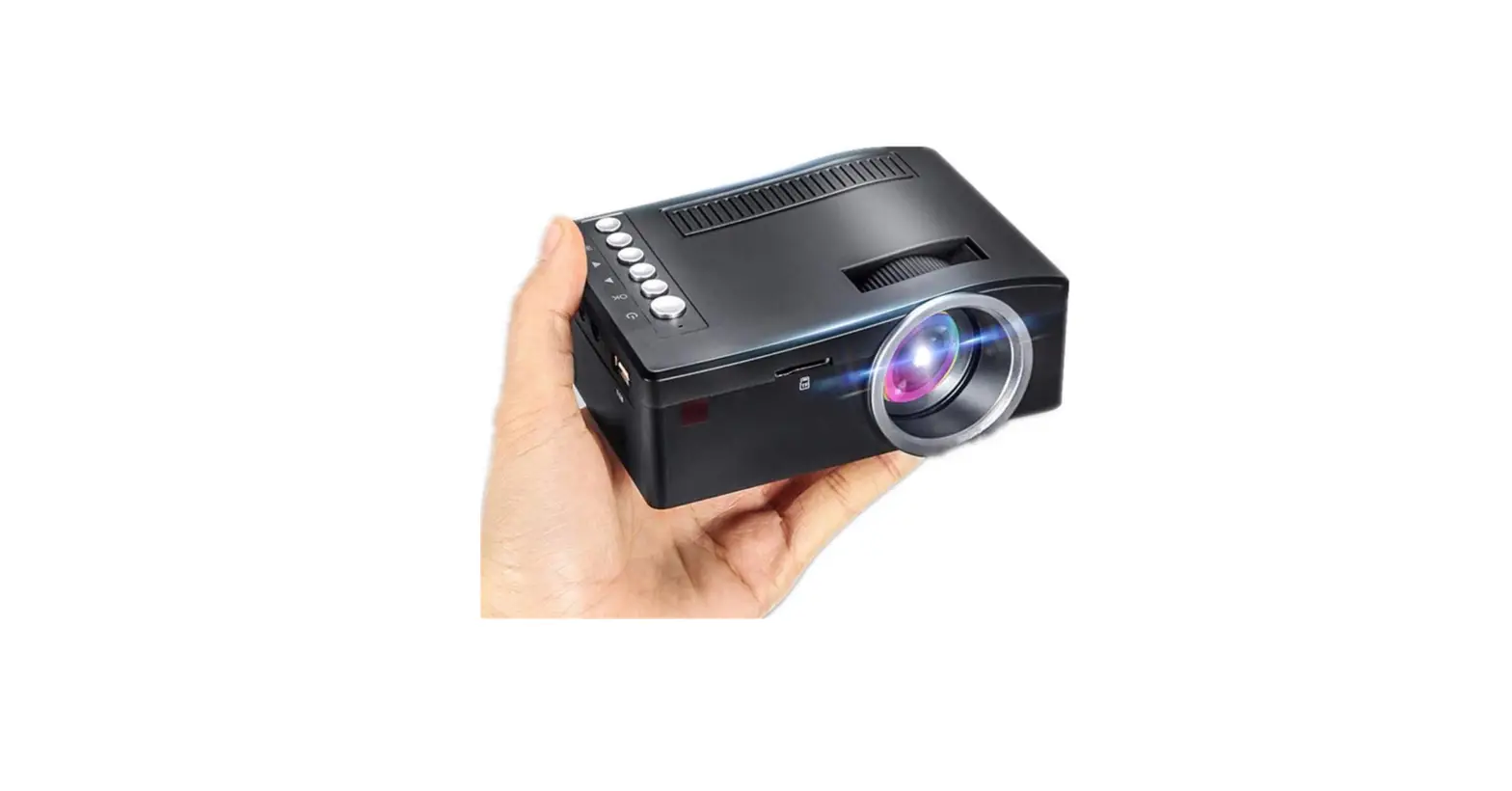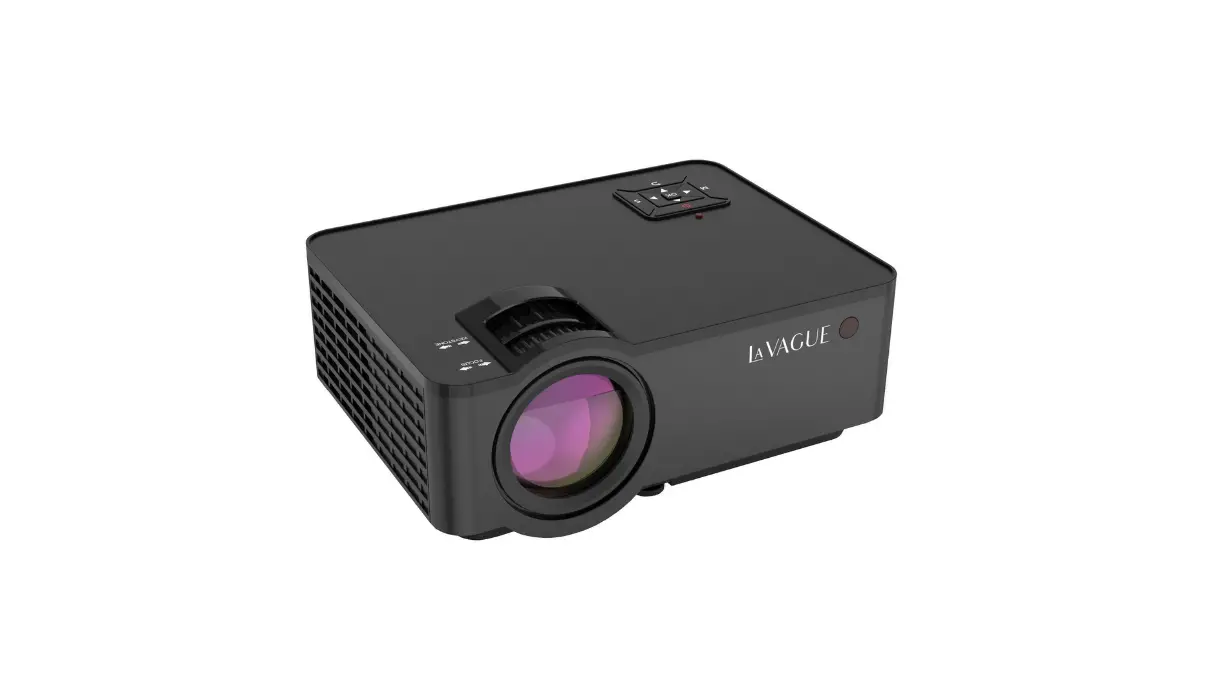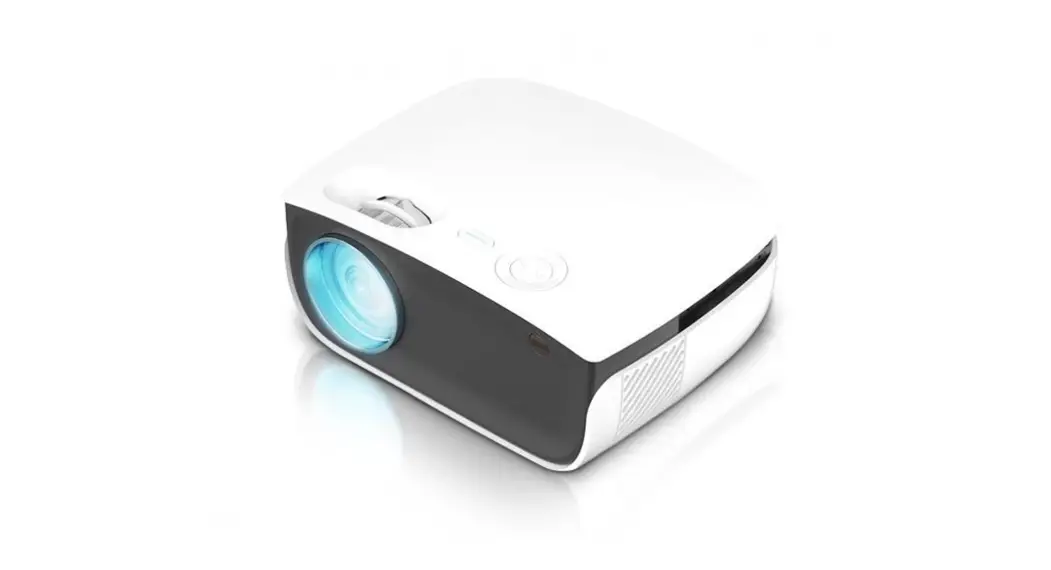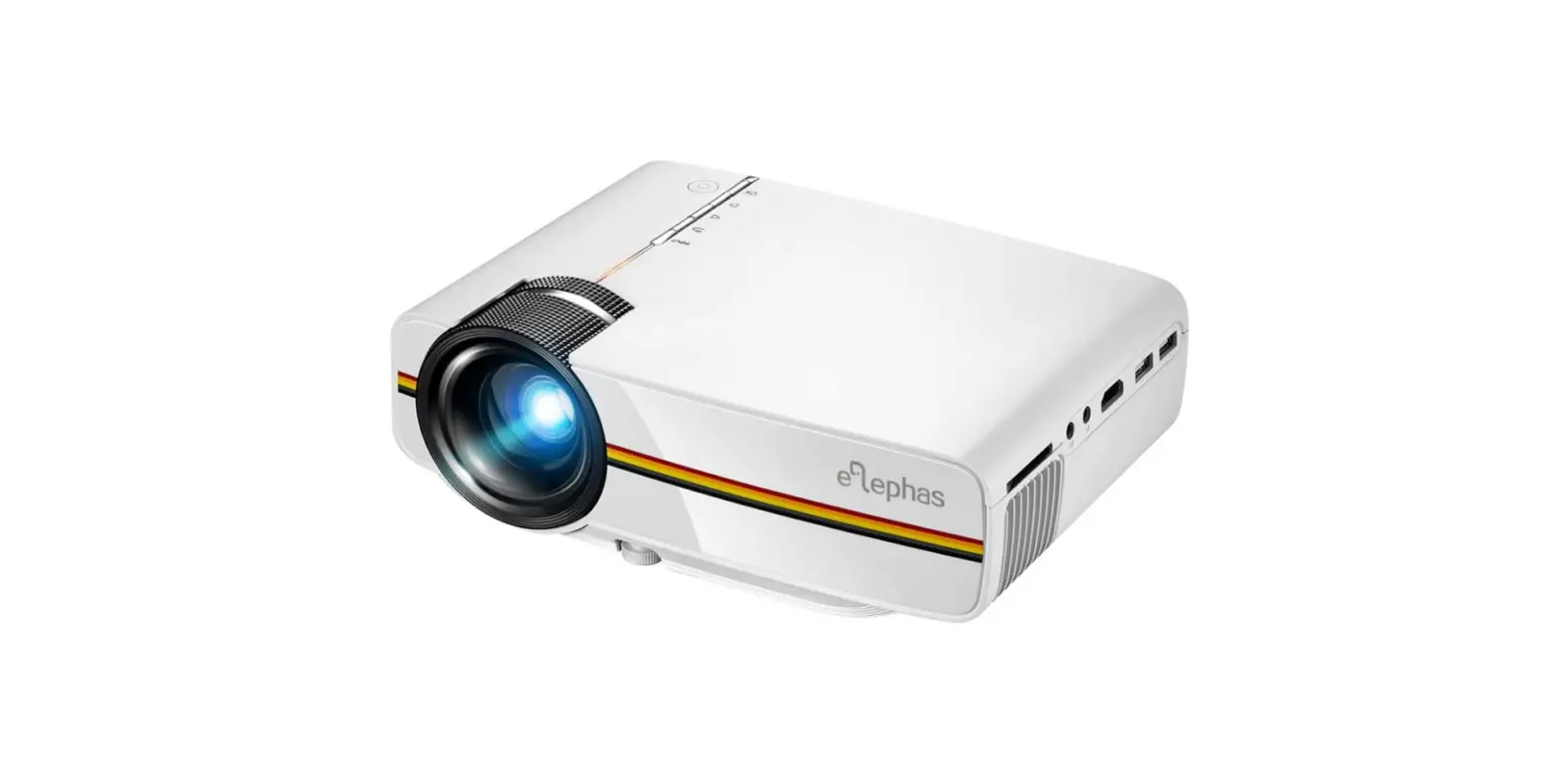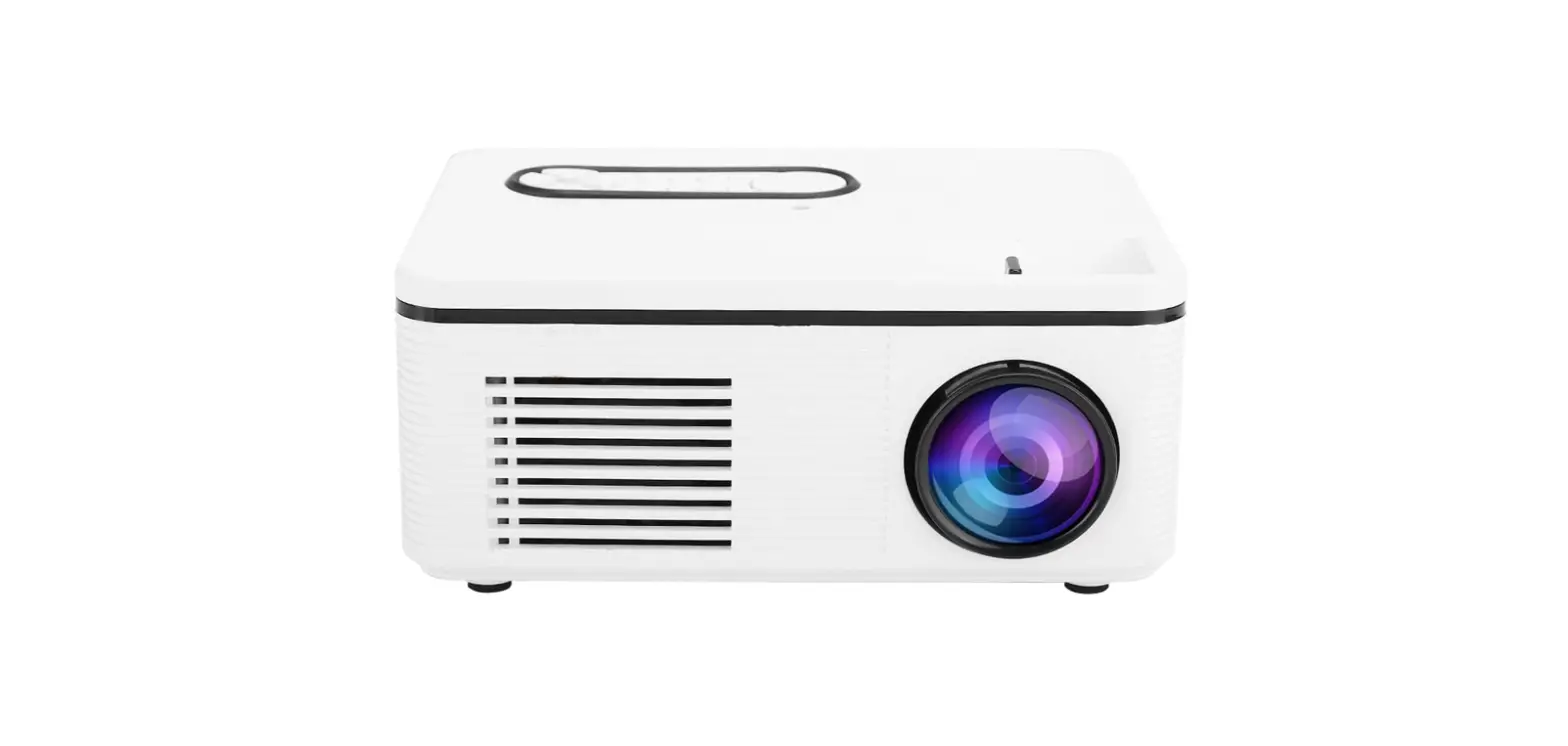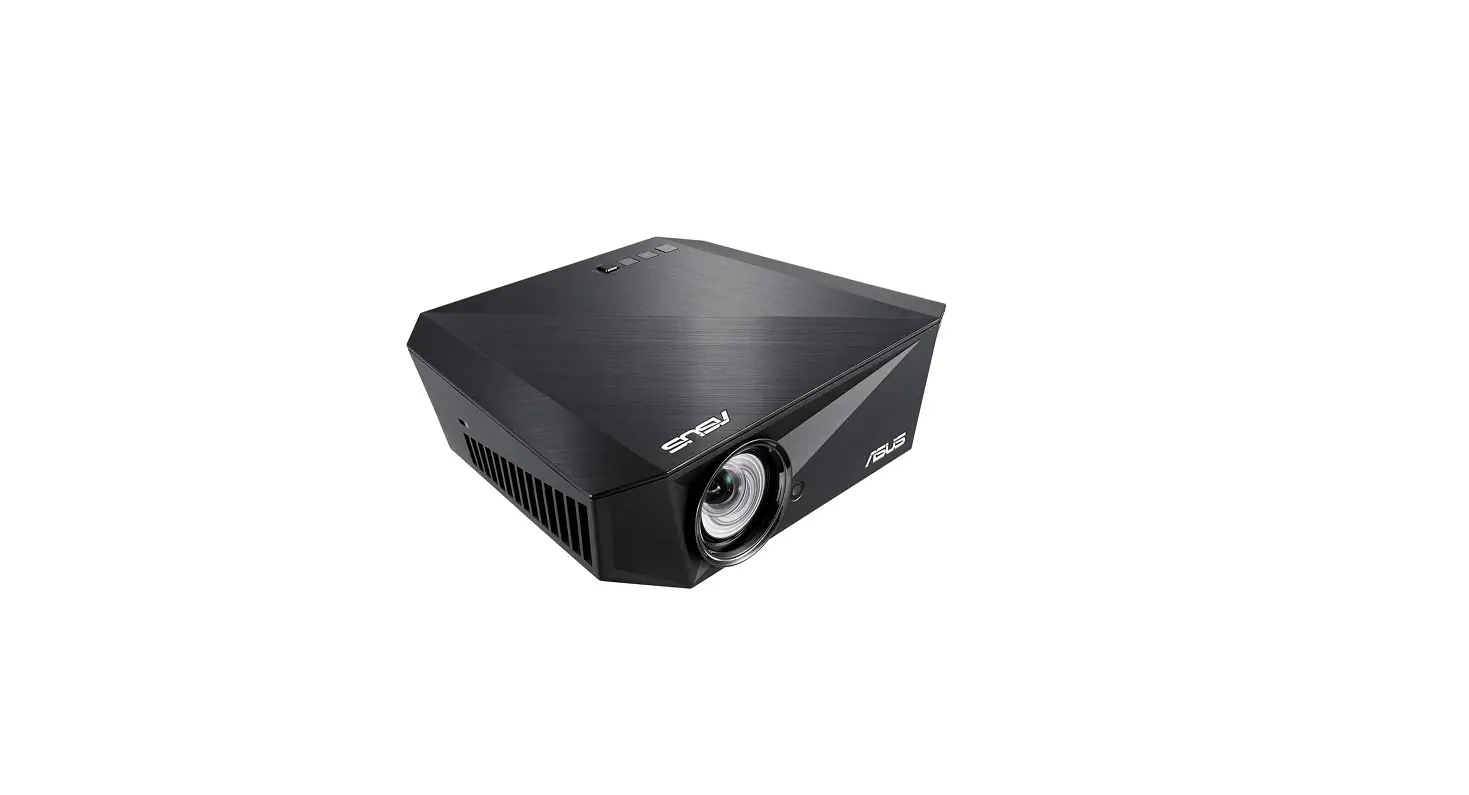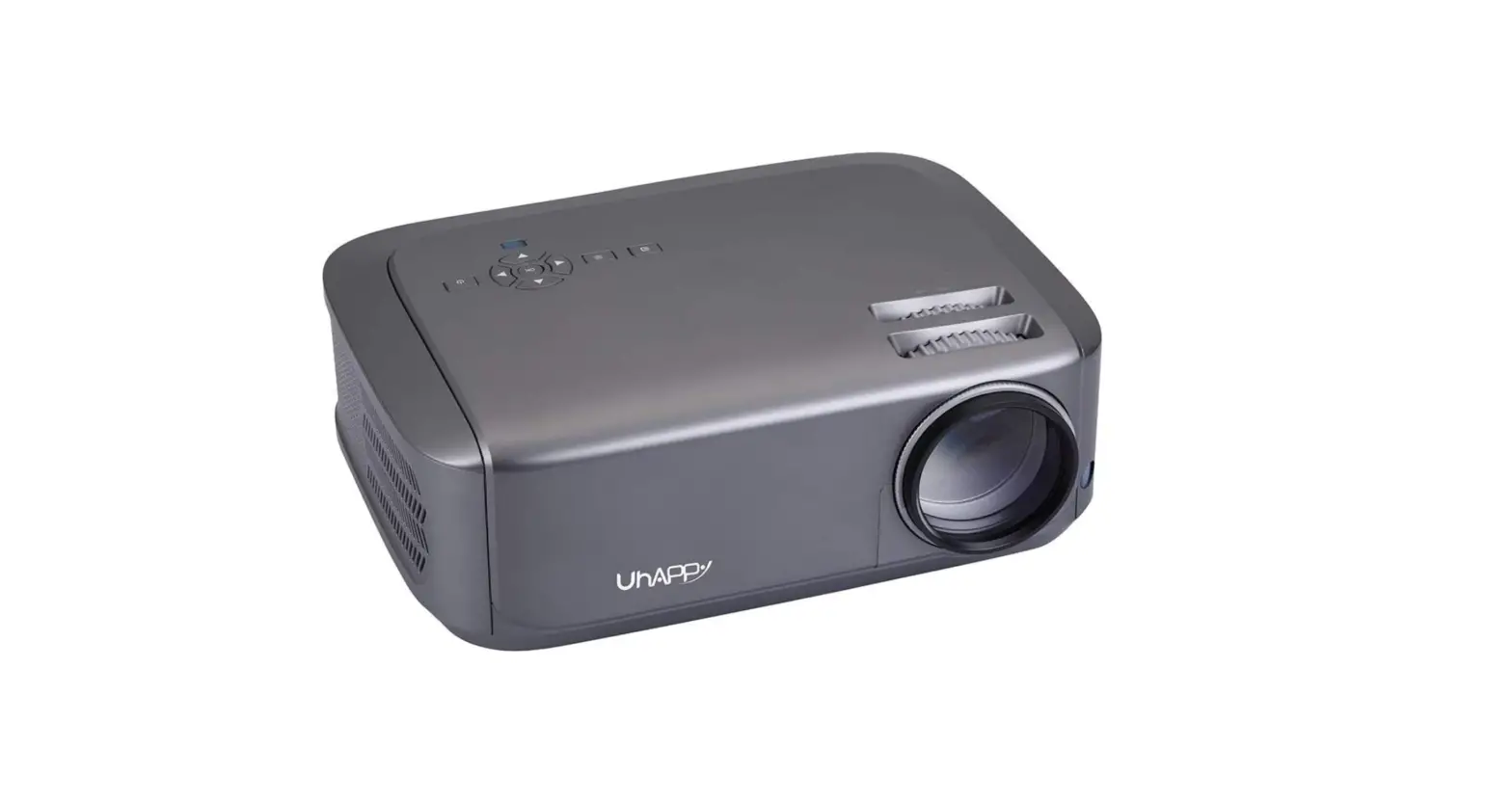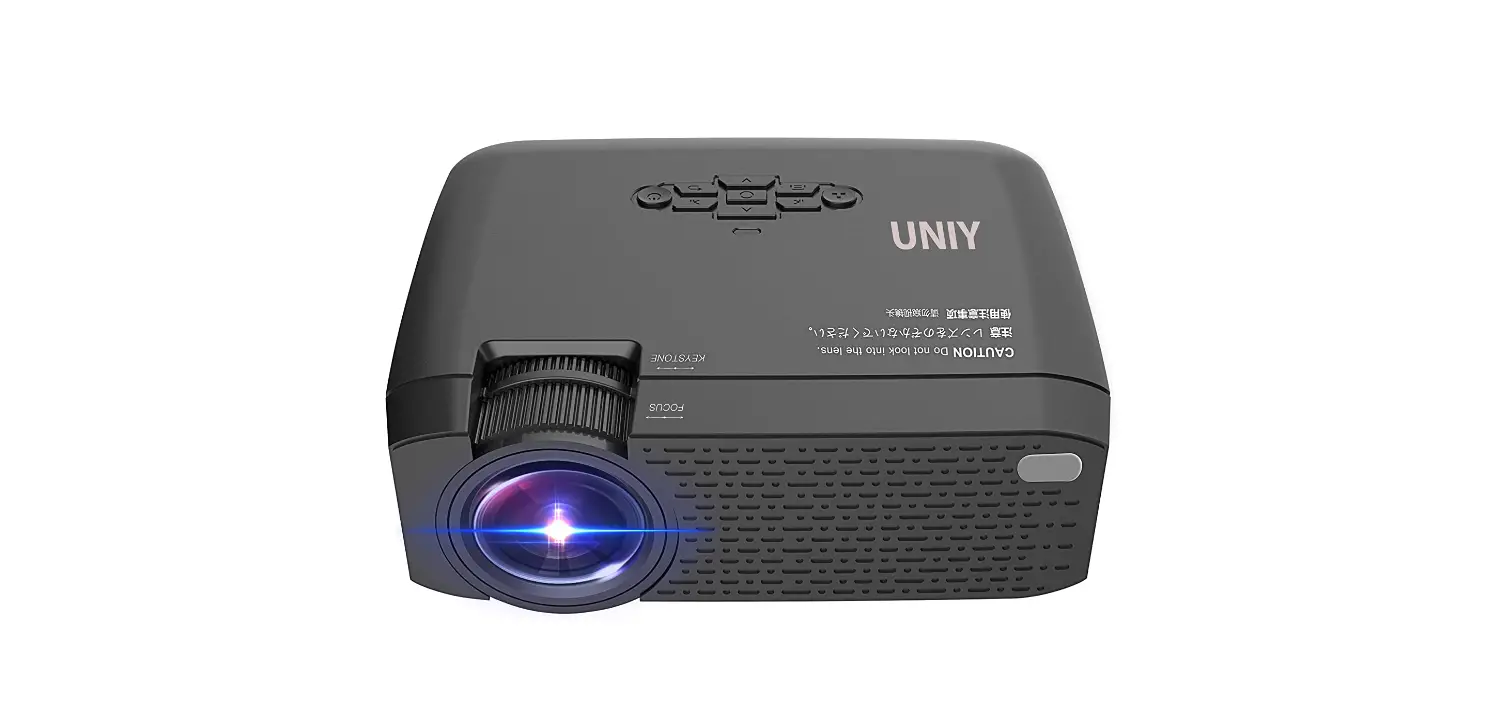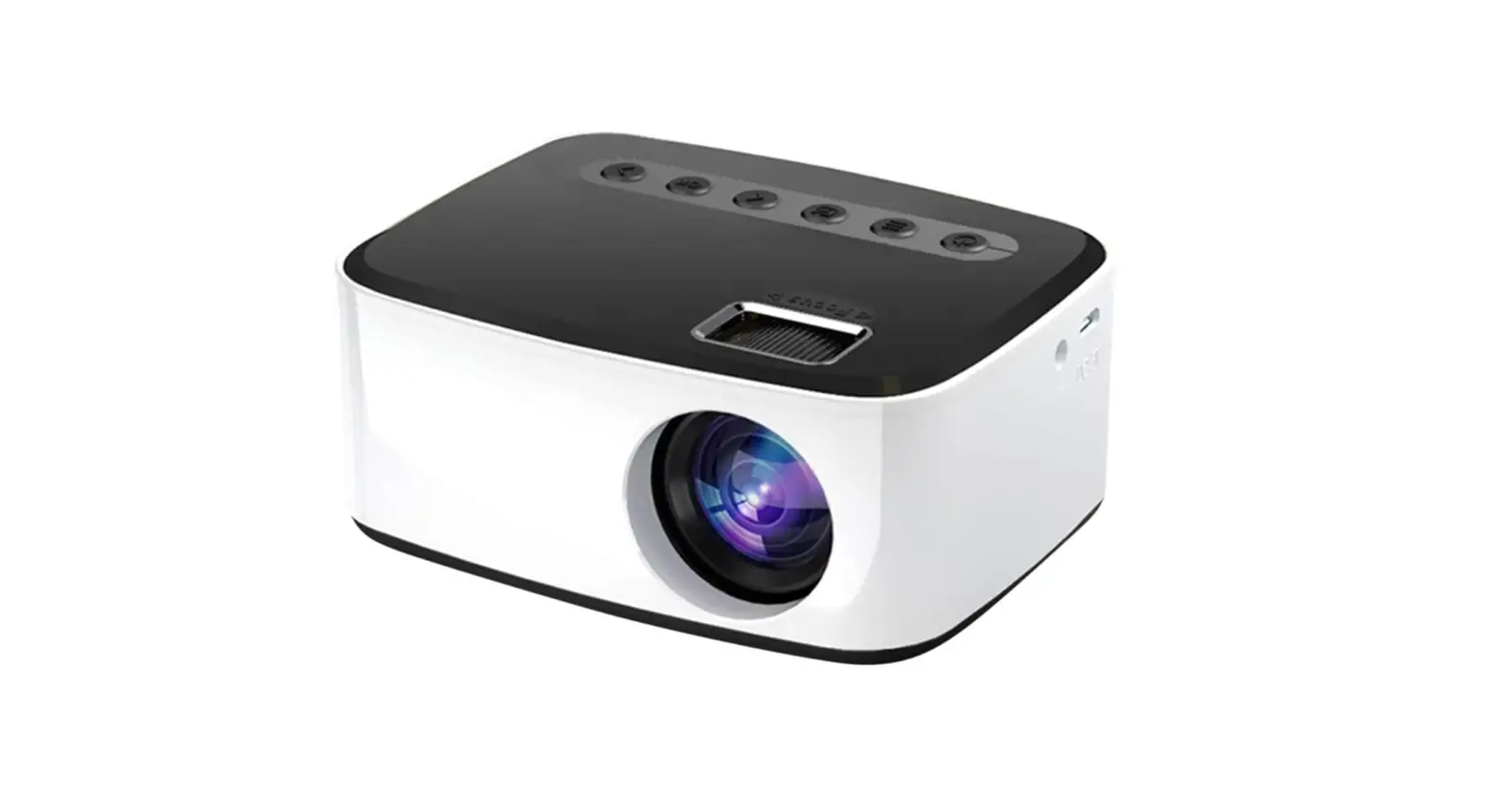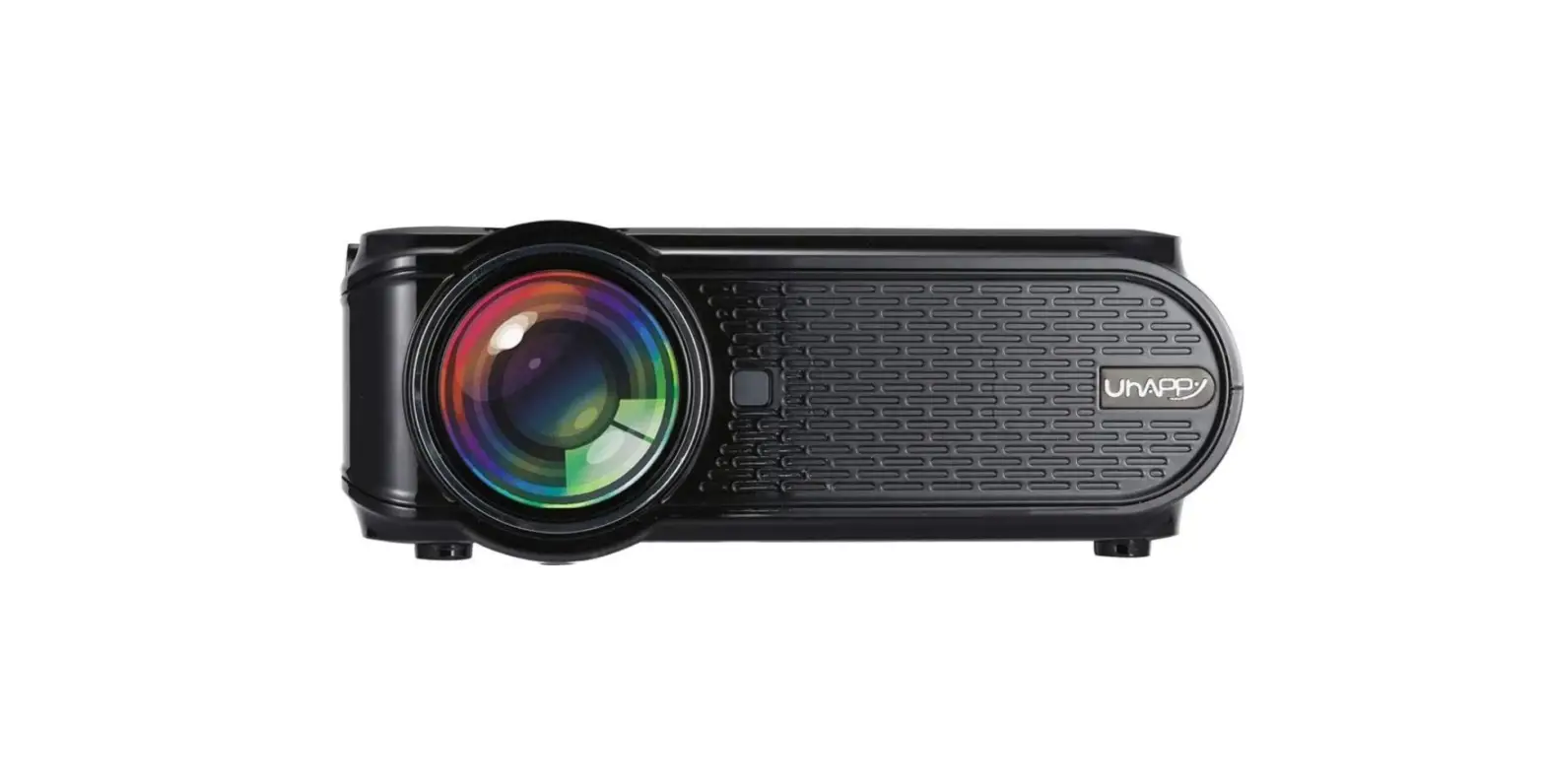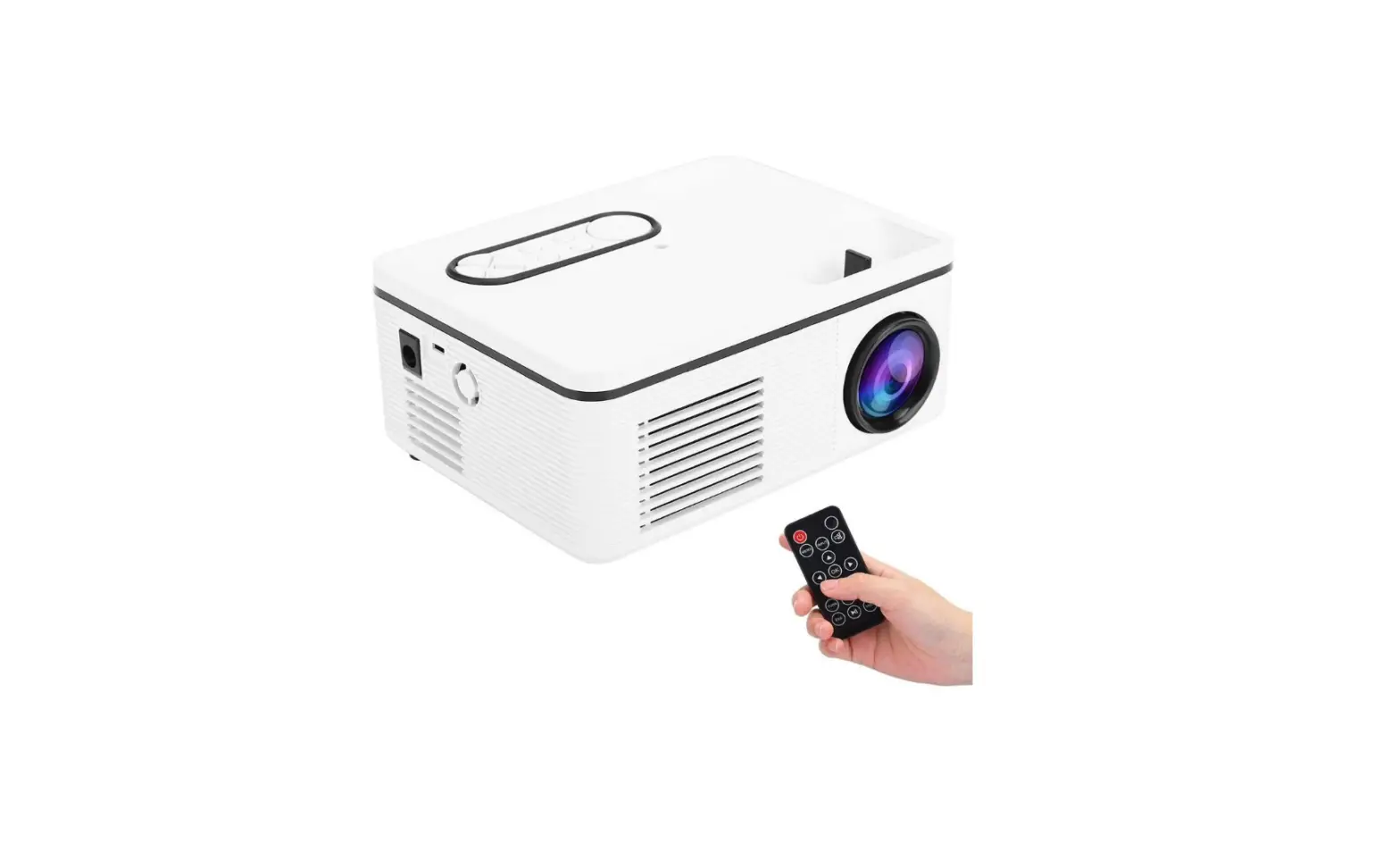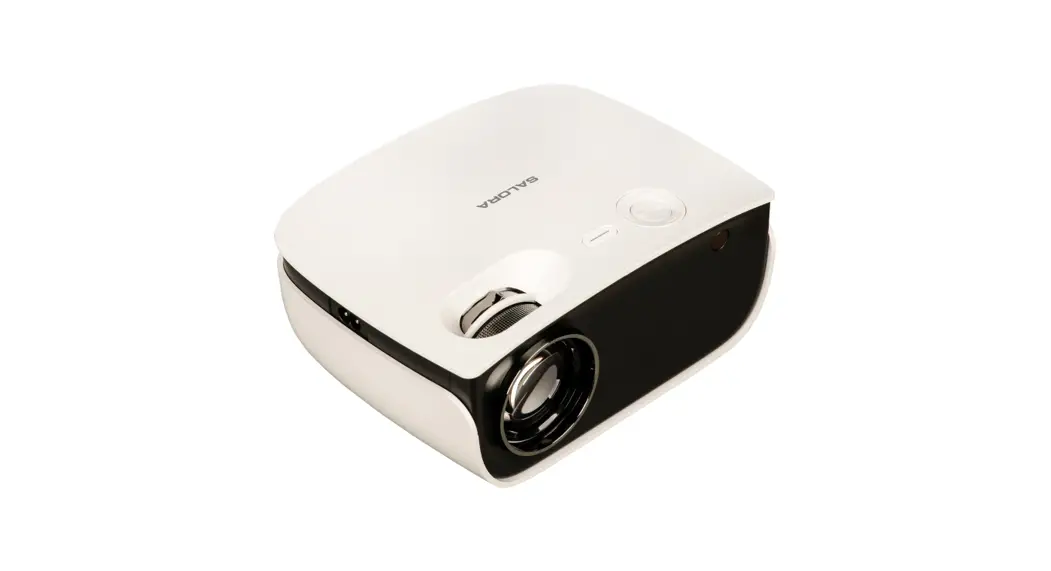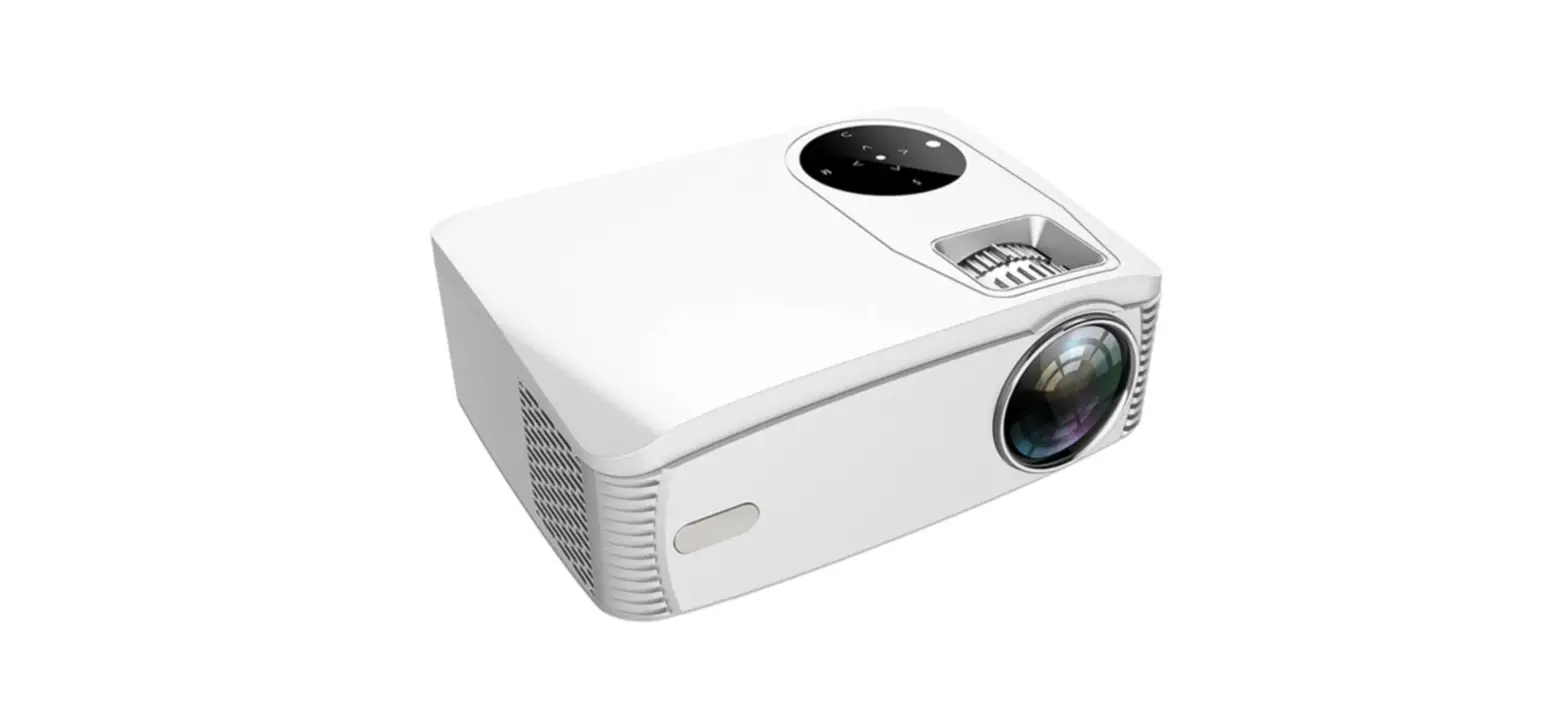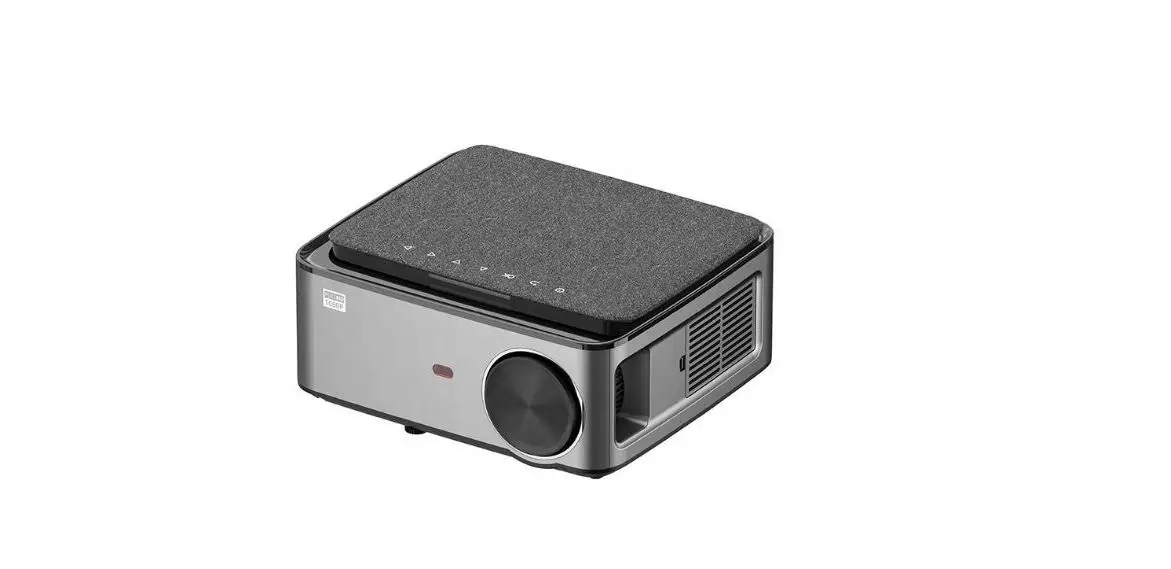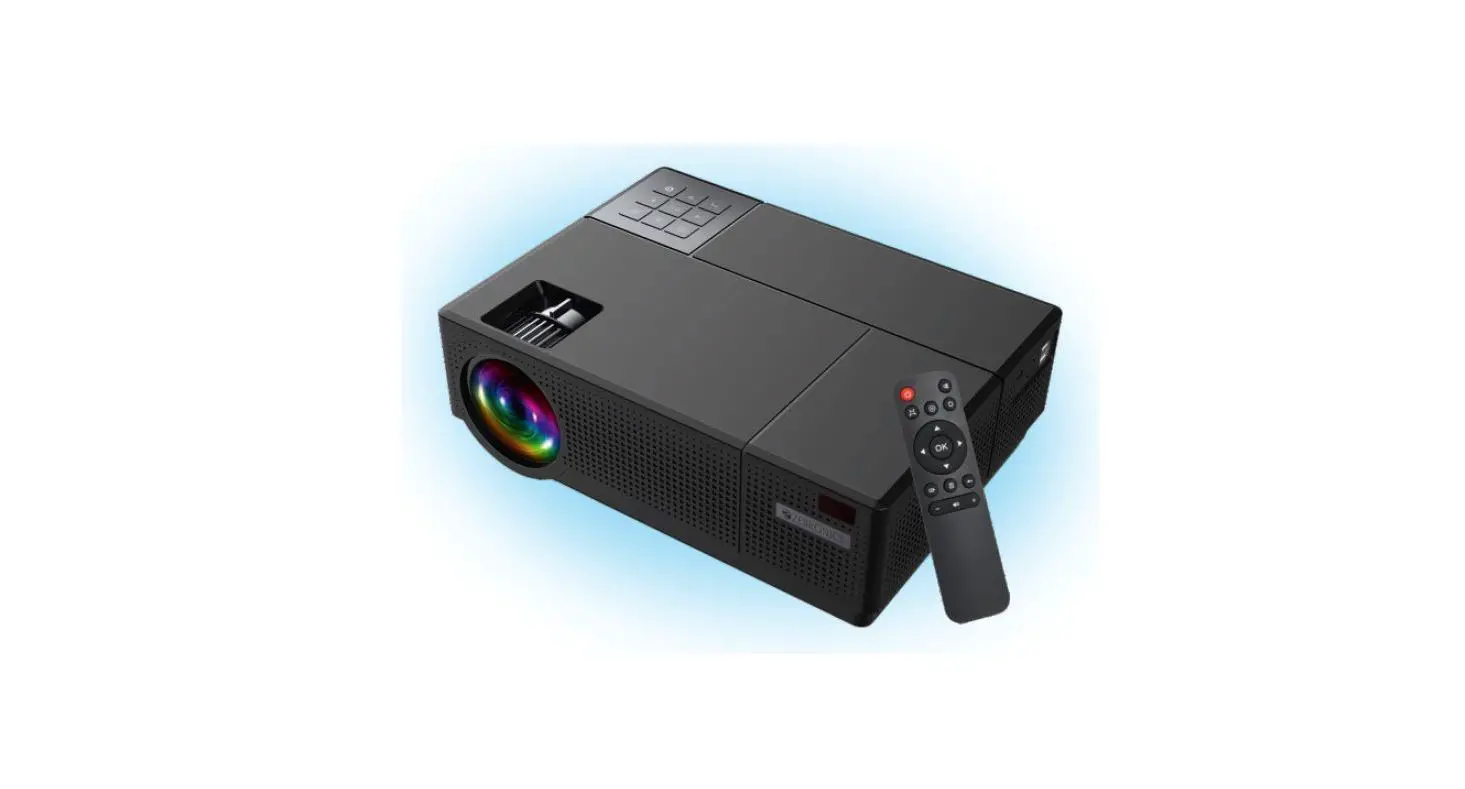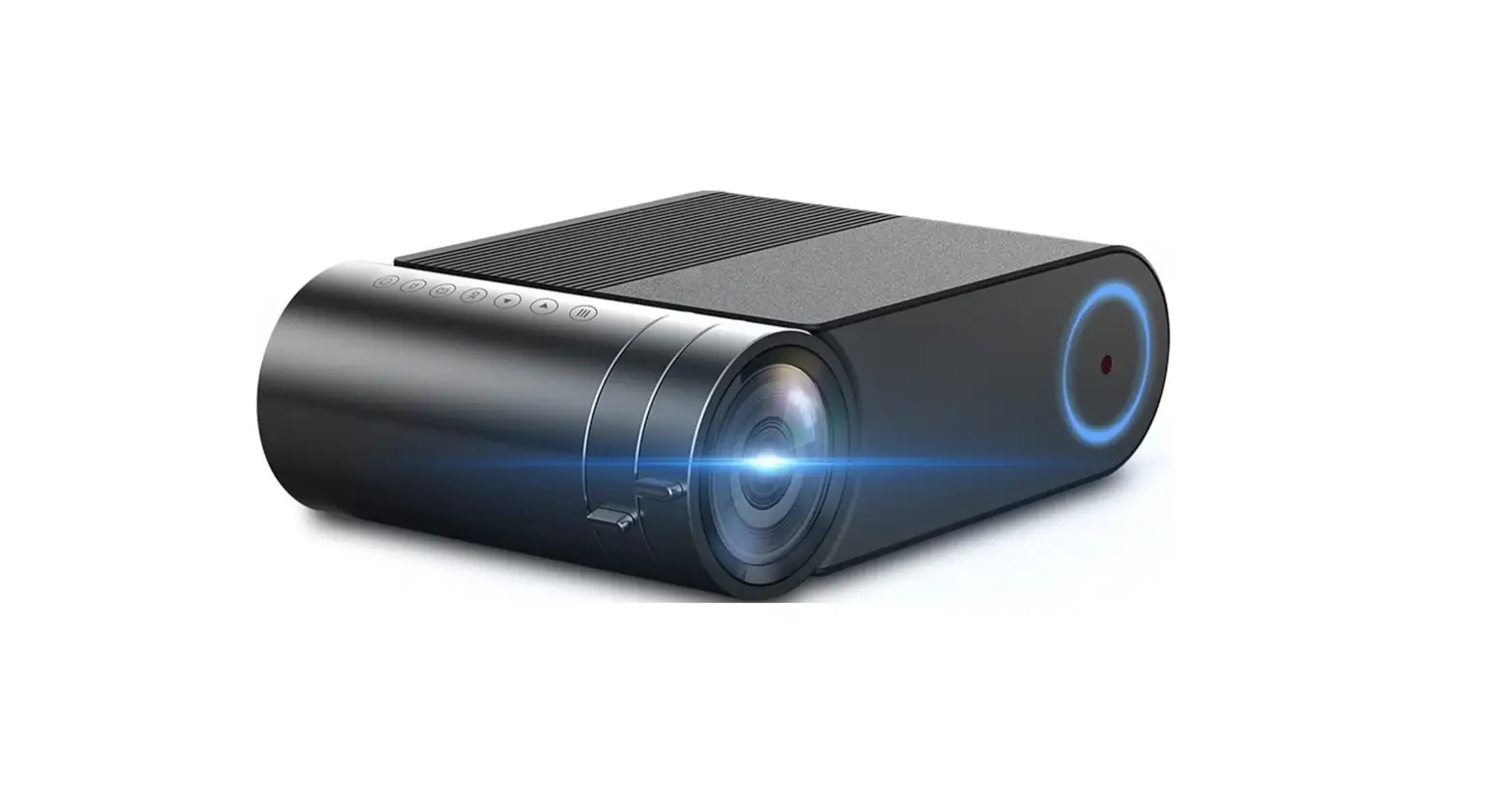

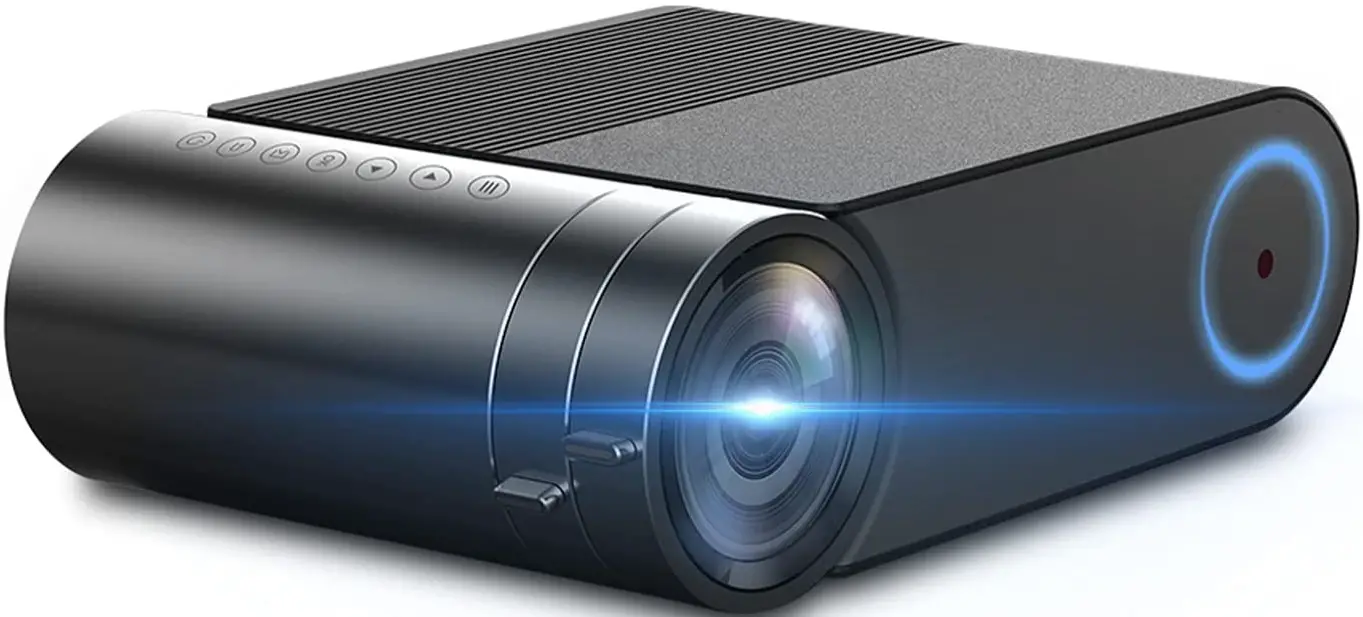
ERISAN HDF20B Portable LED Video Beam Projector
Specifications
- Brand: ERISAN
- Connectivity technology: VGA, USB, HDMI
- Form factor: Portable
- Mounting type: Tabletop Mount, Ceiling Mount
- Hardware interface: VGA, USB
- Compatible Devices: Television, HDMI
- Display Technology: LCD
- Display type: LCD
- Wattage: 60 watts
- Power source type: AC
- Connector Type: VGA, USB, HDMI
- Remote control included? Yes
- Operation mode: Manual operation
- Keystone: Manual vertical +-15°
- Power voltage: AC 100-240V, 50/60Hz Consumption <84W
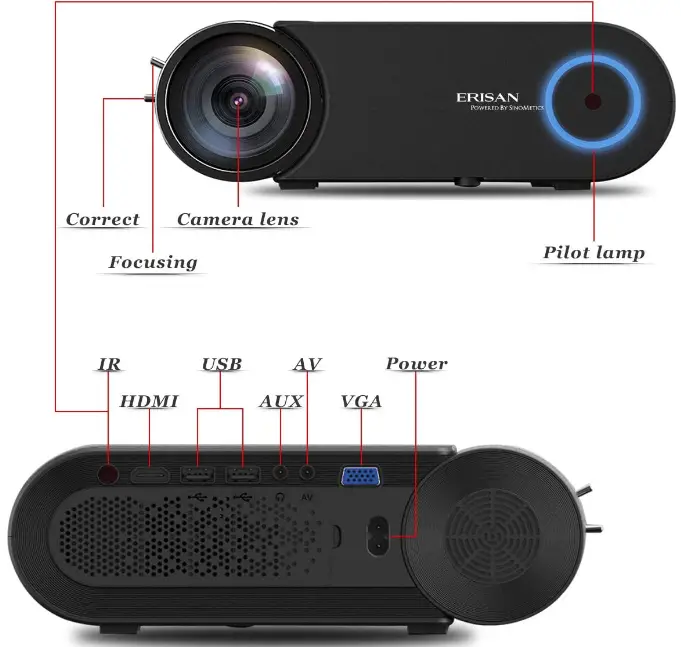
- I/O interface (input/Output): HDMI, USB, Aux, VGA, AV, I.R
- Brightness: 500 ANSI [3600 Lumens]
- Aspect Ratio: 4:3 / 16:9
- Contrast: 10K:1 / Dyn
- Noise: 35dB
- Dimensions
- Product (W x D x H):245*166*82mm;
- Product Weight(N.W)***1.25kg
What’s in the box?
- HDF20B Projector
- AV cable
- Lens Cap
- Remote control
- Owner Manual
Description
ERISAN HDF20B Portable LED Video Beam Projector has 500 ANSI brightness and 3600 lumens that create bright image and its contrast make clear image. This projector has 1080 native resolution that prefect for making home theater. It has noise reduction function built-in that give you noise free entertainment during watching movies, playing games and give presentation.
Overview
Features
LCD Imaging technology
You get a fantastic theatre experience with the F20B projector with Upgraded LCD Imaging technology. Better than most other tiny projectors, it supports native FHD 1080p. When connected to a PC or 4K TV Stick, it also supports 4K video input.
Broad Connectivity
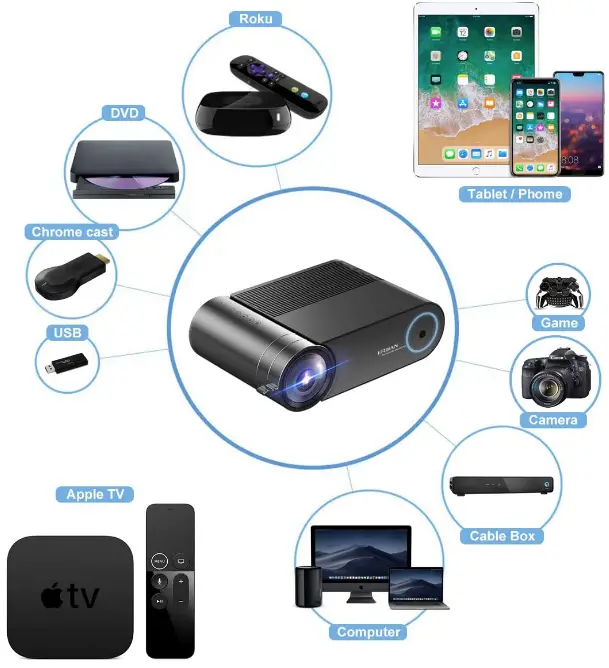
It is simply connected to devices using USB, HDMI, VGA, AV, TV Stick, Apple TV, PC, phone/tablet, Blu-ray DVD, USB Device, etc.
Cooling Technology
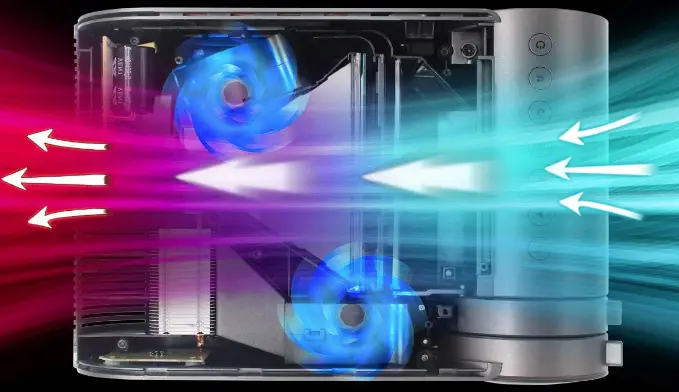
Innovative cooling technology prevents overheating and dead pixels. You may enjoy incredible loud, crystal-clear sound from the built-in Hi-Fi SRS Speaker with Top Stereo Sound Quality.
Portability
The small size allows you to easily transport it indoors or outdoors, making it ideal for backyard parties, video games, and watching home movies. In darker settings, you can also utilize it for small business purposes.
User Support
Our products are always backed by a quality, competent customer care team that is FCC, RoHS, and CE certified. Contact us if you have any questions.
FAQ’s
Android box with HDMI input for a projector
Yes, it functions just like a TV.
I can confirm a 150″ broad picture at a distance of 12 feet.
It is not wireless, but if you have the proper cable to connect your Android to the projector’s USB or HDMI ports, it will function. However, the capacity of your Android to transmit video over your cable connection is more important.
If you have a Netflix subscription, then yes. Without an HDMI cable, you may stream wirelessly as well.
The projector and adopter could be damaged by connecting to 220 volts, which is why I was wondering whether it would be preferable to buy a transformer that converts 220 to 110 volts and use it that way instead.
Yes, there is a VGA port.
Connect your sources to a multi-channel amplifier, and the amplifier will output the video signal to the projector just like a TV does. However, the projector’s HDMI connector does not support ARC, therefore any content played from a USB storage device that is inserted directly into the projector will not send audio to your amplifier.
Yes, someone already posted using it successfully on the ceiling at US site I suppose
Yes, I occasionally used the one I purchased on a battery pack.
Display Resolution factors to take into account when buying a projector. Both display resolution and contrast ratio play important roles. Brightness and contrast ratio work together seamlessly. Color reproduction is still another important factor to consider, along with inputs and portability.
Even though 4K is the highest resolution a portable projector can output, a 1080p or 720p high-definition projector should be adequate in a dim living room, basement, or backyard.
You can watch routine, daily television on a projector. Although it might reduce bulb life, it won’t harm the projector and might make TV watching more enjoyable in general.
Since all good projectors have HDMI in, you may purchase a USB to HDMI cable or adapter. Every USB version has these available, so check your phone and pick the one that works. To view the screen of your phone once connected, simply change the source on your projector to the relevant HDMI port.
Project a PowerPoint display during a meeting. Project a computer screen into the classroom to instruct the students. Send a movie to a large screen via your computer or television. Showcase a product or service in a conference center.
People who don’t typically utilize the projector may go weeks or months without doing so. In order to prevent the battery from going fully bad, it must be charged and used at least once a month.