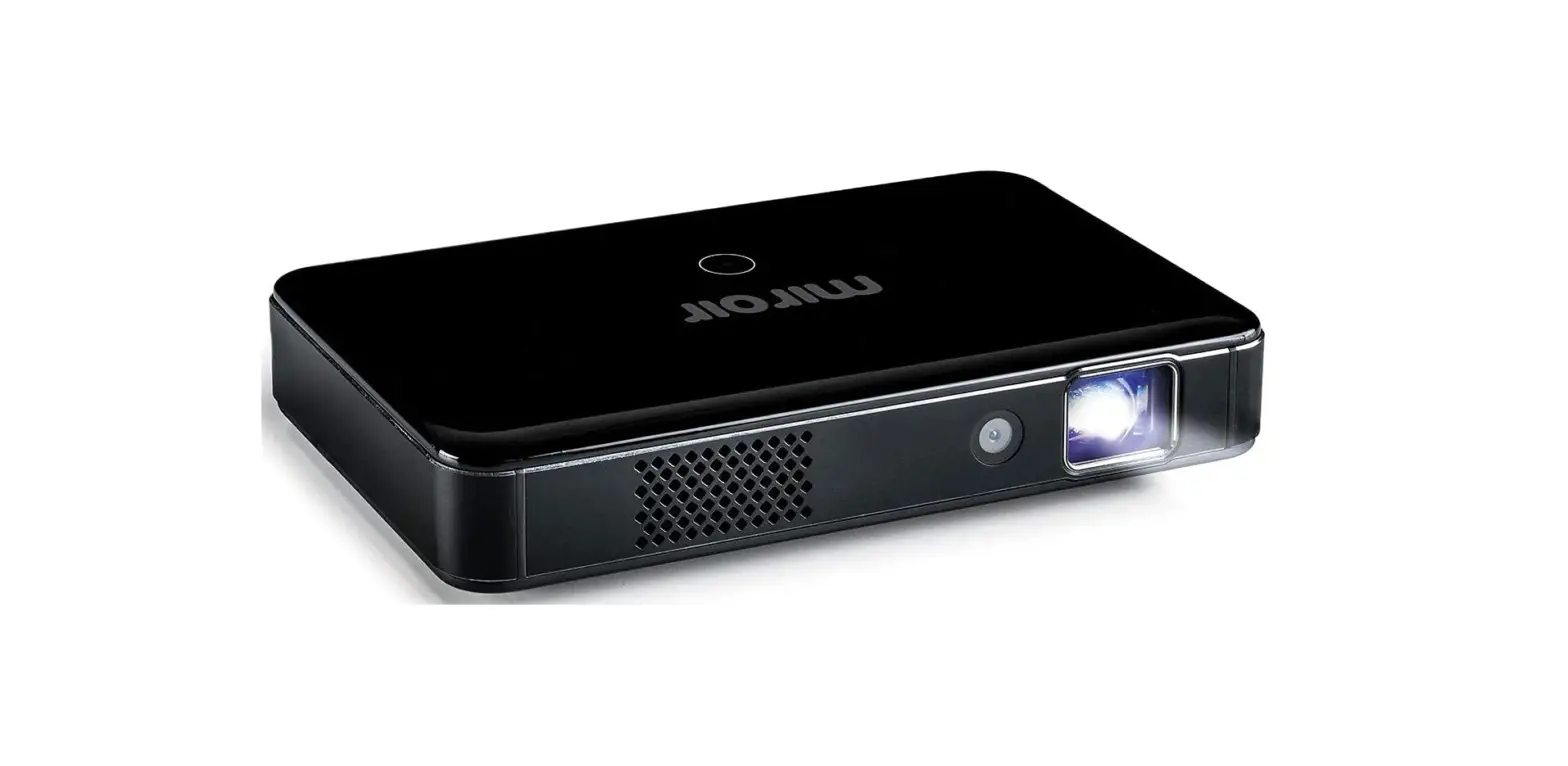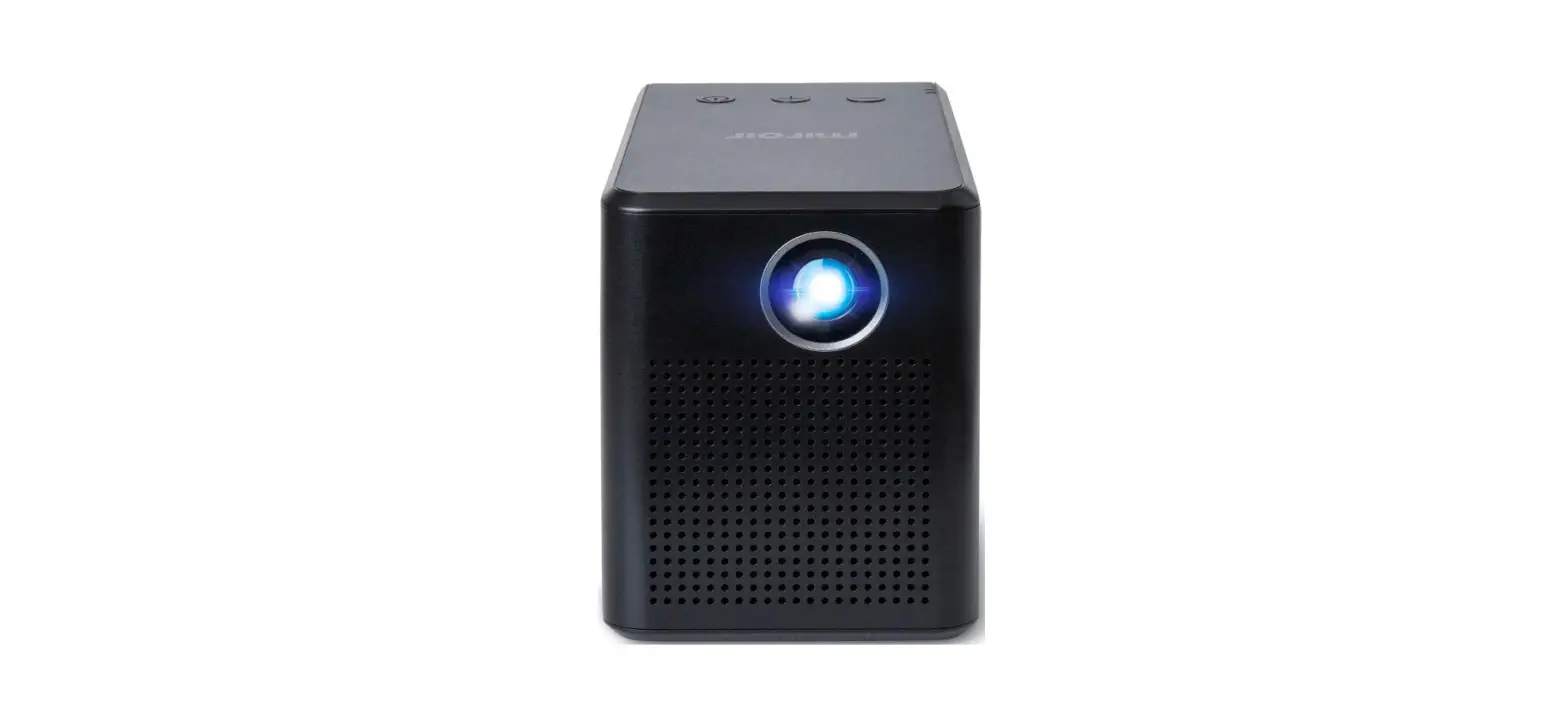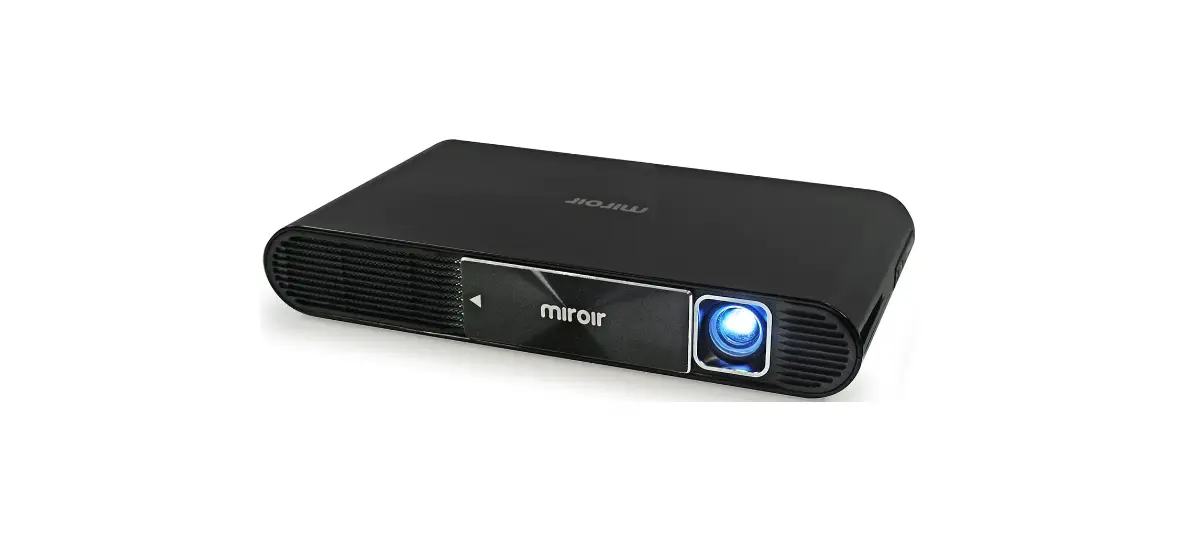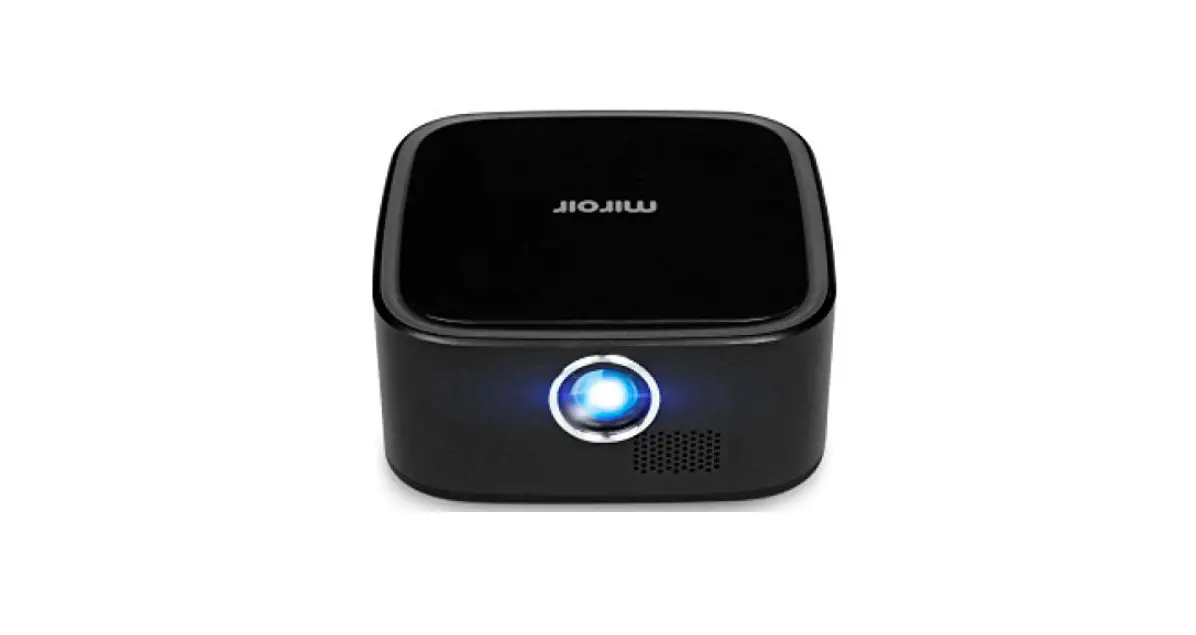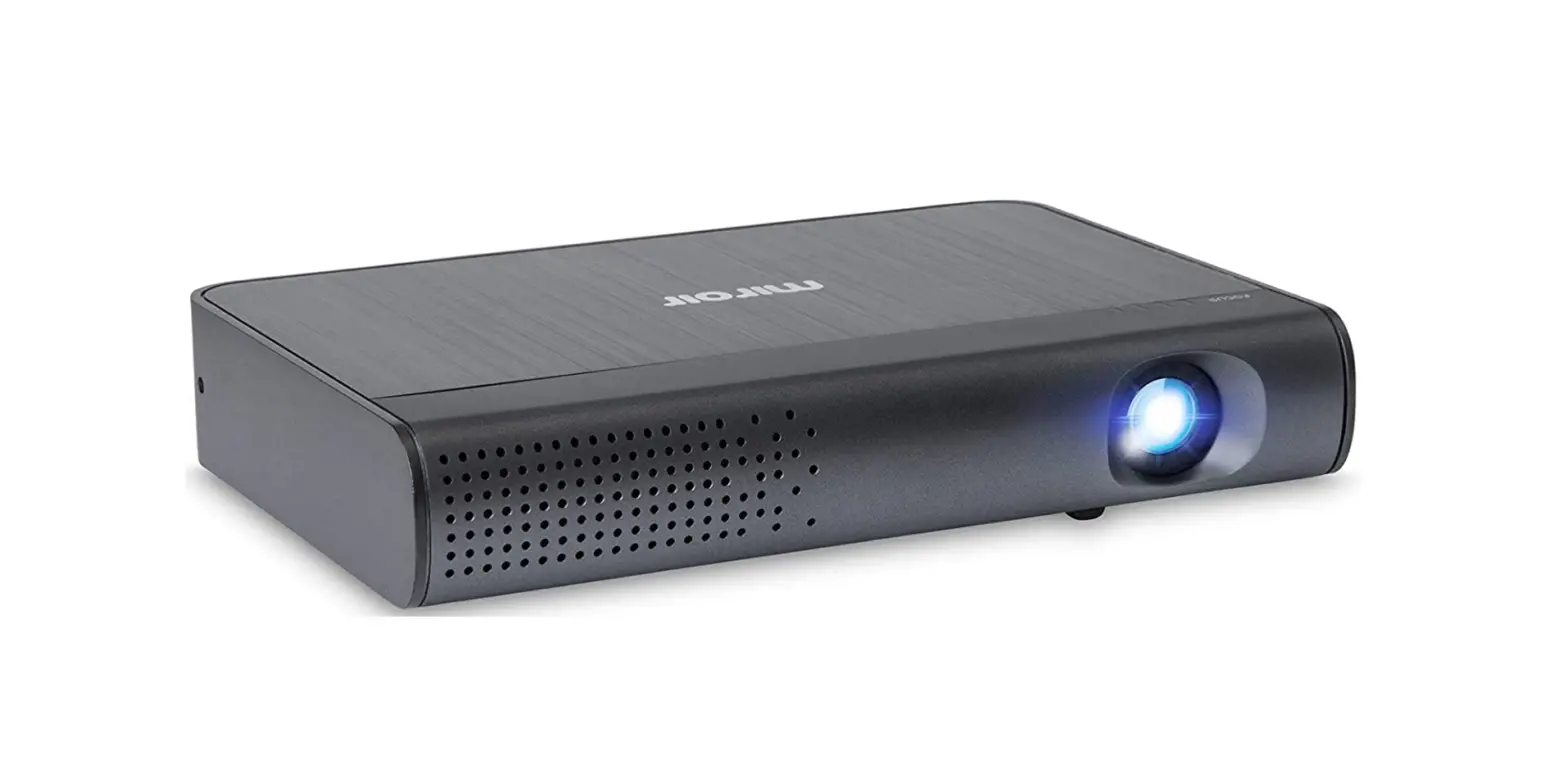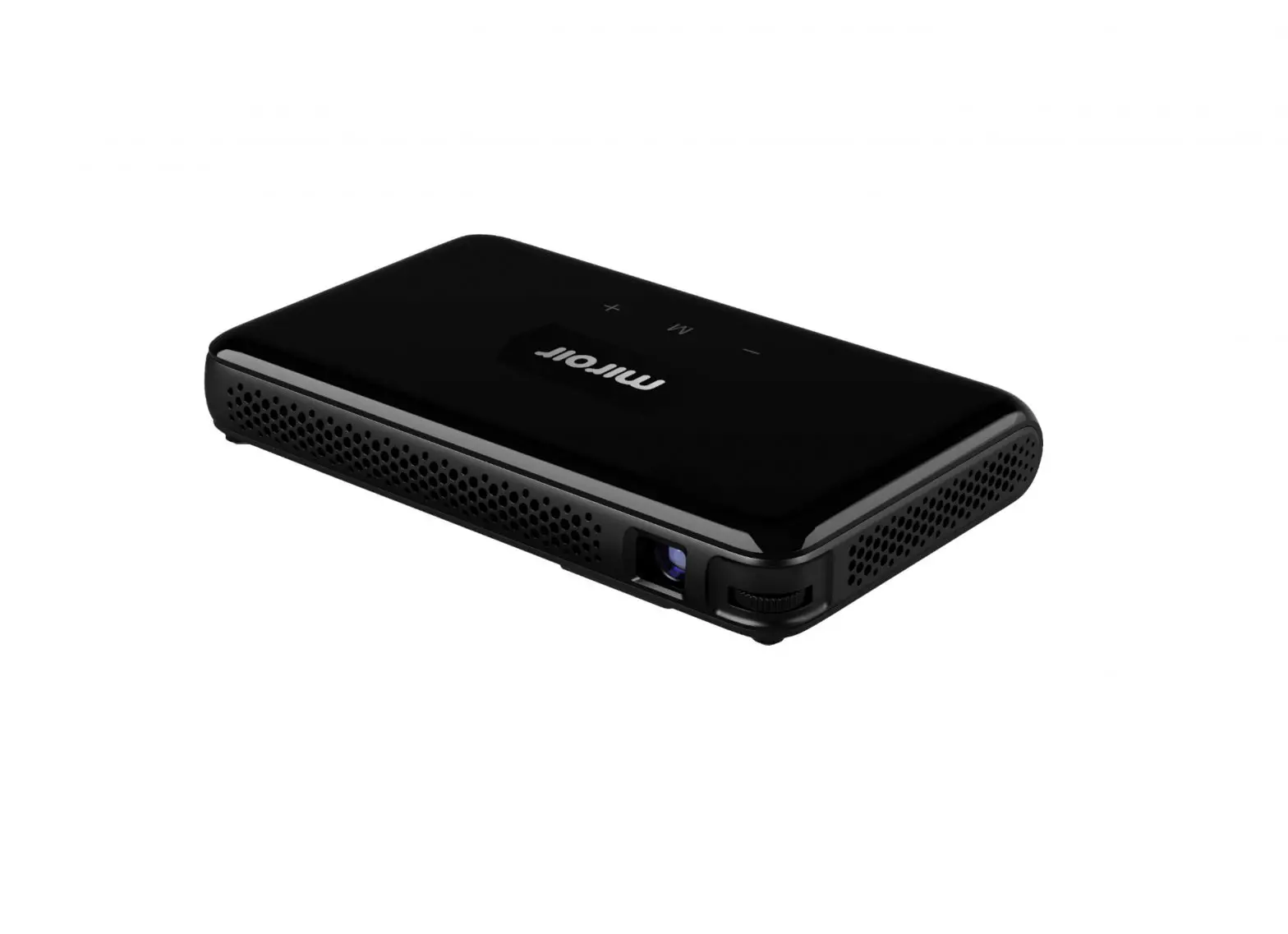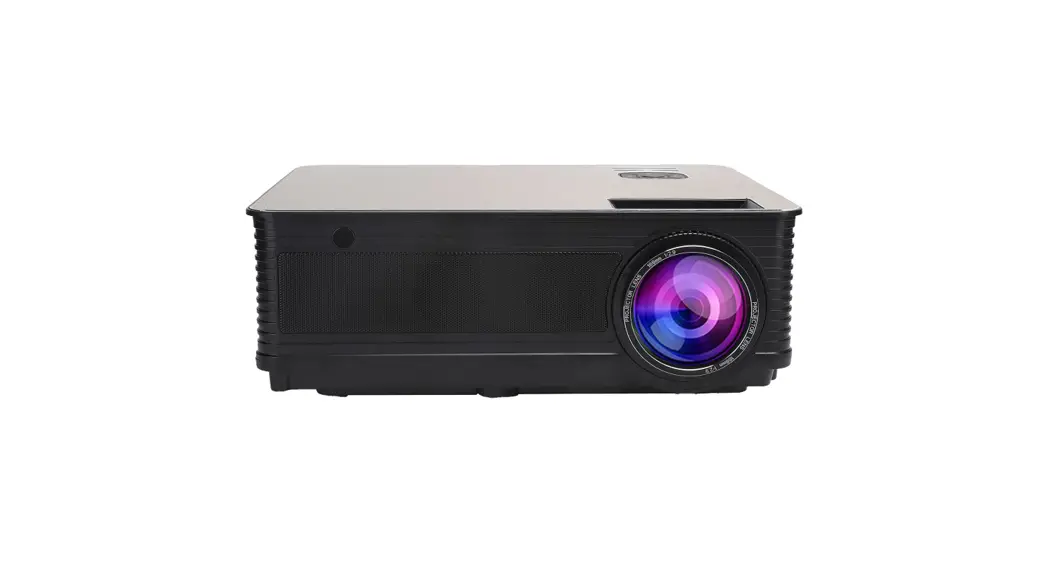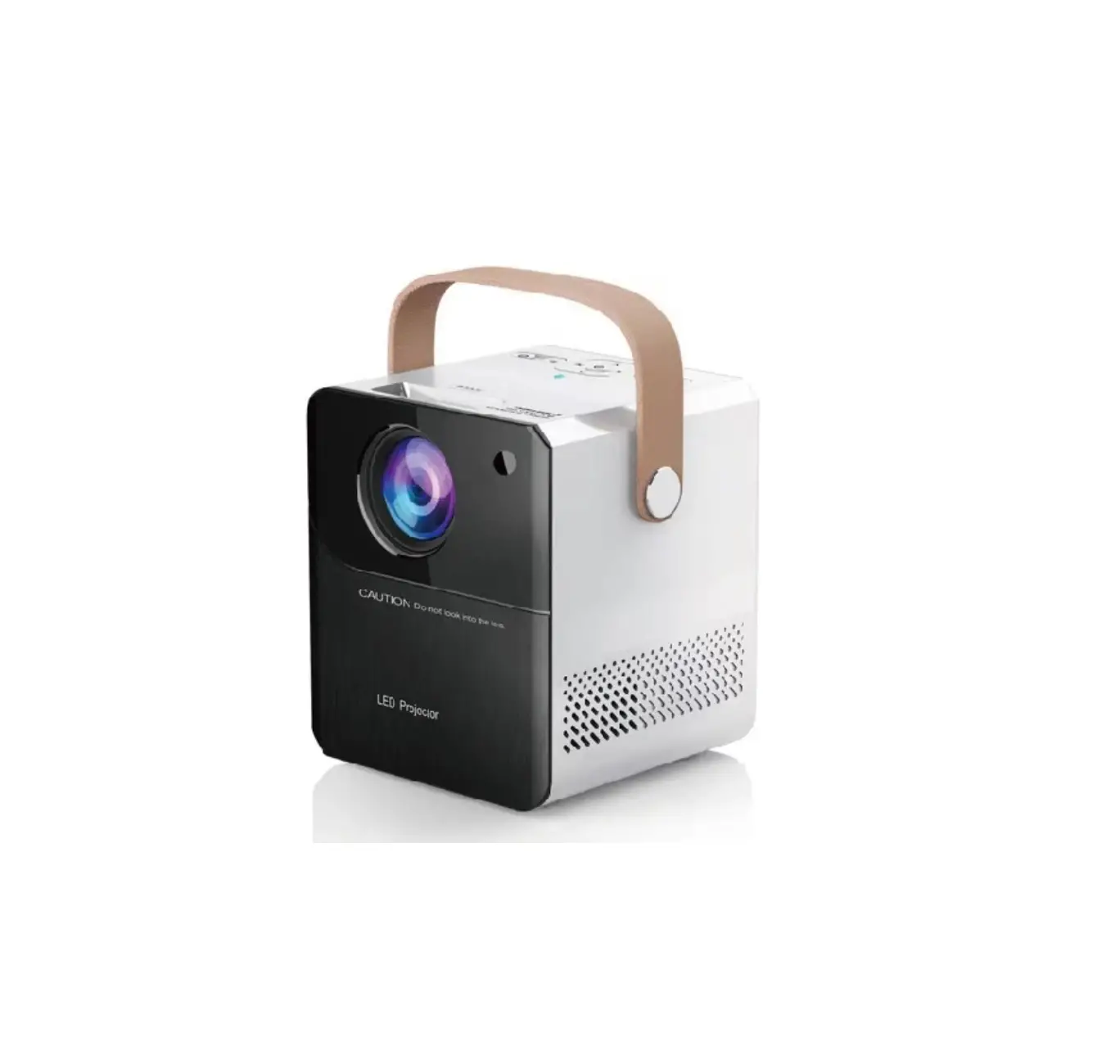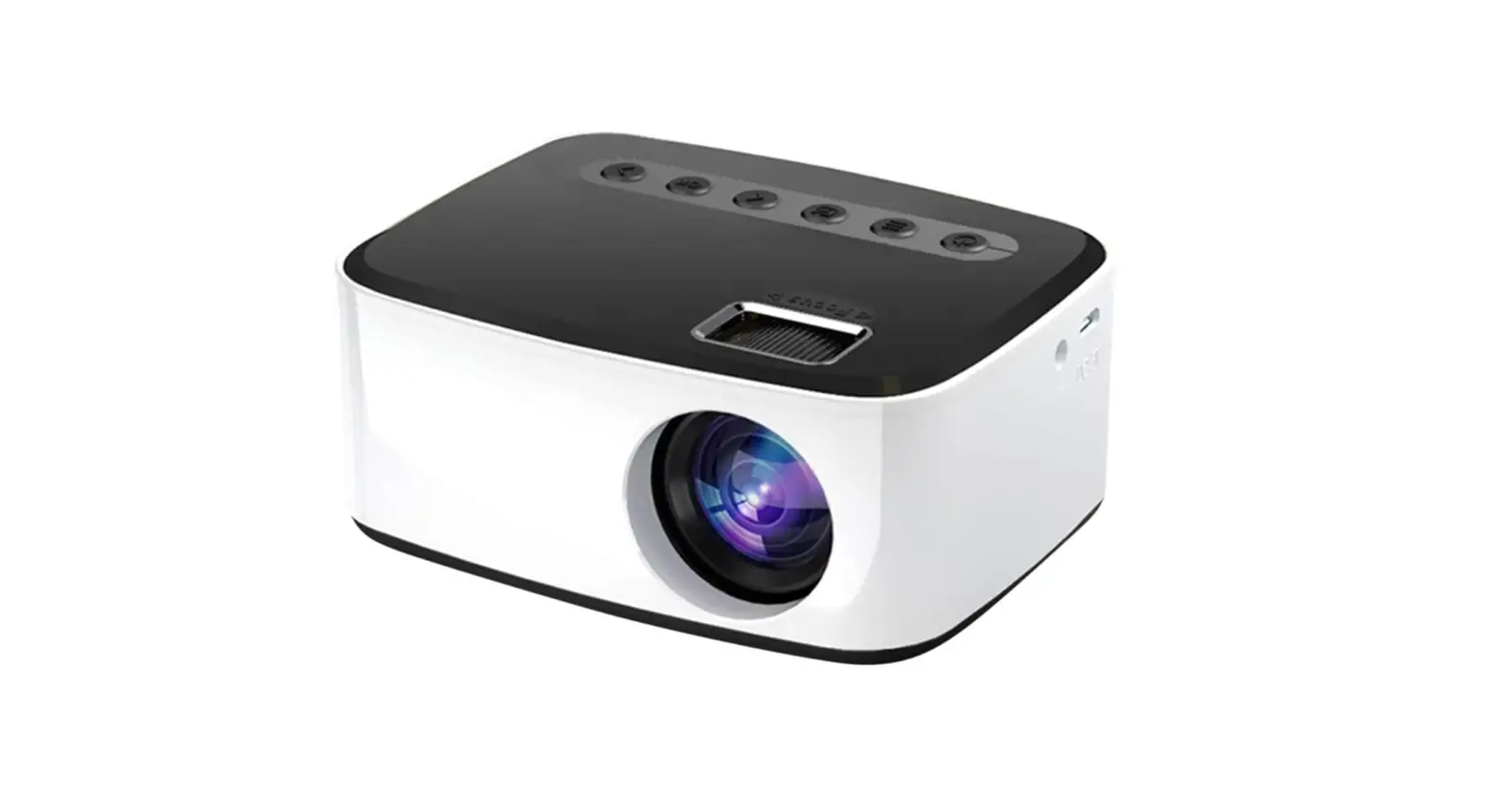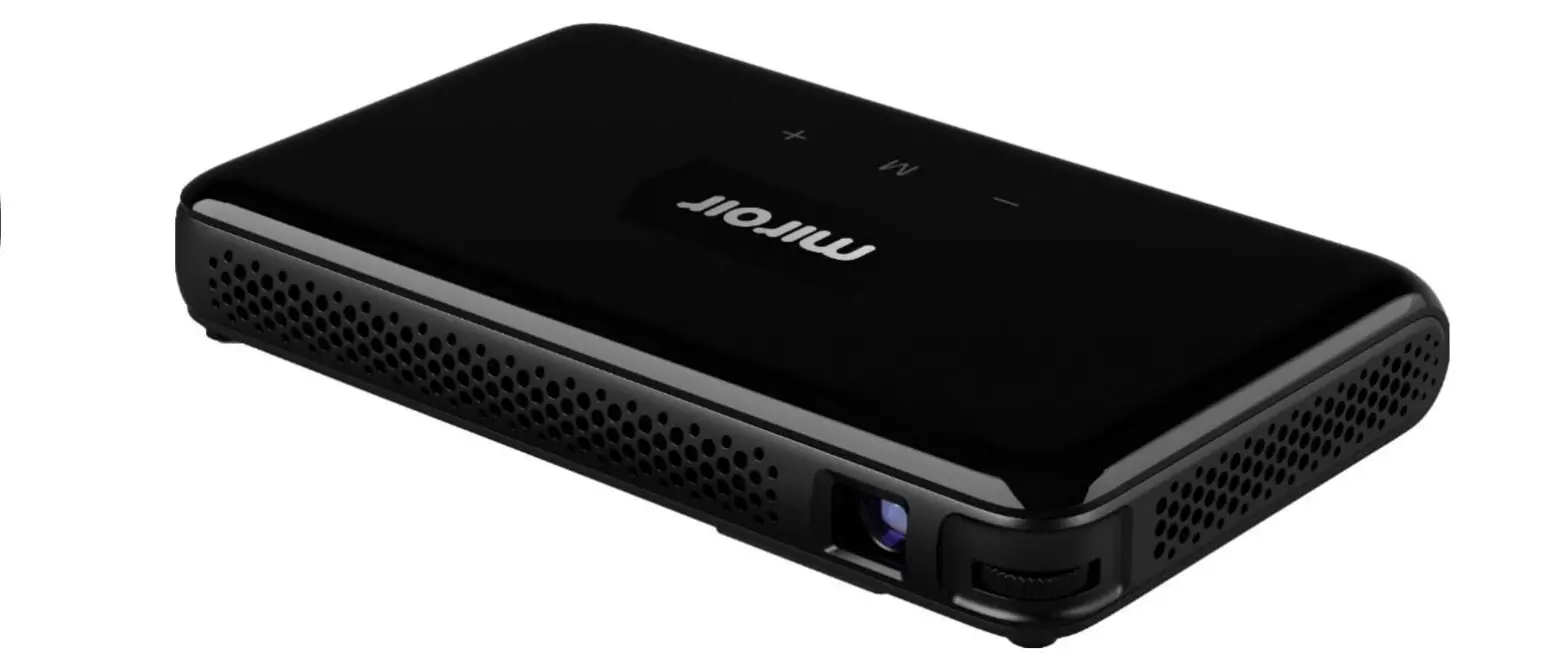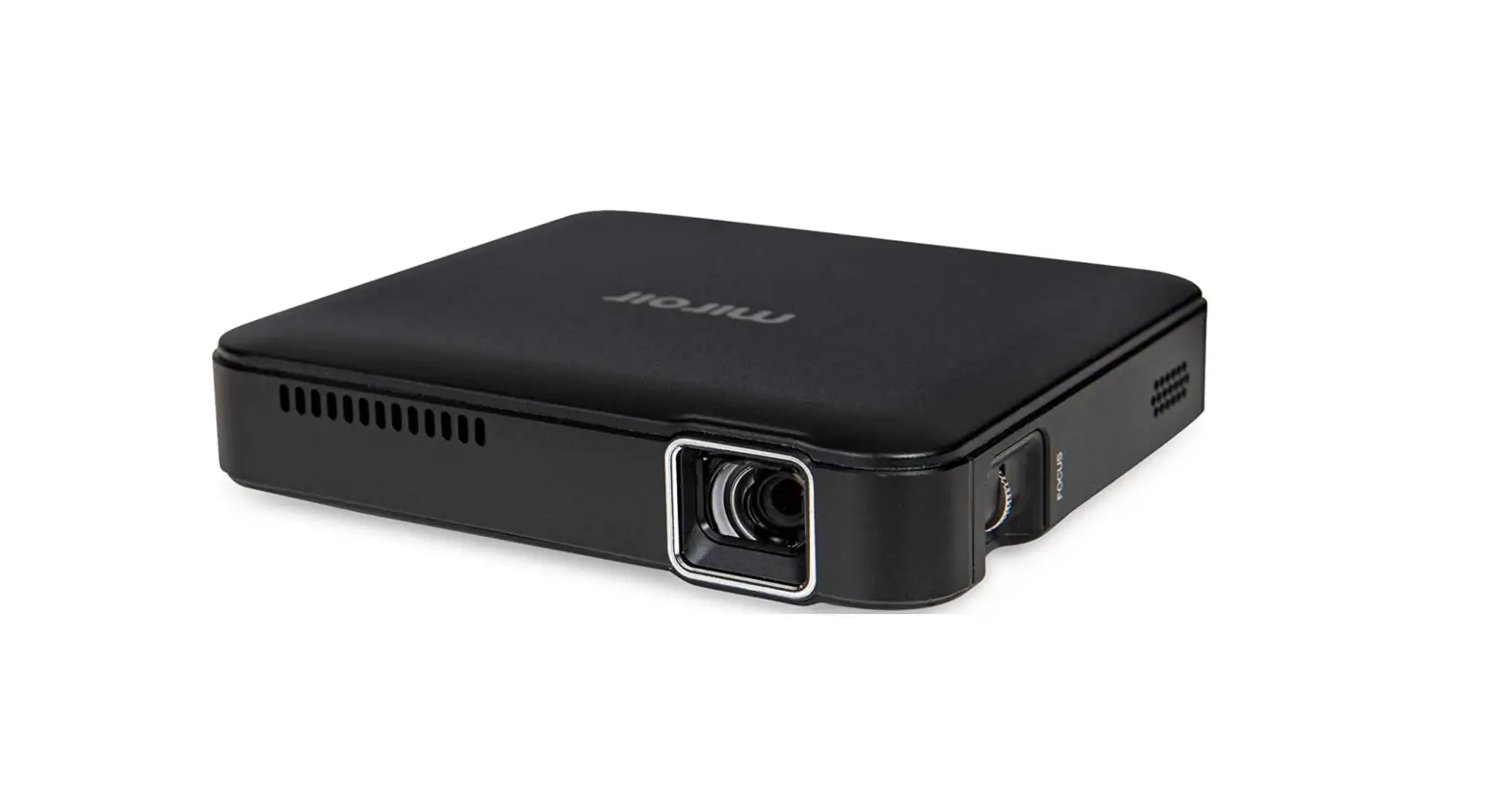

Miroir M125 LED Portable Projector
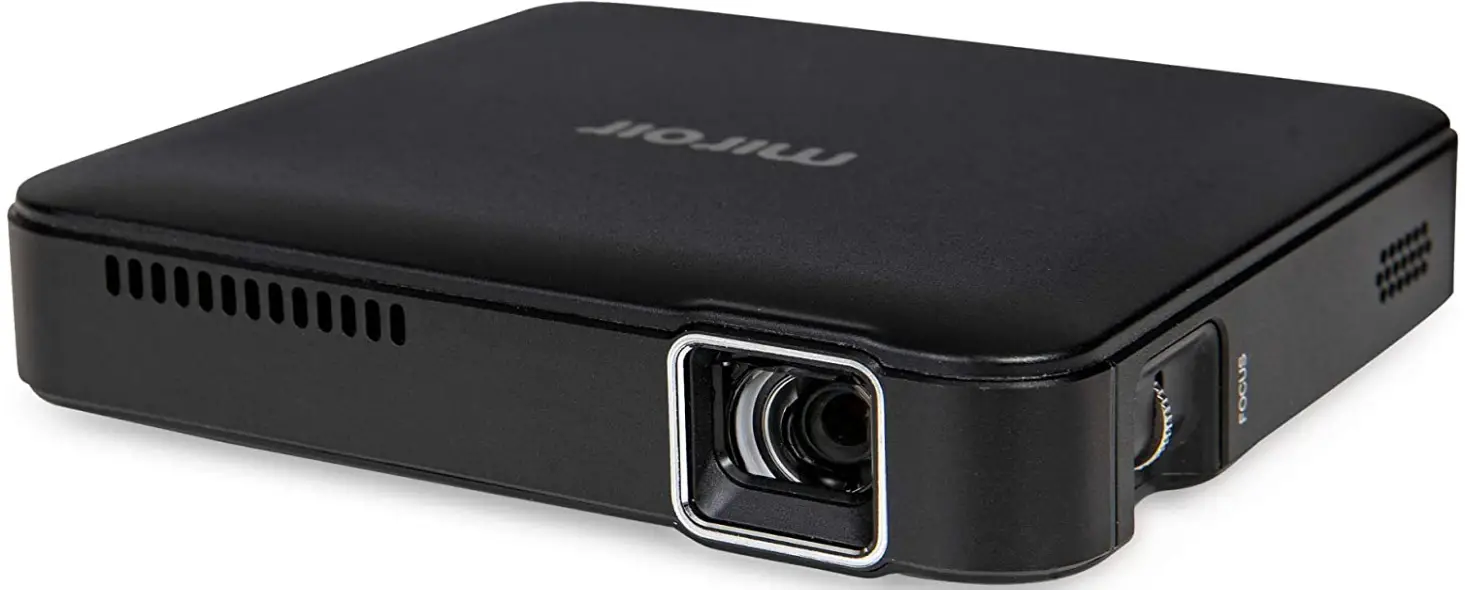
Specifications
- Brand: Miroir
- Connectivity Technology: HDMI
- Display resolution: 854x480p
- Support Resolution Maximum: 1080p
- Display Type: DLP
- Product Dimensions:9 x 3.9 x 1.1 inches
- Item Weight: 7 ounces
- Item model number: M125
- Batteries: 1 Lithium Polymer batteries required. (included)
What’s in the box?
- Projector
- HDMI Cable
- Micro USB charging Cable
- Adapter
Portable Projector
The M125 is portable, weighing only 7 oz., and can be carried together with your tablet and notebook in a purse or briefcase.
- COMPACT AND PORTABLE: 9” x 3.9” x 1.1”.
- DURABLE BATTERIES: Li-polymer battery built-in with a two-hour projection time
- WORKS WITH A VARIETY OF DEVICES: Apple TV, Android, iPhone, iPad, laptop, and streaming device. iPhone REQUIRES AN APPLE DIGITAL AV ADAPTER. a USB Type A jack for powering streaming devices
- BIG DISPLAY: Suitable for home movies in the bedroom. from 25″ to 70″ in size. Two 1-watt built-in speakers, a 3.5mm audio out jack, and outdoor gatherings or streaming
- LED LAMP: Up to 20,000 hours of viewing time per LED LAMP
Note
Products with electrical plugs are made with American consumers in mind. Because outlets and voltage vary from country to country, this device might need an adapter or converter to be used where you are travelling. Before buying, kindly verify compatibility.
Features
Clear, vivid pictures
The Miroir M125 Micro Pro Projector transforms any area into an instant movie theatre by delivering lifelike viewing experiences.
25 to 70-inch screens
The M125 instantly expands anywhere you go to a 70″ screen, including the backyard and outside! Bring a huge screen and watch immersive, cinematic content anytime, anywhere.
Portable and Small
For gamers who wish to play on large displays at home, the M125 is the ideal ally.
LED Lamp and Battery with High Power
With no need to replace bulbs, the LED lamp in the M125 can project for up to 20,000 hours, and the built-in rechargeable battery can power the screen for up to two hours.
2 Internal 1W Speakers
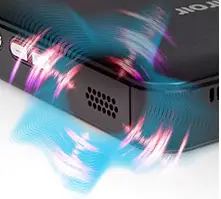
On-the-go, the M125’s two 1W speakers produce superb sound. For even more sound, connect the M125 to your surround sound system, or use your preferred headphones to listen.
Compact and transportable
On your upcoming vacation or camping trip, do you wish you could bring a home theatre with you? The M125 is portable and prepared to use whenever you are!
USB and HDMI connectivity
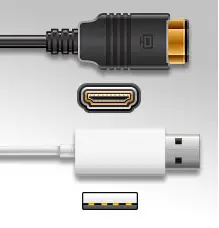
The HDMI port on the M125 Micro Pro Projector makes it simple to connect to any source. You may use the projector as a battery backup for your mobile and streaming devices thanks to the USB-A port.
When utilized with Apple products, an Apple Digital AV adaptor is necessary.
FAQ’s
The HDMI signal supplied to the M125’s input will be projected. You won’t need a streaming device like a Firestick if your phone can output an HDMI signal or if its video output can be converted to an HDMI signal.
You can display anything on your PC or smartphone using this projector, yes.
I won’t claim it is a problem because I haven’t been bothered by any fan noise.
No, power transfer is not part of the HDMI specification.
Since the M125 lacks wireless connectivity, you should utilize the HDMI cable that comes in the package and a digital AV adaptor. This projector does not have an SD card slot either.
There is only one remote available for the M125 projector.
With the right AC adapter charger, charging takes about four to five hours. The M190 reduces the resolution of your image from 1080p to 480p while enhancing the visual quality for watching in a theatre. Except for models with integrated USB – C, Apple devices need an Apple Digital AV adaptor.
There is no way to change the brightness. A room with no ambient or direct light is the ideal setting for watching. It depends on how close to the wall you position the projector.
When the mobile projector is plugged into a power source, it can charge even while it is projecting. The predicted movie, TV show, or game’s power requirements will affect how long it takes to charge.
Taking care of the projector’s mirror
To avoid scratching the mirror when it is later wiped, remove dust with a bellows or lens blower, which are easily accessible from camera shops. Use a lens cleaning tissue in addition to a small amount of lens cleaning fluid, or gently wipe your lenses with a lens cleaning cloth.
To guarantee that the image has the proper size and dimensions, calibrating your projector is crucial. Additionally, you should check that the colours are true and that the brightness and contrast are set appropriately. Finally, you should check if the image is clean and sharp.
As people more easily experience other people’s emotions through imitating posture and gestures, mirroring aids in the development of empathy. When viewing injuries, mirroring also enables people to vicariously experience the suffering of others.
To prevent overheating, it would be beneficial to maintain your Miroir M125 projector in a cool space with adequate ventilation. In other words, the bulb will survive its full life as long as it is properly maintained, even if you leave your projector on for an extended period of time.
· Taking care of the projector case
· Cut the projector off.
· Disconnect the power supply and any video source wires.
· Use a gentle cloth to clean the projector’s exterior.
· To clean the external vents, use a vacuum with a gentle brush attachment.
· Reconnect all video source wires and the power cord.