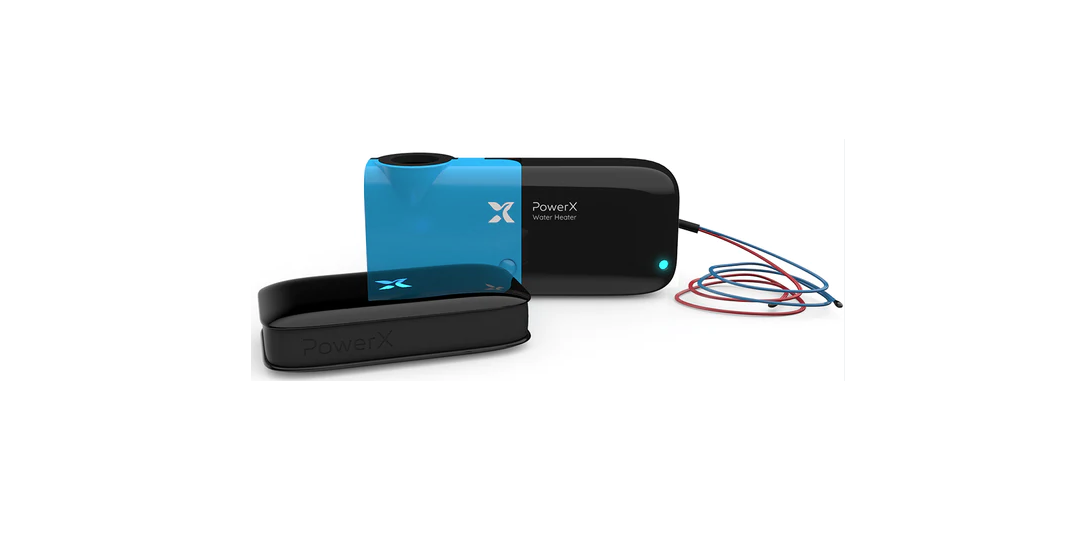

PowerX 210907 Water Heater Gas
What’s included
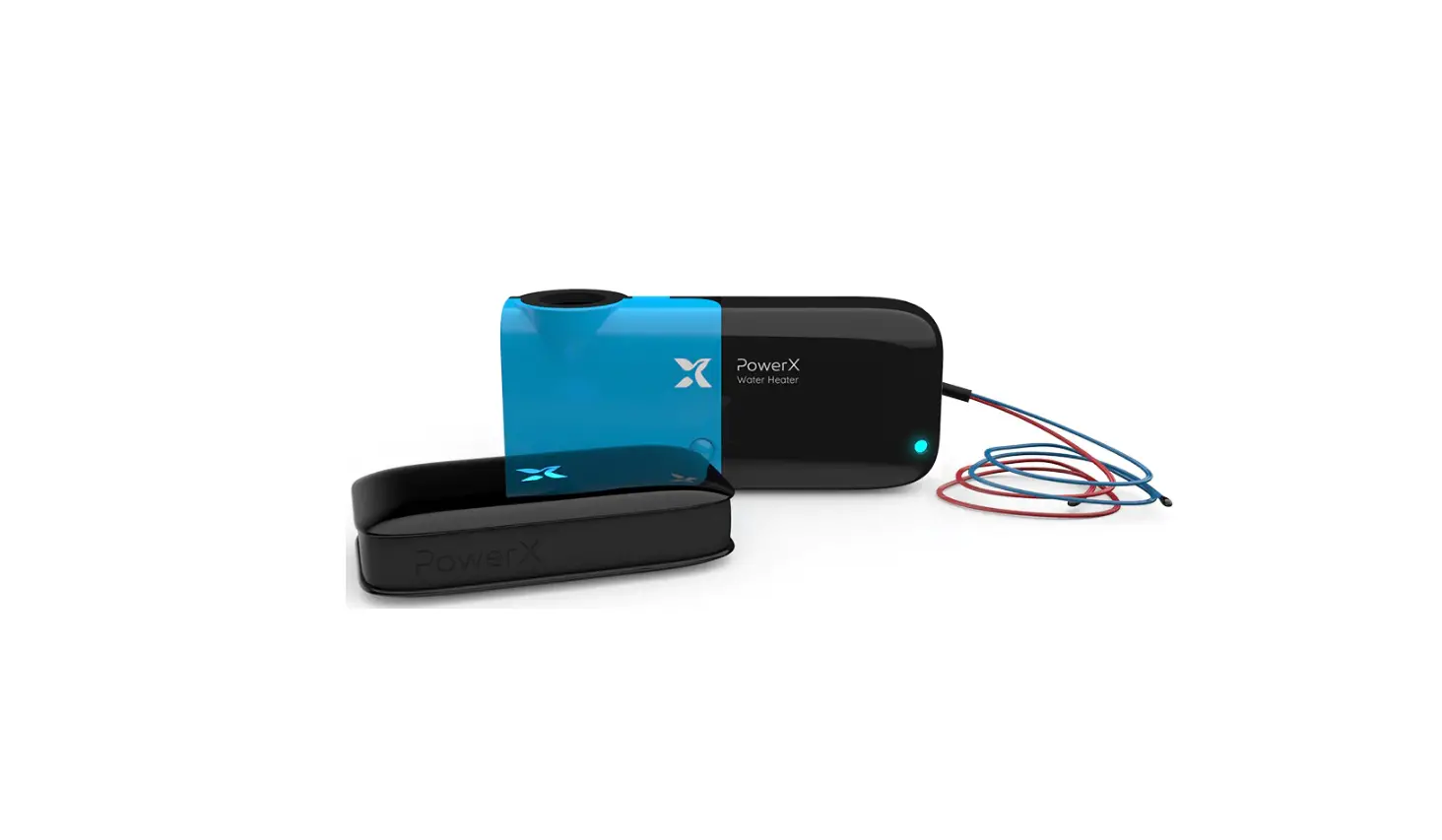
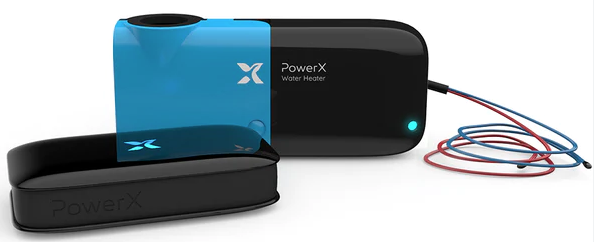
- PowerX Water Heater – Gas

- PowerX Hub

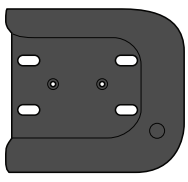
- PowerX Mount

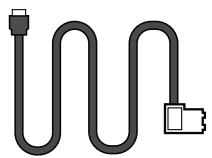
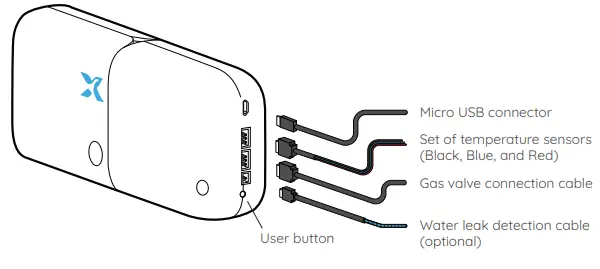
- Gas valve connection cable

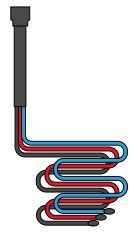
- Set of temperature sensors (Black, Blue, and Red)

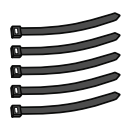
- 5 Zip Ties

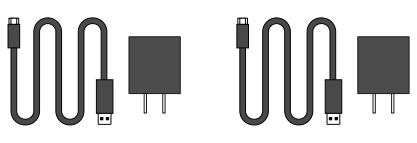
- 2 USB wall adapter and power cable



Download the PowerX App & connect Hub
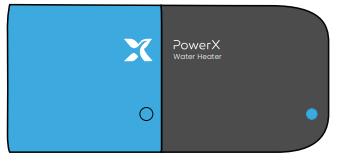
Plug in the PowerX Hub 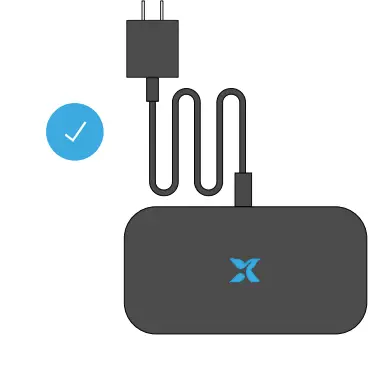
Connect the PowerX Hub to the wall adapter and cable, and plug it in an electrical outlet. The Hub’s LED light will start to blink.
Download the PowerX App 
Download and open the PowerX App from your device’s app store and follow the on-screen instructions.
Scan Hub’s QR code 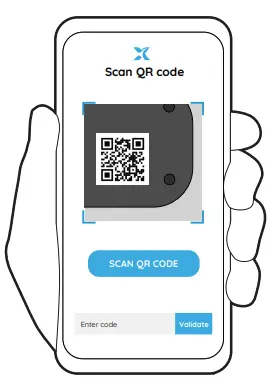
Scan your PowerX Hub’s QR code, or type in the Hub’s ID manually. You can find the Hub’s ID on the bottom of the unit.
Connect to Wifi and add PowerX Water Heater
Connect to Wifi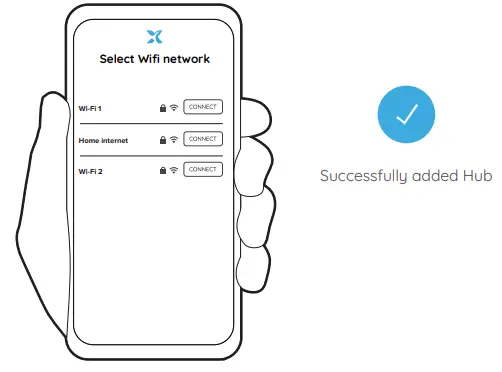
Choose your local Wifi network, select “Connect”, and enter your Wifi credentials. Your device is successfully connected if you see the message “Successfully added Hub” in the mobile app, and the blinking blue light on the device changes to remain ON steadily.
Add PowerX Water Heater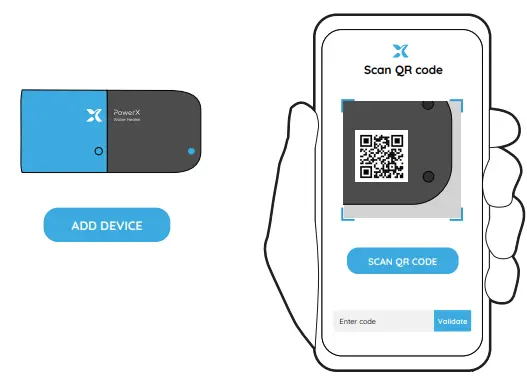
In the PowerX App select “Add device”. Then scan the QR code on the bottom of the PowerX Water Heater – Gas sensor or type in the sensor’s ID manually.
Mount PowerX Water Heater – Gas
Install PowerX Mount
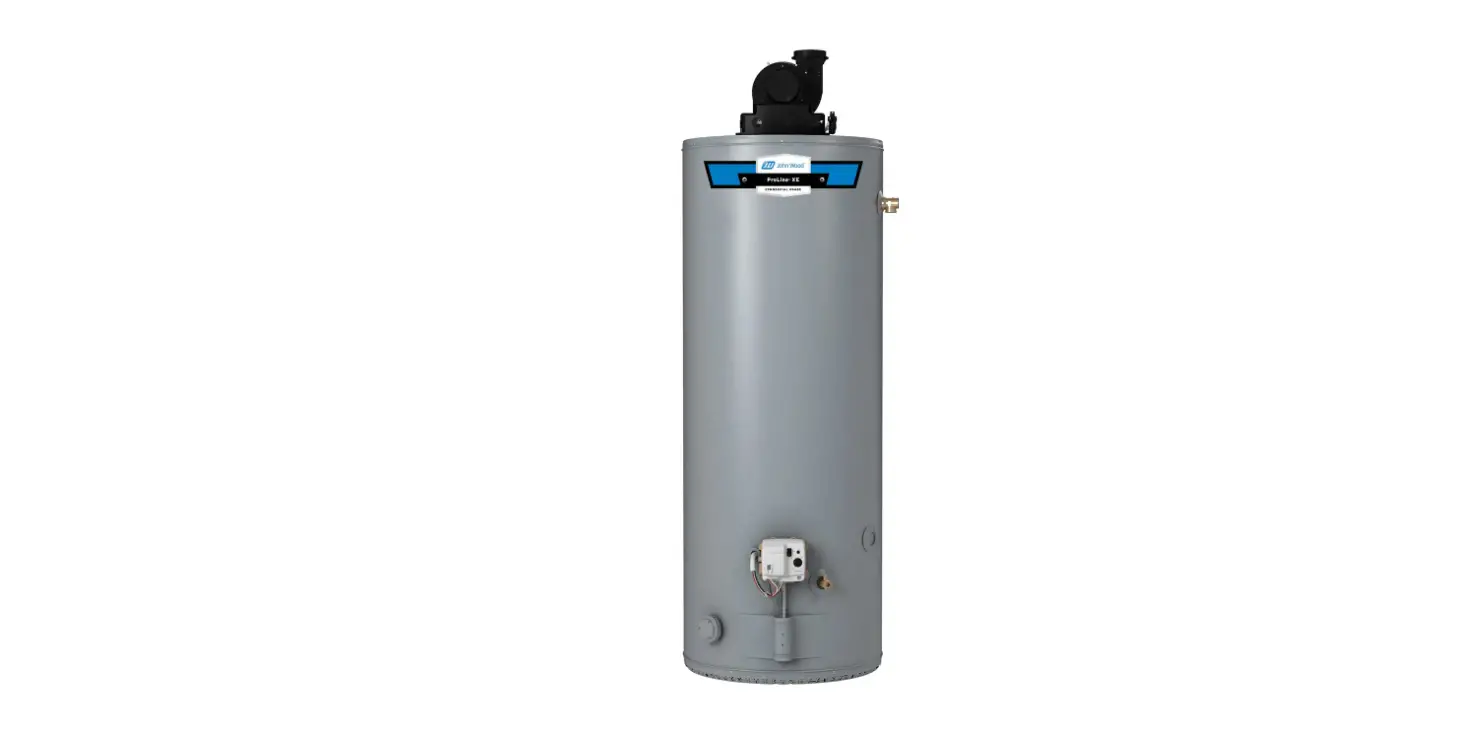
Use the provided zip ties to carefully secure the PowerX Mount to the cold water pipe on your water heater.
Insert PowerX Water Heater – Gas
Insert the PowerX Water Heater Gas unit into the PowerX Mount.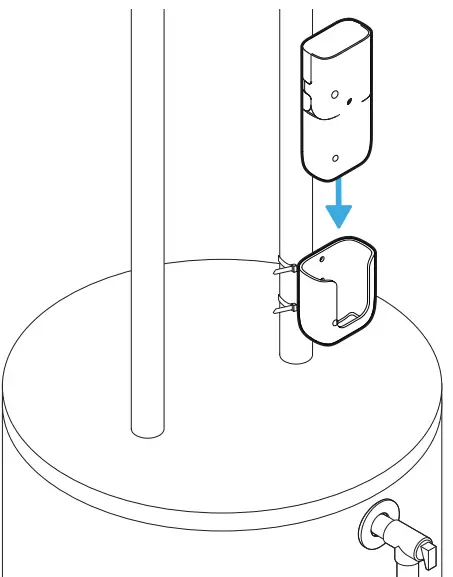
Attach sensors
Insert temperature sensor
Gently insert the black temperature sensor into the small opening between the tank and the temperature and pressure relief valve (T&P Valve). Be sure to insert the sensor by a distance of 1 inch or more if possible. Secure the black sensor cable to the T&P valve pipe using a zip tie. Make sure the cable doesn’t cover the valve or prevent the valve from operating in any way.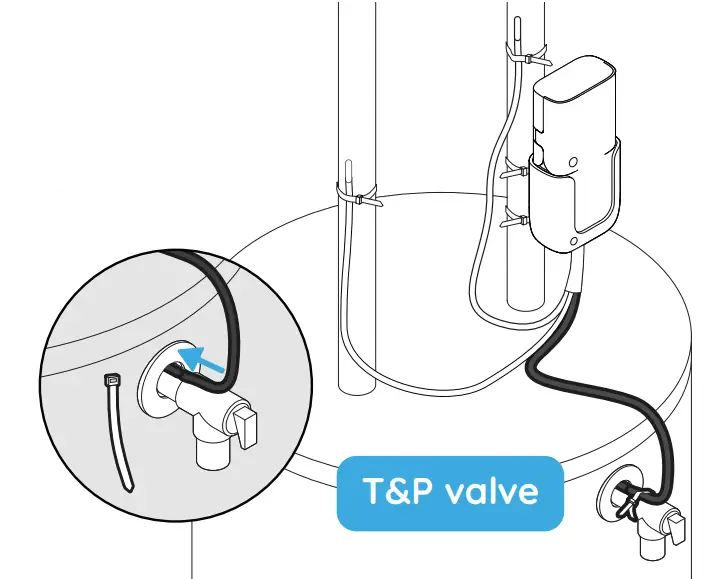
Secure hot/cold temperature sensors
Secure the blue temperature sensor to the cold water pipe using a zip tie. Likewise, secure the red temperature sensor to the hot water pipe.
NOTE: Use caution when working near the hot water pipe.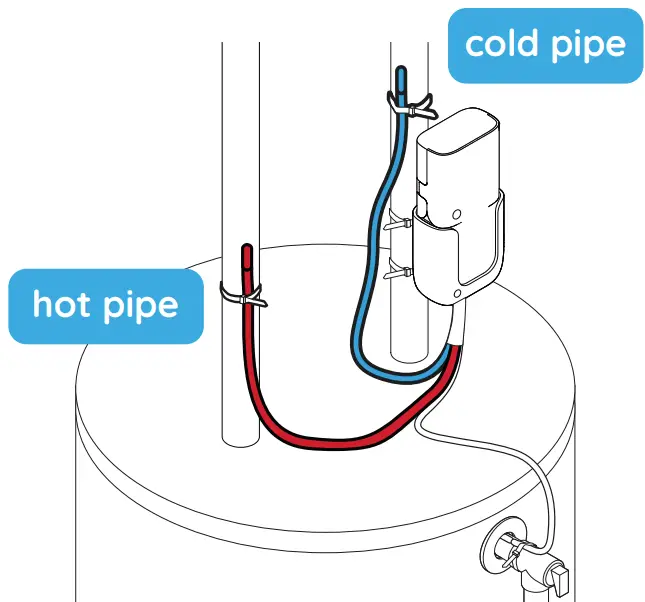
Connect to gas valve controller
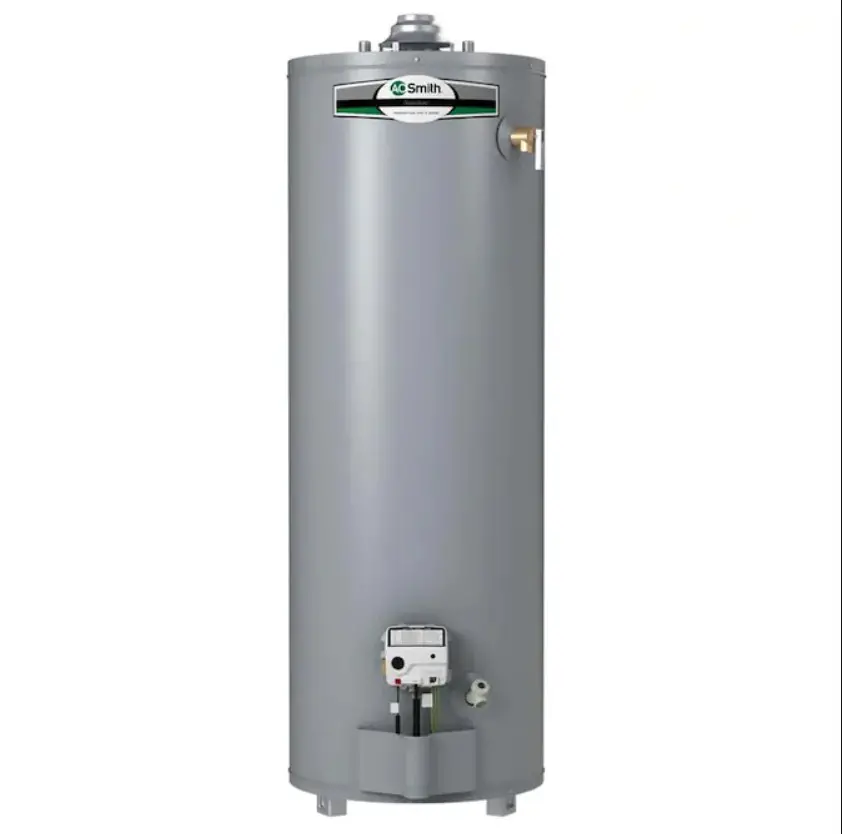
Connect PowerX Water Heater – Gas to the gas valve controller on the water heater using the Gas valve connection cable.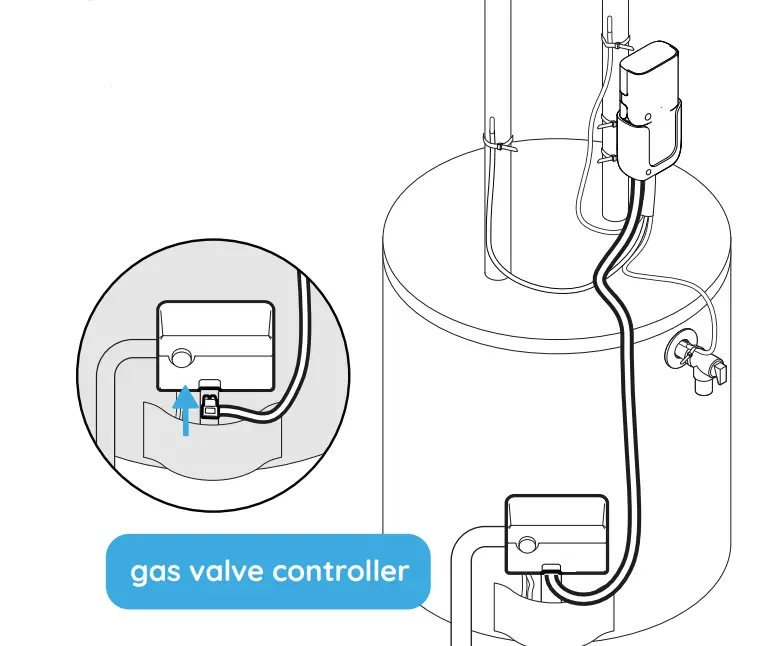
Connect PowerX Water Heater to power
Ensure PowerX Water Heater – Gas is powered with 4AA batteries or plugged with the provided Micro USB connector according to your selection.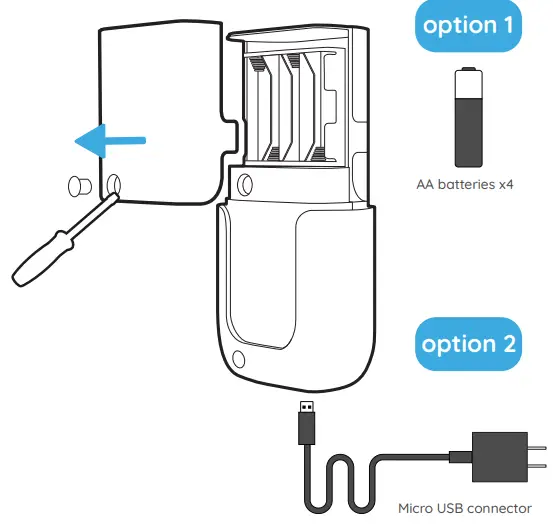
Confirm connection
All done! PowerX App will notify you of successful connection. Your PowerX Water Heater – Gas is ready to use.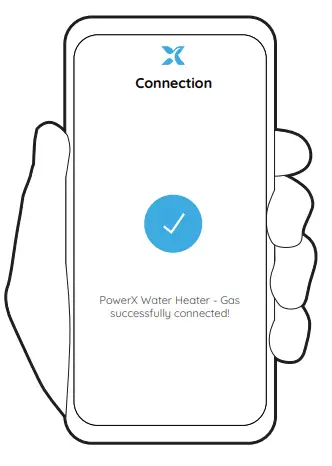
Add water leak detection cable (optional)
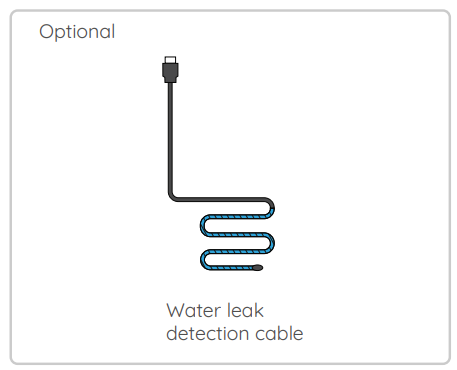
If your kit includes the water leak detection cable, attach it to the PowerX Water Heater – Gas unit and place the blue section in a location where any potential leak points exist.
If your water heater has a drain pan, make sure the water leak detection cable touches the bottom of the drain pan by at least 1-2 inches.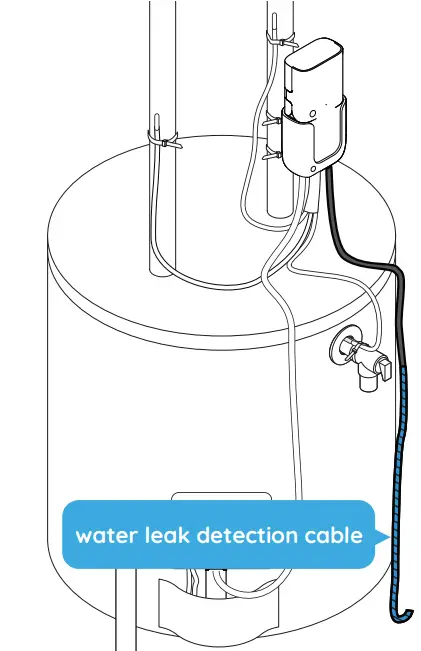
Connectors
PowerX Water Heater – Gas
PowerX Hub 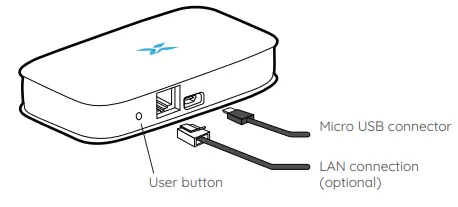
Product specifications
Note: This device requires that the water heater has an electronic gas valve. It is not compatible with water heaters with mechanical-style gas valves.
Hardware
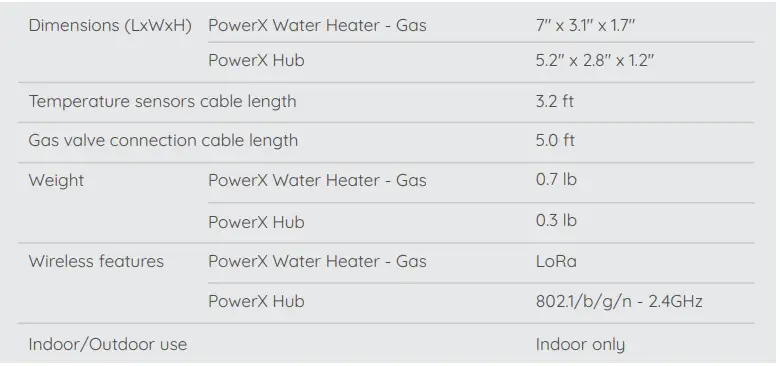
Software

Other parameters
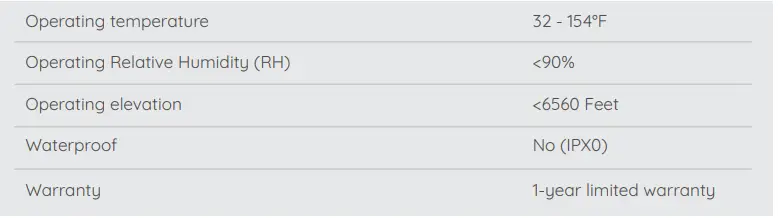
Disclaimer
PowerX Water Heater – Gas falls under the definition of permitted power monitoring equipment given that:
- it’s identified as a field-installable accessory, and
- the total area of conductors and equipment at any cross-section of the wiring space does not exceed 75 percent of the cross-sectional area of that space, as per section 312.8(B) of the 2017 National Electrical Code (NEC) regarding Power Monitoring Equipment.
The PowerX Smart Suite contains FCC ID:
- 15.247:2015
- 15.109:2015
- 15.107:2015
This device has been tested and found compliant with part 15 of the FCC Rules. Operation is subject to the following two conditions:
- this device may not cause harmful interference, and
- this device must accept any interference received, including interference that may cause undesired operation.
This equipment complies with FCC RF radiation exposure limits set forth for an uncontrolled environment. This equipment should be installed and operated with a minimum distance of 20 centimeters between the radiator and your body.
Caution: Any changes or modifications not expressly approved by PowerX void the user’s authority to operate the equipment.
To view patents, get answers to questions or see the latest versions of our user manual please visit help.powerx.co

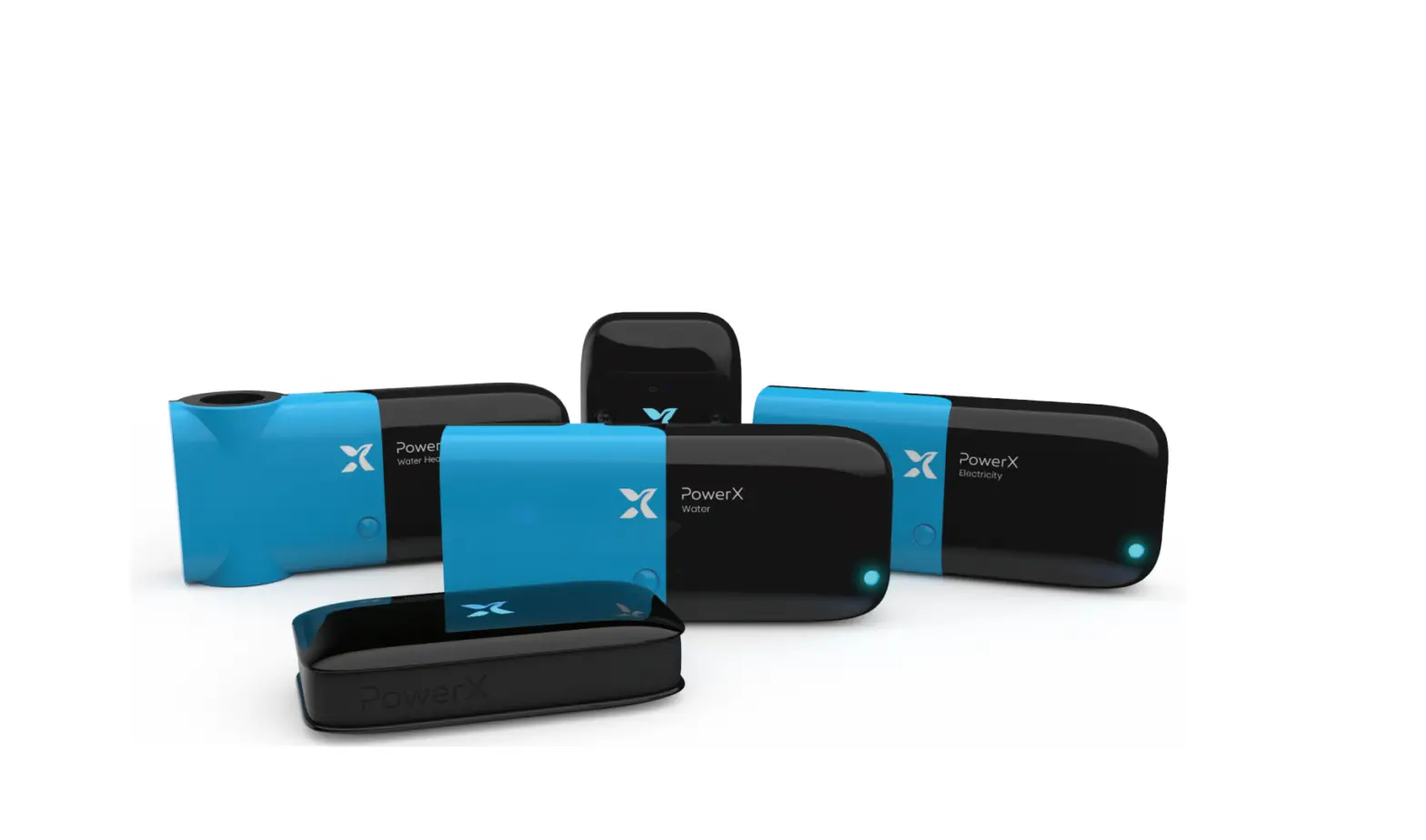
PowerX is most effective as a Suite, including Water, Electricity and Water Heating measurement. We strongly recommend installing the full Suite for highest efficiency and optimization.

References
 PowerX Family - PowerX Family is open to all PowerX users to discuss about saving money, reducing their carbon footprint, share technical ideas and get creative about new product ideas.
 PowerX Help Center
-
Home Energy Monitoring - Smart Home Solutions - PowerX Technology
-
Home Energy Monitoring - Smart Home Solutions - PowerX Technology
 PowerX Family - PowerX Family is open to all PowerX users to discuss about saving money, reducing their carbon footprint, share technical ideas and get creative about new product ideas.
 PowerX Help Center
 Home Energy Monitoring - Smart Home Solutions - PowerX Technology
 Home Energy Monitoring - Smart Home Solutions - PowerX Technology