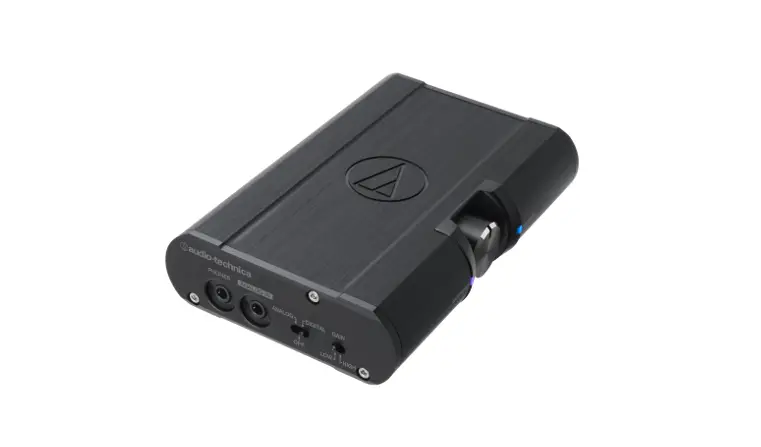
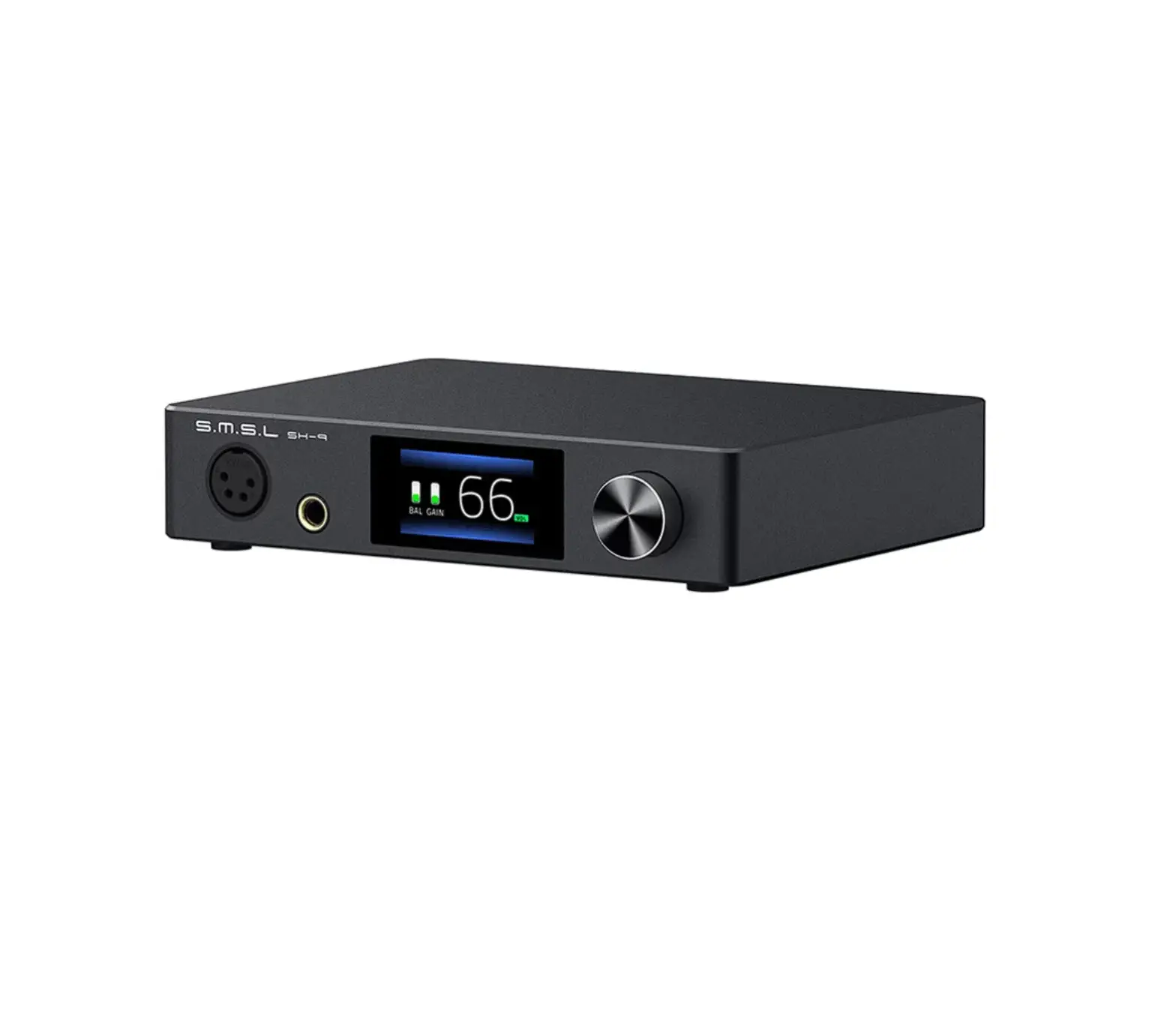
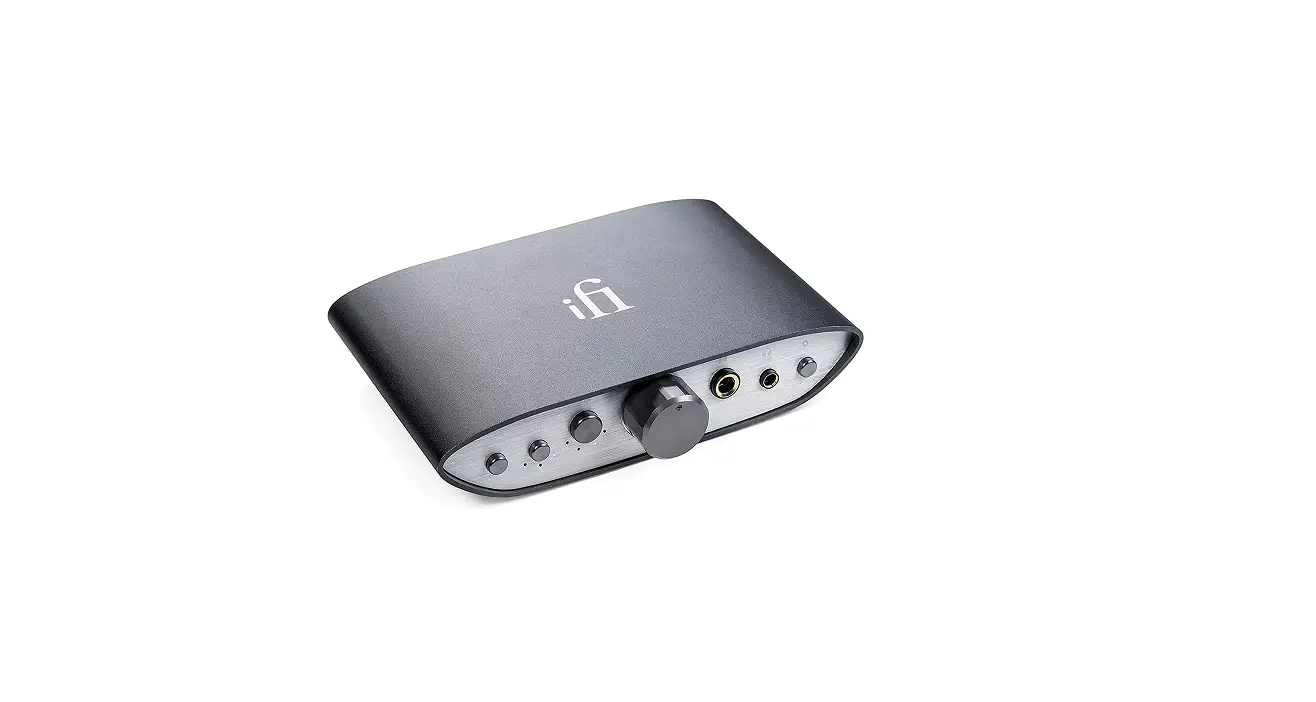
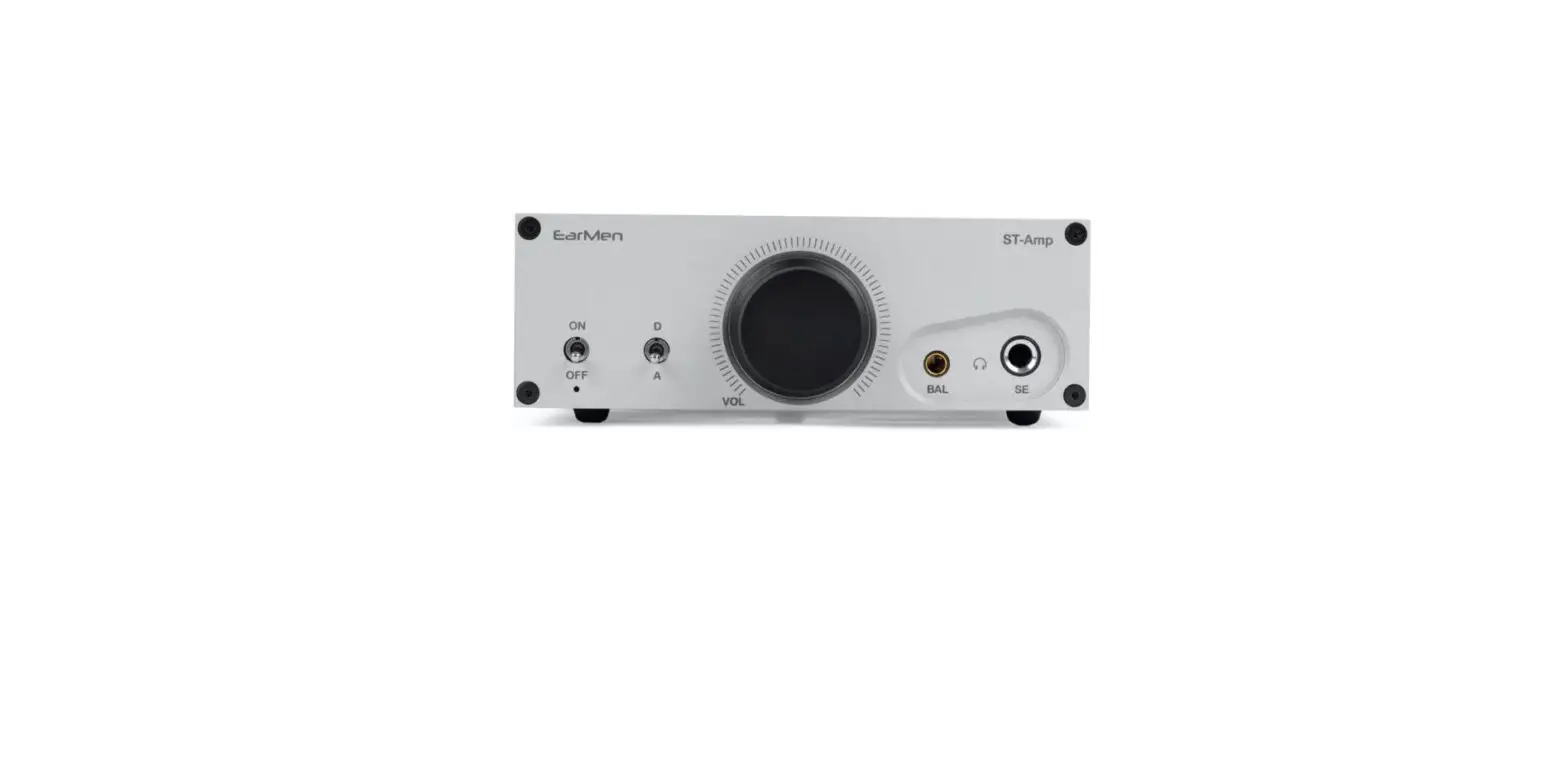
CHA1 Classic Headphone Amplifier
Product Information:
Product Name:
Classic Headphone Amplifier
Manufacturer:
UNiKA Electronic Co., Ltd.
Origin:
Taiwan
Website:
Product Usage Instructions:
General Precautions:
– Make sure the power switch is in the OFF position before plugging
or unplugging the power adaptor. – Rotate the volume control to the
end of the counterclockwise position to avoid sudden loud sounds. –
Do not plug or unplug wires arbitrarily to avoid signal loss.
Safety Instructions:
– Only use the provided power supply to avoid equipment damage or
leakage. – Do not open the device for maintenance without
authorization.
Preventing Damage to Health and Hearing:
– Prolonged exposure to loud sounds, even at lower levels, can be
damaging to hearing. – Be cautious of everyday sounds, such as
dense city traffic, when experienced for more than a couple of
hours.
Product Packaging Contents:
– CHA1 Headphone amplifier – Warranty card – Power supply (includes
4 types of interchangeable AC plug)
Features:
– Classic-grade headphone amplifier suitable for headphone
enthusiasts, audiophiles, and multi-media/streaming users or live
concert soundman. – Compatible with general consumer headphones,
earbuds, reference-grade, and low-sensitivity high-end headphones
(impedances from 15ohm to 600ohm). – Provides very smooth and
dynamic sound with high signal-to-noise ratio and minimal power
supply and circuit characteristic noise. – Utilizes a 24V external
power supply and classic OTL amplifier circuit design. – Includes
top-level components and a customized double-connected stereo
potentiometer for consistent listening experience.
USER MANUAL
CLASSIC HEADPHONE AMPLIFIER
DESIGN & MADE IN TAIWAN
PUSH
PUSH
Index
GENERAL PRECAUTION
SAFETY INSTRUCTIONS
PREVENTING DAMAGE TO HEALTH AND HEARING
LOUD AND DANGEROUS SOUND IS ALL AROUND US
PRODUCT PACKAGING CONTENTS
FEATURES
UNiKA Electronic Co., Ltd.
PRODUCT OVERVIEW APPEARANCE PARTS & FUNCTIONS EXTERNAL POWER SUPPLY SPECIFICATIONS INSTRUMENT TEST DATA AND DOWNLOADS
www.unikapro.com
6F, No.168, Xin-Hu 2nd Rd. Nei-Hu District, Taipei City. 11494. Taiwan, R.O.C. cc+886 2 27933017 cc+886 2 27928264 [email protected]
UNiKA
User Manual
GENERAL PRECAUTION
Thank you for purchasing the UNiKA product. Before using, please read this manual carefully and pay attention to every detail that you must pay attention to. Please make sure the power switch is on the “OFF” position before you plugged power adaptor in outlet. And make sure the power switch is on the “OFF” position before you pulled out power adaptor from outlet.
And rotate volume control to the end of counterclockwise position to avoid the sudden sounds hurting your ears. Please do not plug or unplug the wires arbitrarily to avoid signal loss.
If you need further installation or operation guidance, please directly contact UNiKA’s dealer or distributor, or write to the following mail address for help,
[email protected]
SAFETY INSTRUCTIONS
· Please read this instruction manual carefully and completely before using the product. · Save this manual for future reference. · Remember and follow all safety instructions. · Follow all steps. · Please always include this instruction manual when passing the product on to third parties. · Please do not use obviously defective products on the front and rear endof the device. · Please place the device away from the water source. · When cleaning, please unplug the power plug, and then use a dry cloth to clean the
device.
· Make sure that the ventilation openings of the device are not blocked. · Please place the device away from heat sources. · Prevent the power adaptor (ext. power supply) from being trampled or dragged. · Please be sure to use the included external power supply. Using any of other power
supplies may cause equipment damage or leakage.
· Please place the device in a stable position. · Please unplug the power adaptor during thunderstorms or when not in use for a long time. · In case of failure, please consult or send it to professional technicians. Do not open the
inside of the device for maintenance without authorization.
· To prevent the risk of fire or electric shock, do not expose the device to rain and moisture. · Do not expose the device to dripping and splashing water or under a water container.
1
UNiKA
User Manual
PREVENTING DAMAGE TO HEALTH AND HEARING
· Please protect your hearing from high volume levels. Permanent hearing damage may occur when headphones are used at high volume levels for long periods of time.
· To prevent hearing loss and damage from excessive headphone use, the WHO suggests keeping noise levels below 70 decibels over a 24-hour period. Decibels are the measurement of how loud a sound is.
· A good rule of thumb is usually to keep your headphones at less than 60% of maximum volume. Generally, the volume greater than 120 decibels can cause instant or permanenthearing damage.
LOUD AND DANGEROUS SOUND IS ALL AROUND US
Your hearing isn’t just in danger at a rock concert or construction site (although both of those situations are, indeed, harmful to your hearing). There are potential hazards with many every-day sounds. That’s because it’s not exclusively the volume of a sound that is dangerous, it’s also how long you’re exposed. Even lower-level sounds, such as dense city traffic, can be damaging to your hearing when experienced for more than a couple of hours.
Generally, here’s a rough outline of when loud becomes too loud,
· 30 dB: Everyday conversation would be at this volume level. You should be perfectly fine at this volume for an indefinite length of time.
· 80 – 85 dB: An air conditioner, heavy traffic, and a lawnmower are at this level of sound. This level of sound will normally become damaging after two hours of exposure.
· 90 – 95 dB: A motorcycle is a good illustration of this sound level. 50 minutes is enough to be unsafe at this level of sound.
· 100 dB: An approaching subway train or a mid-sized sports event are at this sound level (of course, this depends on the city). 15 minutes of exposure will be enough to be harmful at this sound level.
· 110 dB: Do you ever turn the volume on your ear-pods up to max? That’s usually around this sound level on most smartphones. 5 minutes will be enough to be dangerous at this level.
· 120 dB and over: Anything over 120 dB (think loud rock show or exceptionally large sports events) can produce instant injury and pain in your ears.
2
UNiKA
User Manual
PRODUCT PACKAGING CONTENTS
CHA1 Headphone amplifier
Warranty card
Power supply incl. 4 types of interchangeable AC plug
FEATURES
· Versatile headphone amplifier with great connectivity · 3 Switchable Stereo Inputs: XLR and 6.3mm Jack Combi, RCA plug and 3.5mm mini-jack · Choice of Headphone Outputs: 6.3mm jack or 3.5mm mini-jack · Specially selected electronic components for crystal-clear sound · Smooth rotary control for accurate level adjustment · Low EMI Universal Power adaptor: with 4 interchangeable plugs
3
UNiKA
User Manual
PRODUCT OVERVIEW
The CHA1 is a classic-grade headphone amplifier carefully developed by UNiKA and manufactured in the UNiKA factory in Taiwan. The application object of CHA1 is headphone enthusiasts, audiophiles and multi-media and streaming usersorlive concert soundman.
CHA1 is suitable for general consumer headphone and earbud, as well as referencegrade and low-sensitivity high-end headphones. Impedances from 15ohm to 600ohm are easily driven and produce a very smooth and very dynamic sound. Moreover, it performs very high S/N ratio and cannot be perceived power supply and circuit characteristic noise.
From the test chart at the end of this manual, we can see that the frequency response of the CHA1 is very flat from 20Hz to 80KHz, and the full-band frequency response error value is not greater than -0.15dB in the test from low impedance to high impedance. From the test chart at the end of this manual, we can see that the frequency response of the CHA is very flat from 20Hz to 80KHz, and the fullband frequency response error value is not greater than ±0.2dB in the test from low impedance to high impedance.
Especially using only 24V external power supply and classic OTL amplifier circuit design, its performance is amazing.
The components selected by CHA1 are all top-level models, and a double-connected stereo potentiometer with very low L/R output different is specially customized to ensure listening consistency.
The input jacks are a pair of NEUTRIK® Combijack. It can be available to connect XLR and TRS balanced plug or TS unbalanced plug from recording devices or Hi-Fi equipment.
The other two sets of input options are stereo RCA and mini TRS. It is convenient for users to choose RCA output signal sources such as DAC, streaming pre-amp or computer sound card. Or directly connect to CHA1 through the output of mobile phones and laptops. The headphone output terminal has standard TRS and mini TRS sockets to compatible with all types of headphones and earbuds on the market.
At the same time, UNiKA is very considerately equipped with an external power supply of adaptive Universal Input Range 90~264VACand comes with 4 kinds of AC plugs that can be interchangeable by user, including US, UK, AU and EU types.
4
UNiKA
User Manual
APPEARANCE PARTS & FUNCTIONS
The TRS stereo headphone output socket cannot be used with the mini TRS at the same time. When using one of the outputs, the other socket will automatically disconnect the output.
Mini TRS Stereo headphone output jack. It cannot be used at the same time with TRS. When using the mini jack output, the circuit will automatically disconnect the TRS output.
Source I backlight button for Combo input. Source II backlight button for RCA input. Source III backlight button for mini TRS input. Output volume knob. The range from about 60% of the volume knob to the maximum volume is
marked with a purple arcwhich is to remind the user that when reaching this area, the volume is likely to exceed 80dB (the volume will be different based on headphones with different impedance and sensitivity). Therefore, when the volume reaches this limit, please pay special attention to whether the volume causes you discomfort or may damage your hearing.
5
UNiKA
User Manual
APPEARANCE PARTS & FUNCTIONS
PUSH
PUSH
11
12 13
NEUTRIK® Combi jack for left channel input. It can be inserted XLR, TRS and TS plug.
NEUTRIK® Combi jack for right channel input. It can be inserted XLR, TRS and TS plug.
Pair of RAC jack to connect output of A/V playback deck or DAC etc.
11 Stereo mini TRS jack to connect output of mobile device such as cell phone or laptop.
12 External power supply input jack. Please be sure to use the included external power supply. Using any of other power supplies may cause equipment damage or leakage.
13 Power switch. Please make sure to plug in an external power supply and headphones before turning on this switch. On the contrary, unplug the headphone plug and external power plug after turning off the power.
6
UNiKA
User Manual
EXTERNAL POWER SUPPLY
AU type plug
UK type plug
Power supply body and DC wire
US type plug
EU type plug
· Universal Input Range – 90~264VAC · High Efficiency up to 84% · Interchangeable AC Plugs · Right angle DC plug · Class II
Note
Manufacturer cannot provide special specification plugs other than those mentioned above.
7
UNiKA
User Manual
SPECIFICATIONS
(Specifications are subject to change without notice.)
Circuit principle
OTL / External power supply / Stereo amplifier
Frequency response
20Hz ~ 20KHz, ±0.2dB ( Limited by APx525’s B.W. )
THD+N @ 10mW
0.0008%, 470 ~ 600@XRL, 1KHz@20KHz B.W.
Dynamic range@
113.5dB @220 load, XLR input
Input connector ( Corresponding to 3 selection buttons )
I: A pair of NEUTRIK® Combi jack II: A pair of RCA III: mini TRS phone jack
Output connector ( Cannot output at the same time )
6.3mm TRS phone jack 3.5mm mini TRS phone jack
Maxinum output power
300mW
Single end input inpedance
90K
Balance input inpedance
>14.7K
mini TRS phone gain
22.4dB
RCA gain
11dB
XLR gain
2.6dB
Output loading impedance
15 ~ 600
Power concumption
6W/0.25A
Power supply & consumption
24VDC / 10W
Ext. AC to DC adaptor
90 ~ 264VAC input / 24VDC output
Type of AC plugs
includes UK / US / AU / EU
Dimension ( W x D x H )
162 x 104 x 53 mm
Shipping dimension ( W x D x H )
306 x 163 x 70 mm
Nett weight
0.73kg
Shipping weight @ per unit
1.10kg ( w/carton & adaptor )
8
UNiKA
User Manual
INSTRUMENT TEST DATA AND DOWNLOADS
· Equipment: Audio Precision APx-525 · Test range: 20Hz~80KHz
Items included in the test data
· Gain · RMS Level · THD+N Ratio · Relative Level / Frequency Response
Example
9
Please click the link below to download the detailed rest results directly, https://www.unikapro.com/support/download/
Or please scan the following QR code with your mobile phone or pad,
 DOWNLOAD - Unika Proaudio