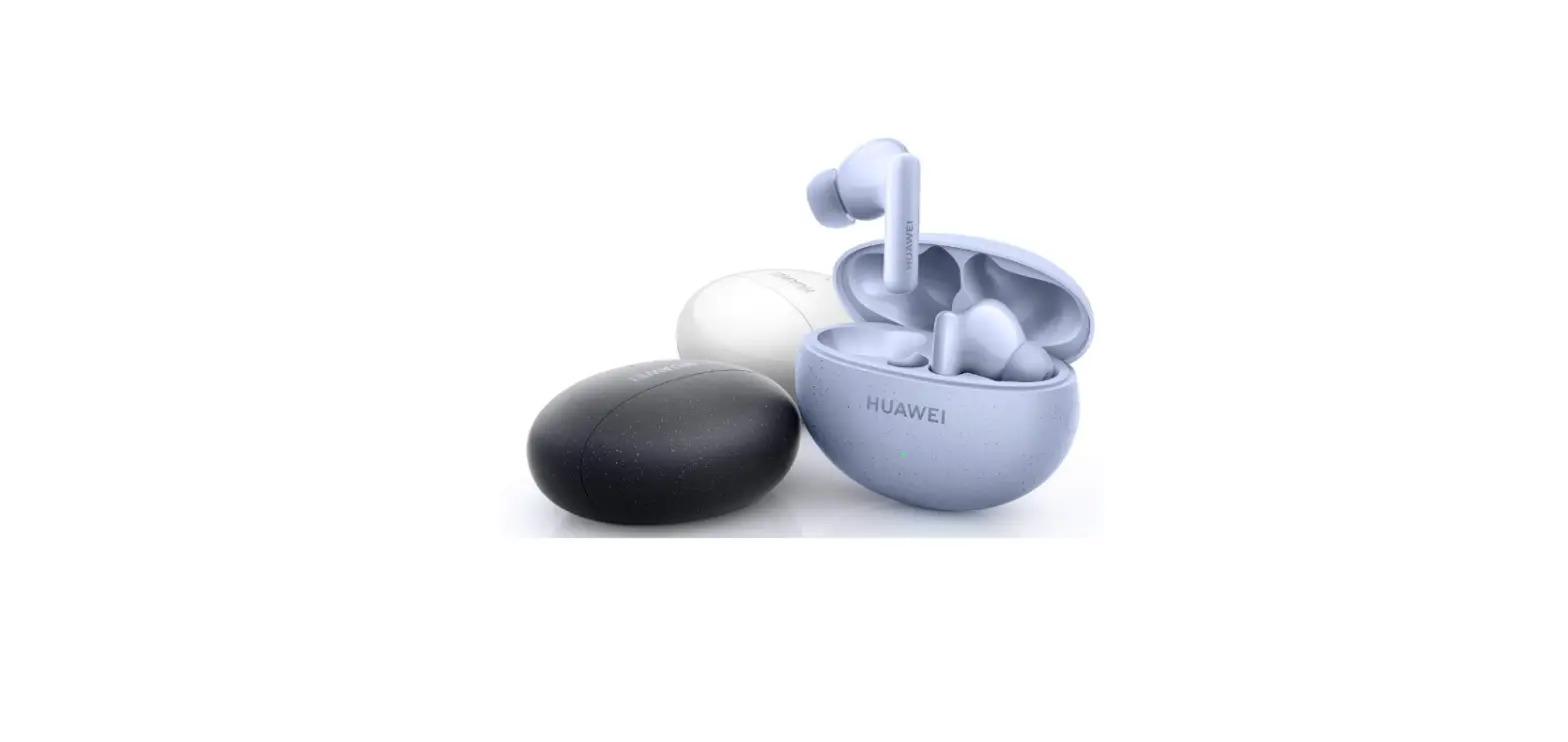
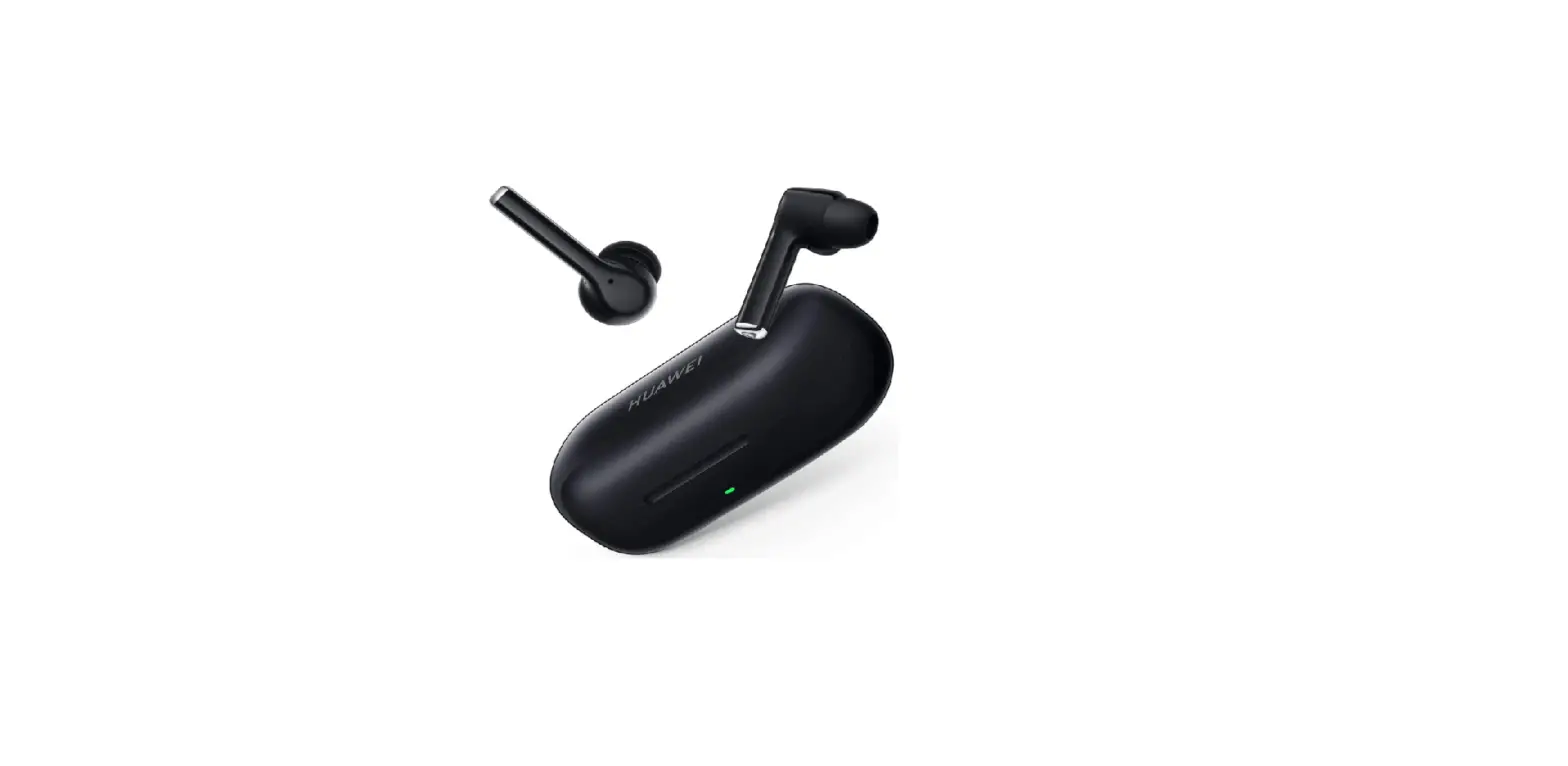
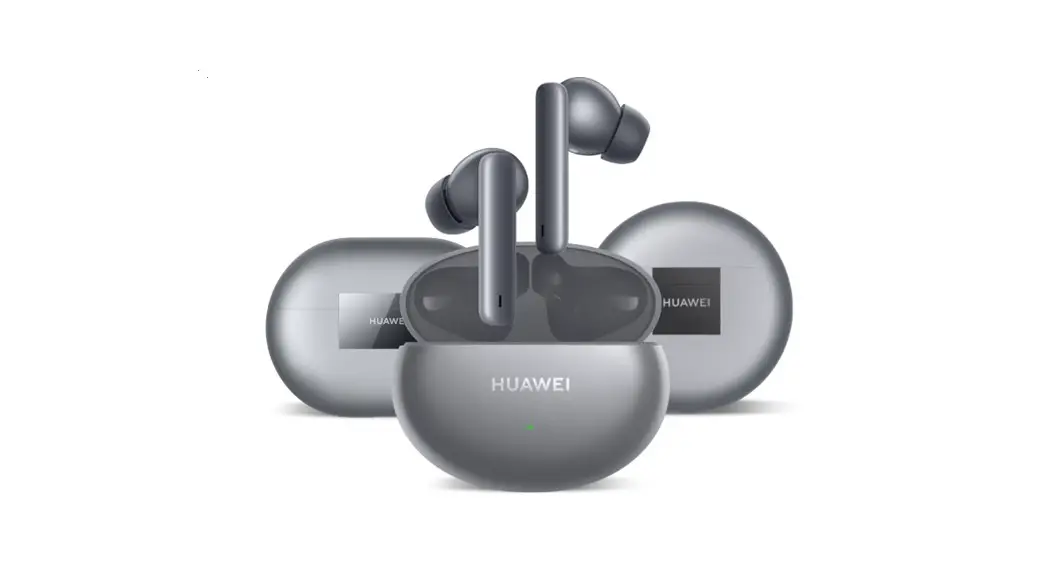
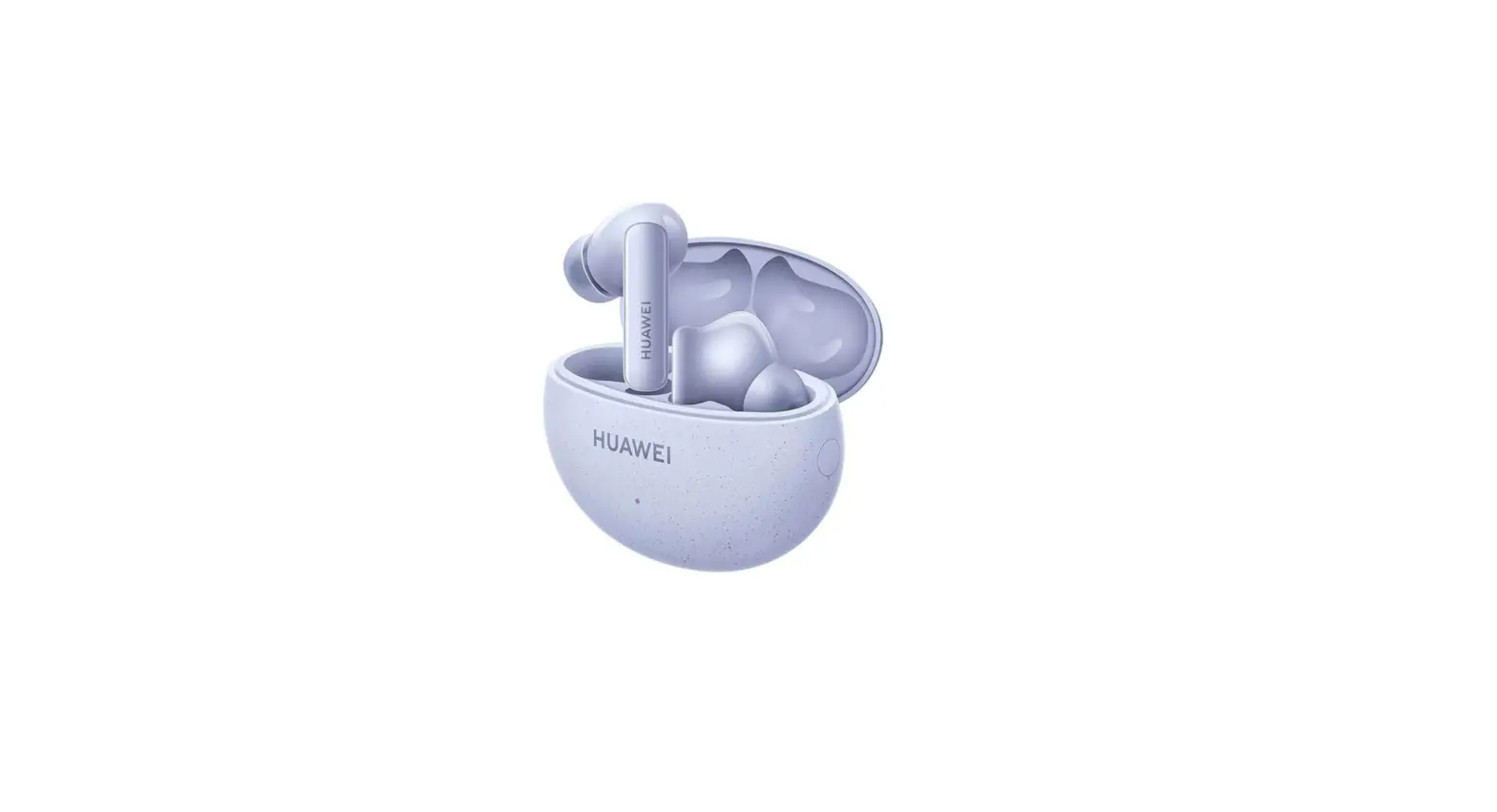
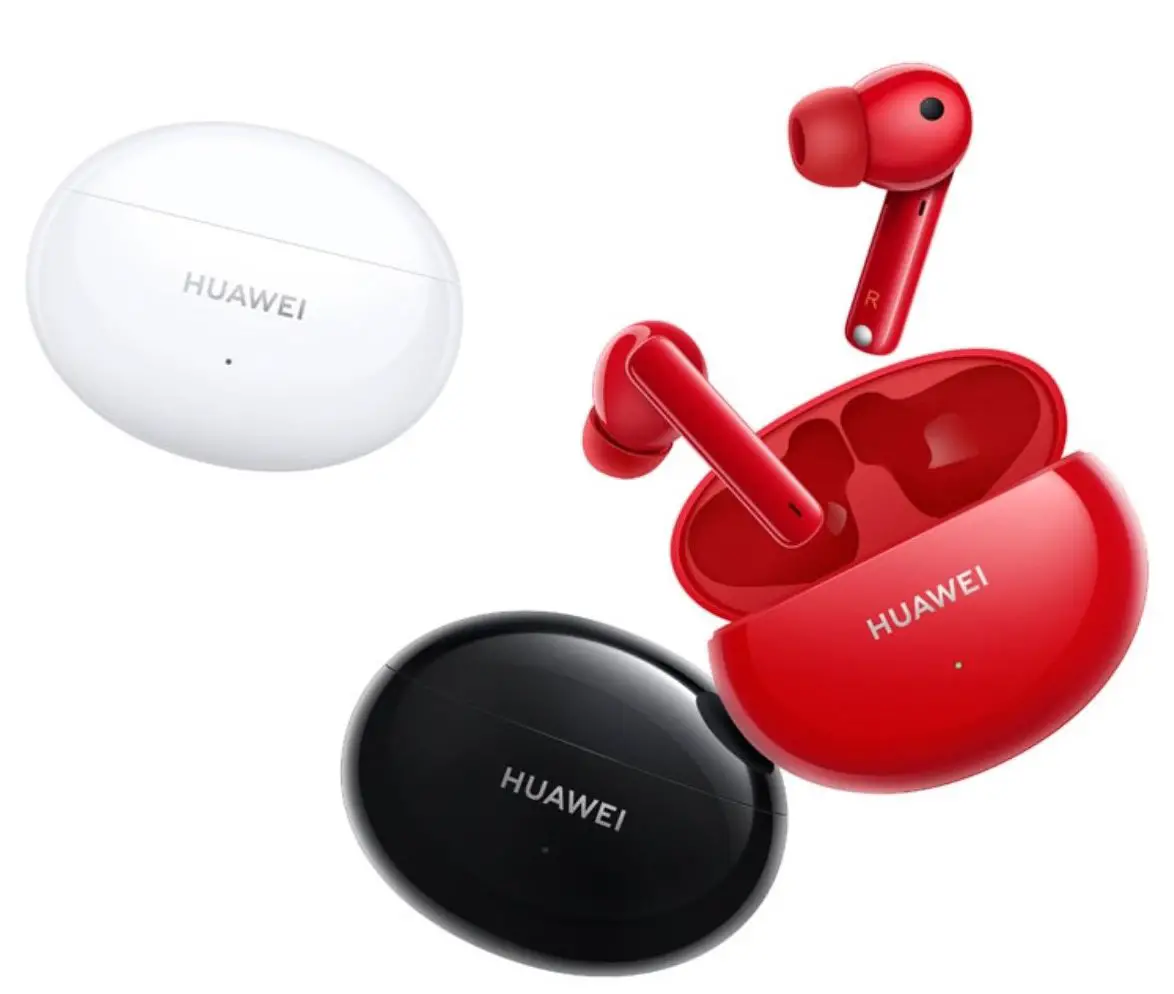
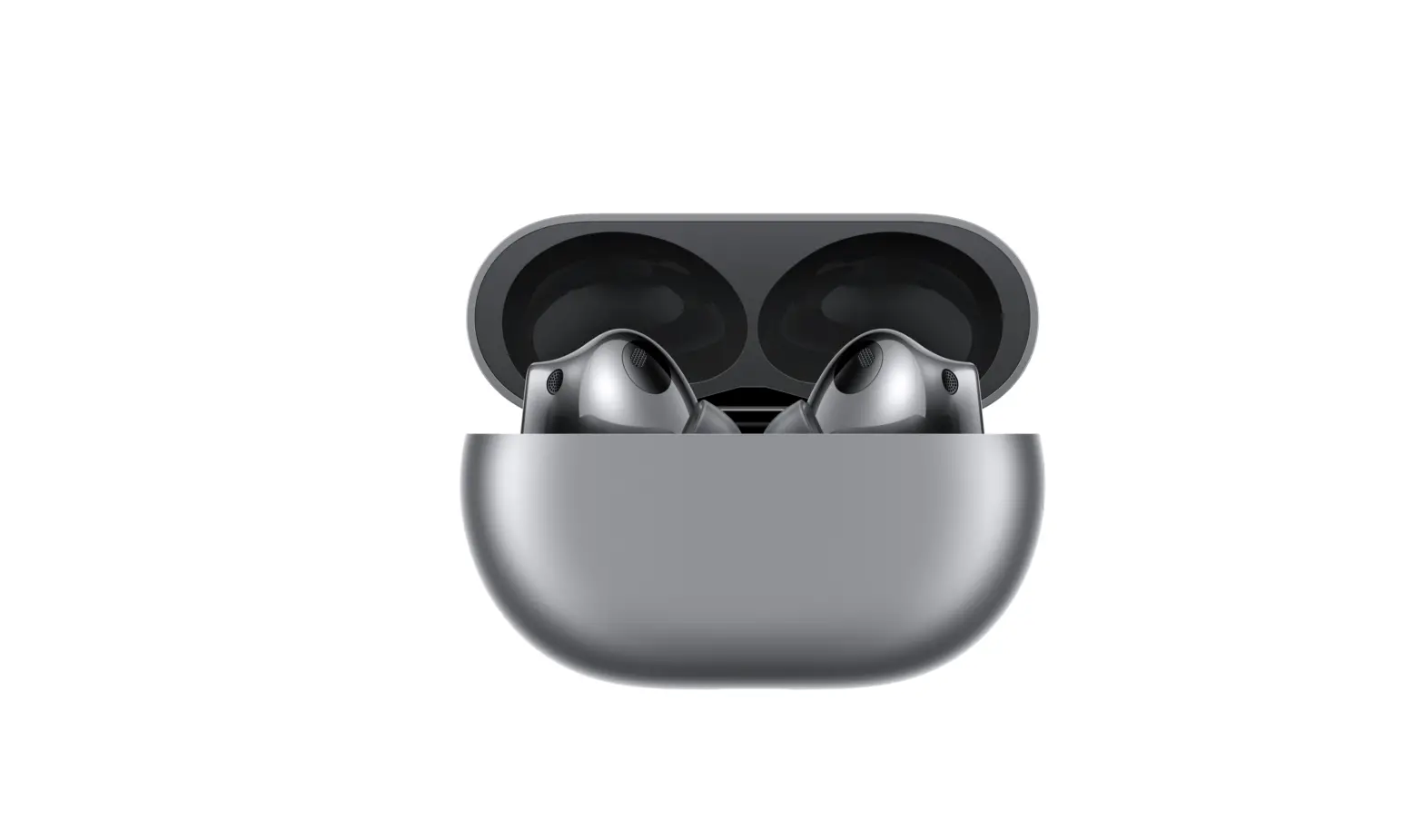
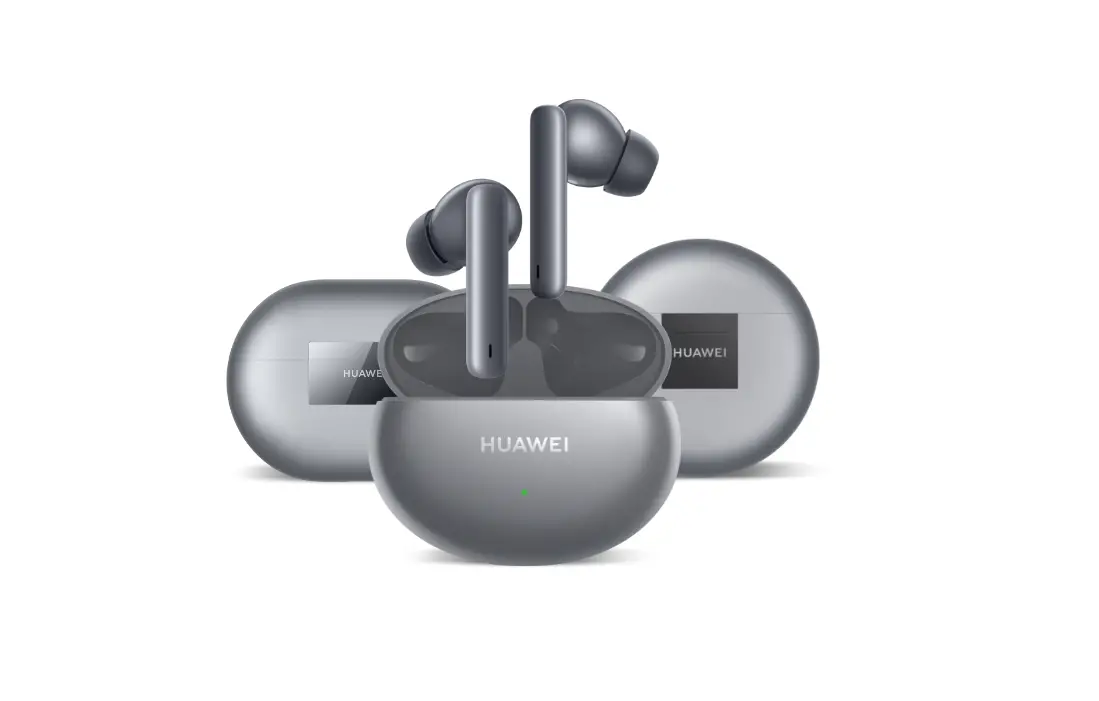
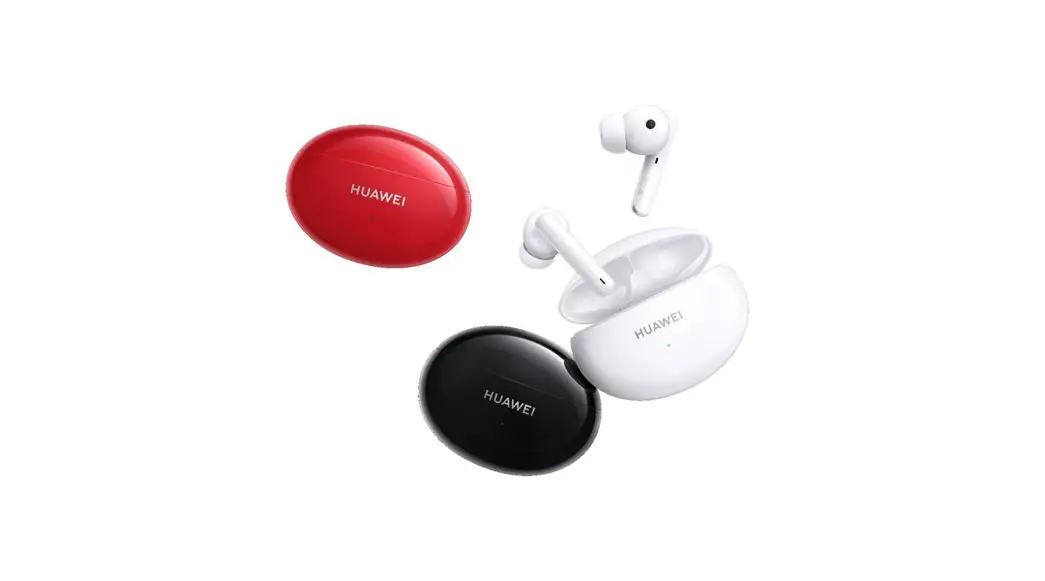
T0014 FreeBuds 5i
Product Information
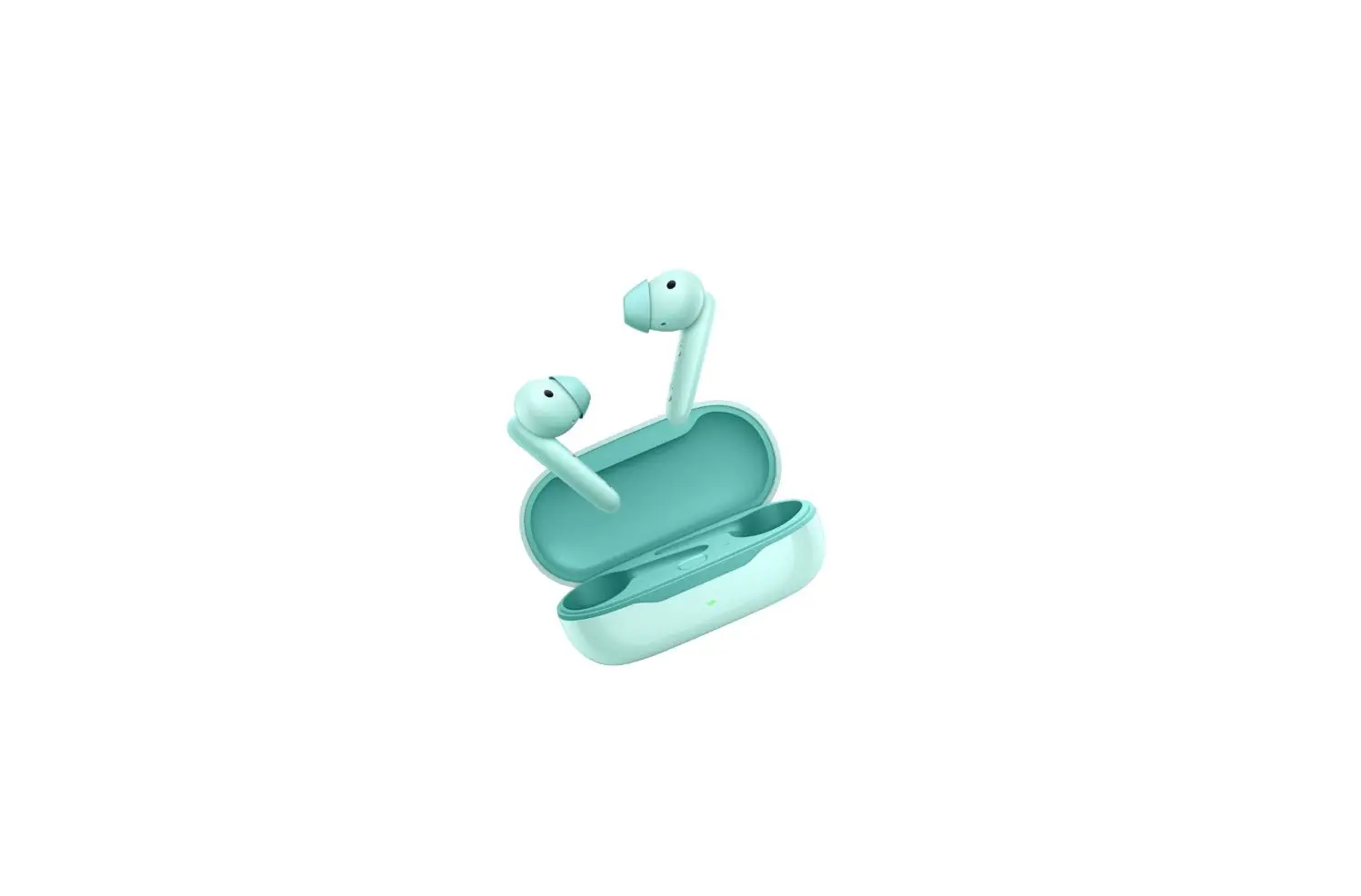
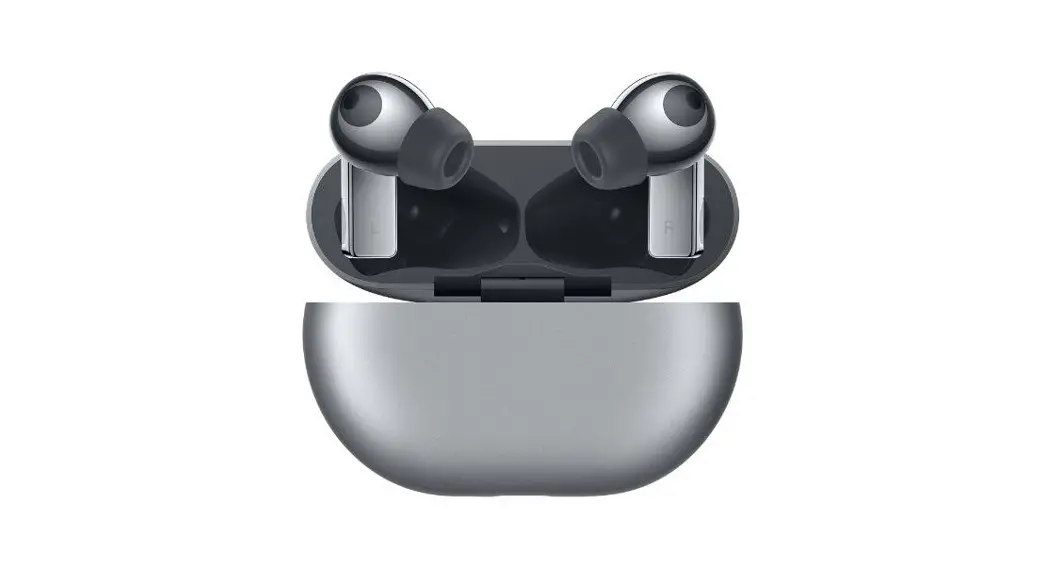
The product consists of earphones with model number T0014 and a
charging case with model number T0014L. The earphones are designed
to be paired with a device via Bluetooth for wireless audio
playback. The earphones come with ear tips of three different sizes
(L, M, and S) for noise canceling and comfort. The earphones also
have shortcut controls such as swiping up or down to adjust the
volume, double-tapping to play/pause or answer/end a call, and
pressing and holding to switch between noise canceling modes or
reject a call. The charging case can be charged via a USB-C cable
and can charge the earphones when they are placed inside the case.
The product also has an accompanying mobile app called HUAWEI AI
Life that can be used to customize the earphone settings and
features.
Product Usage Instructions
Pairing and Connection
- Open the charging case and press and hold the Function button
for 2 seconds until the indicator flashes white. The earphones will
enter Pairing mode. - Enable Bluetooth on the device that is to pair with the
earphones. Search for and connect with the earphones. The earphones
will automatically enter Pairing mode when you open the case for
the first time.
Changing Ear Tips
- Choose the size of the ear tip that provides the desired noise
canceling effects and comfort when worn. - Turn the ear tip inside out, and align the smaller end of the
ear tip with the corresponding slot on the earphone. - Gently push the ear tip onto the upper part of the slot, and
then stretch it over the slot completely so that it fits
securely. - Flip the ear tip back.
Restoring to Factory Settings
- Open the charging case.
- Press and hold the Function button for 10 seconds until the
indicator flashes red. The earphones will enter Pairing mode
again.
App Download and Installation
Scan the QR code to download and install the HUAWEI AI Life app
to try more features and customize your earphone settings.
Charging
To charge the earphones, place them in the charging case and
close the case. The earphones will automatically start charging. To
charge the charging case, connect it to a power source via a USB-C
cable.
Shortcut Controls
- Swipe up to turn up the volume
- Swipe down to turn down the volume
- Double-tap to play/pause or answer/end a call
- Press and hold to switch between noise canceling modes or
reject a call
Note: You can create a custom operation in the HUAWEI AI Life
app for the double-tap gesture, such as waking up the voice
assistant or switching to the previous or next track.
Safety Information and Precautions
- To protect your hearing, do not listen to audio at a high
volume for a long period of time. - When using the product, keep it at least 15 cm away from
hearing aids. Consult the manufacturer of your medical equipment
for more information. - Avoid swallowing the small components or squeezing the product.
Do not insert foreign objects into it, submerge it in liquids, or
expose it to external force or pressure, as this may cause it to
leak, overheat, catch fire, or even explode. - If your device is faulty, visit an authorized Huawei Customer
Service Center for assistance. - Dispose of the product and its accessories according to local
regulations.
Regulatory Conformance
The product is compliant with the relevant statutory instruments
in the UK and the following EU Directives: RED 2014/53/EU, RoHS
2011/65/EU, EU REACH regulation, and Batteries (where included)
directive. The full text of the declaration of conformity and most
recent information about accessories & software are available
at the following internet address:
https://consumer.huawei.com/certification.
Quick Start Guide Guide de démarrage rapide
Schnellstartanleitung Guida di avvio rapido Guía de inicio rápido Guia de Início Rápido
Snelstartgids Instrukcja obslugi Strucný návod k obsluze
Gyorsútmutató Ghid de pornire rapid Kablosuz Kulaklik Hizli Balangiç Kilavuzu
Earphone model: T0014 Charging case model: T0014L
Contents
English…………………………………………………………………………………………………………………………………………………………………………………………………………….1 Français…………………………………………………………………………………………………………………………………………………………………………………………………………..4 Deutsch………………………………………………………………………………………………………………………………………………………………………………………………………….. 7 Italiano…………………………………………………………………………………………………………………………………………………………………………………………………………..10 Español………………………………………………………………………………………………………………………………………………………………………………………………………….12 Português………………………………………………………………………………………………………………………………………………………………………………………………………15 Nederlands…………………………………………………………………………………………………………………………………………………………………………………………………….17 Polski…………………………………………………………………………………………………………………………………………………………………………………………………………….20 ………………………………………………………………………………………………………………………………………………………………………………………………………..23 Cestina…………………………………………………………………………………………………………………………………………………………………………………………………………..26 Magyar…………………………………………………………………………………………………………………………………………………………………………………………………………..28 Român………………………………………………………………………………………………………………………………………………………………………………………………………… 30 Türkçe……………………………………………………………………………………………………………………………………………………………………………………………………………32
i
Quick Start Guide
Pairing and connection
1. Open the charging case and press and hold the Function button for 2s until the indicator flashes white. The earphones will then enter Pairing mode.
2. Enable Bluetooth on the device that is to pair with the earphones. Search for and connect with the earphones. The earphones will automatically enter Pairing mode when you open the case for the first time.
Changing ear tips
Choose the size that provides the desired noise canceling effects and comfort when worn. 1. Turn the ear tip inside out, and align the smaller end of the ear tip
with the corresponding slot on the earphone. 2. Gently push the ear tip onto the upper part of the slot, and then
stretch it over the slot completely so that it fits securely. 3. Flip the ear tip back.
L
M
S
Slot
HUAWEI FreeBuds 5i
Restoring to factory settings Open the charging case. Press and hold the Function button for 10s until the indicator flashes red. The earphones will then enter Pairing mode again.
App download and installation
Scan the QR code to download and install the HUAWEI AI Life app, to try more features and customize your earphone settings.
Slot
1
2
3
Charging the case
Connect the case to a power source via a USB-C cable to begin charging it.
Shortcut controls
Swipe
Swipe up to turn up the volume Swipe down to turn down the volume
Double-tap
Play/Pause Answer/End a call
Charging the earphones
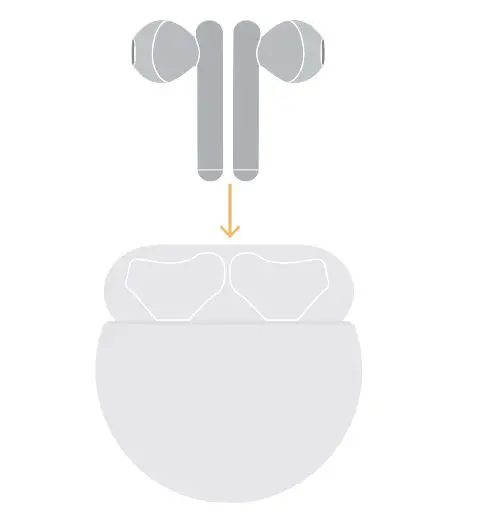
Place the earphones in the case, and then close the case. The earphones will automatically start charging.
Press and hold
Switch between noise canceling modes Reject a call
You can create a custom operation in the HUAWEI AI Life app for the
double-tap gesture, such as waking up the voice assistant or switching
to the previous or next track.
1
The earphones inside will not be charged when the case is open.
Safety Information
Before using and operating this device, read the following precautions to ensure an optimal device performance and avoid dangerous use or unauthorized operations.
·
To protect your hearing, do not listen to audio at a high volume for a long period of time.
· Some wireless devices may interfere with implantable medical devices and other medical equipment, such as pacemakers, cochlear implants, and
hearing aids. When using the product, keep it at least 15 cm away from such medical devices. Consult the manufacturer of your medical equipment for
more information.
· Ideal temperatures: 0°C to 35°C for operating; -20°C to +45°C for storage.
· When charging, an adapter should be plugged into a socket nearby and easily accessible. Use approved power adapters and chargers.
· Ensure that the power adapter meets the requirements of IEC/EN 62368-1 and has been tested and approved according to national or local standards.
· Observe all local traffic laws and regulations while using this product. Do not use this device when you are driving.
· Keep this device and its accessories that may contain small components out of the reach of children. Otherwise, children may damage this device and
its accessories by mistake, or swallow the small components, which may cause choking.
· Avoid using the device in dusty, damp, or dirty environments, or near sources of magnetic interference.
· Keep the battery away from fire, excessive heat, and direct sunlight. Do not place it on or in heating devices. Do not disassemble, modify, throw, or
squeeze it. Do not insert foreign objects into it, submerge it in liquids, or expose it to external force or pressure, as this may cause it to leak, overheat,
catch fire, or even explode.
· Do not attempt to replace the battery yourself — you may damage the battery, which could cause overheating, fire, and injuries.
· Avoid disassembling or modifying your device and its accessories. Unauthorized disassembly and modifications may result in voiding the factory
warranty. If your device is faulty, visit an authorized Huawei Customer Service Center for assistance.
Precautions
· In order for the earphones to function correctly, keep the mesh, ear tips, as well as the metal contact points on the earphones and charging case clean. · If you experience any skin irritation while wearing the earphones, remove them and clean them thoroughly. If the issue persists, seek advice from a
medical professional.
· Enabling noise canceling may affect your awareness of surrounding sounds and alarms. Ensure that you are in a safe environment when using this function.
· This device’s firmware will automatically update whenever it connects to a previously paired Honor device (released before the end of 2020) or a previously paired Huawei device, and Wi-Fi or mobile data is enabled. You can disable automatic firmware updates in Settings.
Disposal and recycling information
This symbol on the product, battery, literature, or packaging means that the products and batteries should be taken to separate waste collection points designated by local authorities at the end of the lifespan. This will ensure that EEE waste is recycled and treated in a manner that conserves valuable materials and protects human health and the environment. For more information, please contact your local authorities, retailer, or household waste disposal service, or visit the website https://consumer.huawei.com/en/.
UK regulatory conformance Hereby, Huawei Device Co., Ltd. declares that this device T0014/T0014L is in compliance with the relevant statutory instruments in the UK. The full text of the declaration of conformity is available at the following internet address: https://consumer.huawei.com/certification.
EU Regulatory Conformance Hereby, Huawei Device Co., Ltd. declares that this device T0014/T0014L is in compliance with the following Directive RED 2014/53/EU, RoHS 2011/65/EU, EU REACH regulation, and Batteries (where included) directive. The full text of the EU declaration of conformity and most recent information about accessories & software are available at the following internet address: https://consumer.huawei.com/certification.
Frequency Bands and Power Bluetooth: 2.4 GHz 14.5 dBm.
ISED Statement This device complies with CAN ICES-3 (B)/NMB-3(B). This device complies with Innovation, Science and Economic Development Canada licence-exempt RSS standard(s). Operation is subject to the following two conditions: (1) this device may not cause interference, and (2) this device must accept any interference, including interference that may cause undesired operation of the device.
RF Exposure Information This device is a low-power radio transmitter and receiver. As recommended by international guidelines, the device meets applicable national SAR limits of 2.0 W/kg (10g) and 1.6 W/kg (1g). 10g SAR: The highest reported SAR value: Head SAR: 0.67 W/kg. 1g SAR: The highest reported SAR value: Head SAR: 1.09 W/kg.
Legal Notice Copyright © Huawei Device Co., Ltd. 2022. All rights reserved. All contents in the documents in the packaging box, including but not limited to information about and portrayals of the appearance, color, size, and supported features of the product (the latest features will come with software updates), are for reference only. The actual product may vary. The Bluetooth® word mark and logos are registered trademarks owned by the Bluetooth SIG, Inc. and any use of this mark by Huawei Technologies Co., Ltd. is under license. Huawei Device Co., Ltd. is an affiliate of Huawei Technologies Co., Ltd.
Privacy Protection To better understand how we protect your personal information, please see the privacy policy at https://consumer.huawei.com/privacy-policy, or read the privacy policy and service terms using the corresponding app.
Software License Agreement Please read the software license agreement carefully before using this device. By using the device, you indicate that you agree to be bound by the license agreement. To read the agreement, please visit the following website: https://consumer.huawei.com/en/legal/eula/.
2
Open Source Software Notice For the open source software statement of your device, please visit https://consumer.huawei.com/en/opensource/ and search for the device name.
3
Guide de démarrage rapide
Association et connexion
1. Ouvrez le boîtier de charge et maintenez le bouton de fonction appuyé pendant 2 s jusqu’à ce que le voyant clignote en blanc. Les écouteurs passent alors en mode Association.
2. Activez le Bluetooth de l’appareil qui doit être associé aux écouteurs. Recherchez les écouteurs et connectez-les.
Les écouteurs passent automatiquement en mode Association lorsque le boîtier est ouvert pour la première fois.
Changer les embouts
Choisissez la taille qui offre les effets de réduction de bruit et le confort de port désirés.
1. Retournez l’embout et alignez sa petite extrémité sur l’encoche correspondant de l’écouteur.
2. Poussez doucement l’embout sur la section supérieure de l’encoche, puis étirez-le pour couvrir complètement l’encoche et l’installer fermement.
3. Retournez l’embout comme il l’était initialement.
L
M
S
Encoche
HUAWEI FreeBuds 5i
Restaurer les paramètres d’usine Ouvrez le boîtier de charge. Maintenez enfoncé le bouton de fonction pendant 10 s jusqu’à ce que le voyant clignote en rouge. Les écouteurs repassent alors en mode Association.
Téléchargement et installation de l’application
Scannez le QR code pour télécharger et installer l’application HUAWEI AI Life, pour essayer plus de fonctionnalités et personnaliser les réglages de vos écouteurs.
Encoche
1
2
3
Charger le boîtier
Connectez le boîtier à une source d’alimentation avec le câble USB-C pour commencer à le charger.
Contrôles des raccourcis
Faire glisser
Appuyer deux fois
Faites glisser vers le haut pour augmenter le volume Faites glisser vers le bas pour réduire le volume
Lecture/Pause
Répondre/Mettre fin à un appel
Charger les écouteurs
Placez les écouteurs dans le boîtier, puis fermez ce dernier. Les écouteurs commenceront automatiquement à se charger.
Appuyer et maintenir
Basculer entre les mode de réduction de bruit
Rejeter un appel
Vous pouvez créer une fonction personnalisée avec l’application HUAWEI AI Life pour le geste de double appui, comme déclencher l’assistant vocal, ou sélectionner le morceau précédent ou suivant.
Tant que le boîtier est ouvert, les écouteurs qui sont à l’intérieur ne seront pas chargés.
4
Informations sur la sécurité
Avant d’utiliser et de faire fonctionner ce dispositif, prenez connaissance des précautions suivantes afin d’assurer un fonctionnement optimal du dispositif et d’éviter une utilisation dangereuse ou des opérations non autorisées.
·
Pour protéger votre ouïe, n’écoutez pas du son à un volume élevé pendant une période prolongée.
· Certains appareils sans fil sont susceptibles d’interférer avec des dispositifs médicaux implantables et d’autres appareils à vocation médicale
(stimulateurs cardiaques, implants cochléaires, prothèses auditives, etc.). Lorsque vous utilisez cet appareil, maintenez-le à au moins 15 cm de ces
dispositifs médicaux. Pour plus d’informations, consultez le fabricant du dispositif médical.
· Températures idéales : 0°C à 35°C en fonctionnement, -20°C à +45°C pour le stockage.
· Lors de la charge, l’adaptateur doit être branché sur une prise électrique à proximité et être facilement accessible. Utilisez des adaptateurs secteur
et des chargeurs approuvés.
· Assurez-vous que l’adaptateur secteur répond aux exigences de la norme IEC/EN 62368-1 et qu’il a été testé et approuvé conformément aux
normes nationales ou locales.
· Respectez toutes les lois et réglementations locales relatives à la circulation routière lorsque vous utilisez ce produit. N’utilisez pas ce dispositif en
conduisant.
· Conservez hors de portée des enfants ce dispositif et ses accessoires qui peuvent contenir des composants de petite taille. Sinon, les enfants
peuvent endommager ce dispositif et ses accessoires par erreur ou avaler les petits composants, au risque de s’étouffer.
· Évitez d’utiliser l’appareil dans des environnements poussiéreux, humides ou sales, ou à proximité de sources d’interférences magnétiques.
· Gardez la batterie à l’écart du feu, de la chaleur excessive et de la lumière directe du soleil. Ne la placez pas sur ou dans des appareils de
chauffage. Ne la démontez pas, ne la modifiez pas, ne la jetez pas par terre et ne l’écrasez pas. N’y insérez pas d’objets étrangers, ne la plongez pas
dans des liquides et ne l’exposez pas à une force ou une pression externe, car cela pourrait provoquer des fuites, une surchauffe, un incendie, voire
une explosion.
· N’essayez pas de remplacer la pile par vous-même ; vous risquez de l’endommager, ce qui pourrait provoquer une surchauffe, un incendie et des
lésions corporelles.
· Évitez de démonter ou de modifier votre appareil et ses accessoires. Tout démontage et toute modification non autorisés peuvent entraîner
l’annulation de la garantie d’usine. Si votre appareil est défectueux, apportez-le à un centre technique Huawei agréé.
Précautions
· Pour que les écouteurs fonctionnent correctement, gardez les mailles, les embouts auriculaires, ainsi que les points de contact métalliques sur les écouteurs et le boîtier de charge propres.
· Si vous ressentez une quelconque irritation de la peau en portant les écouteurs, retirez-les et nettoyez-les soigneusement. Si le problème persiste, demandez conseil à un professionnel de la santé.
· Activer la réduction de bruit peut vous empêcher de percevoir correctement les sons et les alarmes environnants. Avant d’utiliser cette fonction, assurez-vous que vous vous trouvez dans un environnement sûr.
· Le firmware de ce produit se mettra automatiquement à jour lorsque le produit se connectera à un appareil précédemment associé que ce soit un appareil Honor (sorti avant fin 2020) ou un appareil Huawei et que le Wi-Fi ou les données mobiles seront activés. Dans Paramètres, vous pouvez désactiver les mises à jour automatiques du firmware.
Informations relatives à l’élimination et au recyclage
Sur le produit, sur la batterie, dans la documentation ou sur l’emballage, ce symbole signifie que, lorsqu’ils arrivent en fin de vie, les produits électroniques et les batteries doivent être apportés à des points de collecte spécifiques, prévus à cet effet par les autorités locales. De la sorte, les déchets EEE seront recyclés et traités de manière à préserver des matériaux précieux et à protéger la santé humaine et l’environnement. Pour en savoir plus sur les lieux de collecte et la manière de mettre au rebut vos déchets électriques et électroniques, contactez les autorités locales, votre détaillant ou le service des ordures ménagères, ou rendez-vous sur le site web https://consumer.huawei.com/en/.
Conformité réglementaire UE Par la présente, Huawei Device Co., Ltd. déclare que ce dispositif T0014/T0014L est conforme à la directive suivante : RED 2014/53/EU, RoHS 2011/65/EU, règlement REACH de l’UE et directive sur les piles (si le produit en contient). Le texte intégral de la déclaration de conformité UE et les informations les plus récentes sur les accessoires et logiciels sont disponibles à l’adresse Internet suivante : https://consumer.huawei.com/certification.
Bandes de fréquences et puissance Bluetooth : 2,4 GHz 14,5 dBm.
Exposition aux radiofréquences Ce dispositif est un émetteur/récepteur radio de faible puissance. Conformément aux directives internationales, le dispositif respecte les limites d’exposition aux ondes radio établies par la Commission européenne. La valeur DAS la plus élevée déclarée : DAS à la tête : 0,67 W/kg.
A. – Informations relatives à la sécurité des personnes utilisatrices ou non Respect des restrictions d’usage spécifiques à certains lieux (hôpitaux, avions, stations-service, établissements scolaires…). Précautions à prendre par les porteurs d’implants électroniques (stimulateurs cardiaques, pompes à insuline, neurostimulateurs…) concernant notamment la distance entre l’équipement radioélectrique et l’implant (15 centimètres dans le cas des sources d’exposition les plus fortes comme les téléphones mobiles).
B. – Informations sur les comportements à adopter pour réduire l’exposition aux rayonnements émis par les équipements radioélectriques Utiliser l’équipement radioélectrique dans de bonnes conditions de réception pour diminuer la quantité de rayonnements reçus. Faire un usage raisonné des équipements radioélectriques comme le téléphone mobile, par les enfants et les adolescents, par exemple en évitant les communications nocturnes et en limitant la fréquence et la durée des appels. Eloigner les équipements radioélectriques du ventre des femmes enceintes. Eloigner les équipements radioélectriques du bas-ventre des adolescents.
Mentions légales Copyright © Huawei Device Co., Ltd. 2022. Tous droits réservés.
5
Tout le contenu des documents dans la boîte d’emballage, incluant mais sans s’y limiter les descriptions et les informations sur l’apparence, la couleur, la taille du produit et les fonctionnalités prises en charge (les dernières fonctionnalités seront mises à jour simultanément avec le logiciel), est fourni à titre de référence uniquement. Le produit réel peut s’avérer différent. Le terme et les logos Bluetooth® sont des marques déposées appartenant au Bluetooth SIG, Inc. et toute utilisation de cette marque par Huawei Technologies Co., Ltd. se fait sous licence. Huawei Device Co., Ltd. est une filiale de Huawei Technologies Co., Ltd. Protection de la vie privée Pour mieux comprendre comment nous protégeons vos informations personnelles, veuillez consulter la politique de confidentialité à l’adresse https://consumer.huawei.com/privacy-policy ou lire la politique de confidentialité et les conditions de service dans l’application correspondante. Contrat de licence de logiciel Veuillez lire attentivement le contrat de licence du logiciel avant d’utiliser cet appareil. En utilisant l’appareil, vous indiquez que vous acceptez d’être lié par le contrat de licence. Pour lire le contrat, allez sur le site web suivant : https://consumer.huawei.com/en/legal/eula/. Avis de logiciel open source Pour obtenir la déclaration du logiciel open source de votre appareil, allez sur https://consumer.huawei.com/en/opensource/ et recherchez le nom de l’appareil. Les informations suivantes s’appliquent uniquement au Canada. Déclaration d’ISDE Canada Cet appareil est conforme à la norme CAN ICES-3 (B)/NMB-3(B). Le présent appareil est conforme aux CNR d’ISDE Canada applicables aux appareils radio exempts de licence. Son fonctionnement est soumis aux conditions suivantes : (1) l’appareil ne doit pas causer d’interférence et (2) l’appareil doit accepter toute interférence, y compris une interférence pouvant entraîner un fonctionnement non désiré. Renseignements relatifs à l’exposition aux radiofréquences (RF) Ce périphérique est un émetteur-transmetteur radio à basse consommation. Selon les recommandations des directives internationales, ce périphérique satisfait aux limites nationales applicables fixées par le DAS de 2,0 W/kg (10 g) et de 1,6 W/kg (1 g). Limite de DAS de 10 g : la valeur DAS la plus élevée rapportée : limite de DAS par rapport à la tête : 0,67 W/kg. Limite de DAS de 1 g : la valeur DAS la plus élevée rapportée : limite de DAS par rapport à la tête : 1.09 W/kg.
6
Schnellstartanleitung
Koppeln und Verbinden
1. Öffne das Ladeetui und halte die Funktionstaste 2 Sek. gedrückt, bis die Anzeige weiß blinkt. Die Ohrhörer wechseln anschließend in den Kopplungsmodus.
2. Aktiviere Bluetooth auf dem Gerät, dass mit den Ohrhörern gekoppelt werden soll. Suche nach den Ohrhörern und stelle die Verbindung mit ihnen her.
Beim ersten Öffnen des Ladeetuis wechseln die Ohrhörer automatisch in den Kopplungsmodus.
Wechseln der Ohreinsätze
Wähle die Größe, die die gewünschte Kombination von Geräuschunterdrückung und Tragekomfort bietet.
1. Stülpe den Ohreinsatz um und richte die kleinere Seite des Ohreinsatzes mit dem entsprechenden Schlitz am Ohrhörer aus.
2. Setze den Ohreinsatz vorsichtig auf den oberen Teil des Schlitzes auf und ziehe ihn dann vollständig über den Schlitz, damit der Ohreinsatz sicher sitzt.
3. Stülpe den Ohreinsatz wieder zurück.
L
M
S
Schlitz
HUAWEI FreeBuds 5i
Wiederherstellen der Werkseinstellungen Öffne das Ladeetui. Drücke und halte die Funktionstaste 10 Sekunden lang gedrückt, bis die Anzeige rot blinkt. Die Ohrhörer wechseln dann wieder in den Kopplungsmodus.
Herunterladen und Installation der App
Scanne zum Herunterladen und Installieren der HUAWEI AI Life-App den QR-Code, um weitere Funktionen auszuprobieren und deine Kopfhörereinstellungen anzupassen.
Schlitz
1
2
3
Aufladen des Ladeetuis
Verbinde das Gehäuse über ein USB-C-Kabel mit einer Stromquelle, um es zu laden.
Verknüpfungssteuerung
Streichen
Nach oben streichen, um die Lautstärke zu erhöhen
Nach unten streichen, um die Lautstärke zu verringern
Zweimaliges Antippen
Abspielen/Pausieren Anruf annehmen/beenden
Aufladen der Kopfhörer
Lege die Ohrhörer in das Ladeetui und schließe das Etui. Die Ohrhörer beginnen den Ladevorgang automatisch.
Gedrückt halten
Zwischen Geräuschunterdrückungsmodi umschalten
Einen Anruf ablehnen
Du kannst in der HUAWEI AI Life App eine benutzerdefinierte Aktion für
die Doppeltipp-Geste erstellen, z. B. das Aktivieren des Sprachassistenten
oder das Umschalten zum vorherigen oder nächsten Titel.
7
Die Kopfhörer im Ladeetui werden nicht aufgeladen, wenn dieses offen ist.
Sicherheitshinweise
Lesen Sie vor dem Gebrauch und der Bedienung dieses Geräts die folgenden Sicherheitsmaßnahmen, um eine optimale Geräteleistung zu gewährleisten und Gefahren beim Gebrauch oder unautorisierte Bedienungen zu vermeiden.
·
Um Ihr Gehör zu schützen, hören Sie Audio nicht über längere Zeit bei hoher Lautstärke.
· Manche kabellosen Geräte können zur Störung von implantierbaren medizinischen Geräten oder sonstigen medizinischen Geräten wie
Schrittmachern, Cochlea-Implantaten und Hörgeräten führen. Halten Sie das Produkt bei Verwendung mindestens 15 cm von medizinischen
Geräten entfernt. Wenden Sie sich an den Hersteller Ihres medizinischen Geräts, um weitere Informationen zu erhalten.
· Ideale Temperaturen: 0°C bis 35°C beim Betrieb; -20°C bis +45°C bei Lagerung.
· Während des Ladevorgangs sollte das Ladegerät an eine Steckdose in der Nähe angeschlossen und leicht zugänglich sein. Verwenden Sie nur
zugelassene Ladegeräte.
· Stelle sicher, dass der Netzadapter die Anforderungen des Standards IEC/EN 62368-1 erfüllt und gemäß nationalen oder lokalen Normen getestet
und zugelassen wurde.
· Beachten Sie beim Gebrauch dieses Produkts alle lokalen Verkehrsgesetze und -vorschriften. Verwenden Sie dieses Gerät nicht, während Sie am
Verkehr teilnehmen.
· Bewahren Sie das Gerät und sein Zubehör, das kleine Komponenten enthalten kann, außerhalb der Reichweite von Kindern auf. Andernfalls können
Kinder das Gerät und das Zubehör versehentlich beschädigen oder die kleinen Komponenten verschlucken, was zu Erstickungen führen kann.
· Vermeiden Sie den Gebrauch des Geräts an staubigen, feuchten oder verschmutzten Orten sowie in der Nähe von Magnetfeldern.
· Halten Sie den Akku von Feuer, übermäßiger Hitze und direkter Sonneneinstrahlung fern. Stellen Sie ihn nicht auf oder in Heizgeräte. Zerlegen,
modifizieren, werfen oder quetschen Sie ihn nicht. Führen Sie keine Fremdkörper ein, tauchen Sie ihn nicht in Flüssigkeiten und setzen Sie ihn
keinen äußeren Kräften oder Drücken aus, da dies dazu führen kann, dass er ausläuft, überhitzt, Feuer fängt oder sogar explodiert.
· Versuchen Sie nicht, den Akku selbst zu ersetzen. Sie könnten den Akku beschädigen, was zu Überhitzung, Feuer und Verletzungen führen kann.
· Demontieren oder modifizieren Sie Ihr Gerät und das Zubehör nicht. Unbefugte Demontage oder Veränderung kann zum Verlust der Werksgarantie
führen. Wenn Ihr Gerät defekt ist, suchen Sie ein autorisiertes Huawei Kundendienst-Center auf, um weitere Unterstützung zu erhalten.
Sicherheitsmaßnahmen
· Damit die Ohrhörer einwandfrei funktionieren, halten Sie das Gewebe, die Ohreinsätze sowie die Metallkontakte an den Ohrhörern und am Ladeetui sauber.
· Falls beim Tragen der Ohrhörer Hautreizungen auftreten, tragen Sie die Ohrhörer nicht weiter und reinigen Sie sie gründlich. Wenn das Problem weiterhin besteht, nehmen Sie bitte Hilfe einer medizinischen Fachkraft in Anspruch.
· Durch Aktivieren der Geräuschunterdrückung kann Ihre Wahrnehmung von Umgebungsgeräuschen und Alarmen beeinträchtigt werden. Vergewissern Sie sich, dass Sie sich in einer sicheren Umgebung aufhalten, wenn Sie diese Funktion verwenden.
· Die Firmware dieses Geräts wird automatisch aktualisiert, wenn es sich mit einem zuvor gekoppelten Honor-Gerät (vor Ende 2020 veröffentlicht) oder einem zuvor gekoppelten Huawei-Gerät verbindet und WLAN oder mobile Daten aktiviert sind. Sie können die automatischen FirmwareAktualisierungen in den Einstellungen deaktivieren.
Hinweise zur Entsorgung und zum Recycling
Das Symbol auf Ihrem Produkt, Ihrem Akku, Ihrem Informationsmaterial oder Ihrer Verpackung bedeutet, dass die Produkte und Akkus am Ende ihrer Lebensdauer getrennt entsorgt werden und den von den Kommunen ausgewiesenen Sammelpunkten zugeführt werden müssen. Dadurch wird sichergestellt, dass Elektro- und Elektronik-Altgeräte in einer Weise recycelt und behandelt werden, die wertvolle Materialien schont und die menschliche Gesundheit und die Umwelt schützt. Für weitere Informationen kontaktieren Sie Ihre lokalen Behörden, Händler oder Entsorgungsunternehmen für Haushaltsmüll oder besuchen Sie die Website https://consumer.huawei.com/en/.
Konformität mit EU-Bestimmungen Huawei Device Co., Ltd. erklärt hiermit, dass dieses Gerät T0014/T0014L den folgenden Richtlinien RED 2014/53/EU, RoHS 2011/65/EU, der EUVerordnung REACH und der Batterierichtlinie (sofern Batterien enthalten sind) entspricht. Der vollständige Text der EU-Konformitätserklärung sowie aktuelle Informationen zu Zubehör und Software sind unter folgender Internetadresse verfügbar: https://consumer.huawei.com/certification. Dieses Gerät darf in allen Mitgliedstaaten der EU betrieben werden.
Frequenzbänder und Leistung Bluetooth: 2,4 GHz 14,5 dBm.
Informationen zur HF-Exposition Dieses Gerät ist ein Funksender und -empfänger mit geringer Leistung. Gemäß den Empfehlungen der internationalen Richtlinien erfüllt das Gerät die geltenden nationalen SAR-Grenzwerte von 2,0 W/kg (10 g) und 1,6 W/kg (1 g). 10 g SAR: Der höchste berichtete SAR-Wert: Kopf SAR: 0,67 W/kg.
Rechtliche Hinweise Copyright © Huawei Device Co., Ltd. 2022. Alle Rechte vorbehalten. Alle Inhalte in den Dokumenten in der Verpackung, einschließlich, aber nicht beschränkt auf Informationen und Darstellungen des Aussehens, der Farbe, Größe sowie der unterstützten Funktionen des Produkts (die neuesten Funktionen sind über Software-Aktualisierungen verfügbar) dienen nur als Referenz. Das tatsächliche Produkt kann abweichen. Die Wortmarke Bluetooth® und die Logos sind eingetragene Marken von Bluetooth SIG, Inc. und jegliche Verwendung dieser Marken durch Huawei Technologies Co., Ltd. erfolgt unter Lizenz. Huawei Device Co., Ltd. ist eine Tochtergesellschaft von Huawei Technologies Co., Ltd.
Datenschutz Damit Sie besser verstehen, wie wir Ihre personenbezogenen Daten schützen, lesen Sie bitte die Datenschutzrichtlinie unter https://consumer.huawei.com/privacy-policy oder lesen Sie sich die Datenschutzrichtlinie und Servicebedingungen in der entsprechenden App durch.
Software-Lizenzvereinbarung Bitte lesen Sie die Software-Lizenzvereinbarung sorgfältig durch, bevor Sie dieses Gerät verwenden. Durch die Nutzung des Geräts erklären Sie sich mit der Vereinbarung einverstanden. Um die Vereinbarung zu lesen, besuchen Sie bitte die folgende Website: https://consumer.huawei.com/en/legal/eula/.
8
Hinweise zu Open Source-Software Bitte besuchen Sie https://consumer.huawei.com/en/opensource/ und suchen Sie nach Ihrem Gerätenamen, um die Erklärung zur Open-SourceSoftware anzuzeigen.
9
Guida di avvio rapido
Associazione e connessione
1. Apri la custodia di ricarica e tieni premuto il tasto Funzione per 2 secondi finché la spia non lampeggia in bianco. Gli auricolari entreranno quindi in modalità di associazione.
2. Attiva il Bluetooth sul dispositivo da associare agli auricolari. Cerca gli auricolari e connettili.
Quando apri la custodia per la prima volta, gli auricolari entreranno automaticamente in modalità di associazione.
Cambio dei gommini degli auricolari
Scegli le dimensioni che offrono il comfort e gli effetti di cancellazione del rumore che desideri quando li indossi.
1. Rivolta il gommino e allinea l’estremità più piccola del gommino allo slot corrispondente sull’auricolare.
2. Spingi delicatamente il gommino sulla parte superiore dello slot e poi distendilo completamente sopra lo slot in modo che rimanga stabilmente in sede.
3. Rivolta di nuovo il gommino.
L
M
S
Slot
HUAWEI FreeBuds 5i
Ripristino delle impostazioni di fabbrica Apri la custodia di ricarica. Tieni premuto il pulsante Funzione per 10 secondi, finché la spia non lampeggia in rosso. Gli auricolari quindi entreranno di nuovo in modalità di associazione.
Download e installazione dell’app
Scansiona il codice QR per scaricare e installare l’app HUAWEI AI Life in modo da provare più funzioni e personalizzare le impostazioni degli auricolari.
Slot
1
2
3
Ricarica della custodia
Collega la custodia ad una fonte di alimentazione tramite un cavo USB-C per iniziare a ricaricarla.
Comandi per le scorciatoie
Scorrimento
Scorri verso l’alto per alzare il volume
Scorri verso il basso per abbassare il volume
Doppio tocco
Riproduzione/Sospensione Rispondere/Terminare una chiamata
Ricarica degli auricolari
Riponi gli auricolari nella custodia e chiudi la custodia. Gli auricolari inizieranno a caricarsi automaticamente.
Pressione prolungata
Alterna fra le modalità di cancellazione del rumore
Rifiutare una chiamata
Puoi creare un’operazione personalizzata nell’app HUAWEI AI Life per
la gesture del doppio tocco, come riattivare l’assistente vocale o
passare al brano precedente o successivo.
10
Gli auricolari all’interno non verranno ricaricati quando la custodia è aperta.
Informazioni sulla sicurezza Prima di utilizzare questo dispositivo, leggere le precauzioni seguenti per assicurare prestazioni ottimali ed evitare utilizzi pericolosi o non autorizzati.
·
Per proteggere il proprio udito, non ascoltare audio a un volume elevato per periodi prolungati.
· Alcuni dispositivi wireless possono interferire con i dispositivi medici impiantabili e altre apparecchiature mediche, come pacemaker, impianti
cocleari e apparecchi acustici. Quando si utilizza il prodotto, tenerlo a una distanza di almeno 15 cm dai dispositivi medici. Consultare il produttore
delle apparecchiature mediche per ulteriori informazioni.
· Temperature ideali: da 0 °C a 35 °C durante il funzionamento; da -20 °C a +45 °C durante la conservazione.
· Durante la carica, deve essere inserito un adattatore in una presa vicina e facilmente accessibile. Utilizzare adattatori e caricabatterie approvati.
· Accertarsi che l’alimentatore soddisfi i requisiti specificati dalla norma IEC/EN 62368-1 e che sia stato collaudato e approvato in conformità degli
standard nazionali o locali.
· Osservare tutte le leggi e i regolamenti locali sul traffico durante l’utilizzo di questo prodotto. Non usare il dispositivo durante la guida.
· Tenere il dispositivo e i relativi accessori, che potrebbero contenere componenti di piccole dimensioni, lontano dalla portata dei bambini, che
potrebbero inavvertitamente danneggiare il dispositivo e i relativi accessori oppure ingerire piccoli componenti, che potrebbero causare
soffocamento.
· Non utilizzare il dispositivo in ambienti polverosi, umidi o sporchi o vicino a fonti di interferenza magnetica.
· Conservare la batteria al riparo da fuoco, fonti di calore eccessivo e da luce solare diretta. Non posizionarla sopra o all’interno di dispositivi di
riscaldamento. Non disassemblarla, modificarla, lanciarla o schiacciarla. Non inserire oggetti estranei nella batteria, non immergerla in liquidi o non
esporla a forze o pressioni esterne in quanto ciò può causare perdite, surriscaldamenti, incendi o addirittura esplosioni.
· Non tentare di sostituire autonomamente la batteria. Si potrebbe danneggiare la batteria stessa e provocare surriscaldamenti, incendi e ferite.
· Non smontare né modificare il dispositivo e i relativi accessori. Il disassemblaggio e la modifica non autorizzati possono comportare l’annullamento
della garanzia di fabbrica. Se il dispositivo è guasto, contattare un Centro servizio clienti Huawei per ricevere assistenza.
Precauzioni
· Perché gli auricolari funzionino correttamente, mantenere pulita la maglia, i gommini degli auricolari e i punti di contatto di metallo negli auricolari e nella custodia di carica.
· Se si verificano irritazioni alla pelle mentre si indossano gli auricolari, rimuoverli e pulirli accuratamente. Se il problema persiste, consultare un medico.
· L’attivazione della cancellazione del rumore può influire sulla consapevolezza dei suoni e degli avvisi circostanti. Assicurarsi di essere in un ambiente sicuro quando si utilizza questa funzione.
· Il firmware di questo dispositivo verrà aggiornato automaticamente quando si connette a un dispositivo Honor (rilasciato prima della fine del 2020)/Huawei associato in precedenza e sono attivati i dati mobili o il Wi-Fi. È possibile disattivare gli aggiornamenti automatici del firmware nelle Impostazioni.
Informazioni su smaltimento e riciclaggio
Questo simbolo presente su prodotto, batteria, documentazione o confezione indica che al termine del ciclo di utilizzo i prodotti e le batterie devono essere conferiti in punti di raccolta dei rifiuti separati indicati dalle autorità locali. Ciò assicura che i rifiuti AEE vengano riciclati e trattati in modo da conservare i materiali di valore, proteggendo inoltre la salute degli esseri umani e l’ambiente. Per ulteriori informazioni, contattare le autorità locali, il rivenditore o il servizio di smaltimento dei rifiuti domestici oppure visitare il sito Web https://consumer.huawei.com/en/.
Conformità alla normativa UE Con il presente documento, Huawei Device Co., Ltd. dichiara che il presente dispositivo T0014/T0014L è conforme alla Direttiva RED 2014/53/UE, RoHS 2011/65/UE, REACH UE e alla direttiva relativa alle batterie (dove inclusa). Il testo completo della dichiarazione di conformità UE e le informazioni più recenti in ambito di accessori e software sono disponibili al seguente indirizzo: https://consumer.huawei.com/certification.
Potenza e bande di frequenza Bluetooth: 2,4 GHz 14,5 dBm.
Informazioni sull’esposizione alle radiofrequenze Questo dispositivo è un dispositivo di ricezione e trasmissione radio a bassa potenza. Come consigliato dalle linee guida internazionali, il dispositivo soddisfa i limiti SAR nazionali applicabili di 2,0 W/kg (10g) e 1,6 W/kg (1g). SAR 10g: il valore SAR indicato più alto: SAR testa: 0,67 W/kg.
Nota legale Copyright © Huawei Device Co., Ltd. 2022. Tutti i diritti riservati. I contenuti di tutti i documenti presenti nella confezione di imballaggio, inclusi, a titolo esemplificativo ma non esaustivo, le informazioni e le rappresentazioni dell’aspetto, del colore, delle dimensioni e delle funzionalità supportate del prodotto (le ultime funzionalità verranno fornite con gli aggiornamenti del software), sono solo di riferimento. Il prodotto reale potrebbe variare. Il marchio e i loghi Bluetooth® sono marchi registrati di proprietà di Bluetooth SIG, Inc. e ogni uso di tali marchi da parte di Huawei Technologies Co., Ltd. avviene in conformità con quanto previsto dalla licenza. Huawei Device Co., Ltd. è un’affiliata di Huawei Technologies Co., Ltd.
Protezione della privacy Per comprendere meglio come proteggere le informazioni personali, vedere l’Informativa sulla privacy all’indirizzo https://consumer.huawei.com/privacy-policy oppure leggere l’Informativa sulla privacy e i termini di assistenza utilizzando l’app corrispondente.
Contratto di licenza software Leggere attentamente il contratto di licenza del software prima di utilizzare il dispositivo. Utilizzando il dispositivo, l’utente accetta di essere vincolato dal contratto di licenza. Per leggere il contratto, visitare il seguente sito Web: https://consumer.huawei.com/en/legal/eula/.
Avviso software open source Per la dichiarazione del software open source del dispositivo, visitare https://consumer.huawei.com/en/opensource/ e cercare il nome del dispositivo.
11
Guía de inicio rápido
Enlace y conexión
1. Abra el estuche de carga y mantenga pulsado el botón de función durante 2 segundos hasta que el indicador parpadee en color blanco. Los auriculares entrarán en modo de enlace.
2. Habilite Bluetooth en el dispositivo que va a enlazar con los auriculares. Busque los auriculares y conéctese a ellos. Los auriculares entrarán automáticamente en modo de enlace cuando abra el estuche por primera vez.
Cómo cambiar los tapones
Seleccione el tamaño que le proporcione los efectos de cancelación de ruido deseados y que le sea cómodo.
1. Dé vuelta al tapón hacia afuera y alinee el extremo más pequeño de este con la ranura correspondiente del auricular.
2. Empuje suavemente al tapón sobre la parte superior de la ranura y luego estírelo sobre la ranura completamente para que encaje de forma segura.
3. Dé vuelta al tapón de nuevo.
L
M
S
Ranura
HUAWEI FreeBuds 5i
Restablecimiento de los ajustes de fábrica Abra el estuche de carga. Mantenga pulsado el botón de función durante 10 segundos hasta que el indicador parpadee en color rojo. Los auriculares volverán a entrar en modo de enlace.
Descarga e instalación de aplicaciones
Escanee el código QR para descargar e instalar la aplicación HUAWEI AI Life para probar más funciones y personalizar los ajustes de los auriculares.
Ranura
1
2
3
Carga del estuche
Conecte el estuche a una fuente de alimentación a través de un cable USB-C para comenzar a cargarlo.
Controles de acceso directo
Deslizar
Pulsar dos veces
Deslizar el dedo hacia arriba para subir el volumen
Deslizar el dedo hacia abajo para bajar el volumen
Reproducir/Detener
Responder/finalizar una llamada
Carga de los auriculares
Coloque los auriculares en el estuche y ciérrelo. Los auriculares comenzarán a cargarse automáticamente.
Mantener pulsado
Alternar entre modos de cancelación de ruido
Rechazar llamadas
Puede crear una operación personalizada en la aplicación HUAWEI AI
Life para el gesto de pulsar dos veces, como activar el asistente de voz o cambiar a la pista anterior o siguiente.
12
Los auriculares colocados dentro del estuche no se cargarán cuando este esté abierto.
Información de seguridad
Antes de usar y poner en funcionamiento este dispositivo, lea las siguientes precauciones para garantizar el rendimiento óptimo del dispositivo y evitar peligros u operaciones no autorizadas.
·
Para proteger su audición, no use el dispositivo a niveles de volumen elevados por períodos prolongados.
· Algunos dispositivos inalámbricos pueden interferir en dispositivos médicos implantables y otros equipos médicos, como marcapasos, implantes
cocleares y audífonos. Cuando utilice el producto, manténgalo a una distancia mínima de 15 cm de dichos dispositivos médicos. Consulte al
fabricante de su equipo médico para obtener más información.
· Temperaturas ideales: de 0 °C a 35 °C en funcionamiento; de -20°C a +45°C para almacenamiento.
· Al cargar el dispositivo, el adaptador debe enchufarse a una toma cercana y de fácil acceso. Utilice adaptadores de alimentación y cargadores
aprobados.
· Asegúrese de que el adaptador de alimentación cumpla con los requisitos de IEC/EN 62368-1 y de que se haya sometido a prueba y aprobado de
conformidad con las normas nacionales o locales.
· Cumpla con todas las normas y leyes locales de tráfico cuando utilice este producto. No utilice este dispositivo mientras está conduciendo.
· Mantenga este dispositivo y sus accesorios (que pueden contener componentes pequeños) fuera del alcance de los niños. De lo contrario, los niños
pueden dañar este dispositivo y sus accesorios por error, o ingerir pequeños componentes, lo que podría ocasionar asfixia.
· Evite usar el dispositivo en lugares con polvo, humedad o suciedad, o cerca de fuentes de interferencia magnética.
· Mantenga la batería alejada del fuego, del calor excesivo y de la luz directa del sol. No la coloque sobre aparatos de calefacción ni en su interior.
No la desmonte, modifique, arroje ni apriete. No inserte objetos extraños en ella, no la sumerja en agua y no la exponga a fuerzas o presiones
externas, ya que esto podría provocar que la batería tenga pérdidas, se sobrecaliente, se prenda fuego o, incluso, explote.
· No intente reemplazar la batería por sus medios, ya que esto podría dañar la batería y provocar incendios, sobrecalentamiento o lesiones.
· Evite desmontar o modificar su dispositivo y los accesorios. La modificación y el desmontaje no autorizados podrían invalidar la garantía del
fabricante. Si el dispositivo tiene fallos, diríjase a un centro autorizado de atención al cliente de Huawei para recibir asistencia.
Precauciones
· Para que los auriculares funcionen correctamente, mantenga la malla, los tapones y los puntos de contacto de metal de los auriculares y el estuche de carga limpios.
· Si experimenta irritación en la piel mientras lleva los auriculares puestos, quíteselos y límpielos por completo. Si el problema continúa, consulte a un médico.
· La habilitación de la cancelación de ruido puede afectar a la percepción de los sonidos y las alarmas que le rodean. Asegúrese de estar en un entorno seguro cuando use esta función.
· El firmware de este dispositivo se actualizará automáticamente cuando se conecte a un dispositivo Honor previamente enlazado (lanzado antes de finales del 2020) o a un dispositivo Huawei previamente enlazado, y cuando se habiliten las funciones Wi-Fi o datos móviles. Puede deshabilitar las actualizaciones automáticas del firmware desde Ajustes.
Información sobre eliminación de residuos y reciclaje
Este símbolo en el producto, la batería, los textos o el embalaje indica que, al finalizar su vida útil, los productos y las baterías deben ser llevados a puntos limpios especiales designados por las autoridades locales. Esto garantiza que los residuos EEE se reciclarán y se tratarán de manera que conserven los materiales valiosos y se proteja la salud de las personas y el medioambiente. Para obtener más información, póngase en contacto con las autoridades locales, la tienda minorista o el servicio de eliminación de residuos domésticos, o visite el sitio web https://consumer.huawei.com/en/.
Declaración de cumplimiento de las normas de la Unión Europea Por medio de la presente declaración, Huawei Device Co., Ltd. declara que este dispositivo T0014/T0014L cumple con la directiva RED 2014/53/EU, la directiva RoHS 2011/65/EU, la norma REACH de la UE y la directiva de baterías (si se incluye). El texto completo de la declaración de cumplimiento de leyes de la Unión Europea y la información más reciente sobre accesorios y software están disponibles en la siguiente dirección de Internet: https://consumer.huawei.com/certification.
Bandas de frecuencia y potencia Bluetooth: 2.4 GHz 14.5 dBm.
Información de exposición a RF Este dispositivo es un radiotransmisor y radiorreceptor de baja potencia. Conforme a lo recomendado por las directrices internacionales, el dispositivo cumple con los límites de la tasa de absorción específica (SAR) nacional aplicables de 2.0 W/kg (10 g) y 1.6 W/kg (1 g). SAR de 10 g: Valor SAR más alto informado: SAR para cabeza: 0.67 W/kg. Cumplimiento México: (Esta sección solo aplica para México). La operación de este equipo está sujeta a las siguientes dos condiciones: (1) es posible que este equipo o dispositivo no cause interferencia perjudicial y (2) este equipo o dispositivo debe aceptar cualquier interferencia, incluyendo la que pueda causar su operación no deseada. Para información de la certificación de IFT, visite https://consumer.huawei.com/certification.
Aviso legal Copyright © Huawei Device Co., Ltd. 2022. Todos los derechos reservados. Todos los contenidos de los documentos que se encuentran en la caja de embalaje, lo que incluye, a título meramente enunciativo, información y descripciones del aspecto, del color, del tamaño y de las funciones compatibles con el producto (las funciones más recientes estarán disponibles con las actualizaciones de software) son solo de referencia. El producto real puede presentar diferencias. La marca y el logotipo Bluetooth® son marcas registradas propiedad de Bluetooth SIG, Inc., y el uso de dicha marca por parte de Huawei Technologies Co., Ltd. está sujeto a una licencia. Huawei Device Co., Ltd. es una filial de Huawei Technologies Co., Ltd.
13
Protección de la privacidad Para comprender cómo protegemos su información personal, consulte la política de privacidad en https://consumer.huawei.com/privacy-policy o lea la política de privacidad y los términos de servicio desde la aplicación correspondiente. Contrato de licencia de software Lea cuidadosamente el contrato de licencia de software antes de usar este dispositivo. Al utilizar el dispositivo, significa que acepta cumplir con el contrato de licencia. Para leer el contrato, visite el siguiente sitio web: https://consumer.huawei.com/en/legal/eula/. Aviso de software de código abierto Para conocer la declaración de software de código abierto de su dispositivo, visite https://consumer.huawei.com/en/opensource/ y busque el nombre del dispositivo.
14
Guia de Início Rápido
Emparelhamento e ligação
1. Abra a caixa de carregamento e prima continuamente o botão de função durante 2 segundos até o indicador ficar branco intermitente. Os auriculares irão entrar no modo de emparelhamento.
2. Ative o Bluetooth no dispositivo que pretende emparelhar com os auriculares. Procure os auriculares e estabeleça ligação aos mesmos.
Os auriculares irão entrar automaticamente no modo de emparelhamento quando abrir a caixa pela primeira vez.
Substituir as pontas auriculares
Escolha o tamanho que lhe proporcione os efeitos de cancelamento de ruído pretendidos e o maior conforto durante a utilização.
1. Vire a ponta auricular do avesso e alinhe a extremidade mais pequena da ponta auricular com a ranhura correspondente no auricular.
2. Coloque cuidadosamente a ponta auricular na parte superior da ranhura e, em seguida, envolva-a totalmente na ranhura de modo a que fique bem segura.
3. Volte a virar a ponta auricular ao contrário.
L
M
S
Ranhura
HUAWEI FreeBuds 5i
Restaurar as definições de fábrica Abra a caixa de carregamento. Prima continuamente o botão de função durante 10 segundos até o indicador ficar vermelho intermitente. Os auriculares irão entrar no modo de emparelhamento novamente.
Transferência e instalação da aplicação
Efetue a leitura do código QR para transferir e instalar a aplicação HUAWEI AI Life para experimentar mais funcionalidades e personalizar as definições dos seus auriculares.
Ranhura
1
2
3
Carregar a caixa
Ligue a caixa a uma fonte de alimentação utilizando um cabo USB-C para iniciar o seu carregamento.
Controlos de atalho
Deslizar
Tocar duas vezes
Deslizar para cima para aumentar o volume Deslizar para baixo para diminuir o volume
Reproduzir/Pausar Atender/Terminar uma chamada
Carregar os auriculares
Coloque os auriculares na caixa e, em seguida, feche a caixa. O carregamento dos auriculares será iniciado automaticamente.
Pressionar continuamente
Alternar entre modos de cancelamento de ruído
Rejeitar uma chamada
Pode criar uma operação personalizada na aplicação HUAWEI AI Life
para o gesto de tocar duas vezes, como acionar o assistente de voz ou
mudar para a faixa anterior ou seguinte.
15
Os auriculares no interior não serão carregados enquanto a caixa estiver aberta.
Informações de segurança
Antes de utilizar este dispositivo, leia as seguintes instruções de precaução para garantir o melhor desempenho do dispositivo e evitar utilizações perigosas e operações não autorizadas.
·
Para proteger a sua audição, não ouça o áudio com o volume alto durante muito tempo.
· Alguns dispositivos sem fios podem interferir com dispositivos médicos implantáveis e outros equipamentos médicos, como pacemakers, implantes
cocleares e aparelhos auditivos. Durante a utilização do produto, mantenha-o a uma distância de cerca de 15 cm desses dispositivos médicos.
Consulte o fabricante do seu equipamento médico para obter mais informações.
· Temperaturas ideais: 0 °C a 35 °C para o funcionamento; -20 °C a +45 °C para o armazenamento.
· Durante o carregamento, deve ser ligado um adaptador a uma tomada próxima e de fácil acesso. Utilize adaptadores de alimentação e
carregadores aprovados.
· Certifique-se de que o transformador cumpre os requisitos da IEC/EN 62368-1 e de que foi testado e aprovado de acordo com normas nacionais ou
locais.
· Respeite todas as leis e regras de trânsito locais durante a utilização deste produto. Não utilize este dispositivo quando estiver a conduzir.
· Mantenha este dispositivo e os respetivos acessórios que poderão conter componentes pequenos fora do alcance das crianças. Caso contrário, as
crianças poderão danificar este dispositivo e os acessórios por engano, ou poderão engolir as peças pequenas, podendo causar asfixia.
· Evite utilizar o dispositivo em ambientes empoeirados, húmidos ou sujos, ou próximo de fontes de interferência magnética.
· Mantenha a bateria afastada de fogo, calor excessivo e de luz solar direta. Não a coloque em cima ou dentro de dispositivos de aquecimento. Não
desmonte, modifique, atire ou aperte a bateria. Não insira objetos estranhos na bateria, não a mergulhe em líquidos nem a exponha a força ou
pressão externa, pois poderá causar fugas na bateria, sobreaquecimento, incêndio ou explosão da mesma.
· Não tente substituir a bateria sozinho, poderá danificar a bateria, podendo causar sobreaquecimento, fogo e lesões.
· Evite desmontar ou modificar o seu dispositivo e os respetivos acessórios. A desmontagem e as modificações não autorizadas podem resultar na
anulação da garantia de fábrica. Se o seu dispositivo tiver uma avaria, visite um Centro de reparações para o cliente Huawei para obter assistência.
Precauções
· Para que os auriculares funcionem corretamente, mantenha a rede, as almofadas dos auriculares e os pontos de contacto metálicos nos auriculares e na caixa de carregamento limpos.
· Se sentir qualquer tipo de irritação cutânea ao usar os auriculares, retire-os e limpe-os cuidadosamente. Se o problema persistir, consulte um médico.
· Ativar o cancelamento de ruído poderá afetar a sua perceção aos sons e alarmes circundantes. Certifique-se de que se encontra num ambiente seguro durante a utilização desta função.
· O firmware deste dispositivo irá atualizar automaticamente sempre que estabelecer ligação a um dispositivo Honor emparelhado anteriormente (lançado antes do fim de 2020) ou a um dispositivo Huawei emparelhado anteriormente, e quando o Wi-Fi ou os dados móveis estiverem ativados. Pode desativar as atualizações de firmware automáticas nas Definições.
Informações sobre eliminação e reciclagem
Este símbolo no produto, na bateria, na literatura ou na embalagem significa que os produtos ou as baterias devem ser colocados/as em pontos de recolha separados designados pelas autoridades locais no fim de vida. Isto irá garantir que o lixo EEE é reciclado e tratado de uma forma que preserva os materiais valiosos e protege a saúde pública e o ambiente. Para mais informações, contacte as autoridades locais, um distribuidor local ou um serviço de eliminação de lixo doméstico ou visite a página de Internet https://consumer.huawei.com/en/.
Conformidade regulamentar da UE A Huawei Device Co., Ltd. declara desta forma que este dispositivo T0014/T0014L está conforme a Diretiva RED 2014/53/UE, a RoHS 2011/65/UE e o Regulamento REACH da UE, bem como as diretiva sobre as Baterias (quando incluídas). O texto integral da declaração de conformidade da UE e as informações mais recentes sobre acessórios e software encontram-se disponíveis no seguinte endereço de Internet: https://consumer.huawei.com/certification.
Bandas de frequência e potência Bluetooth: 2,4 GHz 14,5 dBm.
Informações sobre exposição a RF Este dispositivo é um transmissor e recetor de rádio de baixa potência. Conforme recomendado por normas internacionais, o dispositivo cumpre os limites de SAR nacionais aplicáveis de 2,0 W/kg (10 g) e 1,6 W/kg (1 g). 10 g SAR: O valor SAR mais alto registado: SAR na cabeça: 0,67 W/kg.
Aviso legal Direitos de autor © da Huawei Device Co., Ltd. 2022. Todos os direitos reservados. Todos os conteúdos dos documentos na embalagem, incluindo, mas não limitado a, informações sobre e imagens do aspeto, cor, tamanho e funcionalidades suportadas do produto (as funcionalidades mais recentes serão disponibilizadas com atualizações de software) destinam-se apenas para fins de referência. O produto real pode variar. A palavra e logótipos da marca Bluetooth® são marcas registadas da Bluetooth SIG, Inc. e qualquer uso desta marca pela Huawei Technologies Co., Ltd. é realizado sob licença. Huawei Device Co., Ltd. é uma afiliada da Huawei Technologies Co., Ltd.
Proteção de privacidade Para melhor compreender como protegemos as suas informações pessoais, consulte a política de privacidade em https://consumer.huawei.com/privacy-policy ou leia a política de privacidade e os termos de serviço através da aplicação correspondente.
Contrato de Licença de Software Leia atentamente o contrato de licença de software antes de utilizar este dispositivo. Ao utilizar o dispositivo, está a indicar que concorda em ser vinculado ao contrato de licença. Para ler o contrato, visite a seguinte página de Internet: https://consumer.huawei.com/en/legal/eula/.
Notificação de Software de Código aberto Para ver a declaração de software de código aberto do seu dispositivo, visite https://consumer.huawei.com/en/opensource/ e procure pelo nome do dispositivo.
16
Snelstartgids
Koppelen en verbinding maken
1. Open de oplaadcase en houd de functieknop 2 seconden ingedrukt totdat het indicatielampje wit knippert. De oordopjes gaan vervolgens over op de Koppelingsmodus.
2. Schakel Bluetooth in op het apparaat dat u met de oordopjes wilt koppelen. Zoek naar en maak verbinding met de oordopjes.
De oordopjes schakelen automatisch over naar de Koppelingsmodus wanneer u de case voor het eerst opent.
De losse dopjes vervangen
Kies de maat die de gewenste ruisonderdrukkende effecten en het gewenste comfort biedt tijdens het dragen.
1. Draai het losse dopje binnenstebuiten en lijn het kleinere uiteinde van het losse dopje uit met de overeenkomstige sleuf op het oordopje.
2. Duw het losse dopje voorzichtig op het bovenste deel van de sleuf en rek het vervolgens volledig over de sleuf zodat het goed past.
3. Draai het losse dopje weer terug.
L
M
S
Sleuf
HUAWEI FreeBuds 5i
De fabrieksinstellingen herstellen Open de oplaadcase. Houd de functieknop 10 seconden ingedrukt totdat het indicatielampje rood knippert. De oordopjes schakelen dan weer over naar de Koppelingsmodus.
Download en installatie van de app
Scan de QR-code om de HUAWEI AI Life-app te downloaden en te installeren om meer functies uit te proberen en de instellingen van uw oordopjes aan te passen.
Sleuf
1
2
3
De case opladen
Sluit de case aan op een voeding via een USB-C-kabel om hem op te laden.
Bediening via snelkoppelingen
Vegen
Omhoog vegen om het volume te verhogen Omlaag vegen om het volume te verlagen
Dubbeltikken
Afspelen/pauzeren
Een oproep beantwoorden/beëindigen
De oordopjes opladen
Plaats de oordopjes in de case en sluit de case. De oordopjes worden automatisch opgeladen.
Ingedrukt houden
Schakelen tussen ruisonderdrukkende modi Een oproep afwijzen
U kunt een aangepaste bewerking maken in de HUAWEI AI Life-app
voor het dubbeltikgebaar, zoals het activeren van de spraakassistent of
overschakelen naar het vorige of volgende nummer.
17
De oordopjes in de case worden niet opgeladen wanneer de case open staat.
Veiligheidsinformatie
Voordat u dit apparaat in gebruik neemt, leest u de volgende voorzorgsmaatregelen om voor optimale prestaties van het apparaat te zorgen en gevaarlijke of ongeautoriseerde handelingen te voorkomen.
·
Luister niet gedurende een lange periode op hoog volume naar audio, om uw gehoor te beschermen.
· Sommige draadloze apparaten kunnen storingen veroorzaken in medische implantaten en andere medische apparatuur, zoals pacemakers,
cochleaire implantaten en gehoorapparaten. Houd het product bij gebruik op minimaal 15 cm afstand van medische apparaten. Raadpleeg de
fabrikant van uw medische apparatuur voor meer informatie.
· Ideale temperaturen: 0 °C tot 35 °C in bedrijf; -20 °C tot +45 °C tijdens opslag.
· Tijdens het opladen moet een adapter op een nabijgelegen stopcontact zijn aangesloten en gemakkelijk toegankelijk zijn. Gebruik goedgekeurde
voedingsadapters en opladers.
· Controleer of de voedingsadapter voldoet aan de vereisten van IEC/EN 62368-1 en is getest en goedgekeurd volgens de nationale of plaatselijke
normen.
· Zorg ervoor dat u zich tijdens het gebruik van dit product aan alle lokale verkeerswetten en -voorschriften houdt. Gebruik dit apparaat niet tijdens
het rijden.
· Houd dit apparaat en de bijbehorende accessoires (die kleine componenten kunnen bevatten) buiten het bereik van kinderen. Anders kunnen
kinderen dit apparaat en de bijbehorende accessoires per ongeluk beschadigen of kleine componenten inslikken, wat kan leiden tot verstikking.
· Gebruik het apparaat niet in stoffige, vochtige of vuile omgevingen, of naast bronnen van magnetische interferentie.
· Houd de batterij uit de buurt van vuur, overmatige hitte en direct zonlicht. Plaats de batterij niet op of in verwarmingsapparaten. Demonteer of
wijzig de batterij niet, gooi er niet mee of knijp er niet in. Steek er geen vreemde objecten in, dompel de batterij niet onder in vloeistoffen en stel
hem niet bloot aan externe kracht of druk, aangezien de batterij hierdoor kan gaan lekken, oververhit kan raken, in brand kan vliegen of zelfs kan
exploderen.
· Probeer de batterij niet zelf te vervangen, want zo kunt u mogelijk de batterij beschadigen, wat kan leiden tot oververhitting, brand of letsel.
· Voorkom dat uw apparaat en de bijbehorende accessoires gedemonteerd of aangepast worden. Het zonder toestemming demonteren en
aanbrengen van wijzigingen kan ertoe leiden dat de fabrieksgarantie komt te vervallen. Als uw apparaat defect is, bezoekt u een bevoegd
klantenservicecentrum van Huawei voor ondersteuning.
Voorzorgsmaatregelen
· Houd het gaas, de losse dopjes en de metalen contactpunten op de oordopjes en de oplaadcase schoon om ervoor te zorgen dat de oordopjes goed functioneren.
· Als u een huidirritatie ervaart tijdens het dragen van de oordopjes, verwijdert u ze en maakt u ze grondig schoon. Als het probleem aanhoudt, vraagt u advies aan een medische professional.
· Als u geluidsonderdrukking inschakelt, kan dit gevolgen hebben voor uw bewustzijn van geluiden en alarmen in uw omgeving. Zorg ervoor dat u zich in een veilige omgeving bevindt wanneer u deze functie gebruikt.
· De firmware van dit apparaat wordt automatisch bijgewerkt wanneer het verbinding maakt met een eerder gekoppeld Honor-apparaat (uitgegeven voor het einde van 2020) of een eerder gekoppeld Huawei-apparaat, en wifi of mobiele data ingeschakeld zijn. U kunt automatische firmwareupdates uitschakelen in Instellingen.
Informatie over afvalverwijdering en recycling
Dit symbool op het product, de batterij, de literatuur of de verpakking betekent dat de producten en batterijen aan het einde van hun levensduur naar door de lokale instanties aangewezen afzonderlijke afvalinzamelingspunten moeten worden gebracht. Dit zorgt ervoor dat elektrische en elektronische apparatuur (EEA) wordt gerecycled op een manier die waardevolle materialen behoudt en de volksgezondheid en het milieu beschermt. Neem voor meer informatie contact op met de lokale instanties, met uw verkoper of met de inzamelingsdienst voor huishoudelijk afval. U kunt ook een kijkje nemen op de website https://consumer.huawei.com/en/.
Conformiteit met EU-regelgeving Huawei Device Co., Ltd. verklaart hierbij dat dit apparaat T0014/T0014L in naleving is van de volgende Richtlijn RED 2014/53/EU, RoHS 2011/65/EU, EU REACH-voorschrift en de richtlijn inzake batterijen (indien meegeleverd). De volledige tekst van de EU-conformiteitsverklaring en de meest recente informatie over accessoires en software zijn beschikbaar op het volgende internetadres: https://consumer.huawei.com/certification.
Frequentiebanden en vermogen Bluetooth: 2.4 GHz 14,5 dBm.
Informatie over RF-blootstelling Dit apparaat is een radiozender en -ontvanger met een laag vermogen. Zoals aanbevolen door internationale richtlijnen, voldoet het apparaat aan de toepasselijke nationale SAR-limieten van 2,0 W/kg (10 g) en 1,6 W/kg (1 g). 10 g SAR: De hoogste gerapporteerde SAR-waarde: hoofd-SAR: 0,67 W/kg.
Juridische kennisgeving Copyright © Huawei Device Co., Ltd. 2022. Alle rechten voorbehouden. Alle inhoud in de documenten die in de verpakking zijn meegeleverd, inclusief maar niet beperkt tot informatie over en beschrijvingen van het uiterlijk, de kleur, de grootte en ondersteunde functies van het product (nieuwste functies worden met software-updates meegeleverd) zijn uitsluitend bedoeld als referentie. Het werkelijke product kan variëren. Het woordmerk Bluetooth® en de logo’s zijn gedeponeerde handelsmerken en eigendom van Bluetooth SIG, Inc. en elk gebruik van dit merk door Huawei Technologies Co., Ltd. is gebaseerd op een licentie. Huawei Device Co., Ltd. is een dochteronderneming van Huawei Technologies Co., Ltd.
Privacybescherming Raadpleeg het privacybeleid op https://consumer.huawei.com/privacy-policy of lees het privacybeleid en de servicevoorwaarden met behulp van de bijbehorende app om beter te begrijpen hoe we uw persoonlijke informatie beschermen.
Softwarelicentieovereenkomst Lees de softwarelicentieovereenkomst zorgvuldig door voordat u dit apparaat in gebruik neemt. Door het apparaat te gebruiken, geeft u aan dat u akkoord gaat met de licentieovereenkomst. Bezoek de volgende website om de overeenkomst te lezen: https://consumer.huawei.com/en/legal/eula/.
18
Verklaring voor open-sourcesoftware Bezoek https://consumer.huawei.com/en/opensource/ en zoek naar de naam van uw apparaat voor de verklaring voor open-sourcesoftware.
19
Instrukcja obslugi
Parowanie i lczenie
1. Otwórz etui ladujce, a nastpnie nacinij przycisk funkcyjny i przytrzymaj go przez 2 s, a wskanik zamiga na bialo. Sluchawki przejd do trybu parowania.
2. Wlcz funkcj Bluetooth na urzdzeniu, które ma zosta sparowane ze sluchawkami. Wyszukaj sluchawki i nawi z nimi polczenie.
Przy pierwszym otwarciu etui sluchawki zostan automatycznie wprowadzone w tryb parowania.
Zmiana wkladek dousznych
Wybierz rozmiar, który zapewnia odpowiednie efekty redukcji halasu i wygod podczas noszenia.
1. Odwró wkladk douszn na drug stron i dopasuj wszy koniec wkladki do odpowiedniego gniazda na sluchawce.
2. Delikatnie wcinij wkladk douszn do górnej czci gniazda, a nastpnie nacignij j calkowicie na gniazdo a do wlaciwego zamocowania.
3. Odwró wkladk douszn z powrotem na drug stron.
L
M
S
Gniazdo
HUAWEI FreeBuds 5i
Przywracanie ustawie fabrycznych Otwórz etui ladujce. Nacinij przycisk funkcyjny i przytrzymaj go przez 10 s, a wskanik zamiga na czerwono. Sluchawki przejd wtedy ponownie do trybu parowania.
Pobieranie i instalowanie aplikacji
Zeskanuj kod QR, aby pobra i zainstalowa aplikacj HUAWEI AI Life, dziki której mona wypróbowa wicej funkcji oraz dostosowa ustawienia sluchawek.
Gniazdo
1
2
3
Ladowanie etui
Aby rozpocz ladowanie etui, podlcz je do ródla zasilania kablem typu USB-C.
Skróty
Przecignicie palcem
Przecignij palcem w gór, aby zwikszy glono
Przecignij palcem w dól, aby zmniejszy glono
Dwukrotne dotknicie
Odtwarzanie/wstrzymywanie Odbieranie/koczenie polczenia
Ladowanie sluchawek
Umie sluchawki w etui i zamknij etui. Sluchawki zaczn si automatycznie ladowa.
Nacinicie i przytrzymanie
Przelczanie midzy trybami redukcji halasu Odrzucanie polczenia
W aplikacji HUAWEI AI Life moesz utworzy niestandardowe dzialanie gestu podwójnego dotknicia — na przyklad wybudzanie asystenta glosowego albo przechodzenie do poprzedniego czy nastpnego utworu. 20
Sluchawki w rodku nie s ladowane, gdy etui jest otwarte.
Informacje dotyczce bezpieczestwa
Przed rozpoczciem korzystania z niniejszego urzdzenia naley przeczyta ponisze zalecenia, które pomog zapewni optymalne dzialanie urzdzenia oraz unikn niebezpiecznego uytkowania lub niedozwolonych dziala.
·
Aby chroni sluch, nie naley slucha dwiku przy wysokim poziomie glonoci przez dluszy czas.
· Niektóre urzdzenia bezprzewodowe mog zaklóca dzialanie implantów medycznych i innych urzdze medycznych, np. rozruszników serca,
implantów limakowych i aparatów sluchowych. Podczas korzystania z produktu naley zachowa odleglo co najmniej 15 cm od takich urzdze
medycznych. Dodatkowe informacje mona uzyska u producenta urzdze medycznych.
· Wlaciwe temperatury: dzialanie — od 0°C do 35°C, przechowywanie — od -20°C do +45°C.
· Na czas ladowania zasilacz naley podlczy do pobliskiego, latwo dostpnego gniazda. Naley korzysta z zatwierdzonych zasilaczy i ladowarek.
· Upewnij si, e zasilacz spelnia wymagania normy IEC/EN 62368-1 oraz e zostal przetestowany i dopuszczony do uytkowania zgodnie z normami
krajowymi lub lokalnymi.
· Podczas korzystania z produktu naley przestrzega wszystkich lokalnych przepisów ruchu drogowego. Nie naley korzysta z urzdzenia podczas
prowadzenia pojazdu.
· Urzdzenie i jego akcesoria, które mog zawiera drobne elementy, naley przechowywa w miejscu niedostpnym dla dzieci. W przeciwnym razie
dzieci mog nieumylnie uszkodzi urzdzenie i jego akcesoria albo polkn male elementy, co moe spowodowa zadlawienie.
· Naley unika korzystania z urzdzenia w miejscach zakurzonych, wilgotnych i brudnych oraz w pobliu ródel zaklóce magnetycznych.
· Bateri naley chroni przed ogniem, zbyt wysok temperatur i bezporednim dzialaniem wiatla slonecznego. Nie naley jej umieszcza na
urzdzeniach slucych do ogrzewania ani wewntrz nich. Nie naley jej demontowa, modyfikowa, rzuca ani ciska. Nie wolno wklada do niej
przedmiotów, zanurza jej w cieczach ani naraa jej na dzialanie zewntrznego nacisku lub cinienia, poniewa moe to spowodowa wyciek
elektrolitu, przegrzanie, poar, a nawet wybuch.
· Nie naley podejmowa prób samodzielnej wymiany baterii — moe to spowodowa jej uszkodzenie, a wskutek tego przegrzanie, poar i obraenia
ciala.
· Unikaj rozmontowywania lub modyfikowania urzdzenia i akcesoriów. Rozmontowywanie i modyfikowanie bez zezwolenia moe spowodowa
uniewanienie gwarancji fabrycznej. W przypadku stwierdzenia wad w urzdzeniu naley uda si po pomoc do autoryzowanego punktu
serwisowego firmy Huawei.
rodki ostronoci
· Aby sluchawki dzialaly prawidlowo, utrzymuj siatk, wkladki douszne, a take metalowe punkty styku na sluchawkach i etui ladujcym w czystoci. · W razie wystpienia podranie skóry podczas noszenia sluchawek zdejmij sluchawki i dokladnie je wyczy. Jeli problem nie ustpi, zasignij
porady lekarskiej.
· Wlczenie funkcji redukcji halasu moe wplyn na zdolno rozpoznawania otaczajcych dwików i alarmów. Podczas korzystania z tej funkcji upewnij si, e otoczenie, w którym si znajdujesz, jest bezpieczne.
· Oprogramowanie ukladowe tego urzdzenia zostanie automatycznie zaktualizowane za kadym razem po nawizaniu polczenia z uprzednio sparowanym urzdzeniem Honor (wprowadzonym do sprzeday przed kocem 2020 roku) lub uprzednio sparowanym urzdzeniem Huawei, gdy wlczona bdzie funkcja Wi-Fi lub komórkowej transmisji danych. Uytkownik moe wylczy automatyczne aktualizacje oprogramowania ukladowego w obszarze Ustawienia.
Informacje o utylizacji i recyklingu
Ten symbol na etykiecie produktu, na baterii, w dokumentacji lub na opakowaniu oznacza, e urzdzenia elektroniczne i baterie po zakoczeniu eksploatacji musz zosta oddane do wyspecjalizowanych punktów odbioru wyznaczonych przez lokalne wladze. Dziki temu odpady pochodzce z urzdze elektrycznych i elektronicznych zostan poddane recyklingowi i bd traktowane w sposób umoliwiajcy odzyskanie cennych surowców oraz ochron zdrowia ludzkiego i rodowiska naturalnego. Wicej informacji mona uzyska, kontaktujc si z lokalnymi wladzami, sprzedawc urzdzenia lub lokalnym przedsibiorstwem utylizacji odpadów albo odwiedzajc witryn internetow https://consumer.huawei.com/pl/.
Utylizacja i recykling odpadów Niniejszym informujemy, e glównym celem regulacji europejskich oraz ustawy z dnia 11 wrzenia 2015 r o zuytym sprzcie elektrycznym i elektronicznym jest ograniczenie iloci odpadów powstalych ze sprztu oraz zapewnienie odpowiedniego poziomu zbierania, odzysku i recyklingu zuytego sprztu oraz zwikszenie wiadomoci spolecznej o jego szkodliwoci dla rodowiska naturalnego, na kadym etapie uytkowania sprztu elektrycznego i elektronicznego. Majc na uwadze powysze naley wskaza, i w powyszym procesie gospodarstwa domowe spelniaj bardzo wan rol w przyczynianiu si do ponownego uycia i odzysku, w tym recyklingu zuytego sprztu. Stosownie do art. 35 ww. ustawy uytkownik sprztu przeznaczonego dla gospodarstw domowych jest bowiem obowizany do oddania zuytego sprztu zbierajcemu zuyty sprzt. Pamita jednak naley, aby produkty nalece do grupy sprztu elektrycznego lub elektronicznego byly utylizowane w: · lokalnych punktach zbioru (skladowisko, punkt zbiórki itp.). Informacje na temat lokalizacji tych punktów mona uzyska od wladz lokalnych. · miejscach sprzeday podobnych urzdze. Sprzedawcy detaliczni i sprzedawcy hurtowi s zobowizani s nieodplatnego przyjcia zuytego sprztu
w iloci nie wikszej ni sprzedawany nowy sprzt, jeeli zuyty sprzt jest tego samego rodzaju. Jeli twój produkt zawiera bateri naley pamita, i baterii nie naley wyrzuca wraz z innymi odpadami w tym samym pojemniku. Baterie naley wyrzuci do specjalnie oznaczonych pojemników przy punktach zbierania odpadów lub w sklepach ze sprztem elektronicznym. Szczególowych informacji na temat jak i gdzie mona pozby si zuytych baterii udzielaj wladze lokalne. W ten sposób moesz uczestniczy w procesie ponownego wykorzystywania surowców i wspiera program utylizacji odpadów elektrycznych i elektronicznych, co moe mie wplyw na rodowisko i zdrowie publiczne. Pamita naley, i prawidlowa utylizacja sprztu umoliwia zachowanie cennych zasobów i uniknicie negatywnego wplywu na zdrowie i rodowisko, które moe by zagroone przez nieodpowiednie postpowanie z odpadami i skladnikami niebezpiecznymi.
Zgodno z przepisami UE Niniejszym firma Huawei Device Co., Ltd. deklaruje, e to urzdzenie T0014/T0014L jest zgodne z nastpujcym rozporzdzeniem dyrektywy RED 2014/53/UE, RoHS 2011/65/UE, UE REACH oraz dyrektywy w sprawie baterii i akumulatorów (jeli s dolczone). Pelny tekst deklaracji zgodnoci z normami UE oraz aktualne informacje dotyczce akcesoriów i oprogramowania mona uzyska pod nastpujcym adresem: https://consumer.huawei.com/certification.
Pasma czstotliwoci i zasilanie Bluetooth: 2,4 GHz 14,5 dBm.
Informacja o ekspozycji na promieniowanie radiowe Urzdzenie jest jednoczenie nadajnikiem i odbiornikiem fal radiowych niskiej mocy. To urzdzenie spelnia wymogi zgodnie z zaleceniami midzynarodowymi dotyczcymi stosownych krajowych limitów wartoci SAR 2,0 W/kg (10 g) i 1,6 W/kg (1 g).
21
Limit wartoci SAR na 10 g próbki: najwysza zgloszona warto SAR: dla glowy: 0,67 W/kg. Informacje prawne Copyright © Huawei Device Co., Ltd. 2022. Wszelkie prawa zastrzeone. Wszelkie treci zawarte w dokumentach zalczonych w opakowaniu, w tym midzy innymi obrazy i informacje dotyczce wygldu, koloru, rozmiaru oraz obslugiwanych funkcji produktu (najnowsze funkcje bd dostarczane wraz z aktualizacjami oprogramowania) maj wylcznie charakter pogldowy. Rzeczywisty produkt moe odbiega od przedstawionego. Znak slowny i logo Bluetooth® to zastrzeone znaki towarowe firmy Bluetooth SIG, Inc. Firma Huawei Technologies Co., Ltd. uywa tego znaku na mocy licencji. Huawei Device Co., Ltd. to podmiot zaleny firmy Huawei Technologies Co., Ltd. Ochrona prywatnoci Aby lepiej zrozumie to, jak chronimy dane osobowe uytkowników, naley zapozna si z polityk prywatnoci na stronie https://consumer.huawei.com/privacy-policy lub przeczyta polityk prywatnoci i warunki korzystania z uslugi w odpowiedniej aplikacji. Umowa licencyjna na korzystanie z oprogramowania Przed uyciem tego urzdzenia naley uwanie zapozna si z umow licencyjn na korzystanie z oprogramowania. Korzystanie z urzdzenia oznacza, e uytkownik zobowizal si przestrzega postanowie umowy licencyjnej. Aby przeczyta umow, odwied nastpujc witryn internetow: https://consumer.huawei.com/en/legal/eula/. Powiadomienie dotyczce oprogramowania open source Aby zapozna si z owiadczeniem dotyczcym oprogramowania open source, odwied witryn https://consumer.huawei.com/en/opensource/ i wyszukaj nazw urzdzenia.
22
1. 2 . . , .
2. Bluetooth . .
.
.
1. .
2. , , , .
3. .
L
M
S
HUAWEI FreeBuds 5i
. 10 . . , .
QR HUAWEI AI Life, .
1
2
3
USB-C .
/
/
. .
HUAWEI AI Life ,
.
23
.
, .
·
, .
· , ..
, . , 15 cm
. , .
· : 0°C 35°C , -20°C +45°C .
· , .
.
· IEC/EN 62368-1
.
· , .
.
· .
, ,
.
· , .
· , .
. , , .
, , ,
, , , .
· . ,
.
· .
. ,
Huawei .
· , , .
· , . , .
· . .
· Honor ( 2020) Huawei Wi-Fi . .
, . () . , , https://consumer.huawei.com/en/.
, Huawei Device Co., Ltd. T0014/T0014L : 2014/53/E (RED), 2011/65/ (RoHS), , , (REACH) ( ). : https://consumer.huawei.com/certification.
Bluetooth: 2,4 GHz 14,5 dBm.
. , SAR 2,0 W/kg (10 g) 1,6 W/kg (1 g). 10 g SAR: SAR : SAR : 0,67 W/kg.
Copyright © Huawei Device Co., Ltd. 2022. . , , , , , ( ), . . Bluetooth® Bluetooth SIG, Inc. Huawei Technologies Co., Ltd. . Huawei Device Co., Ltd. Huawei Technologies Co., Ltd.
24
, https://consumer.huawei.com/privacy-policy . . , . , : https://consumer.huawei.com/en/legal/eula/. , https://consumer.huawei.com/en/opensource/ .
25
Strucný návod k obsluze
Párování a pipojení
1. Otevete nabíjecí pouzdro a stisknte a podrzte tlacítko Funkce po dobu 2 s, dokud kontrolka nezacne blikat bíle. Sluchátka poté pejdou do rezimu Párování.
2. Zapnte Bluetooth na zaízení, které se má se sluchátky spárovat. Vyhledejte sluchátka a pipojte se k nim.
Pi prvním otevení pouzdra se sluchátka automaticky pepnou do rezimu Párování.
Výmna koncovek
Vyberte velikost, která poskytuje pozadovaný efekt potlacení hluku a pohodlí pi nosení.
1. Otocte koncovku naruby a zarovnejte její mensí konec s odpovídajícím otvorem na sluchátku.
2. Jemn nasate koncovku na horní cást otvoru a poté ji zcela natáhnte pes otvor tak, aby bezpecn pilnula.
3. Pevrate koncovku zpt.
L
M
S
Otvor
HUAWEI FreeBuds 5i
Obnovení továrního nastavení Otevete nabíjecí pouzdro. Stisknte a podrzte tlacítko Funkce po dobu 10 s, dokud kontrolka nezacne blikat cerven. Sluchátka poté opt pejdou do rezimu Párování.
Stazení a instalace aplikace
Naskenováním QR kódu si stáhnte a nainstalujte aplikaci HUAWEI AI Life a vyzkousejte dalsí funkce a pizpsobte si nastavení sluchátek.
Otvor
1
2
3
Nabíjení pouzdra
Pipojte pouzdro ke zdroji napájení pomocí kabelu USB typu C a zacnte jej nabíjet.
Ovladace zkratek
Potazením nahoru zvýsit hlasitost
Potazení
Potazením dol snízit hlasitost
Dvojité poklepání
Pehrát/Pozastavit Pijmout/Ukoncit hovor
Nabíjení sluchátek
Vlozte sluchátka do pouzdra a poté pouzdro zavete. Sluchátka se zacnou automaticky nabíjet.
Stisknutí a podrzení
Pepínat mez rezimy potlacení hluku Odmítnout hovor
Pro gesto dvojitého poklepání mzete v aplikaci HUAWEI AI Life
vytvoit vlastní operaci, napíklad probuzení hlasového asistenta nebo
pepnutí na pedchozí nebo následující skladbu.
26
Pokud je pouzdro otevené, sluchátka se uvnit nebudou nabíjet.
Bezpecnostní informace
Ped pouzitím a provozem tohoto zaízení si pectte následující preventivní bezpecnostní opatení, abyste zajistili optimální výkon zaízení a pedesli nebezpecnému pouzití nebo neoprávnným operacím.
·
Chcete-li chránit svj sluch, neposlouchejte zvuk pílis hlasit po dlouhou dobu.
· Nkterá bezdrátová zaízení mohou psobit rusení implantabilních zdravotnických zaízení a dalsího zdravotnického vybavení, jako jsou napíklad
kardiostimulátory, kochleární implantáty a naslouchadla. Pi pouzívání udrzujte výrobek ve vzdálenosti alespo 15 cm od tchto zdravotnických
zaízení. Dalsí informace poskytne výrobce zdravotnického vybavení.
· Ideální teplota: 0 °C az 35 °C pro provoz, -20°C az +45°C pro skladování.
· Pi nabíjení zapojte adaptér do snadno pístupné zásuvky. Pouzívejte schválené adaptéry a nabíjecky.
· Ujistte se, ze napájecí adaptér spluje pozadavky normy IEC/EN 62368-1 a ze byl testován a schválen v souladu se státními nebo místními
normami.
· Pi pouzívání tohoto produktu dodrzujte vsechny místní dopravní zákony a pedpisy. Nepouzívejte zaízení, kdyz ídíte.
· Uchovávejte zaízení a jeho píslusenství, které mze obsahovat malé soucástky, mimo dosah dtí. V opacném pípad mohou dti zaízení a jeho
píslusenství omylem poskodit nebo spolknout malé soucástky, coz mze zpsobit udusení.
· Vyhnte se pouzívání zaízení v prasném, vlhkém nebo spinavém prostedí nebo v blízkosti magnetického rusení.
· Chrate baterii ped ohnm, nadmrným teplem a pímým slunecním záením. Nepokládejte ji na zaízení vytváející teplo ani ji do nich
nevkládejte. Nerozebírejte ji, neupravujte, neházejte jí ani ji nestlacujte. Nevsouvejte do ní cizí pedmty, neponoujte ji do kapalin a nevystavujte ji
externí síle nebo tlaku, protoze takové jednání mze zpsobit únik obsahu, pehátí, vznícení nebo dokonce explozi.
· Nesnazte se baterii vymnit sami mzete baterii poskodit, coz by mohlo zapícinit pehátí, pozár a zranní.
· Vyvarujte se demontování a úprav svého zaízení a jeho píslusenství. Neautorizovaná demontáz a úpravy mohou zpsobit neplatnost tovární
záruky. Je-li zaízení vadné, navstivte autorizované centrum sluzeb zákazníkm Huawei a pozádejte je o pomoc.
Preventivní opatení
· Aby sluchátka správn fungovala, udrzujte síku, koncovky i kovové kontaktní body na sluchátkách a nabíjecím pouzdru cisté. · Pokud u vás pi nosení sluchátek dojde k podrázdní pokozky, sundejte je a dkladn ocistte. Pokud problém petrvává, porate se s lékaem. · Povolíte-li potlacení hluku, mze to ovlivnit vase vnímání okolních zvuk a budík. Pi pouzívání této funkce se ujistte, ze se nacházíte v
bezpecném prostedí.
· Firmware tohoto zaízení se automaticky aktualizuje, kdyz se pipojí k díve spárovanému zaízení Honor (vydanému ped koncem roku 2020) nebo k díve spárovanému zaízení Huawei a budou zapnutá mobilní data nebo Wi-Fi. Automatické aktualizace firmwaru mzete vypnout v Nastavení.
Informace o likvidaci a recyklaci
Tento symbol uvedený na produktu, baterii, pokynech nebo balení znamená, ze produkty a baterie by mly být na konci zivotnosti odvezeny do sbrných míst urcených místními úady pro tídný odpad. Tím bude zajistno, ze odpad EEZ bude recyklován a zpracováván zpsobem, který setí cenné materiály a chrání lidské zdraví a zivotní prostedí. Dalsí informace získáte od místních úad, maloobchodníka, sluzby svozu komunálního odpadu nebo na nasí webové stránce https://consumer.huawei.com/en/.
Prohlásení o shod s pedpisy EU Tímto, Huawei Device Co., Ltd. prohlasuje, ze toto zaízení T0014/T0014L je v souladu s následující smrnicí RED 2014/53/EU, smrnicí RoHS 2011/65/EU, naízením EU REACH a smrnicí o bateriích (tam, kde jsou soucástí). Úplné znní prohlásení o shod s naízeními EU a nejnovjsí informace o píslusenství a softwaru jsou k dispozici na této internetové adrese: https://consumer.huawei.com/certification.
Frekvencní pásma a výkon Bluetooth: 2,4 GHz 14,5 dBm.
Informace k expozici rádiovým frekvencím Toto zaízení je nízkonapový rádiový pijímac a vysílac. Podle doporucení mezinárodních smrnic zaízení spluje píslusné národní limity SAR 2,0 W/kg (10 g) a 1,6 W/kg (1 g). 10 g SAR: Nejvyssí nahlásená hodnota SAR: Hodnota SAR pro hlavu: 0,67 W/kg.
Právní upozornní Copyright © Huawei Device Co., Ltd. 2022. Vsechna práva vyhrazena. Veskerý obsah dokument v balení, a to mimo jiné vcetn informací a fotografií vzhledu, barvy, velikosti a podporovaných funkcí produktu (nejnovjsí funkce budou k dispozici po aktualizaci softwaru), je pouze orientacní. Skutecný produkt se mze lisit. Slovní ochranná známka a loga Bluetooth® jsou registrované ochranné známky vlastnné spolecností Bluetooth SIG, Inc. a spolecnost Huawei Technologies Co., Ltd. tuto známku pouzívá na základ licence. Huawei Device Co., Ltd. je pidruzená spolecnost spolecnosti Huawei Technologies Co., Ltd.
Ochrana soukromí Nejlépe pochopíte, jak chráníme vase osobní údaje, pokud si pectete zásady ochrany soukromí na https://consumer.huawei.com/privacy-policy nebo si pectte zásady ochrany osobních údaj a podmínky pouzívání píslusné aplikace.
Licencní smlouva na software s uzivatelem Ped pouzitím tohoto zaízení si, prosím, pecliv proctte licencní smlouvu na software. Pouzíváním tohoto zaízení vyjadujete svj souhlas být vázáni touto licencní smlouvou. Pokud si chcete smlouvu pecíst, prosím navstivte následující webovou stránku: https://consumer.huawei.com/en/legal/eula/.
Oznámení o softwaru s open source licencí Ohledn prohlásení k softwaru s open source licencí prosím navstivte https://consumer.huawei.com/en/opensource/ a vyhledejte název vaseho zaízení.
27
Gyorsútmutató
Párosítás és csatlakoztatás
1. Nyissa ki a tölttokot, és tartsa nyomva a funkciógombot 2 másodpercig, amíg a jelzfény fehéren kezd villogni. A fülhallgató ezután Párosítás módba lép.
2. Engedélyezze a Bluetooth funkciót a fülhallgatóval párosítandó készüléken. Keressen rá és csatlakoztassa a fülhallgatót.
A fülhallgató automatikusan Párosítás módba lép, amikor elször kinyitja a tokot.
Fülhallgató-párna cseréje
Válassza ki azt a méretet, amely biztosítja a kívánt zajszr hatást és a kényelmet viselés közben.
1. Fordítsa ki a fülhallgató-párnát, és igazítsa a fülhallgató-párna kisebbik végét a fülhallgató megfelel foglalatához.
2. Óvatosan nyomja rá a fülhallgató-párnát a foglalat fels részére, majd húzza rá teljesen a foglalatra, hogy pontosan illeszkedjen.
3. Fordítsa vissza a fülhallgató-párnát.
L
M
S
Foglalat
HUAWEI FreeBuds 5i
Gyári beállítások visszaállítása Nyissa ki a tölttokot. Tartsa nyomva a funkciógombot 10 másodpercig, amíg a jelzfény piros színnel kezd villogni. A fülhallgató ezután ismét Párosítás módba lép.
Alkalmazás letöltése és telepítése
Olvassa be a QR-kódot a HUAWEI AI Life alkalmazás letöltéséhez és telepítéséhez, hogy további funkciókat próbálhasson ki és egyedivé tehesse a fülhallgató beállításait.
Foglalat
1
2
3
A tok töltése
Csatlakoztassa a tokot USB-C-kábelen keresztül áramforráshoz, hogy elkezdje tölteni.
Gyorsindító-vezérlk
Húzás
Dupla érintés
Húzza felfelé a hanger növeléséhez Húzza lefelé a hanger csökkentéséhez
Lejátszás/megállítás Hívás fogadása/befejezése
A fülhallgató töltése
Tegye a fülhallgatókat a tokba, majd utána zárja be a tokot. A fülhallgatók automatikusan tölteni kezdenek.
Nyomva tartás
Váltás a zajszrési módok között Hívás elutasítása
A HUAWEI AI Life alkalmazásban egyéni mveletet hozhat létre a
dupla érintés gesztushoz, például a hangsegéd felébresztéséhez vagy
az elz vagy a következ zeneszámra való váltáshoz.
28
A benne lév fülhallgató nem töltdik fel, ha a tok nyitva van.
Biztonsági információk
A készülék használata és mködtetése eltt a készülék optimális teljesítményének biztosítása, illetve a veszélyes használat vagy jogosulatlan üzemeltetés elkerülése érdekében olvassa el az alábbi óvintézkedéseket.
·
Hallása védelme érdekében ne hallgasson hosszasan hangos zenét.
· Néhány vezeték nélküli készülék zavarhatja a beültethet orvostechnikai eszközök és más orvosi készülékek, például szívritmus-szabályozók,
cochleáris implantátumok és hallókészülékek mködését. A termék használatakor tartson legalább 15 cm távolságot az ilyen orvostechnikai
eszközöktl. További információkért forduljon az orvosi készülék gyártójához.
· Ideális hmérsékletek: 0°C és 35°C között a használathoz; -20°C és +45°C között a tároláshoz.
· A készülék töltésekor az adaptert egy közeli és könnyen hozzáférhet hálózati csatlakozóra csatlakoztassa. Használjon jóváhagyott tápadaptereket
és töltket.
· Gyzdjön meg róla, hogy a hálózati adapter megfelel az IEC/EN 62368-1 szabvány követelményeinek, és a hálózati adaptert a nemzeti vagy helyi
elírásoknak megfelelen tesztelték és hagyták jóvá.
· A terméket a helyi közlekedési jogszabályokkal és elírásokkal összhangban használja. Ne használja a készüléket vezetés közben.
· A készüléket és az esetlegesen kisméret alkatrészeket tartalmazó kiegészítket tartsa gyermekektl távol. Ellenkez esetben a gyermekek
véletlenül kárt tehetnek a készülékben vagy annak kiegészítiben, illetve lenyelhetik a kisméret alkatrészeket, ami fulladáshoz vezethet.
· Kerülje a készülék használatát poros, nedves vagy koszos helyen, illetve mágneses mez közelében.
· Tartsa az akkumulátort tztl, túlzott htl és közvetlen napfénytl távol. Ne helyezze ft készülékekbe vagy készülékekre. Ne szerelje szét, ne
módosítsa, és ne dobja el vagy nyomja össze. Ne helyezzen bele idegen tárgyakat, ne merítse folyadékba, ne tegye ki küls er vagy nyomás
hatásának, mivel ezzel az akkumulátor szivárgását, túlmelegedését, meggyulladását vagy akár robbanását okozhatja.
· Az akkumulátort ne próbálja meg saját maga kicserélni, mivel ezzel megsértheti az akkumulátort, ami túlmelegedést, tüzet vagy sérülést okozhat.
· Kerülje el a készülék és kiegészítinek szétszerelését vagy módosítását. Az engedély nélküli szétszerelés és módosítás eredményeként érvénytelenné
válhat a gyári garancia. Ha a készülék meghibásodik, látogasson el egy hivatalos Huawei ügyfélszolgálati központba segítségért.
Óvintézkedések
· Annak érdekében, hogy a fülhallgató megfelelen mködjön, tartsa tisztán a hálót, a füldugókat, valamint a fülhallgató és a tölttok fém érintkezit.
· Ha a fülhallgató viselése közben brirritációt tapasztal, vegye le és alaposan tisztítsa meg. Ha a probléma továbbra is fennáll, forduljon orvoshoz. · A zajszrés engedélyezése befolyásolhatja azt, hogy mennyire tud figyelni a környez hangokra és vészjelzésekre. A funkció használatakor ügyeljen
arra, hogy biztonságos környezetben legyen.
· A készülék firmware-e automatikusan frissül, amikor csatlakozik egy korábban párosított Honor készülékhez (2020 vége eltt került forgalomba) vagy egy korábban párosított Huawei készülékhez, és engedélyezve van a Wi-Fi vagy a mobiladat. Az automatikus firmware-frissítéseket a Beállítások menüben tilthatja le.
Hulladékkezelési és újrahasznosítási tudnivalók
A terméken, akkumulátoron, dokumentáción vagy csomagoláson található szimbólum azt jelzi, hogy a terméket és az akkumulátort a helyi hatóságok által kijelölt külön hulladékgyjt pontokra kell vinni az élettartamuk végén. Ez biztosítja az EEE-hulladékok újrahasznosítását és kezelését olyan módon, hogy az értékes anyagaik megrizhetk legyenek, és az emberi egészség és a környezet megóvható legyen. Bvebb információért kérjük, vegye fel a kapcsolatot a helyi hatóságokkal, a viszonteladóval vagy a háztartási hulladékot kezel szolgáltatóval, vagy látogasson el a https://consumer.huawei.com/en/ weboldalra.
Az európai uniós elírásoknak való megfelelség Huawei Device Co., Ltd. kijelenti, hogy ez a készülék T0014/T0014L megfelel az alábbi 2014/53/EU (RED) irányelvnek, a RoHS-irányelvnek (2011/65/EU irányelv), az EU REACH rendeletnek és az Akkumulátor-irányelvnek (ha van ilyen tartozék). Az EU-megfelelségi nyilatkozat teljes szövege és a kiegészítkre, illetve a szoftverre vonatkozó legfrissebb információk a következ internetcímen állnak rendelkezésre: https://consumer.huawei.com/certification.
Frekvenciasávok és teljesítmény Bluetooth: 2,4 GHz 14,5 dBm.
Rádiófrekvenciás kitettséggel kapcsolatos tájékoztatás Ez a készülék egy kis teljesítmény rádiós adóvev. A nemzetközi iránymutatások ajánlása szerint a készülék megfelel a 2,0 W/kg (10 g) és az 1,6 W/kg (1 g) érték nemzeti SAR-határértékeknek. 10 g SAR: A legmagasabb mért SAR-érték: SAR-érték a fej esetén: 0,67 W/kg.
Jogi nyilatkozat Szerzi jog © Huawei Device Co., Ltd. 2022. Minden jog fenntartva. A csomagolásban található dokumentumokban szerepl minden tartalom, beleértve, de nem kizárólag a termék megjelenésére, színére, méretére és támogatott funkcióira vonatkozó információt és ábrát (a legújabb funkciók a szoftverfrissítésekkel válnak elérhetvé), csak tájékoztatásul szolgál. A tényleges termék eltér lehet. A Bluetooth® szó és embléma a Bluetooth SIG, Inc. tulajdonát képez bejegyzett védjegy, amelyet a Huawei Technologies Co., Ltd. a megfelel licenc birtokában használ. Huawei Device Co., Ltd. a Huawei Technologies Co., Ltd. leányvállalata.
Adatvédelem Ha szeretné jobban megismerni, hogyan védjük személyes információit, kérjük, olvassa el az Adatvédelmi irányelveket a https://consumer.huawei.com/privacy-policy weboldalon, vagy olvassa el az Adatvédelmi irányelveket és a szolgáltatási feltételeket a telefonján a vonatkozó alkalmazás segítségével.
Szoftverlicenc-szerzdés A készülék használata eltt olvassa el figyelmesen a szoftverlicenc-szerzdést. A készülék használatával jelzi, hogy a licencszerzdést magára nézve kötelezen elfogadja. A szerzdés elolvasásához keresse fel a következ weboldalt: https://consumer.huawei.com/en/legal/eula/.
Nyílt forráskódú szoftverekkel kapcsolatos tájékoztatás A készülék nyílt forráskódú szoftverekkel kapcsolatos nyilatkozatának megtekintéséhez kérjük, látogasson el a https://consumer.huawei.com/en/opensource/ weboldalra és keressen rá a készülék nevére.
29
Ghid de pornire rapid
Asocierea i conectarea
1. Deschidei carcasa de încrcare i apsai lung butonul Funcie timp de 2 secunde, pân când indicatorul luminos clipete alb. Ctile vor intra apoi în modul Asociere.
2. Activai conectivitatea Bluetooth pe dispozitivul care urmeaz s fie asociat cu ctile. Cutai ctile i conectai-v la acestea.
Ctile vor intra automat în modul Asociere atunci când deschidei carcasa pentru prima dat.
Schimbarea pernuelor pentru urechi
Alegei dimensiunea care v ofer confortul i gradul de anulare a zgomotului pe care le dorii.
1. Întoarcei pernuele de cauciuc pe dos i aliniai captul mai mic cu cilindrul mic de pe cti.
2. Trecei vârful pernuei de cauciuc peste partea superioar a cilindrului, apoi întindei-o complet peste cilindru, astfel încât s se aeze corect.
3. Întoarcei pernuele de cauciuc înapoi pe fa.
L
M
S
Cilindru
HUAWEI FreeBuds 5i
Restabilirea setrilor din fabric Deschidei carcasa de încrcare. Apsai lung butonul Funcie timp de 10 secunde, pân când indicatorul luminos clipete rou. Ctile vor intra din nou în modul Asociere.
Descrcarea i instalarea aplicaiei
Scanai codul QR pentru a descrca i instala aplicaia HUAWEI AI Life, pentru a încerca mai multe funcii i pentru a personaliza setrile ctilor.
Cilindru
1
2
3
Încrcarea carcasei
Conectai carcasa la o surs de alimentare printr-un cablu USB-C pentru a începe încrcarea.
Comenzi rapide
Trecere cu degetul
Atingere dubl
Trecei cu degetul în sus pentru a crete volumul Trecei cu degetul în jos pentru a reduce volumul
Redare/Pauz
Rspundei/Încheiai un apel
Încrcarea ctilor
Punei ctile în carcas, apoi închidei carcasa. Ctile vor începe automat s se încarce.
Apsare lung
Comutai între modurile de anulare a zgomotului
Respingei un apel
Putei defini o operaie personalizat în aplicaia HUAWEI AI Life
pentru gestul de atingere dubl, cum ar fi activarea asistentului vocal
sau trecerea la piesa anterioar sau urmtoare.
30
Ctile din interior nu se vor încrca dac este deschis carcasa.
Informaii privind sigurana
Înainte de a utiliza i opera acest dispozitiv, citii urmtoarele msuri de precauie pentru a asigura o performan optim a dispozitivului i pentru a evita utilizrile periculoase sau neautorizate.
·
Pentru a v proteja auzul, nu ascultai coninut audio la volum ridicat pentru perioade lungi de timp.
· Unele dispozitive wireless pot interfera cu dispozitivele medicale implantabile i cu alte echipamente medicale, precum stimulatoare cardiace,
implanturi cohleare i proteze auditive. Când utilizai produsul, inei-l la cel puin 15 cm distan fa de astfel de dispozitive medicale. Consultai
productorul echipamentului medical pentru mai multe informaii.
· Temperaturi ideale: între 0 °C i 35 °C pentru funcionare; între -20 °C i +45 °C pentru depozitare.
· În timpul încrcrii, încrctorul trebuie cuplat la o priz apropiat i uor accesibil. Utilizai numai adaptoare i încrctoare aprobate.
· Asigurai-v c alimentatorul respect cerinele IEC/EN 62368-1 i c a fost testat i aprobat în conformitate cu standardele locale sau naionale.
· Respectai toate legile i reglementrile locale de circulaie atunci când utilizai acest produs. Nu utilizai acest dispozitiv în timp ce conducei.
· Nu lsai dispozitivul i accesoriile care pot conine componente mici la îndemâna copiilor. În caz contrar, copiii pot deteriora dispozitivul i
accesoriile acestuia din greeal sau pot înghii componentele mici, ceea ce poate provoca sufocarea.
· Evitai utilizarea dispozitivului în medii cu praf, umezeal, mizerie sau în apropierea surselor de interferen magnetic.
· Nu expunei bateria la foc, cldur excesiv sau la lumina direct a soarelui. Nu introducei bateria în dispozitive de înclzit. Nu dezasamblai,
modificai, strivii sau aruncai bateria împreun cu gunoiul menajer. Nu introducei obiecte strine în baterie, nu o scufundai în ap sau alte
lichide i nu o expunei la presiune sau fore externe, deoarece riscai s provocai scurgeri de electrolit, supraînclzirea, aprinderea sau chiar
explozia bateriei.
· Nu încercai s înlocuii personal bateria. Riscai s deteriorai bateria, supraînclzind-o i provocând un incendiu sau vtmri corporale.
· Evitai dezasamblarea sau modificarea dispozitivului i a accesoriilor acestuia. Dezasamblarea i modificrile neautorizate pot duce la invalidarea
garaniei din fabric. Dac dispozitivul se defecteaz, vizitai un centru de service autorizat de Huawei pentru asisten.
Msuri de precauie
· Pentru a asigura funcionarea corect a ctilor, pstrai curate plasa metalic, pernuele de cauciuc, contactele metalice i carcasa de încrcare. · Dac v confruntai cu alergii de piele în timp ce purtai ctile, scoatei-le i curai-le cu grij. Dac problema persist, solicitai sfatul unui
medic.
· Activarea funciei de anulare a zgomotului poate afecta percepia sunetelor i pericolelor din mediul înconjurtor. Asigurai-v c v aflai într-un mediu sigur înainte de a utiliza aceast funcie.
· Firmware-ul acestui produs se va actualiza automat ori de câte ori se conecteaz la un dispozitiv Honor asociat anterior (lansat înainte de sfâritul anului 2020) sau la un dispozitiv Huawei asociat anterior, iar conexiunea Wi-Fi sau cea de date mobile este activat. Putei dezactiva actualizrile automate ale firmware-ului din Setri.
Informaii referitoare la eliminare i reciclare
Acest simbol de pe produs, baterie, documentaie sau ambalaj înseamn c, la sfâritul duratei de exploatare, produsele i bateriile trebuie predate la punctele de colectare separat a deeurilor indicate de autoritile locale. Acest lucru va asigura reciclarea i tratarea deeurilor EEE într-un mod prin care s se recupereze materiale valoroase i s se protejeze sntatea uman i mediul înconjurtor. Pentru mai multe informaii, contactai autoritile locale, distribuitorul sau serviciul de eliminare a deeurilor menajere sau vizitai site-ul web https://consumer.huawei.com/en/.
Conformitatea cu reglementrile UE Prin prezentul document, Huawei Device Co., Ltd. declar c acest dispozitiv T0014/T0014L este în conformitate cu Directiva RED 2014/53/UE, Directiva RoHS 2011/65/UE, Regulamentul UE REACH i Directiva privind bateriile (dac acestea sunt incluse). Textul complet al Declaraiei de conformitate UE i cele mai recente informaii despre accesorii i software sunt disponibile la urmtoarea adres de Internet: https://consumer.huawei.com/certification.
Benzi de frecven i putere Bluetooth: 2,4 GHz 14,5 dBm.
Informaii privind expunerea la radiofrecven Acest dispozitiv este un emitor i receptor radio cu putere redus. Aa cum se recomand în îndrumrile internaionale, dispozitivul îndeplinete limitele naionale SAR aplicabile de 2,0 W/kg (10 g) i 1,6 W/kg (1 g). SAR 10g: Cea mai mare valoare SAR raportat: SAR la nivelul capului: 0,67 W/kg.
Precizare juridic Copyright © Huawei Device Co., Ltd. 2022. Toate drepturile rezervate. Tot coninutul documentelor incluse în cutie, inclusiv (dar fr a se limita la acestea) informaiile i descrierile referitoare la aspect, culoare, dimensiuni i funcii compatibile ale produsului (cele mai noi funcii vor fi oferite împreun cu actualizrile software) este oferit exclusiv în scop de referin. Produsul în sine poate diferi. Simbolurile i cuvântul Bluetooth® sunt mrci comerciale înregistrate deinute de Bluetooth SIG, Inc. i utilizarea acestei mrci de ctre Huawei Technologies Co., Ltd. se face sub licen. Huawei Device Co., Ltd. este un afiliat al Huawei Technologies Co., Ltd.
Protecia confidenialitii Pentru a înelege mai bine modul în care v protejm informaiile personale, v rugm s consultai politica de confidenialitate la adresa https://consumer.huawei.com/privacy-policy sau s citii politica de confidenialitate i termenii serviciului utilizând aplicaia corespunztoare.
Acord de licen software Citii cu atenie acordul de licen software înainte de a utiliza acest dispozitiv. Prin utilizarea dispozitivului, indicai faptul c suntei de acord s respectai acordul de licen. Pentru a citi acordul, vizitai urmtorul site web: https://consumer.huawei.com/en/legal/eula/.
Notificare privind software-ul cu surs deschis Pentru declaraia privind software-ul cu surs deschis corespunztoare dispozitivului dvs., vizitai https://consumer.huawei.com/en/opensource/ i cutai numele dispozitivului.
31
Kablosuz Kulaklik Hizli Balangiç Kilavuzu
Eletirme ve balama
1. arj kutusunu açin, gösterge beyaz yanip sönene kadar Fonksiyon dümesini 2 saniye basili tutun. Ardindan kulakliklar Eletirme moduna girecektir.
2. Kulakliklar ile eletirmek için cihazda Bluetooth’u etkinletirin. Kulakliklari arayin ve balanin.
Kutuyu ilk açtiinizda kulakliklar otomatik olarak Eletirme moduna girer.
Kulak uçlarini deitirme
Doru gürültü engelleme etkisi salayan ve rahat takilan doru boyutu seçin.
1. Kulaklik ucunun içini diina çevirin ve kulaklik ucunun küçük tarafini, kulakliktaki ilgili yuvayla hizalayin.
2. Kulaklik ucunu, yuvanin üst kismina nazikçe bastirin ve sikica oturmasini salamak için tamamen yuvanin üstüne gerdirin.
3. Kulaklik ucunu geri çevirin.
L
M
S
Yuva
HUAWEI FreeBuds 5i
Fabrika ayarlarini geri yükleme arj kutusunu açin. Gösterge kirmizi renkte yanip sönmeye balayana kadar Fonksiyon dümesini 10 saniye basili tutun. Ardindan kulakliklar tekrar Eletirme moduna girecektir.
Uygulamayi indirme ve yükleme
HUAWEI AI Life uygulamasini indirmek ve yüklemek, daha fazla özellik denemek ve kulaklik ayarlarinizi özelletirmek için kare kodu tarayin.
Yuva
1
2
3
Kutuyu arj etme
art etmeye balamadan önce kutuyu USB-C kablosuyla güç kaynaina balayin.
Kontrol kisayollari
Kaydirma
Çift dokunma
Ses seviyesini artirmak için yukari kaydirin Ses seviyesini azaltmak için aai kaydirin
Oynat/Duraklat Arama cevaplama/sonlandirma
Kulakliklari arj etme
Kulakliklari kutusuna yerletirin ve ardindan kutuyu kapatin. Kulakliklar otomatik olarak arj olmaya balar.
Basili tutma
Gürültü engelleme modlari arasinda geçi yapma
Arama reddetme
HUAWEI AI Life uygulamasinda çift dokunma için sesli asistani
uyandirma veya önceki ya da sonraki parçaya geçme gibi özel bir ilem
oluturabilirsiniz.
32
Kutu açikken içindeki kulakliklar arj edilmez.
Çalitirma, Güvenlik, Kullanim Hatalari, Taima ve Bakim Onarim Kurallari
Cihazi kullanmadan ve çalitirmadan önce, cihazin ideal performans gösterdiinden emin olmak, tehlikeli kullanimdan kaçinmak veya yetkisiz çalitirmalari önlemek için aaidaki önlemleri okuyun.
·
Kulainizi korumak için, müzii uzun süreli olarak yüksek sesle dinlemekten kaçinin.
· Bazi kablosuz cihazlar, yerletirilebilir tibbi cihazlari ve kalp pili, koklear implantlar ve iitme cihazlari gibi dier tibbi ekipmanlari etkileyebilir. Ürünü
kullanirken bu tür tibbi cihazlardan en az 15 cm uzakta tutun. Daha fazla bilgi için tibbi ekipmaninizin üreticisine bavurun.
· deal sicakliklar: Çalitirma için 0°C ila 35°C; depolama için -20°C ila +45°C.
· arj esnasinda adaptörün yakin bir prize takildiindan ve kolaylikla eriilebilir olduundan emin olun. Onayli güç adaptörleri ve arj cihazlari
kullanin.
· Güç adaptörünün IEC/EN 62368-1 standardinin gereksinimlerini kariladiindan, ulusal veya yerel standartlara göre test edilip onaylandiindan
emin olun.
· Bu ürünü kullanirken tüm yerel trafik yasalarina ve düzenlemelerine uygun hareket edin. Araç sürerken bu cihazi kullanmayin.
· Küçük parçalar içerebilecek olan bu cihazi ve aksesuarlarini, çocuklarin ulaamayacaklari yerlerde saklayin. Aksi halde çocuklar yanlilikla bu cihaza
veya aksesuarlarina zarar verebilir ya da küçük parçalari yutarak boulma gibi durumlarla karilaabilir.
· Cihazi tozlu, nemli veya kirli yerlerde ya da manyetik parazit kaynaklarinin yakininda kullanmaktan kaçinin.
· Pili ateten, airi sicaktan ve dorudan güne iiindan uzak tutun. Isitma cihazlarinin üzerine veya içine koymayin. Parçalarina ayirmayin, modifiye
etmeyin, atmayin veya sikitirmayin. Pilin içine yabanci nesne sokmayin, sivilara batirmayin veya harici güçlere ya da baskiya maruz birakmayin. Bu
eylemler pilin sizinti yapmasina, airi isinmasina, alev almasina veya hatta patlamasina sebep olabilir.
· Pili kendiniz deitirmeye çalimayin. Pile hasar verebilir ve buna bali olarak airi isinma, yangin ve yaralanma gibi durumlara sebep olabilirsiniz.
· Cihazinizi ve aksesuarlarini parçalarina ayirmaktan ya da modifiye etmekten kaçinin. Yetkisiz parçalara ayirma ve modifiyeler, fabrika garantisinin
geçersiz kalmasina neden olabilir. Cihaziniz arizaliysa yardim almak için yetkili bir Huawei Müteri Hizmetleri Merkezi’ni ziyaret edin.
· Cihaziniz elektronik ve elektrik ile çalian parçalar içermekte olup bir pil barindiriyor olabilir. Nemli, islak, yanici malzemeler veya yakitlar veya
kolayca tutuabilecek malzemeler ile beraber taimayin, pilin veya pil bölümünün zarar görmemesine dikkat edin. Cihazi kargolarken darbelerden
korunacak ekilde paketlediinize emin olun. Bunun diinda taima veya nakliye için dikkat edilecek bir husus bulunmamaktadir.
Önlemler
· Kulakliklarin doru çalimasi için kulakliklardaki a gözü, kulak uçlari ve metal temas noktalarini ve arj kutusunu temiz tutun. · Kulakliklari taktiinizda cildinizde bir rahatsizlik hissederseniz kulakliklari çikarin ve iyice temizleyin. Rahatsizliiniz devam ederse doktora daniin. · Gürültü engelleme özelliini etkinletirmek etrafinizdaki seslere ve alarmlara olan farkindaliinizi etkileyebilir. Bu ilevi kullanirken güvenli bir
ortamda olduunuzdan emin olun.
· Bu cihazin donanim yazilimi önceden eletirilmi bir Honor cihazina (2020 yilinin sonundan önce yayinlanan) veya önceden eletirilmi bir Huawei cihazina balandiinda ve Wi-Fi veya mobil veri etkinletirildiinde otomatik olarak güncellenecektir. Otomatik donanim yazilimi güncellemelerini Ayarlar bölümünden devre dii birakabilirsiniz.
· Bu ürüne kullanicinin yapacai bir bakim bulunmamaktadir. Kuru ve temiz bir bez ile temizleyebilirsiniz. Pilini kendiniz deitirmeye çalimayin. Islak, alkollü, aindirici veya yanici sivilar ile silmeyin veya daldirmayin.
Enerji Tasarrufu Enerji tasarrufu için u önergeleri uygulayin: Kulakliklari kullanmadiinizda arj kutusuna koyun. Kutunun arji tamamlandiinda yeil iik yanacaktir, arj adaptörünü prizden çikarin. Kulakliin bali olduu cihazi kullanmadiinizda kapatin, ekran iik süresini ve gücünü azaltin.
Atma ve Geri Dönüüm Bilgileri
AEEE yönetmeliine uygundur. Üründeki, pildeki, bilgilerdeki veya paket üzerindeki bu sembol; kullanim ömrünün sonuna geldiinde ürünlerin ve pillerin yerel mercilerce belirlenmi ayri atik toplama noktalarina götürülmesi gerektii anlamina gelir. Bu sayede EEE atiklari geri dönütürülerek deerli malzemeler geri kazanilacak ekilde ilenir, insan saliinin ve çevrenin korunmasina katki salanir. Daha fazla bilgi için lütfen yerel mercilerle, saticiyla veya ev atiklari tasfiye hizmetleriyle iletiime geçin ya da https://consumer.huawei.com/en/ web sitesini ziyaret edin.
AB Mevzuatina Uygunluk Bu belgeyle Huawei Device Co., Ltd., T0014/T0014L kodlu bu cihazin RED 2014/53/EU Direktifi, RoHS 2011/65/EU, EU REACH düzenlemesi ve Piller (dahil olduunda) direktifi hükümlerine uygun olduunu beyan eder. AB uygunluk beyaninin tam metni ve aksesuarlar ile yazilim hakkindaki en son bilgiler aaidaki internet adresinde mevcuttur: https://consumer.huawei.com/certification.
Frekans Bantlari ve Güç Bluetooth: 2.4 GHz 14,5 dBm.
RF Maruz Kalma Bilgileri Bu cihaz düük güçlü bir radyo vericisi ve alicisidir. Uluslararasi kilavuzlarda önerildii üzere cihaz, 2.0 W/kg (10g) ve 1.6 W/kg (1g) ulusal SAR sinirlarini karilamaktadir. 10g SAR: Bildirilen en yüksek SAR deeri: Ba bölgesi SAR: 0,67 W/kg.
Yasal Bildirim Copyright © Huawei Device Co., Ltd. 2022. Tüm haklari saklidir. Görünü, renk ve boyut ile ilgili bilgiler ve tasvirler dahil ancak bunlarla sinirli olmamak üzere, ürünün paketindeki belgelerin tüm içerii ve ürünün destekledii özellikler (en son özellikler yazilim güncellemeleriyle birlikte gelecektir), yalnizca referans amaçlidir. Gerçek ürün gösterilenden farkli olabilir. Bluetooth® marka ismi ve logolari Bluetooth SIG, Inc. kuruluuna ait tescilli ticari markalardir ve bu markalarin Huawei Technologies Co., Ltd. tarafindan her türlü kullanimi lisans kapsamindadir. Huawei Device Co., Ltd., Huawei Technologies Co., Ltd. itiraklerindendir.
Gizlilik Korumasi Kiisel bilgilerinizi nasil koruma altina aldiimizi daha iyi anlamak için lütfen https://consumer.huawei.com/privacy-policy sayfasindaki gizlilik politikasina bakin veya ilgili uygulamayi kullanarak gizlilik politikasini ve hizmet koullarini okuyun.
33
Yazilim Lisansi Sözlemesi Bu cihazi kullanmadan önce lütfen yazilim lisansi sözlemesini dikkatlice okuyun. Cihazi kullanarak lisans sözlemesine bali kalmayi kabul ettiinizi belirtmi olursunuz. Sözlemeyi okumak için lütfen aaidaki web sitesini ziyaret edin: https://consumer.huawei.com/en/legal/eula/.
Açik Kaynak Yazilim Bildirimi Cihaziniza ilikin açik kaynak yazilim beyani için lütfen https://consumer.huawei.com/en/opensource/ sayfasini ziyaret edin ve cihaz adini aratin.
Üretici Firma Bilgileri:
Huawei Device Co., Ltd. Xincheng Road 2, Songshan Lake Zone, Dongguan, Guangdong 523808,China Tel: 0086-755-28780808 Web: www.huawei.com E-mail: [email protected] Çin’de üretilmitir
thalatçi Firma Bilgileri:
Huawei Telekomünikasyon Di Ticaret Ltd. ti. Saray Mah. A.T. leri Cad. Onur Park Sit. A1 Blok No:10 B/1 Ümraniye/stanbul Tel: 0-216- 6338800 Web: www.huawei.com/tr/ E-posta: [email protected]
Huawei Yetkili Servis Merkezi Esentepe Mah. Büyükdere Caddesi No:121 Ercan Han A Blok, 4394 ii/stanbul Telefon: 08508116600
Teknik Özellikler
Bluetooth Pil
Güç Ses Ortam Isisi
Bluetooth 5.2: A2DP 1.3, Hands-free protocol (HFP) 1.7, AVRCP 1.6, RFCOMM 1.2, SPP 1.2, AVCTP 1.4, and AVDTP 1.3
Kutu: 48.2mm * 61.8mm * 26.9mm, yaklaik 33.9 g ± 1 g Kulaklik: 30.9mm * 21.7mm * 23.9mm, yaklaik 4.9 g ± 0.2 g Ürün boyutu ve agirligi uretime bagli olarak degiskenlik gosterebilir.
Pil: Li-ion Kutu: 410 mAh, Kulaklik: 55 mAh, arj girii: 5 V/1 A
20 Hz – 40,000 Hz, LDAC, AAC ve SBC, 10 mm dinamik sürücü
Çalima: 0°C ~ 35°C arj: 0°C ~ 50°C Saklama: 20°C ~ +45°C
* Gerçek ürün özellikleri, yapilandirma ve üretim sürecine bali olarak deiebilir.
TÜKETCNN SEÇMLK HAKLARI Malin ayipli olduunun anlailmasi durumunda tüketici, 6502 sayili Tüketicinin Korunmasi Hakkinda Kanunun 11 inci maddesinde yer alan; aSözlemeden dönme, b- Sati bedelinden indirim isteme, c- Ücretsiz onarilmasini isteme, ç- Satilanin ayipsiz bir misli ile deitirilmesini isteme, haklarindan birini kullanabilir. Tüketicinin bu haklardan ücretsiz onarim hakkini seçmesi durumunda satici; içilik masrafi, deitirilen parça bedeli ya da baka herhangi bir ad altinda hiçbir ücret talep etmeksizin malin onarimini yapmak veya yaptirmakla yükümlüdür. Tüketici ücretsiz onarim hakkini üretici veya ithalatçiya kari da kullanabilir. Satici, üretici ve ithalatçi tüketicinin bu hakkini kullanmasindan müteselsilen sorumludur. Tüketicinin, ücretsiz onarim hakkini kullanmasi halinde malin; – Garanti süresi içinde tekrar arizalanmasi, – Tamiri için gereken azami sürenin ailmasi, – Tamirinin mümkün olmadiinin, yetkili servis istasyonu, satici, üretici veya ithalatçi tarafindan bir raporla belirlenmesi durumlarinda; tüketici malin bedel iadesini, ayip oraninda bedel indirimini veya imkân varsa malin ayipsiz misli ile deitirilmesini saticidan talep edebilir. Satici, tüketicinin talebini reddedemez. Bu talebin yerine getirilmemesi durumunda satici, üretici ve ithalatçi müteselsilen sorumludur. Satici tarafindan Garanti Belgesinin verilmemesi durumunda, tüketici Gümrük ve Ticaret Bakanlii Tüketicinin Korunmasi ve Piyasa Gözetimi Genel Müdürlüüne bavurabilir Tüketici, garantiden doan haklarinin kullanilmasi ile ilgili olarak çikabilecek uyumazliklarda yerleim yerinin bulunduu veya tüketici ileminin yapildii yerdeki Tüketici Hakem Heyetine veya Tüketici Mahkemesine bavurabilir.
Garanti koullari ve artlari ile gizlilik politikasi için aaidaki adresleri ziyaret edebilirsiniz. https://consumer.huawei.com/tr/support/warranty-policy/
https://consumer.huawei.com/tr/legal/privacy-policy/
Bu cihaz Türkiye altyapisina uygundur.
Bakanlikça tespit ve ilan edilen kullanim ömrü 3 yildir
Cihaziniza yasal tanimlama amaci dorultusunda T0014/T0014L ismi atanmitir.
34
. https://consumer.huawei.com/en/opensource/
5
.
.
·
. · . . 15
. +45 -20 35 0 : ·
. . · . IEC/EN 62368-1 · . . ·
. · .
. · . . · .
. . — · . ·
. Huawei .
· .
. · .
. · .
Wi-Fi Huawei ( 2020 ) Honor · . «» .
« » .
. . https://consumer.huawei.com/en/
(EU) (RED 2014/53/EU) « » T0014/T0014L Huawei Device Co., Ltd. (EU REACH) « » (RoHS 2011/65/EU)
. ( ) : (EU)
.https://consumer.huawei.com/certification
. 14.5 2.4 :
(SAR) .
. ( 1) / 1.6 ( 10) / 2.0 . 0.67 : SAR :« » : 10 ( ) SAR
. .Copyright © Huawei Device Co., Ltd. 2022 ) . . ( Huawei Technologies Co., Ltd. Bluetooth SIG, Inc. Bluetooth® . Huawei Technologies Co., Ltd. Huawei Device Co., Ltd. .
https://consumer.huawei.com/privacy-policy
.
. .
.https://consumer.huawei.com/en/legal/eula/ : 4
.
.1 .
.2 . . .3
2 «» .1 » .
. « . .2
.
» . «
L
M
S
3
2
1
. USB-C
HUAWEI FreeBuds 5i
10 «» .
. «» .
HUAWEI AI Life . QR
. .
/
/
.
HUAWEI AI Life .
3
.
.
·
. · . . 15
. 45+ 20- 35 0 : ·
. . ·
. IEC/EN 62368-1 ·
. . ·
. ·
.
. ·
. . . ·
.
. — ·
. . ·
.
. ·
. . ·
. . · (2020 ) Honor ·
. .
. (EEE) .
.https://consumer.huawei.com/en/
RoHS 2011/65/EU RED 2014/53/EU T0014/T0014L Huawei Device Co., Ltd.
.( ) (REACH) :
.https://consumer.huawei.com/certification
. 14.5 2.4 :
(RF) / 2.0 (SAR) .
.( 1) / 1.6 ( 10) ./ 0.67 : : : 10
. .Huawei Device Co., Ltd. 2022 © . . ( ) Bluetooth SIG, Inc. Bluetooth® . Huawei Technologies Co., Ltd. Huawei Device Co., Ltd. . Huawei Technologies Co., Ltd.
https://consumer.huawei.com/privacy-policy
.
. .
.https://consumer.huawei.com/en/legal/eula/ :
. https://consumer.huawei.com/en/opensource/
2
.
.1 .
.2 .
. .3
. .1 .
. . .2
.
L
M
S
3
2
1
. C USB
HUAWEI FreeBuds 5i
. 10 .
.
QR .
. .
/ /
.
.
1
Contents
1 …………………………………………………………………………………………………………………………………………………………………………… 3………………………………………………………………………………………………………………………………………………………………………………….
i
Earphone model: T0014 Charging case model: T0014L
References
 Huawei - Building a Fully Connected, Intelligent World
-
Huawei Türkiye
-
Certification | Legal | HUAWEI Global
-
HUAWEI Global
-
Software License - HUAWEI Global
-
【Huawei Open Source Release Center】 - Huawei Support - Huawei Official Site
-
HUAWEI Polska
-
banner
-
Gizlilik Politikası - HUAWEI Türkiye
-
Warranty Policy List
 Huawei - Building a Fully Connected, Intelligent World
 Certification | Legal | HUAWEI Global