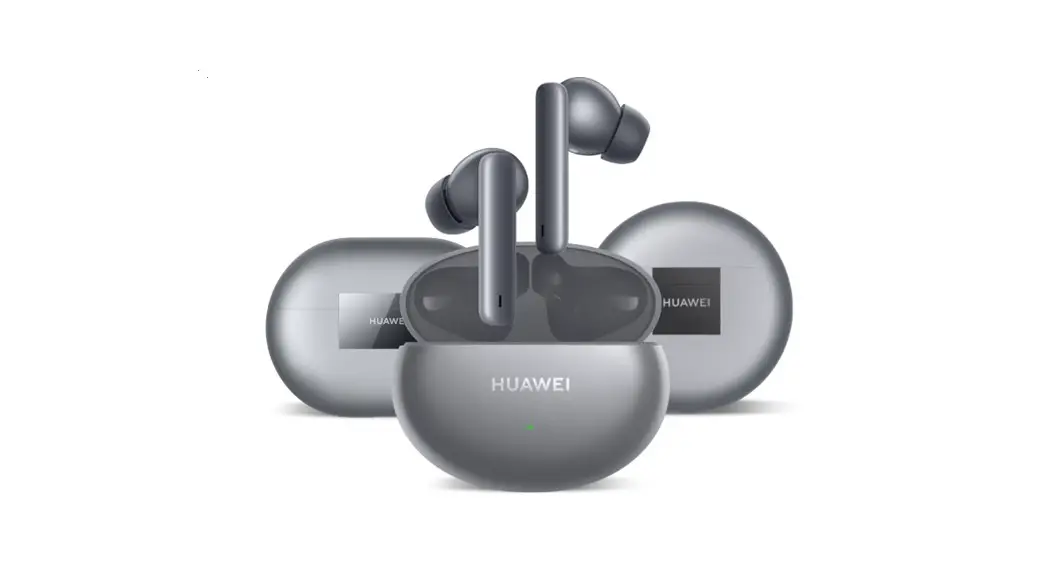
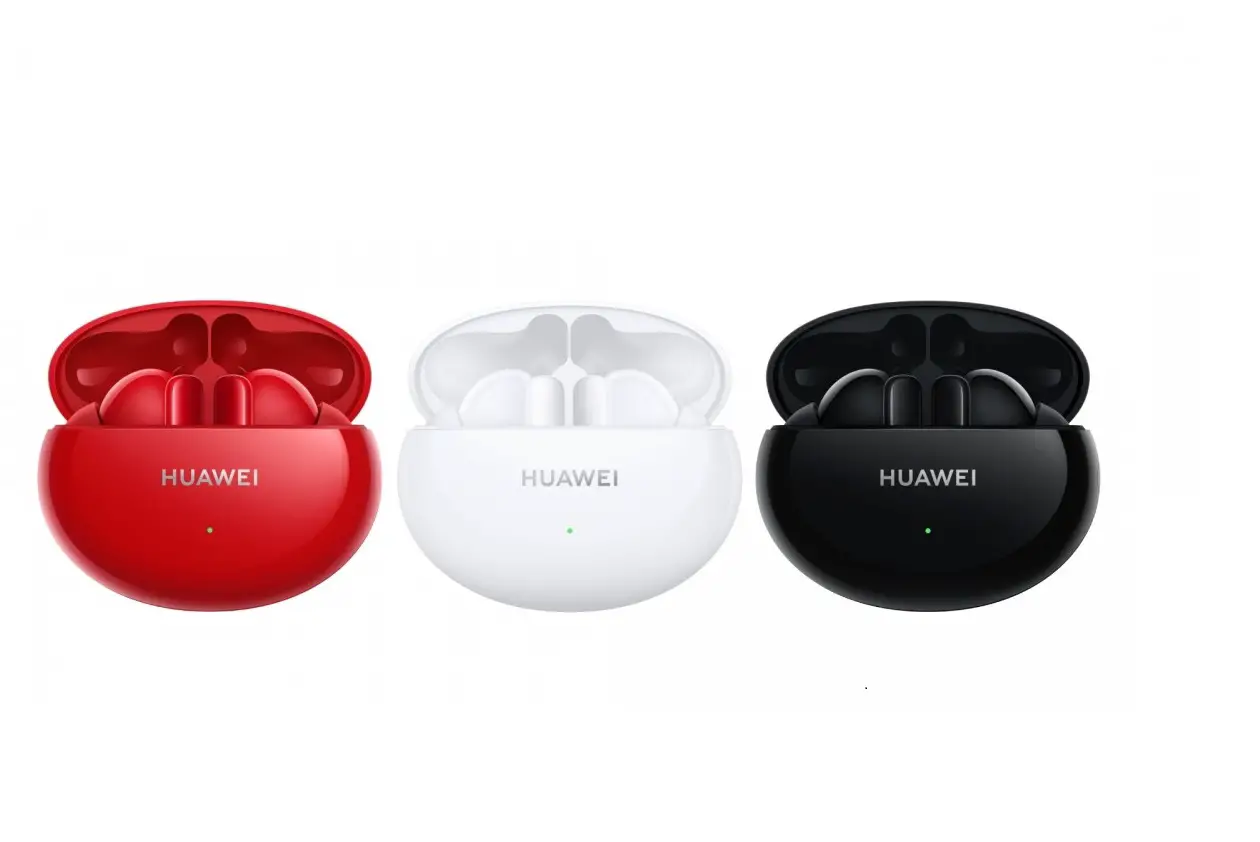
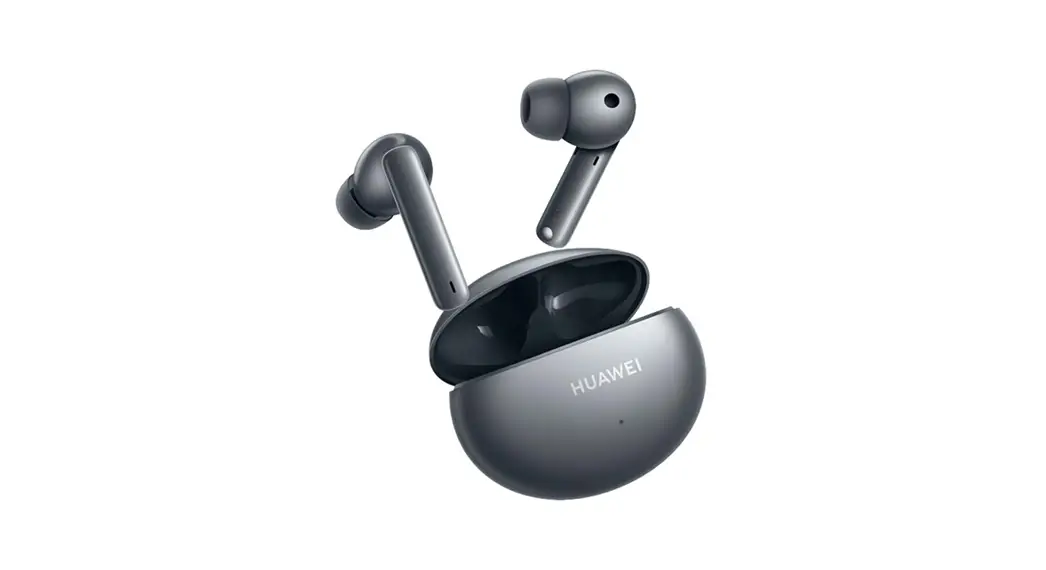
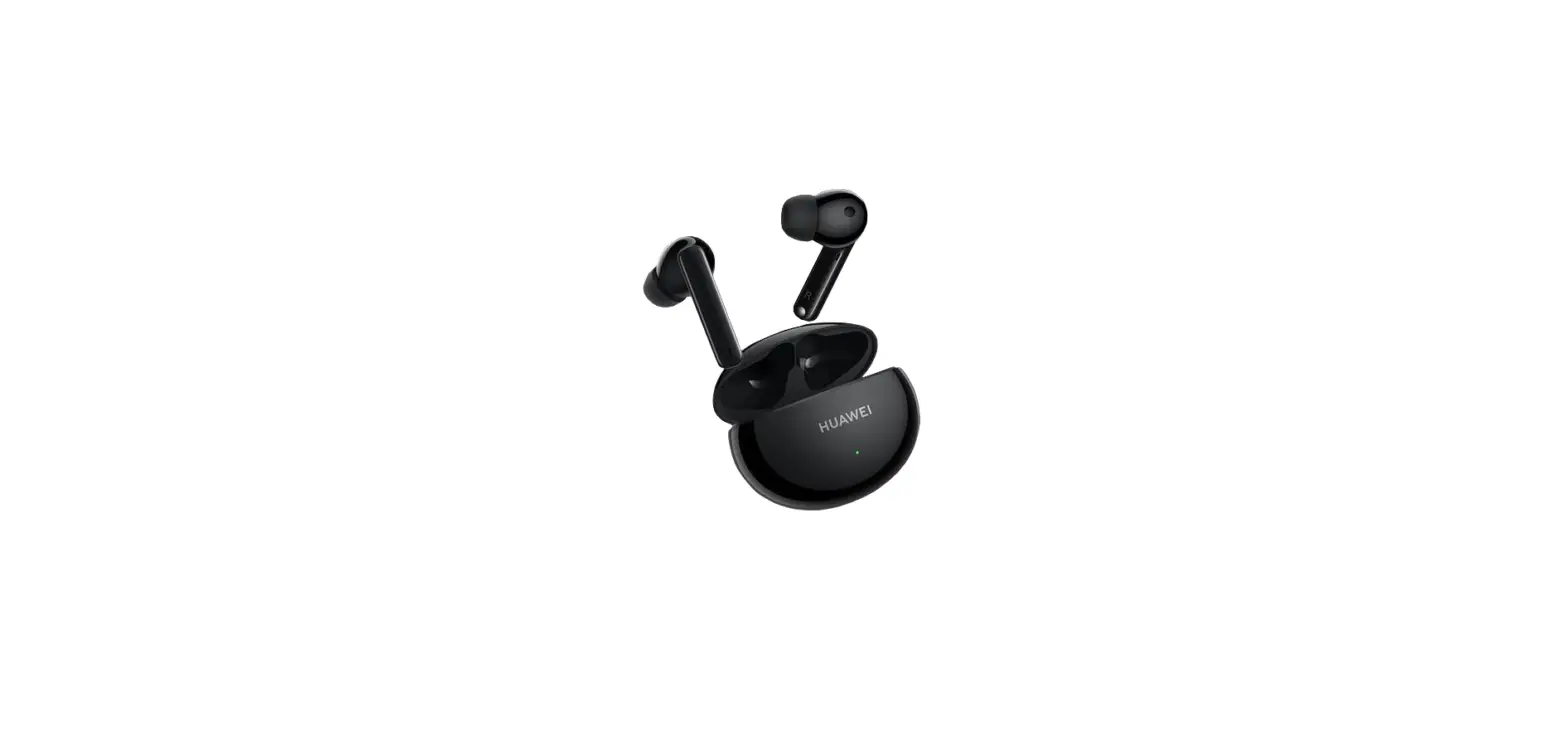
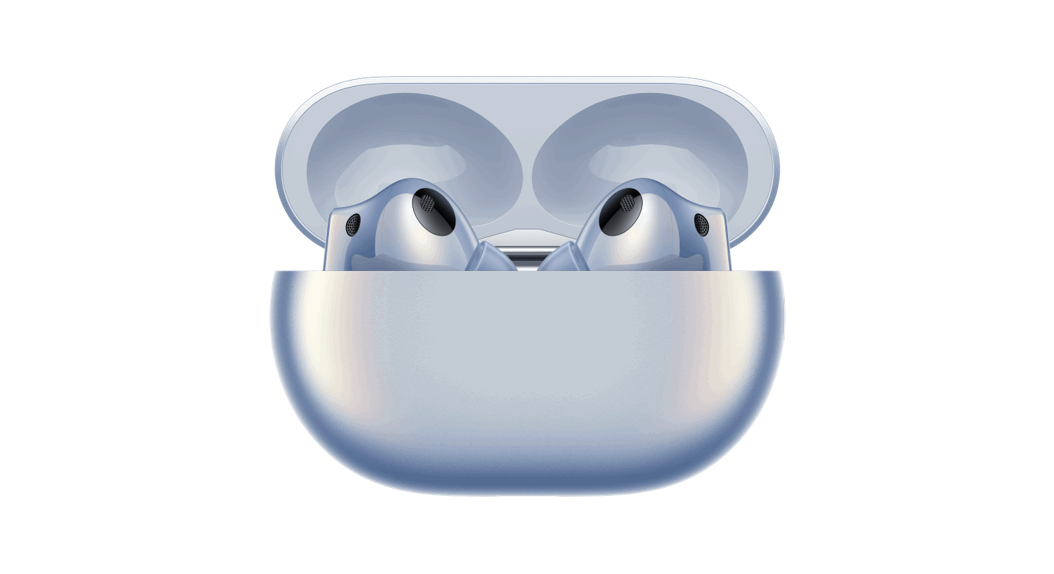
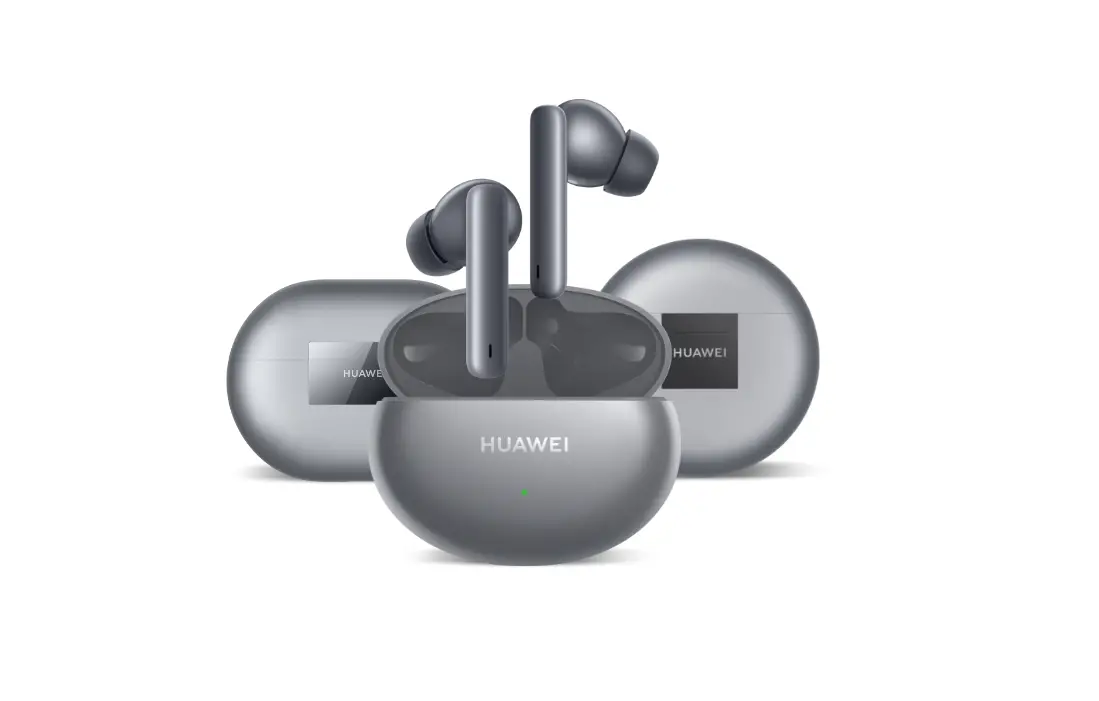
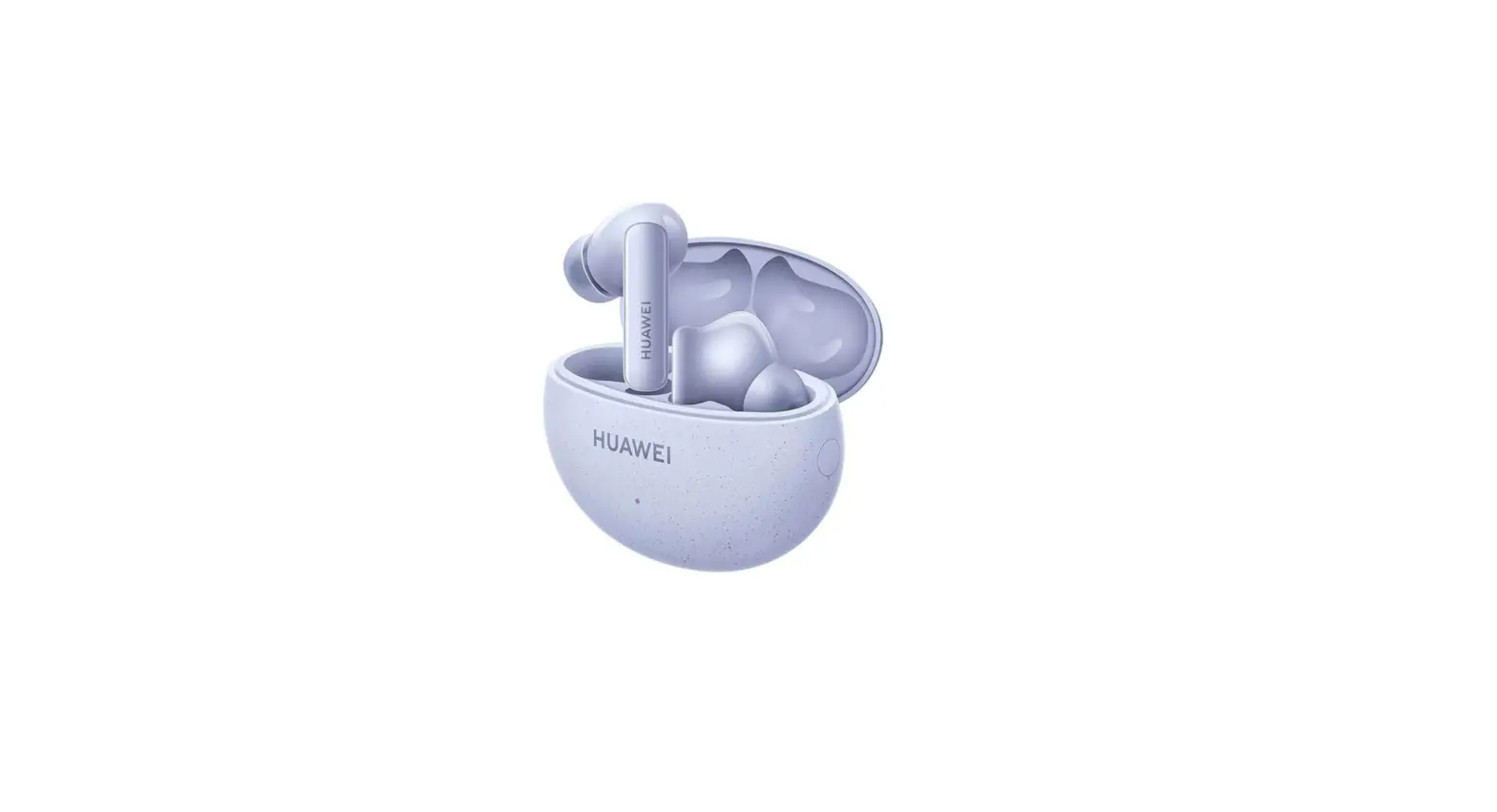
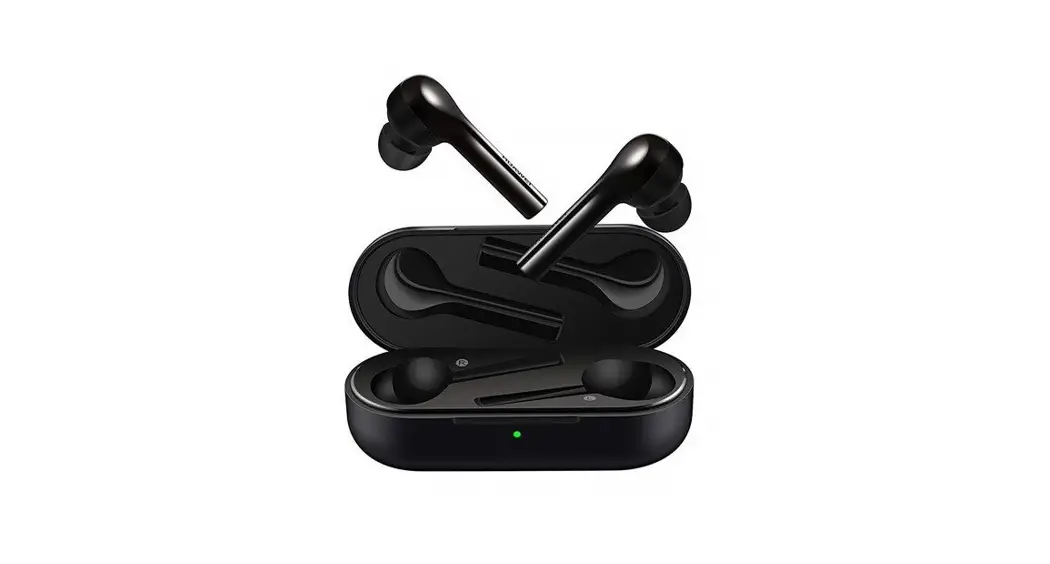
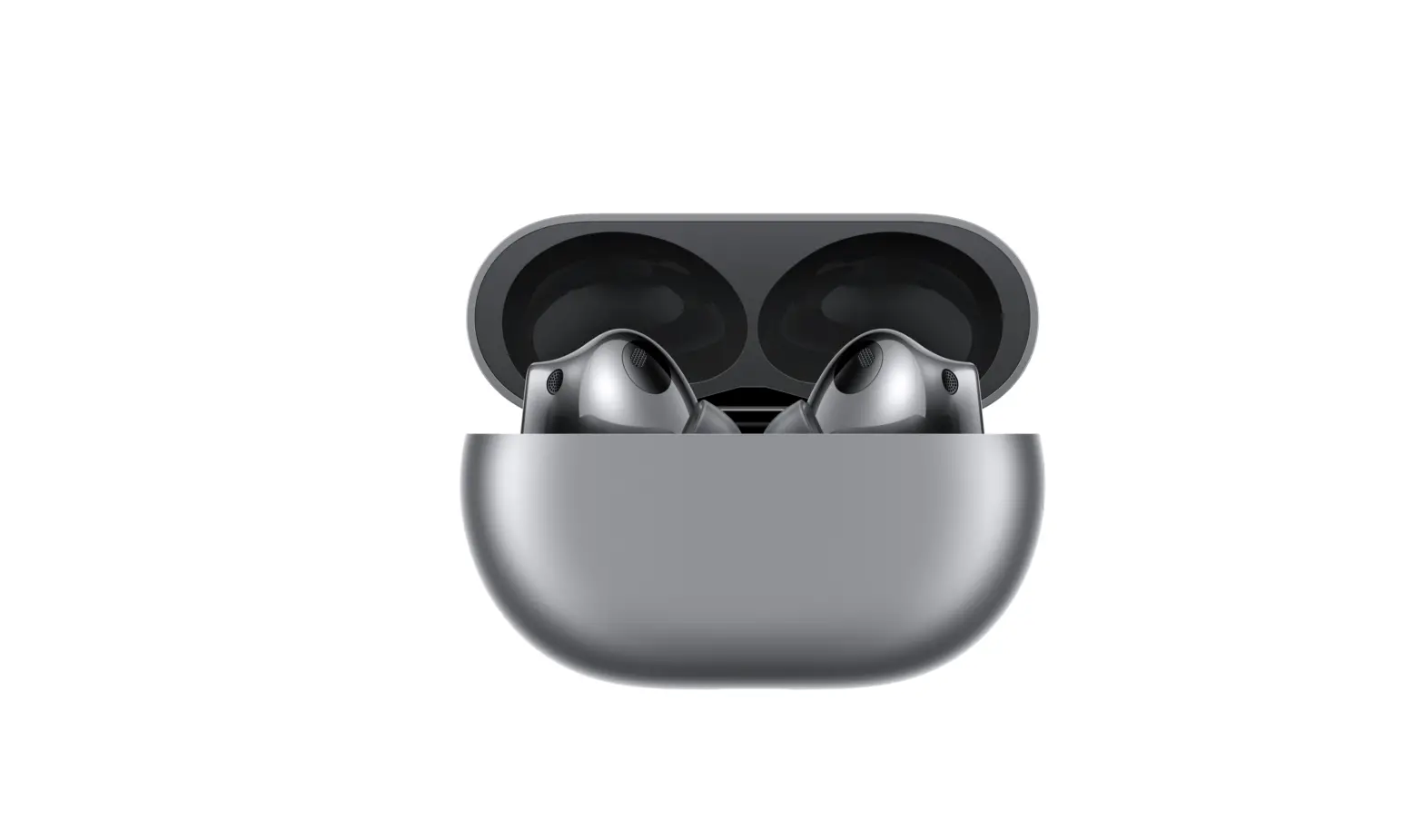
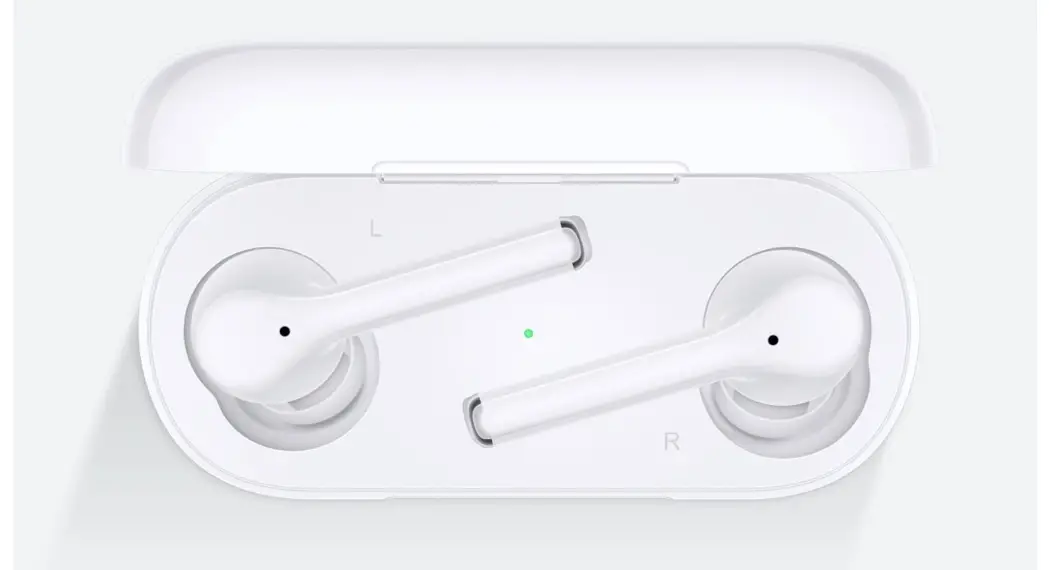
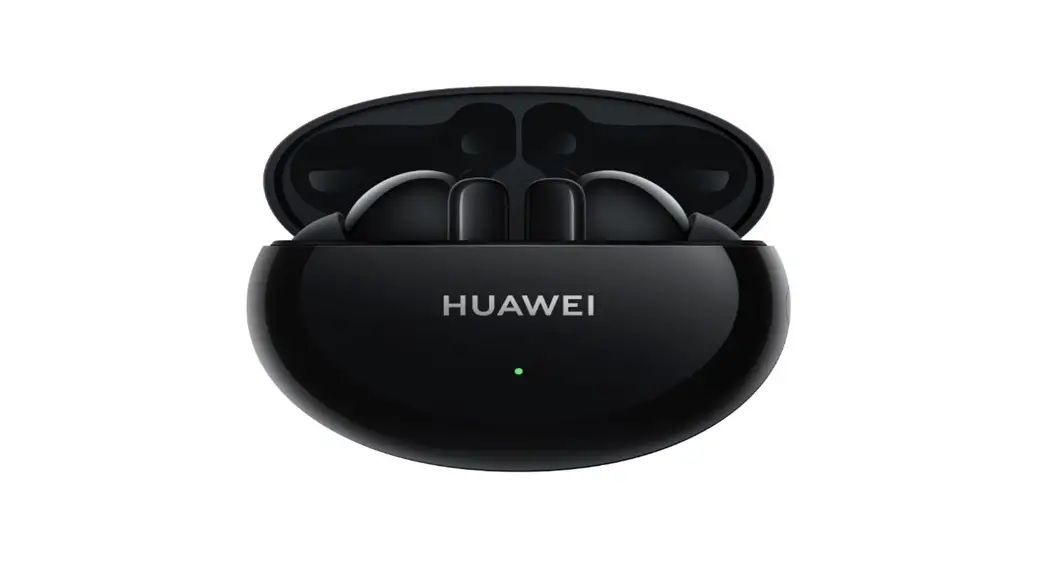
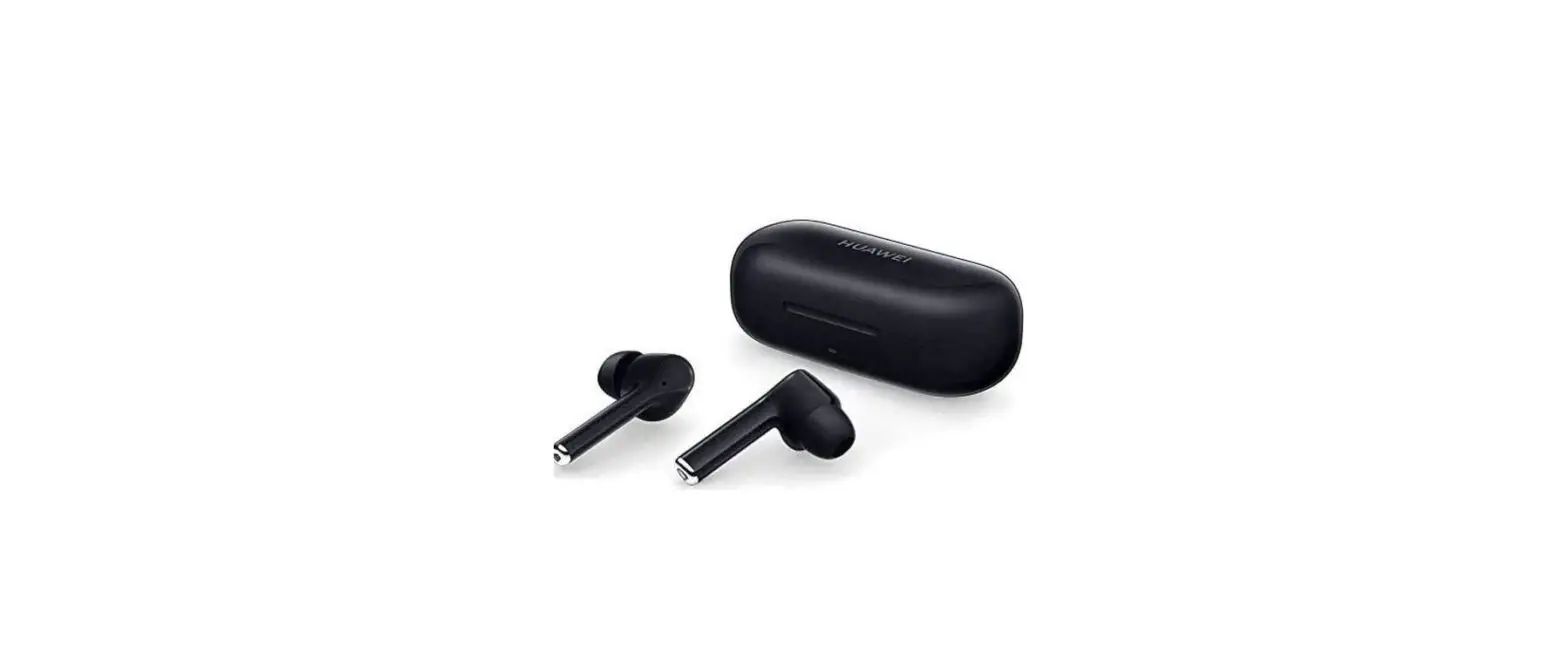
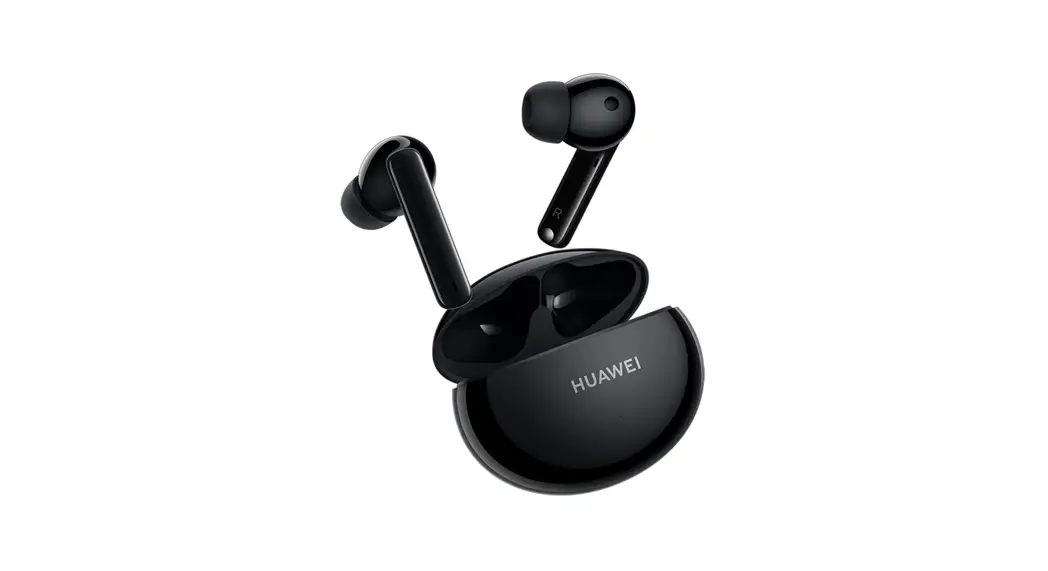
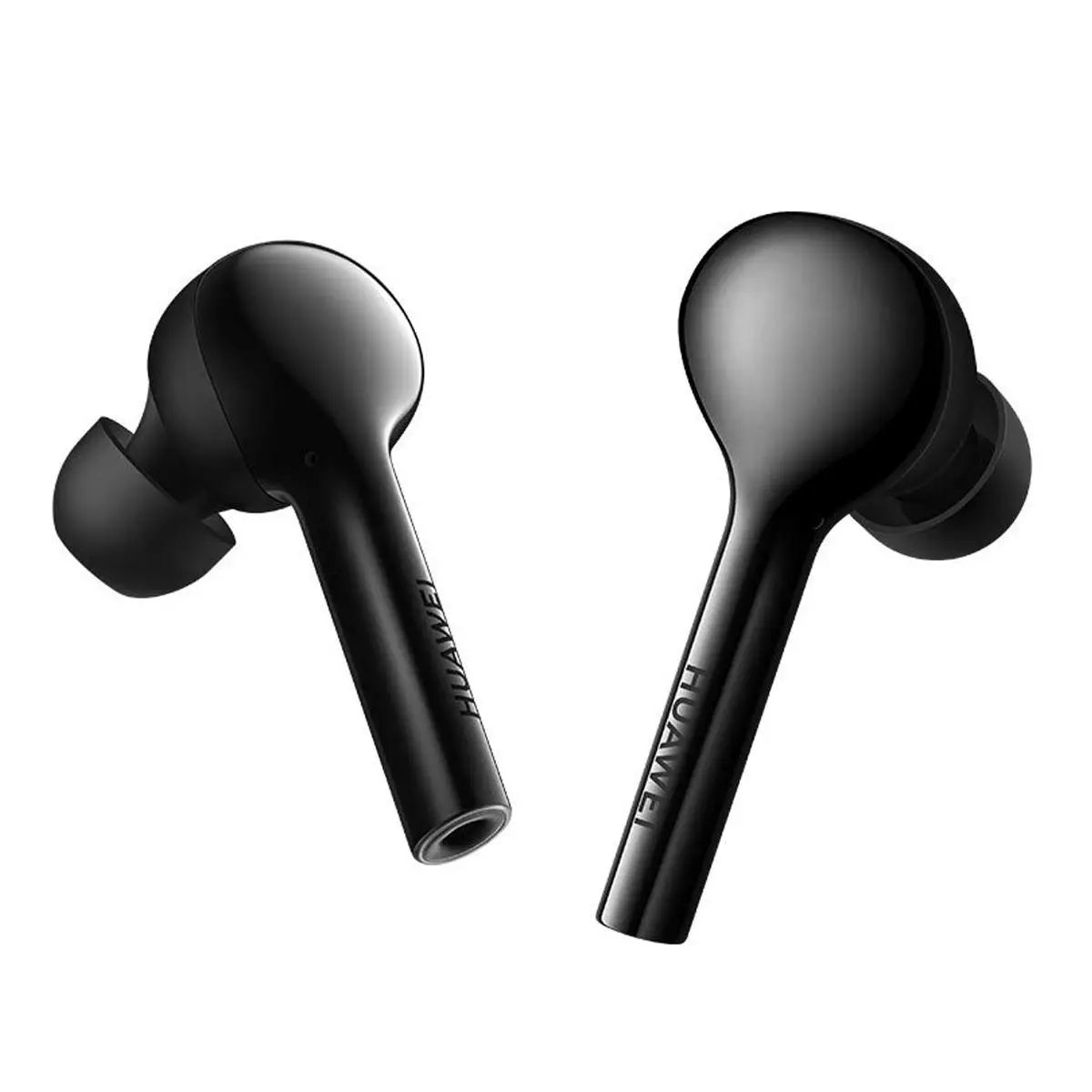
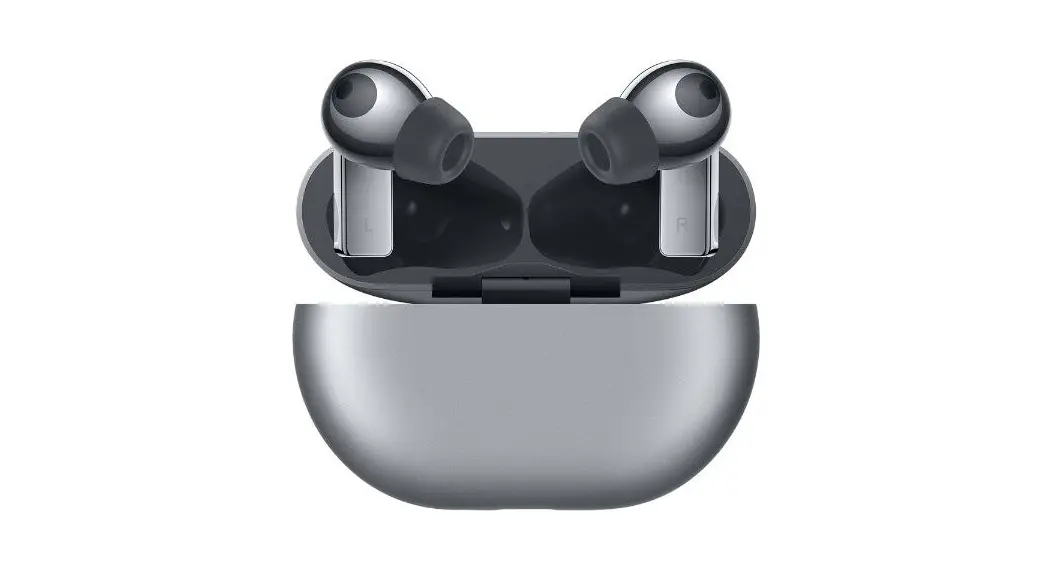
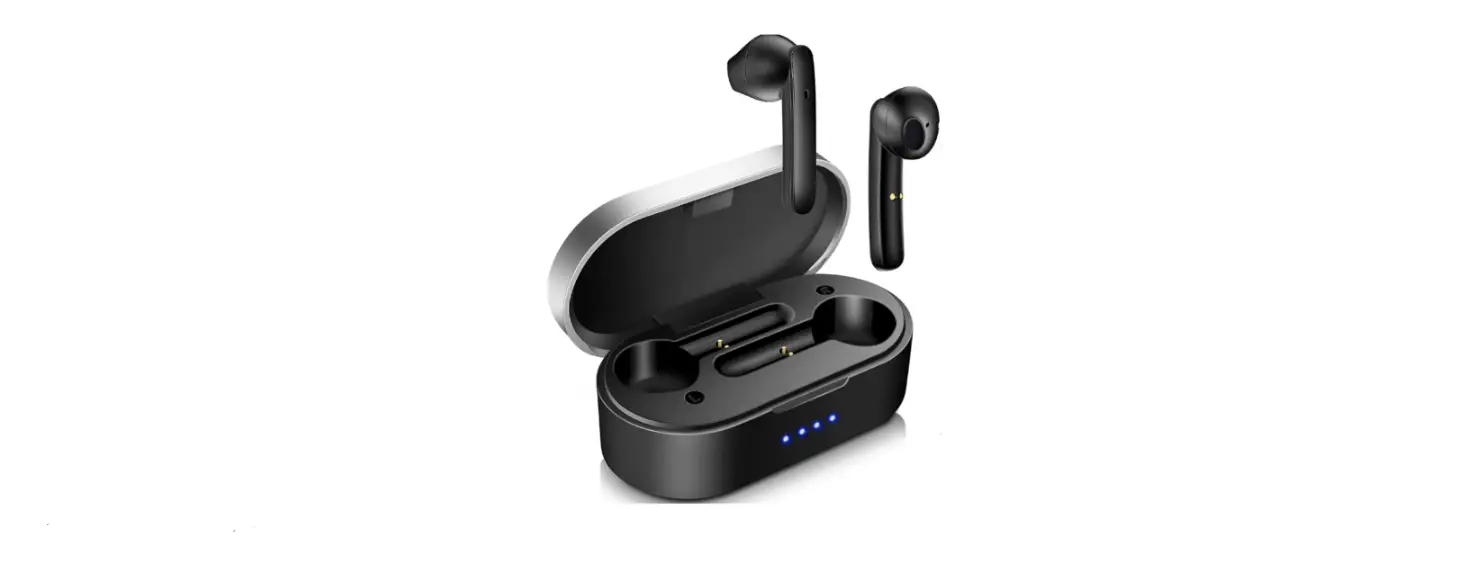
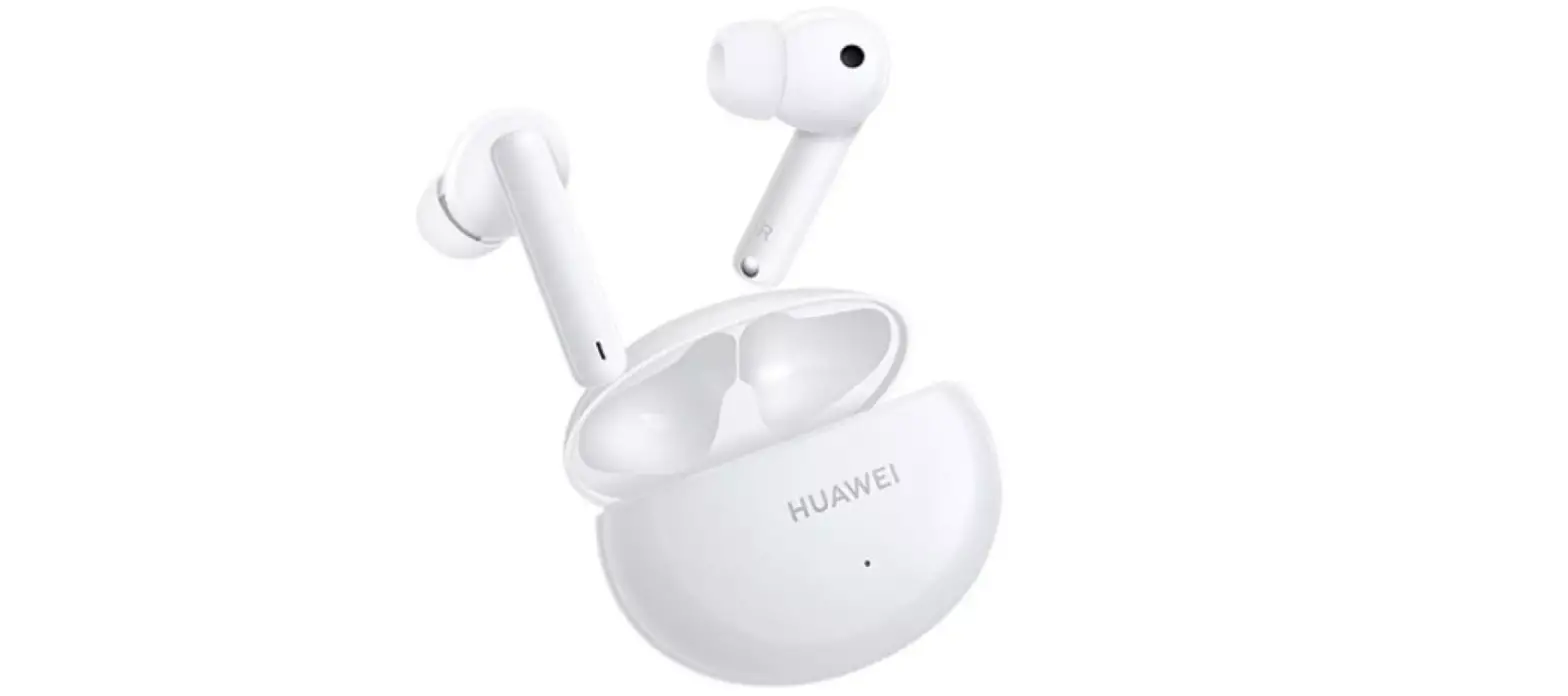
T0001 4i Earbuds
Product Information
Earphone Model: T0001
Charging Case Model: T0001C
Product Usage Instructions
Pairing
To pair the earphones with a device:
- Open the charging case.
- Press and hold the Function button for 2 seconds until the
indicator flashes white. The earphones will enter Pairing
mode.
Note: The earphones will automatically enter Pairing mode when
powered on for the first time.
Changing the Ear Tips
To change the ear tips for desired noise cancellation effect and
comfort level:
- Choose the appropriate size from the options: L, M, or S.
- Select the size that provides your desired noise cancellation
effect and comfort level.
Factory Reset
To perform a factory reset on the earphones:
- Open the charging case.
- Press and hold the Function button for 10 seconds until the
indicator flashes red. The earphones will restore to factory
settings and enter Pairing mode again.
Note: The instructions provided above are available in multiple
languages for reference.
Download and Install the App
To access more features or customize headphone settings,
download and install the HUAWEI AI Life app.
Touch Controls
The touch controls on the earphones can be used to perform
various functions. Please refer to the user manual for detailed
instructions on how to use the touch controls.
Charging
To charge the earphones, place them in the charging case and
connect the case to a power source using the provided cable.
Pairing
Changing the ear tips
Quick Start Guide Guide de démarrage rapide Schnellstartanleitung Guida di avvio rapido Guía de inicio rápido Guia de Início Rápido Snelstartgids Instrukcja obslugi Strucný návod k obsluze
Guía de inicio rápido Guia de início rápido Panduan Mulai Cepat Hng Dn Khi ng Nhanh
Earphone model: T0001 Charging case model: T0001C
6020891_03
Factory reset
EN Open the charging case. Press and hold the Function button for 10s until the indicator flashes red. The earphones will restore to factory settings and enter Pairing mode again.
FR
Ouvrez l’étui de rechargement. Maintenez enfoncé le bouton Marche/Arrêt pendant dix secondes jusqu’à ce que l’indicateur
clignote en rouge. Les écouteurs reviennent aux réglages par défaut et
repassent en mode association.
DE Öffnen Sie die Ladehülle. Drücken und halten Sie die Funktionstaste 10 Sekunden lang gedrückt, bis die Anzeige rot blinkt. Die Ohrhörer werden auf die Werkseinstellungen zurückgesetzt und wechseln wieder in den Kopplungsmodus.
IT
Apri la custodia di carica. Tieni premuto il pulsante Funzione per 10 secondi, finché la spia inizia a lampeggiare in rosso. Gli auricolari
verranno ripristinati alle impostazioni di fabbrica ed entreranno
nuovamente in modalità associazione.
ES
Abra el estuche de carga. Mantenga pulsado el botón multifunción durante 10 segundos hasta que el indicador parpadee en rojo. Se
restablecerán los ajustes de fábrica de los auriculares y volverán a
acceder al modo de enlace.
Abra a caixa de carregamento. Prima continuamente o botão de PT-PT função durante 10 s até o indicador ficar vermelho intermitente. Os
auriculares serão restaurados para as definições de fábrica e voltarão a entrar no modo de emparelhamento.
NL Open de oplaadcase. Houd de functieknop 10 seconden ingedrukt totdat het indicatielampje rood knippert. De oordopjes worden teruggezet naar de fabrieksinstellingen en schakelen over naar de koppelingsmodus.
PL Otwórz etui z ladowark. Nacinij i przytrzymaj przycisk funkcyjny przez 10 s, a wskanik zamiga na czerwono. Sluchawki powróc do ustawie fabrycznych i ponownie zostan wprowadzone w tryb parowania.
EL . 10 . . .
CZ
Otevete nabíjecí pouzdro. Klepnte na tlacítko Funkce a podrzte jej po dobu 10 s, dokud kontrolka nezacne blikat cerven. Sluchátka
obnoví tovární nastavení a znovu vstoupí do rezimu párování.
TH 10
MY
10
JA 10
KO . 10.
.
ES-US
Abra el estuche de carga. Mantenga presionado el botón multifunción durante diez segundos hasta que el indicador comience
a parpadear en color rojo. Se restablecerán los ajustes de fábrica de
los auriculares y se volverá a acceder al modo Emparejamiento.
PT Abra o estojo de carregamento. Pressione e segure o botão de Função por 10 segundos até o indicador piscar em vermelho. Os fones de ouvido serão restaurados para as configurações de fábrica e entrarão novamente no Modo de emparelhamento.
IN Buka kotak pengisian daya. Tekan dan tahan tombol Fungsi selama 10 dtk sampai indikator berkedip merah. Earphone akan dipulihkan ke pengaturan pabrik dan memasuki mode Penyandingan lagi.
VI M hp sc. Nhn và gi nút Chc nng trong 10 giây cho n khi èn báo nhp nháy màu . Tai nghe s khôi phc v cài t gc và vào li ch Ghép cp.
10 «» . FA .
. « »
10 . AR .
.
HUAWEI FreeBuds 4i
EN Open the charging case. Press and hold the Function button for 2s until the indicator flashes white. The earphones then enter Pairing mode. The earphones will automatically enter Pairing mode when powered on for the first time.
FR Ouvrez l’étui de rechargement. Maintenez enfoncé le bouton de fonction pendant deux secondes jusqu’à ce que le voyant clignote en blanc. Les écouteurs passent alors en mode association. Les écouteurs passent automatiquement en mode association lorsqu’ils sont allumés pour la première fois.
DE Öffnen Sie die Ladehülle. Halten Sie die Funktionstaste 2 Sekunden lang gedrückt, bis die Anzeige weiß blinkt. Die Ohrhörer wechseln dann in den Kopplungsmodus. Beim ersten Einschalten wechseln die Ohrhörer automatisch in den Kopplungsmodus.
IT
Apri la custodia di carica. Tieni premuto il pulsante Funzione per 2 secondi finché la spia inizia a lampeggiare in bianco. Gli
auricolari entreranno quindi in modalità associazione. Quando
vengono accesi per la prima volta, gli auricolari entreranno
automaticamente in modalità associazione.
ES
Abra el estuche de carga. Mantenga pulsado el botón multifunción durante 2 segundos hasta que el indicador
parpadee en blanco. Los auriculares accederán al modo de
enlace. Los auriculares accederán automáticamente al modo de
enlace cuando se enciendan por primera vez.
PT-PT Abra a caixa de carregamento. Prima continuamente o botão de função durante 2 s até o indicador ficar branco intermitente. Os auriculares irão entrar no modo de emparelhamento. Os auriculares irão entrar automaticamente no modo de emparelhamento quando ligados pela primeira vez.
NL
Open de oplaadcase. Houd de functieknop 2 seconden ingedrukt totdat het indicatielampje wit knippert. Daarna schakelen de
oordopjes over naar de koppelingsmodus. De oordopjes
schakelen automatisch over naar de koppelingsmodus wanneer
ze voor het eerst worden ingeschakeld.
PL Otwórz etui z ladowark. Nacinij i przytrzymaj przycisk funkcyjny przez 2 sekundy, a wskanik zacznie miga na bialo.
Nastpnie sluchawki zostan wprowadzone w tryb parowania.
Przy pierwszym wlczeniu sluchawki zostan wprowadzone
w tryb parowania automatycznie.
EL . 2 . . , . .
CZ Otevete nabíjecí pouzdro. Klepnte na tlacítko Funkce a podrzte jej po dobu 2 sekund, dokud kontrolka nezacne blikat bíle. Sluchátka pak vstoupí do rezimu párování. Sluchátka se pi prvním zapnutí automaticky se pepnou do rezimu párování.
TH 2
MY 2
JA 2
KO . 2 . . .
ES-US
Abra el estuche de carga. Mantenga presionado el botón multifunción durante dos segundos hasta que el indicador
comience a parpadear en blanco. Los auriculares accederán al
modo Emparejamiento. Los auriculares accederán
automáticamente al modo Emparejamiento cuando se los
encienda por primera vez.
PT Abra o estojo de carregamento. Pressione e segure o botão de
Função por 2 segundos até o indicador piscar em branco. Os
fones de ouvido entrarão no Modo de emparelhamento. Os fones
de ouvido entrarão automaticamente no Modo de
emparelhamento quando forem ligados pela primeira vez.
IN Buka kotak pengisian daya. Tekan dan tahan tombol Fungsi selama 2 dtk sampai indikator berkedip putih. Earphone kemudian memasuki mode Penyandingan. Earphone akan secara otomatis memasuki mode Penyandingan ketika dihidupkan untuk pertama kali.
VI M hp sc. Nhn và gi nút Chc nng trong 2 giây cho n khi èn báo nhp nháy màu trng. Sau ó, tai nghe s vào ch Ghép cp. Tai nghe s t ng vào ch Ghép cp khi bt ngun ln u.
2 «» . FA . « » . » . «
. AR . .
.
L
M
S
EN Choose the size which provides your desired noise cancellation effect and comfort level.
FR Choisissez la taille qui procure l’effet de suppression du bruit et le niveau de confort souhaités.
DE Wählen Sie die Größe, die Ihnen das gewünschte Maß an Geräuschunterdrückung und Komfort bietet.
IT Scegli le dimensioni in grado di assicurare l’effetto di cancellazione del rumore e il livello di comfort desiderati.
ES Seleccione el tamaño que le ofrezca la posibilidad de disfrutar del efecto de cancelación de ruido y del mayor nivel de confort.
PT-PT Selecione o tamanho que lhe proporciona o efeito de cancelamento de ruído e o nível de conforto pretendidos.
NL Kies de maat die uw gewenste geluidsonderdrukkings-effect en comfortniveau biedt.
PL Wybierz rozmiar, który zapewnia odpowiedni efekt redukcji halasu i wlaciwy poziom komfortu.
EL .
CZ Vyberte velikost, která poskytuje pozadované efekty potlacení hluku a úrove pohodlí.
TH
MY
JA
KO .
ES-US Seleccione el tamaño que sea cómodo para usted y que le proporcione el efecto de cancelación de ruido deseado.
PT Escolha o tamanho que proporciona o efeito de cancelamento de ruído desejado e o nível de conforto ideal.
IN Pilih ukuran yang menyediakan efek peredam derau dan tingkat kenyamanan yang Anda inginkan.
VI Chn kích c mang li hiu ng kh ting n và mc thoi mái mong mun ca bn.
. FA
. AR
Download and install the app
Touch controls
Charging
EN Download the HUAWEI AI Life app to try more features or customize your headphone settings.
FR Téléchargez l’application HUAWEI AI Life pour essayer d’autres fonctionnalités ou pour personnaliser les réglages de vos écouteurs.
DE Laden Sie die HUAWEI AI Life-App herunter, um weitere Funktionen auszuprobieren oder Ihre Kopfhörereinstellungen anzupassen.
IT Scarica l’app HUAWEI AI Life per provare ulteriori funzioni o personalizzare le impostazioni degli auricolari.
ES Descargue la aplicación HUAWEI AI Life para probar más funciones o personalizar los ajustes de los auriculares.
PT-PT Transfira a aplicação HUAWEI AI Life para experimentar mais funcionalidades ou personalizar as definições dos seus auscultadores.
NL Download de HUAWEI AI Life-app om meer functies te proberen of de instellingen van uw oordopjes aan te passen.
PL Pobierz aplikacj HUAWEI AI Life, aby wypróbowa wicej funkcji lub dostosowa ustawienia sluchawek.
EL HUAWEI AI Life .
CZ Stáhnte si aplikaci HUAWEI AI Life, abyste si mohli vyzkouset více funkcí nebo pizpsobit nastavení sluchátek.
TH HUAWEI AI Life
MY HUAWEI AI Life
JA HUAWEI AI Life
KO HUAWEI AI Life .
ES-US Descargue la aplicación HUAWEI AI Life para experimentar más funciones o personalizar los ajustes de sus auriculares.
PT Baixe o aplicativo HUAWEI AI Life para experimentar mais recursos ou personalizar as configurações do seu fone de ouvido.
IN Unduh aplikasi HUAWEI AI Life untuk mencoba fitur lainnya atau kustomisasikan pengaturan headphone Anda.
VI Ti xung ng dng HUAWEI AI Life th nhiu tính nng hn hoc tùy chnh cài t tai nghe ca bn.
HUAWEI AI Life FA .
AR .
EN Play/Pause music: Tap twice. Answer/End a call: Tap twice. Switch noise cancellation mode: Press and hold the earbud.
FR Lire/mettre en pause la lecture de la musique: appuyez deux fois. Répondre/Mettre fin à un appel : tapotez deux fois. Passer en mode d’annulation du bruit : appuyez de manière prolongée sur l’écouteur.
DE Musik wiedergeben/pausieren: Tippen Sie zweimal. Einen Anruf annehmen/beenden: Tippen Sie zweimal. Geräuschunterdrückungsmodus umschalten: Drücken und halten Sie den Ohrhörer.
IT Riprodurre/mettere in pausa la musica: tocca due volte. Rispondere/terminare una chiamata: tocca due volte. Passare alla modalità di cancellazione del rumore: tieni premuto l’auricolare.
ES Reproducir/pausar música: Pulse dos veces. Responder/finalizar llamada: Pulse dos veces. Seleccionar el modo de cancelación de ruido: Mantenga pulsado el auricular.
PT-PT Reproduzir/pausar música: tocar duas vezes. Atender/terminar uma chamada: apertar duas vezes. Mudar o modo de cancelamento de ruído: premir continuamente o auricular.
NL Muziek afspelen/pauzeren: tik twee keer. Een oproep beantwoorden/beëindigen: tik twee keer. Overschakelen naar de geluidsonderdrukkingsmodus: houd het oordopje ingedrukt.
PL Odtwarzanie/wstrzymywanie muzyki: Stuknij dwukrotnie. Odbieranie/koczenie polcze: Stuknij dwukrotnie. Przelczanie trybu redukcji halasu: Nacinij i przytrzymaj sluchawk.
EL / : . / : . : .
CZ Pehrávat/pozastavit hudbu: Dvakrát klepnte. Pijetí/ukoncení hovoru: Dvakrát klepnte. Pepnutí rezimu potlacení hluku: Sluchátko klepnte a podrzte.
TH /: /: :
MY /- /- –
JA /
/
KO .
/: .
: .
ES-US Reproducir/pausar música: Presione dos veces. Responder/finalizar una llamada: Presione dos veces. Seleccionar el modo de cancelación de ruido: Mantenga presionado el auricular.
PT Tocar/pausar música: Toque duas vezes. Atender/encerrar uma chamada: Toque duas vezes. Alternar o modo de cancelamento de ruído: Pressione e segure o fone de ouvido.
IN Putar/Jeda musik: Ketuk dua kali. Jawab/Akhiri panggilan: Ketuk dua kali. Beralih mode peredam derau: Tekan dan tahan earbud.
VI Phát/Tm dng nhc: Chm hai ln. Tr li/Kt thúc cuc gi: Chm hai ln. Chuyn i ch kh ting n: Nhn và gi tai nghe.
. : / FA . : / . :
. : / AR . : /
. :
EN Place the earbuds in the charging case and close the case. They will start to charge automatically. Use a USB-C cable to charge the charging case.
FR Placez les écouteurs dans l’étui de rechargement et refermez celui-ci. Ils vont commencer automatiquement à se charger. Utilisez un câble USB-C pour charger l’étui de rechargement.
DE Legen Sie die Ohrhörer in die Ladehülle und schließen Sie die Ladehülle. Der Ladevorgang startet automatisch. Verwenden Sie ein USB-C-Kabel zum Aufladen der Ladehülle.
IT Posiziona gli auricolari nella custodia di carica, quindi chiudila. Inizieranno a caricarsi automaticamente. Usa un cavo USB per caricare la custodia di carica.
ES Coloque los auriculares en el estuche de carga y cierre la tapa. Comenzarán a cargarse automáticamente. Utilice un cable USB-C para cargar el estuche de carga.
PT-PT Coloque os auriculares na caixa de carregamento e feche a caixa. Começarão a carregar automaticamente. Utilize um cabo USB-C para carregar a caixa de carregamento.
NL Plaats de oordopjes in de oplaadcase en sluit de case. Ze beginnen automatisch op te laden. Gebruik een USB-C-kabel om de oplaadcase op te laden.
PL Umie sluchawki w etui z ladowark i zamknij etui. Ladowanie rozpocznie si automatycznie. Aby naladowa etui z ladowark, uyj kabla USB-C.
EL . . USB-C .
CZ Umístte sluchátka do nabíjecího pouzdra a pouzdro zavete. Automaticky se zacnou nabíjet. K napájení nabíjecího pouzdra pouzijte kabel USB-C.
TH USB-C
MY USB-C
JA
USB-C
KO , .
USB-C .
ES-US Coloque los auriculares en el estuche de carga y cierre el estuche. Comenzarán a cargarse automáticamente. Utilice un cable USB tipo C para cargar el estuche de carga.
PT Coloque os fones de ouvido no estojo de carregamento e feche o estojo. Eles começarão a carregar automaticamente. Use um cabo USB-C para carregar o estojo de carregamento.
IN Letakkan earbud di dalam kotak pengisian daya dan tutup kotak tersebut. Earbud akan mulai mengisi daya secara otomatis. Gunakan kabel USB-C untuk mengisi daya kotak pengisian daya.
VI t tai nghe vào hp sc và óng hp. Tai nghe s t ng bt u sc pin. S dng cáp USB-C sc hp sc.
. FA .
. USB-C
. . AR . C USB