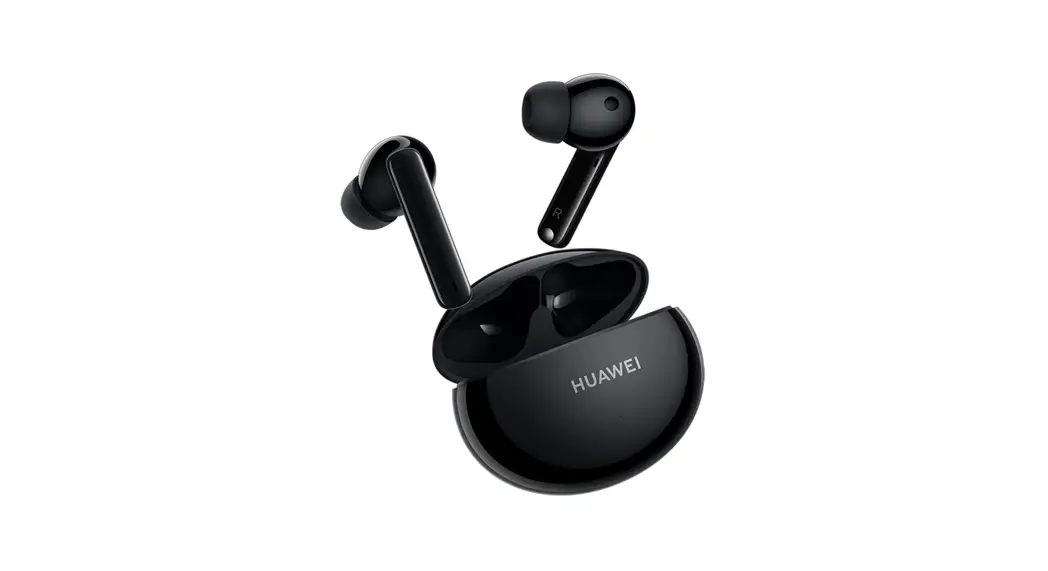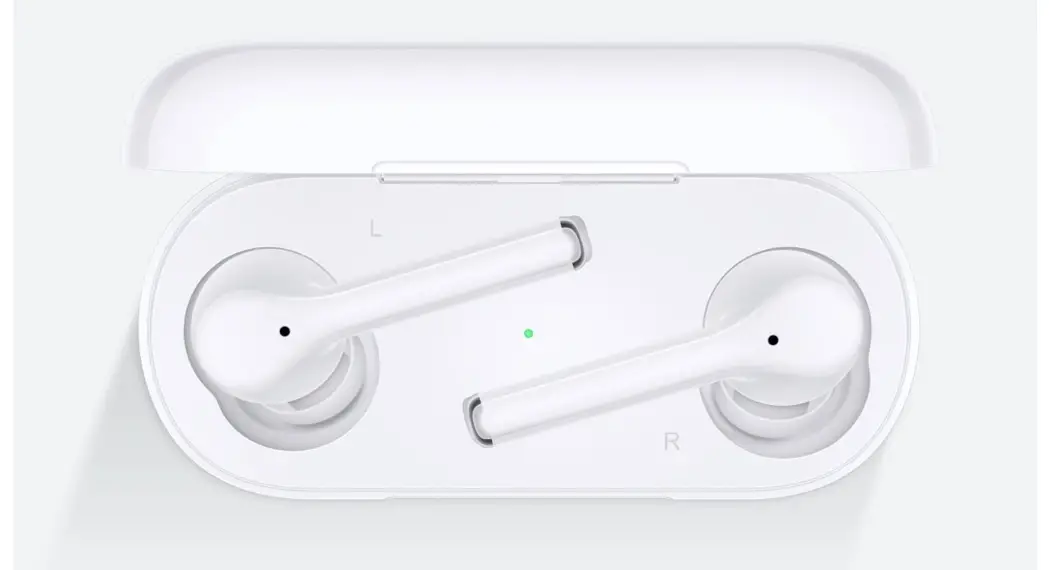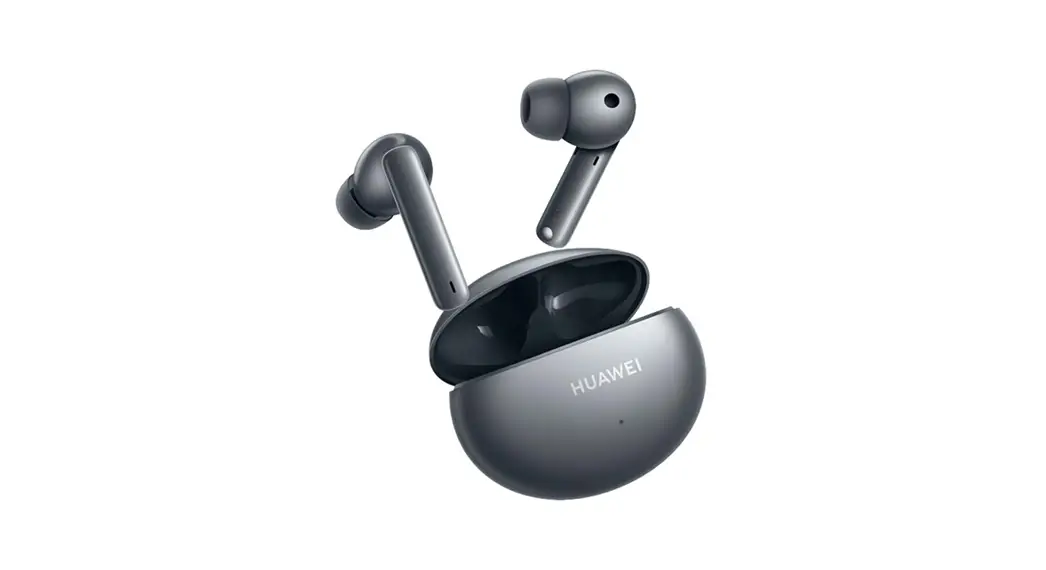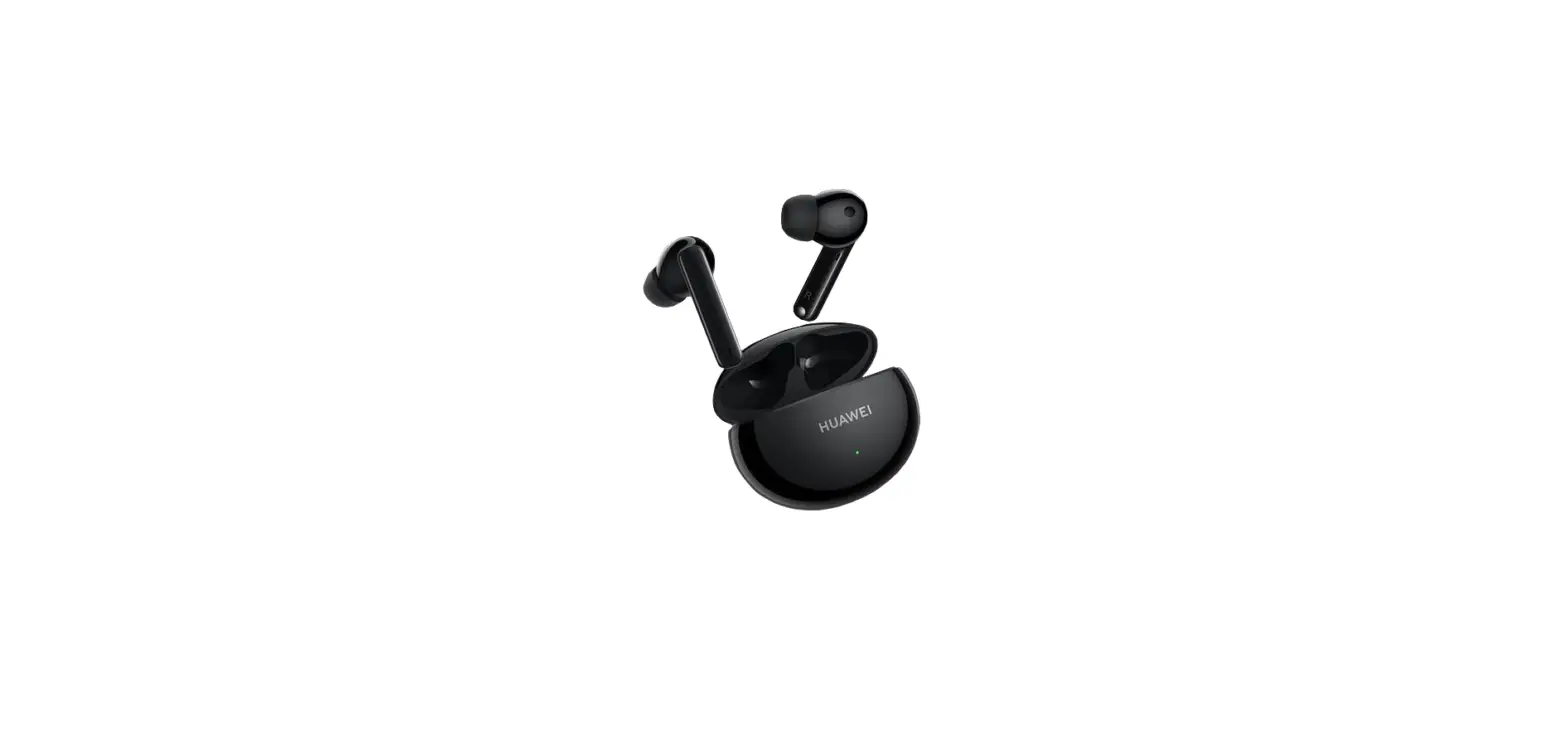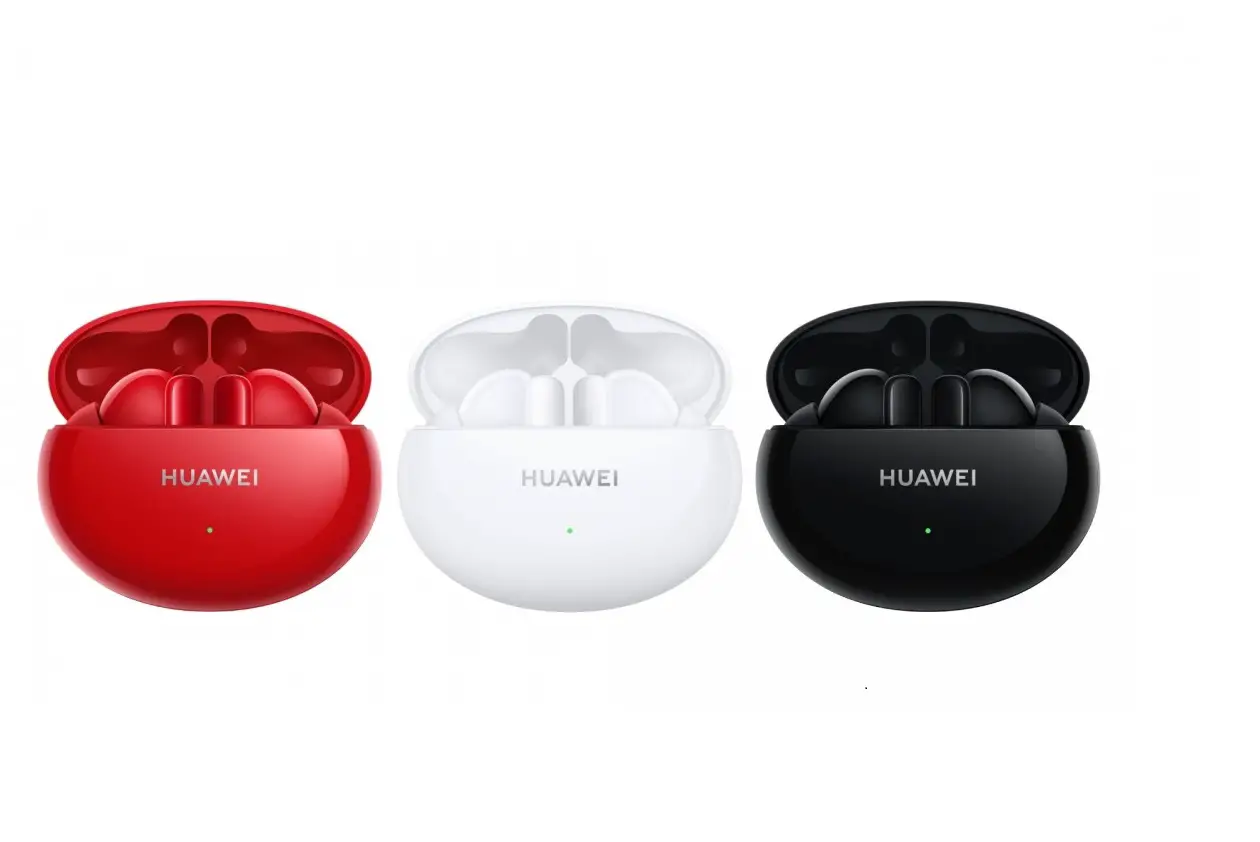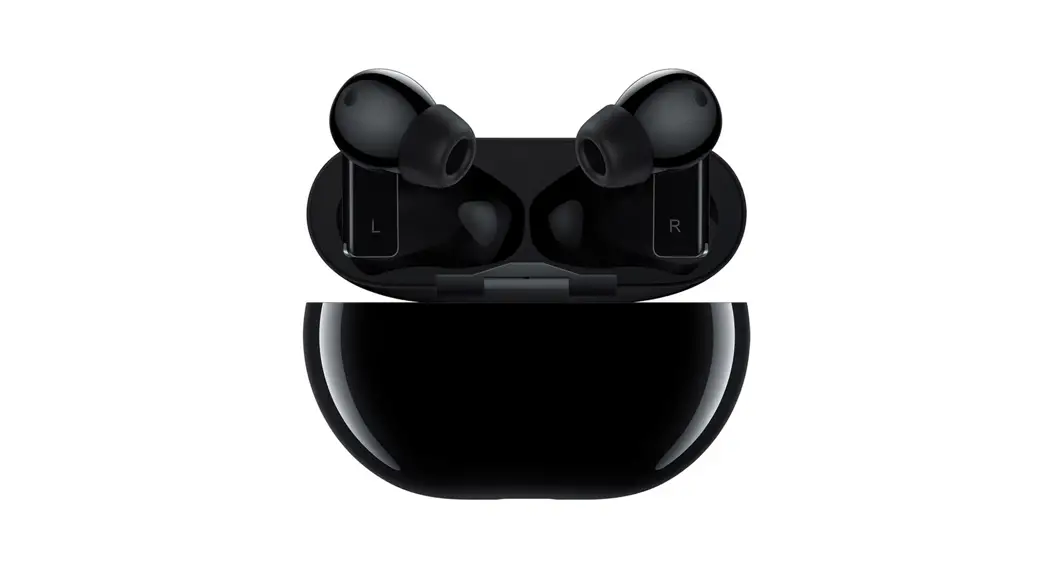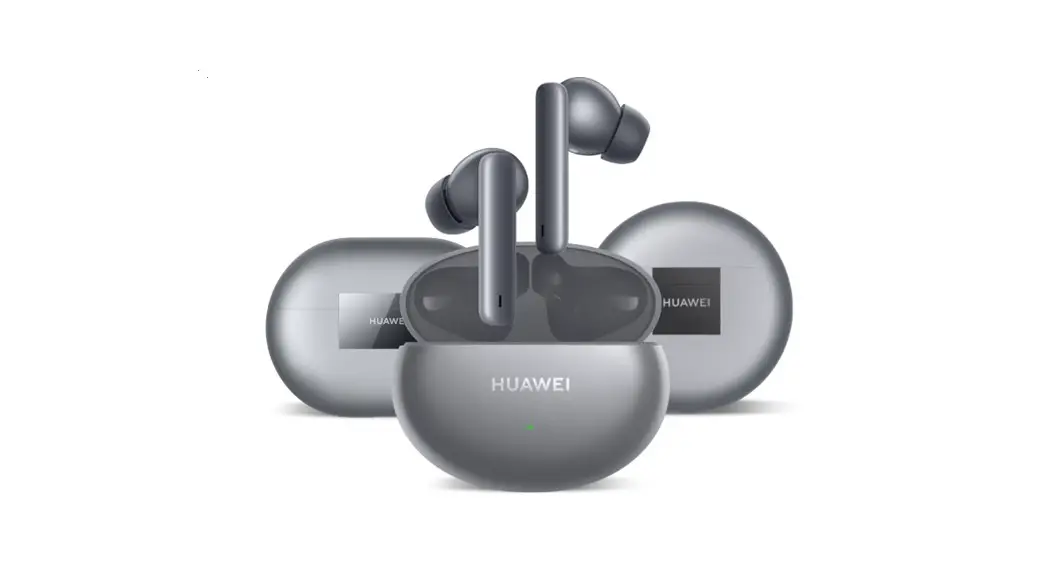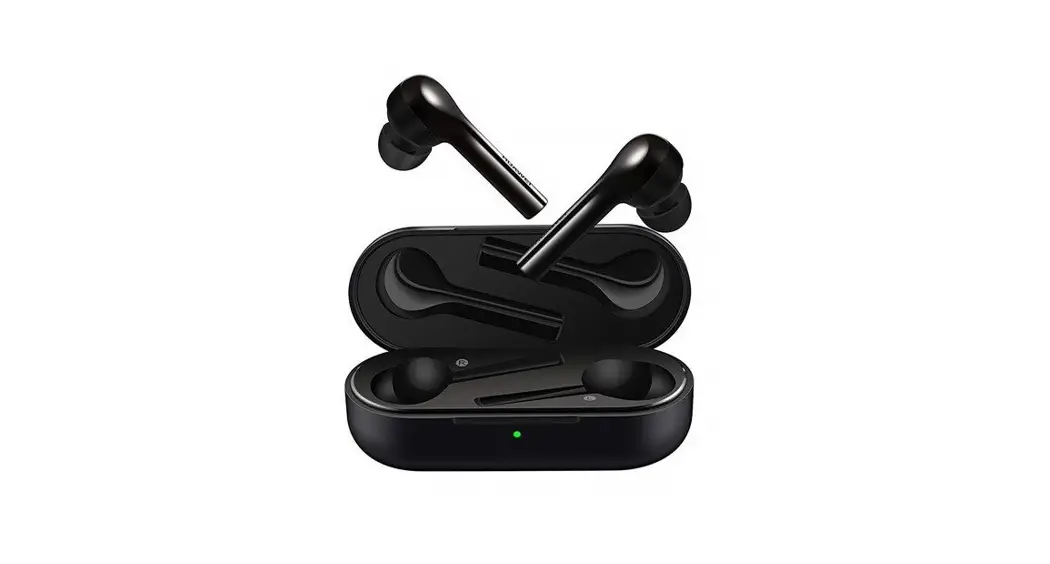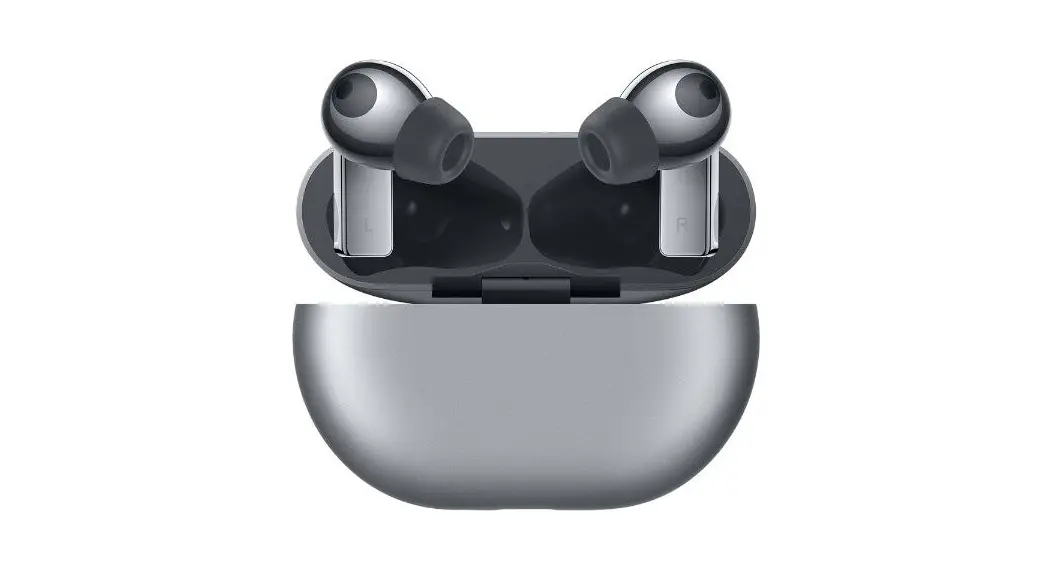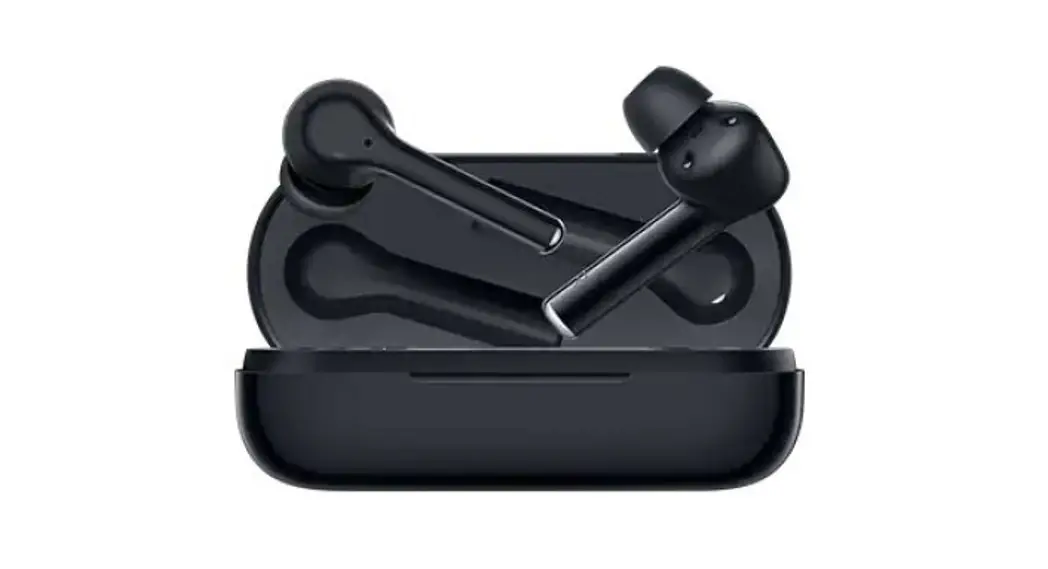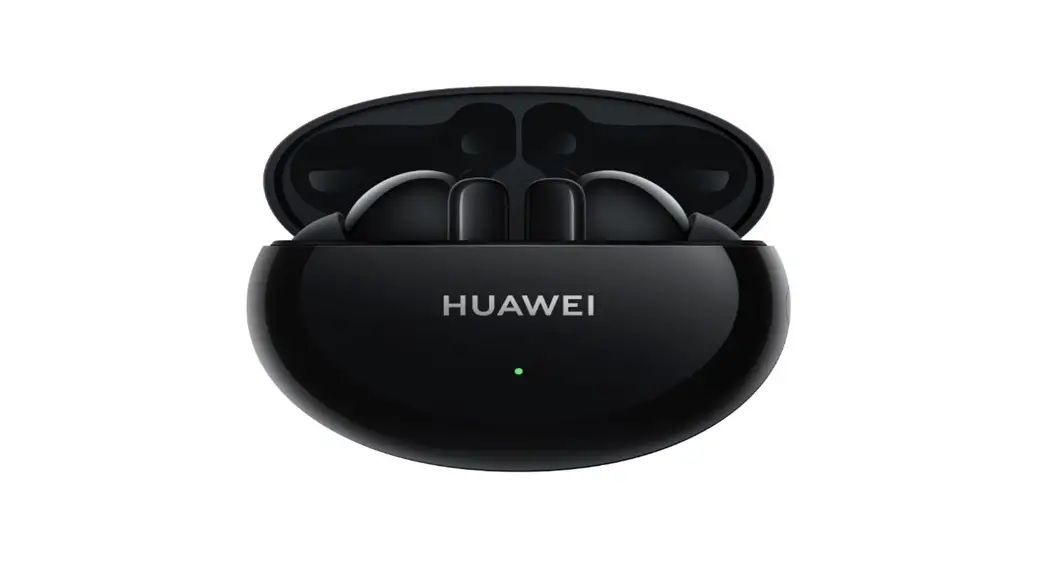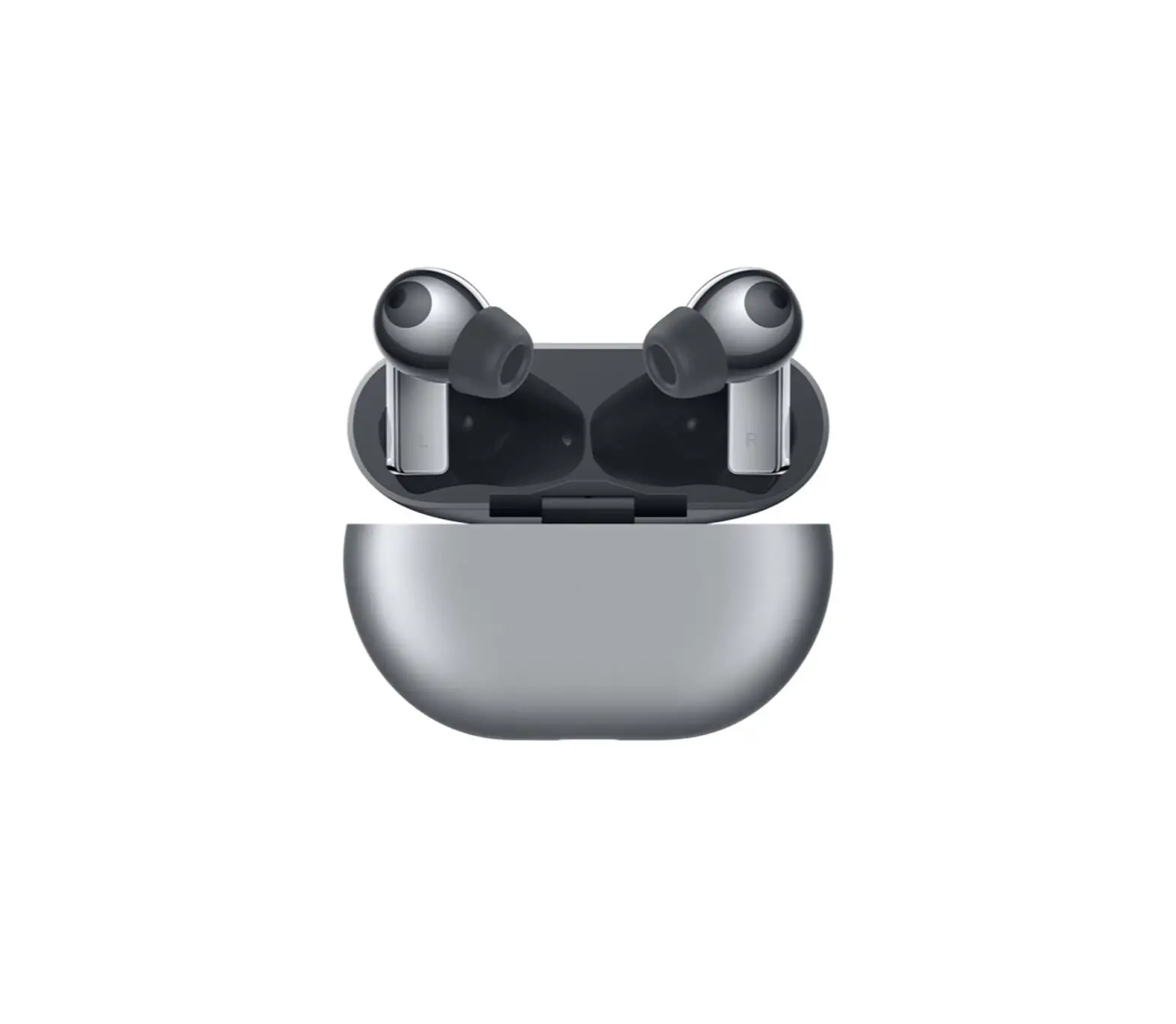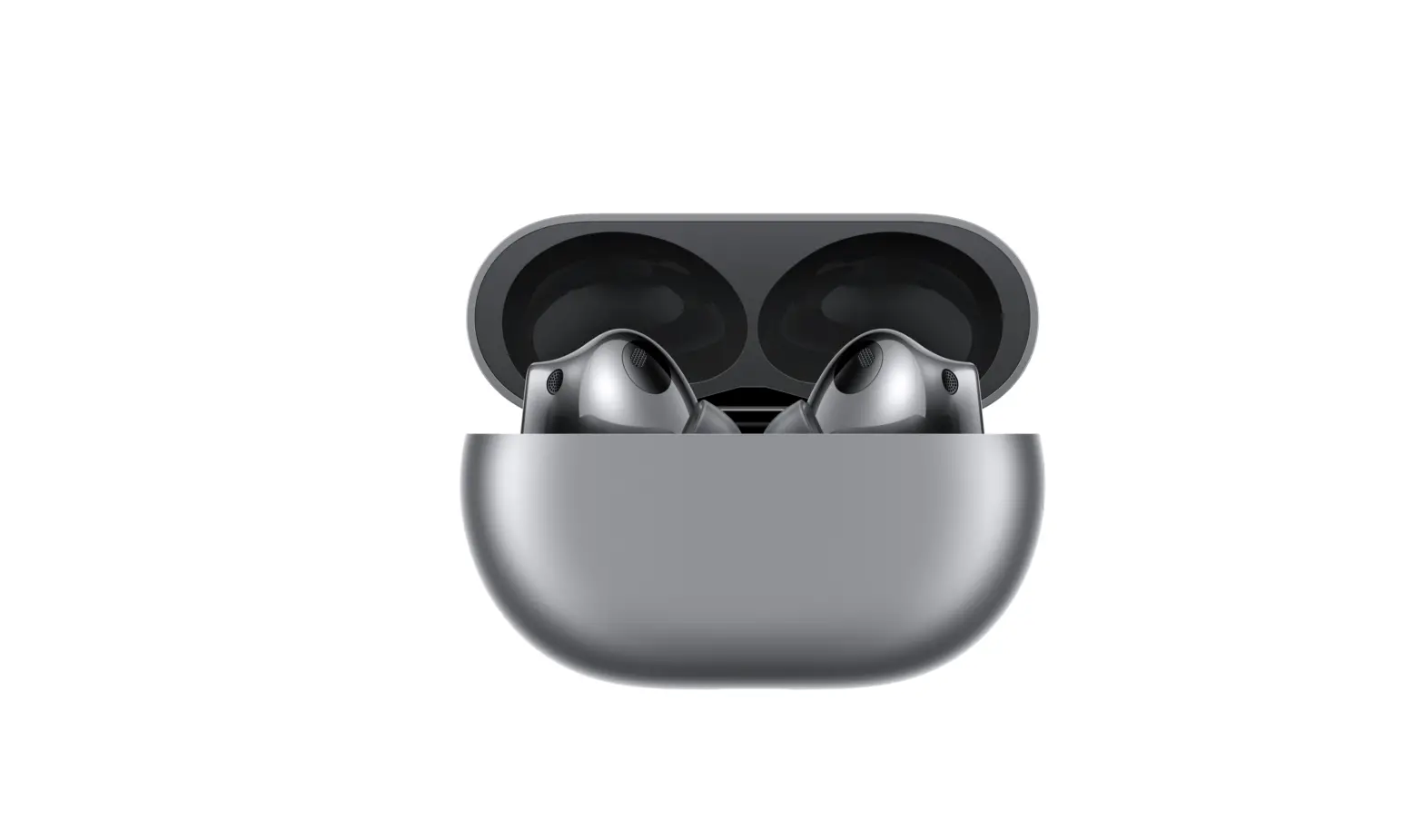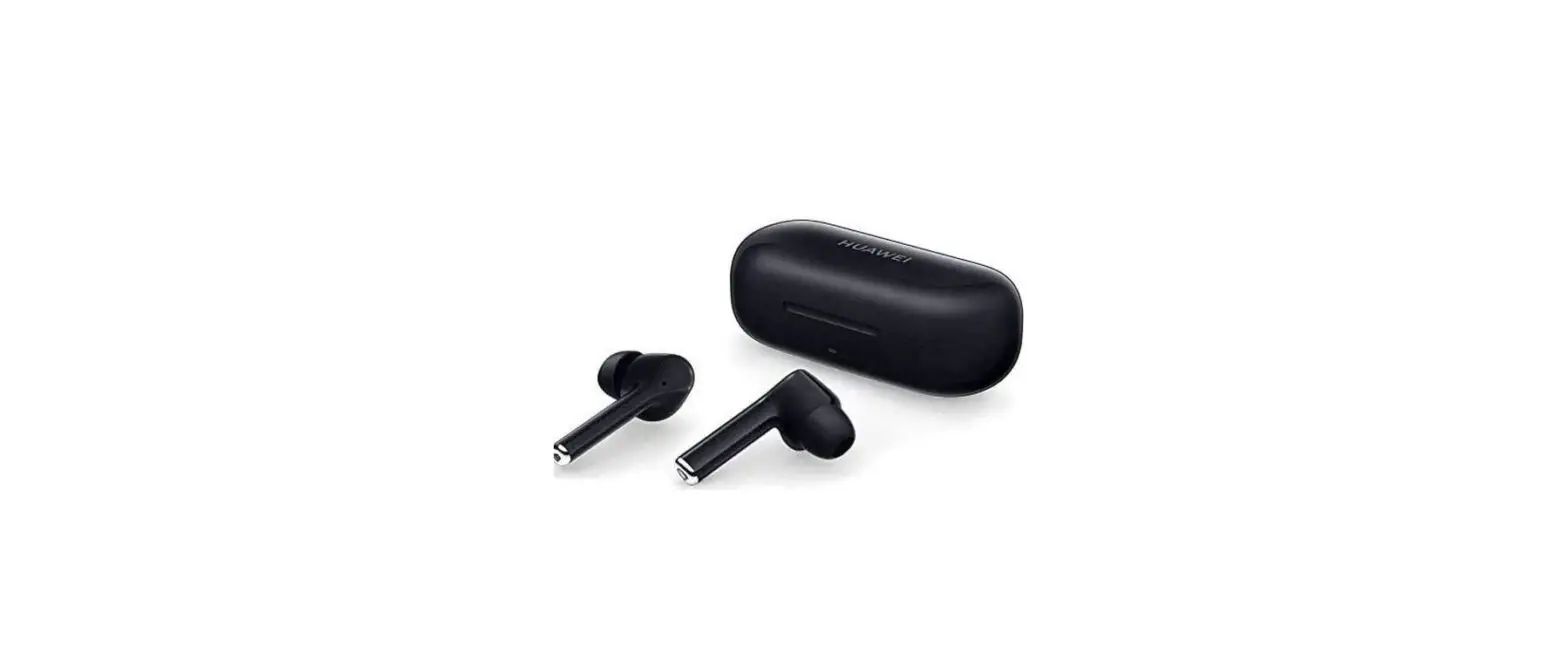

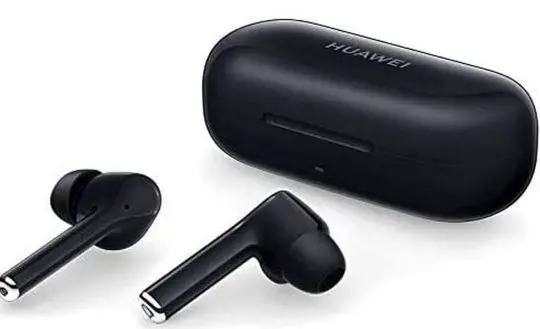
HUAWEI FreeBuds 3i True Wireless Earbuds
Initial startup
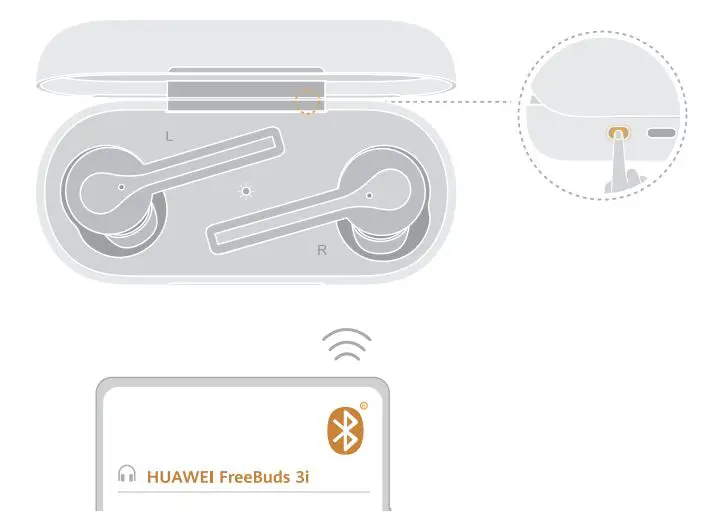
Bluetooth pairing
Download and Install the app

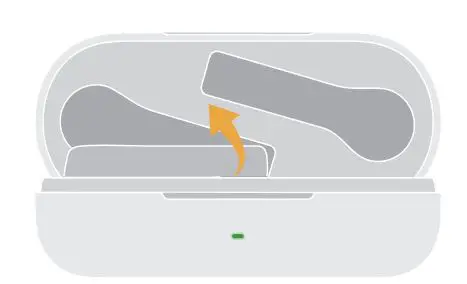
Taking out the earbuds
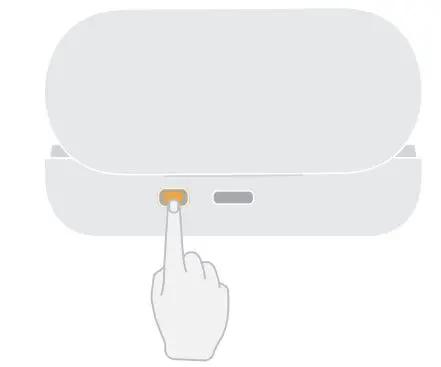
Restoring to factory settings
press and hold the Function button Tor T0 seconds with the charging case opened to resolve connection issues, Open the charging case and press and hold the Function button for 2 seconds to power it on. Confirm that the earbuds are in the charging case. Open the charging case, and press and hold the Function button for 25, until the indicator light on the charqing case begins flashing. To adjust the noise control features, customize earphone functions, or perform a firmware update, please scan the QR code to download the app and add HUAWET Free Buds 3i to the device list in the app. Open the charging case and lift up the earbuds from the bottom to take them out.
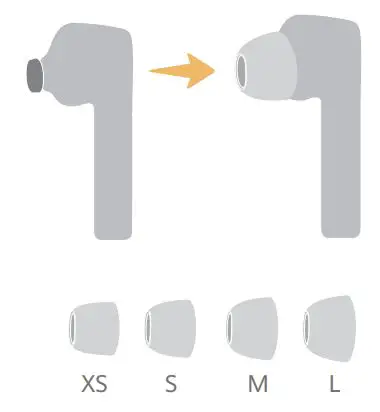
Changing the ear tips
Music playback
Calling
Noise control
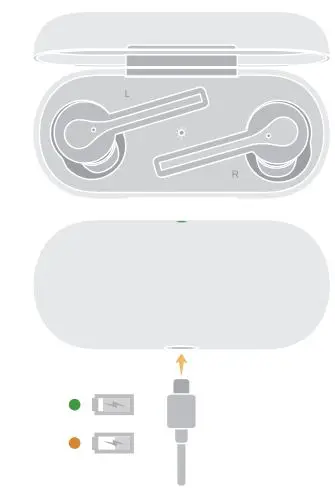
Charging
Switch ear tips based on desired noise cancellation effects and comfort level.
Default
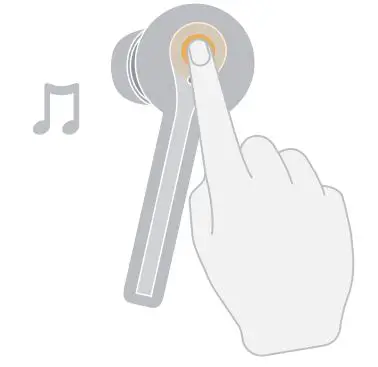
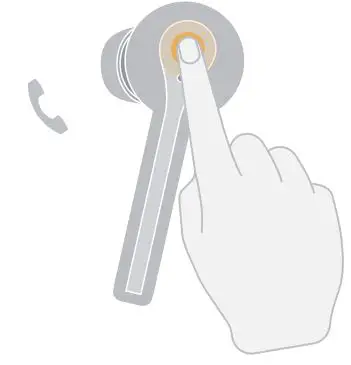
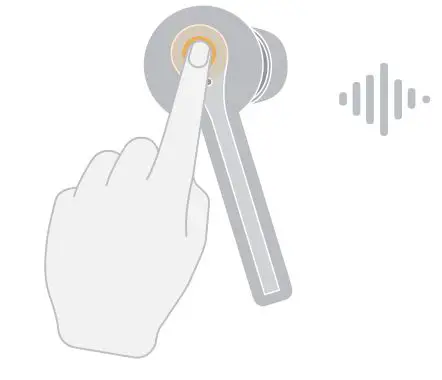
In Standby mode, double-tap an earbud to play music, and double-tap an earbud again to pause. To answer an incoming call, simply double-tap an earbud. To end a call in progress, double-tap an earbud. Press and hold an earbud to enable/disable Noise control. Place the earbuds in the charging case to initiate automatic charging. Use a USB-C cable to charge the charging case.