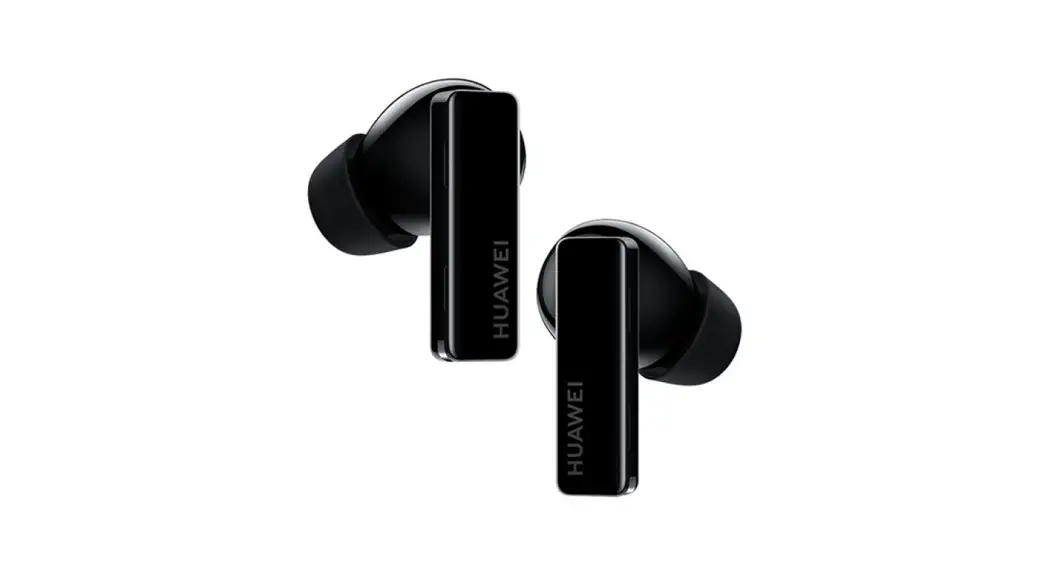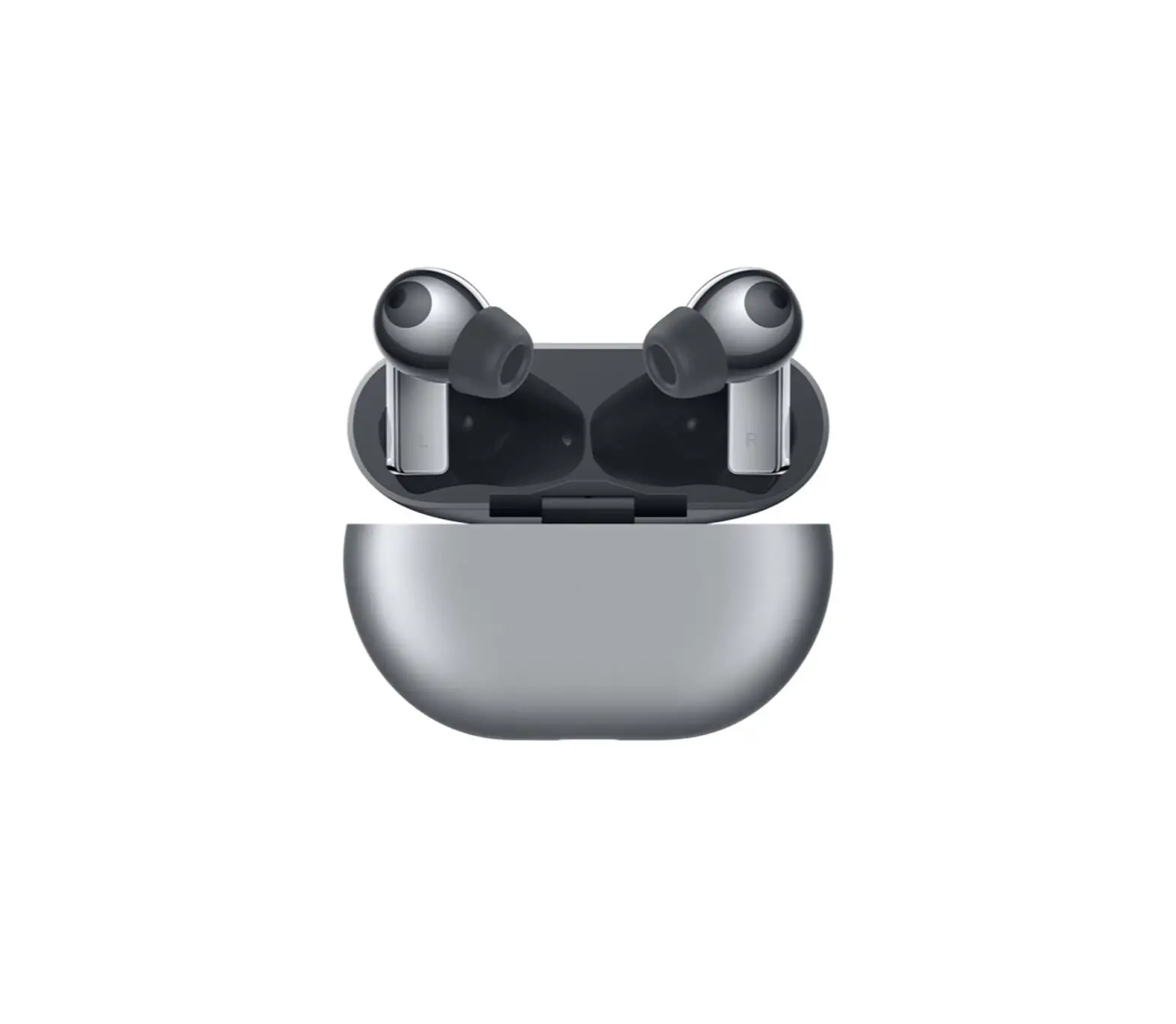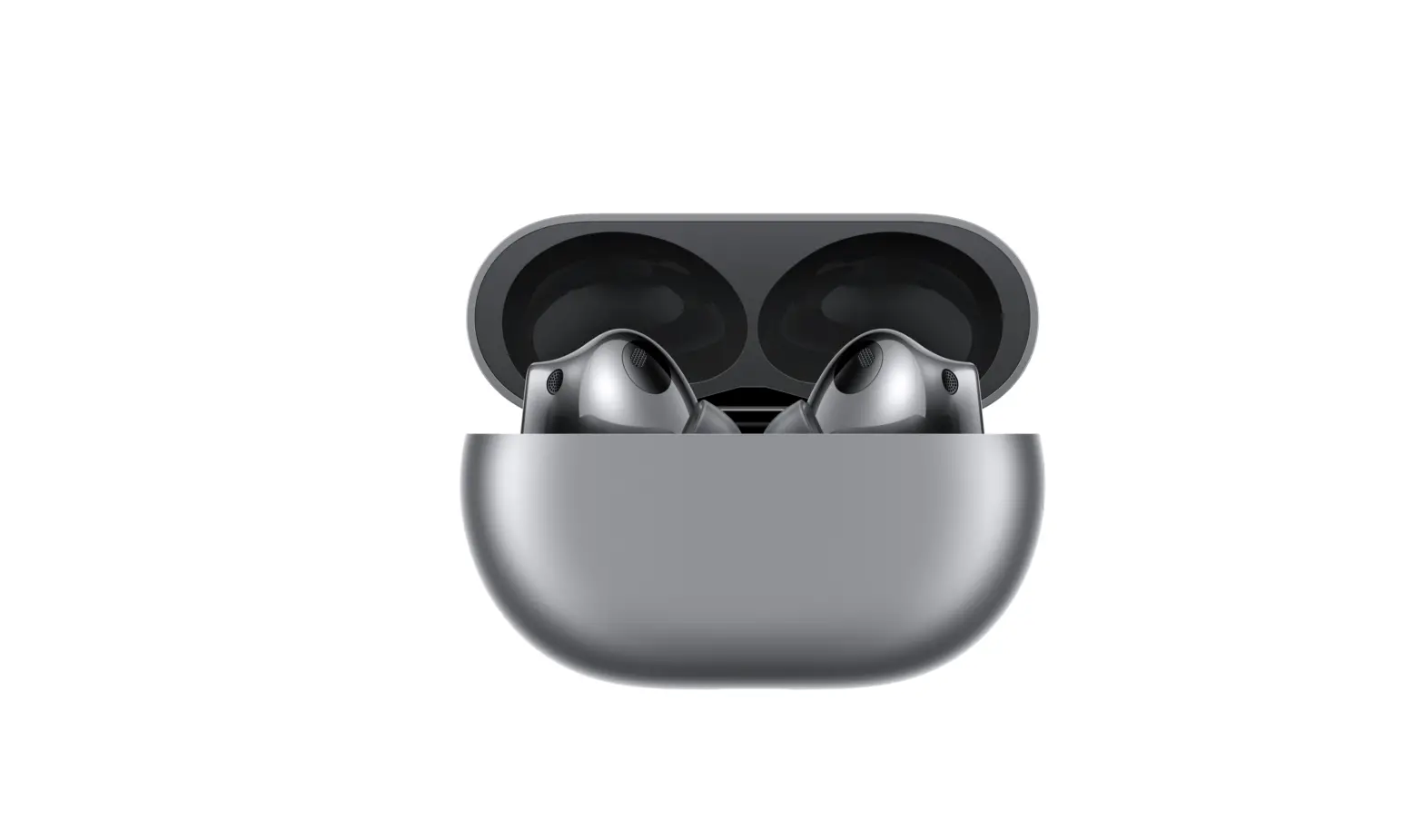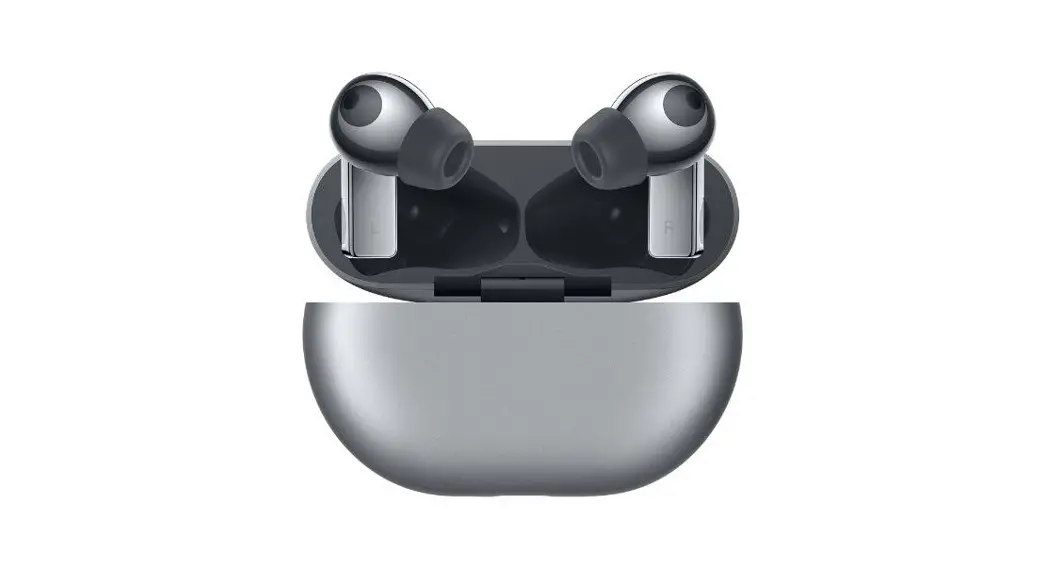
 FreeBuds Pro
Earphone Model: T0003
Charging case model: 70003C
Quick Start
 Factory reset
Press and hold the Function button for l0s until the indicator flashes red.
The earbuds will enter Pairing mode.
 Bluetooth pairing
 Bluetooth pairing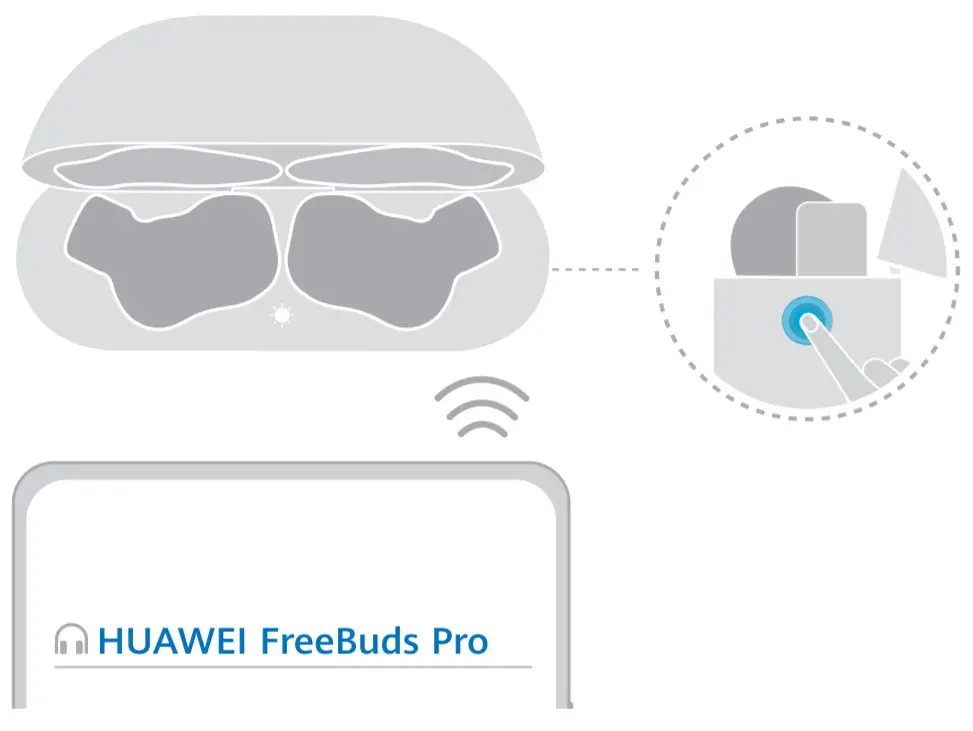
Open the charging case. Press and hold the Function button for 2s.
The earphones will enter Pairing mode when powered on for the first time.
 Changing the ear tips
 Changing the ear tips
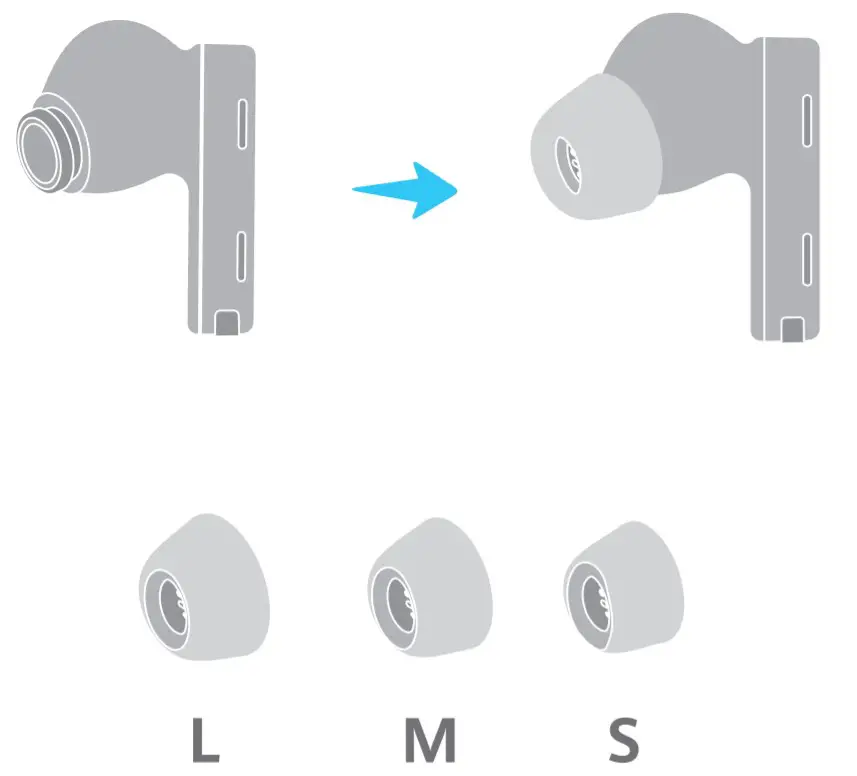 Choose the size which provides your desired noise cancellation effect and comfort level.
 Adjusting volume
 Adjusting volume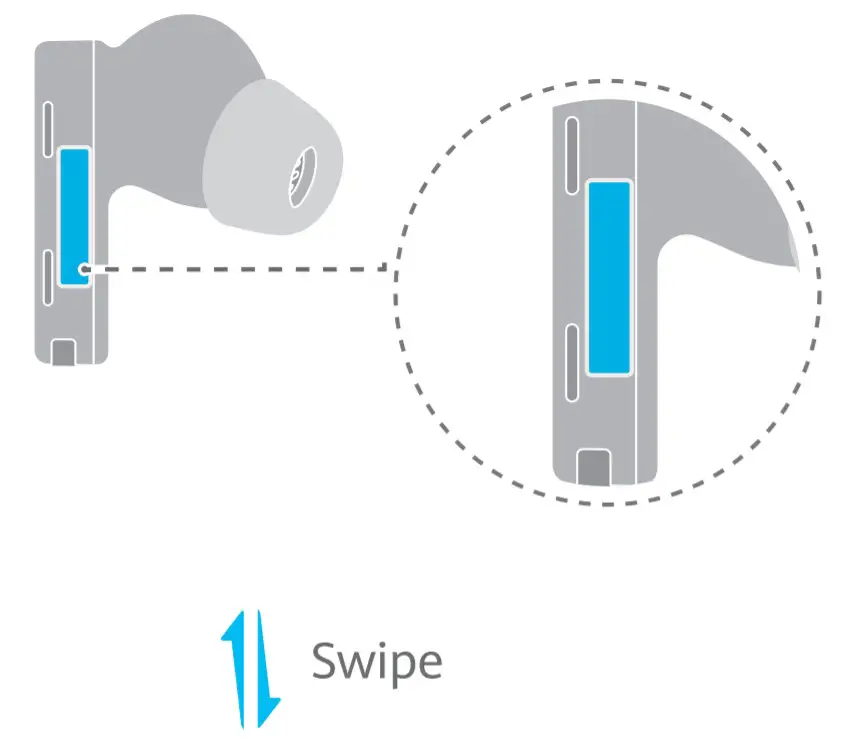
Volume up: Swipe up.
Volume down: Swipe down.
Voice Call
 Voice Call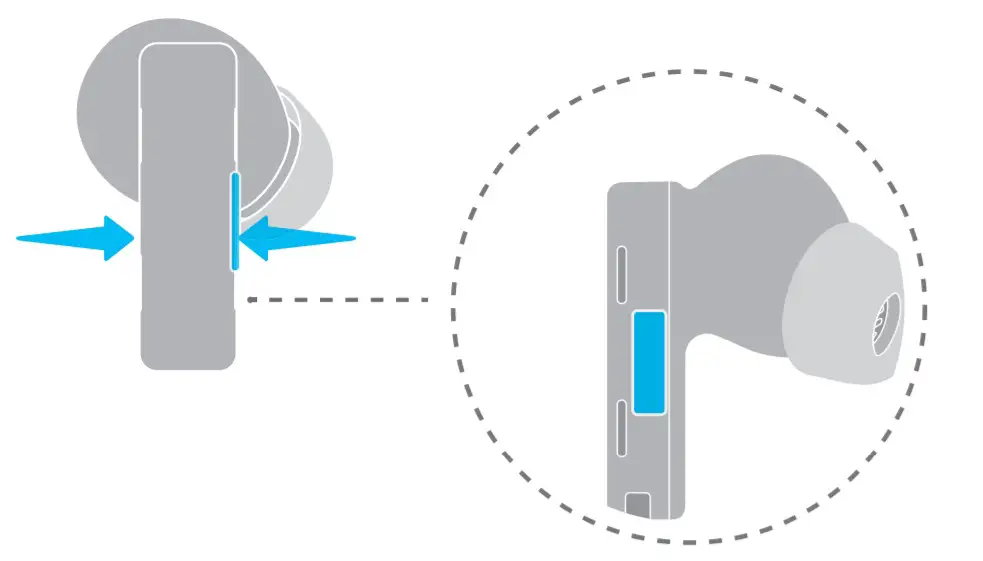
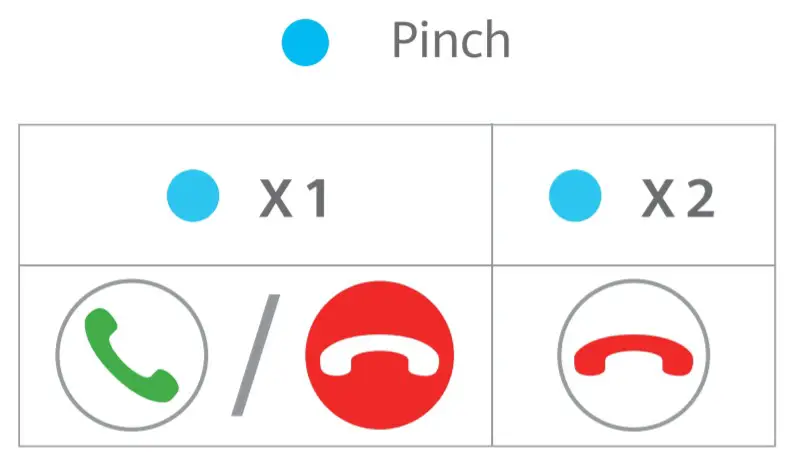
Answer/End a call: Pinch either earbud handle once.
Reject a call: Pinch twice.
 Music playback
 Music playback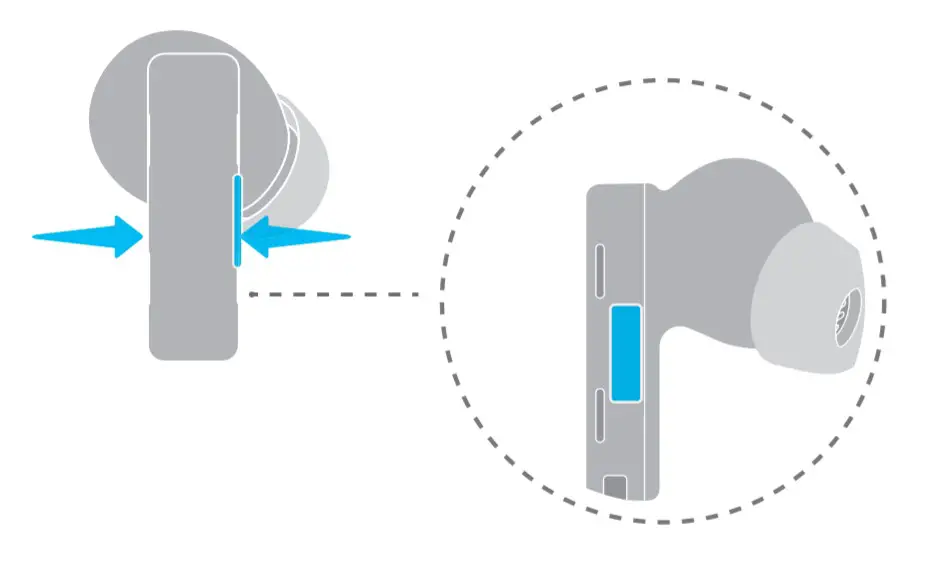
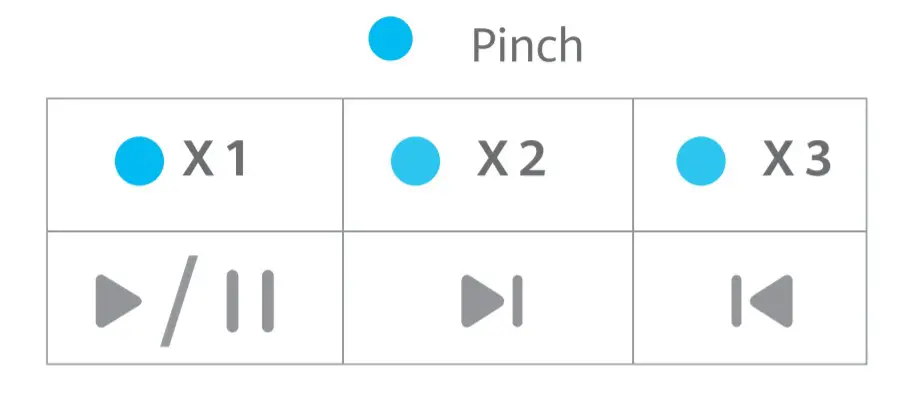
Play/Pause music: Pinch either earbud handle once.
Next song: Pinch twice. Previous song: Pinch three times. cancellation mode.
 Noise cancellation
 Noise cancellation
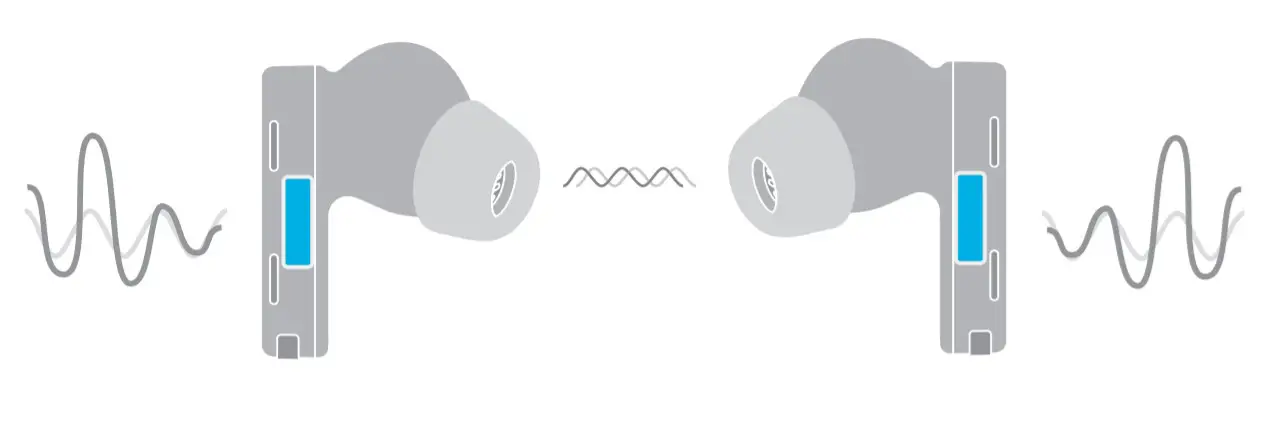 Place the earbuds in the earbuds handle to choose a noise cancellation mode.
 Charging the earbuds
 Charging the earbuds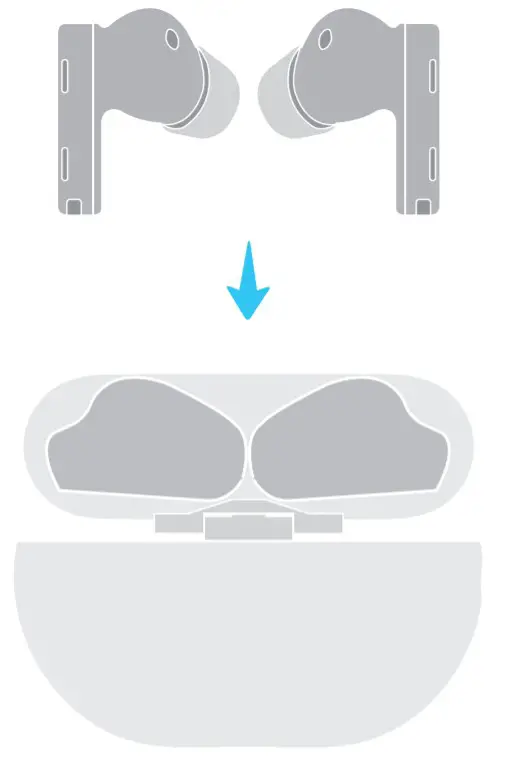
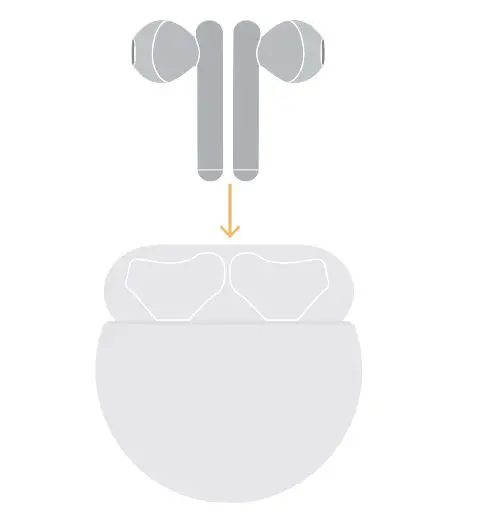
Place the earbuds in the charging case. They will start to charge automatically
 Charging the charging case
 Charging the charging case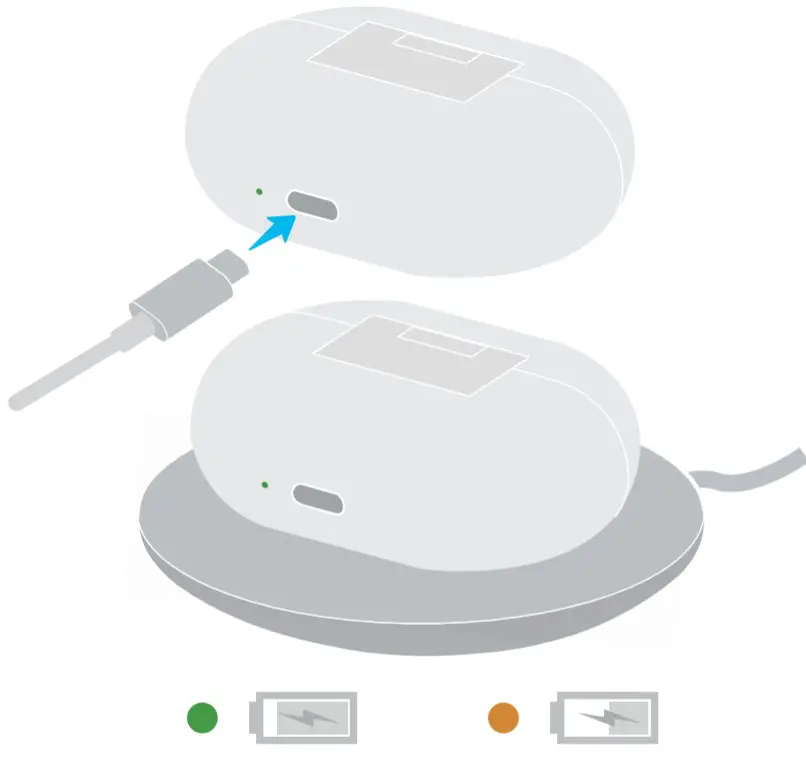
Connect the case to a USB.0 cable, or place it on a compatible wireless charger with its nameplate facing up.
 More settings
 More settings
 https://smarthome.hicloud.com/d/?p=ZA07
Download and install the HUAWEI Al Life app to further customize the settings for your earbuds.
 6020873_01