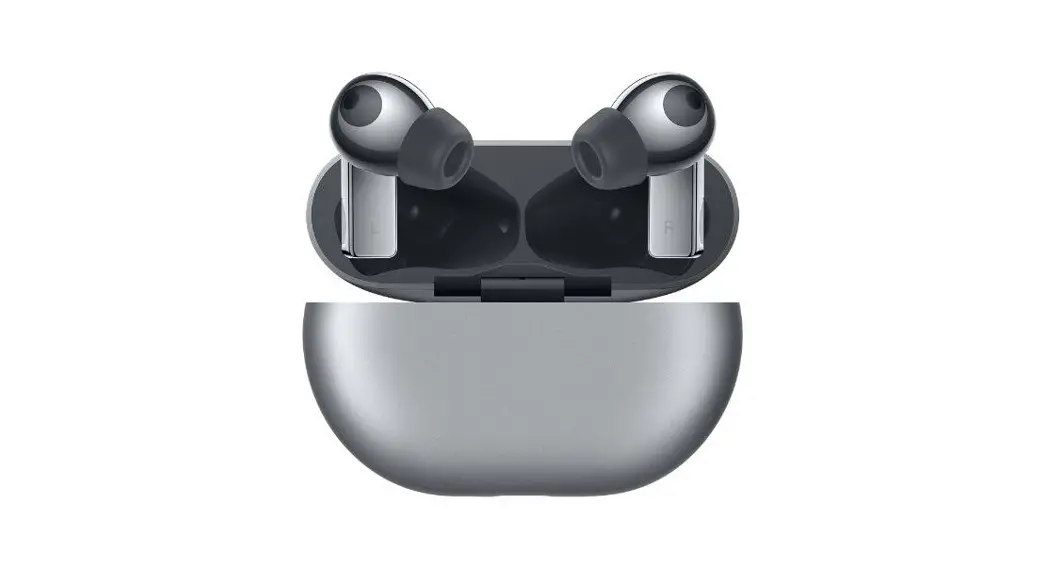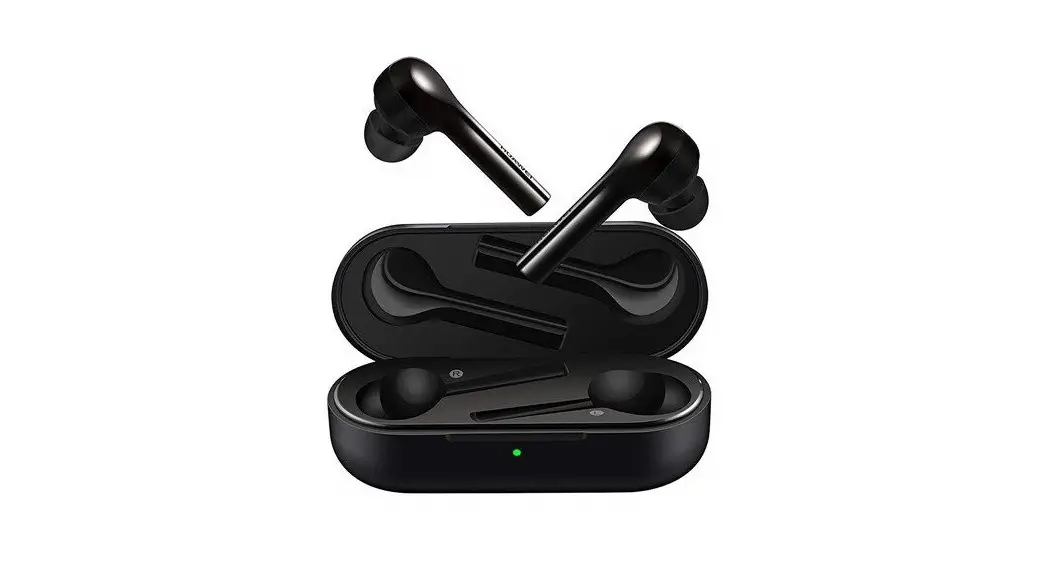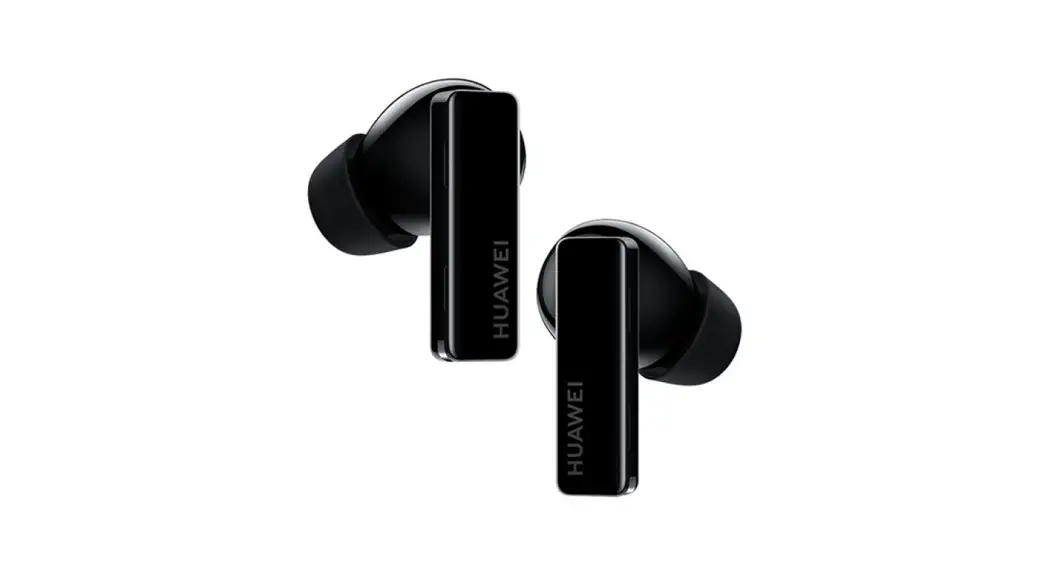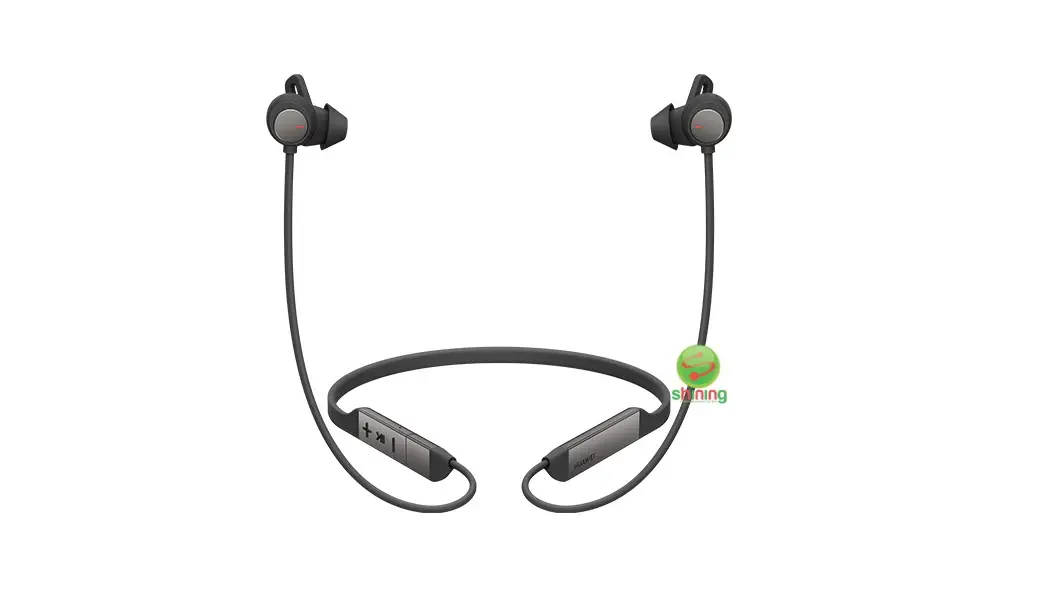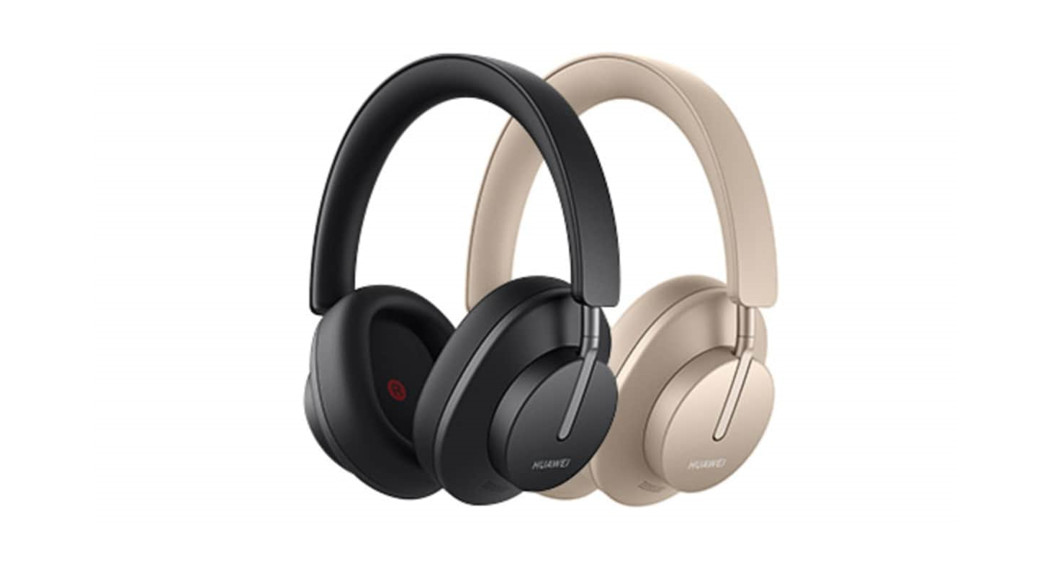
 FreeBuds Studio
Quick Start Guide
 Download and install the app
 Download and install the app
 https://smarthome.hicloud.com/d/?p=ZA06
Download the HUAWEI AI Life app to try more features or customize your headphone settings.
 Power-on/off
 Power-on/off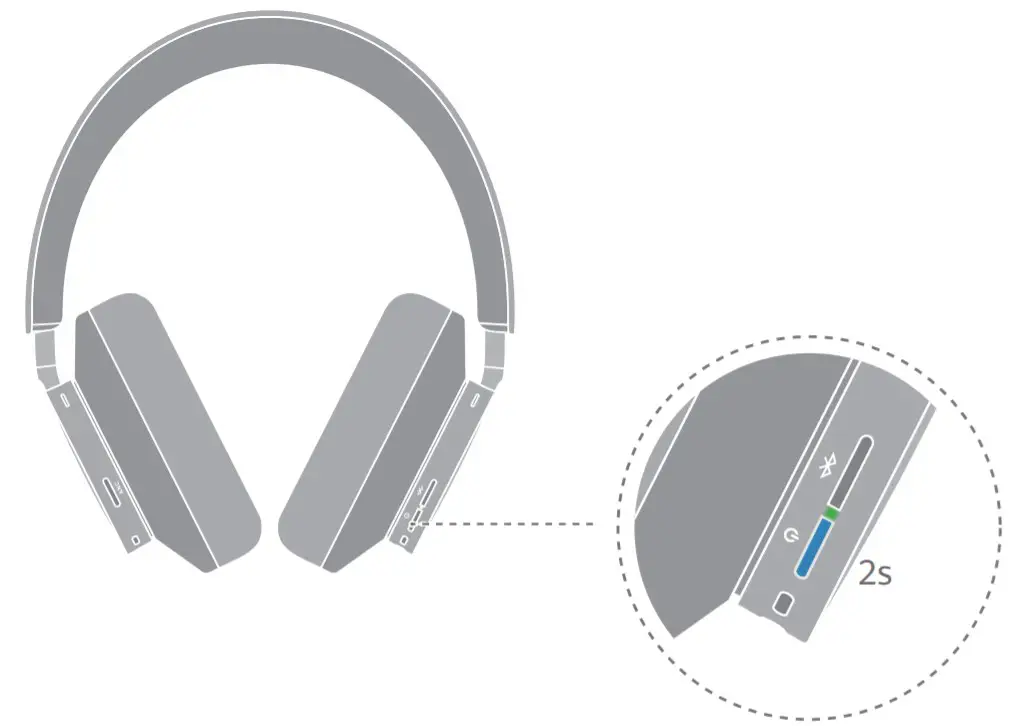
Power on/off: Press and hold the Power button for 2s. The headphones will enter Pairing mode when powered on for the first time.
 Pairing
 Pairing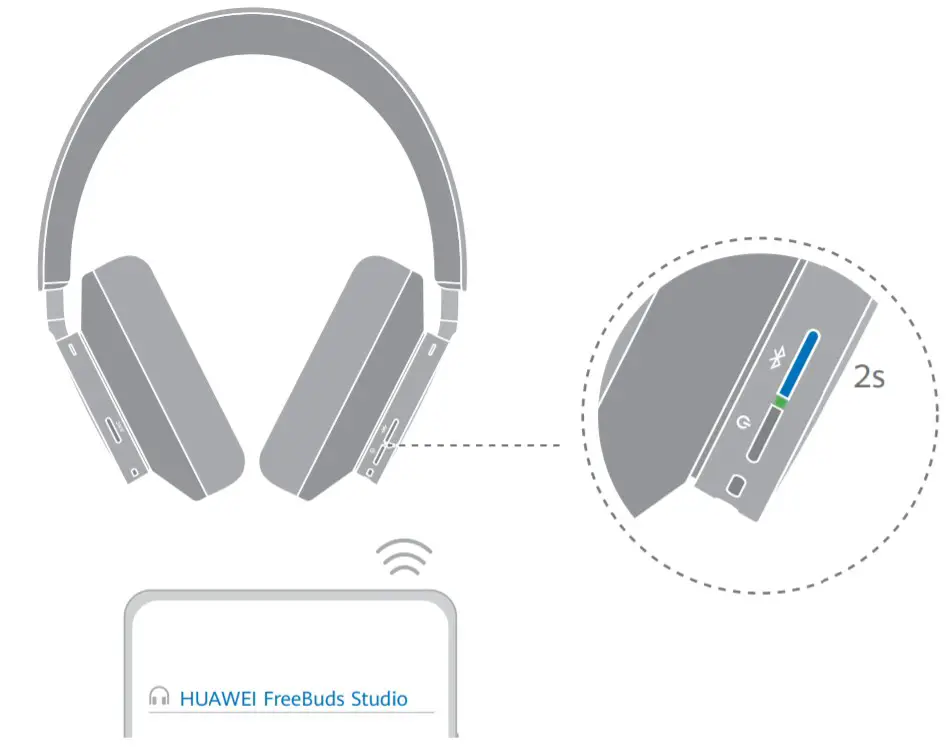
Enable Pairing mode: Press and hold the Bluetooth button for 2s with your headphones powered on.Factory reset: Press and hold the Bluetooth button for 10s until the indicator flashes red. The headphones will enter Pairing mode.
 Voice assistant
 Voice assistant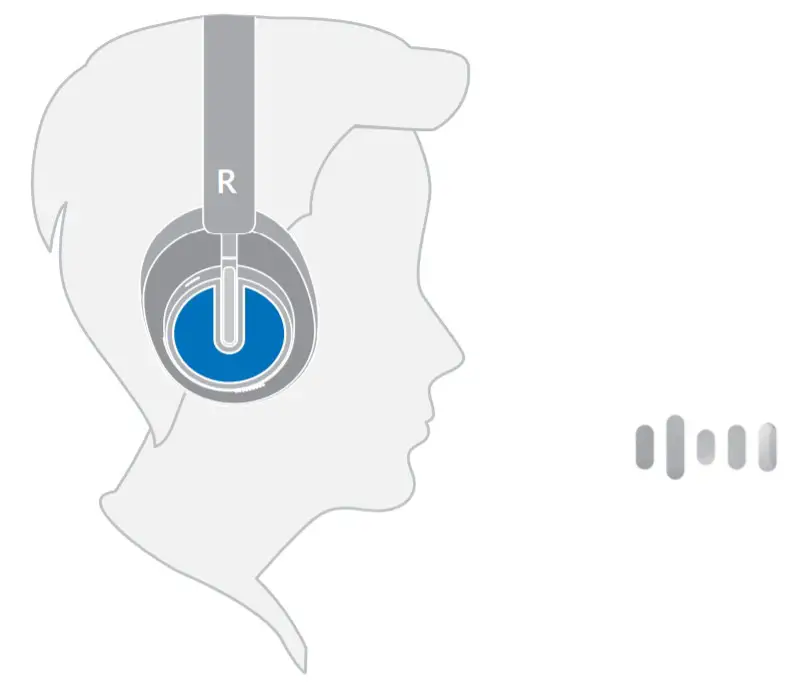
Wake up the voice assistant: When playing music or in Standby mode, touch and hold the control panel for 2s.Touch controls are only supported on the right headphone.
 Touch controls
 Touch controls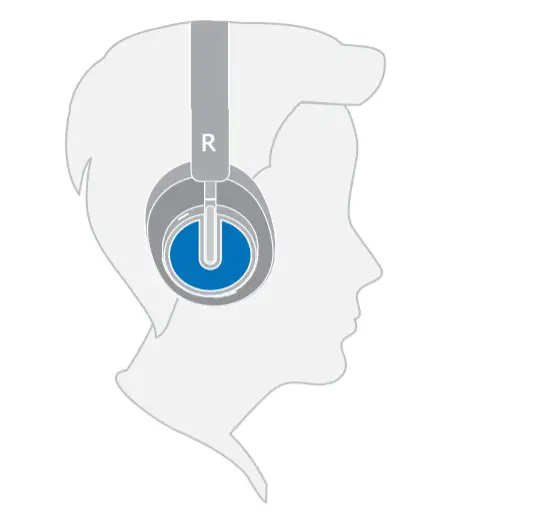
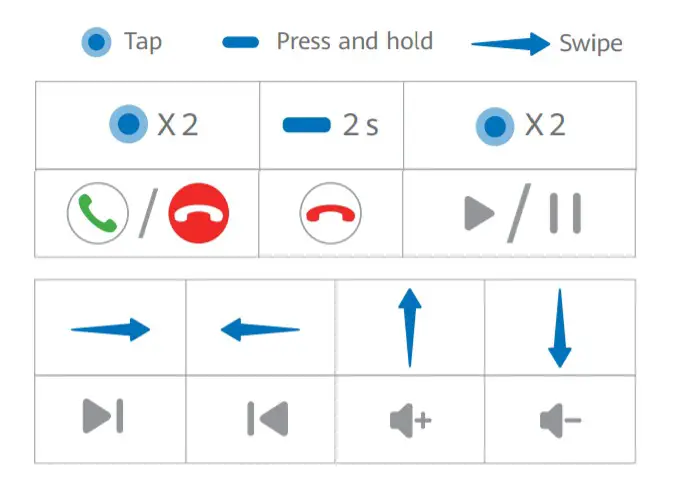
Answer/End a call: Tap twice. Reject an incoming call: Press and hold for 2s.
Switch songs: Swipe left or right. Play/Pause music: Tap twice.
Volume up/down: Swipe up or down.
 Noise cancellation
 Noise cancellation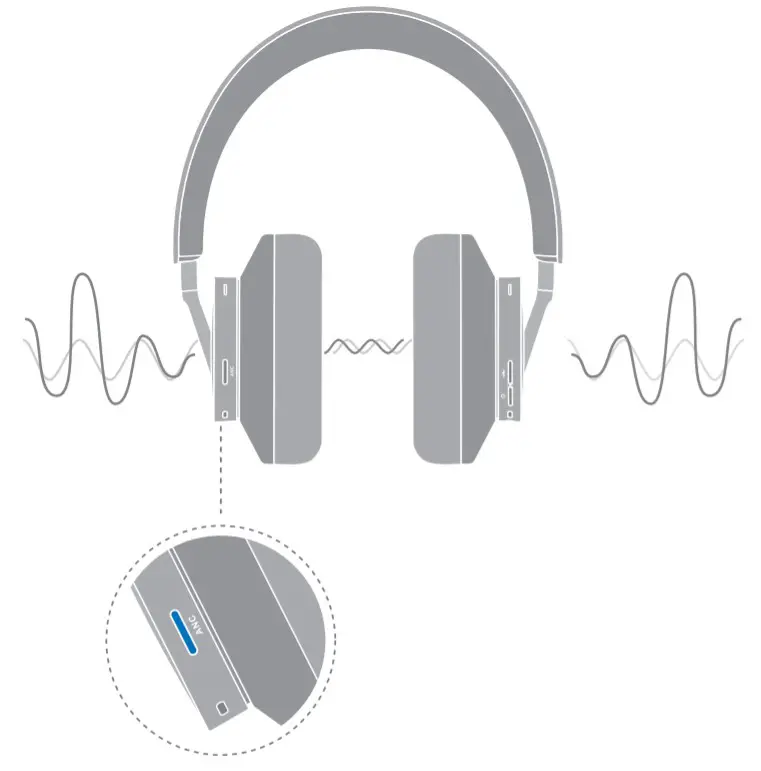
Press the ANC button to choose a noise cancellation mode.
 Charging
 Charging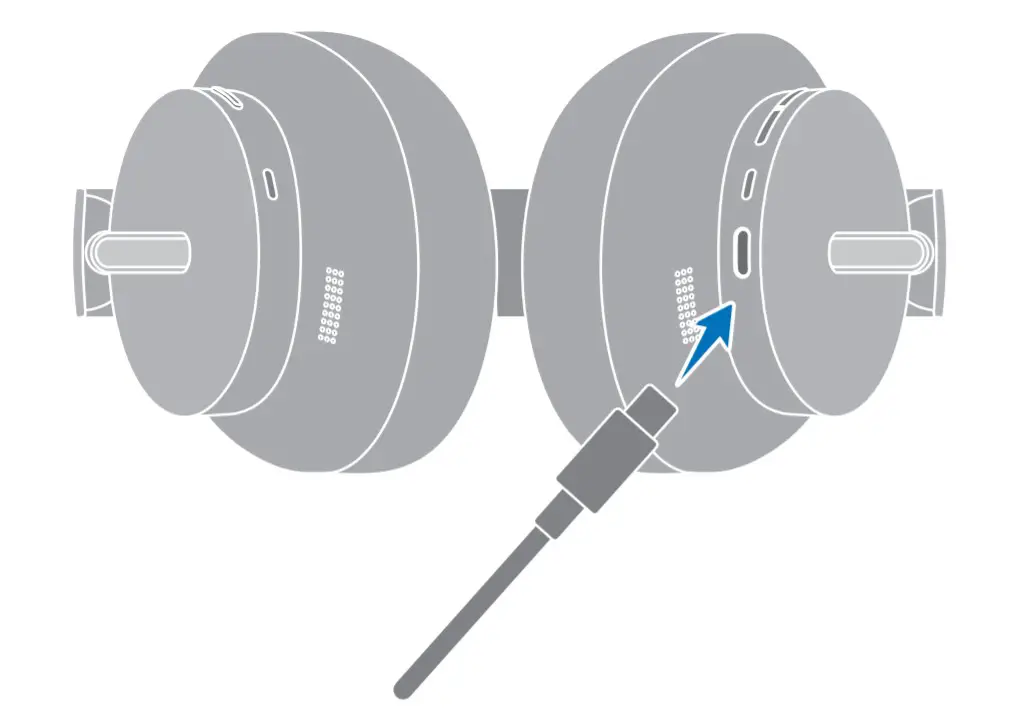
 6020876_01