
OPERATING MANUAL
IS655.RG
MODEL M655A01
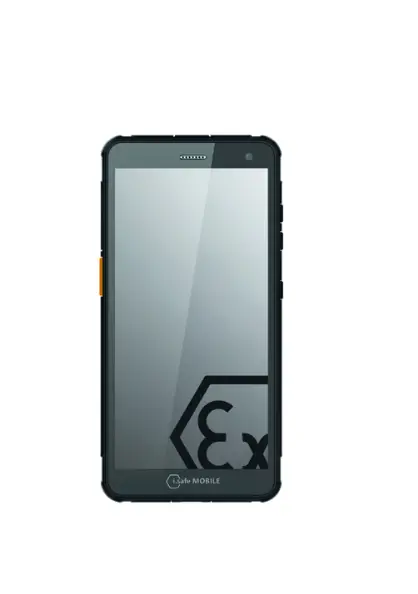
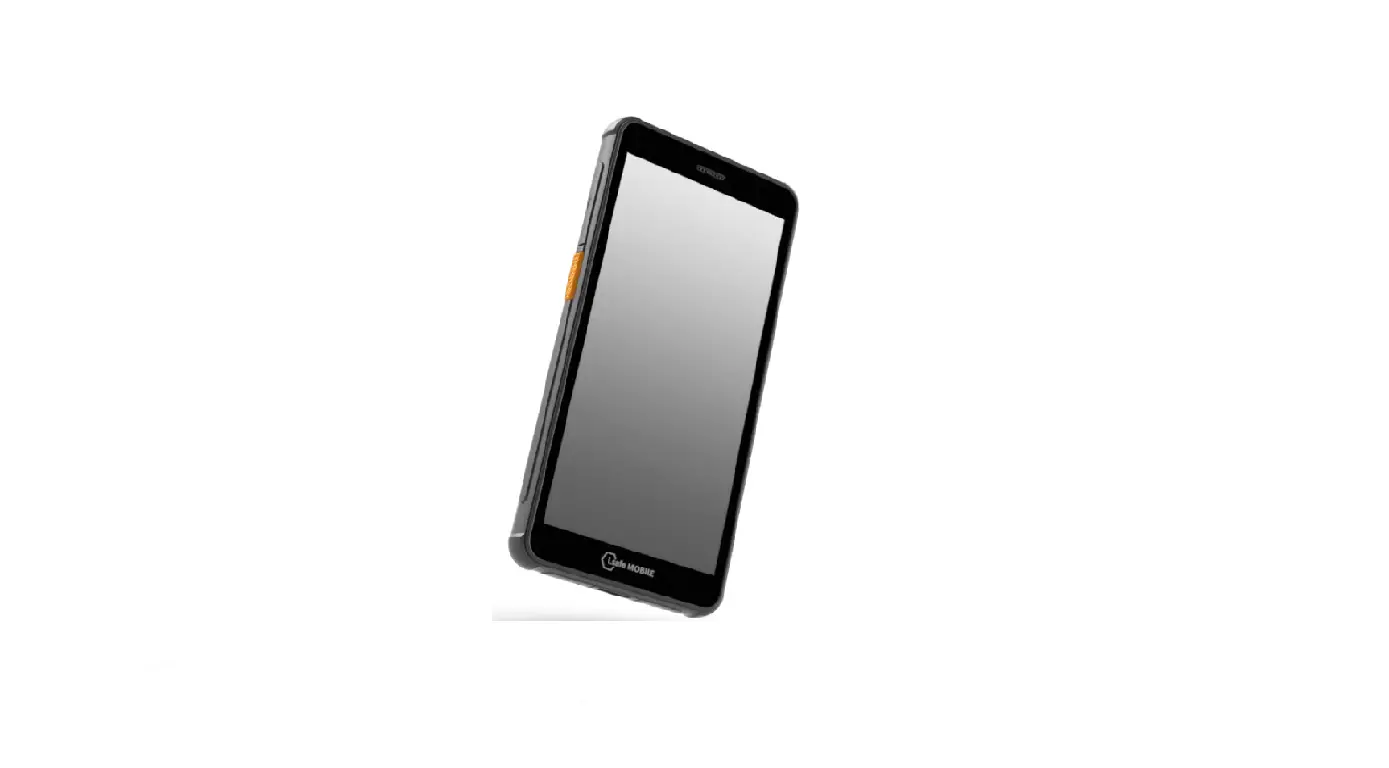
M655A01 Ex-Proof Smartphone
This Operating Manual complies with these standards: IEC 60079, IEC 82079, ANSI Z535.6
READ AND UNDERSTAND THE INSTRUCTIONS PROTECT YOUR LIFE AND READ THE OPERATING MANUAL
This Operating Manual is part of the device IS655.RG (model M655A01). This Operating
Manual provides important information for safe use of the device.
- Before using the device, read this Operating Manual carefully and pay particular attention to the “Safety” section and the warnings highlighted with the warning symbol.
- Also read the Safety Instructions before using the device.
- You can find these at www.isafe-mobile.com/en/support/downloads
- Make sure you have access to this Operating Manual when you need it. You can find the current Operating Manual at www.isafe-mobile.com/en/support/downloads
- Follow all instructions given on the device and on the packaging.
- Follow local safety regulations.
INTENDED USE
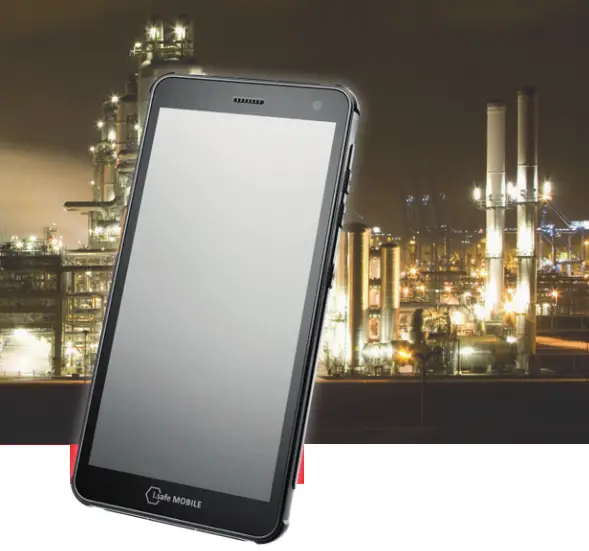
The IS655.RG is an Internet-capable communication device for industrial use.
Only use the device as described in this Operating Manual. Any other use is considered improper and can lead to death, severe injuries and damage to the device.
The manufacturer i.safe MOBILE GmbH does not assume any liability for damage caused by improper use.
The warranty expires in the eventof improper use.
WARRANTY
You can find the warranty conditions at www.isafe-mobile.com/en/support/service
For any damage caused by computer viruses that you download while using the Internet functions responsibility is at your hand.
There is no right of recourse against i.safe MOBILE GmbH.
EU/UK DECLARATION OF CONFORMITY
You will find the EU/UK declaration of conformity at www.isafe-mobile.com/en/support/downloads
FCC/IC STATEMENT
The FCC/IC declaration can be found at www.isafe-mobile.com/en/support/downloads
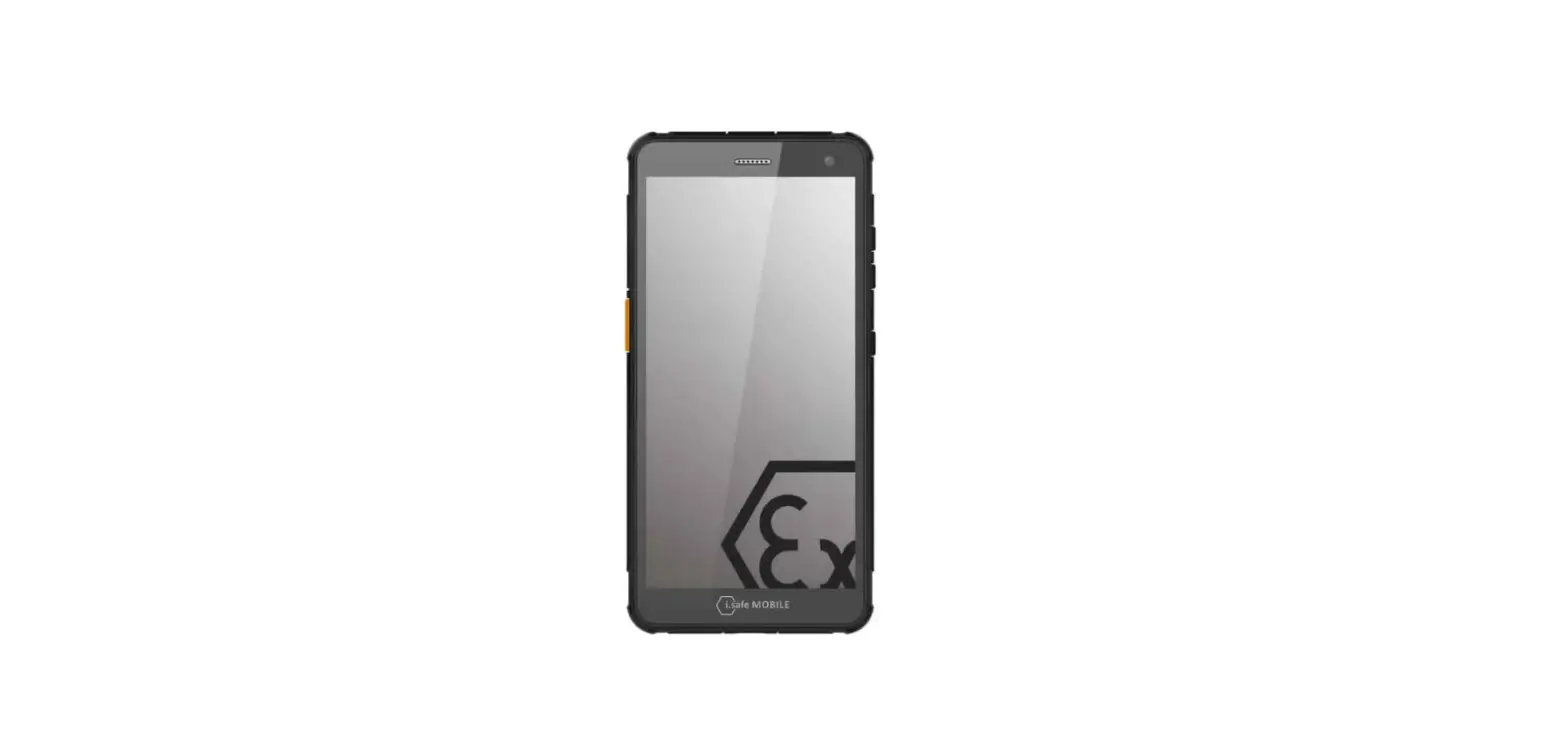
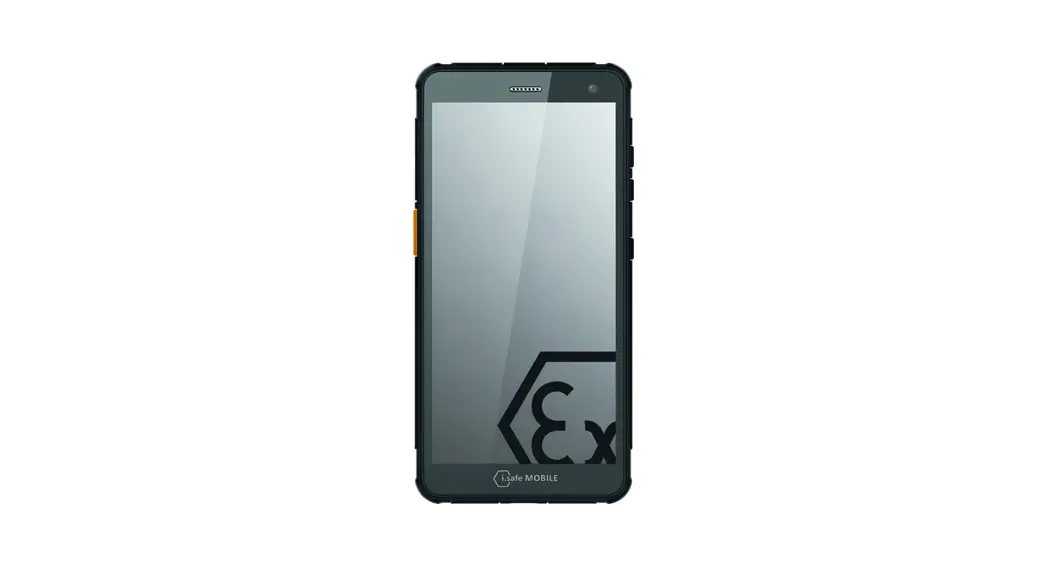
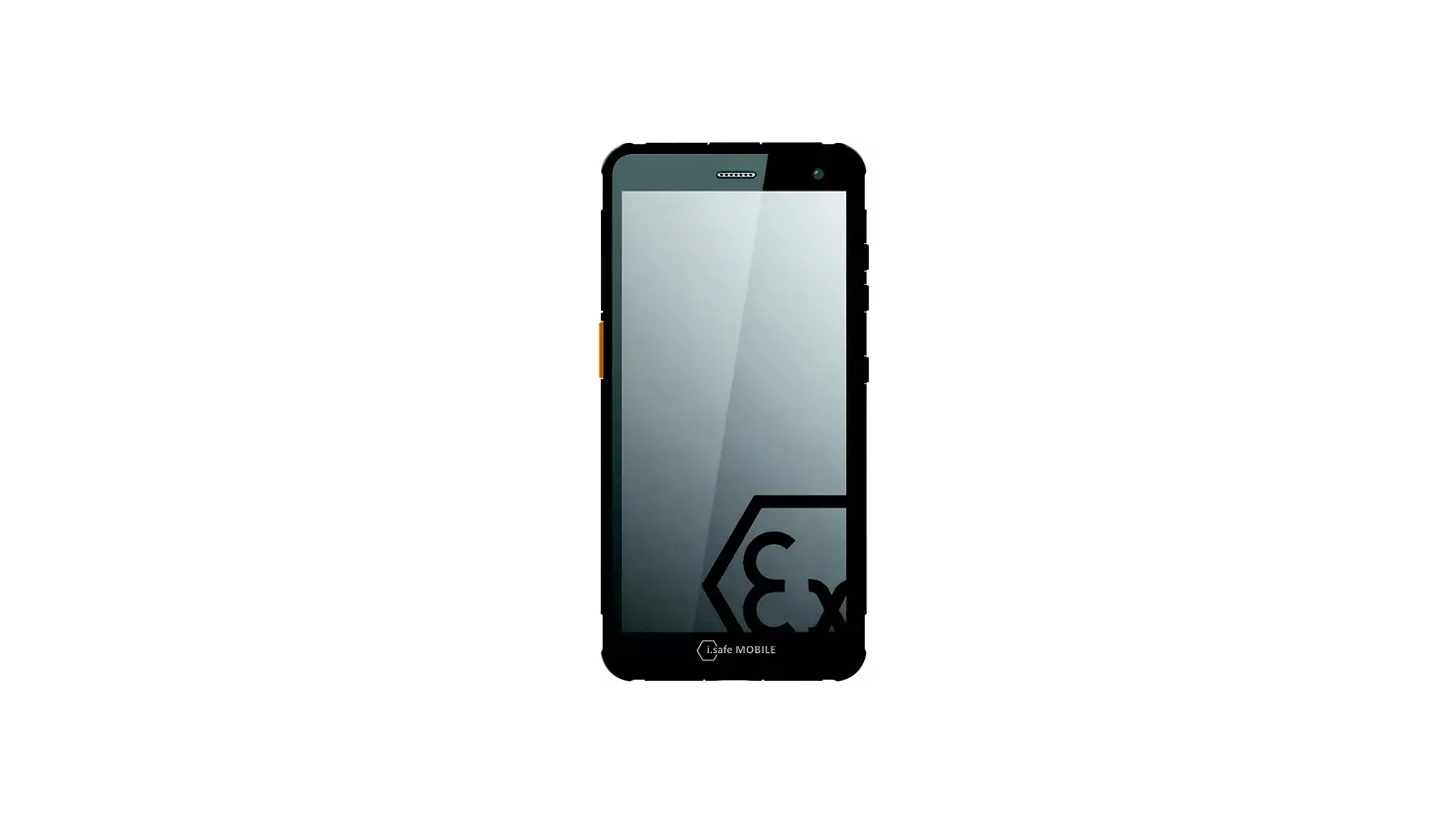
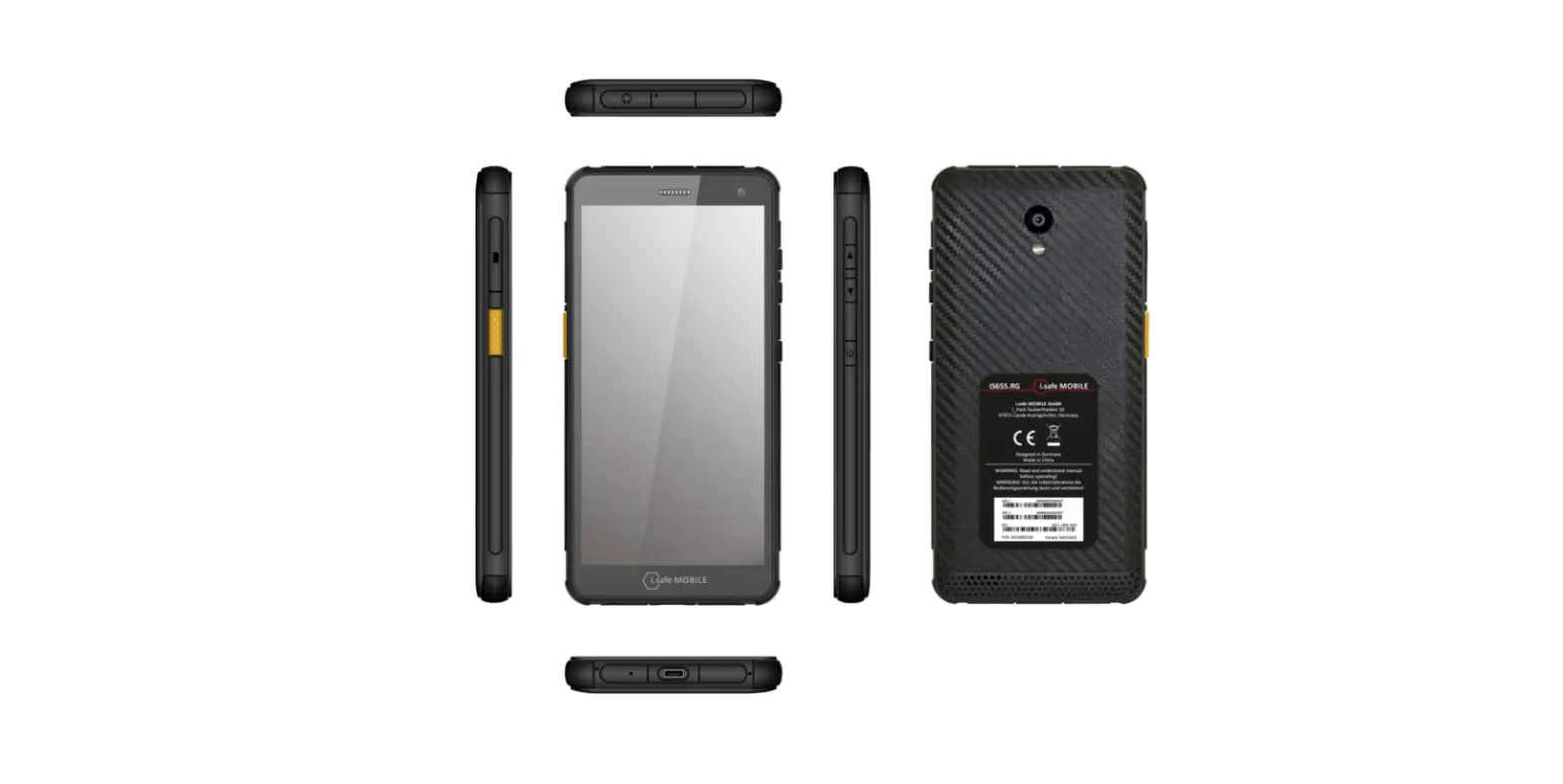
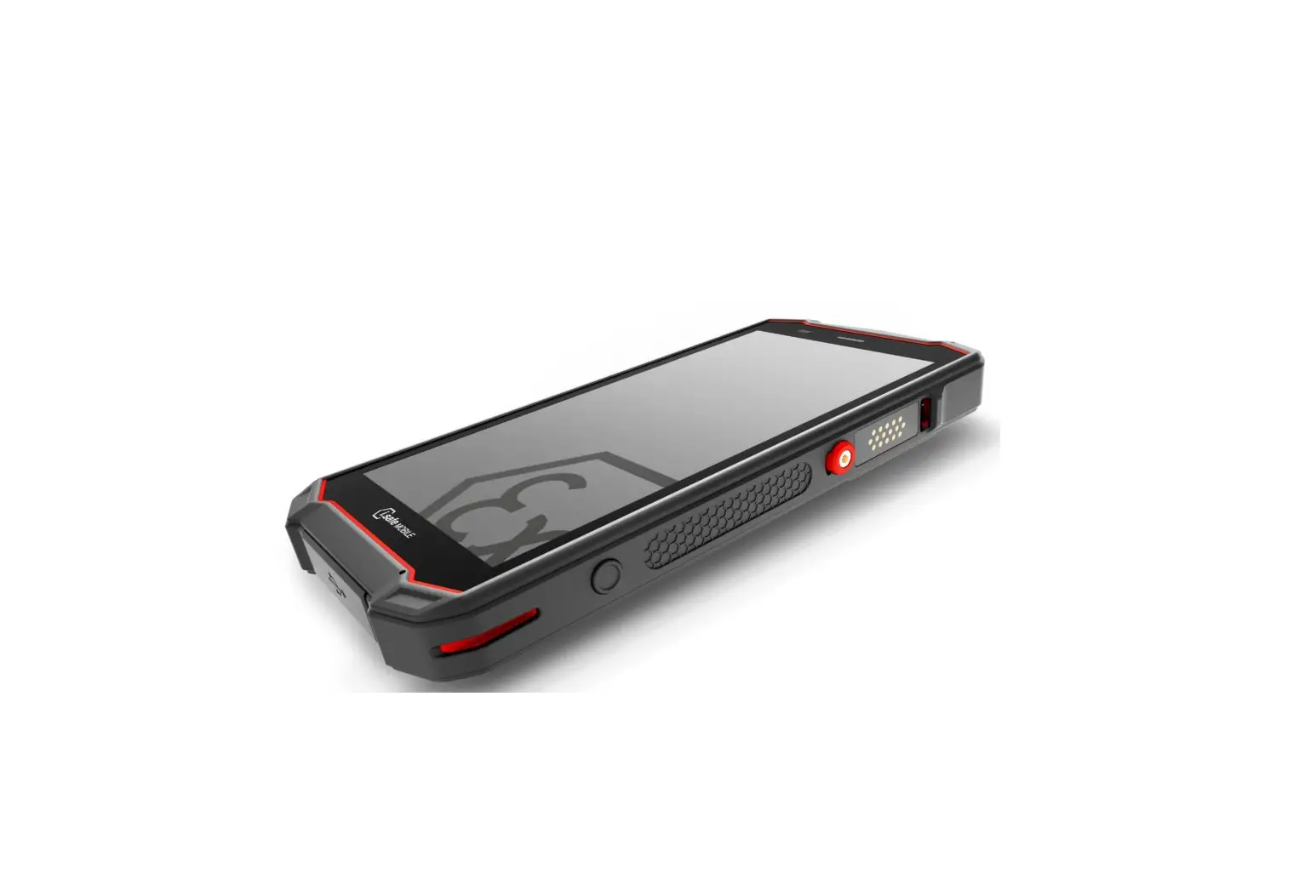
DEVICE OVERVIEW/FUNCTIONS
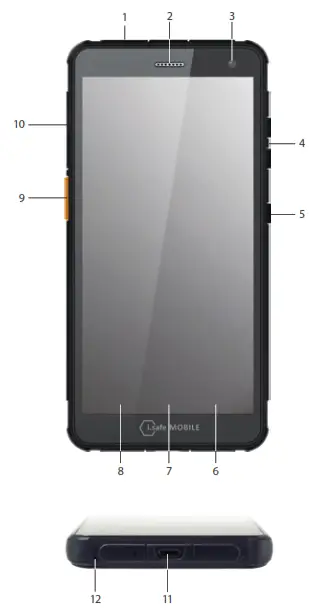
- EARPHONE JACK
- LOUDSPEAKER
- CAMERA
- LOUDNESS CONTROL: Volume up/Volume down.
- POWER KEY: A long press switches the device on/off. A short press switches the standby mode on/off.
- CURRENT APPLICATION: Shows all open applications.
- HOME KEY: Switch to the main screen.
- BACK KEY: Go to the previous screen.
- SIDE KEY LEFT: Optional function – function can be assigned via Button App (system integrated).
- SIM CARD SLOT: To insert SIM card and microSD card.
- USB INTERFACE: Connection for the Micro USB Cable or for connection to other devices. Also see sections “Charging” and “Connecting approved accessories”.
- MICROPHONE
SAFETY
Read the “Safety” section of this Operating Manual carefully before using the device. If you do not follow these instructions or do not understand them, this could lead to death, severe injuries and damage to the device.
USER
Only trained users who have read and understood this Operating Manual may use this device.
USE OUTSIDE OF EXPLOSION HAZARDOUS AREAS DANGER
Improper use can result in death or severe injuries!
- Do not use the device in explosion hazardous areas.
- Make sure that no gap can be seen between the two halves of the device.
- Do not use the device in places where its use is prohibited.
- Turn off the device in clinics or other medical facilities.
- Always keep a safety distance of at least 15 cm between the device and a pacemaker or hearing aid. The device can affect the functioning of medical devices such as pacemakers and hearing aids.
- When using the device while driving a motor vehicle, be sure to comply with applicable national laws.
- Make sure you prevent the user errors described in the section entitled “Possible User Errors”.
- Only charge the device as described in the “Charging” section.
CAUTION
When using earphones or headsets at the maximum volume setting, you can damage your hearing.
First set the volume control on the device to 50 % of the maximum volume.
Gradually adjust the volume.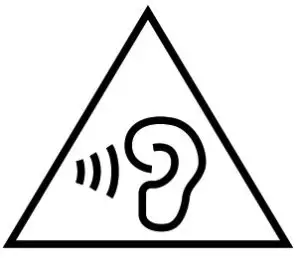 NOTICE
Incorrect use can damage the device.
Only use accessories approved by i.safe MOBILE, as described in the section on “Connecting approved accessories”.
Protect the device and the Power Adapter from strong electrical magnetic fields as for example those emitted by induction cookers or microwave ovens,for example.
Do not touch the display with sharp objects.
POSSIBLE USER ERRORS
DANGER
Improper use can result in death or severe injuries! Follow the instructions below:
- Do not modify the device structurally.
- Do not expose the device to high temperatures.
- Do not expose the device to strong UV radiation.
- Do not expose the device to processes with high electrical charges.
- Do not expose the device to aggressive acids or bases.
SCOPE OF DELIVERY
Your device packaging contains the following:
- 1 x IS655.RG
- 1 x Quick Start Manual
- 1 x Safety Instructions
- 1 x Display Protection Foil
- 1 x Micro USB Cable
- 1 x Power Adapter universal (power supply unit and various country-specific adapters)
- 1 x Display cleaning cloth
CELL BROADCAST
The device supports cell broadcast. Cell broadcast is a cellular service for sending messages to all recipients within a cell.
INSERT/REMOVE SIM CARD
NOTICE
Proceeding incorrectly when inserting/removing the SIM card can damage the device and the SIM card. Switch off the device before inserting or removing a SIM card. Do not charge the device while inserting or removing a SIM card.
- Insert the SIM card into the slot. The device has a slot for two SIM cards or for one SIM card in combination with a microSD card.
- If you have inserted two SIM cards, select a favorite card. Information on operating the device can be found at www.isafe-mobile.com/en/support/service under the menu item „FAQ“.
- INSERT/REMOVE microSD CARD
NOTICE
Proceeding incorrectly when inserting/removing the microSD card can damage the device and the microSD card. Switch off the device before inserting or removing a microSD card. Do not charge the device while inserting or removing a microSD card.
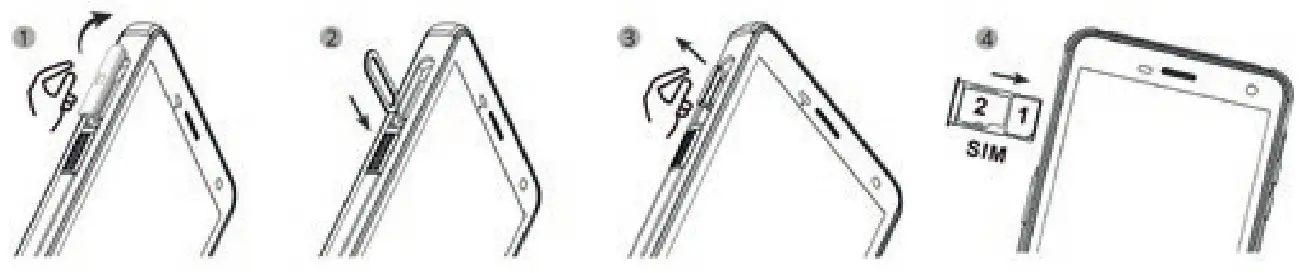
- Insert the microSD card into the slot. The device has a slot for one SIM card in combination with a microSD card up to 128 GB, also see section “Insert/remove SIM card”.
CHARGING
DANGER
Improper use can result in death or severe injuries! Do not charge the device in the vicinity of flammable substances.
NOTICE
Incorrect charging can cause damage to the device. Please note the following when charging:
- Only charge the device using the Micro USB Cable supplied.
- Only charge the device at ambient temperatures between +5 °C to +35 °C (+41 °F to +95 °F).
- Charge the device under dry indoor conditions only.
- Do not charge the device in environments dusty or humid.
Your device package contains a power supply unit, various country-specific adapters and an Micro USB Cable.
- Connect the adapter suitable for your country to the power supply unit.
- Connect the Micro USB Cable to the power supply unit.
- Connect the Micro USB Cable to the USB interface of the device.
BATTERY USE
In actual use the run time of the device varies with the network status, working environment and usage.
When the power of the battery is lower than normal, the device will prompt you to charge it.
Please charge the battery; otherwise you may lose any files which are not saved. If you do not charge for a long time, the device will be powered off automatically.
SWITCHING ON/OFF
- Press and hold the on/off key for about 3 seconds.
- Enter the device or SIM PIN when the input dialog for the device or SIM PIN appears after switching on.
- Select the <Switch off> menu item if the power off menu appears when switching off.
USING THE DEVICE
- When turning on the device for the first time, follow the instructions on the screen.
Further information on operating the device can be found at www.isafe-mobile.com/en/support/service under the menu item “FAQ”.
Detailed information on operating the Android operating system can be found at: https://support.google.com/android
NOTICE
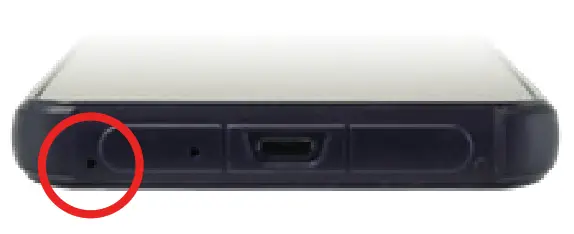
- The microphone is located on the bottom of the device. For an optimal communication, make sure that the microphone is not covered.
CONNECTING APPROVED ACCESSORIES
- Only connect accessories approved by i.safe MOBILE to the device. Accessories approved by i.safe MOBILE can be found at www.isafe-mobile.com/en/products
Approved accessories can be connected to the USB interface.
USB INTERFACE
The USB interface is used for charging and data transfer.
Connect approved accessories or other devices to the USB interface only by using the Micro USB Cable.
POSSIBLE DEVICE PROBLEMS
You can find information on possible device problems and how to rectify them at www.isafe-mobile.com/en/support/service under the menu item “FAQ”.
If you have any further questions, please contact the i.safe MOBILE repair service at www.isafe-mobile.com/en/support/service
MAINTENANCE/REPAIR
The device itself has no serviceable parts. WARNING
Incorrect repairs present a risk of explosion or fire, which can result in death or severe injuries!
Do not open the device or carry out any repairs yourself.
Contact the i.safe MOBILE repair service at www.isafe-mobile.com/en/support/service if the device is not working normally, if the device needs to be repaired or if a replacement part is required.
RETURN SHIPMENT
Contact the i.safe MOBILE repair service at www.isafe-mobile.com/en/support/service
DISTRIBUTION PARTNER
You can find the specialist distribution partner responsible for your country at www.isafe-mobile.com/en/contact
CLEANING
NOTICE
Incorrect cleaning can cause damage to the device. Please note the following when cleaning:
- Turn off the device before cleaning.
- Do not charge the device while cleaning.
- Do not use chemical agents for cleaning.
- Clean the device and the Power Adapter with a soft, moistened antistatic cloth.
- Clean the display screen regularly with a soft, antistatic cloth.
STORAGE
NOTICE
Incorrect storage can cause damage to the device. Store the device at ambient temperatures between +5 °C to +35 °C (+41 °F to +95 °F) and a humidity between 10 % to 60 %.
RECYCLING
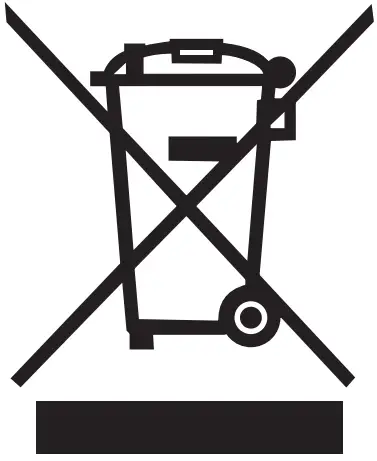 NOTICE Incorrect disposal of electronic products, batteries and packaging material puts the environment at risk. Please note the following when disposing of items: DO NOT throw away batteries with household waste. Always dispose electronic products, batteries and packaging material at the appropriate collection points. This way, you prevent uncontrolled waste disposal and promote the recycling of material resources. You can obtain further information from regional waste disposal companies, state authorities or the i.safe MOBILE service centre responsible for your country or region at www.isafe-mobile.com/en/support/service
TRADEMARKS
i.safe MOBILE and the i.safe MOBILE logo are registered trademarks of the i.safe MOBILE GmbH. EEA Version: Comes with the Google™ app and Google Chrome™ Google and Google Chrome are trademarks of Google LLC. All other trademarks and copyrights are the properties of their respective owners.
CONTACT/SERVICE CENTRE
FOR FURTHER QUESTIONS PLEASE CONTACT OUR SERVICE CENTRE:
i.safe MOBILE GmbH, i_Park Tauberfranken 10, 97922 Lauda-Koenigshofen, Germany [email protected]
https://support.isafe-mobile.com

WWW.ISAFE-MOBILE.COM
Document No. 1034MM12REV00
Version: 2022-10-27
(c) 2022 i.safe MOBILE GmbH i.safe MOBILE GmbH i_Park Tauberfranken 10
97922 Lauda-Koenigshofen Germany
Tel. +49 9343 60148-0
[email protected]
www.isafe-mobile.com
Template: TEMPMM01REV10
References
 AT&T Official Site - Unlimited Data Plans, Internet Service, & TV
 Zertifizierte Smartphones, Tablets und Mobiltelefone für IECEx und ATEX Zonen – i.safe MOBILE
-
Wir beraten Sie weltweit – i.safe MOBILE
-
Explosionsgeschützte Kommunikationsgeräte mit ATEX/IECEx Zertifizierung – i.safe MOBILE
-
Betriebsanleitungen, Produktflyer, Datenblätter uvm. – i.safe MOBILE
-
Service & Support – i.safe MOBILE
-
We advise you worldwide – i.safe MOBILE
-
Ex devices for ATEX IECEx Zone 1/21 – i.safe MOBILE
-
Service and Support – i.safe MOBILE
-
Datasheets, Manuals, Certificates and Product Folders – i.safe MOBILE
-
Our service team will be happy to assist you – i.safe MOBILE
-
I.SAFE MOBILE À L'ÉCHELLE MONDIALE – i.safe MOBILE
-
Appareils ATEX i.safe MOBILE pour zones de protection antidéflagrante – i.safe MOBILE
-
Contactez notre équipe de service pour toute question relative à votre appareil mobile – i.safe MOBILE
-
Support - Official i.safe MOBILE Support
 AT&T Official Site - Unlimited Data Plans, Internet Service, & TV
 Zertifizierte Smartphones, Tablets und Mobiltelefone für IECEx und ATEX Zonen – i.safe MOBILE
 Support - Official i.safe MOBILE Support