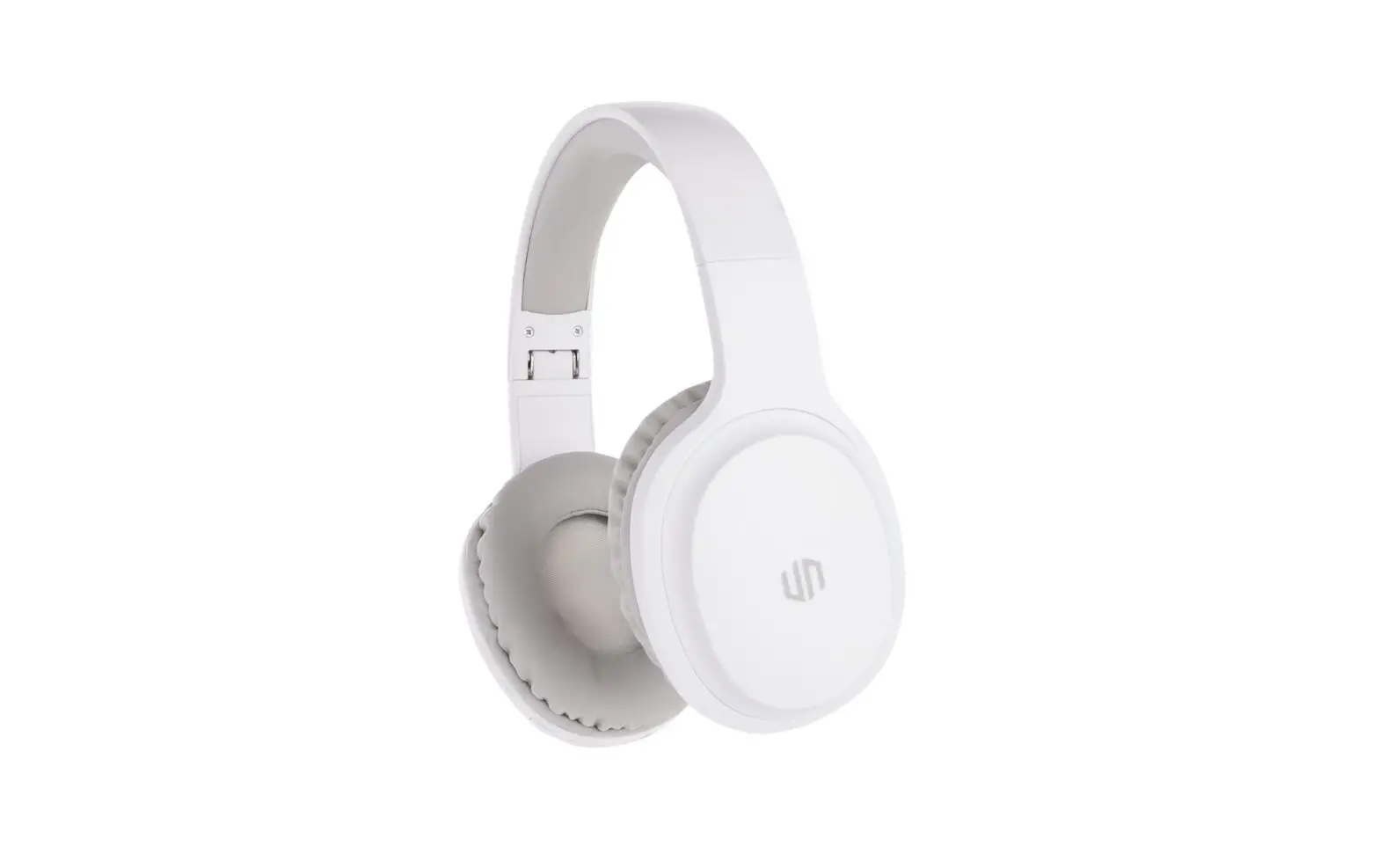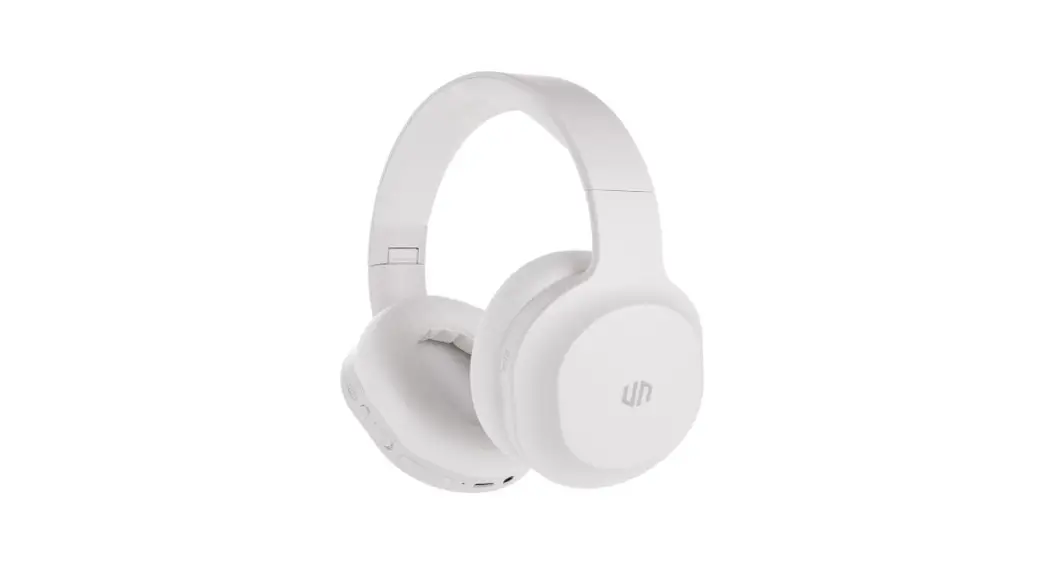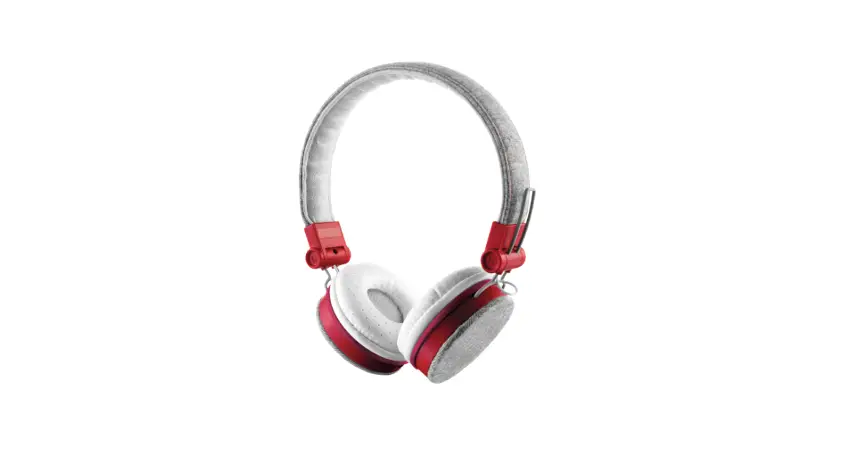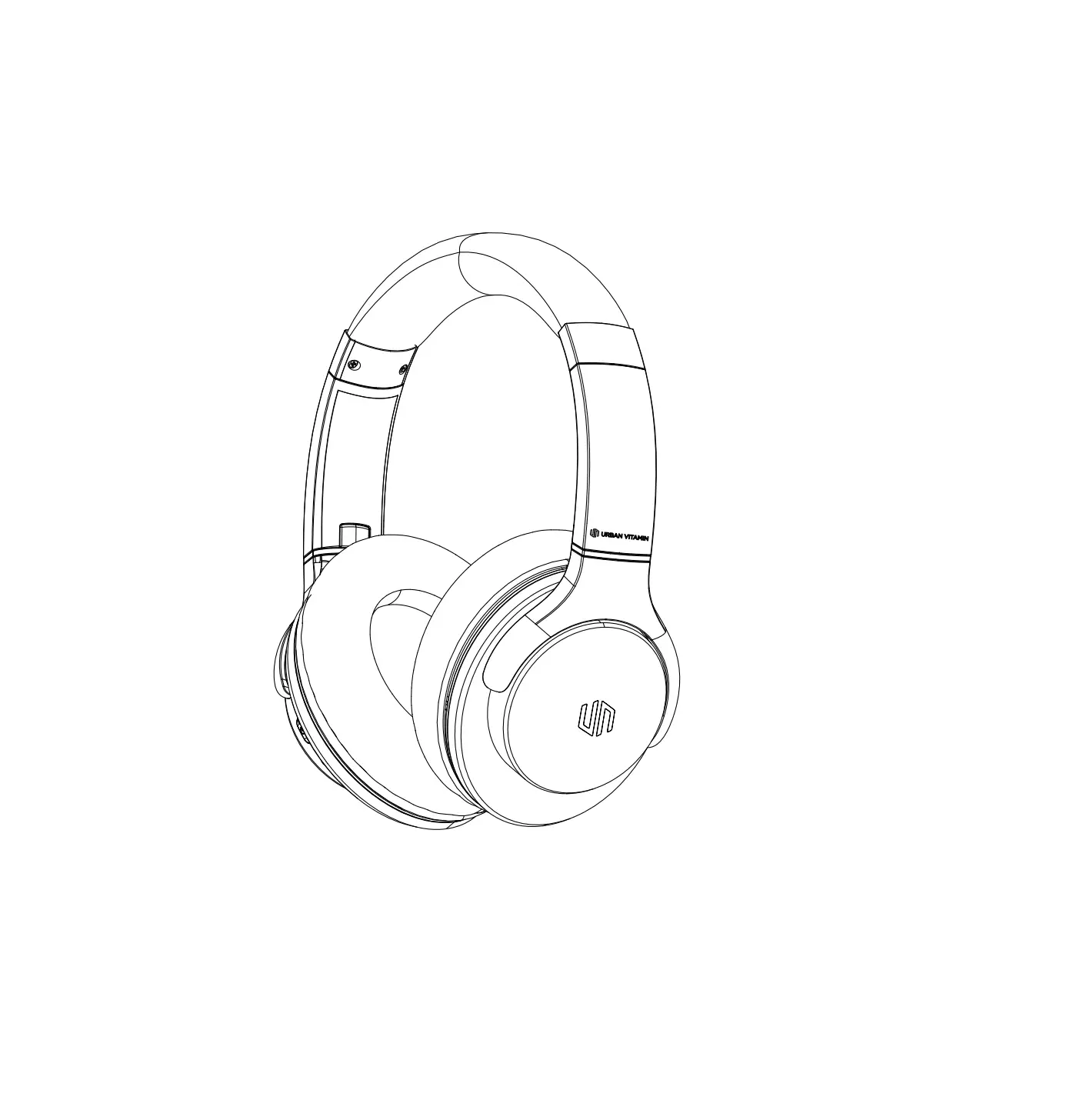
URBAN VITAMIN FRESNO Headphone
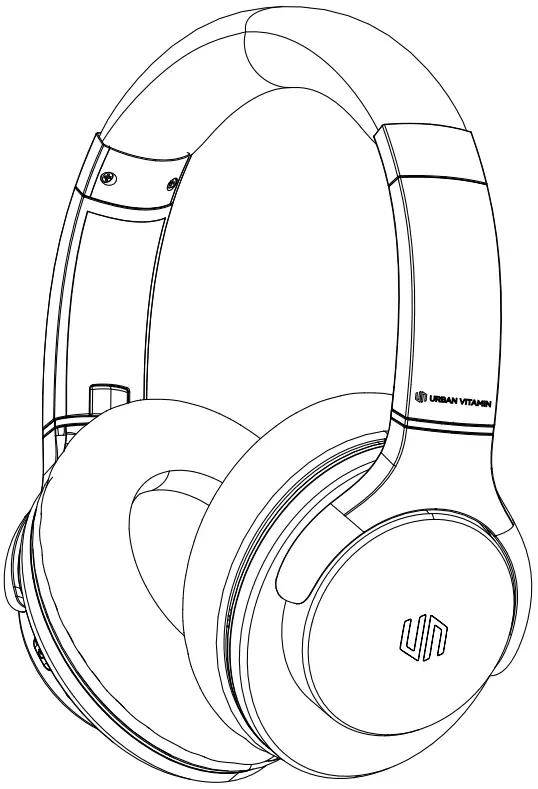
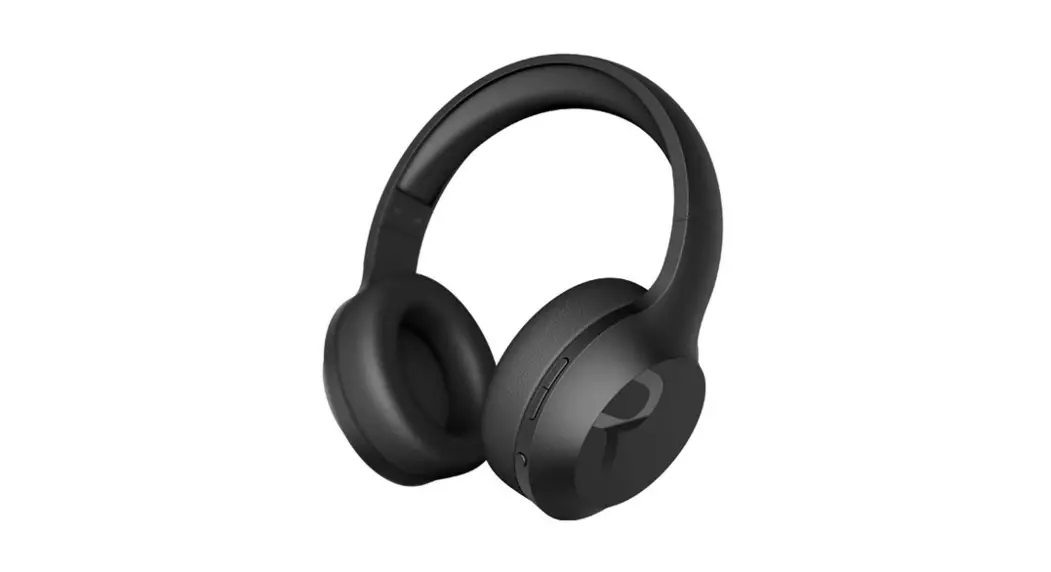
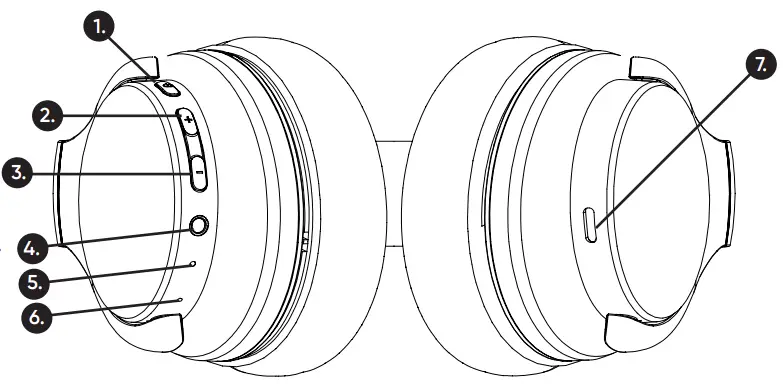
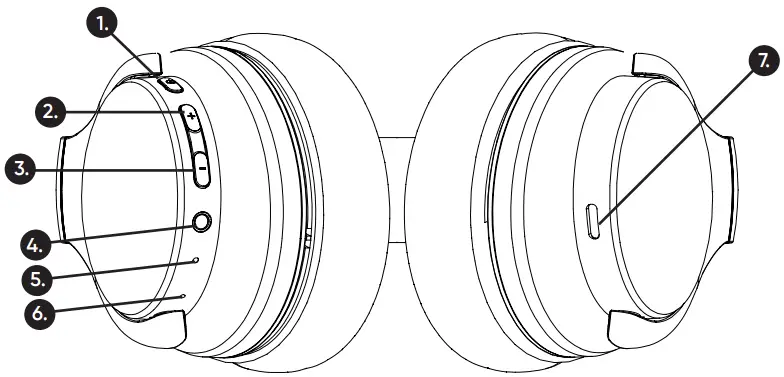
DEVICE LAYOUT
- On/off , Play/pause button
- Volume+/Next song
- Volume-/Previous song
- AUX port
- Battery/Charging indicator
- MIC
- Type-C charging port

CHARGING
- Connect the charger to the charging port.
- While charging the LED indicator will be solid red. When fully charged the LED indicator will turn off automatically.
PAIRING
- Turn on the headphones by pressing and holding down the phone button on the headphones for three seconds
- The device’s LED indicator will illuminate. The LED indicator light will blink between red and blue when it is in pairing mode.
- On the mobile device (smartphone/tablet) turn on the BT connection.
- Select “Urban Vitamin Fresno” in the available Wireless devices on your mobile device.
FUNCTIONS
You can operate the headphone with the buttons on the headphone. Please check below instructions.
| Play/pause music | Press 1 |
| Pick up phone call | Short press 1 |
| Reject phone call | Long (2 s) press 1 |
| End phone call | Short press 1 |
| Next song | Long press 2 |
| Previous song | Long press 3 |
| Volume + | Short press 2 |
| Volume – | Short press 3 |
| Siri/Google Assistant | 2s press 1 |
SPECIFICATIONS
| Speaker driver (mm) | 40mm |
| S/N Ratio (dB) | 100dB |
| Frequency range (Hz-KHz) | 20Hz-20KHz |
| Continuous playing time | 35 hours |
| Charging time earbuds | 3 hour |
| Battery capacity | 500 mAh |
| Mic function | yes |
| Pick up function | yes |
| BT version | 5.1+EDR |
| BT pairing name | Urban Vitamin Fresno |
NOTICE
- Keep the product dry; do not place the product in damp places.
- Keep out of direct sunlight and high temperatures High temperatures may result in damage.
- Keep out of cold temperatures, this will help avoid internal damage.
- Do not disassemble the product.
- Avoid dropping the product.
- Do not continue to charge the product over 10 hours.
- When charging use the Type-C charging cable that came with the product.
Xindao B.V. hereby declares that this product is in compliance with the essential requirements and other relevant provisions of Directive 2014/30/EU. The complete Declaration of Conformity can be found at www.xindao.com > search on item number.


 Home
Home