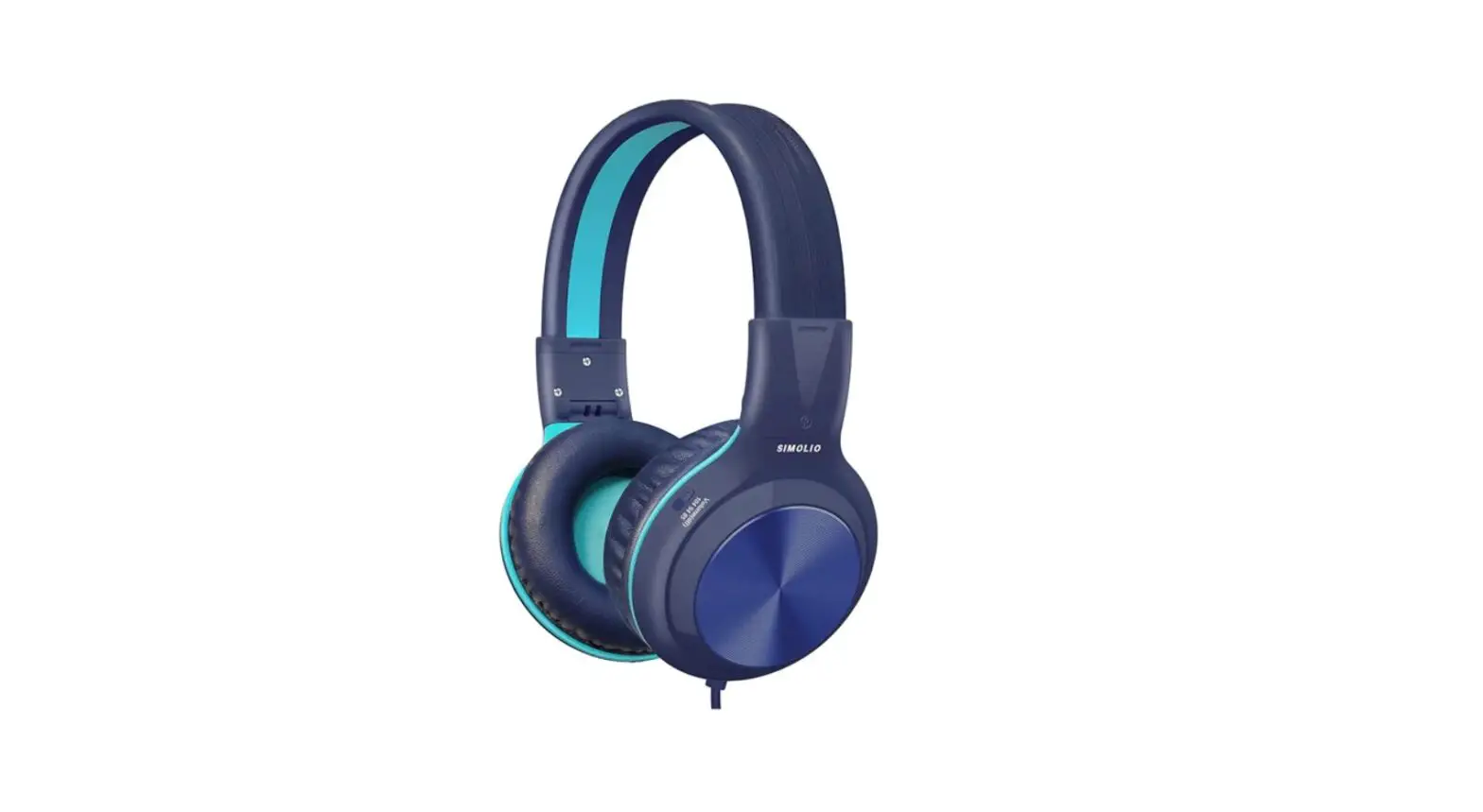
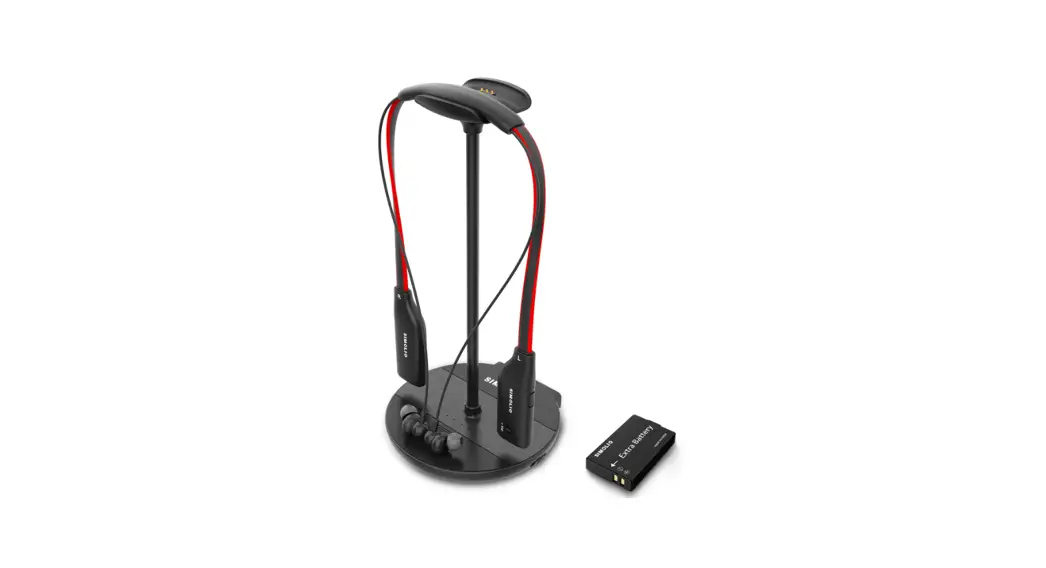
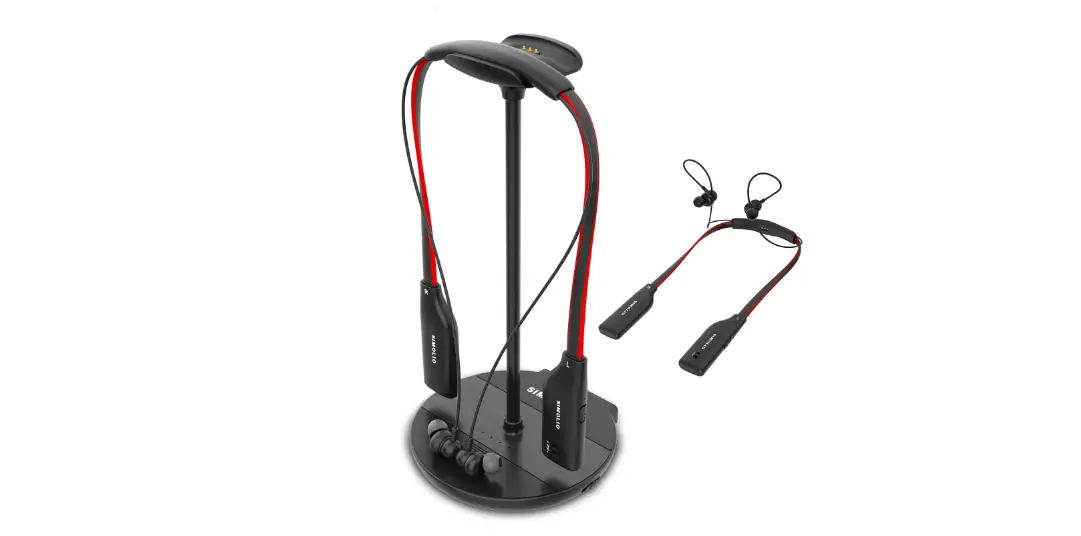
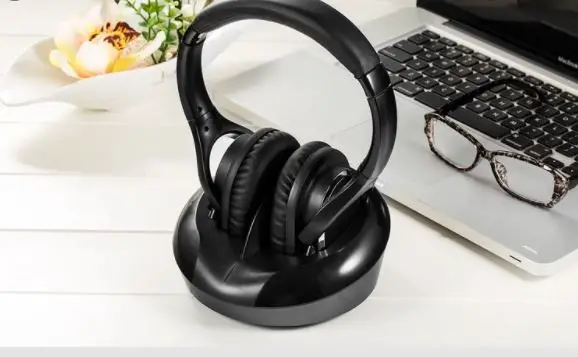
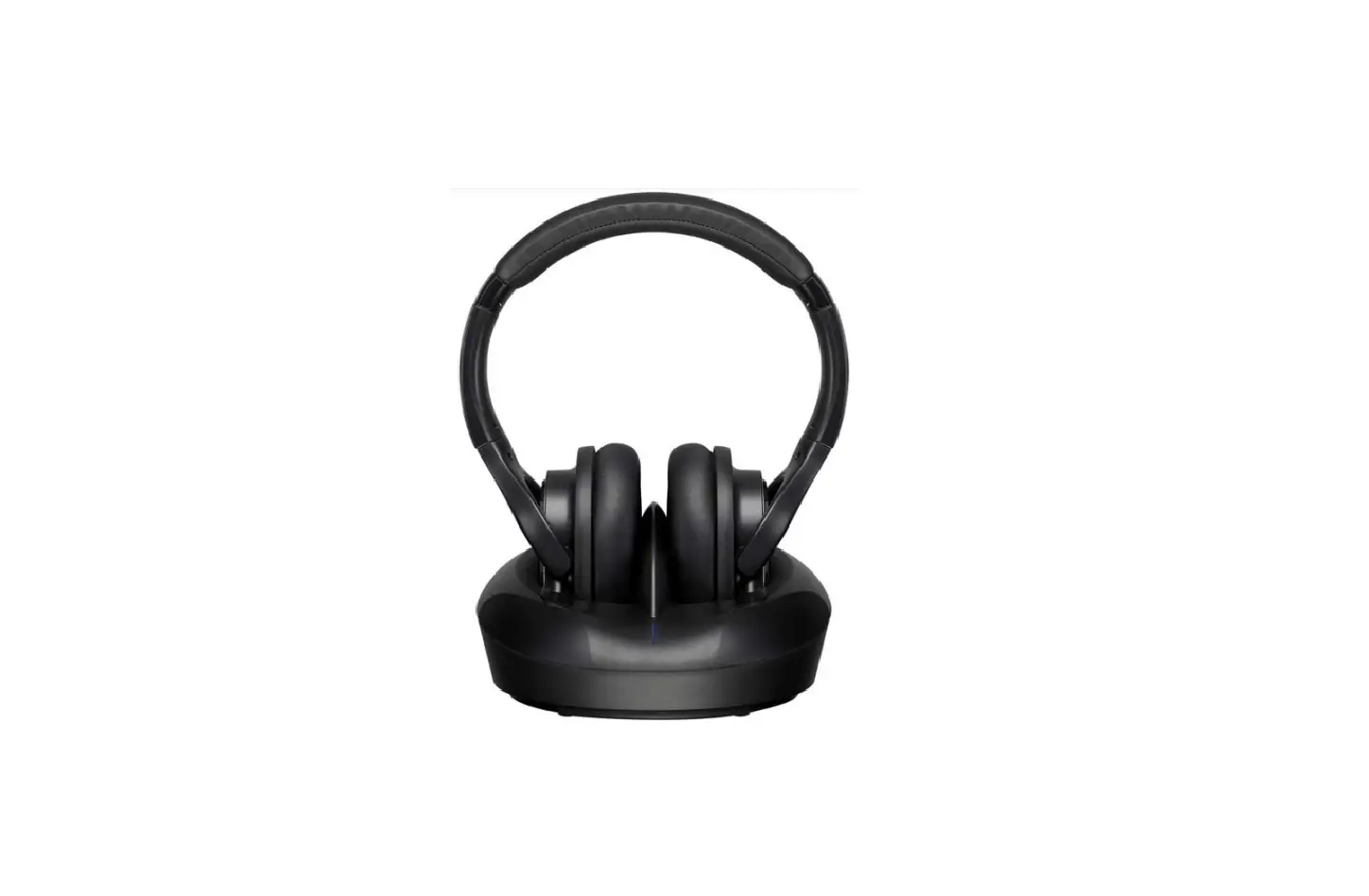
SM-905TV Voice Enhanced TV Headphones
Product Information
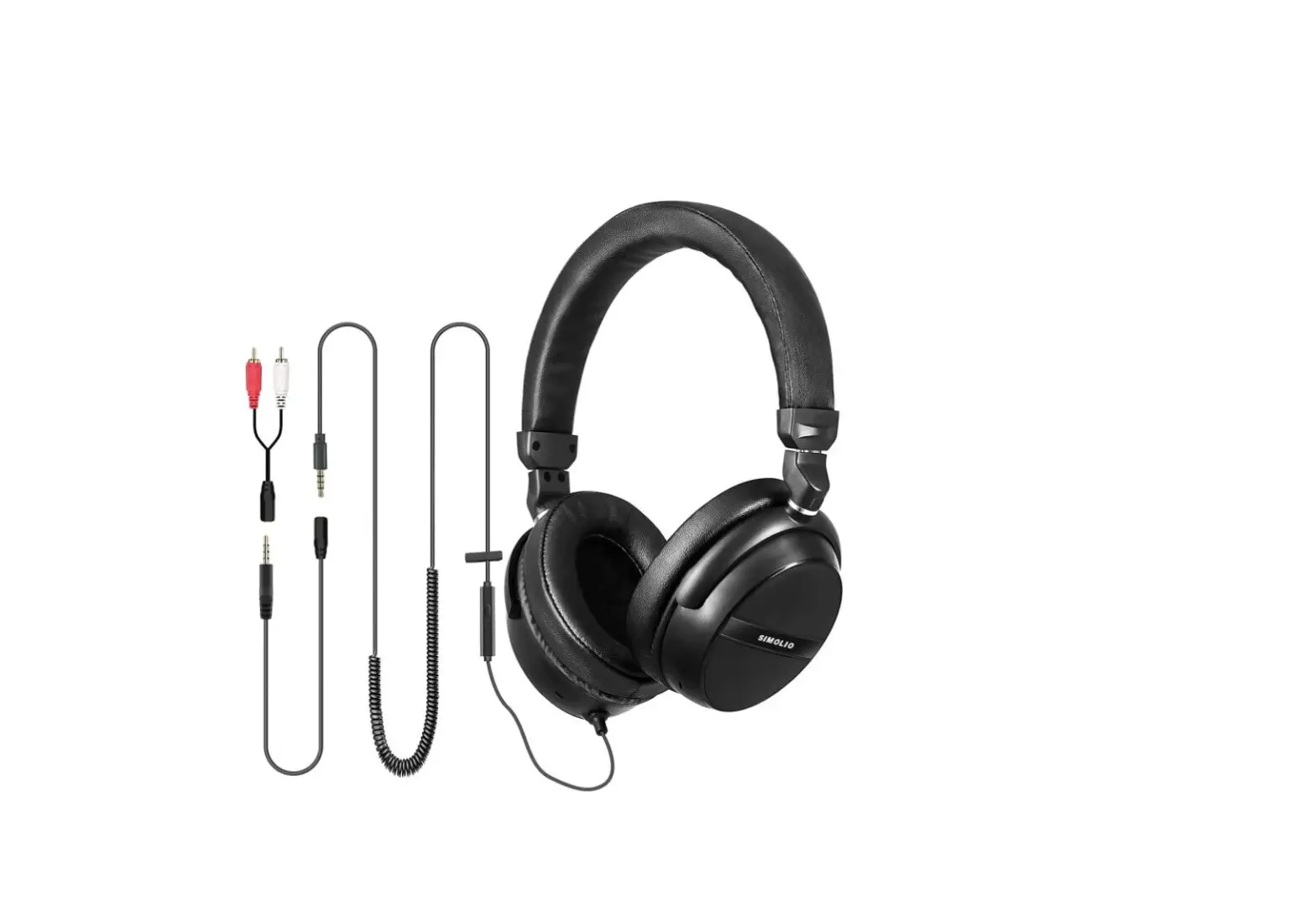
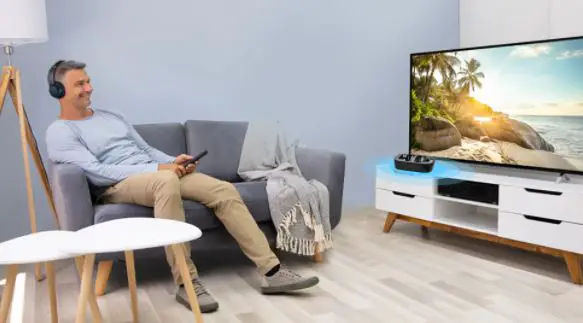
The SIMOLIO SM-905 TV is a pair of voice-enhanced TV headphones
designed to provide a convenient and immersive sound experience
while watching TV or listening to music. It features a built-in
500mAh Li-ion battery, a USB Type-C charging cable, and a 3.5mm
audio cable with a microphone. The headphones also come with a 5.5m
long coiled audio cable and an RCA convert cable.
Key Features:
- Designed for use with VOIP applications like Skype or chat
programs - In-line microphone with multi-function button for call
management - Voice recognition activation for mobile devices
- 12 months limited warranty
- Left-Right Channel Separation: 70dB
- Distortion: 0.5%
- Signal-to-noise ratio: 80dB
- Battery: Built-in 500mAh Li-ion battery
- Charging: USB Type-C Charging Cable
- Working Time: 40 hours
- Charging Time: 3 hours
Product Usage Instructions
Connecting to a PC or Old Version Laptop for VOIP
Applications
To connect the headphones to a PC or old version laptop for use
with VOIP applications such as Skype or chat programs, you will
need to purchase a 3.5mm Mic Audio Y Splitter Cable separately.
| Button | Function |
|---|---|
| MFB (Multi-function Button) | Answer a call/End a call |
| MFB (Multi-function Button) | Reject a call |
| MFB (Multi-function Button) | Play/Pause media |
| MFB (Multi-function Button) | Next track |
| MFB (Multi-function Button) | Previous track |
| MFB (Multi-function Button) | Activate voice recognition apps on your mobile device |
Note:
- Not all devices support this in-line remote control
functionality. - You may need to open the media player application for initial
playback to start. - If there is a phone call while you are listening to audio, the
phone call will take precedence over the audio, and after the call,
it will automatically return to the previous listening state. - Pressing the MFB button for more than 3 seconds will activate
voice command (e.g., Siri) when connected to an Android or an Apple
device.
Turning On the Headphones
To turn on the headphones:
- Slide the ON/OFF switch to the ON position.
Note:
- Please charge the headphones for 3 hours before using them for
the first time. - The headphones cannot be used as normal wired headphones
without battery as they are battery-operated headphones with Tone
Control function.
If you have any questions, please feel free to contact us
via:
[email protected] (NA/AU)
[email protected] (UK)
Response Time: 2-24h, excl. holidays
3. To connect the headphones to a PC or old version Laptop for use with VOIP applications, such as Skype or chat programs, MSN Messenger, Yahoo, Google Voice etc. You will need a 3.5mm Mic Audio Y Splitter Cable (purchase separately).
3.3 Basic Operation of the in-line MIC (MFB button) on Smart Phones
Button
MFB (Multi-function Button)
Function Answer a call/End a call Reject a call Play/Pause media
Next track
Previous track
Activate voice recognition apps on your mobile device
Operation Press MFB once Press and hold MFB for 3 seconds Press MFB once Double-press MFB Triple-press MFB
Pressing MFB button for more than 3 seconds will activate voice command (e.g.,Siri) when connected to an Android or an Apple device
Note: * Not all devices support this in-line remote control functionality. * You may need to open the media player application for initial play back to start. * If there is a phone call while you are listening to an audio, the phone call will take precedence
over the audio, and after the call, it will automatically return to the previous listening state.
Limited Warranty
12 months limited warranty: Simolio provides full warranty due to defects in materials and workmanship for a period of 12 months from the original date of purchase. The warranty period is not extended if we repair or replace warranted product.
This warranty is provided at the discretion of Simolio Ltd. And does not cover appearance damage or damage due to acts of nature, accident, misuse, abuse, negligence, commercial use, or modification of or to any part of the product. Accessories such as extended cable, RCA convert cable and perishable items such as earmuffs are not covered under this warranty.
Technical Specifications
Left-Right Channel Separation Distortion Signal-to-noise ratio Power supply Charging way Working time Charging time
70dB 0.5% 80 dB Built-in 500mAh Li-ion Battery USB Type-C Charging Cable 40 hours 3 hours
If you have any questions, please feel free to contact us via: [email protected] (NA/AU) [email protected] (UK)
4
Voice Enhanced TV Headphones SM-905 TV User Manual
Thank you for choosing SIMOLIO SM-905 TV, which is specifically designed for you to enjoy TV or music or other content in a convenient way with great sound experience and don’t worry to disturb your family. Please read this guide carefully so you can take full advantage of SIMOLIO and keep it in a safe place for future reference. We hope that you’re very happy with your SIMOLIO, if you have any questions, please feel free to contact us via:
[email protected] (NA/AU) [email protected] (UK) Response Time: 2-24h, excl. holidays
Li-battery
Battery Compartment
(L)
L
RCA convert cable
Charging Indicator ( LED 2)
USB Type-C Charging Socket
TONE Control
VOLUME Power ON/OFF
LED 1 (R)
R TO NE
Audio In
Using Your Headphones
1.1 Turn on the Headphones
Slide ON/OFF switch to “ON” position.
Note: 1. Please charge the headphones for 3
hours before using it for the first time. 2. It CANNOT be used as normal wired
headphones without battery as these are battery-operated headphones with Tone Control function.
1
5.5M long coiled audio cable 1.5M audio cable with mic USB Type-C cable
R
1.2 LED Indication
LED Status Green LED lighting steadily (LED 1) Red LED flashes (LED 2)
Red LED on Red LED off
(LED 2) (LED 2)
Headphone Status Working Low power indication Charging Charging completed
1.3 Charge the Headphones
You can charge your headphones by plugging the USB Type-C power cable into a phone charger (5V/500mA-2Aoutput), PC USB port, TV USB port or any other USB outlet.
(phone charger / PC USB port/ TV USB port / any other USB outlet)
(Headphone)
Note: The charging time is approx. 3 hours. The headphones will last around 40 hours on a full charge, but will last a lesser or greater amount of time depending on the average volume level of the headphones. (It is recommended to turn off the headphone after using it.)
1.4 TONE Control
You can adjust the tone by rotating the TONE control dial (under the decorative cover on the right side of the headphones) clockwise as needed so you can hear the TV clearly. Note: up to 12dB adjustment.
USB Type-C charging cable
( )
R
TO NE
TONE Control
TONE
Normal Treble
Kindly reminder: Please make sure the headphones are being worn properly.
A. Each side of the headphone has a letter to guide the wearer: “L” for left and “R” for right. You can adjust the retractable headband to fit you better.
B. It’s a 90-degree rotation design that can’t be folded up.If you experience resistance while rotating, please check and change to the correct rotation direction.
9 10 11 12
9
10
11
R
12
You can only rotate it 90 degrees in a specificdirection as above.
Caution
R
LR
L
2
Using the Headphones with TV
2.1 AUX/3.5mm Audio Out
3.5mm/ AUX
9 10 11 12
R
headphone jack
5.5M long coiled audio cable
2.2 RCA Audio Out (must be labeled AUDIO OUT)
R AUDIO OUT L
9 10 11 12
R
5.5M long coiled audio cable Note: * For TVs with only Optical and/or Coaxial audio output, you will need to purchase a Digital to
Analog Audio Converter (DAC is available at our store separately) for installation. * For AV receivers with a 6.35mm phone jack at the front, you will need to purchase a 6.35mm
to 3.5mm audio adapter for installation.
Using the Headphones with PC / Tablet / Phone
3.1 Using the Headphones to Listen to Music
PC / tablet / phone
9 10 11 12
R
1.5M audio cable
3.2 Using the Headphones to Make a Call or Chat on-line.
9 10 11 12
R
Fig 1
3.5mm Mic Audio Y Splitter Cable
1.5M audio cable
Note: 1. When using the 1.5M audio cable, please make sure the plug with 4 pole (ref. Fig 1)
is inserted to the audio device like PC, tablet, phone. Otherwise the MIC will not work. 2. MFB function is only available in smart phones.
3