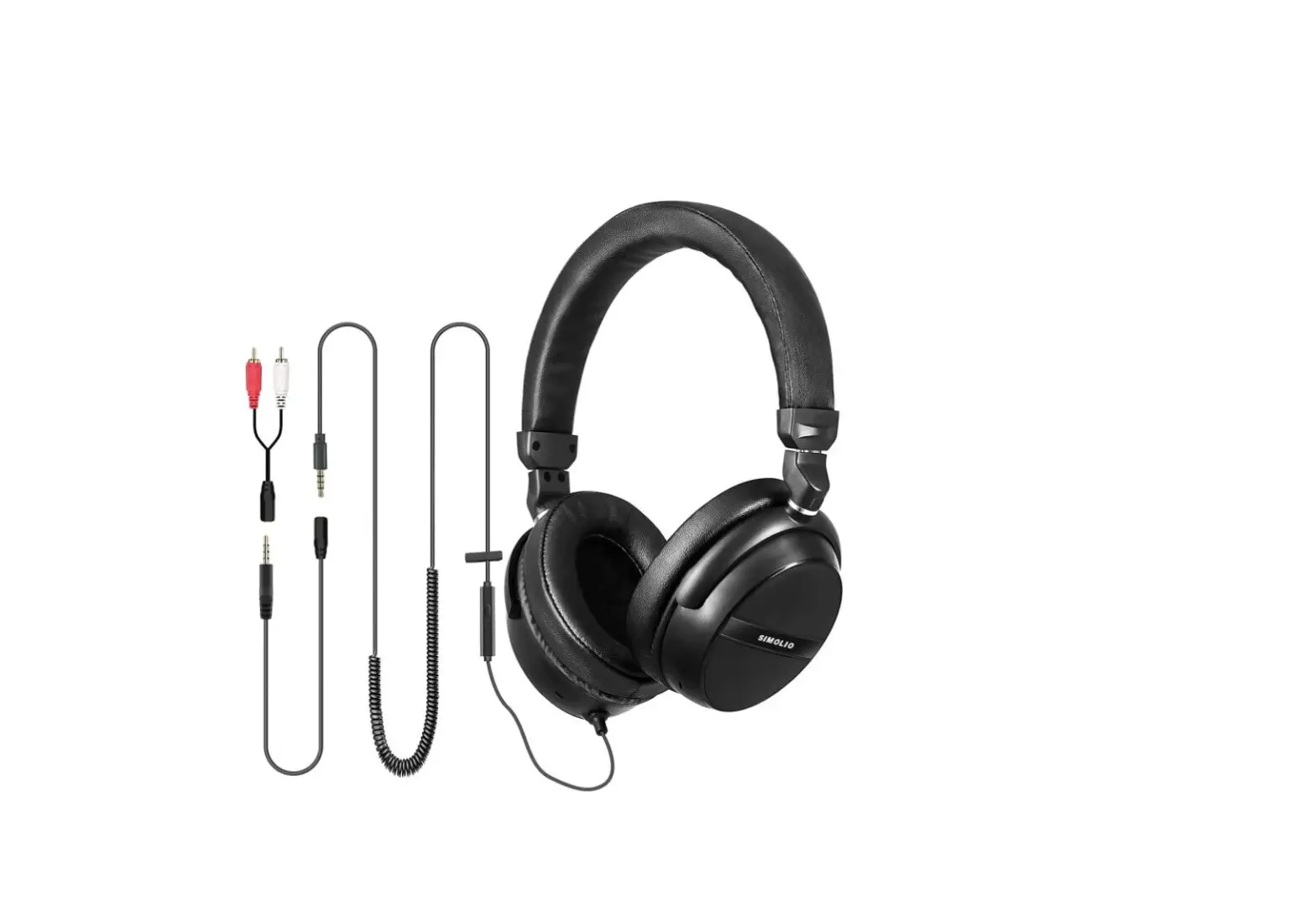
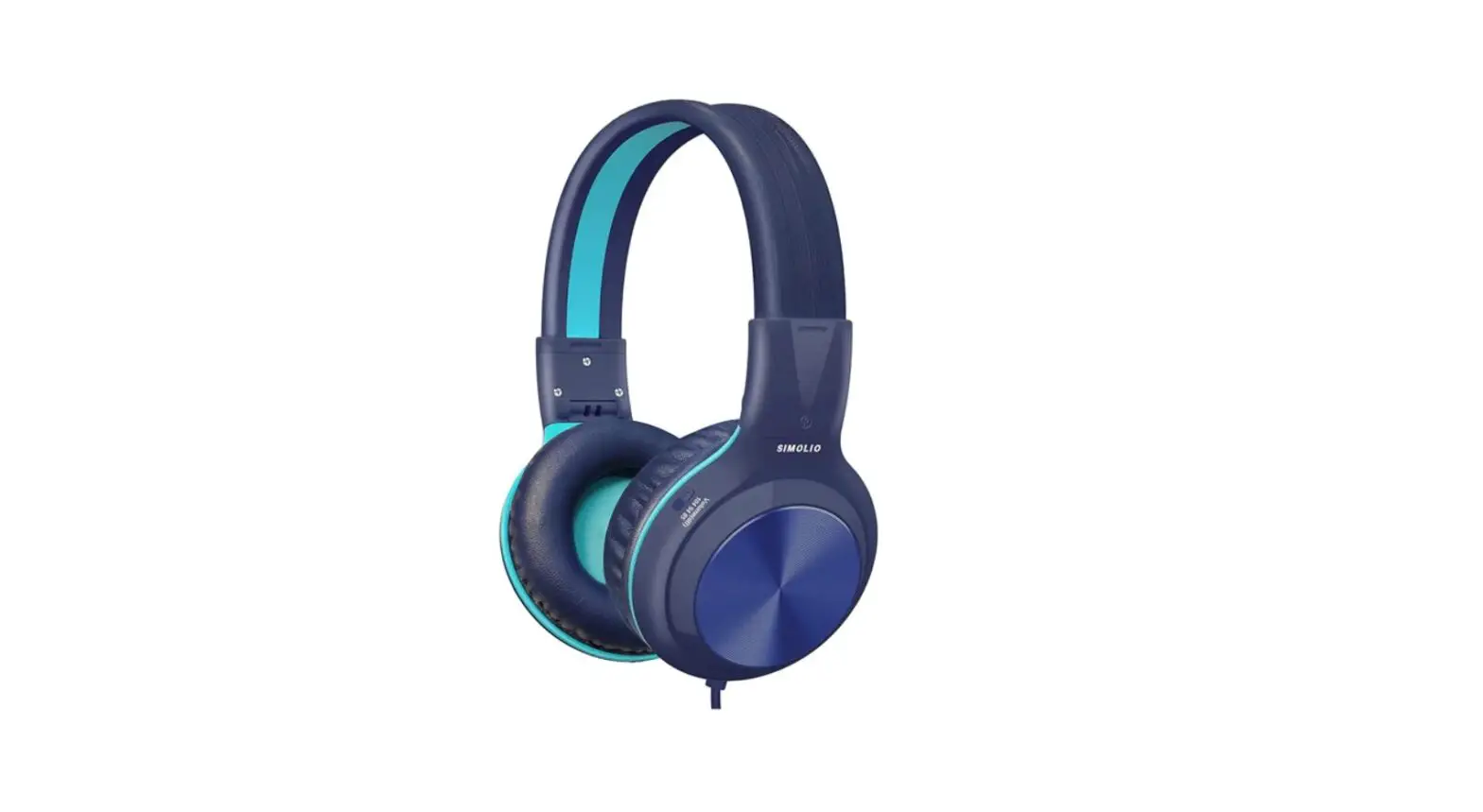
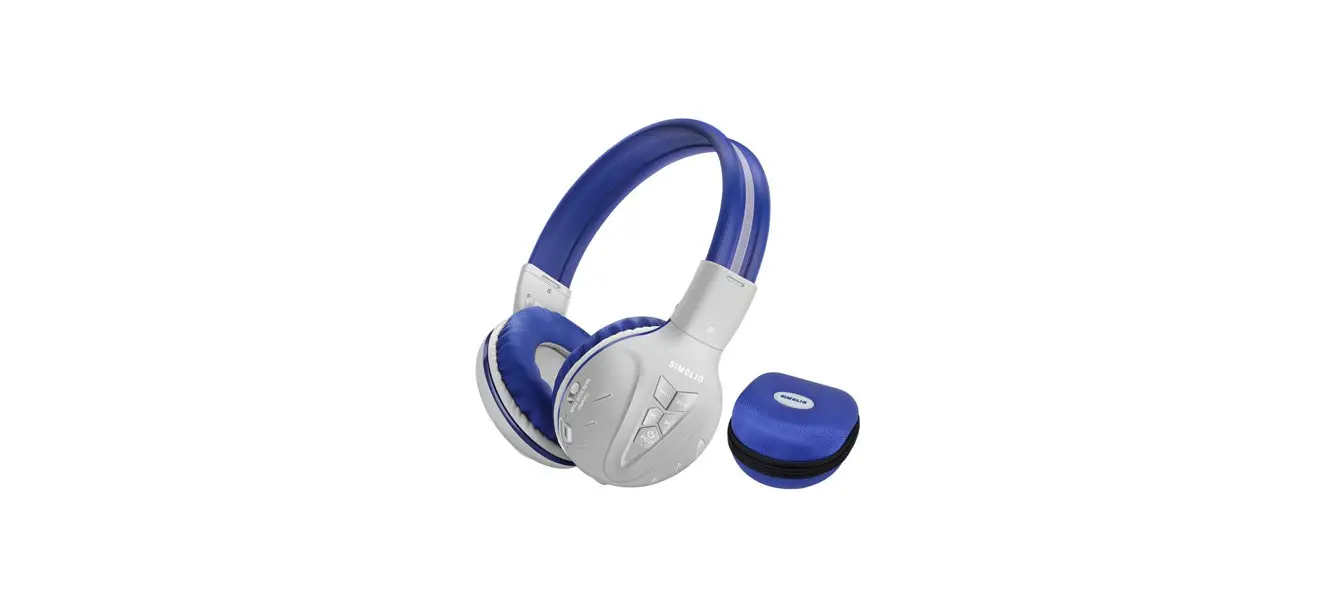
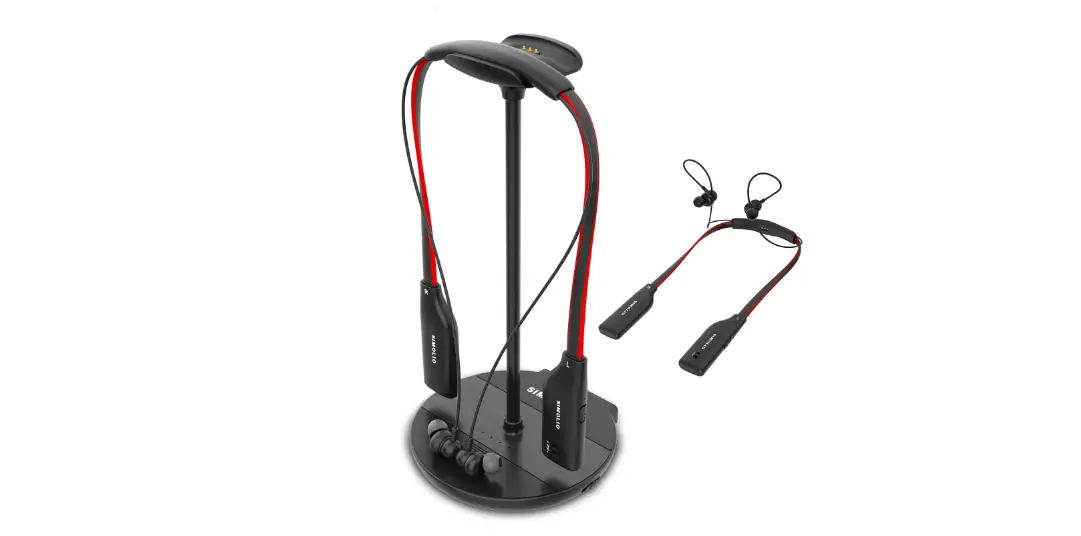
SM-901M Stereo Headphone
Product Information:
Product: SIMOLIO SM-901M Stereo Headphone
User Manual: SM-901 M User Manual
Warranty: Limited warranty for 180 days from the original date
of purchase
Product Usage Instructions:
1. Basic operation of the in-line audio control cable on the
smart phones
The SIMOLIO SM-901M Stereo Headphone comes with an in-line audio
control cable that allows you to perform various functions on your
smart phone. Here are the functions and their corresponding button
operations:
| Button | Function | Operation |
|---|---|---|
| MFB | Answer a call/End a call Reject a call Play/Pause media | Press MFB once |
| MFB | Next track (Multi-function Button) | Double-press MFB |
| MFB | Previous track (Multi-function Button) | Triple-press MFB |
| MFB | Activate voice recognition apps on your mobile device | Press and hold MFB for 3 seconds |
| Volume | Volume up (MAX-MIN) | Slide upward gradually to MAX |
| Volume | Volume down (MAX-MIN) | Slide downward gradually to MIN |
Note:
- You may need to open the media player application for initial
playback to start. - Not all devices support this in-line remote control
functionality. - If there is a phone call while you are listening to audio, the
phone call will take precedence over the audio, and after the call,
it will automatically return to the previous listening state.
2. Using the Headphones with Your Devices
To use the SIMOLIO SM-901M Stereo Headphone with your device
(such as a smartphone, iPad, or PC), follow these steps:
- Connect the 3.5mm Jack on the end of the audio cable to your
device. - You can use the headphones for:
- Listening to music or other audio.
- Making a call or chatting online.
Note:
- MFB function is only available on smartphones.
- To connect the headset to a PC or an old version Laptop for use
with VOIP applications (such as Skype or chat programs like MSN
Messenger, Yahoo, Google Voice, etc.), you will need a 3.5mm Mic
Audio Y Splitter Cable (purchase separately).
3. Limited Warranty
Simolio provides a limited warranty for defects in materials and
workmanship for a period of 180 days from the original date of
purchase. The warranty does not cover appearance damage or damage
due to acts of nature, accident, misuse, abuse, negligence,
commercial use, or modification of or to any part of the product.
Perishable items such as ear tips are not covered under this
warranty.
Stereo Headphone
SM-901 M User Manual
Thank you for choosing SIMOLIO SM-901M. Please read this guide carefully so you can take full advantage of SIMOLIO and keep it in a safe place for future reference. We hope that you’re very happy with your SIMOLIO, if you have any questions, please feel free to contact us via: [email protected] (NA/AU) [email protected] (UK)
Response Time: 2-24h, excl. holidays
1. Basic operation of the in-line audio control cable on the smart phones
Button
Function
Answer a call/End a call Reject a call
Play/Pause media
MFB
Next track
(Multi-function Previous track
Button)
Activate voice
recognition apps on
your mobile device
Volume
Volume up
(MAX-MIN) Volume down
Operation
Press MFB once Press and hold MFB for 3 seconds
Press MFB once Double-press MFB Triple-press MFB
Pressing MFB button for more than 3 seconds will activate voice command (e.g.,Siri) when connected to an Android or an Apple device Slide upward gradually to MAX
Slide downward gradually to MIN
Note: * You may need to open the media player application for initial play back to
start. * Not all devices support this in-line remote control functionality. * If there is a phone call while you are listening to an audio, the phone call
will take precedence over the audio, and after the call, it will automatically return to the previous listening state.
2. Using the Headphones with Your Devices Connect 3.5mm Jack on the end of the audio cable to your device (Such as Smart phone, iPad, PC etc.).
(1) Listening music or other audio. (2) Making a call or chatting on-line.
Note: 1.MFB function is only available in smart phone. 2.To connect this headset to a PC or old version Laptop for use with VOIP applications, such as Skype or chat programs, MSN Messenger, Yahoo, Google Voice etc. You will need a 3.5mm Mic Audio Y Splitter Cable (purchase separately).
3.5mm Mic Audio Y Splitter Cable
3. Limited Warranty
Simolio provides full warranty due to defects in materials and workmanship for a period of 180 days from the original date of purchase. The warranty period is not extended if we repair or replace warranted product.
This warranty is provided at the discretion of Simolio Ltd. And does not cover appearance damage or damage due to acts of nature, accident, misuse, abuse, negligence, commercial use, or modification of or to any part of the product. Perishable items such as ear tips are not covered under this warranty.