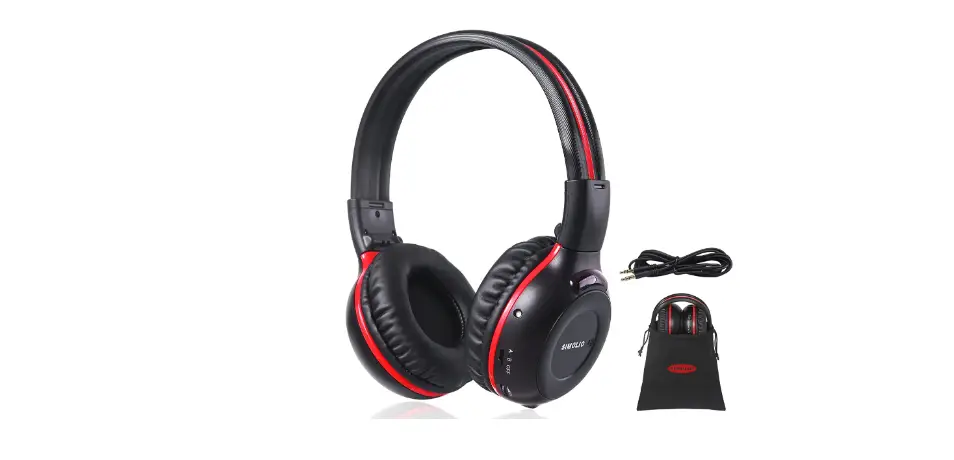
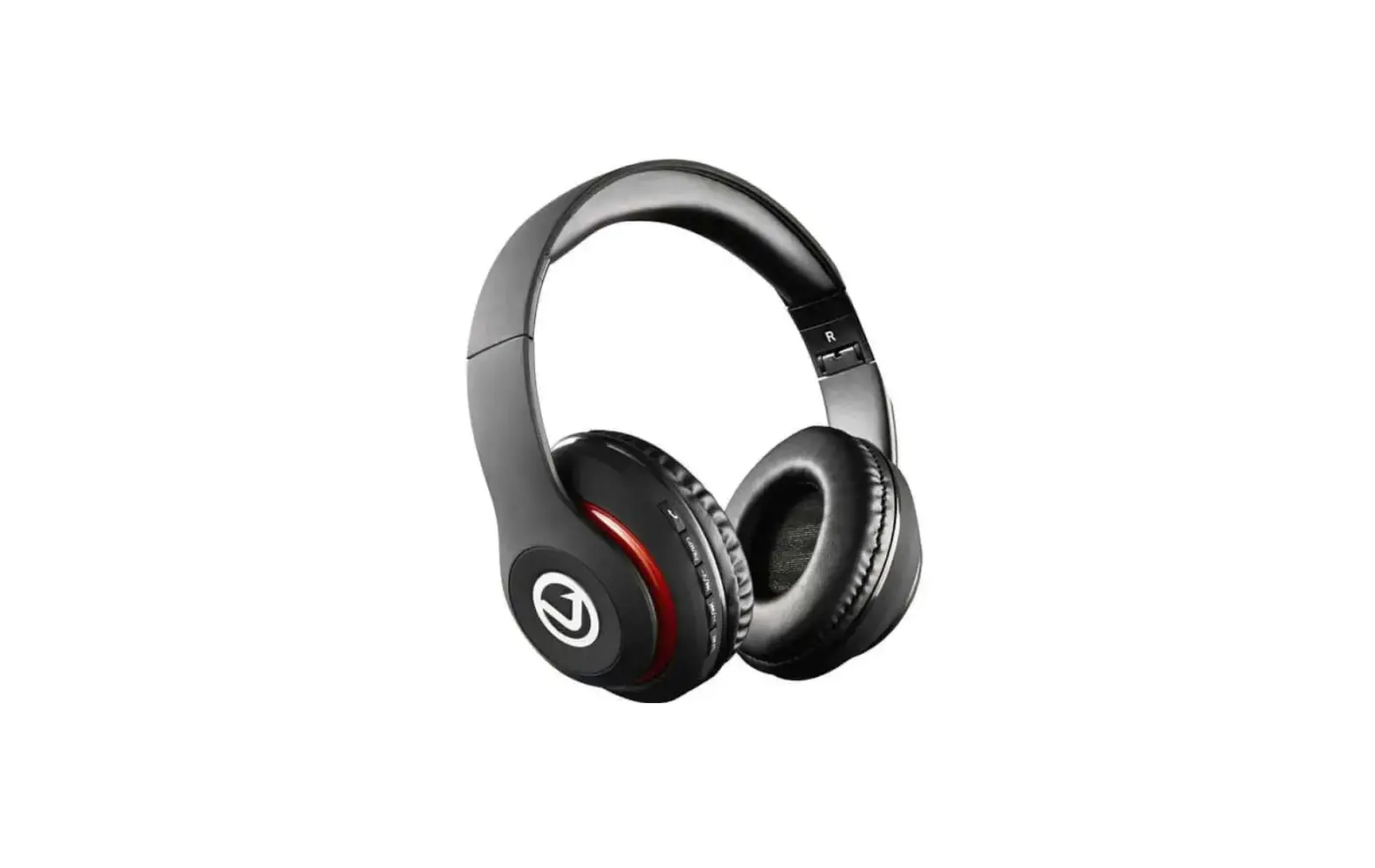
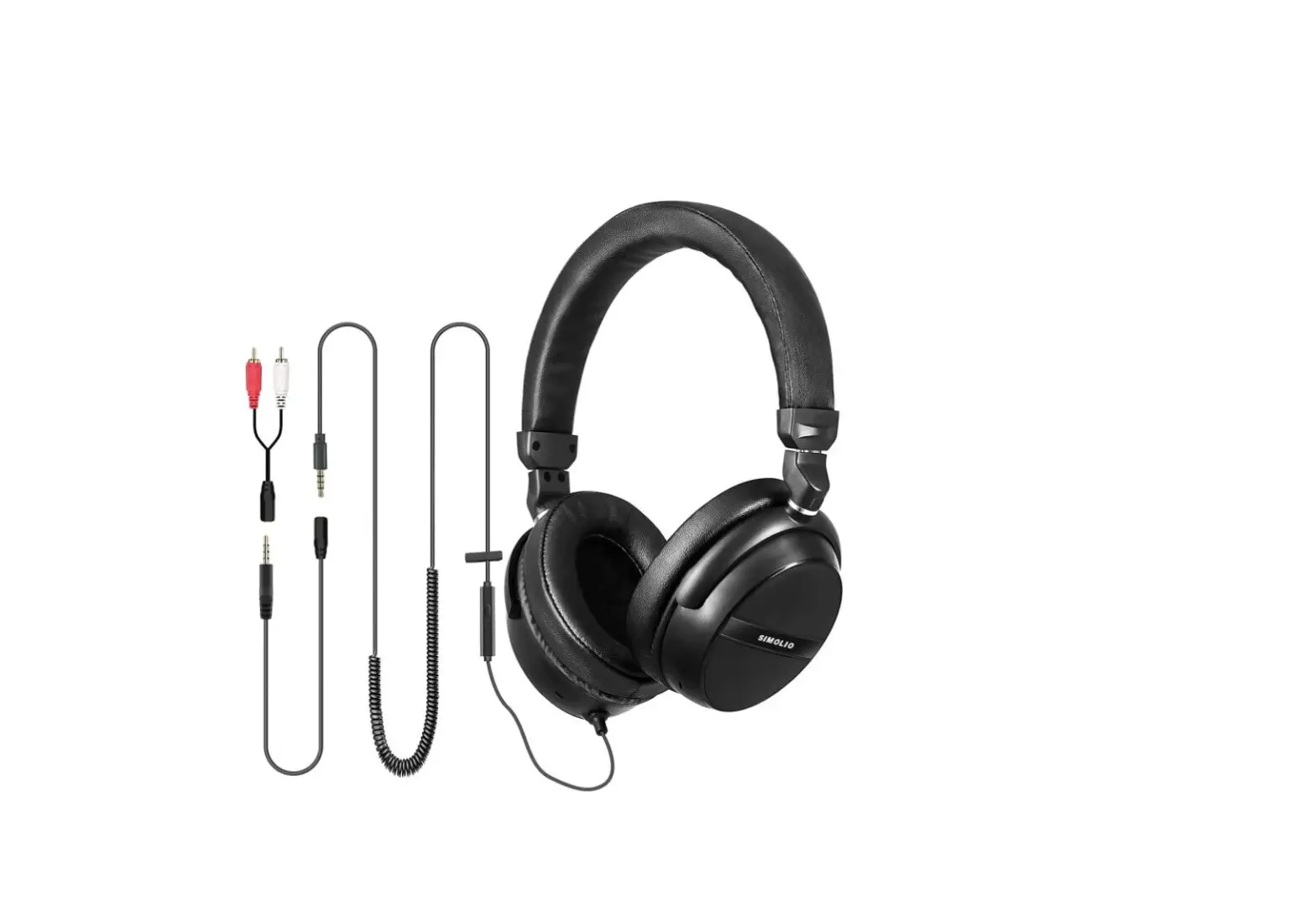
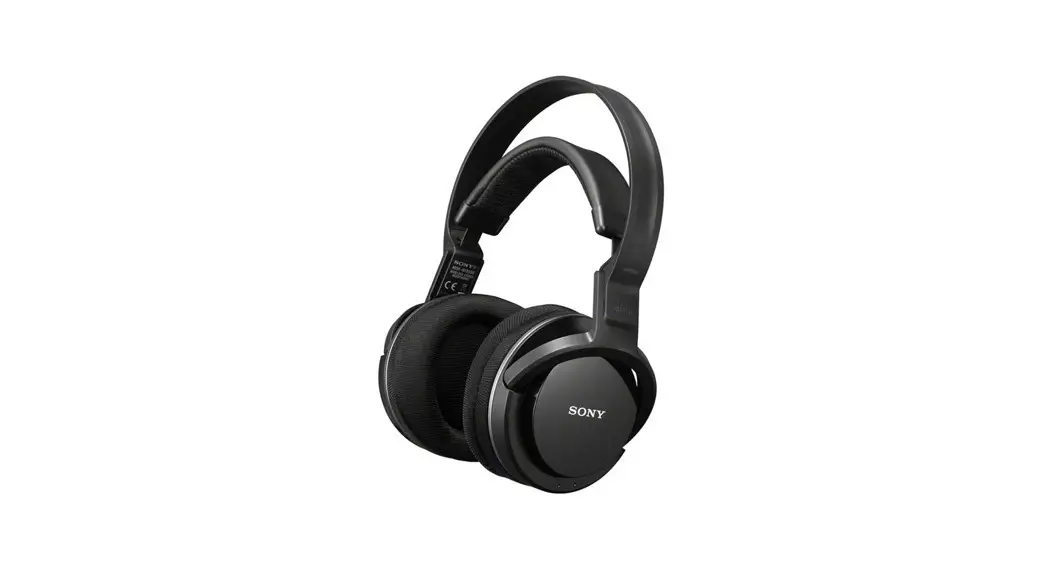
SM-563B IR Stereo Two Channel Wireless Headphone
Product Information:
The SM-563B is an IR Stereo Two-channel Wireless Headphone
designed for use with vehicle IR rear entertainment systems. It
allows kids to enjoy their favorite movies from a DVD player
without interference, while providing a peaceful and quiet
experience for the driver. The headphones are compatible with most
vehicle rear entertainment systems that have standard infrared
sensors or IR sensors. They are powered by 2xAAA batteries (not
included) and can provide up to 20 hours of continuous working. The
headphones also feature an automatic shutdown function to prevent
battery drainage when not in use. Additionally, a 3.5mm aux jack
and aux cable are included for use with devices such as iPads,
iPhones, and tablets.
Product Usage Instructions:
- Remove the insulator at the positive end of the battery or
insert 2xAAA batteries according to the engraved polarities in the
battery chamber of the headphone. - Turn on the headphone by pressing the ON key and switch to
either A or B channel according to the transmitter’s channel. When
the headphone is on, the power indicator will light up. - Adjust the volume to the desired level. Ensure that the
channels on both the transmitter and headphone are matched (e.g.,
if the transmitter is set to A-channel, the headphone should also
be switched to A-channel) in order to listen to the sound
transmitted from audio devices. - The headphones have an automatic power-off function. If no
transmission signal is received for approximately five minutes,
they will power off automatically. To use them again, press the OFF
key and then press ON. - To turn off the headphones, press the OFF key. If you won’t be
using them for a long time, it is recommended to remove the
batteries.
Technical Parameters:
- Power Supply: 2XAAA alkaline batteries (not included)
- Receiving Frequency: A channel: L/2.3MHz, R/2.8MHz (Universal
standard), B channel: L/3.2MHz, R/3.8MHz (Universal standard) - Receiving Distance: 6m
- Frequency Response: 20Hz~20KHz
- Power Output: 8mW
- S/N Ratio: 60dB
Troubleshooting:
| Problem | Causes | Solutions |
|---|---|---|
| No voice | The transmission source is not turned on. Receiver is beyond effective range. No voice Channels are not matched. The volume of the Audio Source is set too low. | – Turn on the power of the transmission source. – Receive the signal within effective range. – Adjust channel A/B to match with the channel of the transmitter. – Turn the audio source’s volume up to ensure a steady sound signal. |
| Noise | Interference from other transmission sources. Receiver is too far. The batteries have little power. The receiver is moved too quickly. | – Minimize interference from other transmission sources. – Ensure the receiver is within a reasonable distance from the transmitter. – Replace batteries with new ones if necessary. – Avoid moving the receiver too quickly. |
Sales & Support Email: [email protected] ( NA/AU ) [email protected] ( UK) [email protected] ( EU)
IR Stereo Two-channel Wireless Headphone
SM-563B
ON OFF
User Manual
Sales & Support Email: [email protected] ( NA/AU ) [email protected] ( UK) [email protected] ( EU)
SM-563B Manual
SM-563B IR wireless headphones are universal standard ones for the vehicle IR rear entertainment system. It can make your kids enjoy their favorite movies form the DVD player freely and happily, and leave the peace and quiet to you on the road to trips.
For any questions , please contact: [email protected] ( NA/AU ) [email protected] ( UK) [email protected] ( EU)
SM-563B Manual
1 Features
1) Compatible with most vehicle rear entertainment systems which have the standard infrared sensors or IR sensors.
(2) Two-channel infrared headphone: for two kids in the same row watching different movies without interference.
(3) 2xAAA batteries (not included) can provide up to 20 hours of continuous working. Automatic shutdown function prevents the battery from being drained when not in use. A 3.5mm aux jack with a aux cable included, for use with your iPad, iPhone, tablet, etc.
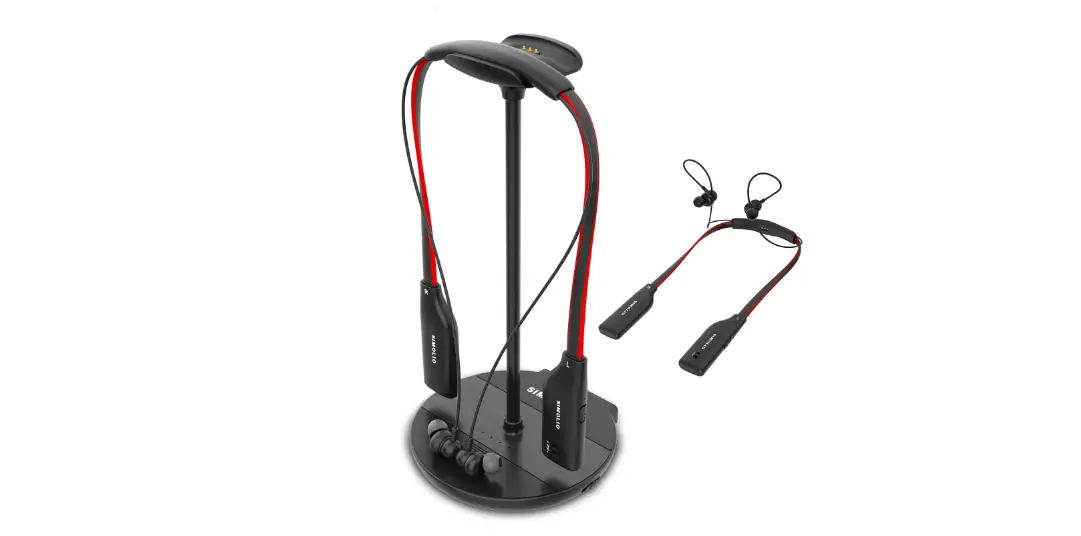
(4) For the car DVD/TV which have no IR sensors, you can purchase our IR transmitter SM-261A or SM-264D, which has a car adapter and a home adapter as well. You can use it in your car as well as at your home. Combine the IR wireless headphone and IR transmitter together, can make a perfect wireless headphone system for TV watching. Because the infrared technology is free of interference from any RF signals, so you can stream Netflix, Hulu, Amazon prime video etc. from WiFi TV box/smart TV without worrying about interference.
01
SM-563B Manual
2 Parts Introduction
Battery case
Volume ON Control OFF
Audio-In Jack
Power Indicator A/B Channel
3 User Guide
(1) Remove the insulator at the positive end of the battery, or mount 2xAAA batteries according to the engraved polarities in the battery chamber of the headphone.
(2) Turn on the headphone by press key ON and switch to A or B channel according to the transmitter’s channel. When the headphone is on, the power indicator becomes light. Adjust the volume properly. When the channels are matched
02
SM-563B Manual
( if the transmitter part is in A-channel, the headphone has also to be switched to A-channel ), you can listen to the sound transmitted from audio devices.
(3) Automatic power-off function: when the headphone hasn’t received the transmission signal for about five minutes, it will be powered off automatically. You need to press it OFF, and then ON when you use it again.
(4) Turn off the headphone by pressing the key OFF. Take out the batteries if you won’t use it for a long time.
4 Technical Parameters
(1) Power Supply: 2XAAA alkaline batteries (not included)
(2) Working Current: 30mA ± 5mA
(3) Receiving Frequency: A channel: L/2.3MHz, R/2.8MHz (Universal standard)
B channel: L/3.2MHz, R/3.8MHz (Universal standard)
(4) Receiving Distance: 6m
(5) Frequency Response: 20Hz~20KHz
(6) Power Output: 8mW
(7) S/N Ratio: 60dB
03
SM-563B Manual
5 Trouble Shooting
Problem
Causes The transmission source is not turned on.
Receiver is beyond effective range.
No voice Channels are not matched.
The volume of the Audio Source (e.g., car DVD, iPad, TV and relative audio devices connected to TV) is set too low.
Noise
Interference from other transmission sources. Receiver is too far.
The batteries have little power.
The receiver is moved too quickly.
Part 1 Solutions Turn on the power of the transmission source. Receive the signal within effective range. Adjust channel A/B to match with the channel of transmitter.
Turn the audio source’s volume up to promise steady sound signal.
Leave far away from the interfering source. Receive the signal within effective range.
Change another two new batteries. Slow down or stop moving the receiver.
04
SM-563B Manual
Problem Noise
Causes
Blocked by obstacles
Frequency deviation. The IR frequencies of the headphone do not match the IR frequencies of the transmitter which built-in car DVD system.
Part 2
Solutions
Remove the obstacles.
Make sure the built-in IR transmitter of your car DVD system can be turned off and then buy our SIMOLIO infrared transmitter SM-261A/SM-264D to work with. Or you can keep buying original car factory headphones.
05
SM-563B Manual
6 How to adjust the headband to fit better
The headband incorporates memory elastic stainless steel strips inside, you can remould the headband shape to fit you better, or adjust the wearing angle to make the headphones fit snug on your ears.(Ref. Fig 1)
Fig 1
SHAPE 1
Adjust the headband
SHAPE 2
SM-563B Manual
7 Fold up the Headphone
After using, you can fold up the headphone and store in the bag, shown as (Ref. Fig 2 /3/4)
Fig 2
Fig 3
Fig 4
Push up
06
07
SM-563B Manual
8 Kindly reminder
1. If it’s the first time for you to use our universal IR headphones and experience no sound, audio cuts, only hear sound by one side, most are caused by car DVD’s frequencies deviation (non-universal). Please check IR sensor frequencies of your car DVD player and make sure they are compatible with these headphones (Channel A: L/2.3MHZ, R/2.8MHZ; Channel B: L/3.2MHZ,R/3.8MHZ), or you will need to return these headphones and purchase the original ones.
2. set the volume of car DVD/TV and TV related AV devices (e.g., cable box, STB, DirecTV etc) to a sufficient level to ensure steady audio signal, or sound will be cut out.
3. If your car DVDs are universal, then please pay attention to the IR transmitting angle and distance. Sound will be cracking if too far away, or not in sight of IR transmitter, which is caused by the limitation of the IR system type, not the product itself.
08
SM-563B Manual
4. Some DVD manufacturers ignore the quality of built-in infrared transmitter. The poor IR transmitting modules as well as the mounting angle and quantity of infrared-ray emission tube, all of these will cause poor audio reception.
5. Please use 2XAAA decent and premium alkaline batteries. Not suggest to use rechargeable NI-MH battery. The headphone working voltage is 3.0V, the premium alkaline battery life could be at least 20 hours. But for some bad quality battery, the capacity is much less than the premium one, the using time is much shorter than expectation. For rechargeable 2XAAA NIMH batteries, the voltage is only 2.4V which will cause low volume, poor sound quality or sound cuts in and out etc. It will be reduced to 2.2V after about an hour using, and the headphones will stop working.
09