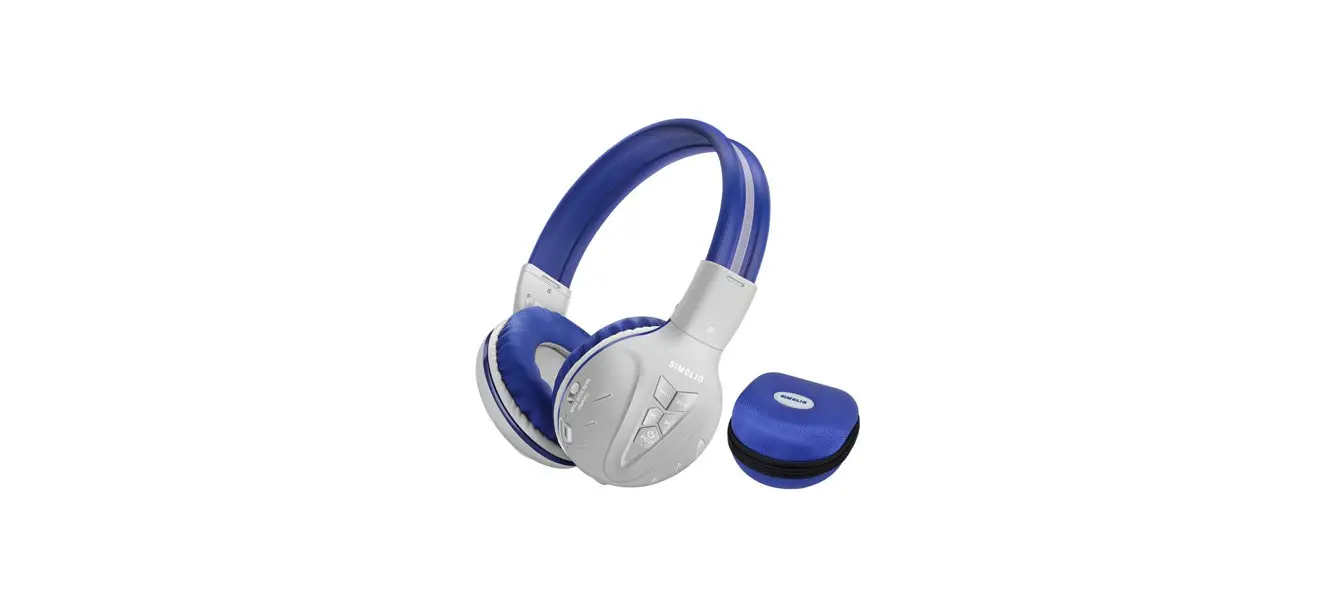
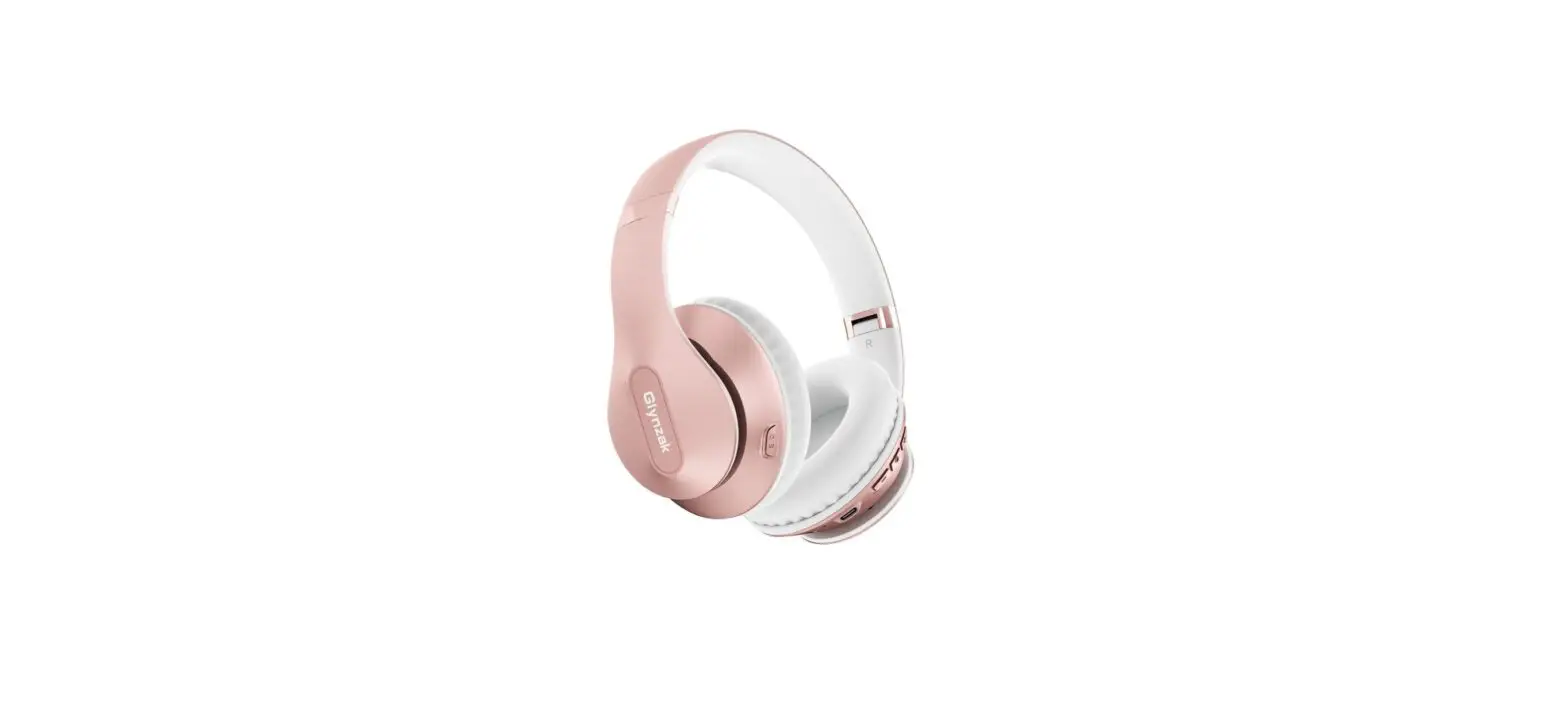
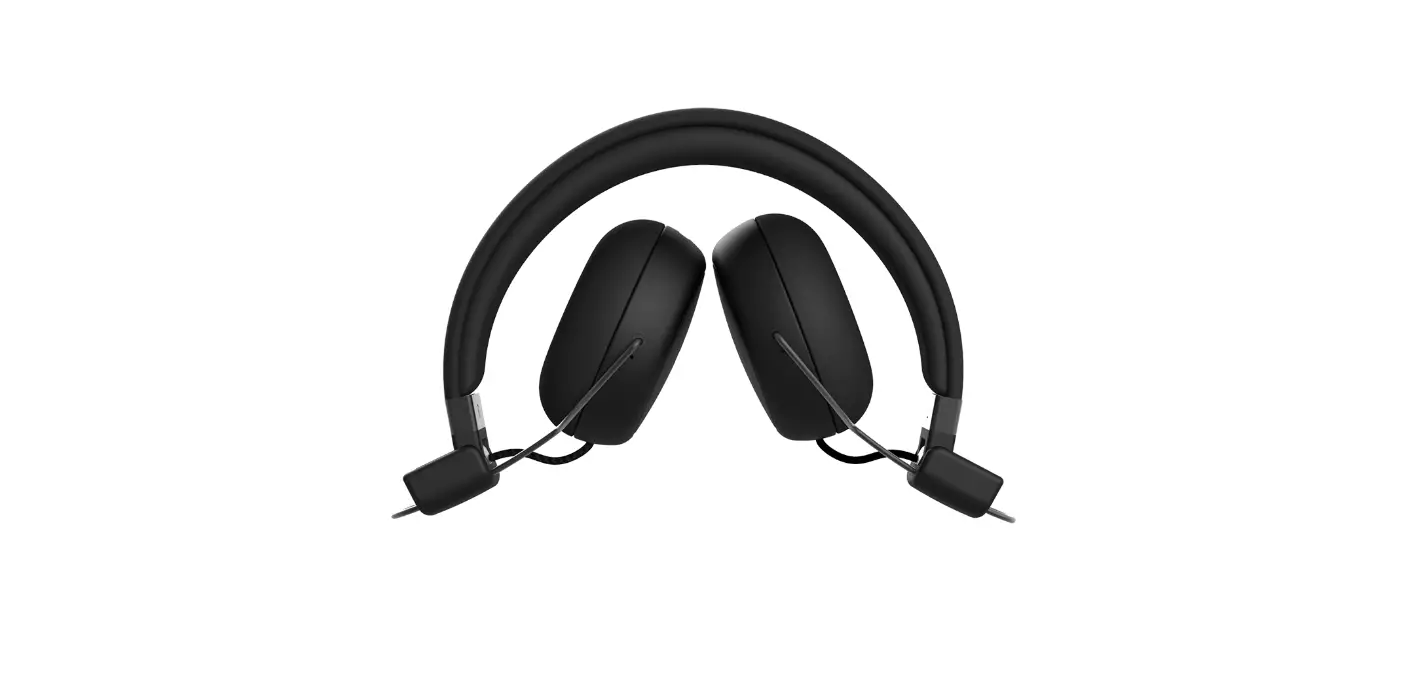
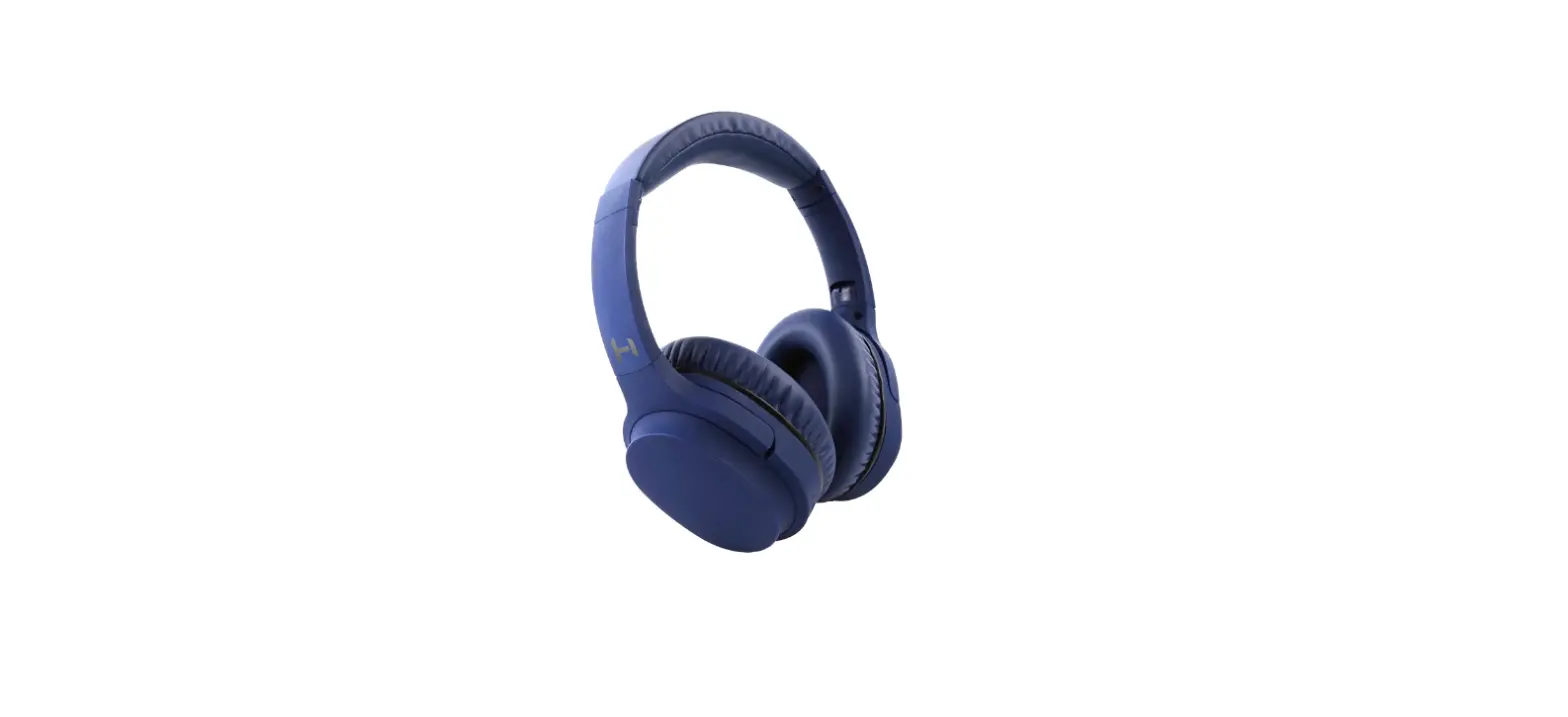
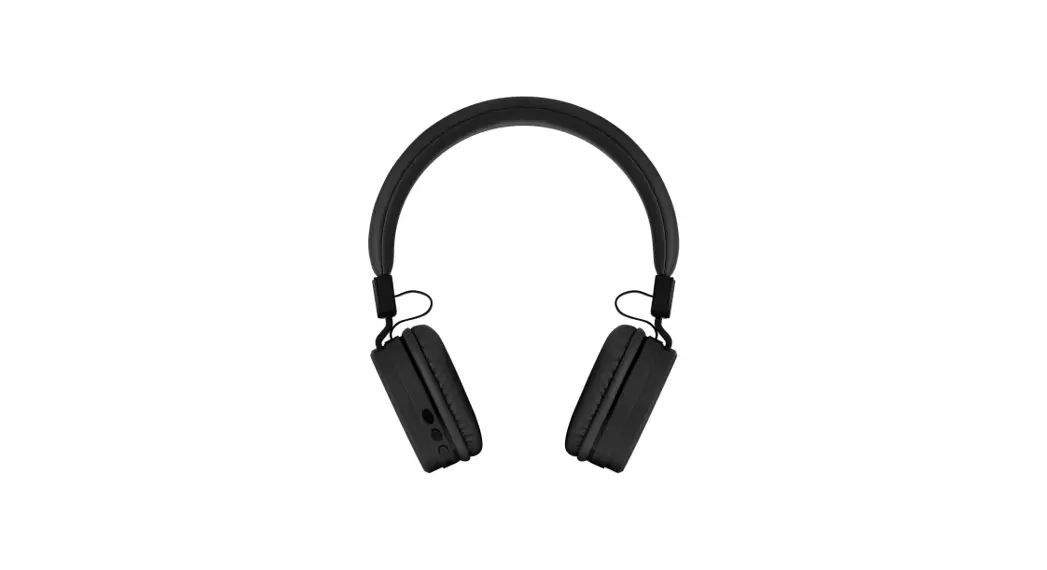
JH-712 Bluetooth Stereo Headphone
Product Information:
The SIMOLIO Bluetooth Stereo Headphones (JH-712/714) are
wireless headphones that provide a high-quality audio experience.
These headphones are equipped with various features to enhance user
comfort and convenience.
Package Contents:
- Headphone
- USB Type C Charging Cable
- 3.5mm Audio Cable
- User Manual
- EVA Case for JH-712 (included in JH-712 package)
- Portable Pouch for JH-714 (included in JH-714 package)
Features:
- Three Adjustable Volume Limited Levels for Hearing
Protection: The volume limiter switch allows you to select
the desired sound level for hearing protection. For kids, you can
slide the switch to 75dB or 85dB. For adults, you can slide the
switch to 94dB. Please note that health experts recommend a maximum
volume of 85dB for kids. - Supplied with a 3.5mm Detachable Audio Cable:
The included audio cable allows you to connect the headphones to
devices without Bluetooth when the built-in battery is run out
under wireless working status. - Flexible Headbands & Noise Isolation: The
adjustable headband with memory stainless steel strips provides
durability and flexibility. T-shaped velcro straps (sold
separately) can be added to the headbands for a perfect fit for
toddlers. The over-ear design isolates from outside noise, ensuring
clear sound. The ear pads are engineered to stay securely in
place. - Sharing Port & Built-in MIC: The
headphones have a sharing port on the right side, allowing another
headphone to be plugged in for audio sharing. The built-in
microphone enables hands-free talking.
Product Usage Instructions:
Power on & Pair:
- Press and hold the Multi Function Button (MFB) for 4 seconds
until the blue LED flashes slowly. You will hear a prompt
tone. - After about 8-10 seconds, the red and blue LEDs will flash
alternately, indicating that the headphones are in pairing
mode. - Note: The SIMOLIO headphone will automatically connect to the
last paired device after turning on, and the blue LED light will
flash slowly.
If you have any further questions or need assistance, please
contact our customer support team:
Support Email: [email protected] (for NA/AU)
or [email protected] (for
UK)
Response Time: 2-24 hours, excluding holidays
Support Email: [email protected] (for NA/AU) [email protected] (for UK)
Bluetooth Stereo Headphone
JH-712/714
vol
vol
User Manual
Support Email: [email protected] (for NA/AU) [email protected] (for UK)
JH-712 / 714 Manual
Thank you for choosing the SIMOLIO Bluetooth Stereo Headphones. Please read this guide carefully and keep it in a safe place for future reference. If you need any further assistance, please contact our customer support team at:
[email protected] (for NA/AU) [email protected] (for UK) Response Time: 2-24h, excl. holidays
JH-712 / 714 Manual
Contents
1. Product Diagram ……………………………………………………………………. 01 2. Package Contents ………………………………………………………………….. 02 3. Features ……………………………………………………………………………….. 02 4. Basic Operation …………………………………………………………………….. 04 5. LED Indicators ………………………………………………………………………. 06 6. Connecting with a Mobile Phone ………………………………………………. 06 7. Connecting with a Bluetooth Enabled TV ……………………………………. 08 8. Connecting with a Bluetooth Enabled iPad/PC/Laptop ………………….. 09 9. Use as Wired Headphones ……………………………………………………….. 09 10. Use the Additional Sharing Port ………………………………………………. 10 11. Charging …………………………………………………………………………….. 11 12. Clear Pairing History …………………………………………………………….. 11 13. Product Specification …………………………………………………………… 12 14. Troubleshooting ………………………………………………………………….. 13 15. Limited Warranty …………………………………………………………………. 15 16. Safety Instructions ………………………………………………………………. 15
JH-712 / 714 Manual
1. Product Diagram
1
4
vol
3
5
8
10
vol
9
2
6
11
7
3.5mm audio cable
1 —
Volume up
2 —
Volume down
3 —
Previous track
4 —
Next track
5 —
Multi Function
Button (MFB)
6 — USB Type C charging port
7 — Audio in/Sharing port 8 — Working indicator 9 — Charging indicator 10 — Volume limiter switch
11 — Built-in MIC
Fig 1
01
JH-712 / 714 Manual
2. Package Contents
Headphone
USB Type C Charging Cable
3.5mm Audio Cable
vol vol
User Manual
Bluetooth Stereo Headphone
JH-714
vol
vol
User Manual
Sales & Support Email: [email protected] (for USA) [email protected] (for Europe)
EVA Case for JH-712
Portable Pouch
for JH-714
3. Features
(1) Three Adjustable Volume Limited Levels for Hearing Protection To protect vulnerable and sensitive ears of your kids. Slide the volume limiter switch to “75dB” or “85dB” to limit the output volume at the desired sound level. For Adults, slide the switch to “94dB” as needed.
Please note: *Health Experts agree the volume of 85dB is maximum a kid should be exposed to.
02
JH-712 / 714 Manual
*The volume limited function is available for both wireless and wired status. *When you are in a noisy environment (such as in a plane), you can adjust the volume for your kids to 85dB or 94dB appropriately.
(2) Supplied with a 3.5mm Detachable Audio Cable, Enables to Connect the Headphone to Devices without Bluetooth. The included 3.5mm audio cable can be used when the built-in battery is run out under wireless working status, so that you can still listen to music in the old fashioned way.
(3) Flexible Headbands & Noise Isolation Adjustable headband with memory stainless steel strips give the headphones some impressive durability and flexibility. Extra T- shaped velcro straps (purchase separately)can be added to the headbands to get the perfect fit for the toddlers. Over-ear headphone isolates from outside noise to make you hear clear sound. And we use some nifty engineering to make sure the ear pads won’t fall off.
(4) With a Sharing Port & Built-in MIC Kids can have another headphone plug into the sharing port on the right side
03
JH-712 / 714 Manual
of the headphone to share audio with his friends at school/home, travelling or flying. The built-in MIC allows hands-free talking.
4. Basic Operation
Bluetooth Mode only
Button
Function
Operation
Power on & Pair
Press and hold MFB for 4 seconds until the blue LED flashing slowly, you will hear a prompt tone; After about 8-10s, the red and blue LEDs flash alternately and enter the pairing mode (Note:The SIMOLIO headphone will automatically connect to the last paired device after turning on, and the blue LED light will flash slowly)
MFB (Multi-function
Power off
Press and hold MFB for 4 seconds until the red LED on then goes off, you will hear a prompt tone
Button)
Answer a call / End a call
Short press MFB once, you will hear a short “beep”
Reject a call
Press and hold MFB for 2 seconds until you hear a short “beep”
04
JH-712 / 714 Manual
Button MFB
Function Play music
Pause music
Operation Short press MFB once Short press MFB once
(Multi-function Button)
Disconnection
Press MFB twice in quick succession, you will hear a prompt tone
Vol Vol-
Volume up
Short press “Vol ”
Volume down Short press ” Vol-”
Previous track Short press ” ”
Next track
Short press ” ”
Adjust the Three-Level Volume Limited Switch (94dB/85dB/75dB)
Slide the volume limiter switch to limit the headphones’ output volume at the desired sound level for toddlers, kids and adults.
Volume Limiter Switch 94dB 85dB
75dB
Operation for Hearing Protection For adults, the max output Volume 94dB. For kids, the max output Volume 85dB. For toddlers, the max output Volume 75dB.
05
JH-712 / 714 Manual
5. LED Indicators
LED Status
Headphone Status
Red and Blue LEDs flash alternately Ready to pair/ No connection
Blue LED flashes slowly
Connected
Red LED flashes with a low power prompt tone in every minute
Red LED lighting steadily
When the battery is lower than 3.3V, the red LED flashes and there is a low power prompt tone every minute, indicating that it needs to be charged.
Charging
Red LED goes off
Charging completed
6. Connecting with a Mobile Phone
The first time you turn on your headphones, the blue LED flashing slowly, you will hear a prompt tone, after about 8-10s, the red and blue LEDs flash alternately and enter the pairing mode. Note: If the pairing history has been cleared previously, the headset will enter pairing mode when powered on, with the red and blue LEDs flashing alternately.
06
JH-712 / 714 Manual
STEP 1: While the headphones LEDs are flashing
red and blue alternately, activate Bluetooth® on
your phone and set it to search for new devices.
vol
iPhone® –Setting > Bluetooth > On*
vol
AndroidTM –Setting > Bluetooth: On > Scan for devices*
Note: *Menus may vary by device.
STEP 2: Select “SIMOLIO” – If prompted, enter
Fig 2
passkey “0000”/accept connection.
STEP 3: Once successfully paired, you will hear a long “beep” sound with
the blue LED flashing slowly.
Note: (1) We suggest you to use music player App on your phone to listen music,
or the previous track and next track function will be unavailable when listening
the on-line music.
(2) You can check the battery power of your Bluetooth headset on your phone, the premise is that the phone should support the power display function.
(3) If there is a phone call while you are listening to music, the phone call will take precedence over the music, and after the call, it will automatically return to the previous listening state.
07
JH-712 / 714 Manual
Reconnecting Bluetooth
The next time you turn on the SIMOLIO and your phone’s Bluetooth, it should automatically reconnect to your phone. Alternatively you can tap the “SIMOLIO” in the Bluetooth list of your phone to reconnect them.
Disconnecting Bluetooth When the “SIMOLIO” is connected, Press MFB twice in quick succession, you will hear a prompt tone, the Bluetooth will be disconnected with the red and blue LEDs flashing alternately. Or you can disconnect the “SIMOLIO” on your phone. Or just turn off the Bluetooth feature on your phone.
7. Connecting with a Bluetooth enabled TV
STEP 1: Make sure “SIMOLIO” is OFF. STEP 2: Press and hold the MFB for about 4
Smart TV
seconds until the blue LED flashing slowly,
you will hear a prompt tone, after about 8-10s, the red and blue LEDs flash alternately and enter the pairing mode.
vol vol
Fig 3
STEP 3:Take “SIMOLIO” close to your TV and
08
JH-712 / 714 Manual
enable your TV’s Bluetooth function from its System Settings Menu then select “SIMOLIO” to connect.
Note: Due to Bluetooth compression and decompression, a variable audio signal delay will always exist. You may find that there is a little bit of out of sync between the sound and the picture. This is a common phenomenon and exists across all Bluetooth devices.
8. Connecting with a Bluetooth enabled iPad/PC/ Laptop
STEP 1: Make sure “SIMOLIO” is OFF.
STEP 2: Press and hold the MFB for about 4
seconds until the blue LED flashing slowly, you
will hear a prompt tone, after about 8-10s, the
red and blue LEDs flash alternately and enter
vol
the pairing mode.
vol
Fig 4
STEP 3: Activate Bluetooth on your iPad/PC/Laptop and connect with
“SIMOLIO”.
Note: Your PC/ notebook should support the A2DP profile, if not you may need a separate Bluetooth dongle that supports this feature.
09
JH-712 / 714 Manual
9. Use as Wired Headphones
If your audio source is non-Bluetooth enabled, or if the “SIMOLIO” battery is low (LED flashing red), you can connect your device and headphone with a 3.5mm audio cable to stream music. Note: The buttons and microphone on your “SIMOLIO” will not work when used as wired headphones.
10. Use the Additional Sharing Port
Plug another headphone into the 3.5mm sharing port on the right side of the “SIMOLIO” to share audio with friends. Perfect for children to use at school/home, during traveling or flying.
Another headphone
Note: The volume limited function is only available for “SIMOLIO JH-712/714”.
Bluetooth headphone JH-712/714
vol vol
Sharing port Fig 5
10
JH-712 / 714 Manual
11. Charging
When the LED flashes red with a low power
prompt tone in every minute, you should
recharge your headphones.
Charging the headphones via the supplied USB Type C port
vol
USB Type C cable. It normally takes about on a PC/
vol
3 hours to fully charge the battery. The LED a power adapter
will stay red when charging and will turn off
Fig 6
when charging is completed.
Charging requirement: You can plug our supplied USB Type C cable into a compatible USB Type C charger (wall charger/travel charger/car charger etc.) with 5V/500mA-2A output or to a Pc’s USB Type C port. It is ok to use most mobile phone chargers on market.
Note: Please fully charge the headset before using it for the first time.
12. Clear Pairing History You may need to reset your SIMOLIO if it’s not working as expected.
11
JH-712 / 714 Manual
Turn on the headphone, make sure there is no Bluetooth device connected or make sure the headphone is under pairing mode, then press and hold both “Vol+” and “Vol-” buttons simultaneously until the LED flashes red and blue alternately with two “beep” sound. Now your SIMOLIO has been restored to its default settings. After turning it on again, it will automatically enter pairing mode.
13. Product Specification
Bluetooth Version: 5.0 USB Type C Charging Voltage: DC 5V Signal-to-Noise Ratio: 95%
Talk Time: about 20 hours
Audio Mode: ACC, MP3, SBC Distortion: 1% Charging Time: about 3 hours
Music Time: about 15 hours
Auto Power Off Time: the headphone will automatically power off when there is no pairing, no connection or disconnection for 5 minutes.
Working Range: 30 ft. (LINE OF SIGHT in the open air)
Note: The talk and standby and music times may vary when used with different mobile phones or other compatible Bluetooth devices and are also dependant on different usage style, setting and operating environment.
12
JH-712 / 714 Manual
14. Troubleshooting
Part 1
Problem
What to do
The first time you turn on your headphones, the blue LED flashing slowly,
Headphones cannot enter
after about 8-10s, the red and blue LEDs flash alternately and enter the pairing mode. Or you can press and hold both “Vol+” and “Vol-” buttons simultaneously until the LED flashes red and blue alternately with two
the pairing “beep” sound. Now your SIMOLIO has been restored to its default
mode
settings. After turning it on again, it will automatically enter pairing mode.
* Disconnect the AUX cable.
* Disconnect the USB Type C charging cable.
Headphones * On your Bluetooth device:
cannot
-Turn the Bluetooth feature off and then on.
connect with -Delete SIMOLIO from the Bluetooth list on your device, pair again.
Bluetooth device.
* Move your Bluetooth device closer to the headphone and away from any interference or obstructions.
* Check by pairing a different Bluetooth device
* Clear the headphone pairing list. Pair again.
No sound.
* Increase the volume on your headphone, your Bluetooth device and music source.
* Move your Bluetooth device closer to the headphone and away from any interference or obstructions.
13
JH-712 / 714 Manual
Part 2
Problem
No sound.
Poor sound quality.
No audio from a device connected by AUX cable.
What to do * Check by using a different music source. * Check by pairing a different Bluetooth device. * If two Bluetooth devices are connected, pause your other device and move the required device within range of the headphone (30 ft ). * Check by using a different music source. * Check by pairing a different Bluetooth device. * Disconnect the second device. * Move your Bluetooth device closer to the headphone and away from any interference or obstructions. * Make sure the AUX cable is connected in place. * Increase the volume on your headphone, your Bluetooth device and music source. * Check by connecting a different device.
Poor sound quality from a device connected by AUX cable.
* Make sure the AUX cable is connected in place. * Check by connecting another device.
Battery won’t charge. * Make sure the charging cable is connected in place.
14
JH-712 / 714 Manual
Problem Battery won’t charge. Pre and Next Buttons are not available when listening music on phone by on-line music.
Part 3 What to do * If your headphone have been exposed to high or low temperatures, let the headphone return to room temperature and try charging again.
*Listening music on downloaded music App.
15. Limited Warranty
12 months warranty: Simolio provides full warranty due to defects in materials and workmanship for a period of 12 months from the original date of purchase. The warranty period is not extended if we repair or replace warranted product. This warranty does not cover appearance damage or damage due to acts of nature, accident, misuse, abuse, negligence, commercial use, or modification of or to any part of the product. Accessories such as audio cable and perishable items such as earmuffs are not covered under this warranty. Please contact our customer support team and provide your order number to register the warranty.
15
JH-712 / 714 Manual
16. Safety Instructions
WARNING: Although SIMOLIO are volume limited, children are not recommended to be exposed to listening for more than 2 hours per time. Extended listening may negatively impact hearing.
Beware of your surroundings Your headphones significantly dampen external sound. Do not in any case wear your headphones when you are required to pay attention to your surroundings.
WARM TIPS FOR HEADPHONE ADJUSTMENT
*Please don’t bend the hinge
1 SHAPE 1
You can remould the headband shape to
fit yourself
2
3 SHAPE 2
T-shaped adjustable headband(purchase separately if needed)
94dB 8v5odlBum7e5dB 94dB 8v5odlBum7e5dB
vol
vol
16