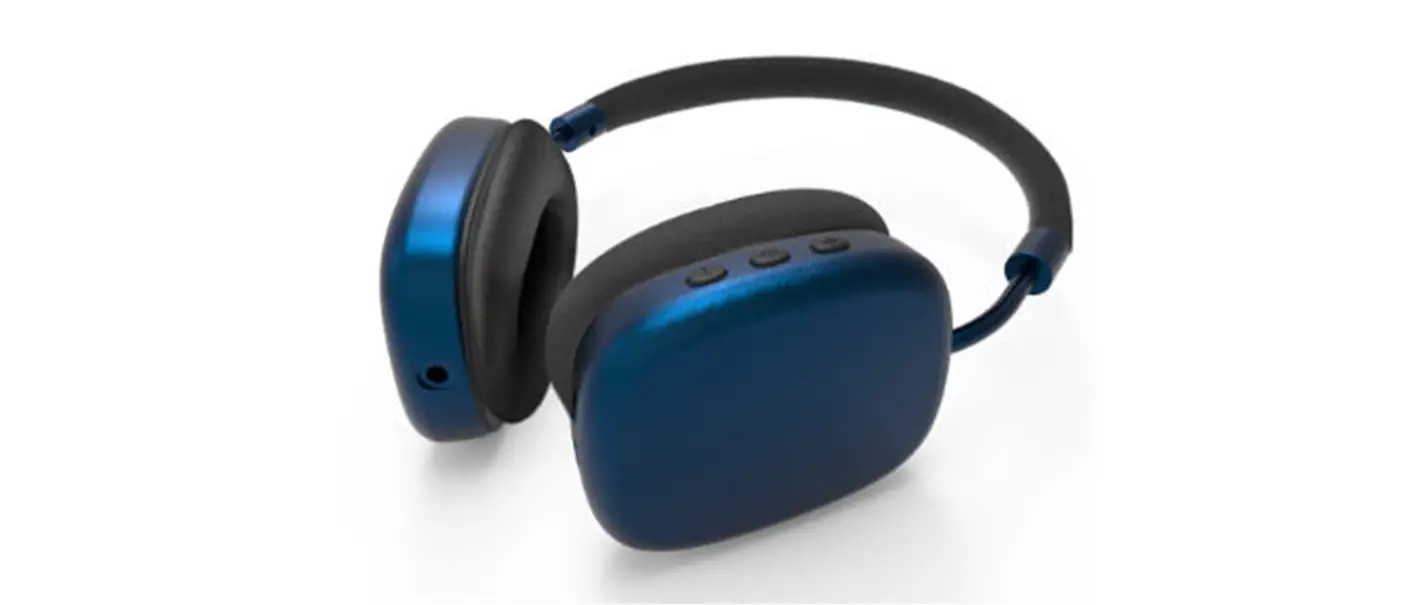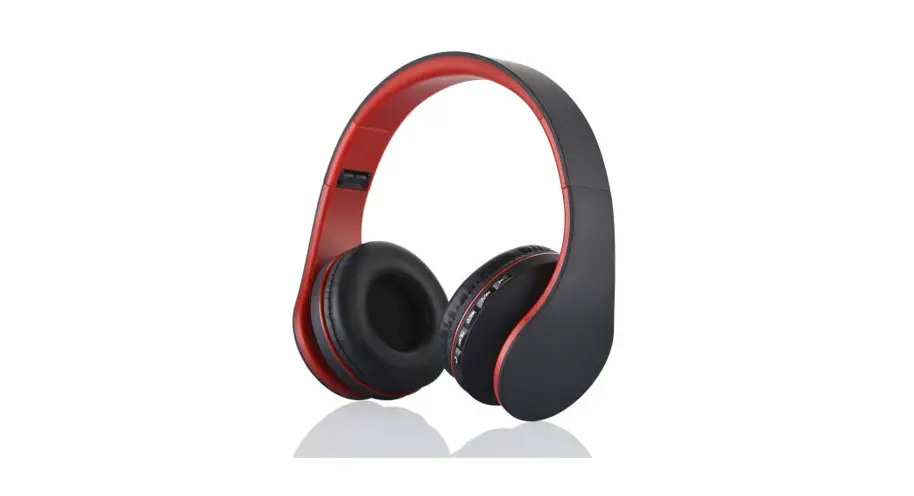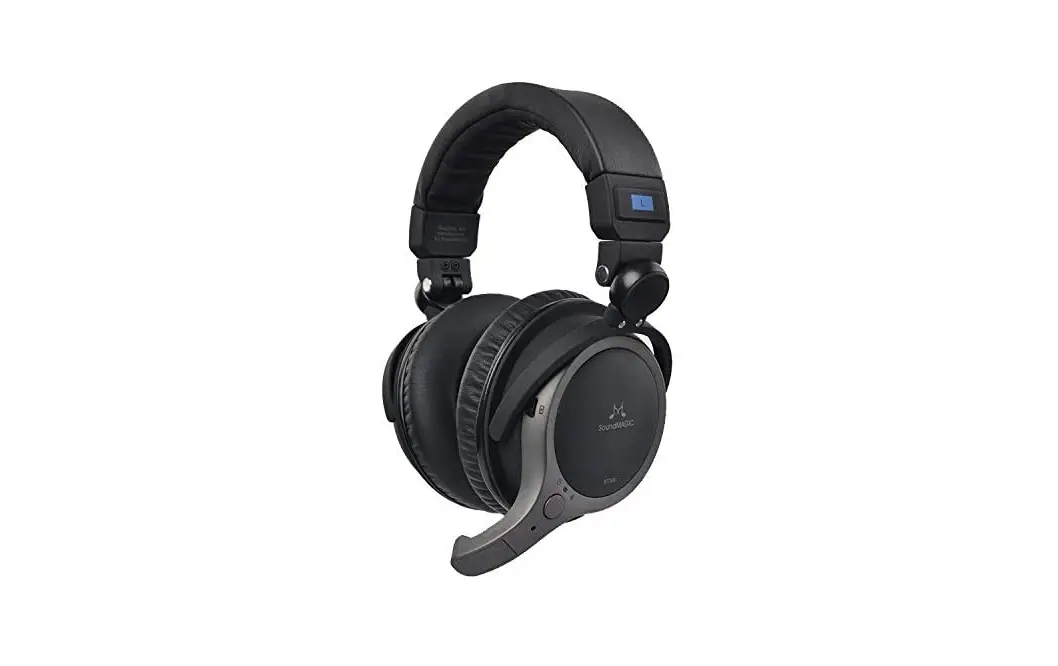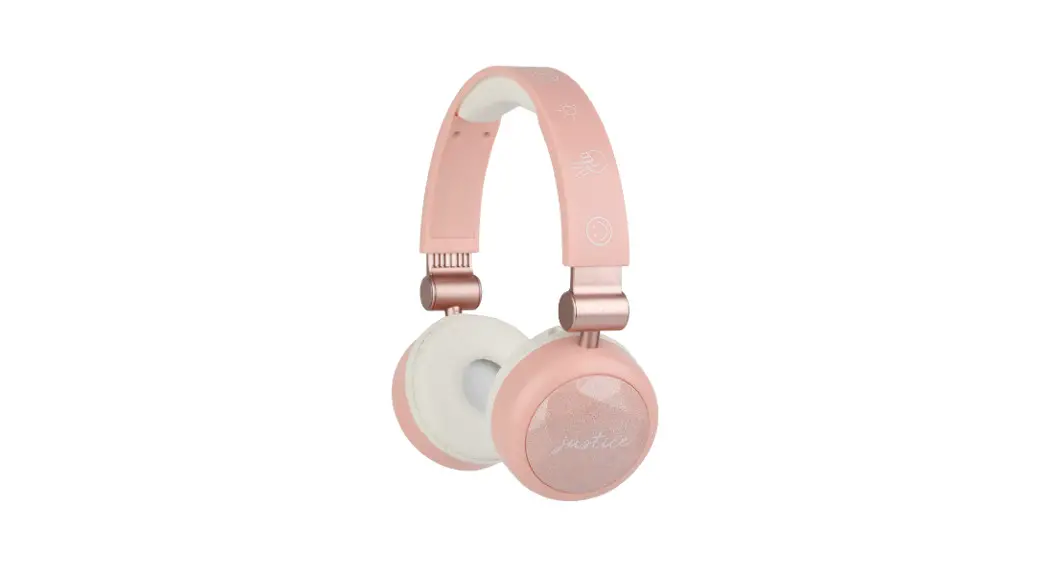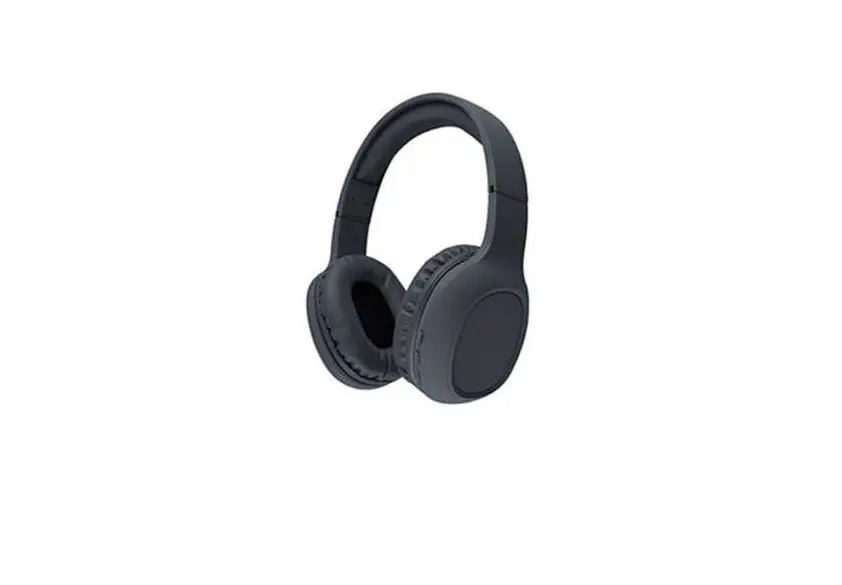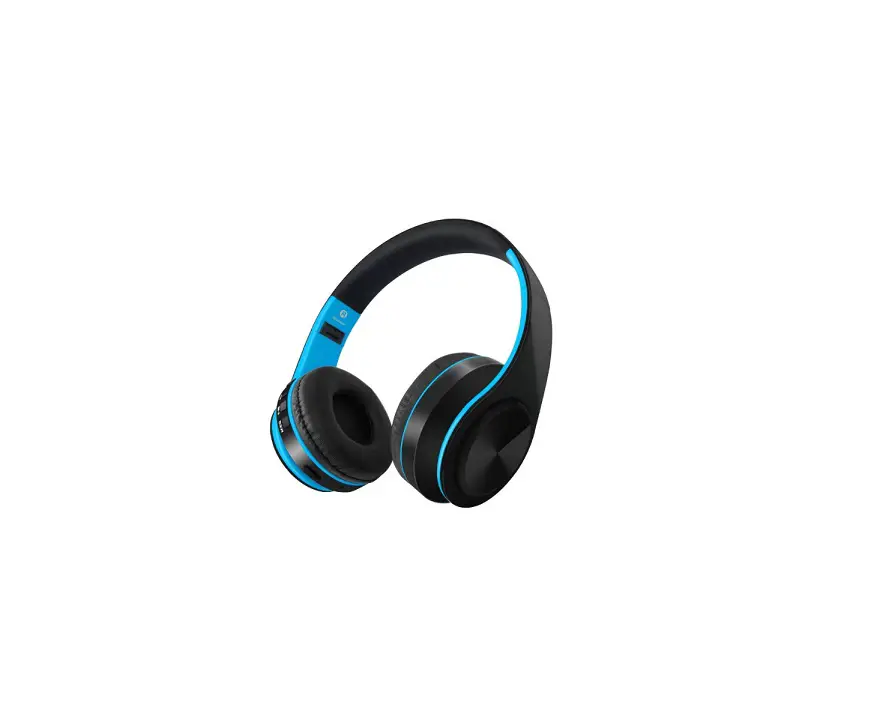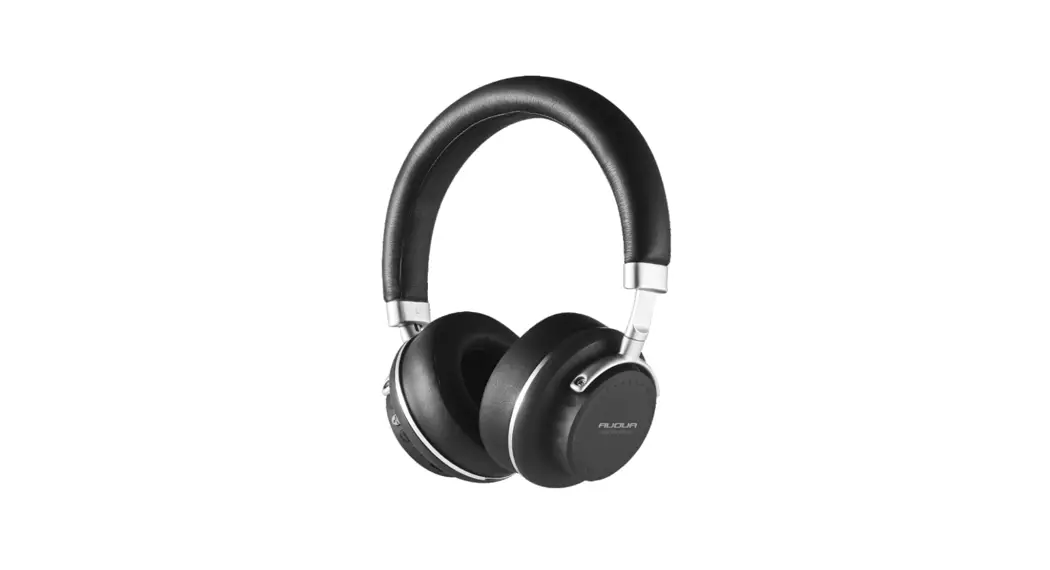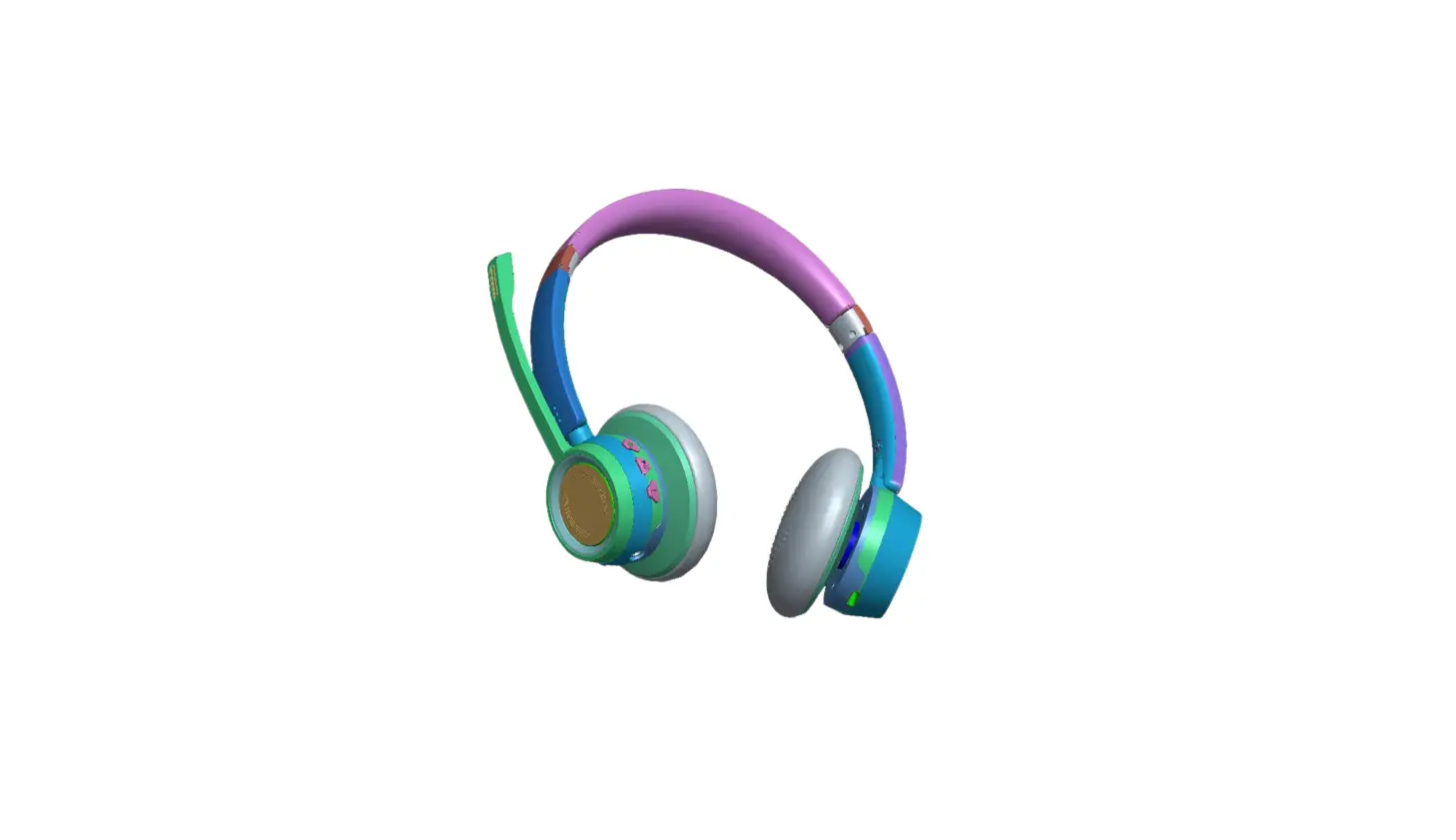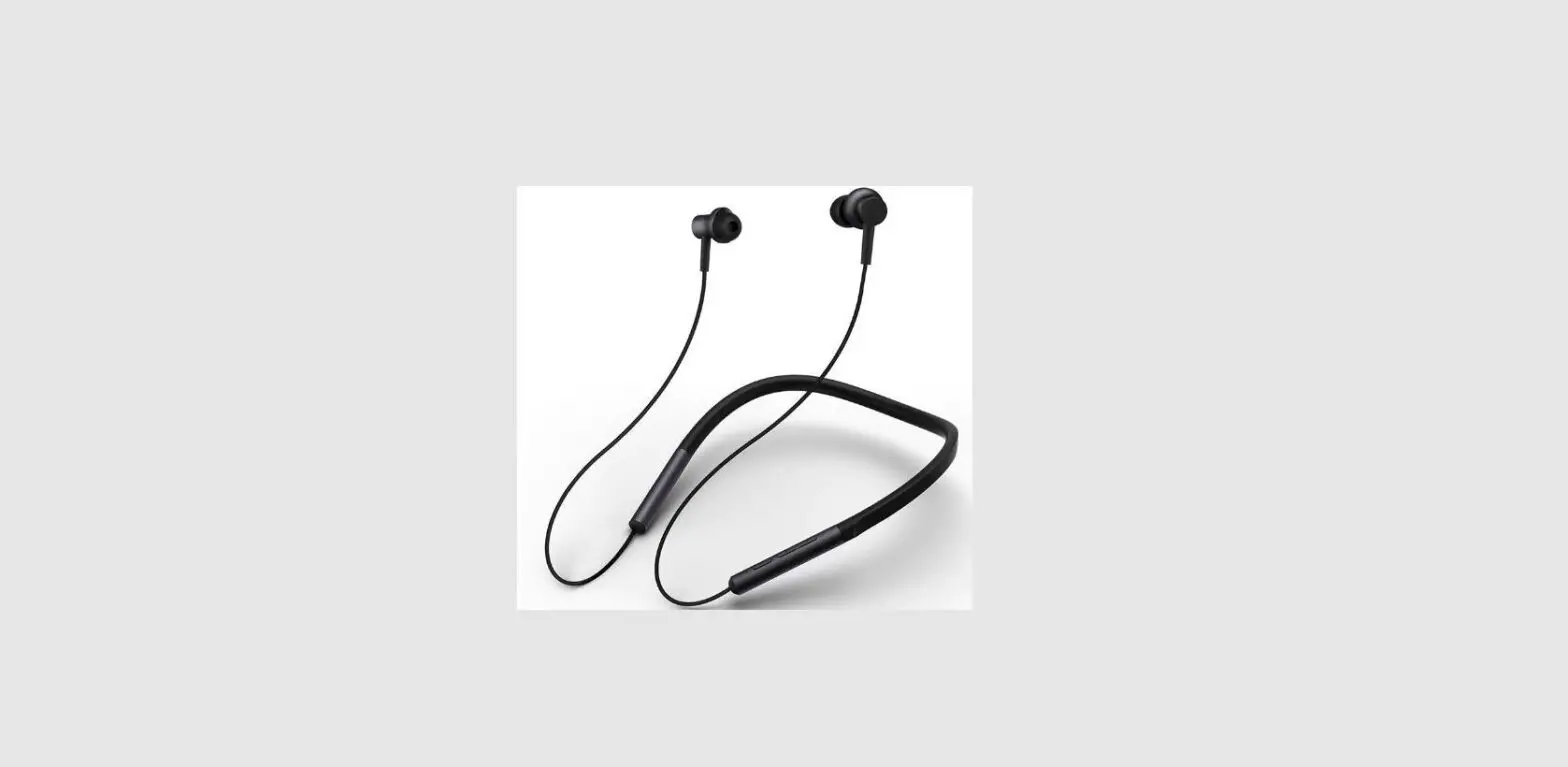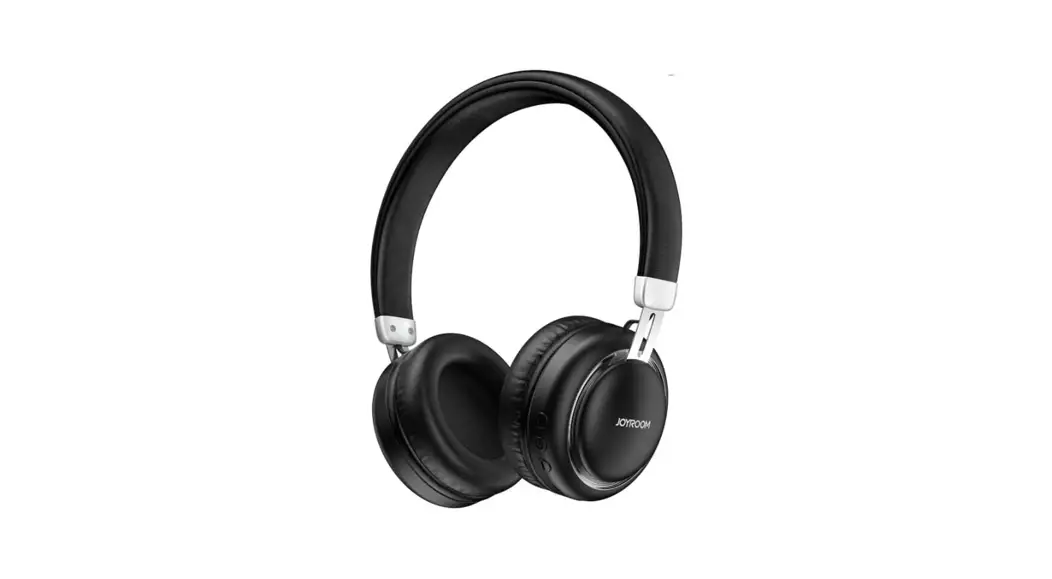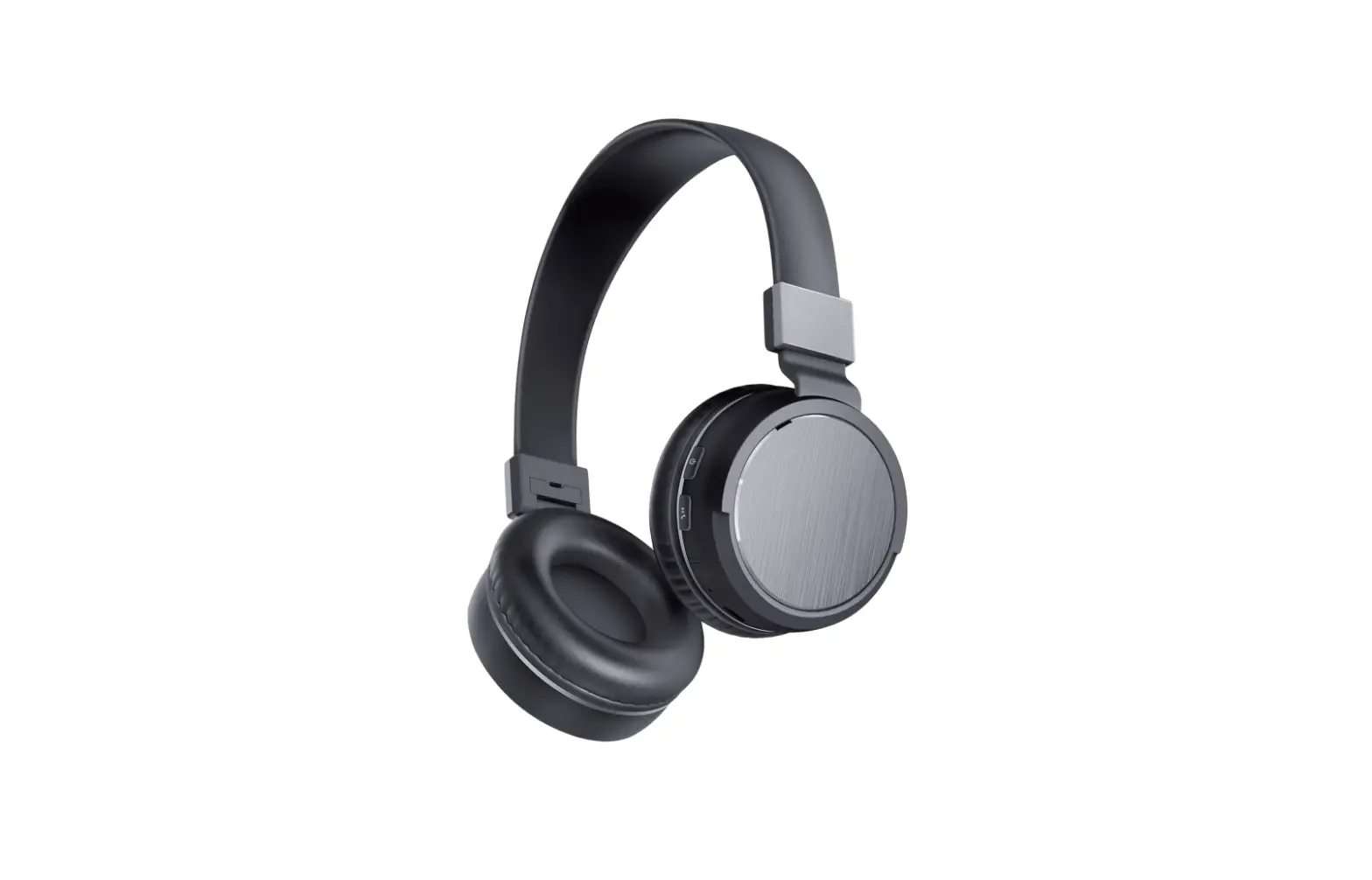
MI-BTH09 Metro Metallic Bluetooth headphone
MERKURY
INNOVATIONS
BLUETOOTH® WIRELESS
User‘s Manual for MI–BTH09
Package Includes:
1 Bluetooth Headphone
1 USB Charging Cable
Metallic Bluetooth Headphones
Charge It
- Plug the micro USB cable into the micro USB port on the bottom of the headphone, and connect the other end of the cable to either a computer USB port or to a USB compatible car or wall charger.
- The charging LED light will turn red.
- When charging is complete, the LED light will turn off.
- Charging time is approximately 2–3 hours.
NOTE: Flashing red LED light will appear on bottom of right earpad to indicate when the headphone is low on battery.
Turn It On/Off
- Press and hold the power button on the headphone‘s left earpad.
- The headphone will flash a blue LED light to indicate the headphone is turning on.
- To turn the headphones off, press and hold the power button for 2–3 seconds and a red light will flash 1 times to indicate it is turning off.
Pair & Connect With a New Device
- Press the power button for about 2–3 seconds to turn on the headset, the LED light at the bottom of the earpad will be flashing blue, your headphones are now ready to be paired. . On your Bluetooth–enabled smart phone, tablet or media player, navigate to the Bluetooth settings menu, turn on the Bluetooth feature, and search for new devices.
- After a few seconds you will see “MERKURY BTH09” listed.
- Tap this model to select it. Headphone will prompt a sound and the Bluetooth LED will flashes blue to indicate it‘s successfully paired with your device. . If your device asks for a pin code, enter 0000 or 1234.
- If using the AUX feature connect one end of the included AUX cable to the headphone jack at the bottom of the headphone, and the other end of the AUX cable to your media player. The headphones will power off since they don‘t need to use battery while in the AUX mode.
Play
- Connect your device to the headphones via Bluetooth (refer to the “Pair & Connect” section) or via the included AUX cable.
- Open your favorite music app, select track and press play.
- Control the music, track & volume from your smartphone or from the on ear button controls on the headphones.
- All audio, including music, games, videos, and notifications will
be routed through headphones.
NOTE: On–ear controls do not work through the AUX connection.
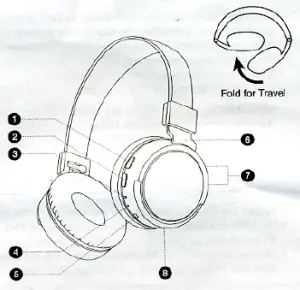
- Answer/End Call
- Press & Hold: Power On/Off Play/Pause Music
- LED Indicator
- Microphone
- Micro USB Charging Port
- Adjustable Headband
- Press: Increase/Decrease Volume
Press & Hold: Previous/Next Track - 3.5mm AUX Input
Reconnect to Bluetooth
- You only need to pair your Bluetooth device with the headphones once.
- With your previously paired device‘s Bluetooth turned on and in range, turn on the headphones (refer to the “Turn it On” section)
- The headphone will automatically reconnect to the last Bluetooth device it was connected to.
- If you have a previously paired device that does not auto–reconnect, navigate to the Bluetooth settings menu on your device, turn on the Bluetooth feature, and select “MERKURY BTH09” from your list of paired Bluetooth devices.
Troubleshooting
No power
Recharge your headphones using the included micro USB cable. Check if there is an AUX cable plugged into the headphones (Bluetooth capabilities will not function if AUX cable is plugged in). Try using a different micro USB cable.
Music is not playing over Bluetooth
Make sure your Bluetooth device has A2DP profile. Check if both devices are paired and connected over Bluetooth. Check if there is an AUX cable plugged into the headphones. Restart the headphones to reconnect your Bluetooth device. Forget the original connection and re–pair your device.
Bluetooth device will not reconnect with the headphone
Try powering off and then back on using the power button. If failed to pair within 3 minutes, see “Pair & Connect With a New Device” in this guide. Try using your headphones with a different Bluetooth device. Ensure Bluetooth is activated on your device. Forget the original connection and re–pair your device.
Headphone Specifications: Driver Unit Size: 40mm Frequency Response: 20Hz–20KHZ Impedance: 32 Weight: 142g
Battery Information: Built in Battery: Lithium Input: DC 3.7V/500mA Battery Capacity: 300mAH Music playing time: Up to 5 Hours* Charging time: 2–3 hours *Approximate playback time. Battery life depends on individual use and may be slightly more or less than the time specified.
Bluetooth Information: Bluetooth Specification: V4.0 Operating Distance: 10 Meters (Class II) System Requirements: Bluetooth–capable device
Additional Connection Sources: Audio Source: 3.5mm Auxiliary Input Power Source: Built–in rechargeable battery or via USB cable
Technical Support: If you are experiencing problems, do not attempt to fix the product yourself or return it to the store you purchased it from. Please refer to the user‘s manual or just contact our helpful tech support team:
Merkury Innovations
39 Broadway, 15th FI New York, NY 10006 www.merkuryinnovations.com support@merkuryinnovations.com
This device complies with Part 15 of the FCC Rules. Operation is subject to the two following conditions: 1. This device may not cause harmful interference. 2. This device must accept any interference received, including interference that may cause undesired operation.
©2016 Merkury Innovations, LLC. . To explore our full selection of products, please visit www.merkuryinnovations.com. The illustrated product and specifications may differ slightly from those supplied. All other trademarks and trade names are those of their respective owners. Made in China