Quickstart Guide


Roll Off
For the initial startup, you need a Wi-Fi network (have the network name and password available) and a Bluetooth-enabled mobile phone.
Keep a 3-foot clearance in front of Gita for it to roll off.
- Charge Gita for 10 minutes
Remove the charger from the accessories tray and plug the charging cable into the charging port at the back of Gita and the power cable into a wall outlet. - Install the mygita app and create your account
While Gita is charging, download the mygita app from the App Store or Google Play Store. Sign up and create your account. During the account creation, you will be sent an email with a verification code. After uploading your profile picture, select the option “I bought a new Gita”. - Power on Gita
Press and release the power button above the charging port. - Continue setting up the app
Scan the barcodes to the right.
- Identify your Gita After a short online registration process you can give your gita an app-specific name.
- Connect gita to your Wi-Fi network Should you have trouble connecting to a network, please contact Customer Care at 1-800-791-0843.
- Confirm clearance in front of Gita Gita needs at least 3 feet of clearance in order to roll off the base.
- Initiate the roll-off Unplug the power cable from the back of Gita to initiate the roll-off.
- Gita is ready for a first walk!
 Your first walk with Gita
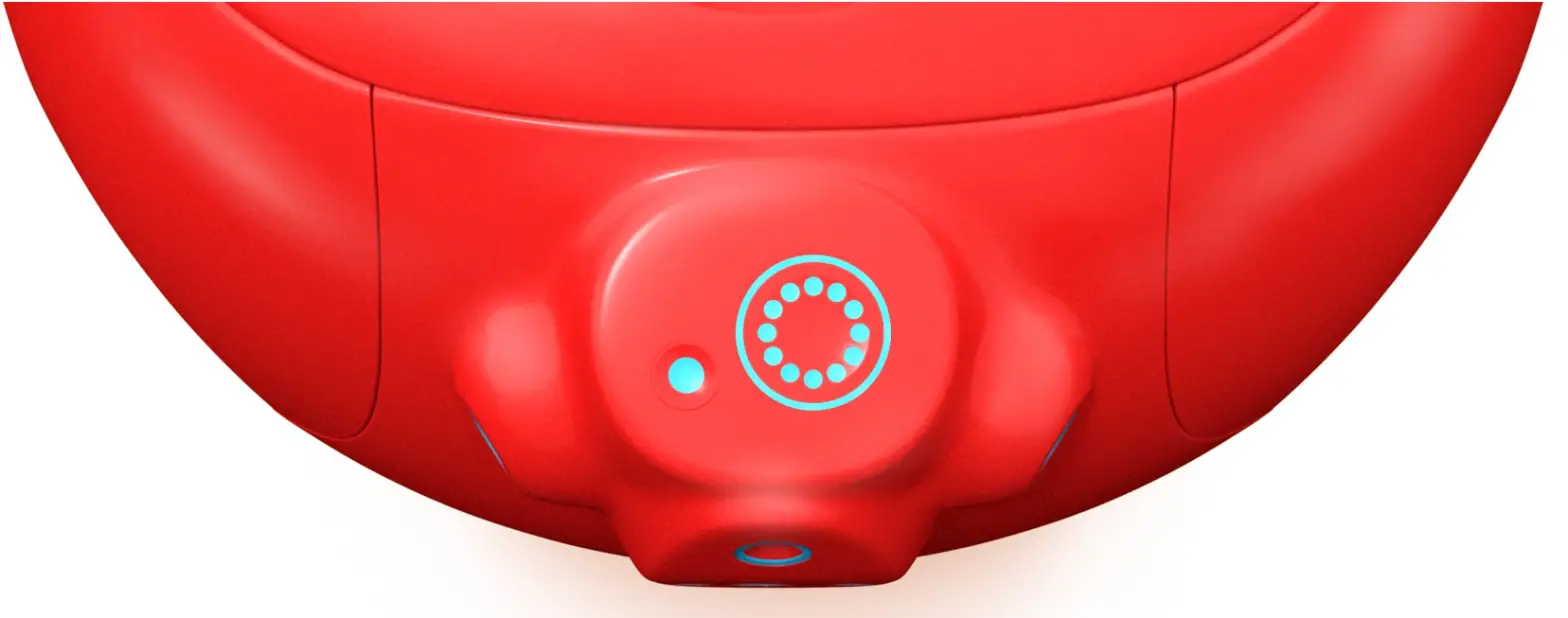
 - To get started, touch the small Ready/Park button
 . Gita will stand up and self-balance.
 - Now, standing in front of Gita, touch the large Pair/Unpair button
 . Gita will follow you.
 - To end your walk touch the Pair/ Unpair button again and Gita will stop following you. To park Gita, touch the small Ready/Park button and Gita will sit down.

 Your first walk with Gita
 . Gita will stand up and self-balance.
 . Gita will follow you.
To continue your journey with Gita, make sure to read the user manual. It covers the mygita app, Gita in detail, safety instructions, tips for a respectful operation, and a list of helpful FAQs.
QUICKSTART GUIDE 1.1 — MARCH 2020