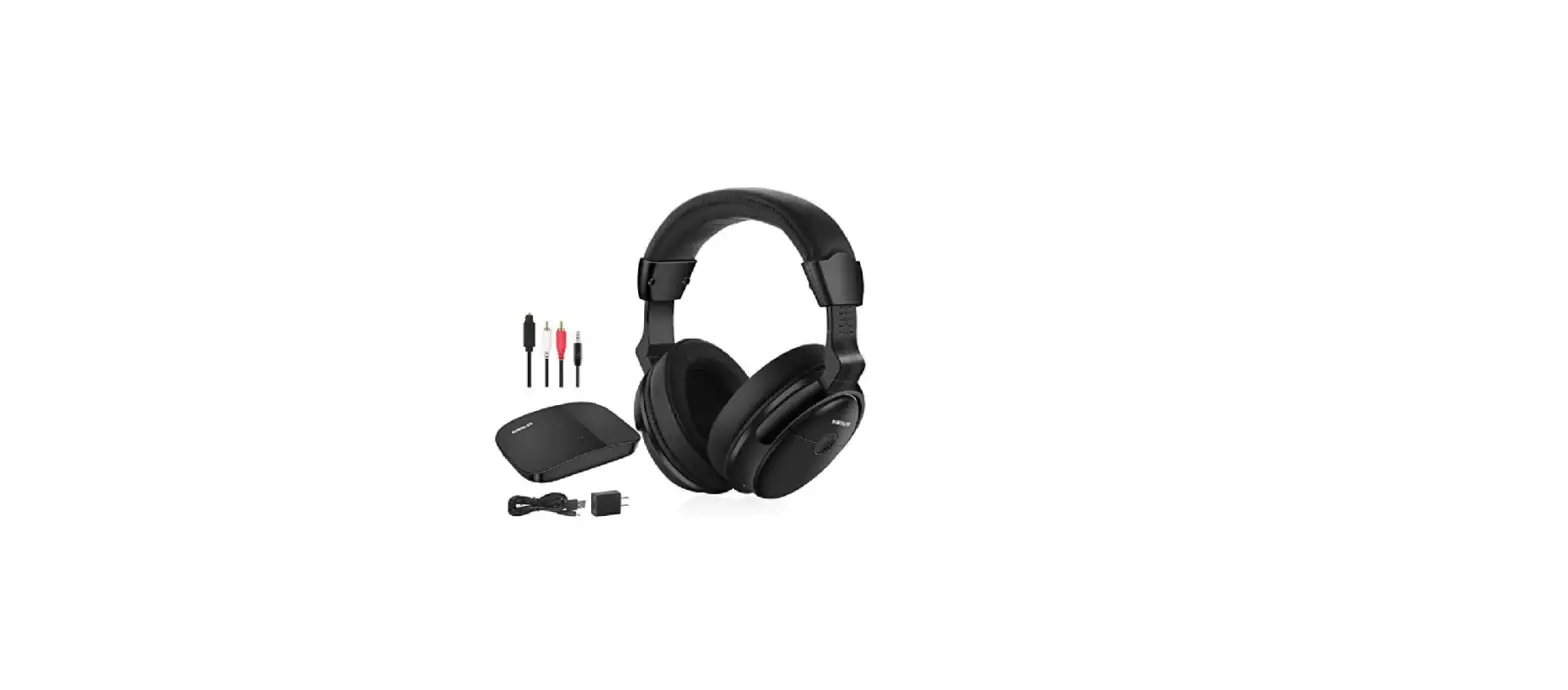
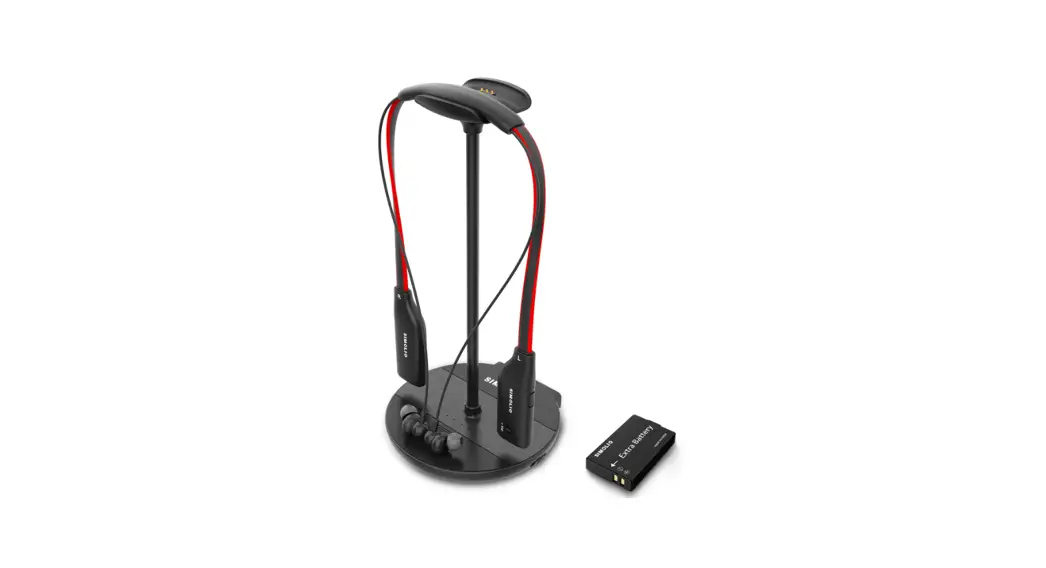
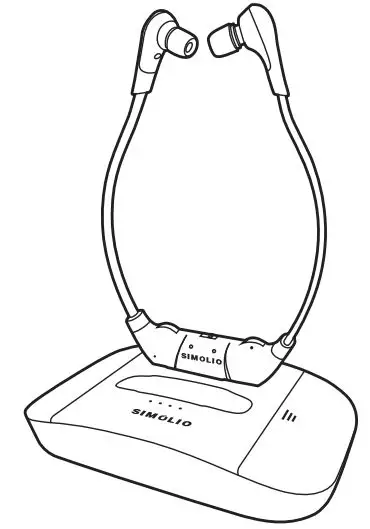
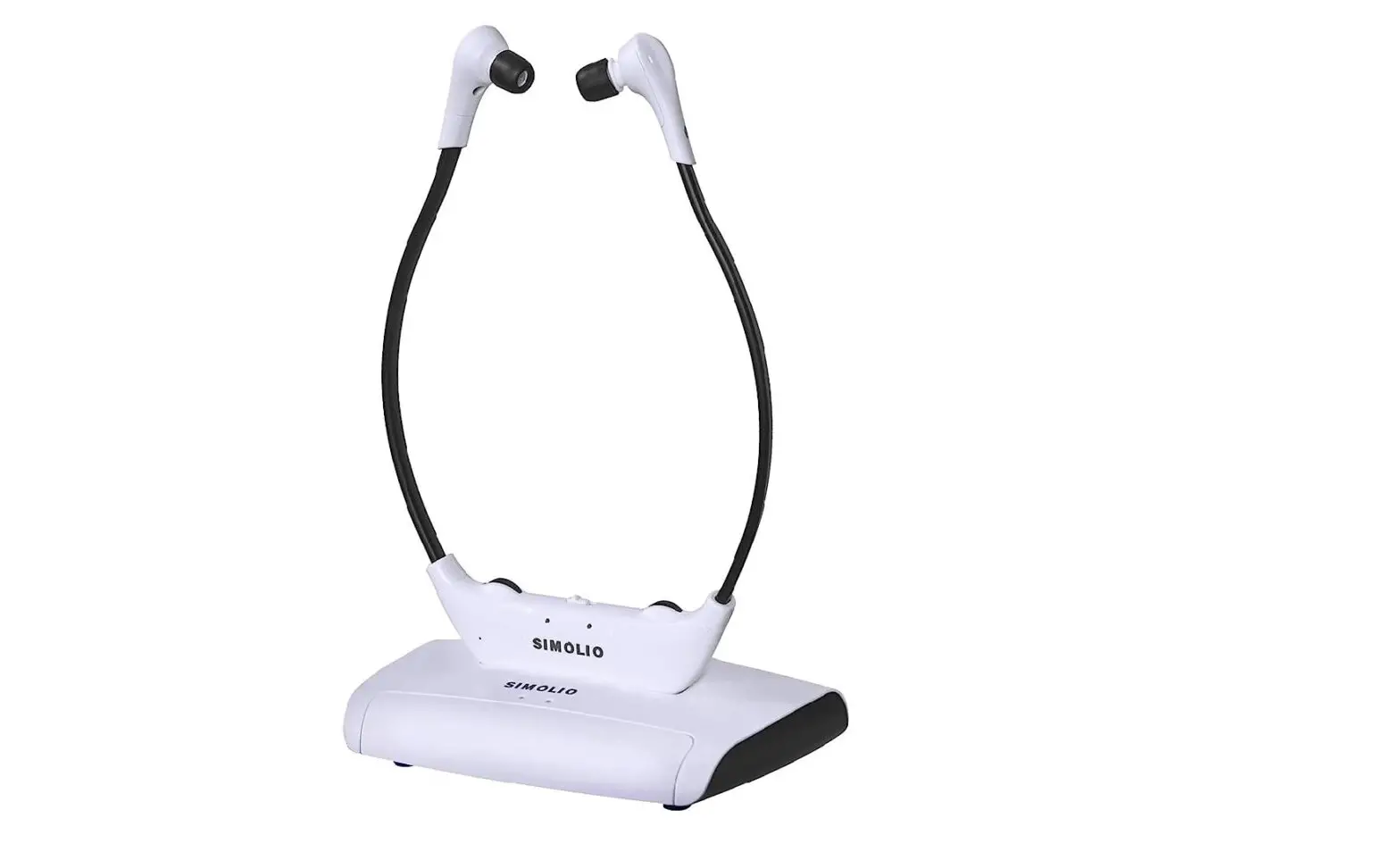
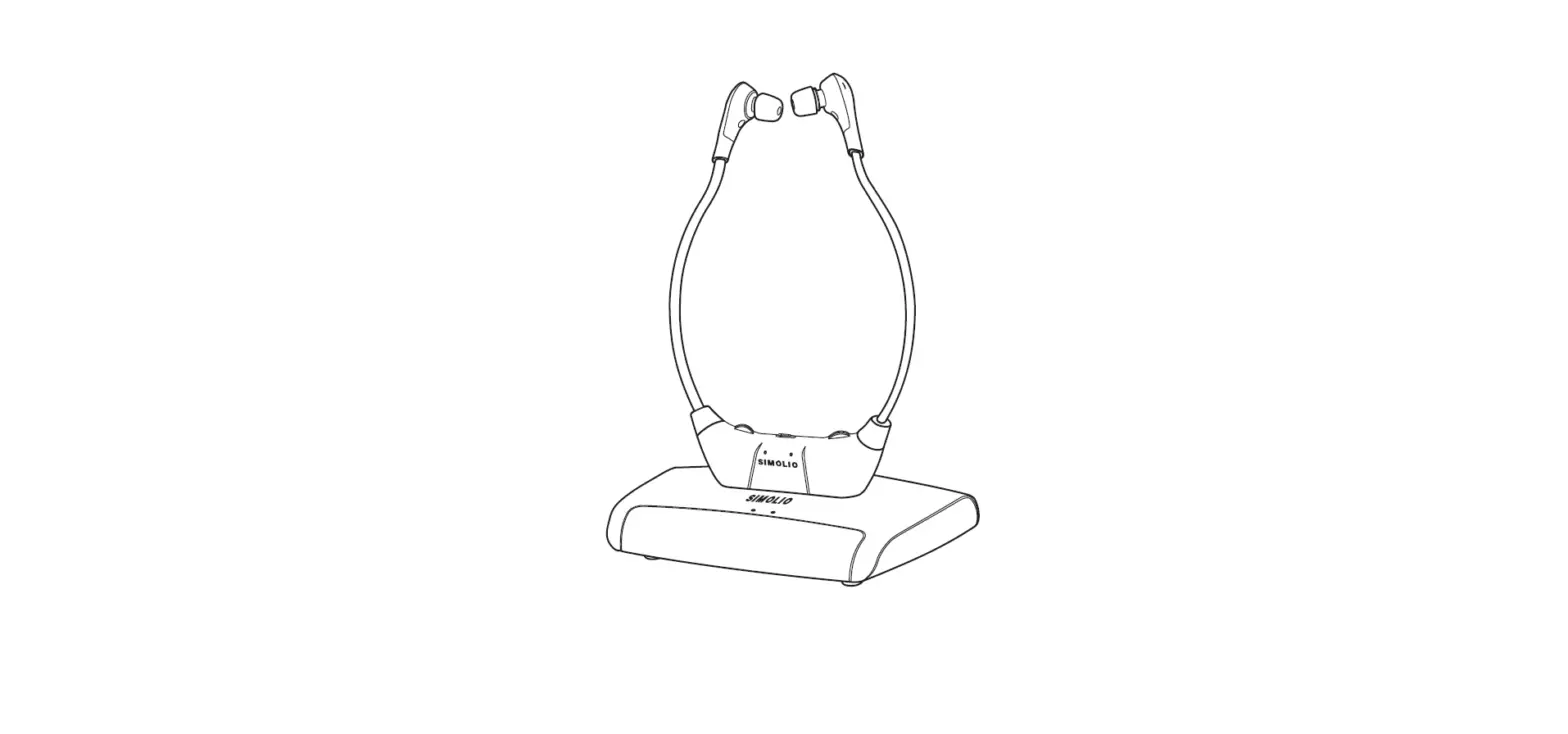
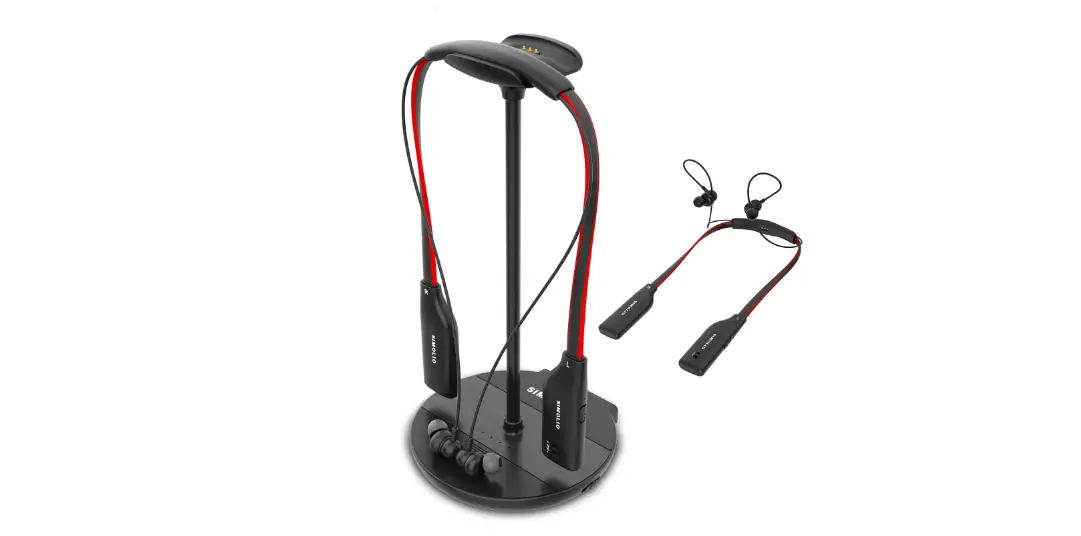
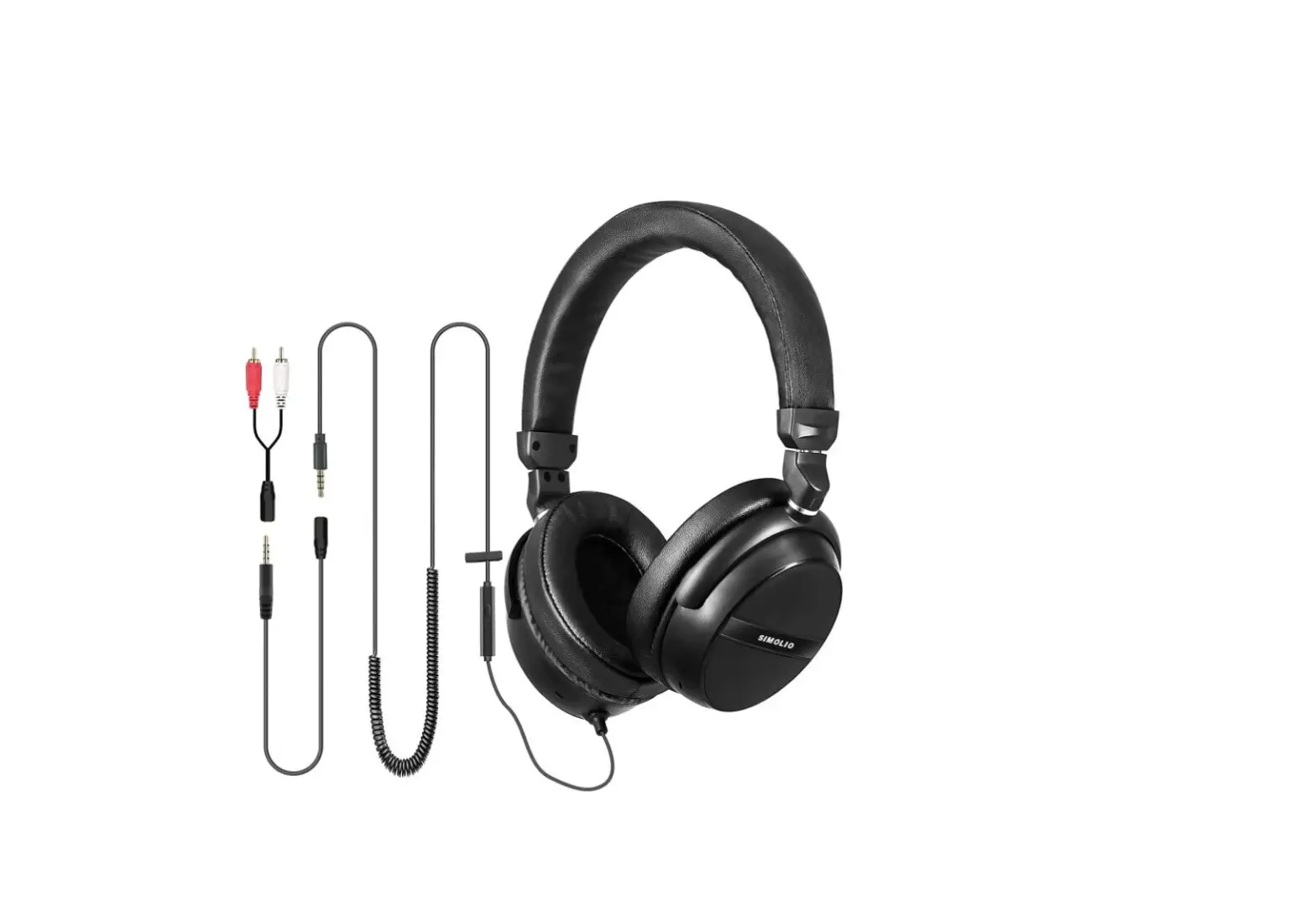
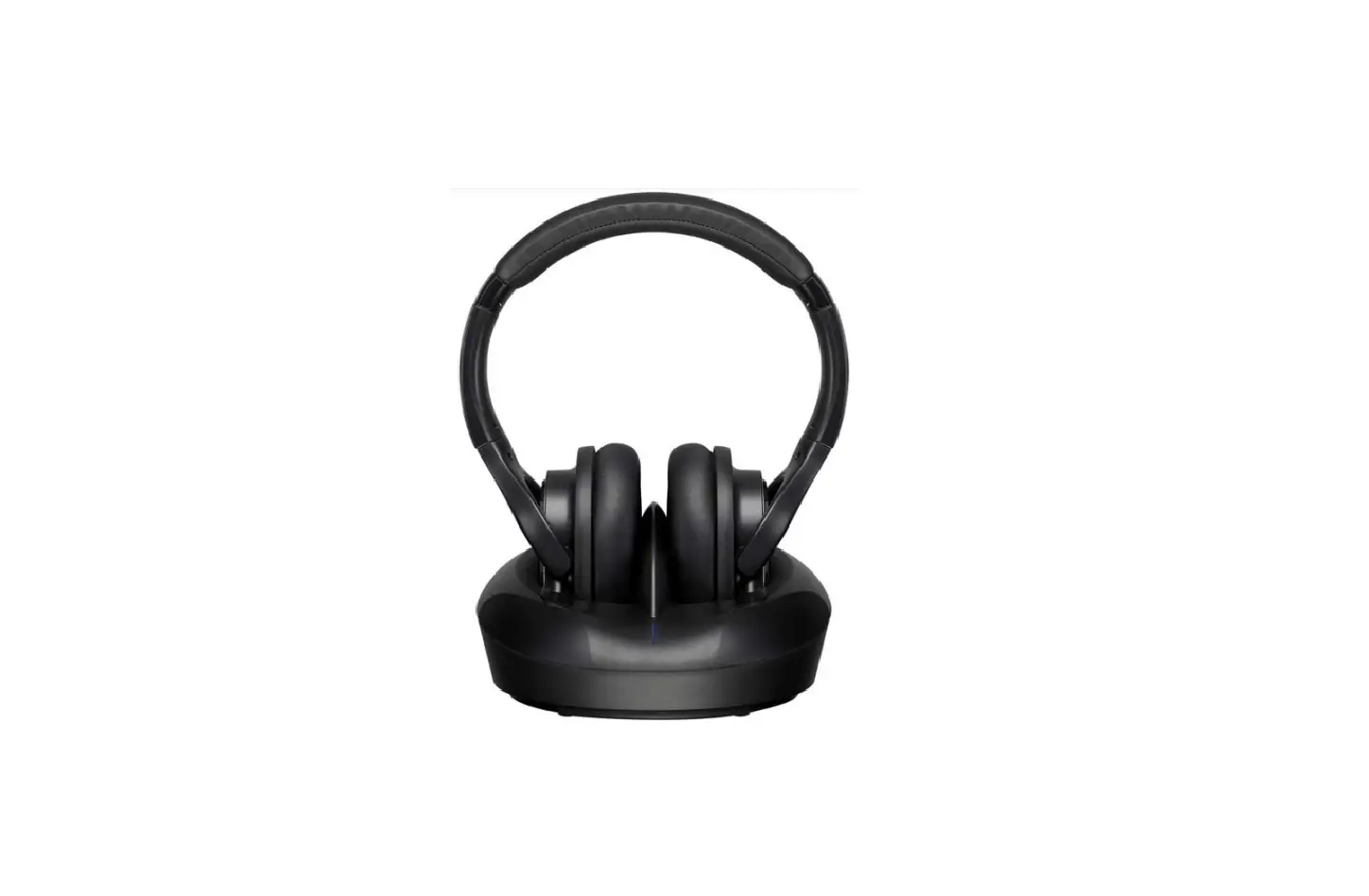
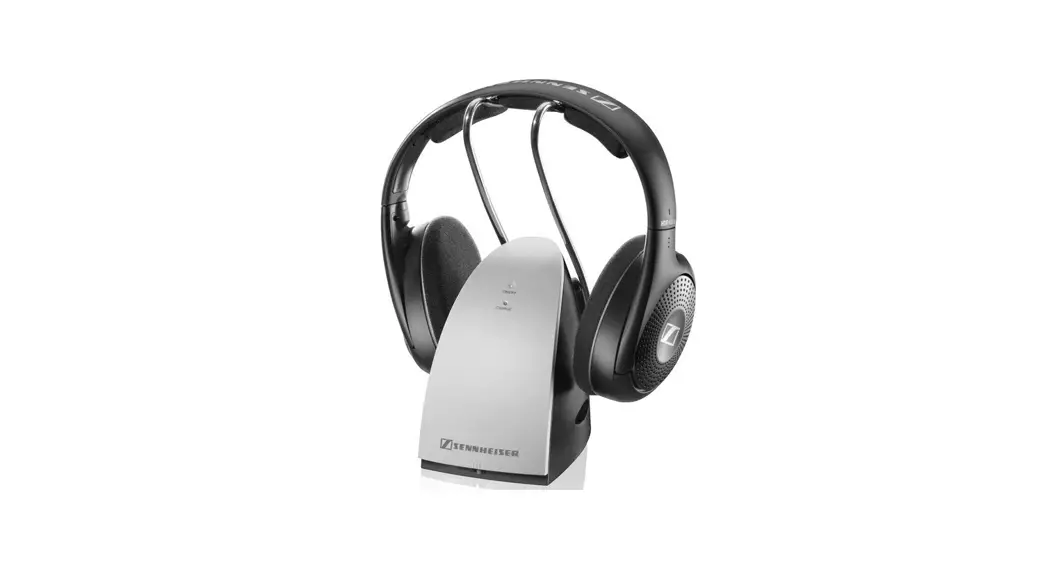
SM-826D 2.4GHz Wireless TV Headphones
Product Information
Product Name: SIMOLIO SM-826D Wireless TV
Headphone
Model Number: SM-826D
Features:
- Hearing Protection Function: Soften background sounds and
protect hearing from progressive damage caused by watching TV with
normal headphones - Long Distance Transmission: Wireless freedom and crystal clear
voice within a range of up to 100 feet - Voice Highlighting Tech: Reduces background voice to highlight
dialogues for easy understanding - Noise Cancelling Tech (NCT): Reduces ambient noise to focus on
TV dialogues
Technical Specifications:
- Transmission mode: Automatic Frequency-Hopping Spread
Spectrum - Carrier frequency: 2.4GHz ISM BAND
- Power Supply: Transmitter – DC 5V, 1A; Headphone – Built-in
500mAh Li-ion Battery - Frequency response: 18Hz-20KHz
- Distortion: < 0.5%
- Signal-to-noise ratio: 70dB
- Range: Up to 100 feet (without obstacles)
- Working time: 10 hours under wireless hearing mode
- Charging time: 3 hours
Product Usage Instructions
- Please read the instruction manual carefully and completely
before using the product. Keep the manual easily accessible at all
times. - Keep the product dry and avoid exposing it to extreme
temperatures. - Before switching the unit on, ensure that the receiver volume
is set to the minimum. - Pacemaker Safety: Consult your physician or
the manufacturer of your pacemaker or other medical device before
using this product with a pacemaker or other medical device. - To charge the headphone, use a workable USB charging cable. If
the headphone cannot be charged successfully, try changing to
another USB charging cable. - If the headphone still cannot be charged, try changing the
power source. Use a different power source like a PC USB port,
socket, or a different USB charger (5V/500mA-2A). - To register the warranty, contact [email protected] (for
NA/AU) or [email protected] (for UK) and provide your Amazon
order ID.
Note: For any further assistance or support,
please contact our customer support team at [email protected]
(NA/AU) or [email protected] (UK). Response Time: 2-24 hours,
excluding holidays.
For more product information, you can also subscribe to our
YouTube channel – Simolio Direct.
SM-826D
Phenomena
Causes
Headphone Faulty USB charging cable. can not be charged successfully Faulty Power source.
Solutions
Part 3
Please change another workable USB charging cable to see if it works.
Please change another power source like PC USB port, socket, different USB charger (5V/500mA-2A).
LIMITED WARRANTY
12 months limited warranty: The 12 months warranty will cover defects in manufacturing and product failure for a period of 12 months from the original date of purchase. The warranty period is not extended if we repair or replace a warranted product. This warranty is provided at the discretion of Simolio Ltd. And does not cover cosmetic damage or damage due to acts of nature, accident, misuse, abuse, negligence, commercial use, or modification of or to any part of the product. Accessories such as audio cables, power adapter and perishable items such as ear tips and batteries are not covered under this warranty.
Please contact: [email protected] (for NA/AU) or [email protected] (for UK) and provide your Amazon order ID to register the warranty.
TECHINICAL SPECIFICATIONS
Transmission mode Carrier frequency
Power Supply
Frequency response Distortion
Signal-to-noise ratio Range:
Working time Charging time
Automatic Frequency-Hopping Spread Spectrum
Transmitter Headphone
2.4GHz ISM BAND output: DC 5V, 1A input : 100~240V
plug of power cable : 4.0*1.7mm built-in 500mAh Li-ion Battery
USB charging cable
20 Hz 20 KHz 1%
70dB Up to 100 feet (without obstacles) 10 hours under wireless hearing mode
3 hours
18
2.4GHz Wireless TV Headphones SM-826D
03 02 01
User Manual
Sales & Support Email: [email protected] (for NA/AU) [email protected] (for UK)
SM-826D
Thank you for choosing the SIMOLIO SM-826D Wireless TV Headphone. Please read this guide carefully and keep it in a safe place for future reference. If you need any further assistance, please contact our customer support team at: [email protected] (NA/AU) [email protected] (UK) Response Time: 2-24h, excl. Holidays
Welcome to subscribe to our YouTube channel – “Simolio Direct” for more product information.
Safety Instruction……………………………………………………………. 01 Overview …………………………………………………………………….. 02 Features ………………………………………………………………………. 02 Product Diagram …………………………………………………………… 03 Package Contents ………………………………………………………….. 04 LED Indication …………………………………………………………….. 05 How to Use ……………………………………………………………………….. 1. Check Your TV/Audio Source Output Options before the Set up … 05 2. Turn on the Transmitter and Headphone …………………………….. 06
2.1 Power the Transmitter ………………………………………………. 06 2.2 Turn on the Transmitter …………………………………………….. 06 2.3 Turn on the Headphone …………………………………………….. 06 3. Connect the Transmitter to Your TV/Audio Source ……………….. 07 3.1 Digital Optical Connection ………………………………………… 07 3.2 RCA Analog Connection ……………………………………………. 08 3.3 3.5mm/AUX Analog Connection …………………………………. 10 3.4 Other Connections in Special Cases ……………………………… 11 4. Use Two Sets of SIMOLIO 2.4GHz Wireless TV Headphones………… Simultaneously in the Same House ……………………………………. 14 5. Charge the Headphone ………………………………………………….. 14 6. Customizing your SM-826D …………………………………………… 15 Troubleshooting ……………………………………………………………. 16 Limited Warranty ………………………………………………………….. 18 Technical Specifications ………………………………………………….. 18
SM-826D
SAFETY INSTRUCTIONS
1. Please read this instruction manual carefully and completely before using the products. Keep this manual easily accessible at all times.
2. Always keep the product dry, and do not expose them to extreme temperatures. 3. The receiver must keep the minimum volume before switching the unit on.
High volume may cause hearing damage to persons with normal hearing, especially to children. 4. Keep devices away from liquid. Before cleaning the product and its accessories, disconnect the transmitter from the power adapter, and use only a slightly damp cloth to clean the devices. 5. Use only the supplied power adapter. 6. Use the products with care and set them up on a stable surface of a clean, dust-free environment. 7. The unit may get hot during use. Ensure the unit has adequate ventilation. 8. Please put the product far away from microwave oven, mobile phones, WiFi router etc. to avoid unnecessary electronic wave interference. 9. Please switch off the transmitter and receiver after use, and pull out the power adapter from the wall socket when not using for a long time. 10. Only qualified person can provide services! Do not attempt to open the unit!
Pacemaker Safety: CAUTION!
Before using this product with a pacemaker or other medical device, consult your physician or the manufacturer of your pacemaker or other medical device.
01
SM-826D
OVERVIEW
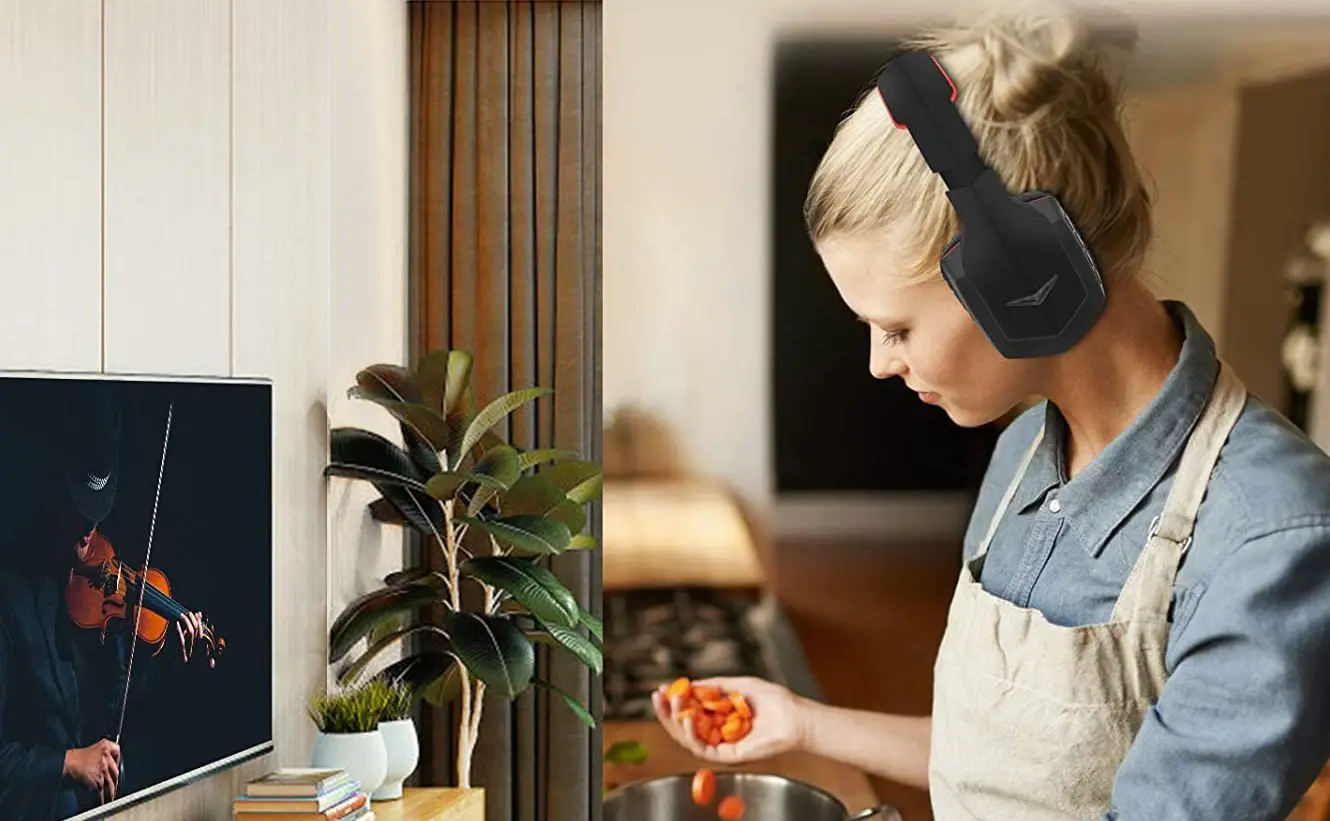
Would you like to watch television with crystal-clear sound that won’t disturb others in your family? Do you want to avoid hearing damage that could be caused by wearing normal wireless headphones for a long time? SIMOLIO SM-826D wireless TV hearing protecting headphone is just made for you.
Apply with the latest 2.4GHz Digital Automatic Frequency-Hopping Spread Spectrum (FHSS) technology, it gives you crystal-clear sound with the freedom of a wireless connection – up to 100 feet without obstacles. You can customize your listening at a most comfortable volume level, via tone controls and MONO/STEREO function. Our voice highlighting and noise cancelling technology dynamically reduce TV background sounds and make TV dialogues stand out. At last you can easily understand the TV dialogues at a healthy volume without worrying about your hearing being damaged.
It’s compatible with both digital and analog audio output ports and suitable for almost all TVs and the set-top boxes on the market.
FEATURES
(1) Hearing Protection Function Soften the background sounds, make the TV conversations stand out, help people enjoy TV programs in safe voices, protect people’s hearing from the progressive hearing damage caused by watching TV for a long time with normal headphones.
(2) Long Distance Transmission Supported with the latest technology, you can have wireless freedom and crystal clear voice within a range of up to 100 feet.
(3) Voice Highlighting Tech Reduce background voice in TV to highlight the dialogues, so that words hard to hear can easily stand out, making television dialogues to be understood easily.
(4) Noise Cancelling Tech (NCT) Reduce the ambient noise to help the users to focus on listening to the dialogues in TV.
(5) Automatic Signal Control (ASC) Our special circuit design can adjust the sudden volume change and make the output volume stable. It will avoid strong signal hurting the users’ hearing. (6) TONE Control It is specially designed for people who have different sound frequency
012
SM-826D
sensitiveness. They can select TONE (Treble/Normal/Bass) to find the optimum parameters, and hear the target audio source clearly.
(7) MONO/STEREO Optional You can switch to STEREO for enjoying Hi-Fi sound quality music or select MONO for enjoying more clear TV dialogues.
(8) Good Compatibility Compatible with any brand of TV/Smart TV box/ Cable TV box/Set-top box/DVD/other audio device that has a Digital Optical, RCA or 3.5mm AUDIO OUT port(s).
(9) Convenient Charging Methods The headphone is recharged by the supplied Micro USB cable into a compatible USB charger (transmitter USB port/PC or TV USB port). It is ok to use most mobile phone chargers on market.
(10) Headphone Designed with Auto Power Off Function for Power Saving When no signal is received for 10 minutes, the headphone will be powered off automatically.
(11) Audio Sharing Function You can have another headphone plug into the sharing port on the right side of the SIMOLIO headphone to share audio with your buddy .
(12) One Transmitter Can Support Multiple Headphones Additional SIMOLIO 2.4GHz wireless headphone receivers can be added to the SM-826D system, allowing multiple listeners to enjoy the same audio source.
PRODUCT DIAGRAM
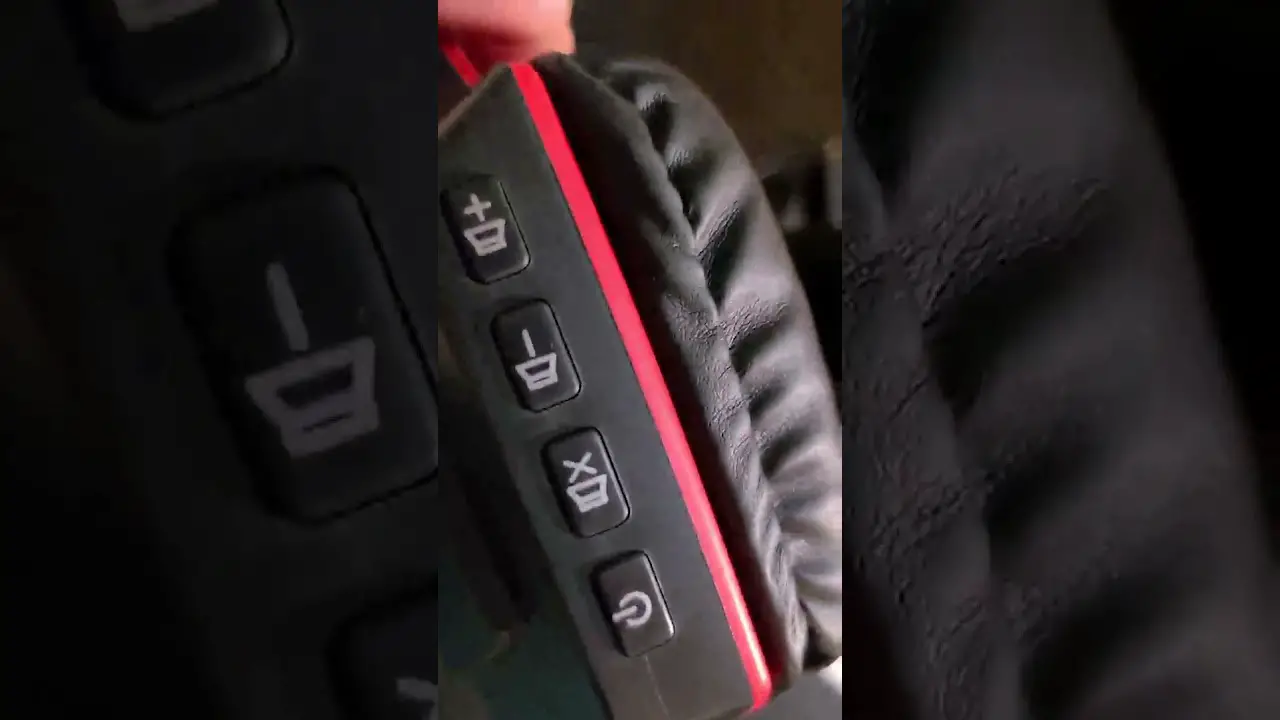
1. Receiver
Charging Indicator (Red)
03
02
01
VOLUME
Power ON/OFF
Audio In
032
Power &Working Indicator (Green)
USB Charging Socket
2. Transmitter
SM-826D
Power &Working Indicator (Green)
OFF/ON OFF/MONO/STEREO
OFF/ON
POWER OUT
OFF MONO STEREO
DC 5V/500mA
POWER OUT (charging port)
USB DC 5V
POWER IN
DC 5V
OPTICAL IN
TONE
AUDIO IN
TREBLE NORMAL BASS
TONE TREBLE/NORMAL/BASS
AUDIO IN
OPTICAL IN
POWER IN DC 5V
PACKAGE CONTENTS
Headphone
Transmitter
Optical Fiber Cable
03
02 01
Ø3.5mm- RCA Audio Cable
Ø3.5mm Audio Cable
Micro USB Charging Cable
Power Adapter
USA
UK
or
User Manual
2.4GHz Wireless TV Headphones SM-826D
03 02 01
User Manual
Sales & Support Email: [email protected] (for USA) [email protected] (for Europe)
04
(for headphone) Quick Guide
QUICK GUIDE for SM-823D, SM-824D & SM-825D IMPORTANT:
1. The unit will not work with the optical audio if the optical cable is carrying a
Dolby Digital or DTS signal.
In this case, set the Audio Out Format of your TV and TV related AV devices (e.g., cable box/DVD etc) to
PCM to get the unit to work.
2. Three different audio cords: digital optical cord, RCA cord and 3.5mm cord. In the end, only one of these cords is needed to complete the installation.
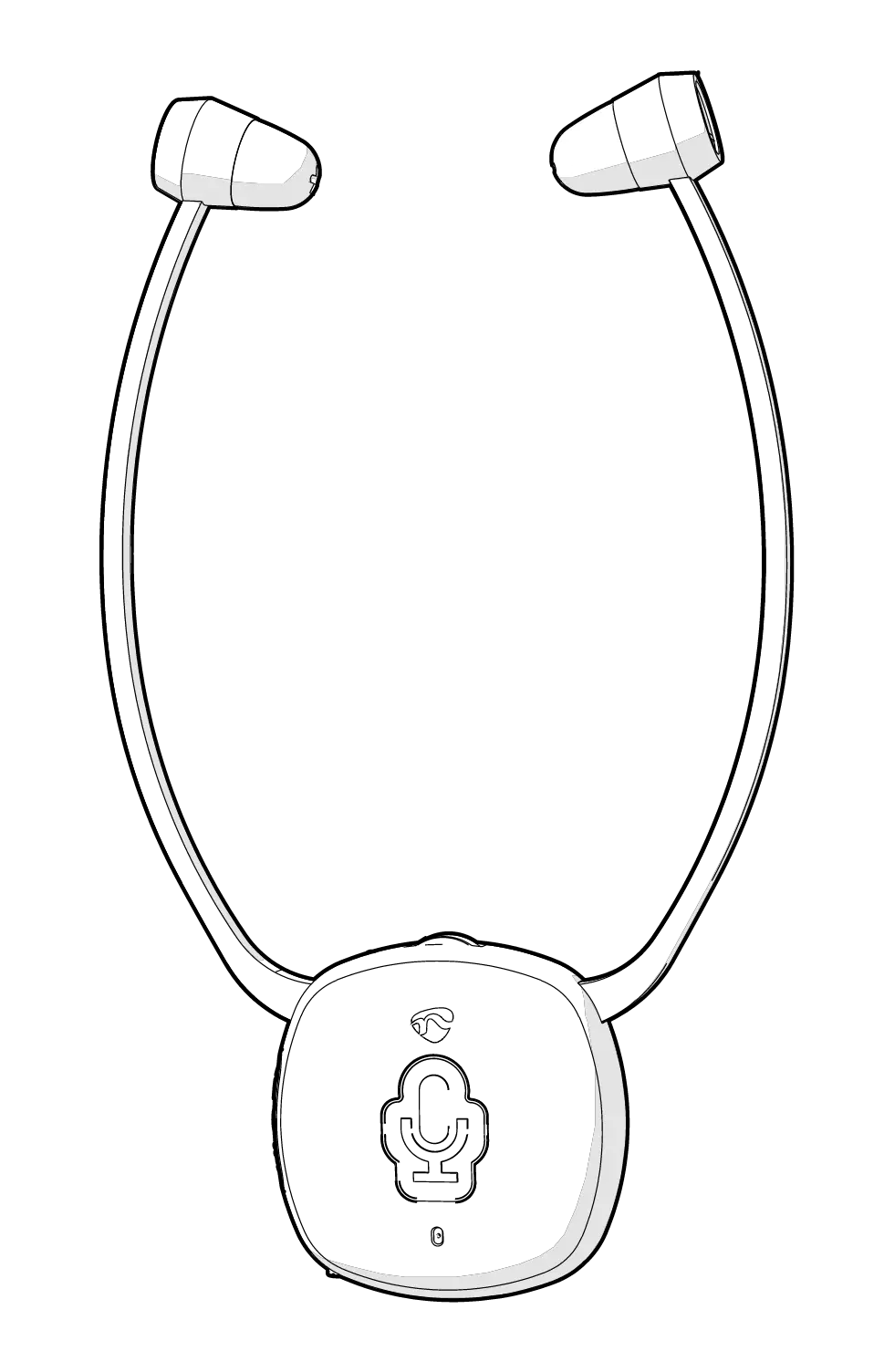
3. This device is a wireless TV headset as well as a personal sound amplifier. You can find a
MIC ON/OFF
button at the rear of headset. It is designed for hearing impaired people to clearly hear what people’s
talking to him/her nearby when watching TV. Just press MIC ON/OFF button , you can turn this headset to
a personal sound amplifier which could amplify the people’s voice around. When you want to back to
watching TV, just press the MIC button again. When use it as a wireless TV headset, the green working
indicator is on. As a personal sound amplifier, the red MIC indicator is on.
4. We suggest to hook up the transmitter base to the Optical Audio Out port of your TV/Smart TV box/ Cable TV box/Set-top box/DVD/other audio device in priority, for enjoying the super sound quality.
For streaming media watching (Netflix, Amazon Prime Video, etc.), place the transmitter base at least 4 feet away from your smart WiFi TV/WiFi TV box/TV sticks to avoid interference.
TV or Cable Box Figure 1
Optical Audio Out
DC 5V
TONE OFF MONO STEREO TREBLE NORMAL BASS
OPTICAL
AUDIO IN
Transmitter
Optical Audio In
TV Rear
If you has a sound bar/HiFi need to be connected with, we suggest to buy an optical splitter, so you can connect your sound bar/HiFi and the transmitter to your TV at the same time, shown as figure 2.
Figure 2
TV or Cable Box Optical Audio Out
SM-825D
OFF/ON
POWER OUT
OFF MONO STEREO
DC 5V/500mA
POWER IN
DC 5V
OPTICAL IN
TONE
AUDIO IN
TREBLE NORMAL BASS
SM-824D
TV Rear
OFF/ON OFF MONO STEREO
POWER IN
DC 5V
OPTICAL IN
TONE
AUDIO IN
TREBLE NORMAL BASS
Optical Splitter Optical In
SM-823D
Sound Bar
Optical Out
DC 5V
TONE OFF MONO STEREO TREBLE NORMAL BASS
OPTICAL
AUDIO IN
Optical Transmitter Audio In
5. If no Optical Audio Out port available, we suggest to connect the transmitter base to the red and white RCA ports which labeled as AUDIO OUT of your TV. If the RCA AUDIO OUT port of your TV is unavailable, you can connect the transmitter base to your Smart TV box/Cable TV box/Set-top box/DVD/other audio device which is hooked up with your TV.
Figure 3
TV or Cable Box
Figure 4
AUDIO OUT
COMPONENT
AUDIO IN
IN
Audio Out
L
R
VIDEO IN
RCA
RCA
TV Rear
DC 5V
TONE OFF MONO STEREO TREBLE NORMAL BASS
OPTICAL
AUDIO IN
Transmitter
3.5mm Audio In
SEVEN FREQUENCY ASKED QUESTIONS (FAQ) from marketing statistical analysis:
1.Outside noise overpowers the TV voice.
It is possible that the MIC ON/OFF button at the rear of headset is pressed on inadvertently, in this case the
MIC
indicator is solid red . To back to watching TV, just press the MIC ON/OFF button again or switch off the headset
and then restart with the red MIC indicator off and the green TV receiving indicator on.
2.The connections are correct and in place, but no TV sound is heard or sound cuts in and out.
1) It is possible that the volume of the audio source is set too low. If you connect
STB/Cable box/DVD etc to the
TV to watch programs, then the audio source is the STB/Cable box/DVD etc. Please use the audio source’s
remote control to set its volume to a sufficient level to ensure a steady sound signal. If you want to mute the TV
sound and only hear from this headset, please use your TV remote control to click
MUTE menu. (For most TVs,
the TV’s speakers are separately controlled from the TV’s audio out).
2) When do connection with the optical cable, set the Audio Out Format of your TV and TV related AV devices
(e.g., cable box/DVD etc ) to PCM to get the unit to work. ( Settings > Sound > Digital Audio Out Format >
Page 1
SM-826D
LED INDICATION
LED Indicators of the Transmitter
LED Status
Transmitter Status
Green LED flashes slowly
No audio signal in within 5 minutes
Dark green LED lighting steadily
In standby mode (no audio signal in for more than 5 minutes)
Bright green LED lighting steadily Wireless working mode
LED Indicators of the Headphone
LED Status Green LED flashes slowly Green LED flashes quickly and headphone beeps every minute Green LED lighting steadily
Red LED on
Red LED off
Headphone Status No signal received
Low power indication Wireless working mode Headphone charging Headphone charging completed
Note: · The transmitter will automatically enter standby mode within 5 minutes of no signal input, and it will automatically restart when there is an audio signal input.
· The headphone will power off automatically after 10 minutes of no audio signal in. Using it again, you need to slide ON/OFF switch to “OFF” position, then slide to “ON”.
HOW TO USE
1. Check Your TV/Audio Source Output Options before the Set up
SM-826D is compatible with OPTICAL output, AUX 3.5mm output, and RCA (labeled “AUDIO OUT”) (Ref. Fig 1-1) Note: · Three different audio cables included: digital optical cable, RCA cable and 3.5mm cable. In the end, only one of these cables is needed to complete the installation.
05
SM-826D
Jack Options
Digital Optical AUDIO OUT
OPTICAL AUDIO OUT
RCA jacks labled
AUDIO OUT
AUDIO OUT
L
R
Other RCA jacks(usually audio in)
AUDIO IN
AUX/3.5mm
6.35mm
Digital Coaxial
Phone jack AUDIO OUT
PHONE
COAXIAL
Natively supported?
(need extra 6.35mm (need extra digital to to 3.5mm adapter, analog converter, purchase separately) purchase separately)
Please refer
3.1
to Point
3.2
N/A
3.3
Fig 1-1
3.4
3.4
· If your audio source device has an optical audio out port, please connect SIMOLIO to this port preferentially. If not, you can also connect SIMOLIO to the RCA or AUX/3.5mm or other audio out port of the audio source device.
2. Turn on the Transmitter and Headphone
2.1 Power the Transmitter (Ref. Fig 2-1)
Plug the supplied AC adapter into a standard electrical outlet, plug the other end of the AC adapter into the port labeled “DC 5V” on the back of the transmitter.
OFF/ON
POWER IN DC 5V
Power in
OFF MONO STEREO
OFF/ON
POWER OUT
OFF MONO STEREO
DC 5V/500mA
POWER IN
DC 5V
OPTICAL IN
TO N E
AUDIO IN
TREBLE NORMAL BASS
Transmitter
Power adapter
Fig 2-2
Fig 2-1
2.2 Turn on the Transmitter (Ref. Fig 2-2)
Slide OFF/MONO/STEREO switch to “MONO” or “STEREO” position.
2.3 Turn on the Headphone
Slide ON/OFF switch to “ON” position.
Fig 2-3
06
SM-826D
3. Connect the Transmitter to Your TV/ Audio Source
Set the volume of the audio source to a level sufficient for people with normal hearing to clearly listen to the TV to ensure stable audio output. i.e. set the TV box VOL 30 % (Ref. Fig 3-1) & TV VOL 40% (Ref. Fig 3-2) For watching TV quietly without disturbing others, the right way is: Mute your TV by pressing the MUTE button on the remote control or choose any speaker option other than TV Speaker in the TV Sound Output settings.(Ref. Fig 3-3) · The above settings may differ from various TVs.
Mute
Fig 3-1 TV box VOL 30 %
Fig 3-2 TV VOL 40 %
Fig 3-3
3.1 Digital Optical Connection
This part will instruct you on how to connect the SIMOLIO SM-826D transmitter to your television, satellite, or cable box using an optical digital audio cable.
· If you cannot get to the back of your TV and you only watch the programs through a fixed TV box (cable/satellite box/DVD etc.), you can also use these instructions to install the system to your TV box.
· Be aware that the base should be placed at least 4 feet away from your Router/ smart WiFi TV/TV sticks/WiFi TV box to avoid interference.
Step 1. Hook up SIMOLIO to the Optical Audio Out Port of the TV/other
Audio Device
Remove the protective plastic caps
CAP
from both ends of the optical digital
audio cable.
Fig 3-4
Plug either end of the optical audio cable into the “Digital Audio Out (Optical)” port on the back of the TV. Plug the other end of the optical digital audio cable into the port on the back of the transmitter labeled “OPTICAL IN”.
OPTICAL IN
OFF/ON
POWER OUT
OFF MONO STEREO
DC 5V/500mA
POWER IN
DC 5V
OPTICAL IN
TONE
AUDIO IN
TREBLE NORMAL BASS
Optical Audio Cable
07
Digital Audio Out (Optical)
Fig 3-5
SM-826D
Step 2. TV Audio Format and Speaker Setting (use TV remote control) If you can not hear sound from your headphones after connecting:
· Ensure TV Audio Format is set to “PCM” or “Dolby/DTS” is OFF (This is IMPORTANT, Ref. Fig 3-6)
PS: for certain smart Samsung models, the TV is retaining separate settings for regular TV and internet TV setup. When you turn to the Smart Hub for Internet source, please use the TV remote to go to Settings > Sound > Expert Settings > Audio Format or Digital Output Audio Format, then select PCM.
· Ensure your TV speaker is set to “External Speakers”. (Ref. Fig 3-7)
Settings
PCM
Audio Format
Dolby Digital DTS
DTS Neo 2:5
Speakers Internal speakers External speakers Headset
Fig 3-6
Fig 3-7
Notes: If your TV only support single sound out, the TV’s speakers will be either automatically muted when you plug something into an audio out port (Optical/ AUX/RCA, etc.) or they become disabled once you choose “External Speakers” as your TV’s audio output. It depends on TV circuit design.
For most TVs, the TV’s internal speakers and an external audio device can work simultaneously. Such as, for some newer LG TVs, when do optical audio connection, you can set the “Sound Out” to “Internal TV Speaker + Audio Out (optical)”. And for some newer Samsung TVs, you can enable this feature by selecting “TV Speaker” from the TV Sound Output lists.
* Setting menu may be different depending on different TV brands and models.
3.2 RCA Analog Connection
This Part is an alternative to 3.1 on page 7. This part will explain how to connect the SIMOLIO SM-826D transmitter to your television, satellite, or cable box using an RCA analog audio cable.
· If you cannot get to the back of your TV and you only watch the programs through a fixed TV box (cable/satellite box/DVD etc.), you can also use these instructions to install the system to your TV box.
· Be aware that the base should be placed at least 4 feet away from your Router/ smart WiFi TV/TV sticks/WiFi TV box to avoid interference.
08
SM-826D
Step 1. Hook up SIMOLIO to the RCA Audio Out Port of the TV/other Audio Device Plug the red and white ends of the audio cable into the analog RCA Audio Out ports (red and white ports labeled “AUDIO OUT”) on the back of the TV. Plug the single end of the audio cable into the port labeled “AUDIO IN” on the back of the transmitter.
TV REAR
R AUDIO OUT L
AUDIO IN
OFF/ON
POWER OUT
OFF MONO STEREO
DC 5V/500mA
POWER IN
DC 5V
OPTICAL IN
TONE
AUDIO IN
TREBLE NORMAL BASS
RCA Audio Cable
Fig 3-8
Step 2. TV Audio Out Checking and TV Speaker Setting (use TV remote control) If you can not hear sound from your headphones after connecting:
· Ensure use TV Red/White ports labeled “AUDIO OUT” or “OUTPUT”, other Red/White ports are incorrect. (Ref. Fig 3-9)
· Ensure your TV speaker is set to “External Speakers”. (Ref. Fig 3-10)
TV REAR
AUDIO OUT
R
L
COMPONENT IN VIDEO IN
Speakers Internal speakers External speakers Headset
Fig 3-9
Fig 3-10
· Use the RCA cable to plug the headphone into the RCA output of the TV to test if you can hear the TV sound. (Ref. Fig 3-11)
03
R AUDIO OUT L
02
01
RCA Audio Cable
09
Fig 3-11
SM-826D
Notes: * If your TV only support single sound out, the TV’s speakers will be either automatically muted when you plug something into an audio out port (Optical/ AUX/RCA, etc.) or they become disabled once you choose “External Speakers” as your TV’s audio output. It depends on TV circuit design.
For most TVs, the TV’s internal speakers and an external audio device can work simultaneously. Such as, for some newer LG TVs, when do analog RCA audio connection, you can set the “Sound Out” to “Internal TV Speaker + Headphones”. And for some newer Samsung TVs, you can enable this feature by selecting “TV Speaker” from the TV Sound Output lists.
* Your TV’s analog audio settings may be set to “Variable” or “Fixed”. If you want to be able to control your TV volume level separate from your SIMOLIO SM-826D volume level, you will need to make sure your TV is set to “Fixed”. Contact your TV manufacturer for assistance. (Ref. Fig 3-12)
SETTINGS
SOUND / AUDIO
ANALOG AUDIO OUT
FIXED VARIABLE
*Setting menu may be different depending on different TV brands and models.
Fig 3-12
3.3 3.5mm/AUX Analog Connection
This part is an alternative to 3.1 and 3.2 on page 8-10. This part will explain how to connect the SIMOLIO SM-826D transmitter to your television, satellite, or cable box using a 3.5mm/AUX analog audio cable.
· If you cannot get to the back of your TV and you only watch the programs through a fixed TV box (cable/satellite box/DVD etc.), you can also use these instructions to install the system to your TV box.
· If you connect the 3.5mm audio cable to the 3.5mm Audio Out port which is usually a Headphone port on your TV, your SIMOLIO SM-826D will still function properly, but the sound to your TV internal speakers will be muted. The port is usually labeled with an headphone icon.
· Be aware that the base should be placed at least 4 feet away from your Router/smart WiFi TV/TV sticks/WiFi TV box to avoid interference.
Step 1. Hook up SIMOLIO to the 3.5mm Audio Out Port of the TV/other Audio Device
Plug one end of the 3.5mm audio cable into the “Audio Out” port on the back of the TV. Plug the other end of the audio cable into the port labeled “AUDIO IN” on the back of the transmitter.
10
SM-826D
H/P or Audio Out
AUDIO IN
OFF/ON
POWER OUT
OFF MONO STEREO
DC 5V/500mA
POWER IN
DC 5V
OPTICAL IN
TONE
AUDIO IN
TREBLE NORMAL BASS
AUX/3.5mm Audio Cable Fig 3-13
Step 2. TV Audio Out / TV Speaker Setting (use TV remote control) If you can not hear sound from your headphones after connecting:
· Ensure your TV speaker is set to “Headset”. (Ref. Fig 3-14)
· Use the AUX/3.5mm cable to plug the headphone into the headphone/3.5mm audio output of the TV to test if you can hear the TV sound. (Ref. Fig 3-15)
Speakers Internal speakers External speakers Headset
03
02 01
H/P or Audio Out
3.5mm Audio Cable
Fig 3-14
Fig 3-15
Notes:
* Your TV’s audio settings may be set to “Variable” or “Fixed”. We recommend that you set your audio settings to “Fixed” for better audio quality when using this installation option. If you want to be able
SETTINGS
SOUND / AUDIO
ANALOG AUDIO OUT
FIXED VARIABLE
to control your TV volume level separate from your
SIMOLIO SM-826D volume level, you will need to
make sure your TV is set to “Fixed”. Contact your
TV manufacturer for assistance.
Fig 3-16
* Setting menu may be different depending on different TV brands and models.
3.4 Other Connections in Special Cases 1) TV/Audio Source only has Digital Coaxial Audio Out port
Step1. Purchase a Digital to Analog Converter and Set up as Shown in Fig 3-17 If your TV/Audio Source only has a digital coaxial audio out port, you will need a digital to analog converter (DAC) for installation.
11
SM-826D
Digital Out Coaxial
Digital to Analog Converter
COAXIAL IN
R L
RCA OUT
OFF/ON
POWER OUT
POWER IN
TONE
OFF MONO STEREO
DC 5V/500mA
DC 5V
OPTICAL IN
wireless
AUDIO IN
TREBLE NORMAL BASS
AUDIO IN
transmitter
Fig 3-17
Step 2. TV Audio Format and Speaker Setting (use TV remote control) If you can not hear sound from your headphones after connecting:
· Ensure TV Audio Format is set to “PCM” or “Dolby/DTS” is OFF (This is IMPORTANT, Ref. Fig 3-18) PS: for certain smart Samsung models, the TV is retaining separate settings for regular TV and internet TV setup. When you turn to the Smart Hub for Internet source, please use the TV remote to go to Settings > Sound > Expert Settings > Audio Format or Digital Output Audio Format, then select PCM.
· Ensure your TV speaker is set to “External Speakers”. (Ref. Fig 3-19)
Settings
Audio Format
PCM Dolby Digital DTS DTS Neo 2:5
Speakers Internal speakers External speakers Headset
Fig 3-18
Fig 3-19
· Take turns to test RCA connection and 3.5mm headphone connection.
· Use the AUX/RCA cable to plug the headphone into the headphone or RCA output of the DAC to test if you can hear the TV sound. (Ref. Fig 3-20)
COAXIAL IN
COAXIAL IN
03
03
02
02
01
01
Connect TV/ Cable box/ STB etc.
R L
RCA
OUT
or Connect TV/ Cable box/
R L
STB etc.
H/P
RCA Audio Cable
3.5mm Audio Cable
Fig 3-20
Note: Setting menu may be different depending on different TV brands and models.
12
SM-826D
2) If your TV/Audio Source’s Digital Optical Audio Out port is occupied by soundbar, you will need an optical splitter for installation.
Step 1. Purchase an Optical Splitter and Set up as Shown in Fig 3-21
Optical Splitter
Digital Optical
Audio Out
Optical Fiber
Cable
Optical Fiber
03
02 01
Cable
Sound Bar Fig 3-21
SM-826D (Transmitter)
Step 2. If you can not hear sound from your headphones after connecting, follow the part of 3.1 on page 8-9 to check your settings.
3) Connect SIMOLIO SM-826D to your AV Receiver with 6.35mm PHONE jack
Step 1. Purchase a 6.35mm to 3.5mm Adapter and Set up as Shown in Fig 3-22 SM-826D is not compatible with ANY RCA(L/R) ports on your AV Receiver, ONLY use the BIG 6.35mm PHONE OUT on front side of your AV Receiver with the 6.35mm to 3.5mm adapter (purchase separately).
AV Receiver
AUDIO IN
Phones
OFF/ON
POWER OUT
OFF MONO STEREO
DC 5V/500mA
POWER IN
DC 5V
OPTICAL IN
TONE
AUDIO IN
TREBLE NORMAL BASS
6.35mm Audio adapter (purchase separately)
6.35mm Phone jack
Fig 3-22
3.5mm Audio Cable
Step 2. Check the Performance of the AV Receiver’s Audio Output as Shown in Fig 3-23
If you can not hear sound from your headphones after connecting:
· Use the AUX cable and 6.35 to 3.5mm converter to plug the headphone into the port on AV receiver to check whether the sound is normal.
13
SM-826D
AV Receiver
03
02
01
Phones
6.35mm Audio adapter (purchase separately)
6.35mm Phone jack
Fig 3-23
3.5mm Audio Cable
4. Use Two Sets of SIMOLIO 2.4GHz Wireless TV Headphones Simultaneously in the Same House
· The two sets of SIMOLIO 2.4GHz units should be put at least 10 meters away from each other when using them simultaneously.
room 1
room 2
Fig 4-1
SM-826D (Transmitter 1)
SM-826D (Transmitter 2)
Distance >10M (at least)
· Take the headphone close to the transmitter, then turn on the transmitter and headphone and make sure the green LED indicators are facing towards each other for about 5 seconds.
Note: If two headphones are used on the same TV, only one transmitter needs to be connected, because one transmitter supports multiple headphones to work simultaneously.
5. Charge the Headphone
Wireless Receiving Indicator (Green)
Power &Working Indicator (Green)
OFF/ON
MONO OFF
STEREO
DC 5V/500mA
POWER OUT
DC 5V
POWER IN
OPTICAL IN
AUDIO IN
TREBLE NORMAL
TONE
BASS
(Transmitter)
(Receiver) Fig 4-2
A: Through the USB charging port on the rear of the transmitter base You can use the included micro USB charging cable to connect the headphone to the USB charging port on the rear of the transmitter base for charging.(make sure the transmitter base is powered on)
14
SM-826D
(Headphone)
(Transmitter)
OFF/ON
POWER OUT
OFF MONO STEREO
DC 5V/500mA
POWER IN
DC 5V
OPTICAL IN
TONE
AUDIO IN
TREBLE NORMAL BASS
micro USB charging cable
Power adapter
Fig 5-1
B: Through the universal USB charger/outlet You can charge your headphone by plugging the micro USB power cable into a phone charger (5V/500mA-2A output), PC USB port, TV USB port or any other USB outlet. You don’t need to go back to the transmitter base next to the TV to charge. It takes about 3 hours to fully charge the headphones. The LED will turn RED during charging and turn off once charging is completed.
(Headphone)
(phone charger / PC USB port/ TV USB port / any other USB outlet)
micro USB charging cable
Fig 5-2
Notes: The charging time is approx. 3 hours. Before using the spare rechargeable battery for the first time, charge it for at least 3 hours. The headphone battery will last around 10 hours on a full charge, but will last a lesser or greater amount of time depending on the average volume level of the headphone.
6. Customizing your SM-826D
1) Please make sure the headphones are being worn properly. Each side of the headphone has a letter to guide the wearer: “L” for left and “R” for right. You can adjust the retractable headband to fit you better.
03
03 02
02
01
01
R
L
R
L
Fig 6-1
15
SM-826D
2) Tone Control: Select the TONE (TREBLE/NORMAL/BASS) at the rear of transmitter to find the best feature, make sure you can hear the TV voice clearly.
OFF/ON OFF MONO STEREO
OFF/ON OFF/MONO/STEREO
Fig 6-3
(Transmitter)
OFF/ON
POWER OUT
OFF MONO STEREO
DC 5V/500mA
POWER IN
DC 5V
OPTICAL IN
TONE
AUDIO IN
TREBLE NORMAL BASS
TONE AUDIO IN TREBLENORMALBASS
TONE TREBLE/NORMAL/BASS
Fig 6-2
3) Mono/Stereo option: You can switch to STEREO for enjoying Hi-Fi sound quality music or select MONO for enjoying more clear TV dialogues. If, despite a correct balance adjustment, you can hear the sound only with one ear: Set the STEREO/MONO switch on the transmitter to MONO. (Ref. Fig 6-3)
TROUBLESHOOTING
Part 1
Phenomena
Causes
Solutions
The transmitter is not powered on.
Switch to MONO or STEREO to power the transmitter on.
The transmitter is not connected well.
The analog audio cable is plugged into the AUDIO IN jack of the transmitter when connecting with the optical cable.
Make sure the AC adapter and the audio cable of the transmitter are plugged in place.
Unplug the analog audio cable from the transmitter.
The connection between the
Make sure the connection is correct and
Headphone doesn’t
transmitter and the audio source is wrong.
in place between the transmitter and the audio source.
work, or no voice received
The audio sources (TV and TV related AV devices) are not turned on or their volume are set too low.
Turn on the audio source, and adjust its volume to a sufficient level.
TV audio output is disabled or not activated.
Follow the instructions in your TV user manual to change the TV’s AUDIO OUT setting to “External TV Speakers”.
The audio out format of TV and TV related AV devices (e.g., Cable box,STB, DirecTV, etc.) is not set toPCM.
Set it to PCM. For example: Settings > Sound > Digital Audio Out Format> Dolby/DTS/PCM, menu depends on TVs.
16
SM-826D
Part 2
Phenomena
Causes
Solutions
The headphone is powered off automatically.
The audio out port of the connected audio device is defective (no signal out ).
Switch the headphone off, then on. Connect to another audio out port .
Headphone TV volume is turned down to
doesn’t
ZERO.
work, or
no voice
received The headphone is out of the
transmitting range.
Adjust the TV volume to a sufficient level. If you want to mute the TV, please click the MUTE key on the TV remote control or go to TV settings to OFF the Internal TV speaker.
Move the headphone closer to the transmitter.
The audio source’s volume is set too low.
The battery’s power is too low.
Adjust its volume properly. Charge the battery fully.
Sound cuts in and out
or some noise is occurred
The transmitter is placed too close to metalworks or other electromagnetic wave objects.
The connection between the transmitter and the audio source isnot in place.
Put the transmitter far away from the interference sources.
Make sure the connection is firm between the transmitter and the audio source.
The audio out function of the connected audio device is defective(poor signal out).
Connect to another audio out port .
The headphone is used for listening Place the transmitter base at least 4 feet
to streaming media (Netflix,
away from smart WiFi TV/WiFi TV box/
Amazon Prime Video etc).
TV sticks to avoid interference.
The voice is heard onlywith one ear
If you are using RCA connection, the RCA audio cable connecting the transmitter and your TV/audio source is NOT FULLY plugged at BOTH ends.
Try to wiggle the audio cable or unplug and plug the audio cable from both the ends on TV/audio source and the transmitter .
The audio out signal of audio source is mono, but the transmitter Switch the transmitter to MONO. is switched to STEREO.
Faulty cable/audio out port issue
Try another audio cable or another audio device.
17