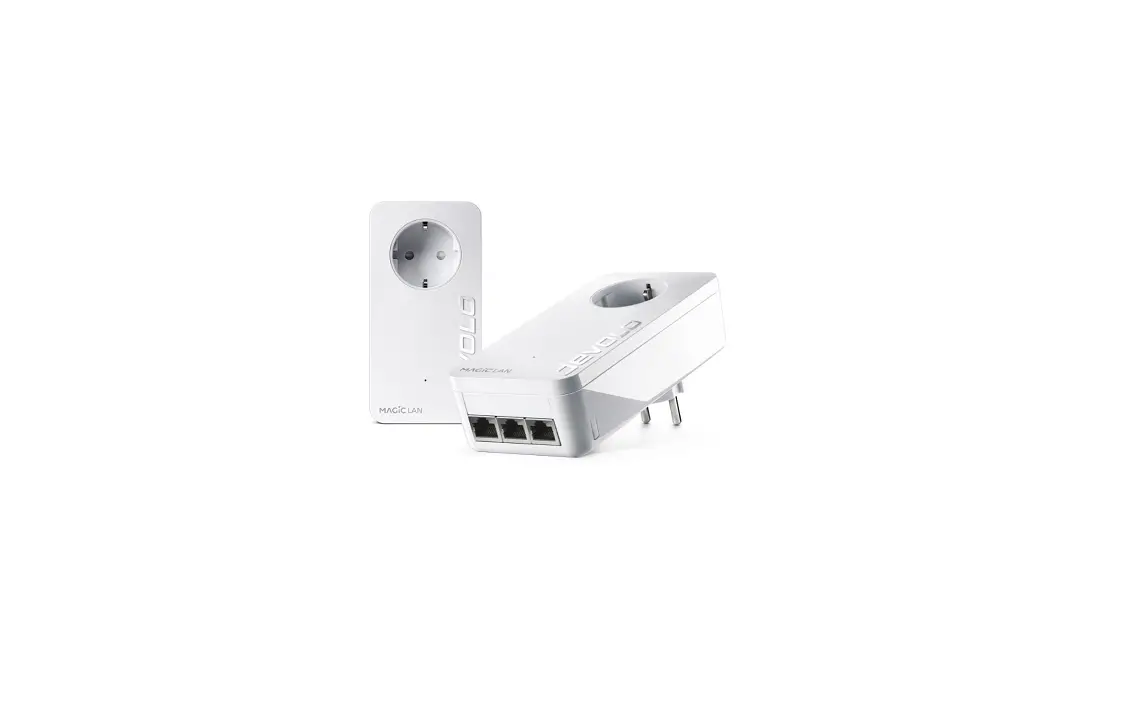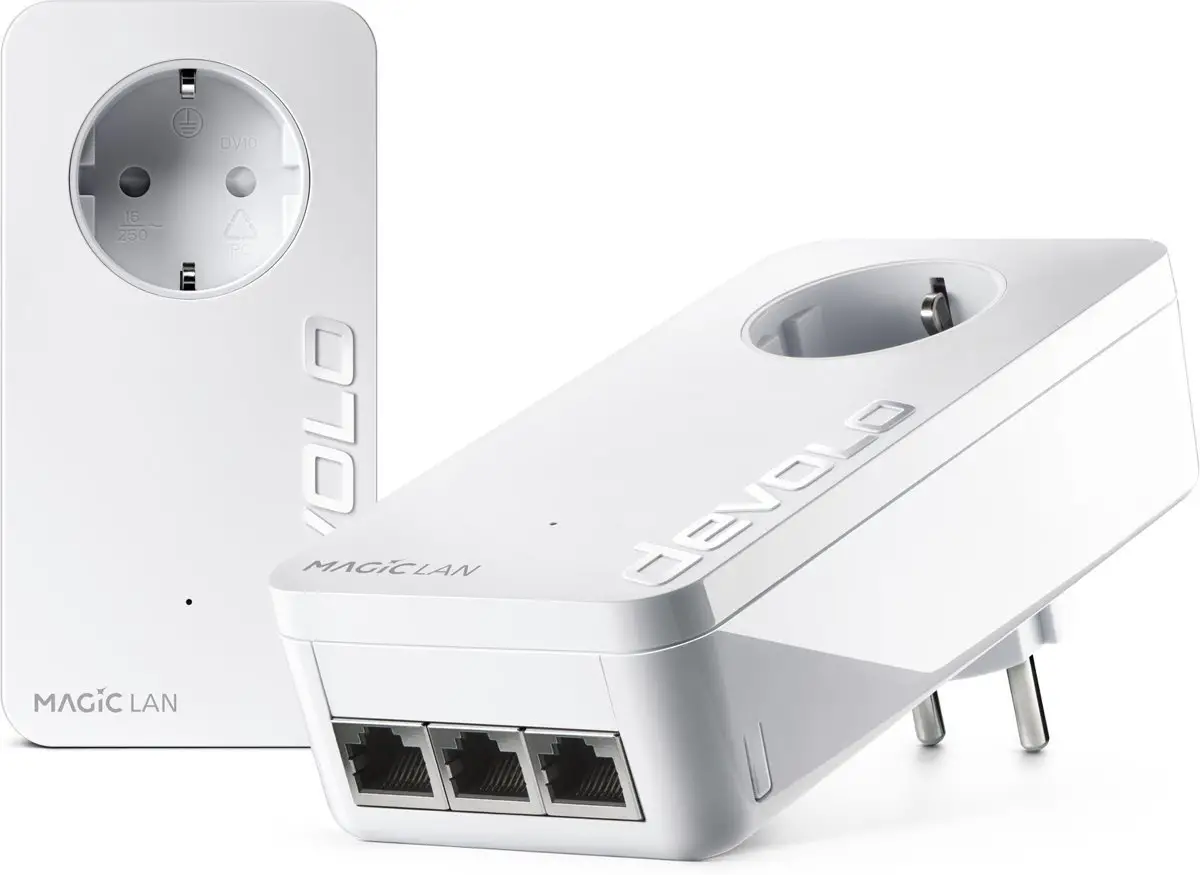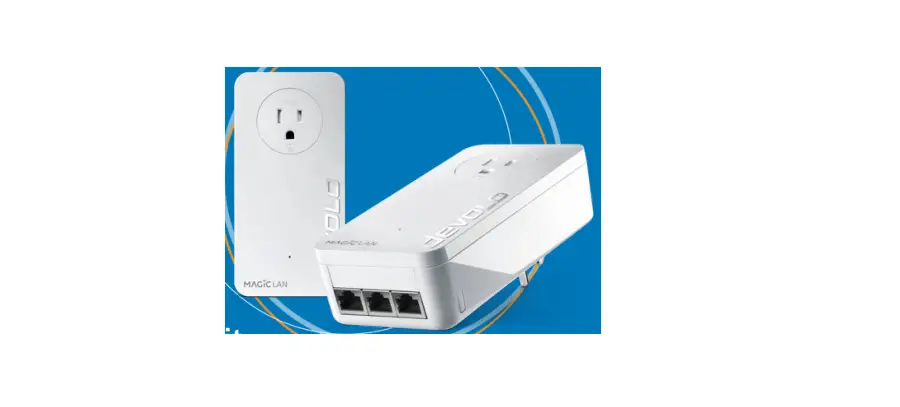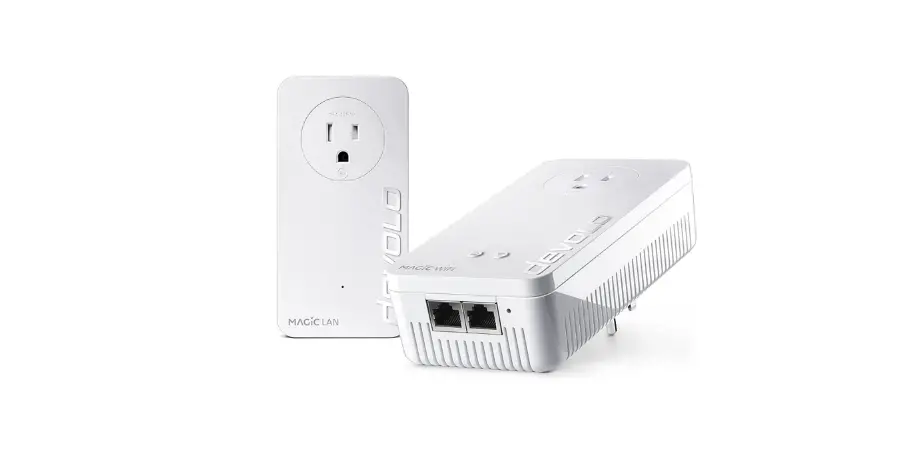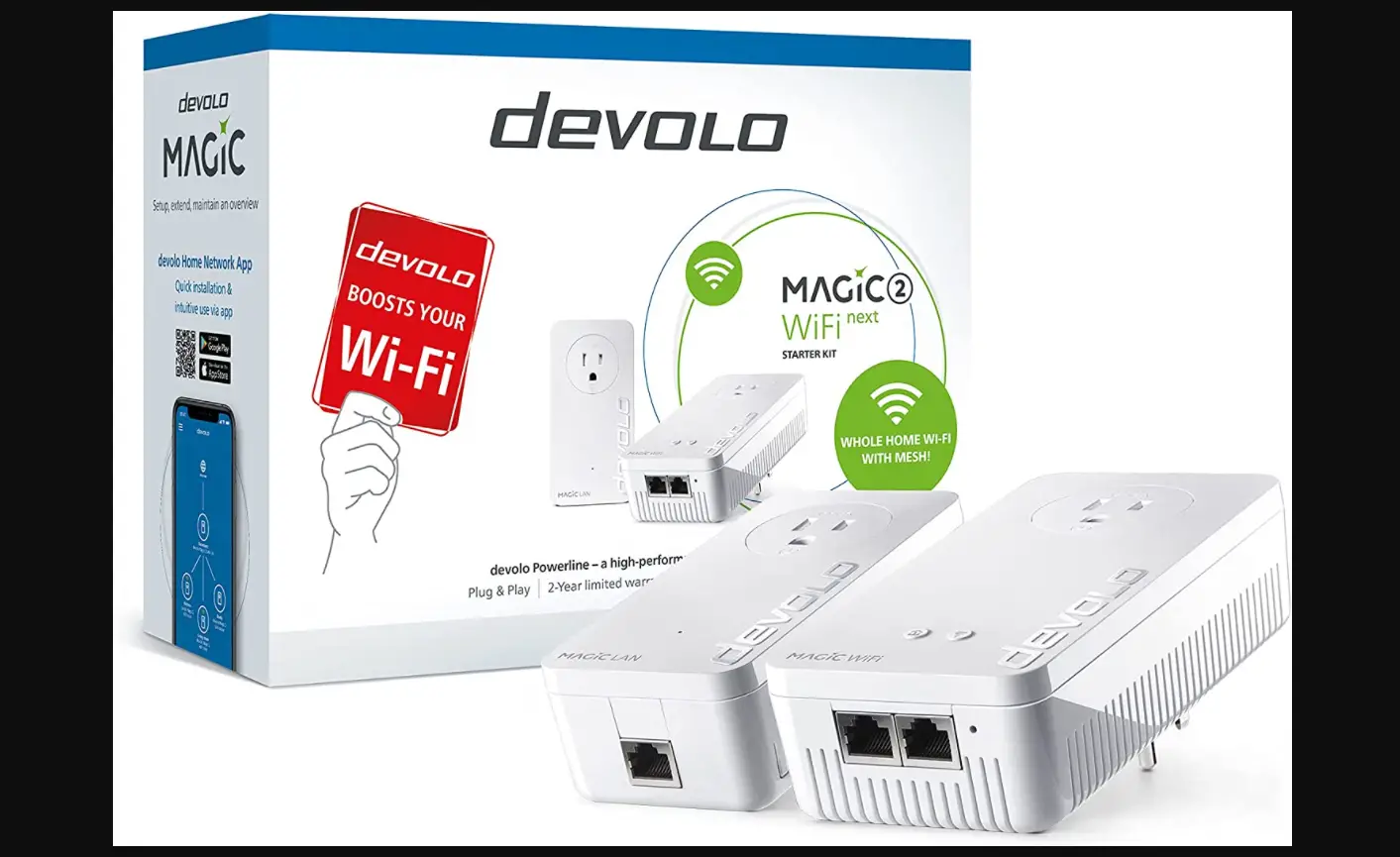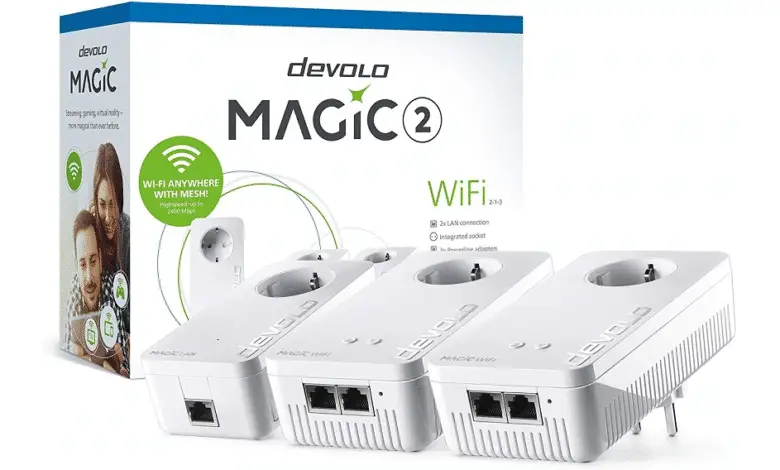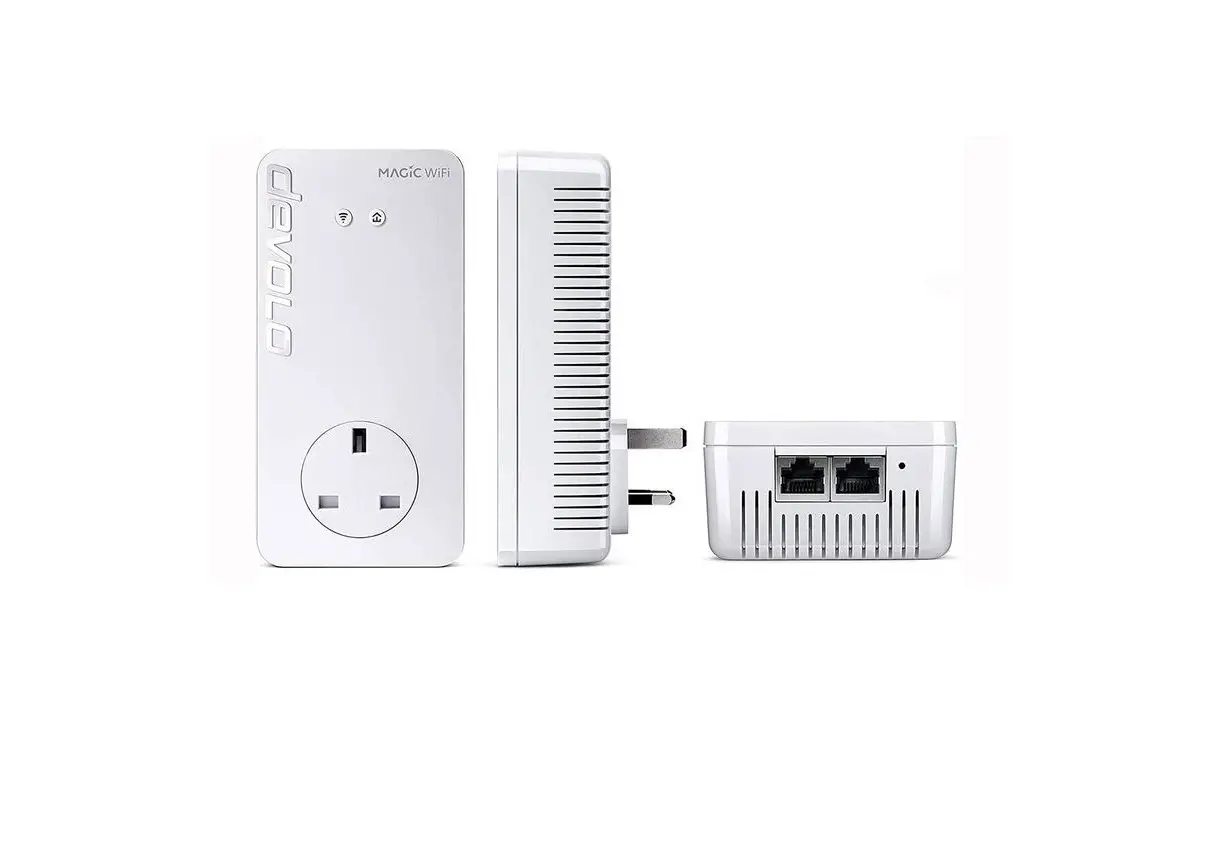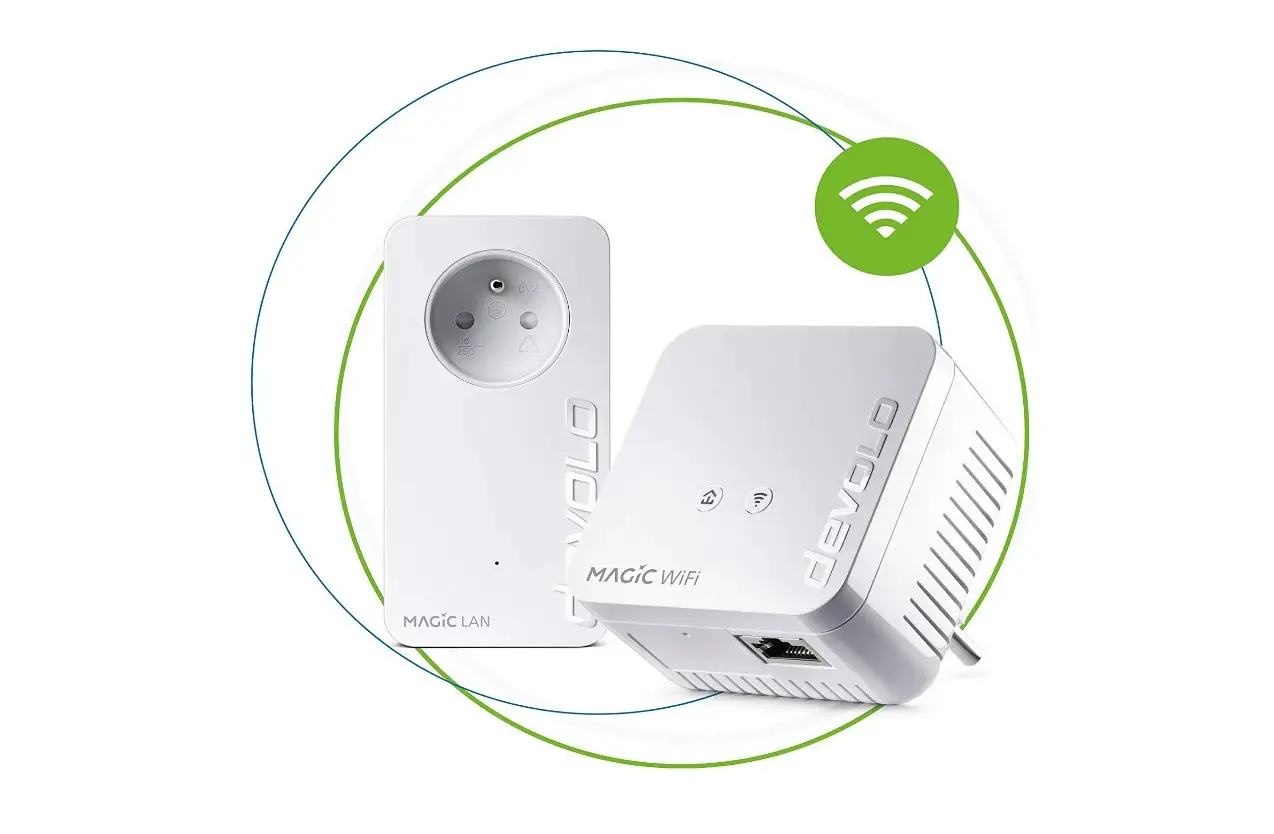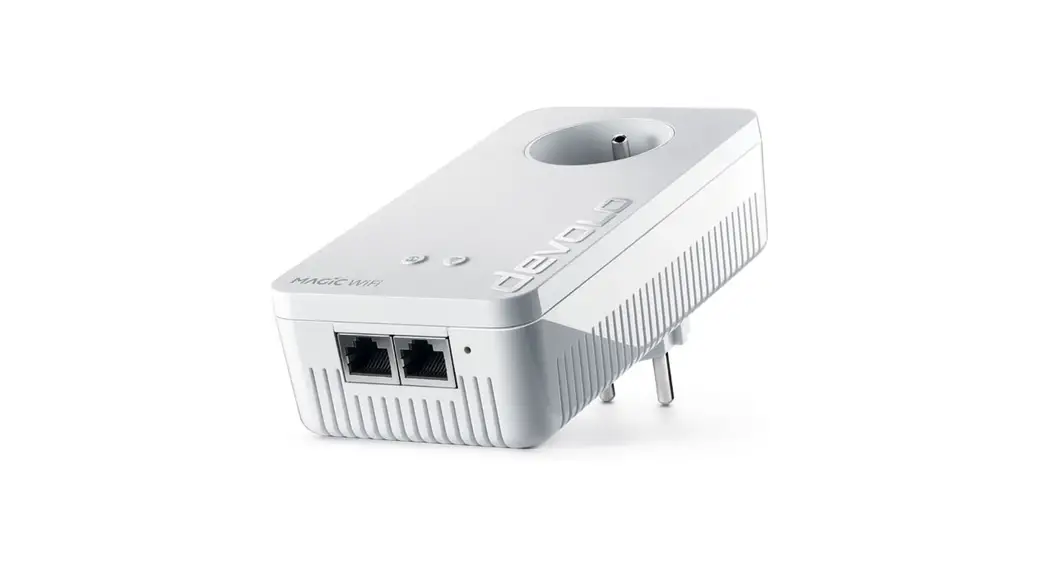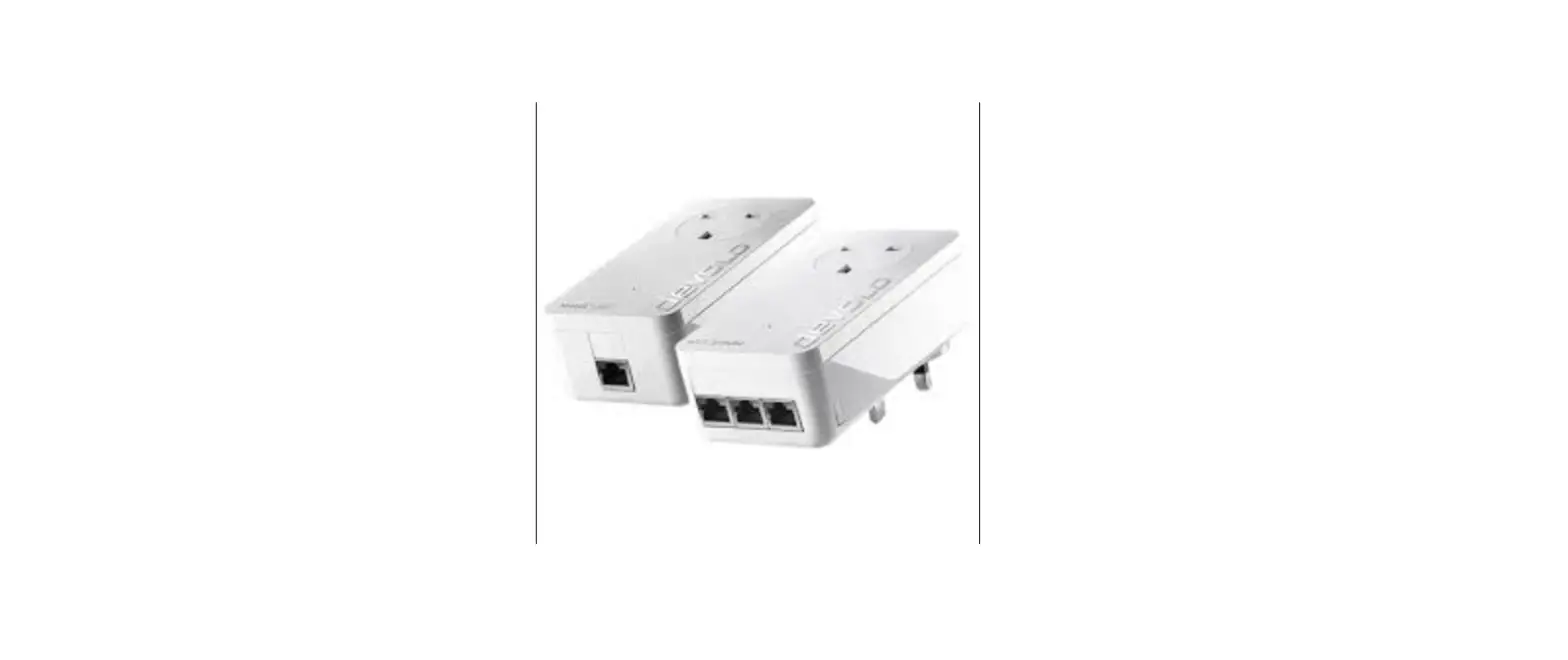

devolo MAGIC 08784 2 LAN 1-1 Innovative PLC Adapter
Download App

Notice
Damage to the device from the environment. High-temperature fluctuations and moisture can damage both the product and the power line.
The device is for indoor use and in dry conditions only
Information
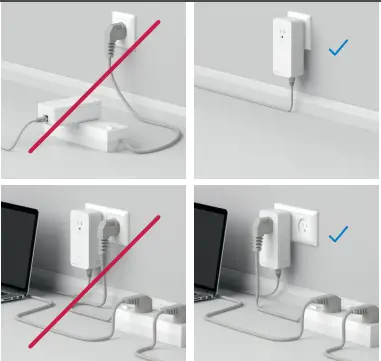
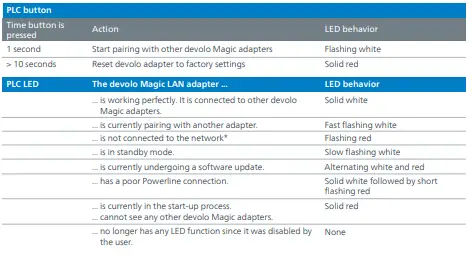
Plug the devolo Magic LAN adapter into an available wall outlet and wait until the LED flashes white (approx. 15 seconds).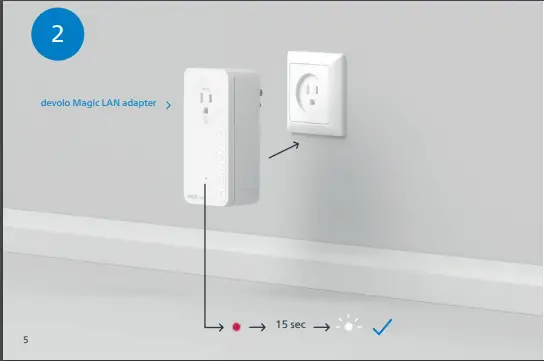
Within 3 minutes, press the button on the side of your devolo Magic LAN adapter which is connected to the router.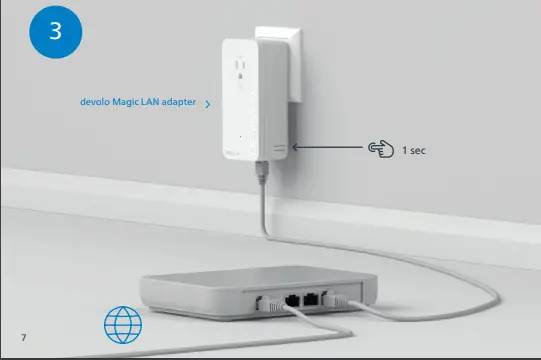
Caution
Tripping hazard from connected network cables. Tripping over the network cable can cause minor injuries and bruises. Lay the network cable with accessibility in mind. Ensure that the power outlet and all connected network devices are easily accessible. Ethernet cable (Cat.5e UTP) not for in-wall use.
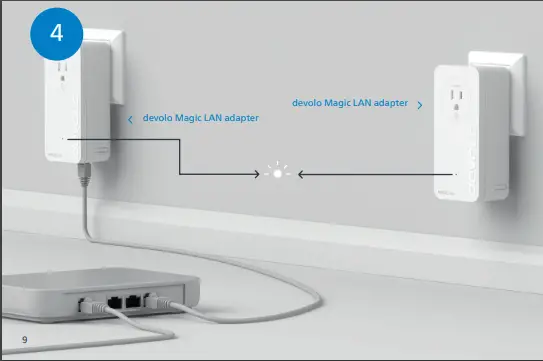
The process is finished when the LEDs on all the devices turn solid white. The process takes a maximum of 3 minutes.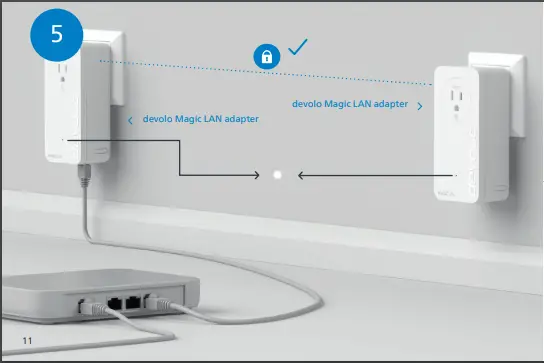
Help
If automatic pairing during initial installation was unsuccessful, you can pair the Magic adapters manually. Plug the devolo Magic LAN adapter into an available wall outlet and wait until the LED flashes white (approx. 15 seconds).
| US | CAN | (English) Limited Warranty: 2 years
If your devolo device is found to be defective during initial installation or within the warranty period, please contact the store where you purchased the product. The store will take care of the repair or warranty claim for you. The complete limited warranty conditions can be found at http://www.devolo.com/support/warranty
United States of America : www.devolo.com/support
Canada : www.devolo.com/support
 Internet anywhere - devolo cures weak Wi-Fi | devolo AG
 dLAN Cockpit software for devolo Powerline products | devolo