

Laser Measure
Quick Start Guide
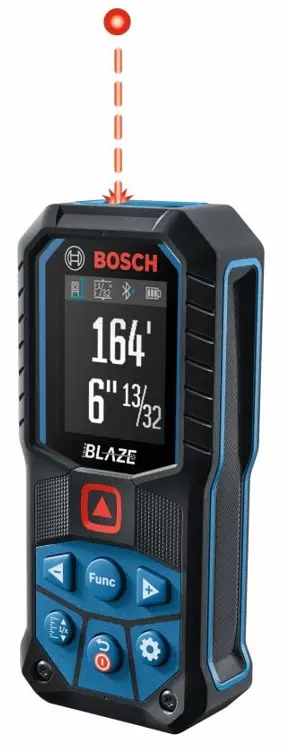
GLM165-27CGL
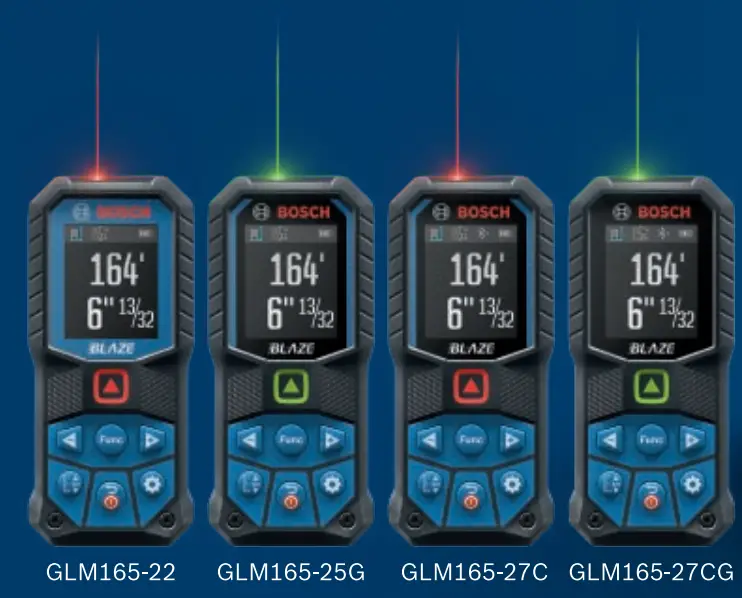
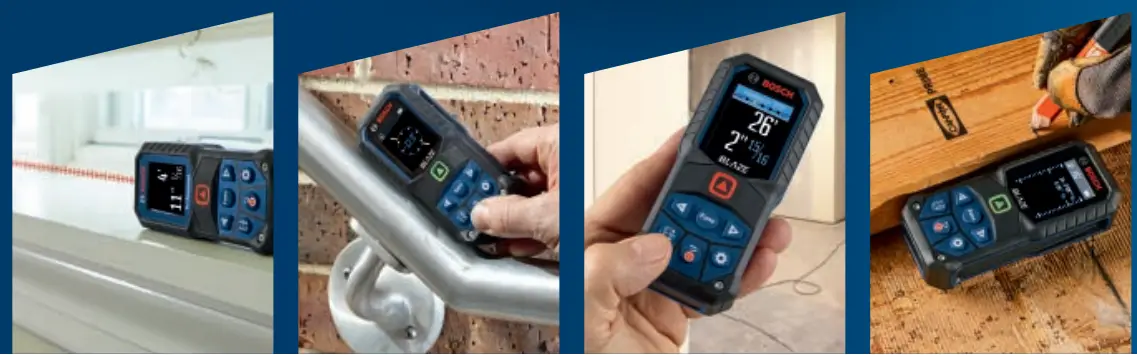
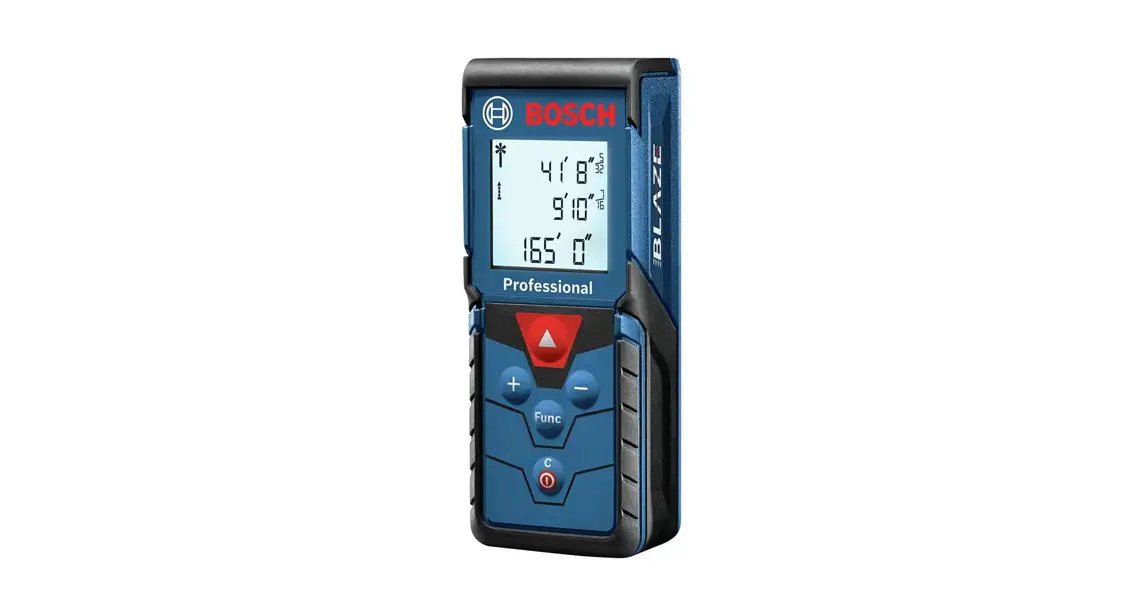
Get to know your Laser Measure:
Button Functions
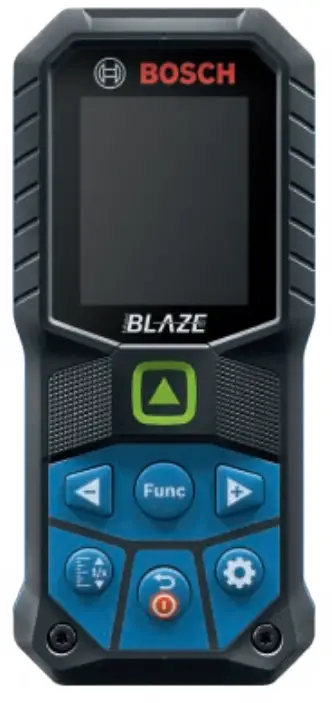
 | Measurement Button: Activate laser for measurements. |
 | Navigation Buttons: Navigate right and left when in tool menus. Add and subtract measurements in specific modes. |
 | Power Button: HOLD to turn on/off the device. Press for the previous screen when in the tool menu. |
 | Function Button: Enters “measurement selection menu”. “Selection button” when in tool menus. |
 | Settings Button: Enter settings menu. |
 | Rounding Button: Enter measuring unit menu. HOLD to enter the accuracy of the unit menu. |
 | Length |  | Add/Sub |
 | Real time |  | Memory |
 | Area |  | Stakeout |
 | Volum |  | Wall surface area |
 | Indirect |  | Digital Level |
 | Indirect height | 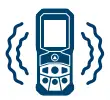 | Haptic Feedback |
 | 2X Indirect height |  | Connectivity |
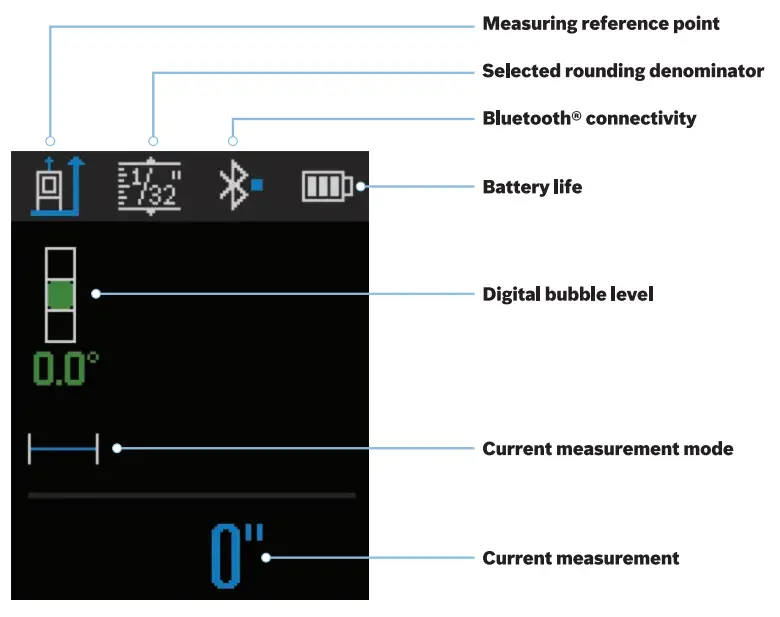
Home Screen
 Measurement Selection
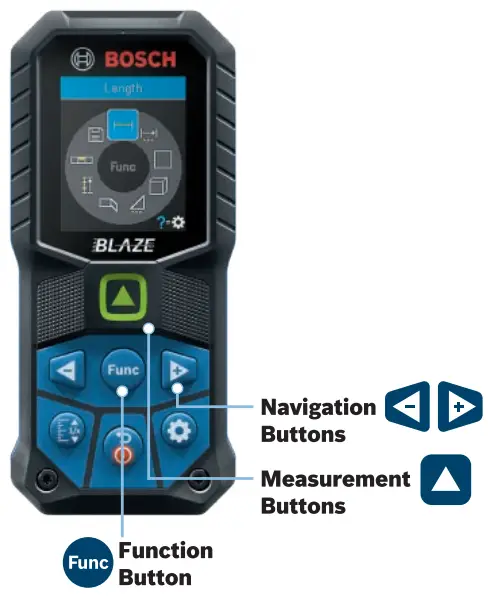
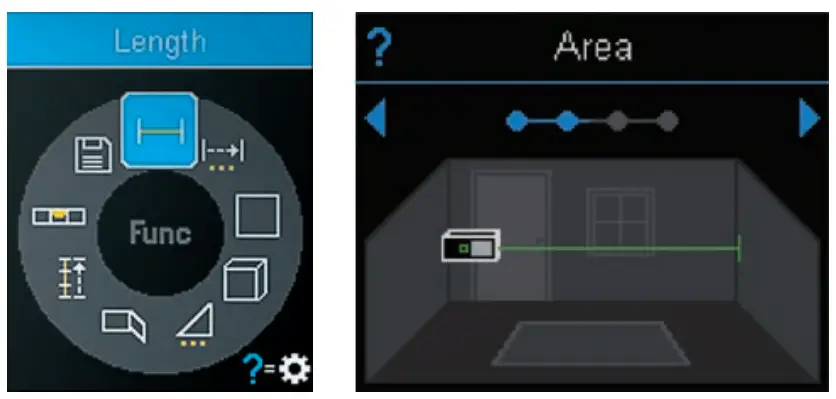 CLICK the Function Button to open measuring options. Scroll through options with Navigation Buttons. On any option, CLICK the settings button to see a step-by-step how-to. CLICK the Measurement Button to select a function and start measuring.
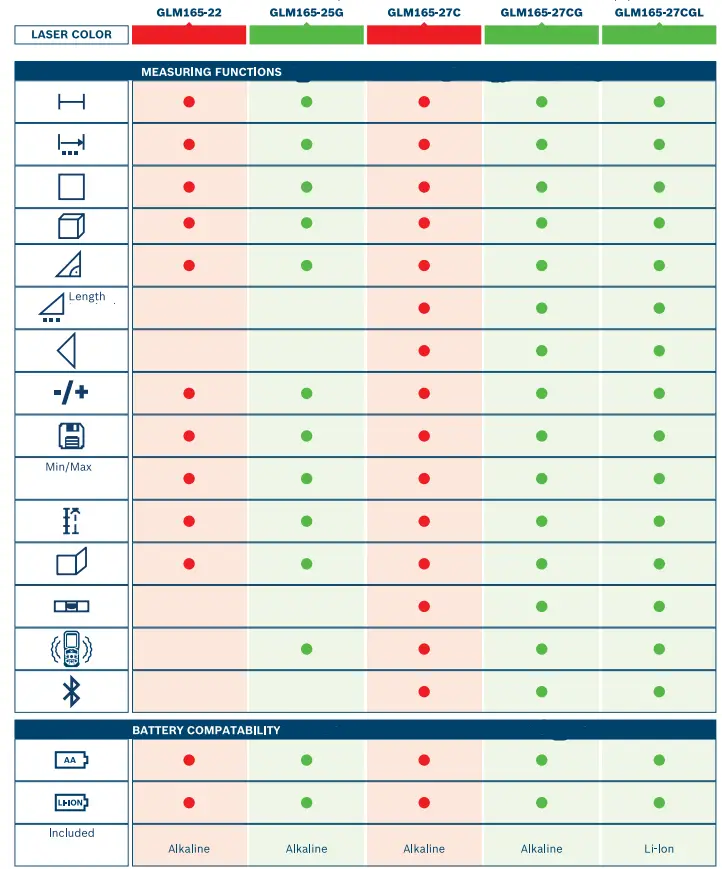
See page 11 for measuring options per model.
Rounding Function
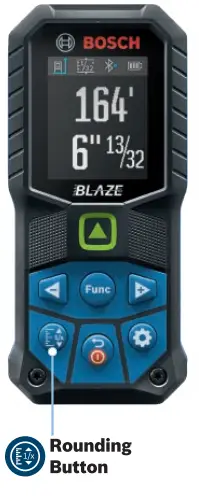
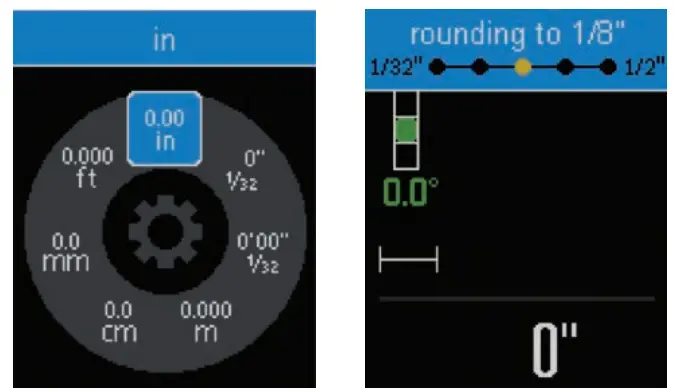
HOLD Rounding Button for 3 seconds to enter the unit selection menu (in., ft., metric, etc.).
CLICK Rounding Button to change the accuracy of the tool once a measurement unit type is picked (tools can cycle from 1/32 to 1/2). Only applicable in fraction mode.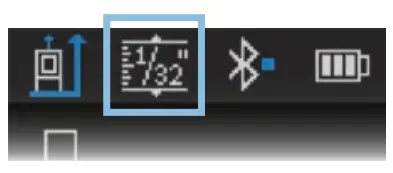 NOTE: If you change the unit type, it will update ALL saved measurements to show this unit type. To change back, simply change unit type and accuracy of your tool to your needed specifications, and all measurements will be adjusted to the new settings.
Tool Settings
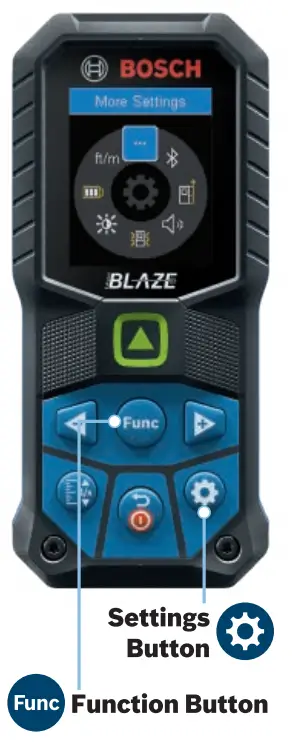
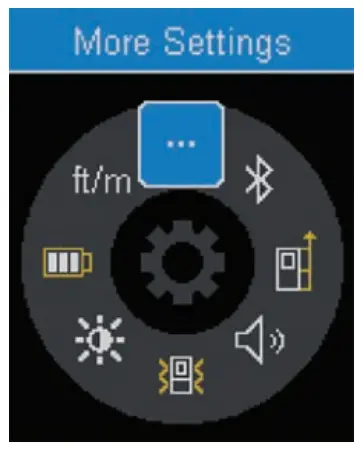
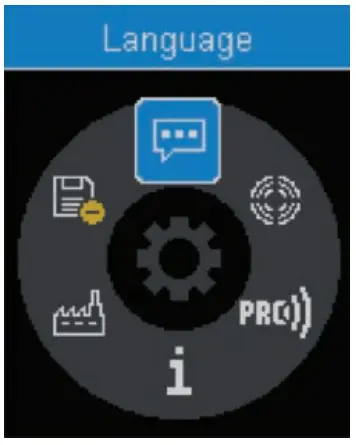
CLICK Function Button on the “More Settings” option, to access additional settings that can be modified.
Download Bosch’s MeasureOn App to fully utilize your laser measuring device*.
MEASURE ON
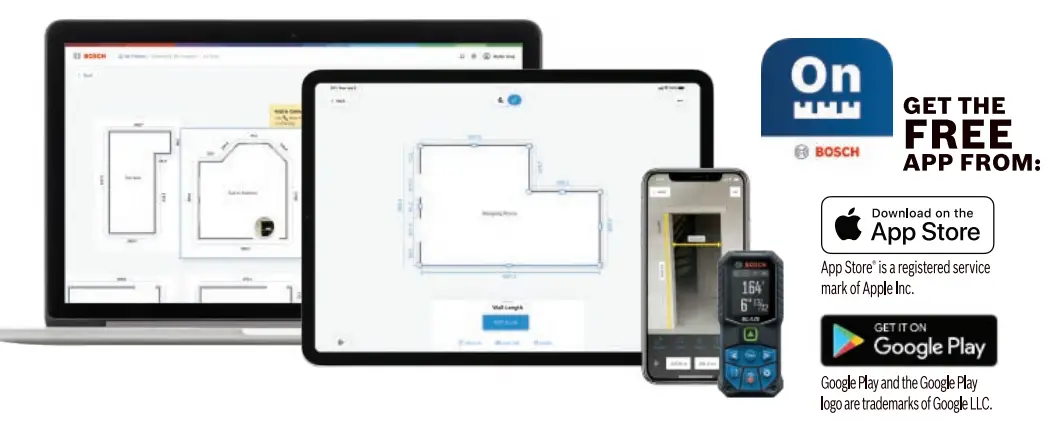
- Easy on-site documentation of measurements/floorplans
- Compatible with your device’s camera to import and store images
- Ability to enter notes all drawings/pictures
- Store all your measuring information in one place with cloud-based project access anywhere, on any device!
GET CONNECTED
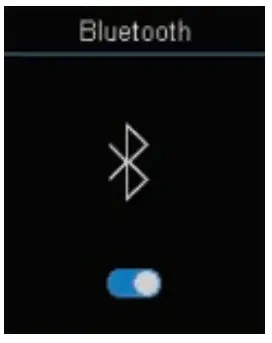
Enable Bluetooth on your tool 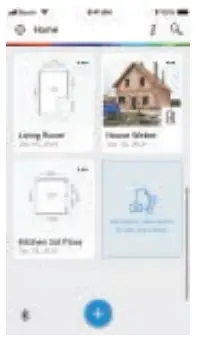
Access Bluetooth in MeasureOn App
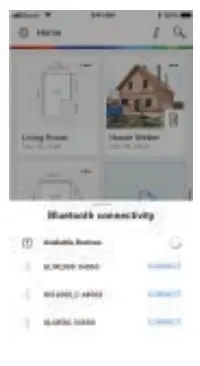
Find your tool
*MeasureOn can be used without a tool. Compatible with Bosch connected laser measurers: GLM50C, GLM165-27C, GLM165-27CG, GLM165-27CGL, GLM400C and GLM400CL.GLM165-22 I GLM165-25G I GLM165-27C IGLM165-27CG I GLM165-27CGL