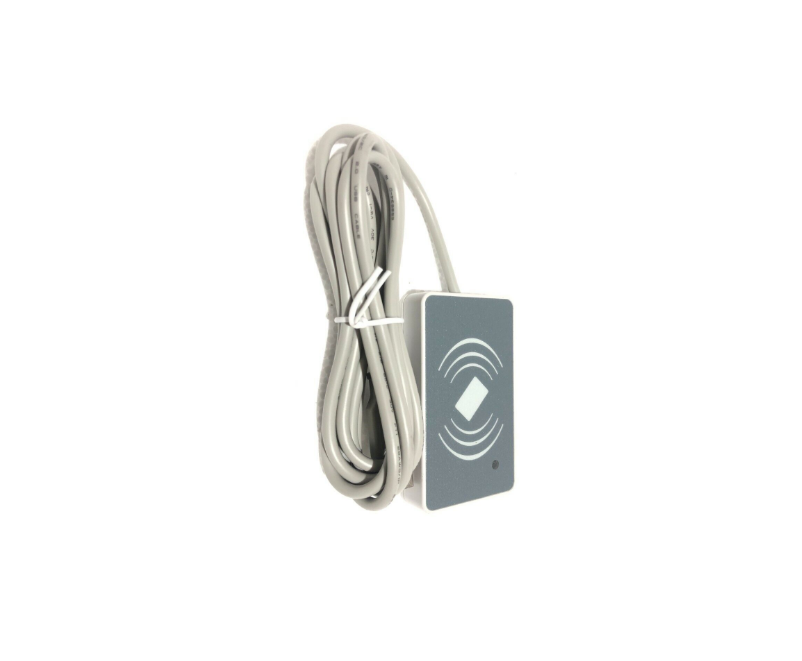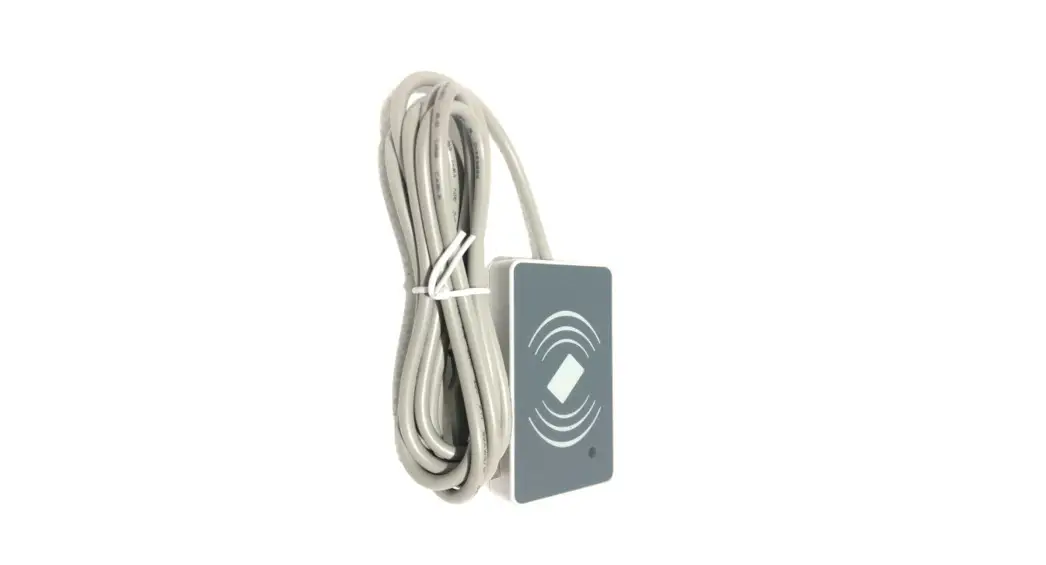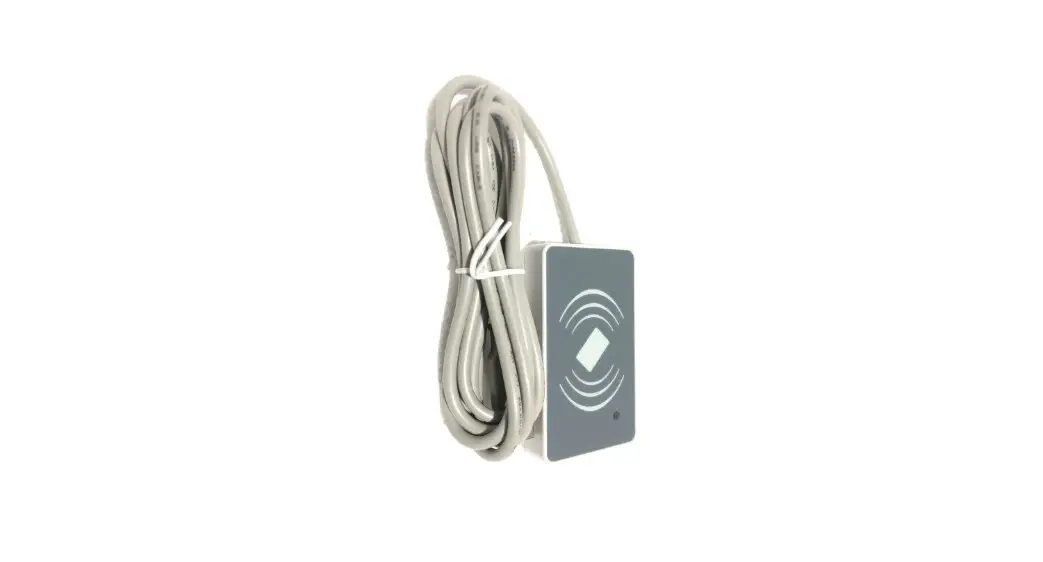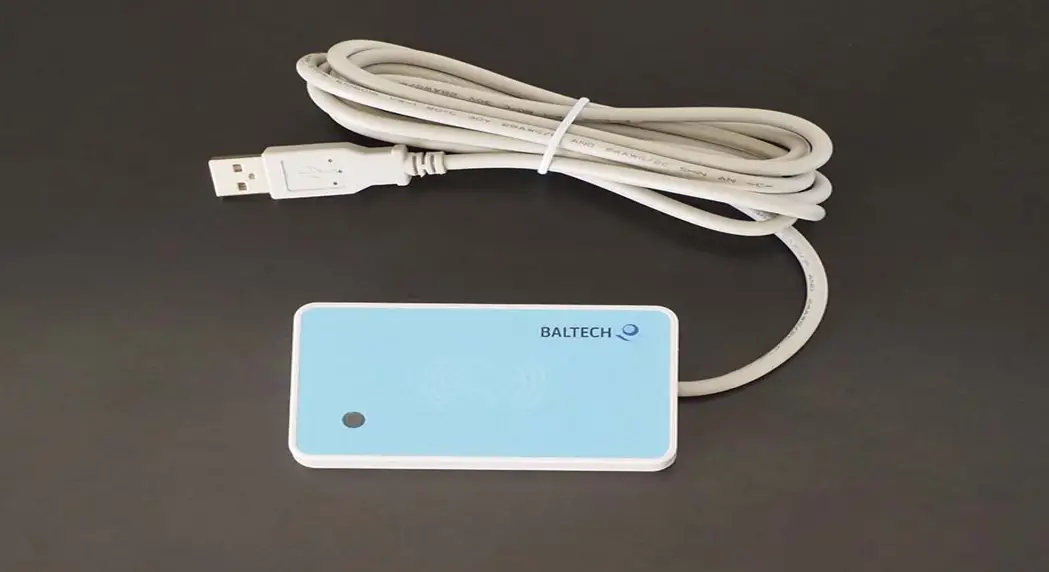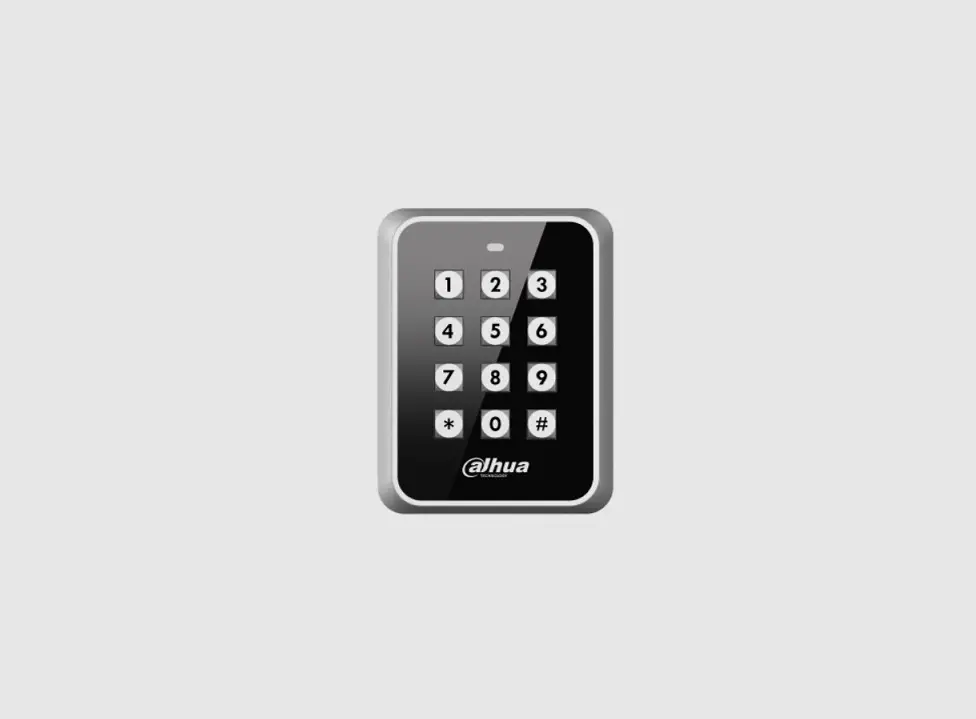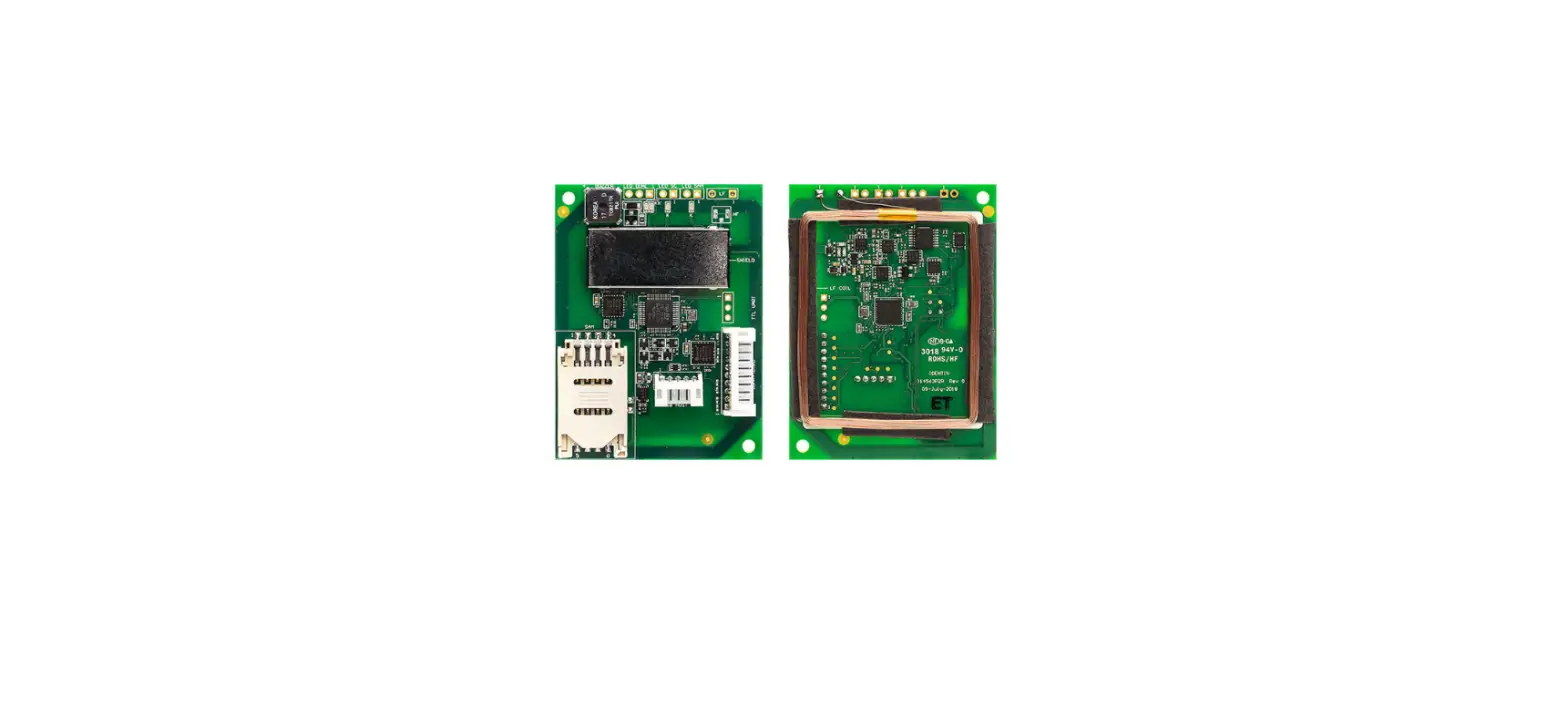

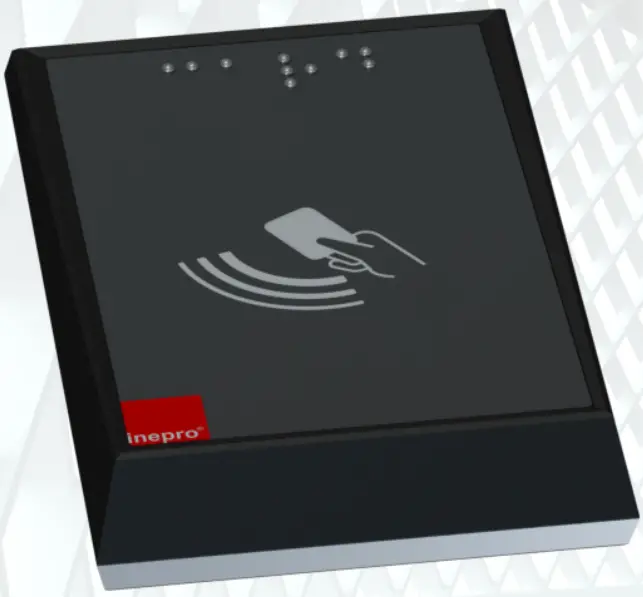
Spider RFID Reader Technical Manual
© 2021 inepro | All rights reserved
Congratulations on your selection of the Inepro Spider RFID Reader. We are certain you will be pleased with your purchase of one of the flexible solutions of the market. We want to help you get the best result from your Spider RFID Reader. This manual contains information on how to do that; please read it carefully. Due to continuous product improvements, this manual is subject to changes without notice. We strongly recommend you read the license agreement to fully understand its coverage and your responsibilities of ownership. Your Inepro dealer is dedicated to your satisfaction and will be pleased to answer your questions and your concerns. Best wishes, inepro.
Publisher
inepro
Managing Editor
K. de Graaf
Technical Editors
K. de Graaf
Cover Design
H. Wagenaar
K. de Graaf
Team Coordinator
J. van den Berg
Production
inepro
Directives
ATTENTION!!
Read this manual carefully before installing the Spider RFID Reader!
Guarantee
No guarantee can be given if safety regulations are not followed.
Changes and/or modifications
Changes and/or modifications that have not been approved by the responsible party can void the user’s authority to operate the equipment.
Security
Always disconnect the power supply before handling anything inside the device.
Introduction
 Introduction
In this manual you find the instructions to install and configure your <Spider RFID Reader. This manual is meant for all the Inepro Spider RFID readers.
In this manual, the Spider RFID Reader hardware and software are subject to change, make sure you have the latest version of this manual, because the older versions may have become obsolete.
Function
The purpose of the spider RFID Reader is to read the unique ID contained in the card that is presented to the reader and transfer this ID to a server. In most cases, this data will be the card serial number. To facilitate this a variety of card reader software modules have been developed. Our configuration tool will enable you to change the settings on the Spider RFID Reader board.
Our reader can read Bluetooth Low Energy, 125KHz, and 13,56 MHz Tags.
FCC Certified Caution! Changes or modifications not expressly approved by INEPRO B.V. could void the user’s authority to operate the equipment.
 Note:
Note:
This equipment has been tested and found to comply with the limits for a Class A digital device, pursuant to part 15 of the FCC Rules. These limits are designed to provide reasonable protection against harmful interference when the equipment is operated in a commercial environment. This equipment generates, uses, and can radiate radio frequency energy and, if not installed and used in accordance with the instruction manual, may cause harmful interference to radio communications. Operation of this equipment in a residential area is likely to cause harmful interference in which case the user will be required to correct the interference at his own expense
 Requirements
The Spider RFID Reader has no known requirements other than a USB host that can read a keyboard-like Human Interface Device
Check Components
Please check if all the components are in the set before you continue with the installation and set-up.
Some parts may already have been pre-assembled Components
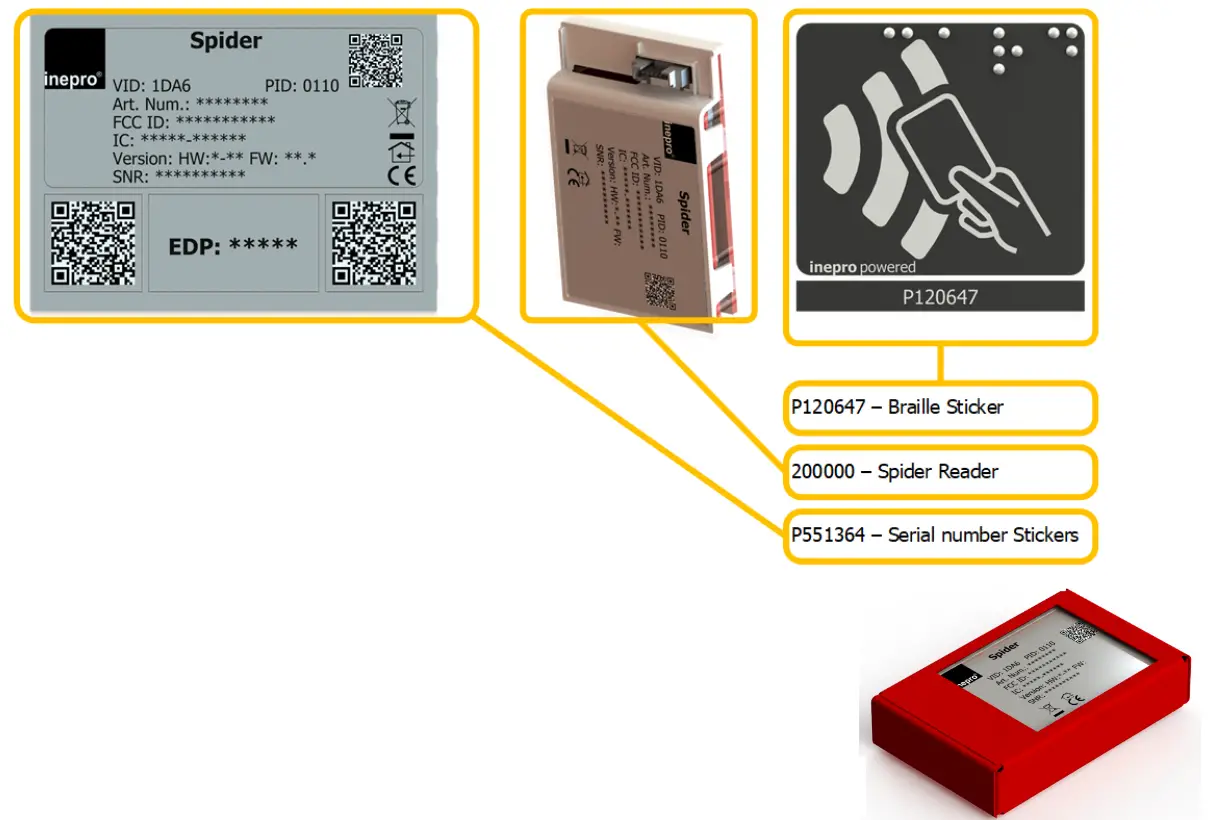
- P551087 – Spider RFID Reader Cardboard box
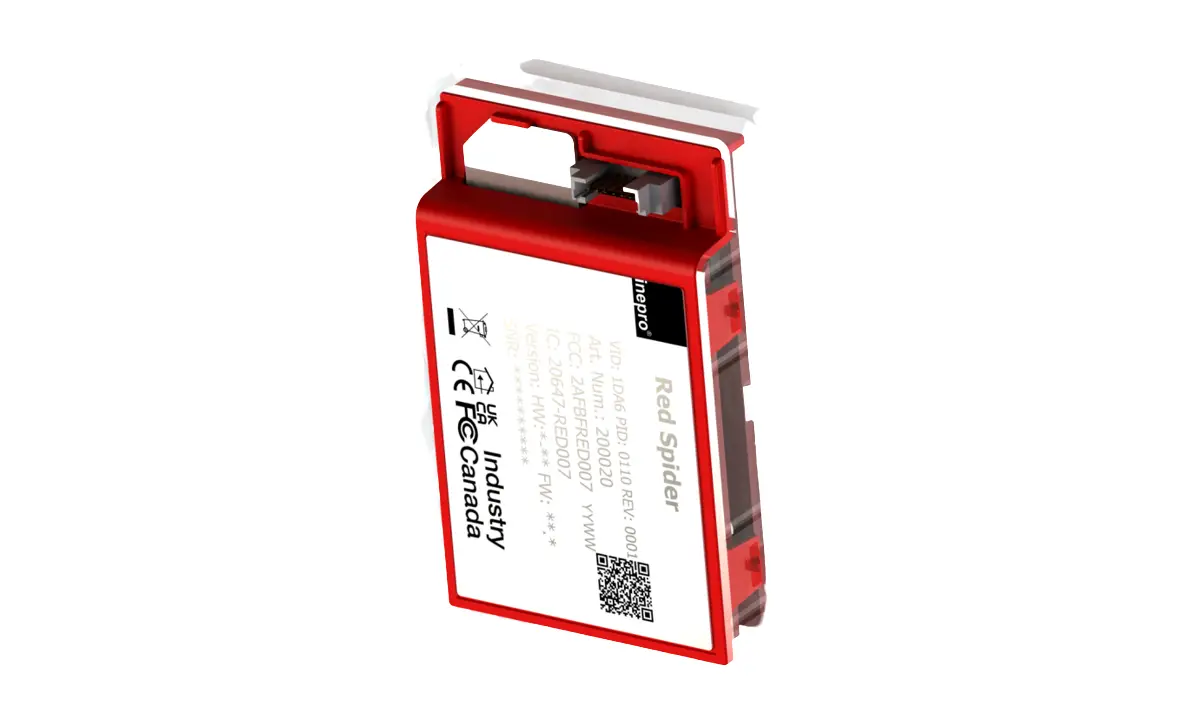
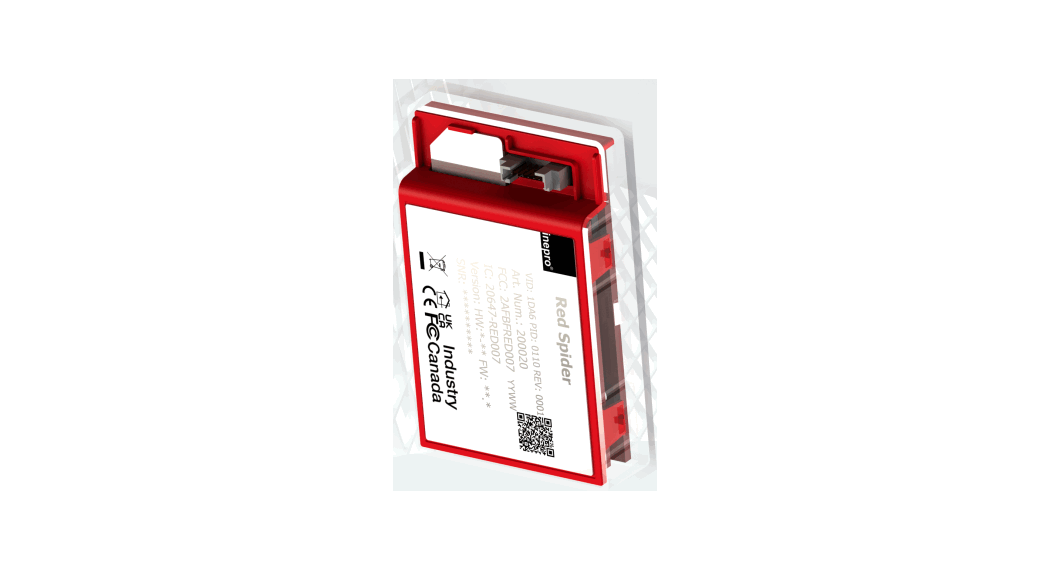
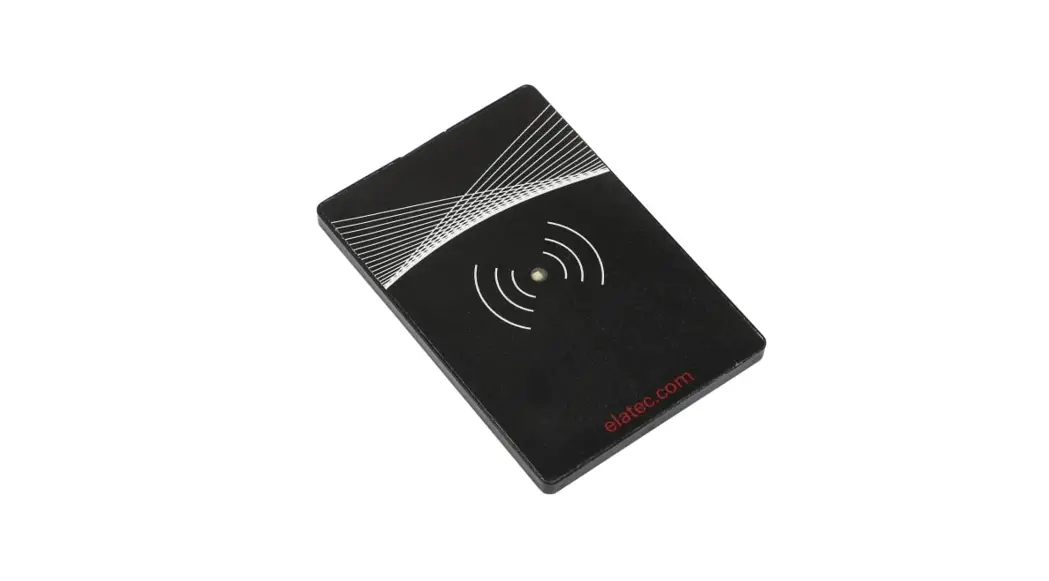
- 200000 – Spider RFID Reader
- Spider RFID Reader Core Housing Top
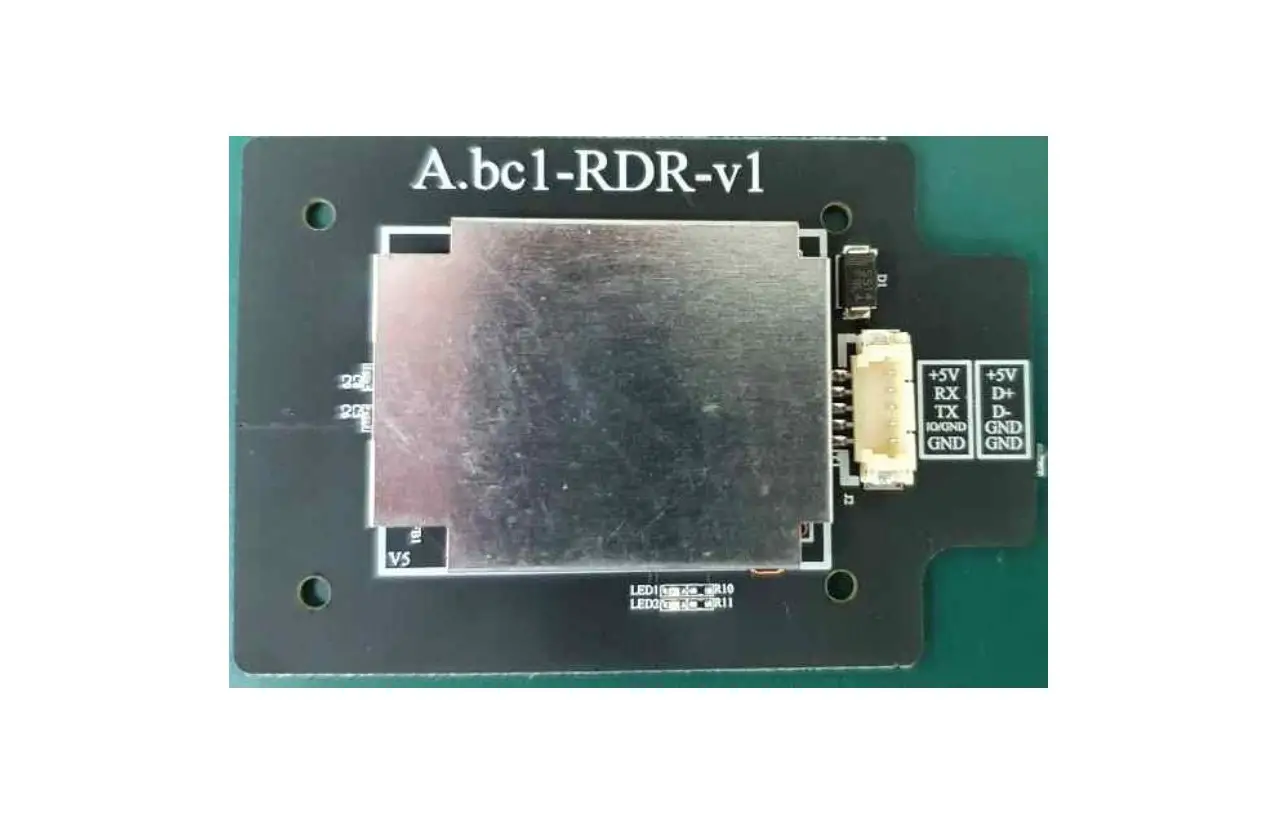
- Spider RFID Reader Antenna Board I
- Spider RFID Reader Antenna Board II
- Spider RFID Reader Core Housing Bottom
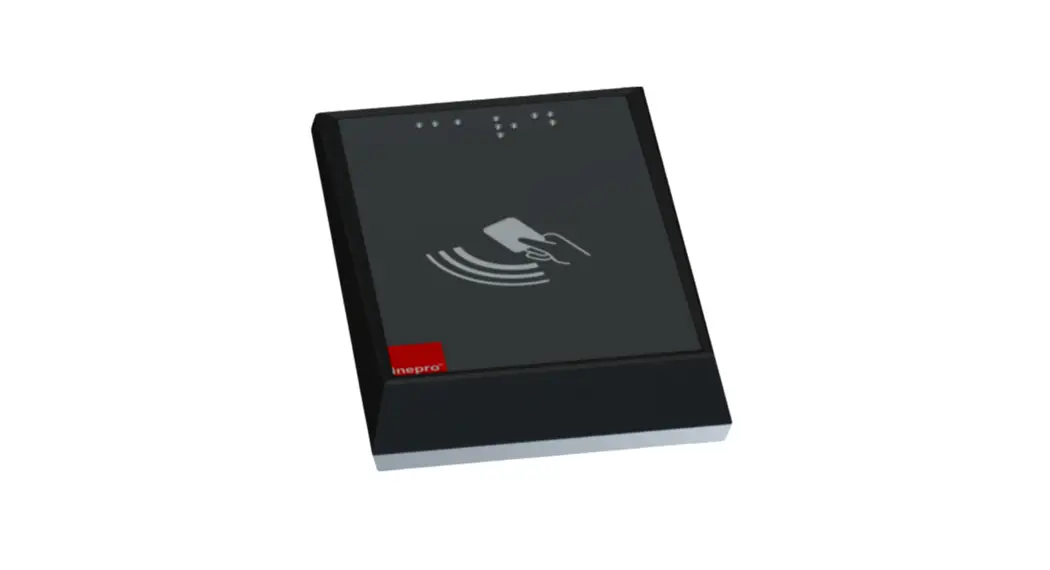
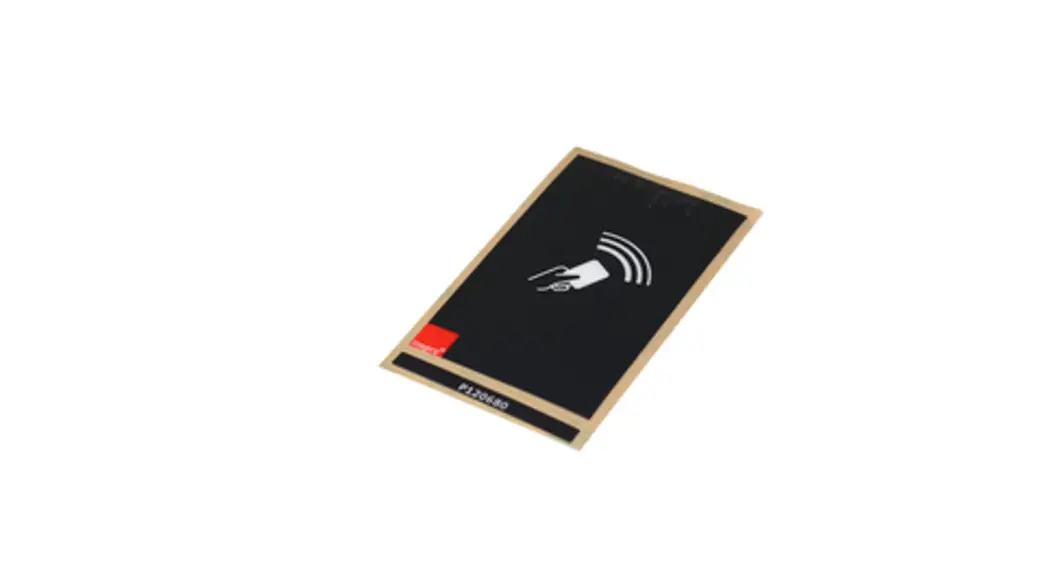
- P120647 – External Spider RFID Reader Braille RFID Foil
- P551364 – Spider RFID Reader Serial Stickers | Desktop sticker | EDP Sticker | 2x QR Serial sticker
 Check Components Please check if all the components are in the set before you continue with the installation and set-up.
Some parts may already have been pre-assembled
 Software
For the Spider RFID Reader, there is are tools available each with its specific features. Connect the Spider RFID Reader to a computer or laptop and present a card to the reader. Please note that the reader needs to have the HID RAW Configuration. (See Inepro SCR-MCR-DCR RFID Programmer Tool Full Version manual for more details).
 Inepro SCR-MCR-DCR Programmer
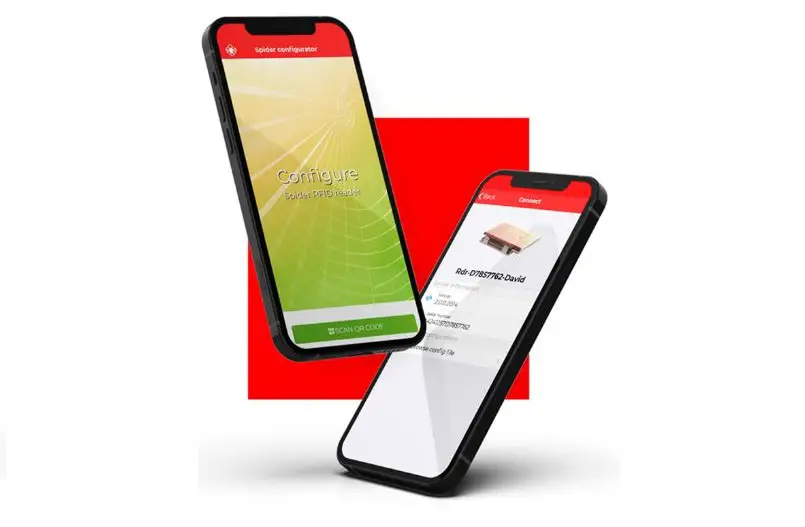
With this tool, it is possible to change the behavior of the card reader, by creating or editing it’s the configuration file. For example, it is possible to change the readout of the RFID card but also the LEDs can be switched off or the volume of the beeper can be changed. Once finished it is possible to store the created settings in a special config file which can be programmed via the SCR-MCR-DCR RFID Programmer Tool. For more information regarding this SCR-MCR-DCR RFID Programmer Tool please consult its user manual. This tool was developed for the predecessors of the Spider RFID Reader. Specific Spider RFID Reader tools might be created in a later stage.
Quick-Test with the Notepad:
- Connect to Inepro Spider RFID Reader to the USB PC or laptop.
- Start a Text Editor application on Windows, such as Word or Notepad.
- Present a card to the Inepro Spider RFID Reader.
- Remove the card from the Inepro Spider RFID Reader.
- The data read should be displayed in the Text Editor.
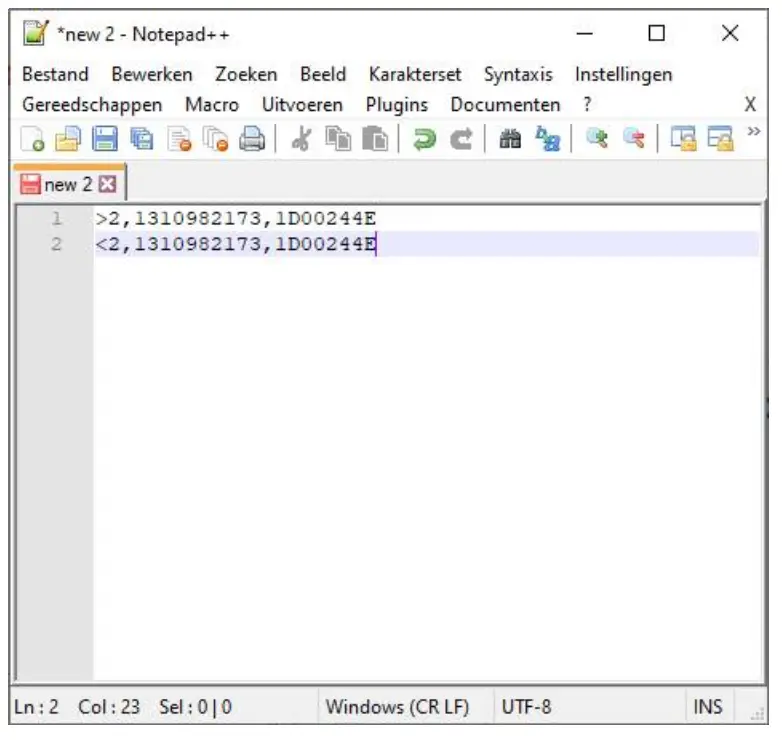
This concludes the hardware test

 Hardware
 Physical test Inepro Spider RFID Reader
- Connect the Inepro Spider RFID Reader to the USB port of a computer.
- Check the indicator LEDs to see if the board is operating as it should.
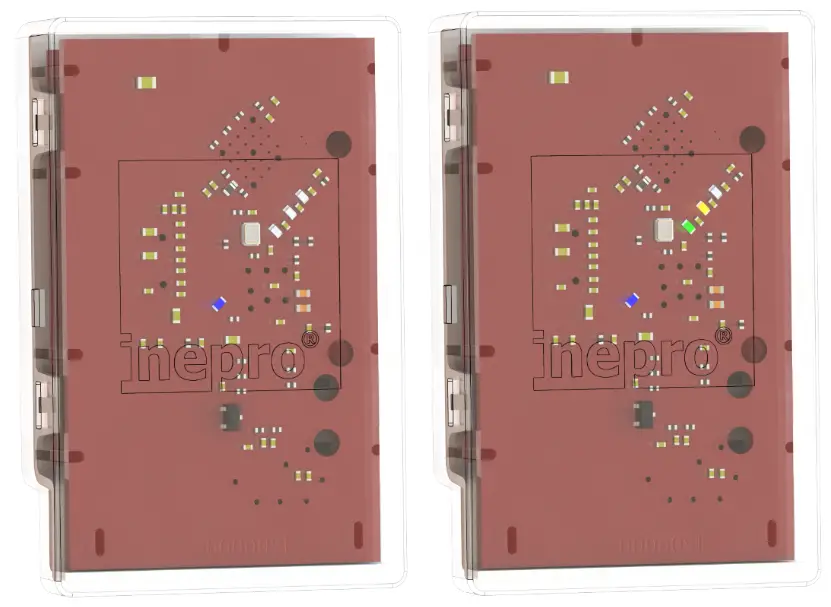
Blue Led burning: The reader is powered and has a connection
Put a card on the Spider RFID Reader: Besides the blue power LED, the yellow and the green LED should lit. Yellow: card detected Green: card recognized.
This concludes the hardware test
User Interface
 LED’s
LED’s
On the USB interface board are a number of LEDs. Each of the LEDs has a label, explaining its use. See the table below
| Image | Function | Standby / Normal | Trig g red /Not OK |
 | The card is not recognized | Off | On |
 | The card in the detection field | Off | On |
 | Card | Off | On |
 | The reader is on and connected | On | Flashes (no connection) |
Technical Specifications
 Specifications
 Power
Power
| Power Supply | 5V |
| Power Consum pt io n DC | 5V DC: At maximum (depending on the configuration)0.5 A |
Housing
| Material | PCB | PCB/ABS |
| Colour | Transparent |
| Dim ensio ns WxDxH | 37.85 mm x 62.25 mm x 12.5 mm. |
 CPU
CPU
| AR M | 32-bit Cortex®-M3 CPU Core | STM32F103 |
Memory (working storage)
| SRAM | 20 Kb |
 Storage
| Flash Memory | 64 Kb |
 Outputs
| Pico Blade | USB RS232 |
| PI D (Product ID) | 110 |
| VID (Vendor ID) | 1DA6 |
 User Interface
| LED’s | Red, Yellow/Orange, Green, and Blue |
 Audio
Audio
| Piezo Buzzer | 4kHz, Max. 65 dB |
 Environmental conditions
| EM I / Safety | CE, FCC Class A |
| O per at ing Tem per at ur e (M et r ic) | 0-40 degrees Celsius |
| Oper at ing Temper at ur e (No n-M et r ic) | 32-104 degrees Fahrenheit |
| Relative Humidity (Non-Condensing) | 10%-90% |
 Troubleshooting
 Troubleshooting
Sometimes things do not work out as expected, if so please read through this section before contacting your service organization or dealer. Chances are you are able to solve the issue yourself.
The section is set up in a Symptom – Prognosis – Resolution format, that is first the symptom is given, then the possible causes, and then the resolution for those causes.
Symptom(s): Card not recognized Prognosis: The Spider RFID Reader is not connected
 Scope: All DevicesResolution:
A – Check if the blue light is flashing, if it is the reader is not connected to the server. Please check the availability of the server with another device like a laptop on that network connection.
B – If the blue light burns constantly
1) Try again
2) Make sure your card has been linked to your account.
3) Check if the problem occurs also with other cards, or on other devices.
C – If the problem has not been solved, please contact your supplier

Pondweg 7 | 2153 PK, Nieuw-Vennep | The Netherlands | +31 252 744044 | [email protected] | inepro.com
 For Indoor Use Only
This device may only be used indoors.
 FCC Federal Communications Commission – US
This device complies with part 15 of the FCC rules, operation is subject to two conditions:
(1) This device may not cause harmful interference.
(2) This device must accept any interference received, including interference that may cause undesired operation.
 CE Conformité Europeéne (Conform European Norm)
This device is in conformity with the EMC directive and low-voltage directive.
Confirm Canada Industries
Relevant Devices:
Spider
This device complies with Industry Canada’s license-exempt RSS. Operation is subject to the following two conditions:
(1) This device may not cause interference; and
(2) This device must accept any interference, including interference that may cause undesired operation of the device.
 RCM Regulatory Compliance Mark
This device is in conformity with Australian law.
 End of life directives
 Inepro is paying a lot of attention to environmentally-friendly production. Your new device contains materials that can be recycled and reused. At the end of its life, specialized companies can dismantle the discarded device to recycle the reusable materials and to minimize the number of materials to be disposed of. Please observe the local regulations regarding the disposal of packaging materials, exhausted batteries, and old equipment.
 Flexible & innovative solutions | inepro
 Flexible & innovative solutions | inepro