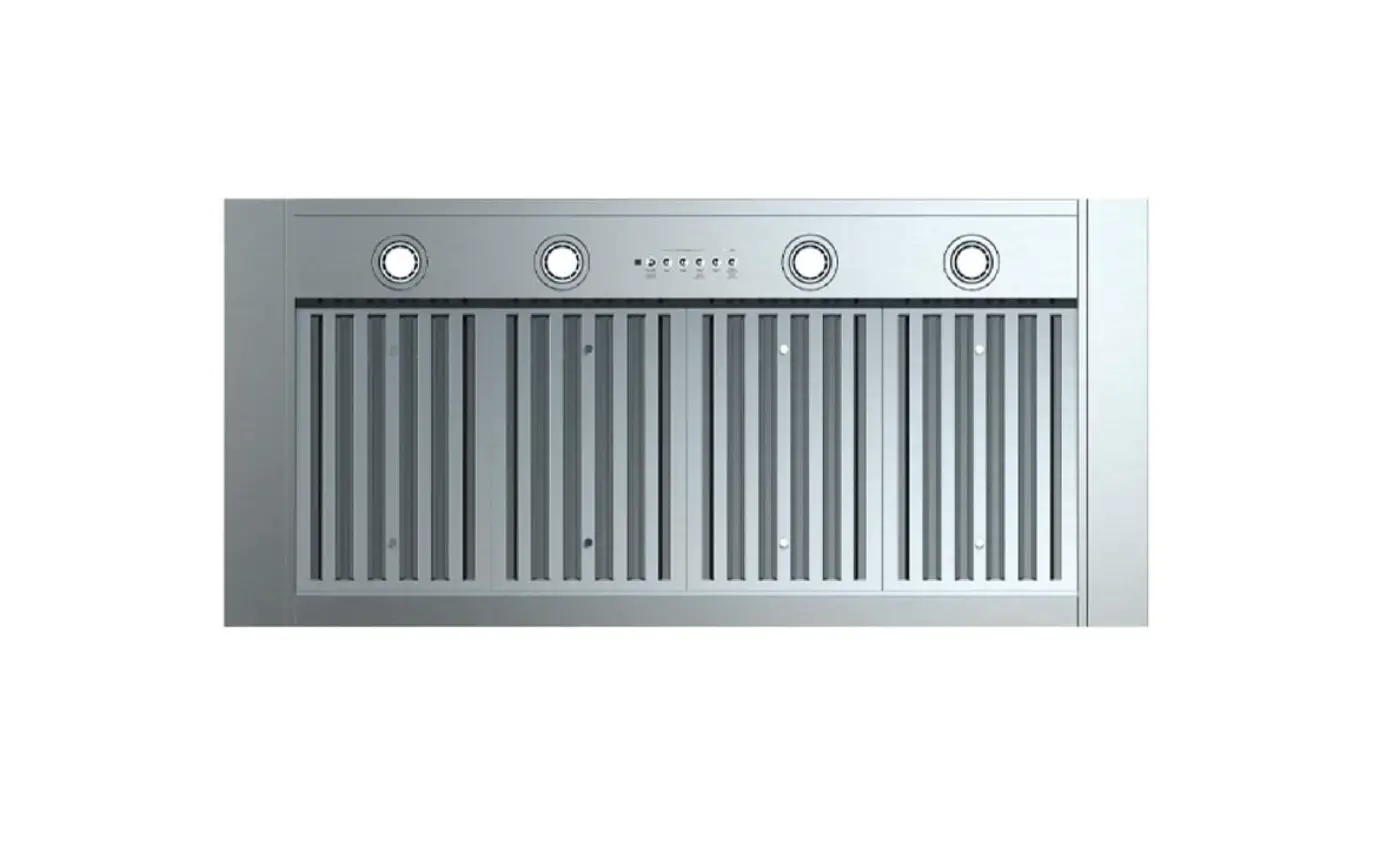
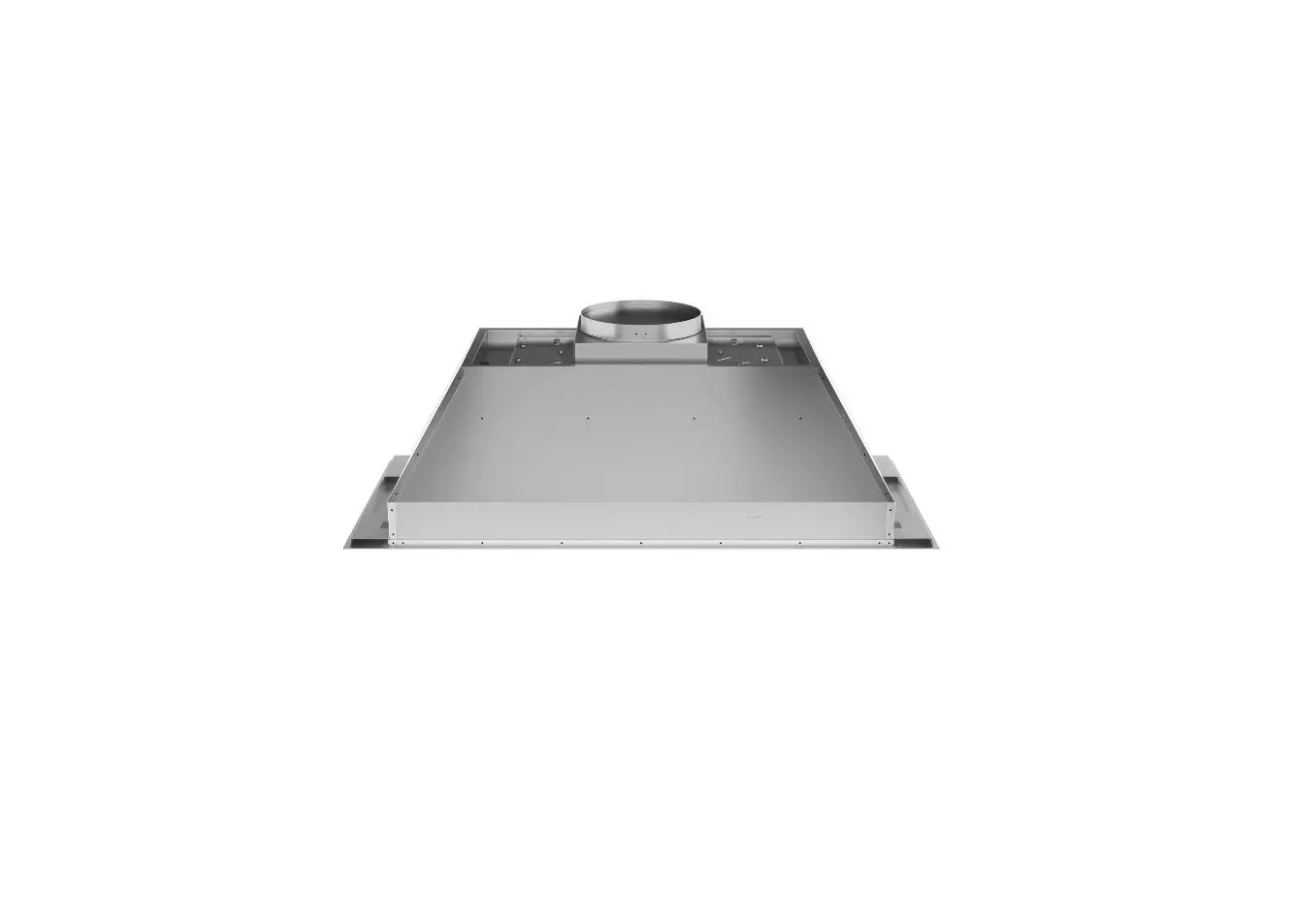
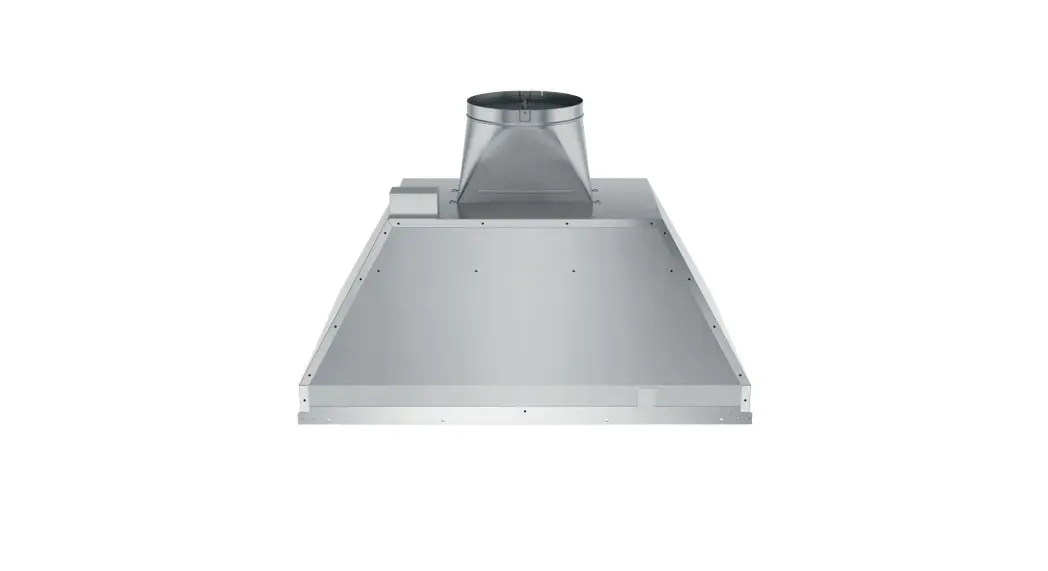
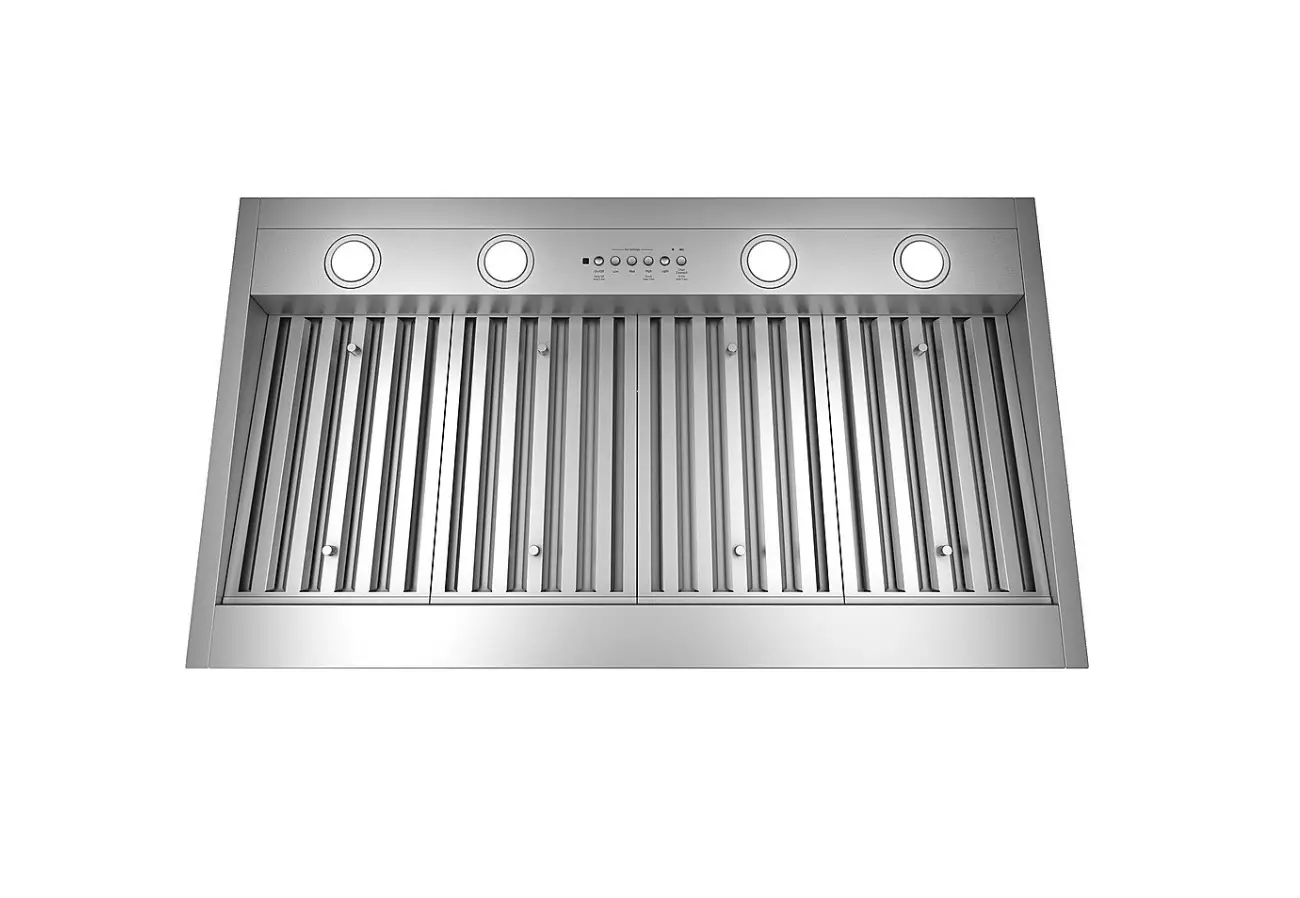
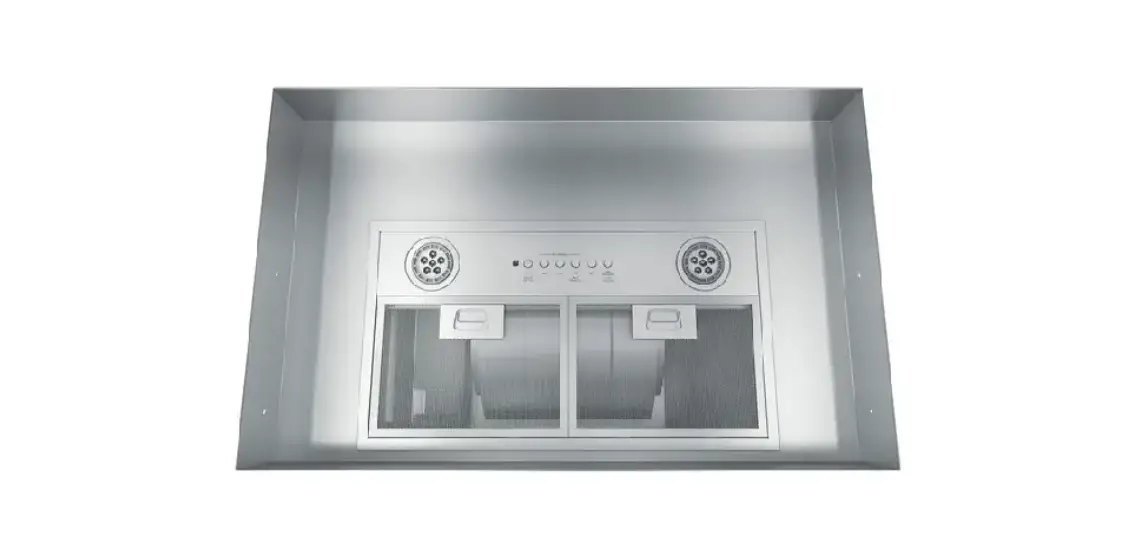
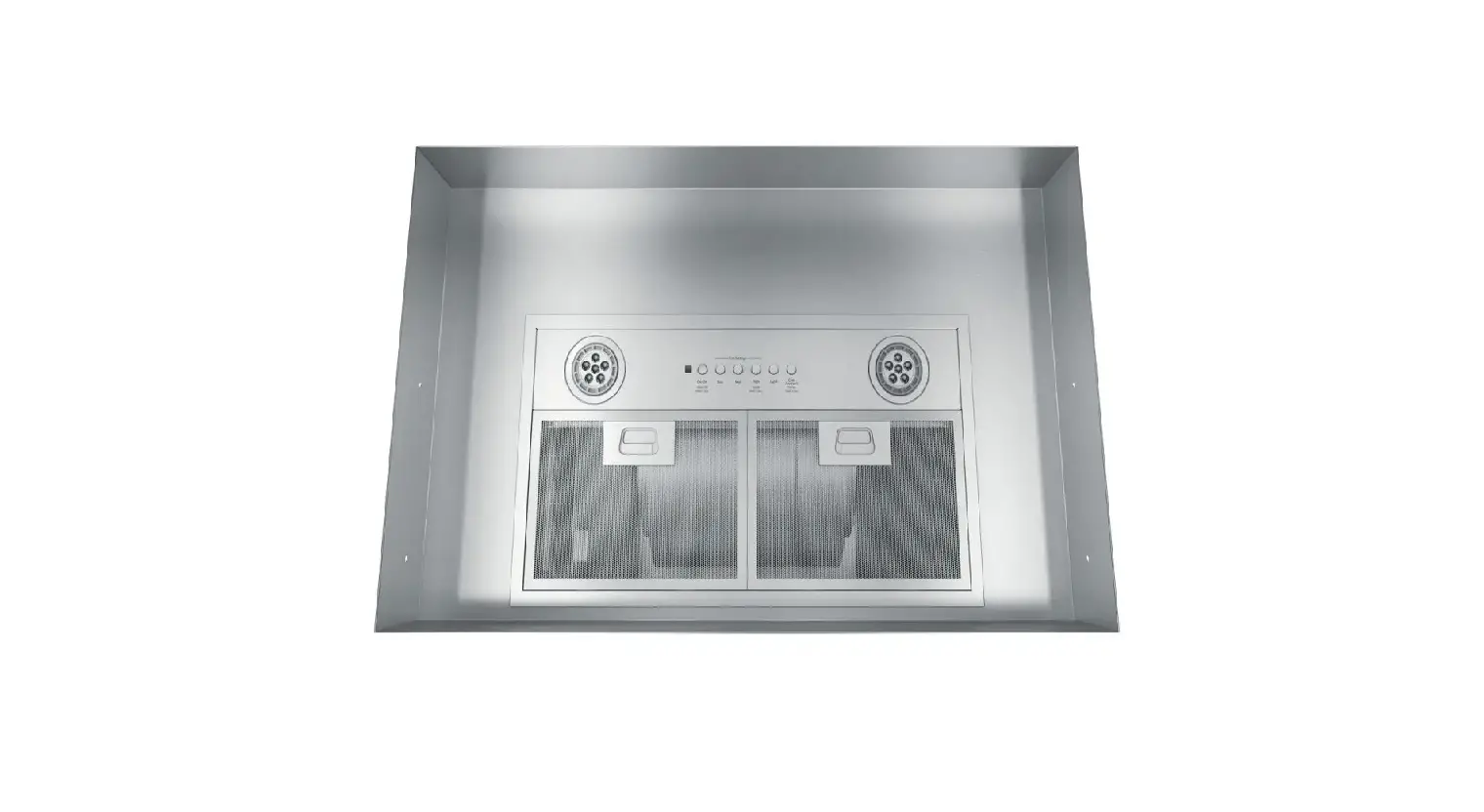
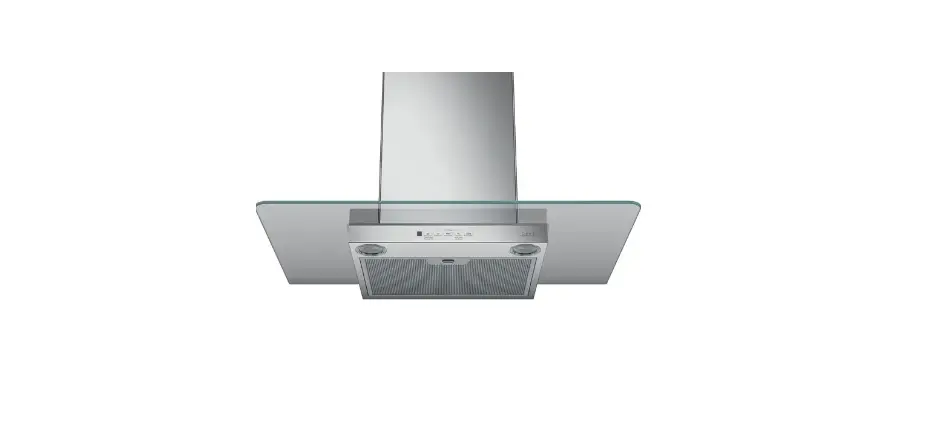
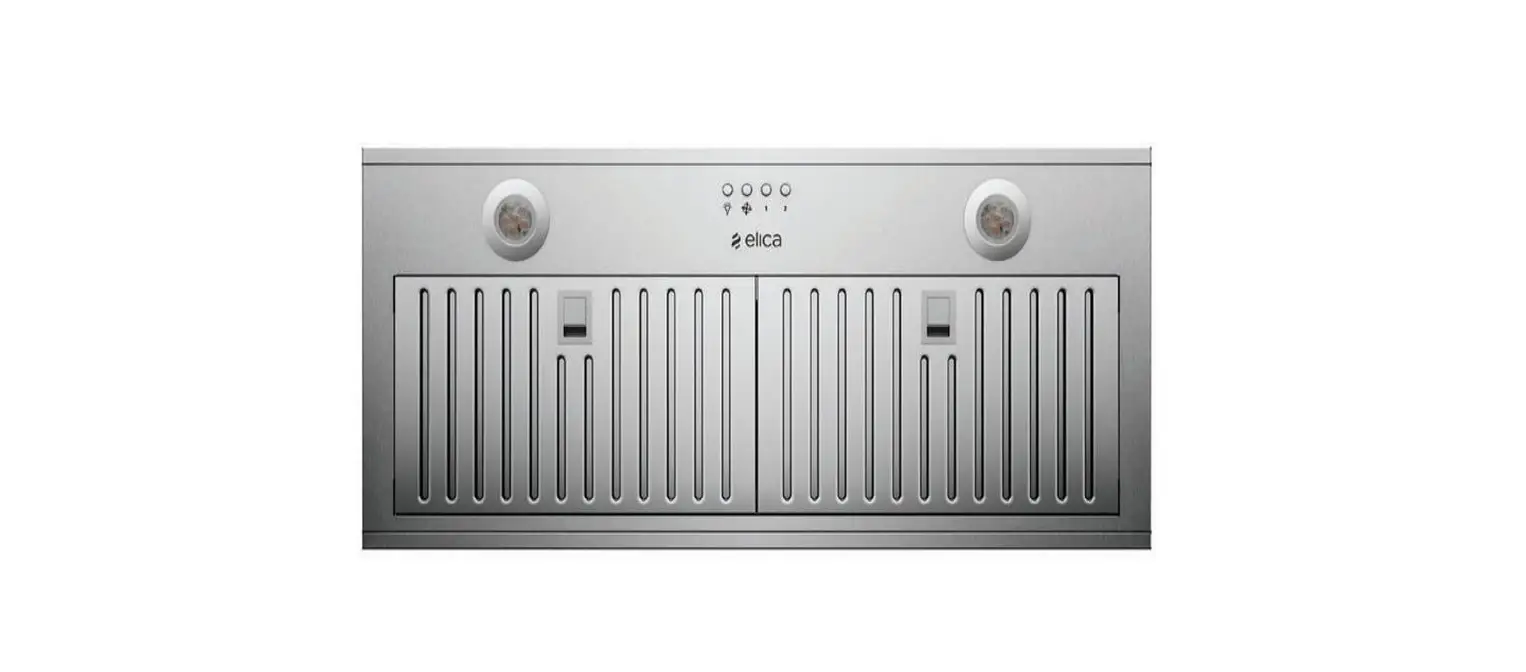
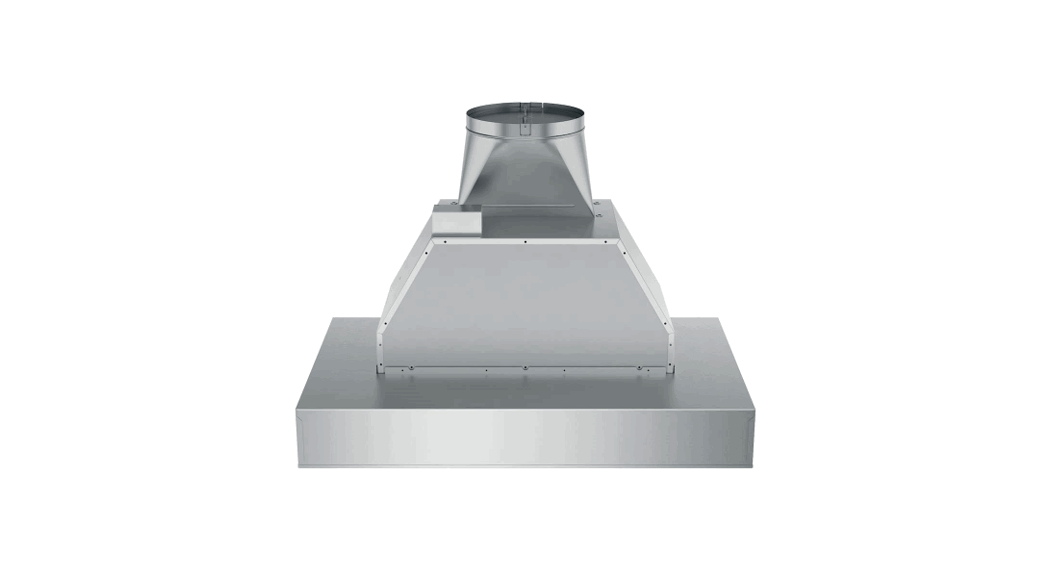
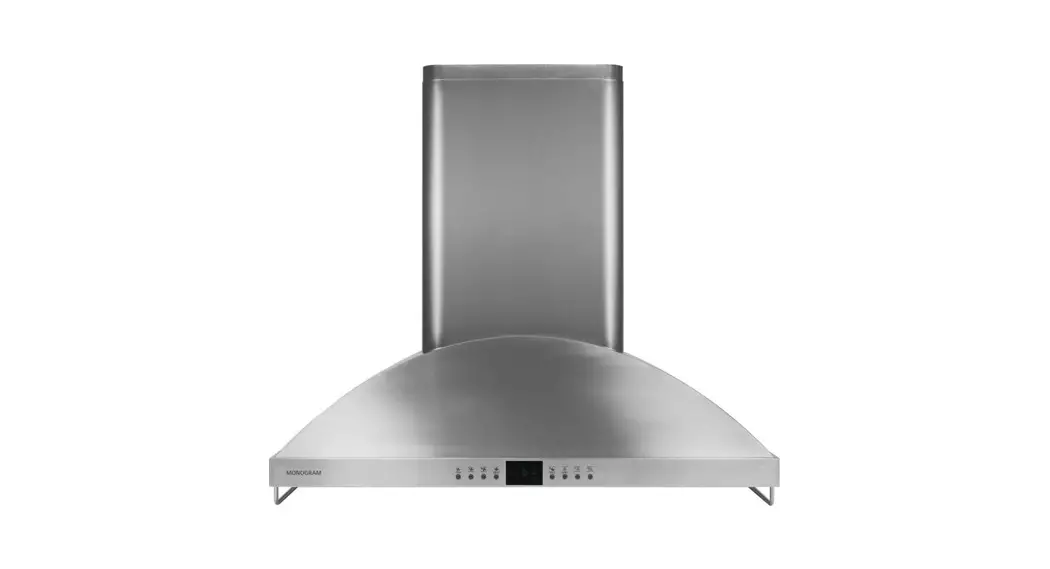
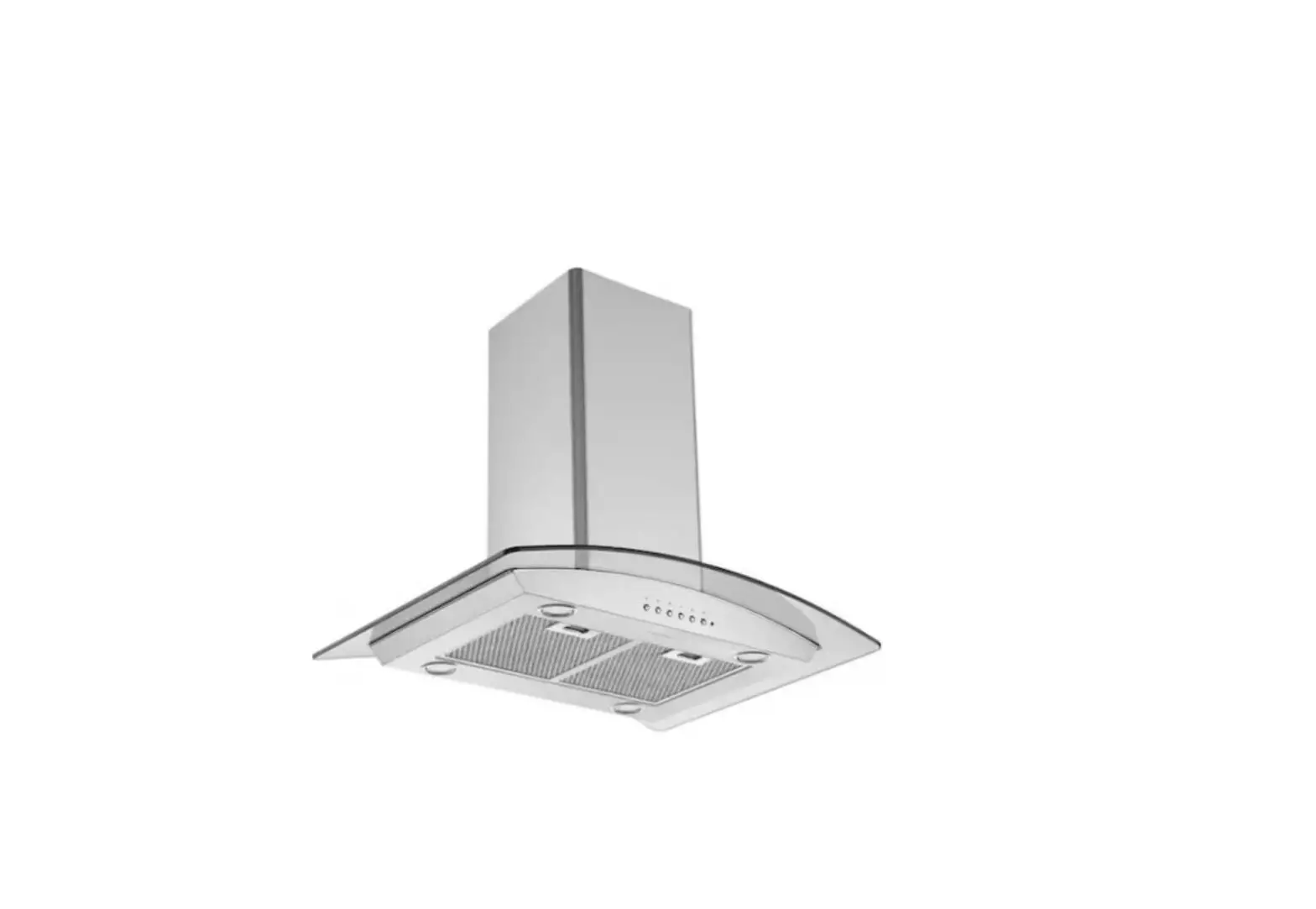
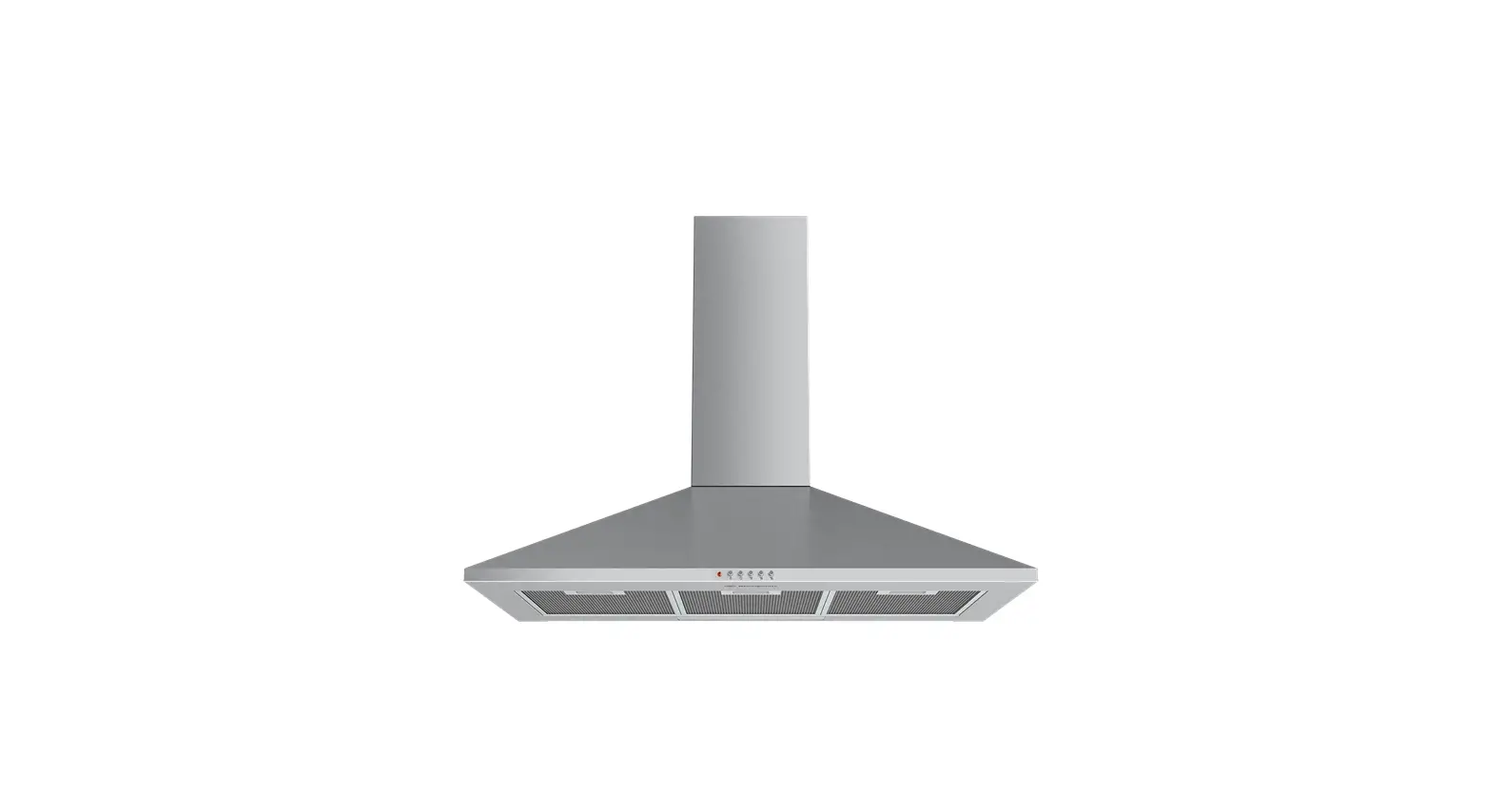
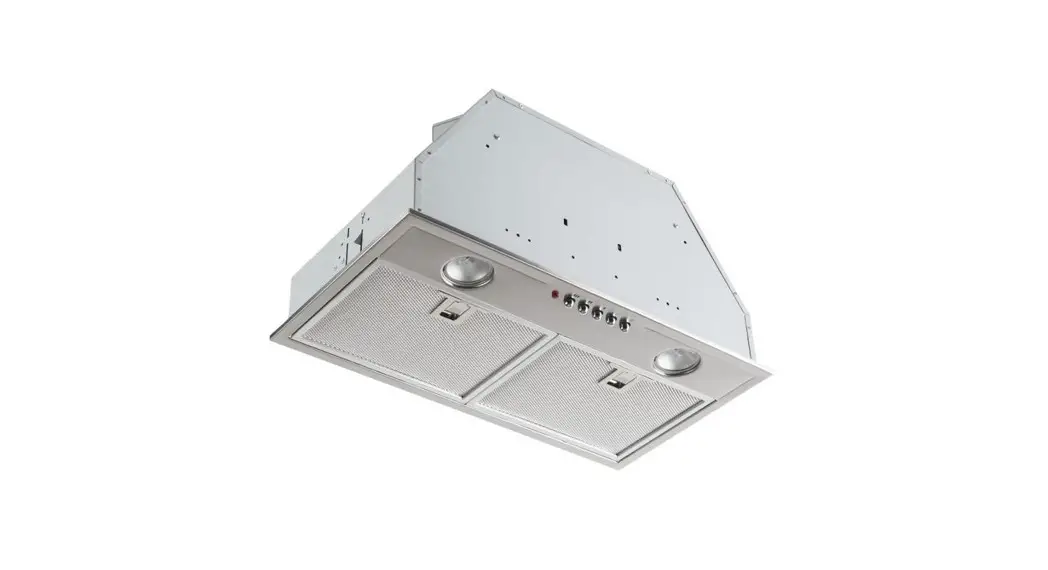
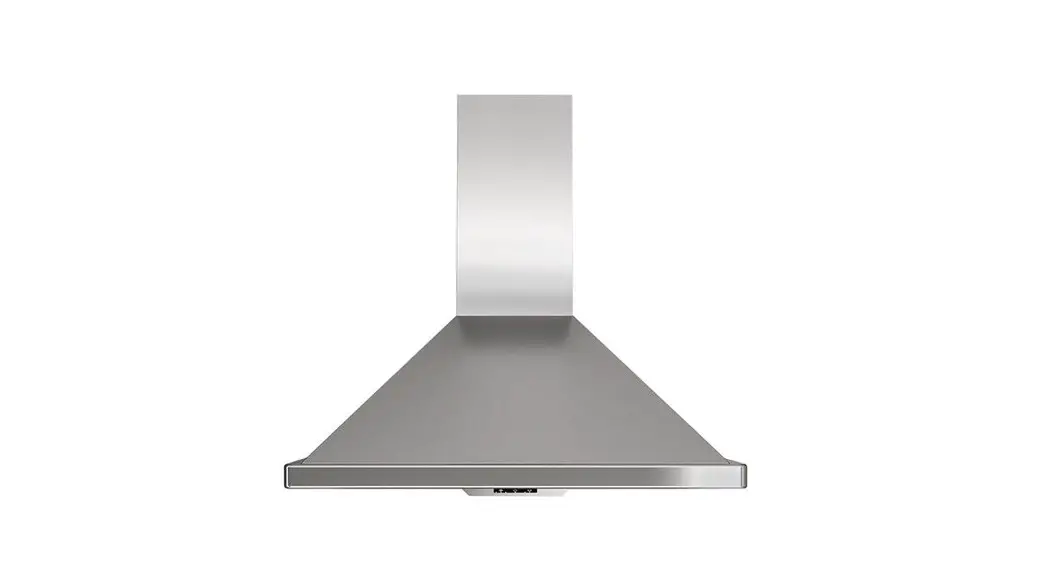
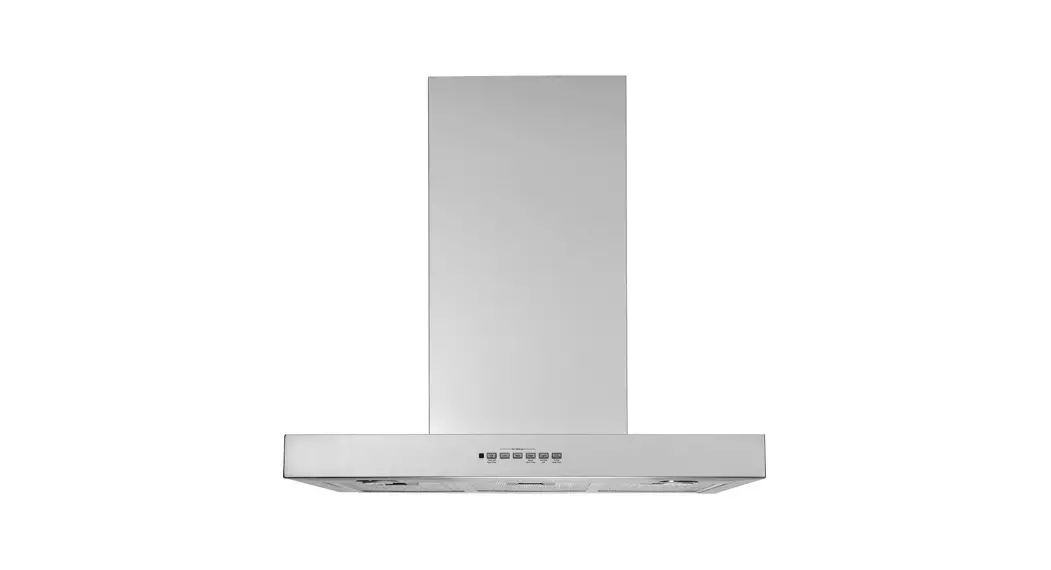
UVC9420 Custom Insert Hood
Product Information: Custom Insert Hood UVC9420, UVC9480
The Custom Insert Hood UVC9420, UVC9480 is a vent hood designed
for use over a cooktop. It is available in two models, the UVC9420
and the UVC9480. The hood is heavy and requires adequate structural
support for installation. It can be vented either through the roof
or the ceiling using a 10-inch round duct. The vent system must be
planned carefully to maximize ventilation performance, and all
joints must be sealed with duct tape to prevent leaks. The hood
must be installed between the minimum required height of 30 inches
and the recommended maximum height of 36 inches above the cooking
surface.
Product Usage Instructions
Before beginning installation, read the installation
instructions completely and carefully. Two people are required for
proper installation due to the weight and size of the hood. Before
beginning installation, switch off the power at the service panel
and lock the service disconnecting means to prevent power from
being switched on accidentally. If the service disconnecting means
cannot be locked, securely fasten a warning device to the service
panel.
To plan the route for venting exhaust to the outdoors, minimize
the duct run length and number of transitions and elbows, maintain
a constant duct size, and seal all joints with duct tape to prevent
leaks. Flexible vent is not recommended as it creates back pressure
and air turbulence that reduces performance.
The vent hood must be installed between the minimum required
height of 30 inches and the recommended maximum height of 36 inches
above the cooking surface. For installations over an island, the
minimum height is 17 inches. Refer to product-specific instructions
for clearances. The installation height should be measured from the
cooking surface to the bottom edge of the cabinet surface. UL
requires any combustible surface to be a minimum of 30 inches above
the cooking surface. Lower combustible surfaces may be covered to
meet requirements.
INSTALLATION INSTRUCTIONS
Installation Instructions
Custom Insert Hood
UVC9420, UVC9480
If you have questions, call GE Appliances at 800.GE.CARES (800.432.2737) or visit our website at: GEAppliances.com. In Canada, visit GEAppliances.ca or call 800.561.3344.
BEFORE YOU BEGIN
Read these instructions completely and carefully.
IMPORTANT — Save these
instructions for local inspector’s use.
IMPORTANT — Observe all governing
codes and ordinances. Note to Installer Be sure to leave these instructions with the Consumer. Note to Consumer Keep these instructions for future reference. Skill level Installation of this vent hood requires basic mechanical and electrical skills. Completion time Approximately 1 to 3 hours Proper installation is the responsibility of the installer. Product failure due to improper installation is not covered under the Warranty.
Due to the weight and size of these vent hoods and to reduce the risk of personal injury or damage to the product, TWO PEOPLE ARE REQUIRED FOR PROPER INSTALLATION.
FOR YOUR SAFETY
Before beginning the installation, switch power off at service panel and lock the service disconnecting means to prevent power from being switched on accidentally. When the service disconnecting means cannot be locked, securely fasten a prominent warning device, such as a tag, to the service panel.
TO REDUCE THE RISK OF FIRE, ELECTRIC SHOCK OR INJURY TO PERSONS, OBSERVE THE FOLLOWING: A. Installation work and electrical wiring must be
done by qualified person(s) in accordance with all applicable codes and standards, including fire-rated construction. B. Sufficient air is needed for proper combustion and exhausting of gases through the flue (chimney) of fuel burning equipment to prevent back drafting. Follow the heating equipment manufacturer’s guidelines and safety standards such as those published by the National Fire Protection Association (NFPA), the American Society for Heating, Refrigeration and Air Conditioning Engineers (ASHRAE) and the local code authorities. C. When cutting or drilling into wall or ceiling, do not damage electrical wiring and other hidden utilities. D. Ducted fans must always be vented to the outdoors. E. Turn off breaker to adjacent rooms while working.
TO REDUCE THE RISK OF FIRE, USE ONLY METAL DUCT WORK.
Disconnect all electrical power at the main circuit breaker or fuse box before installing.
49-2000930 Rev. 1
9
INSTALLATION PREPARATION
Installation Preparation
PRODUCT DIMENSIONS
7 5/8″
28 7/16″
15″
12 1/2″
Design varies by model
A”
Model UVC9420 UVC9480
A 39-1/2″ 45-3/4″
21 7/8″
ADVANCE PLANNING
Duct Install Planning
Vent system can terminate either through the roof
the ceiling. Use a 10″ round duct. Use locally supplied elbows to vent horizontally through the rear wall.
needed and installed immediately above the hood.
Add Insulation and/or Caulk
Roof Cap Round Duct
Plan the route for venting exhaust to the outdoors. To maximize the ventilation performance of the vent system:
1. Minimize the duct run length and number of transitions and elbows.
2. Maintain a constant duct size.
3. Seal all joints with duct tape to prevent any leaks.
NOTE: Flexible vent is not recommended. Flexible vent creates back pressure and air turbulence that greatly reduces performance.
Cabinet Add tape to joint
Hood
Wall Cap
Add Insulation and/or Caulk
Wall and Ceiling Framing for Adequate Support
This vent hood is heavy and the cabinet structure needs to support the weight of the loaded insert sleeve. Adequate structural support must be provided in all types of installations.
foot for vent hoods.
installed before the cooktop.
exterior opening. Purchase the wall or roof cap and any transition and length of duct needed in advance.
10
49-2000930 Rev. 1
INSTALLATION PREPARATION
Installation Preparation
INSTALLATION CLEARANCES
This vent hood must be installed between the 30″ required minimum and 36″ recommended maximum above the cooking surface.
instructions for product-specific clearances. NOTE: Installation height should be measured from the cooking surface to the bottom edge of the cabinet surface. NOTE: UL requires any combustible surface to be a minimum of 30″ above the cooking surface. Lower combustible surfaces may be covered to meet requirements.
minimum for vertical venting.
installed over an island.
17″ min.
12-1/2″
*30″ Minimum required *36″ Maximum recommended
Typically 36″
NOTE: The exhaust duct on the hood is closer to the rear of the hood. It is important to plan for the alignment to the connection point of the hood.
7-5/8″
49-2000930 Rev. 1
11
INSTALLATION PREPARATION
Installation Preparation – UVC 9420
CABINET STRUCTURE
It is required two 2 x 4 horizontal studs separated by 39″ as part of the cabinet. They must be firmly secured to the cabinet structure. The cabinet bottom must be made from a wooden surface ¾” minimum thickness.
2″ Min.
2″ Min.
39″ Between Studs
CUSTOM CABINET FRAME
The custom canopy or cabinet must have a
rectangular opening to accommodate the custom
hood insert by itself. This opening has the same
size for both a wall installation or an island
installation. Ensure parallelism and levelness of
the cabinet so that it doesn’t affect flushness of
the hood with the cabinet.
Front of opening is recommended to be 2″ minimum from cabinet front
21-1/4″ 39″
Back of opening is recommended to be 2″ minimum from back wall
Make sure the studs and cabinet bottom surface are firmly secured and able to withstand 100 pounds.
CABINET PREPARATION
CL
FRONT VIEW
13″ from bottom of cabinet to bottom of house duct
7-5/8″ CL
18-1/2″ Min. 15″
SIDE VIEW
12
49-2000930 Rev. 1
INSTALLATION PREPARATION
Installation Preparation – UVC 9480
CABINET STRUCTURE
It is required two 2 x 4 horizontal studs separated by 39″ as part of the cabinet. They must be firmly secured to the cabinet structure.
The cabinet bottom must be made from a wooden surface ¾” minimum thickness.
2″ Min.
CL
2″ Min.
39″ Between Studs
CUSTOM CABINET FRAME
The custom canopy or cabinet must have a
rectangular opening to accommodate the custom
hood insert by itself. This opening has the same
size for both a wall installation or an island
installation. Ensure parallelism and levelness of
the cabinet so that it doesn’t affect flushness of
the hood with the cabinet. CL
Front of opening must be 2″ minimum from cabinet front
21-1/4″ 39″
between studs
Back of opening must be 2″ minimum from back wall
45″
cutout width
Make sure the studs and cabinet bottom surface are firmly secured and able to withstand 100 pounds.
CABINET PREPARATION
CL
7-5/8″ CL
Side Panel
FRONT VIEW
13″ from bottom of cabinet to bottom of house duct Side Panel
18-1/2″ Min. 15″
SIDE VIEW
49-2000930 Rev. 1
13
INSTALLATION PREPARATION
Installation Preparation
TOOLS AND MATERIALS REQUIRED (NOT SUPPLIED)
Pencil and tape measure
Aluminized duct tape
Level
Step ladder Flashlight
Needle-nose pliers Safety glasses
Electric drill and appropriate bits 10″ ducting and caps as needed
Tin snips
Wire cutter/ stripper
UL listed wire nuts
Phillips and flat-blade screwdrivers
Strain relief for junction box
Gloves
PARTS PROVIDED
Locate the parts packed with the hood.
NOTE: The hardware bag may contain extra pieces to accommodate a variety of installation methods for various models.
PLAN THE INSTALLATION
To reduce risk of fire and to properly exhaust air, be sure to duct the air outside Do not vent exhaust air into spaces within walls or ceilings or into attics, crawl spaces, or garages.
Hardware Bag B
Hood
D
L
Philips Head Machine Screw
1/8″ X 3/8″ (QTY: 8)
Phillips Head Wood Screws
1/8″ X 1/2″ (QTY: 2)
Phillips Head Wood Screws 3/16″ x 1″ (QTY: 8)
Side Panel UVC9480 only (QTY: 2)
Remote Control (QTY: 1)
PERSONAL INJURY HAZARD It is recommended that 2 people are used to install the range hood. Failure to properly lift rangehood could result in damage to the product or personal injury.
REMOVE THE PACKAGING
Wear gloves to protect against sharp edges.
Remove the hardware bag, literature package and other boxed parts. Remove and properly discard the protective plastic wrapping and other packaging materials. Consider recycling options for your appliance packaging material.
Damper Assembly
14
49-2000930 Rev. 1
INSTALLATION PREPARATION
Installation Preparation – UVC9420 and UVC9480
POWER SUPPLY
IMPORTANT (Please read carefully)
FOR PERSONAL SAFETY, THIS APPLIANCE MUST BE PROPERLY GROUNDED. Remove house fuse or open circuit breaker before beginning installation. Do not use an extension cord or adapter plug with this appliance. Follow National Electrical Codes or prevailing local codes and ordinances. Electrical supply These vent hoods must be supplied with 120V, 60Hz, and connected to an individual, properly grounded branch circuit, and protected by a 15 or 20 amp circuit breaker or time delay fuse.
Wiring must be 2 wire with ground. If the electrical supply does not meet the above requirements, call a licensed electrician before proceeding. Route house wiring as close to the installation location as possible in the ceiling or wall. Connect the wiring to the house wiring in accordance with local codes. Grounding instructions The grounding conductor must be connected to a ground metal, permanent wiring system, or an equipment-grounding terminal or lead on the hood.
The improper connection of the equipment-grounding conductor can result in a risk of electric shock. Check with a qualified electrician or service representative if you are in doubt whether the appliance is properly grounded.
PREPARE THE HOOD FOR INSTALLATION
NOTE: For transportation purposes the motor assembly is secured by 2 brackets. They must be removed prior to installation and discarded.
Place insert hood canopy on padded, yet stable, surface below cutout (can use flattened carton to pad surface). Remove the junction box cover. The junction box is located inside the top left side of the hood. Save the junction box cover and screws. They will be needed at installation. Remove the 12 screws from the brackets over the motor assembly to remove the brackets.
Screws
Brackets
PREPARE HOUSE ELECTRICAL WIRING
The custom cabinet must allow spacing for house wiring to reach junction box located in diagram below. If unit is installed over an island, the wiring must come from ceiling. If power cord is needed, accessory is available.
The junction box is located in this area
inside the hood.
24″
Electrical Area
49-2000930 Rev. 1
15
INSTALLATION
Installation – UVC 9420
STEP 1 REMOVE MOTOR ASSEMBLY FROM HOOD CANOPY
1. Remove the metal lid by removing the 3 screws and allowing access to connectors.
Screws
Metal Lid
2. Disconnect 2 motor cable connectors and 2 capacitor connectors.
Connectors on Hood Side
3. Remove the 4 screws that attach the motor assembly to the hood canopy. Save the screws for installation.
Connectors on Motor Side
4. Remove the motor assembly from the hood canopy by sliding it to release it from the mounting tabs.
5. Install the damper into the bottom of the exhaust fan opening using 2 screws provided (D).
a. Check to make sure the damper opens freely. b. Tighten the 2 screws (D).
Screws
STEP 2 CONNECT ELECTRICAL CABLES
Verify that power is turned off at the source.
If house wiring is not 2-wire with a ground wire, an electrician will need to convert existing wiring to meet these specs. When house wiring is aluminum, be sure to use U.L.-approved anti-oxidant compound and aluminum-to-copper connectors.
1. Pull power supply wires through wall of insert canopy and attach the strain relief. Thread the house wire through the junction box before the canopy is inserted in the cabinet cutout.
Wires
2. Attach the white lead of the power supply (A) to the white lead of the range hood (D) with a wire nut. Attach the black lead of the power supply (B) to the black lead of the range hood (C) with a wire nut. Connect the power supply ground wire lead (E) to the ground screw (F).
C Hood Wiring D
Strain Relief
C Strain
D
Relief B
B
E
A
A
Power
E
Supply
F F
Strain Relief
16
49-2000930 Rev. 1
INSTALLATION
Installation – UVC 9420
STEP 3 INSTALL HOOD CANOPY TO THE CABINET
1. Confirm the damper is in place in the hood exhaust opening, see previous page for instructions.
2. Tuck the house wiring out of the way. 3. Push the hood canopy straight up through the
cutout opening until the temporary locking clips engage. The locking clips are designed to hold the insert sleeve in place until it is secured with screws.
2×4 Stud
4. Once the hood canopy is in place, seal the duct to the damper with duct tape. (DO NOT USE SCREWS).
49-2000930 Rev. 1
17
INSTALLATION
Installation – UVC 9480
STEP 1 REMOVE MOTOR ASSEMBLY FROM HOOD CANOPY
1. Remove the metal lid by removing the 3 screws and allowing access to connectors.
Screws
STEP 2 DAMPER AND SIDE PANEL INSTALLATION
1. Install the damper into the bottom of the exhaust fan opening using 2 screws provided (D).
Metal Lid
2. Disconnect 2 motor cable connectors and 2 capacitor connectors.
Connectors on Hood Side
Connectors on Motor Side
3. Remove the 4 screws that attach the motor assembly to the hood canopy. Save the screws for installation.
Screws
a. Check to make sure the damper opens freely. b. Tighten the 2 screws (D).
Screws
4. Remove the motor assembly from the hood canopy by sliding it to release it from the mounting tabs.
2. Install the right and left side panels to the hood canopy using the 4 screws (B) provided.
Hood Canopy Side Panel (1 per side)
18
49-2000930 Rev. 1
INSTALLATION
Installation – UVC 9480
STEP 3 CONNECT ELECTRICAL CABLES
Verify that power is turned off at the source.
If house wiring is not 2-wire with a ground wire, an electrician will need to convert existing wiring to meet these specs. When house wiring is aluminum, be sure to use U.L.-approved anti-oxidant compound and aluminum-to-copper connectors.
1. Pull power supply wires through wall of insert canopy and attach the strain relief. Thread the house wire through the junction box before the canopy is inserted in the cabinet cutout.
Wires
2. Attach the white lead of the power supply (A) to the white lead of the range hood (D) with a wire nut. Attach the black lead of the power supply (B) to the black lead of the range hood (C) with a wire nut. Connect the power supply ground wire lead (E) to the ground screw (F).
C Hood Wiring D
Strain
Relief
C Strain
D
Relief B
B
E
A
A
Power
E
Supply
F F
Strain Relief
STEP 4 INSTALL HOOD CANOPY TO THE CABINET
1. Confirm the damper is in place in the hood exhaust opening, see previous page for instructions.
2. Confirm the side panels are mounted (see previous instructions).
3. Tuck the house wiring out of the way.
4. Push the hood canopy
Clip
straight up through the
cutout opening until the
temporary locking clips
engage. The locking clips
are designed to hold the insert sleeve in place
until it is secured with screws.
NOTE: The locking clips are not designed to support all of the weight of the insert sleeve. Do not leave the insert sleeve unattended until screws have been installed.
5. Fasten the 8 screws (L), 4 on each side, toward the left and right sides to the side studs of the cabinet structure. It is recommended to start with one corner and fasten screws diagonally to ensure unit flushness with cabinet.
2×4 Stud
6. Once the hood canopy is in place, seal the duct
to the hood canopy with duct tape (DO NOT USE SCREWS).
49-2000930 Rev. 1
19
INSTALLATION
Installation – UVC 9420 and 9480
STEP 5 INSTALL BLOWER MOTOR ASSEMBLY – UVC-9420 AND 9480 METHOD 1
1. Lift the motor assembly on the insert canopy.
3. Tighten the 4 screws (removed earlier) – see Remove Motor Assembly from Hood Canopy section. Make sure the blower motor is secured firmly to the hood canopy.
Screws
2. Insert the blower motor assembly tabs in the hood slots and slide it, making sure the 4 tabs are engaged.
Mounting Tabs
4. Reconnect the 4 cables of the motor to the ones on the hood side and insert them into the protected area under the control panel.
Connectors on Hood Side
Slots on Hood
Connectors on Motor Side
5. Mount the metal lid and tighten the 3 screws to secure the lid on the hood body.
Screws
Metal Lid
20
49-2000930 Rev. 1
INSTALLATION
Installation – UVC 9420 and 9480
STEP 5 INSTALL BLOWER MOTOR ASSEMBLY – UVC 9420 AND 9480 METHOD 2 (ALTERNATIVE)
The motors can also be installed separately to help manage the weight of the 2 motors.
1. See see Remove Motor Assembly from Hood Canopy section to disassemble the motor assembly from the canopy.
5. Lift and attach each motor using 4 screws per motor making sure they are firmly attached to the motor plate.
2. With the motor assembly out of the canopy, remove the 4 screws from each motor. The motors are separate from the motor plate.
Screws
Screws
Screws
Motor
Motor 1
Motor
Motor 2
Screws
Screws
Motor Plate
Motor Plate
3. Mount the hood into the cabinet as shown in previous instructions. Mount the motor plate, inserting it in the hood slots. Slide it, making sure the 4 tabs are engaged.
Motor 1
Motor Plate Motor 2
Slots on Hood
4. Reinstall the 4 screws removed earlier. See Remove Motor Assembly from Hood Canopy section. Make sure the plate is secured firmly to the hood canopy.
Screws
Screws
6. With both motors installed on canopy, reconnect the 4 cables of the motor to the ones on the hood side and insert them into the protected area under the control panel.
Connectors on Hood Side
49-2000930 Rev. 1
Connectors on Motor Side
7. Mount the metal lid and tighten the 3 screws to secure the lid on the hood body.
Screws
Metal Lid
21
INSTALLATION
Installation – UVC 9420 and 9480
STEP 6 FINALIZE INSTALLATION
1. Insert filters, see the Filters section. 2. Check operation of the lights and blower.
Refer to Using the Hood sections for operating instructions.
22
49-2000930 Rev. 1
TROUBLESHOOTING TIPS
Troubleshooting tips … Before you call for service
Save time and money! Review the charts on the following pages first and you may not need to call for service.
Problem
Fan/Light does not operate when button is turned ON
Loud or abnormal airflow noise
Possible Cause
A house fuse may be blown or a circuit breaker tripped.
Wrong duct size used in installation.
Fan fails to circulate air or moves air slower than normal and/or fan is making loud or abnormal airflow noise
Obstructions in duct work.
Damper blade on wall or roof cap may not be open.
Metal grease filter and charcoal filter (if present) may be dirty. Insufficient makeup (replacement) air
Early light failure Fan automatically turns on and can not be turned off. Fan keeps going off and on
Lights not functioning
No grease captured in the drip trays
Light wattage is too high. This is normal.
The motor is probably overheating and turning itself off. This can be harmful to the motor. Wrong bulbs are used. Must use GU10 compatible dimmable bulbs. No grease captured in the drip trays
Hood will not work remotely
Router issues, no wireless signal, etc. Hood is not connected.
What To Do
Replace fuse or reset circuit breaker.
This hood requires 8″ ducting to perform optimally. Using smaller duct pipe will cause reduced venting. Minimize the duct run length and number of transitions and elbows. GE Appliances service technicians cannot correct this issue if installed improperly.
Make sure nothing is blocking the vent. Make sure your wall or roof cap has a blade or door.
Make sure damper swings freely. Damper blades may flip over and will not fully open when this happens. Adjust to original position.
Clean the metal grease filter and replace charcoal filter (if present). See Care and Cleaning of the Vent Hood.
Sufficient makeup (replacement) air is required for exhausting appliances to operate to rating. Check with local building codes, which may require or strongly advise the use of makeup air. Visit GEAppliances.com for available makeup air solutions.
Replace with correct wattage.
The sensor feature will automatically turn the fan on if cooking temperature becomes too hot. The fan will then turn off when temperatures cool to an appropriate level.
Check to be sure the filters are clean. If off and on cycling continues, call for service.
Visit GEAppliances.com for replacement bulbs.
Install the baffles properly making sure the arrows on the sides of the baffles are pointing towards the front of the unit so that the grease openings on the bottom of the baffles are inserted in the drip trays, see the Filters section.
For assistance with hood wireless network connectivity, please call 800.220.6899.
49-2000930 Rev. 1
23
Notes
24
49-2000930 Rev. 1
Notes
49-2000930 Rev. 1
25
LIMITED WARRANTY
GE Appliances Vented Range Hood Limited Warranty
GEAppliances.com
All warranty service is provided by our Factory Service Centers, or an authorized Customer Care® technician. To
schedule service online, visit us at geappliances.com/service_and_support/, or call GE Appliances at 800.GE.CARES (800.432.2737). In Canada, visit GEAppliances.ca/en/support/service-request or call 800.561.3344. Please have your serial number and your model number available when calling for service.
Servicing your appliance may require the use of the onboard data port for diagnostics. This gives a GE Appliances factory service technician the ability to quickly diagnose any issues with your appliance and helps GE Appliances improve its products by providing GE Appliances with information on your appliance. If you do not want your appliance data to be sent to GE Appliances, please advise your technician not to submit the data to GE Appliances at the time of service.
For the period of GE Appliances will replace
One year From the date of the original purchase
Any part of the cooking product which fails due to a defect in materials or workmanship. During this limited one-year warranty, GE Appliances will provide, free of charge, all labor and related service costs to replace the defective part.
What GE Appliances will not cover:
Service trips to your home to teach you how to use the product. Improper installation, delivery, or maintenance. Failure of the product if it is abused, misused, modified, or used for other than the intended purpose or used commercially. Replacement of house fuses or resetting of circuit breakers. Damage to the product caused by accident, fire, floods, or acts of God.
Damage to finish, such as surface rust, tarnish, or small blemishes not reported within 48 hours of delivery. Incidental or consequential damage caused by possible defects with this appliance. Damage caused after delivery. Product not accessible to provide required service. Service to repair or replace light bulbs, except for LED lamps.
Staple your receipt here. Proof of the original purchase date is needed to obtain service under the warranty.
EXCLUSION OF IMPLIED WARRANTIES
Your sole and exclusive remedy is product repair as provided in this Limited Warranty. Any implied warranties,
including the implied warranties of merchantability or fitness for a particular purpose, are limited to one year or the
shortest period allowed by law.
This limited warranty is extended to the original purchaser and any succeeding owner for products purchased for home use within the USA. If the product is located in an area where service by a GE Appliances Authorized Servicer is not available, you may be responsible for a trip charge or you may be required to bring the product to an Authorized GE Appliances Service location for service. In Alaska, the limited warranty excludes the cost of shipping or service calls to your home. Some states do not allow the exclusion or limitation of incidental or consequential damages. This limited warranty gives you specific legal rights, and you may also have other rights which vary from state to state. To know what your legal rights are, consult your local or state consumer affairs office or your state’s Attorney General.
In Canada: This warranty is extended to the original purchaser and any succeeding owner for products purchased in Canada for home use within Canada. If the product is located in an area where service by a GE Authorized Servicer is not available, you may be responsible for a trip charge or you may be required to bring the product to an Authorized GE Service location. Some provinces do not allow the exclusion or limitation of incidental or consequential damages. This warranty gives you specific legal rights, and you may also have other rights which vary from province to province. To know what your legal rights are, consult your local or provincial consumer affairs office.
Garante: GE Appliances, a Haier company Louisville, KY 40225
Garante en Canadá: MC Commercial Burlington, ON, L7R 5B6
Extended Warranties: Purchase a GE Appliances extended warranty and learn about special discounts that are available while your warranty is still in effect. You can purchase it online anytime at
In US: geappliances.com/service_and_support/shop-for-extended-service-plans.htm
In Canada: geappliances.ca/en/support/purchase-extended-warranty
or call 800.626.2224 (Canada 866.277.9842) during normal business hours. GE Appliances Service will still be there after your warranty expires..
26
49-2000930 Rev. 1
ACCESSORIES
Accessories
Looking For Something More?
GE Appliances offers a variety of accessories to improve your cooking and maintenance experiences! Refer to the Consumer Support page for phone numbers and website information. The following products and more are available:
Parts
Power Cord Kit Make-up Air Kit Charcoal Filter Recirculation Kit Remote Control
Cleaning Supplies
CitruShineTM Stainless Steel Wipes Stainless Steel Appliance Cleaner Bar Keepers Friend Soft CleanserTM
49-2000930 Rev. 1
27
CONSUMER SUPPORT
Consumer Support
GE Appliances Website
Have a question or need assistance with your appliance? Try the GE Appliances Website 24 hours a day, any day of the year! You can also shop for more great GE Appliances products and take advantage of all our on-line support services designed for your convenience. In the US: GEAppliances.com. In Canada: GEAppliances.ca.
Register Your Appliance
Register your new appliance on-line at your convenience! Timely product registration will allow for enhanced communication and prompt service under the terms of your warranty, should the need arise. You may also mail in the pre-printed registration card included in the packing material. In the US: GEAppliances.com/register. In Canada: Prodsupport.mabe.ca/crm/Products/ProductRegistration.aspx
Schedule Service
Expert GE Appliances repair service is only one step away from your door. Get on-line and schedule your service at your convenience any day of the year. In the US: GEAppliances.com/service or call 800.432.2737 during normal business hours. In Canada: GEAppliances.com/en/support/service-request
Extended Warranties
Purchase a GE Appliances extended warranty and learn about special discounts that are available while your warranty is still in effect. You can purchase it on-line anytime. GE Appliances Services will still be there after your warranty expires. In the US: GEAppliances.com/extended-warranty or call 800.626.2224 during normal business hours. In Canada: GEAppliances.com/en/support/purchase-extended-warranty
Remote Connectivity
For assistance with wireless network connectivity (for models with remote enable), visit our website at GEAppliances.com/connected-home-smart-appliances/ or call 800.220.6899 in the US.
Parts and Accessories
Individuals qualified to service their own appliances can have parts or accessories sent directly to their homes (VISA, MasterCard and Discover cards are accepted). Order on-line today 24 hours every day. In the US: GEApplianceparts.com or by phone at 877.959.8688 during normal business hours. In Canada: GEAppliances.com/en/products/parts-filters-accessories Instructions contained in this manual cover procedures to be performed by any user. Other servicing generally should be referred to qualified service personnel. Caution must be exercised, since improper servicing may cause unsafe operation.
Contact Us
If you are not satisfied with the service you receive from GE Appliances, contact us on our Website with all the details including your phone number, or write to: In the US: General Manager, Customer Relations | GE Appliances, Appliance Park | Louisville, KY 40225 GEAppliances.com/contact In Canada : Director, Consumer Relations, Mabe Canada Inc. | Suite 310, 1 Factory Lane | Moncton, N.B. E1C 9M3 GEAppliances.ca/en/contact-us
Printed in China
28
49-2000930 Rev. 1
References
 Appliance Parts, Accessories & Water Filters | GE Appliances
 GE Appliances Canada | Homepage
-
GE Appliances: Shop for Home, Kitchen, & Laundry Appliances
-
GE Smart Appliances | GE Appliances
-
Contact Us or Get Help with Questions | GE Appliances
-
GE Appliances - Going to Assurant Web Site
-
GEAppliances.com/register
-
Appliance Repair Service and Support | GE Appliances
-
GE Appliances Service and Support by Product Line
-
GE Appliances - Going to Assurant Web Site
-
Prodsupport.mabe.ca/crm/Products/ProductRegistration.aspx
 Appliance Parts, Accessories & Water Filters | GE Appliances
 GE Appliances Canada | Homepage
 GE Appliances: Shop for Home, Kitchen, & Laundry Appliances
 Prodsupport.mabe.ca/crm/Products/ProductRegistration.aspx