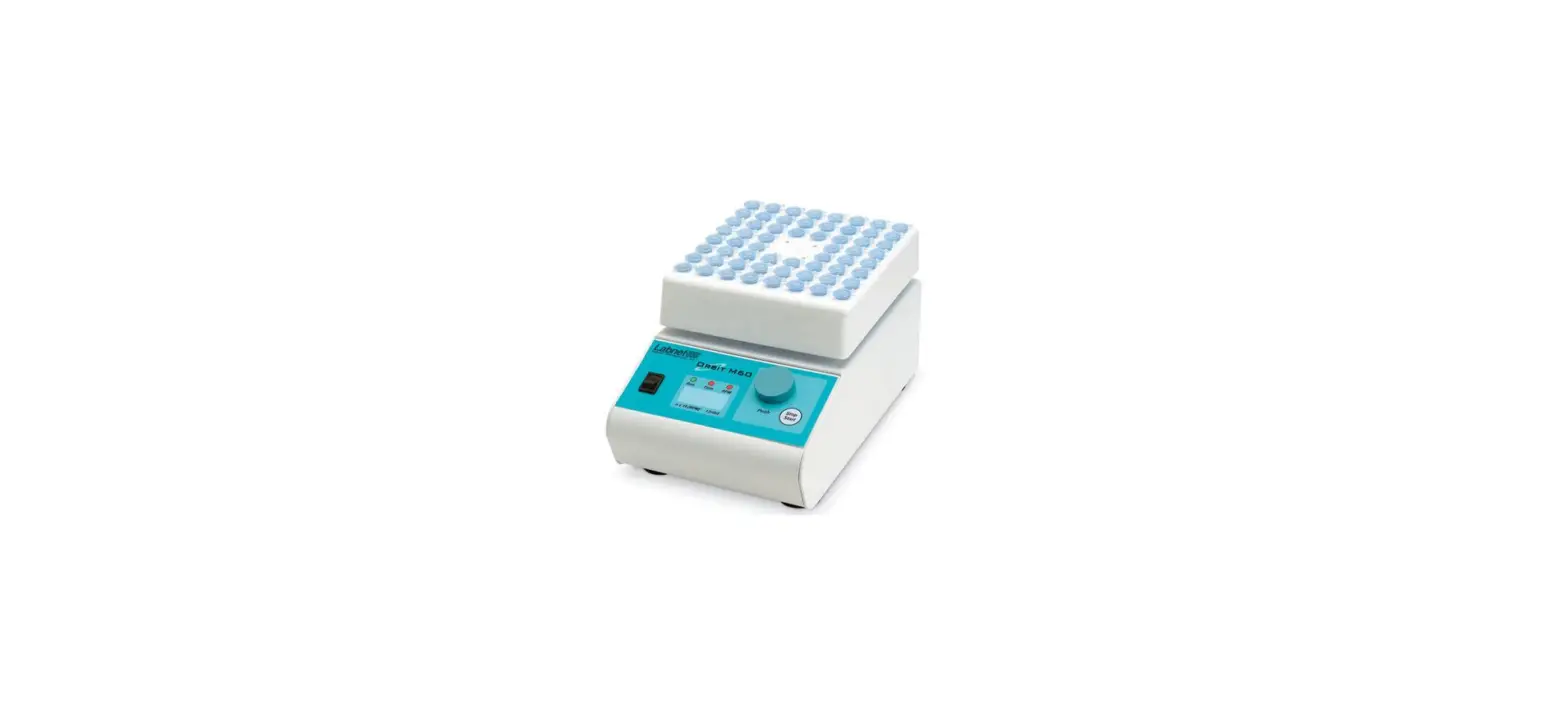
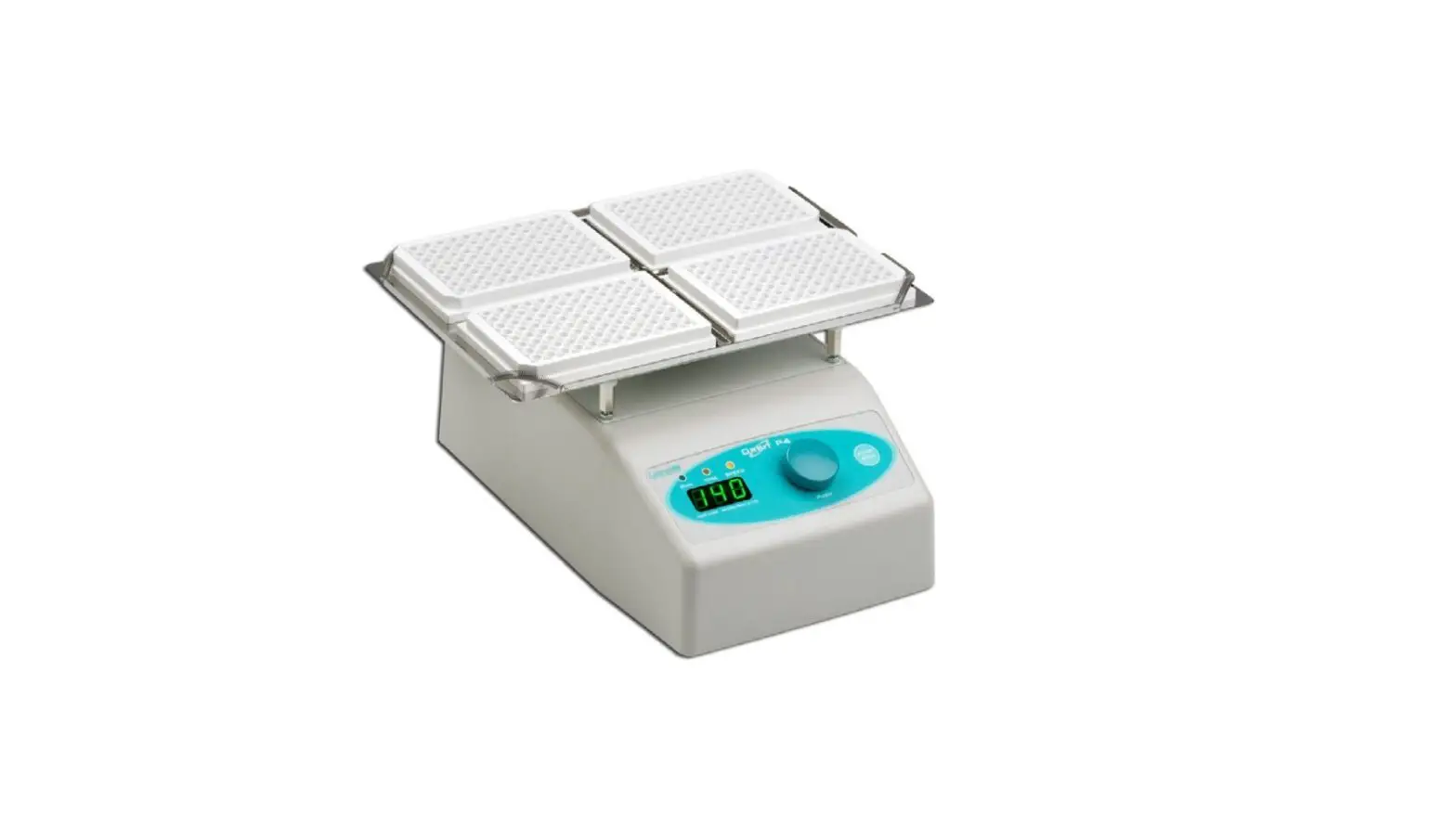
H5000-H MultiTherm Shaker
Product Information: MultiTherm Shaker
The MultiTherm Shaker is a versatile instrument used for various
laboratory applications. It is designed to provide controlled
shaking and heating to samples in test tubes. This operations
manual contains detailed instructions for the proper care and
operation of the MultiTherm Shaker.
Prior to operating the instrument, please ensure that all
accessories and the Instrument itself are included in the package
and free from any damage during transit. If any damage is found or
items are missing, please contact Benchmark Scientific at +1 908
769 5555.
Safety Warnings and Guidelines
Important operation information:
- Please read this manual carefully before attempting to operate
the Instrument. - Read the manual prior to powering up the instrument.
- Familiarize yourself with all safety warnings and guidelines
provided.
- Please read this manual carefully before attempting to operate
Security:
- Ensure compliance with the basic guidelines and warnings for
operation, maintenance, and repair of the Instrument. - Failure to comply may jeopardize instrument life, warranty
coverage, and user safety. - Use the product indoors and avoid operating it in a damp or wet
environment. - Do not attempt to disassemble or repair the Instrument
yourself, as it will void the warranty. Contact your supplier for
repair service in case of malfunction. - Do not defeat or tamper with the safety device provided
(three-pin plug) that should be matched with a suitable grounded
outlet. - Avoid touching the metal block during or within 30 minutes of
operation, as it becomes very hot. - Close all test tube lids before inserting them into the block
and prevent liquids from spilling into the block or any part of the
instrument.
- Ensure compliance with the basic guidelines and warnings for
Maintenance of the Instrument:
- Clean the block wells with a cloth dampened with alcohol to
ensure good heat transmission between the block and the test
tube. - If there are marks, dirt, or stains on the instrument exterior,
clean them with a cloth dampened with water or a mild detergent
solution.
- Clean the block wells with a cloth dampened with alcohol to
Product Usage Instructions
- Check the voltage listed on the serial number label to ensure
it matches the voltage available in your area before connecting the
instrument to a power source. - Install the Instrument in a cool, dry location away from direct
sunlight, strong light sources, corrosive gas, magnetic fields, and
dusty environments. Maintain at least 4 inches of space between the
instrument, air vents, and any walls, other instruments, or
obstructions. - Locate the main power switch on the rear of the instrument.
Push “I” to power on and push “O” to power off. - Always shut off the power when finished using the instrument.
If the instrument will not be operated for a long time period,
unplug it and cover it with a cloth or plastic paper to protect it
from dust particles. - In case of fire, smoke, liquid entering the instrument,
abnormal operation (such as abnormal sound or smell), the
instrument being dropped, or outer case damage, immediately unplug
the instrument from the outlet and contact the vendor for
assistance.
MultiTherm Shaker
Operations Manual Item: H5000-H and H5000-HC
Forward
Thank you for purchasing the MultiThermTM Shaker. This operations manual contains instructions for the proper care and operation of this Instrument. Prior to operating this instrument, please read this manual carefully.
Prior to operating the instrument for the first time, please check the package to ensure that the Instrument and all accessories have been included and are free from any damage in transit. In the event that any damage is found (or items are missing), Please contact Benchmark Scientific at +1 908 769 5555,
– 1 –
Safety Warnings and Guidelines
1. Important operation information:
Please read this manual carefully prior to any attempt to operate the Instrument. Read the manual prior to power up of the instrument. Read the
guidelines and directions below and be familiar with all safety warnings and guidelines.
2. Security:
The operation, maintenance and repair of the Instrument must comply with the basic guidelines and warnings stated below. Failure to comply may jeopardize the instrument life, warranty coverage and user safety.
Use this product indoors. Do not operate in a damp or wet environment.
Do not attempt to disassemble or repair the Instrument by yourself. Disassembly will void the warranty. If there is a malfunction contact your supplier for repair service.
The three pin plug supplied with the instrument is a safety device that should be matched with a suitable grounded outlet. Do not attempt to defeat the three pin plug or its grounded function.
During normal operation, the temperature of metal block will become very hot. Do not touch the block during or within 30 minutes of operation.
Close all test tube lids before inserting into the block. Do not allow liquids to spill into the block or any part of the instrument.
– 2 –
Before connectivity to a power source, check that the voltage listed on the serial number label (on the bottom or back side of the unit) to ensure that it matches the voltage available in your area.
Be sure to install the Instrument in a cool, dry location away from any direct sunlight or strong light sources. Additionally the instrument should be kept away from corrosive gas, magnetic fields and dusty environments. Keep the instrument and the air vents at least 4 inches from walls, other instruments or any obstructions.
The Main power switch is on the rear of the device, push “I” to power on the instrument, and push “O” to power off.
Shut the power off when you finish your work. Unplug the machine if it will not be operated for a long time period and cover it with a cloth or plastic paper for protection from dust particles
Immediately unplug the instrument from the outlet and contact the vendor in the event of: Fire or smoke. Liquid has gotten into the Instrument; Abnormal operation: such as abnormal sound or smell. Instrument has been dropped or outer case is damaged. The function has visibly changed.
3. Maintenance of the Instrument
The block wells should be cleaned by a cloth dampened with alcohol to ensure good heat transmission between the block and the test tube. If there are marks, dirt or stains on the instrument exterior, clean them with a cloth dampened with water or a mild detergent solution.
Always shut the power off when cleaning the Instrument. When cleaning the block wells, do not apply the cleaning liquid directly to the block, use a dampened cloth. Do not use strong or corrosive cleaning agents.
– 3 –
Contents
Chapter 1: Introduction
5
Chapter 2: Specifications
5
1. Normal operating conditions
5
2. Technical data
6
Chapter 3: Preparations
8
1. Physical Description
8
2. Keyboard and Display panel
9
3. Key Functions
10
Chapter 4: Operation Guide
11
1. Single Temperature, Speed and Time setting
11
2. Sequence Link Setting
12
3. Disabling the Temperature Speed or Time
12
4. Pulse
13
5. Temperature Calibration
13
6. Changing the Block
16
Chapter 5: Failure analysis and troubleshooting
17
– 4 –
H5000 Series MultiTherm Shakers
Chapter 1: Introduction
The MultiTherm shaker is an ideal instrument for intensive mixing of samples under temperature regulated conditions.
Mixing and temperature control modes can be used both simultaneously and independently i.e, the device can work as shaker and/or as an incubator. The base instrument can be used with a variety of different blocks. The instrument is applicable for DNA analysis, extraction of lipids and other cell components, DNA library creation, PCR amplification, pre-denaturation in electrophoresis, serum solidification etc.
Features of this product as follows:
1. Because it can be used with various optional mixing blocks, the instrument can adapt to different tubes and plates to accommodate many experimental needs. Customized blocks are available to suit your specific demands. 2. LCD display 3. Simultaneous display of set and actual time, temperature and speed 4. Over-heat protection system ensures safety & reliability 5. Temperature can be calibrated to meet the user’s needs 6. End-of-run signal alerts the user of cycle completion
Chapter 2: Specifications
1. Normal operating conditions
Ambient temperature: 5°C 30°C / Relative humidity: 70% Note: Do not attempt to operate the instrument at temperatures or humidity levels outside of this range.
5
H5000 Series MultiTherm Shakers
2. Technical data, H5000-H
Model Parameter Mixing rate* Orbit Temperature setting range
H5000-H
200~1500 rpm 3mm
5°C to 100°C
Temperature control range*
Ambient +5°C to 100°C
Timing range Accuracy of the temperature Heating time
1min to 99h59min 1.0°C
15min from 20°C to 100°C
Cooling time Block Configuration
N/A
A-BLOCK: 96 well Plate or 96 x 0.2ml; B-BLOCK: 0.5ml x 54 C-BLOCK: 1.5ml x 35 D-BLOCK: 2.0ml x 35 E-BLOCK: 15ml x 12 F-BLOCK: 12mm x 24 G-BLOCK: 50ml x 6
Power Supply
Fuse Dimension (mm) Net weight (kg)
AC100-120 2.5A
AC200-240 1.5A
50-60Hz
50-60Hz
250V 4.0A 5×20mm 250V 3.0A 5×20mm 300(D)×2 12(W)×210(H)
8.5
*Specification is valid when used with “standard” blocks only. Larger blocks (Blocks E, F and G) have different speed and temperature specifications.
6
H5000 Series MultiTherm Shakers
Technical data, H5000-HC
Model Parameter Mixing rate* Orbit Temperature setting range
Temperature control range*
Timing range Accuracy of the temperature Heating time
H5000-HC
200~1500 rpm 3mm
0° to 100°C 0° to 100° at Room temp. 20°C 4° to 100° at Room temp.25°C 10° to 100° at Room temp.30°C
1min ~ 99h59min 1.0°C
15min from 20°C to 100°C
Cooling time Block Configuration
30min from room temp. to -20°C below room temp.
A-BLOCK: 96 well Plate or 96 x 0.2ml; B-BLOCK: 0.5ml x 54 C-BLOCK: 1.5ml x 35 D-BLOCK: 2.0ml x 35 E-BLOCK: 15ml x 12 F-BLOCK: 12mm x 24 G-BLOCK: 50ml x 6
Power Supply
Fuse Dimension (mm) Net weight (kg)
AC100-120 2.5A
AC200-240 1.5A
50-60Hz
50-60Hz
250V 4.0A 5×20mm 250V 3.0A 5×20mm 300(D)×2 12(W)×210(H)
8.5
*Specification is valid when used with “standard” blocks only. Larger blocks (Blocks E, F and G) have different speed and temperature specifications.
7
H5000 Series MultiTherm Shakers
Chapter 3: Preparations
This chapter provides a physical description, location of controls, function of individual keys, as well as some preparations before the initial power-on. You should be familiar with this chapter before the Thermo Shaker is first operated.
1. Physical Description
Standard Block
Keyboard
Power Switch Power connector
8
Fuse
H5000 Series MultiTherm Shakers
2. Keyboard and Display panel
Display Panel
Current program Current temperature
Current speed
Remaining time
P1 100.0 1200 10:30 P1 100.0 1200 15:00
Selected program Selected temperature
Selected speed
Selected time
9
H5000 Series MultiTherm Shakers
3. Key Functions
Prog.
Program Selection Keys: Use the up and down keys to
choose the desired program (P1, P2, P3, P4 or P5).
Temp.
Temperature Selection Keys: Press”” or “” to select the desired temperature in increments of 1°C. (To quickly scroll to
the desired temperature, press and hold the”” or “” keys.)
Speed Selection Keys: Press “” or “” to select the desired
Speed
mixing speed in increments of 10rpm. (To quickly scroll to the desired mixing speed, press and hold the”” or “” keys.)
Time
Time Selection Keys: Press “” or “” to select the desired run time. (To quickly scroll to the desired time, press and hold the”” or “” keys.)
Seq. Link
Sequence Link Key. Press the “Seq. Link” key to run consecutive programs. Choose from P1 to P2, P1 to P3, P1 to P4, or P1 to P5 to run up to five consecutive programs. (The Sequence link function is only available on the H5000-HC.)
Pulse
The device mixes at the speed shown on the display for as long as the Pulse key is held down. The time is counted in seconds until 999 Seconds has expired.
Start/Stop
Start/Stop Key. press this key to start or stop the program. Press briefly to start. Press and hold to stop.
10
H5000 Series MultiTherm Shakers
Chapter 4: Operation Guide
1. Single temperature, speed and time setting
a) Following power up, the unit beeps once and the LCD will display “System Testing”. After approx. 5 seconds, the current and selected settings appear on the display and the instrument is ready for use.
System-Testing ……
b) The current block temperature is displayed on the LCD, for example, 30.0 along with the current mixing speed, 0 rpm and the current time, 00:00. The set or selected temperature shows 37.0, which is the initial preset temperature. The initial preset mixing speed and time are also displayed at 1000rpm and 10:00 respectively.
c) Five programs are available for storage. By pressing the “” or “” Prog. keys choose the desired program, P1, P2, P3, P4 or P5.
Prog
P1 30.0 0 00:00 P1 37.0 1000 10:00
By pressing the “” or “” Temp. keysthe value of the selected temperature is adjusted in increments of 0.1°C on the display window.
Temp
P1 30.0 0 00:00 P1 40.0 1000 10:00
By pressing the “” or “” Speed keysthe value of Speed
the selected mixing speed is adjusted in increments of 10 rpm.
P1 30.0 0 00:00 P1 40.0 1200 10:00
By pressing the “” or “” time keysthe value of
the selected run time is adjusted in increments of 1 Time
min.
P1 30.0 0 00:00
P1 40.0 1200 2:00
— 11 —
H5000 Series MultiTherm Shakers
NOTE: Press and hold the “” or “” adjustment keys to quickly scroll through the available temperature, speed and time range
Press the Star/Stop Key to begin the cycle
2. Sequence Link Program Setting (Available on H5000-HC only)
a) By Pressing the “Seq. Link” Key, the user can connect up to five programs to run consecutively (P1-P2, P1-P2-P3, P1-P2-P3-P4, P1-P2-P3-P4-P5).
b) Once the Seq. Link button is pressed, the display shows the starting program “P1” and the default
PROG to validate Star:P1 End:P2
ending program, “P2”. To adjust the ending program,
press the “” or “” Prog. Keys. Once the ending
program has been selected, press the Seq. Link key
to finalize.
P1 30.0 0 00:00 P14 50.0 1400 3:00
c) To begin the first program, press the “start/stop”key. The first program will run through completion. Following completion, the subsequent cycle will begin automatically.
NOTE: A program can always be stopped (cancelled) by pressing and holding the “start/stop” key.
3. Disabling the temperature, speed or time functions.
a) To deactivate the temperature control, press and hold the “” Temp. key until the set temp. shows “OFF”. The temperature control is now deactivated and the instrument can be used solely as a shaker/mixer.
— 12 —
H5000 Series MultiTherm Shakers
b) To deactivate the shaker speed, press and hold the “” Speed key until the set speed shows “OFF”. The shaker is now deactivated and the instrument can be used solely for temperature control.
c) To deactivate the timer, press and hold the “” Time key until the set time shows “OFF”. The timer is now deactivated and the instrument will run continuously until the user presses and holds the start/stop key.
NOTE: When running consecutive programs in the Seq. Link mode, the time should not be set to “OFF” in any program.
4. Pulse
By pressing and holding the Pulse key, the instrument mixes at the selected speed for as long as the Pulse key is held down. The time is counted in seconds until 999 seconds has expired.
Pulse is running 600rpm 023S
5. Temperature calibration
The temperature of the Instrument has been factory adjusted and calibrated prior to being shipped. But if there is deviation between the actual temperature and the displayed temperature, the user can self-calibrate the instrument in order to correct the error.
Note: The temperature accuracy will be within ±0.5°C.
Calibration Procedure: a) Verify that the ambient temperature is less than 25°C and power up the instrument.
Once powered on, verify that the current temperature in display is below 25°C. If the temperature is above than 25°C, please wait for the unit to cool down to 25°C or less. b) Inject olefin oil into one of the cone-shaped wells, and insert a thermometer into this well. (Make sure the accuracy of the thermometer is to be within 0.1°C and that it is completely immersed into well). Heat insulation material is needed on the block to insulate it from the ambient temperature. See Fig a.:
— 13 —
H5000 Series MultiTherm Shakers
Thermometer
Insulating sheet Standard Mineral Oil
Well-bottom
Fig. A Notes: Please read the actual value after allowing 20 minutes constant temperature equilibration time.
To enter the temperature calibration mode, press the “” and “” Prog. Keys simultaneously. The instrument begins to cool to the low calibration point.
P20.5 AdjTemp=
ADJ 10.0
– H5000-H
Calibration points: 40°C, 100°C
– H5000-HC
Calibration points: 10°C, 40°C, 100°C
P:10.0
ADJ
AdjTemp=
10.0
c) After 20 mintuesread the temperature of the Thermometer (for ex. 9.8°C). Using the “” or “” Temp. keys, adjust the temperature of the display to match that of the thermometer and press the “start/stop”key to confirm.
P:10.0
ADJ
AdjTemp=
9.8
Press “stop/start”
— 14 —
H5000 Series MultiTherm Shakers
d) Repeat the above step for the remaining P40.1 ADJ
temperature calibation points.
AdjTemp= 40.0
Following the adjustment to the final calibration point, the temperature calibration of the instrument has now been completed and the displayed temperature will accurately represent the temperature of the heating block.
P100.0 AdjTemp=
Adj 98.0
NOTE: During the temperature calibration, press the “” and “” Prog. keys simultaneously to cancel the calibration. The system will default back to the former calibration.
— 15 —
H5000 Series MultiTherm Shakers
6Changing the block
a) Open the transparent lid and use the supplied hex wrench (3mm) to remove the four screws that hold the block to the heating board.
b) Close the lid and lift the block up and away from the base unit.
c) Place the desired block softly on the heating platform of the base unit and carefully align the four screw holes.
d) Install and tighten the four screws. Do not over tighten.
— 16 —
Screw
Chapter 5: Failure analysis and troubleshooting
Failure analysis and processing procedures
No.
Symptom
Possible Causes
Action
1
No display powered up.
No power when Fuse failure
Broken switch
Check the power Exchange fuse250V 3.0A 5X20mm
Replace the switch
Others
Call for service
The actual and
2
displayed temperatures
are Temperature sensor failure Call for service
significantly different.
“OPEN” in the Temperature sensor failure
3 temperature display or the environmental Call for service
with a short beep
temperature is below zero
“SHORT” in the Temperature sensor failure
4 temperature display or the environmental Call for service
with a shirt beep
temperature is below zero
5
No heating or cooling
Broken sensor or Broken TE module
Call for service
6
No reaction when a key is pressed
Failed film switch
Call for service
Notes PH: 908-769-5555 EM: [email protected]