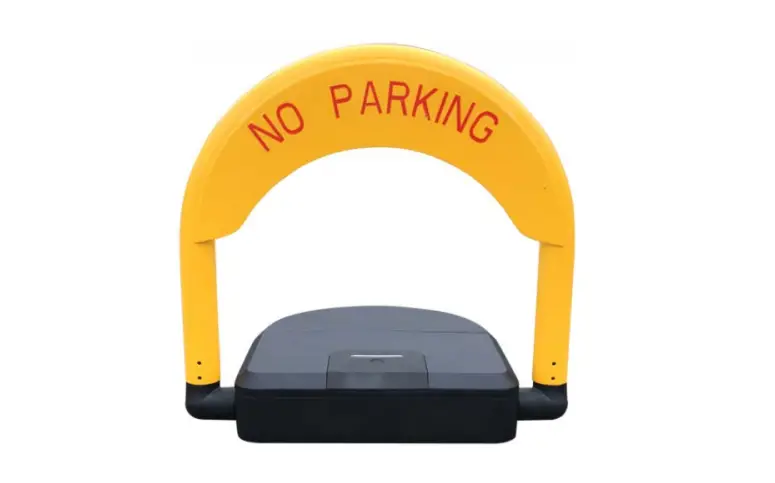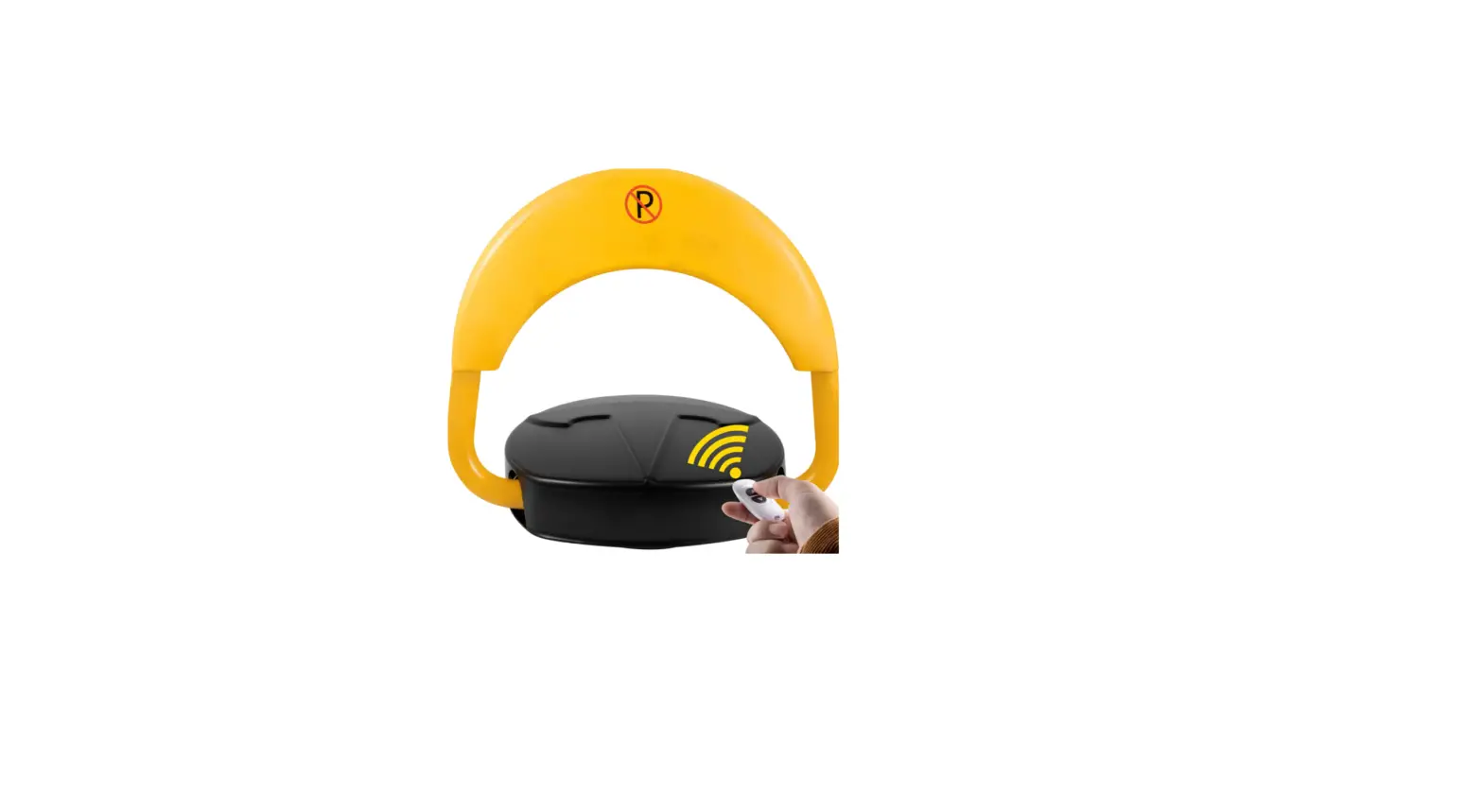

TELRAN COMMUNICATION 410006 Automatic Parking Lock
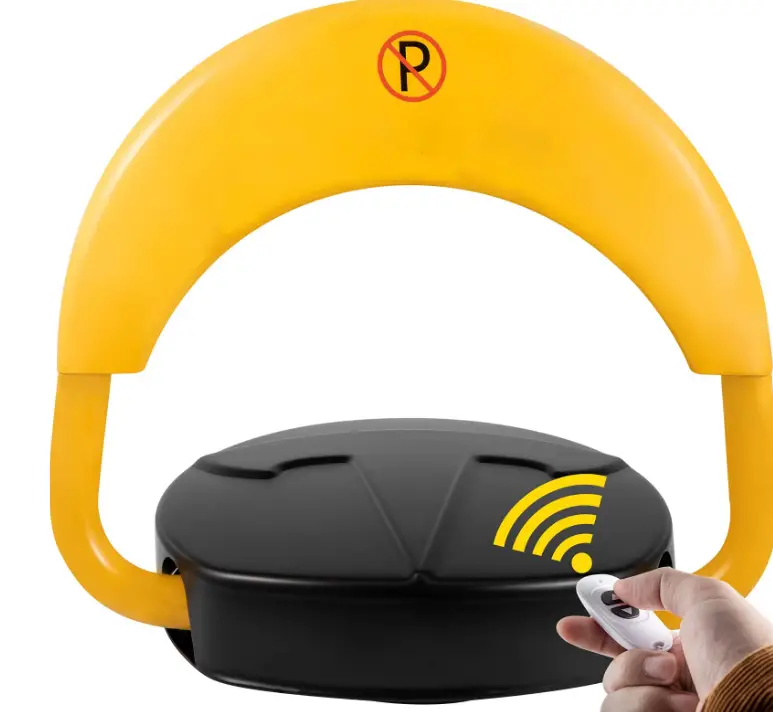
Check the Product & Accessories
| No. | Model Name | Photo | Remark |
|
1 |
Automatic Parking Lock*1 |  | |
|
2 |
Battery*1 |  | We have 3 types of battery. For specific introduction, please refer to the following accessories description |
|
3 |
Screw*3 | 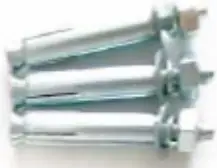 | |
|
4 |
Key*2 | 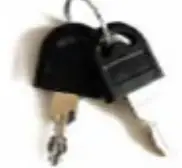 | |
|
5 | Remote Control | 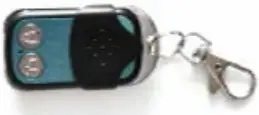 |
1.Standard for Remote Control type. ( 2 Pcs ) |
Function Testing
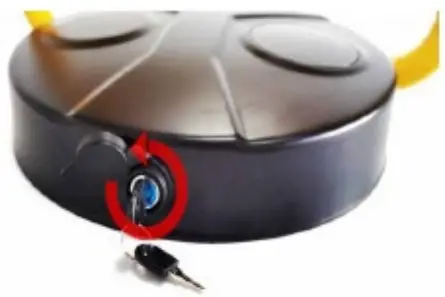
- Use the key to open the “Black cover”

- Connect the “Battery” with the “Motor box”

- Use the “Remote control”/”mobile phone” to test the function

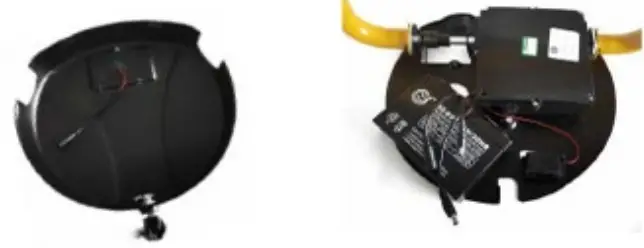
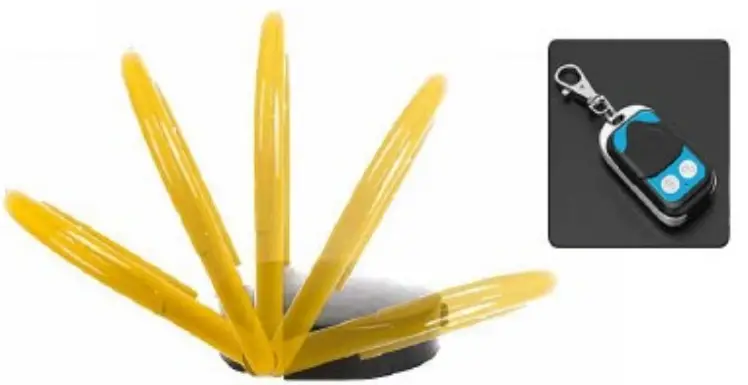
Installation
- Use the key to open the “Black cover”

- Drive “expansion screws” into 3 holes
- Use the key to lock the “Black cover”

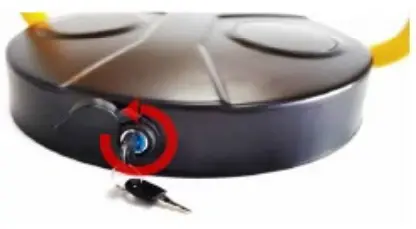
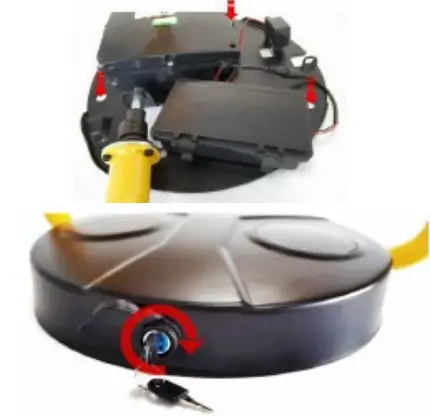
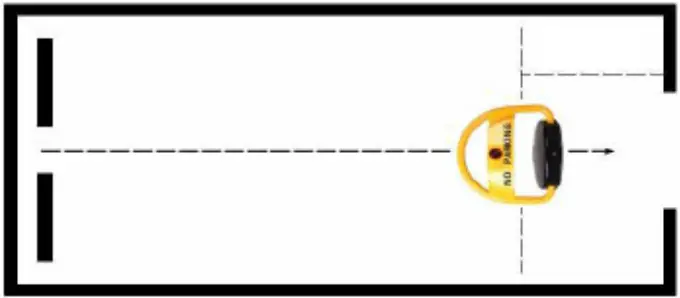
Note: Please install the automatic parking lock in the middle of parking space.
Instructions for using of Accessories
Battery
| Battery Type | Dry Battery | Lead-acid Battery | Lithium Battery |
| Charging method | / | Chargeable | Chargeable |
| Battery Life | 12 months | 24 months | 5 years |
| Working Temperature | -18℃~50℃ | -20℃~55℃ | -10℃~50℃ |
| Usage time | 3 to 6 months | 3 months | 8 to 12 months |
| Note: When the battery runs out, the automatic parking lock will make an alarm | |||
Remote Control Pairing
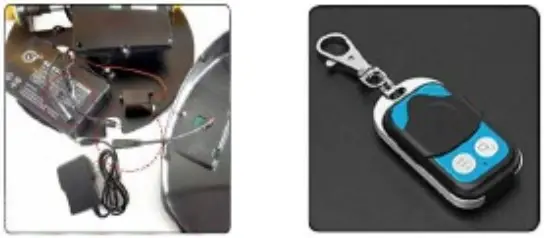
- Reconnect the motor box with the battery.
- Press the left and Right button of remote control Simultaneously
Note: © All Progress should be finished within 3 seconds
Attention
© In case of the deformation of the arm, please do not drive the vehicle on the parking lock
© Do not rise the automatic parking lock when it is under the vehicle
© Don’t park the car when the parking lock is rising
19 Hayezira St. Industrial Zone Ramla 7255616 fax. 03-5214524 | phone: 03-5575110