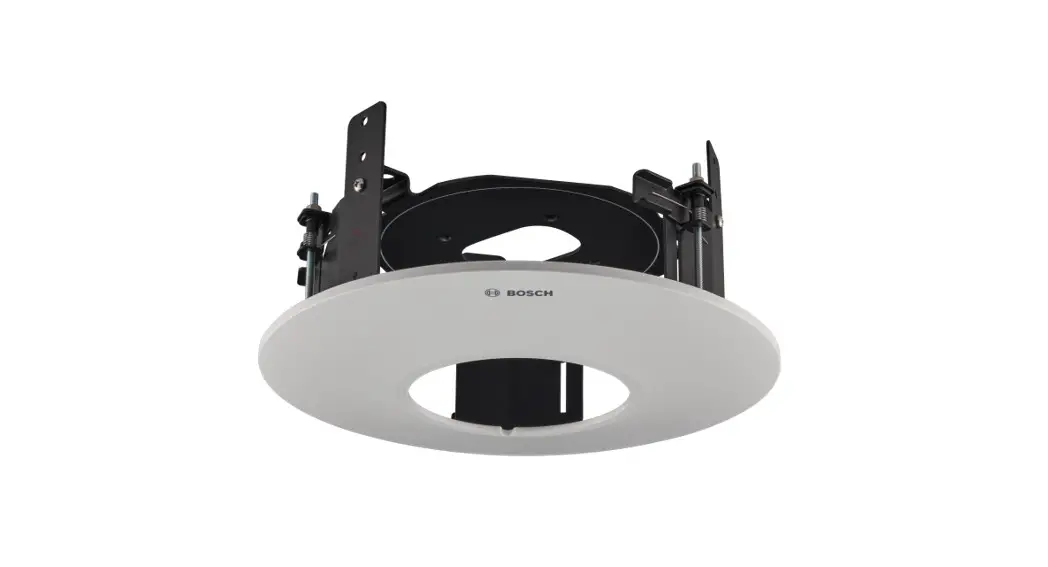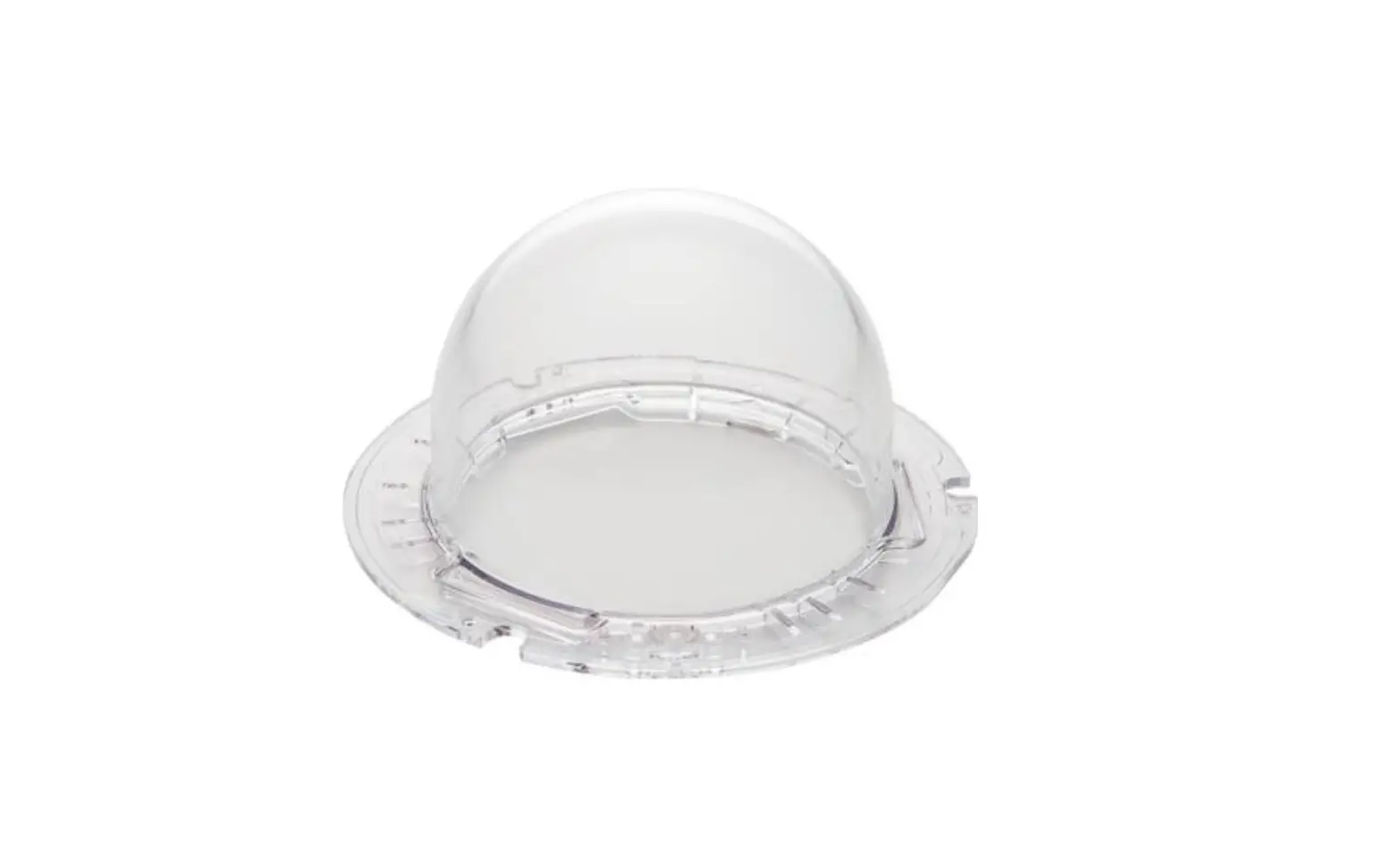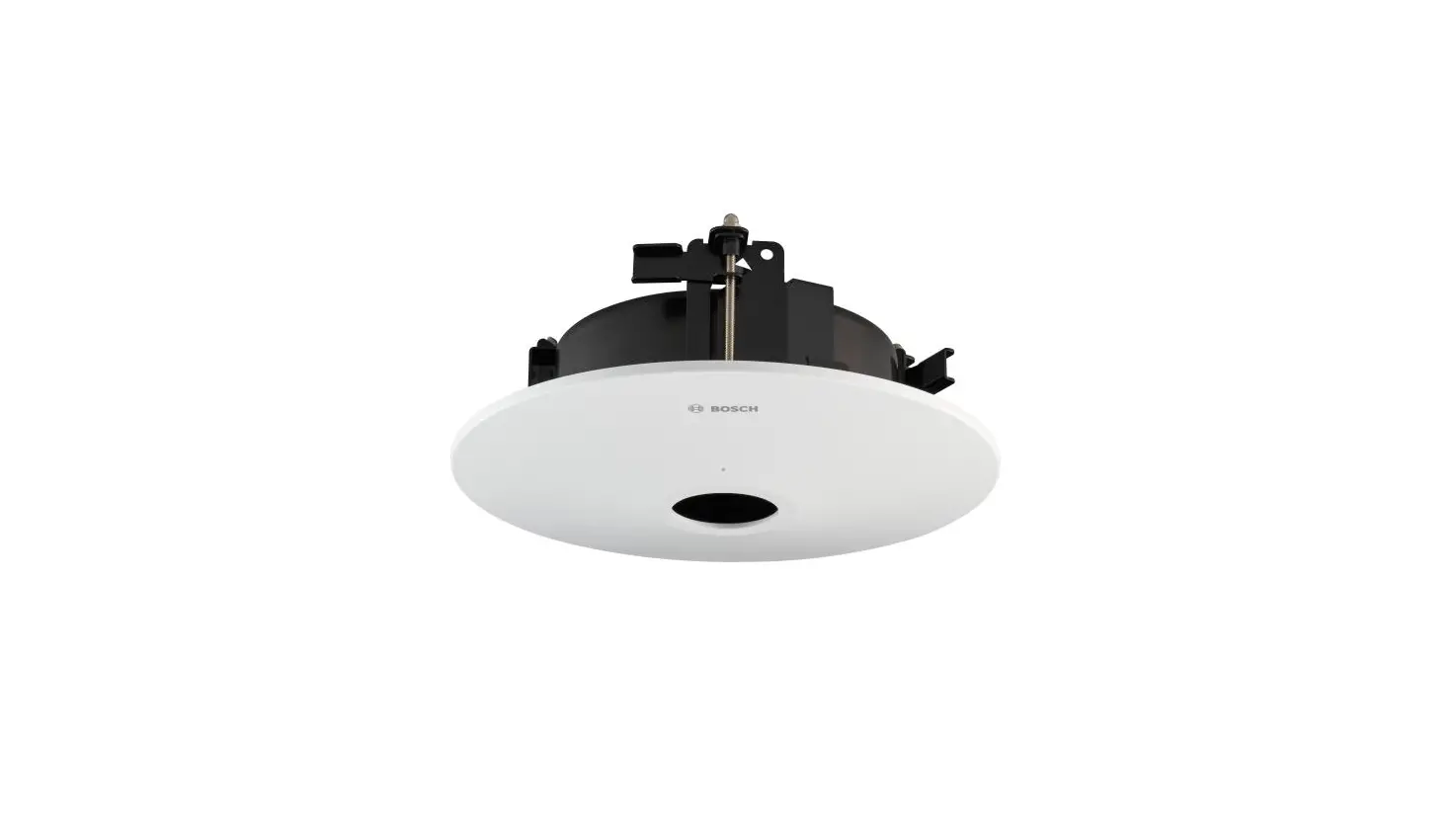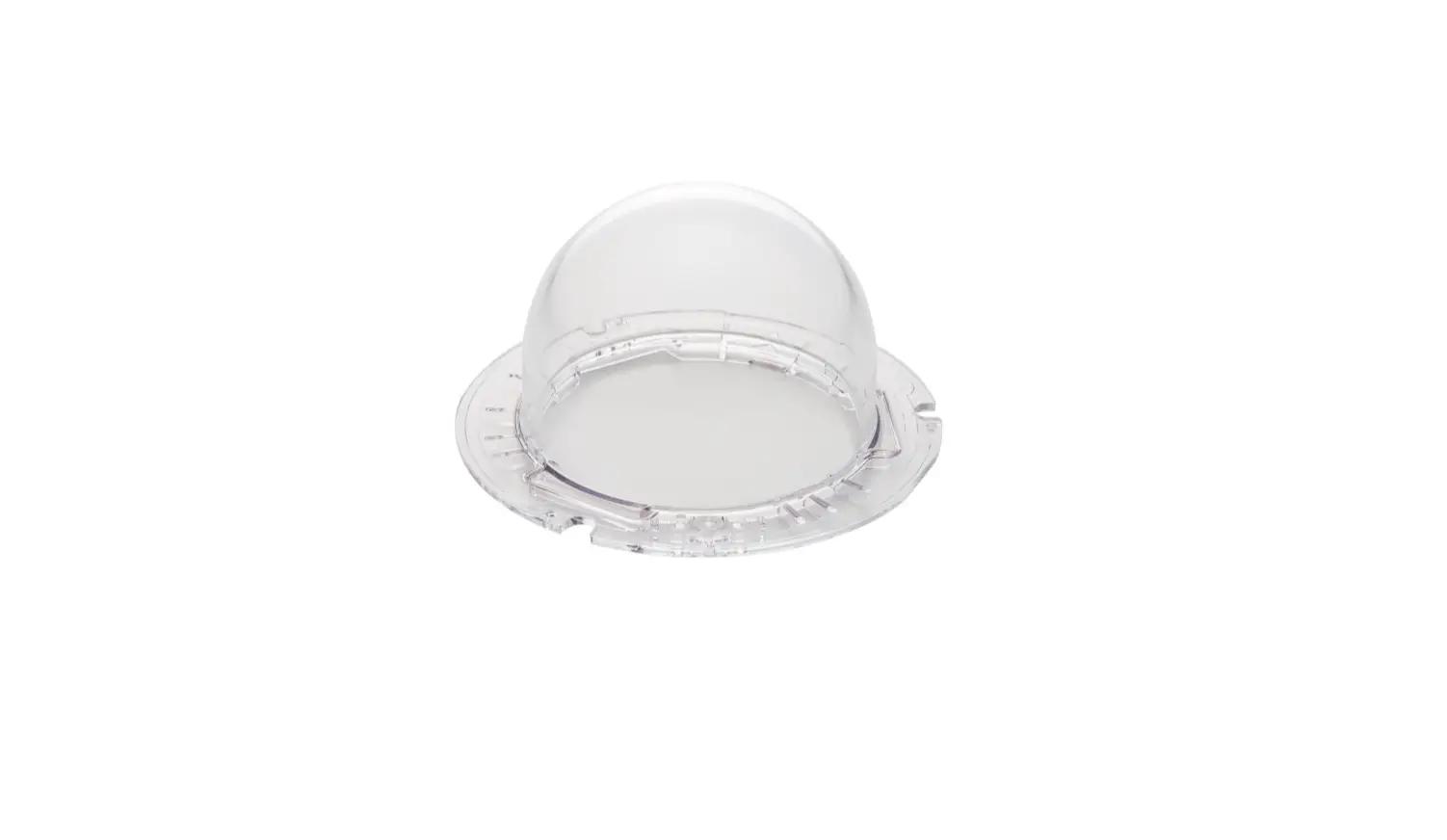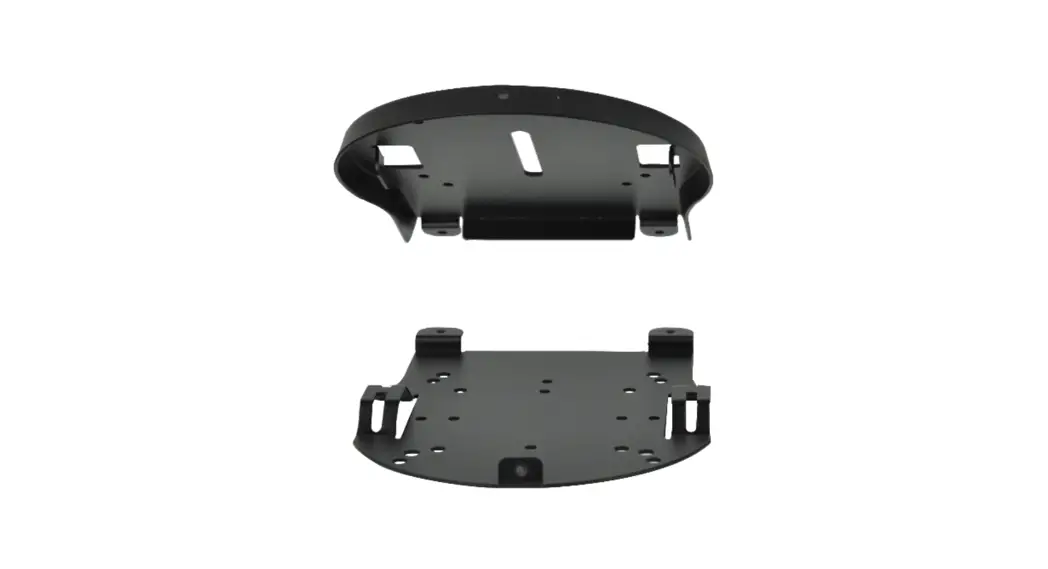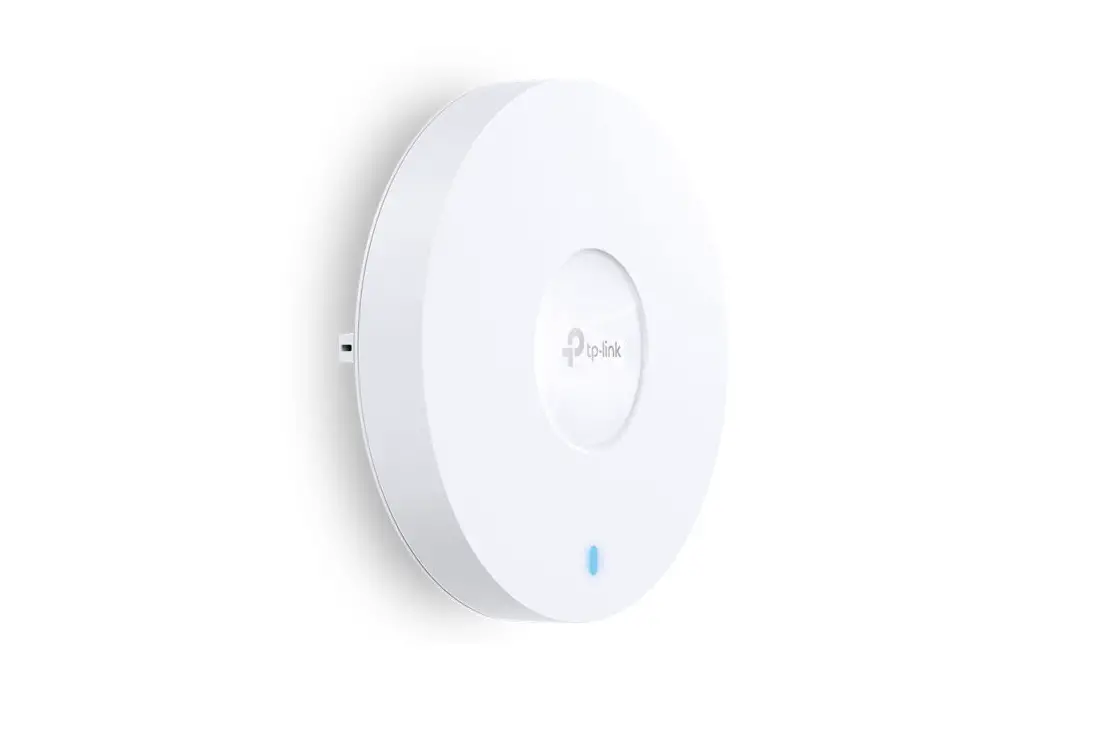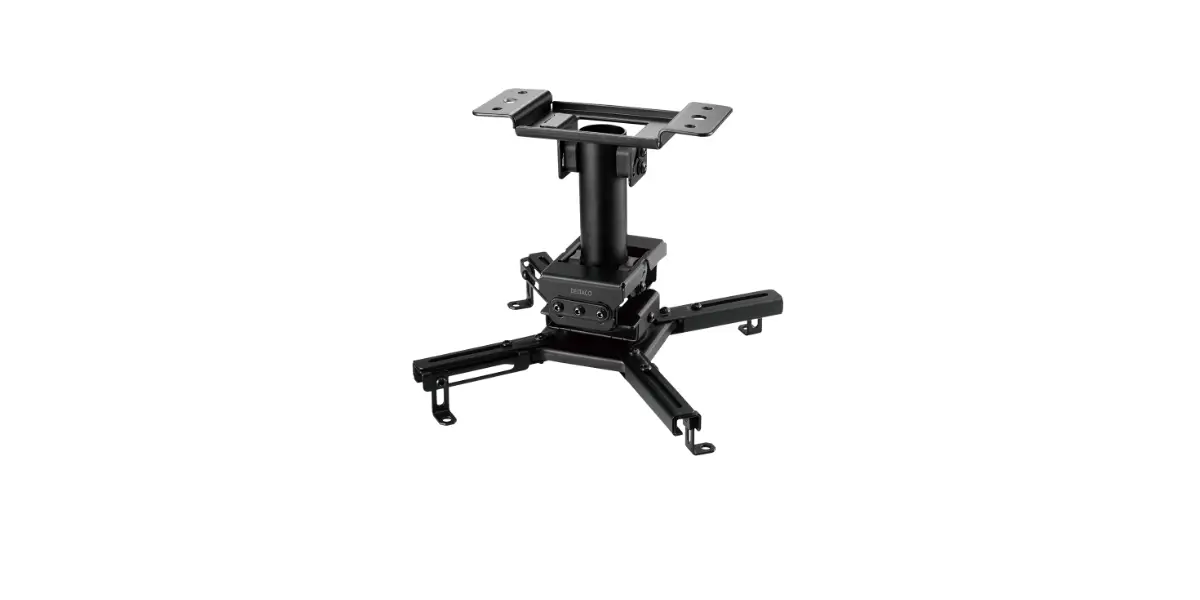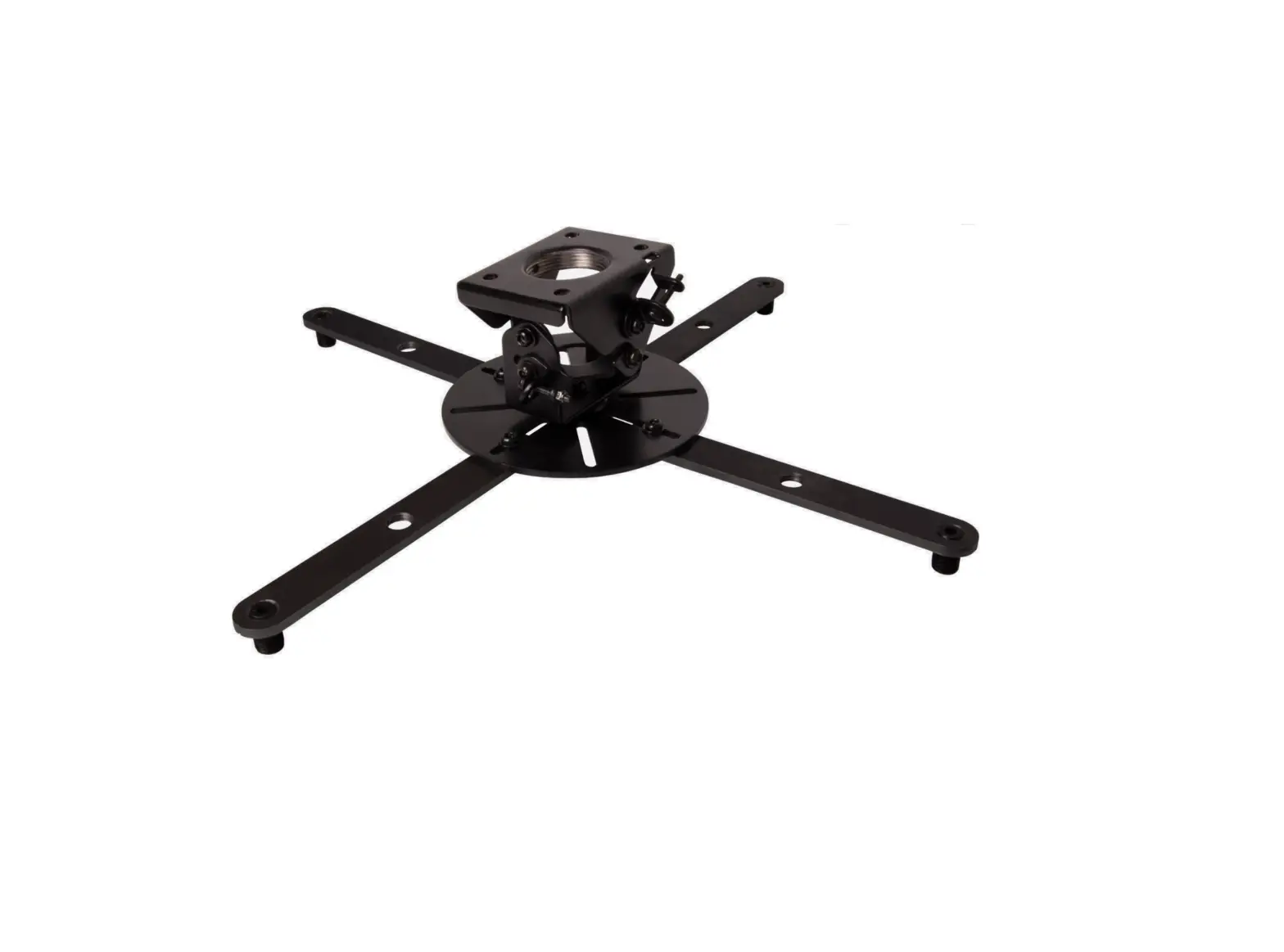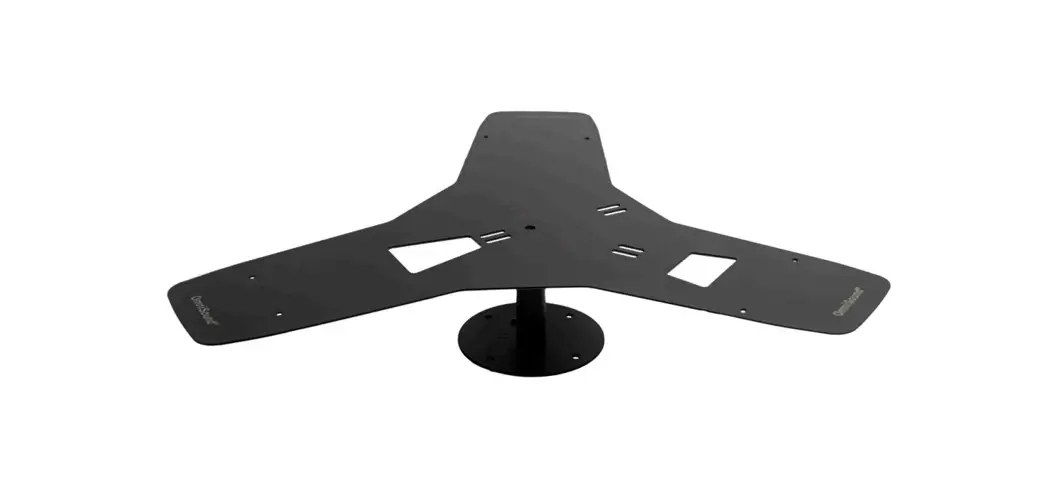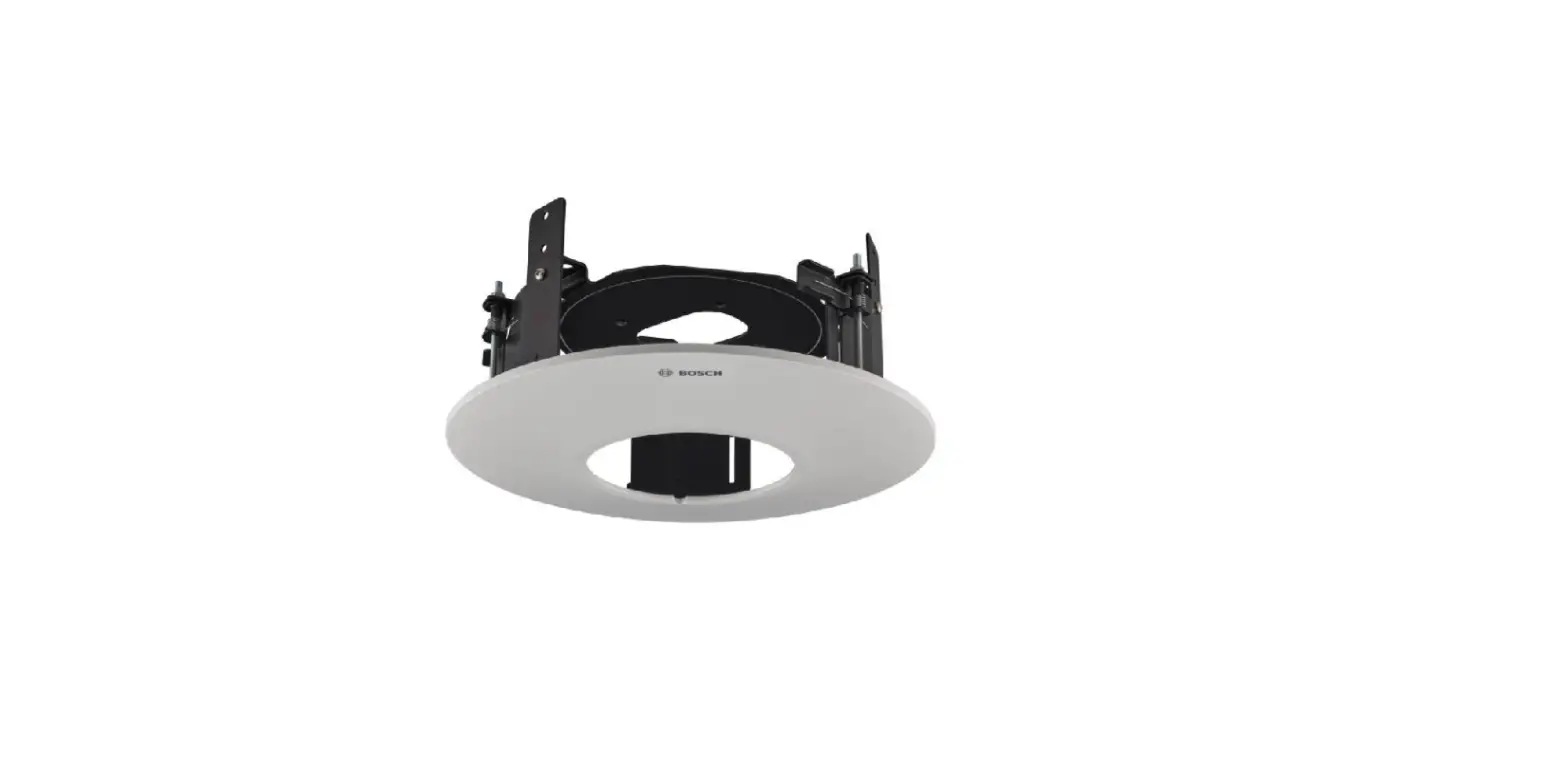

BOSCH NDA-5070-PC In Ceiling Mount Kit
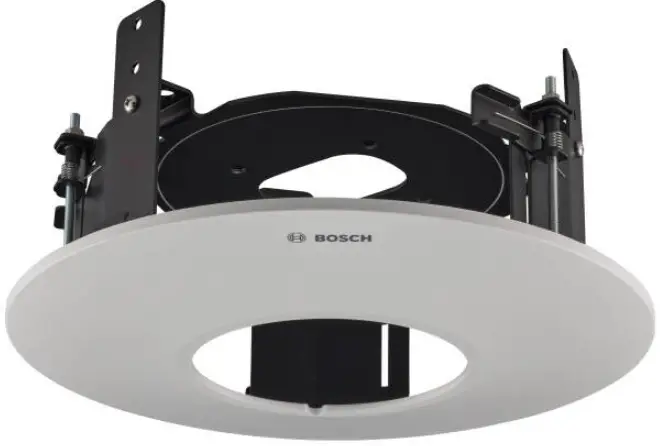
Product Information
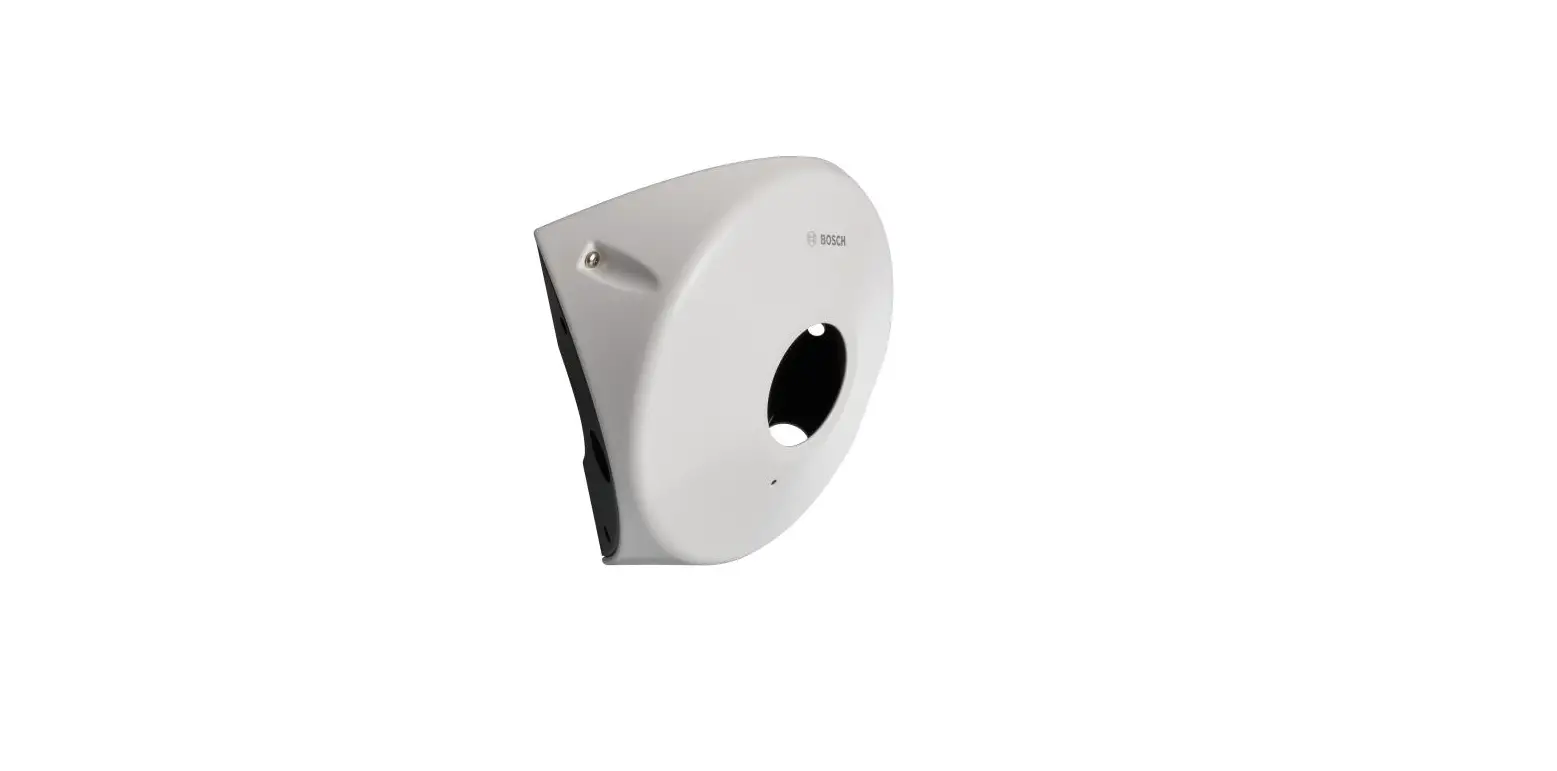
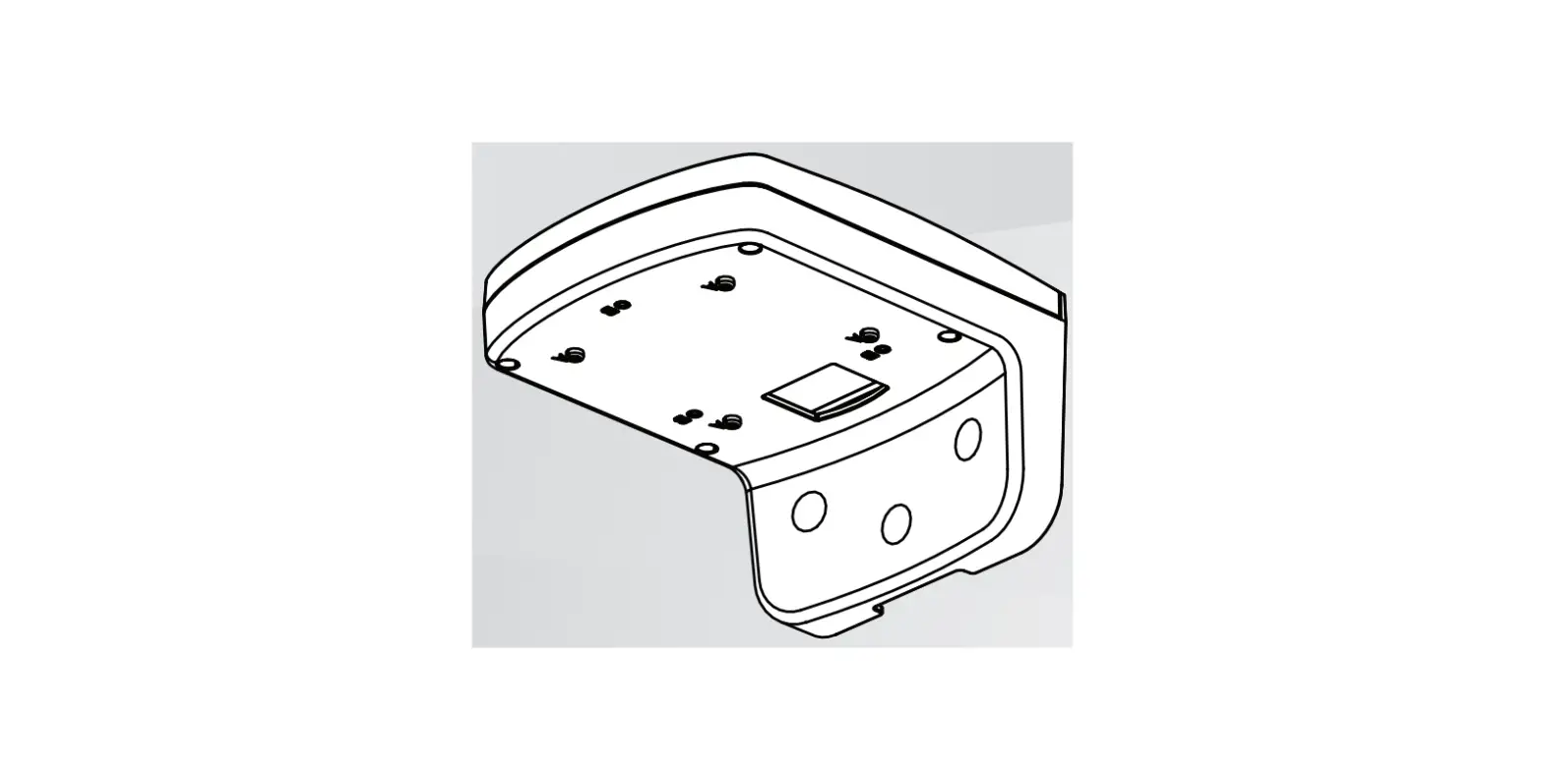
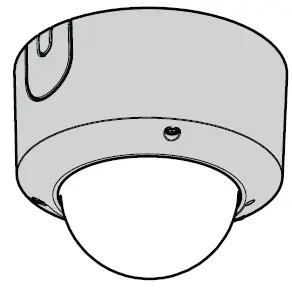
The TR20 is a pack of 4 paintable covers designed for use with the NDE570X lock and NDA5070PC control panel.
Product Usage Instructions
- Ensure that the NDE570X lock and NDA5070PC control panel are installed correctly and functioning properly.
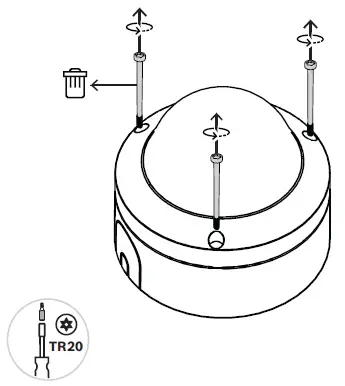
- Remove any existing covers from the lock and control panel.
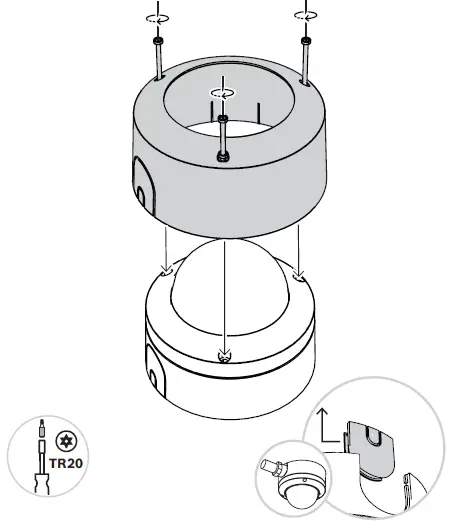
- Take one of the TR20 covers and place it over the lock or control panel, aligning it with the screw holes.
- Secure the cover in place using screws or other suitable fasteners.
- If desired, paint the cover to match the surrounding surface using a suitable paint.
- Repeat steps 3-5 for each additional cover as needed.
It is important to note that the TR20 covers are specifically designed for use with the NDE570X lock and NDA5070PC control panel, and should not be used with other products or in other applications.
WHAT IN THE BOX
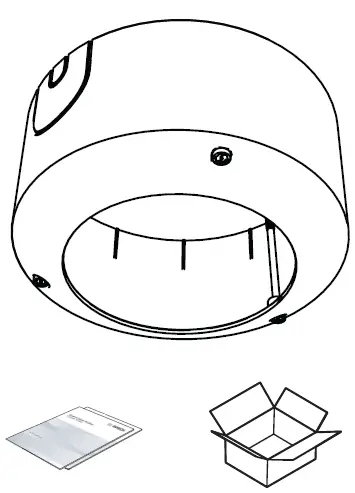
INSTALLATION INSTRUCTIONS
Bosch Security Systems B.V.
- Torenallee 49 5617 BA Eindhoven Netherlands
- www.boschsecurity.com
© Bosch Security Systems B.V., 2021
 Home | Bosch Security and Safety Systems I Global