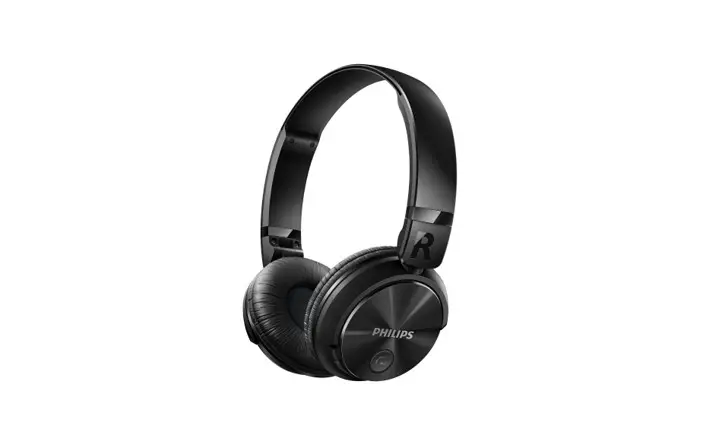
Wireless Headphone with Deep Bass
Product Information:
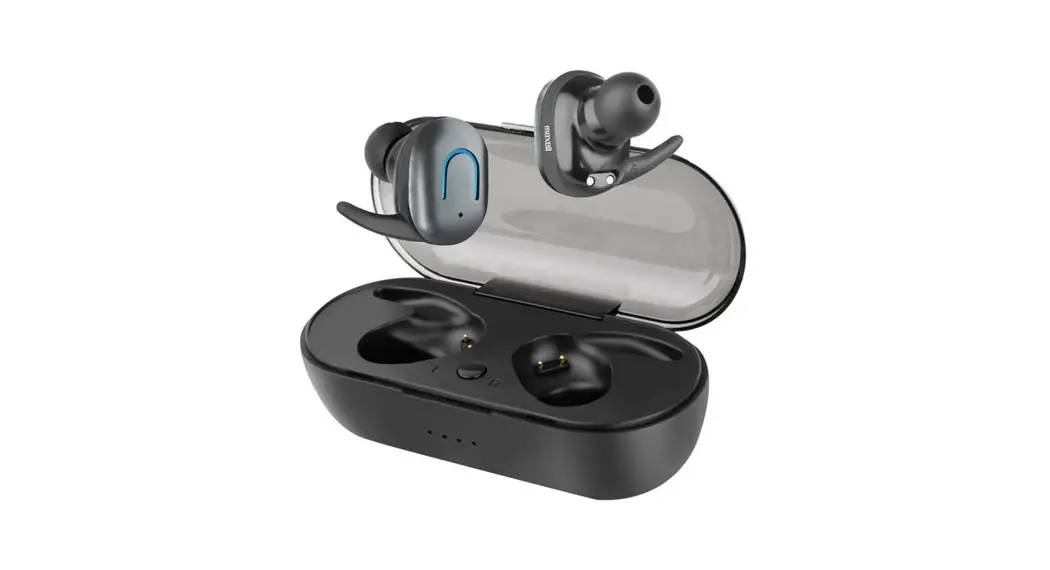
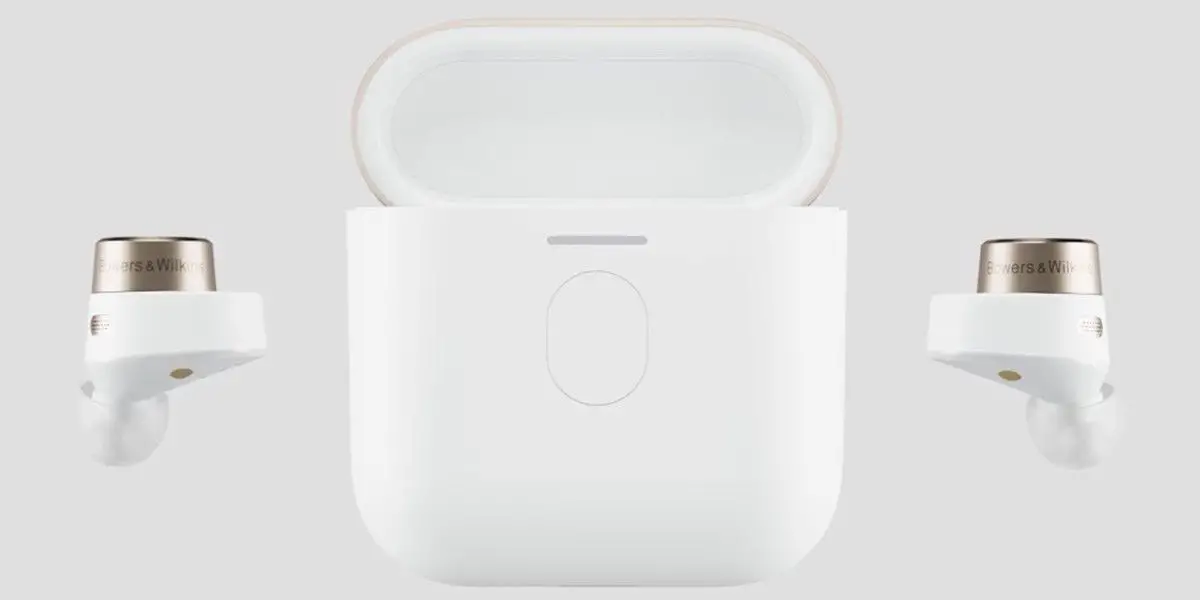
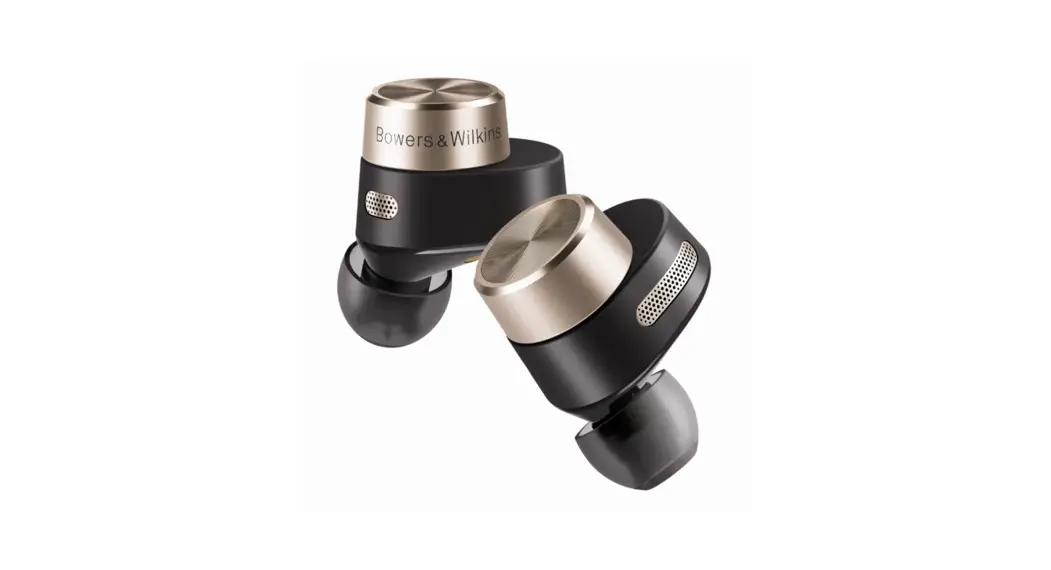
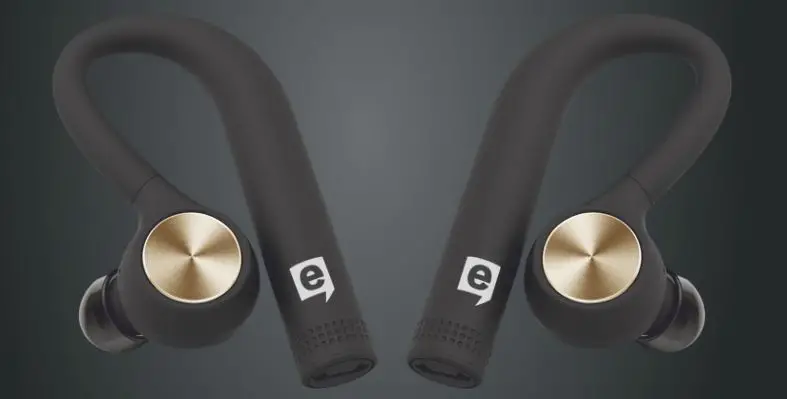
The product is a pair of wireless headsets, model T7, designed
for use with mobile phones and other Bluetooth-enabled devices. The
headsets automatically pair with each other and enter connection
mode with the device once they are taken out of the charging box or
turned on. The headsets can be connected to a mobile phone via
Bluetooth for various functions such as making/receiving calls,
playing music, and controlling volume.
Product Usage Instructions:
Headset Pairing:
- Take the two headsets out of the charging box or turn them
on. - Turn on Bluetooth on your mobile phone and search for Bluetooth
devices. - Find the Bluetooth device named “T7” and connect to it.
- You will hear a prompt tone after a successful connection. If
you cannot find “T7”, please ensure that the headset is turned on.
You can also try turning off Bluetooth on your mobile phone and
then turning it on again.
Function Introduction:
- Pick up/hang up the phone: Press the multifunction button
once. - Decline a call: Long press the multifunction button for 2
seconds. - Music play / pause: Press the multifunction button once.
- Last song: Double click the left headset multifunction
button. - Next song: Double click the right headset multifunction
button. - Lower the volume: Long press the left headset multifunction
button. - Increase the volume: Long press the right headset multifunction
button. - Siri or voice assistant: Triple click the multifunction
button.
Please contact the following email addresses for support:
- US/CA: [email protected]
- UK: [email protected]
US/[email protected] [email protected]
III. Headset Pairing 1. After the two headsets are taken out of the charging box or turned on, the left and right headset will pair automatically and enter the connection mode with the device. 2. Turn on Bluetooth of the phone and search for Bluetooth devices. 3. Find the Bluetooth device: T7 and connect it, and there will be a prompt tone after the successful connection. (Note: if
T7 cannot be found, please confirm whether the headset is turned on or you can turn off the Bluetooth of the mobile phone and then turn it on again)
IV. Function Introduction Pick up/hang up the phone Decline a call
Music play / pause Last song
Next song
Lower the volume
Increase the volume
Siri or voice assistant
Press the multifunction button
Long press the multifunction button for 2 seconds Press the multifunction button Double click the left headset multifunction button Double click the right headset multifunction button Long press the left headset multifunction button Long press the right headset multifunction button Three click the multifunction button
3
Anruf-ablehnen
Ger
Iösen.
III. Accoppiamento
tre volte il pulsante
connettersi?
Indicateur LED
Interfaz de carga
Volumen Volumen + Siri o asistente de voz
Mantenga pulsado el botón multifunción del auricular izquierdo Mantenga pulsado el botón multifunción del auricular derecho Triple clic en el botón multifunción
V. Especificaciones técnicas Modelo: T7 Versión Bluetooth: V5.3 Distancia inalámbrica: 10m(ambiente libre de obstáculos) Voltaje de entrada: 5V DC Batería de auriculares: 30mAh Batería de la caja de carga: 320mAh Tiempo de uso: alrededor de 4-5H Tiempo de carga de la caja: alrededor de 1-2H
Nota 1)No lo uses a través de una pared, de lo contrario el sonido será propenso al tartamudeo/intermitente. 2)La distancia entre los auriculares y el dispositivo no debe estar muy lejos, de lo contrario el sonido será propenso al tartamudeo/intermitente. 3)Si hay muchas señales de Wi-Fi y 4G, aparatos de alta potencia, etc. alrededor que causen secos, puede causar que el sonido tartamudee/interrumpa.
23
B
12 2
7
5
7 1 2 1
27