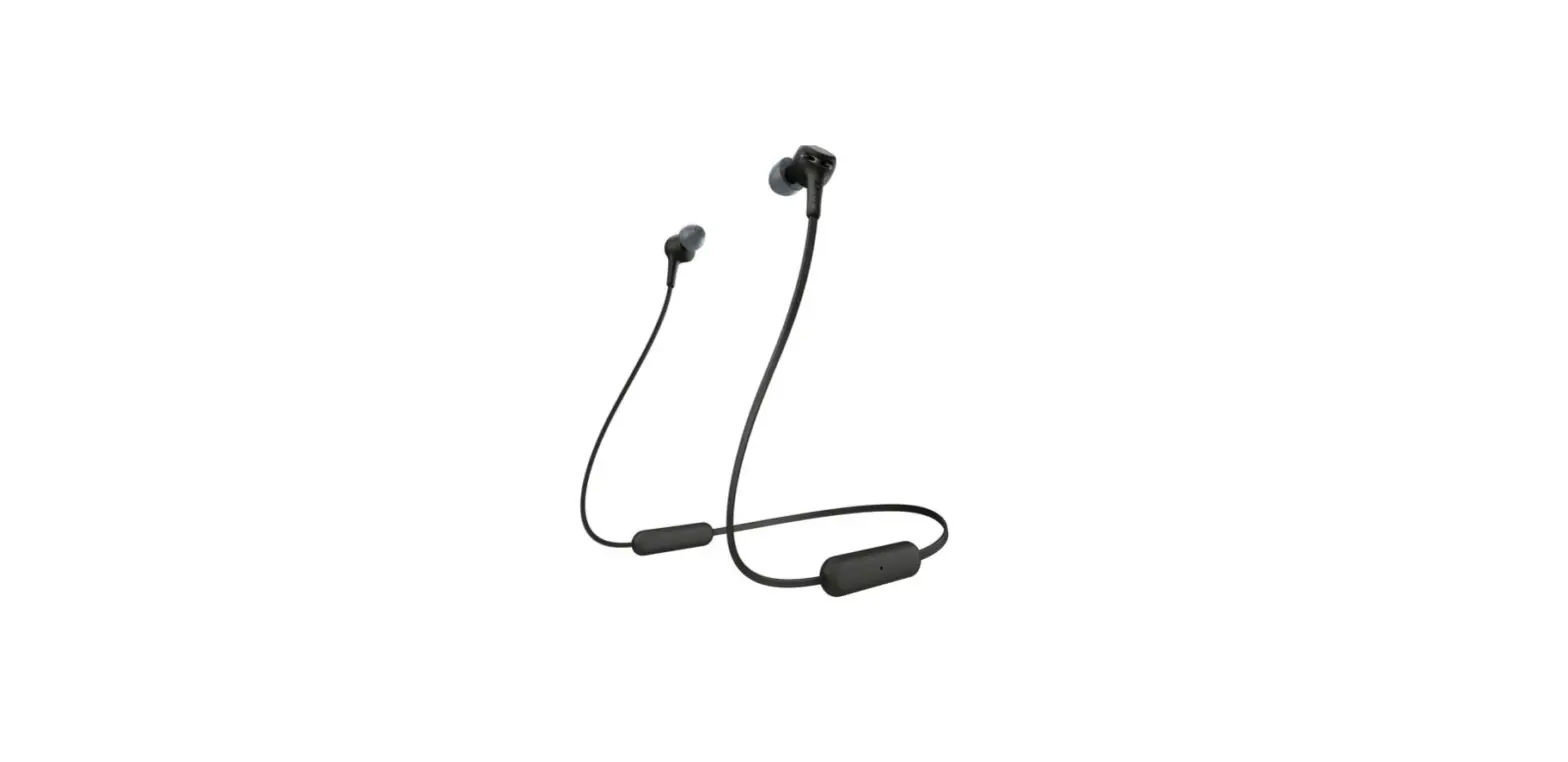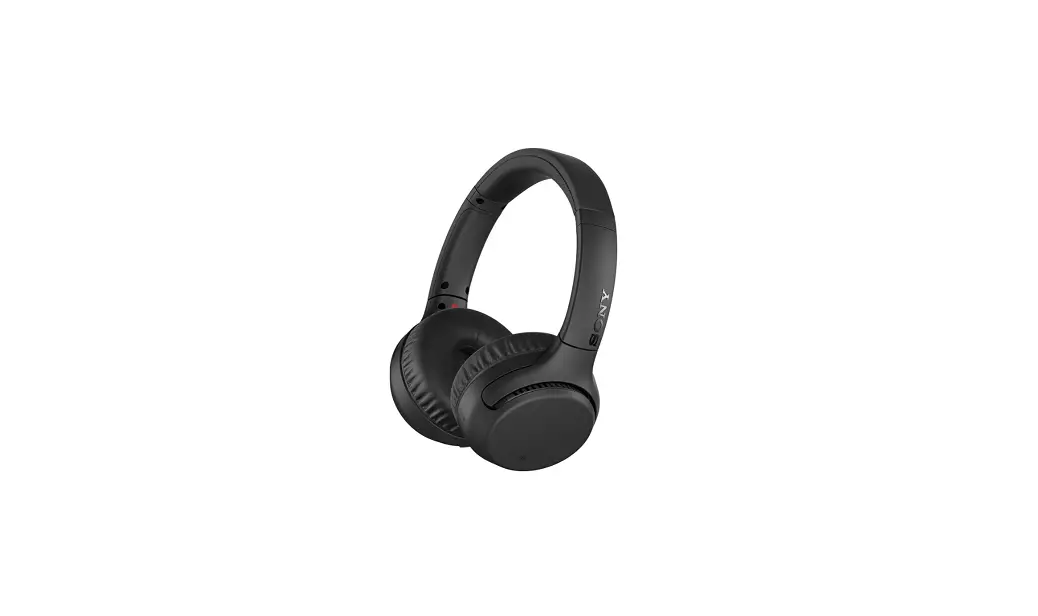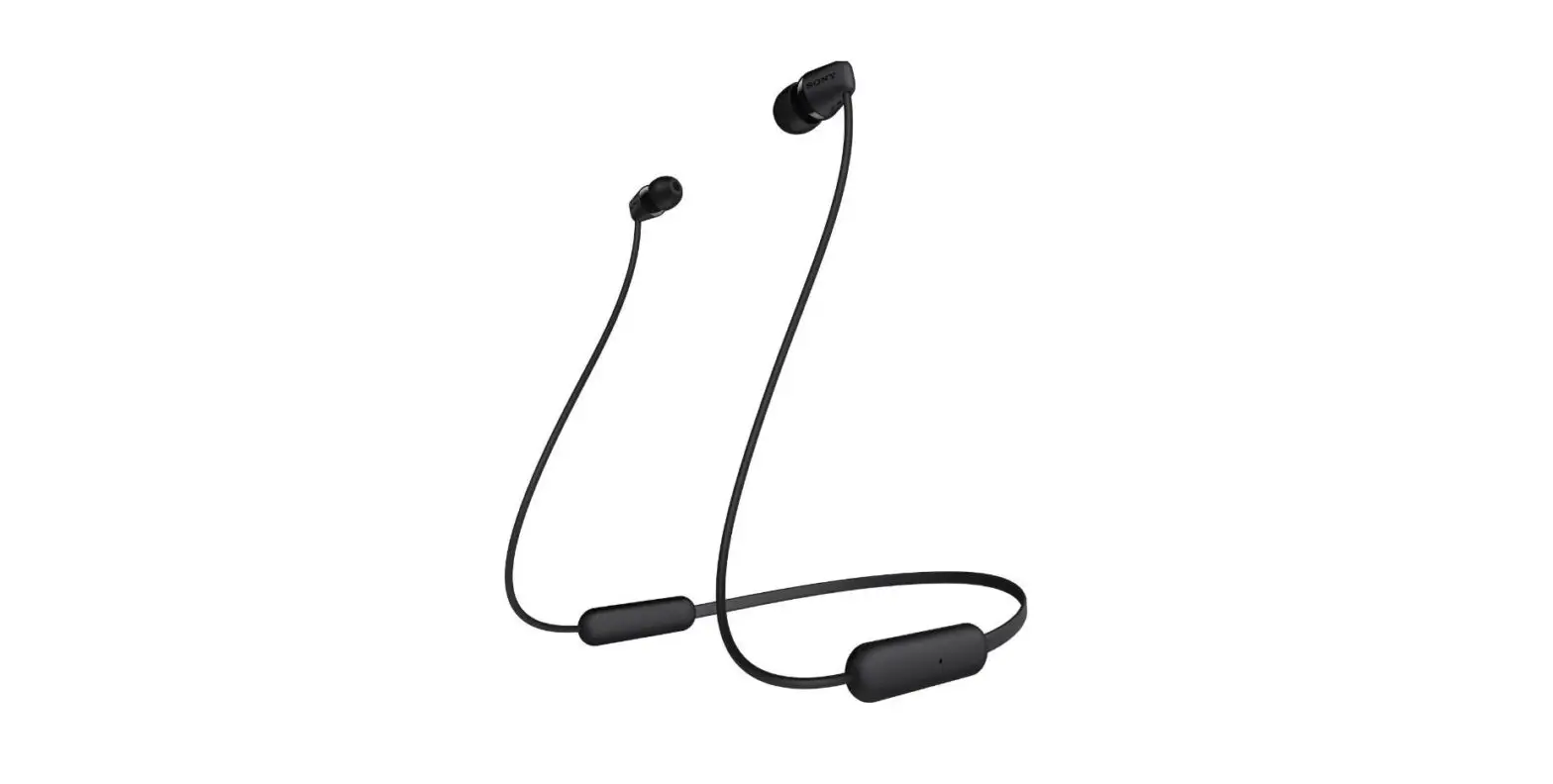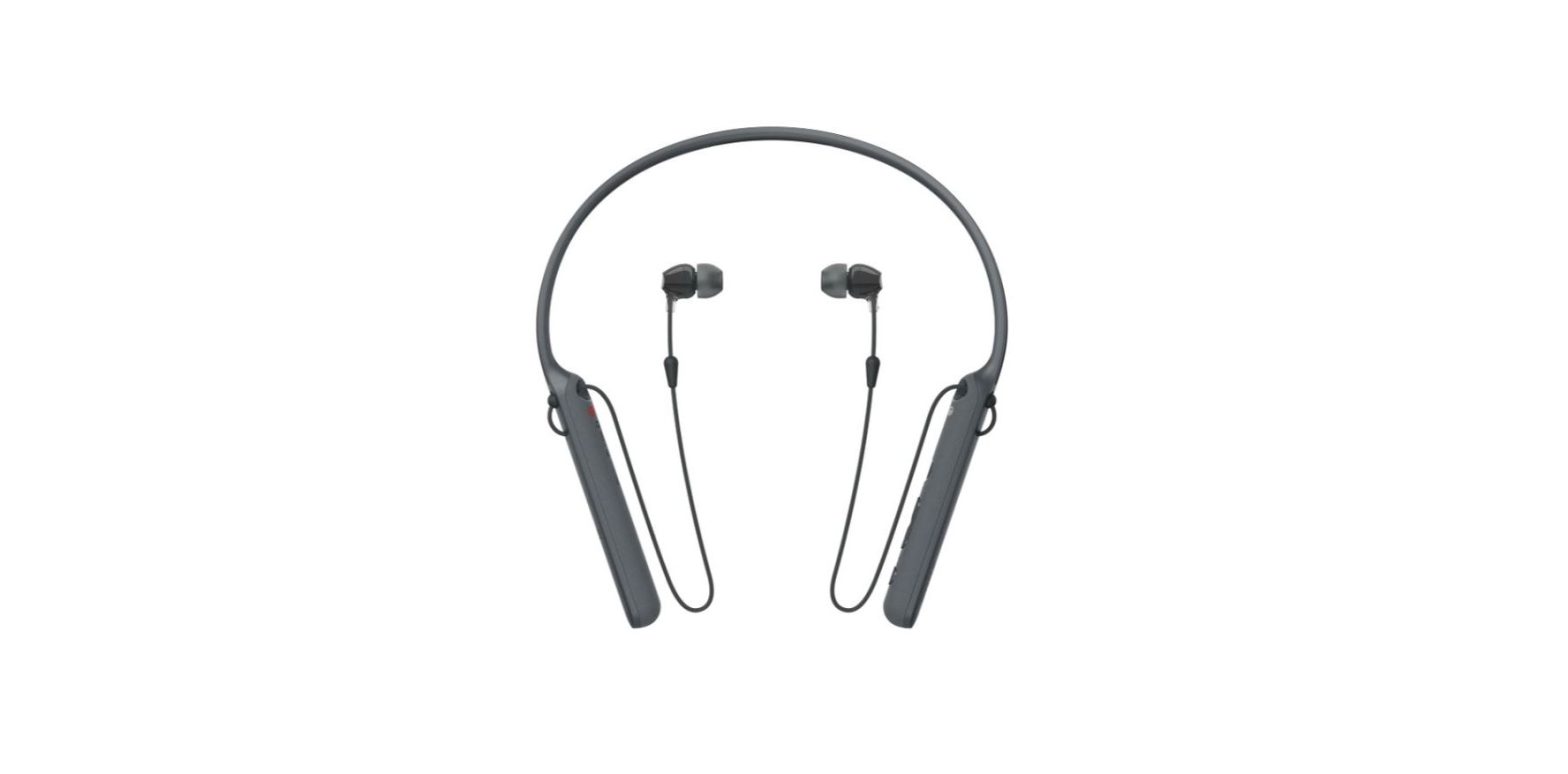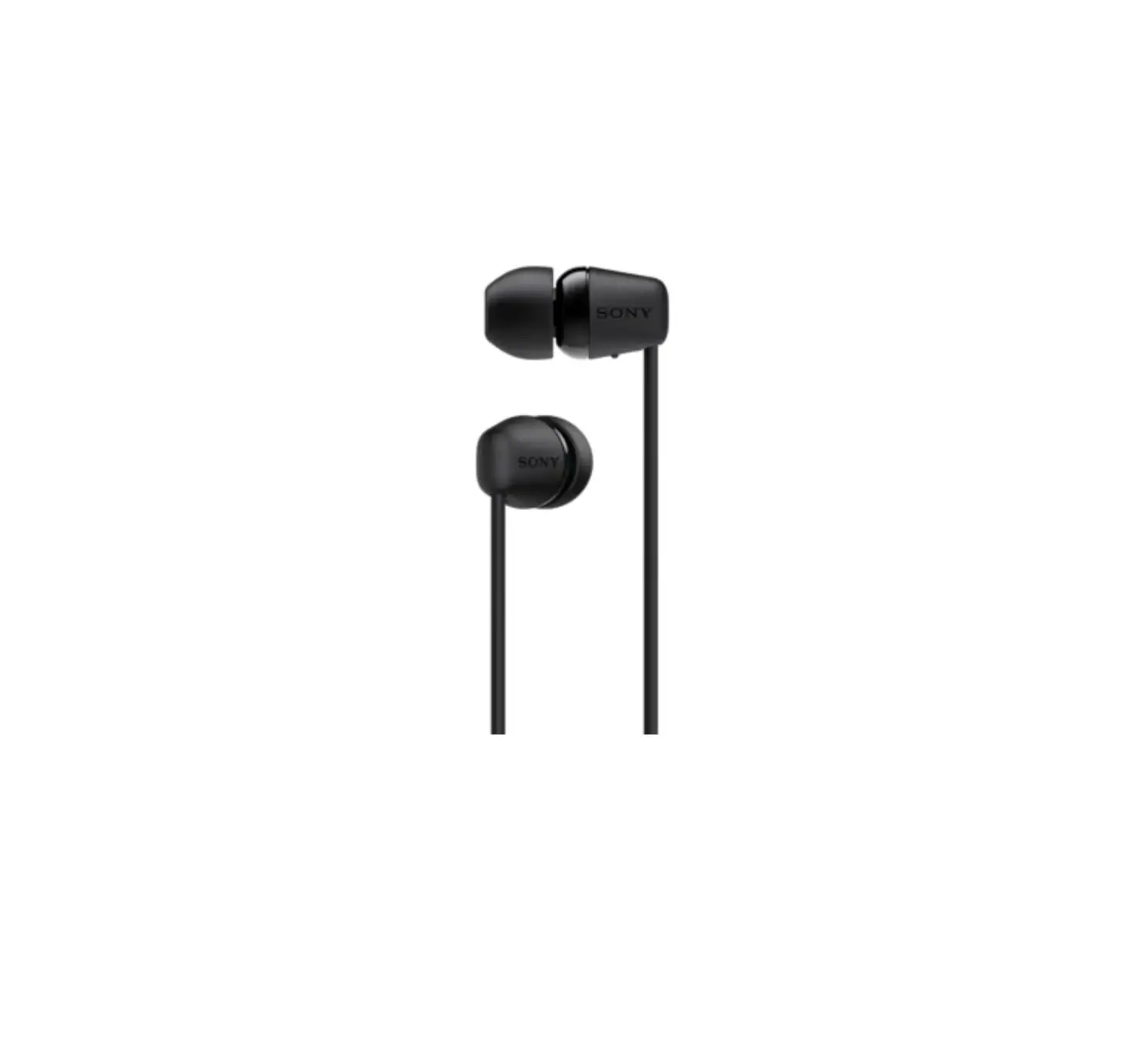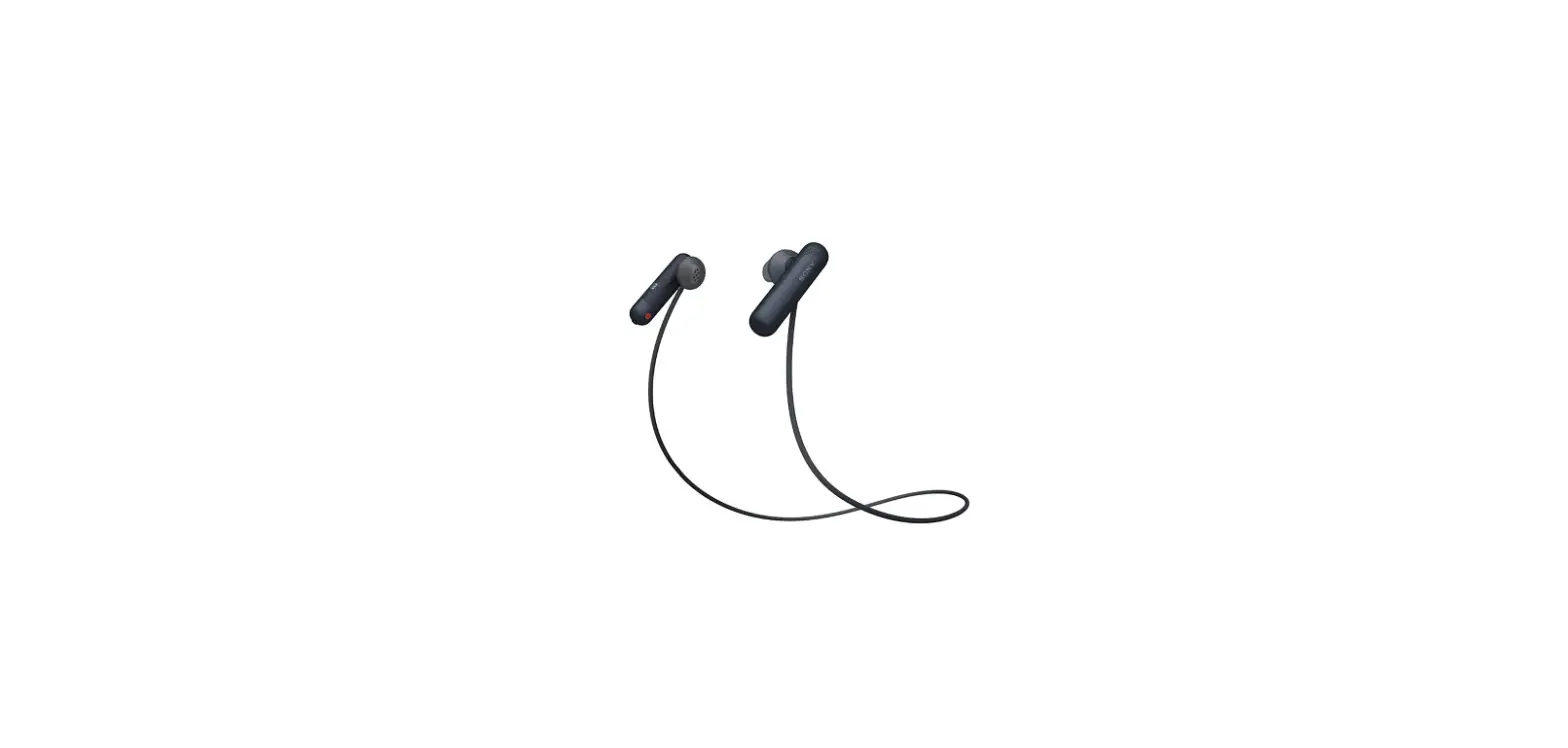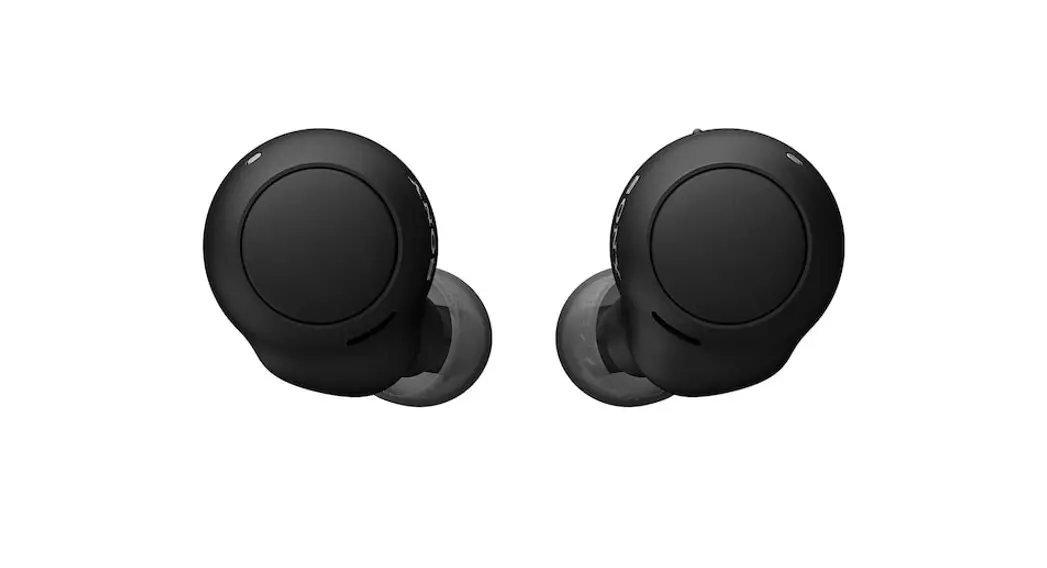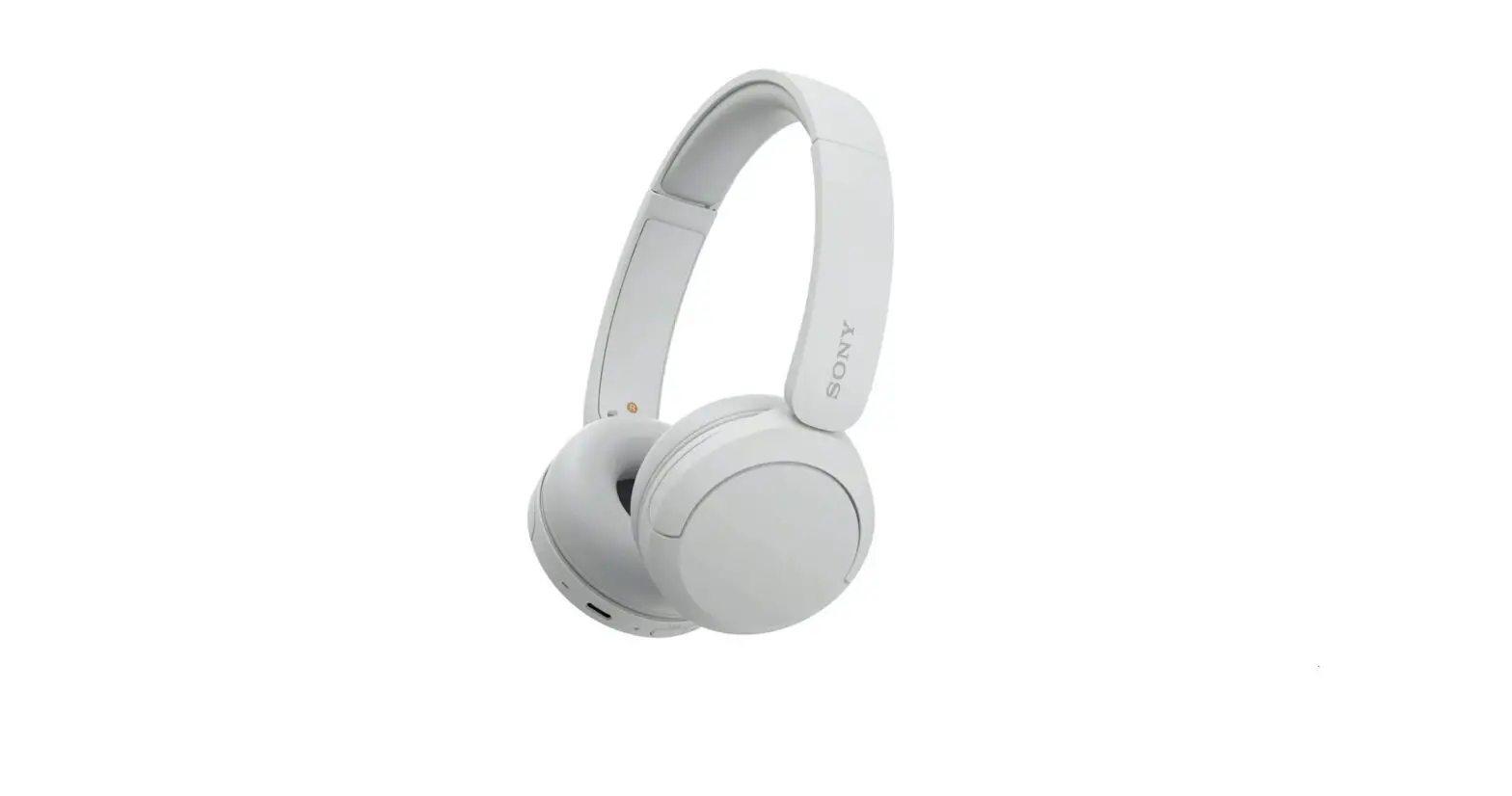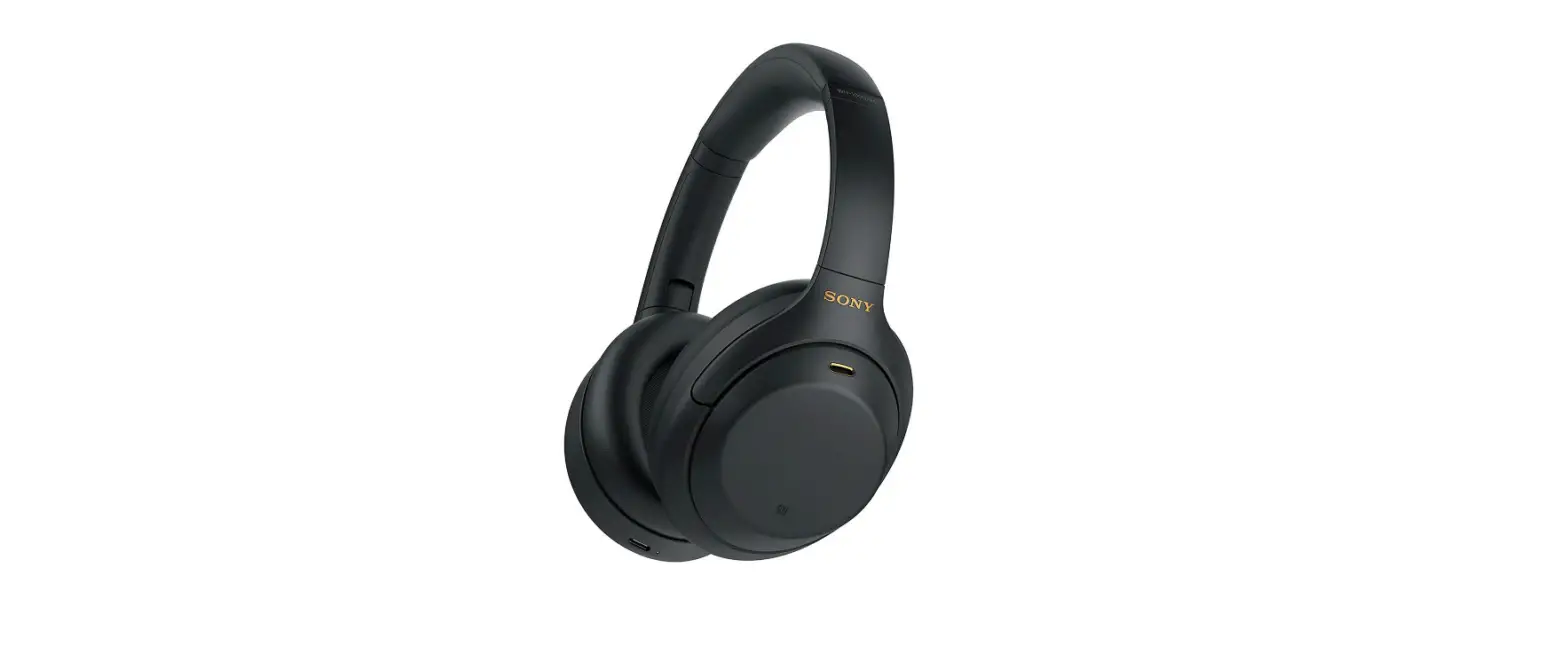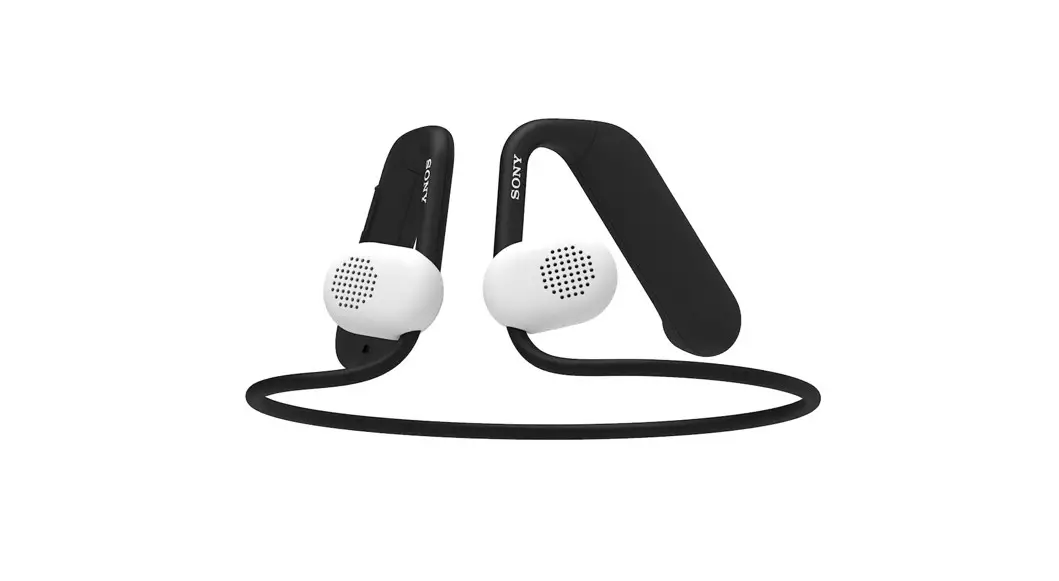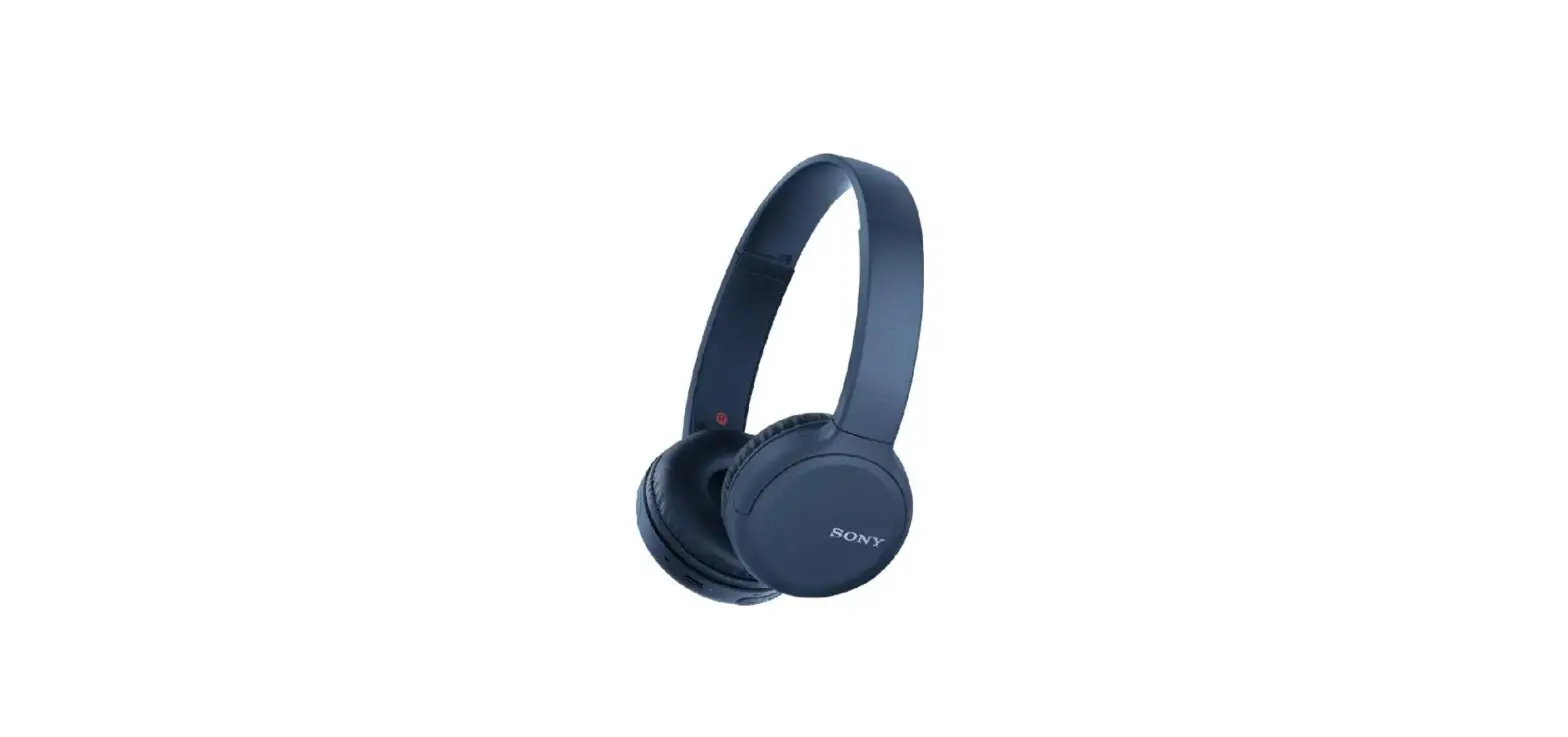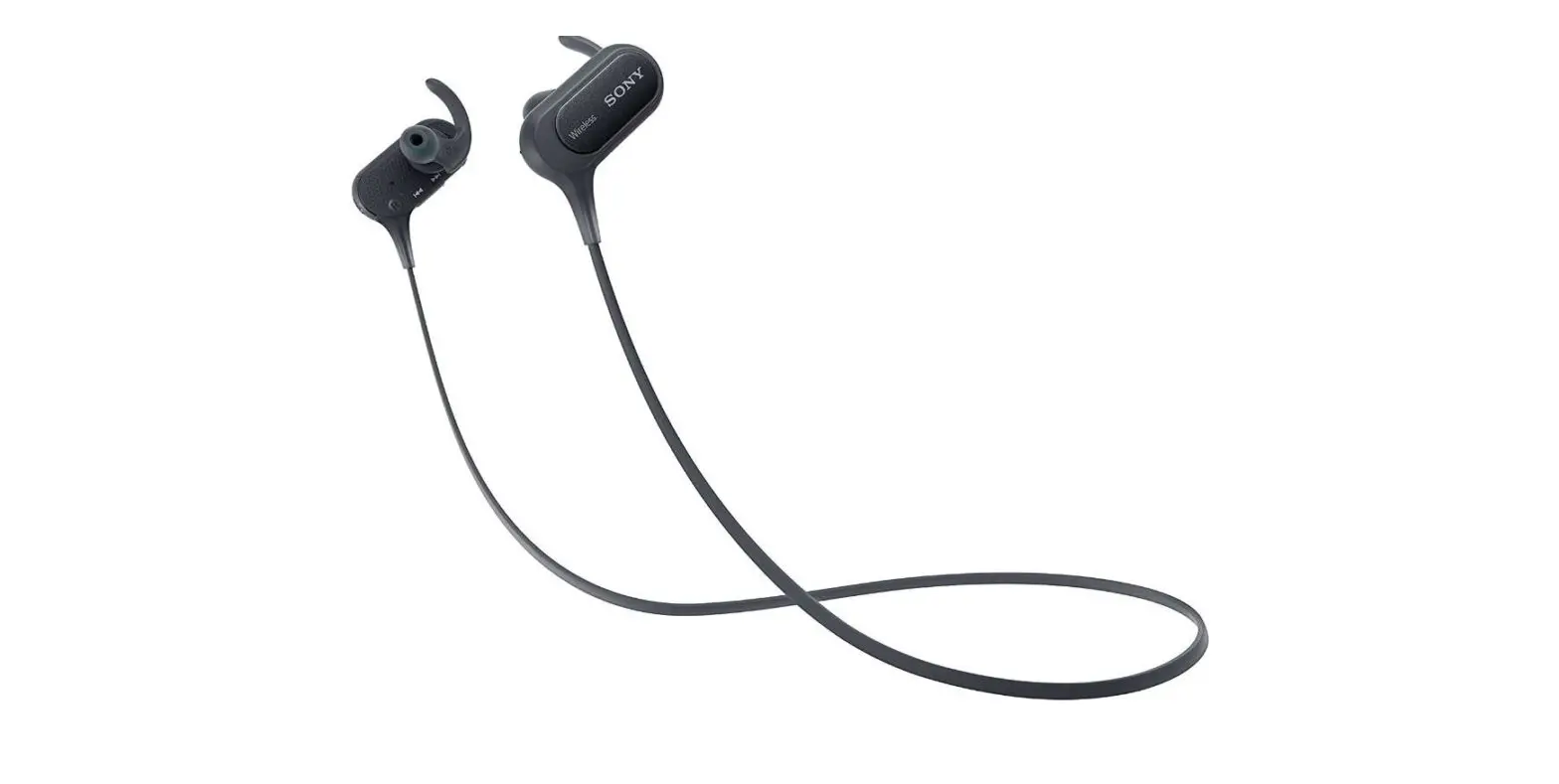

Sony WIXB400/B Wireless In-Ear Extra Bass Headset
Specifications
- BRAND: Sony
- MODEL NAME: WIXB400/B
- COLOR: Black
- FORM FACTOR: In Ear
- CONNECTIVITY TECHNOLOGY: Bluetooth
- BATTERY LIFE: 15 hours
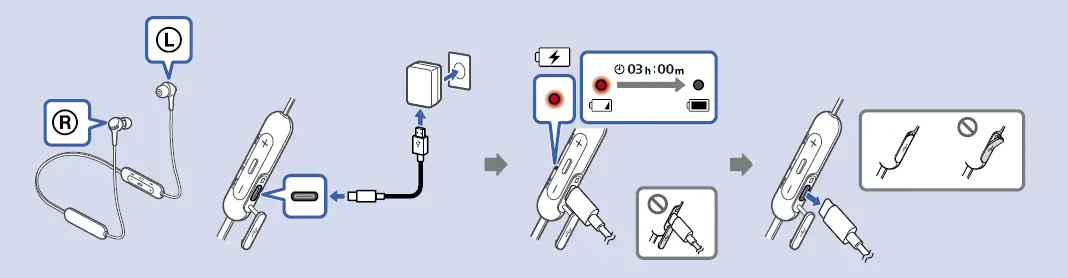
- BATTERY CHARGE TIME: Approx. 3 hrs. (Full charge)
- DRIVER UNITS: 12 millimeter
- SPECIAL FEATURES: Lightweight
- PRODUCT DIMENSIONS: 3.6 x 1.6 x 7.1 inches
- ITEM WEIGHT: 0.74 ounces
- BATTERIES: 1 Lithium Polymer battery
- FREQUENCY RESPONSE: 20 Hz–20,000 Hz
Introduction
They are Wireless headphones that are portable, light, and comfy with additional bass, having 12mm drivers for clear sound, and a 15-hour battery life. These soft, flexible headphones with a fashionable, portable design are adaptable and useful. Calling hands-free is a breeze because to the built-in microphone. It has 20 Hz–20,000 Hz, Frequency Response (Bluetooth Communication) (44.1 kHz Sampling).
HOW TO CHARGE
HOW TO PAIR
HOW TO CONTROL
HOW TO TURN ON/OFF

HOW TO ANSWER A CALL

MAGNETIC PROPERTY
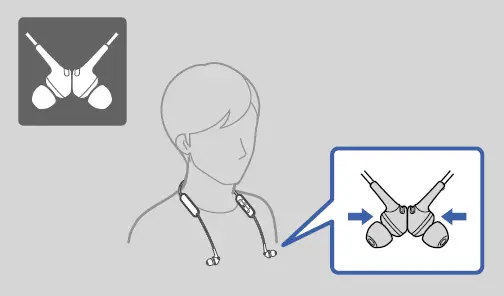
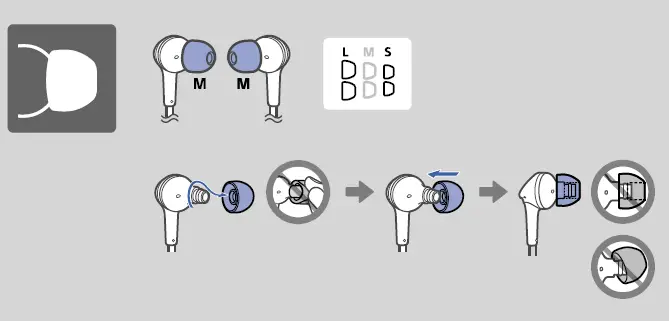
EARTIPS
Frequently Asked Questions
The Sony WI-XB400 headphones are suitable for close listening. Despite being advertised as having more bass, they actually have a rather well-balanced sound signature since the bass is tight and snappy without being overbearing. Although the treble occasionally seems harsh, it doesn’t sound sibilant.
Press the (power) button and the – button simultaneously while the headset is charging if it cannot be powered on or cannot be used even when it is. We’ll reset the headset.
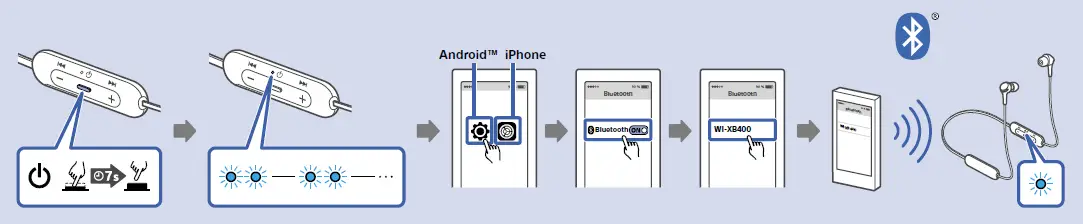
POWER button (for the headphones) for more than 7 seconds when the Bluetooth headphones are off, and then bring the connected Bluetooth device within 3 feet (1 meter) of this device. Release the button once the indicator begins to blink swiftly. Pairing mode is activated on the Bluetooth headphones.
Touch the [Settings] icon next to [WI-XB400] and select [Settings] – [Device connection] – [Bluetooth]. Clear the [Call audio] checkbox on the [Paired devices] screen. To break the Bluetooth connection, use the smartphone. To connect the headset through Bluetooth, use the other smartphone.
The device isn’t water-resistant.
By using the gadget, disconnect the Bluetooth device. The voice assistance will announce “Bluetooth disconnected” when you are disconnected. Disconnect the headset. The voice guidance will announce, “Power off.”
It’s actually quite easy. Simply set your Bluetooth multipoint headphones into pairing mode, connect your first device, and confirm that Bluetooth is enabled on both the devices you want to link with them. Reset the headphones to pairing mode, and then join your second gadget.
Your headset can connect to two sources simultaneously thanks to Bluetooth multipoint. Over ten years ago, with the release of Bluetooth 4.0, Bluetooth multipoint was first offered. One Bluetooth headset may sustain concurrent connections to at least two source devices, such as a laptop and smartphone, thanks to this functionality.
It’s actually quite easy. Simply set your Bluetooth multipoint headphones into pairing mode, connect your first device, and confirm that Bluetooth is enabled on both the devices you want to link with them. Reset the headphones to pairing mode, and then join your second gadget.
Your headset can connect to two sources simultaneously thanks to Bluetooth multipoint. Over ten years ago, with the release of Bluetooth 4.0, Bluetooth multipoint was first offered. One Bluetooth headset may sustain concurrent connections to at least two source devices, such as a laptop and smartphone, thanks to this functionality.
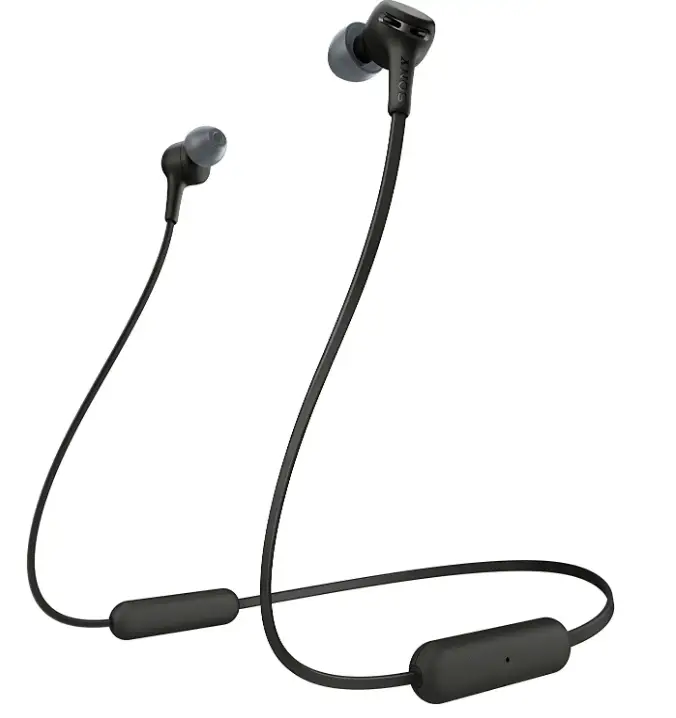
EXTRA BASSTM Wireless In-Ear Headphones with Microphone, model number WI-XB400.
Clean your earbuds or headphones frequently. Ideally, you should use a mildly moist towel to clean the tips of your earbuds or headphone earpads at least once every week. Ensure that your gadget is turned off and the headphones are unplugged. Dry them completely right away with a gentle cloth.
Remove the headphones’ charging cable from the device. For 10 seconds, press and hold the power button. When the LED light starts to blink, your headphones have been successfully reset.
Make that Bluetooth is turned on for both the headset and the mobile device. Bring the smartphone and headset to a 1-meter distance (3.3 feet). The Bluetooth connections for devices other than the one you want to connect with should be removed. There may already be a device connected to the headset (such as a smartphone).
Check the second device and break the Bluetooth connection between it and the headphones or speakers if the speaker or headphones are paired or linked to more than one device. Then try reestablishing contact with the chosen audio device.