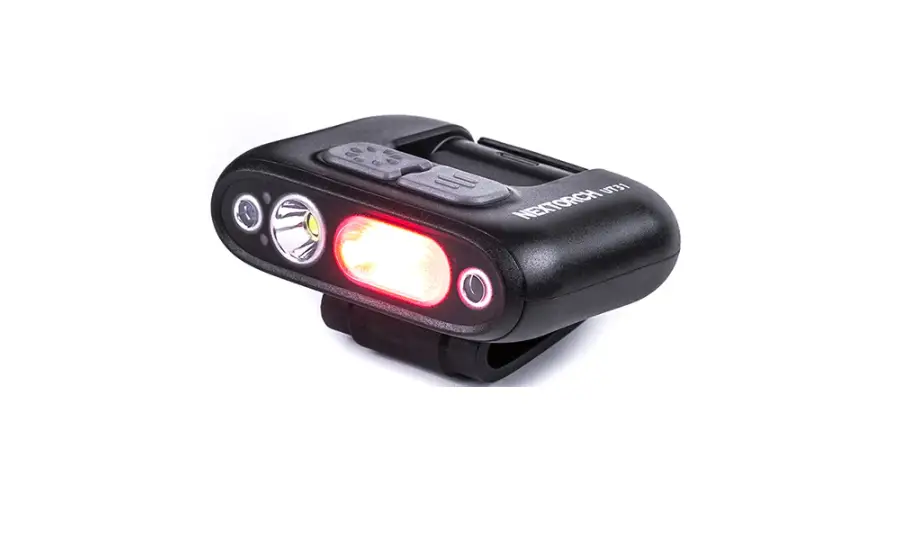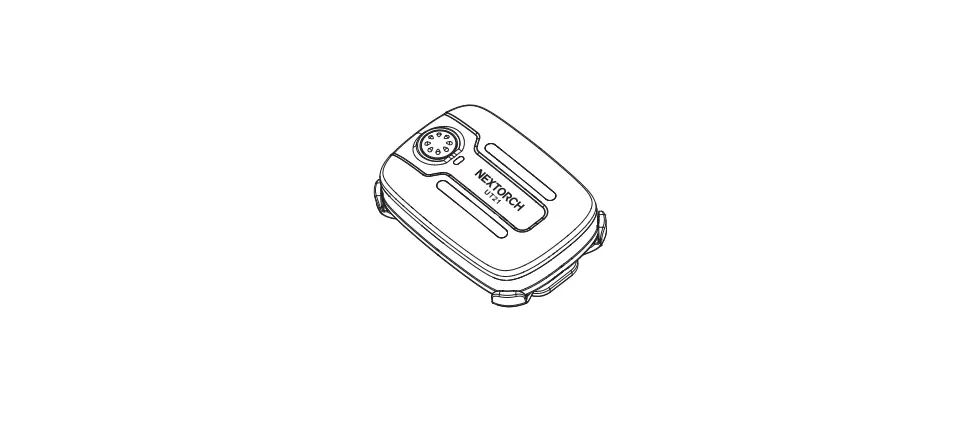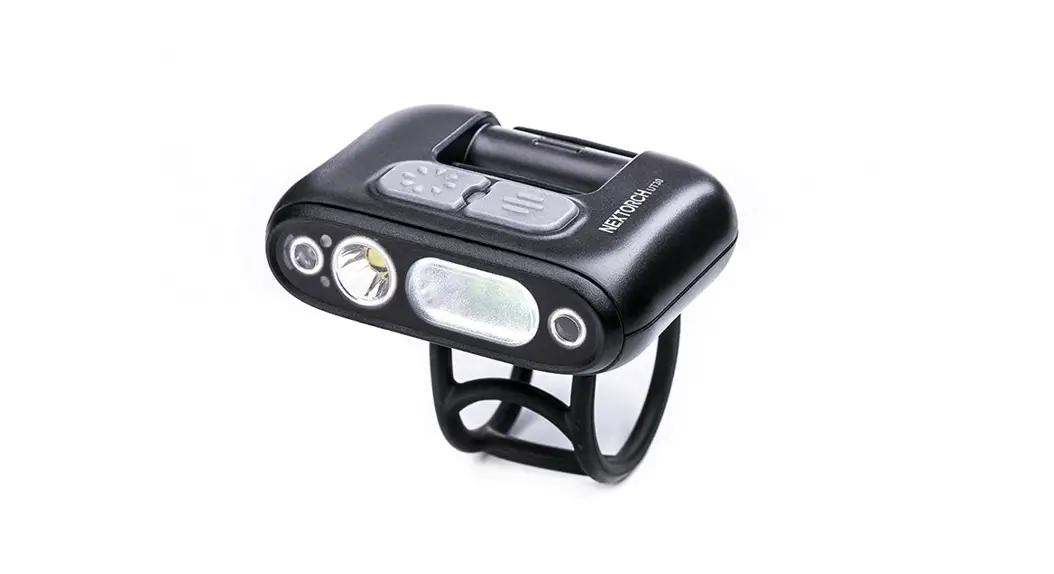
 UT30
UT30
User Manual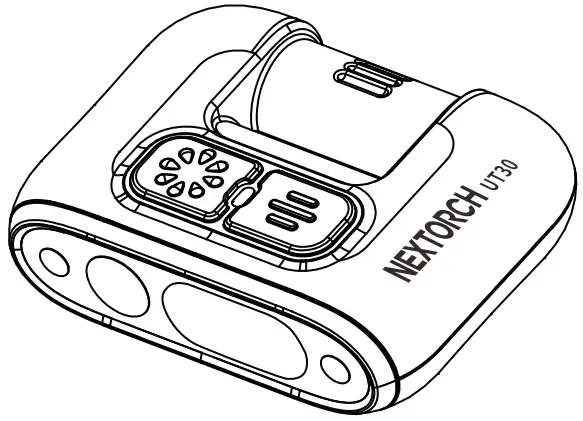
Learn more at www.nextorch.com
SPECIFICATIONS
| ANSI / PLATO-FL1 | Spotlight | Floodlight | Spotlight + Floodlight | Red Light |
 Light Output Light Output | 220 lm | 140 lm | 320 lm | 4 lm |
 Run Time Run Time | 7 h | 7 h 30 min | 3 h 45 min | 21 h |
 Beam Distance Beam Distance | 53 m | 15 m | 55 m | ― |
 Impact Resistance Impact Resistance | 1 m | |||
 Water Resistant Water Resistant | IPX4 | |||
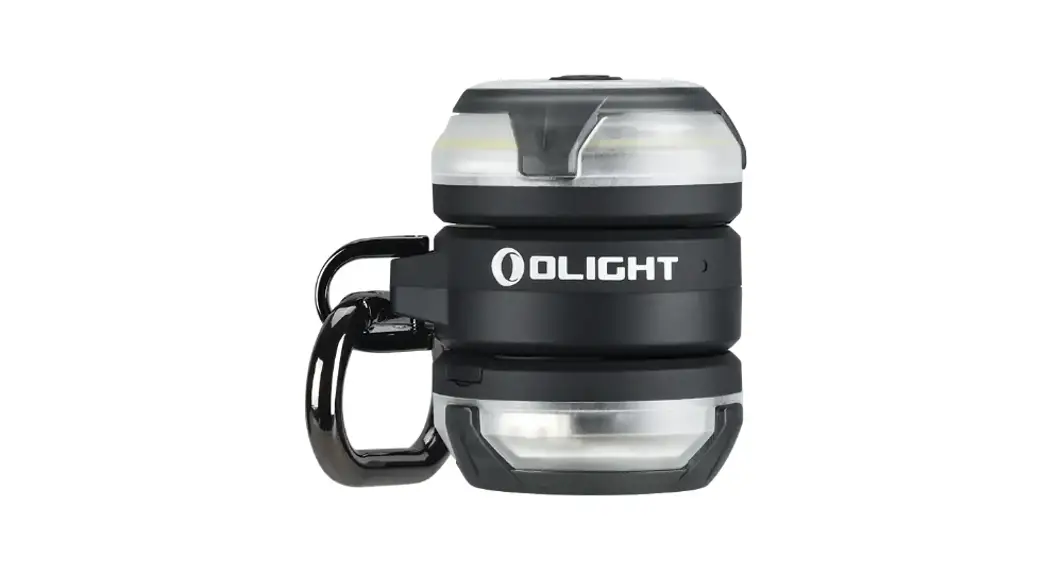
| Weight and Dimensions | Weight: 41 g / 1.44oz (Without Accessories) Size: 61 mm (Length) × 47 mm (Width) × 19 mm (Height) | |||
| Material | Light Source: White/Red Light LED | |||
| ABS | ||||
| Battery | Built-in 640 mAh Rechargeable Battery | |||
The above-tested specifications are strictly based on the standard of ANSI / PLATO-FL1. We tested UT30 with a built-in 640 mAh rechargeable battery at 22 °C ± 3 °C. The specifications might be different when using a different battery or testing in a different environment.
FEATURES
- LED infrared induction for hands-free operation.
- Type-C Rechargeable design, economical and convenient.
- Equipped with an LED battery indicator, easy to check the battery level.
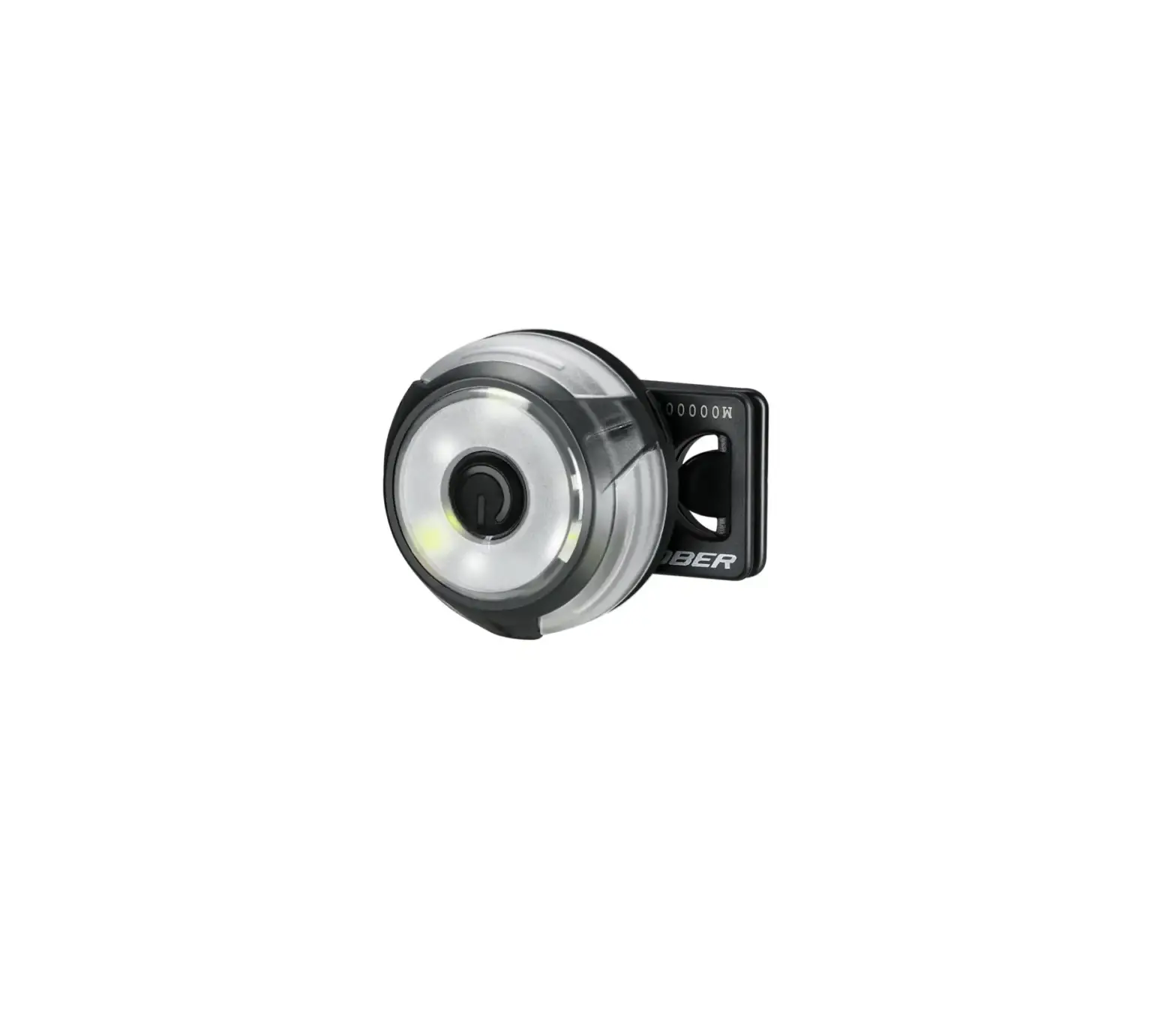
- Compatible with headlamp strip, cap clip, bicycle mount, and helmet mount.
INSTRUCTION
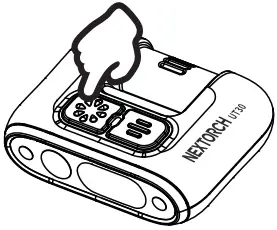
- ON / OFF
Press the hold the Normal Switch for 1 second.
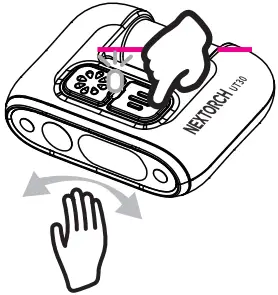
- Inductive Operation
Press the Inductive Switch and the blue LED indicator will be on.
Waving your hand twice at the motion detector will turn the light on / off.
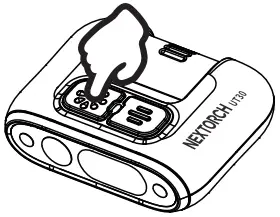
- Mode Switch
Press to switch modes when the light is on.
Press the hold for 3 seconds for S.O.S. mode.
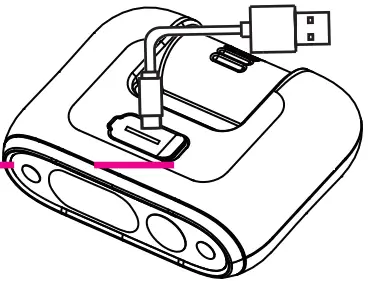
- Charge
Charging time is about 2 hours.
MAINTENANCE
- Being infected with seawater or any corrosive chemicals, please rinse immediately with clean water.
- Please use high-quality batteries; Remove batteries when not working for a long time, and then store them in a cool dry place.
- Replace the waterproof O-ring immediately when considering the damage with use.
WARRANTY
- NEXTORCH warrants our products to be free from any defects in workmanship and/or materials for a period of 15-day from the date of purchase. We will replace it. NEXTORCH reserves the right to replace an obsolete product with current production, like a model.
- NEXTORCH warrants our products to be free of defects for 5-year of use. We will repair it.
- The warranty excludes other accessories, but rechargeable batteries are warranted for 1year from the date of purchase.
- In the event that any issue with a NEXTORCH product is not covered under this warranty, NEXTORCH can arrange to have the product repaired for a reasonable fee.
- You could access to NEXTORCH website (www.nextorch.com) to gain warranty service information by scanning the following QR code. You could also:
Email us at [email protected]
Call us: 0086-400-8300-799
OR contact your local dealer/distributor.
 http://www.nextorch.com/en/index.php/aftersales
CONTACT WITH NEXTORCH DESIGNER
In order to improve NEXTORCH, we appreciate you could offer our designers your after-use feedback and creative suggestions by scanning the following QR code. Thank you!


 NEXTORCH, Professional's Edge
 NEXTORCH Deutschland