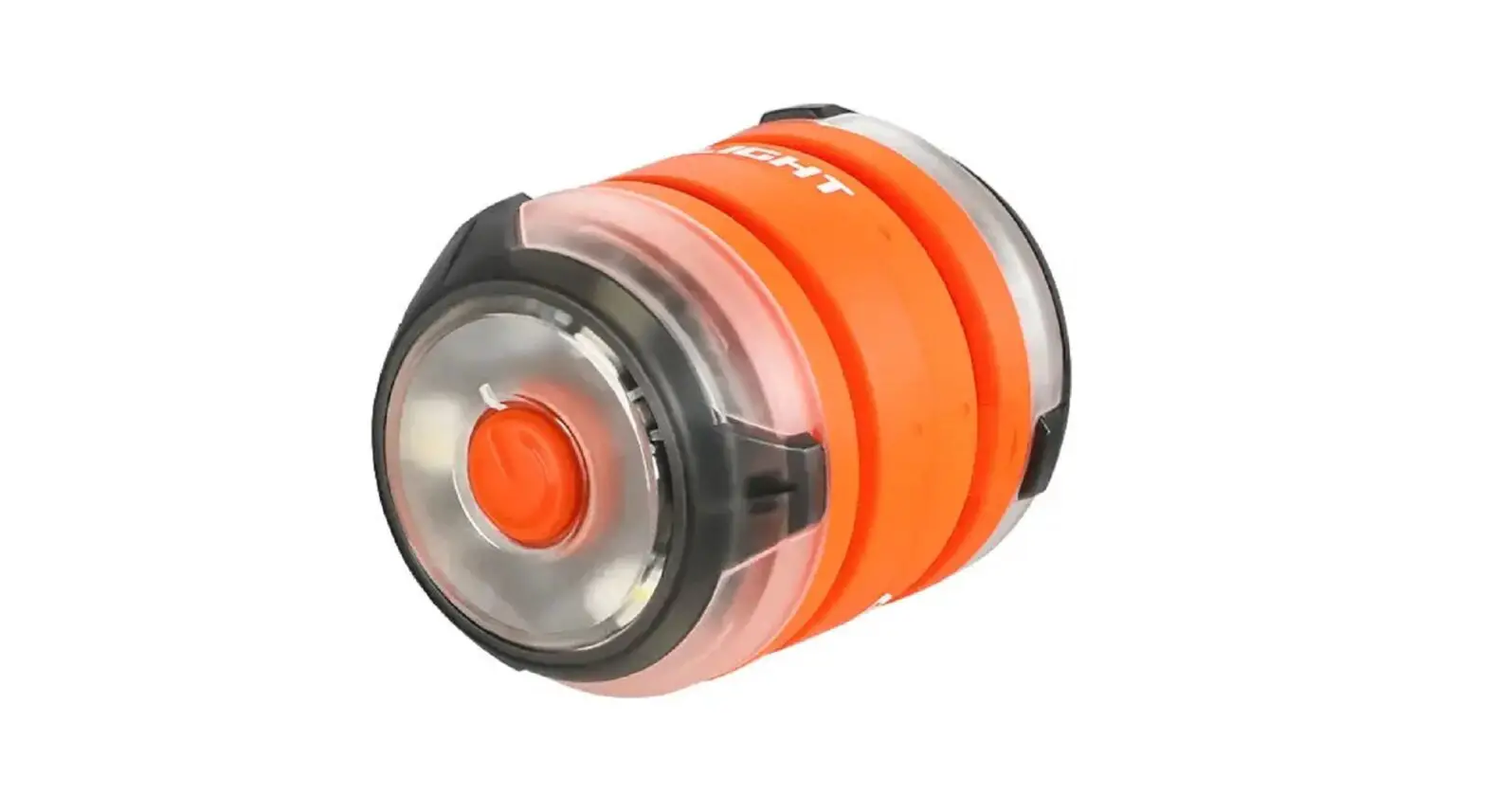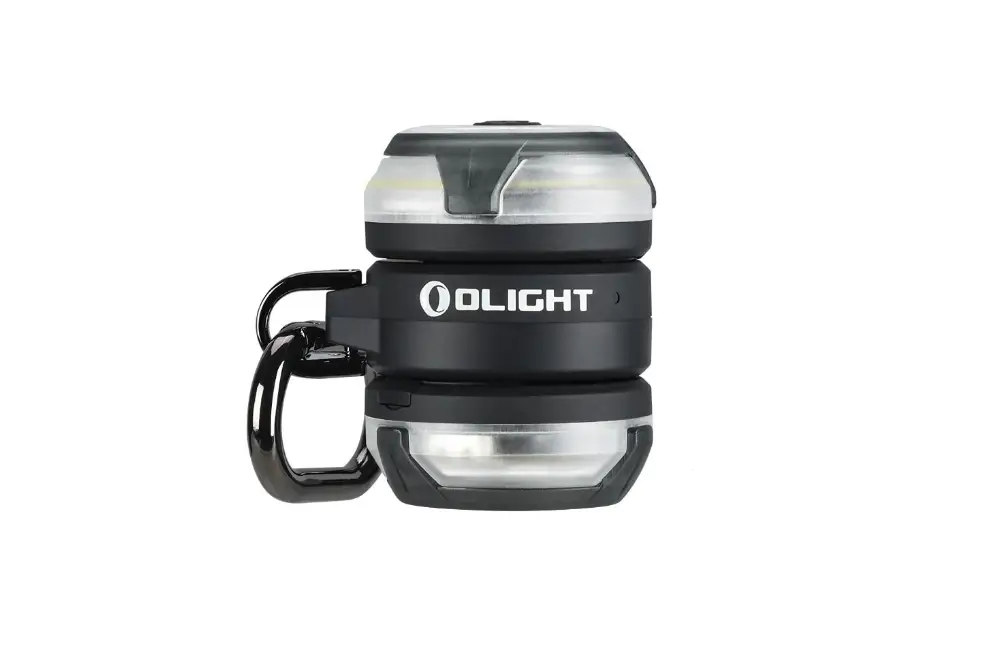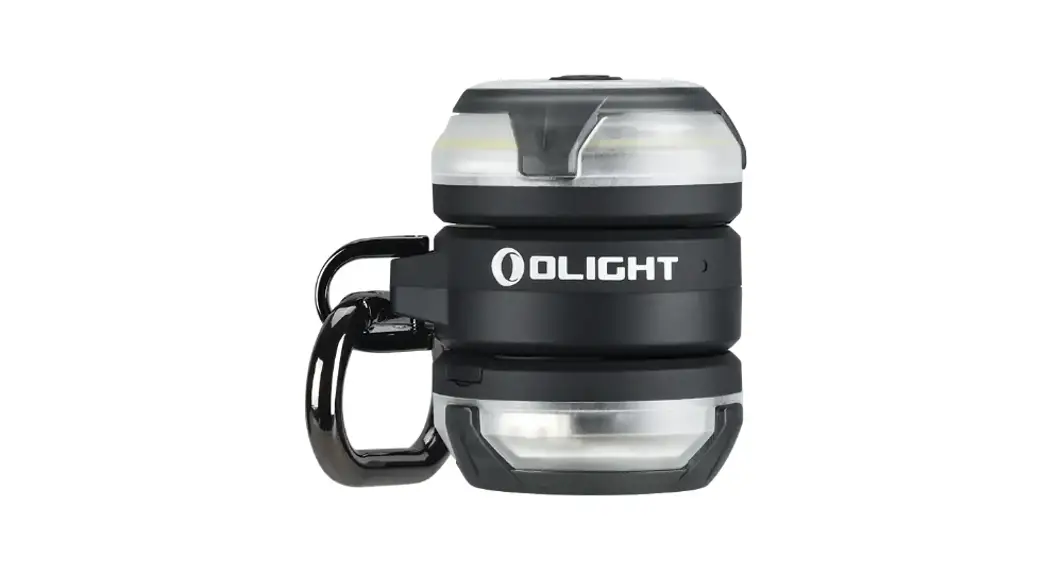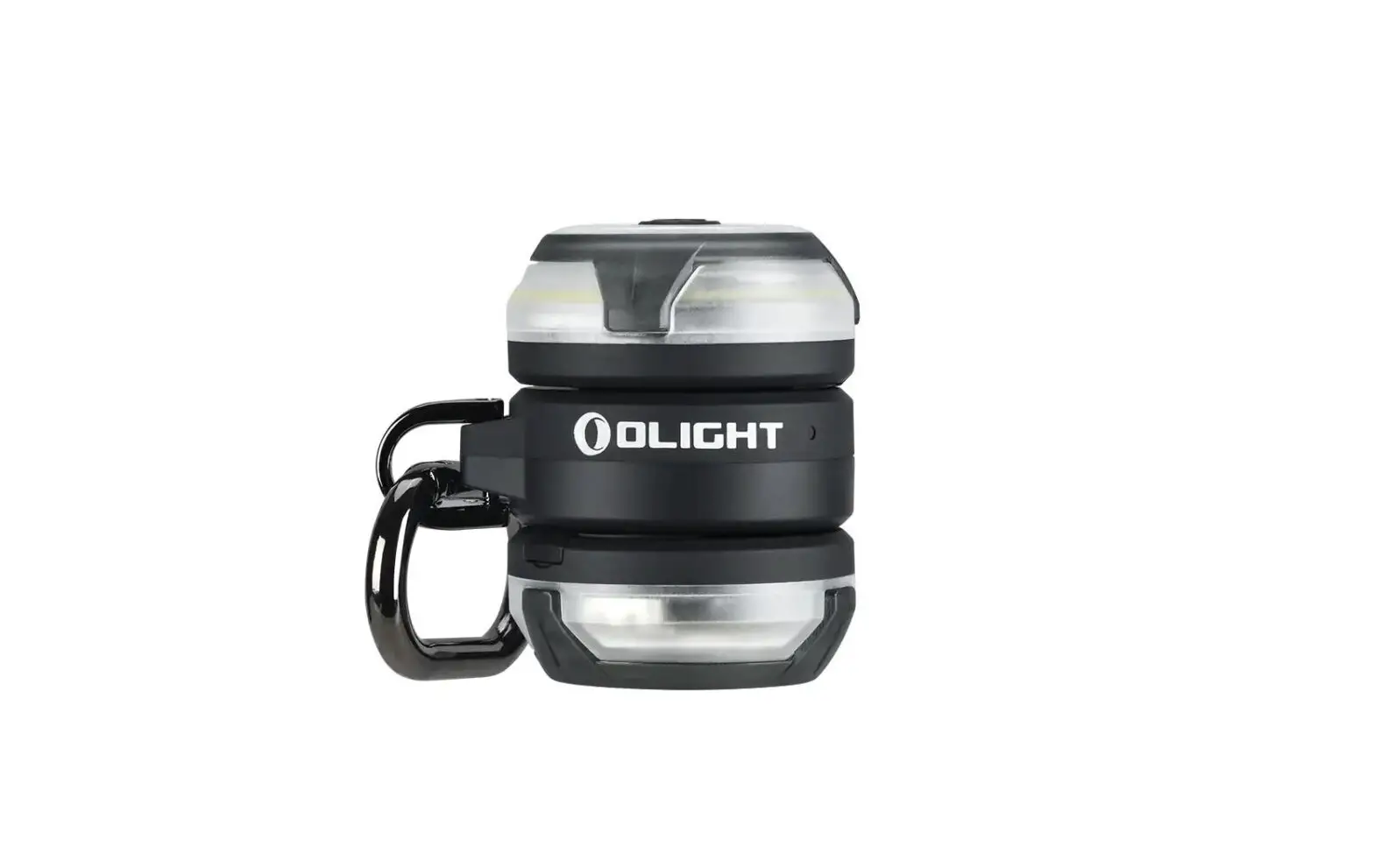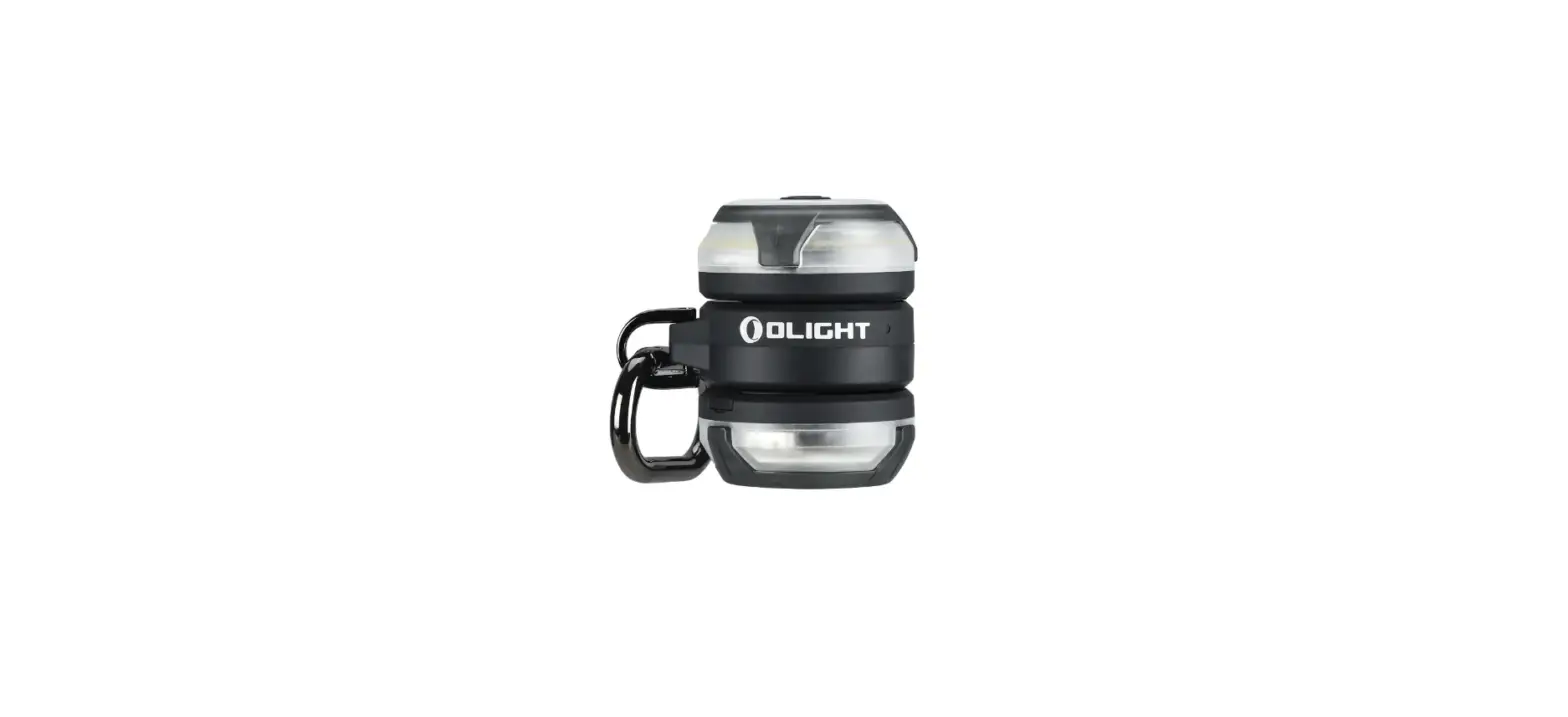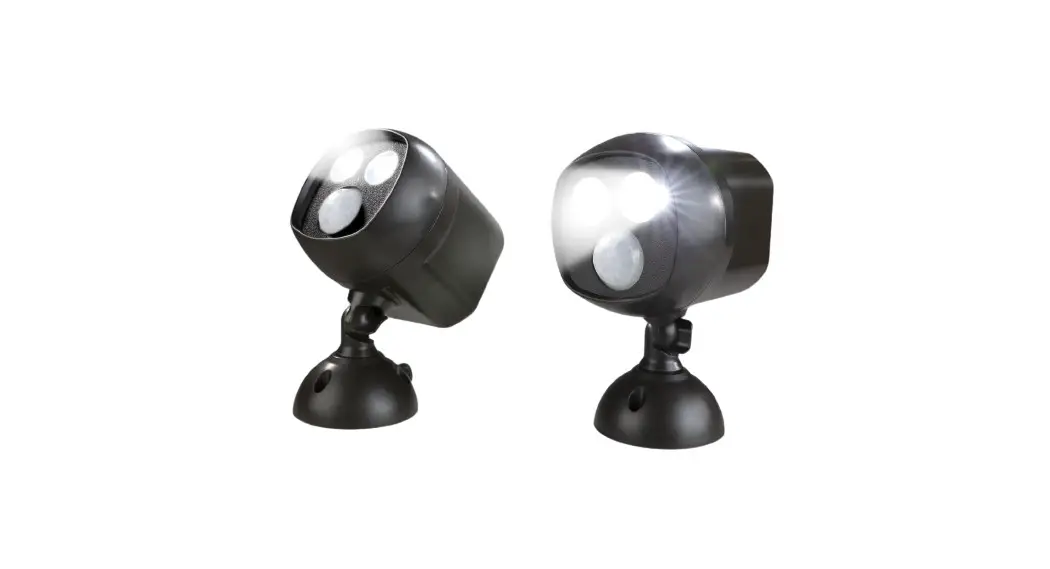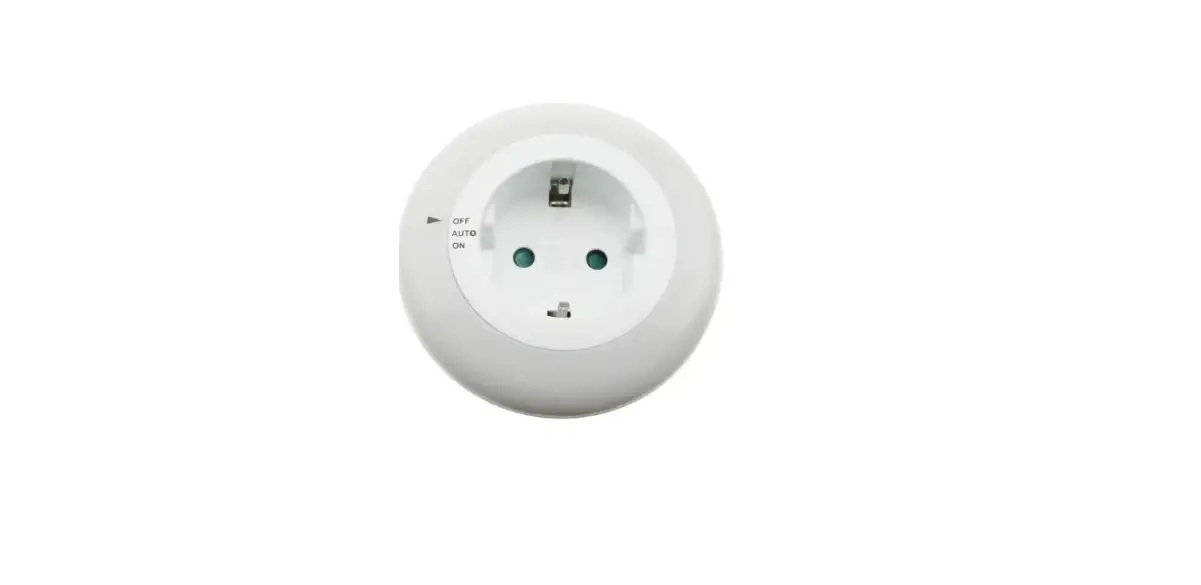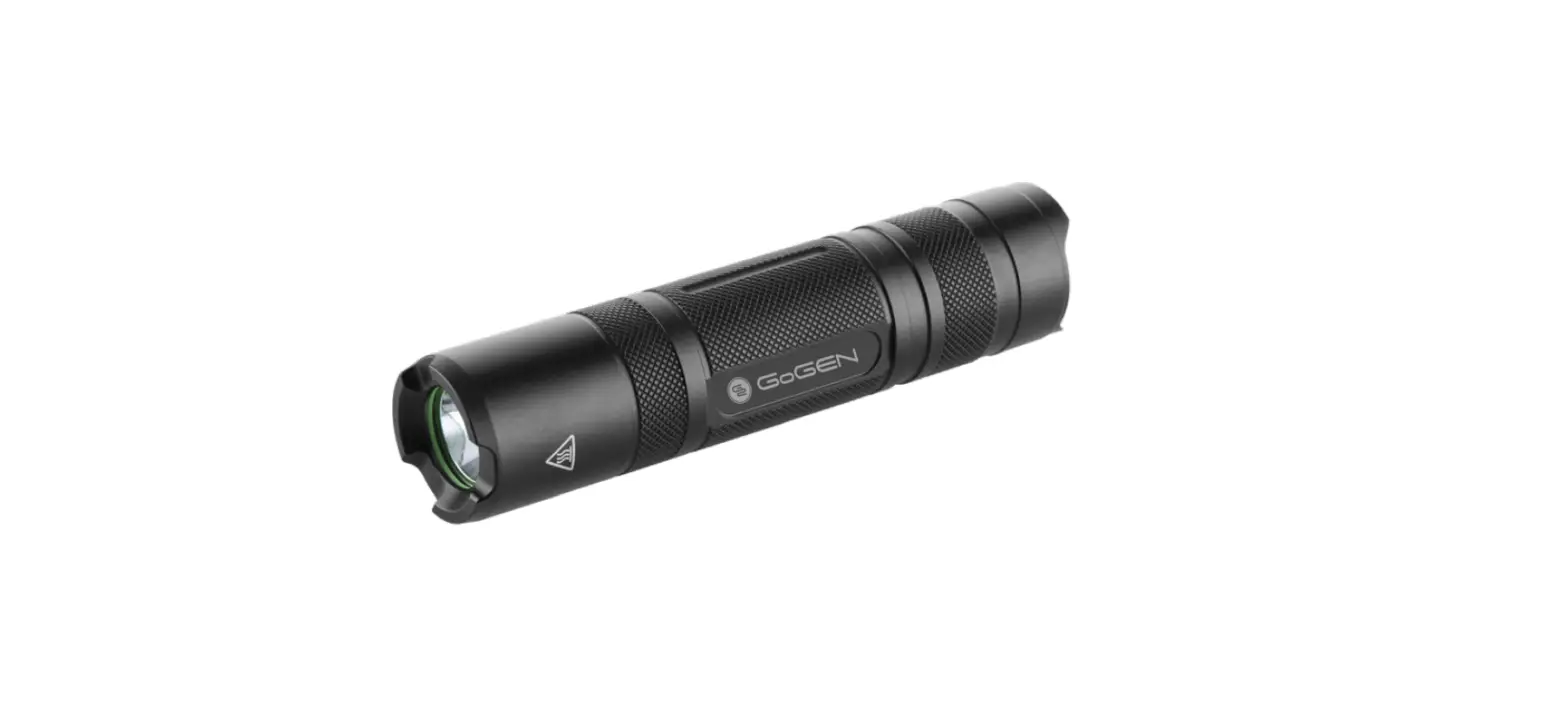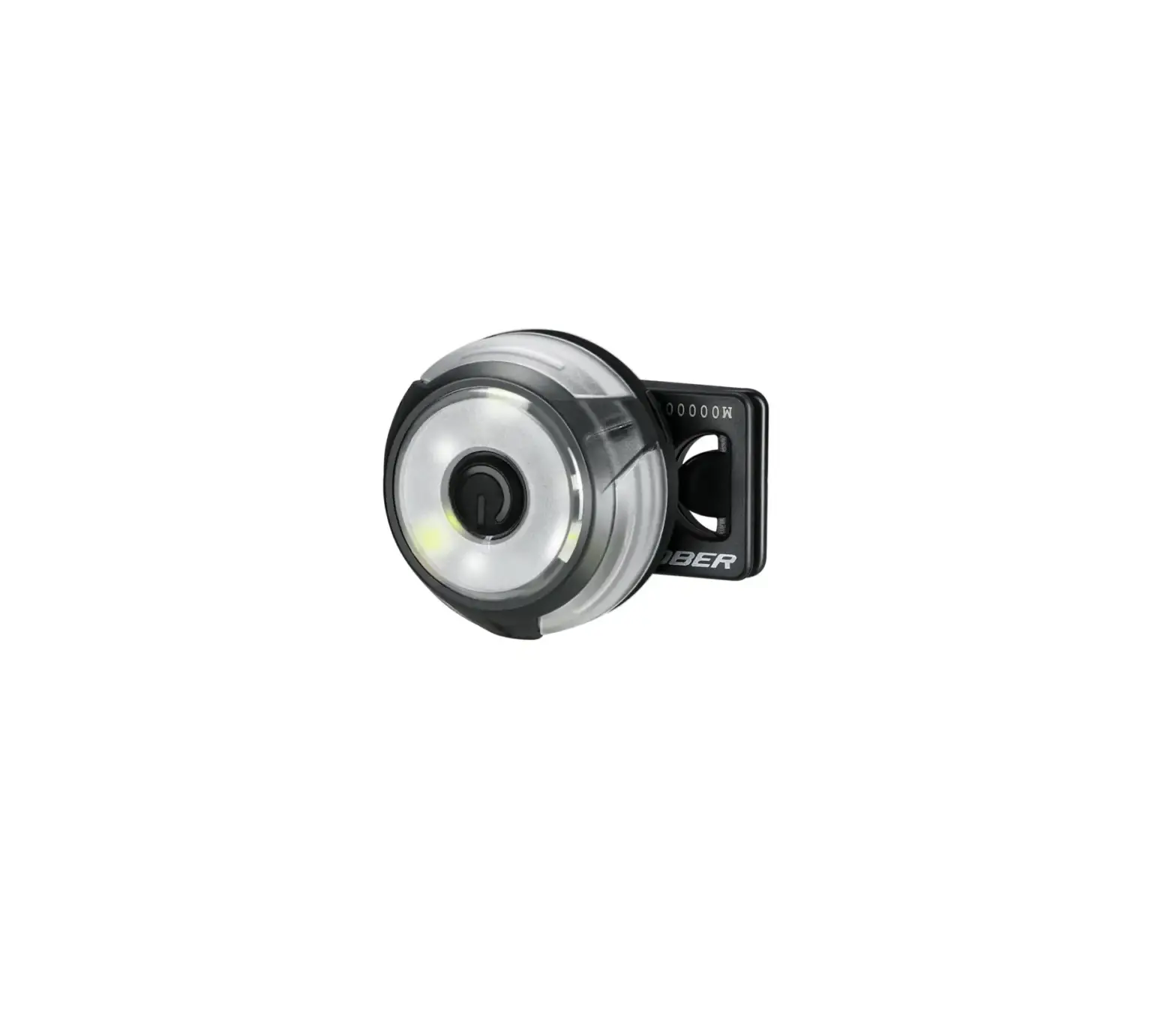
OLIGHT Gober Safety Night Light
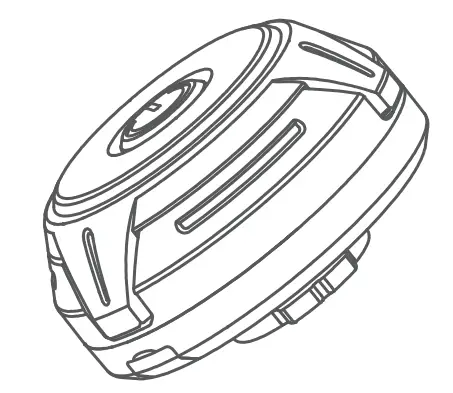
Thank you for purchasing this Olight Product. Please read this manual carefully before use and keep it for future reference!
IN THE BOX
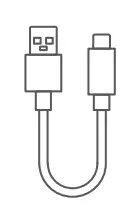
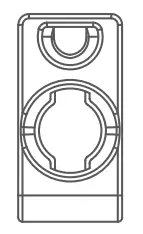
GOBER | USB-C Cable | Backpack Clip |
SPECIFICATIONS
 |  | |
CONSTANT-ON MODE | 4lm | 11h |
FLASHING MODE | 4lm | 21.5h |
RGB TRANSITION | 4lm | 28h |
SOS | 4lm | 25h |
 |  |  |
IPX4 | (D)38*(H)21.5mm | 16g/0.56oz |
* All above specifications are test results based on ANSI/NEMA FL1-2009 Standard. The runtimes are recorded while tested in a 25km/h wind.
CHARGE
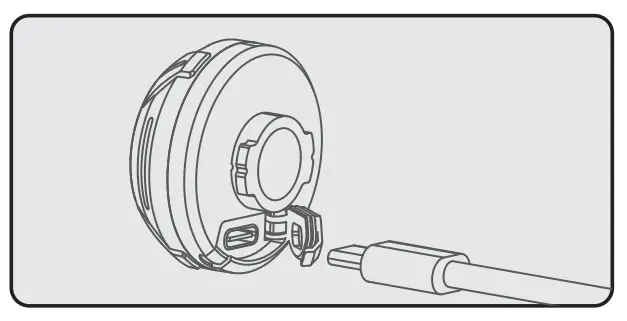
- Before first use, please charge it fully before you turn it on. Charge directly via the USB-C charging cable.
- Standard Charging Time: Approx.1.5hrs (5V 1A)
- The cycling red light means charging, while the constant green light means charging completed.

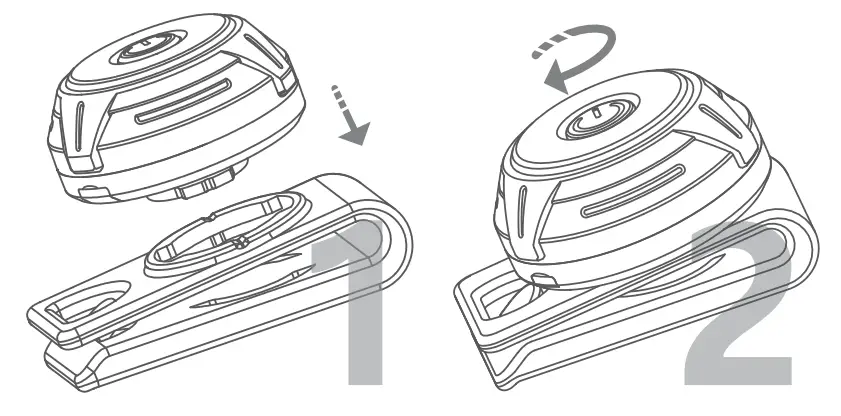
HOW TO INSTALL
 DANGER
• DO NOT cover the light when it is on, the radiation energy of the light may cause damage to itself, or even result in the burning of other materials.
EXCLUSION CLAUSE
Olight is not liable for damages or injuries sustained resulting from the usage of the product inconsistent with the warnings in the manual.
HOW TO OPERATE
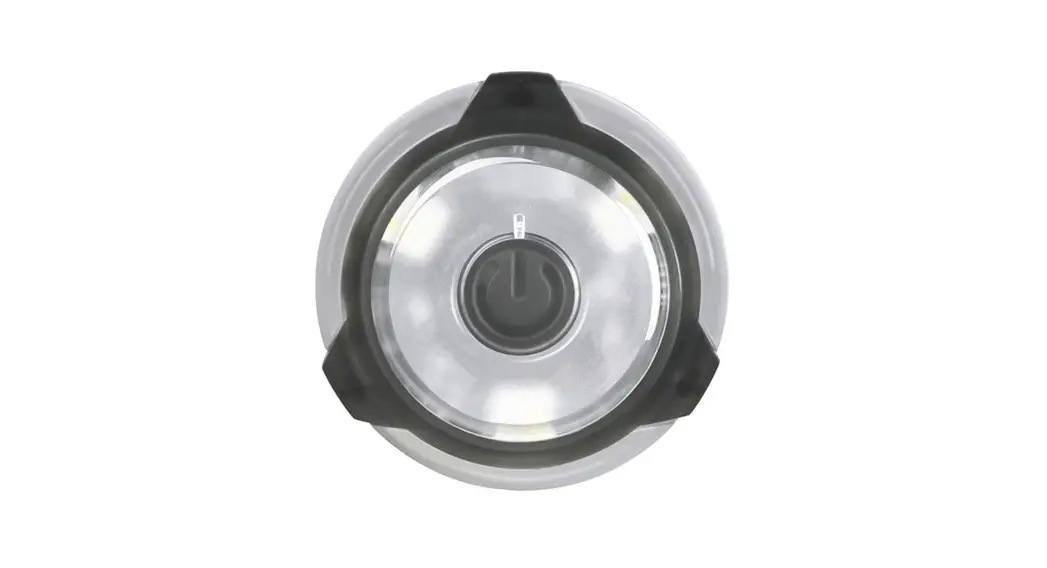
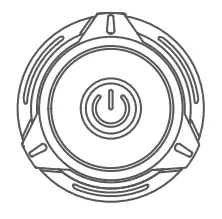
ON/OFF: Long press the power button to turn the light on or off. When the light is turned on, it will return to the previously used mode. The default when you turn it on for the first time is constant red.
CHANGE MODES: While the light is on, double press the power button to switch the current color’s constant-on mode and flashing mode.
CHANGE LIGHT COLOR: While the light is on, single press the power button to change the light colors of the constant-on or flashing modes. Starting from the present light color, it will cycle through red-green-blue-white-RGB transition-red with every single press. (Note: The RGB transition is not in the color cycle of the flashing mode.)
SOS: While the light is on, triple-press the power button to access SOS mode. To quit SOS mode, single or double press the button, it will return to the last state used before entering the SOS mode.
WARRANTY
Within 30 days of purchase: Return to the original seller for repair or replacement.
Within 2 years of purchase: Return to Olight for repair or replacement.
This warranty does not cover normal wear and tear, modifications, misuse, disintegrations, negligence, accidents, improper maintenance, or repair by anyone other than an authorized retailer or Olight itself.
Customer Support
USA Customer Support Road,
[email protected]
Global Customer Support
[email protected]
Visit www.olightworld.com to see our complete product line of portable illumination tools.
Dongguan Olight E-Commerce Technology Co., Ltd
4th Floor, Building 4, Kegu Industrial Park, No 6 Zhongnan
Road, Changan Town, Dongguan City, Guangdong, China.
Made in China

 Olightworld.com.Olight Flashlights, Tactical Light, Outdoor Light, Weapon Light