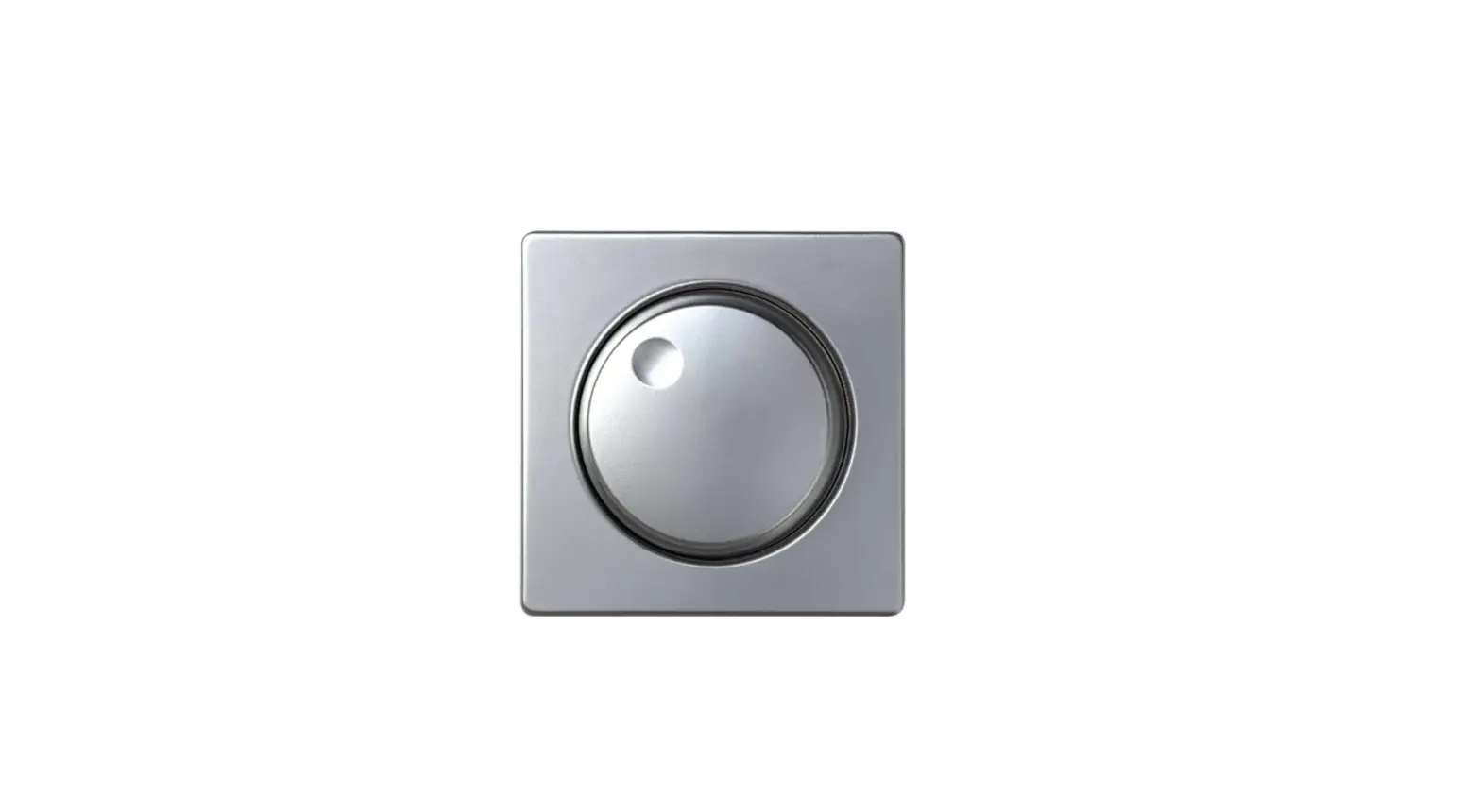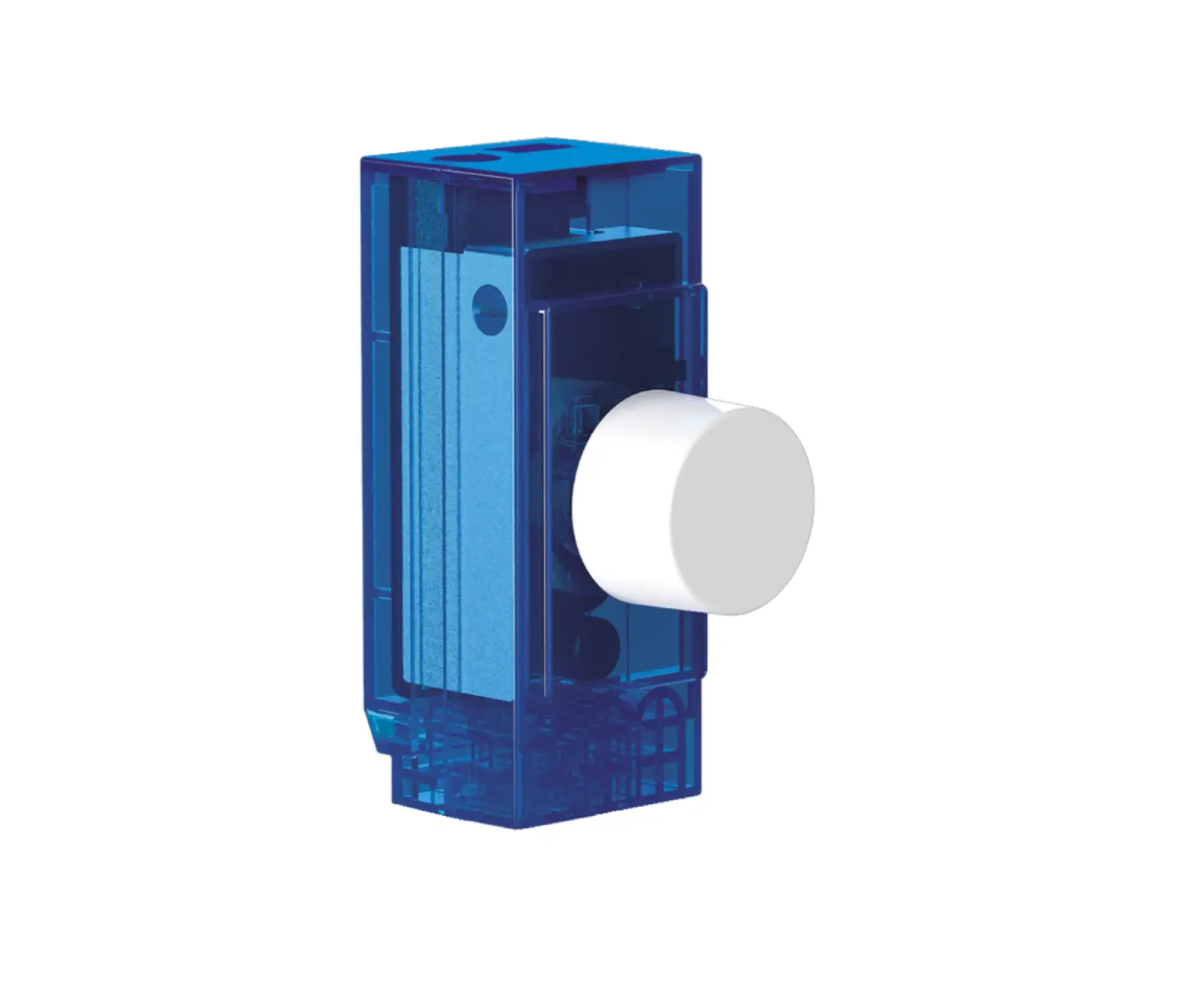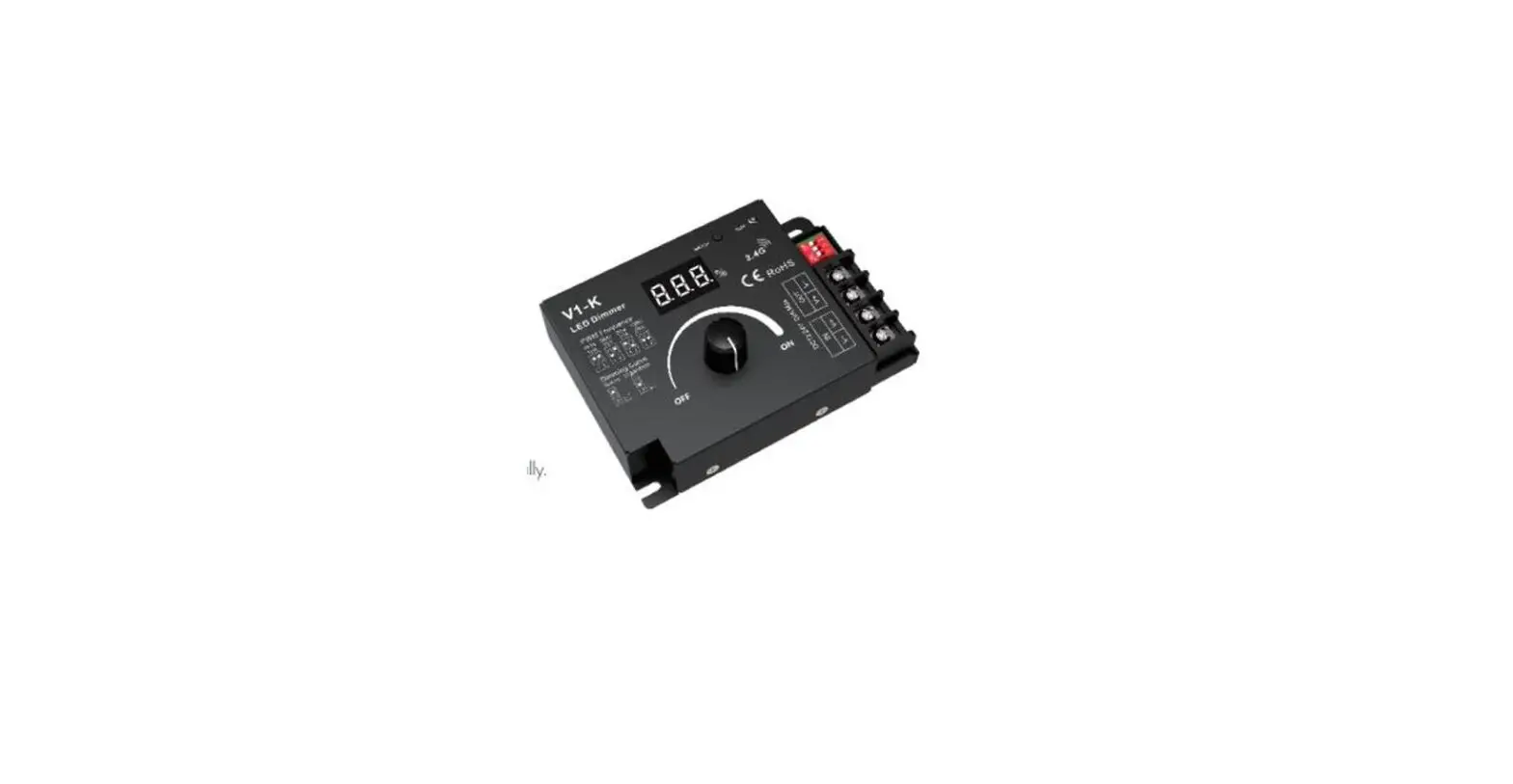

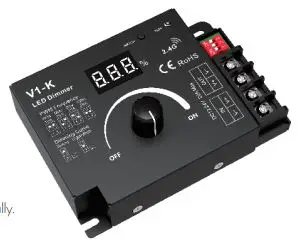
LEDYI Lighting V1-K Rotary LED Dimmer
Features
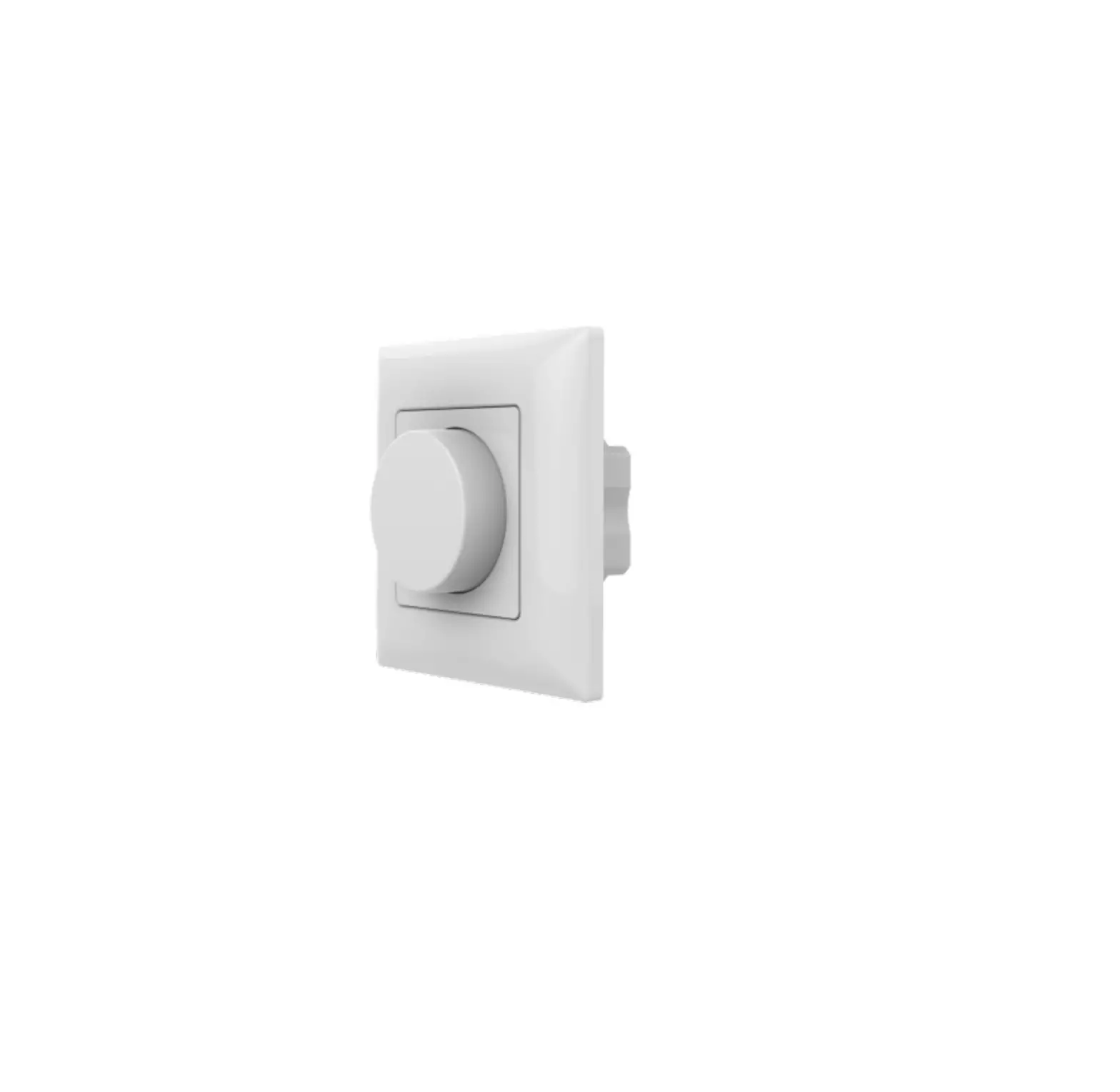
- Rotary dimmer with digital numeric display, visible dimming level.
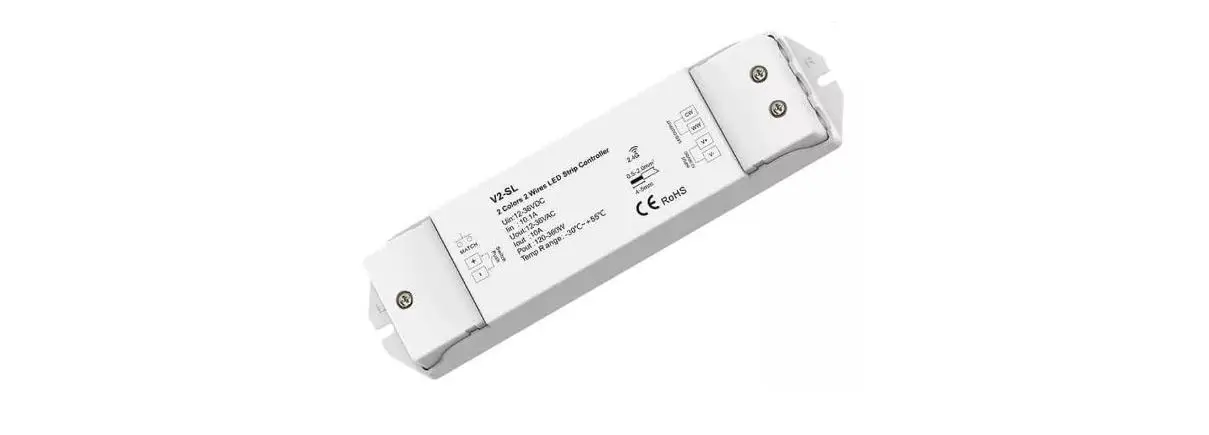
- Match with RF 2.4G single zone or multiple zones dimming remote control optional.
- 0-100% dimming smoothly without any ash.
- High load current up to 20A.
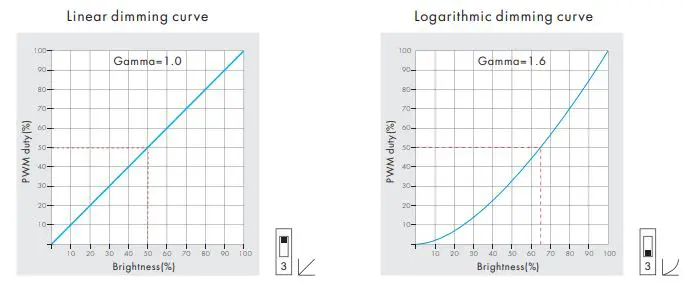
- Logarithmic or linear dimming curve selectable.
- PWM frequency 500Hz, 2kHz, 8kHz, or 16kHz selectable.
- Over-heat / Over-load / Short circuit protection, recover automatically.
- Light on/off fade time 3s selectable.
Technical Parameters
| Input and Output | |
| Input voltage | 12-24VDC |
| Input current | 20A |
| Output voltage | 12-24VDC |
| Output current | 1CH,20A Max. |
| Output power | 240W/480W Max. @ (12V/24V) 500Hz PWM |
| Output type | Constant voltage |
| Safety and EMC | |
| EMC standard (EMC) | ETSI EN 301 489-1 V2.2.3 ETSI EN 301 489-17 V3.2.4 |
| Safety standard(LVD) | EN 62368-1:2020+A11:2020 |
| Radio Equipment(RED) | ETSI EN 300 328 V2.2.2 |
| Certification | CE,EMC,LVD,RED |
| Dimming data | |
| Input signal | Rotary knob + RF 2.4GHz |
| Control distance | 15m(Barrier-free space) |
| Dimming gray scale | 100 levels |
| Dimming range | 0 -100% |
| Dimming curve | Logarithmic or linear |
| PWM Frequency | 500Hz, 2kHz, 8kHz, 16kHz |
| Environment | |
| Operation temperature | Ta: -30 OC ~ +55 OC |
| Case temperature (Max.) | T c: +85OC |
| IP rating | IP20 |
| Warranty and Protection | |
| Warranty | 5 years |
|
Protection | Reverse polarity Over-heat Over-load Short circuit |
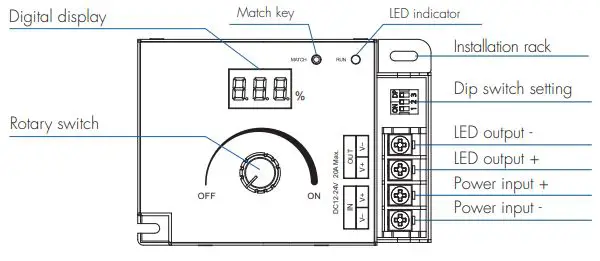
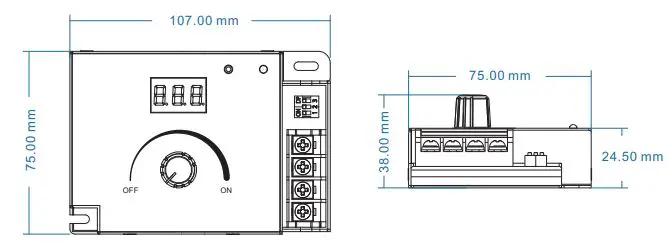
Mechanical Structures and Installations
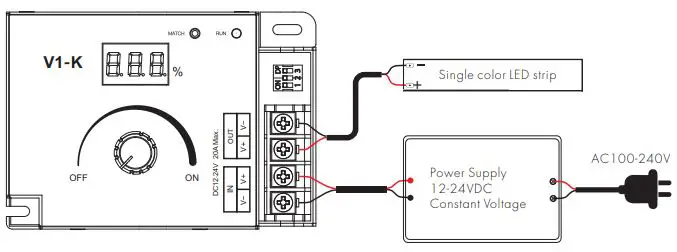
Wiring Diagram
Match Remote Control
Use Match key
Match:
Switch off the power, then switch on the power, and repeat again. An immediately short press on/off key (single-zone remote) or zone key (multiple zones remote) 3 times on the remote.nThe light blinks 3 times means the match is successful.
Delete:
Switch off the power, then switch on the power, and repeat again. An immediately short press on/off key (single-zone remote) or zone key (multiple zones remote) 5 times on the remote. The light blinks 5 times means all matched remotes were deleted.
Light on/off fade time
Long press match key 5s, then short press match key 3 times, the light on/off time will be set to 3s, the indicator light blink 3 times. ong press match key 10s, restore factory default parameter, the light on/off time also restore to 0.5s.
Malfunctions Analysis & Troubleshooting
| Malfunctions | Causes | Troubleshooting |
| No light | 1. No power. 2. Wrong connection or insecurity. | 1. Check the power. 2. Check the connection. |
| The uneven intensity between front and rear,with voltage drop | 1. Output cable is too long. 2. Wire diameter is too small. 3. Overload beyond power supply capability. 4. Overload beyond controller capability. | 1. Reduce cable or loop supply. 2. Change wider wire. 3. Replace the higher power supply. 4. Add power repeater. |
PWM frequency setting
We can select four PWM frequencies: 500Hz, 2kHz, 8kHz, or 16kHz. Higher PWM frequency will cause lower output current, and higher power noise, but more suitable for the camera(No flickers for video).
Dimming curve setting