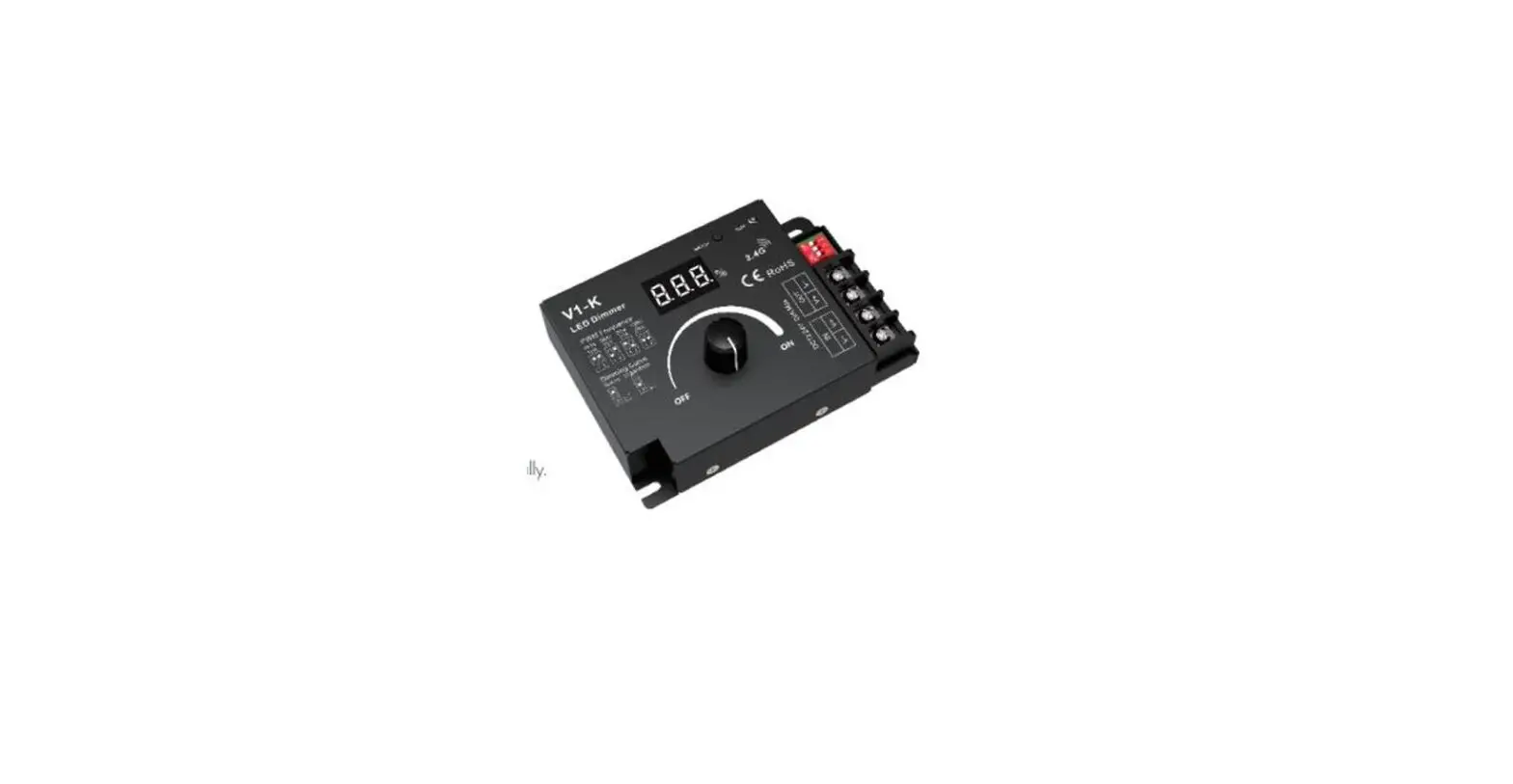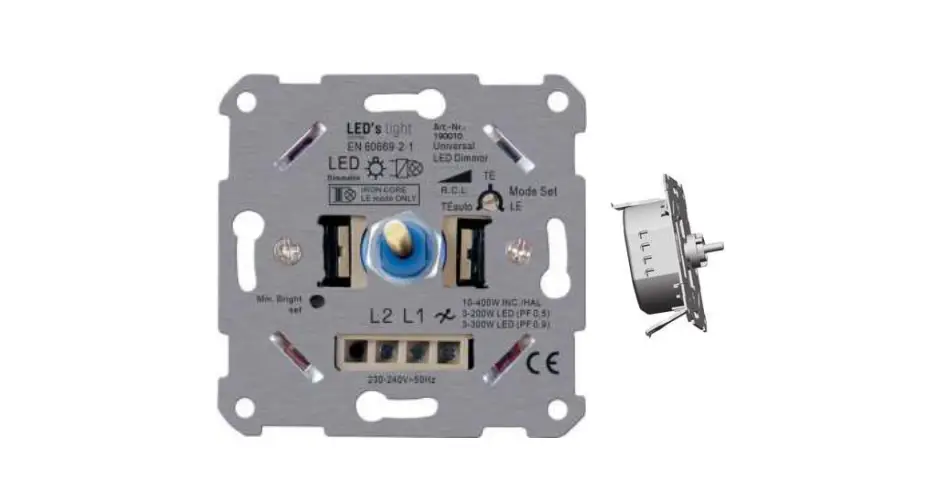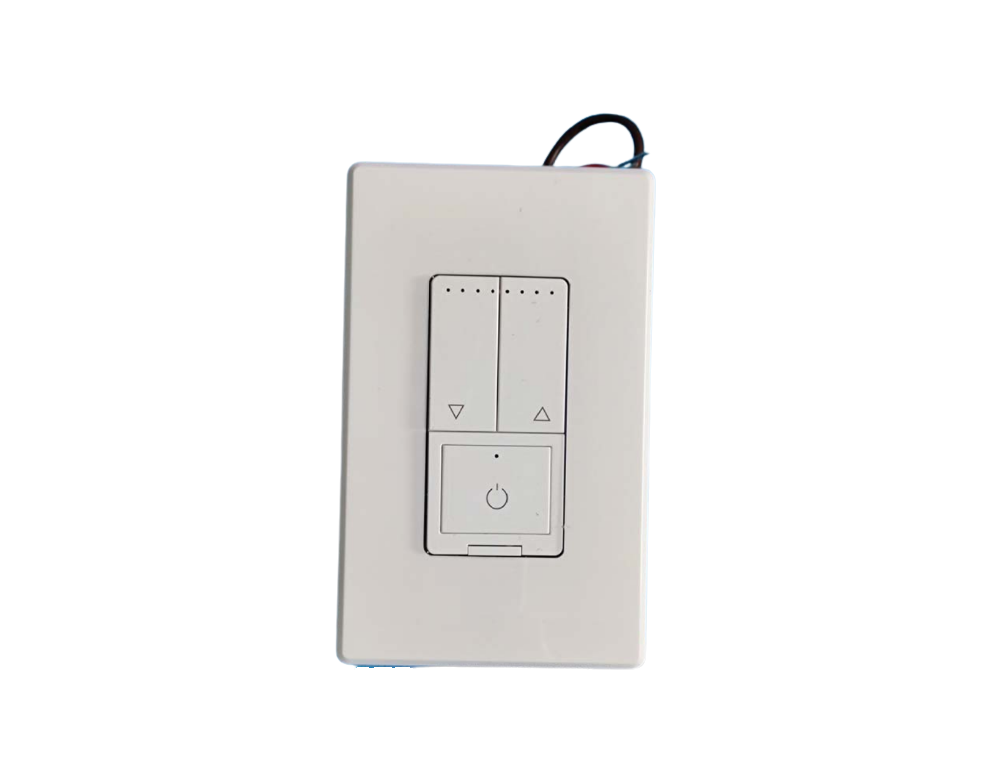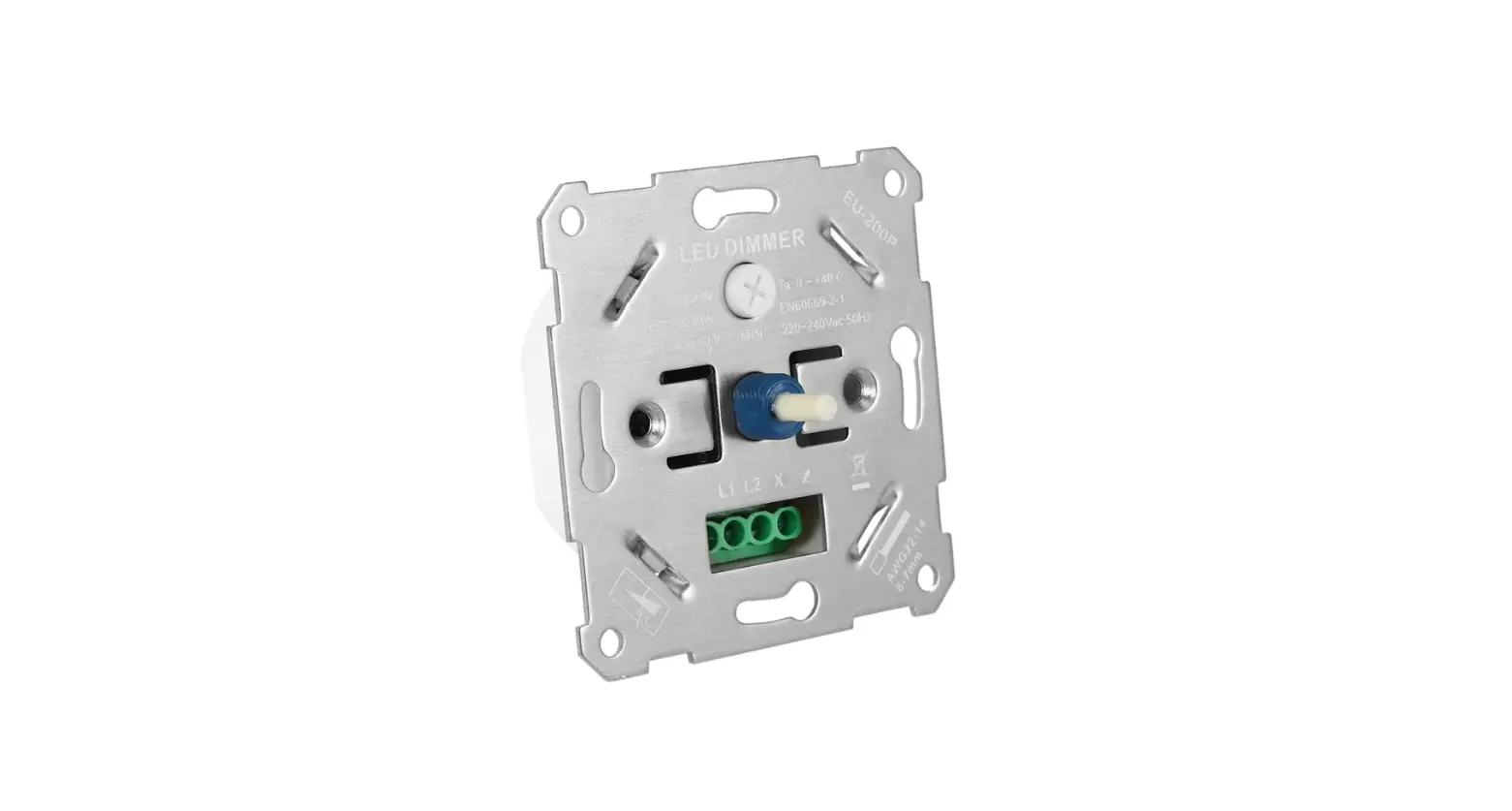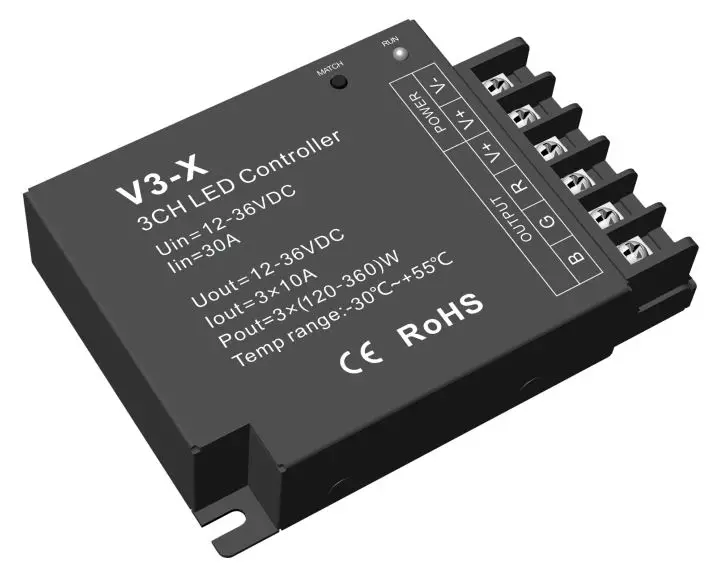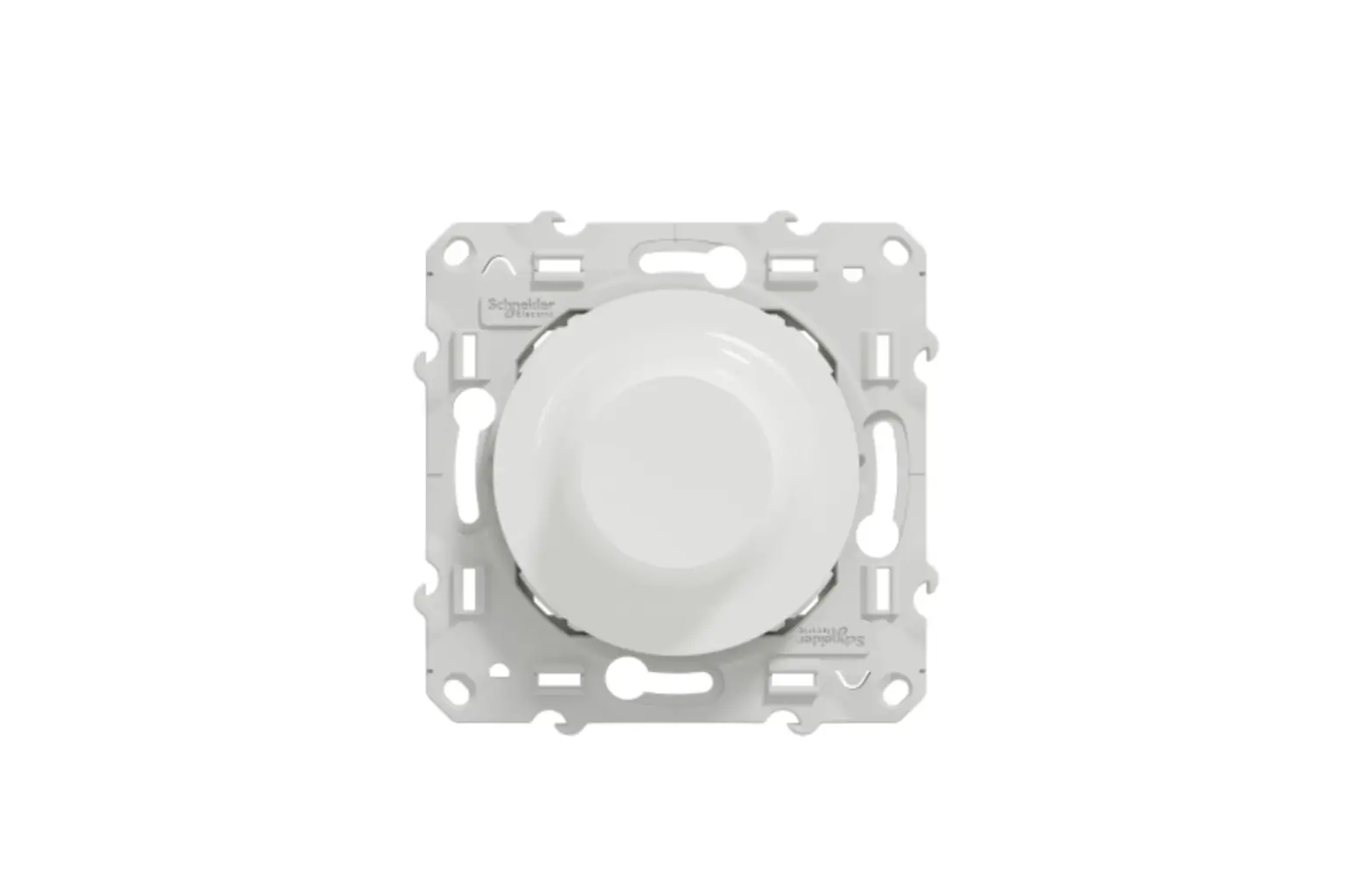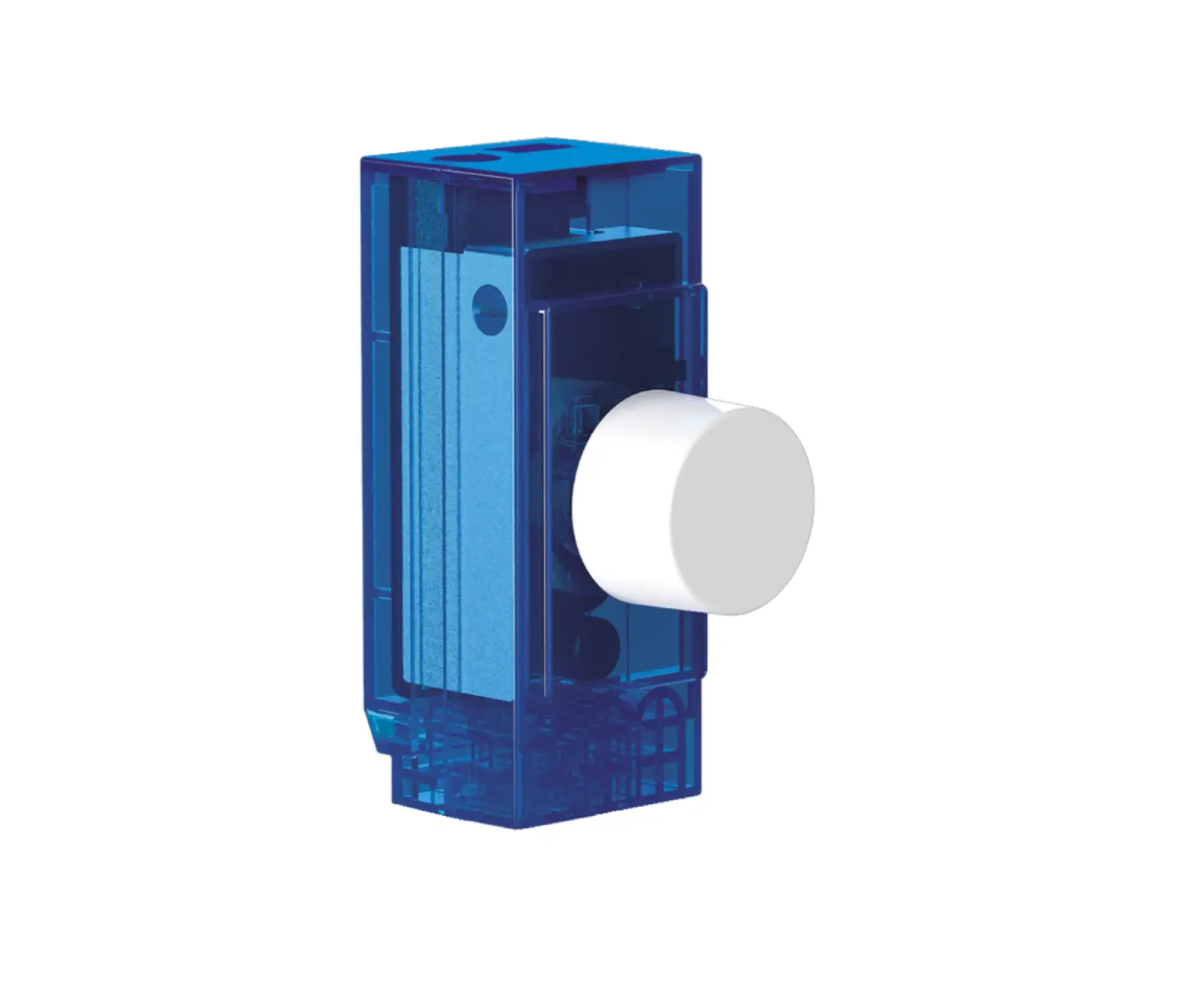
LEDYi Lighting KV Rotary Panel LED Dimmer
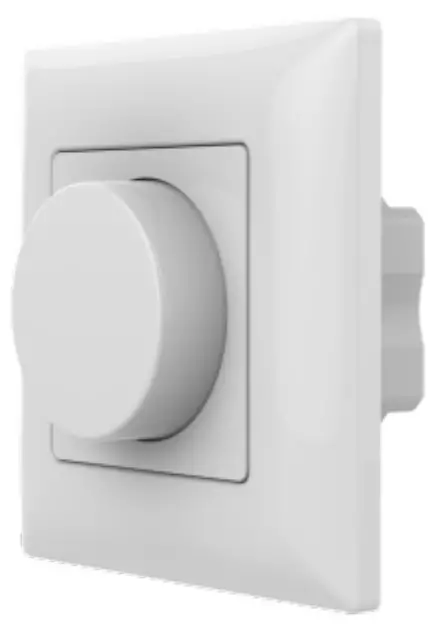
Features
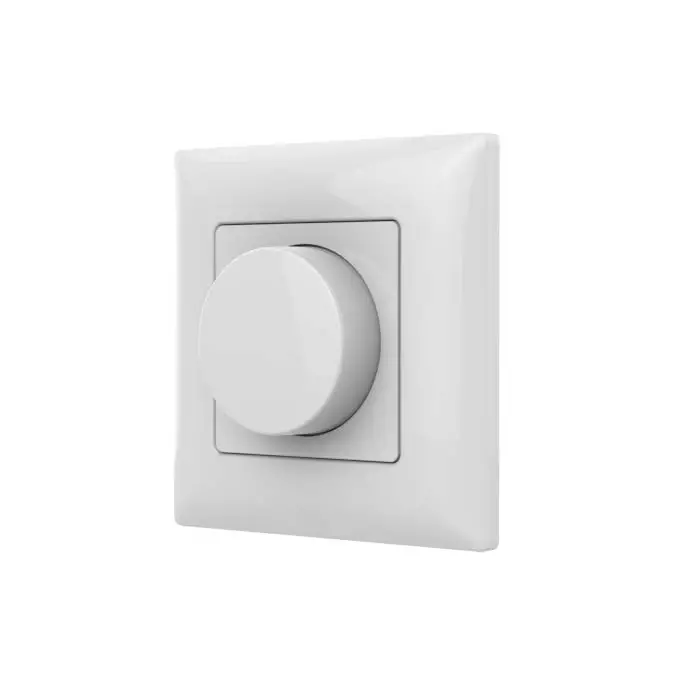
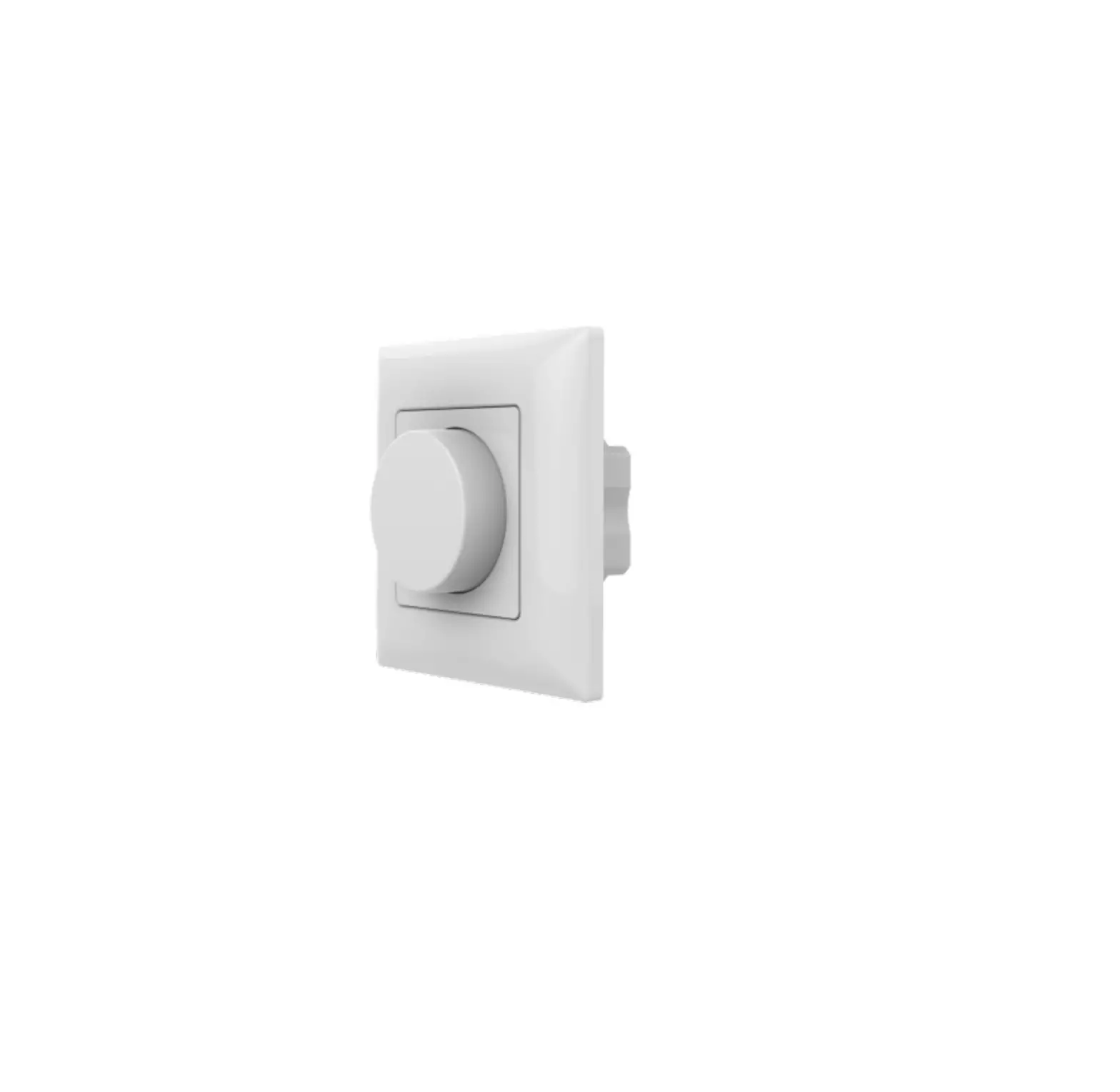
- Rotary panel constant voltage LED dimmer, 1 channel output.
- Rotate knob to change brightness, support push and long push operation.
- Compatibility with RF 2.4G dimming remote control.
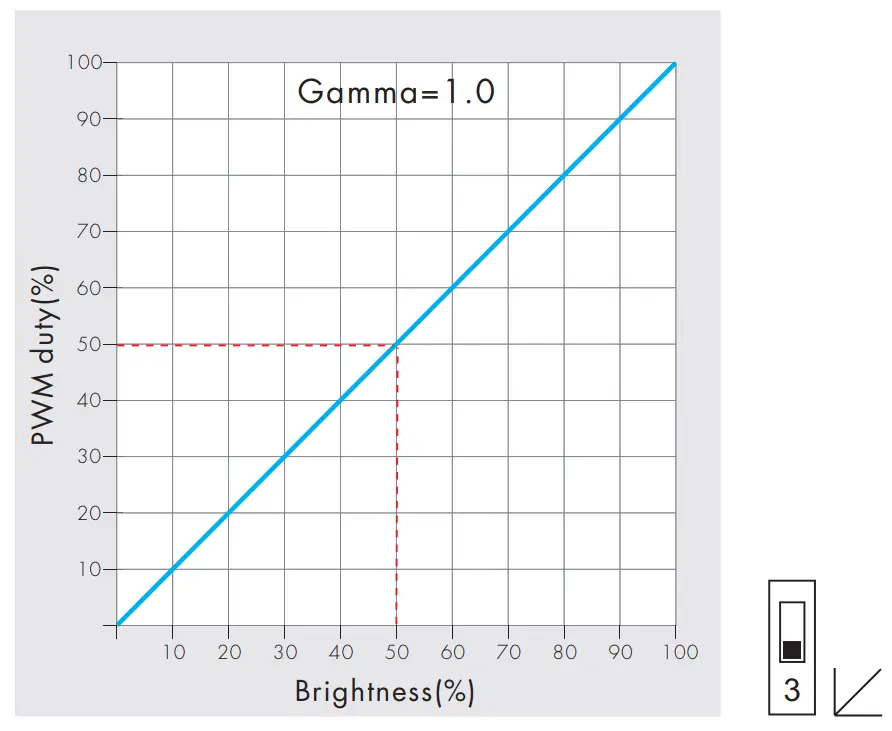
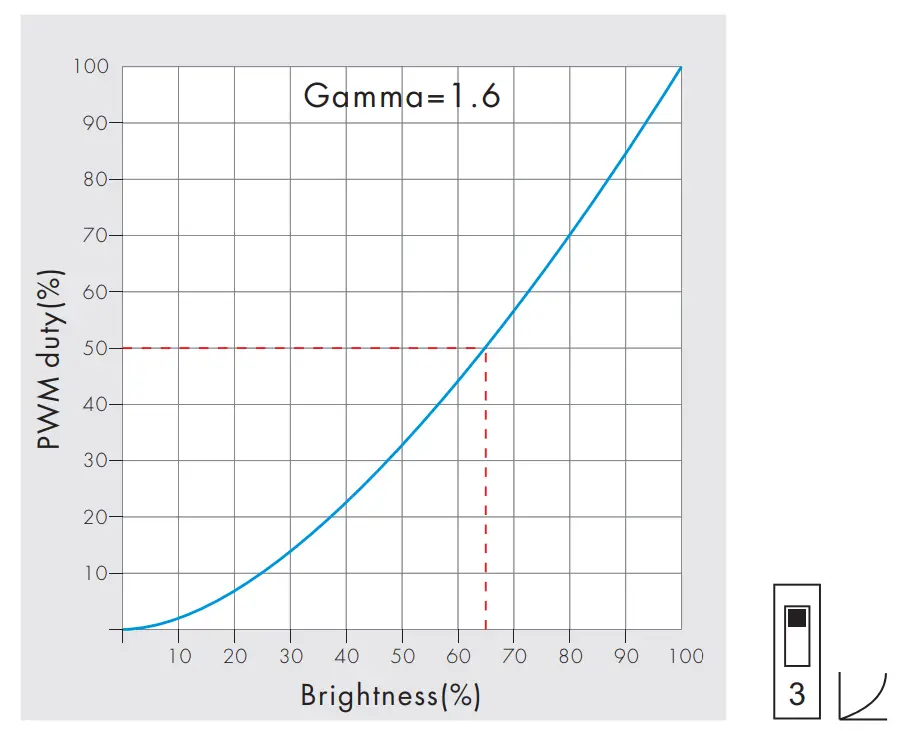
- Logarithmic or linear dimming curve selectable.
- PWM frequency 250Hz, 500Hz, 2kHz or 8kHz selectable.
- Light on/off fade time 3s selectable.
Technical Parameters
| Input and Output | |
| Input voltage | 12-48VDC |
| Output voltage | 12-48VDC |
| Output current | 8A@12/24V, 4A@36/48V |
| Output power | 96W/192W/144W/192W (12V/24V/36V/48V) |
| Output type | Constant voltage |
| Dimming data | |
| Input signal | Rotary knob + RF 2.4GHz |
| Control distance | 30m(Barrier-free space) |
| Dimming gray scale | 4096 (2^12) levels |
| Dimming range | 0 -100% |
| Dimming curve | Logarithmic or linear |
| PWM Frequency | 250Hz, 500Hz, 2kHz, 8kHz |
| Safety and EMC | |
| EMC standard (EMC) | EN301 489,EN 62479 |
| Safety standard(LVD) | EN60950 |
| Radio Equipment(RED) | EN300 328 |
| Certification | CE,EMC,LVD,RED |
| Environment | |
| Operation temperature | Ta: -30 OC ~ +55 OC |
| Case temperature (Max.) | T c: +85OC |
| IP rating | IP20 |
| Warranty and Protection | |
| Warranty | 5 years |
| Protection | Reverse polarity Short circuit |
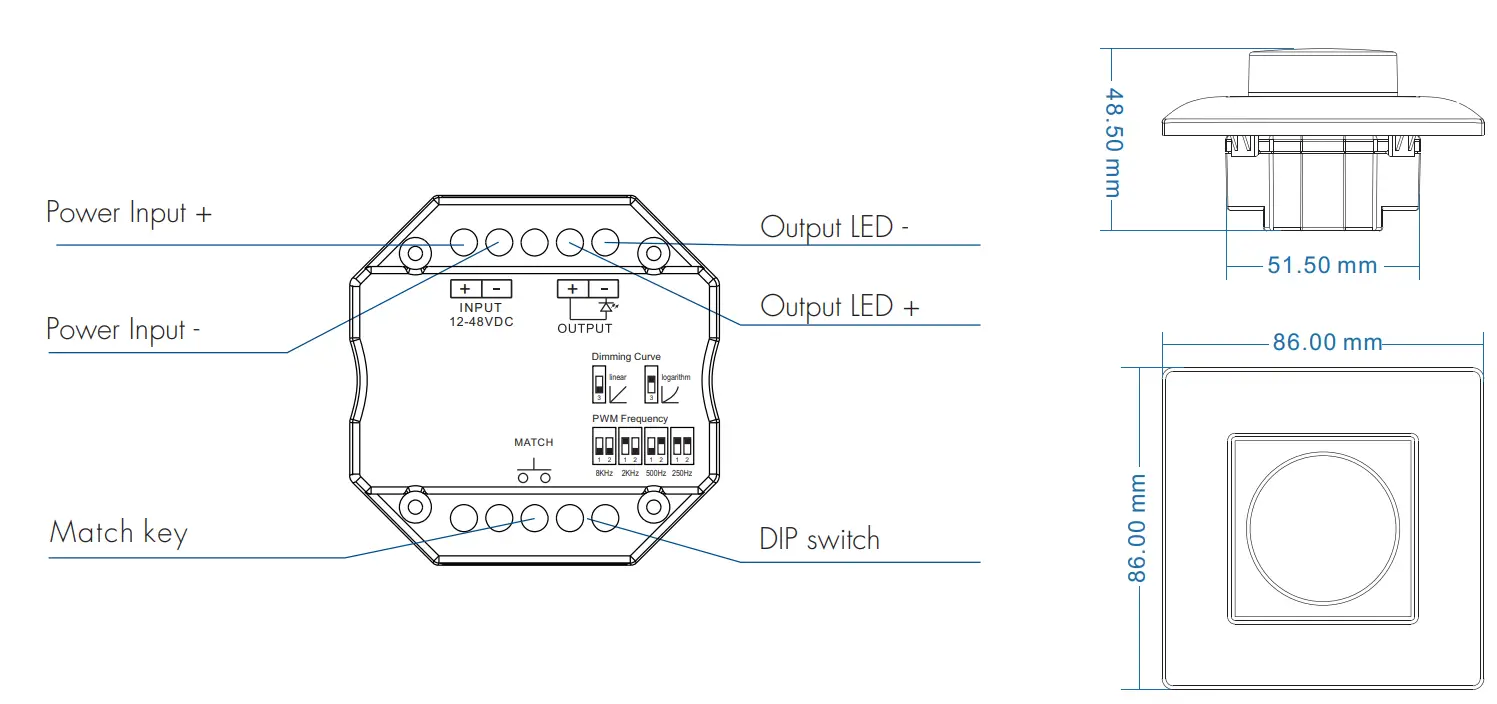
Mechanical Structures and Installations
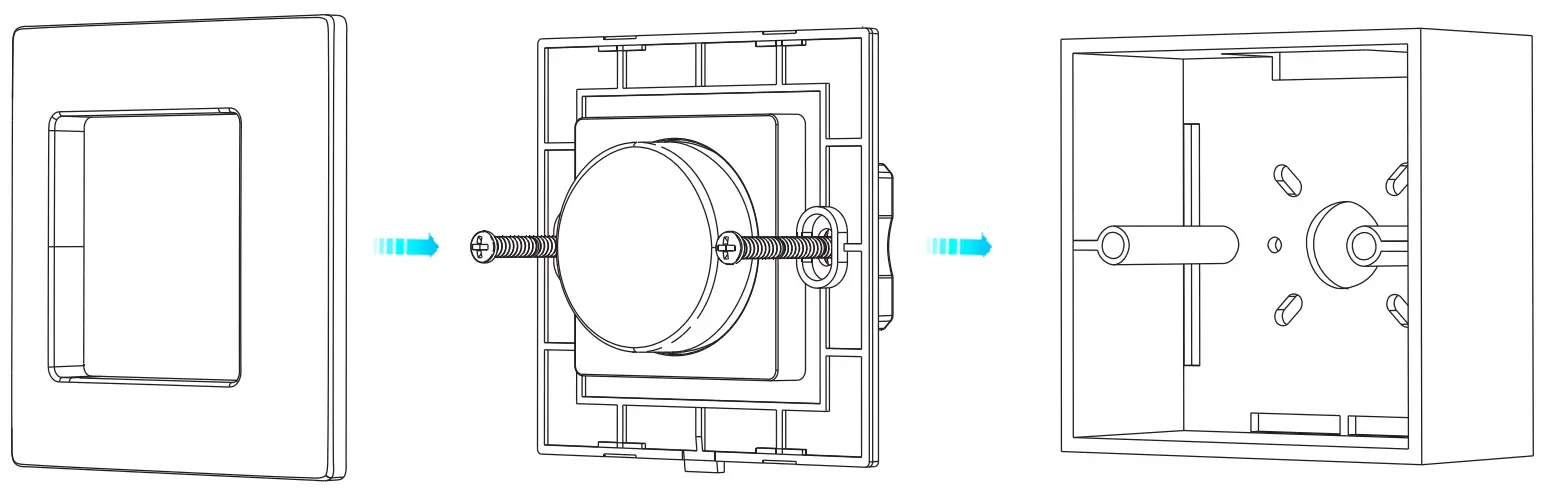
Installation diagram
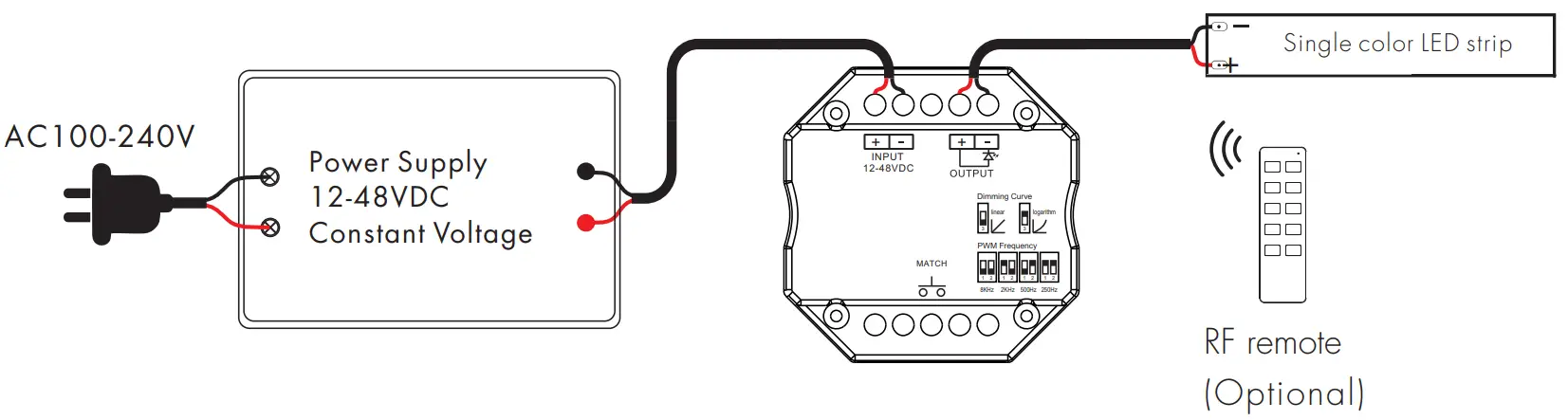
Wiring Diagram
Knob function
- Push: Turn on or off light. After turn on light:
- Rotate: Rotate knob to adjust brightness, 2.5 turns, 50 levels.
- Long push(1-6s): Continuous 256 levels brightness adjustment.
Match remote control (three match ways)
The rotary panel dimmer can also match with the RF dimming remote (optional).
End user can choose the suitable match/delete ways. Three options are offered for selection:
Use Match key
Match
Short press match key, immediately press on/off key(single zone remote) or zone key(multiple zone remote) of the remote.
Delete
Press and hold match key for 5s to delete all match.
Use Knob
Match
Turn on light, turn off, immediately push the knob for 5s, immediately press on/off key(single zone remote) or zone key(multiple zone remote) of the remote.
Delete
Turn on light, turn off, immediately push the knob for 10s, delete all matched remotes.
Use Power Restart
Match:
Switch off the power, then switch on power. Repeat again. Immediately short press on/off key (single zone remote) or zone key (multiple zone remote) 3 times on the remote. The light blinks 3 times means match is successful.
Delete:
Switch off the power, then switch on power. Repeat again. Immediately short press on/off key (single zone remote) or zone key (multiple zone remote) 5 times on the remote. The light blinks 5 times means all matched remotes were deleted.
Light on/off fade time
Long press match key 5s, then short press match key 3 times, the light on/off time will be set to 3s, the indicator light blink 3 times.
Long press match key 10s, restore factory default parameter, the light on/off time also restore to 0.5s.
PWM frequency setting
We can select four PWM frequency: 250Hz, 500Hz, 2kHz or 8kHz. Higher PWM frequency, will cause lower output current, higher power noise, but more suitable for camera(No flickers for video).
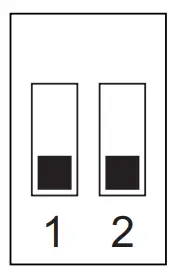 | 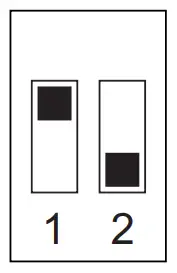 | 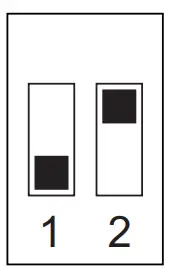 | 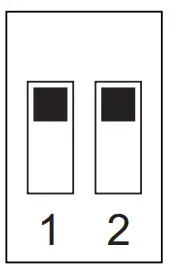 |
8KHz | 2KHz | 500Hz | 250Hz |
Dimming curve setting
- Linear dimming curve

- Logarithmic dimming curve

Malfunctions Analysis & Troubleshooting
| Malfunctions | Causes | Troubleshooting |
| No light | 1. No power. 2. Wrong connection or insecure. | 1. Check the power. 2. Check the connection. |
| Uneven intensity between front and rear, with voltage drop |
|
|
| No response from the remote |
|
|