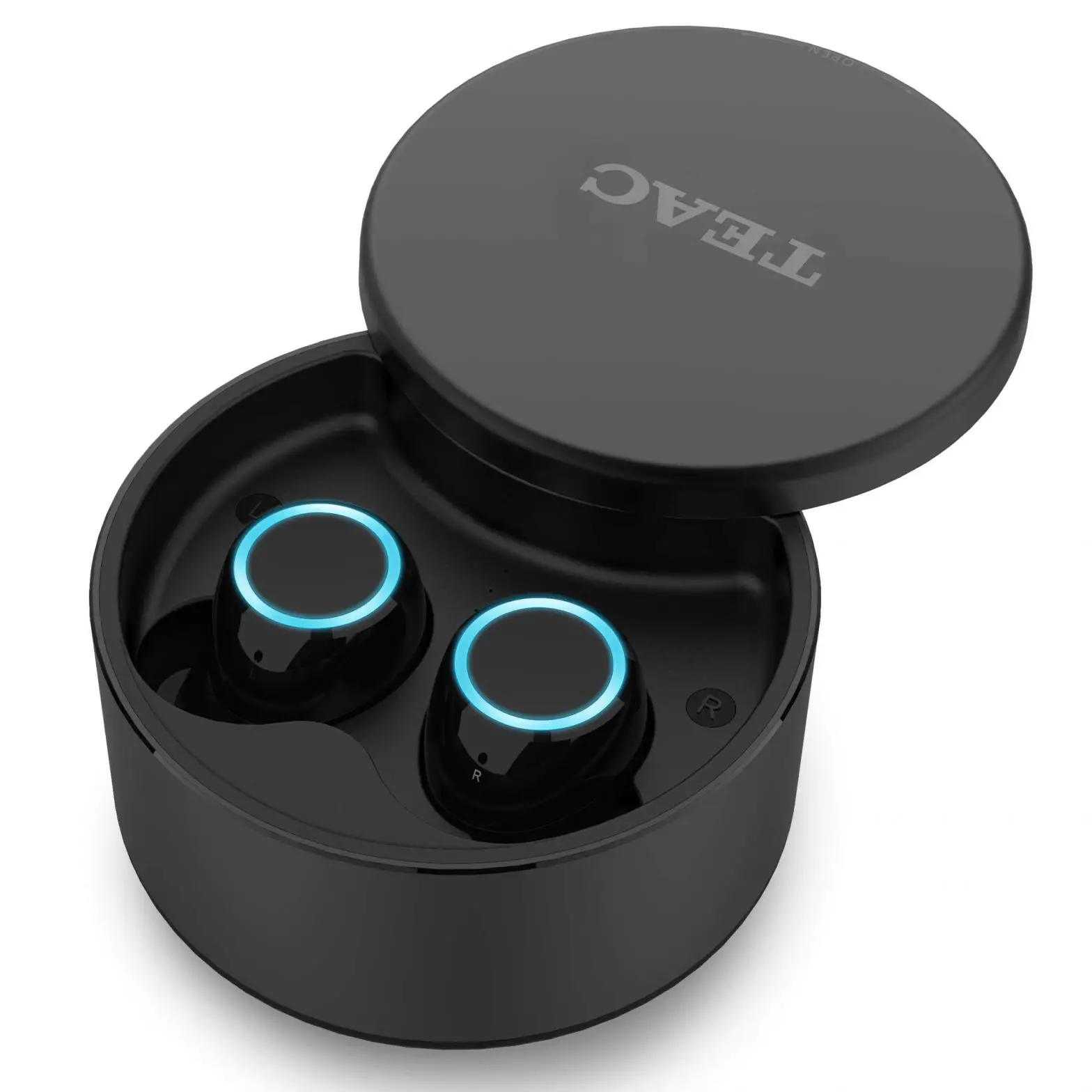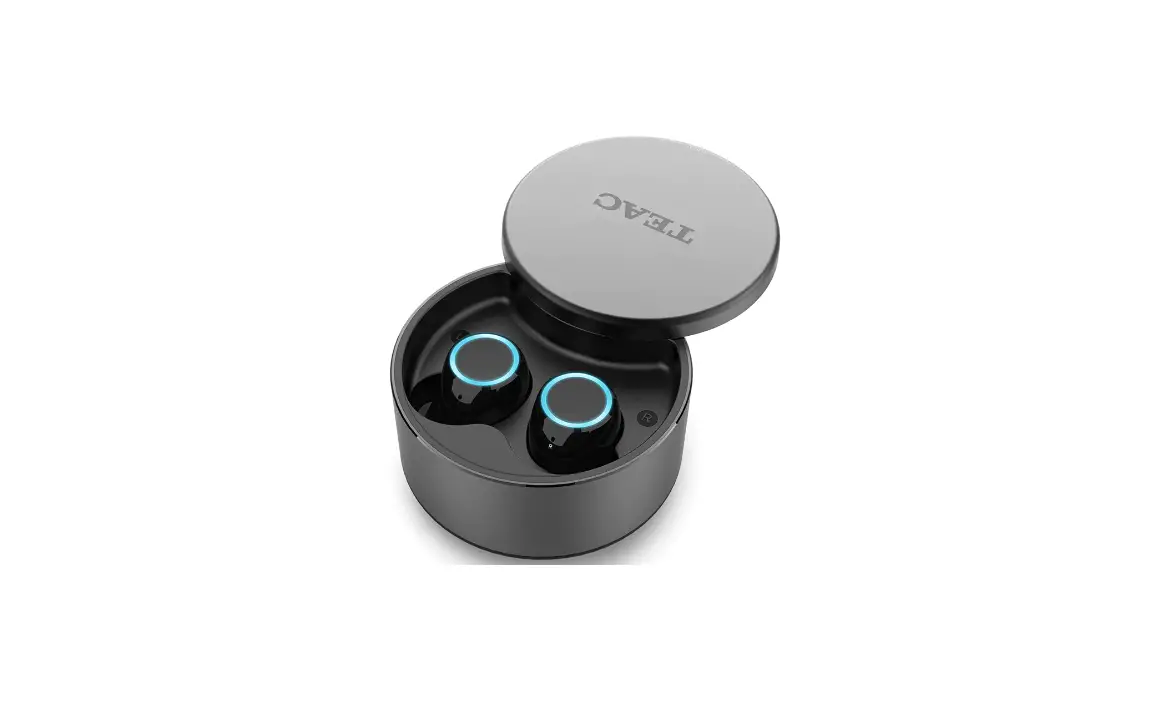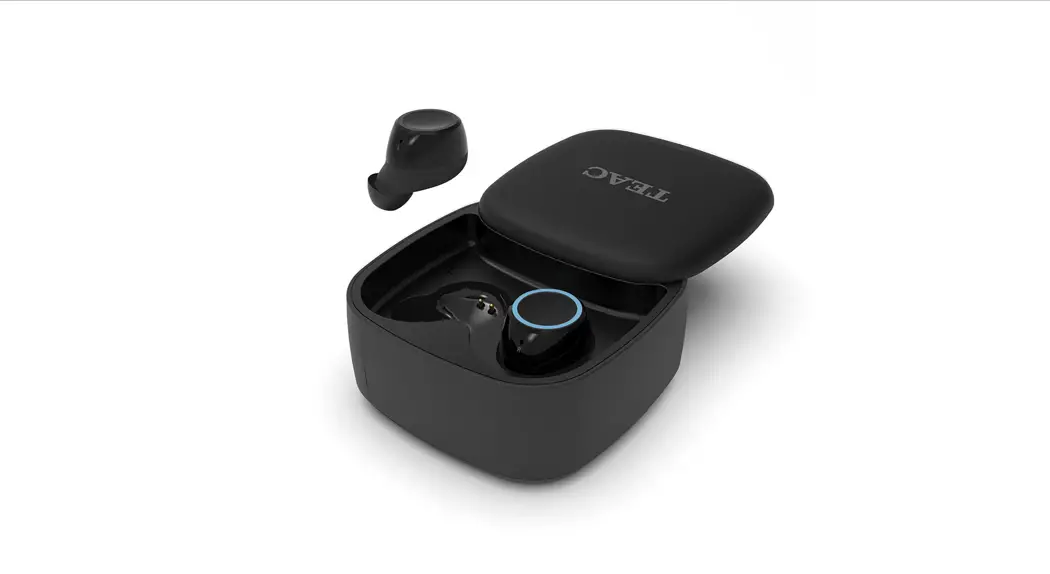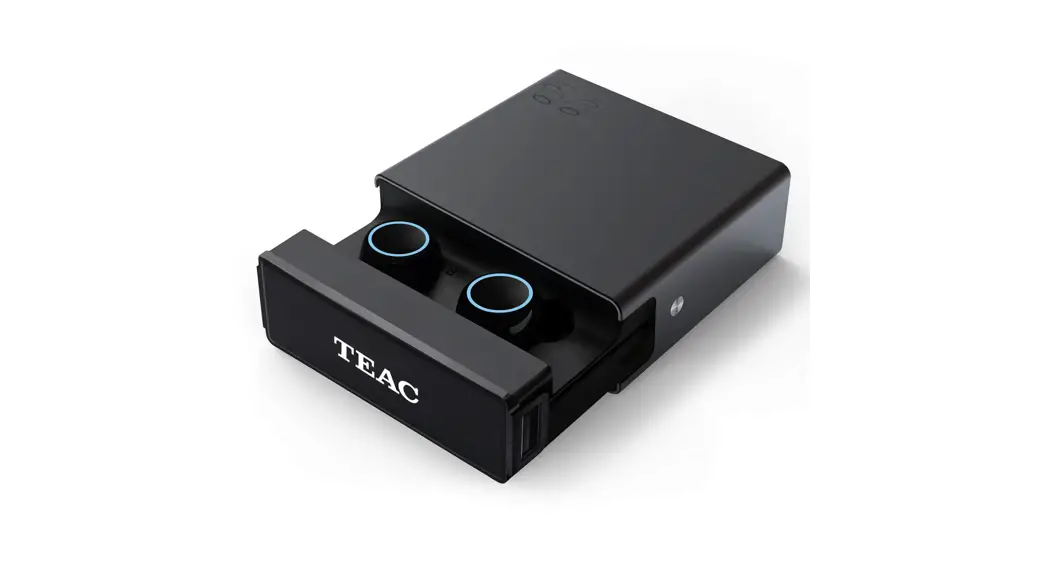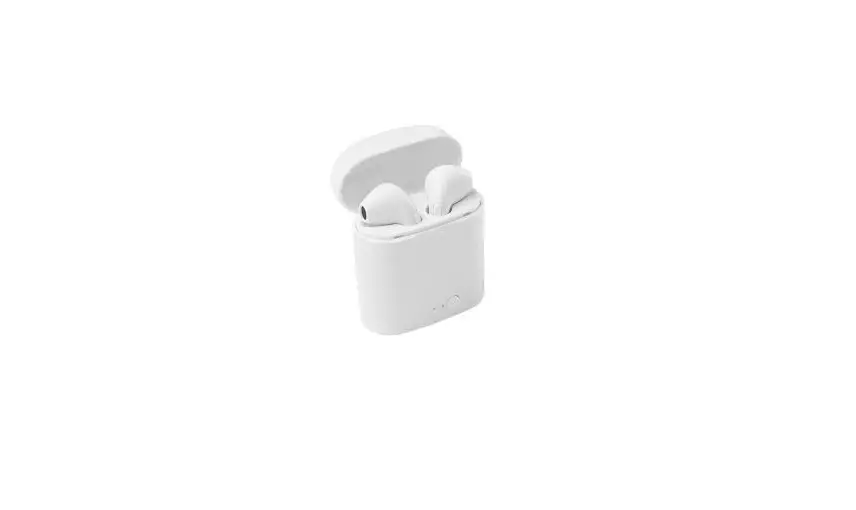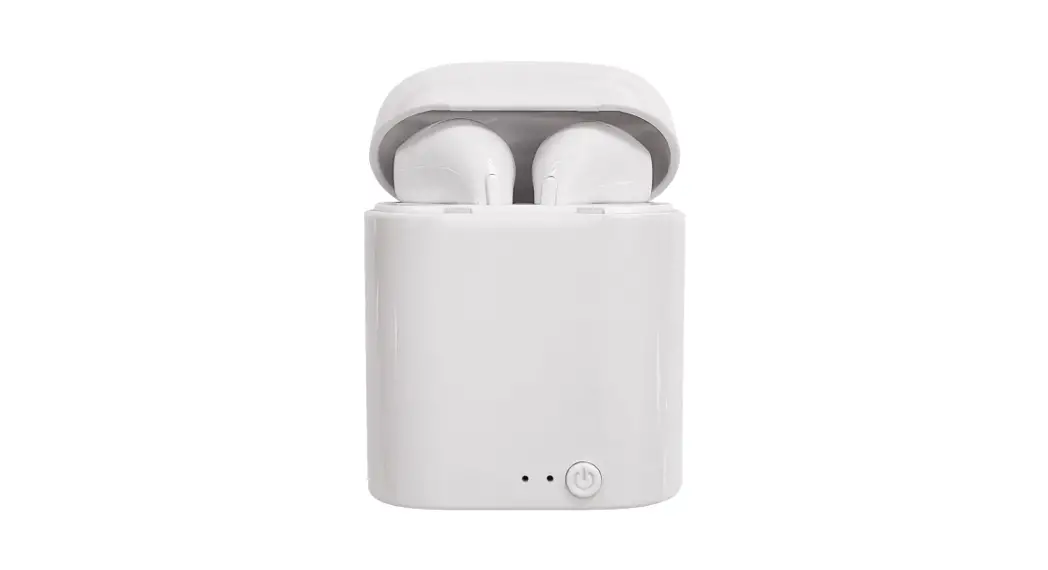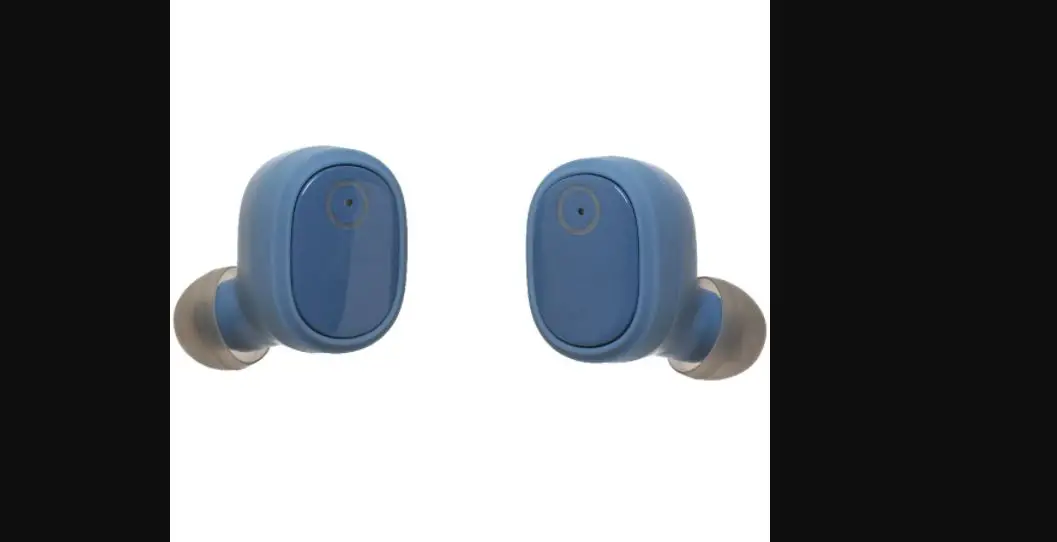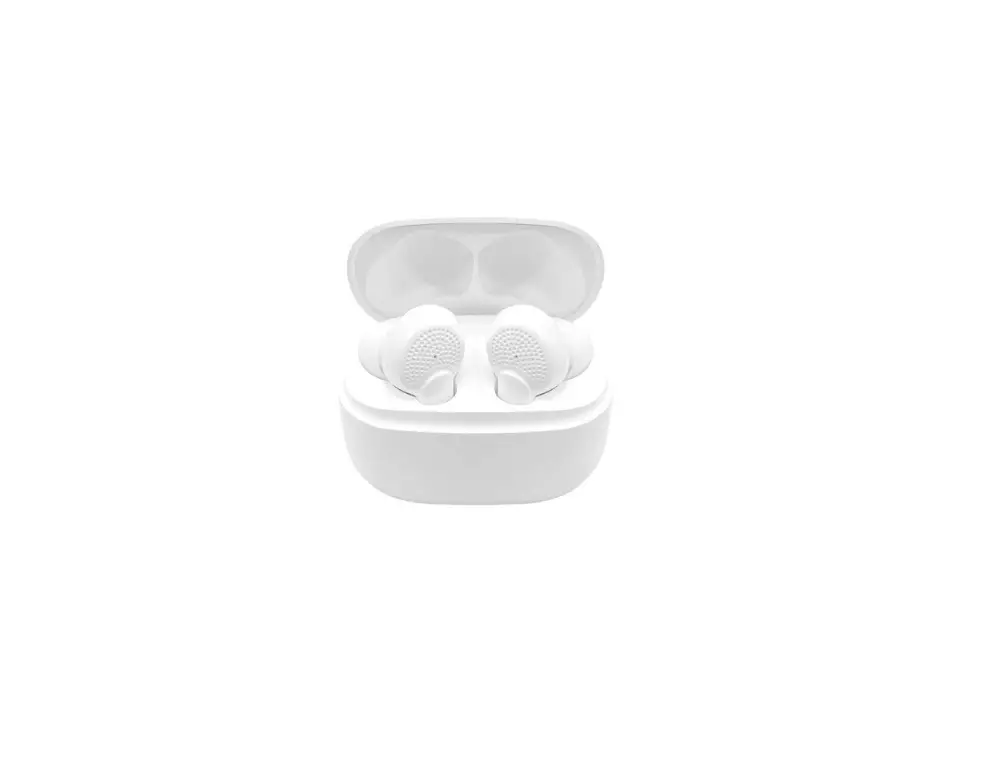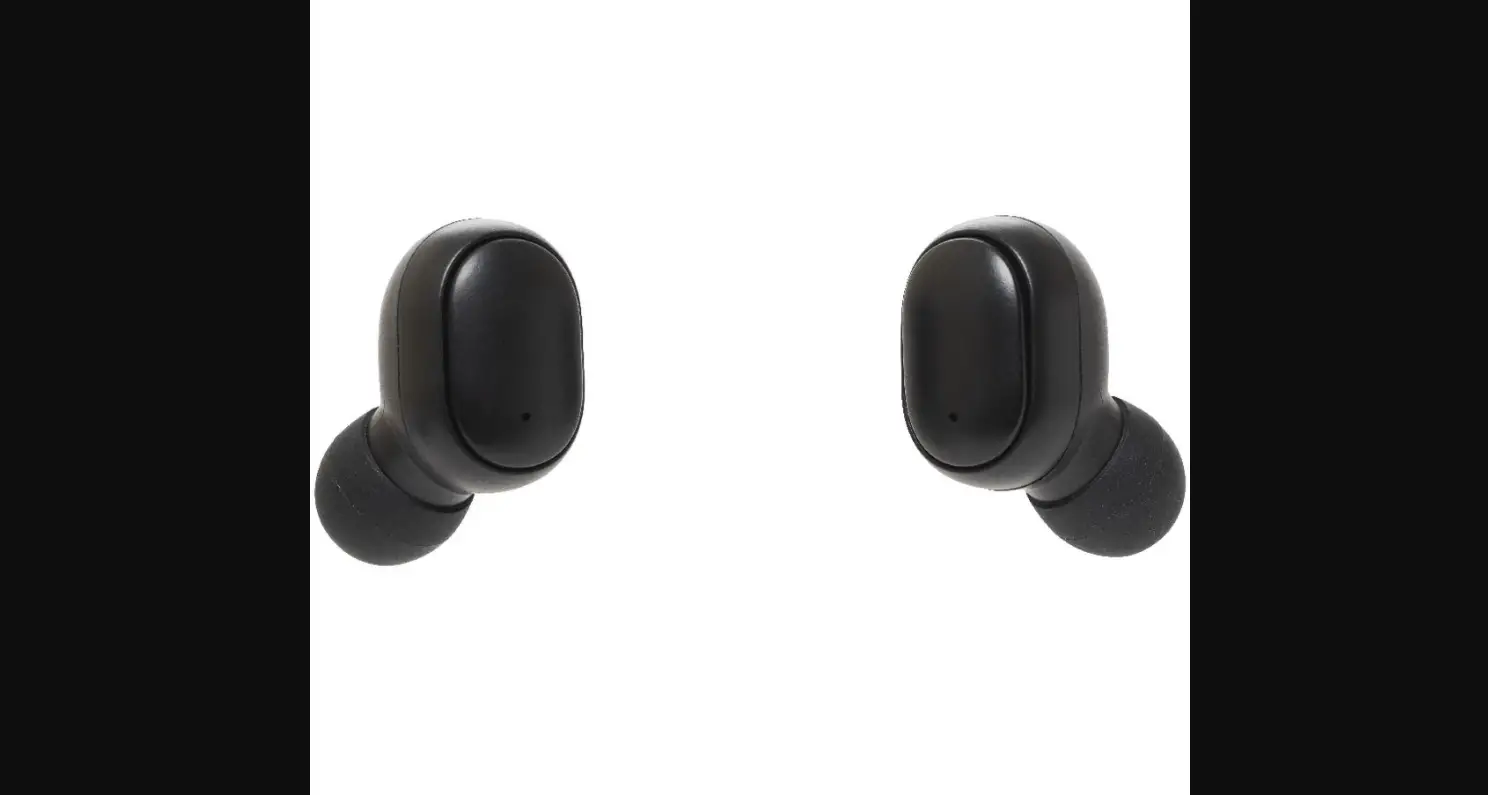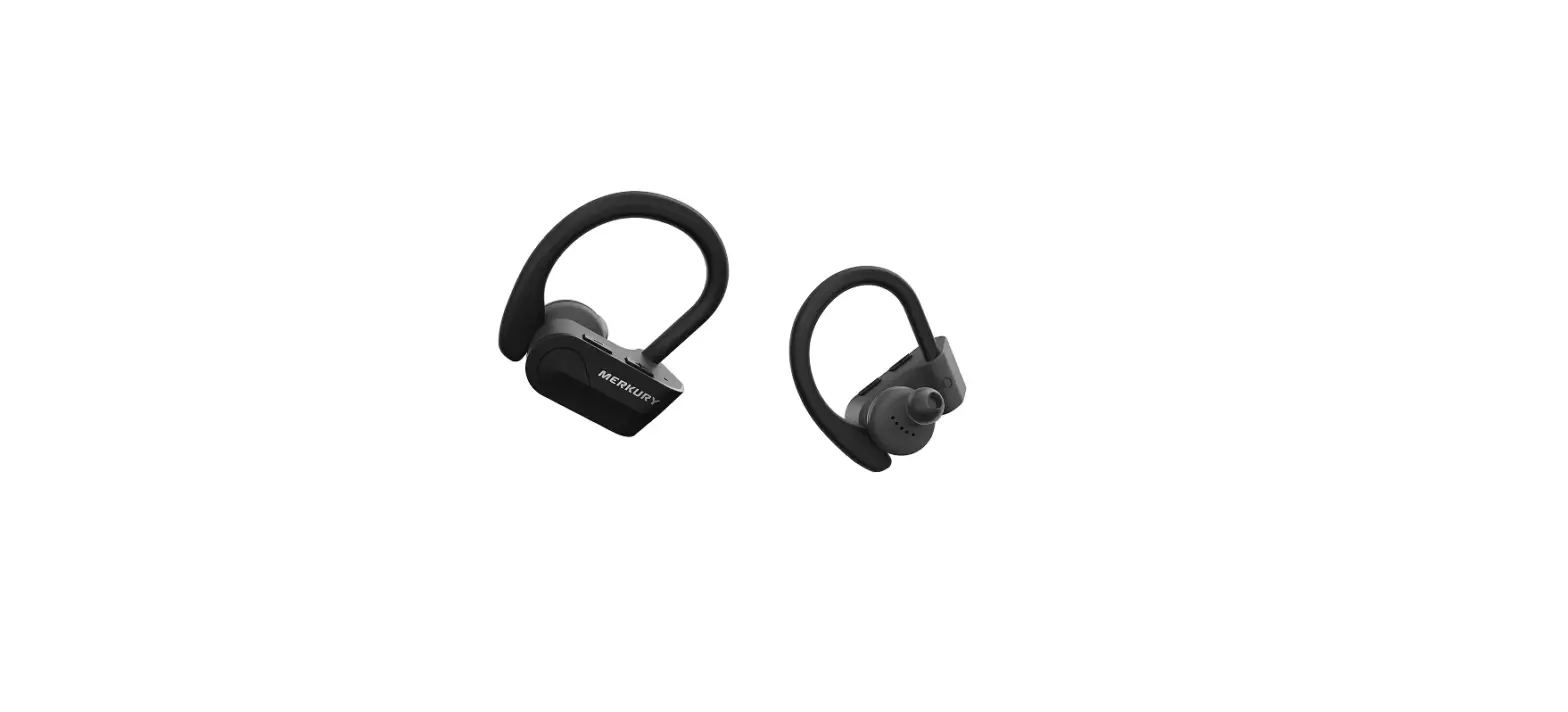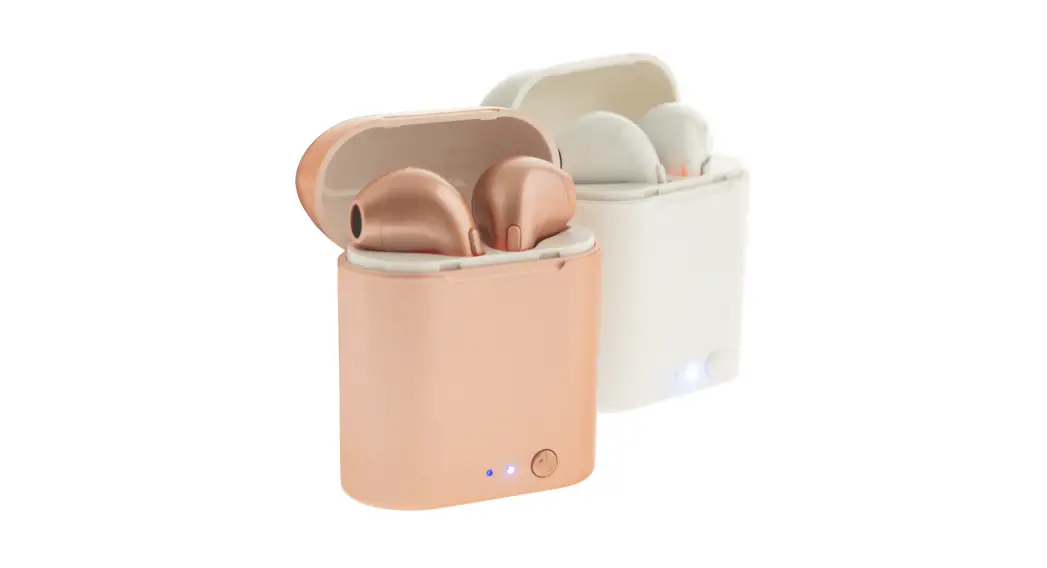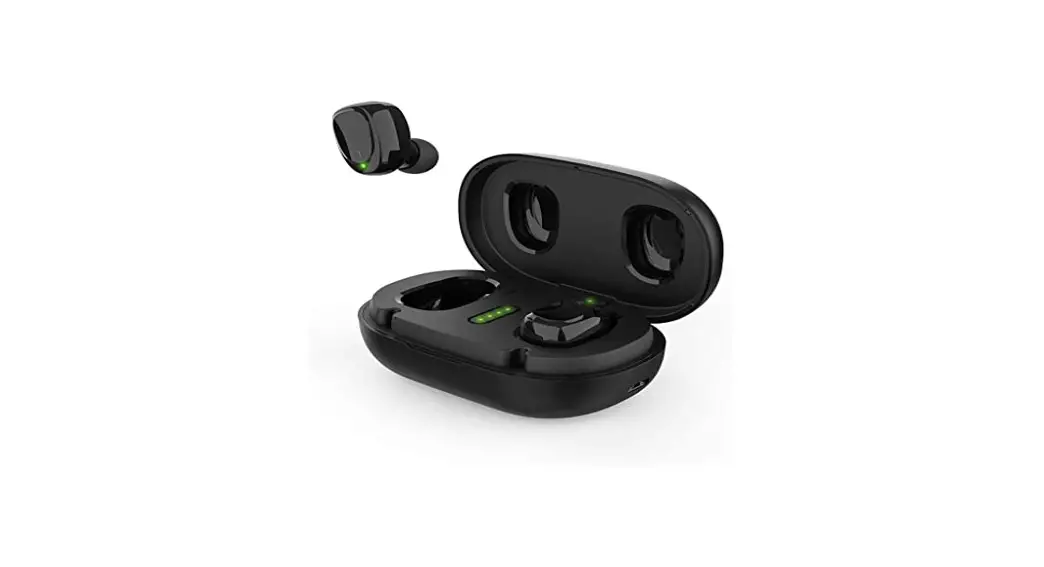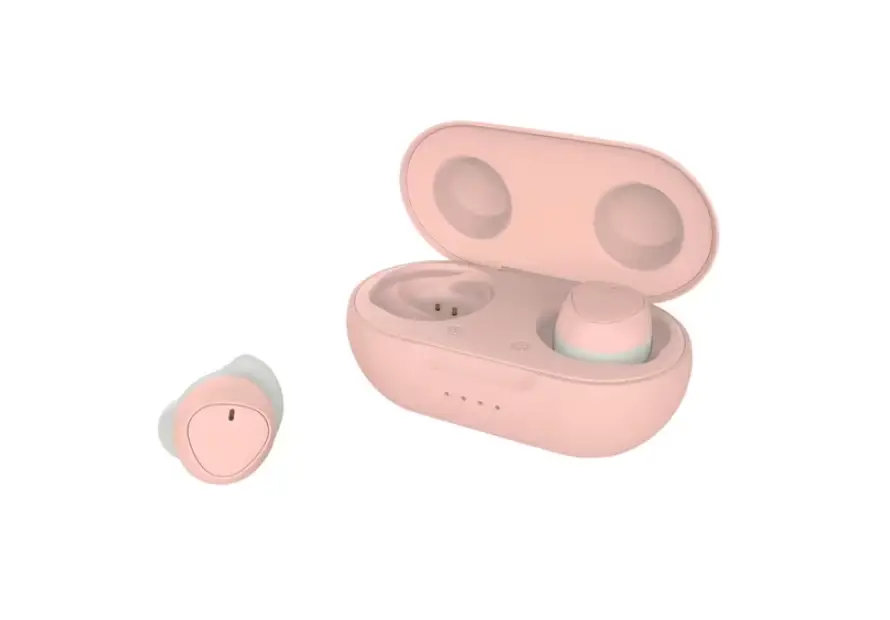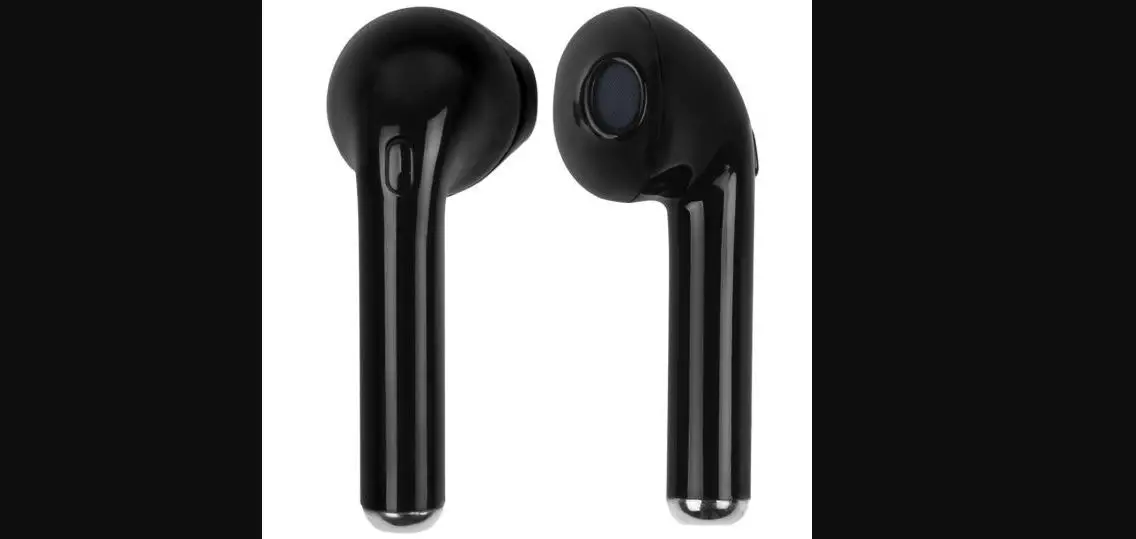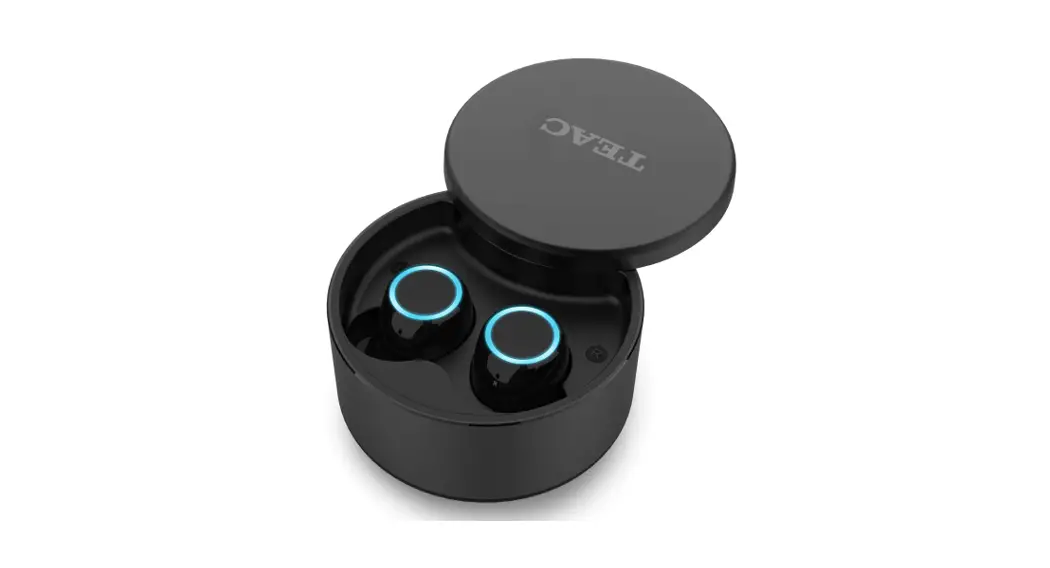
 TRUE WIRELESS EARBUDS
WITH WIRELESS CHARGING
MODEL: TWSMJV6
USER MANUAL
Product Specifications
| Bluetooth version: 5.0 | Charging case battery voltage/capacity: 3.7V / 600mAh |
| Frequency: 2.40 GHZ – 2.48 GHZ | Headphones battery capacity: 2 X 3.7V / 55mAh |
| Receiver sensitivity: -92dBm | Headphones charging time: about 1 hour |
| Working temperature: -10 – 50°C | Playing time: about 5-6 hours x 5 times |
| Working distance: Up to 10-12M | Supported protocols: HFP / AIDP / AVRCP |
- Earbuds are set to stereo mode before leaving the factory.
- The earbuds will turn off if they are not connected to any device within 5 minutes.
- The iPhone displays the earbud’s power in real-time.
- When not used, please store the charging case and earbuds in a dry well-ventilated place, and charge them every 3 months.
- The waterproof grade is IPX4. Please do not put the earbuds or charging case into the water.
Accessories
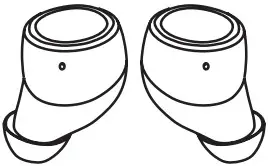 | Headphones x 2 (including middle-sized Silica gel ear cap |
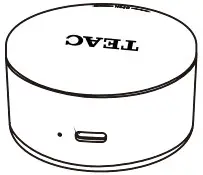 | Charging case |
 | User manual |
 | Warranty card |
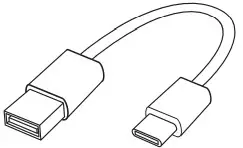 | Type C charging cable x 1 |
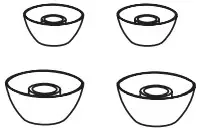 | Silica gel ear cap x 4 (2 large-sized and 2 small-sized ear aps) |
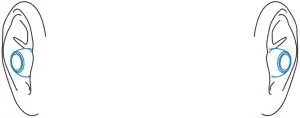
Headphones Usage
In order to get the best audio experience, please wear the left and right headphones correctly and choose the ear cap that is most suitable for your ears. When using outdoors, please put your mobile phone on the same side as your left ear.
Medium-sized ear caps will produce a better bass effect.
Power-on
Method 1
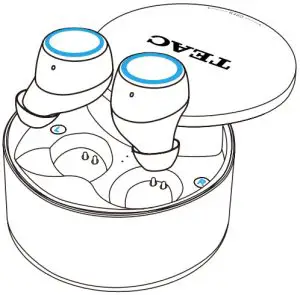
Auto Power On: Earbuds will power on after being taken out of the charging case.
Voice prompt: “Power On” one earbud breathing light on while the other off
Method 2
Manual Power On: When the earbuds are switched off, short pressing the multifunctional touch key for two seconds can start the earbuds, and the indicating light will flash with a “power on” tone.
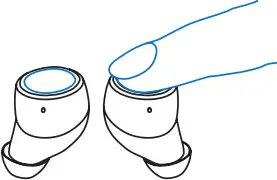
Press the multifunction touch button for 2 seconds
Power-off
Long press the touch key for about five seconds, the indicating light will flash and the headphones will power off with a “Power off” tone.
Press the multifunction touch button for 5 seconds
 Note: When the two earbuds are paired and working together, only one of them needs to be powered off; the other will be powered off automatically.
- Open the Settings on your mobile and turn on Bluetooth
- Open the charging case, remove the earbuds, and wear them properly (left in the left ear and right in right ear)
 First Connection
 - You will hear “Power on” after wearing earbuds. Left and right earbuds are paired automatically. You will hear “Connected”.

- Open your mobile phone Bluetooth settings, find “TWSMJV6” in “OTHER DEVICES” and press to connect.
- Wait for 1-2 seconds for the Bluetooth to connect, once connected you will hear the “Connected” indicating tone. Once connected your mobile device will also show that the “TWSMJV6” is connected under Bluetooth settings.

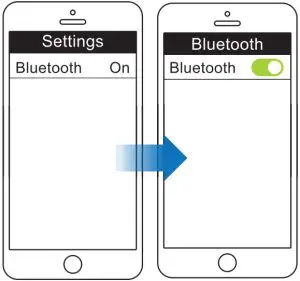 First Connection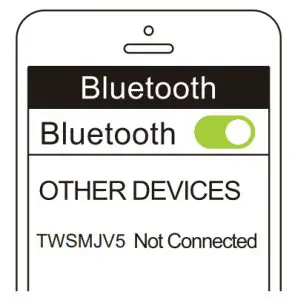
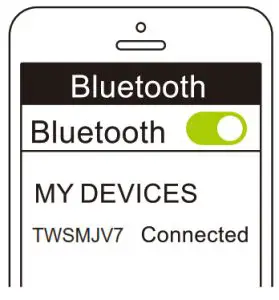
Non-First Connection
3. When correctly wearing the earbuds, the left and right earbuds will pair up automatically when the user hears a “Power on” tone.
4. Wait for 1-2 seconds for the Bluetooth to connect, once connected you will hear the “Connected” indicating tone. Once connected your mobile device will also show
that the “TWSMJV6” is connected under Bluetooth settings.
Monaural connection of earbud
The below settings apply for both the left and right earbuds
- Find “Settings” of mobile phone – start the “Bluetooth”
- Open the charging case, take out the left or right earbud, and correctly wear it on the corresponding ear.
First Connection - After wearing the earbud you will hear the “Power on” prompt. Access your mobile phone Bluetooth settings, find “TWSMJV6” in other devices, and press to connect. Wait for 1-2 seconds for the Bluetooth to connect, once connected you will hear the “Connected” voice prompt. Once connected your mobile device will also show the “TWSMJV6” as connected under Bluetooth settings.
 Non-First Connection
 - After wearing the earbud you will hear the “Power on” prompt, and it will be paired successfully automatically. Hearing the tone ”connected” indicates the connection is
successful.
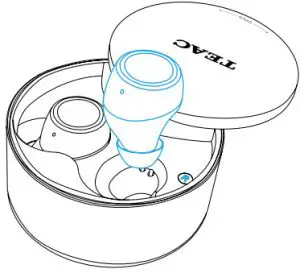 Non-First Connection
Voice Assistant
Clicking the multifunctional touch key continuously three times can start the Siri voice commands.
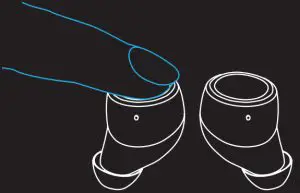
Revert to Binaural mode
If the user wants to start the binaural mode but the earbuds are still in the single-earbud mode, simply put both earbuds back into the charging case and take them out again, the
earbuds will go back to binaural function. This can also be done by manually restoring to default settings.
Restore to default settings
- With a single earbud off, press and hold for 5 seconds until the breathing light flashes quickly.
- Tap the earbud 5 times rapidly until no light to reset it to factory settings.
- Put the earbuds into the charging case to enter the charging mode. Then take out the earbuds and hold them close together. The 2 earbuds will get paired automatically. Or press the 2 earbuds at the same time for 2 seconds to power on.
 NOTE: The above steps need to be done to both earbuds at the same time. The 2 earbuds are paired before leaving the factory. The earbuds will automatically reconnect after being turned on when they are connected to the same device.
Charging Case Power
The number of flashing indicator lights indicates the remaining power level:
4 lights: 75%-100% power
3 lights: 50-74% power
2 lights: 25-49%
1 light: 1%-24% (the case
will need to be recharged)
Charging the Case
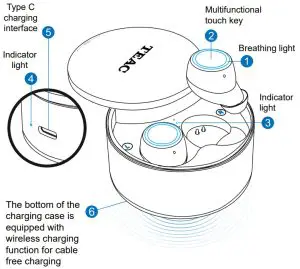
Use either a type C cable or wireless charger to charge – the indicator light is red when charging and blue when fully charged
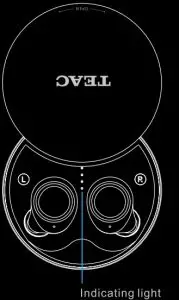 Charging the Earbuds
The breathing lights will flash constantly when charging and automatically turn off when fully charged.
Playing Music
- Click the multi-touch key to play/pause
- Press and hold the multi-touch key for 2-3 seconds (L previous song, R next song)
- Double-tap the multi-touch key to increase or decrease the volume.
Phone Call
- When there is an incoming call, click the earbud multi-touch key to answer or press and hold for 2-3 seconds to reject.
- During a call, clicking the earbud multi-touch key will end the call and return to the previous state.
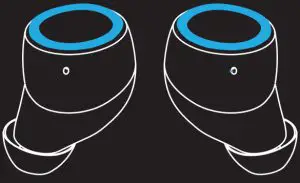
 In stereo mode, L decreases volume and R increases volume. When the volume reaches its minimum or maximum a beep will sound. In mono mode, you will hear a beep when the volume reaches a maximum and then the volume will decrease.
Troubleshooting
FAULT | CAUSE | SOLUTION |
| Cannot power on | Lack of power | Charge the earbuds |
| No indication of charging | Earbuds put in case incorrectly | Place earbuds correctly in case |
| Powers off automatically | Lack of power | Charge the earbuds |
| Earbuds echoing | Volume is too loud or it is too noisy outside | Adjust the volume or change the environment |
| Noise in earbuds | External interference or too far from connected mobile phone | Change location or move closer to the connected mobile phone |
| Low call volume | Earbuds wore incorrectly or the volume is low | Wear earbuds correctly or adjust the volume |
| Signal is interrupted | External interference or the volume is too low | Relocate to place without or move closer to phone |
| Only one earbud sounds | Earbuds are not paired successfully | Pair the two earbuds |
TERMS AND CONDITIONS
Our goods come with guarantees that cannot be excluded under the Australian Consumer Law. You are entitled to a replacement or refund for a major failure and for compensation for any other reasonably foreseeable loss or damage. You are also entitled to have the goods repaired or replaced if the goods fail to be of acceptable quality and the failure does not amount to a major failure.
- TEAC warrants that this product is free from defects in material and workmanship under normal domestic use with reasonable care and skill. Maintenance and cleaning (i.e. laser head) are not covered by this warranty. The TEAC warranty only applies to TEAC products purchased NEW from a TEAC Authorised Retailer in Australia. This warranty only applies to the original purchaser and cannot be transferred.
- The benefits to the consumer given by this Warranty are in addition to other rights and remedies of the consumer under a law in relation to goods or services to which the warranty relates, being the Australian Consumer Law.
- Refund or replacement via your TEAC Authorised Retailer is available for a period of 14 days after purchase for goods that have been inspected and determined to have a major failure. Refund and exchange are not applicable for change of mind.
- Subject to the terms herein, this warranty effectively covers TEAC products under the 12 Month Replacement Warranty Scheme, 12 months from the date of original purchase.
- The warranty is void and warranty claims may be refused, subject to the Australian Consumer Law, if:
a) The product was not transported, installed, operated, or maintained according to manufacturer instruction, or
b) The product was abused, damaged, tampered, altered, or repaired by any unauthorized persons, or
c) Product failure is due to accidents during use, installation, or transit, power surges, use of defective or incompatible external devices, exposure to abnormal conditions such as excessive temperatures or humidity, or entry of liquids, objects or creatures into the product, cockroach infestations, or
d) The customer is unable to provide proof of purchase of the product for verification, or
e) The serial number of the product is missing or has been tampered with. - No one is authorized to assume any liability on behalf of TEAC or impose any obligation on it, in connection with the sale of any equipment other than as stated in this warranty and outlined above.
- TEAC and/or its Authorised Service Centres reserve the right to inspect and verify whether the product is exhibiting a major failure as claimed by customers/retailers.
 TEAC Warranty Service-Hotline: 1300 553 315
Call us between Monday to Friday – 8.30 AM to 5 PM
BEST
*Please have your purchase receipt and the product’s serial number ready
For other inquiries and support please visit www.teac.com.au