 8151790 BASIC 1
Robotic Pool Cleaner BASIC 1
Operating Instructions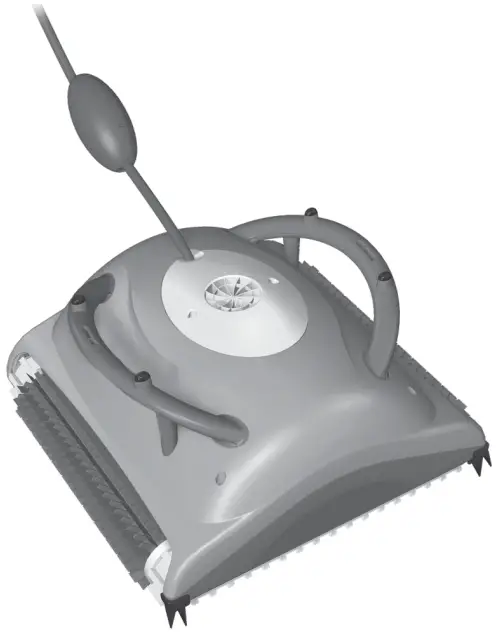
INTRODUCTION
Thank you for purchasing a Maytronics Pool Cleaner.
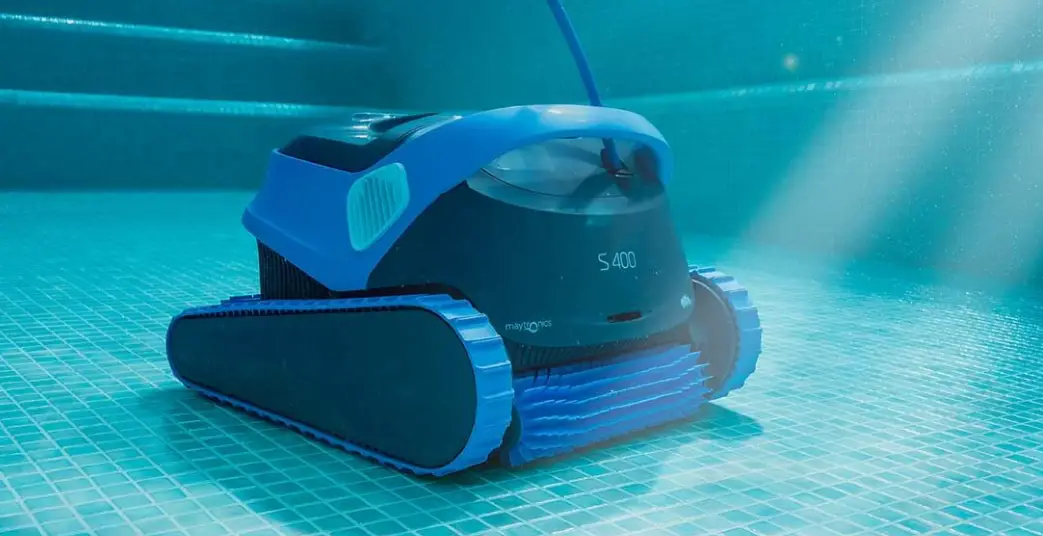
We are sure that your Maytronics Robotic Pool Cleaner will provide you with reliable, convenient and cost effective pool cleaning. Its reliable filtration in all pool conditions and all-surface climbing brush enhance maximum pool hygiene.
The Robotic Pool Cleaner by Maytronics deliver advanced cleaning technologies,, long lasting performance and easy maintenance.
SPECIFICATIONS
Motor protection: IP 68
Minimum depth: 0.4 m (1.33 ft)
Maximum depth: 5 m (16.4 ft)
Power Supply
Digital “Switch-Mode” Power Supply
- Input – 100 VAC – 250 VAC
- 50 Hz – 60 Hz
- 180 W
- Output – <30 VDC
- IP 54
WARNINGS AND CAUTIONS
3.1. Warnings
- Use the originally supplied power supply only
- Ensure the electrical outlet is protected by a ground fault interrupter (GFI) or an earth leakage interrupter (ELI)
- Keep the power supply out of standing water
- Position the power supply at least 3.5 m (12 ft) away from the edge of the pool
- Do not enter the pool while the pool cleaner is working
- Unplug the power supply before servicing
- Keep the Robotic Pool Cleaner out of the reach of children or persons with reduced physical, sensory, or mental capabilities, or lack of experience and knowledge, unless they have been given supervision or instruction.
3.2. Cautions
Use the Pool Cleaner in the following water conditions only:
| Chlorine | 4 ppm max. |
| pH | 7.0 – 7.8 |
| Temperature | 6 °C – 35 °C (43 °F – 95 °F) |
| NaCl | 5000 ppm max. |
POOL CLEANER PARTS
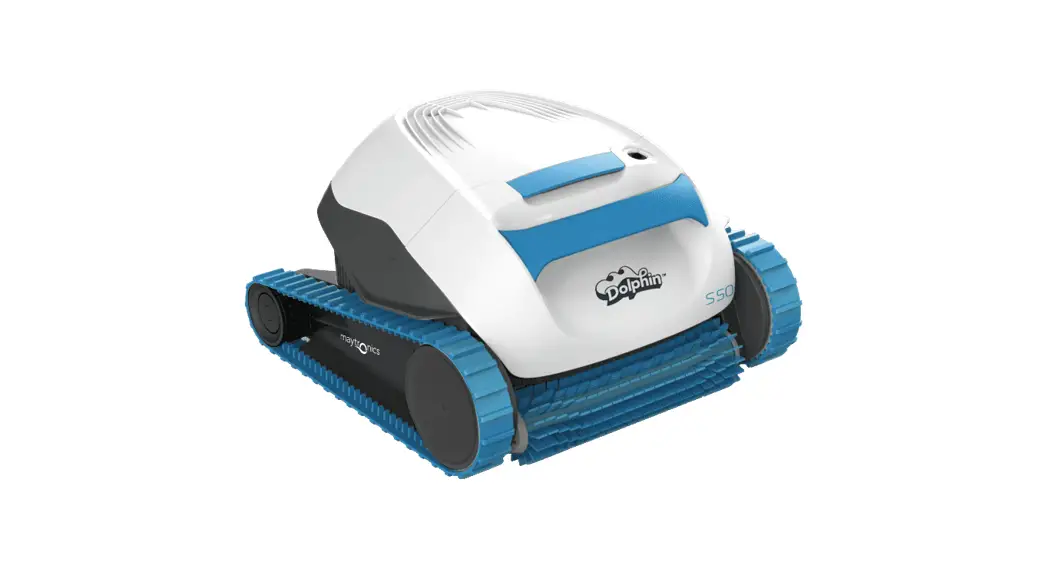
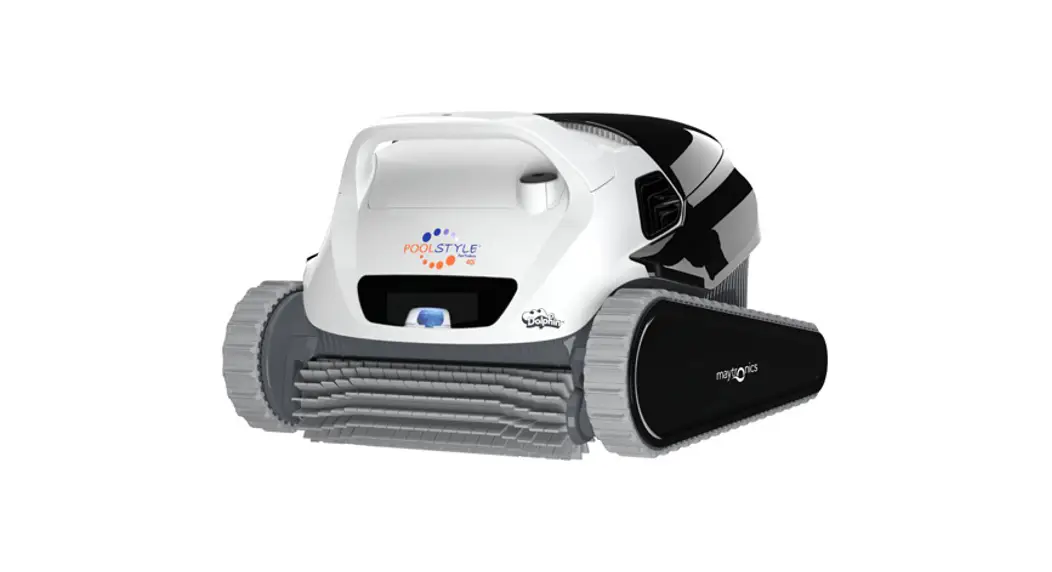
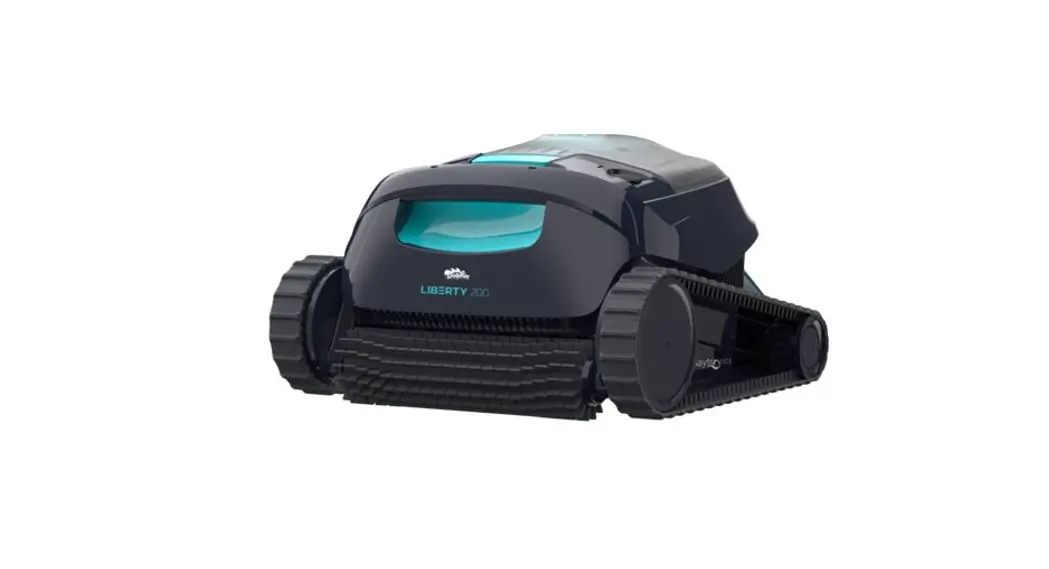
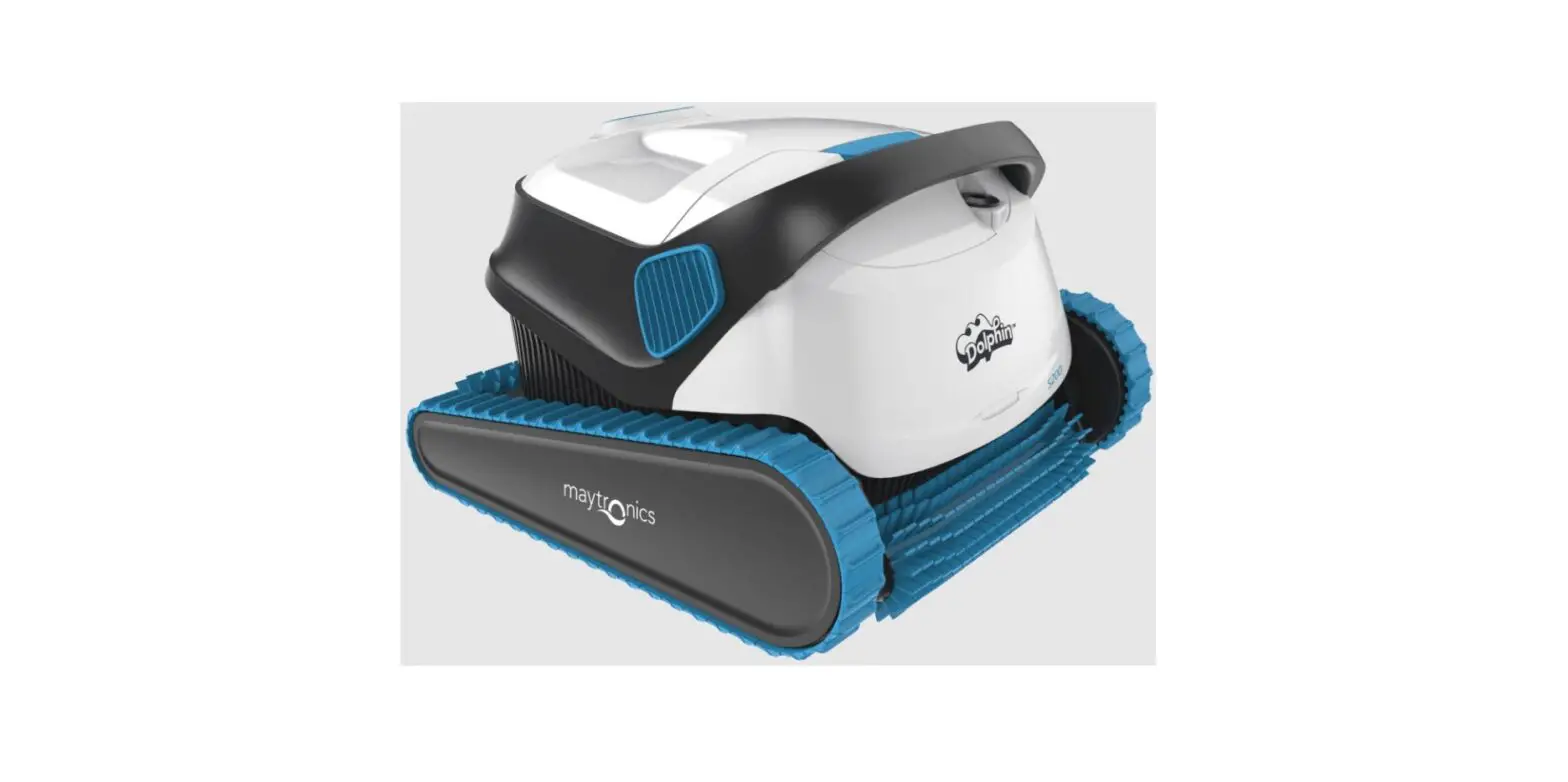
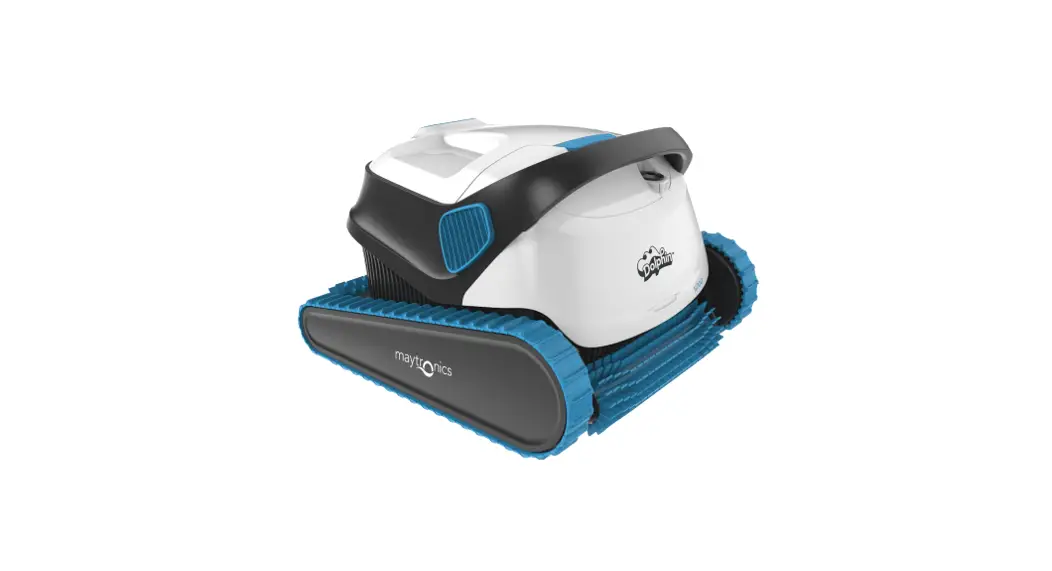
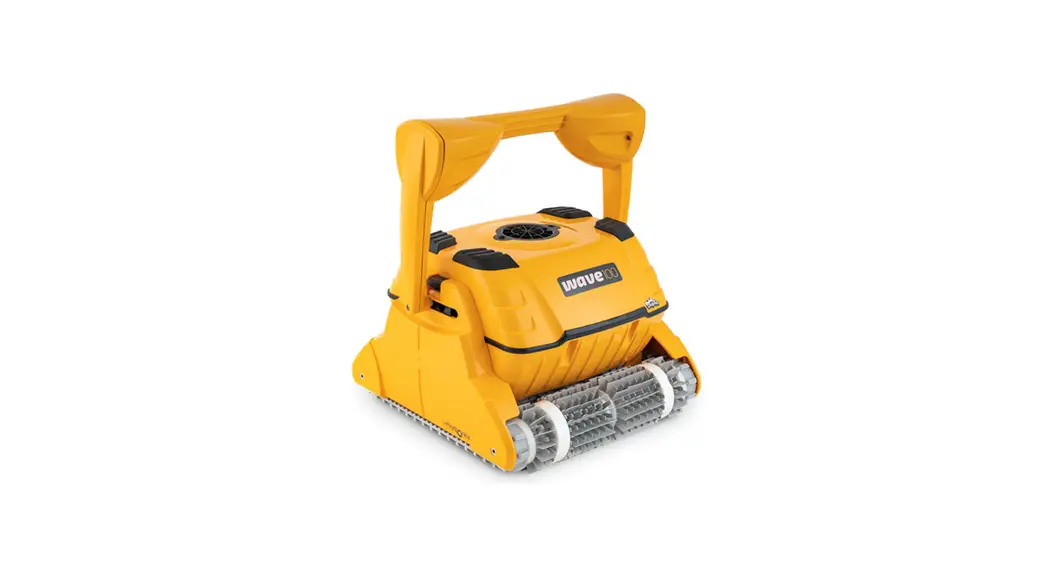
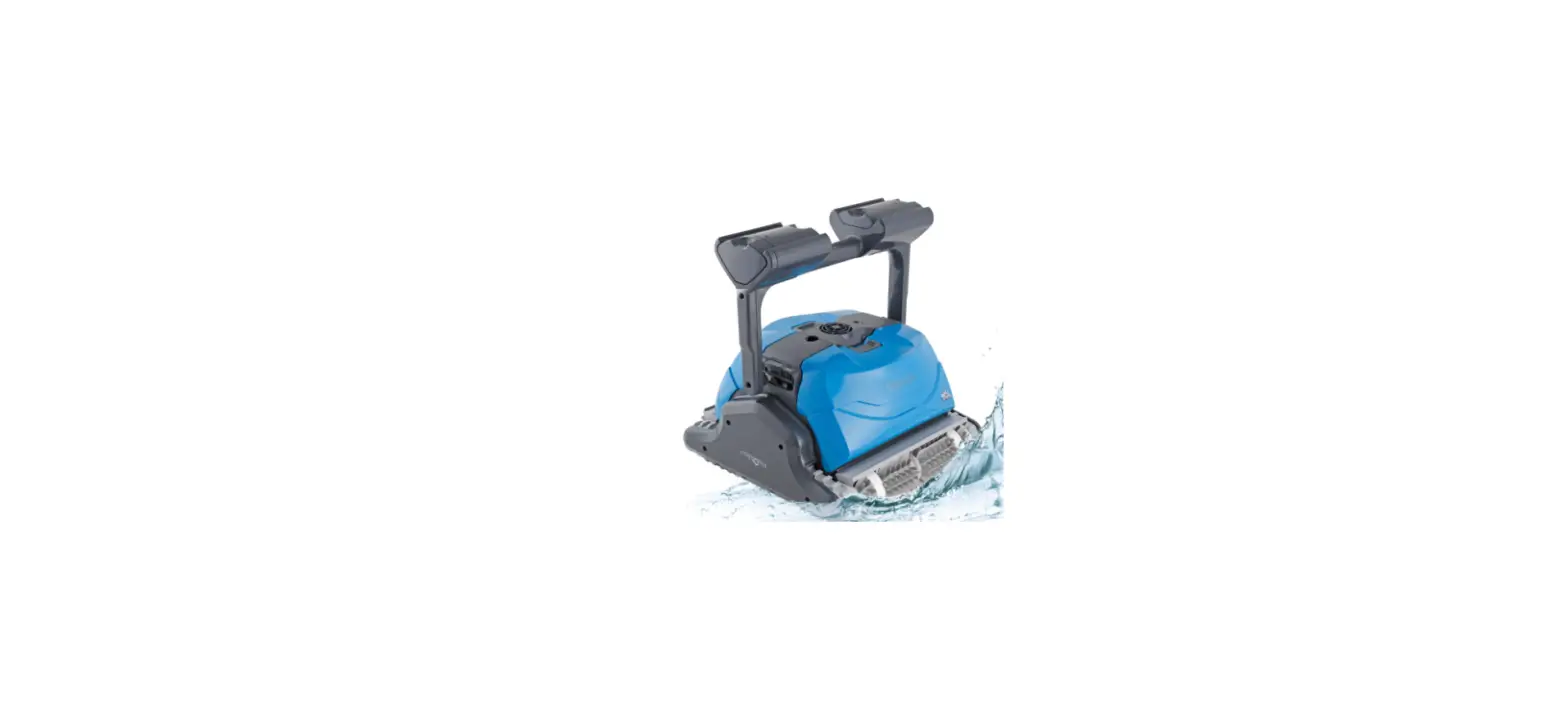
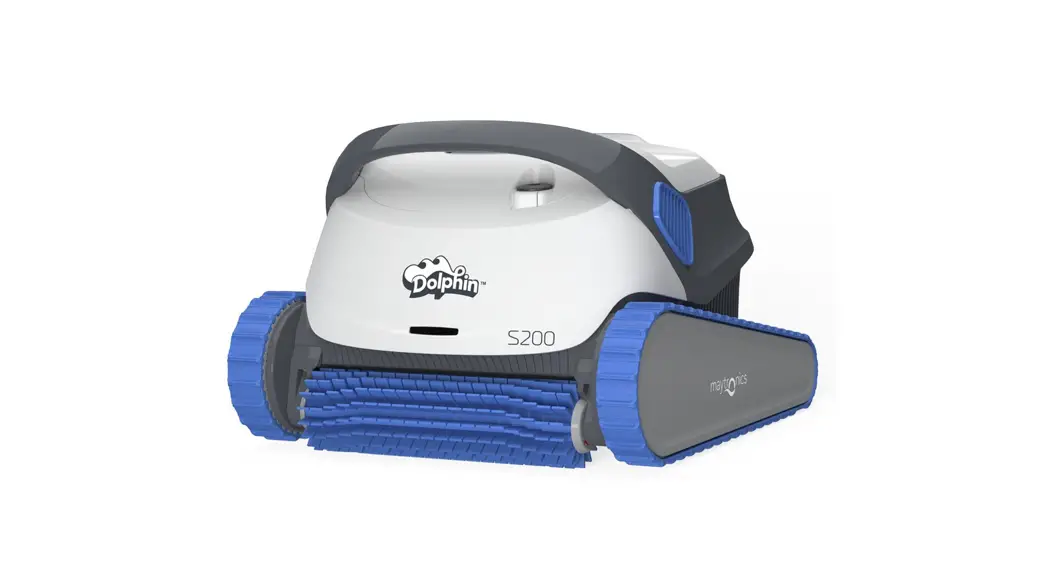
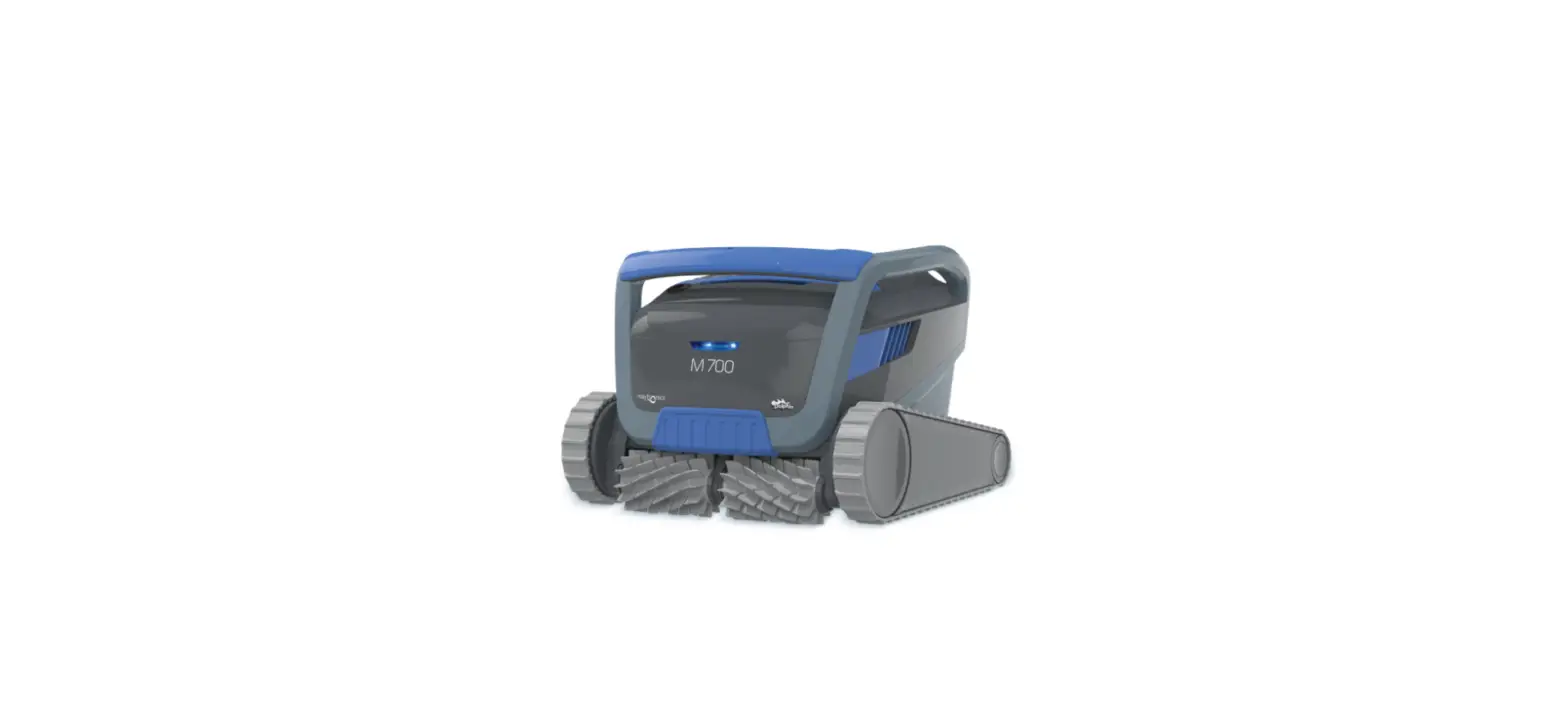
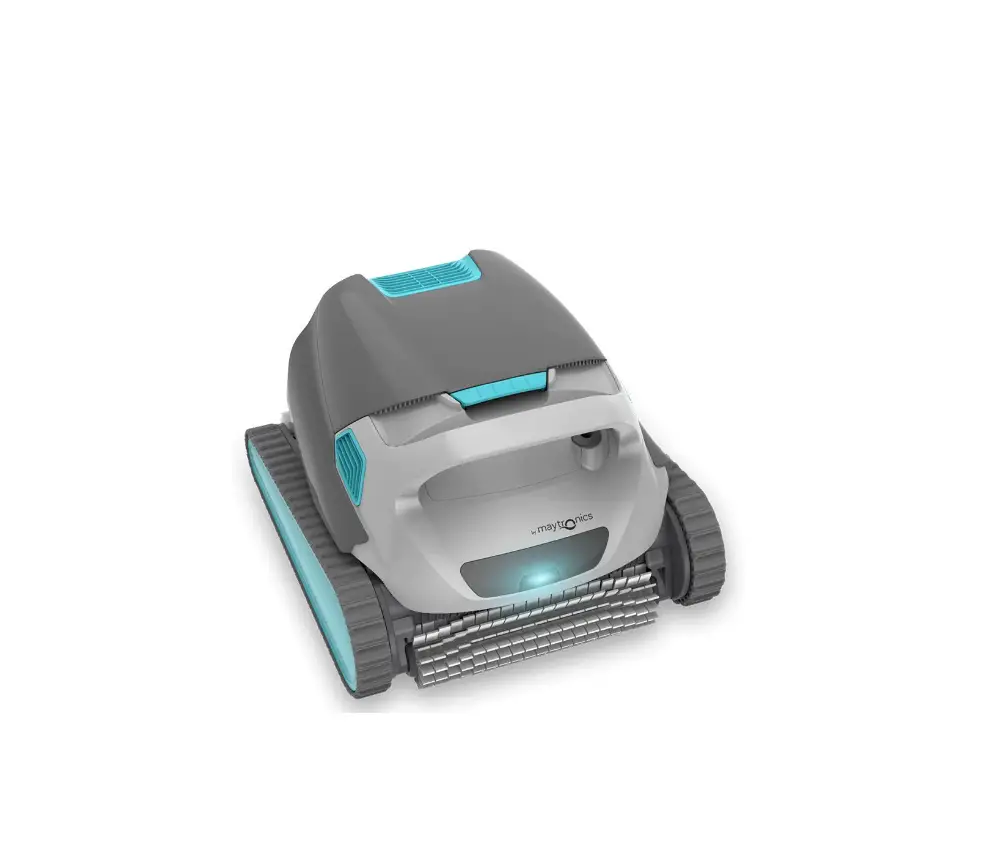
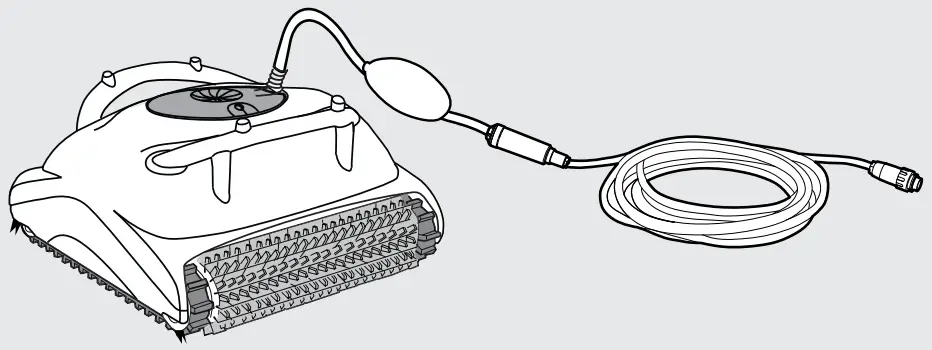
 Robotic Pool Cleaner R1
 Brushes
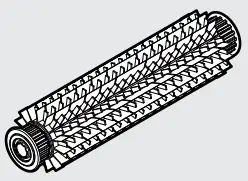 PVC Brush
For concrete, PVC, fiberglass and linerFiltration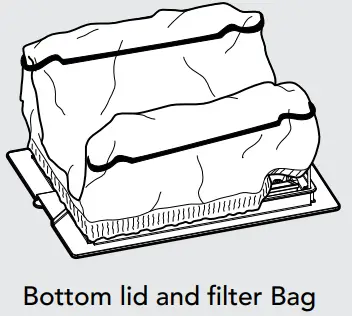 Power Supply Unit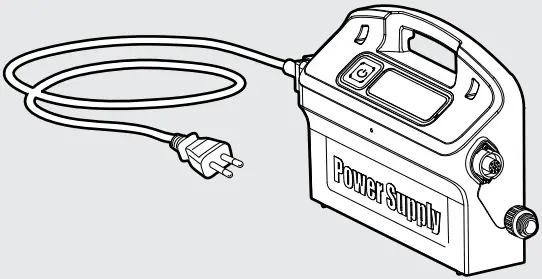
USING THE POOL CLEANER
5.1. Set Up
Position the power supply so that it is approximately in the middle of the long side of the pool at a distance of 3.5 m (12 ft).
Attach the floating cable to thepower supply by inserting it with the notch on the connector (1) lined up with the groove in the socket on the power supply and turning clockwise (2).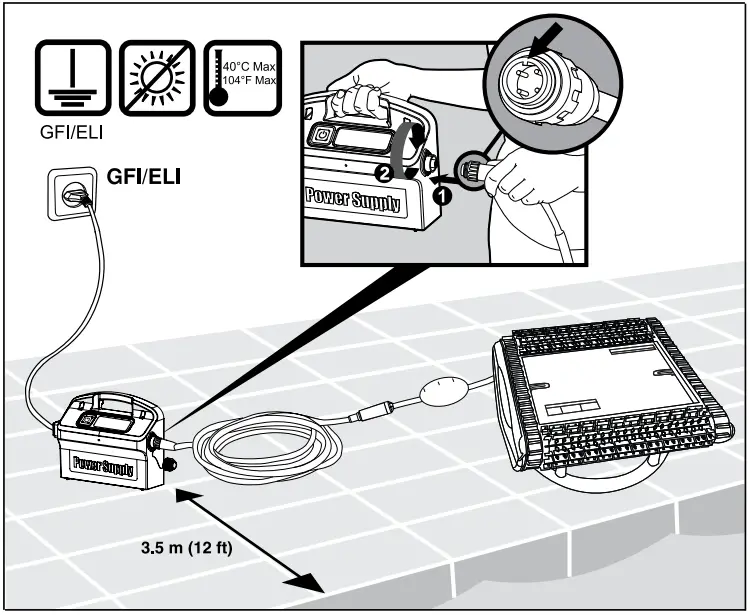 5.2. Putting the Pool Cleaner into the pool
If Wonder (foam) brush/ Wonder rings are dry, soak them in water until soft.
Shake the Pool Cleaner from side to side or turn it upside down to release trapped air.
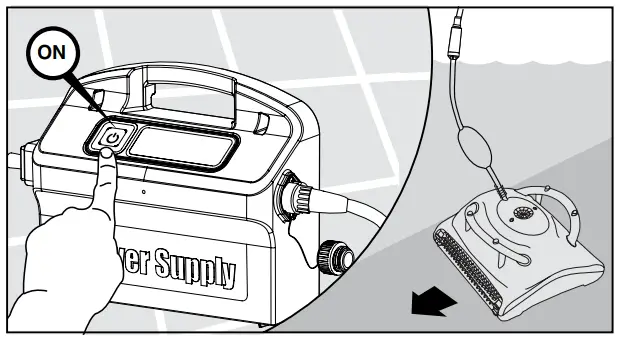
Let it sink to the pool floor.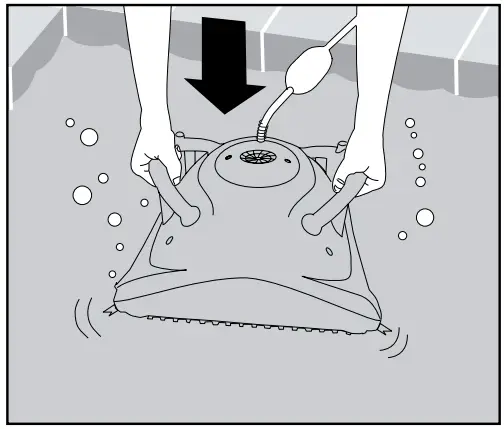 Turn the power supply ON.
 5.3. Removing the Pool Cleaner from the pool
The Pool Cleaner will perform automatic shut-off at the end of the cleaning cycle. Turn OFF and unplug the power supply.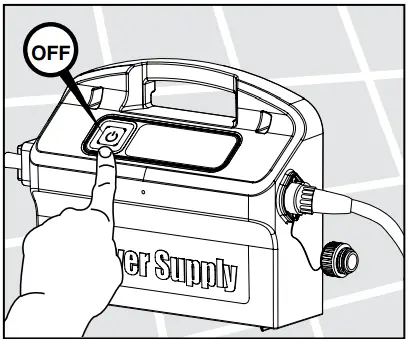 Using the floating cable, bring the Pool Cleaner to the pool’s edge.
 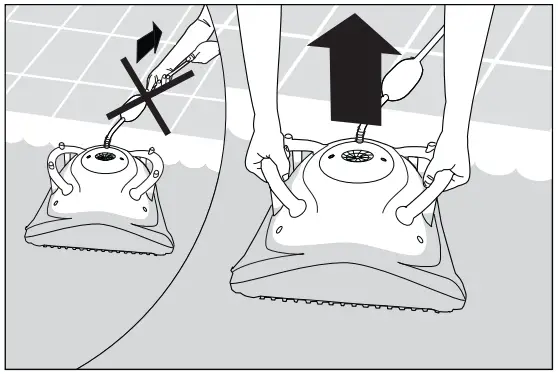 DO NOT PULL THE POOL CLEANER FROM THE POOL USING THE CABLE.
5.4. Maintenance
5.4.1. Cleaning the filtration system: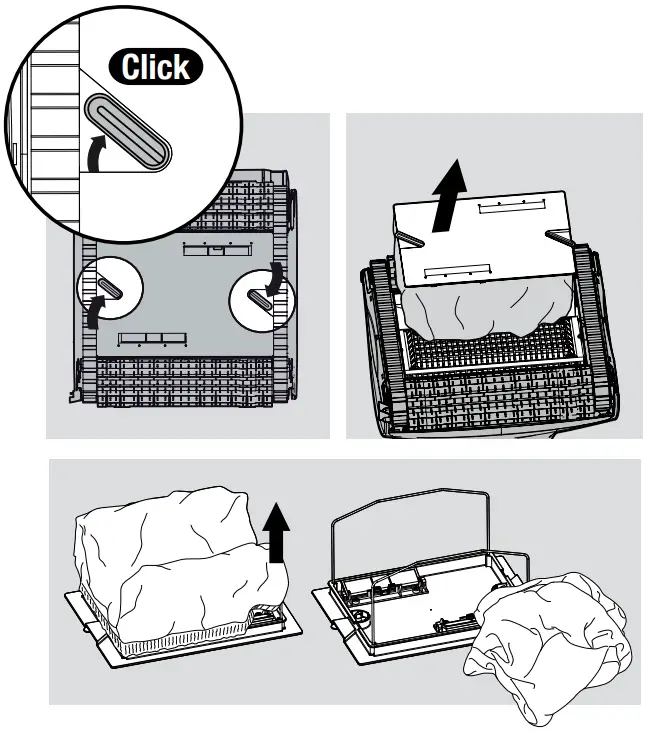 Cleaning the filter bag Unplug the power supply.
Turn the Pool Cleaner upside-down.
Open the bottom lid.
Remove the filter bag.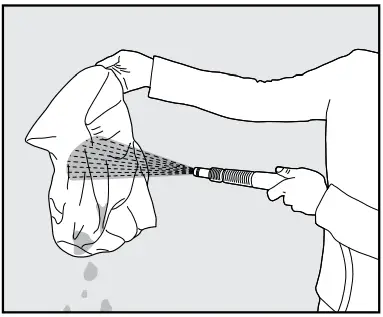 Clean the filter bag with a hose.
We recommend that you periodically wash the filter bag in a washing machine using the gentle cycle program.
Periodically clean the brushes with a hose.
Replacing the filter bag
Put the filter bag over the frame so that the strap is in the middle of the shortest side.
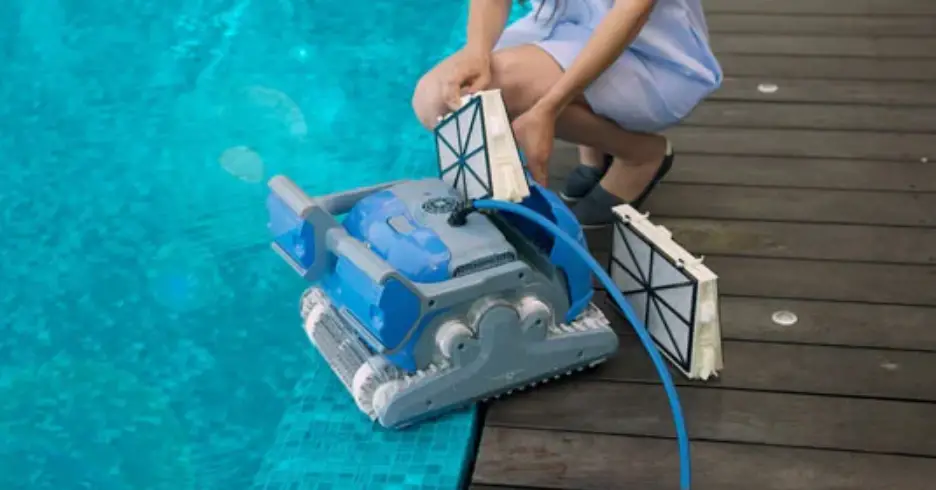
Make sure that filter bag is positioned properly on the frame.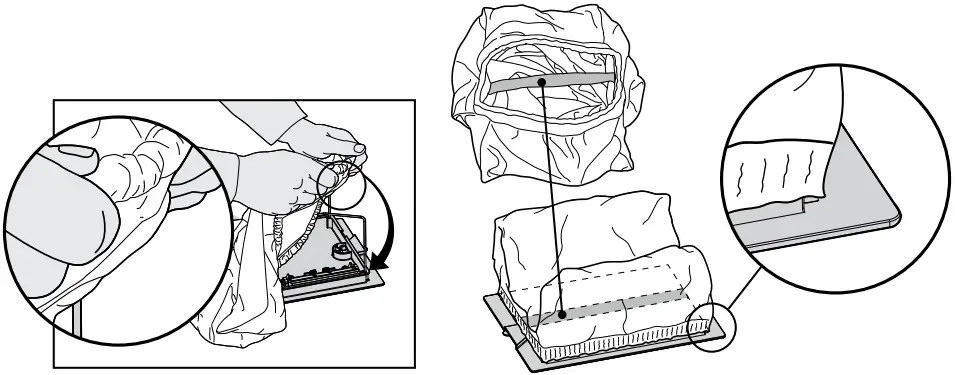 Cleaning the cartridge filters
Note: Don’t let the cartridge filters dry out before cleaning.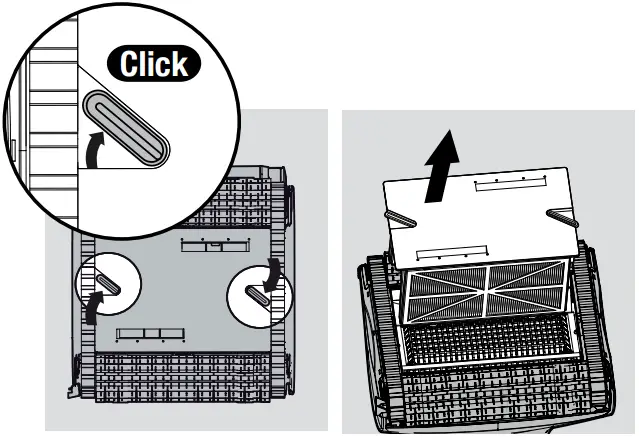 Unplug the power supply.
With the pool cleaner upside down open the bottom lid and pull it out.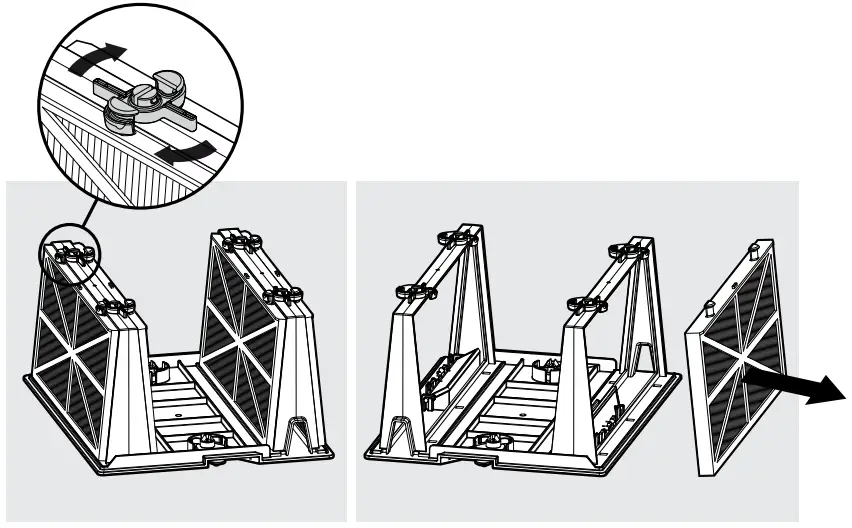 Open the clips and remove the filters.
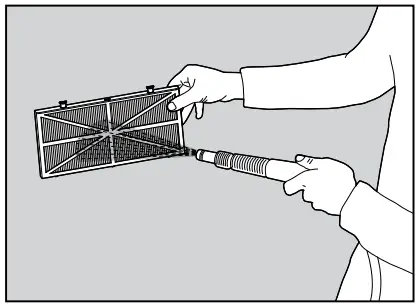 Clean the filters with a hose.
Insert the filters with the plastic backing facing out.
Insert the cartridge unit.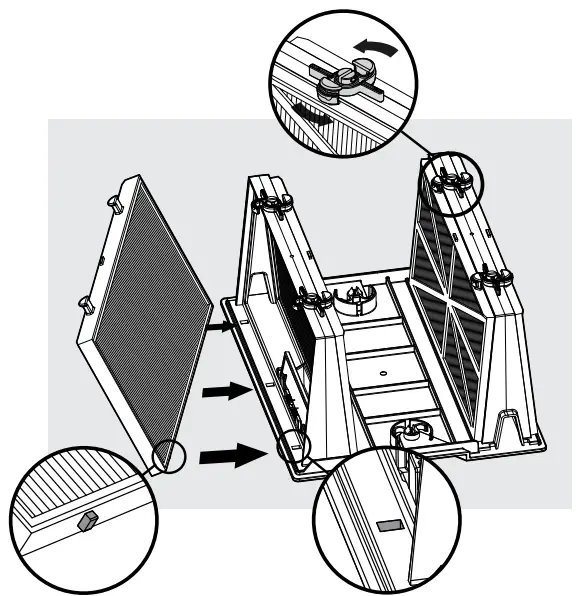 5.4.2. Cleaning the impeller Unplug the power supply.
If you notice debris trapped in the impeller open the impeller and remove the debris. 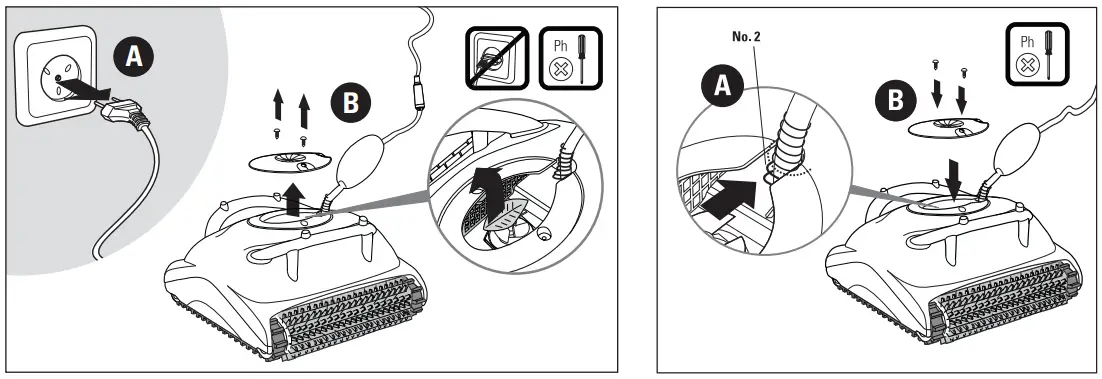 Cable
Cable
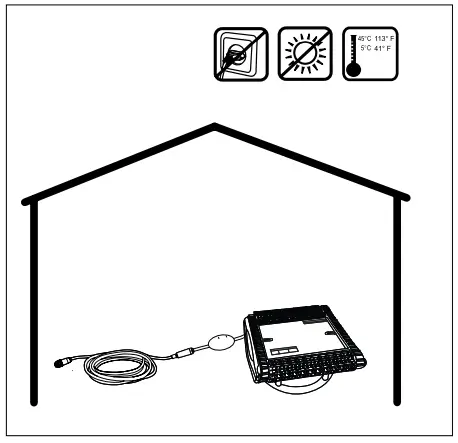
To remove the kinks, stretch the cable out completely and let it sit for at least a day in the sun.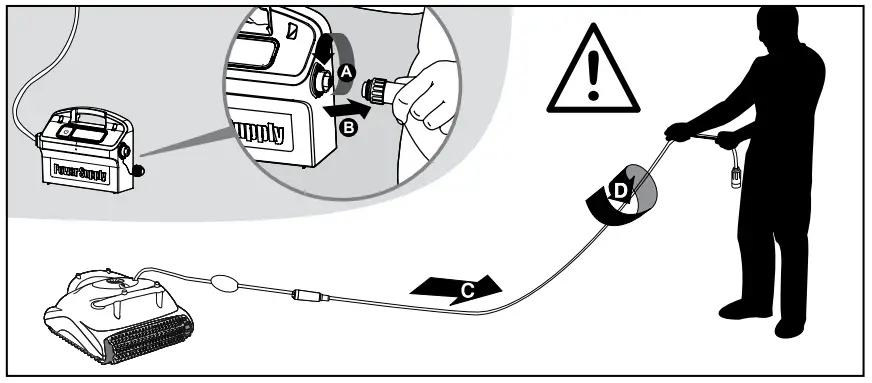 5.5. Off-season storage
If the pool cleaner will not be in use for an extended period, perform the following storage steps:
- Make sure that no water is left in the pool cleaner.
- Thoroughly clean the filter bag or cartridge and insert inplace.
- Roll up the cable so that it has no kinks.
- Store the Pool Cleaner in a protected area upsidedown (not on its brushes).