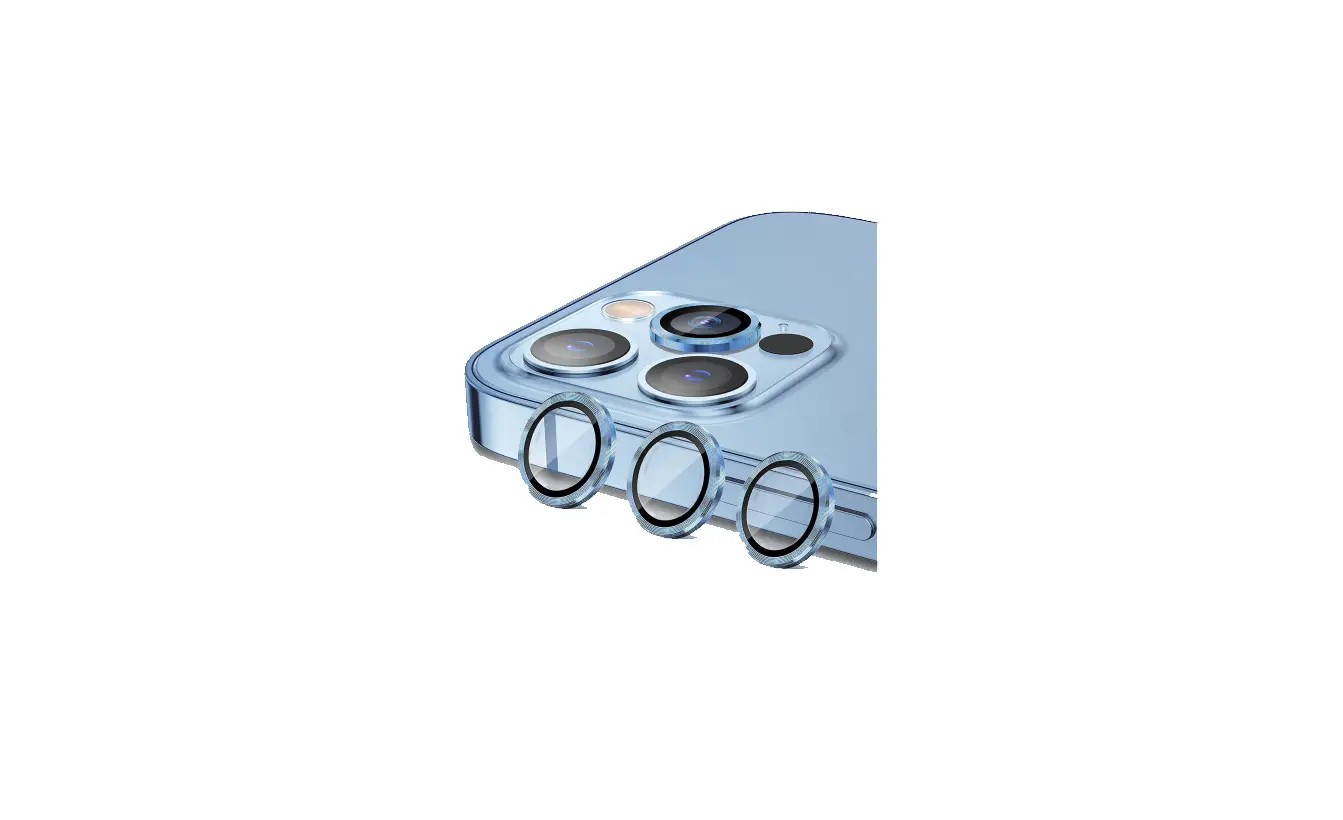

Blue Built 13 Pro Camera Lens Protector Glass User Guide

Blue Built 13 Pro Camera Lens Protector Glass User Guide

Blue-Built-logo

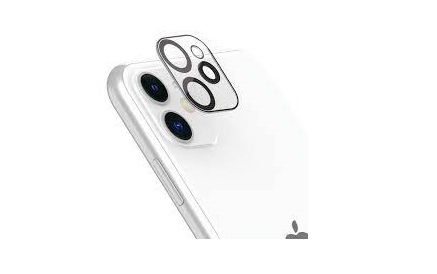
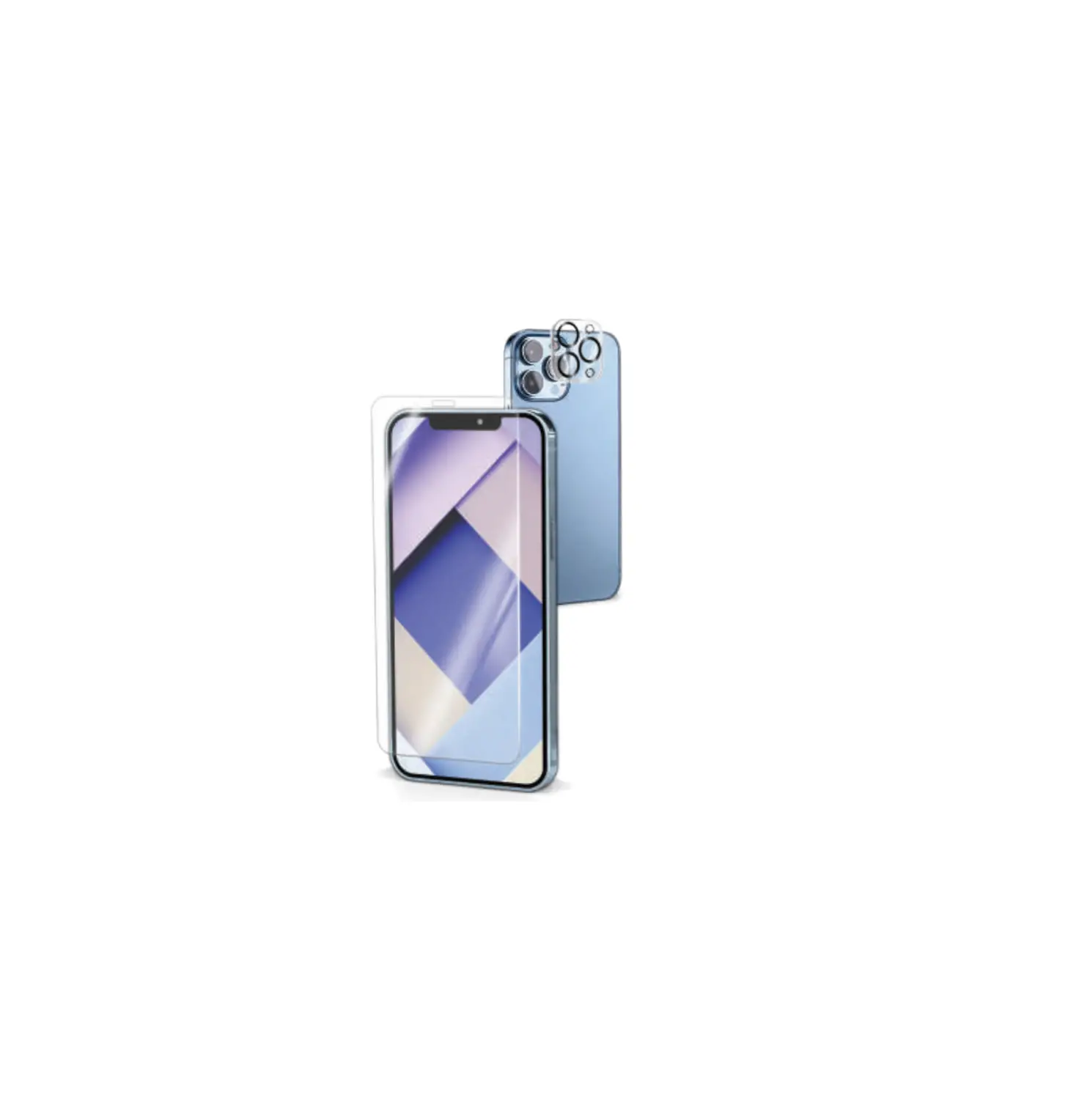
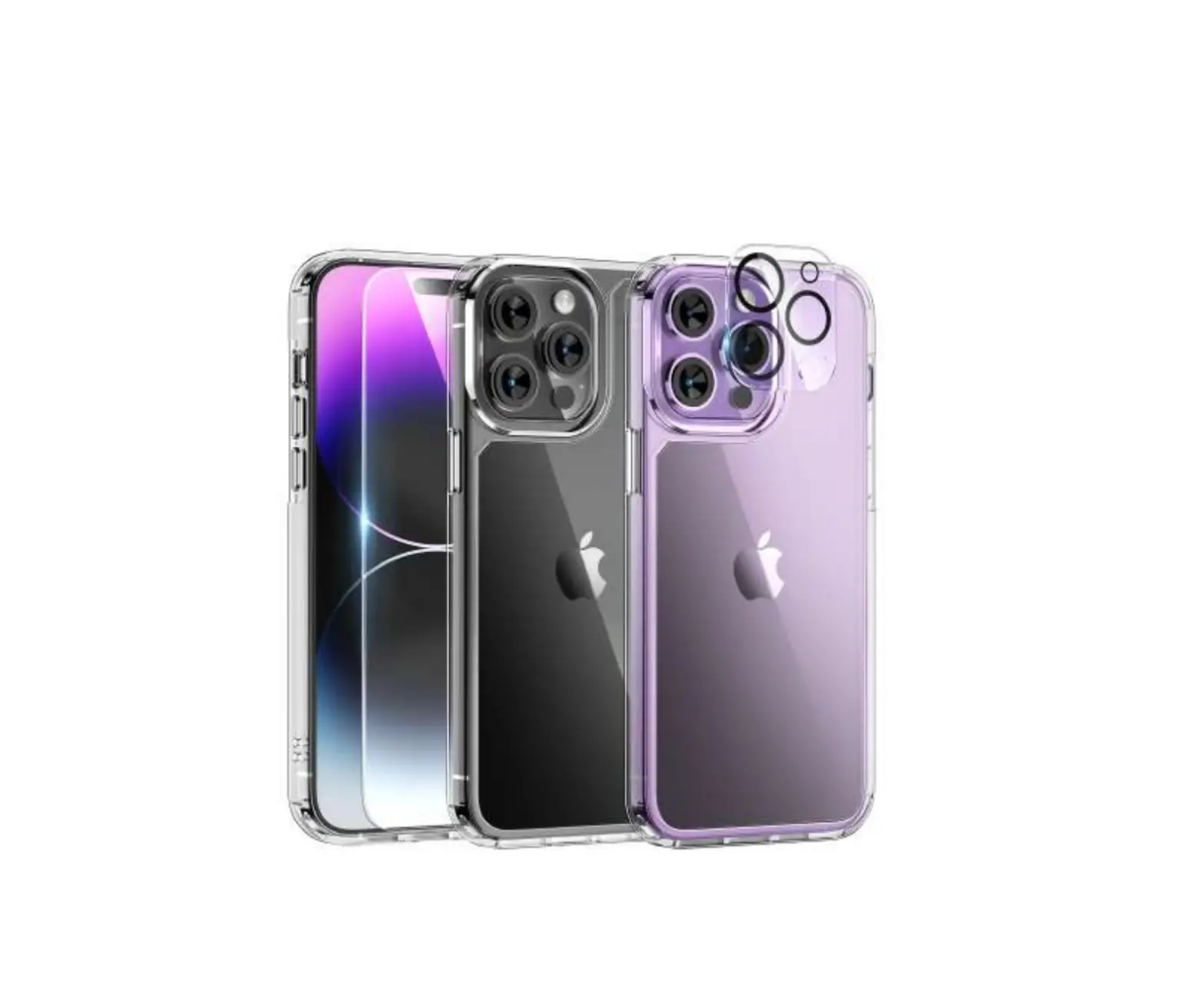
blue built 13 Pro Camera Lens Protector Glass
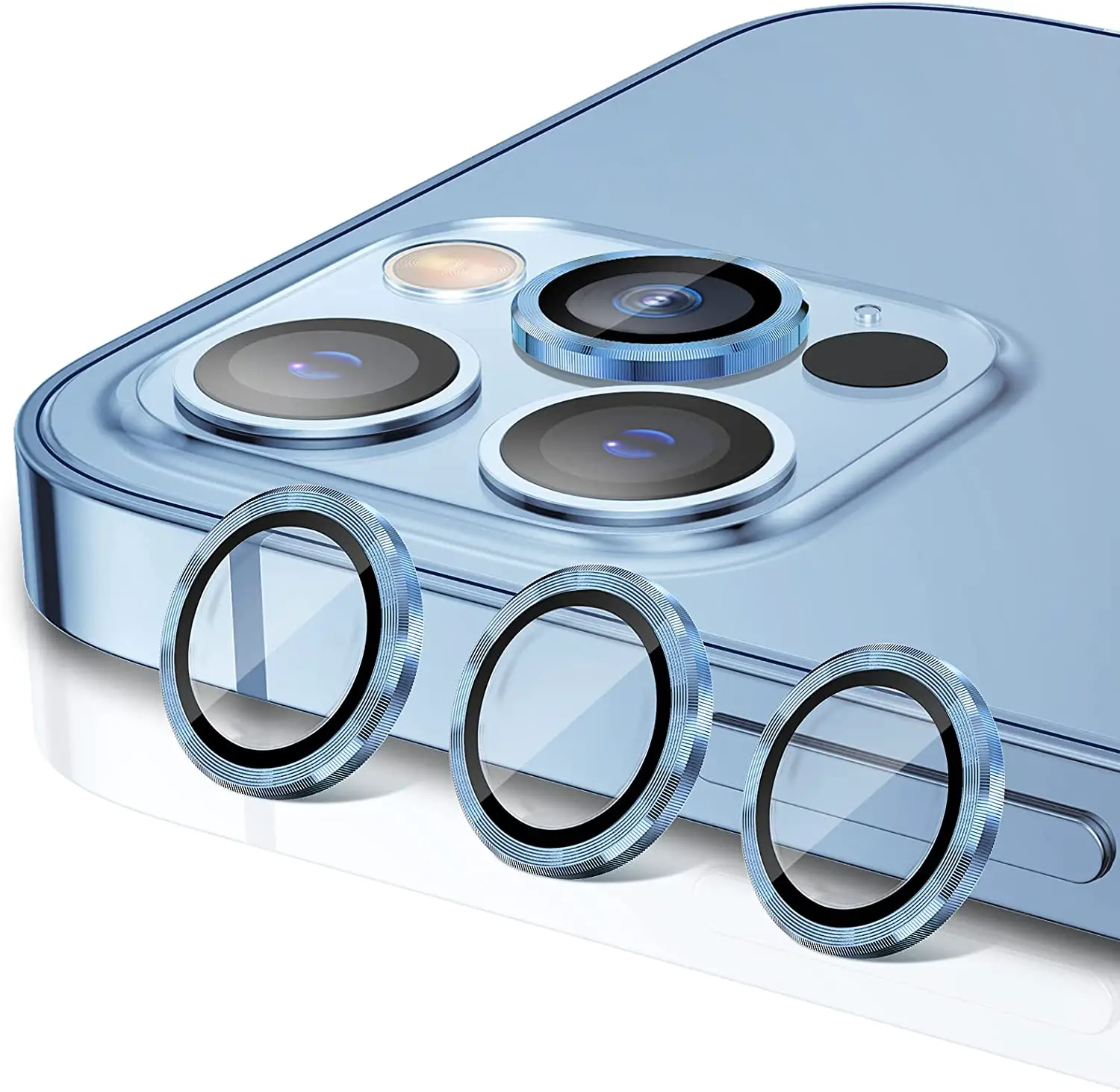
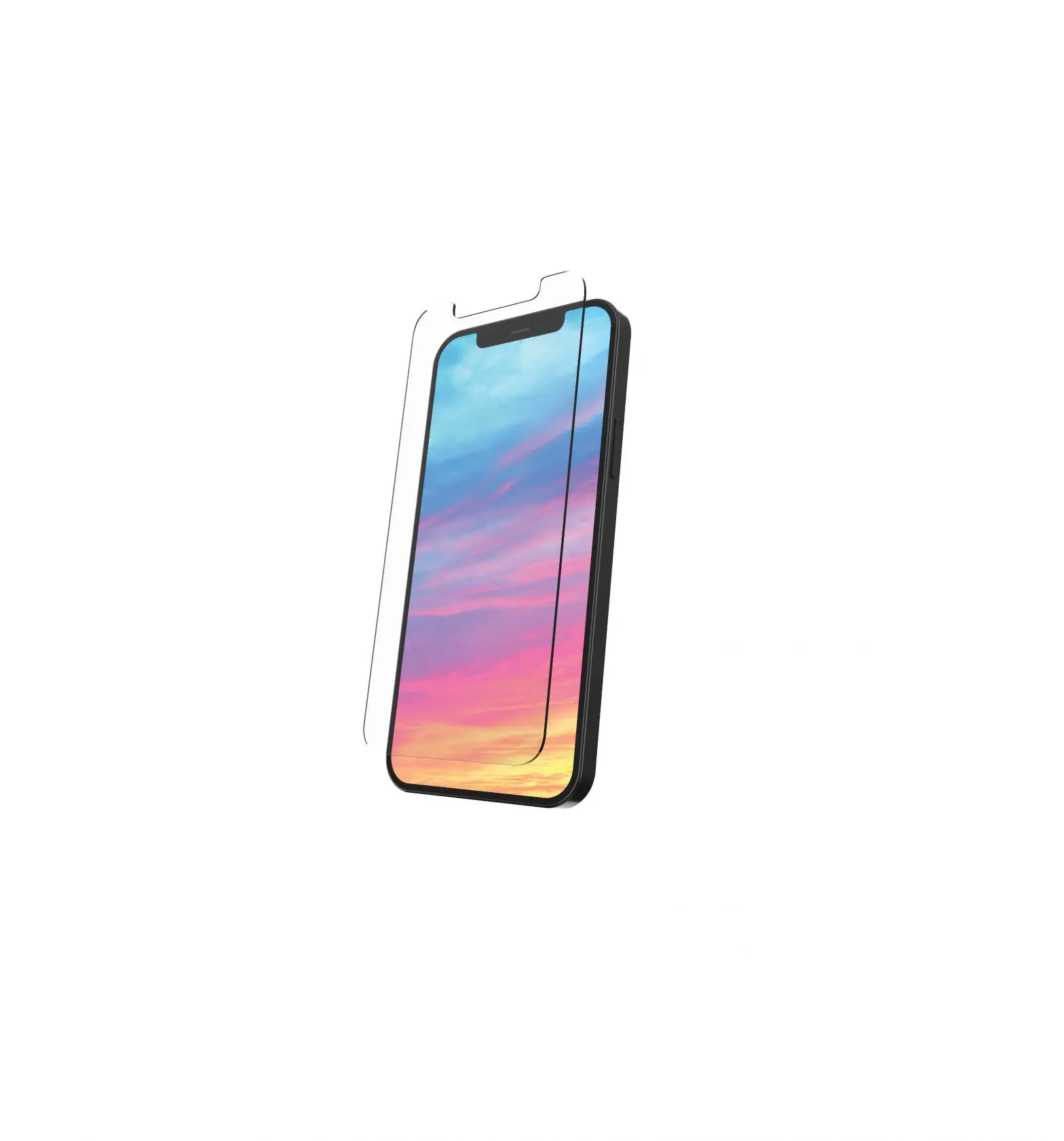
blue-built-13-Pro-Camera-Lens-Protector-Glass-fig-1

APPLYING INSTRUCTION

  1. Clean your camera island with the alcohol wipe and dry it with the microfiber cloth.

    blue-built-13-Pro-Camera-Lens-Protector-Glass-fig-2

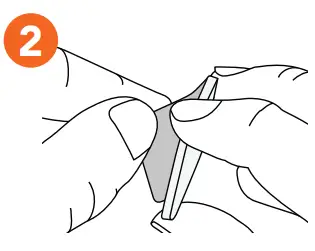
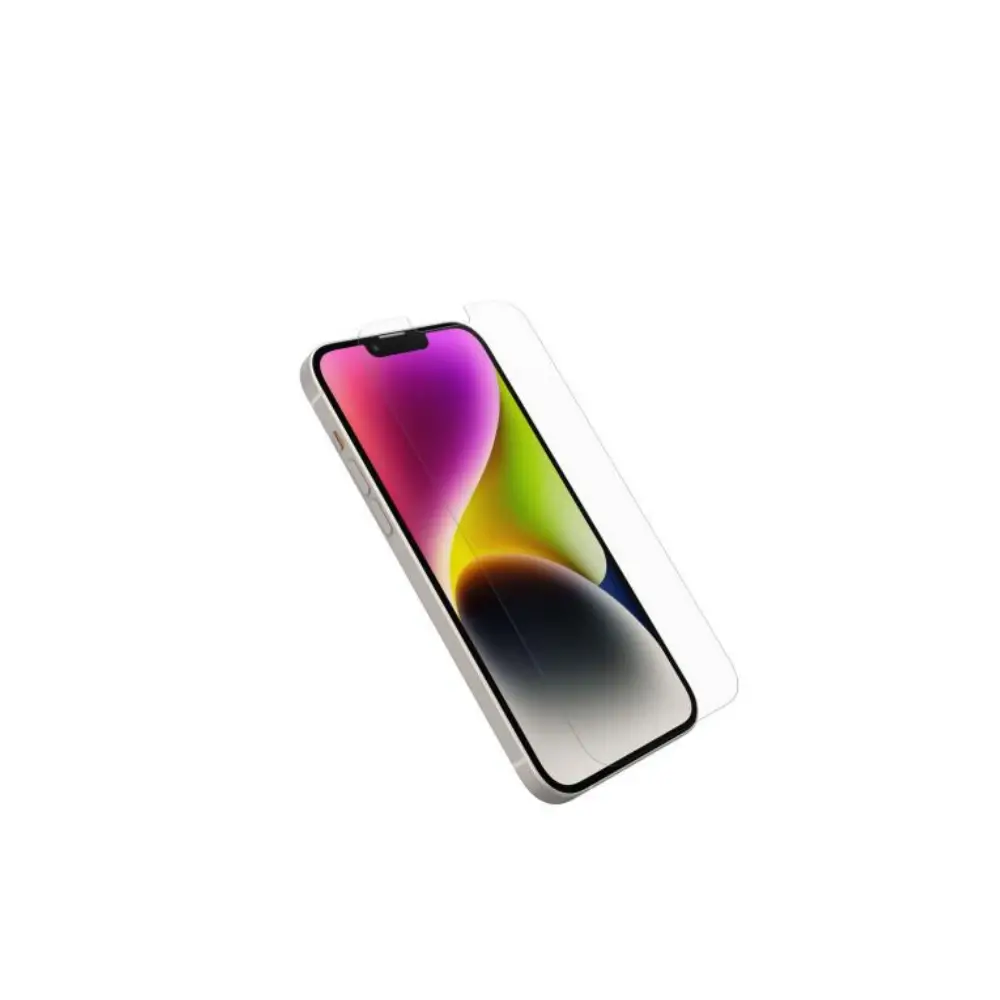
  2. Remove the protective film of the screenprotector.

    blue-built-13-Pro-Camera-Lens-Protector-Glass-fig-3

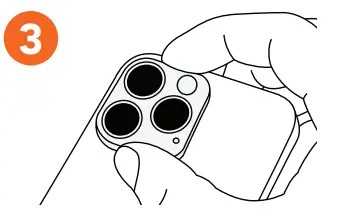
  3. Align the screenprotector with the centre of your camera island and apply it carefully. Let it rest for at least 9 hours.

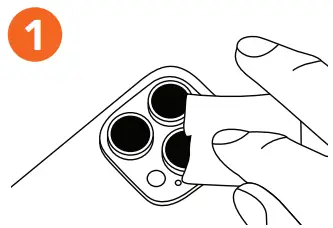
    blue-built-13-Pro-Camera-Lens-Protector-Glass-fig-4

Do you have a question?
Coolblue.nl/en/customerservice
Documents / Resouces

Download manual
Here you can download full pdf version of manual, it may contain additional safety instructions, warranty information, FCC rules, etc.


Related Manuals