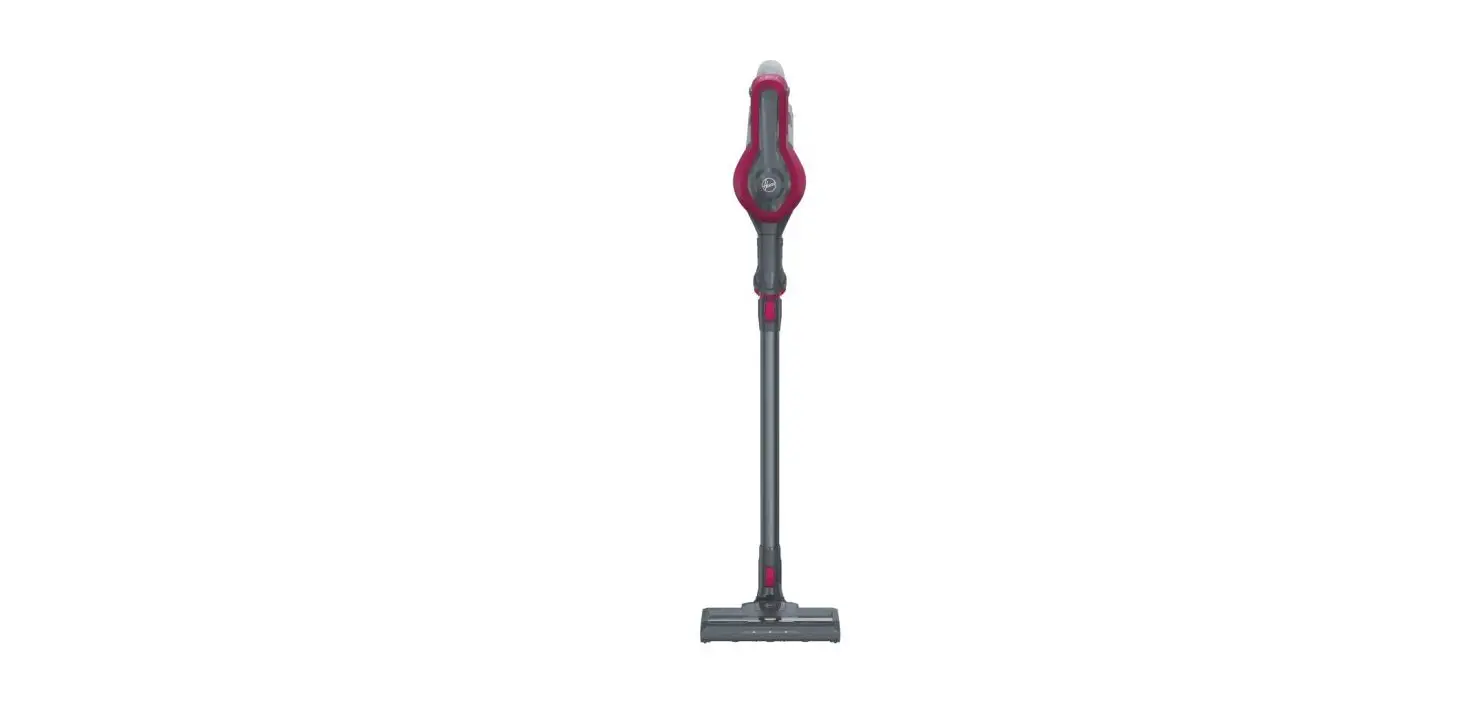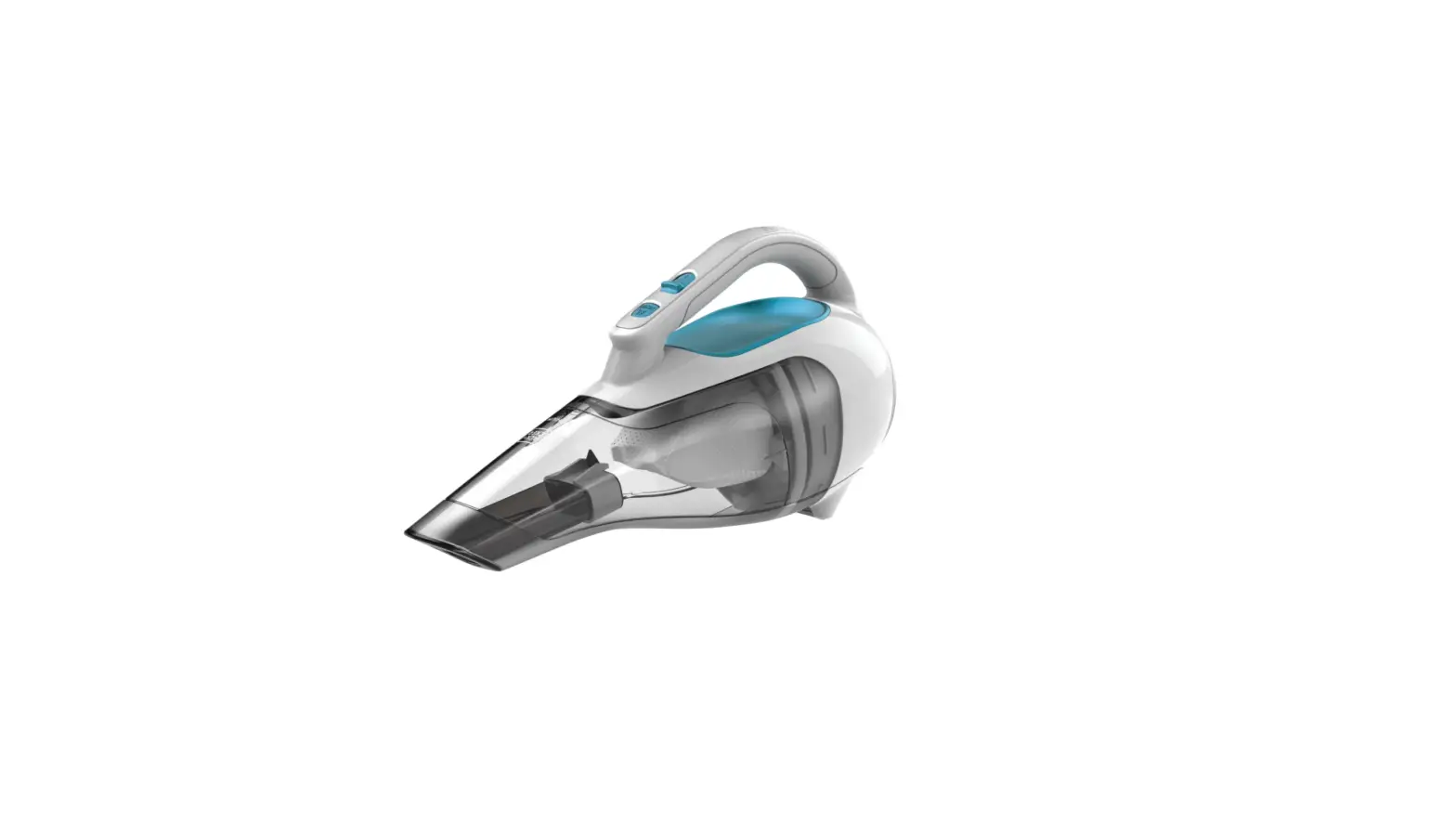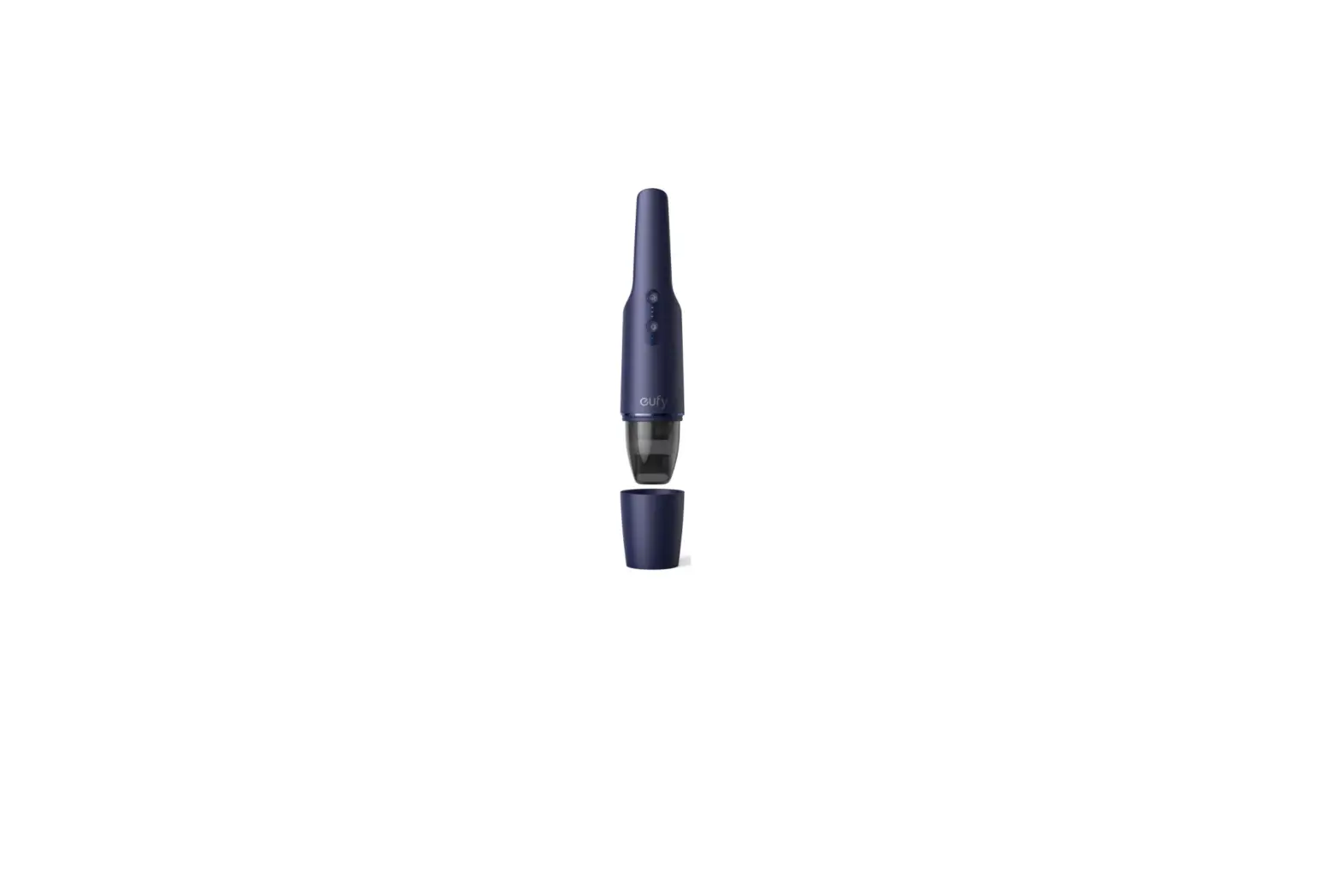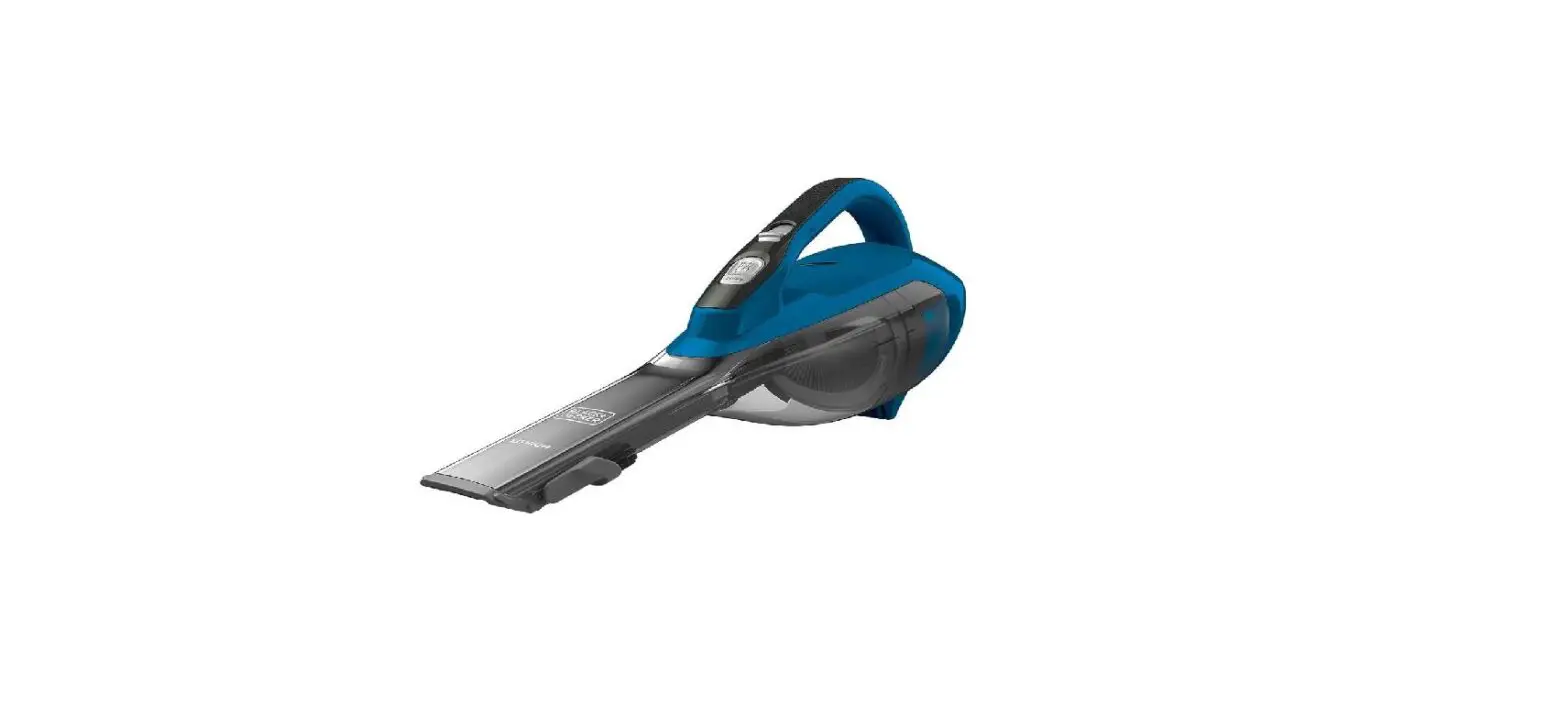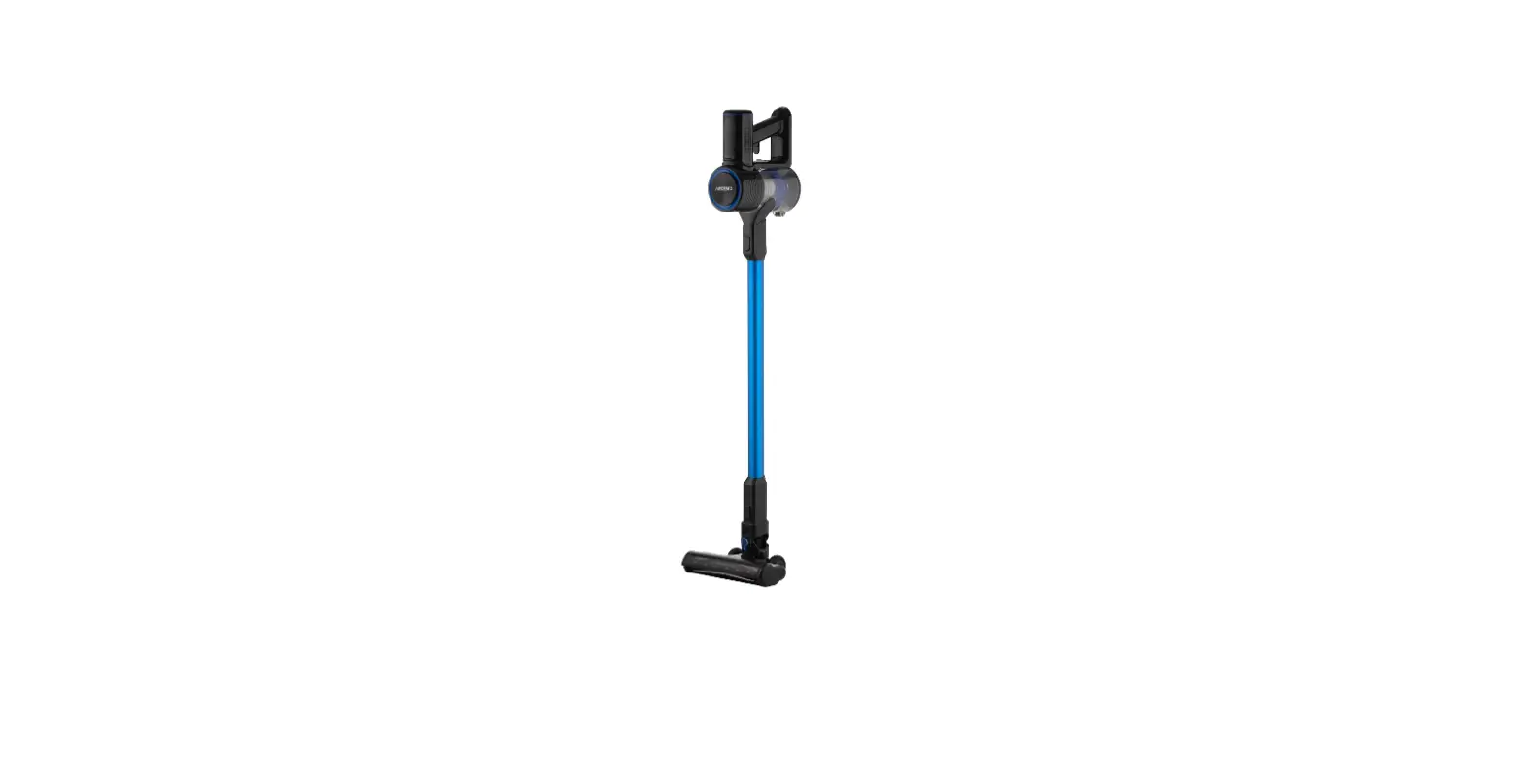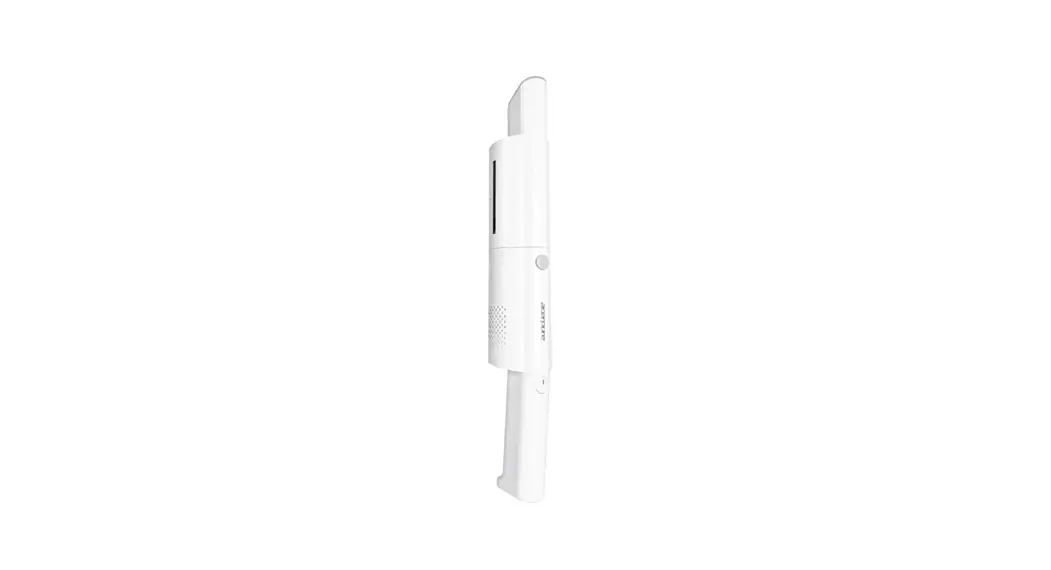
 Cordless Vacuum Cleaner
User Manual
 Model: HV312-10W
www.acerpure.com
Copyright ©2022 AcerPure Inc.
All Rights Reserved.
HV312-10W Cordless Vacuum Cleaner
Thank you very much for purchasing this product. Please make sure to read this manual carefully, use this product correctly, and store it properly.
Safety Instructions
 means it is “prohibited”
 means “caution” is required
| This product is for family and office use Do not use it for other purposes. | | Check whether the power cable and plug are damaged before use. Do not bend or tug on the power cable in order to prevent poor connection. |
| Note that only the provided removable power supply device can be used for battery charging. | | Switch off the power before unplugging the power plug. Do not touch the power plug with wet hands in order to prevent the danger of electric shock. |
| Children should be supervised to ensure they do not play with or lean against electrical appliances. Please be extra careful when using it nearby children. | | It is strictly prohibited to use this product without having it assembled. Please install and charge/store it in a well-ventilated location. |
| To avoid electric shock or fire, do not install, charge, or store this product in an environment where it may be exposed to water, rain or high humidity. | | This product is not intended for use by users (including children) with physiological, perceptual, mental ability, experience or knowledge deficiencies unless used safely under the supervision or guidance of the person responsible for their safeties. |
| Do not spray liquids such as volatile agents or insecticides on this product. | | Do not use or store this device in an environment below 5°C or above 38°C. |
| Unplug the power plug if this product is not used for an extended period of time. Especially when there are emergencies such as thunder and lightning, earthquakes or fires, please switch off the power and unplug the power plug immediately. | | This product only requires external cleaning and maintenance; do not clean the surface with rough cleaning tools, and do not rinse it with water directly. |
| If the product was accidentally immersed in water, please stop using it immediately and contact customer service personnel. | | If you discovered any abnormalities such as noises, smoke or strange odors, please switch off the power immediately, unplug the power plug and contact customer service personnel. |
| This product may not be repaired or modified by repairers who are not authorized by our company. If the power cable is damaged, it must also be replaced by authorized repair personnel in order to avoid danger. | | Please refer to the company information at the end of this manual on how to contact customer service. |
Battery Description and Specifications
| The device contains a battery replaceable by our technicians only. | | The device contains a non-replaceable battery. |
| For battery charging, use the provided removable power supply device only. | | Do not use a third-party battery. |
| When charging, do not use a wet cloth or hands to wipe or clean the vacuum cleaner. | Do not remove, repair or modify the battery. | |
| Do not remove the battery. When the vacuum cleaner reaches the end of its life, dispose or recycle it according to applicable laws and regulations of the country or region of your residence. | | If the charging cable damaged or broken, stop using it immediately. |
| If the vacuum cleaner is going not to be used for an extended period of time, fully charge, unplug and store it in a cool and dry place. Charge the vacuum cleaner at least once every three months to prevent the battery from being broken. | | Before disposing of batteries or appliances, remove the batteries from the appliance and safely dispose of the batteries and appliances. |
| Before removing the battery, the appliance should be disconnected from the power supply. |
Product Accessories
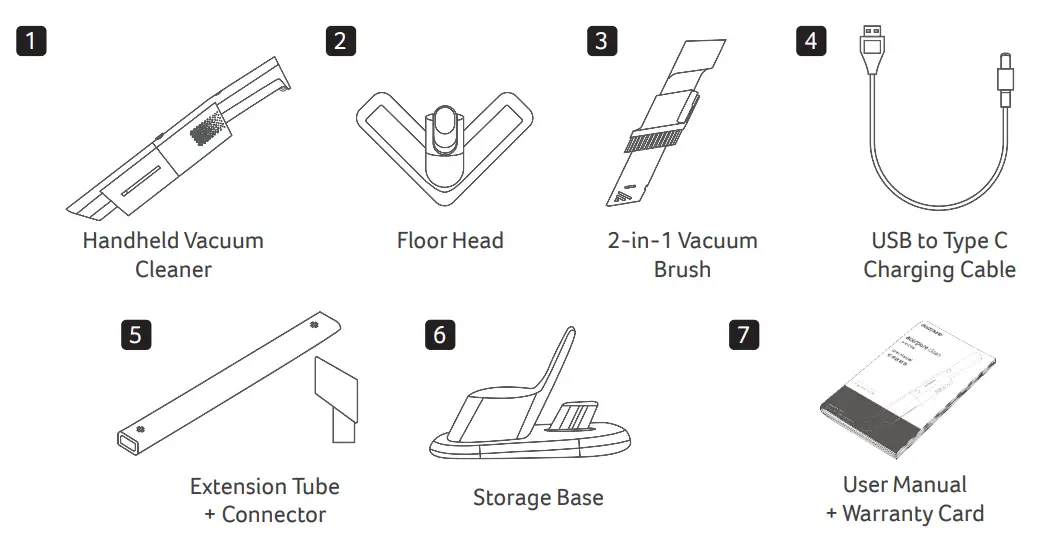
Product Structure
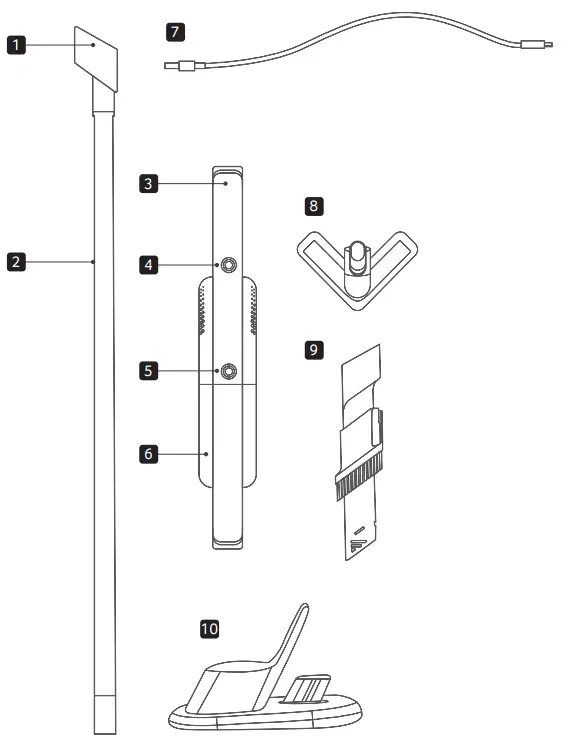
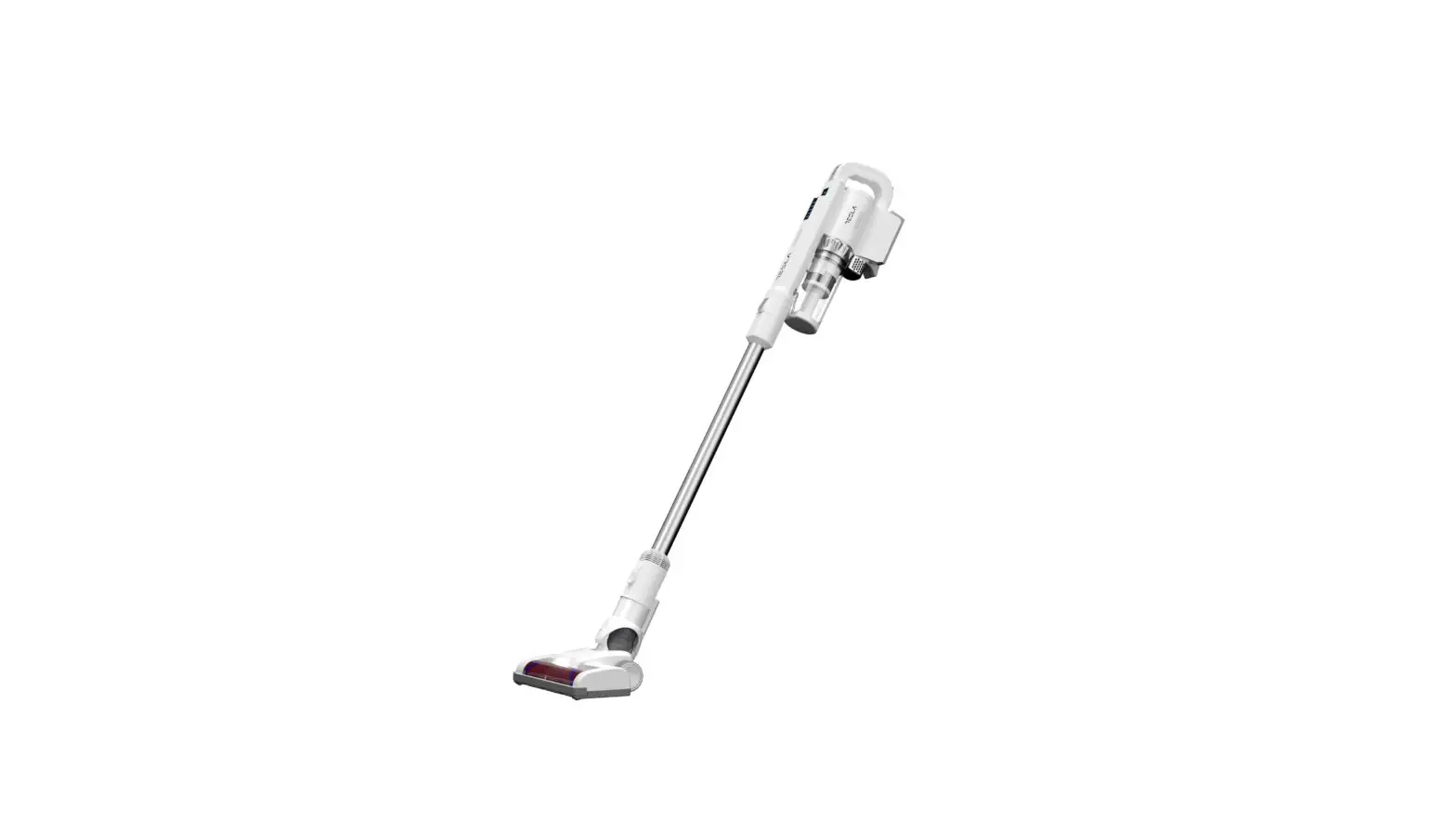
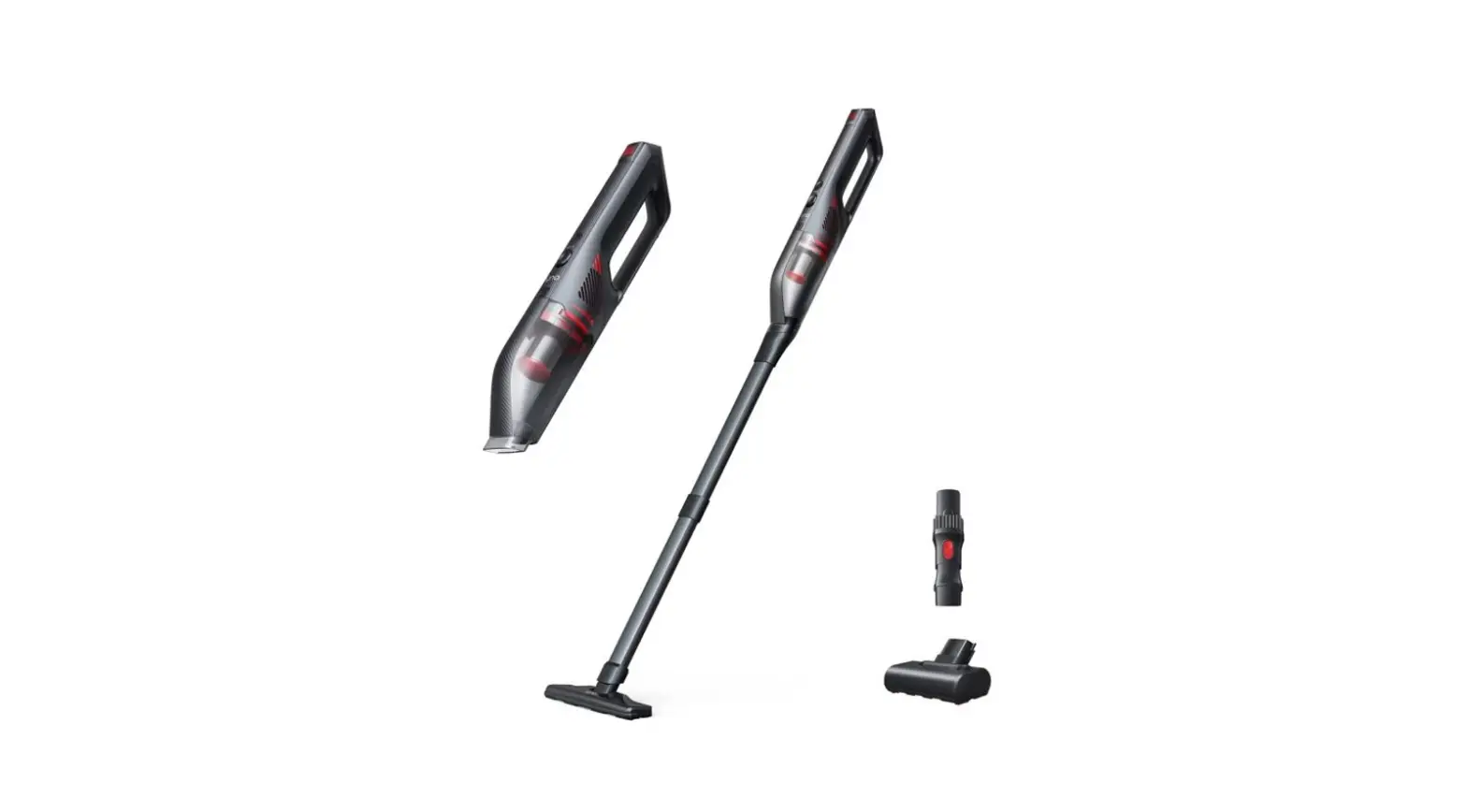
- Extension Tube Connector
- Extension Tube
- Handheld Vacuum Cleaner
- Power Button
- Dust Box Removal Button
- Dust Box
- USB to Type C Charging Cable
- Floor Head
- 2-in-1 Vacuum Brush
- Storage Base
Product Assembly and Charging
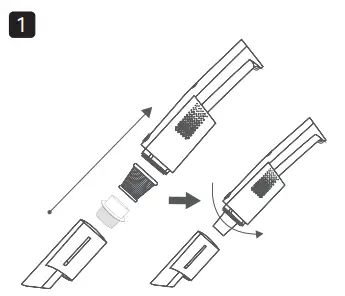
Attach the HEPA and metal filters to the vacuum cleaner and turn them in the clockwise direction for tightening.
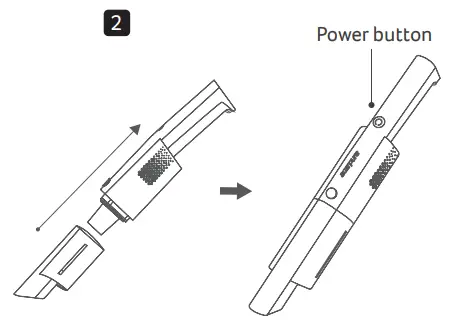
Install the dust box until a “click” is heard to finish the vacuum cleaner assembly. Press the power button to start using the product.
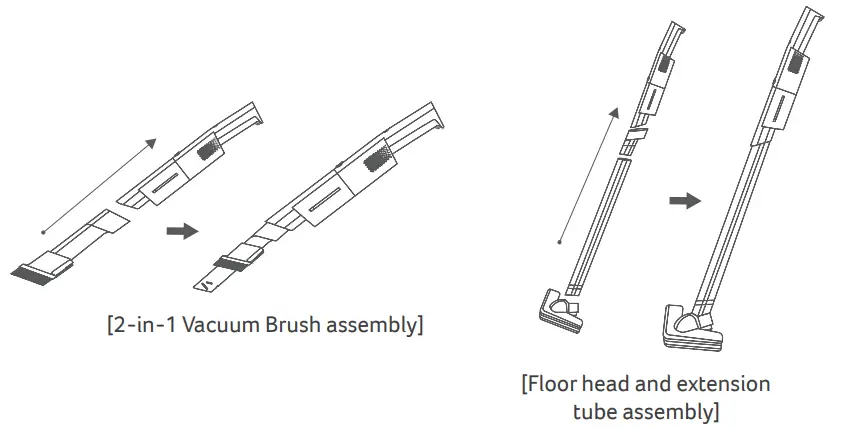
Other Vacuum Head Assembly
You can change the vacuum head depending on the cleaning requirements. Remember, a “click” must be heard to signal assembly is done.
Product Charging
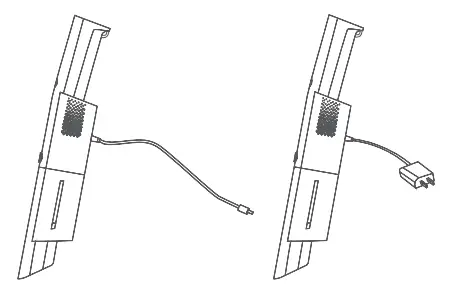
Make sure to charge the product on a regular basis to maintain the battery life. Before charging, check if the product is off. Only use a USB to Type C charging cable to charge the product.
- Insert the charging adapter to the charging port on the side of the product and connect it to a USB slot. (The vacuum cleaner can be charged with a charger with an output of 5V, 2A-4A.)
- Approximately 4 hours is needed to fully charge the battery. The indicator will keep flashing during charging. Once charging is completed, the indicator will stay on for 5 minutes before turning off to save power.
- When the power level of the battery is more than 10%, the indicator will stay on.
- When the power level of the battery is less than 10%, the indicator will flash slowly to alert you that the power level is low and immediate charging is required.
- When the battery is depleted or over discharged, the indicator will flash continuously for 10 seconds before the vacuum cleaner stops discharging and working. Charging is required for it to resume operations.
Cleaning and Preservation
Product Cleaning
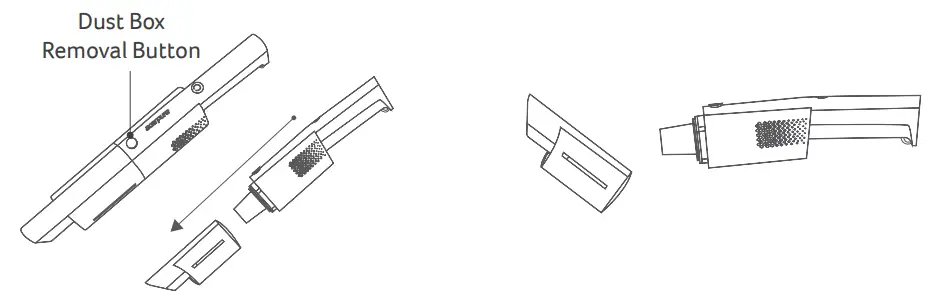
Press the dust box removal button to remove the dust box from the vacuum cleaner.
Once the dust box is removed, dust can be removed from it before subsequent washing.
Filter Cleaning
Turn the HEPA and metal filters in the counter-clockwise direction to remove them for the latter to be washed.
The washed metal filter should be air dried. Check if the metal filter is fully dried before reinstall it together with the HEPA filter in the clockwise direction.
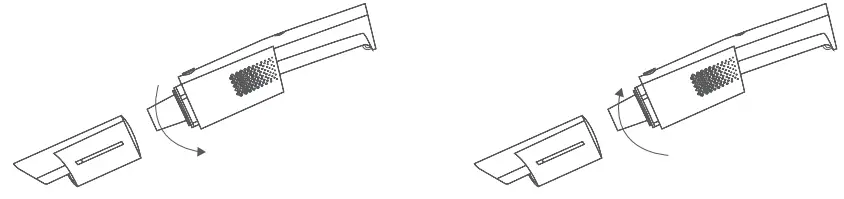
[Remove the HEPA filter in the counter-clockwise direction]
[Reinstall the HEPA filter in the clockwise direction]
Vacuum Cleaner Storage
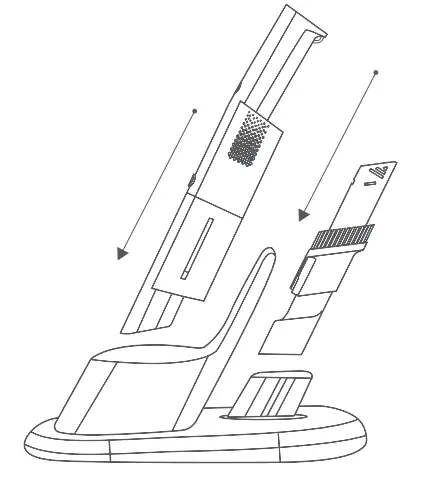
Turn off the product and store the 2-in-1 Vacuum Brush and the vacuum cleaner separately on the storage base as shown in the figure to the right.
Before Seeking After-sales Service
If you discovered that the product malfunctioned, please check the following items before contacting customer service.
| Problem | Possible cause | Solution |
| Product does not turn on | Whether the power reserve is insufficient? | Please confirm by checking the battery indicator light on this product, and charge the product if the battery is low. |
| Is the vacuum head of the product blocked by a foreign matter? | Please remove the foreign matter from the head. | |
| The vacuuming power of the product is weaker than before | Is there too much dust in the dust box or filter? | Please clean the dust box and filter. |
| Is there hair or other odors stuck in the vacuum head? | Please clean the vacuum head. | |
| When there’s too much noise during operation or when the product makes abnormal sounds | Is the vacuum head or extension tube blocked with foreign matter? | Please remove the foreign matter that is blocking the vacuum head or extension tube. |
| When the vacuum head doesn’t rotate or the LED light doesn’t light up | Is there hair or other odors stuck in the vacuum head? | Please clean the vacuum head. |
| Were some parts not properly installed? | Make sure that each assembly part is properly installed. |
Specifications
| Product Specifications | |
| Product name | Cordless Vacuum Cleaner |
| Product model | HV312-10W |
| Rated voltage | 11.1V⎓ |
| Rated power | 90W |
| Net weight | 550 g |
| Product dimensions | 63 x 63 x 1080 mm |
| Country of origin | China |
Company Informationwww.acerpure.com
 acerpure.com