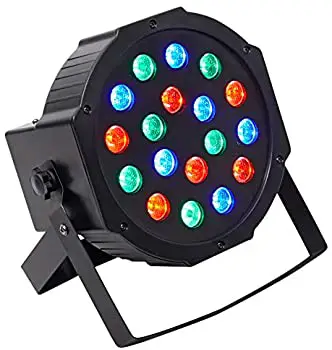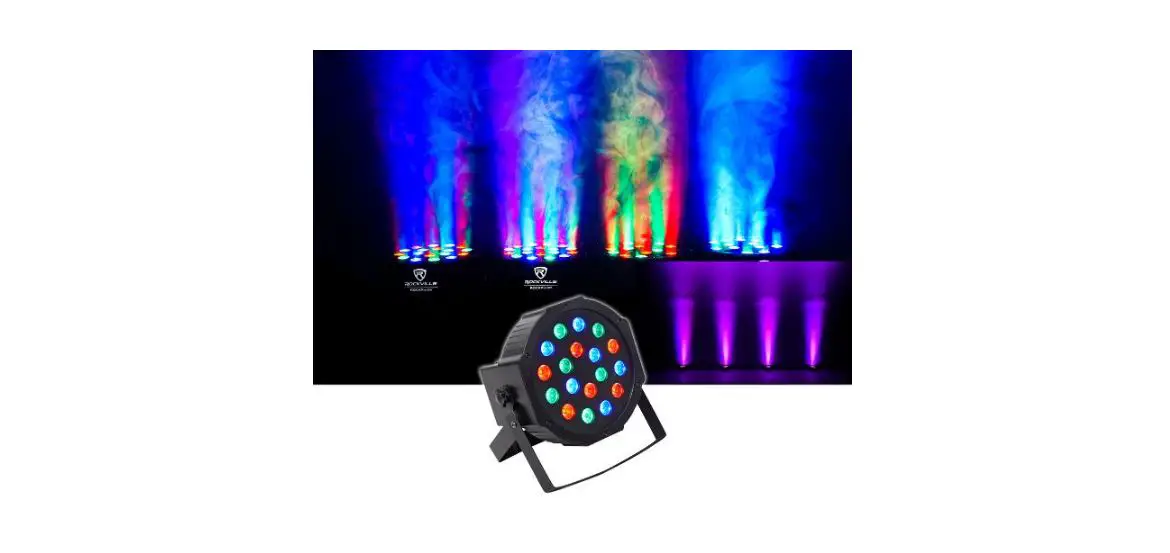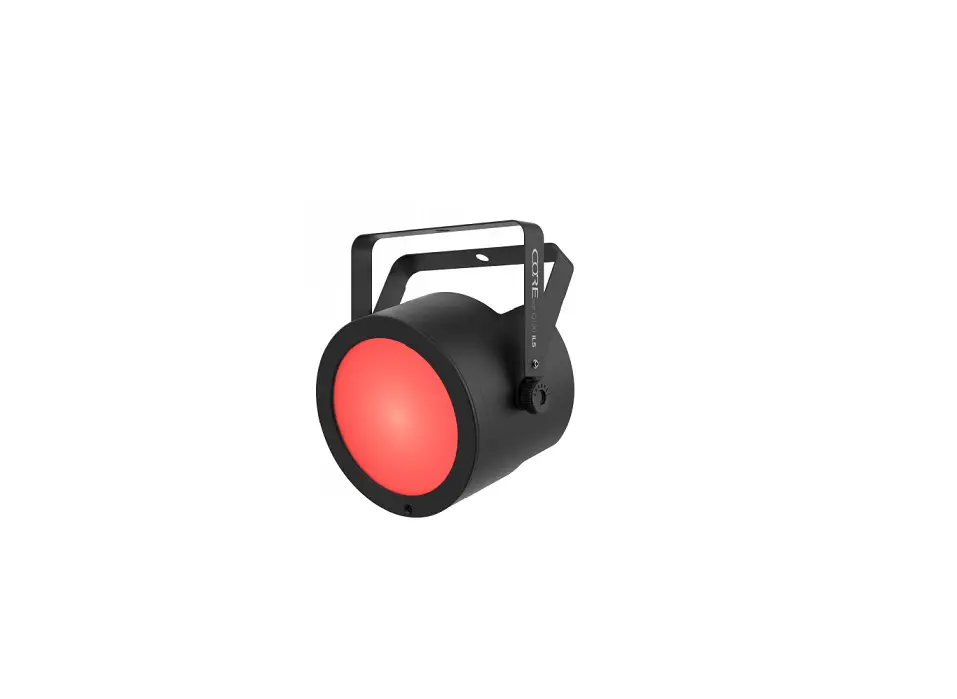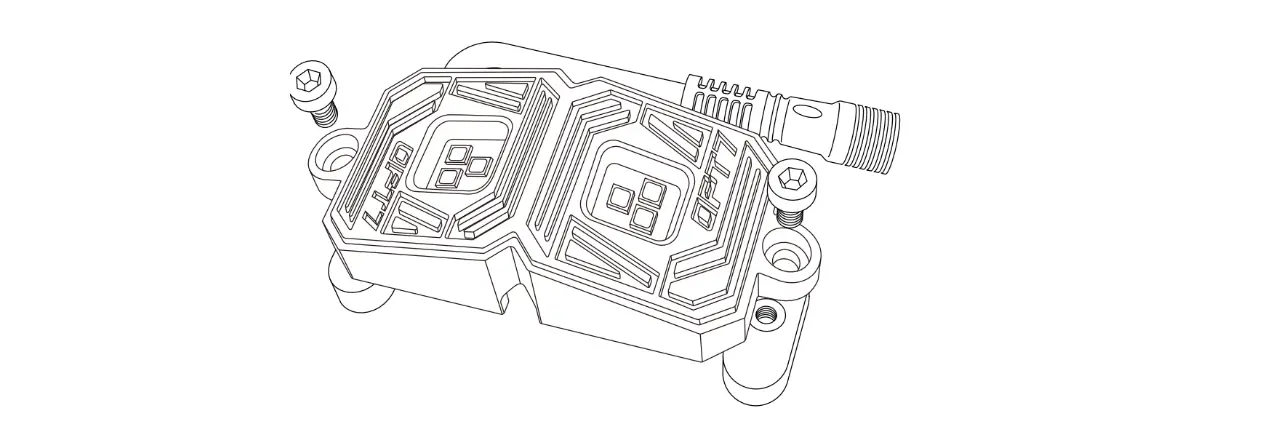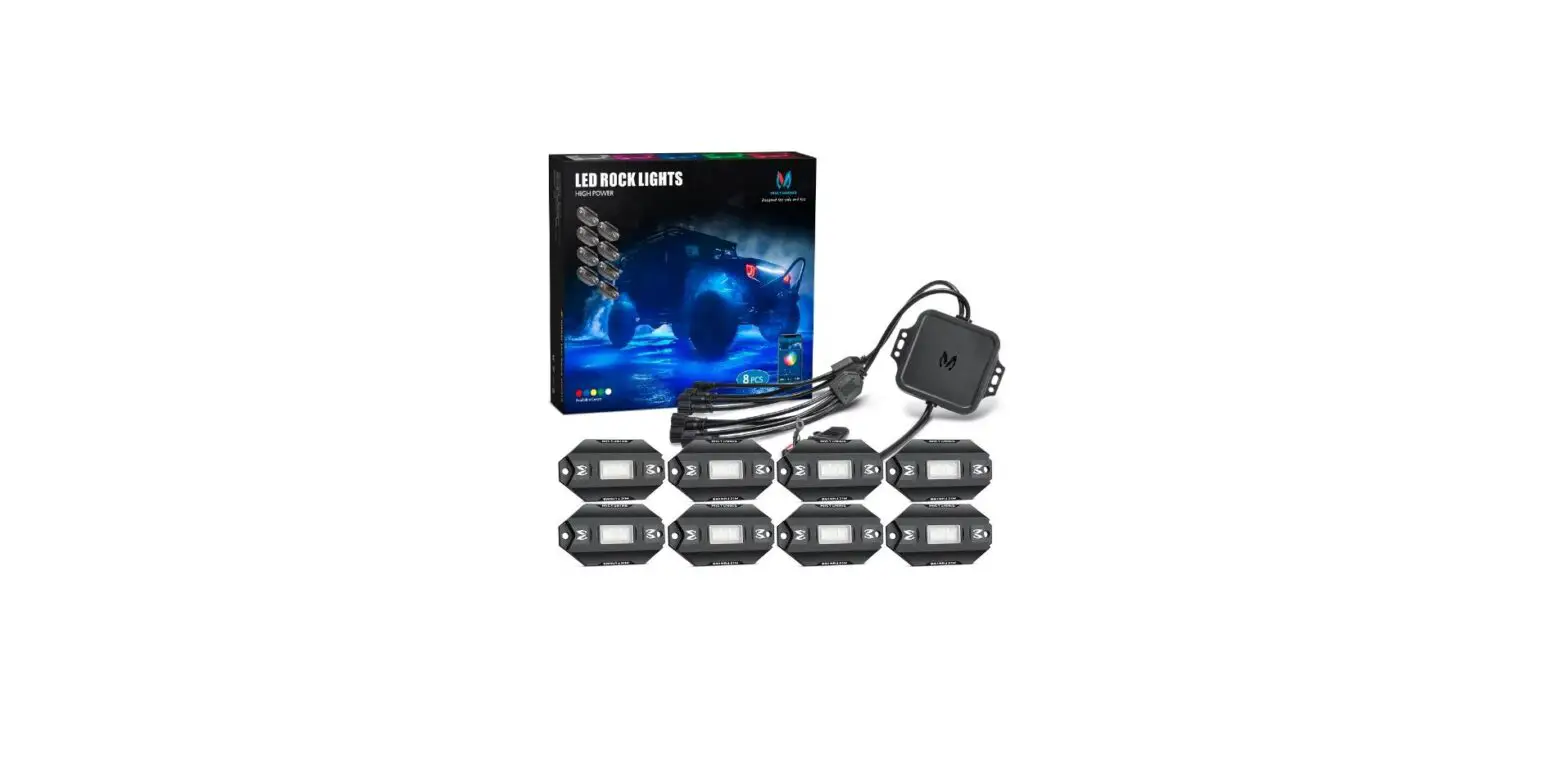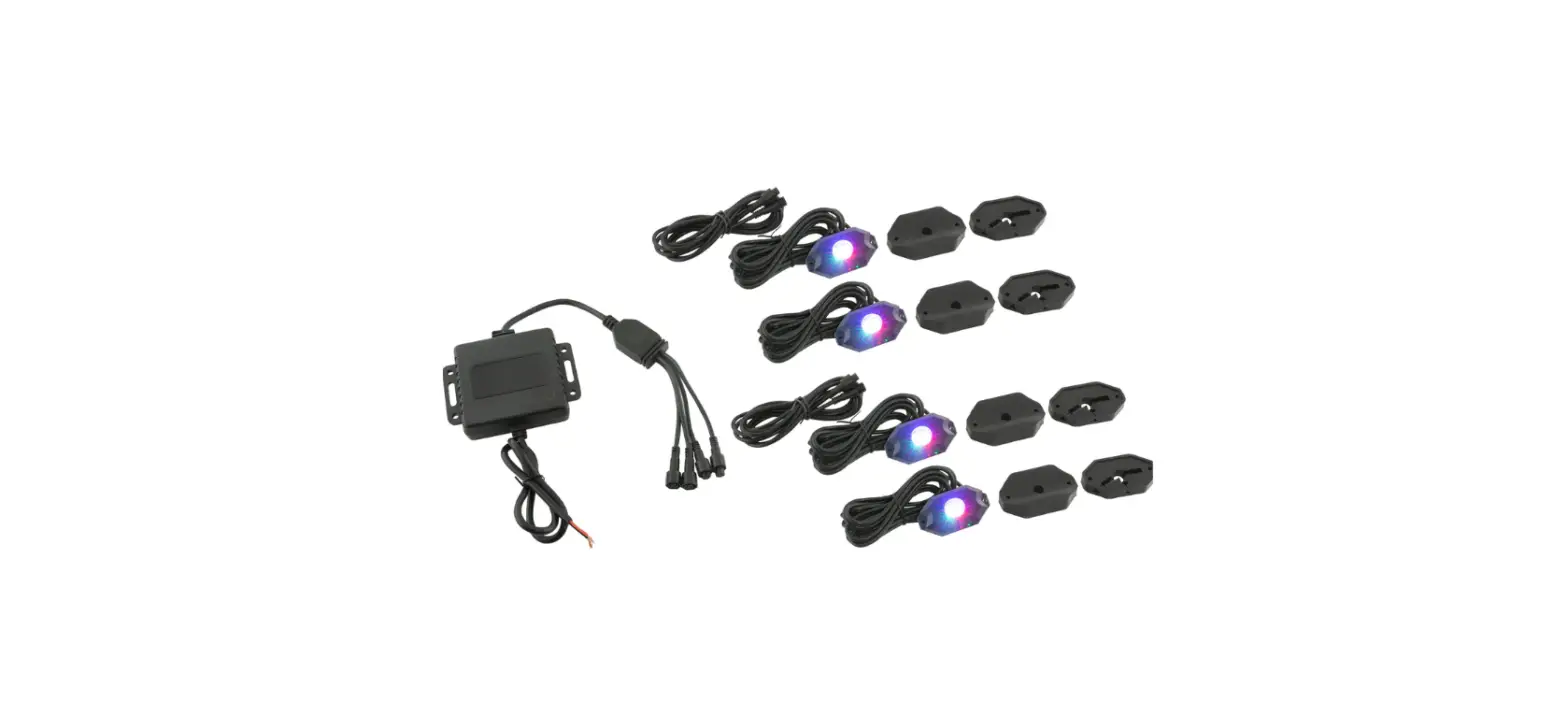

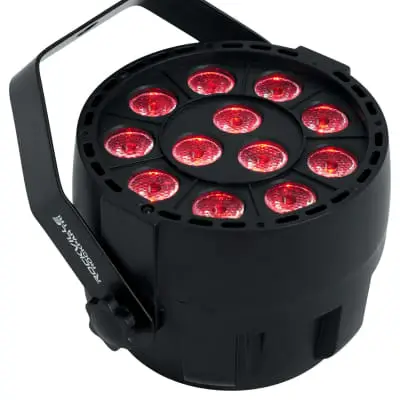
ROCKVILLE ROCKPAR TRI LED RGB Black Wash Par DJ Lights
Operating Instructions
Should you need assistance, please call our technical help line at 1-646-758-0144, 24 hours a day/7 days a week. For how-to videos and other helpful information, visit the URLs or scan the QR codes on the right.
 rockvillesupport.com/rockpar-tri-white

rockvillesupport.com/rockpar-tri-black
Settings
Use the MENU button to enter the settings menu. Press and hold the UP and DOWN buttons to quickly scroll through the menu items. Press ENTER to make a selection and use the UP and DOWN buttons to scroll through the options or numerical values for that setting. Press the ENTER button to save your selection. If you press the ENTER button on any setting, the saved mode/settings/values will remain in place even after powering off the unit and will be the default when you power the unit back on.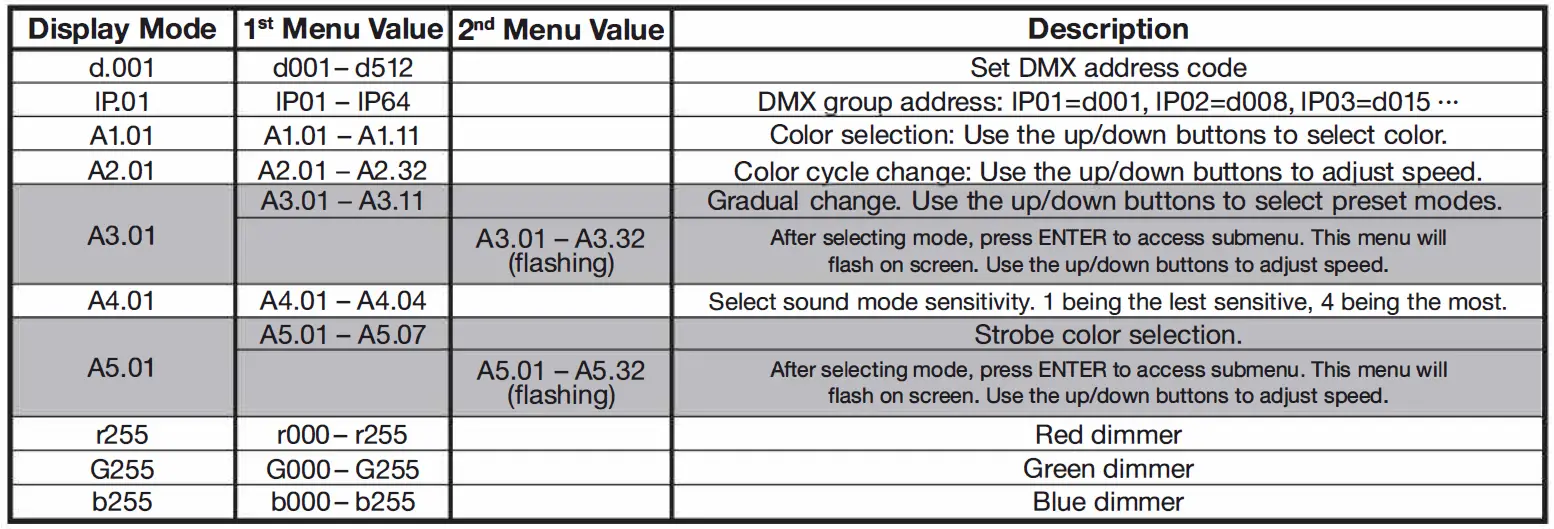
DMX Controls
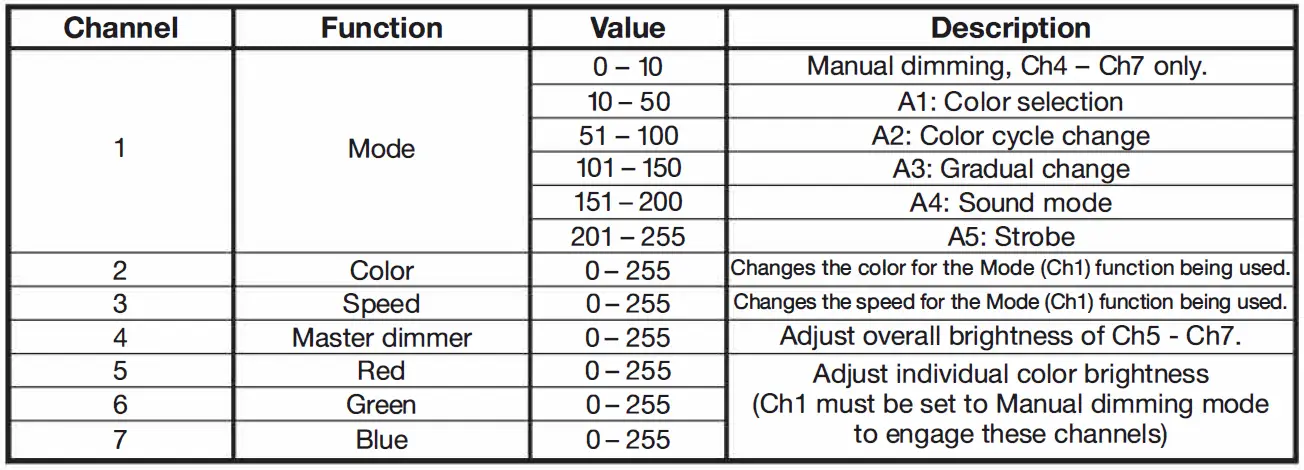
When using a OMX controller, use the charts below to reference each channel’s function.
7-Channel Mode
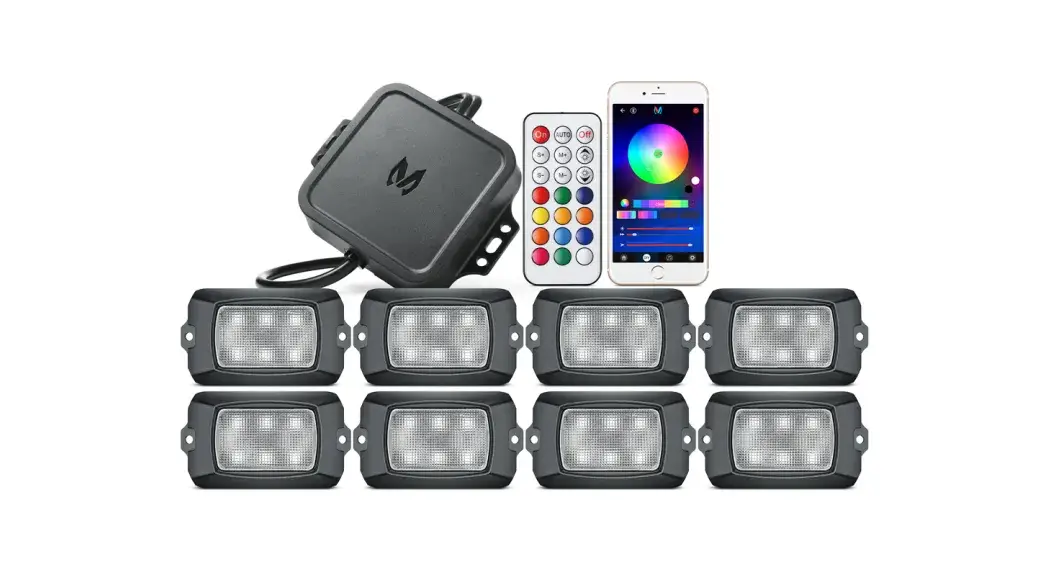
Remote Control
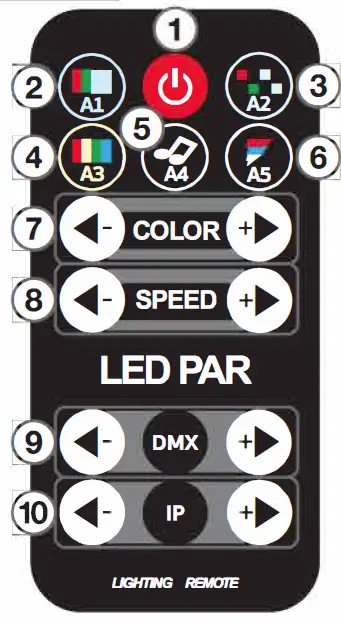
Functions
- Powers the LED bulbs ON or OFF.
- A1: Press this button to enter Color Selection mode. Use the COLOR +/- buttons to select colors. Use the SPEED +/- buttons to adjust brightness.
- A2: Press this button to enter Color Cycle mode. Use the SPEED +/- buttons to adjust speed.
- A3: Press this button to enter Gradual Change mode. Use the COLOR +/- buttons to cycle through available gradual change modes. Use the SPEED +/- to adjust the speed of the selected mode.
- A4: Press this button to enter Sound mode. Use the SPEED +/- buttons to adjust sensitivity.
- AS: Press this button to enter Strobe mode. Use the COLOR +/- buttons to select strobe colors. Use the SPEED +/- buttons to adjust speed.
- COLOR+/-: Select colors or mode functions.
- SPEED +/-: Adjust speed or select mode functions.
- OMX+/-: Use these buttons to adjust OMX values.
- IP: Use these buttons to adjust the OMX group address.