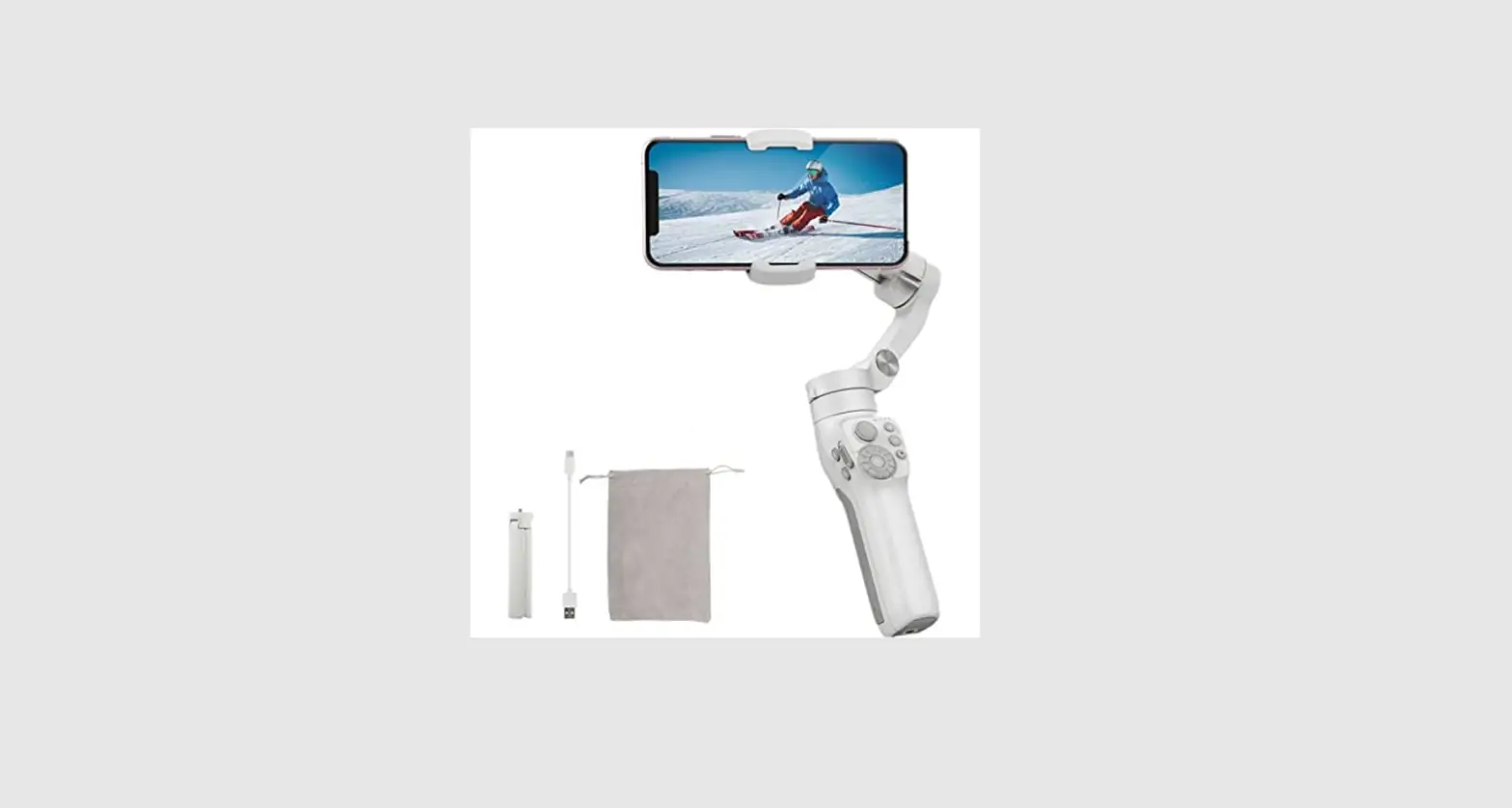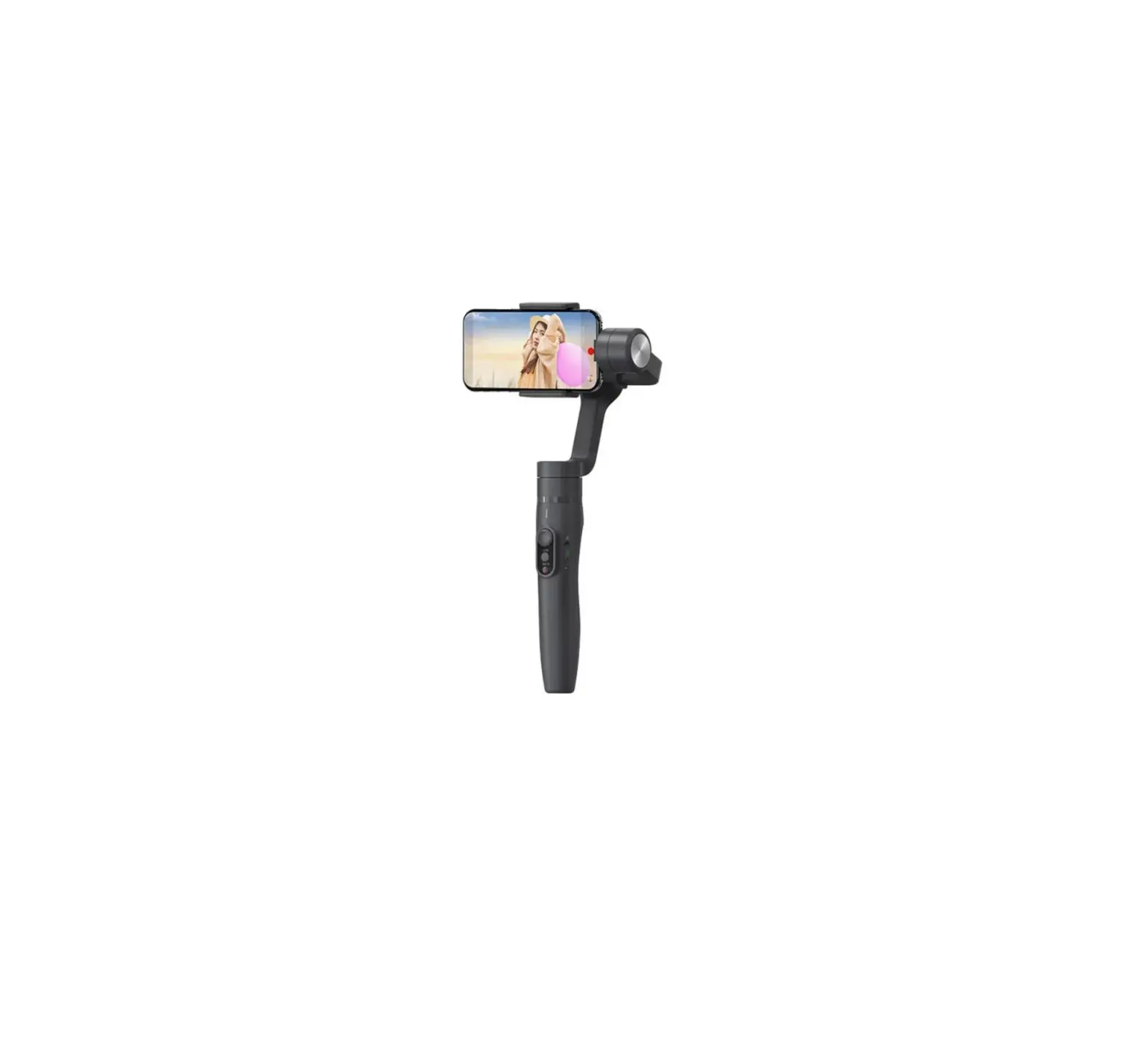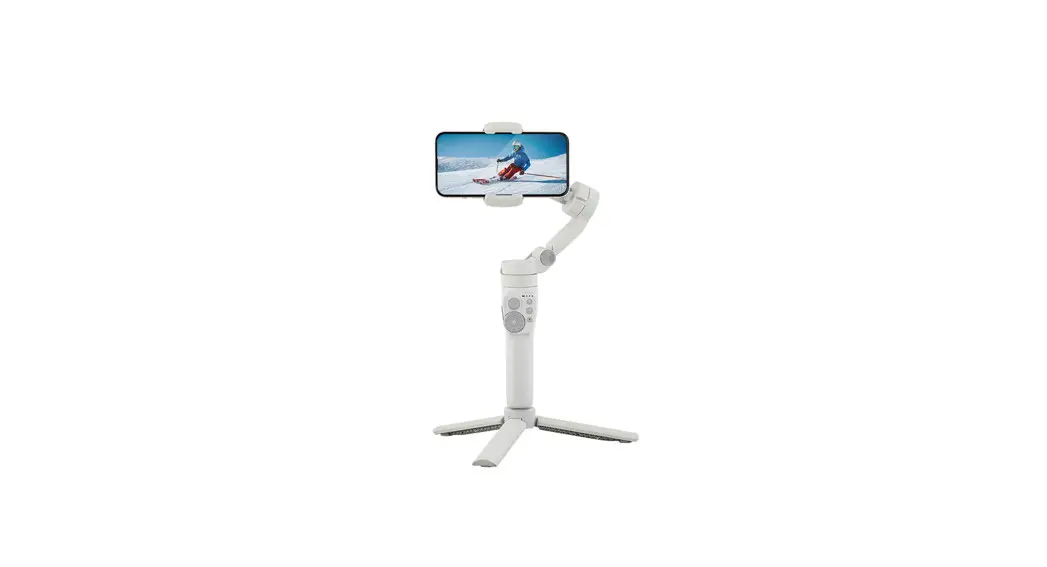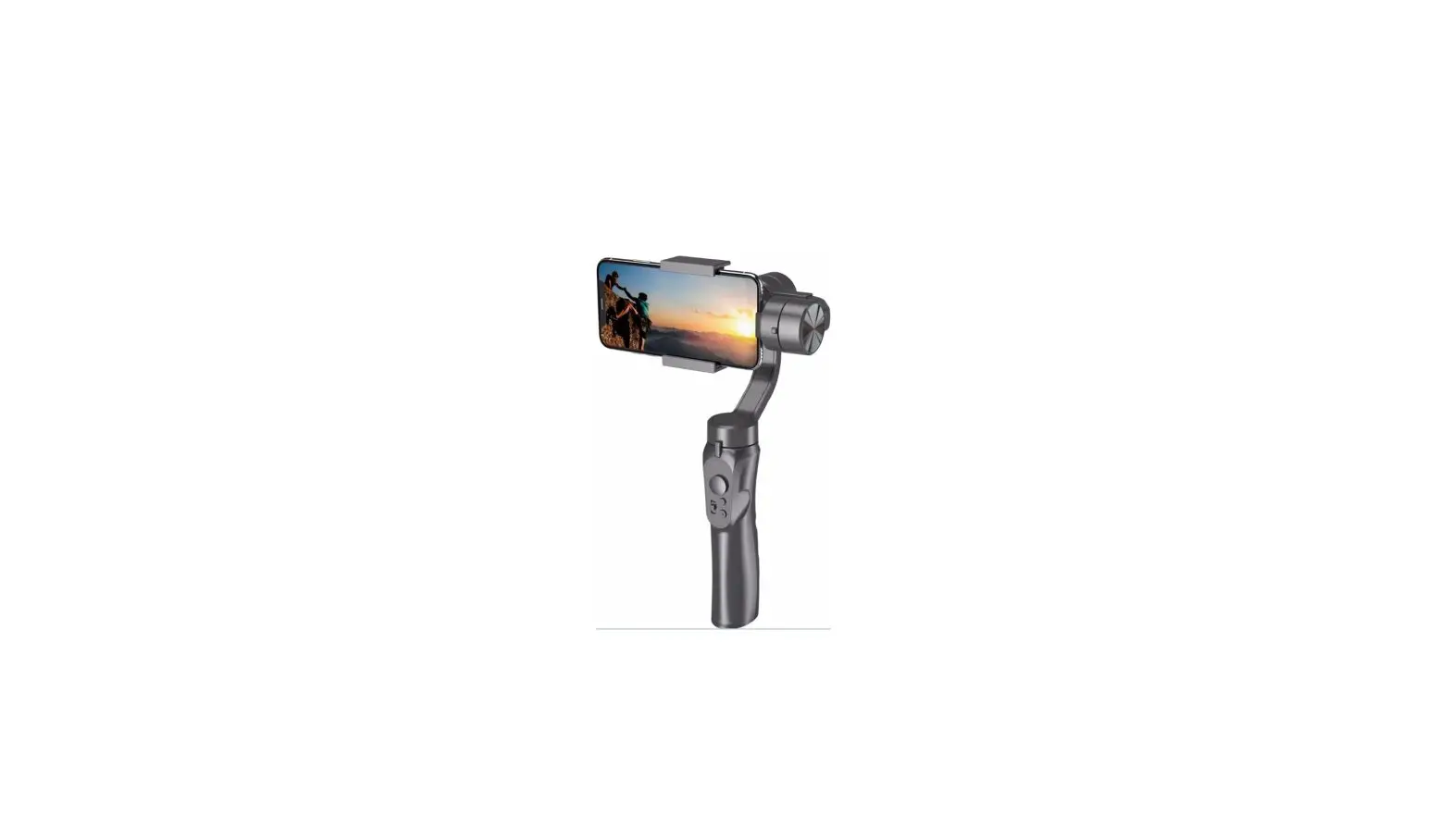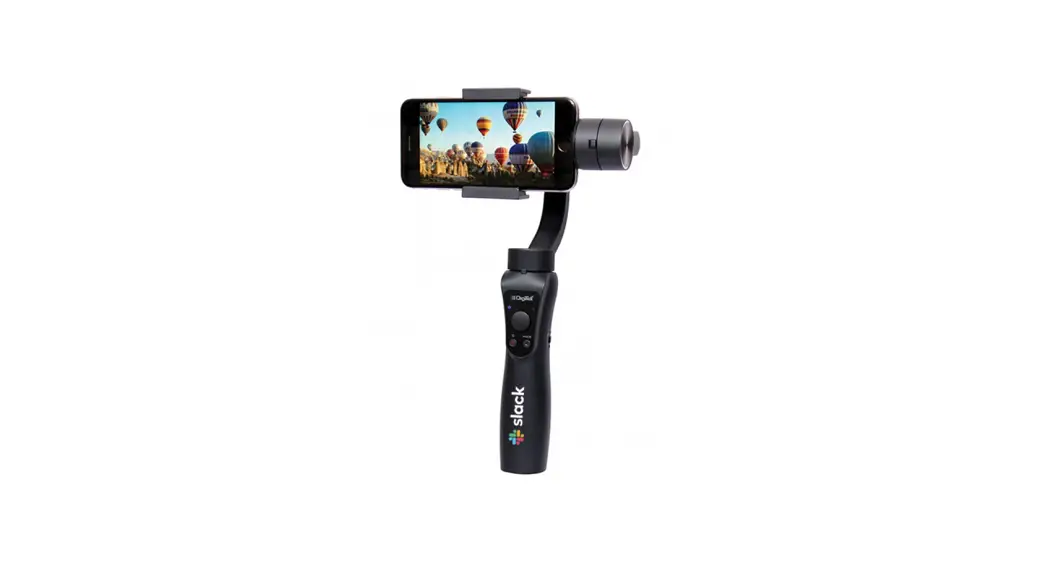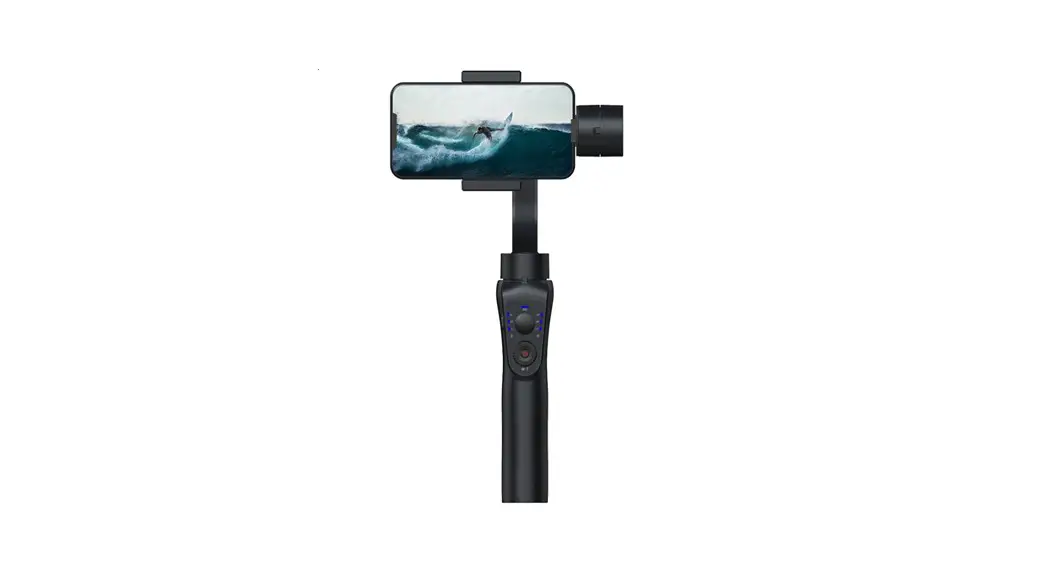

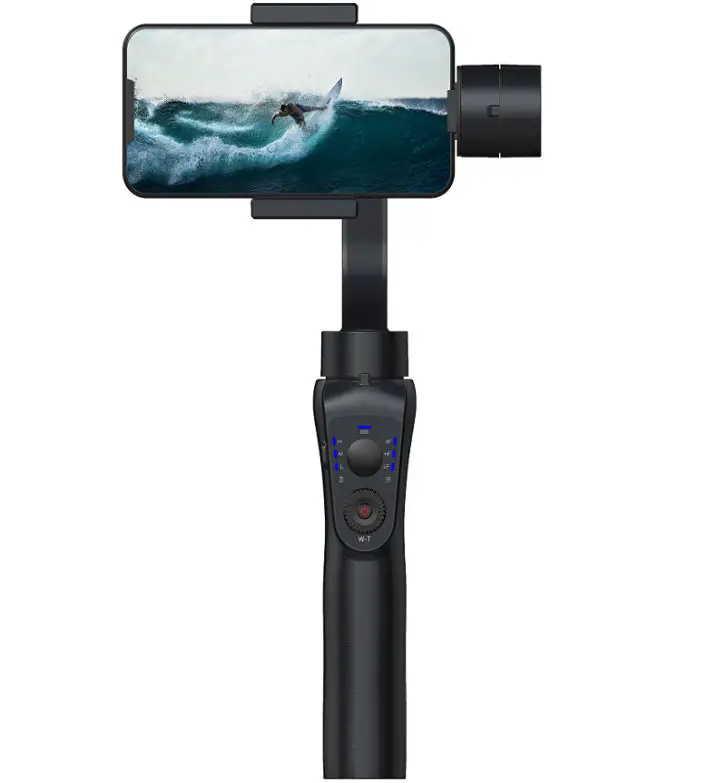
3-AXIS HANDHELD GIMBAL STABILISER
KA3AGIMBALA
SAFETY & WARNINGS
Ensure to read all instructions and warnings in this user guide prior to first use. Retain this user guide for future reference.
WARNING:
- Failure to follow the instructions outlined in this user guide can result in damage to the gimbal or personal property and cause serious injury.
- This gimbal must be operated with caution and requires some basic mechanical ability.
- Adult supervision required at all times if children are using this gimbal.
- Do not use this gimbal with third-party components, batteries, and accessories.
- This gimbal has an operating temperature of 0°C40°C. Use in environments above 40°C can lead to a fire or explosion. Use below 0°C can lead to serious damage.
- Do not leave the gimbal near heat sources (for example, a furnace, heater, or the inside of a vehicle on hot days).
- If the gimbal is dropped or impacted by an external force, it may cause the gimbal to malfunction.
- This gimbal is not waterproof. Do not allow the gimbal to touch water or any other liquids.
- When in use, protect the gimbal from dust, sand, and other small particles.
- Do not disassemble the gimbal.
- Do not short-circuit the battery. Short-circuiting may occur when the battery touches other metal objects.
- Do not charge the gimbal under direct sunlight.
- Do not leave the gimbal on prolonged charge when not in use.
- Always use the supplied cable when charging.
- Battery performance is best when the gimbal is used in temperatures between 5°C20°C.
- To prevent over-discharge of the battery, do not leave the gimbal unused for long periods. This may result in damage to the battery and gimbal. If the gimbal will not be used for over 10 days, leave the gimbal on until the battery level reaches between 4065% to extend the service life of the gimbal.
COMPONENTS
OVERVIEW
Front view
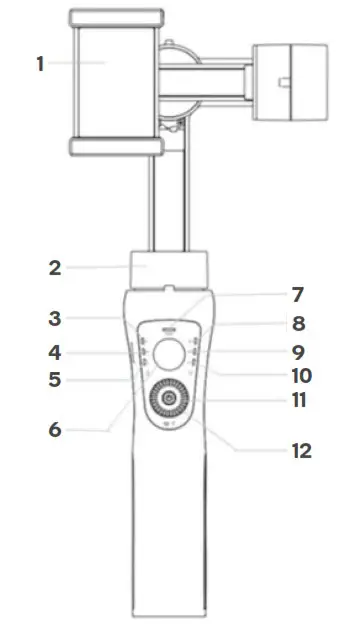 | 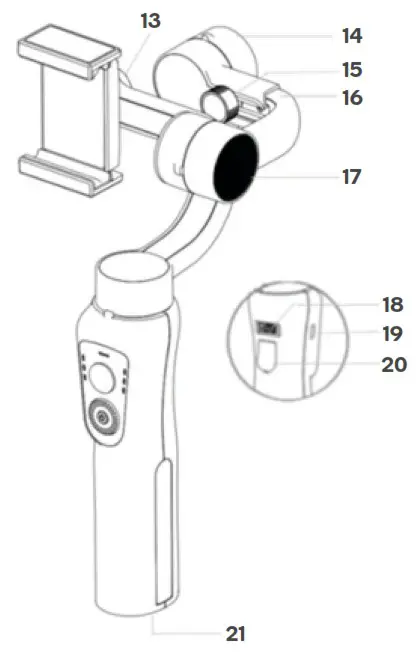 |
| 1. Smartphone holder 2. Pan motor 3. > 66% battery indicator 4. > 33% battery indicator 5. < 33% battery indicator 6. Joystick 7. Bluetooth indicator 8. Pan and tilt mode indicator 9. Pan following mode indicator 10. Lock mode indicator 11. Power/mode button | 12. Zoom control dial 13. Holder adjustment 14. Roll motor 15. Balance screw 16. Adjustable arm 17. Tilt motor 18. USB charging port 19. Micro USB charging port 20. Shutter 21. ¼” thread screw |
BEFORE FIRST USE
Charging
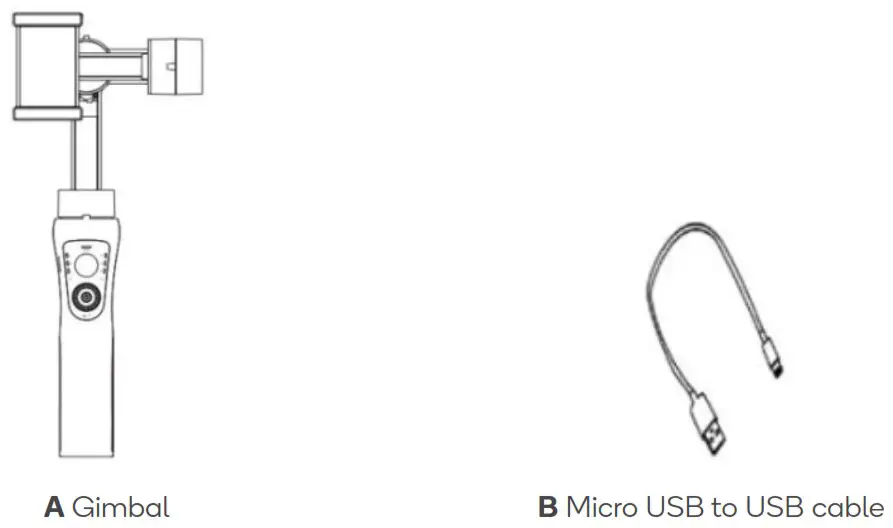
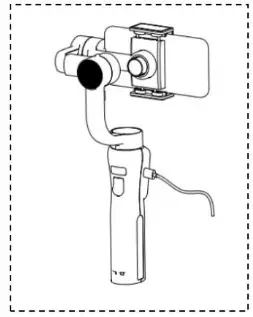
The gimbal must be charged before use. Connect the USB cable into the Micro USB charging port on the gimbal. Plug the other end of the cable into a power bank (not included) or adapter (not included) and charge the gimbal. A full charge will take between 3-4 hours.
 Notes:
- Ensure the gimbal is fully charged before each use.
- Charge the battery in an area away from children and animals.
- If the battery has a high surface temperature, leave it to cool before trying to recharge.
- Do not charge the battery if the ambient temperature is below 10°C or above 45°C.
Mounting a smartphone
Carefully flex the edges of the smartphone holder and slide your phone to the right until it makes contact with the side of the tilt motor. Ensure the phone is inserted with the screen facing towards you.
Ensure the gimbal is switched off when mounting the smartphone.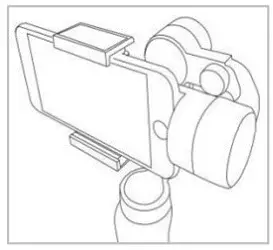 Adjusting the balance
If the smartphone does not stay level when mounted:
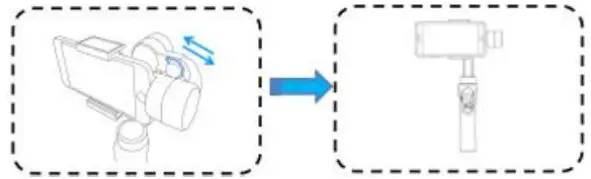
- Loosen the balance screw.
- Make small adjustments by sliding the adjustable arm until the phone balances.
- Tighten the balance screw after the phone is well balanced and level.

Note: Proper adjustment of balance ensures a more efficient battery consumption rate during operation. The gimbal may still function well when the gravity centre is not properly configured, however, it may lead to more power consumption on the motors and can greatly affect the torque output.
Downloading and pairing with the Gimbal Pro app
This app allows users to access all features of the gimbal to capture photos and videos.
- Scan the QR Code below and download the `Gimbal Pro’ app on the Google Play
Store or App Store. Alternatively, search for `Gimbal Pro’ on the Google Play Store or App Store. http://www.fhosafodsy432.com/2aebfja
 - Turn the gimbal on by pressing and holding the power/mode button for 34 seconds until the mode indicator begins flashing and the other battery indicators illuminate. The Bluetooth indicator will then begin flashing.
Notes:
• Hold the gimbal’s handle still when it is powering on to ensure it powers successfully.
• Ensure the rotational axes of the gimbal are not blocked when powering on. - Turn on Bluetooth on your smartphone, then open the `Gimbal Pro’ app and tap `Find device’. Tap on `Stabilizer_xxxxxx’ to connect. The Bluetooth indicator will turn solid. Alternatively, turn on Bluetooth on your smartphone, then go into the phone’s Bluetooth settings and search for devices. Tap on `Stabilizer_xxxxxx’ to connect. The Bluetooth indicator will turn solid.
OPERATION
Powering on/off
To power on, hold the power/mode button for 3-4 seconds until the mode indicators begin flashing and the other battery indicators illuminate.
To power off, hold the power/mode button for 3-4 seconds until the mode indicators dim.
App interface
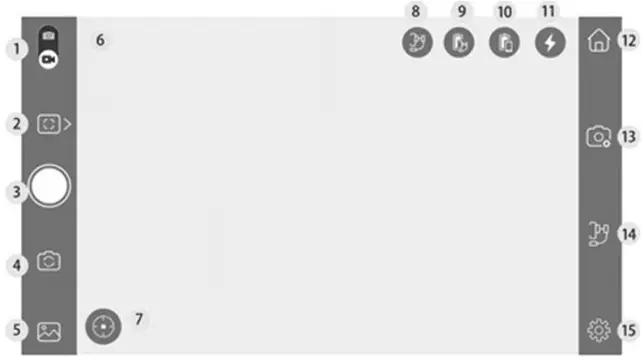
| No. | Name | Function |
| 1 | Photo/video toggle | Toggles between capturing photos/videos. |
| 2 | Panorama and time-lapse | Allows options for the camera to take panoramas or time lapses. |
| 3 | Shutter/shooting | Tap to capture a photo or start/stop recording video. |
| 4 | Camera toggle | Toggles between showing the front and rear camera. |
| 5 | Gallery | Allows users to view their captured photos/videos. |
| 6 | Bluetooth status | Will display a blue Bluetooth symbol when the gimbal is connected via Bluetooth. |
| 7 | Face/object tracking | Allows options for the camera to use face/object tracking when recording video. |
| 8 | Mode status | Displays the currently set mode on the gimbal. |
| 9 | Gimbal battery indicator | Displays the battery level of the gimbal. |
| 10 | Phone battery indicator | Displays the battery level of your phone. |
| 11 | Flash toggle | Tap to turn the camera flash on/off. |
| 12 | Home | Tapping returns to the Home screen of the ‘Gimbal Pro’ app. |
| 13 | Camera settings | Allows users to alter camera settings (for example, resolution, grid, white balance). |
| 14 | Mode selection | Allows users to select the mode for the gimbal. |
| 15 | Additional settings | Allows users to alter the gimbal’s settings (for example, speed of the horizontaVvertical movement of the gimbal). |
Modes
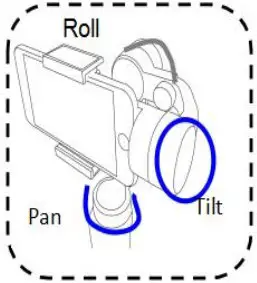
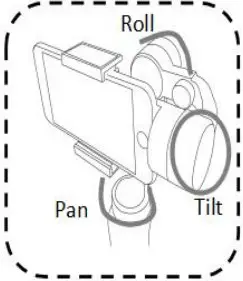
This gimbal features three modes: Pan and tilt following, pan following, and locking mode.
Pan and tilt following mode (default):
In this mode, the roll axis is locked.
The camera pan and tilt axes will rotate smoothly following the movement of the camera.
Pan following mode:
In this mode, the tilt and roll axes are locked.
The pan axis rotates smoothly with a turn of the wrist.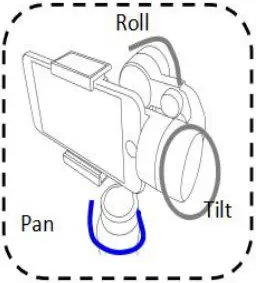 Locking mode:
In this mode, all three axes are locked.
The camera stays still and stable. It will not follow the movement of the handle.
 Switching modes
By default, the gimbal is set to the pan and tilt following mode. There are two ways to switch modes: Pressing the power/mode button on the gimbal, or tapping the mode selection icon in the `Gimbal Pro’ app.
Using the power/mode button:
- Press the power/mode button once to enter pan following mode.
- Press the power/mode button again to enter the locking mode.
- The gimbal will cycle through these modes on subsequent presses.
Using the `Gimbal Pro’ app:
Tap on the mode selection icon and select the desired mode. The desired mode will be reflected on the mode status in the app.
Joystick
Slide the joystick to control movement of the pan, tilt, and roll motors (dependent on the selected mode).
Shutter button
Press the shutter button to take a picture or start/stop recording a video.
¼” thread screw
Allows the gimbal to be mounted on other devices with a compatible ¼” thread, such as a tripod or mount.
Changing orientation
The orientation (going from landscape to portrait) can be changed either automatically using the gimbal, or manually.
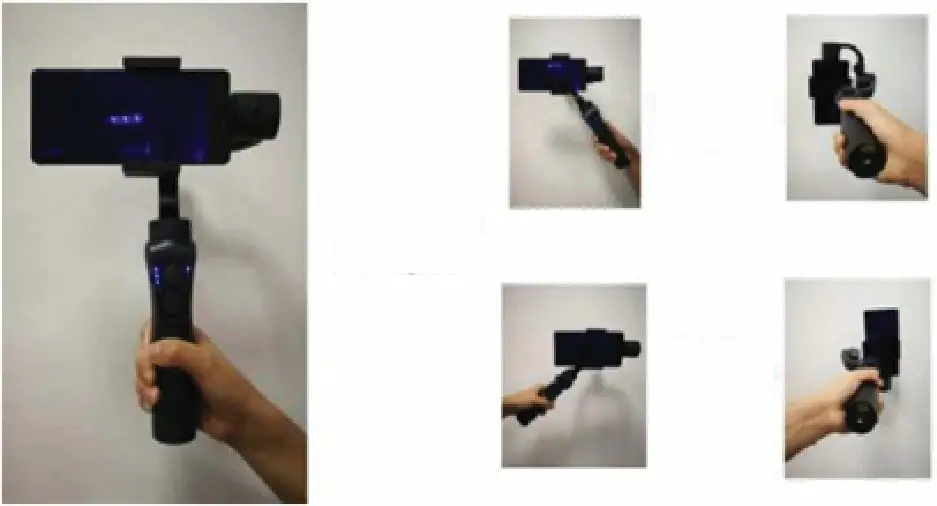
Automatically:
Ensure the gimbal is turned on.
Keep the phone facing yourself and rotate the gimbal handle more than 70° either clockwise or anti-clockwise. The gimbal will adjust and automatically enter into a portrait orientation for shooting.
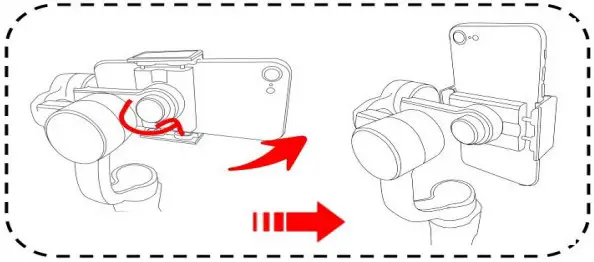
 Manually:
- Ensure the gimbal is turned off. Loosen the balance screw and rotate the clamp to the vertical position.
- Place your smartphone on the holder.
- Tighten the balance screw to ensure normal operation.

Battery level
When on a full charge, all three battery indicators will be illuminated. The indicators will drop to two and one to indicate the battery remaining on the gimbal. The battery level can also be seen in the app interface of the `Gimbal Pro’ app.
Mobile charging
The USB port at the bottom of the gimbal handle can be used to charge your smartphone whilst using the gimbal. Plug your phone’s charging cable into the gimbal’s USB port, then plug the other end of the cable into your phone charging port.
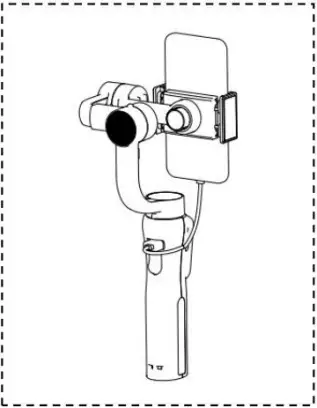
Note:
An L-shaped charging connector is required if the smartphone is mounted horizontally.
CLEANING & CARE
Ensure the gimbal is turned off before cleaning.
Clean the gimbal by wiping it with a dry cloth. Storage and care
- Fully charge and discharge the battery at least once every 3 months to keep the gimbal active.
- Store the gimbal in a dry environment.
Note:
Do not store this gimbal in an environment over 60°C.
SPECIFICATIONS
| Power | Min. | Standard | Max. |
| Input voltage | 3.4V | 3.7V | 4.2V* |
| Operating current | 150mAh | 1500mAh | 3000mAh* |
Note:
*During operation, the input voltage and operating current will be at standard levels. When charging, these levels can vary between the minimum and maximum values in the table above.
Other specifications
| Operating temperature | 0–40°C |
| Operation time | 10–12 hours |
| Weight | 455g |
| Tilt angle range | 330˚ |
| Roll angle range | 160˚ |
| Pan angle range | 330˚ |
| Compatible devices | Smartphones under 6.0” and GoPro Hero 3/4/5/6 |
| Controllable tilt angle | -155˚–+155˚ |
| Controllable roll angle | -30˚–+30˚ |
| Controllable Pan angle | -150˚–+150˚ |
| Maximum load | 250g |
| Charging time | 3–4 hours |
| Charging voltage | 5V |
| Charging current | 1A |
| Power output voltage | 5V |
| Power output current | 1A |
NOTES ________
Need more information?
We hope that this user guide has given you the assistance needed for a simple set-up.
For the most up-to-date guide for your product, as well as any additional assistance you may require, head online to help.kogan.com