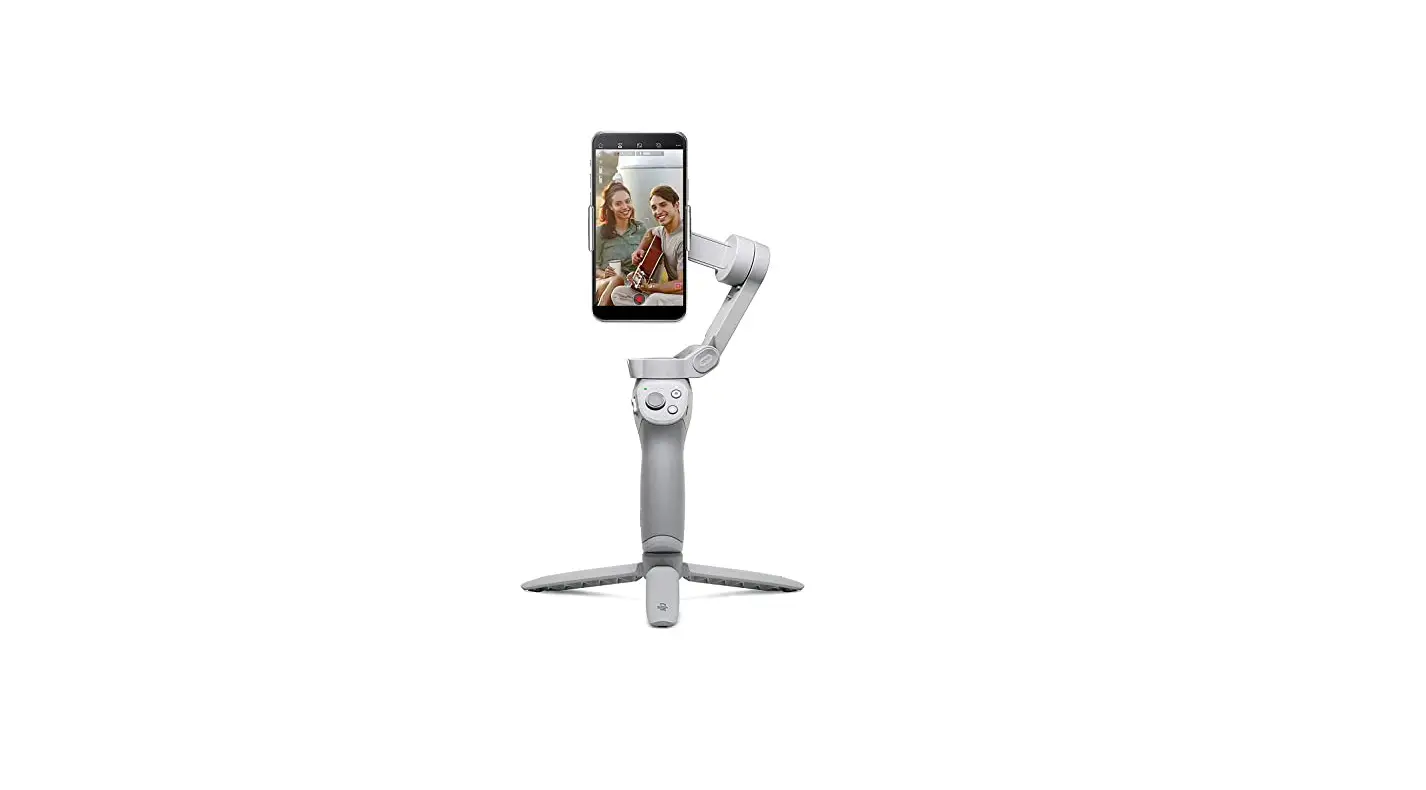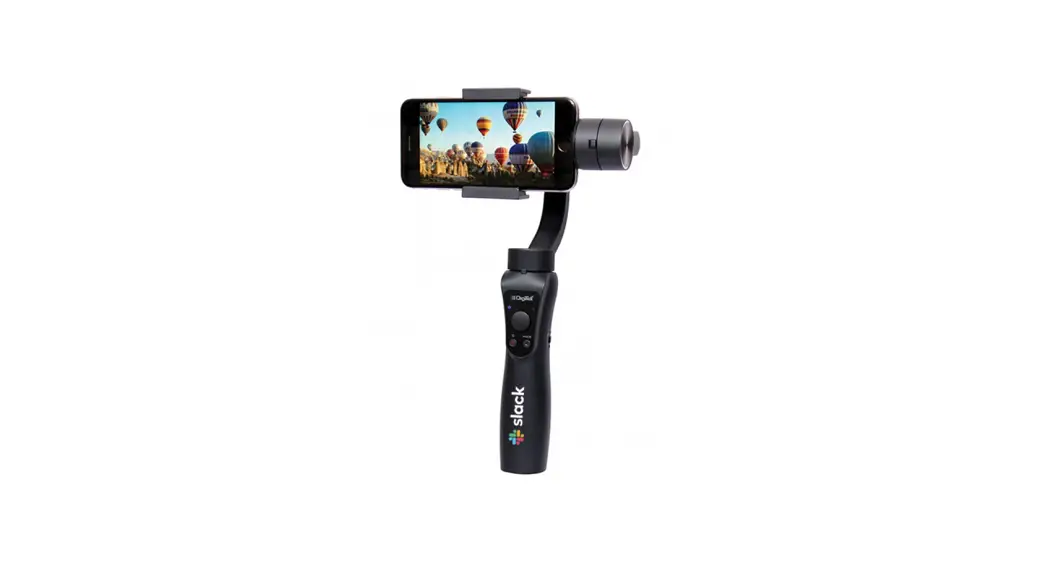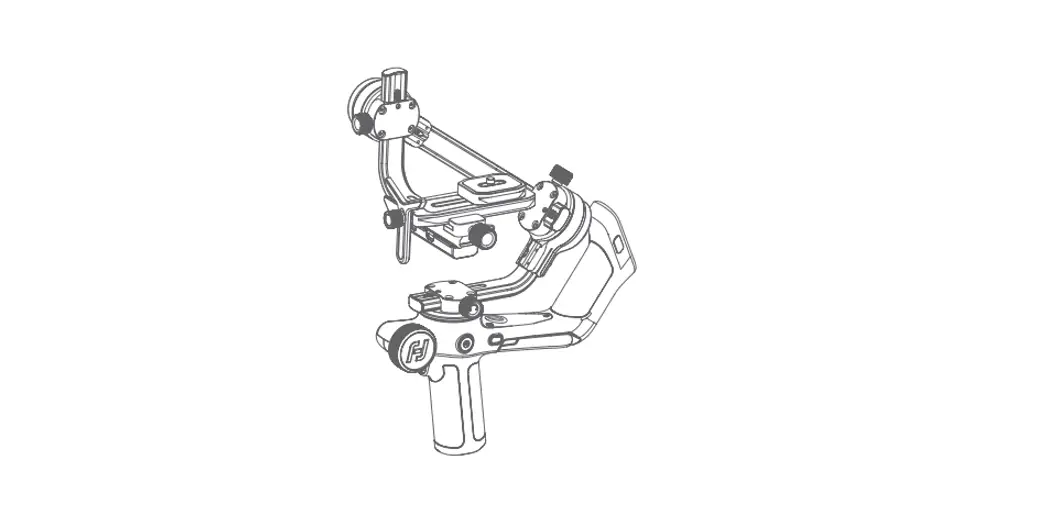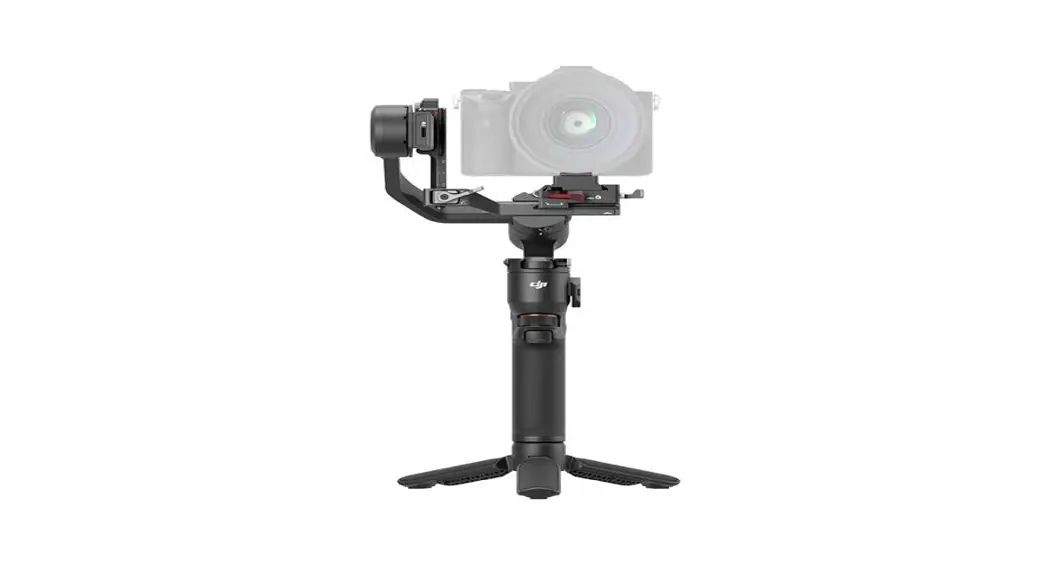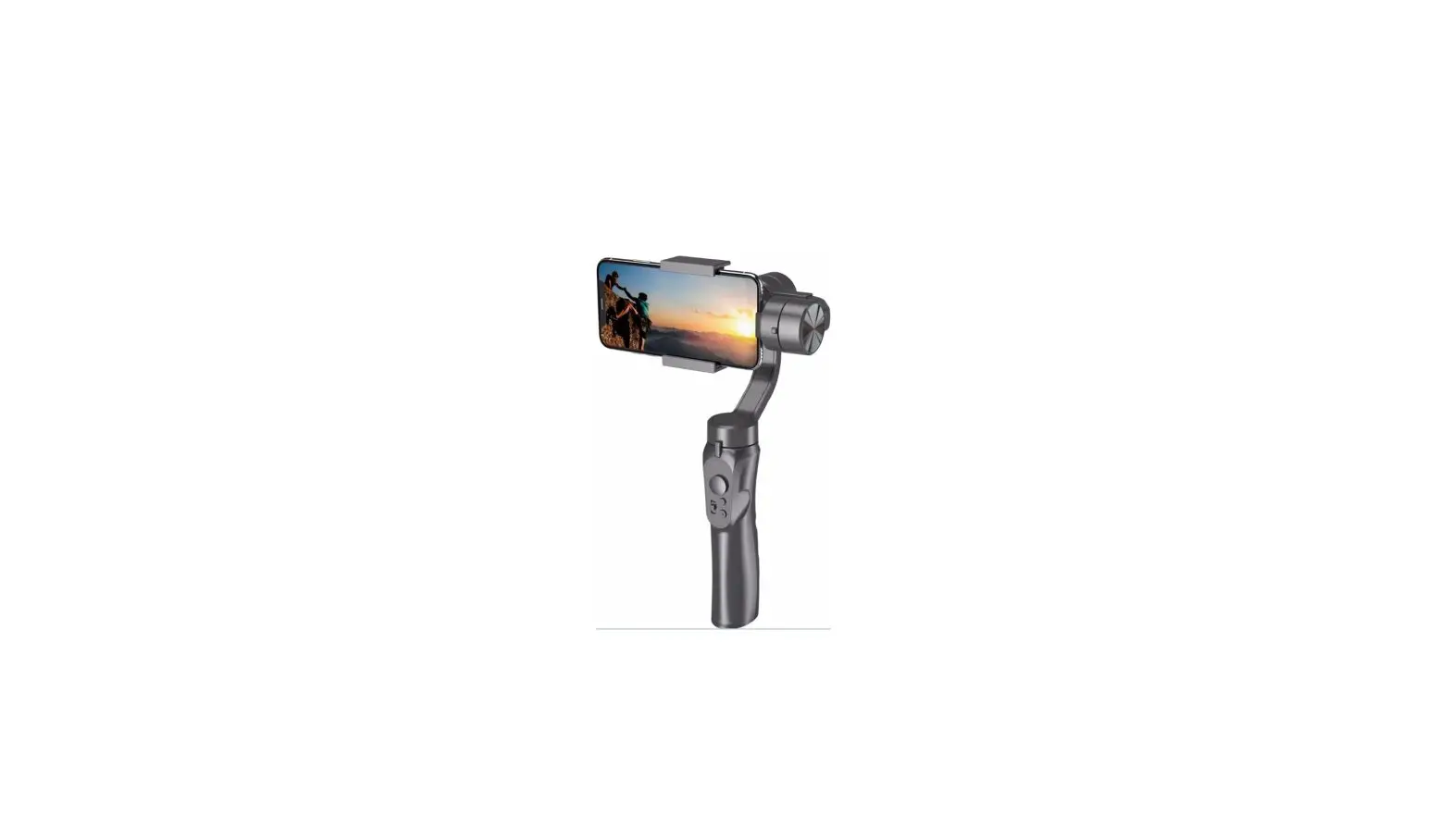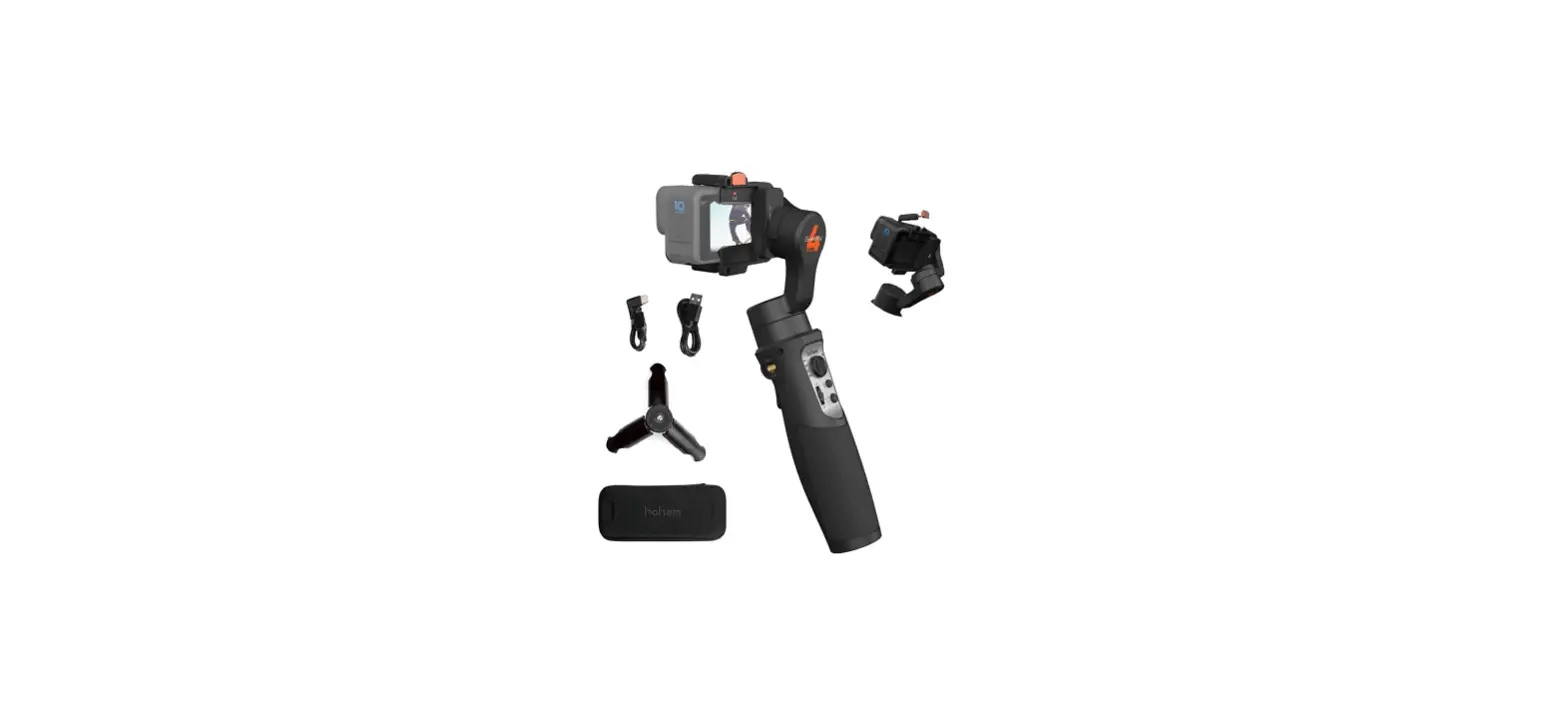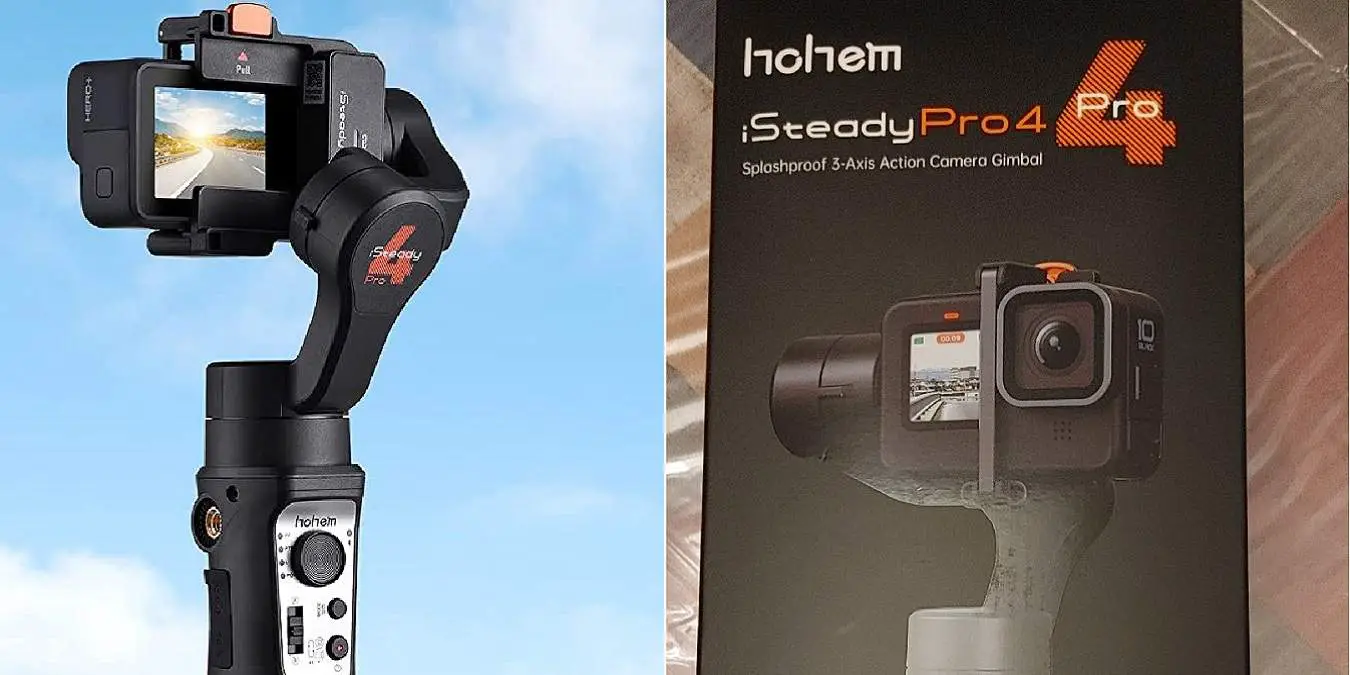

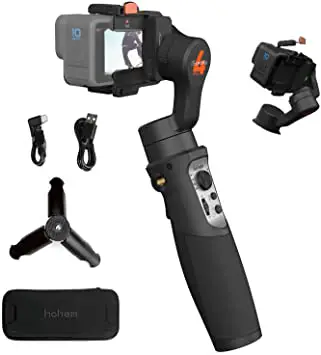
hohem iSteady Pro 4 Gimbal Stabilizer
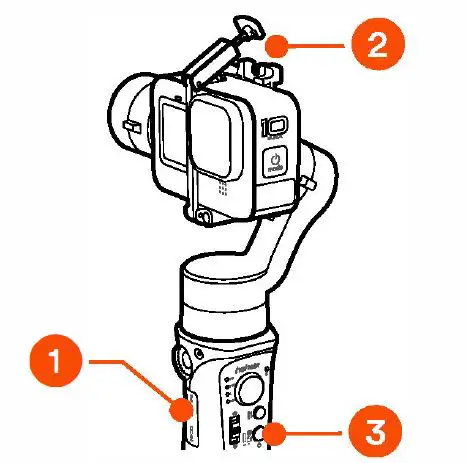
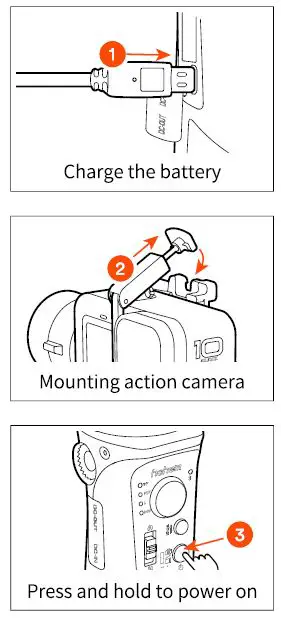
Quick Start Guide
 Hohem Gimbal App
CALL CENTER (Toll Free)
UNITED STATES:+ 1(888)9658512
Mon-Fri: 9:00AM-5:00PM(EST)
UNITED KINGDOM: +44(0)808 2737578
Mon-Fri: 2:00PM-10:00PM(GMT +0)
CANADA:+ 1(855)758-8939
Mon-Fri: 9:00AM-5:00PM(EST)
BRAZIL: +55 (0)800 5911897
Mon-Fri: 10:00AM-6:00PM(GMT -3)
E-mail: [email protected]
How to connect GoPro?
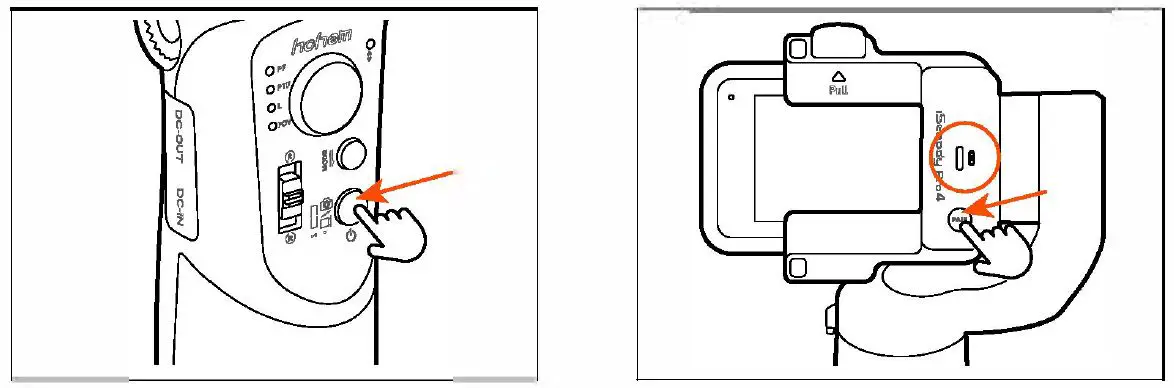
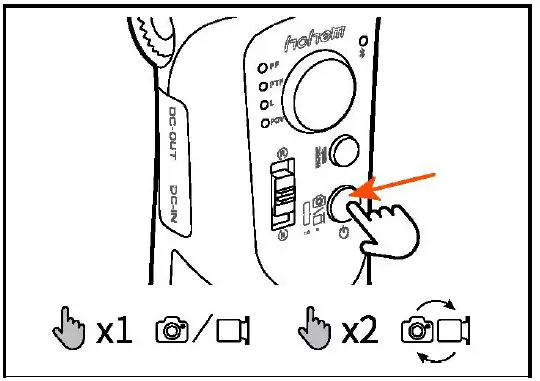
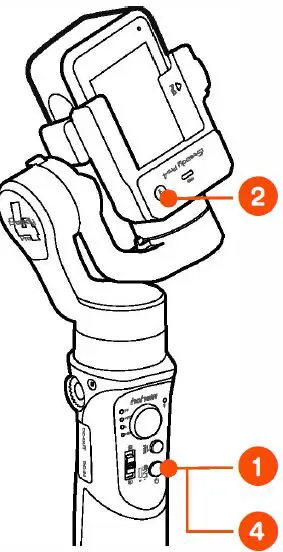
- Press and hold the power button for 3 seconds to turn on the gimbal.
- Double-click the PAIR button to enter camera pairing mode and camera connection indicator keeps flashing green.

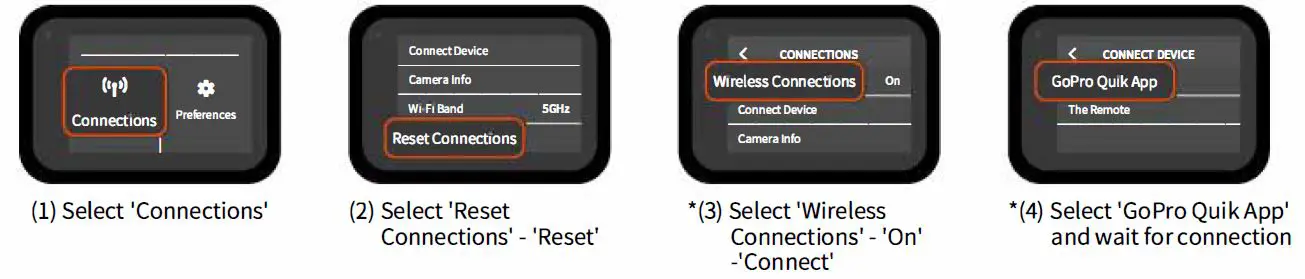
- Connect with Go Pro (e.g. GoPro 10)

- GoPro can be controlled by the gimbal once the camera connection indicator stays on green.
Unpair the camera: Press and hold the gimbal’s PAIR button for 3 seconds, the camera connection indicator will fast flash green 3 times and turn off (if you want to change a camera to connect).
wireless connections vary slightly depending on the different GoPro models. E.g. GoPro 5: •(3) Connect New Device –
·(4) Capture App; GoPro 8: •(3) Wireless Connection – •(4) GoPro App.
 alza.at
 alza.co.uk
 alza.de
 alza.hu
 alza.sk
 浩瀚瀚卓越三轴稳定器|专业三轴手机稳定器|手机稳定器|浩瀚卓越浩瀚卓越-hohem