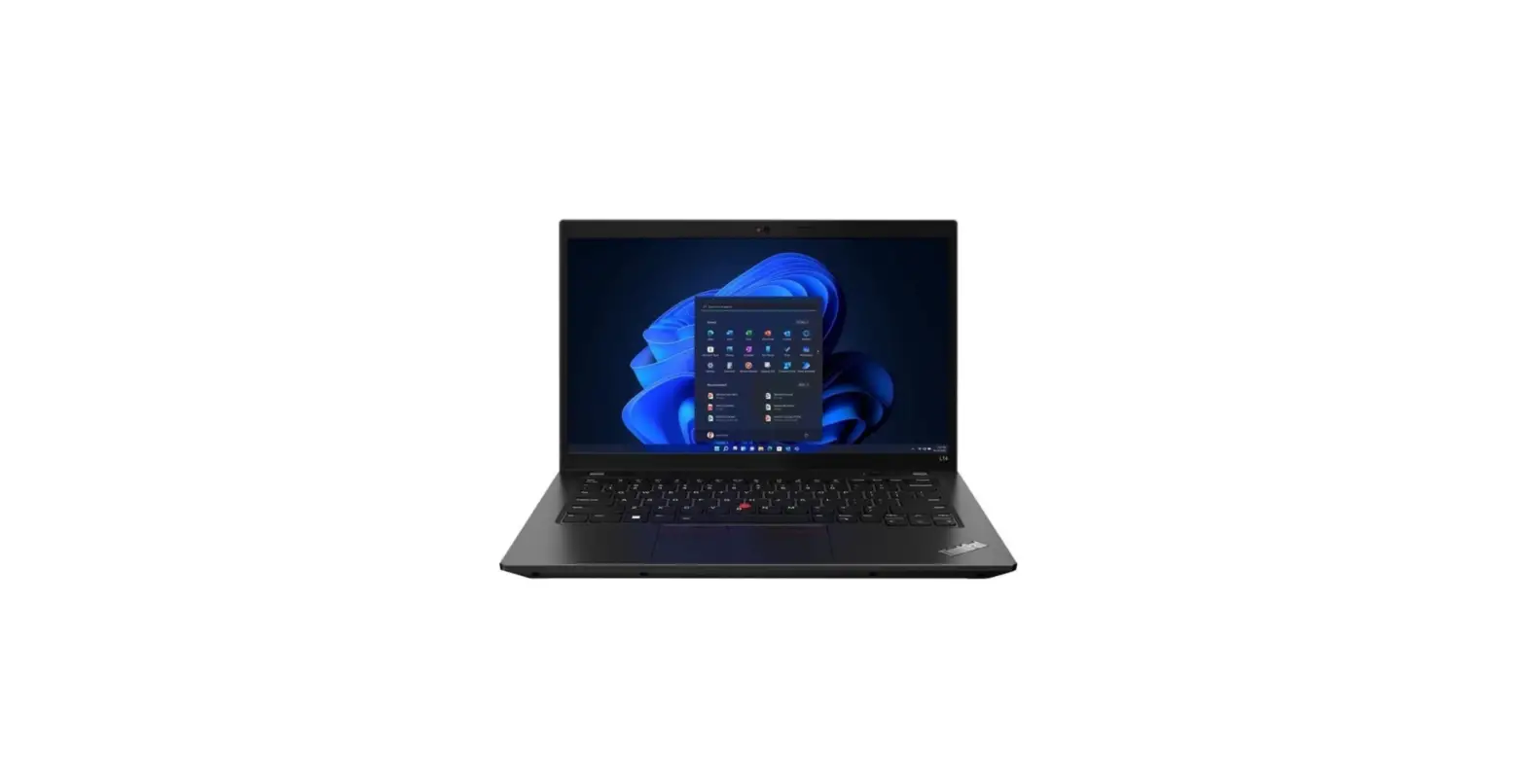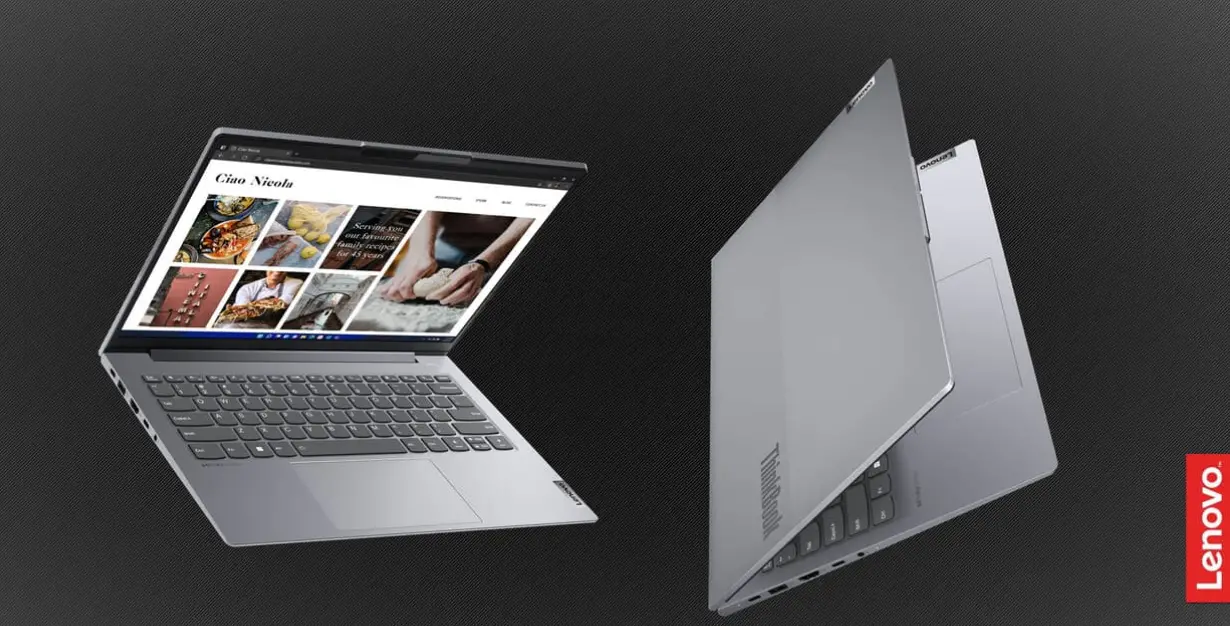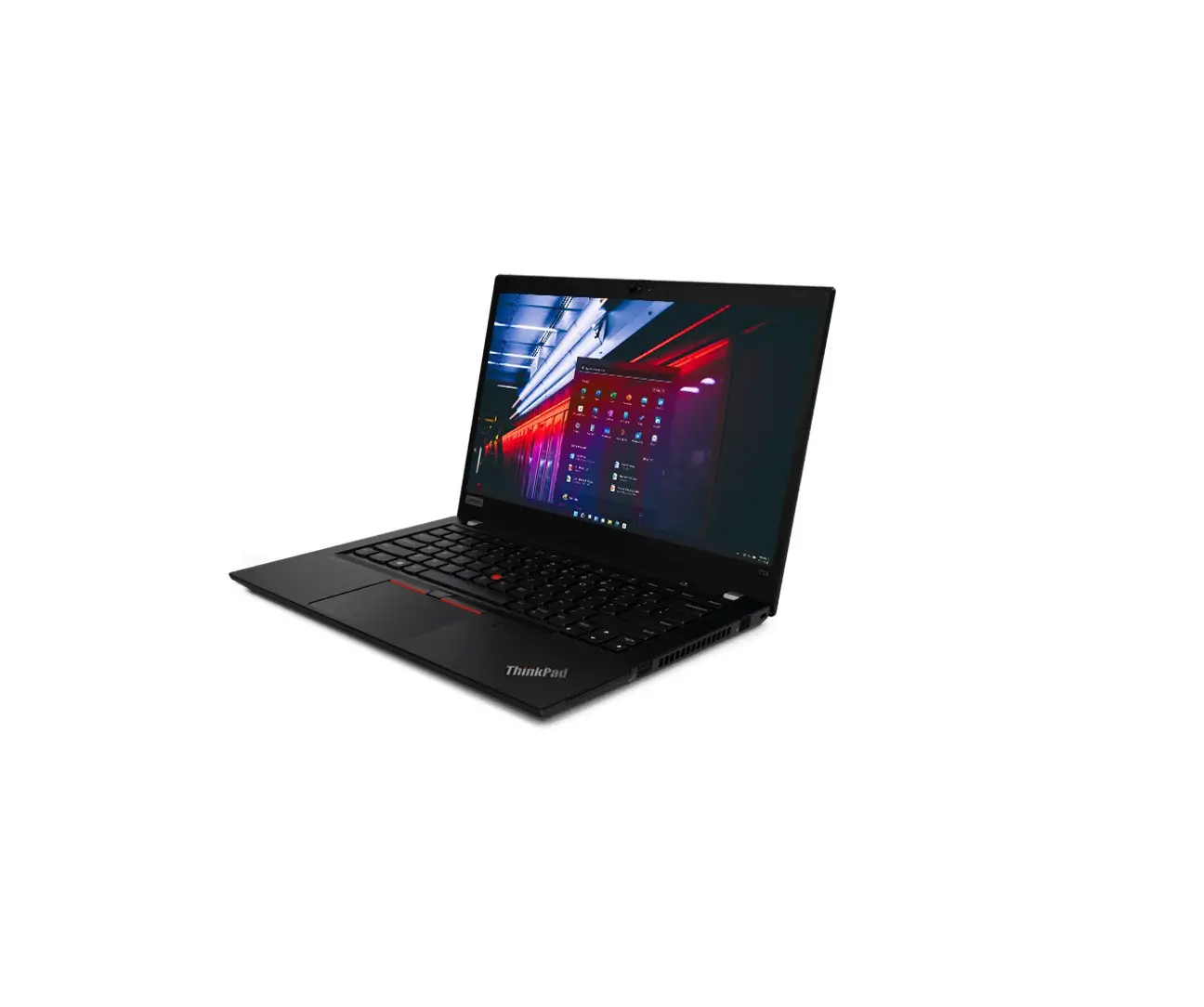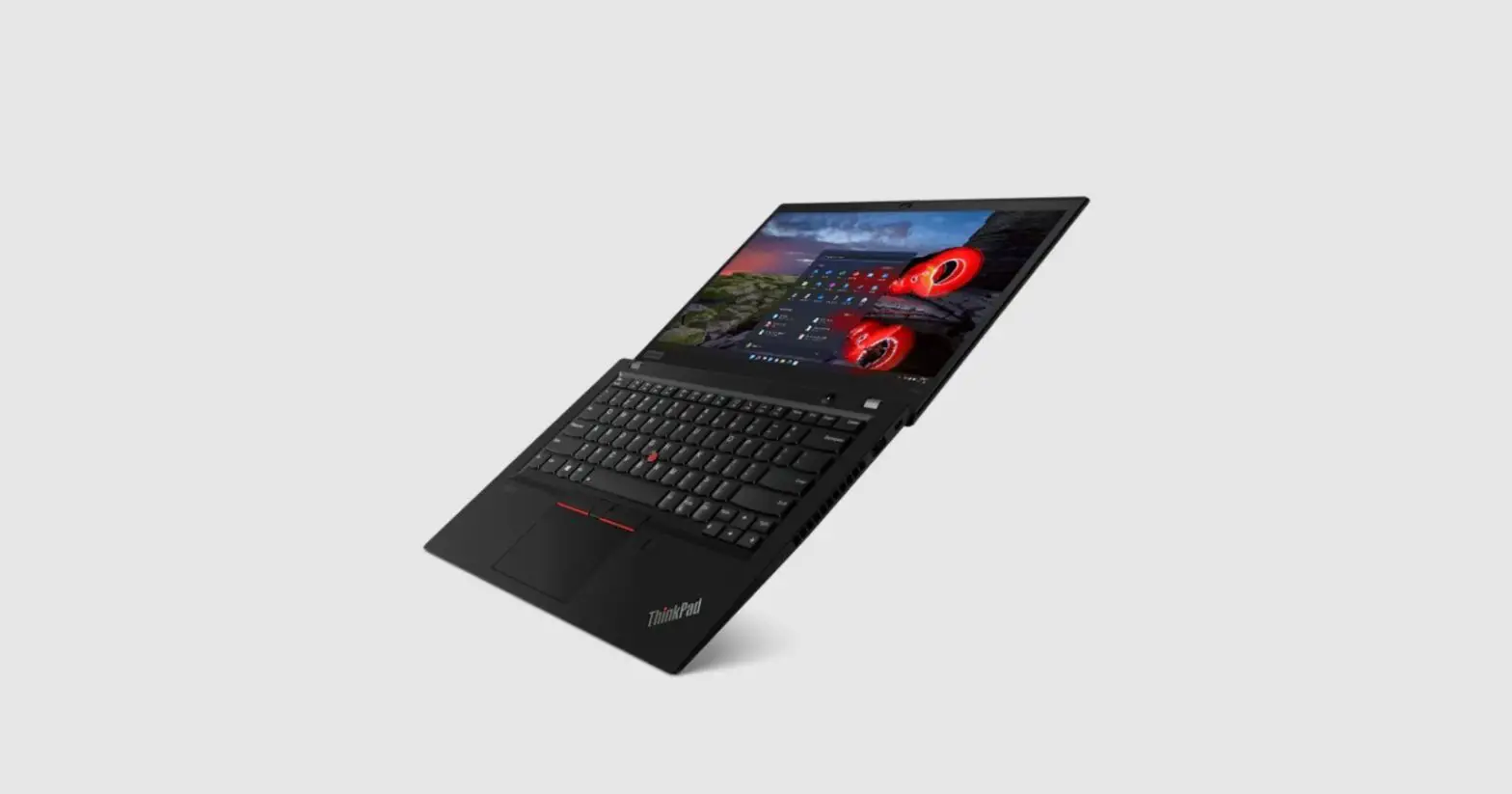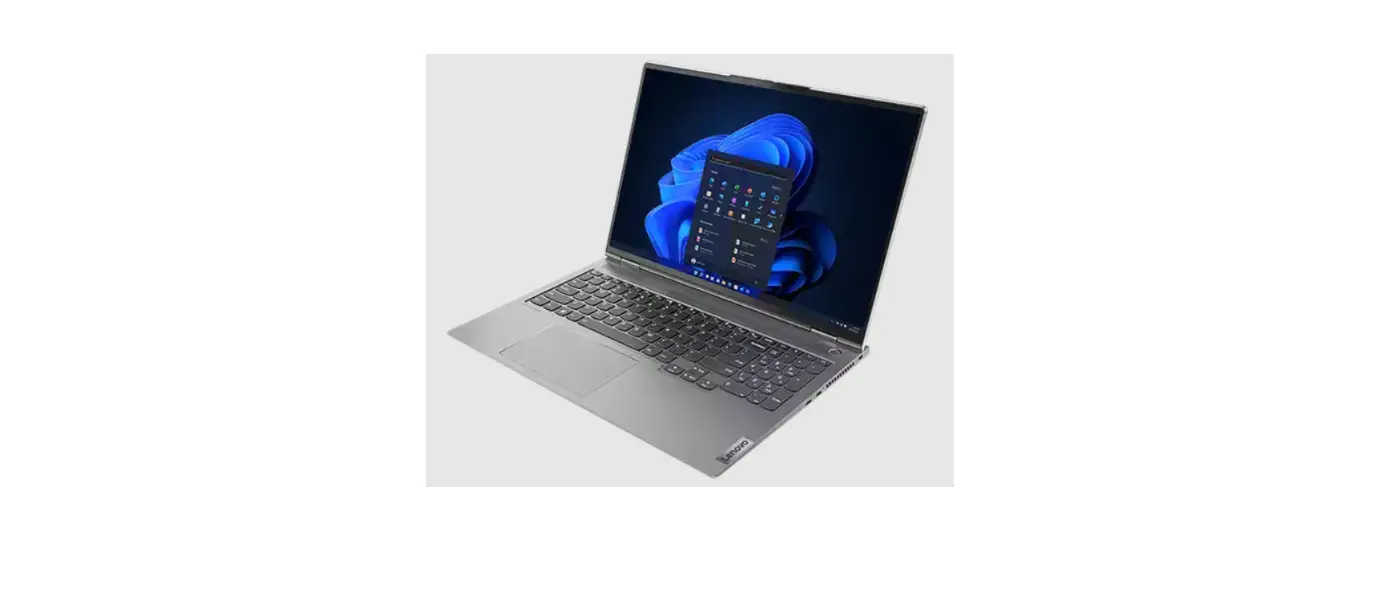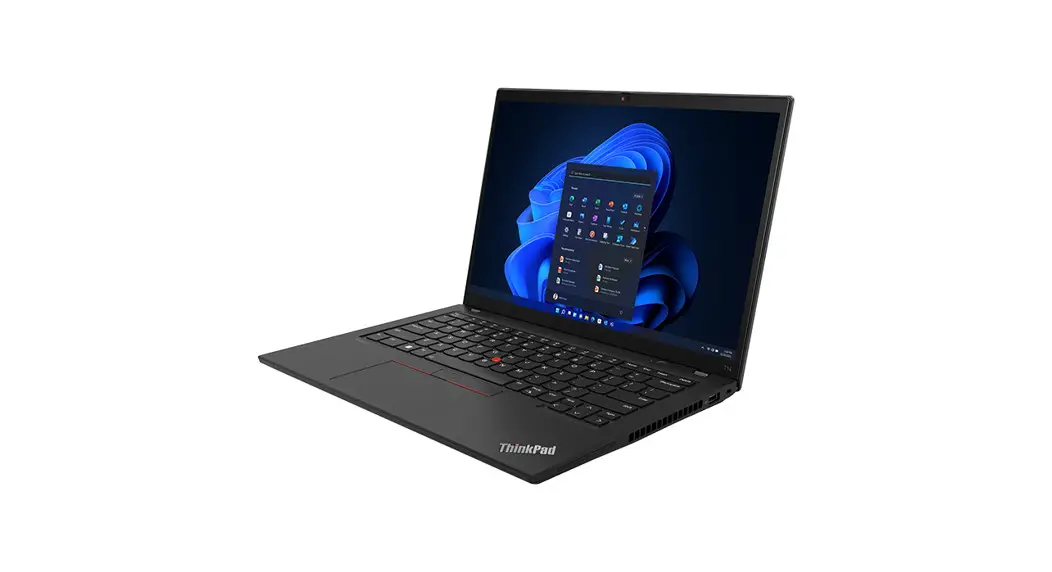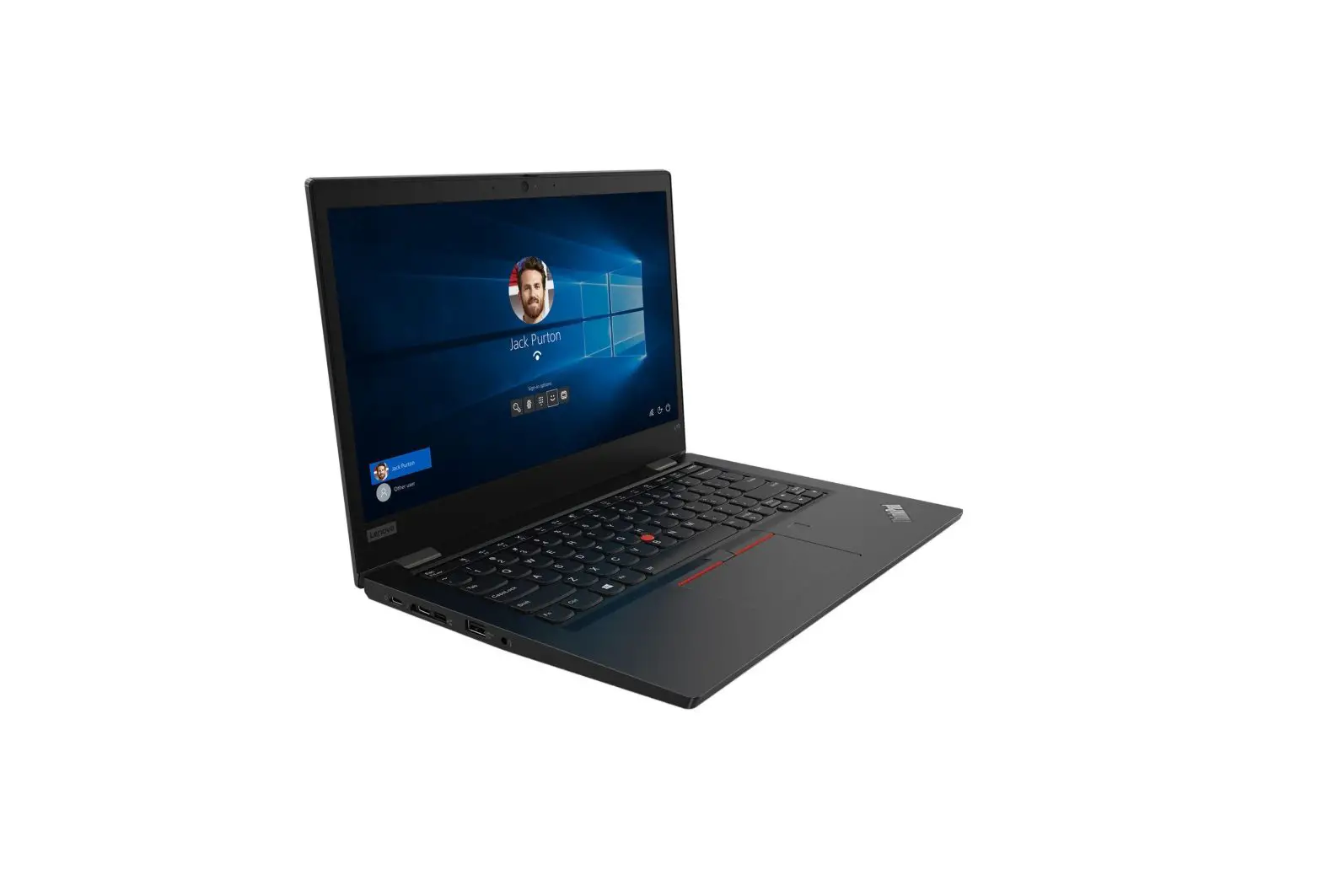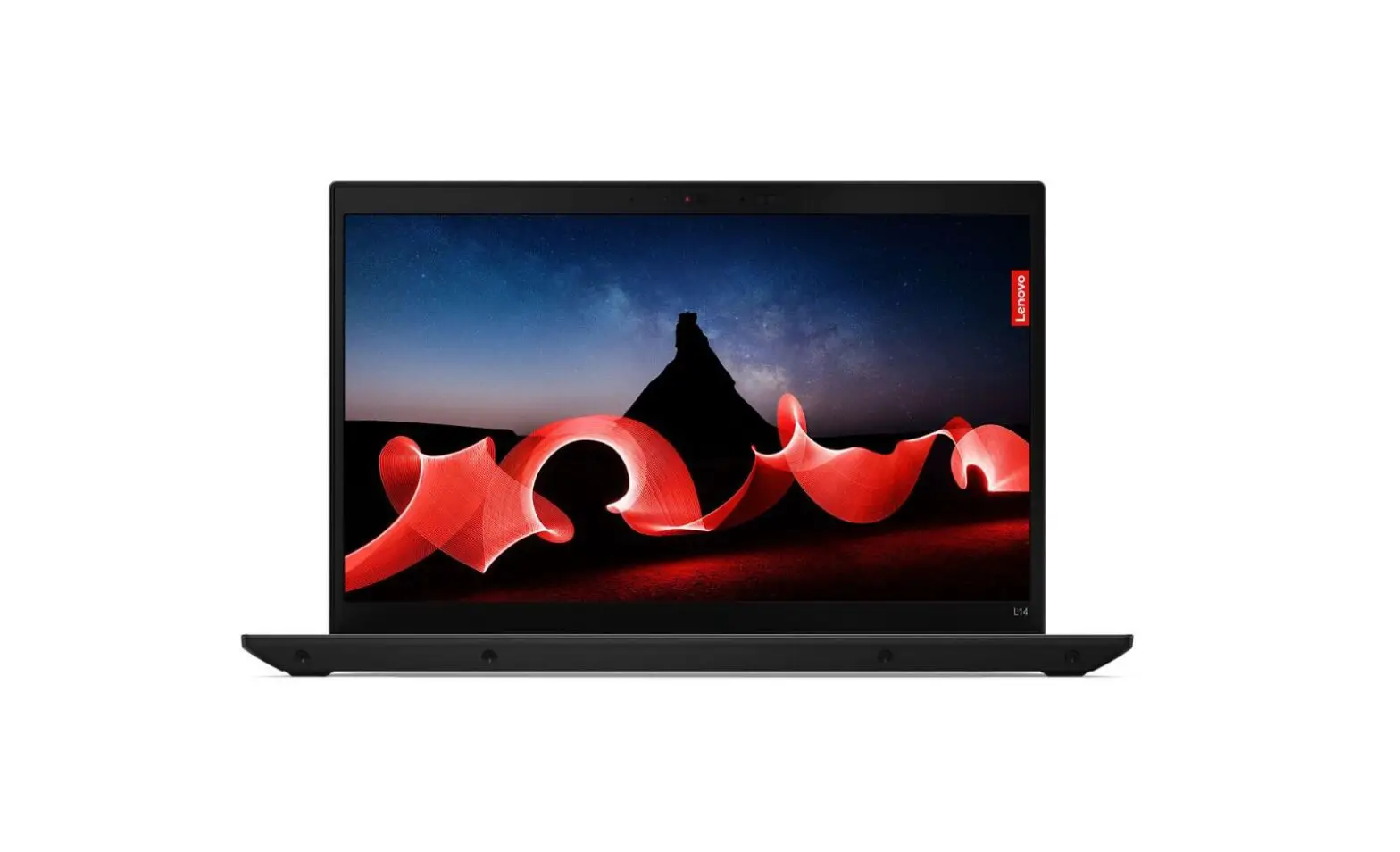
Lenovo 21H1003DGE Thinkpad L14 G4 Campus Laptop User Guide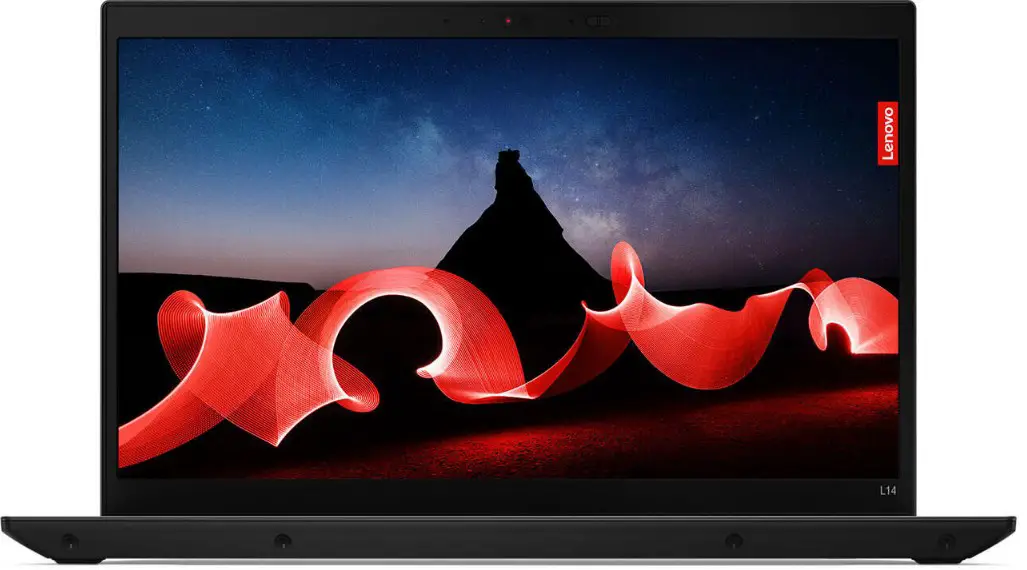
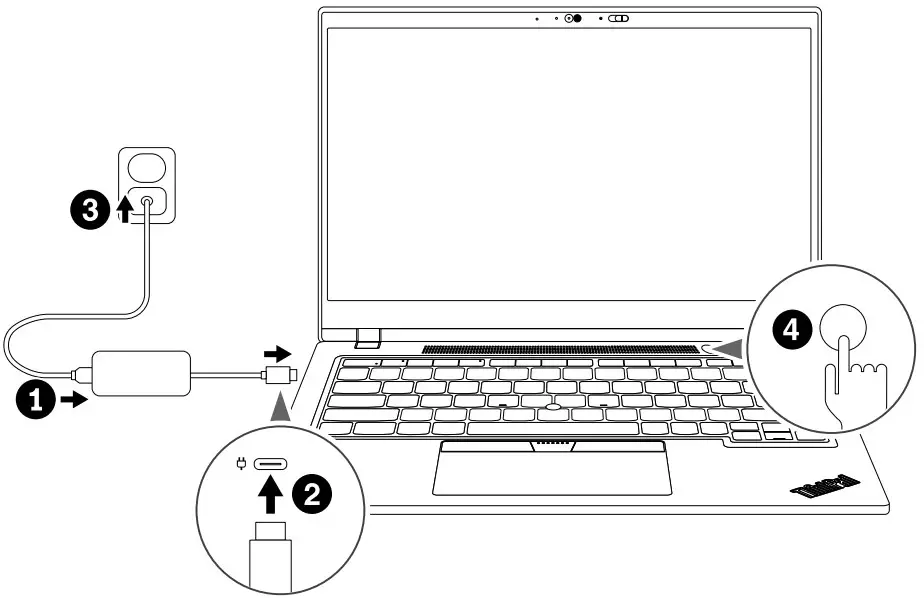
Get started
* Lenovo USB-C to VGA Adapter
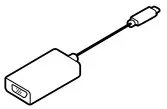
* Lenovo USB-C to DisplayPort Adapter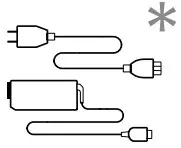
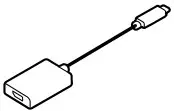
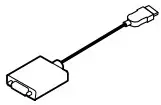
* Lenovo HDMI to VGA Adapter
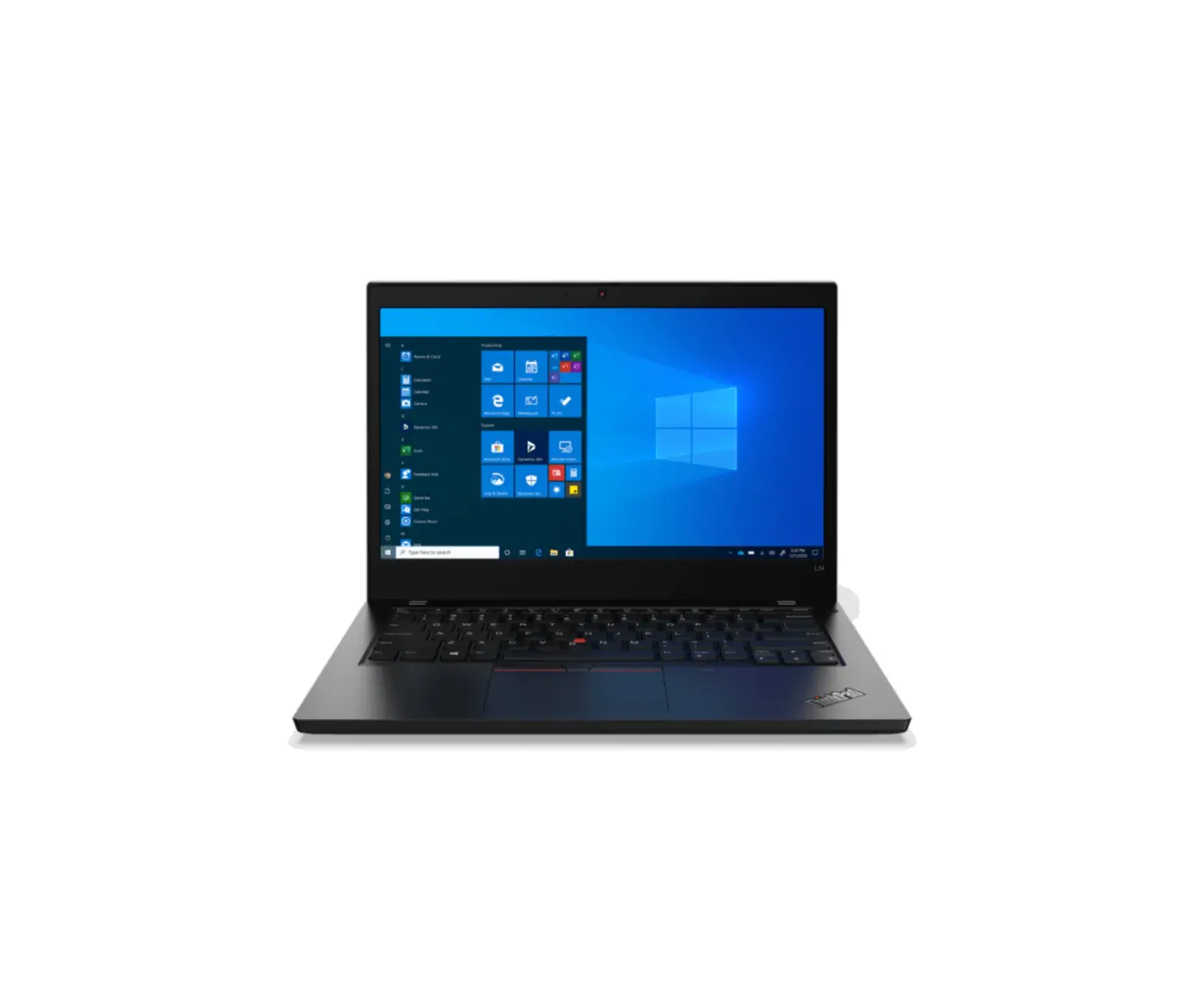
Front view
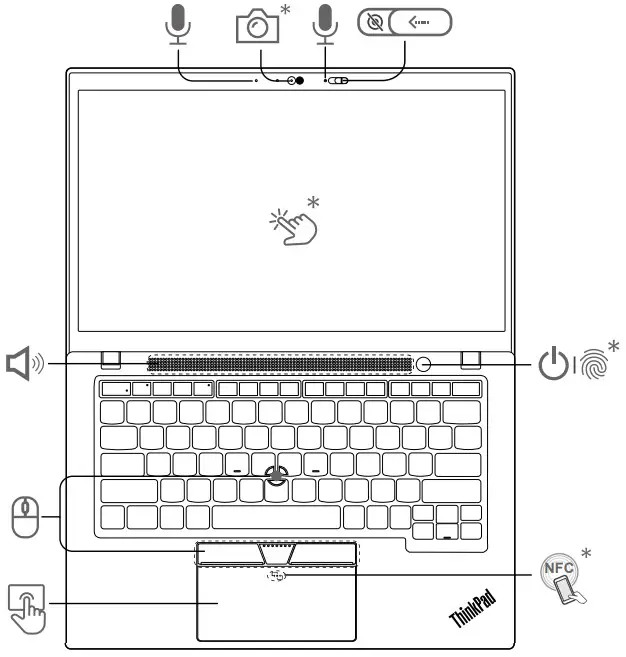
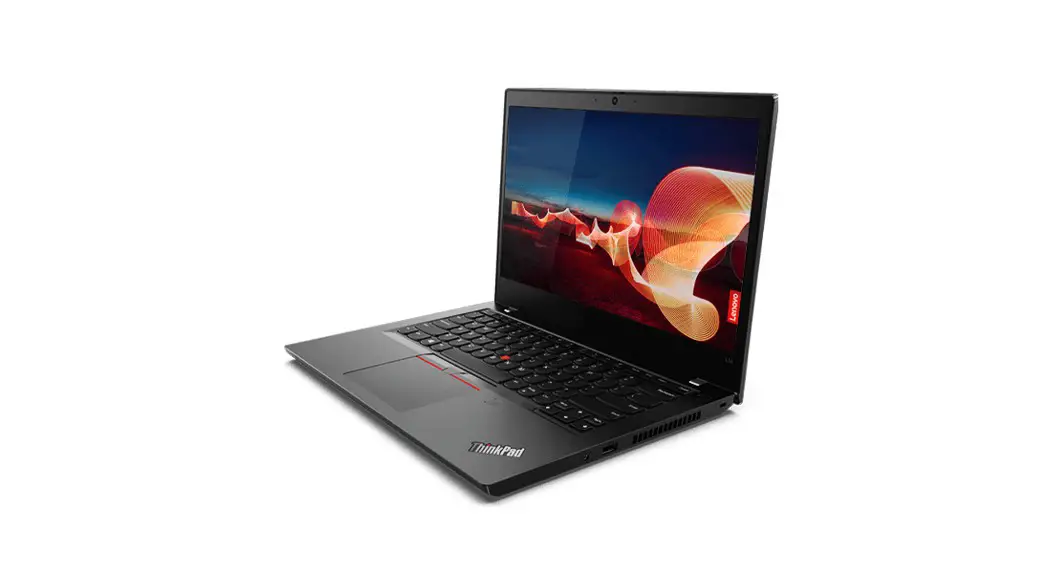
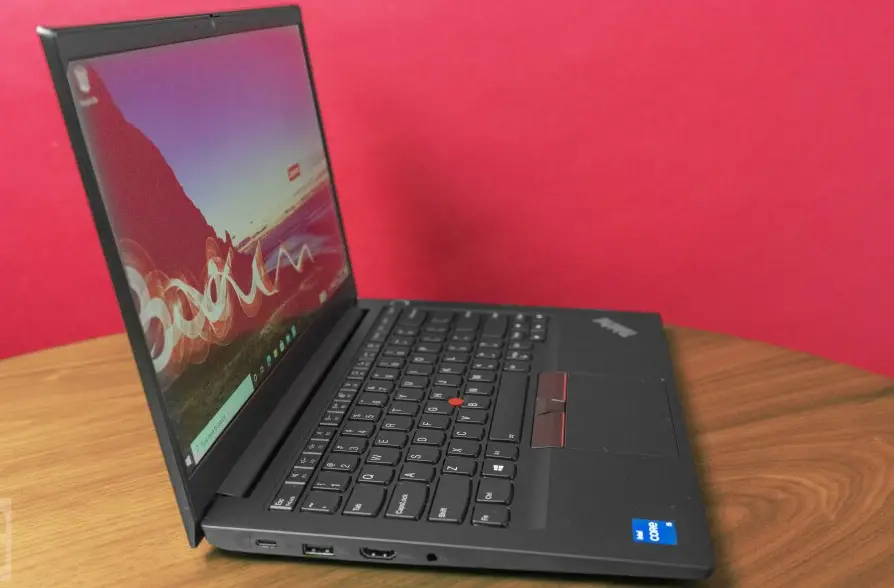
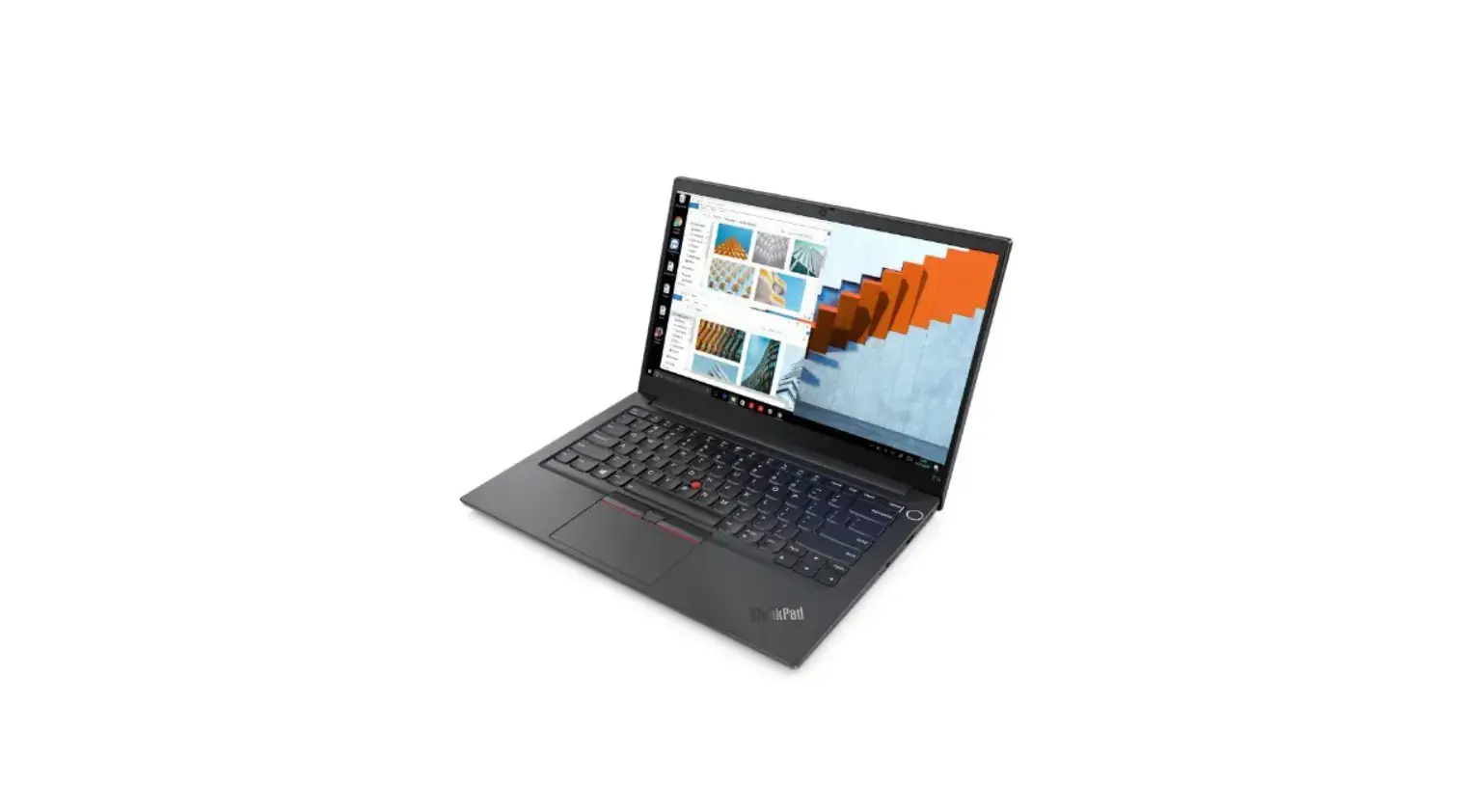
ThinkPad L14 Gen 4
 Press to log in to the computer*
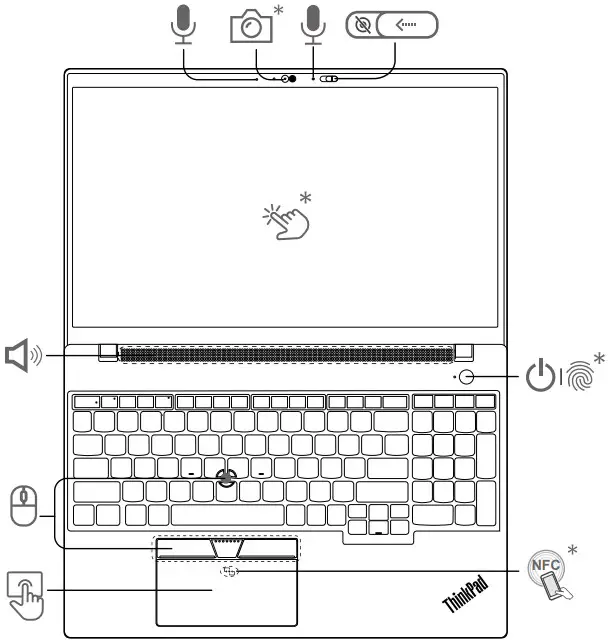
Overview
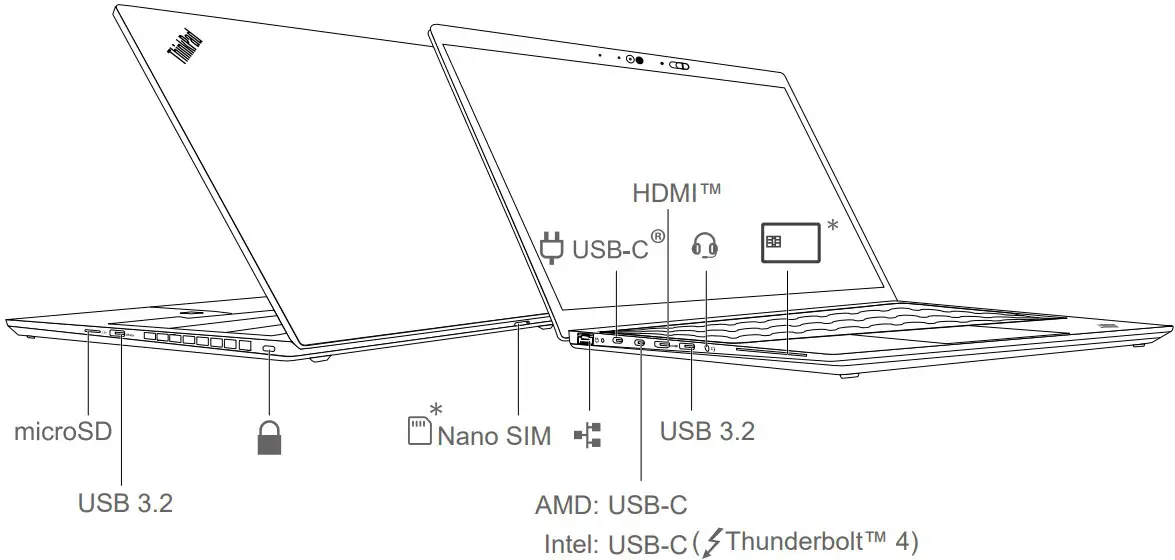
Read the statement on USB transfer rate in the User Guide. To access the User Guide, go to https://pcsupport.lenovo.com.
Lenovo Commercial Vantage*
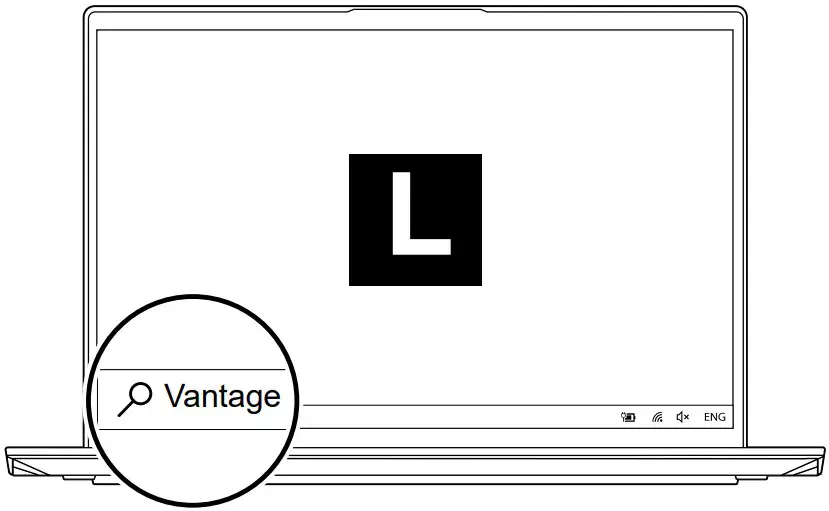
Access Commercial Vantage to adjust device settings and check for system updates.
Lenovo View
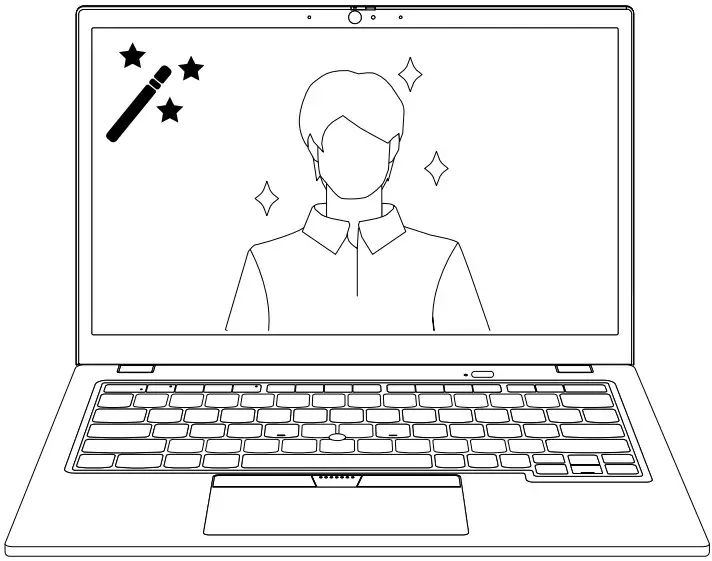
Enable Video Enhancer in Lenovo View to improve your camera quality.
European Union
This radio equipment operates with the following frequency bands and maximum radiofrequency power:
Note: Not all wireless bands may be enabled depending on your product configuration. Usage of this device is limited to indoor locations in the bands 5150 – 5350 MHz and 5945 – 6425 MHz.
| Technology | Frequency [MHz] / band | Maximum transmit power |
| WLAN 802.11b/g/n/ax | 2400 – 2483.5 | < 20 dBm |
| WLAN 802.11a/n/ac/ax | 5150 – 5725 | < 23 dBm |
| WLAN 802.11a/n/ac/ax | 5725 – 5875 | < 13.98 dBm |
| WLAN 802.11ax | 5945 – 6425 | < 23 dBm |
| Bluetooth BR/EDR/LE | 2400 – 2483.5 | < 20 dBm |
| WWAN UMTS | 1/8 | < 25.5 dBm |
| WWAN LTE | 1/3/7/8/20/28/34/38/40/41/42/43 | < 25.5 dBm |
 Official Lenovo Laptop, Accessories & PC Support - Lenovo Support US