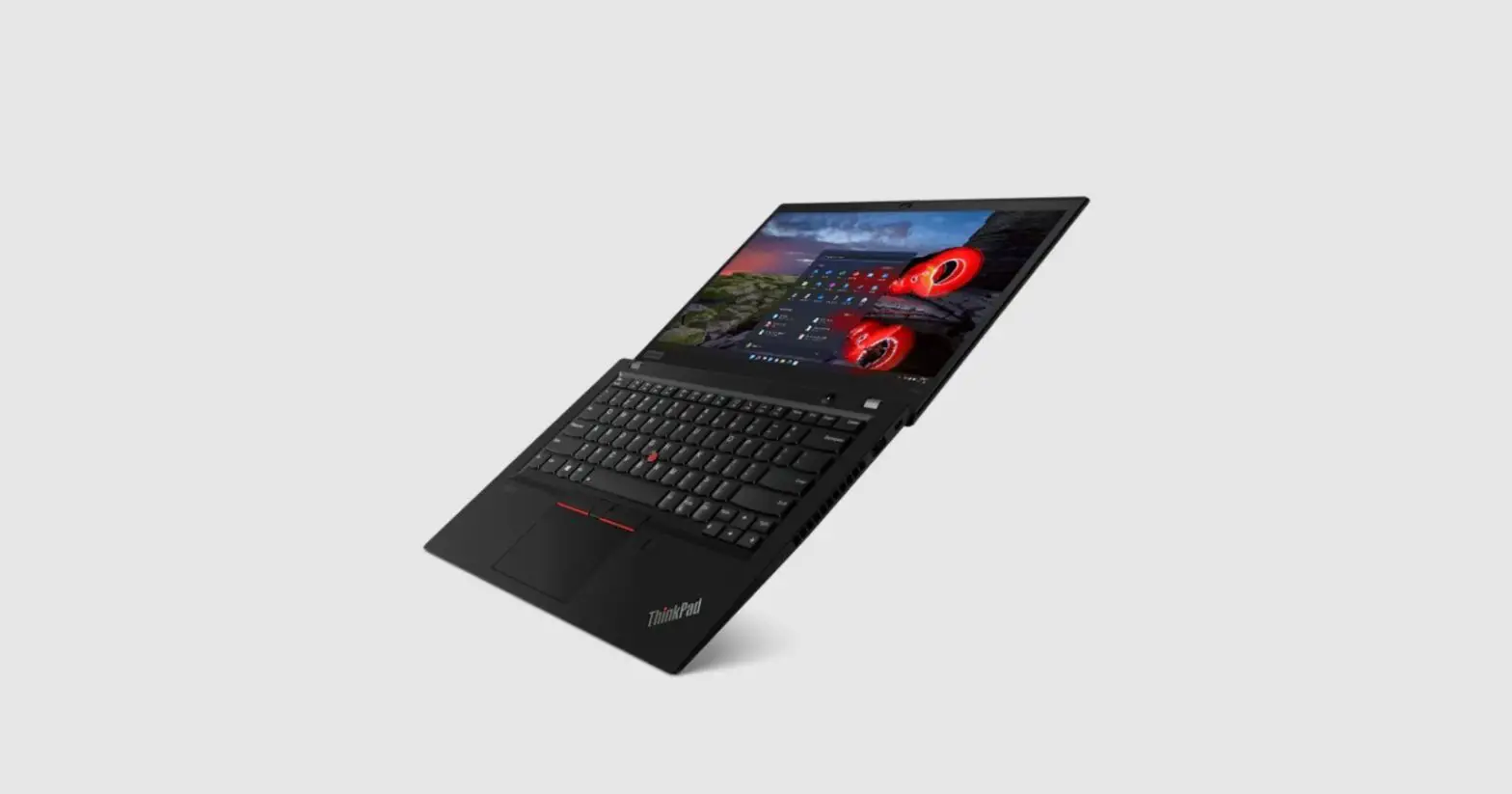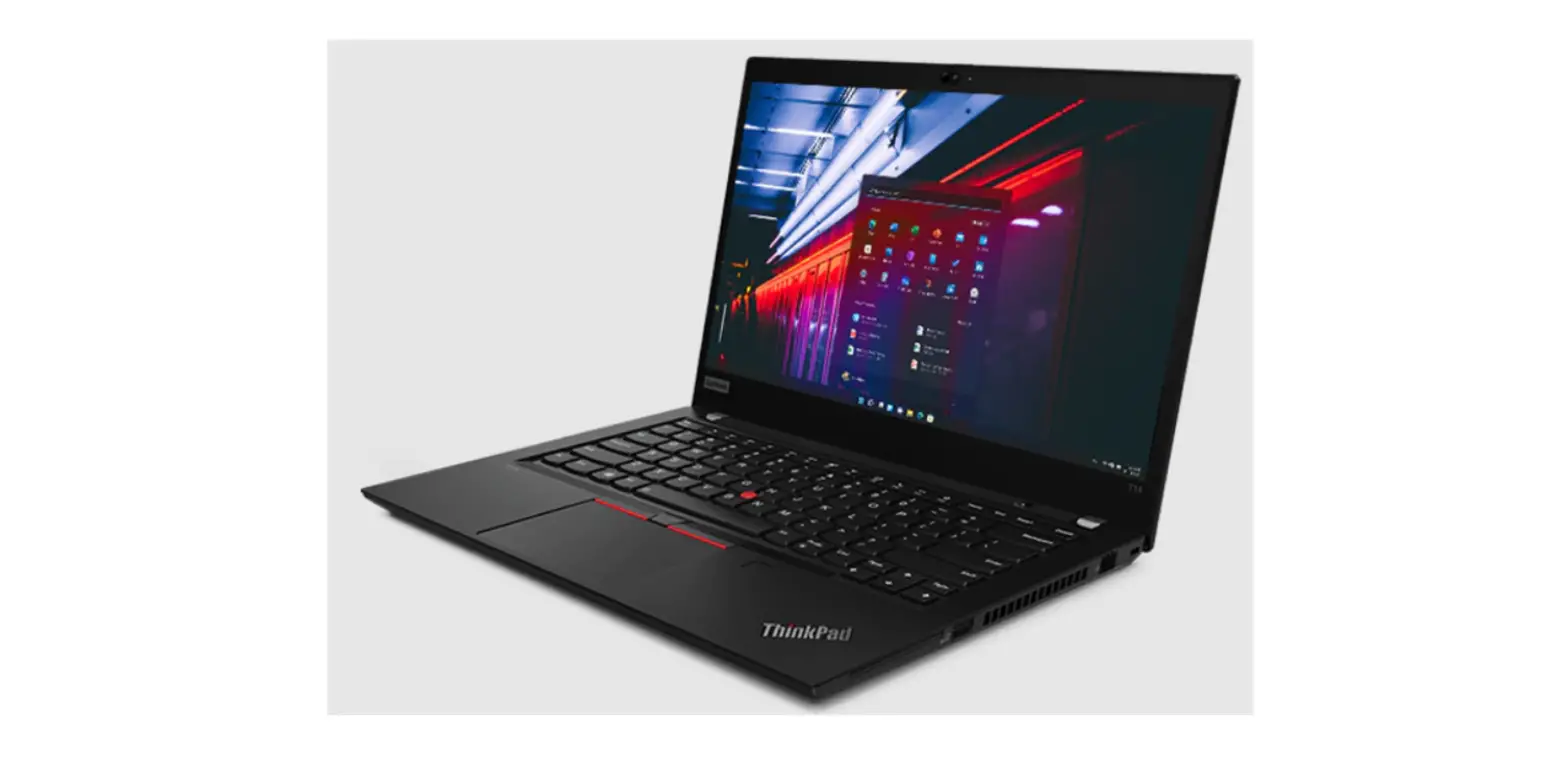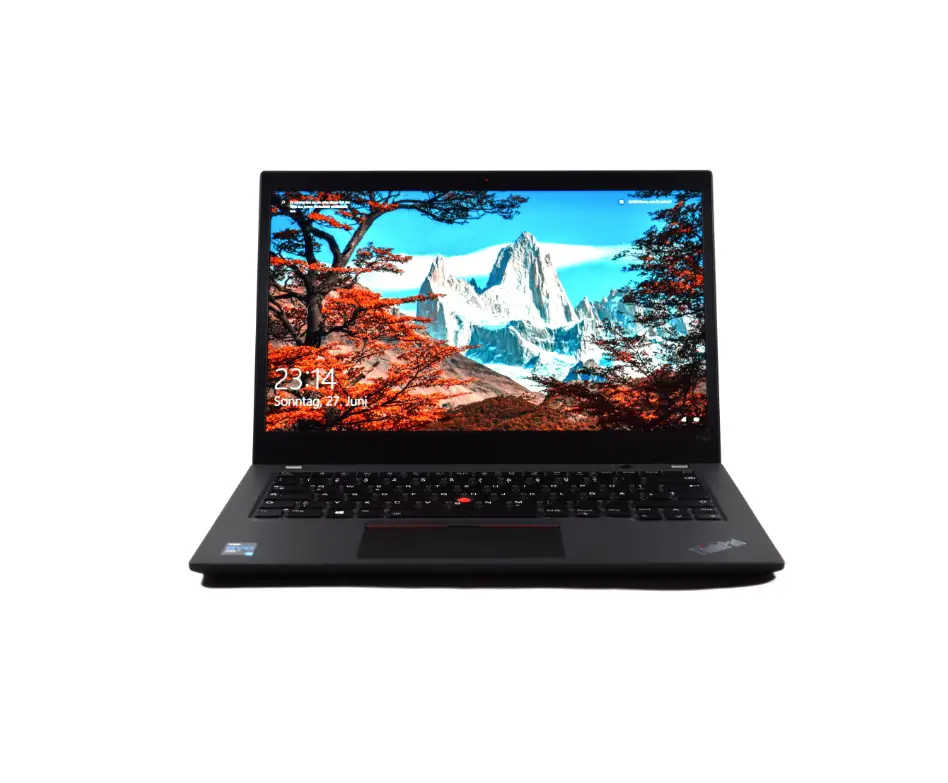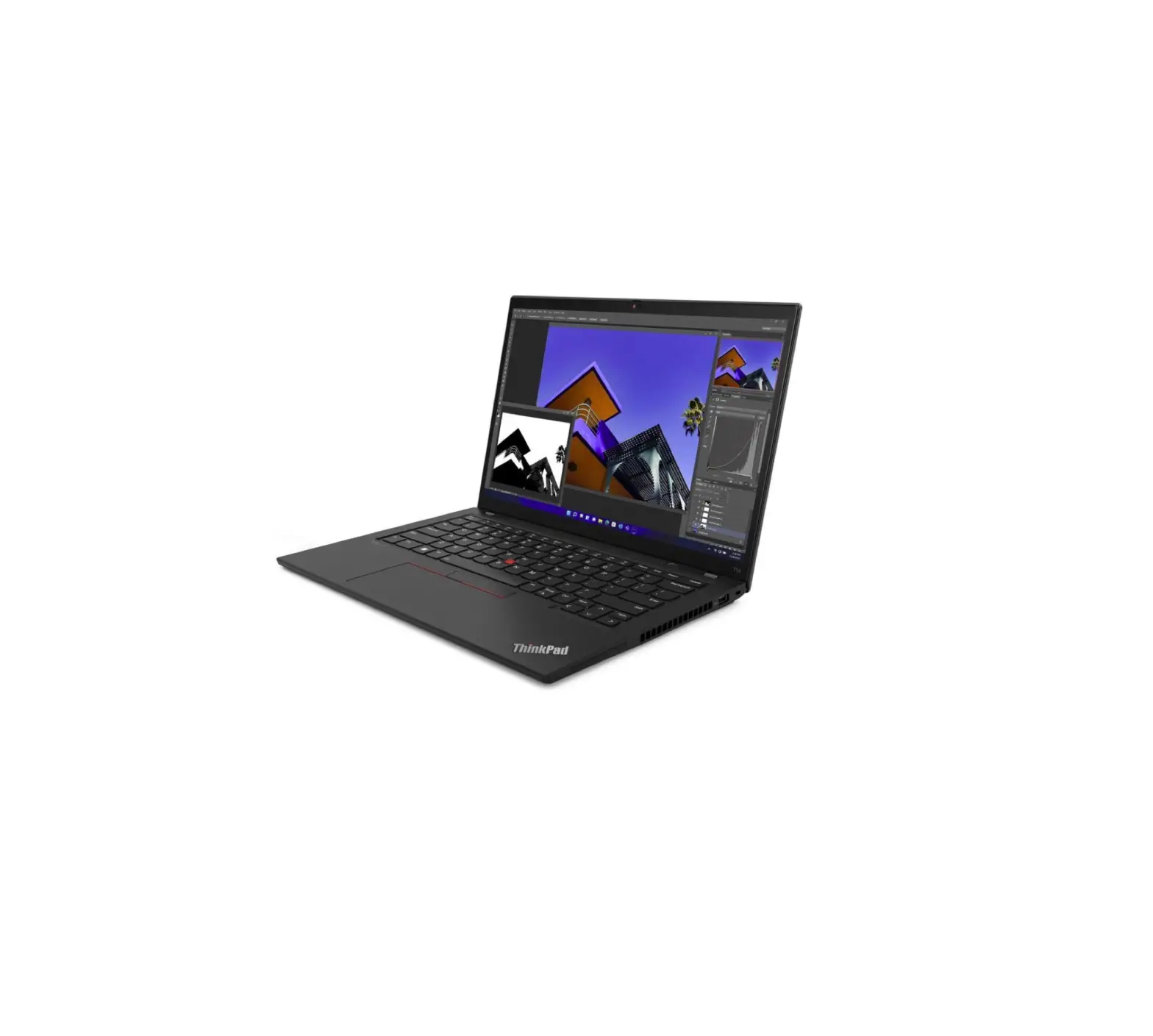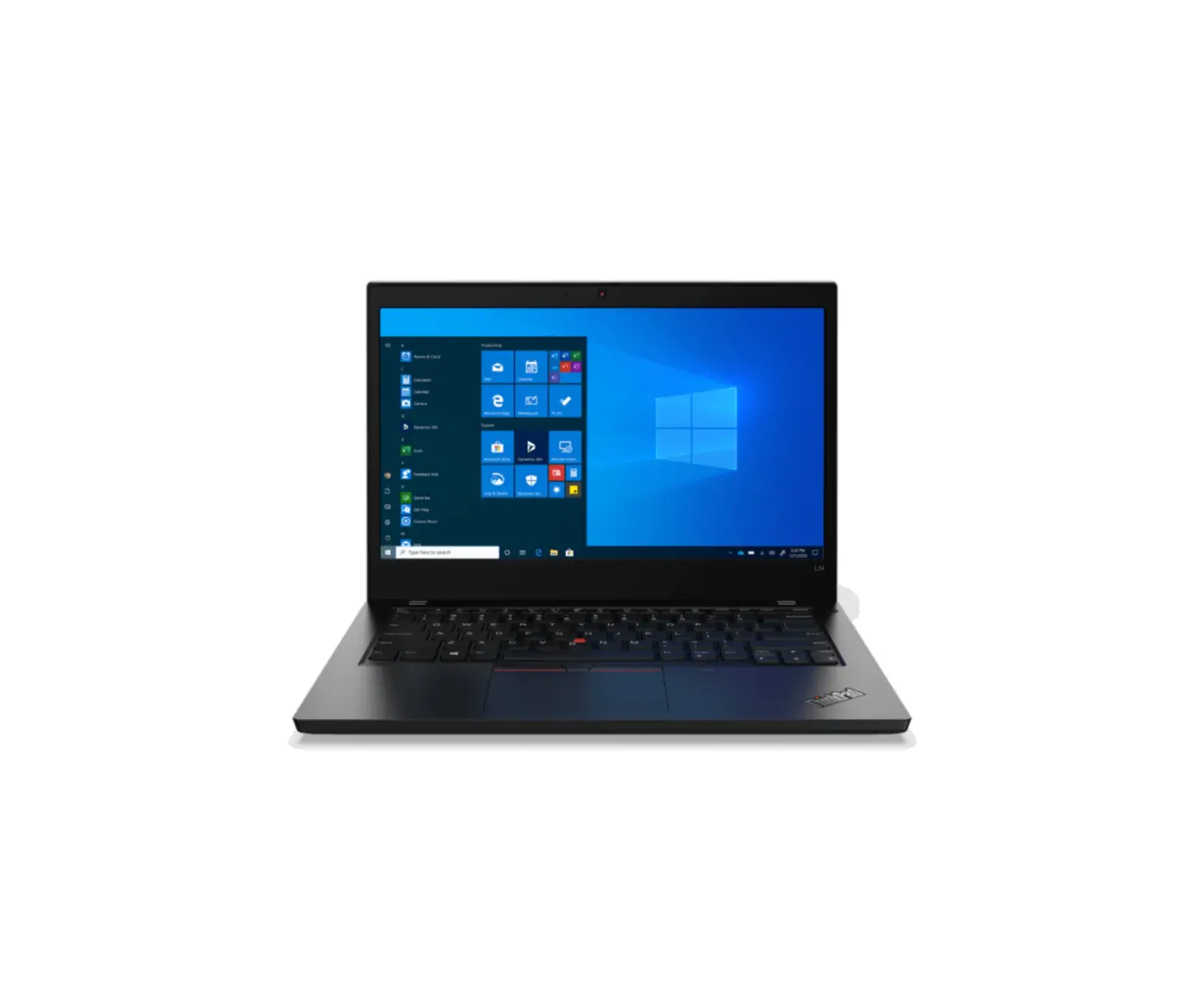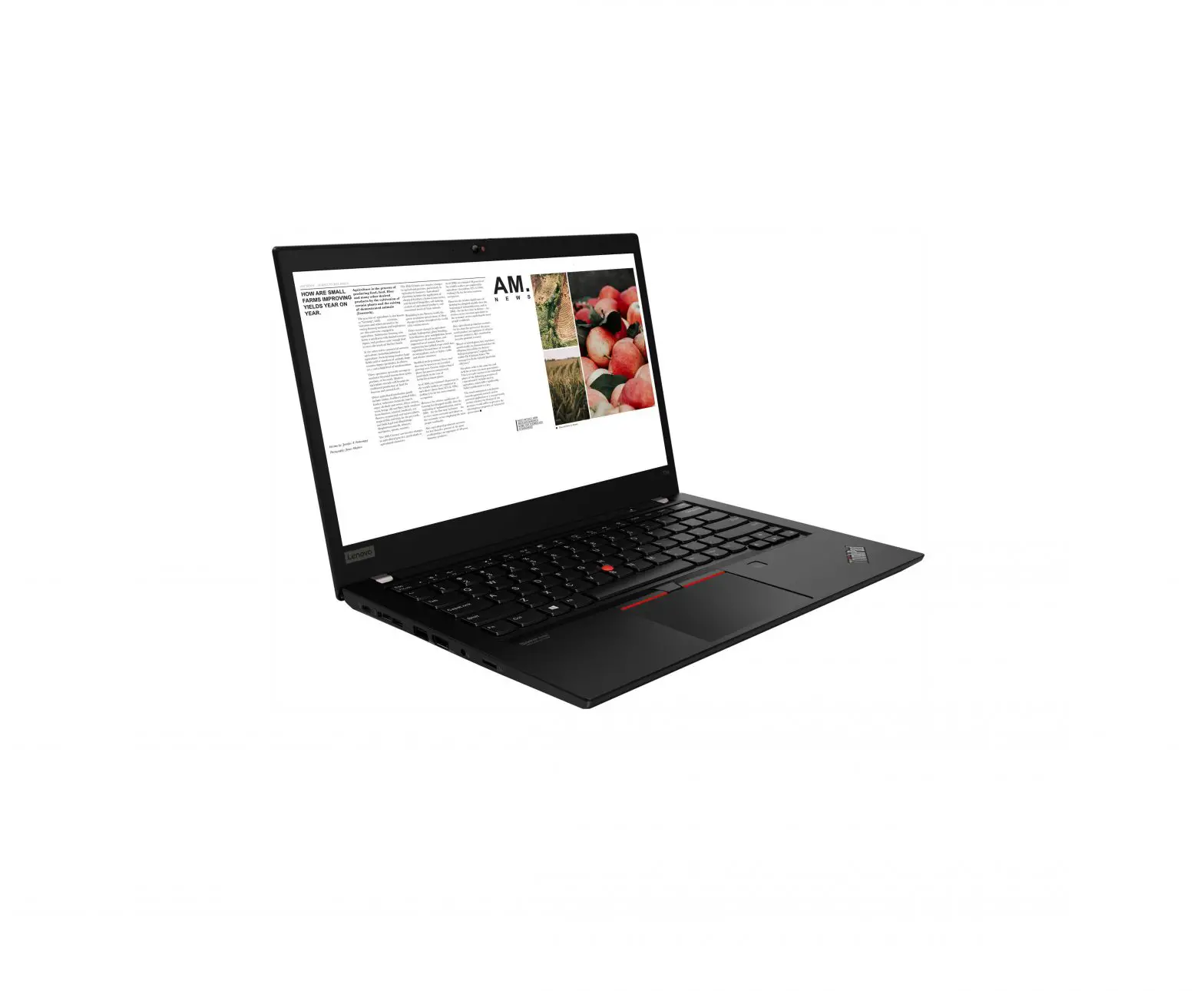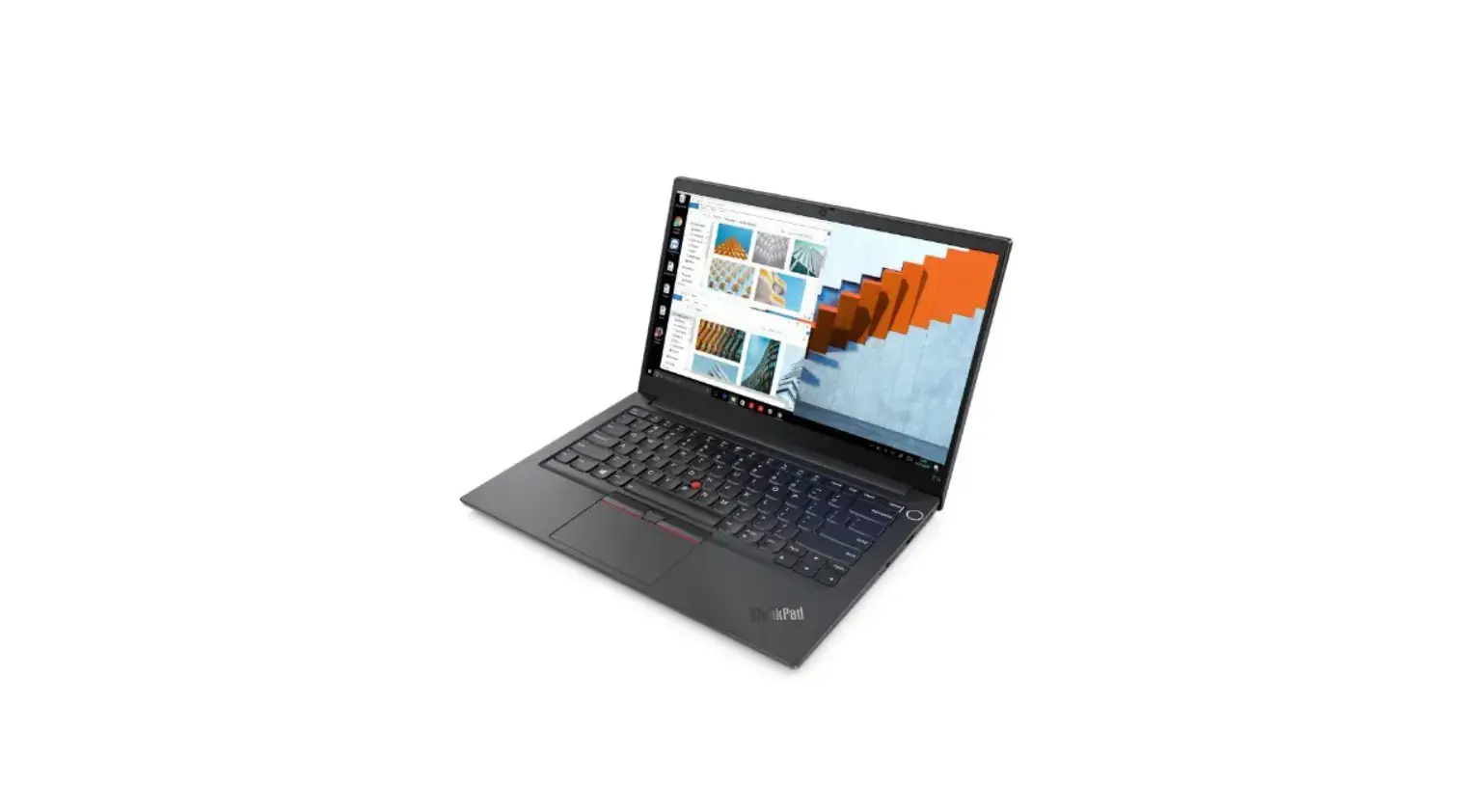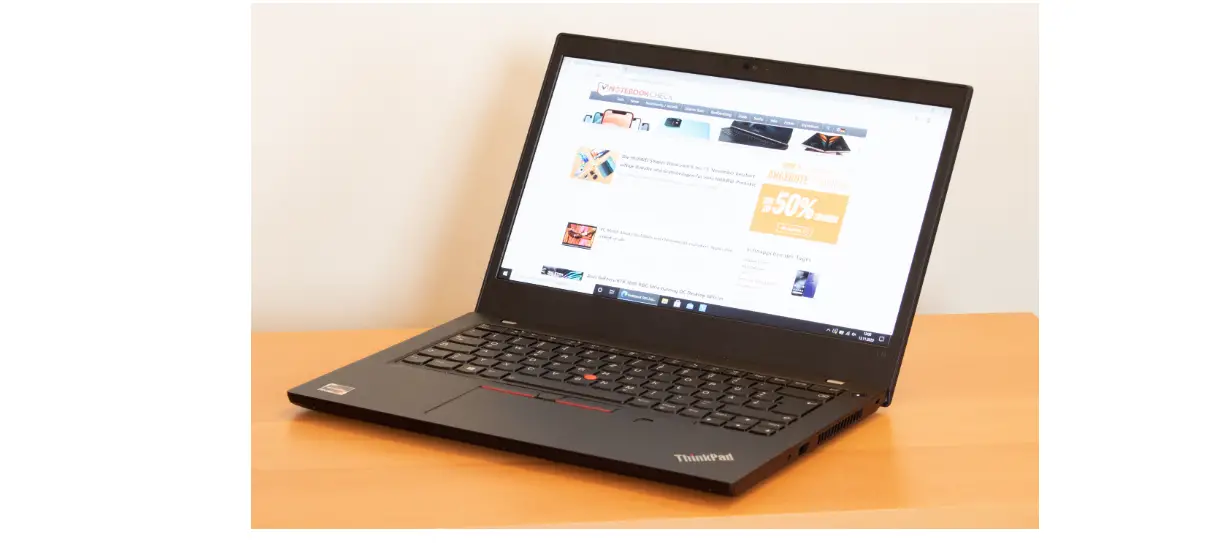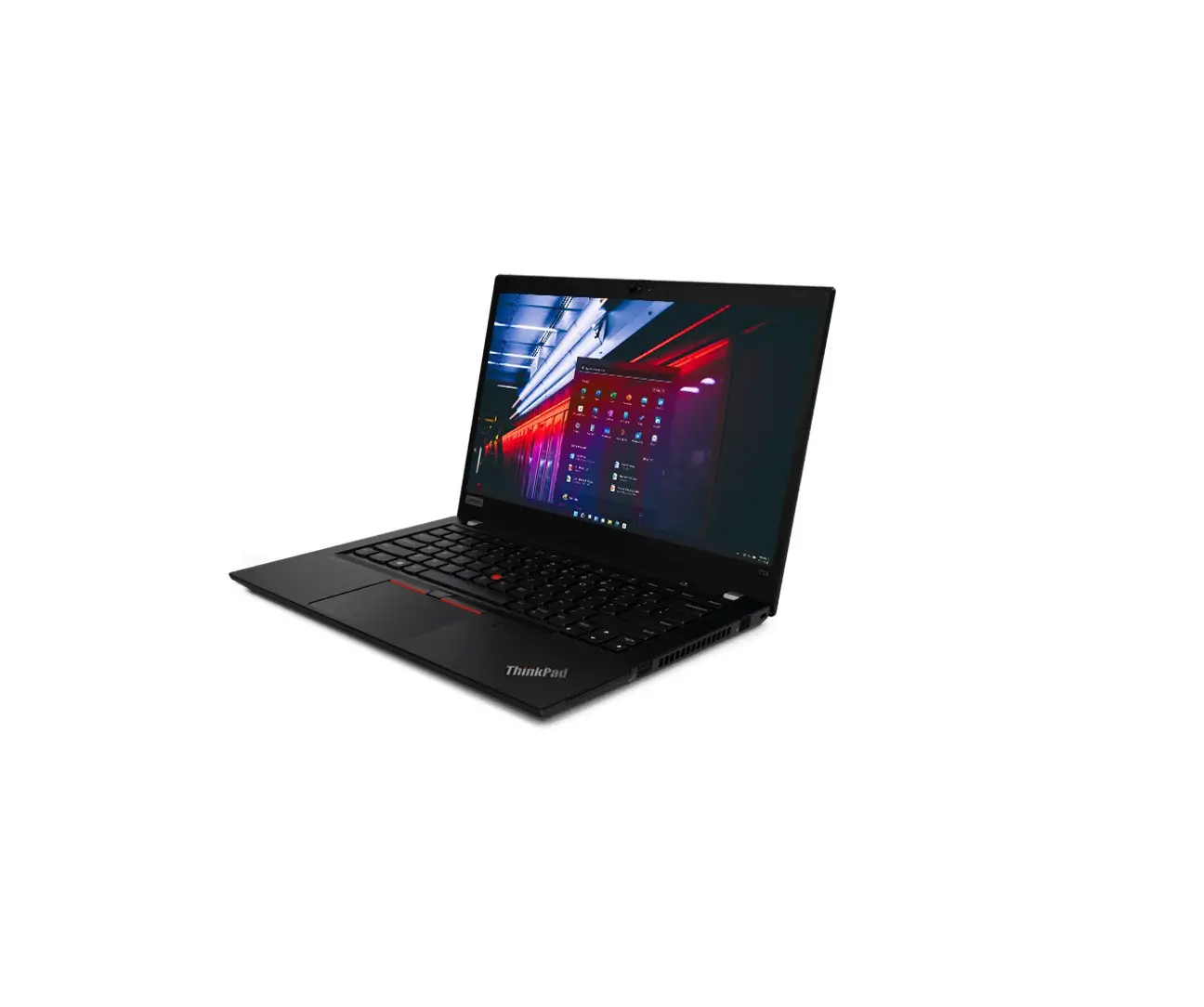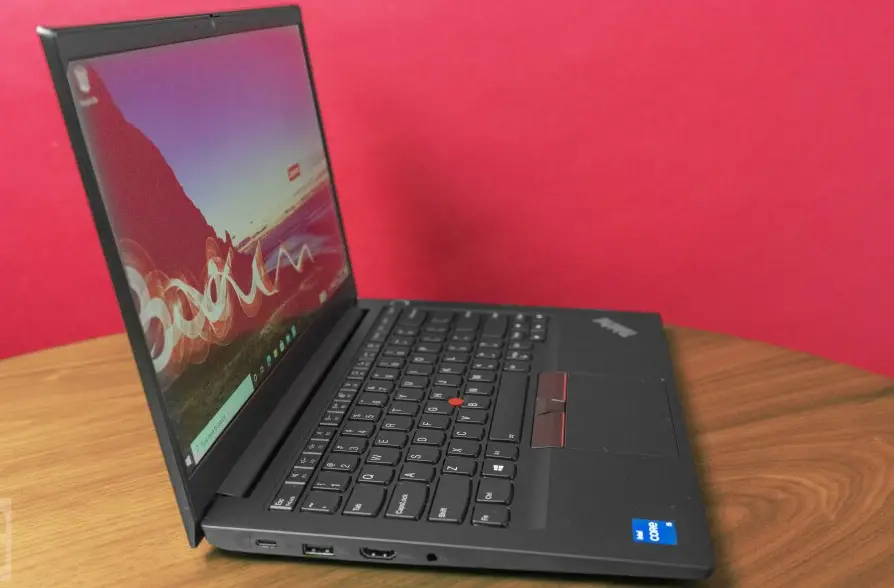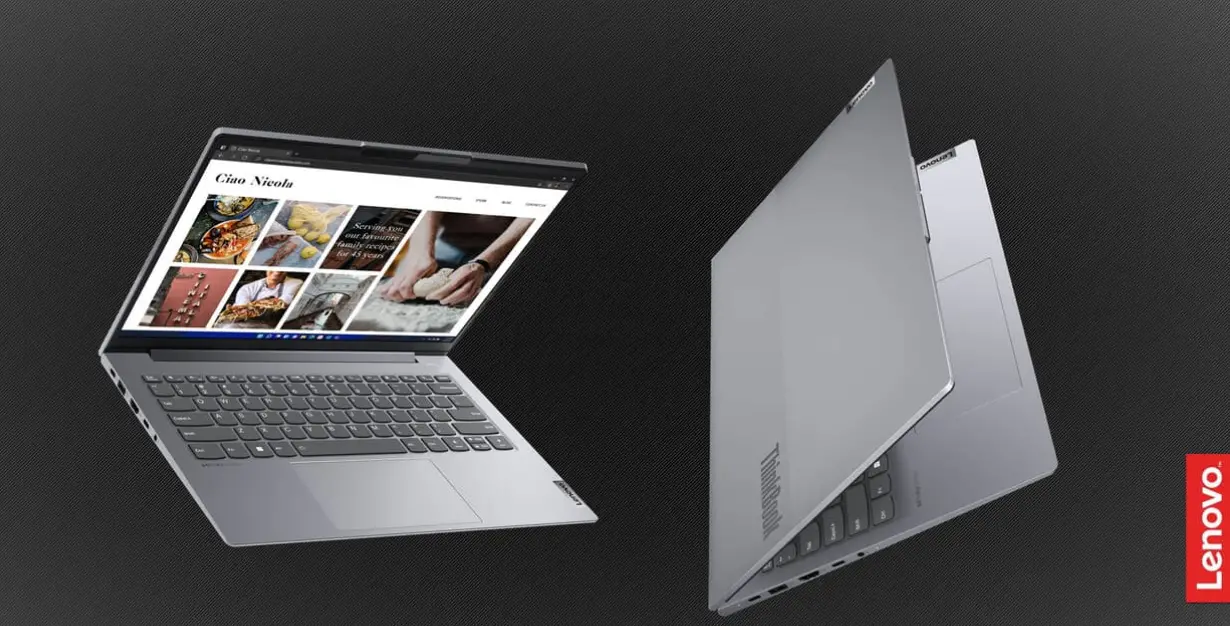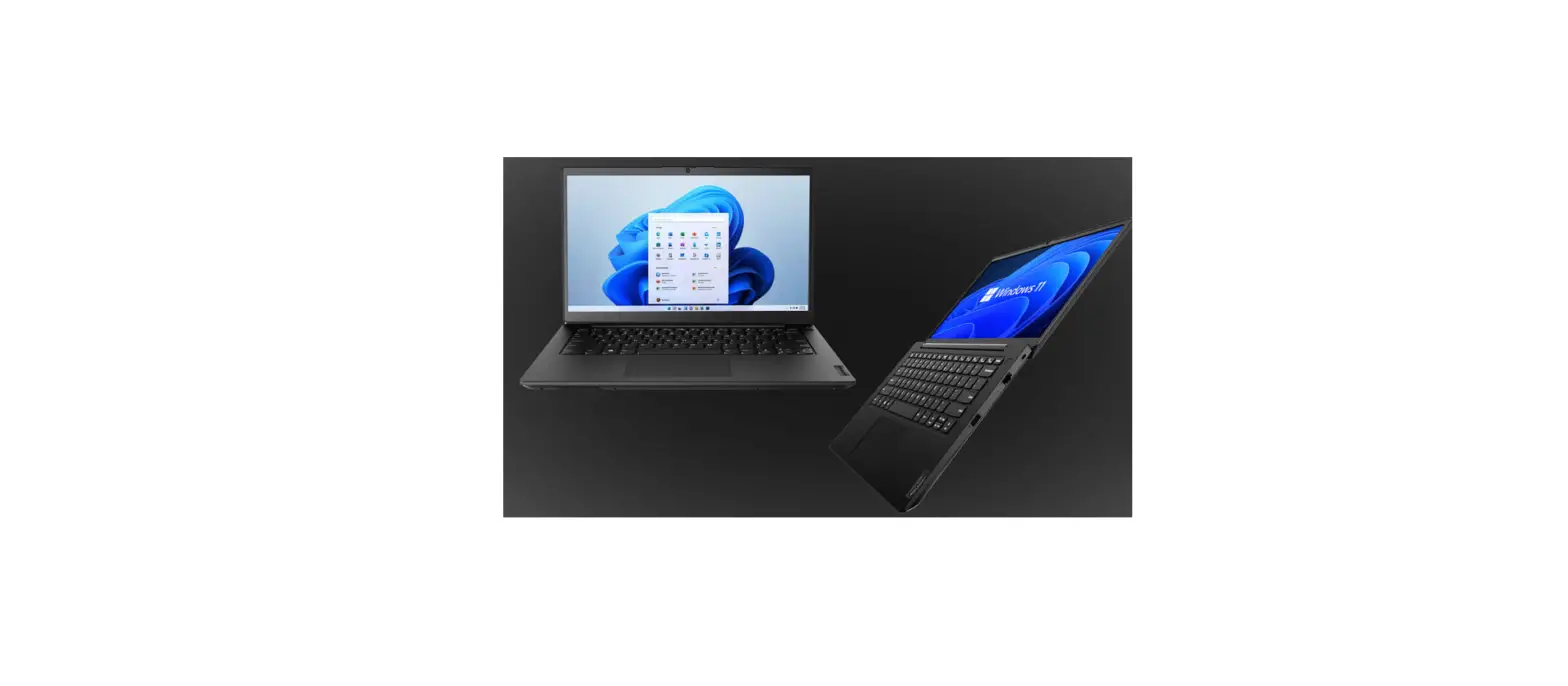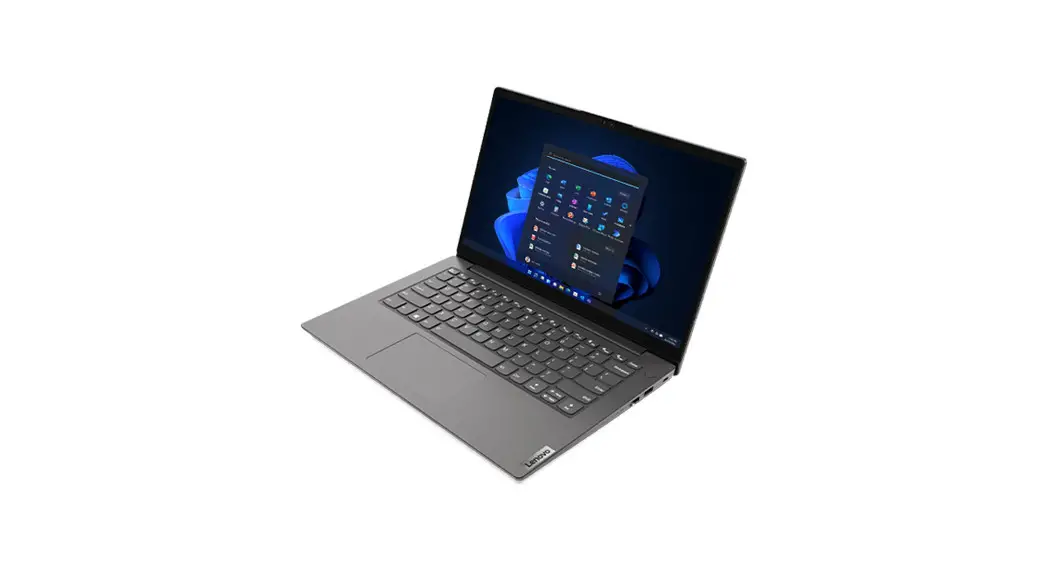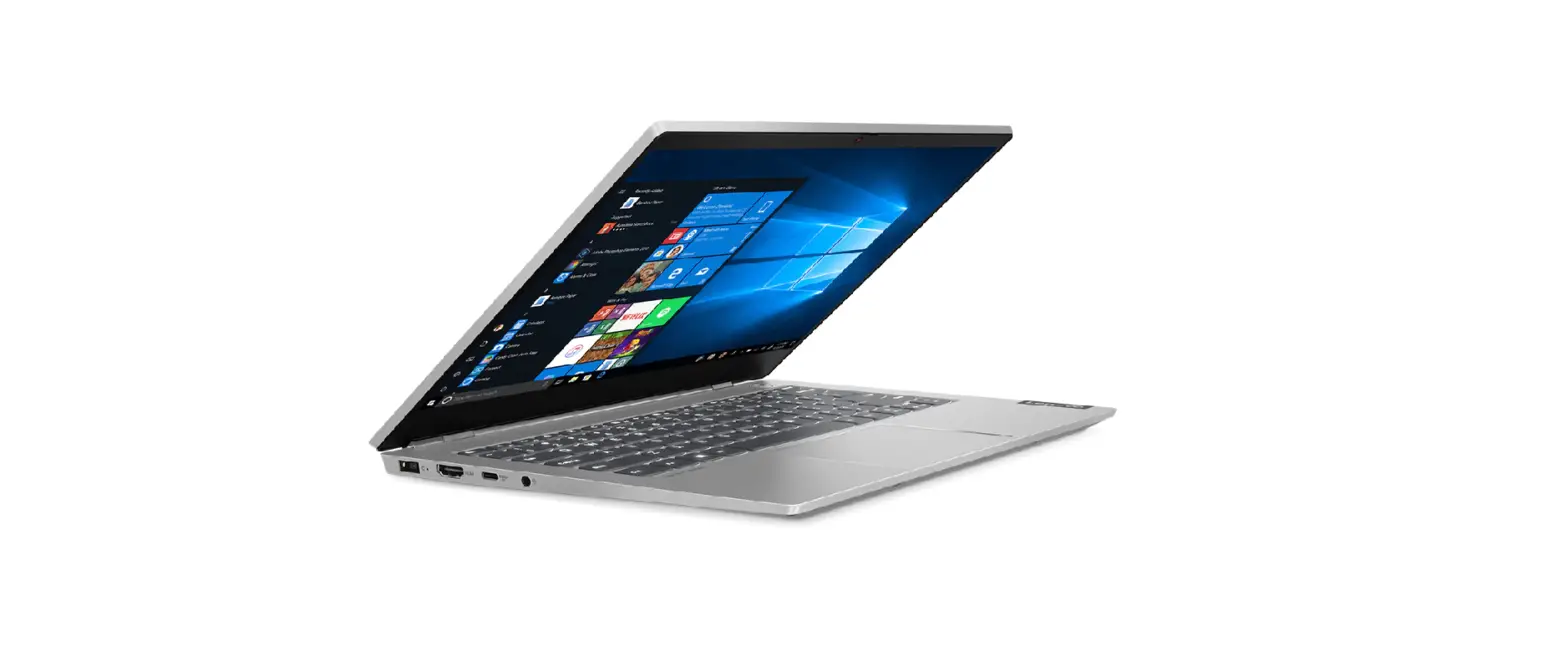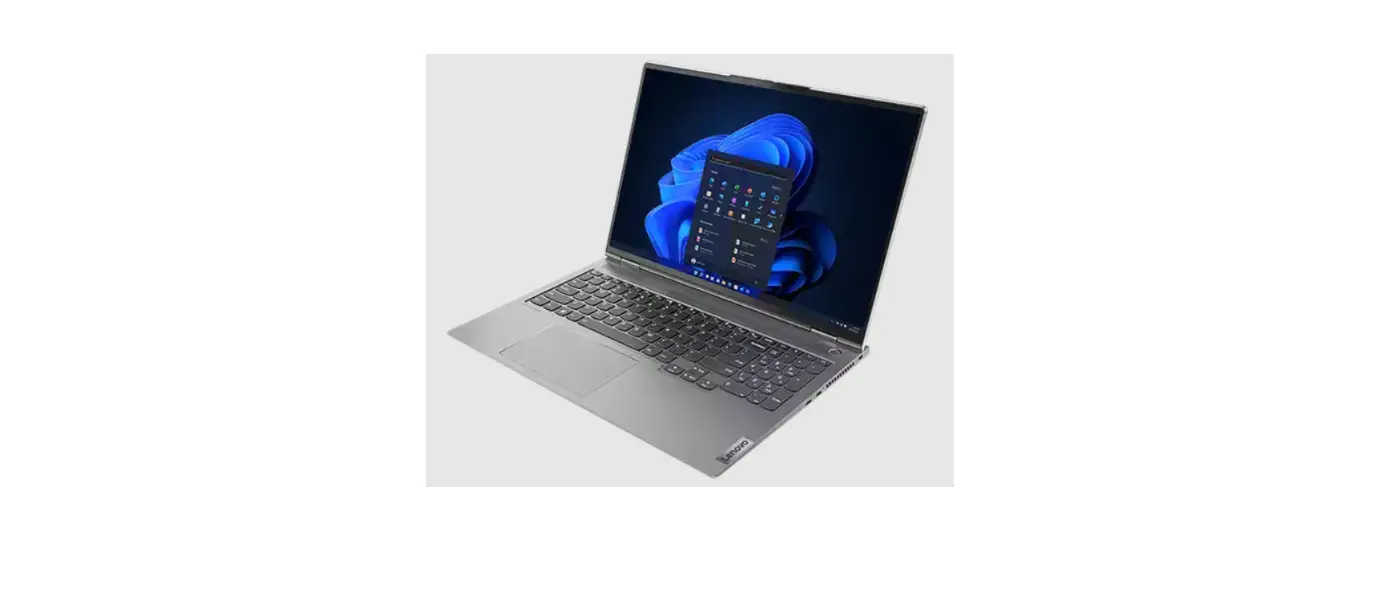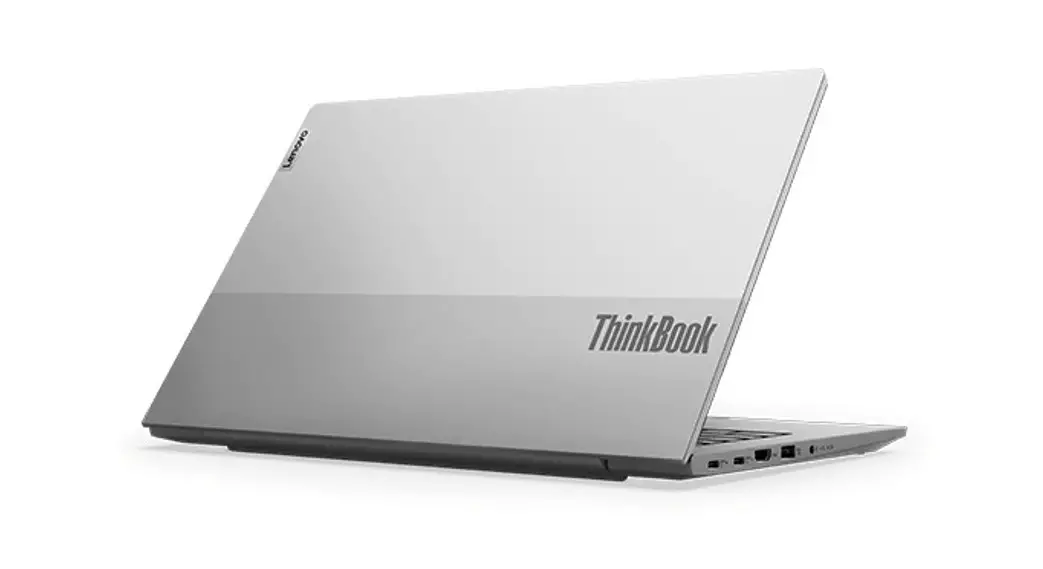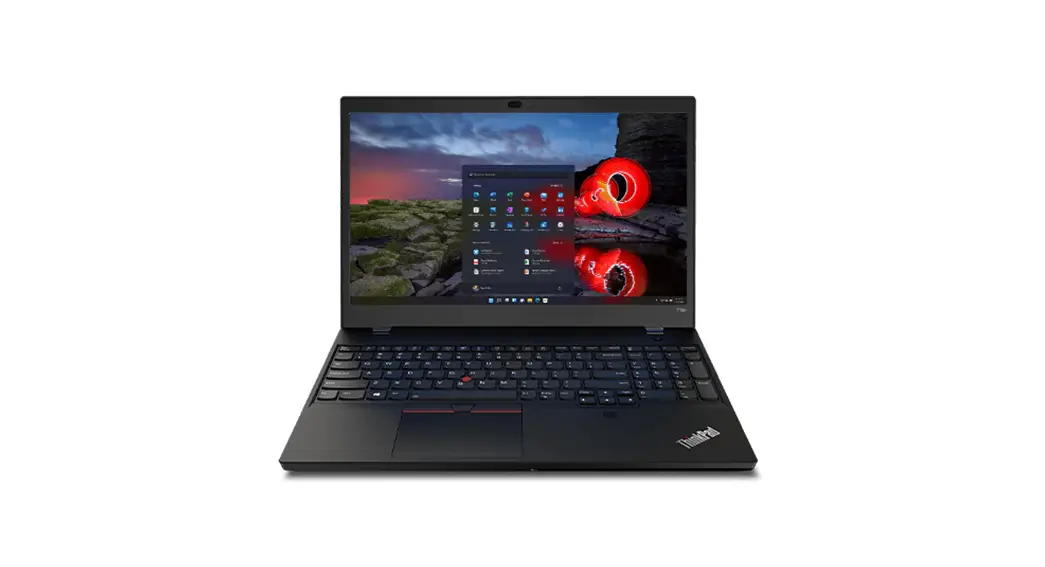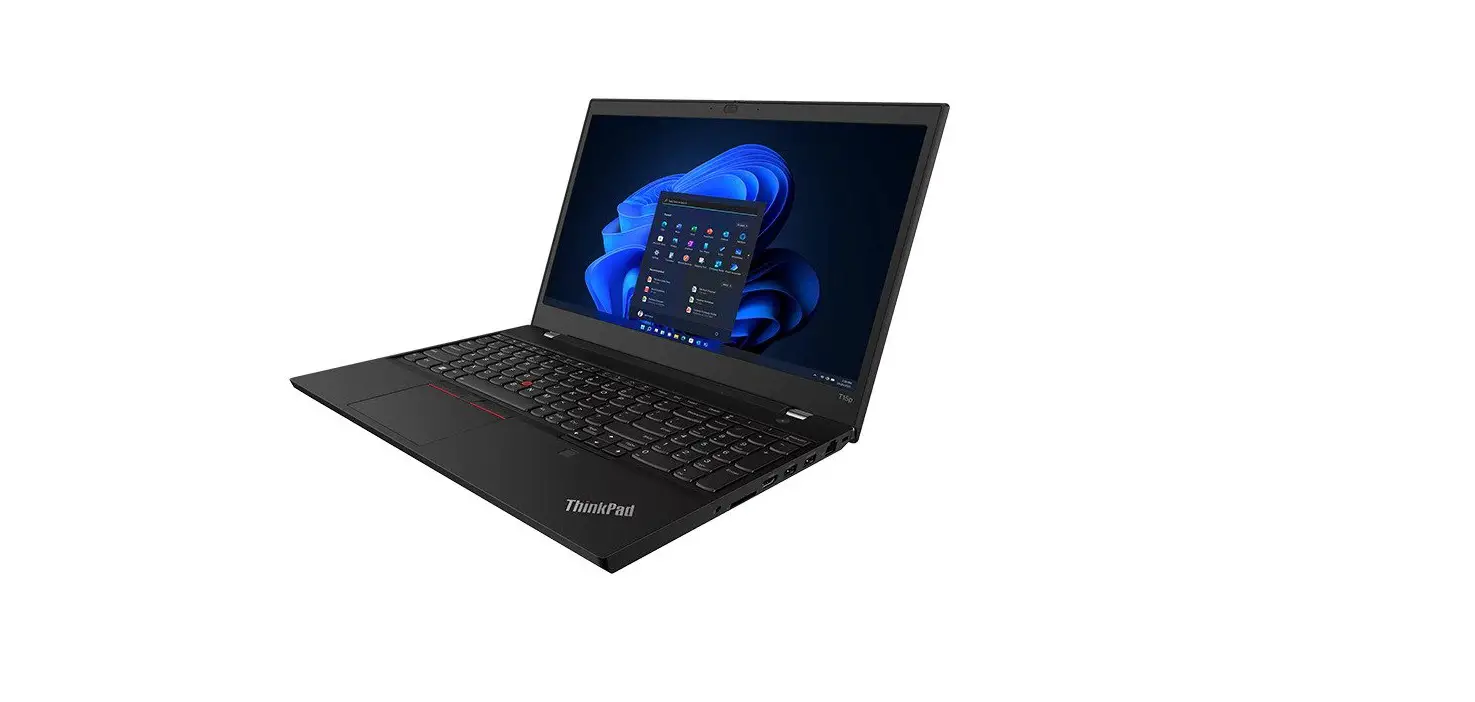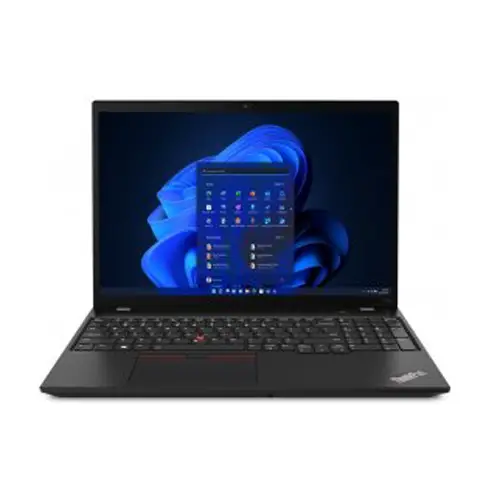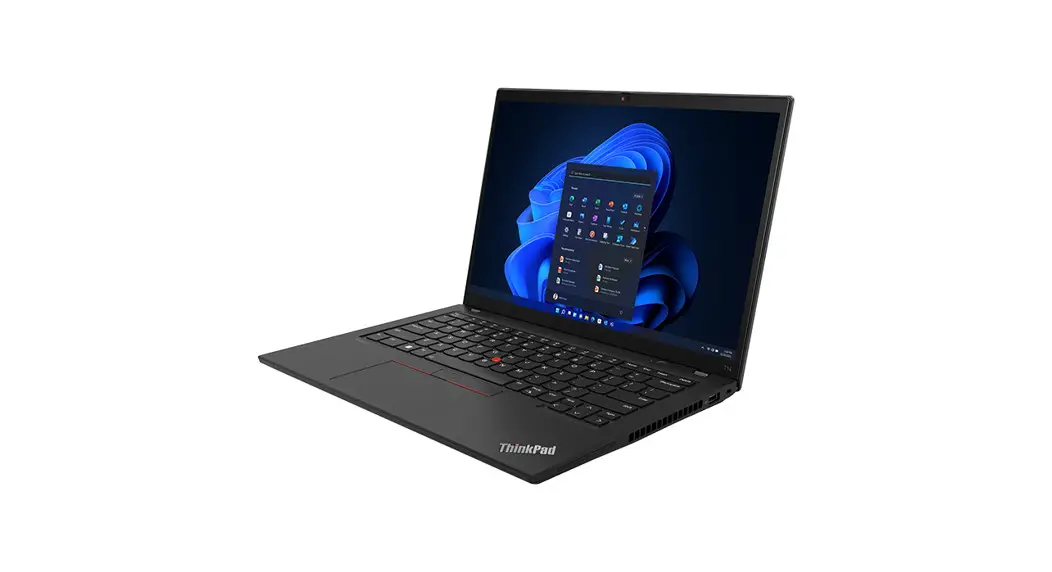
 ThinkPad T14 Gen 4 / ThinkPad P14s Gen 4
ThinkPad T16 Gen 2 / ThinkPad P16s Gen 2
User Guide
ThinkPad T14 Gen 4 Portable Laptop
 https://support.lenovo.com/docs/t14_p14s_gen4_t16_p16s_gen2
Get started 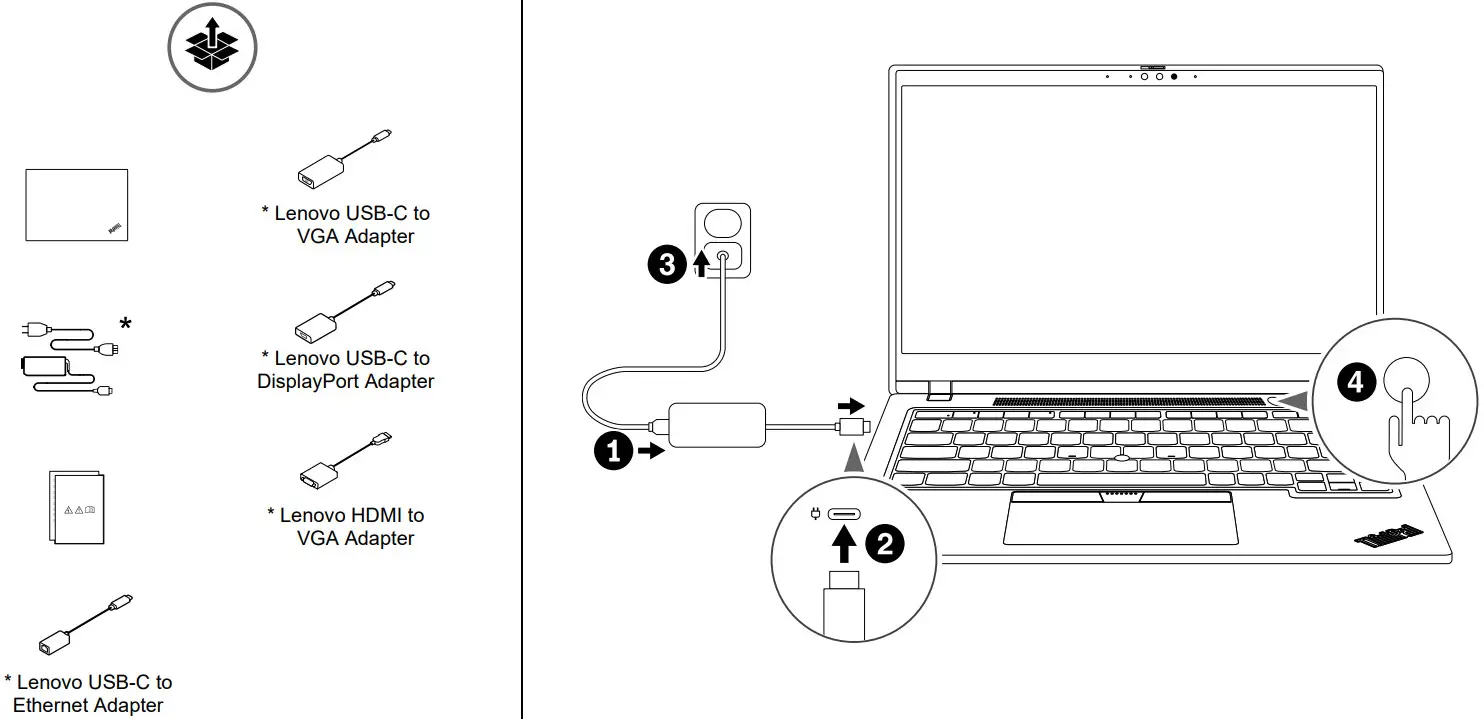 * For selected models
Front view
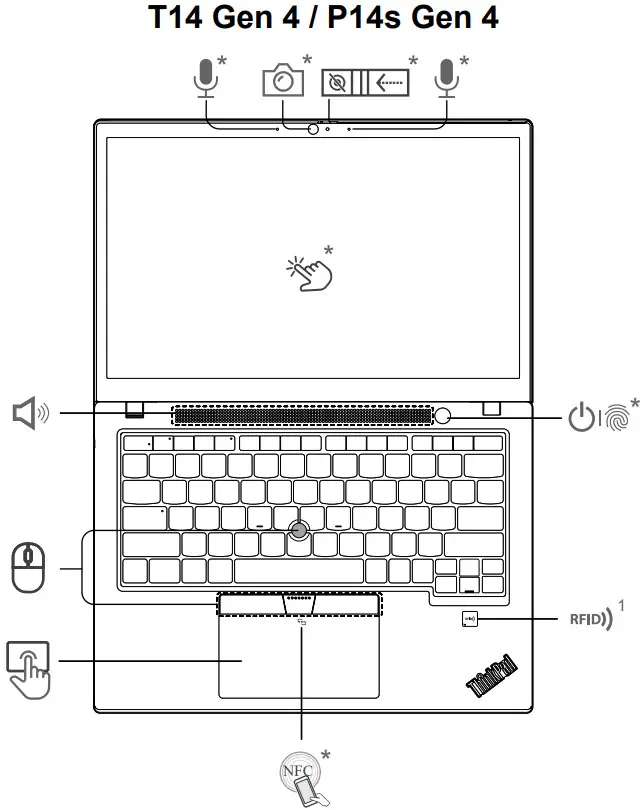 | 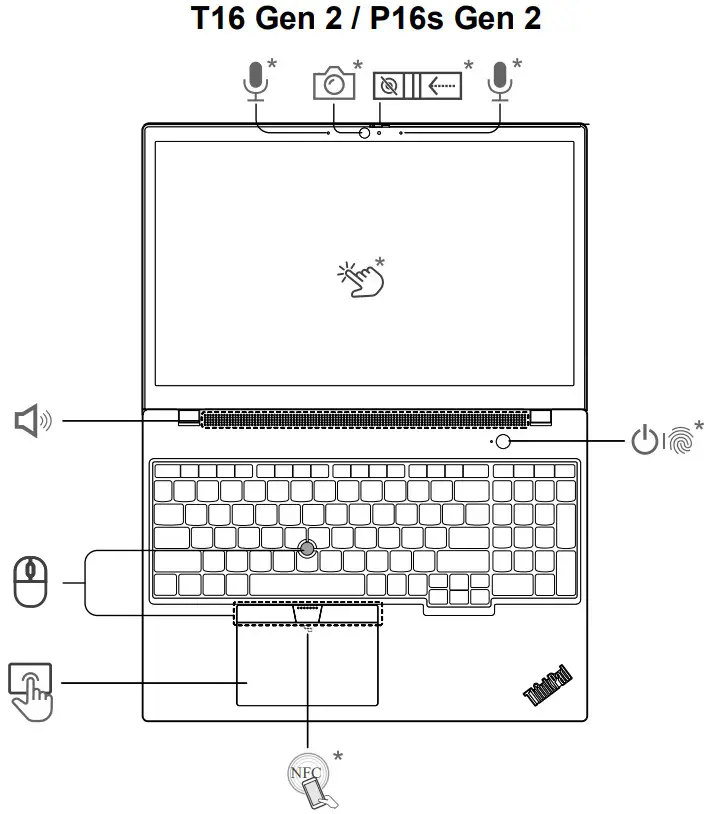 |
 Press to log in to the computer*
 Navigate as a traditional mouse
For selected models of T14 Gen 4
Overview
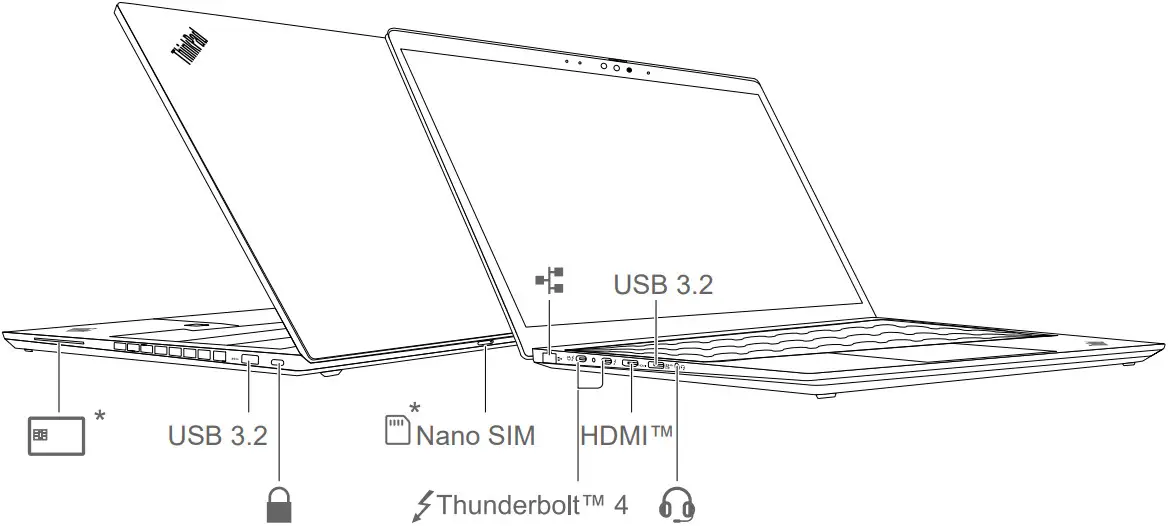 Read the statement on USB transfer rate in the User Guide. To access the User Guide, go to https://pcsupport.lenovo.com.
Lenovo Commercial Vantage*
Access Commercial Vantage to adjust device settings and check for system updates. 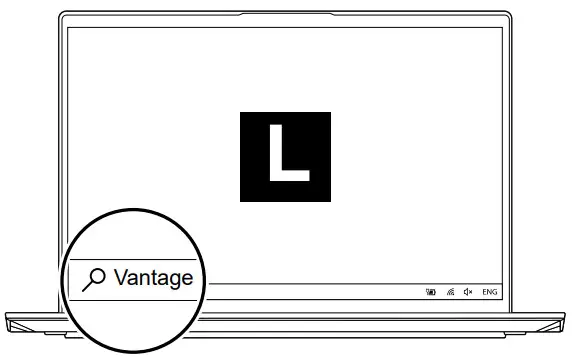 Lock on leave²
Blocco in assenza utente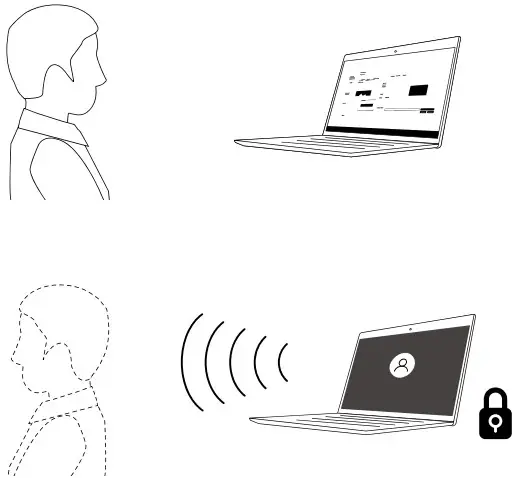 Protect your privacy and improve battery life.
For infrared camera models only
Lenovo View*
 Video Enhancer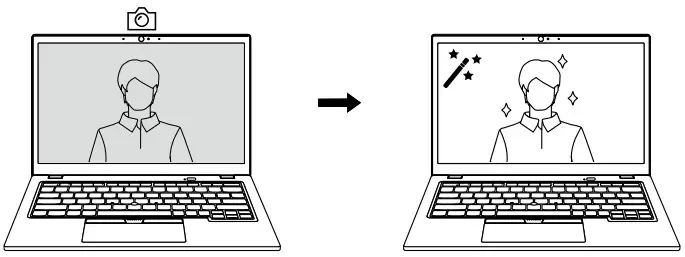
 Privacy Guard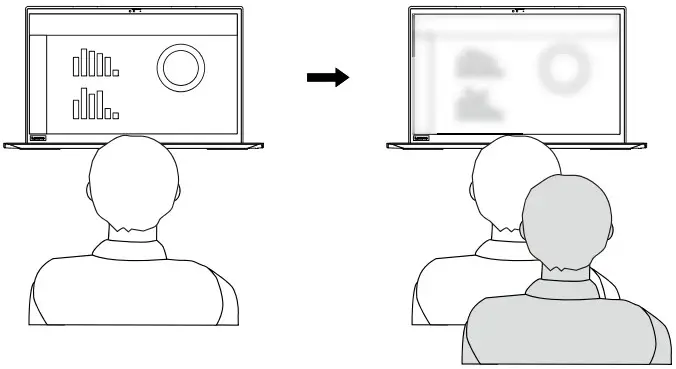
 Background Removal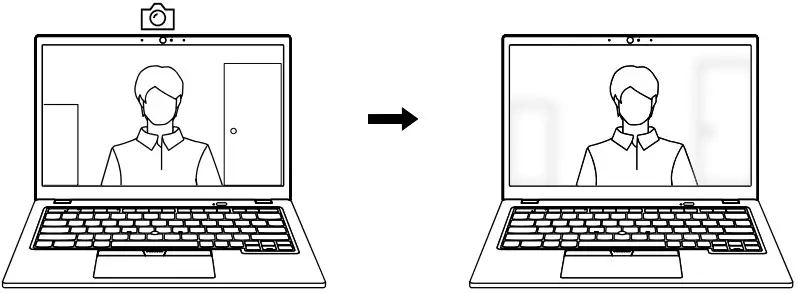
 Posture Warning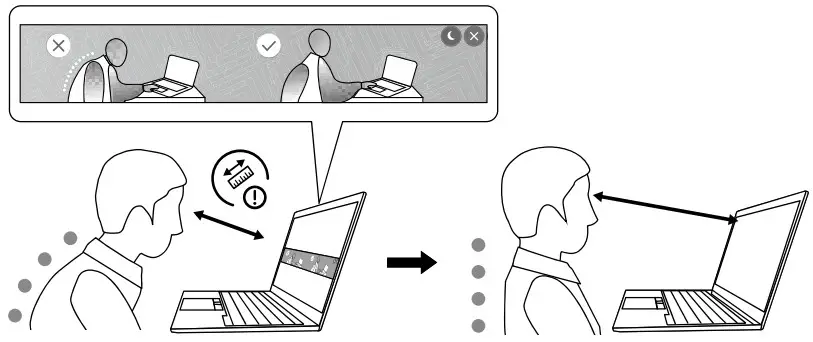
Specific absorption rate (SAR)
YOUR DEVICE MEETS INTERNATIONAL GUIDELINES FOR EXPOSURE TO RADIO WAVES.
Refer to the following for 10g SAR limit and maximum reported SAR values:
10g SAR limit: 2 W/kg (body-worn SAR); 4 W/kg (limb SAR)
Maximum SAR with 0 mm separation distance:
| Product name | Body-worn SAR value | Limb SAR value |
| ThinkPad T14 Gen 4/P14s Gen 4 | 1.353 W/kg | 3.057 W/kg |
| ThinkPad T16 Gen 2/P16s Gen 2 | 1.547 W/kg | 3.104 W/kg |
For more information about SAR, refer to the Safety and Warranty Guide that came with your device.
European Union (EU) / United Kingdom (UK) — radio frequency and power
This radio equipment operates with the following frequency bands and maximum radiofrequency power:
| Technology | Frequency [MHz] / band | Maximum transmit power |
| WLAN 802.11b/g/n/ax | 2400 – 2483.5 | < 20 dBm |
| WLAN 802.11a/n/ac/ax | 5150 – 5725 | < 23 dBm |
| WLAN 802.11a/n/ac/ax | 5725 – 5875 | < 13.98 dBm |
| WLAN 802.11ax | 5945 – 6425 | < 23 dBm |
| Bluetooth BR/EDR/LE | 2400 – 2483.5 | < 20 dBm |
| WWAN UMTS | 8-Jan | < 25.5 dBm |
| WWAN LTE | 1/3/7/8/20/28/34/38/40/41/42/43 | < 25.5 dBm |
| WWAN LTE HPUE | 41 | < 26 dBm |
| NFC | 13.56 | < -5.31 dBμA/m@10m |
| RFID | 0.125/13.56 | < 19.21dBμA/m@3m |
Note: Not all wireless bands may be enabled depending on your product configuration.
Usage of this device is limited to indoor locations in the bands 5150 – 5350 MHz and 5945 – 6425 MHz.
 PN: SP41G92301 Printed in ChinaFirst Edition (April 2023)
© Copyright Lenovo 2023.
LIMITED AND RESTRICTED RIGHTS NOTICE: If data or software is delivered pursuant to a General Services Administration “GSA” contract, use, reproduction, or disclosure is subject to restrictions set forth in Contract No.
GS-35F-05925.
Lenovo, Lenovo logo, ThinkPad, and ThinkPad logo are trademarks of Lenovo. Intel and Thunderbolt are trademarks of Intel Corporation or its subsidiaries in the U.S. and/or other countries. The terms HDMI and HDMI High-Definition Multimedia Interface are trademarks or registered trademarks of HDMI Licensing LLC in the United States and other countries. USB-C is a registered trademark of USB Implementers Forum. All other trademarks are the property of their respective owners. 
 Official Lenovo Laptop, Accessories & PC Support - Lenovo Support US