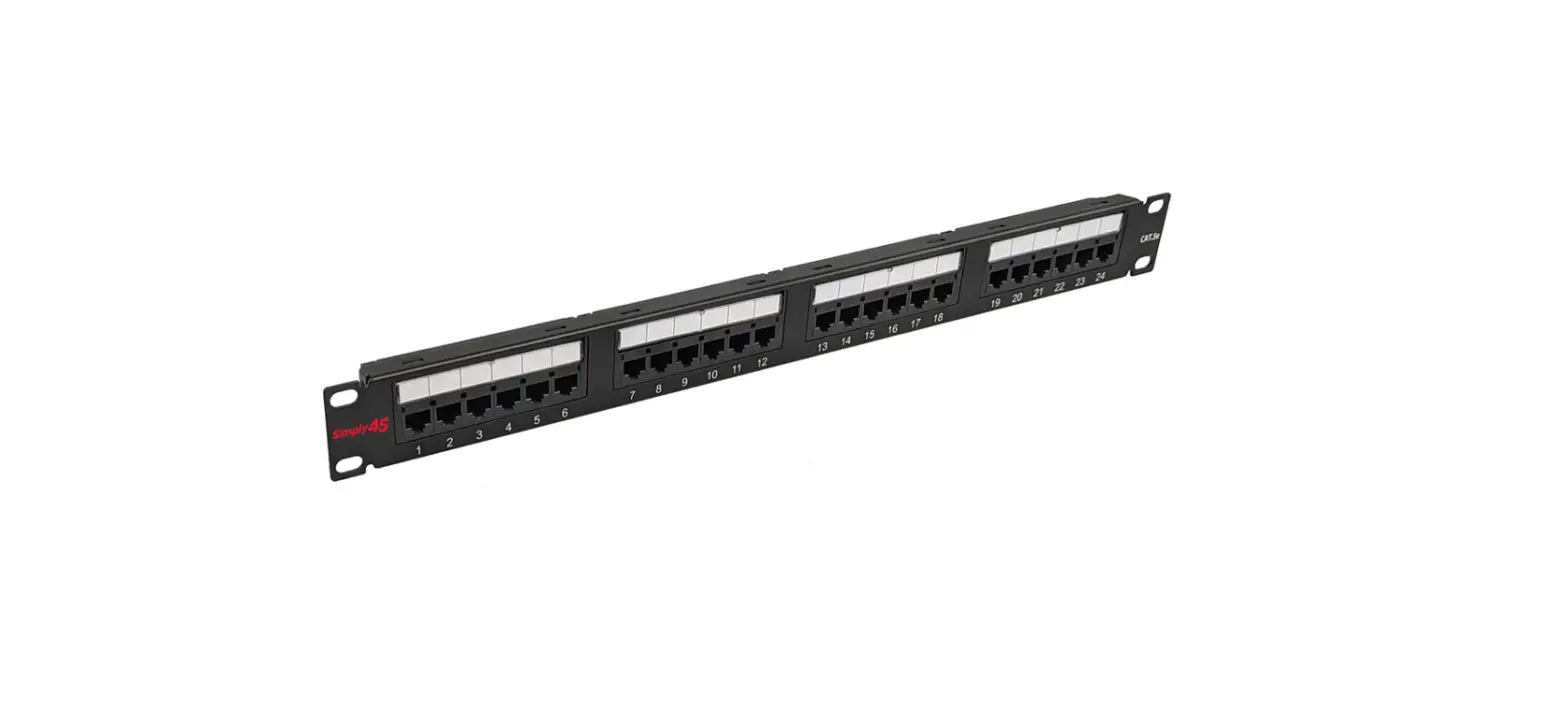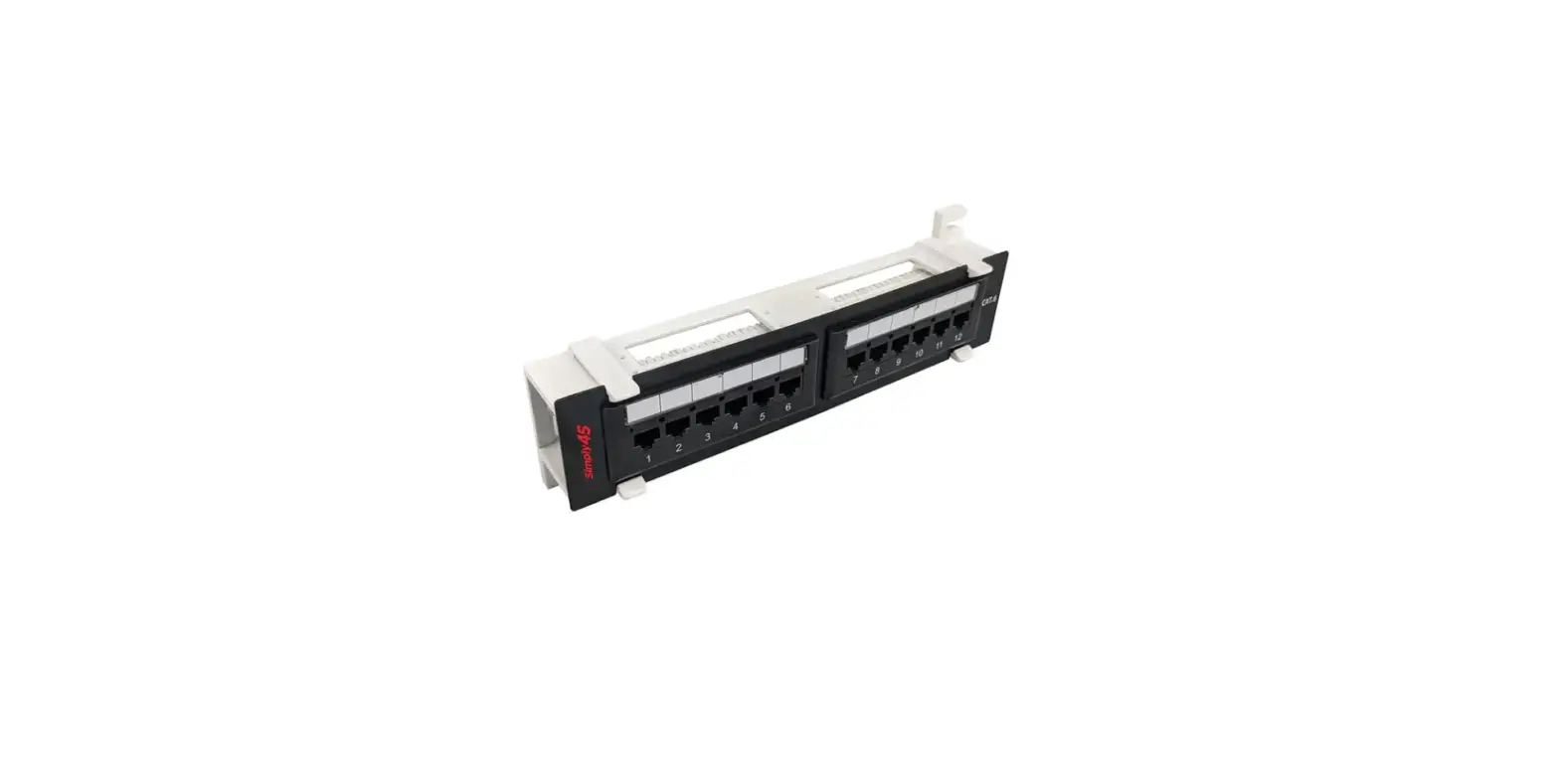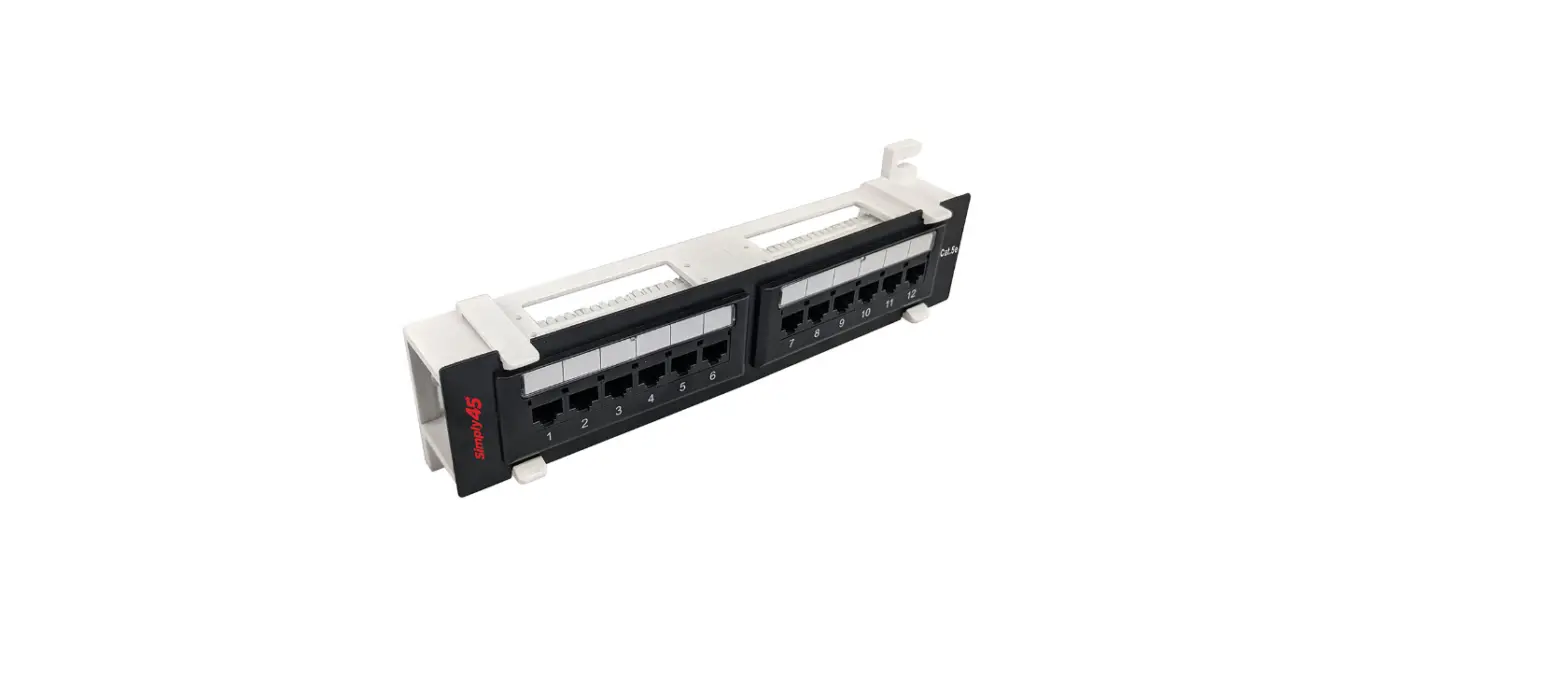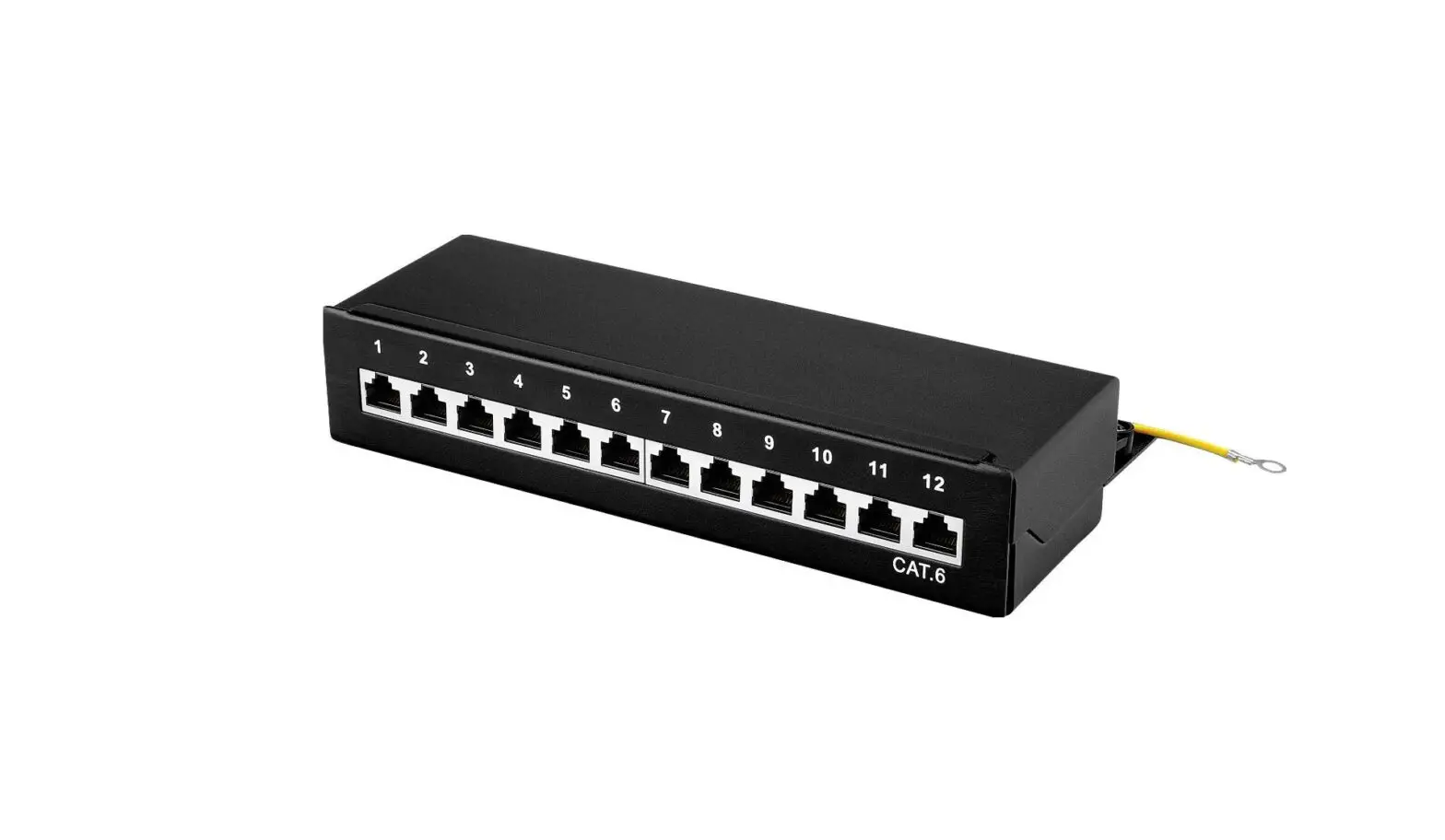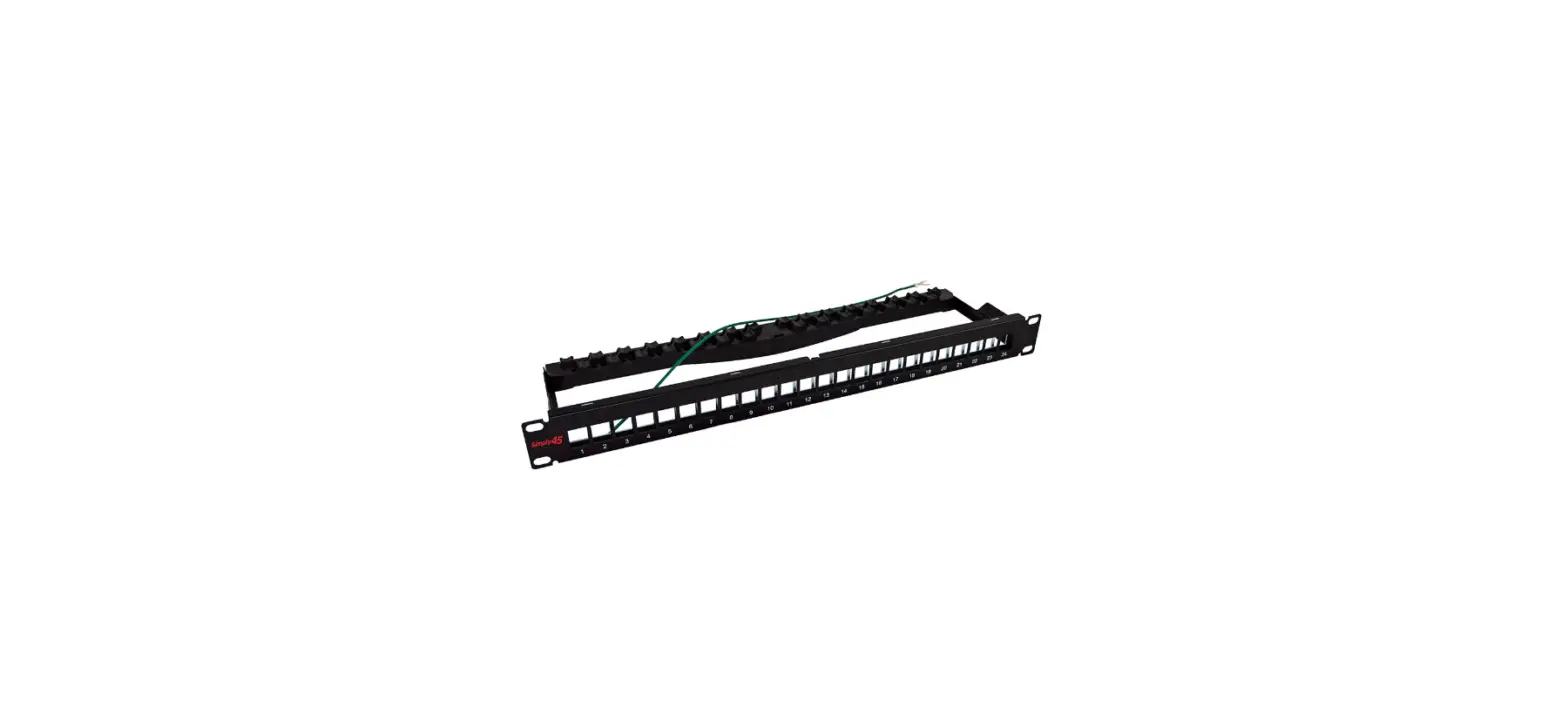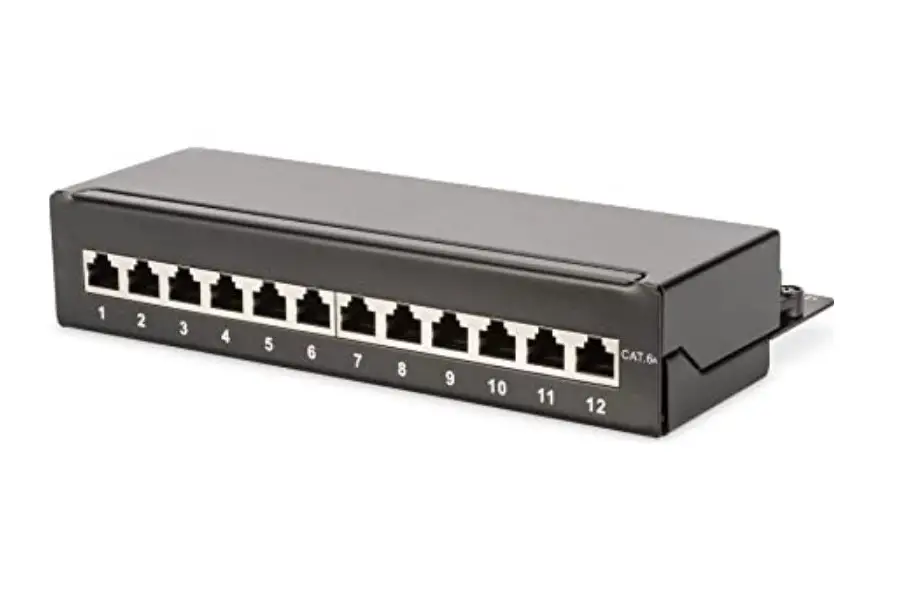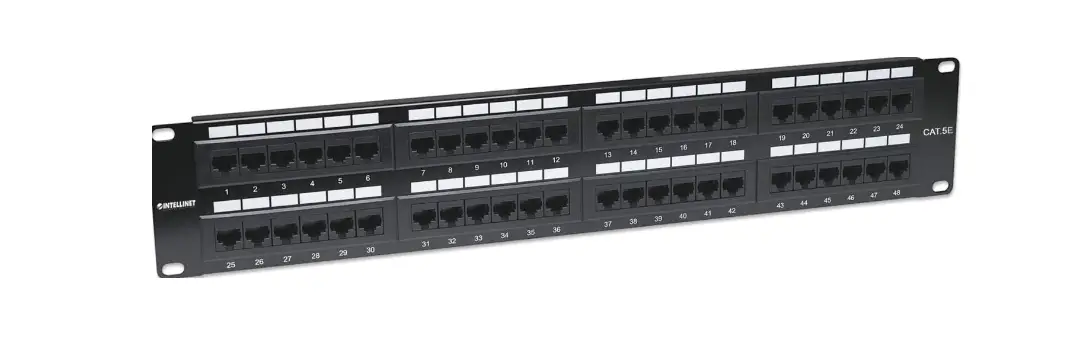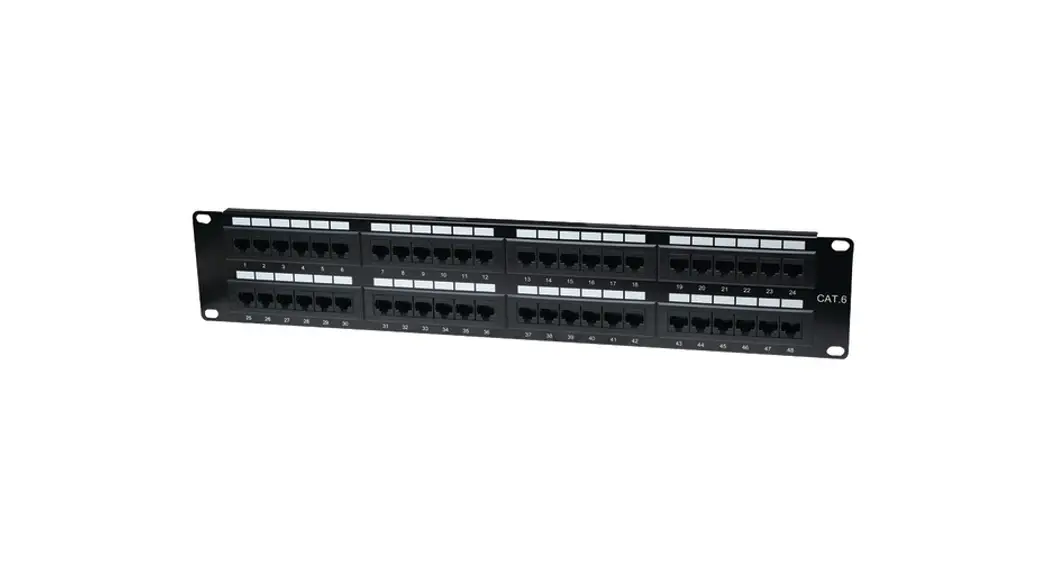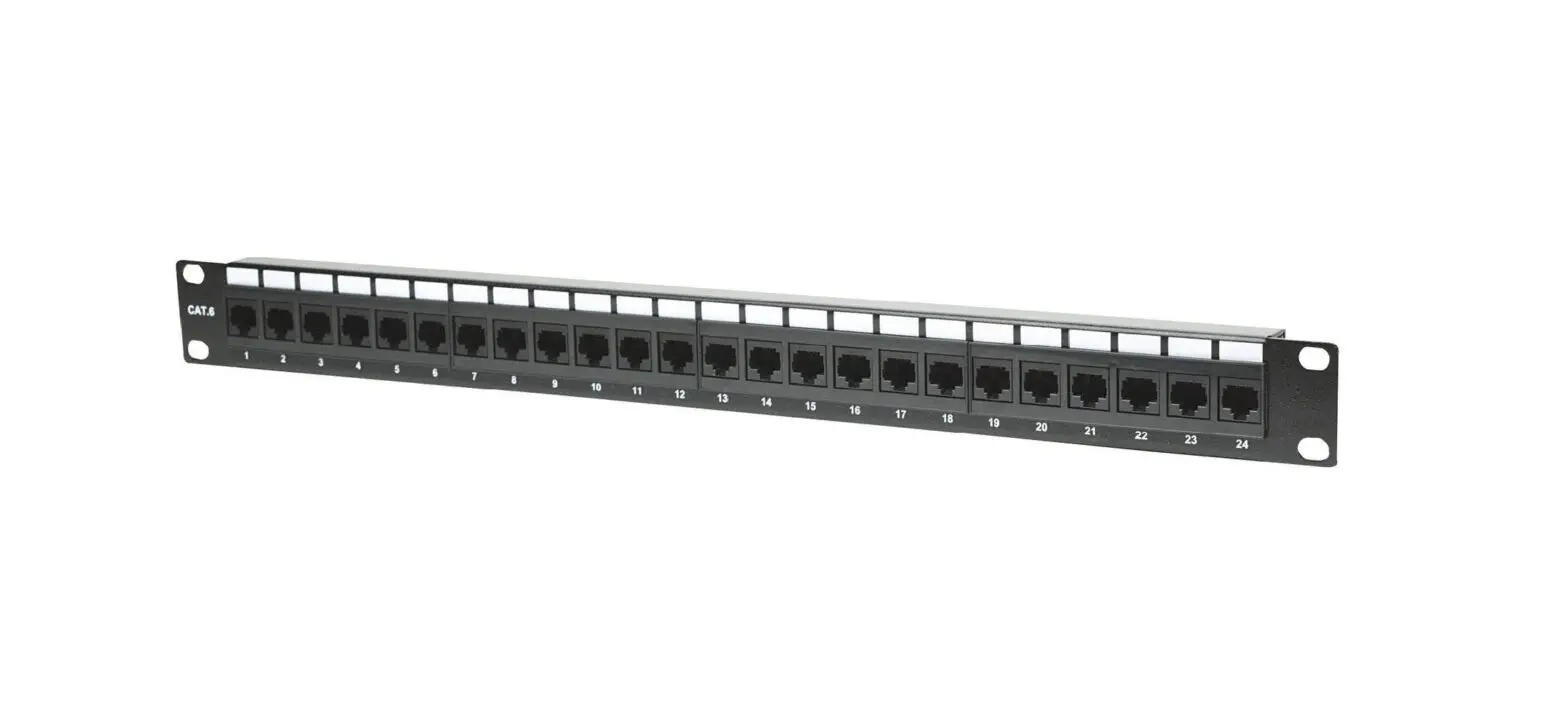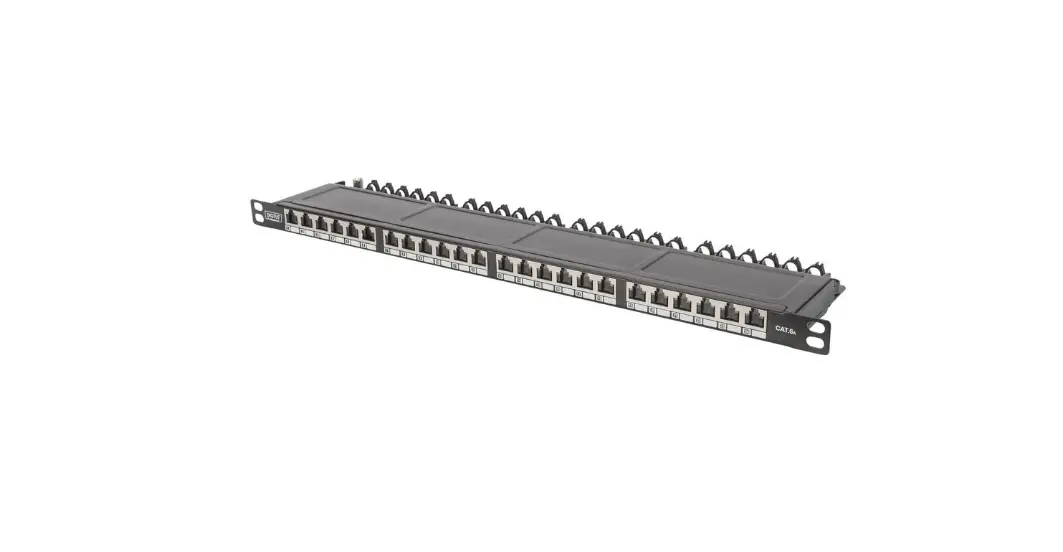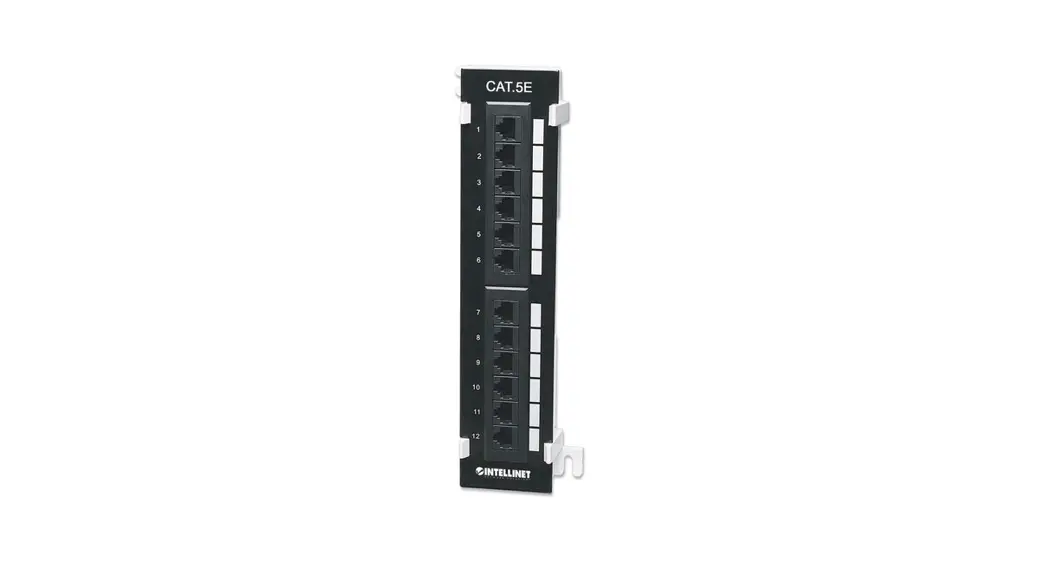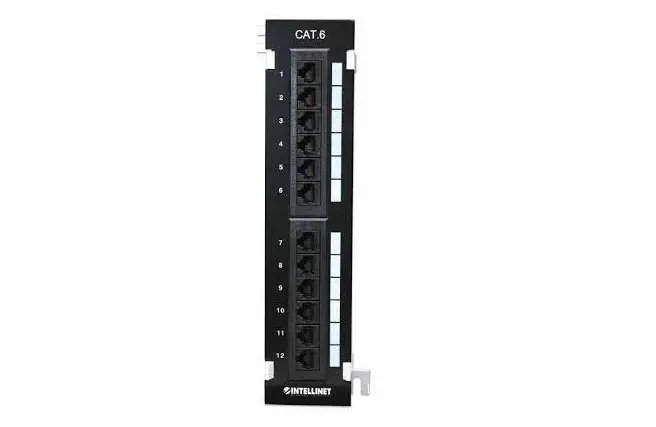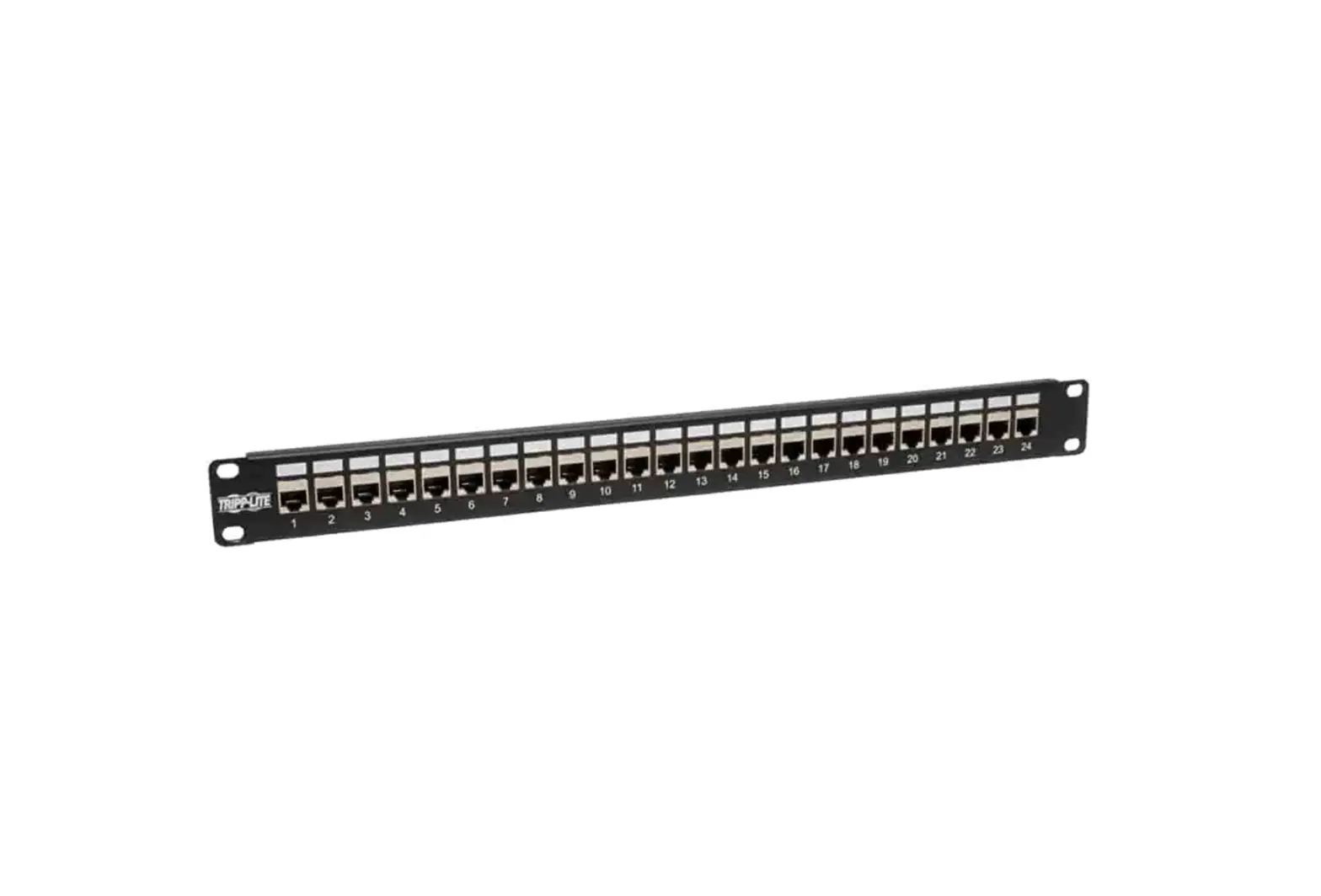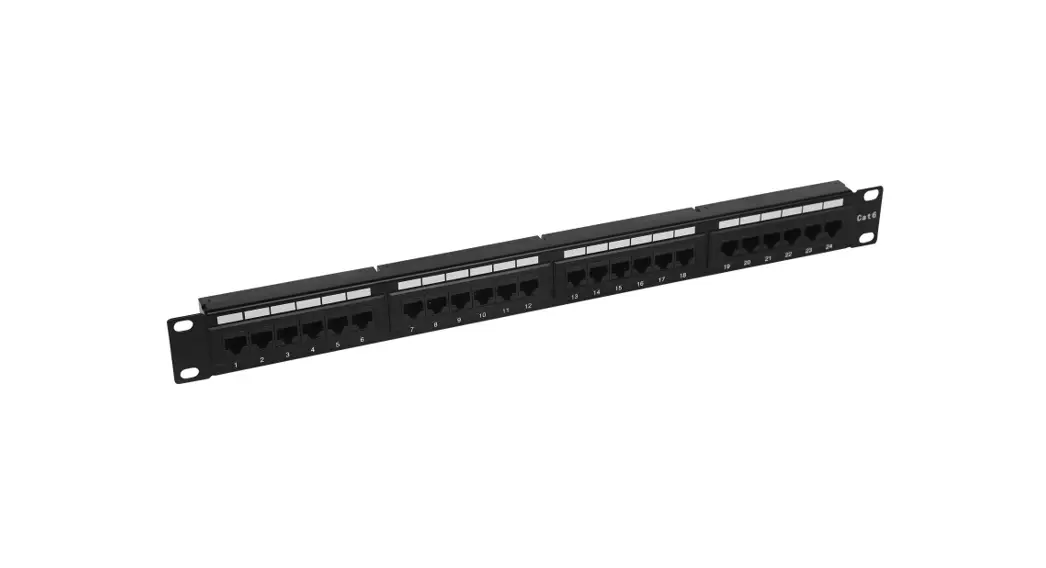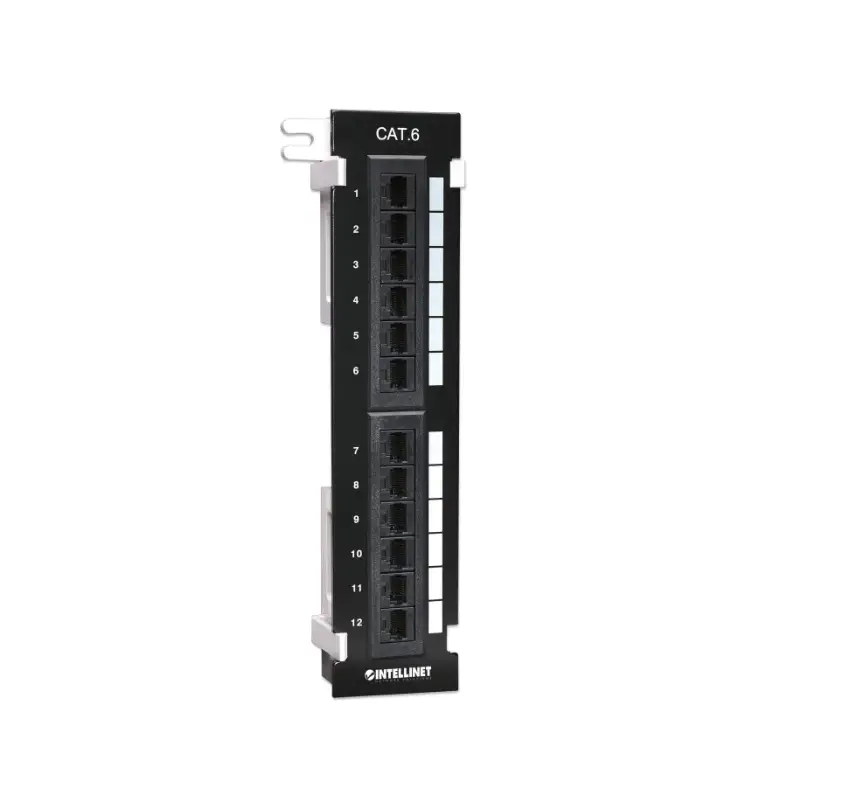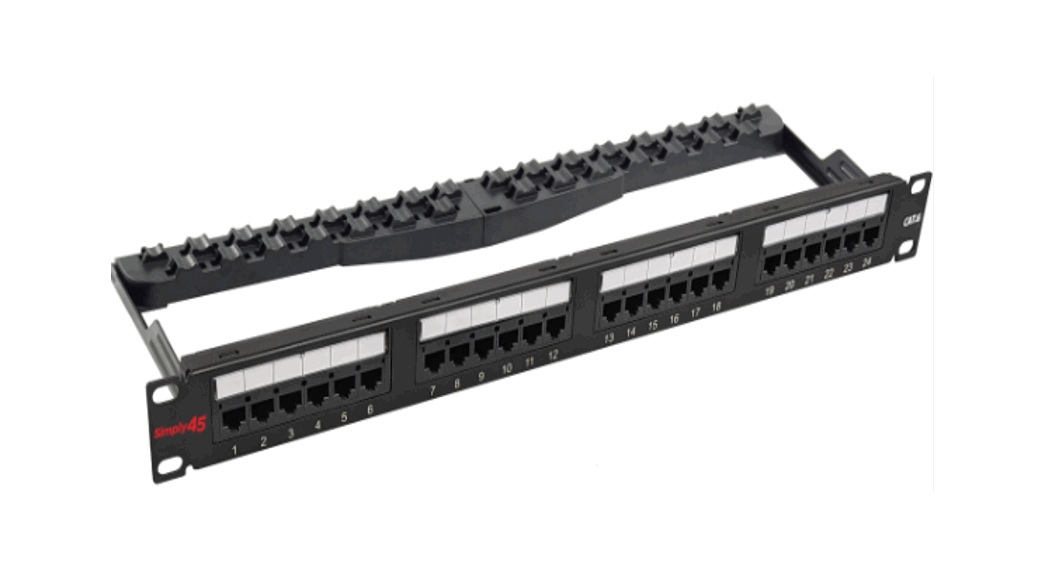

S45-2624 24 Port Loaded Patch Panel
Instructions
P/N: S45-2624
24-Port Loaded Patch Panel, Unshielded Cat6 UTP, 1RU, Rear 110 IDC Punch Down, Numbered Ports w/Labels, Cable Mgt Bracket, ANSI/TIA 568.2-D, ISO/IEC 11801
Class D, PoE: IEEE 802.3bt, UL – Black – 1 ea/Box
S45-2624 24 Port Loaded Patch Panel
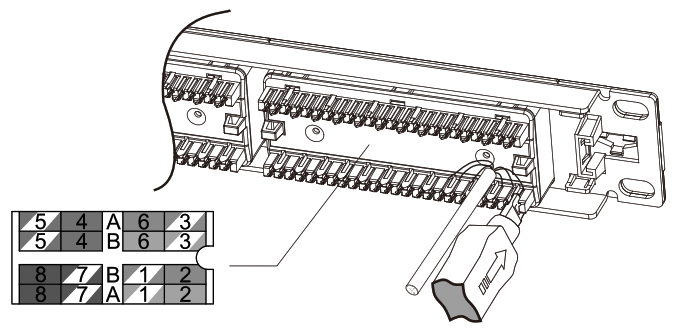
- Punch down cables to 110/Krone IDC Connector according to TIA568A/B wiring instruction label.

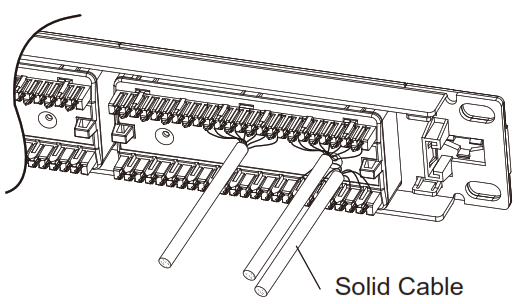
- Punch down solid cable to each port until termination is completed.

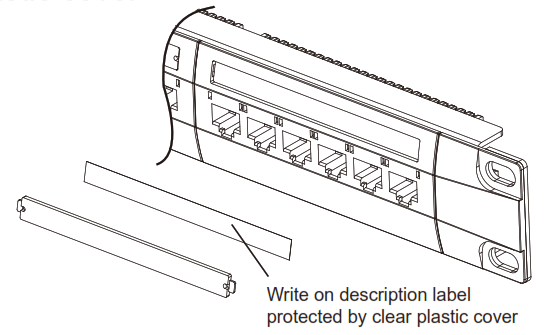
- Write port description on label and put on plastic cover

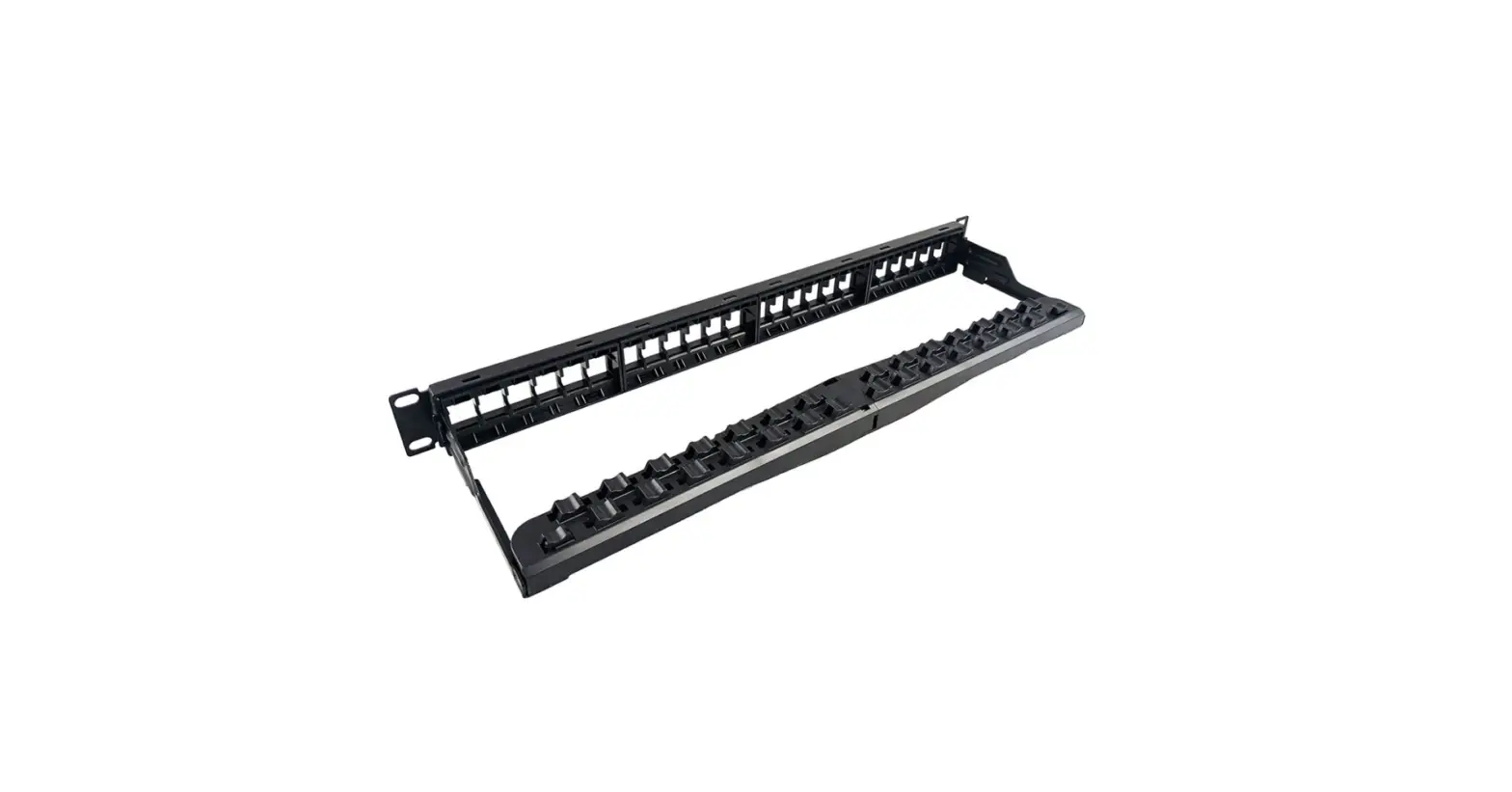
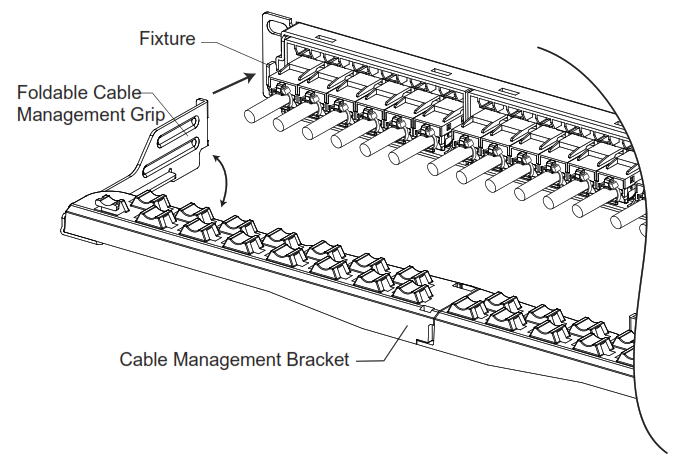
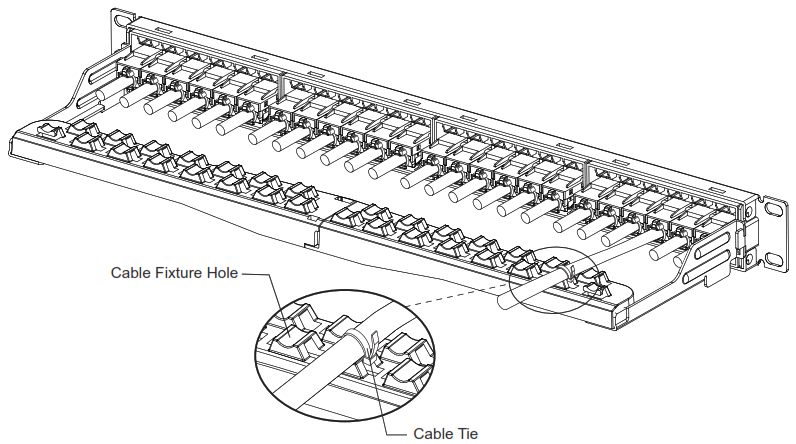
- Expand the Foldable Cable Management Grip, hook the grips into fixture at both ends of the patch panel.

- Fix the solid cables to the cable fixture hole using cable ties.

Simply45
Phone USA Direct: 1-954-928-8600
Web: www.simply45.com
 Home - simply45.com - We Have Re-Engineered The Pass Through RJ45