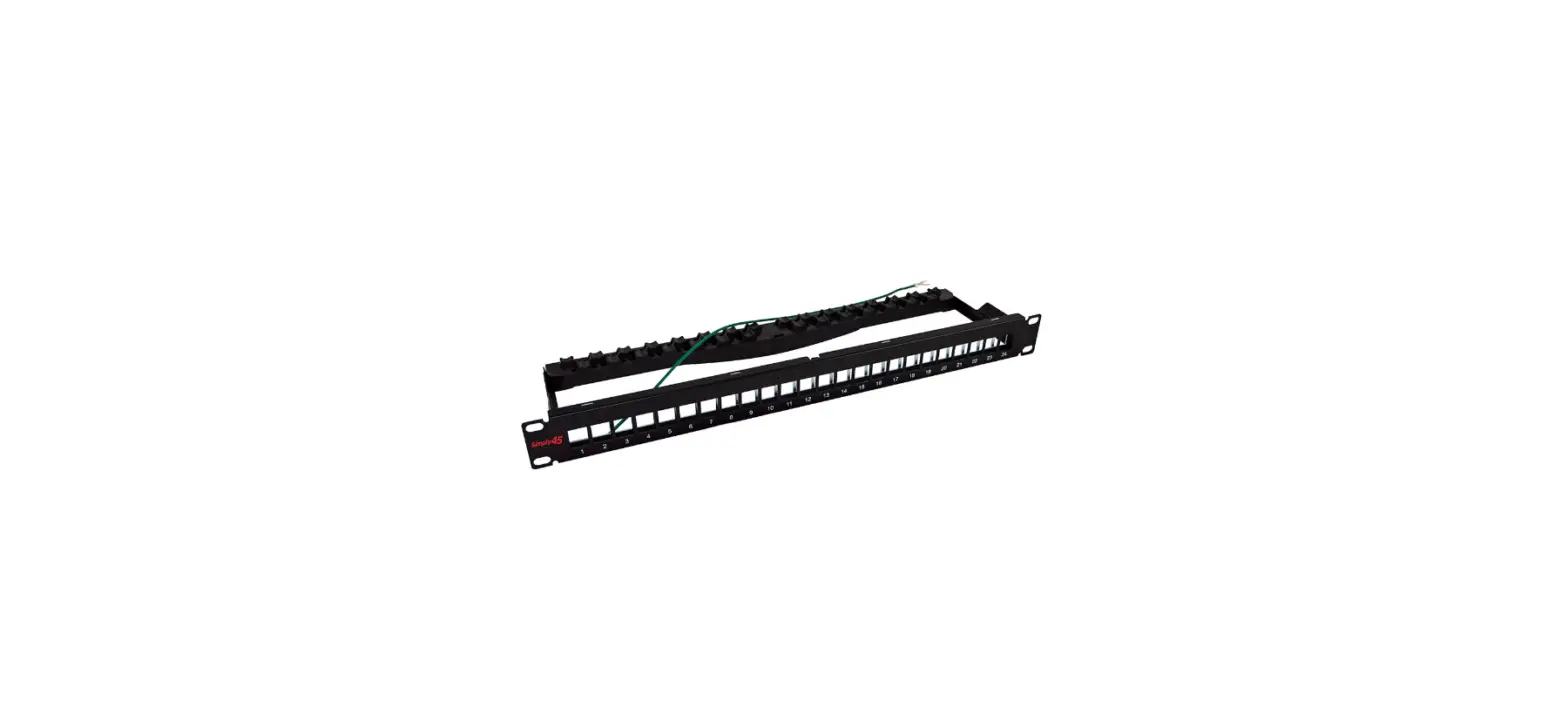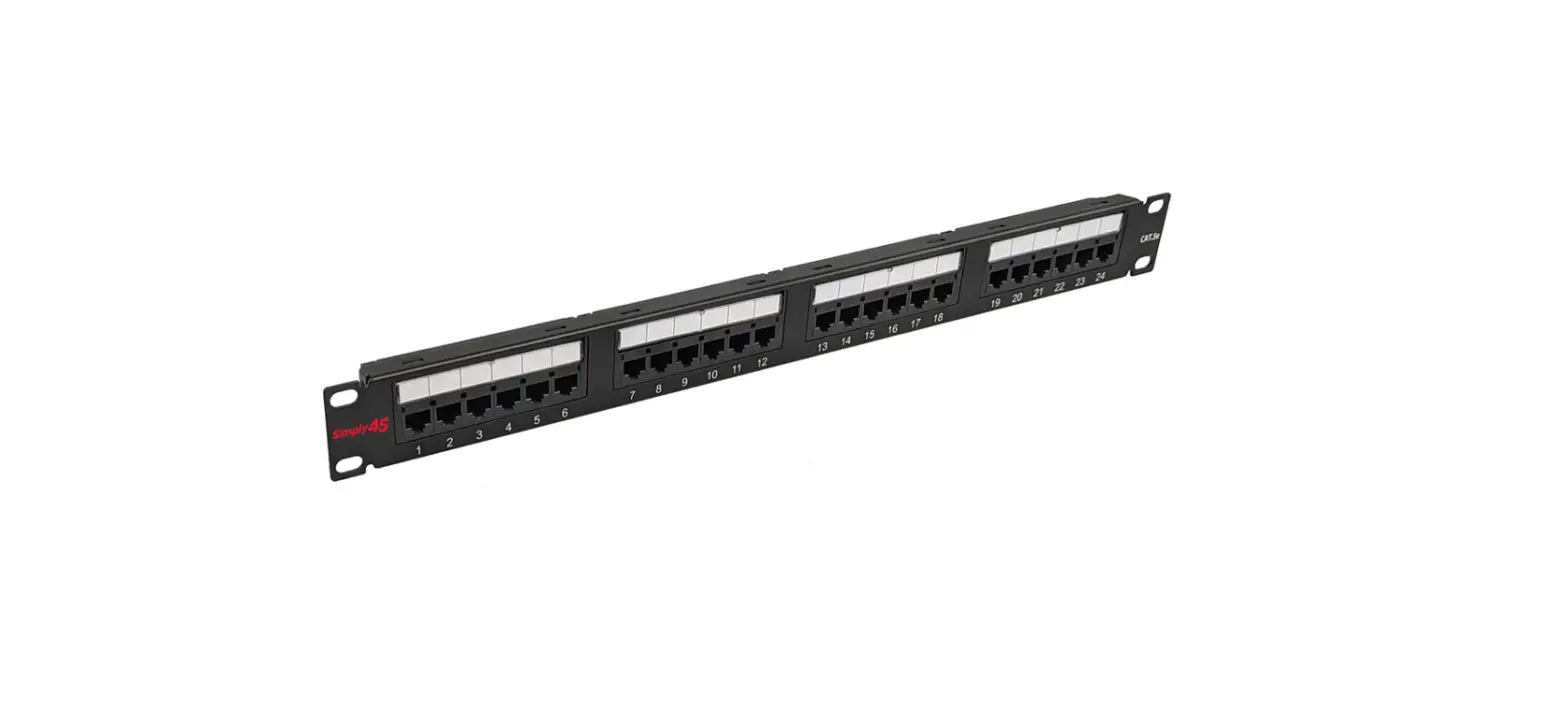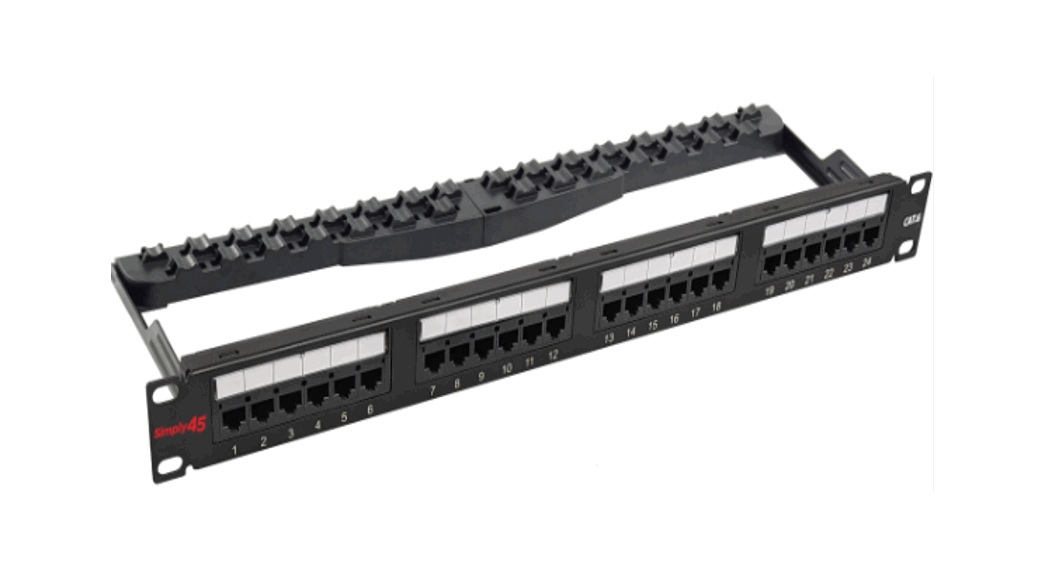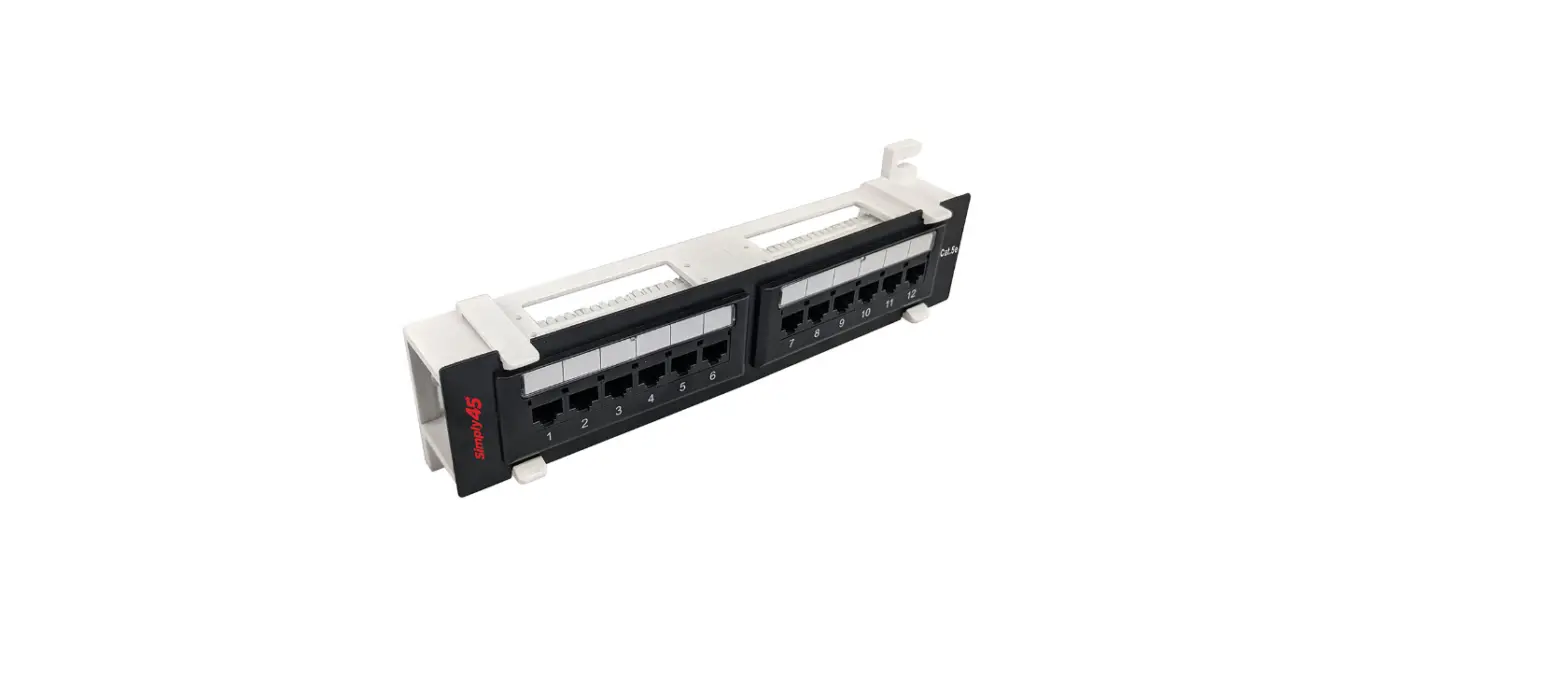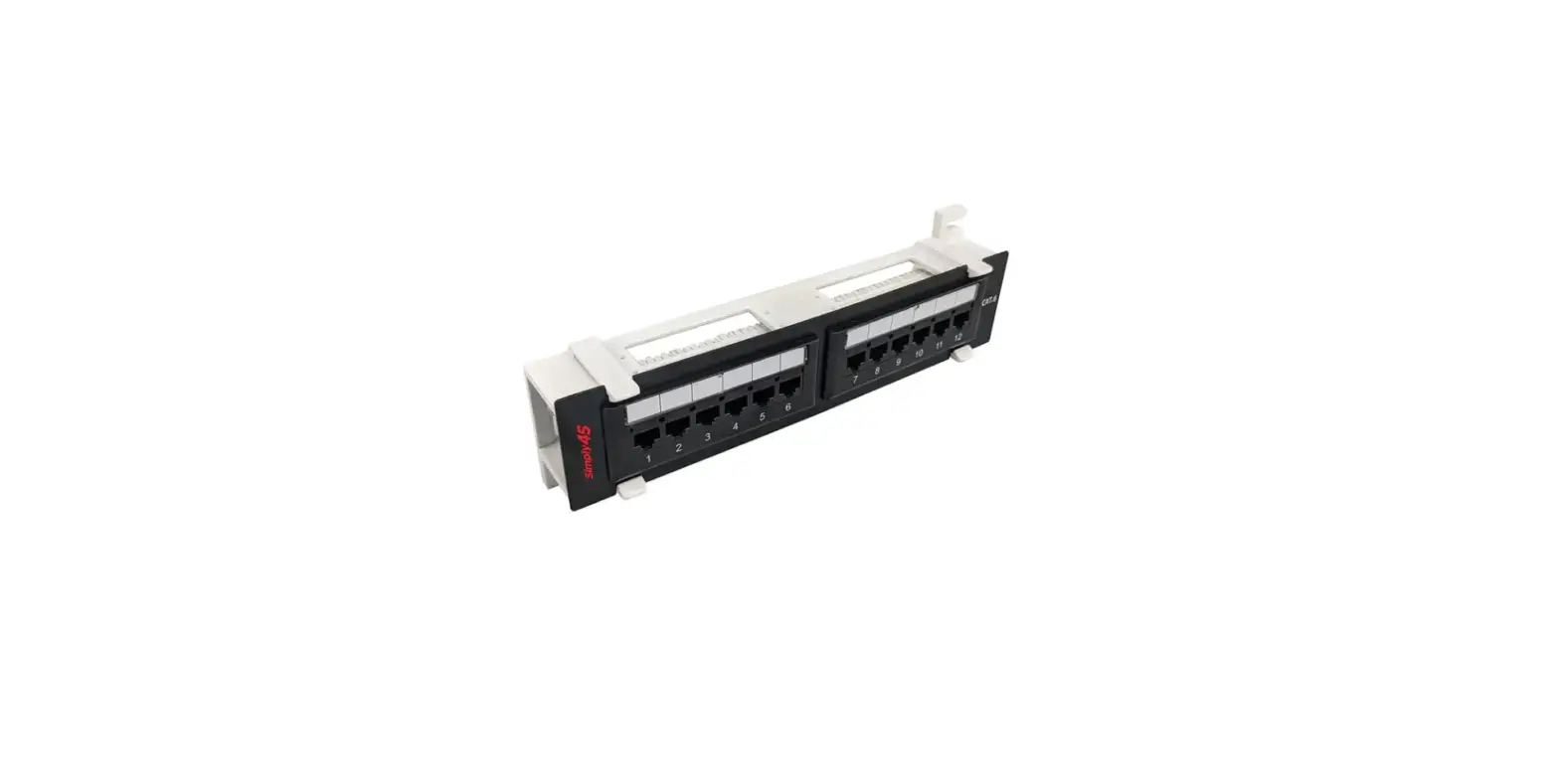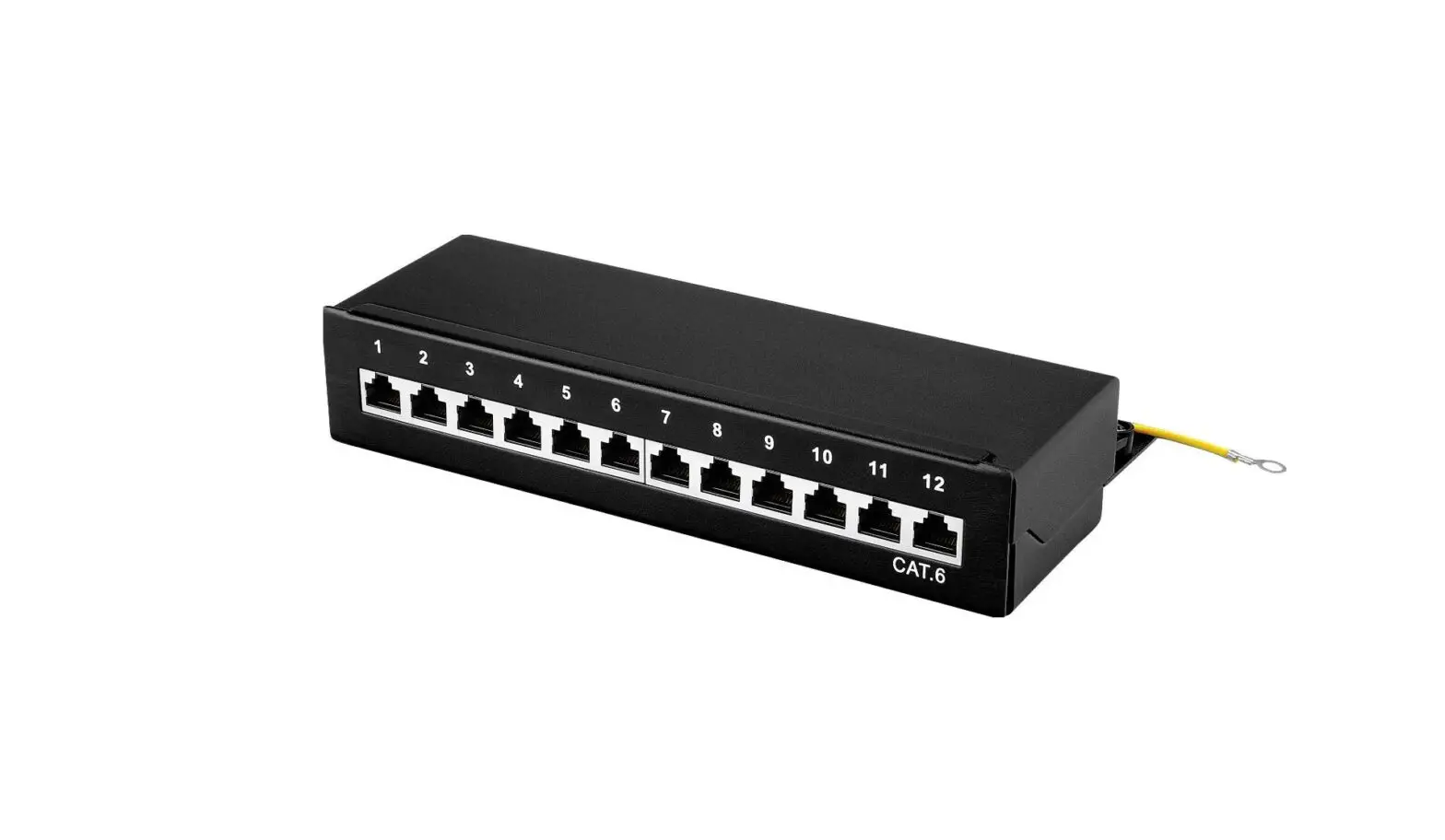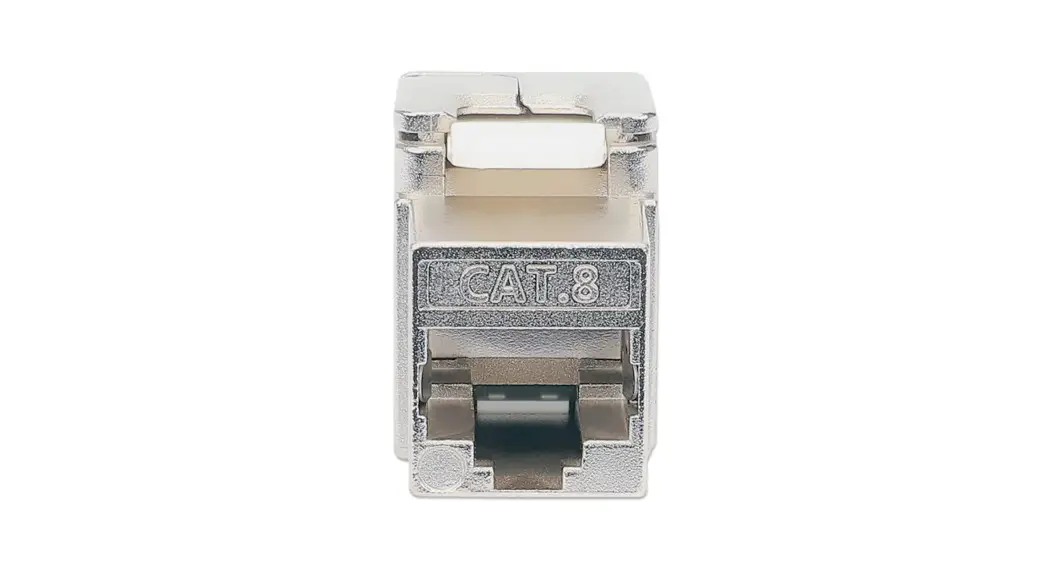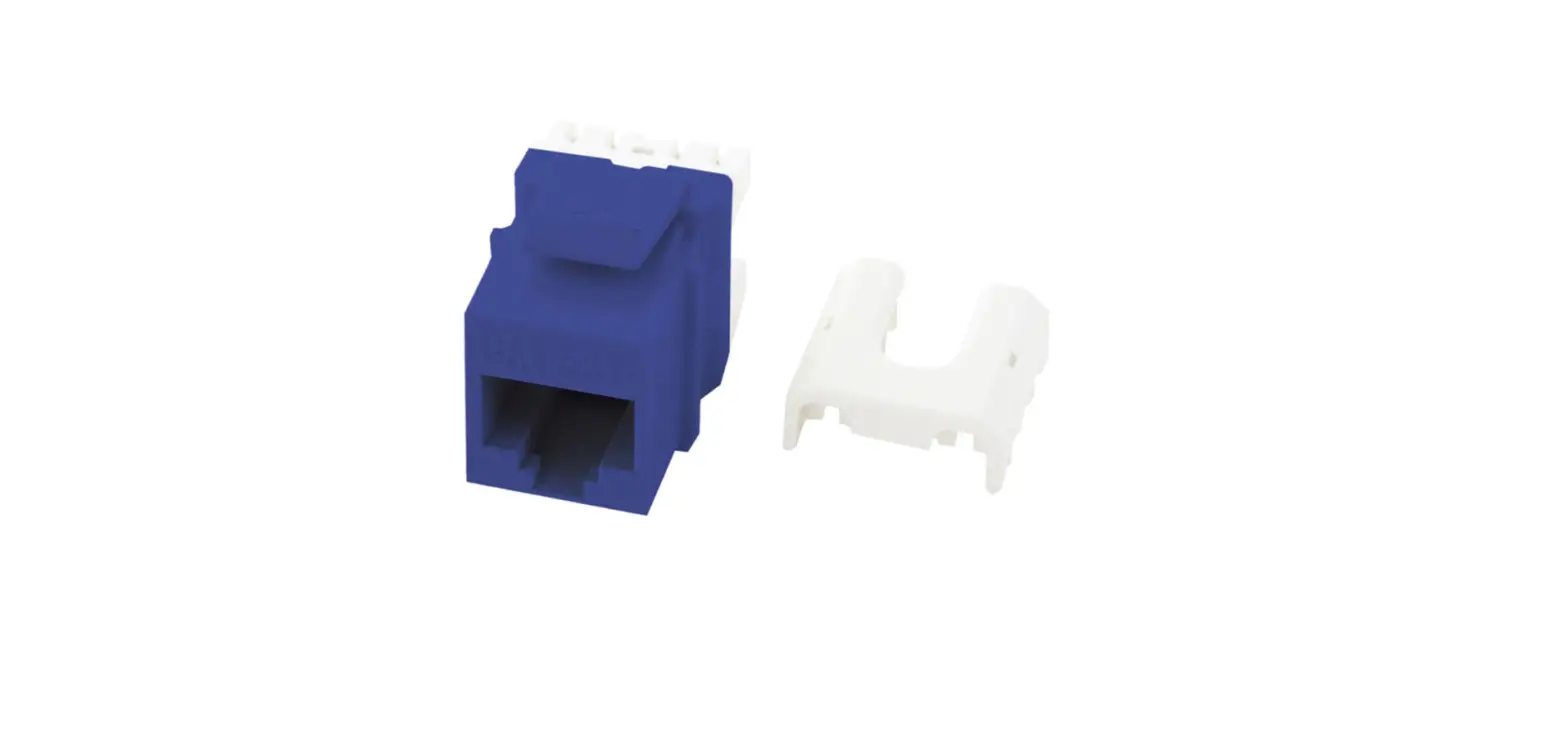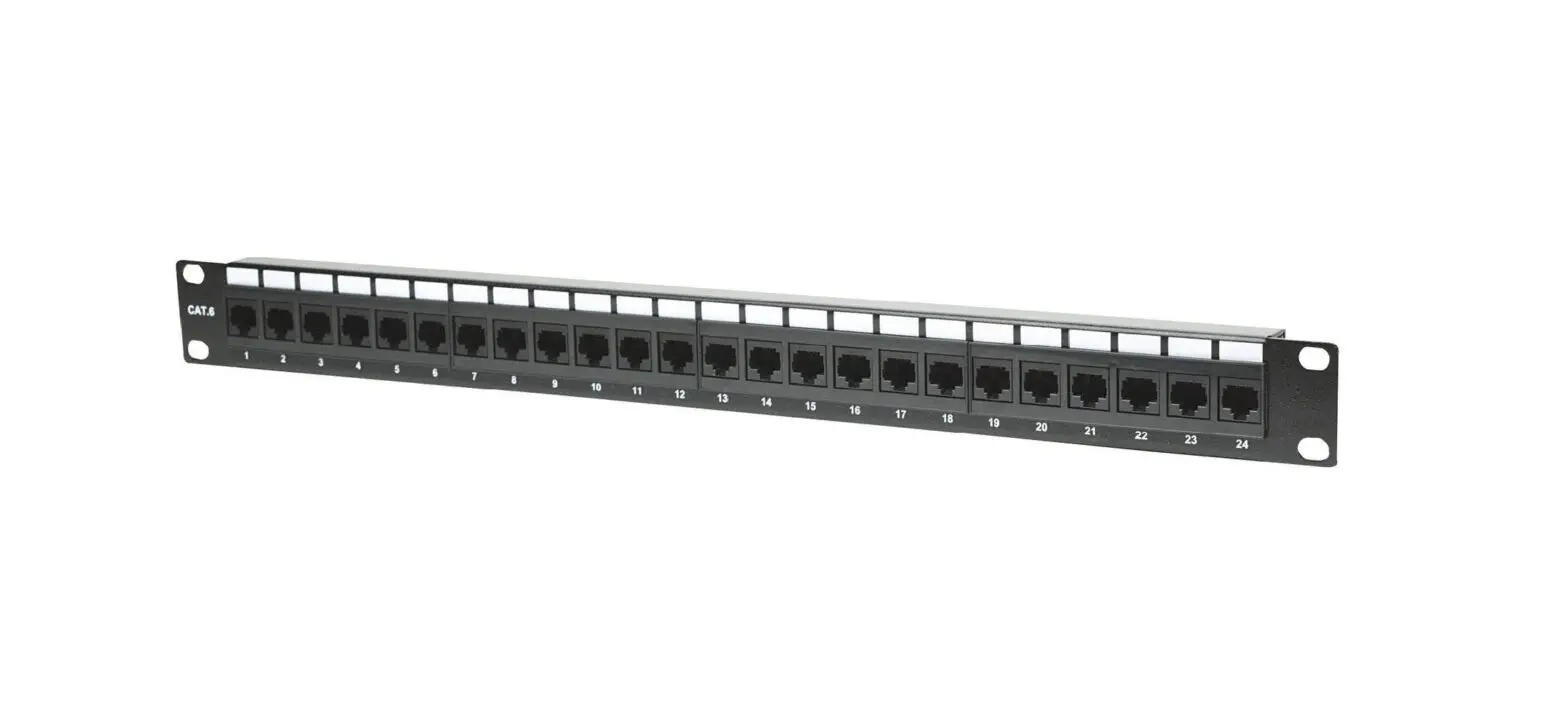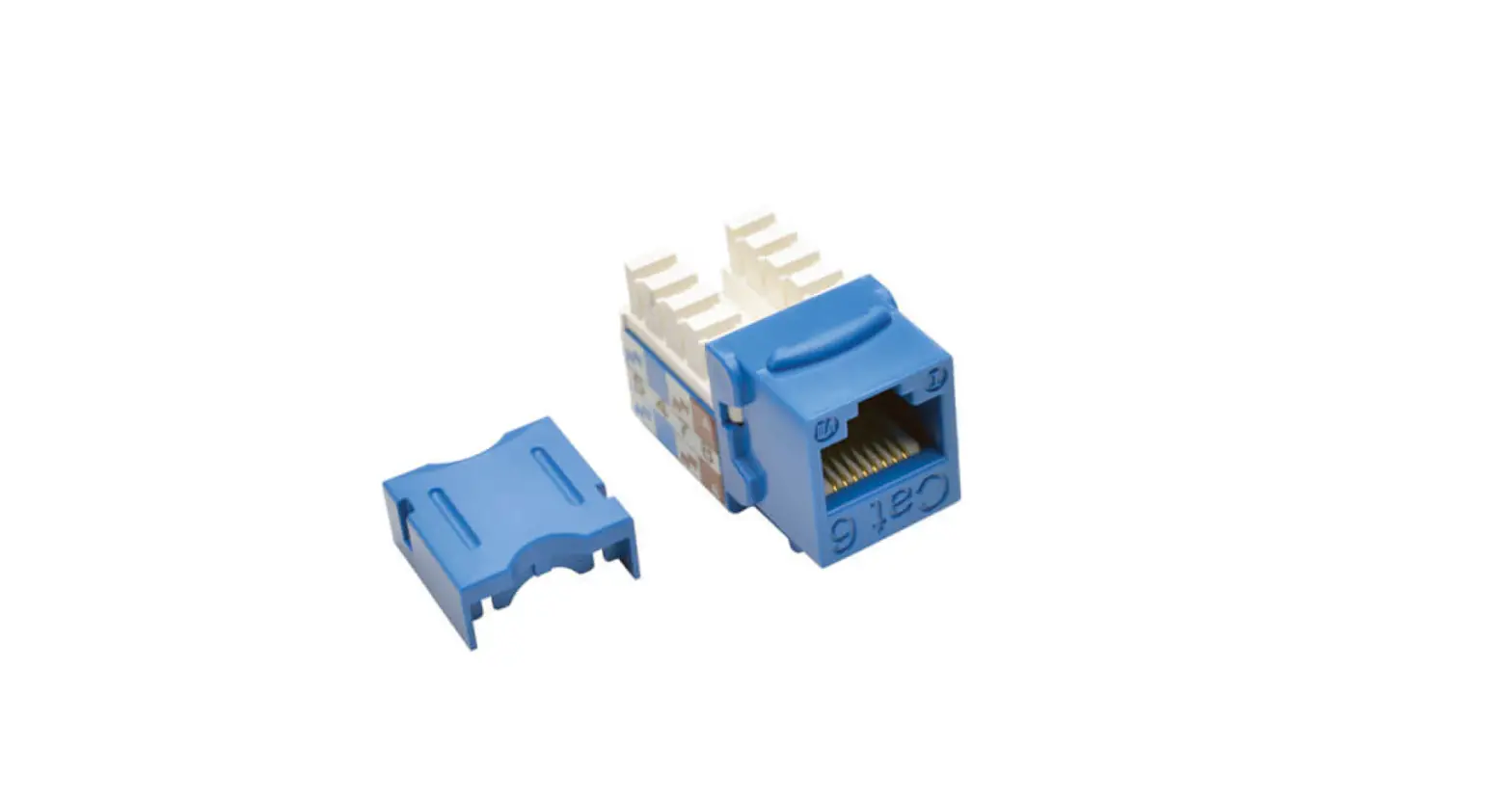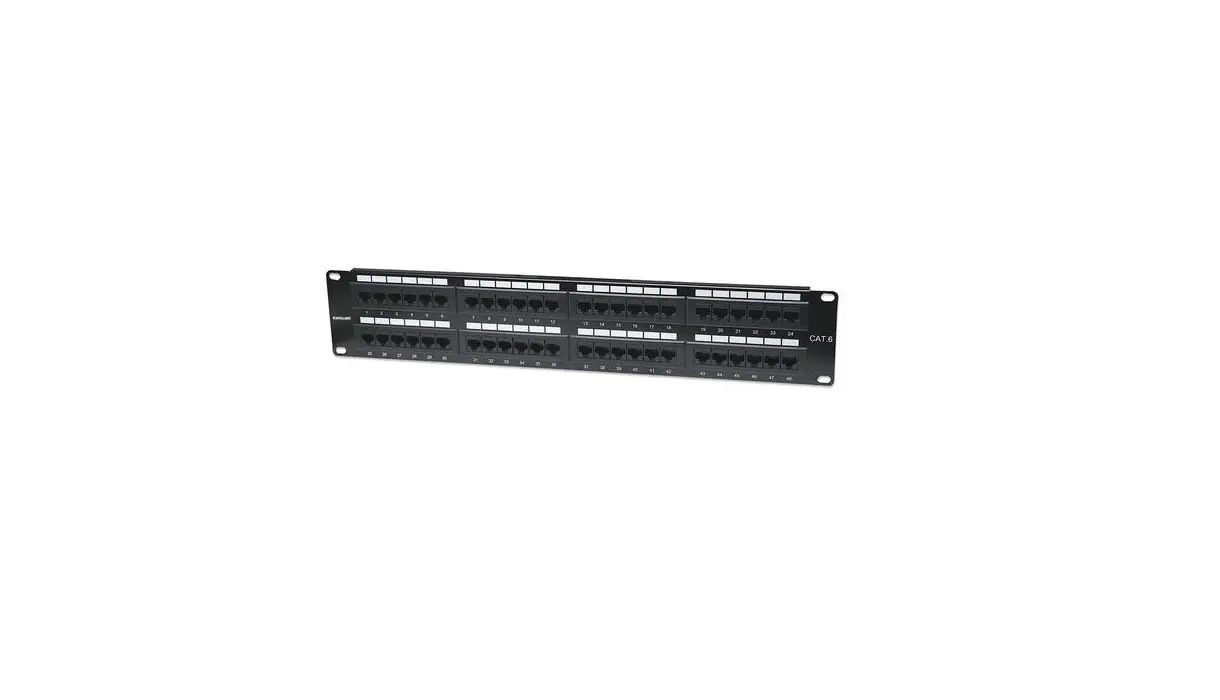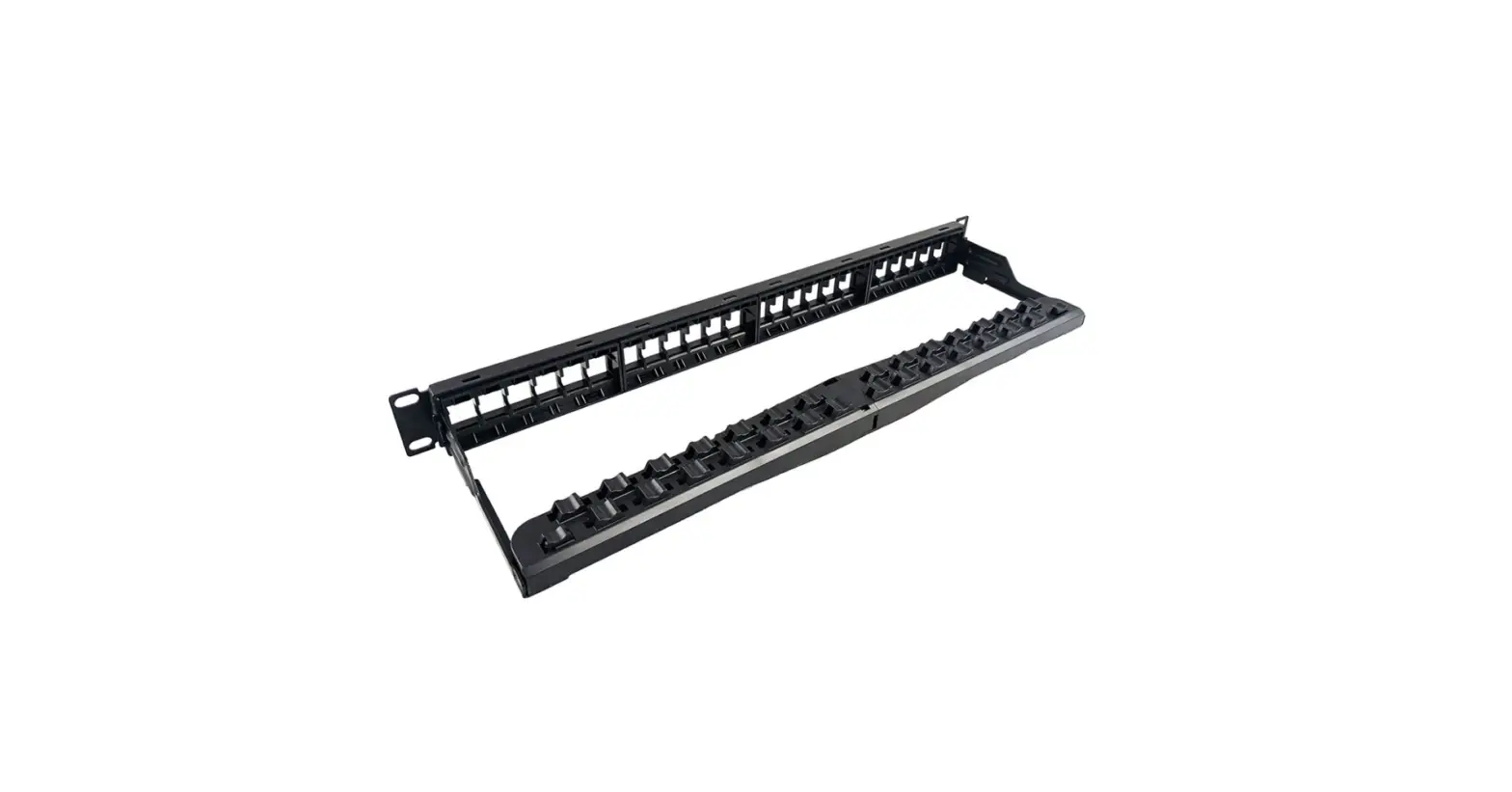

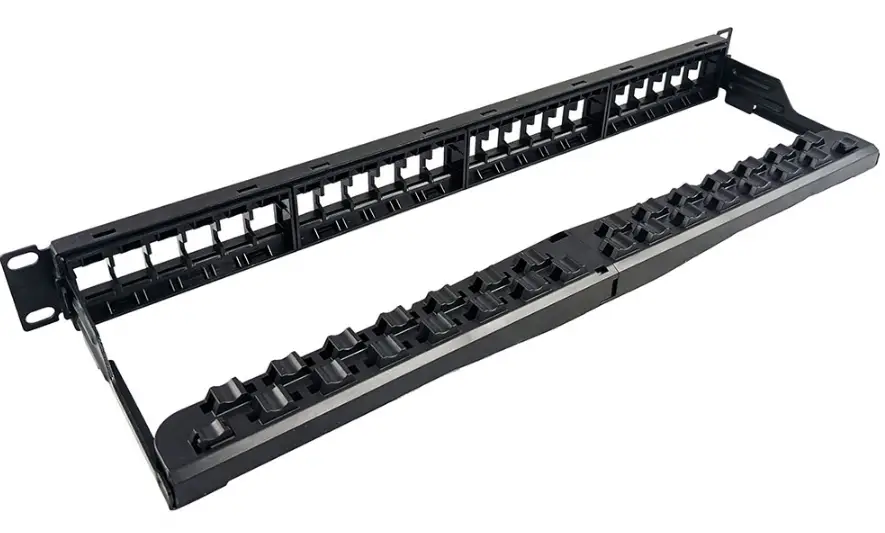
Simply45 S45-2024U 24 Port Unloaded Keystone Patch Panel
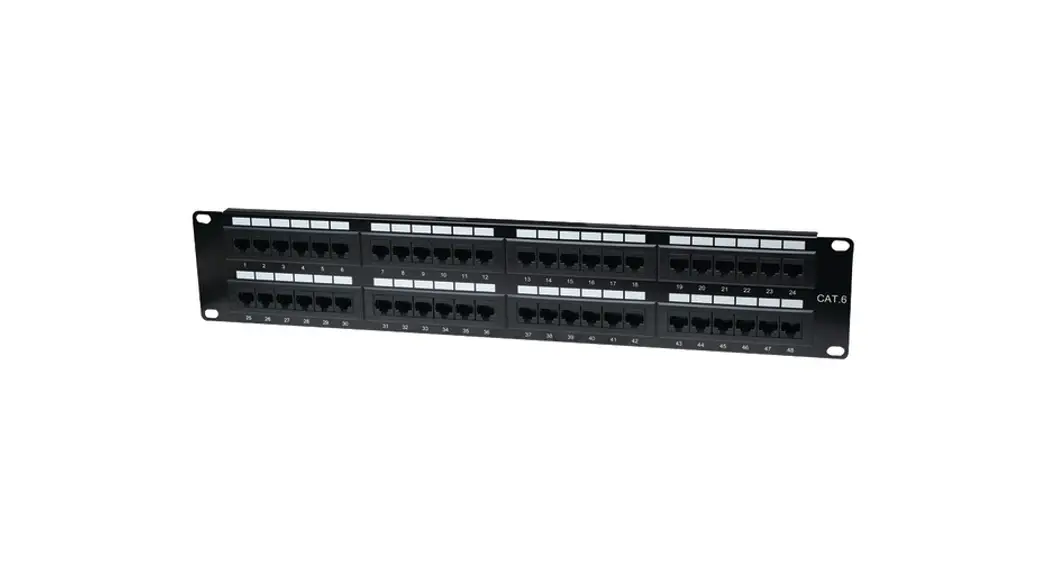
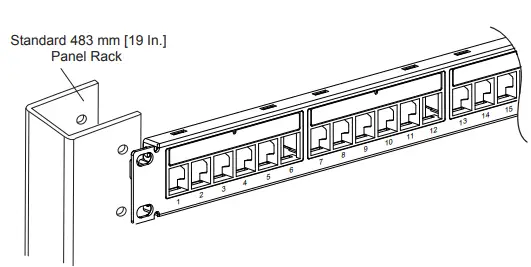
- Mount the panel to the desired position on a 19″ready rack or equivalent.

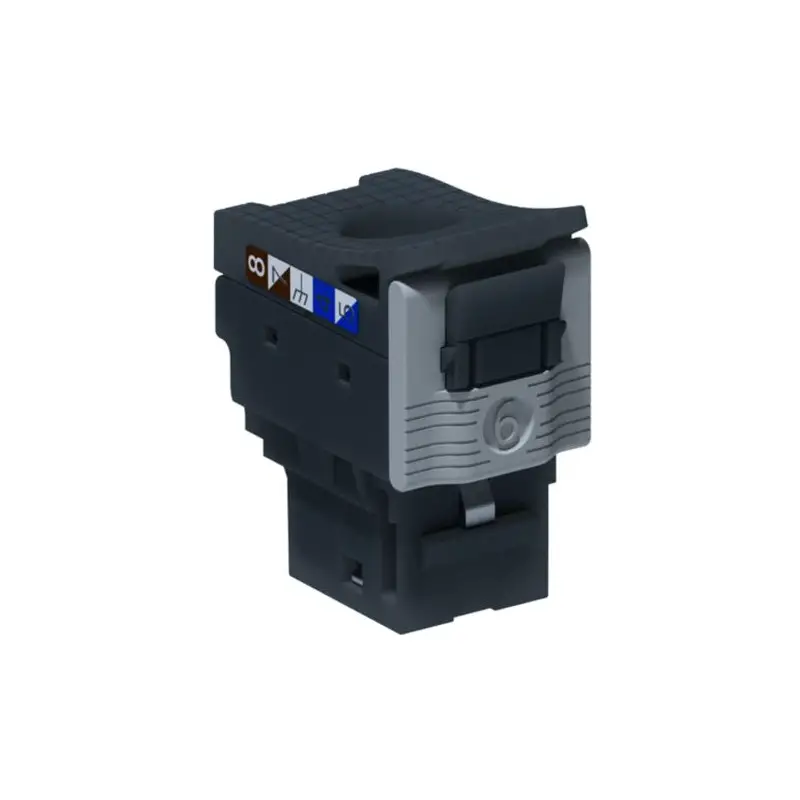
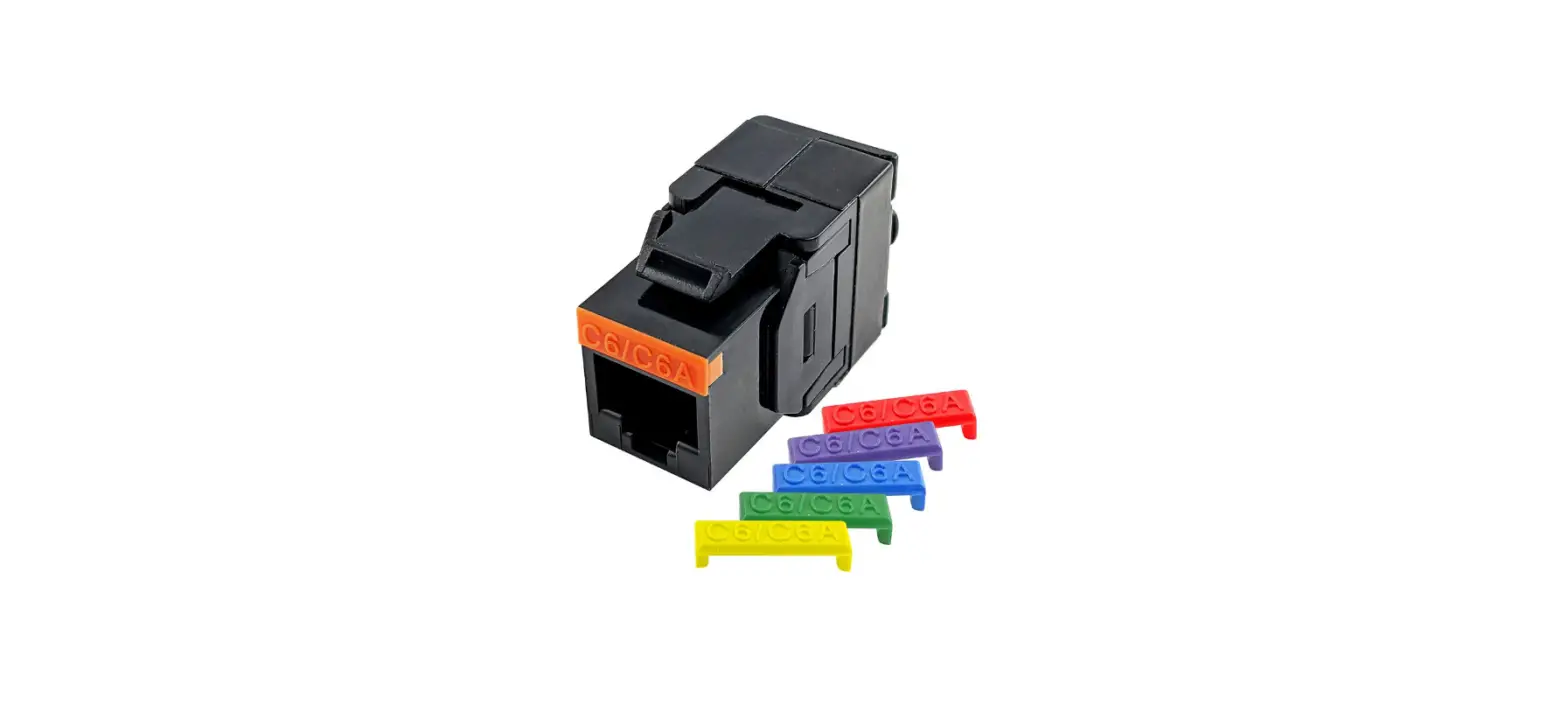
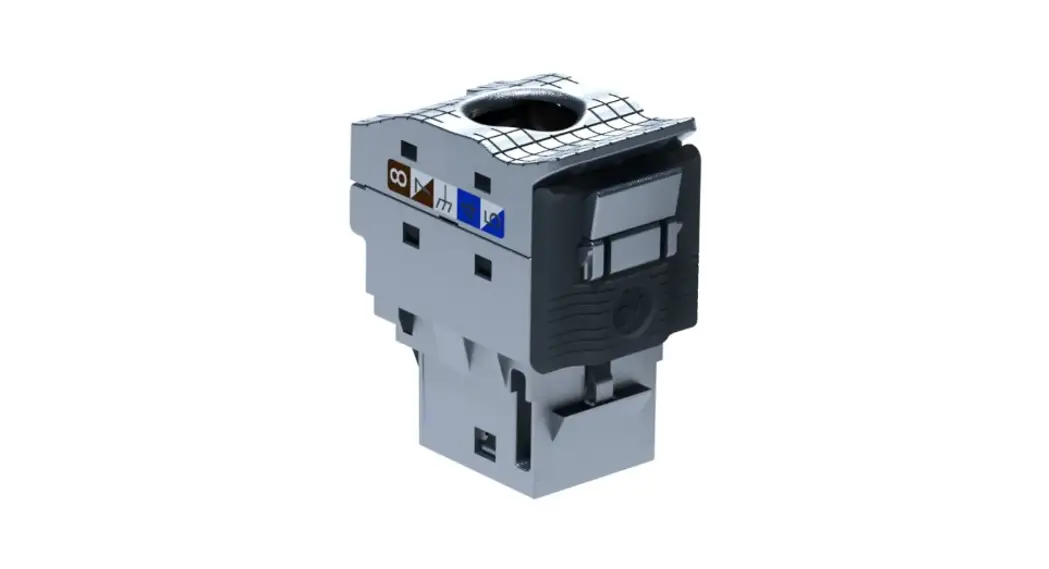
- Follow the RJ45 module’s installation instruction to finish cable termination on each RJ45 modules.
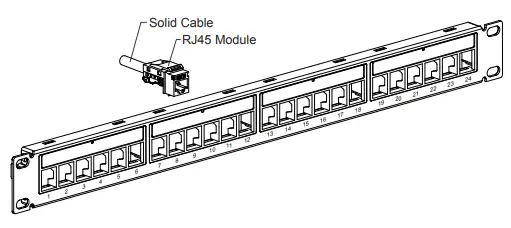
- Position the cable assembled RJ45 module from back of panel and then snap in the RJ45 module into the RJ45 window all the way down until the latch on module is locked to panel.
Follow the installation in sequence until all required RJ45 modules are installed.
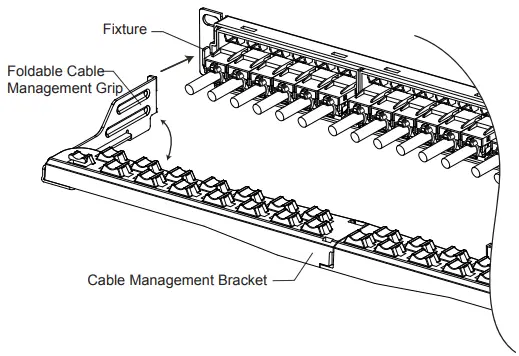
- Expand the Foldable Cable Management Grip, hook the grips into fixture at both ends of the patch panel.

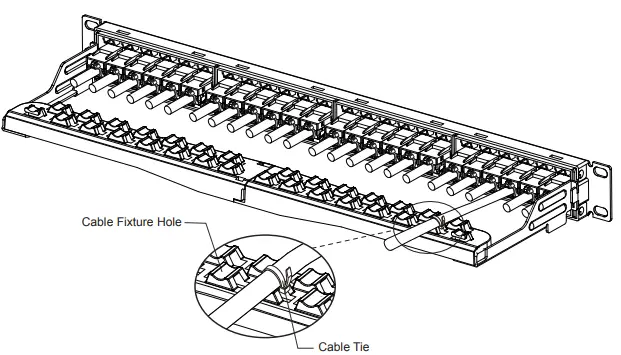
- Fix the solid cables to the cable fixture hole using cable ties.

- Phone USA Direct: 1-954-928-8600
- Web: www.simply45.com
 Home - simply45.com - We Have Re-Engineered The Pass Through RJ45