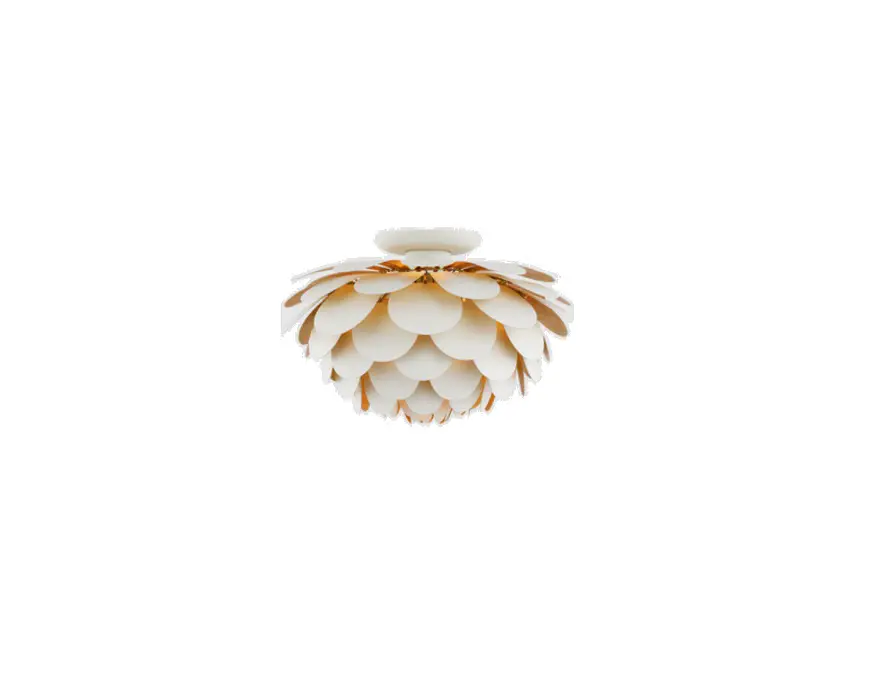
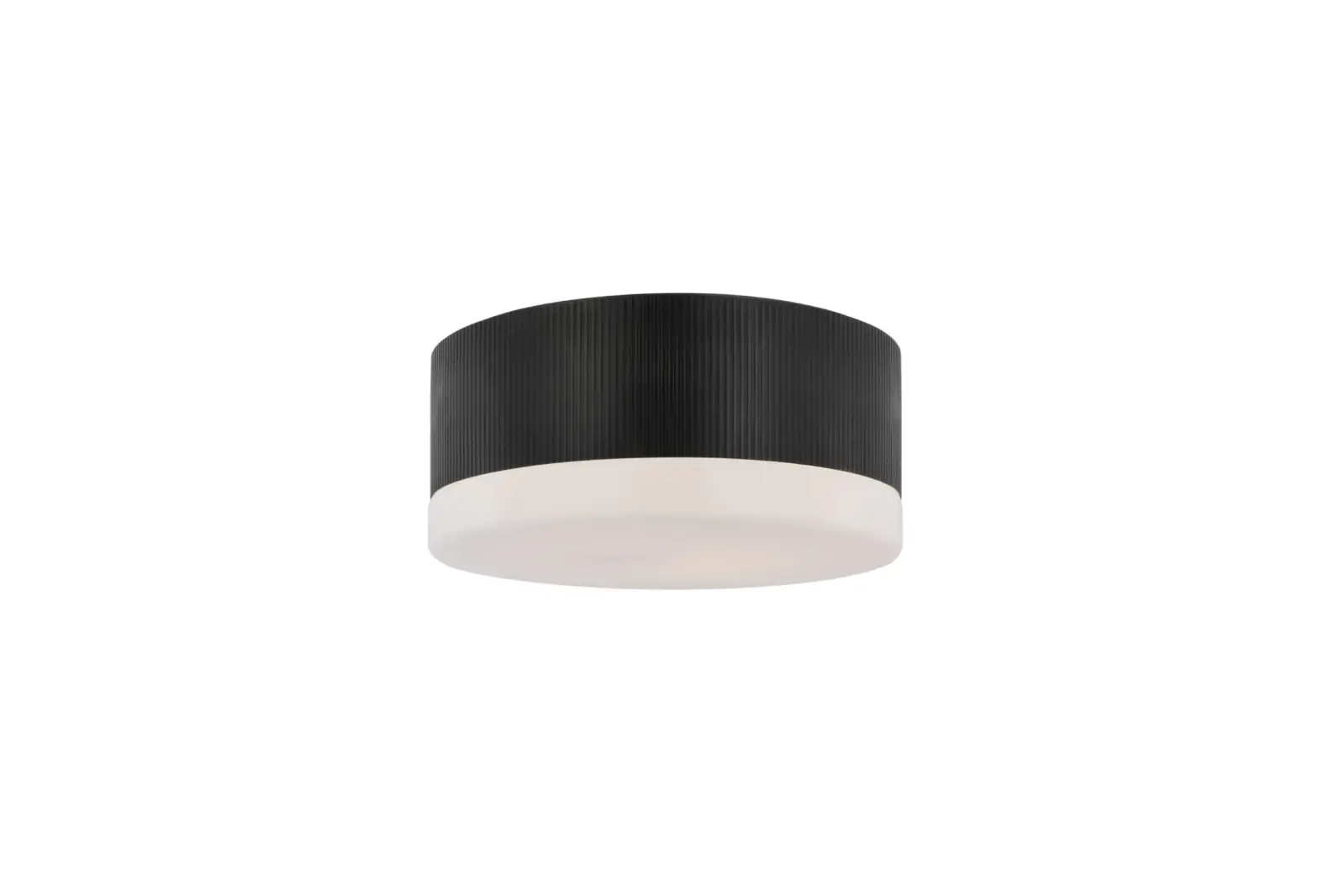
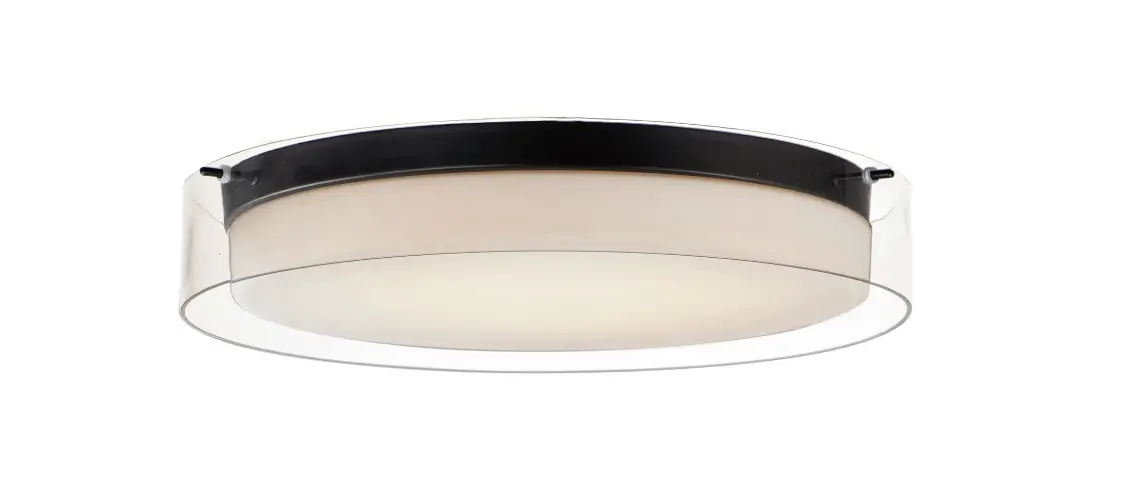
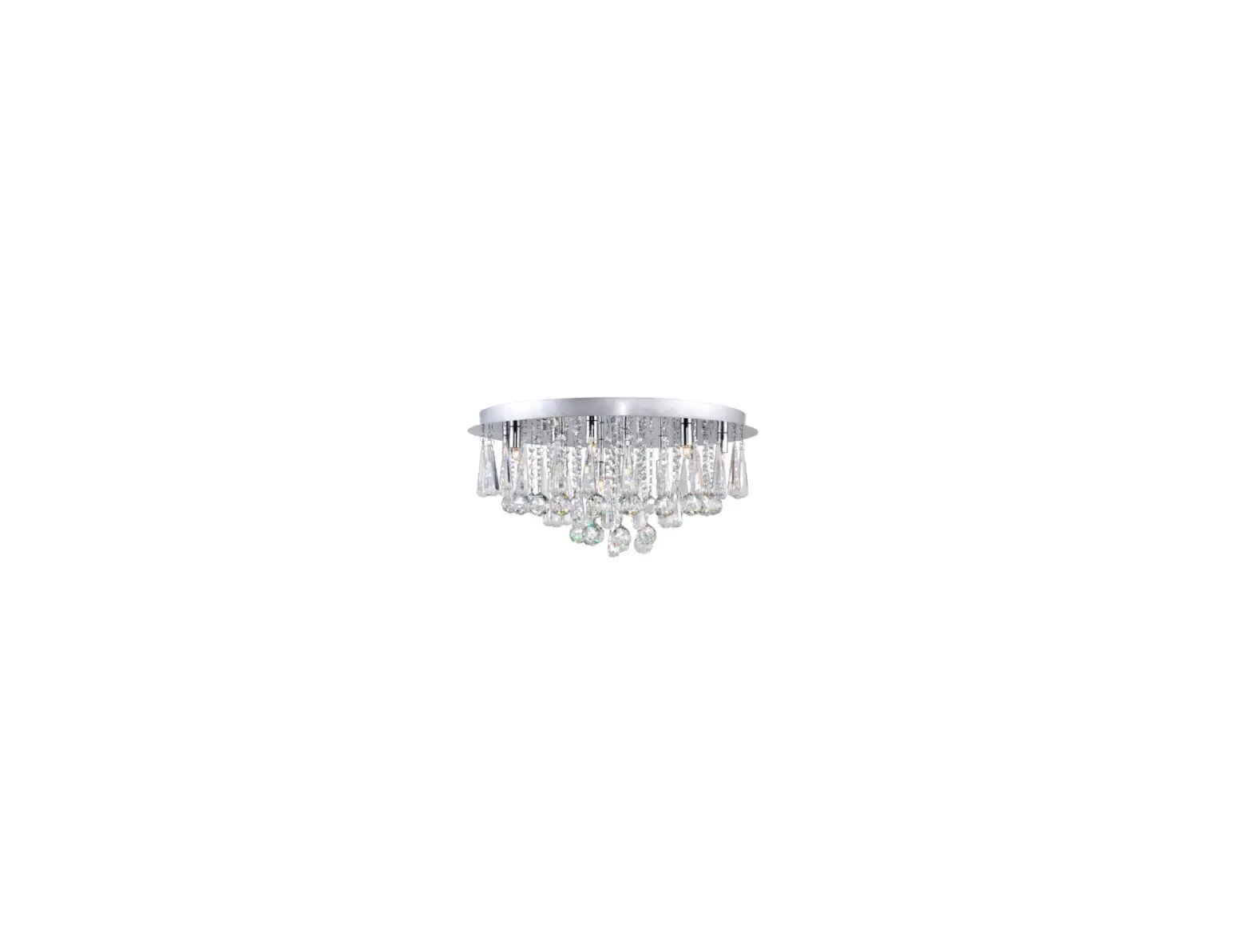
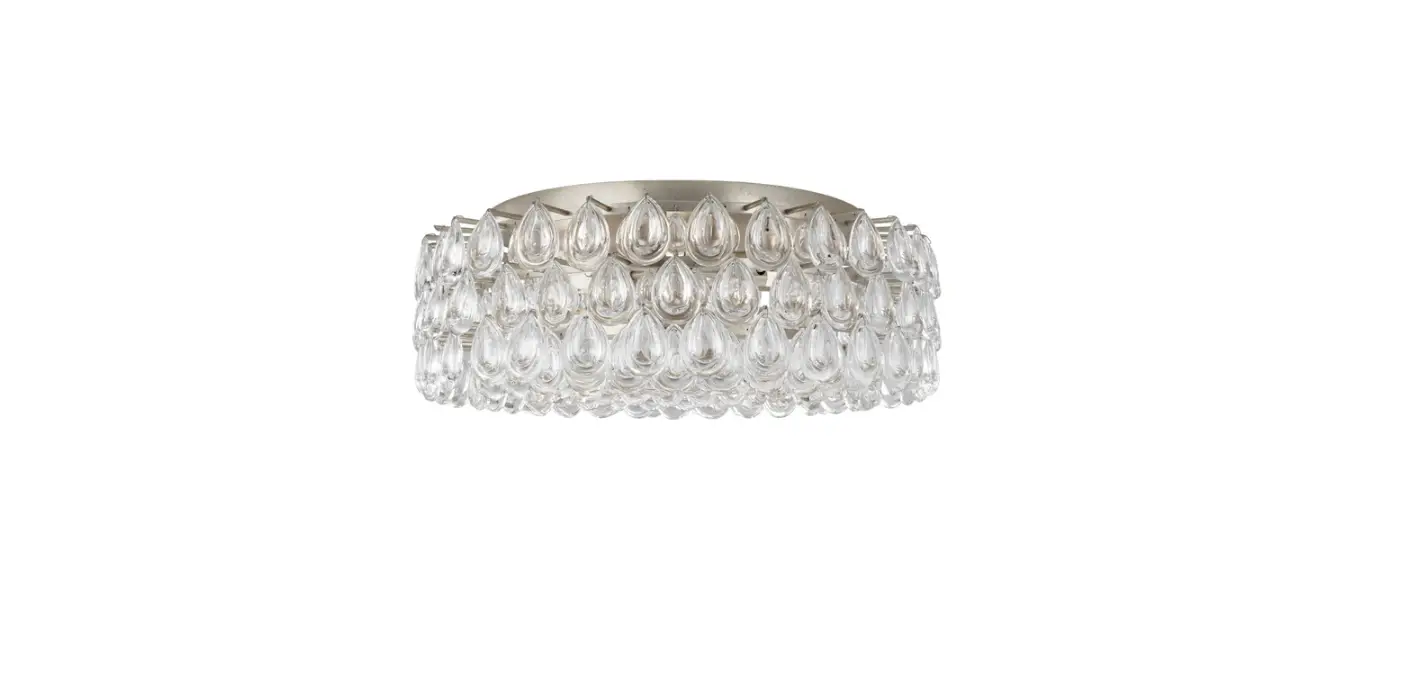
KW 4521 Pertica 30 Inch Eight Light Flush Mount
Product Information:
The Pertica 30 Eight Light Flush Mount is a light fixture
designed for installation in accordance with applicable local
installation codes. It should be installed by a person familiar
with its construction and operation, as well as the hazards
involved. The fixture comes with a metal plate, mounting plate,
collar rings, anchors, mounting screws, wood screws, supply ground
wire, supply neutral wire, supply hot wire, wire nuts, support
cable, LED bulbs, shades, and protective caps.
Product Usage Instructions:
- Carefully remove all parts from the box and place them on a
clean, soft surface. - Remove the metal plate from the mounting plate by removing the
collar rings. - Using the mounting plate as a guide, line it up with the
junction box and mark the anchor positions. - Drill holes in the marked positions slightly smaller than the
anchors. Install the anchors into the holes using a hammer. - Install the mounting plate to the junction box and secure it
with mounting screws. Then secure wood screws to the anchors. - Wrap the supply ground wire around the green grounding screw
and tighten it. - Connect the fixture neutral wire to the supply neutral wire
using a wire nut. Connect the fixture hot wire to the supply hot
wire using another wire nut. Make sure not to reverse the hot and
neutral connections. - Ensure all wire connections are tight and carefully tuck them
into the junction box. - Have a helper assist in supporting the fixture for the next
steps. - Run the support cable through the hole on the back of the
mounting plate. Loosen the cable lock and install it to the end of
the support cable. Insert the other end of the cable through the
cable lock and tighten the ends with a screwdriver to secure
it. - Install the metal plate to the mounting plate and secure the
collar rings. - Remove the protective caps from the mounting plate and thread
LED bulbs to the metal plate. - Thread shades to the metal plate, making sure not to
over-tighten and risk damaging the shades.
Caution: Do not reverse the hot and neutral
connections. Confirm all light sources are installed before testing
power.
Care Instructions:
Clean the fixture only with a soft dry cloth or feather duster.
Do not use abrasive or chemical agents.
Unpacking Notice:
Please follow the instructions below to avoid possible damages
caused by improper removal.
- Open the box and remove the top layer of packaging.
- Evenly lift the shade in areas indicated by arrows until fully
unpacked.
ASSEMBLY INSTRUCTIONS
Diagram 1 Diagram 2
Pertica 30″ Eight Light Flush Mount
Item # KW 4521
NOTICE:
This light fixture should be installed in accordance with all applicable,
local installation codes, and by a person familiar with the construction
and operation of it, as well as the hazards involved. Inspect item and
A
contents carefully. If any damage or defect is found, do not install.
Retain all packaging material until installation is complete and approved.
B
TOOLS REQUIRED (NOT INCLUDED):
Phillips Screwdriver
Slotted Screwdriver
Drill
C
D
Pencil
Hammer
E PERSONS REQUIRED: Two
1. Carefully remove all parts from the box. Place on a clean, soft surface.
2. Remove metal plate (F) from mounting plate (B) by removing collar F
rings (G).
3. Using mounting plate (B) as a guide, line up with the junction box and
mark anchor positions.
G
4. Using a drill bit slightly smaller than the anchor, drill holes in the
marked positions. Install anchors (A) into the holes using hammer.
5. Install mounting plate (B) to the junction box and secure with
mounting screws (E), then secure wood screws (C) to anchors (A).
6. Wrap supply ground wire (usually green or bare copper) around the H
green grounding screw (see diagram 1). Tighten.
NOTE: It is imperative that the fixture is grounded.
7. Connect fixture neutral wire (white) to the supply neutral wire (usually
white) using wire nut (D).
8. Connect fixture hot wire (black) to the supply hot wire (usually black)
I
using wire nut (D).
CAUTION: Do not reverse the hot and neutral connections.
9. Make sure all wire connections are tight, then carefully tuck into the
junction box.
NOTE: It is recommended to have a helper assist in supporting the
fixture for steps 10-11.
M
LI ST ED
US
ASSEMBLY INSTRUCTIONS
Diagram 1 Diagram 2
Pertica 30″ Eight Light Flush Mount
Item # KW 4521
NOTICE:
This light fixture should be installed in accordance with all applicable,
local installation codes, and by a person familiar with the construction
and operation of it, as well as the hazards involved. Inspect item and
A
contents carefully. If any damage or defect is found, do not install.
Retain all packaging material until installation is complete and approved.
B
10. Run support cable through hole on back of mounting plate (B).
Loosen cable lock and install to end of support cable. Insert other end C
of cable through the cable lock and tighten ends with a screwdriver to D
secure. (see diagram 2) E
11. Install metal plate (F) to mounting plate (B) and secure collar rings (G).
12. Remove protective caps (J) from mounting plate (B), then thread LED
bulbs (H) to metal plate (F) .
F
NOTE: Confirm all light sources are installed before testing power.
13. Thread shades (I) to metal plate (F).
NOTE: Do not over-tighten otherwise shade could become damaged.
G Care Instructions: Clean only with a soft dry cloth or feather duster. Do not use abrasive or chemical agents.
H
I
M
LI ST ED
US
UNPACKING NOTICE
Pertica 30″ Eight Light Flush Mount Item # KW 4521
NOTICE: Please follow instructions below to avoid possible damages caused by improper removal.
1. Open box and remove top layer of packaging. 2. Evenly lift shade in areas indicated by arrows (see diagram) until
clear of packaging. Place on clean, soft surface. NOTE: Remove slowly to avoid damages.