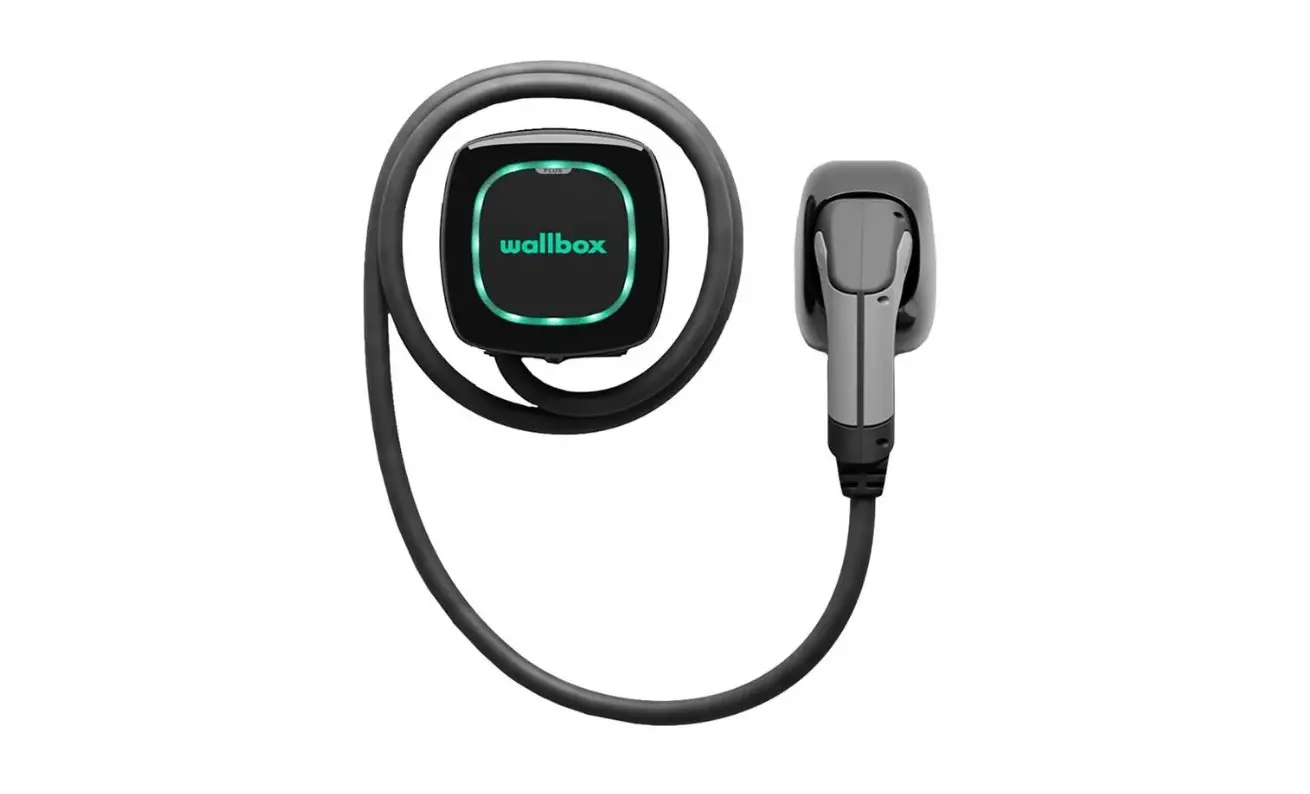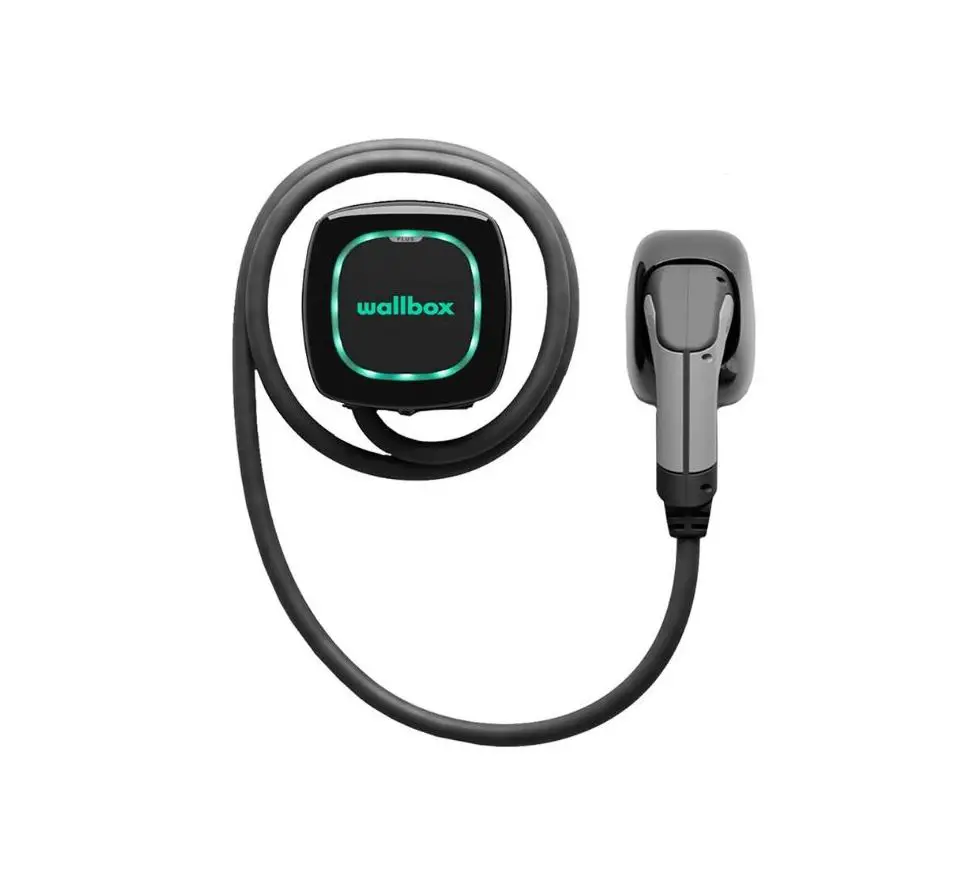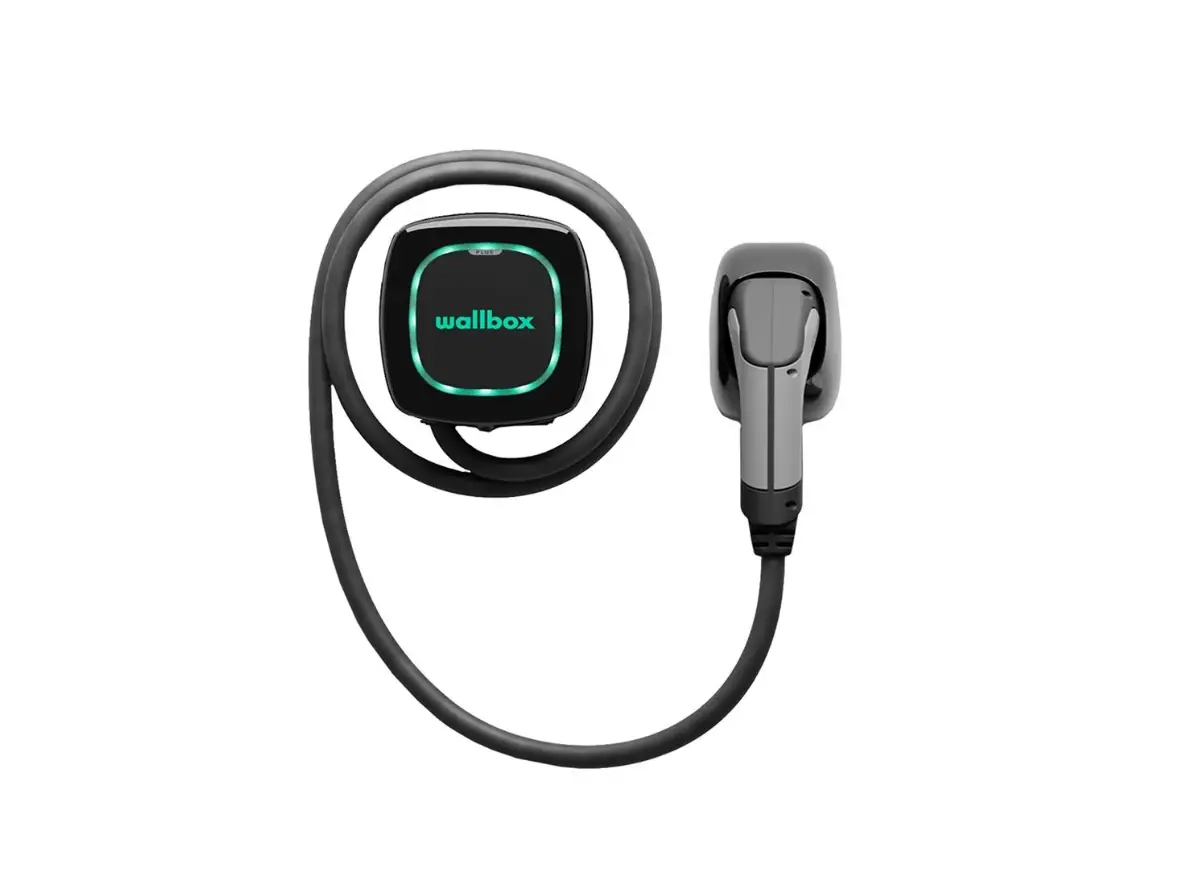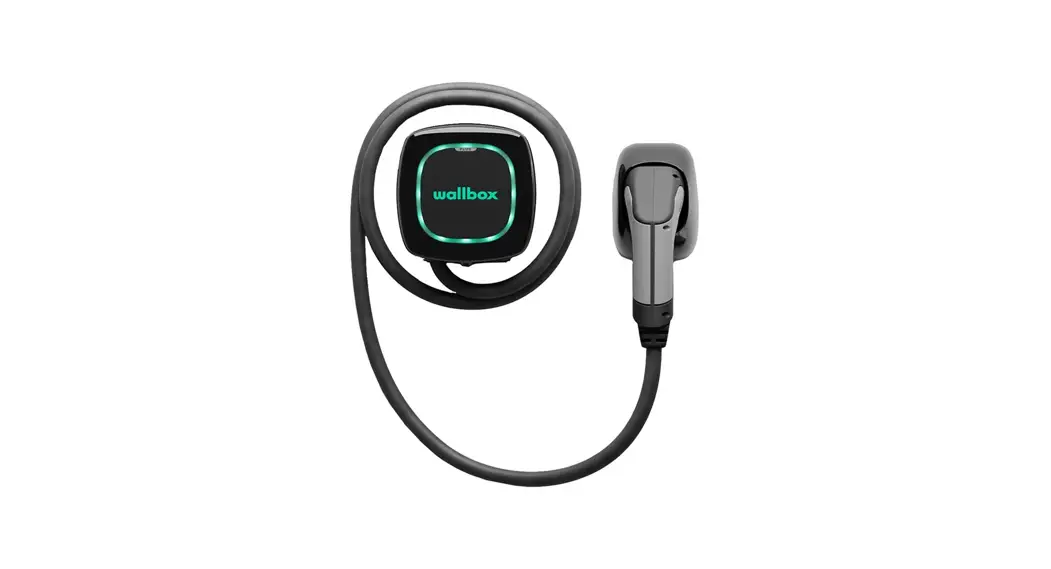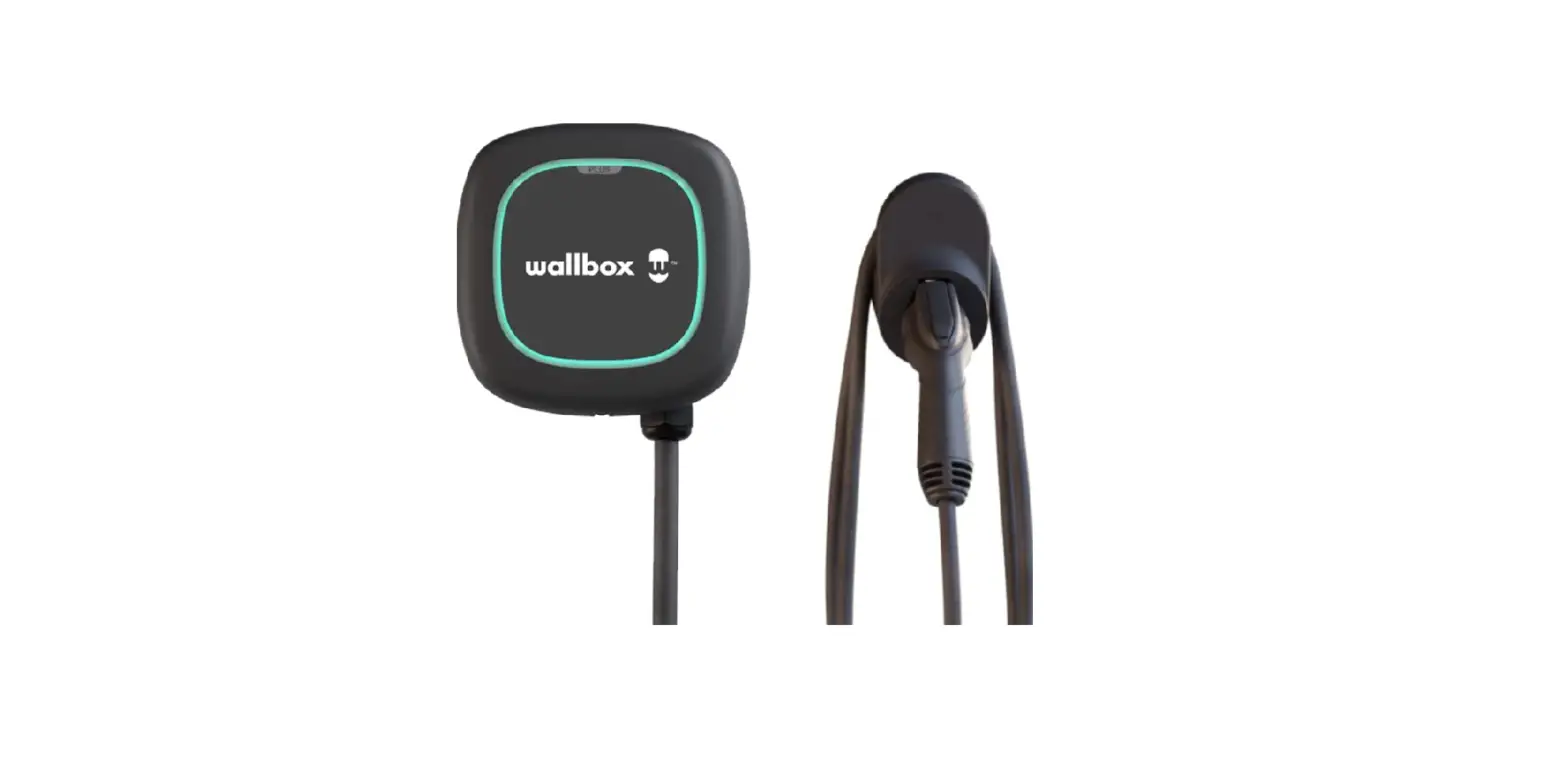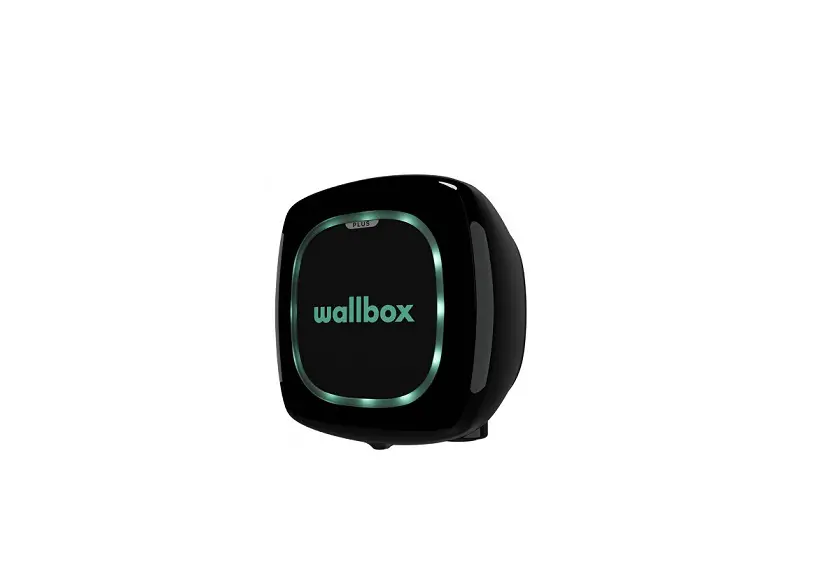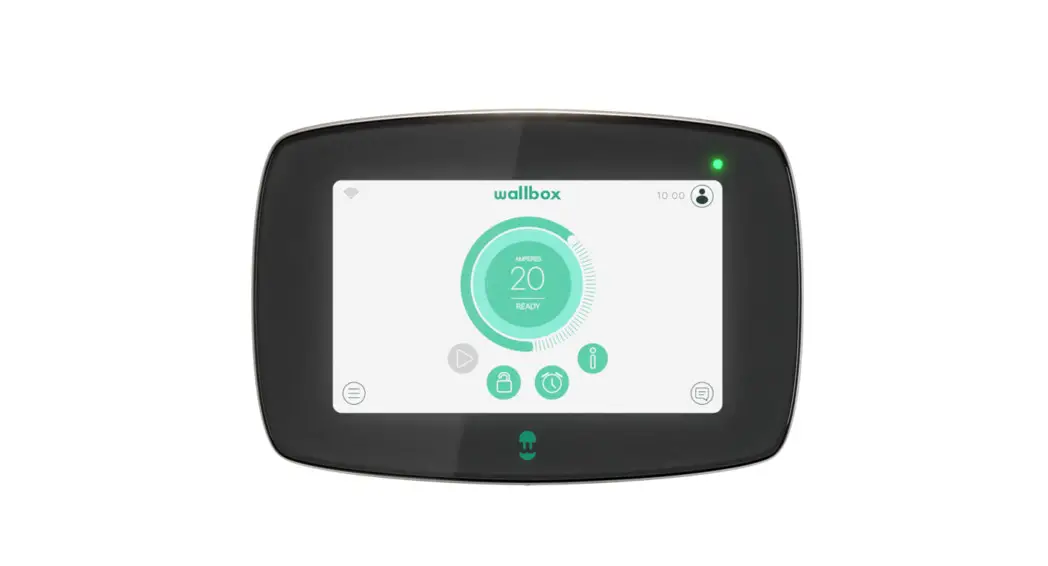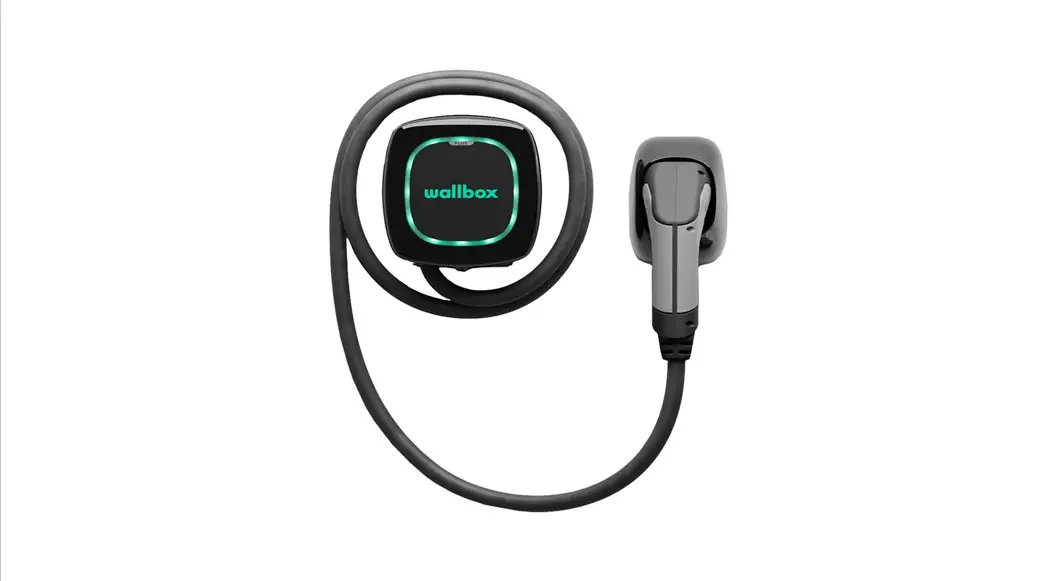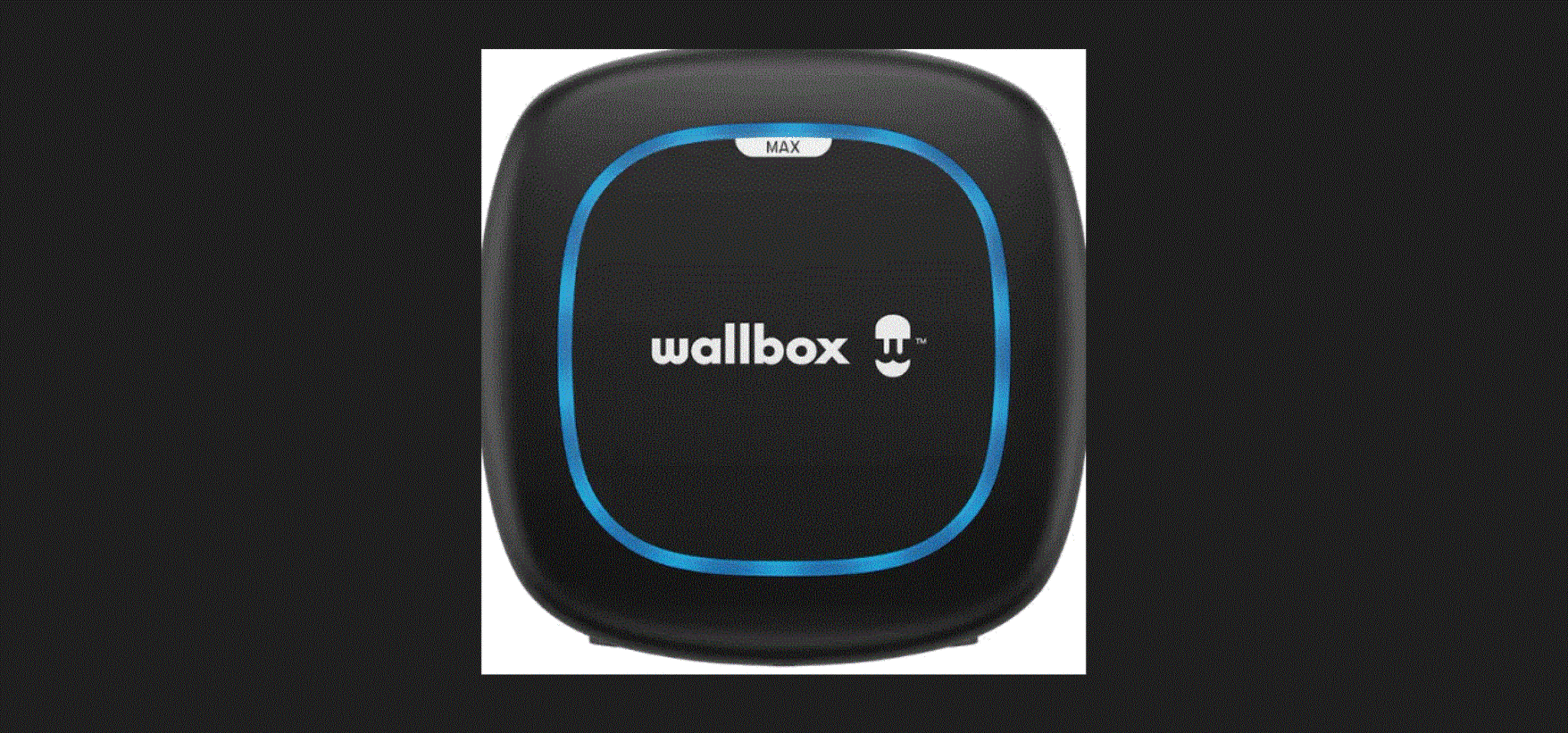

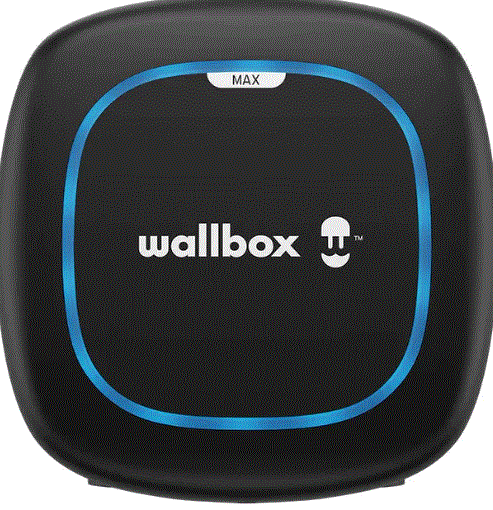
wallbox PLP2-0-2-2-F-002 Pulsar Max Electric Vehicle Charger
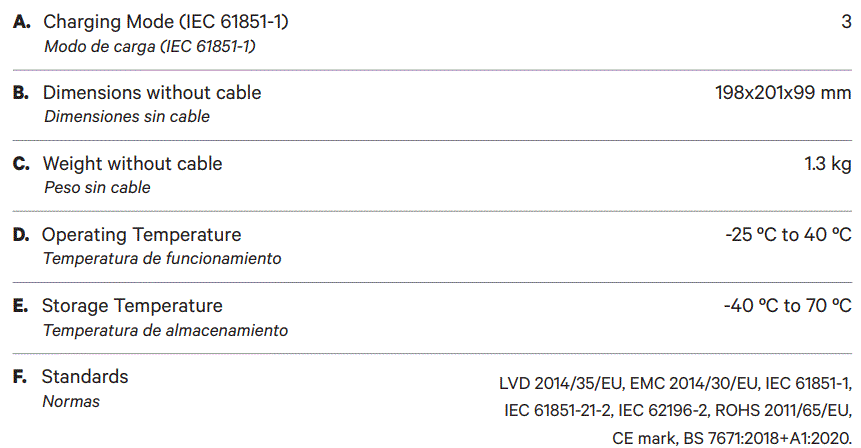
General Specifications
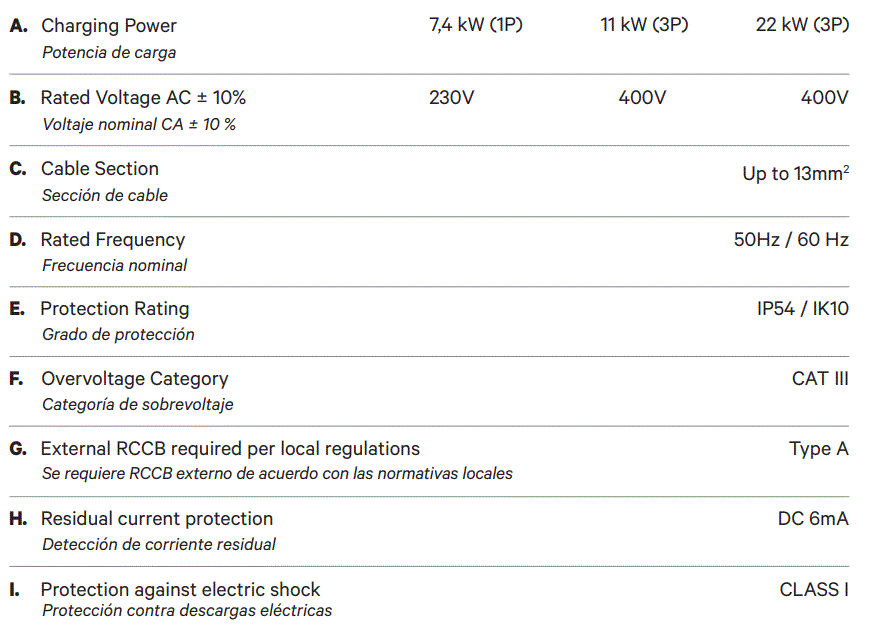
Electrical Specifications
Part Number Structure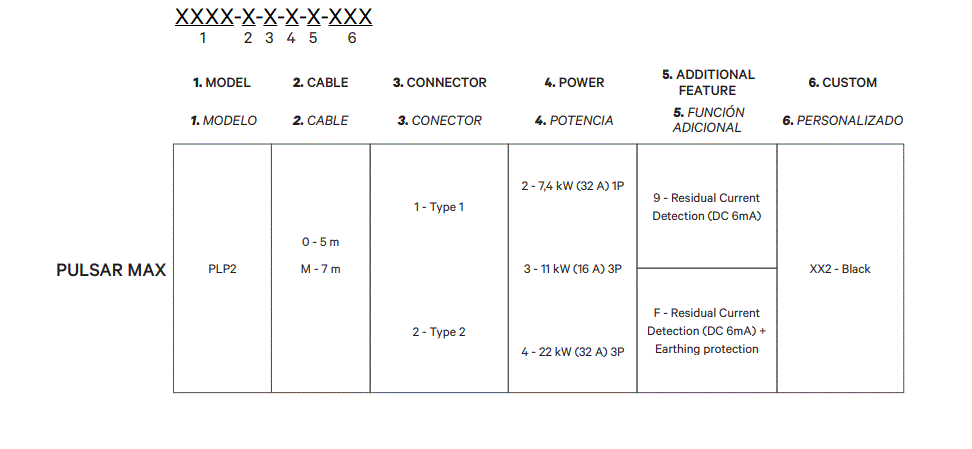
Safety Warnings
- Flying debris, risk of eye injury
- Caution
- Ground earth connection required
- Risk of electric shock. Disconnect and wait 10 mins.
- Sharp element, risk of injurious cuts.
- Special waste treatment
Tools and Mounting Parts
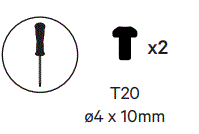
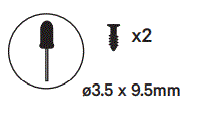
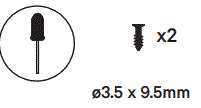
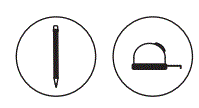
Required tools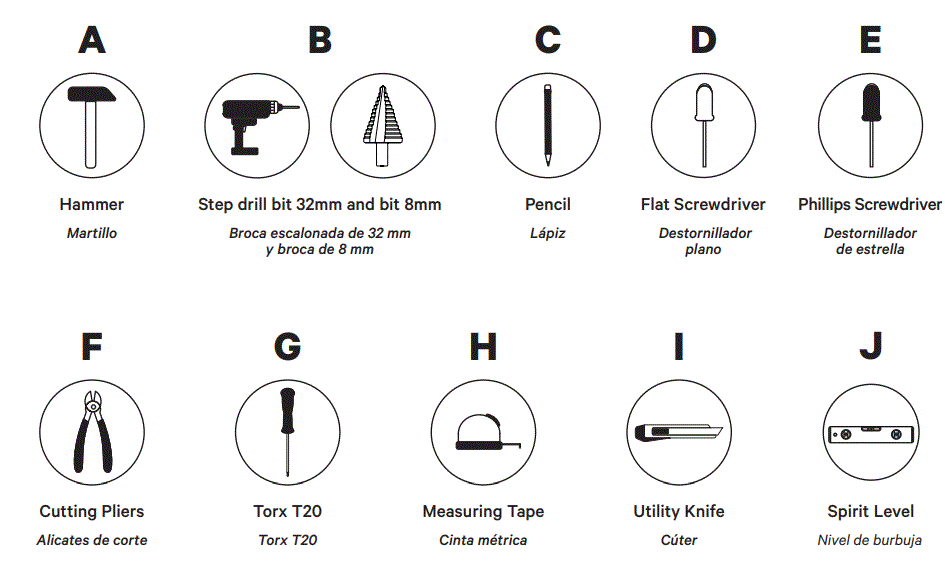 Included mounting parts
Installing the Wallplate
- Remove the tape from the wall plate to detach it from the charger.

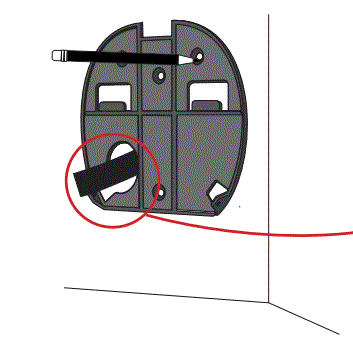
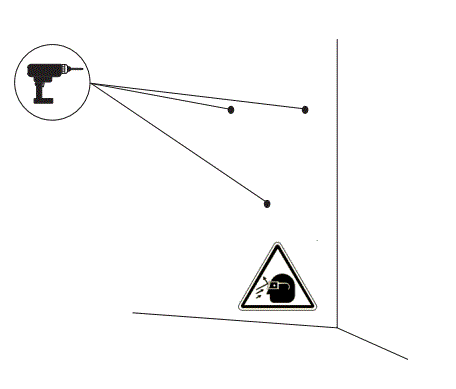
- Place the wall plate straight. Use a pencil to mark the position of the holes.

- If your power supply wiring comes from the wall, place the wires through the wall plate hole.

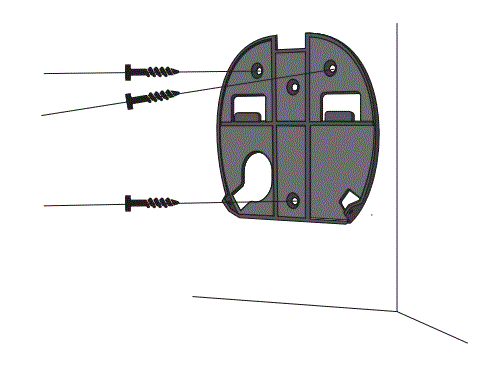
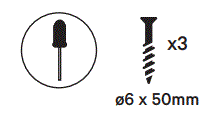
- Firmly mount the wallplate using the provided wall screws. Do not over-tighten the screws.
- Drill three holes with an appropriate sized bit.

- Place the wall plate in alignment with the holes.
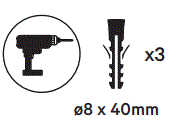
- If you are mounting your charger on a solid wall, use the wall anchors provided with your charger.

- Firmly mount the wallplate using the provided wall screws. Do not over-tighten the screws.


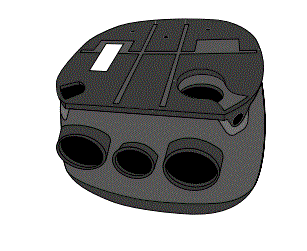
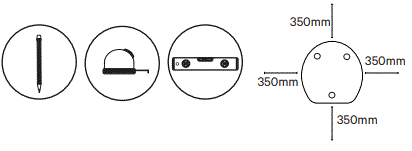
Preparing the Charger
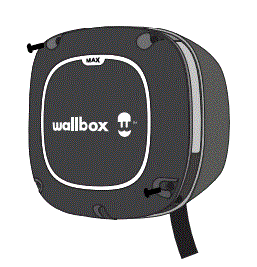
- Remove the two corner screws and carefully lift the cover.


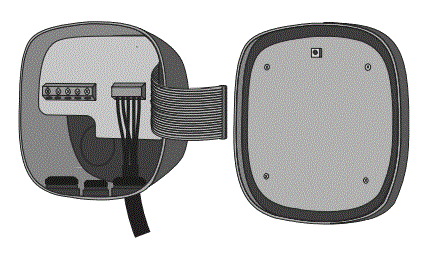
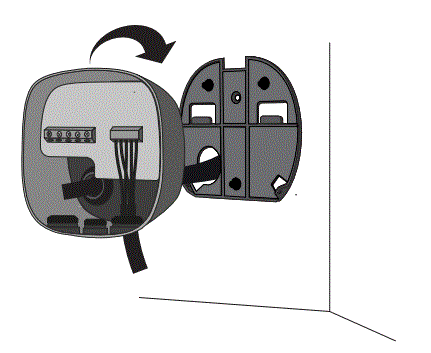
- From the cover, carefully detach the ribbon cable. Set the cover aside

Lower Connection
IMPORTANT: For the rear connection, go to pg. (22). If you intend to install the product by using the bottom hole, pay attention to the instructions below.
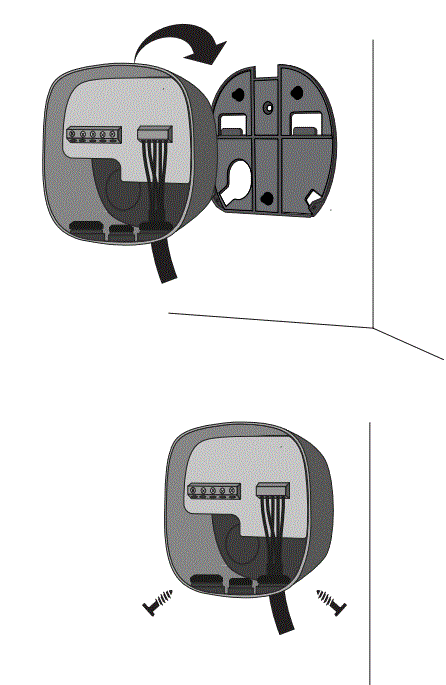
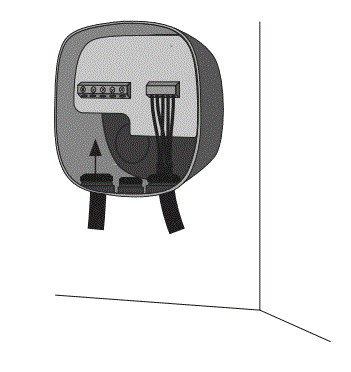
- Lift your charger and hang it from the top of the wall plate. Secure the charger to the wall plate with the appropriate screws avoiding to over-tighten.


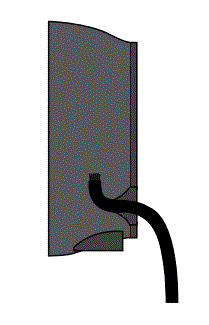
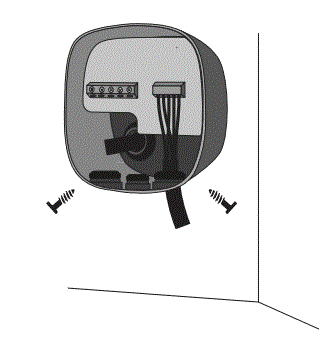
- Make an incision on the grommet and insert the power supply cable.


Rear Connection
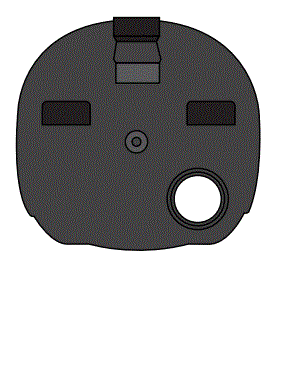
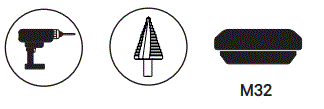
- Make a hole on the back of the charger, using a Step drill bit 32 mm. Then insert the grommet from the included mounting parts kit


- Make an incision on the grommet and insert the power supply cable.


- Hang your charger to the top of the wall plate. Secure the charger to the wallplate with the appropriate screws

- Secure the charger to the wallplate with the appropriate screws.


Electrical Wiring
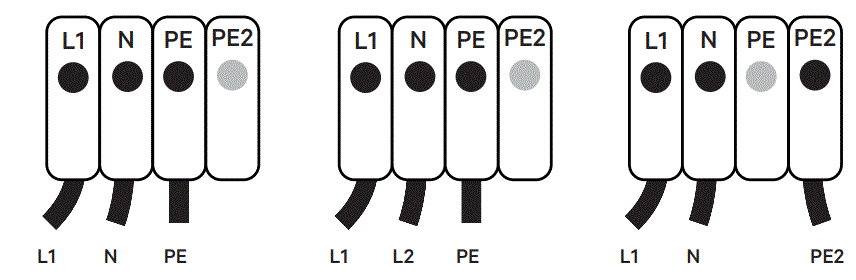
Single Phase Version
- A. Single Phase Set-up
- B. Bi-phase No Neutral
- C. Single Phase PME

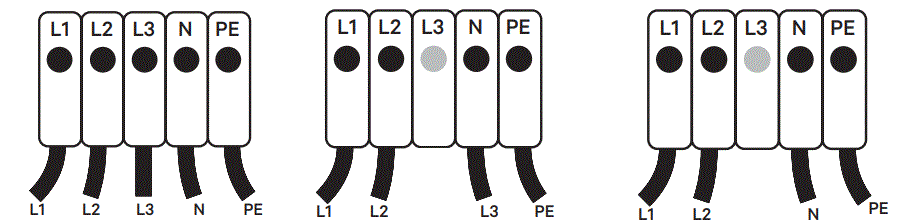
Three Phase Version
- D. Three-phase Set-up
- E. Three-phase No Neutral
- F. Bi-phase Set-up

Closing the Charger
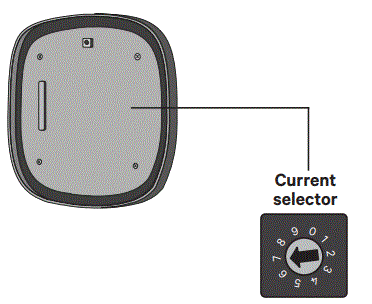
- Position the current selector to an appropriate setting.


- Make sure that the selector does not point to 0, 8 and 9.

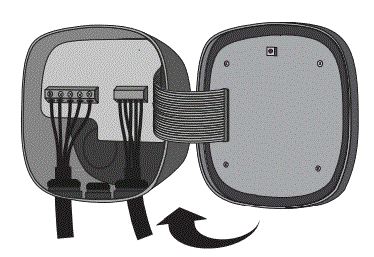
- Carefully reattach the communication cable to your charger cover and close it.


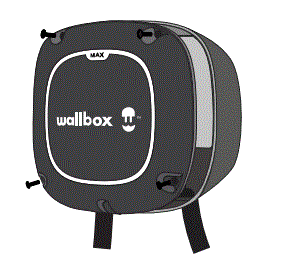
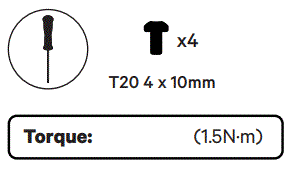
- Insert the four corner screws to secure your charger cover. Do not over-tighten
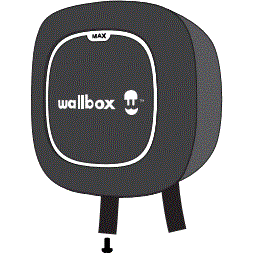
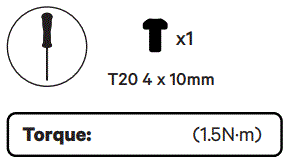
- Make sure to properly align the bottom screw opening, place the cover frame on your charger and attach the frame with the screw. Do not over-tighten.



Installing the Plug Holder
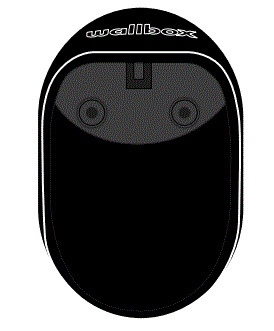
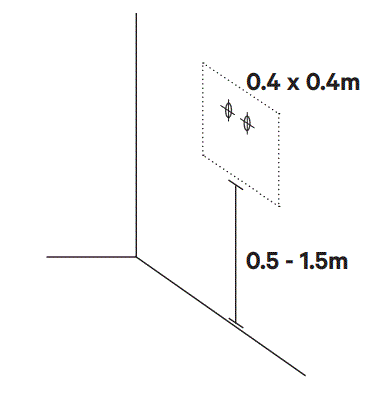
- Place the plug holder on the wall and mark the fixing points.


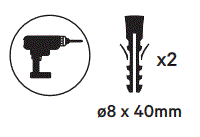
- Drill holes where the fixing points are marked. Insert the anchor screws into the fixing holes.


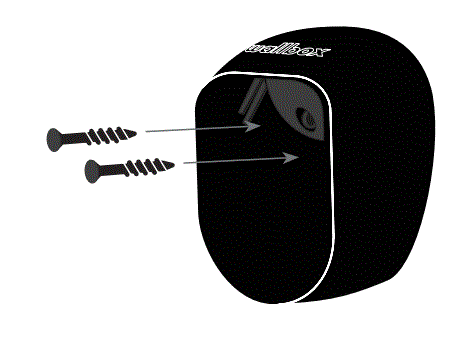
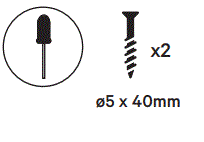
- Fix the device on the wall by inserting andtightening the screws

Registering the Charger
- Download the my Wallbox App and register.

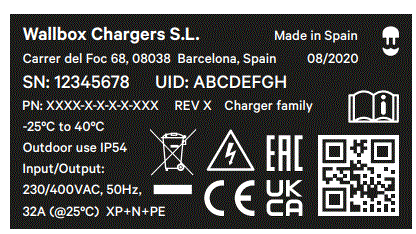
- Scan the QR code on the product label to add your charger.

- Check for latest updates.
- Scan the QR code to visit our Support page to know more about Pulsar Max.



Safety and Maintenance Instructions
- Installation, maintenance, & servicing of the charger must be performed only by qualified personnel per the applicable local regulations. Unauthorized installation and modifications make the manufacturer warranty void
- Do not use if the enclosure or connector is broken, cracked, opened, or shows any indication of damage. Please contact your distributor
- Do not touch the charging cable if the connector emits smoke or begins to melt. if possible, stop charging
- Power off the charger before opening the cover or cleaning the unit. Do not use cleaning solvents on any part of the charger. Use a clean, dry cloth to remove dust and dirt. Do not open the cover in rain
- Take appropriate precautions with electronic medical implants
- Use the Wallbox charger under the operating parameters and within normal ambient conditions specified in the General and Electrical Specifications.
- Ventilation not supported
- It is not recommended to install the charger in a position that has direct sunlight or under extreme weather conditions.
Simplified EU declaration of conformity
Hereby, Wallbox declares that the equipment (Pulsar Max) is in compliance with Directive 2014/53/EU, Directive 2014/30/EU and Directive 2014/35/EU. The full text of the EU declaration of conformity is available at the following internet Address: https://support. wallbox.com/en/knowledge-base/ce-declaration/
Safety Recommendations
- Follow all the safety and installation instructions carefully
- Failure to follow instructions may be a safety hazard and/or cause equipment malfunction
- Any resulting damage due to disregard or actions contrary to the instructions in this manual is excluded from the product warranty.
Connector Recommendations and Installation Instructions
- Do not use if the charging cable is frayed, has broken insulation, or has any signs of damage or the vehicle plug or electrical outlet is dirty, wet, or damaged
- Do not use the charging cable with a cable adaptor or an extension cable
- Under any circumstances, do not tighten the charging cable while it is connected
- It is mandatory use the plug holder provided with the unit to protect the connector from dirt and other weather elements and from slipping during usage.
Installation Instructions
- Watch the installation video for your charger available at the Wallbox Academy web page: https://support.wallbox.com
- Ensure that the mounting surface can adequately support the weight of the charger and withstand mechanical forces associated with usage
- The charger must be permanently connected to the electrical Earth of the installation Install the charger in a sufficiently ventilated area. Do not install the charger in direct sunlight, or near flammable, explosive, or combustible materials, chemicals or solvents, gas pipes or steam outlets, radiators or batteries, and areas prone to flooding, high humidity and running water.
Electrical Protection
- The power supply line must be wired to an existing installation and be in accordance with local regulations.
- The charger must be electrically protected by installing externally a Miniature Circuit Breaker (MCB) and a Residual Current Circuit Breaker (RCCB).
- MCB: Recommended C curve, 6kA rated short-circuit capacity. Rated current according to power supply and charger setting but no more than 32 A.
- RCCB: According to local regulations, Type A or Type B. Manual reset type only. Local regulations may require an emergency switch to be installed externally
Disposal Advice
In accordance to the Directive 2012/19/EC, at the end of its useful life, the product should not be disposed of as urban waste. It should be taken to a collection center or to a distributor that provides disposal of special and differentiated waste.
Limited Warranty
- Wallbox warrants this product against defects in materials and workmanship for a period of 3 years from the date of purchase
- During this period, at its discretion, Wallbox will either repair or replace any defective product at no charge to the owner
- Replacement products or repaired parts will be guaranteed for only the unexpired portion of the original warranty or six months whichever is greater.
- Any defect resulting from any accident, misuse, improper maintenance, or normal wear and tear is not covered by the limited warranty
- Substitution or incorporation of any part by the client will be considered as incorrect usage
- Except to the extent permitted by applicable law, the terms of this limited warranty do not exclude, restrict, or modify, and are in addition to, the mandatory statutory rights applicable to the sale of the product to you. If you believe your product is defective, contact Wallbox for instructions on where to send or bring it for repair.
Legal Notice
Any information in this manual may be changed without prior notice and does not represent any obligation on the part of the manufacturer. Images in this manual are for illustration purposes only and might differ from the delivered product. For more information on setting up your charger, visit the Wallbox Academy page https://support.wallbox.com
References
 Home - Wallbox Academy
 Wallbox | Smart, electric car charging stations
 CE declaration - Wallbox Academy
-
Home - Wallbox Academy
-
Home - Wallbox Academy
-
Home - Wallbox Academy
-
Articles Archive - Wallbox Academy
-
CE declaration - Wallbox Academy
-
CE declaration - Wallbox Academy
-
CE declaration - Wallbox Academy
-
Articles Archive - Wallbox Academy
 Home - Wallbox Academy
 Wallbox | Smart, electric car charging stations
 CE declaration - Wallbox Academy